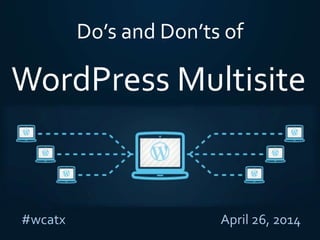
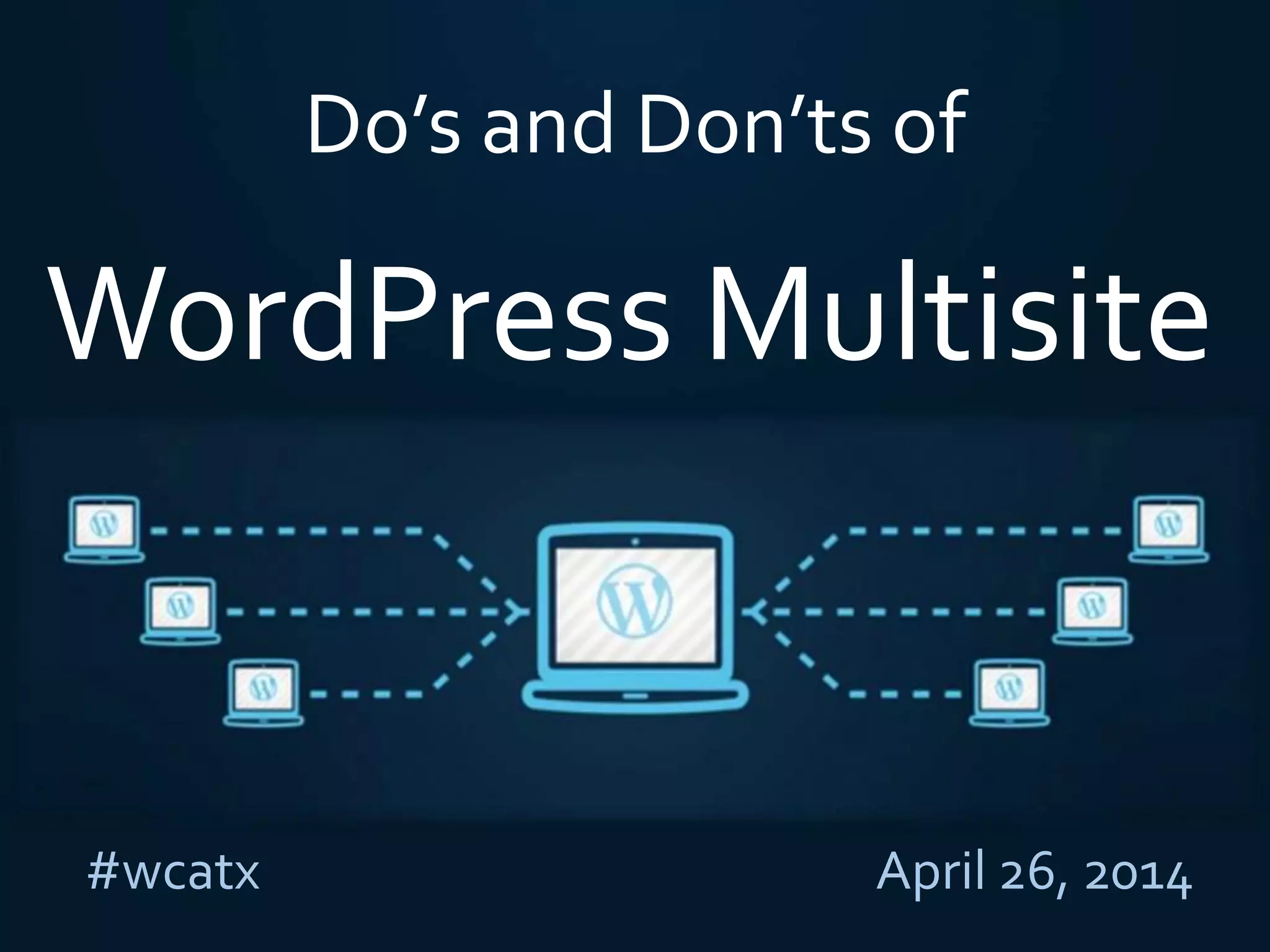

Do’s and Don’ts of
#wcatx April 26, 2014
WordPress Multisite
WhoWe Are
Aaron Edwards
CTO/Lead Developer
Twitter: @UglyRobotDev
Ronnie Burt
Product Manager
Twitter: @ronnieburt
, , and CAMPUSPRESS
What is WordPress Multisite?
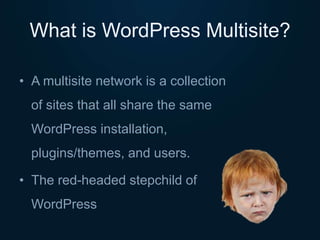
• A multisite network is a collection
of sites that all share the same
WordPress installation,
plugins/themes, and users.
• The red-headed stepchild of
WordPress
Two Types of Networks
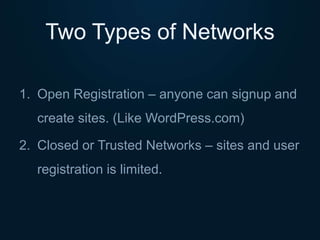
1. Open Registration – anyone can signup and
create sites. (Like WordPress.com)
2. Closed or Trusted Networks – sites and user
registration is limited.
Example Networks
Open Registration (often with paid upgrades)
• WordPress.com
• Edublogs.org
• HappyTables.com
• MissionsPlace.com
Example Networks
Closed Registration
• WordCamp.org
• u.osu.edu
• bbcamerica.com
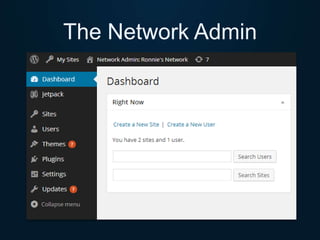
The Network Admin
Plugins andThemes
• Only Super Admin can add/edit
• Update on all sites at once
• Can choose to limit a theme to certain site(s)
• Plugins vs.Themes Network Activation
Use Multisite If…
• Sharing users across multiple sites
• Want users to create blogs/sites on-demand
• Intranet or internal company sites
• Need to aggregate content from network
• Development and test sites in one network
• Multiple personal or client sites in one network*
Don’t Use If…
• Users shouldn’t all be shared
• Need Public registration on each sub site
• Categories or tags will do
• Each site should look the same
• Admins on each site need FTP, etc.
• Users need to install plugins/themes
Subdomain vs Subdirectory
Subdomain
• mysite.com
• blogname.mysite.com
• username.mysite.com
Subdirectory
• mysite.com
• mysite.com/blogname
• mysite.com/username
Hosting
• Shared hosting NOT recommended
• Small networks can start with managed
hosting (WP Engine) or aVPS (DigitalOcean,
etc)
• Large networks – hire (or become) a
sysadmin!
Security
• Public means untrusted users!
– File types/uploads
– Embedding/scripts
– Content (copyright, DMCA, etc.)
• Plugins andThemes are OFTEN insecure in multisite,
be careful what you install!
Backups
• Do NOT use a plugin for backups (BackupBuddy,
Snapshot, etc.)
• Use host’s backup solution, or server side
scripts
• Large databases
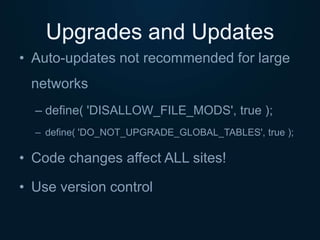
Upgrades and Updates
• Auto-updates not recommended for large
networks
– define( 'DISALLOW_FILE_MODS', true );
– define( 'DO_NOT_UPGRADE_GLOBAL_TABLES', true );
• Code changes affect ALL sites!
• Use version control
Recommended Plugins
• Free Plugins
– http://wordpress.org/plugins/tags/multisite
• 25 PluginsWe Recommend
– http://wp.mu/8uu
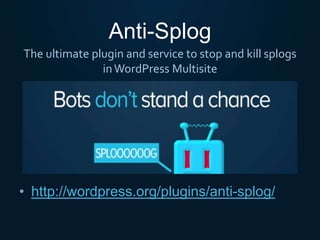
Anti-Splog
• http://wordpress.org/plugins/anti-splog/
The ultimate plugin and service to stop and kill splogs
inWordPress Multisite
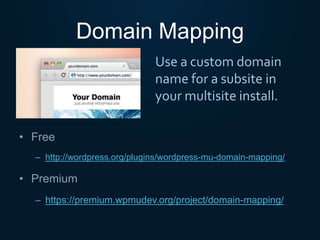
Domain Mapping
• Free
– http://wordpress.org/plugins/wordpress-mu-domain-mapping/
• Premium
– https://premium.wpmudev.org/project/domain-mapping/
Use a custom domain
name for a subsite in
your multisite install.
New Blog Templates
• Free
– http://wordpress.org/plugins/wpmu-new-blog-defaults
• Premium
– https://premium.wpmudev.org/project/new-blog-template/
Choose default content,
settings, plugins, theme
and more for all new
sites.
Multisite Plugin Manager
• Select what plugins sites have access to
– All sites
– Override for specific sites
• Auto-activate specific plugins on new sites
Manage plugin access permissions across your entire multisite network.
http://wordpress.org/plugins/multisite-plugin-manager/
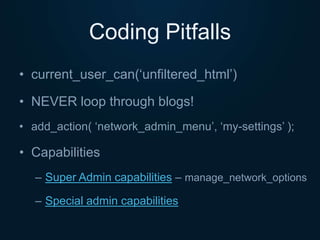
Coding Pitfalls
• current_user_can(‘unfiltered_html’)
• NEVER loop through blogs!
• add_action( ‘network_admin_menu’, ‘my-settings’ );
• Capabilities
– Super Admin capabilities – manage_network_options
– Special admin capabilities
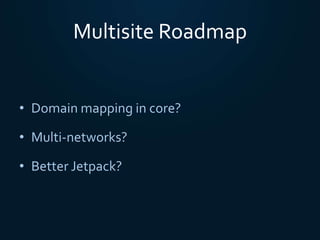
Multisite Roadmap
• Domain mapping in core?
• Multi-networks?
• Better Jetpack?
Questions?
Thank you #wcatx!
@UglyRobotDev
@ronnieburt
Security?
Scaling?
Recommended Plugins/Themes?

2014 WordCamp Austin: Do's and Don'ts of WordPress Multisite

  • 1.
    Do’s and Don’tsof #wcatx April 26, 2014 WordPress Multisite
  • 2.
    WhoWe Are Aaron Edwards CTO/LeadDeveloper Twitter: @UglyRobotDev Ronnie Burt Product Manager Twitter: @ronnieburt , , and CAMPUSPRESS
  • 3.
    What is WordPressMultisite? • A multisite network is a collection of sites that all share the same WordPress installation, plugins/themes, and users. • The red-headed stepchild of WordPress
  • 4.
    Two Types ofNetworks 1. Open Registration – anyone can signup and create sites. (Like WordPress.com) 2. Closed or Trusted Networks – sites and user registration is limited.
  • 5.
    Example Networks Open Registration(often with paid upgrades) • WordPress.com • Edublogs.org • HappyTables.com • MissionsPlace.com
  • 6.
    Example Networks Closed Registration •WordCamp.org • u.osu.edu • bbcamerica.com
  • 7.
  • 8.
    Plugins andThemes • OnlySuper Admin can add/edit • Update on all sites at once • Can choose to limit a theme to certain site(s) • Plugins vs.Themes Network Activation
  • 9.
    Use Multisite If… •Sharing users across multiple sites • Want users to create blogs/sites on-demand • Intranet or internal company sites • Need to aggregate content from network • Development and test sites in one network • Multiple personal or client sites in one network*
  • 10.
    Don’t Use If… •Users shouldn’t all be shared • Need Public registration on each sub site • Categories or tags will do • Each site should look the same • Admins on each site need FTP, etc. • Users need to install plugins/themes
  • 11.
    Subdomain vs Subdirectory Subdomain •mysite.com • blogname.mysite.com • username.mysite.com Subdirectory • mysite.com • mysite.com/blogname • mysite.com/username
  • 12.
    Hosting • Shared hostingNOT recommended • Small networks can start with managed hosting (WP Engine) or aVPS (DigitalOcean, etc) • Large networks – hire (or become) a sysadmin!
  • 13.
    Security • Public meansuntrusted users! – File types/uploads – Embedding/scripts – Content (copyright, DMCA, etc.) • Plugins andThemes are OFTEN insecure in multisite, be careful what you install!
  • 14.
    Backups • Do NOTuse a plugin for backups (BackupBuddy, Snapshot, etc.) • Use host’s backup solution, or server side scripts • Large databases
  • 15.
    Upgrades and Updates •Auto-updates not recommended for large networks – define( 'DISALLOW_FILE_MODS', true ); – define( 'DO_NOT_UPGRADE_GLOBAL_TABLES', true ); • Code changes affect ALL sites! • Use version control
  • 16.
    Recommended Plugins • FreePlugins – http://wordpress.org/plugins/tags/multisite • 25 PluginsWe Recommend – http://wp.mu/8uu
  • 17.
    Anti-Splog • http://wordpress.org/plugins/anti-splog/ The ultimateplugin and service to stop and kill splogs inWordPress Multisite
  • 18.
    Domain Mapping • Free –http://wordpress.org/plugins/wordpress-mu-domain-mapping/ • Premium – https://premium.wpmudev.org/project/domain-mapping/ Use a custom domain name for a subsite in your multisite install.
  • 19.
    New Blog Templates •Free – http://wordpress.org/plugins/wpmu-new-blog-defaults • Premium – https://premium.wpmudev.org/project/new-blog-template/ Choose default content, settings, plugins, theme and more for all new sites.
  • 20.
    Multisite Plugin Manager •Select what plugins sites have access to – All sites – Override for specific sites • Auto-activate specific plugins on new sites Manage plugin access permissions across your entire multisite network. http://wordpress.org/plugins/multisite-plugin-manager/
  • 21.
    Coding Pitfalls • current_user_can(‘unfiltered_html’) •NEVER loop through blogs! • add_action( ‘network_admin_menu’, ‘my-settings’ ); • Capabilities – Super Admin capabilities – manage_network_options – Special admin capabilities
  • 22.
    Multisite Roadmap • Domainmapping in core? • Multi-networks? • Better Jetpack?
  • 23.

Editor's Notes

  • #11 3 or 4 situations here…
  • #23 http://make.wordpress.org/core/2013/10/06/potential-roadmap-for-multisite/