iMovie for Librarians
      Katie Seeler
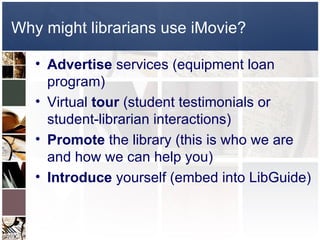
Why might librarians use iMovie?

   • Advertise services (equipment loan
     program)
   • Virtual tour (student testimonials or
     student-librarian interactions)
   • Promote the library (this is who we are
     and how we can help you)
   • Introduce yourself (embed into LibGuide)
Doesn’t have to be an expensive production


                 Study like a scholar, scholar
                  Brigham Young University
Doesn’t have to be an expensive production


                       Library Minute
                  Arizona State University
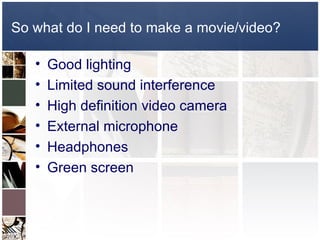
So what do I need to make a movie/video?

   •   Good lighting
   •   Limited sound interference
   •   High definition video camera
   •   External microphone
   •   Headphones
   •   Green screen
How do I use green screen in iMovie 11?

  • http://screencast.com/t/MdB9KQrTT
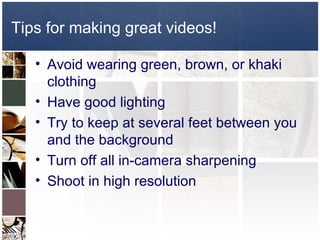
Tips for making great videos!

   • Avoid wearing green, brown, or khaki
     clothing
   • Have good lighting
   • Try to keep at several feet between you
     and the background
   • Turn off all in-camera sharpening
   • Shoot in high resolution
iMovie for Librarians

iMovie for Librarians

  • 1.
  • 2.
    Why might librariansuse iMovie? • Advertise services (equipment loan program) • Virtual tour (student testimonials or student-librarian interactions) • Promote the library (this is who we are and how we can help you) • Introduce yourself (embed into LibGuide)
  • 3.
    Doesn’t have tobe an expensive production Study like a scholar, scholar Brigham Young University
  • 4.
    Doesn’t have tobe an expensive production Library Minute Arizona State University
  • 5.
    So what doI need to make a movie/video? • Good lighting • Limited sound interference • High definition video camera • External microphone • Headphones • Green screen
  • 6.
    How do Iuse green screen in iMovie 11? • http://screencast.com/t/MdB9KQrTT
  • 7.
    Tips for makinggreat videos! • Avoid wearing green, brown, or khaki clothing • Have good lighting • Try to keep at several feet between you and the background • Turn off all in-camera sharpening • Shoot in high resolution