welcome to DoS
commANDS
What are Basic Dos Commands?
[Internal And External]
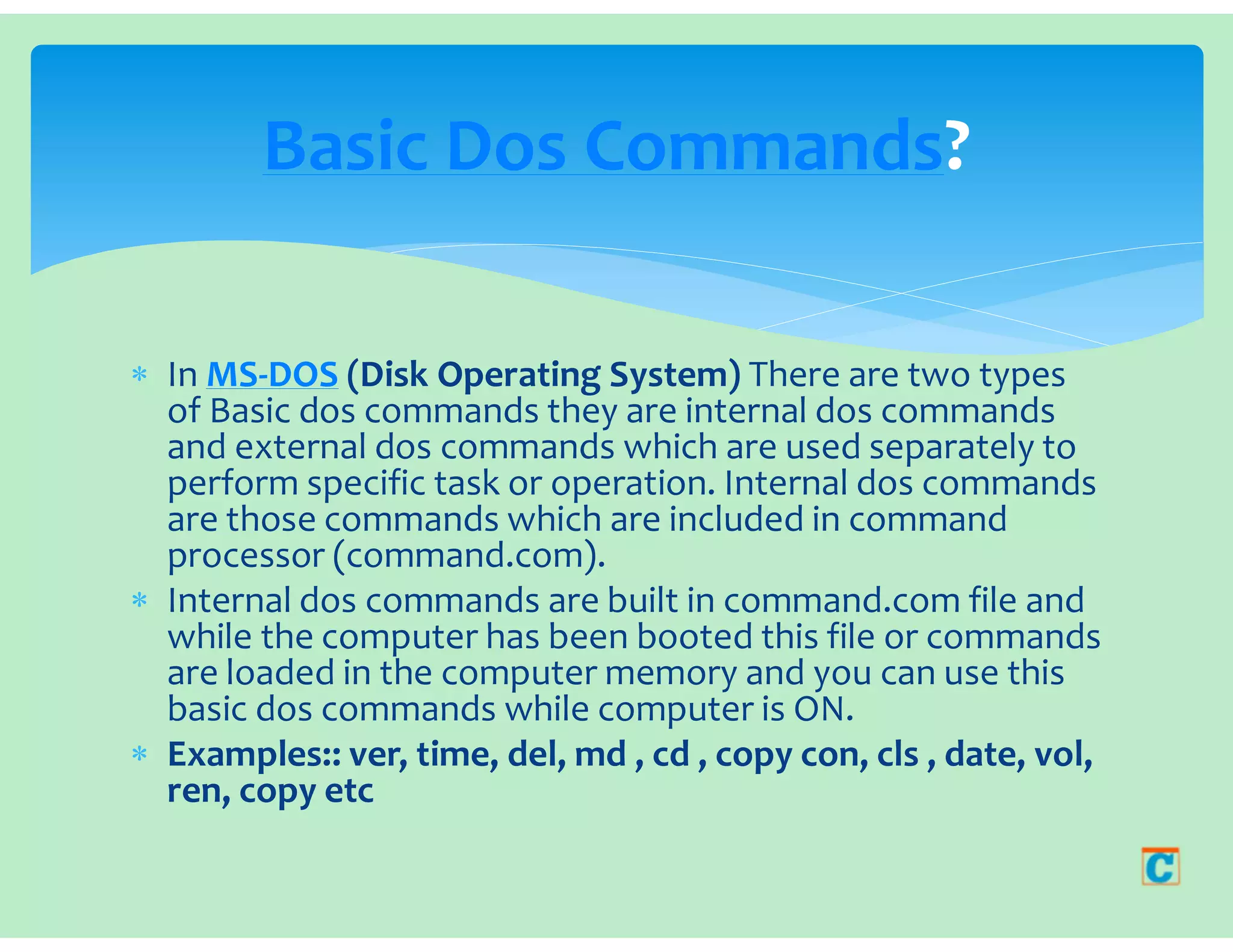
 In MS-DOS (Disk Operating System) There are two types
of Basic dos commands they are internal dos commands
and external dos commands which are used separately to
perform specific task or operation. Internal dos commands
are those commands which are included in command
processor (command.com).
 Internal dos commands are built in command.com file and
while the computer has been booted this file or commands
are loaded in the computer memory and you can use this
basic dos commands while computer is ON.
 Examples:: ver, time, del, md , cd , copy con, cls , date, vol,
ren, copy etc
Basic Dos Commands?
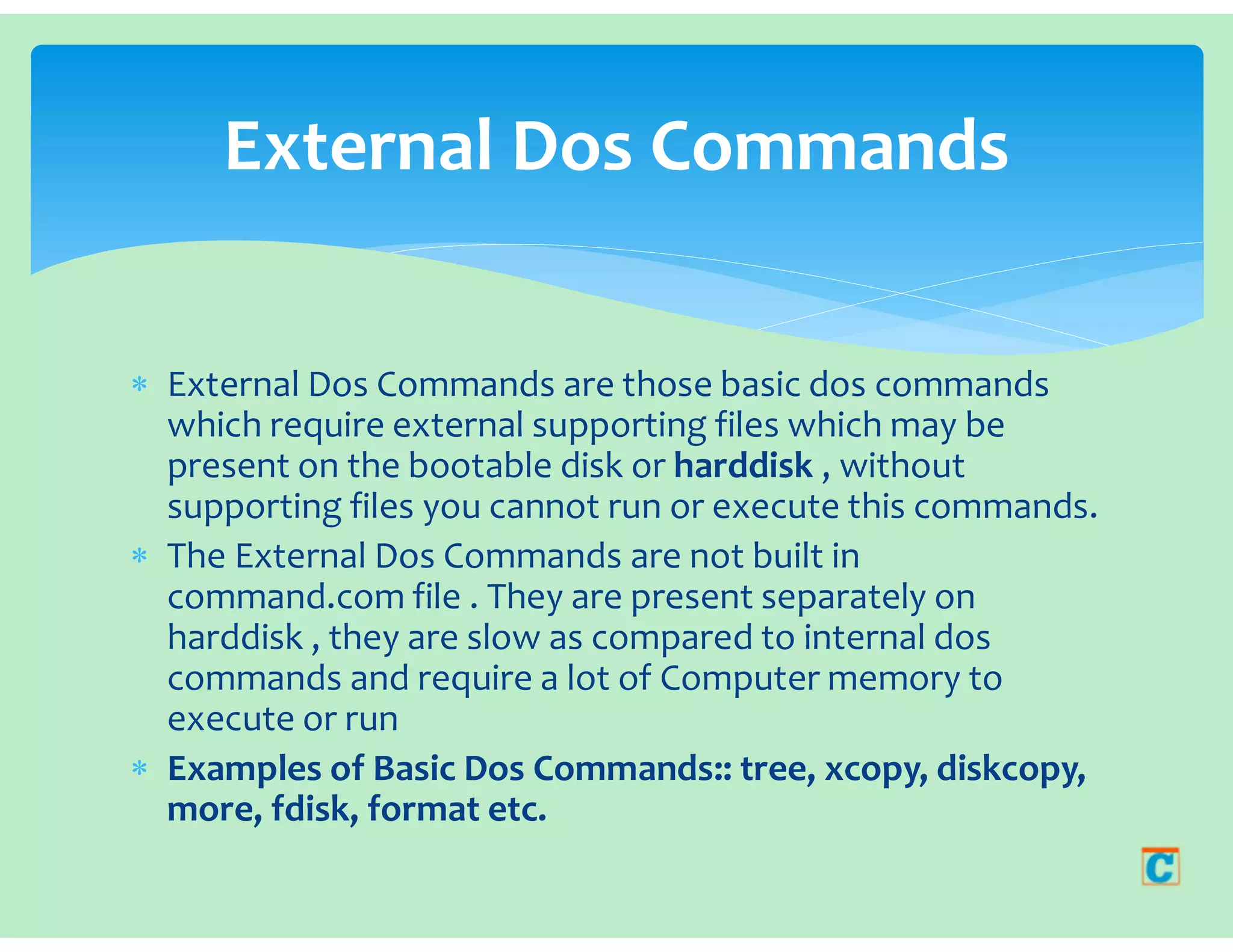
 External Dos Commands are those basic dos commands
which require external supporting files which may be
present on the bootable disk or harddisk , without
supporting files you cannot run or execute this commands.
 The External Dos Commands are not built in
command.com file . They are present separately on
harddisk , they are slow as compared to internal dos
commands and require a lot of Computer memory to
execute or run
 Examples of Basic Dos Commands:: tree, xcopy, diskcopy,
more, fdisk, format etc.
External Dos Commands
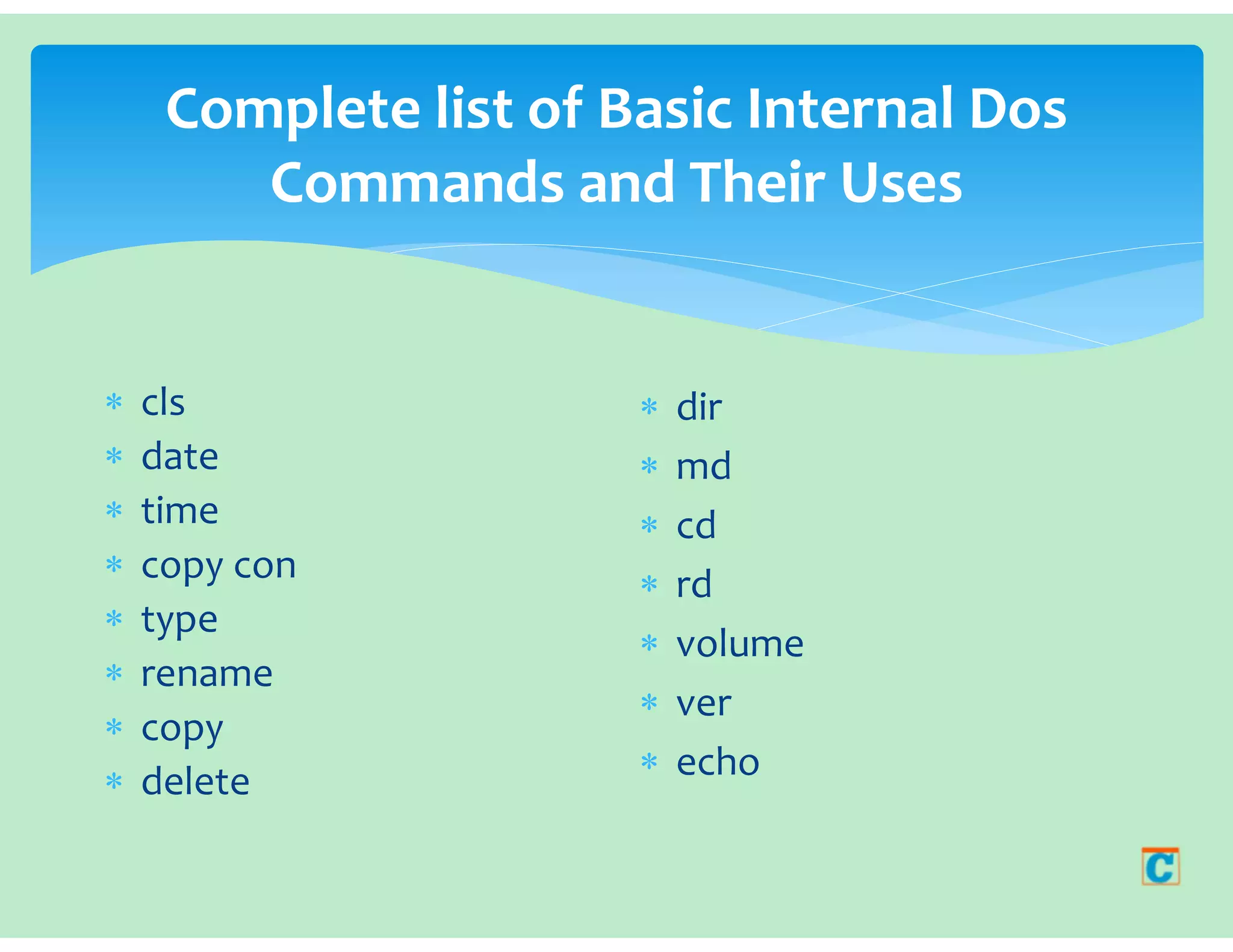
Complete list of Basic Internal Dos
Commands and Their Uses
 cls
 date
 time
 copy con
 type
 rename
 copy
 delete
 dir
 md
 cd
 rd
 volume
 ver
 echo
CLS COMMAND
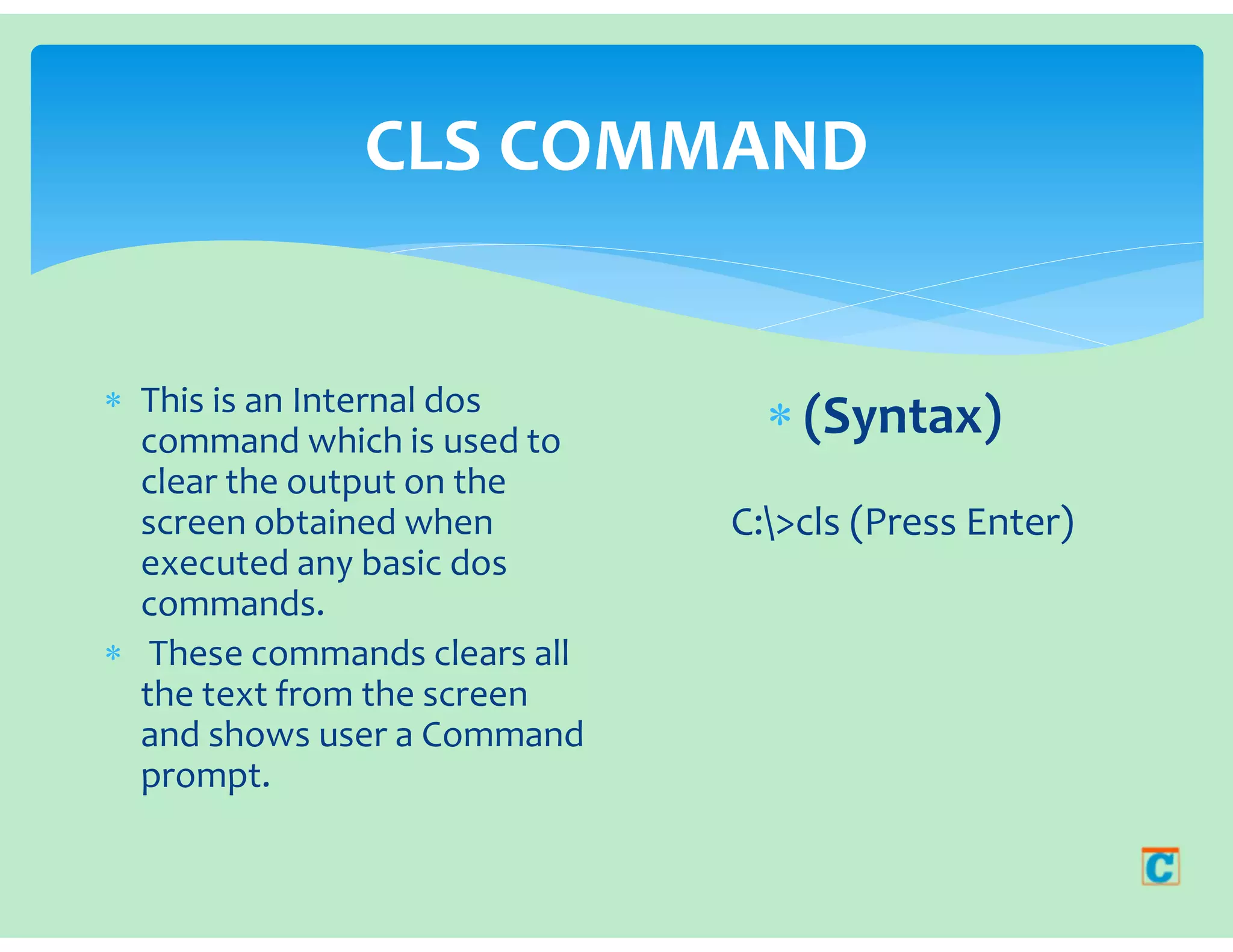
 This is an Internal dos
command which is used to
clear the output on the
screen obtained when
executed any basic dos
commands.
 These commands clears all
the text from the screen
and shows user a Command
prompt.
 (Syntax)
C:>cls (Press Enter)

Welcome To Dos Commands.pdf

  • 1.
    welcome to DoS commANDS Whatare Basic Dos Commands? [Internal And External]
  • 2.
     In MS-DOS(Disk Operating System) There are two types of Basic dos commands they are internal dos commands and external dos commands which are used separately to perform specific task or operation. Internal dos commands are those commands which are included in command processor (command.com).  Internal dos commands are built in command.com file and while the computer has been booted this file or commands are loaded in the computer memory and you can use this basic dos commands while computer is ON.  Examples:: ver, time, del, md , cd , copy con, cls , date, vol, ren, copy etc Basic Dos Commands?
  • 3.
     External DosCommands are those basic dos commands which require external supporting files which may be present on the bootable disk or harddisk , without supporting files you cannot run or execute this commands.  The External Dos Commands are not built in command.com file . They are present separately on harddisk , they are slow as compared to internal dos commands and require a lot of Computer memory to execute or run  Examples of Basic Dos Commands:: tree, xcopy, diskcopy, more, fdisk, format etc. External Dos Commands
  • 4.
    Complete list ofBasic Internal Dos Commands and Their Uses  cls  date  time  copy con  type  rename  copy  delete  dir  md  cd  rd  volume  ver  echo
  • 5.
    CLS COMMAND  Thisis an Internal dos command which is used to clear the output on the screen obtained when executed any basic dos commands.  These commands clears all the text from the screen and shows user a Command prompt.  (Syntax) C:>cls (Press Enter)