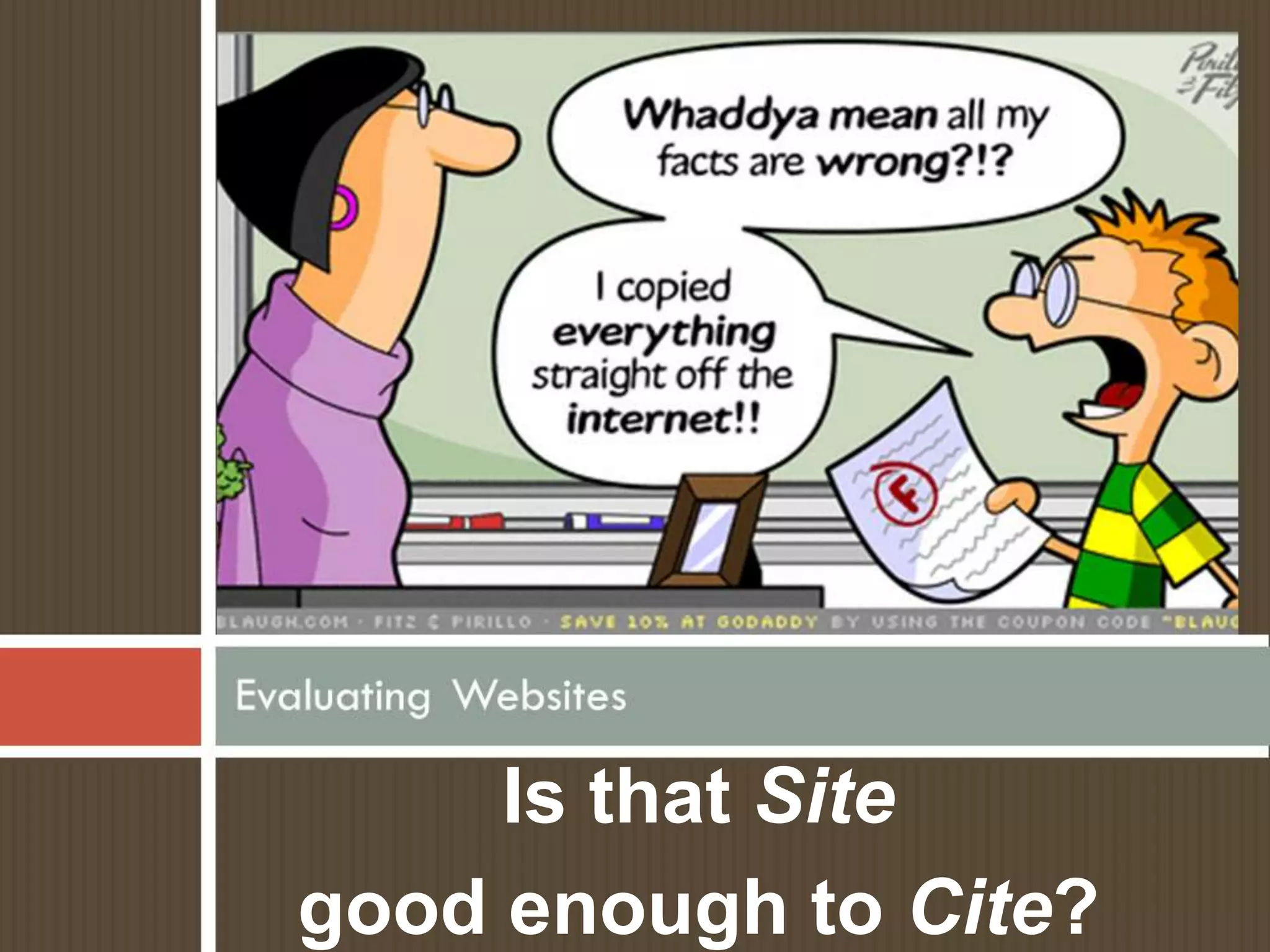
Is that Site
good enough to Cite?
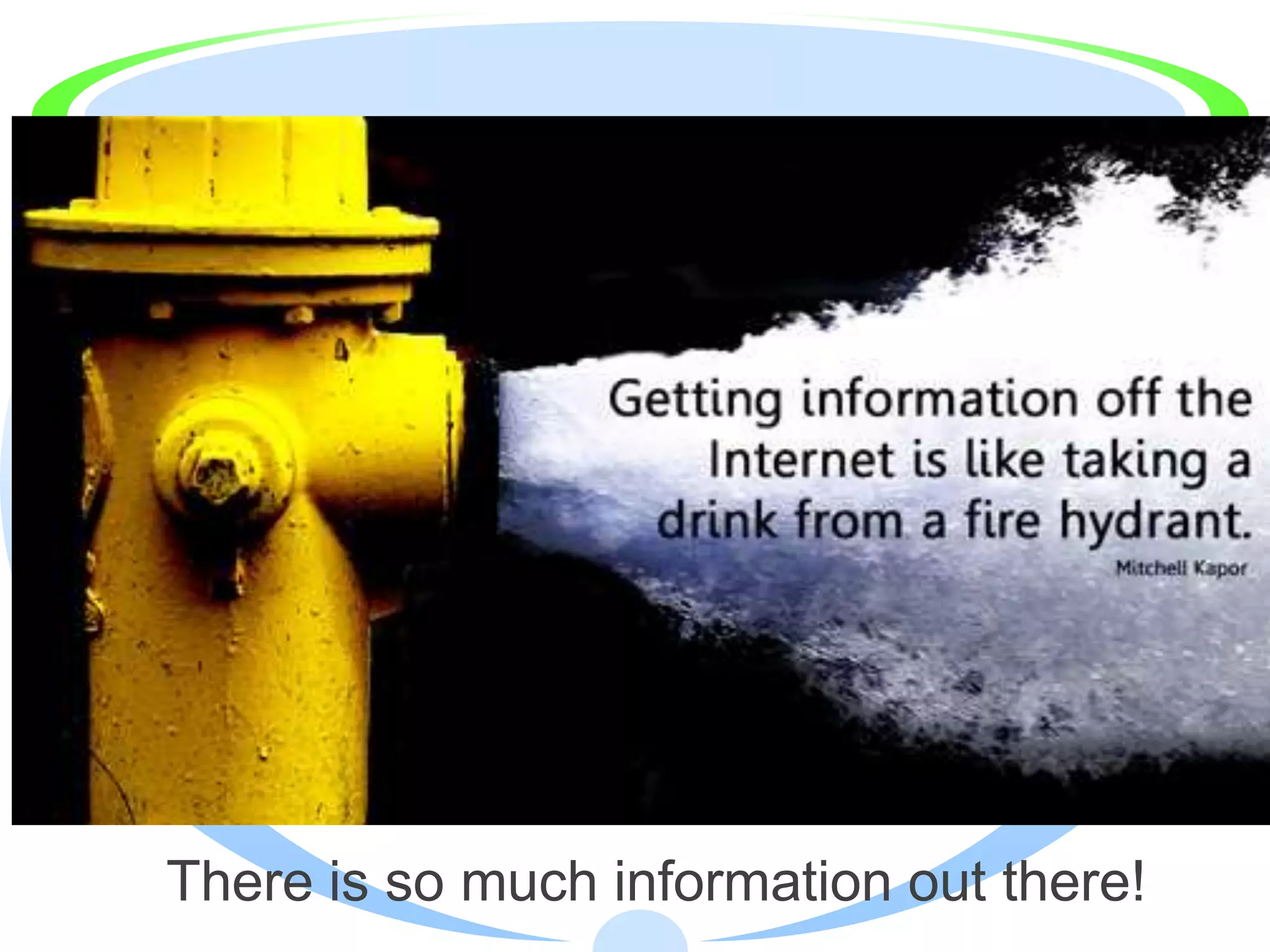
There is so much information out there!
How are you going to know if a website is
  good enough to use in your report?
It’s Okay to be Confused!
    There are billions of websites
     out there
    Many of them are not worthy of
     your time and don’t belong in
     your bibliographies!
    Sometimes it’s very hard to tell
     treasure from trash
    Sometimes Web developers
     don’t want you to understand
     the difference
Remember:
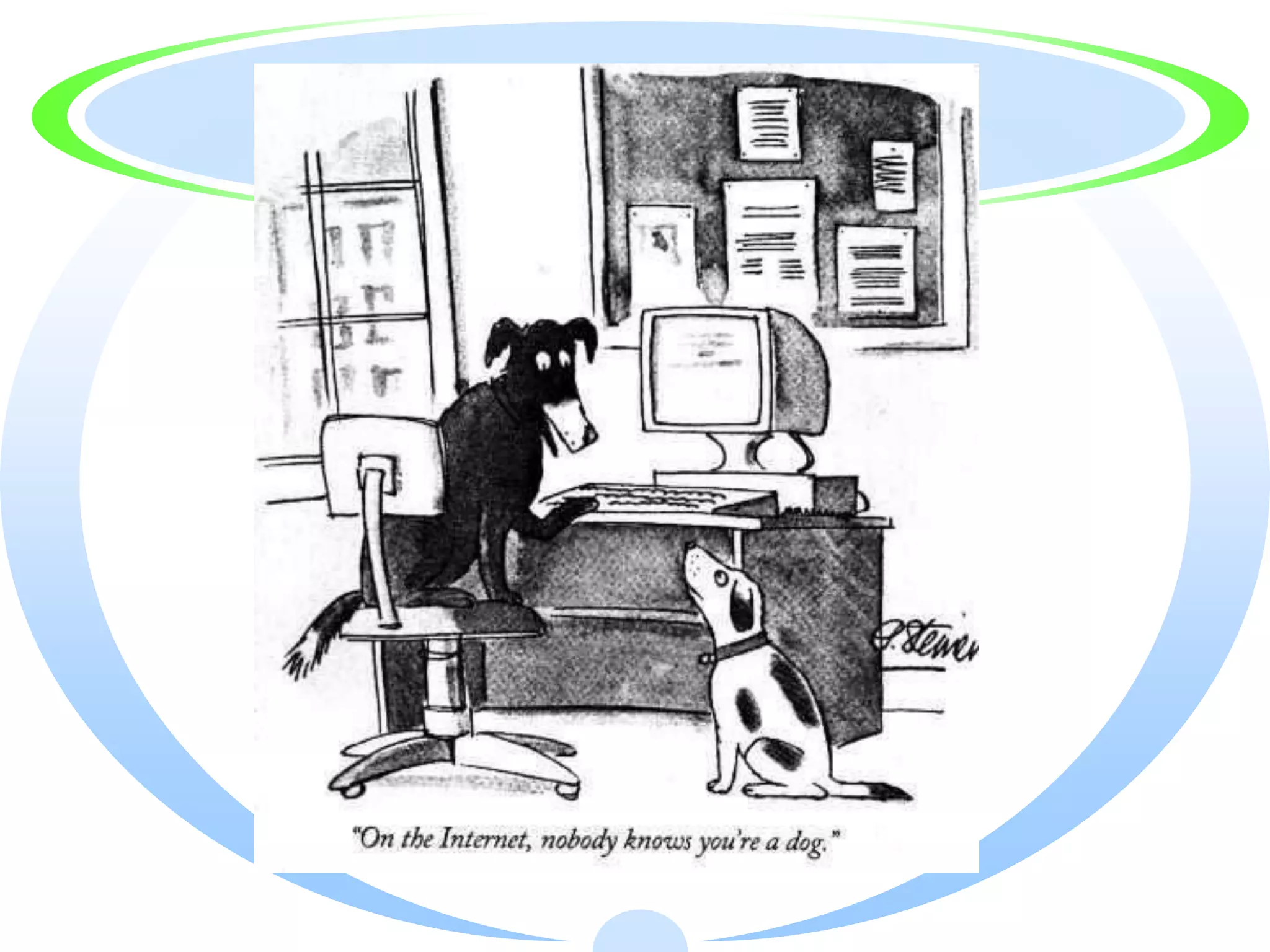
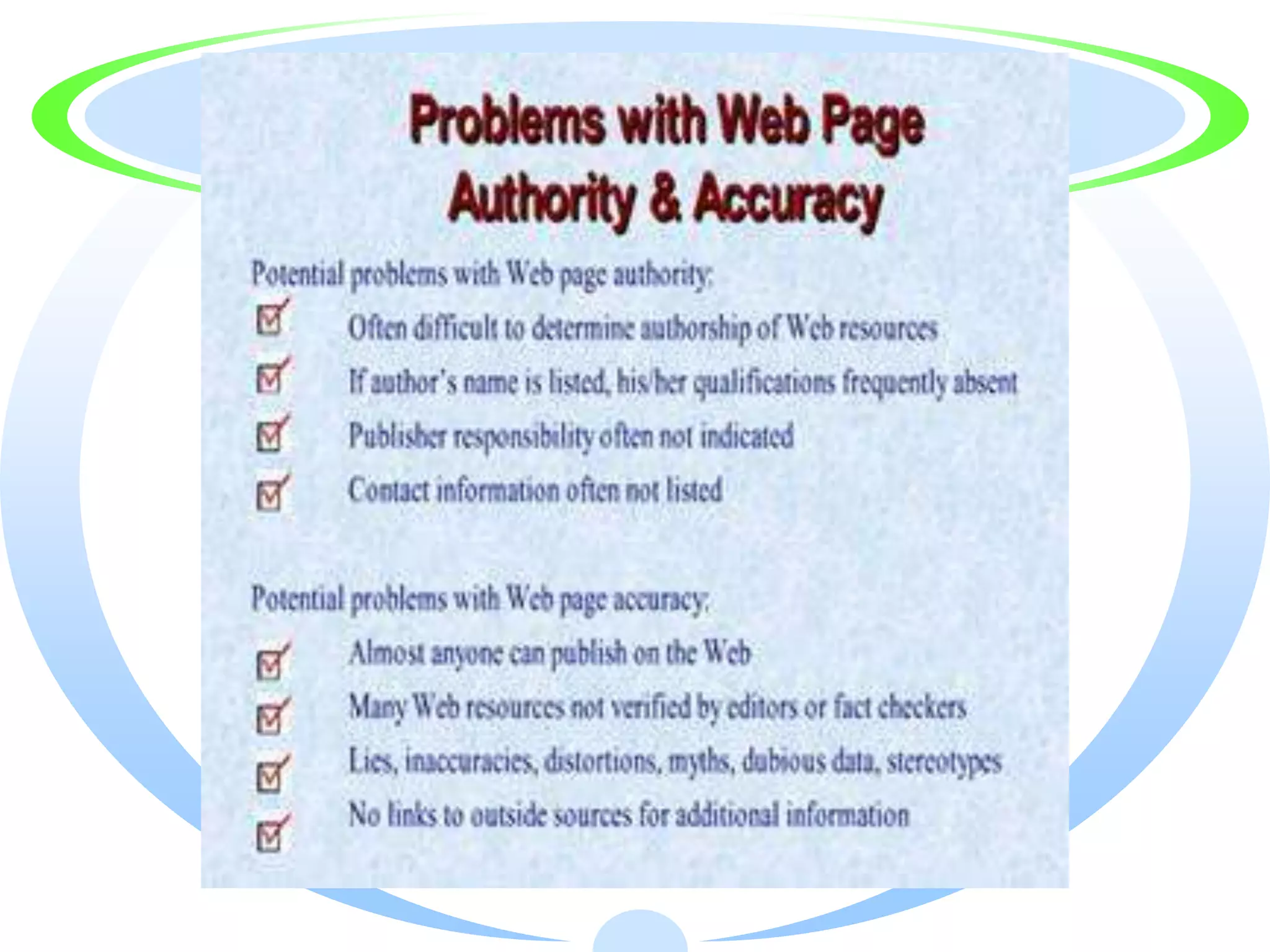
Anyone can publish
    anything
   on the Web!

 It is your job, as a
researcher, to look
      for quality!
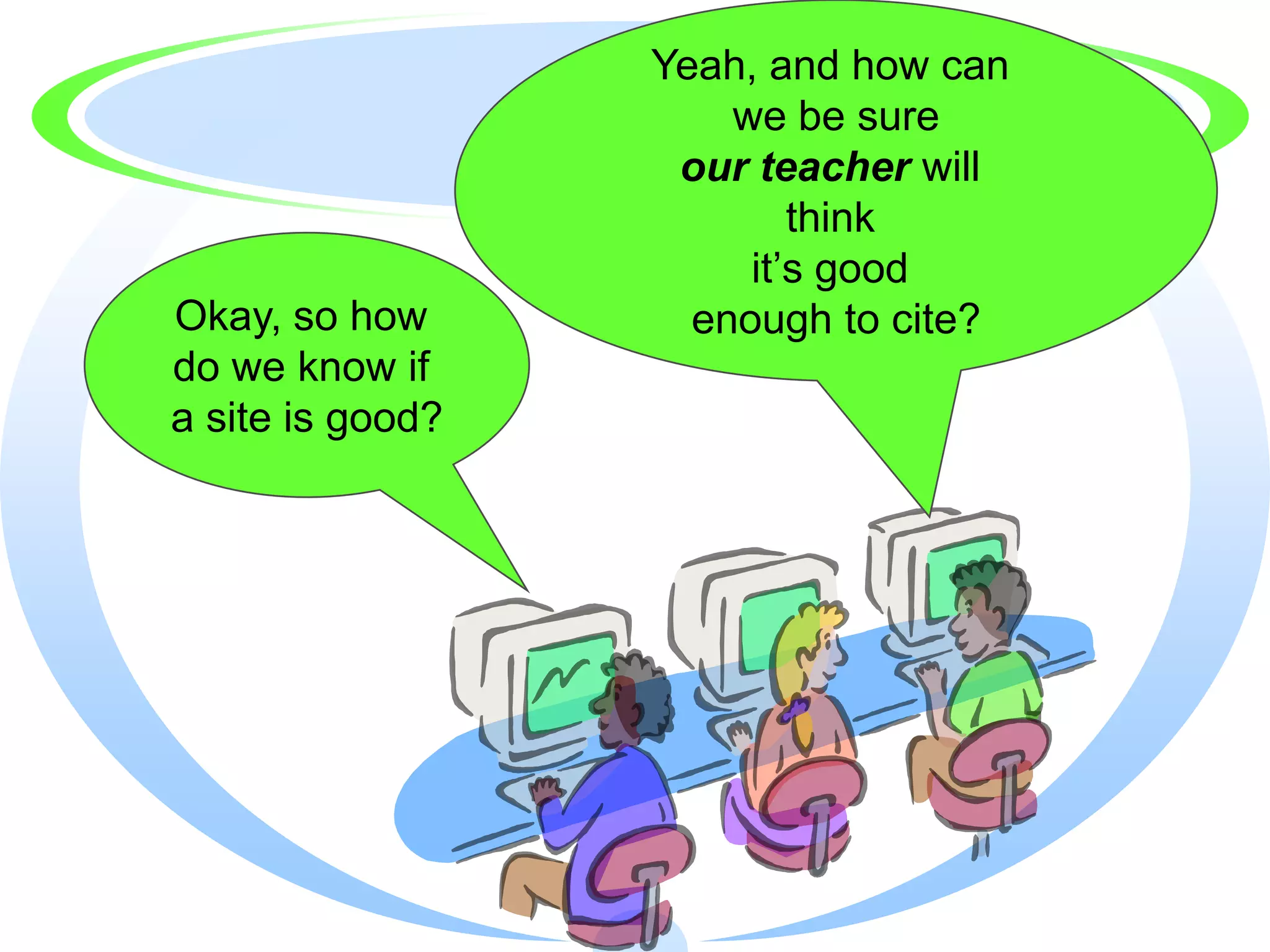
Yeah, and how can
                      we be sure
                   our teacher will
                          think
                       it’s good
Okay, so how        enough to cite?
do we know if
a site is good?
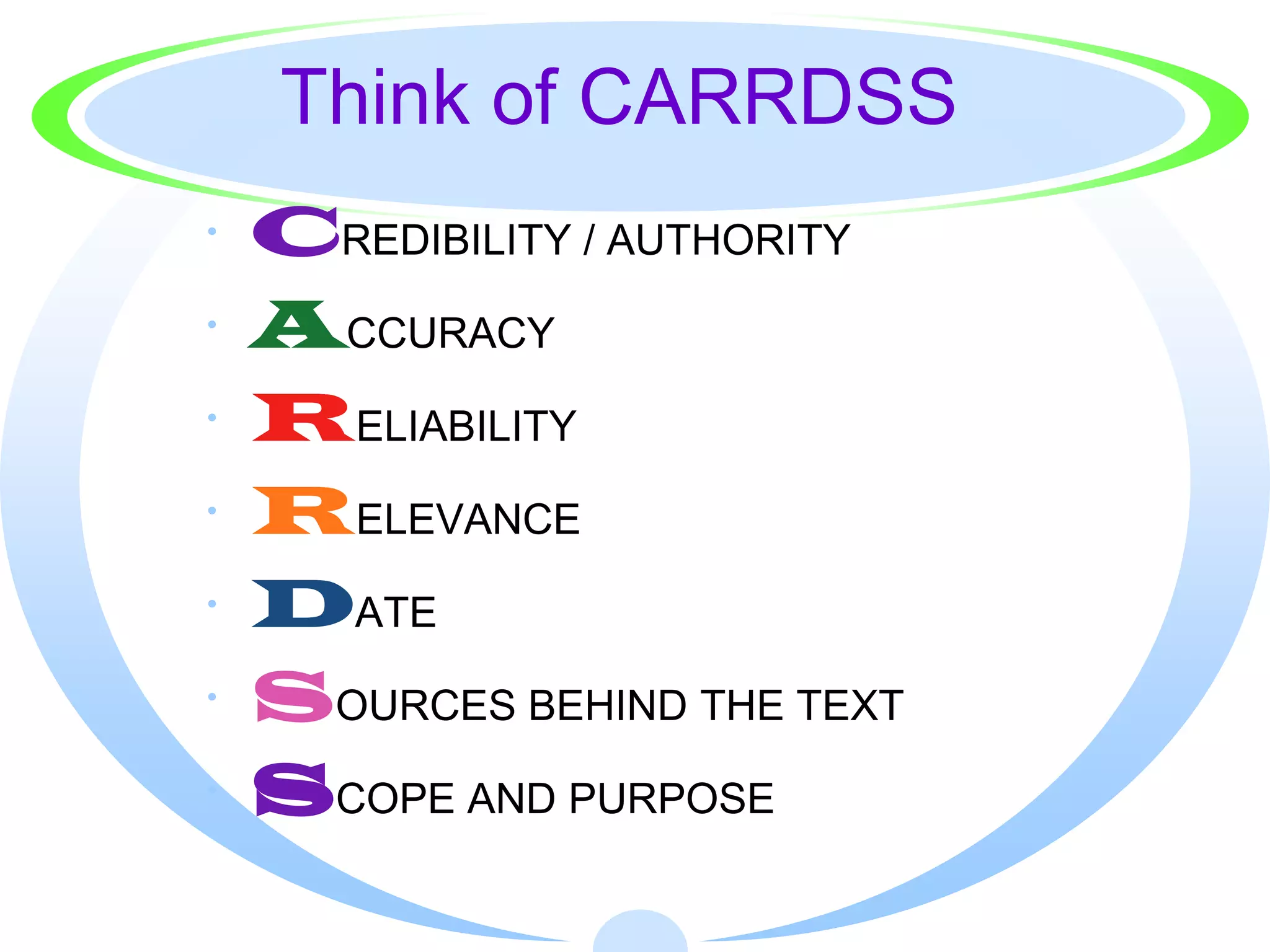
Think of CARRDSS
·   CREDIBILITY / AUTHORITY
·   ACCURACY
·   RELIABILITY
·   RELEVANCE
·   DATE
·   SOURCES BEHIND THE TEXT
·   SCOPE AND PURPOSE
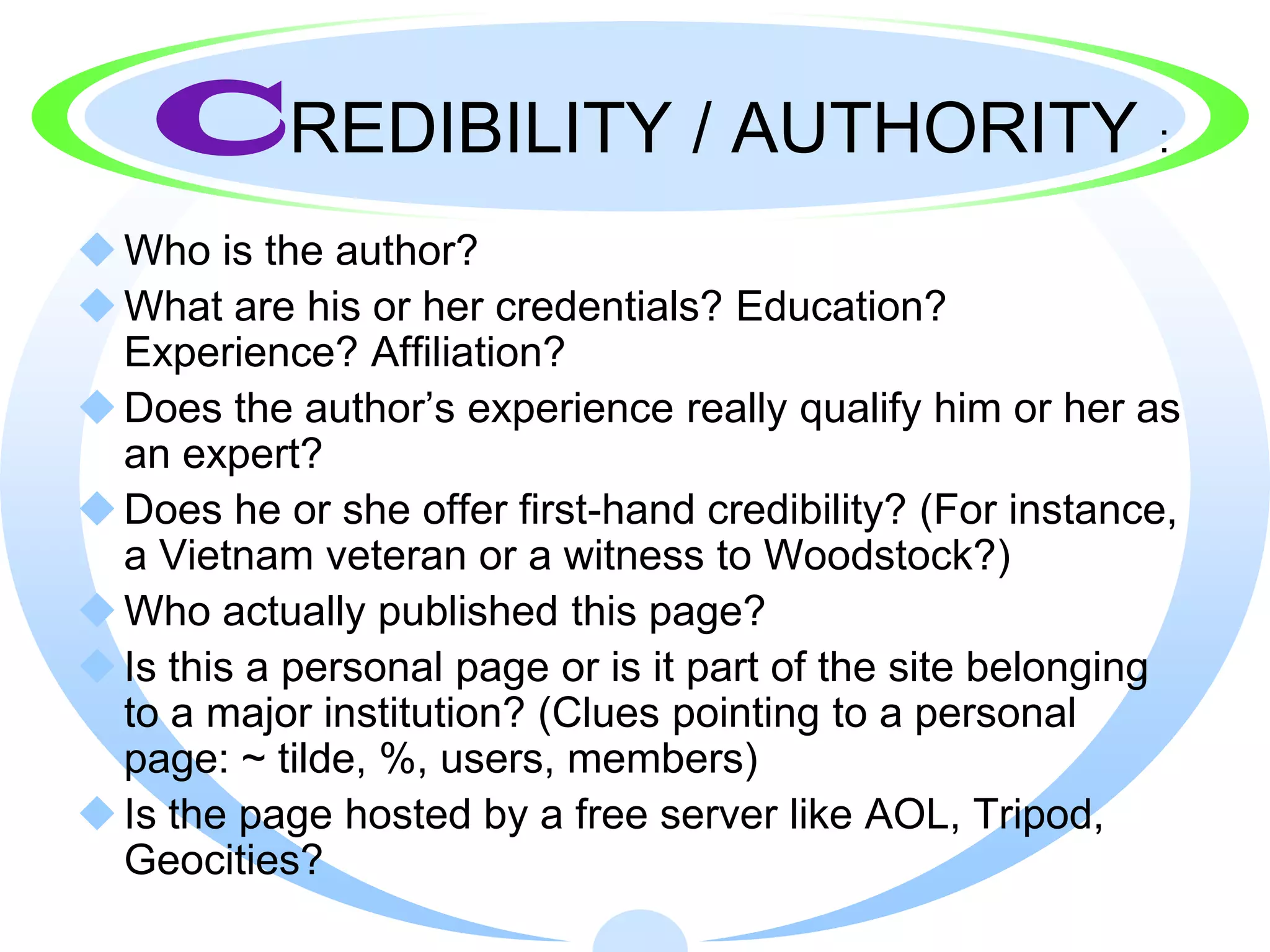
CREDIBILITY / AUTHORITY                                :

 Who is the author?
 What are his or her credentials? Education?
  Experience? Affiliation?
 Does the author’s experience really qualify him or her as
  an expert?
 Does he or she offer first-hand credibility? (For instance,
  a Vietnam veteran or a witness to Woodstock?)
 Who actually published this page?
 Is this a personal page or is it part of the site belonging
  to a major institution? (Clues pointing to a personal
  page: ~ tilde, %, users, members)
 Is the page hosted by a free server like AOL, Tripod,
  Geocities?
But what if I can’t
     find any
author information?
Look for Credibility Clues!

· Words and phrases to look for:
  · About us, Who Am I, FAQs, For More,
    Company Information, Profiles, Our Staff,
    Home


· E-mail the author
  · If you have no information other than an e-mail
    link, write a polite e-mail asking for more
    information.
More Credibility Clues
        (What do others think?)
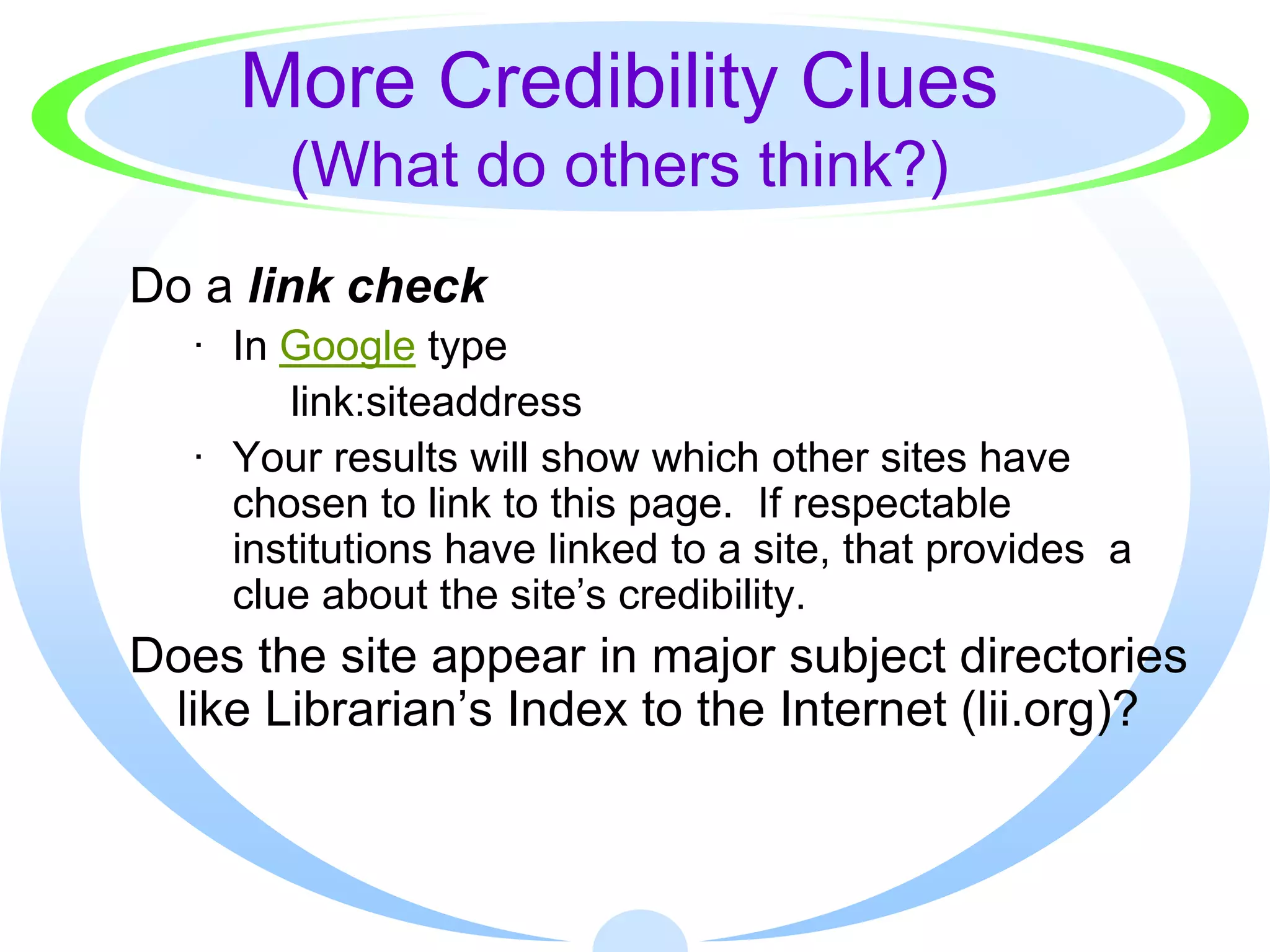
Do a link check
   · In Google type
        link:siteaddress
   · Your results will show which other sites have
     chosen to link to this page. If respectable
     institutions have linked to a site, that provides a
     clue about the site’s credibility.
Does the site appear in major subject directories
 like Librarian’s Index to the Internet (lii.org)?
Truncate the URL
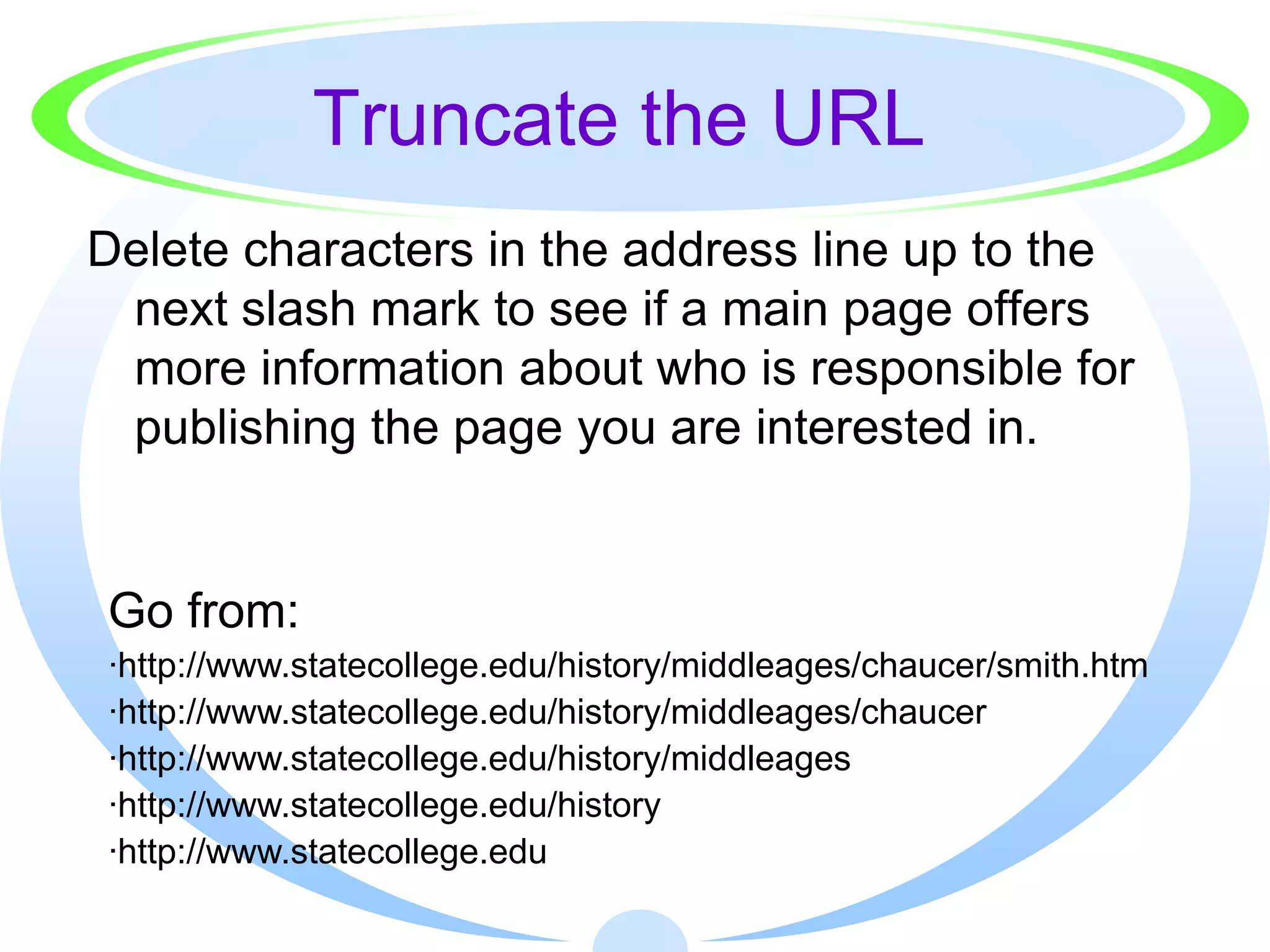
Delete characters in the address line up to the
 next slash mark to see if a main page offers
 more information about who is responsible for
 publishing the page you are interested in.


Go from:
·http://www.statecollege.edu/history/middleages/chaucer/smith.htm
·http://www.statecollege.edu/history/middleages/chaucer
·http://www.statecollege.edu/history/middleages
·http://www.statecollege.edu/history
·http://www.statecollege.edu
Still more Credibility Clues
If you have an author’s name but no further
   information about credentials,
  Search the name in quotation marks in a search
   engine or online database
  On the Web, include words like profile, resume, or
   C.V. (curriculum vitae--an academic resume) to
   narrow your name search
  You might also include the name of a college or
   association you can connect with the person
  Search the name in biographical sources on- and
   offline
  Ask your teacher-librarian for help
ACCURACY:
 Can facts, statistics, or other information be
  verified through other sources?
 Based on your knowledge, does the information
  seem accurate? Is the information inconsistent
  with information you learned from other sources?
 Is the information second hand? Has it been
  altered?
 Do there appear to be errors on the page
  (spelling, grammar, facts)?
R         ELIABILITY:

 Does the source present a certain view or bias?
 Is the page affiliated with an organization that has
  a particular political or social agenda?
 Is the page selling a product?
 Was the information found in a paid placement
  or sponsored result from the search engine?
 Information is seldom neutral. Sometimes a bias
  is useful for persuasive essays or debates.
 Understanding bias is important.
R        ELEVANCE:


Does this information directly support my
 hypothesis/thesis or help to answer my
 question?
Can I eliminate or ignore it because it
 simply doesn’t help me?
D       ATE:


When was this information created?
When was it revised?
Are these dates meaningful in terms of your
 information needs?
Has the author of the page stopped
 maintaining it?
(Be suspicious of undated material.)
S       OURCES BEHIND THE TEXT:


 Did the author bother to document his or her
  sources and use reliable, credible sources?
 Were those references popular, scholarly,
  reputable?
 Are those sources real? Have you or your
  librarian heard of or been able to verify them?
 Is the material reproduced (accurately) from
  another publication?
 What kind of links did the author choose?
 Are the hyperlinks reliable, valuable?
 Do the links work?
S       COPE / PURPOSE:


Does this source address my
 hypothesis/thesis/question in a
 comprehensive or superficial way?
  Is it a scholarly or popular treatment?
Is it material I can read and understand?
  Is it too simple? Is it too challenging?
Who is the intended audience?
Why was this page created?
  To inform or explain? To persuade? To sell?
What can you
      learn from a URL?
You can use the end, or suffix of a domain
 name to help you judge the validity of the
 information and the potential bias of a
 website.

This strategy is only a guideline. People
 can easily purchase domains that do not
 reflect their actual purpose.
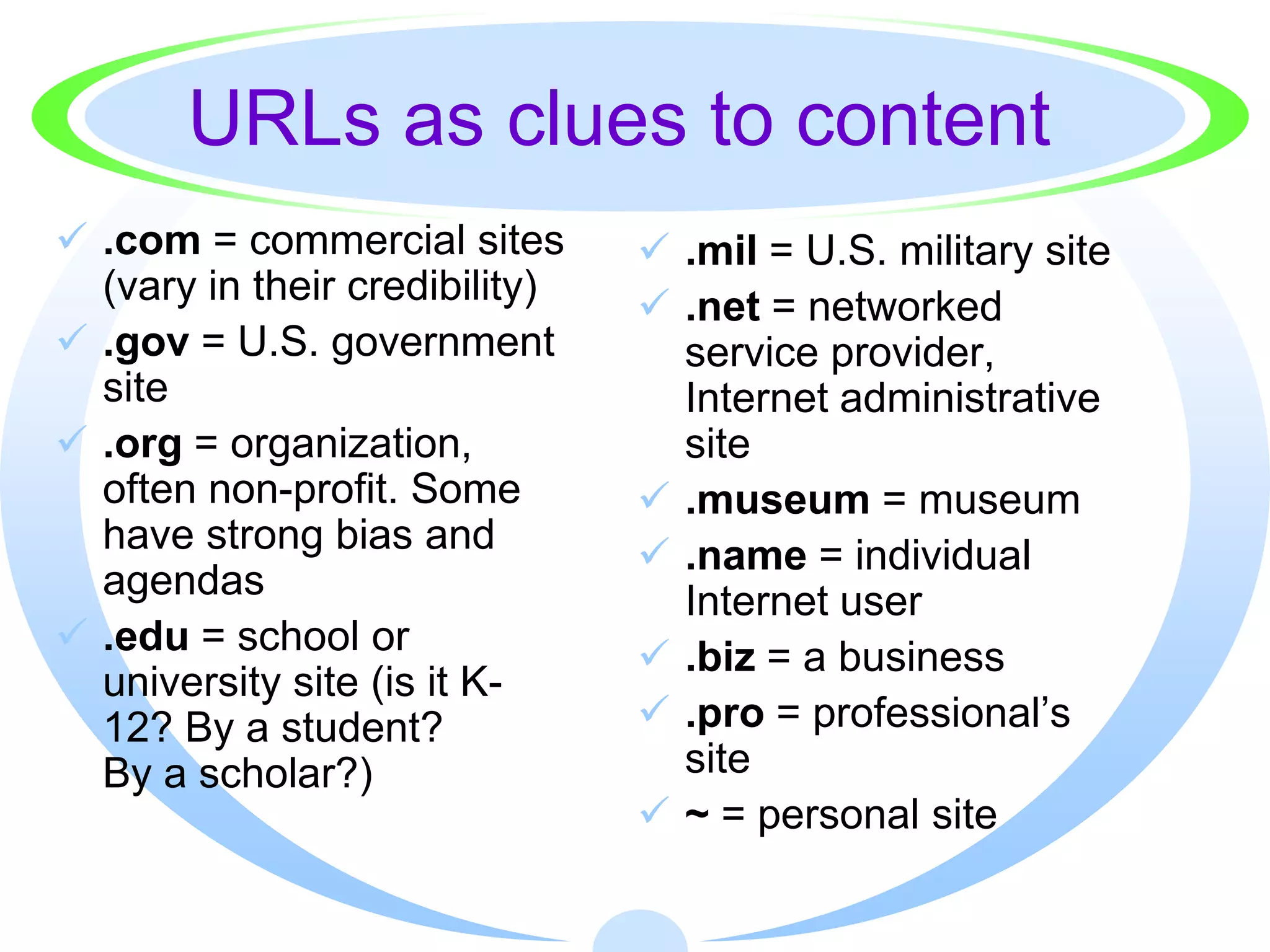
URLs as clues to content
 .com = commercial sites        .mil = U.S. military site
  (vary in their credibility)    .net = networked
 .gov = U.S. government          service provider,
  site                            Internet administrative
 .org = organization,            site
  often non-profit. Some         .museum = museum
  have strong bias and           .name = individual
  agendas                         Internet user
 .edu = school or               .biz = a business
  university site (is it K-
  12? By a student?              .pro = professional’s
  By a scholar?)                  site
                                 ~ = personal site
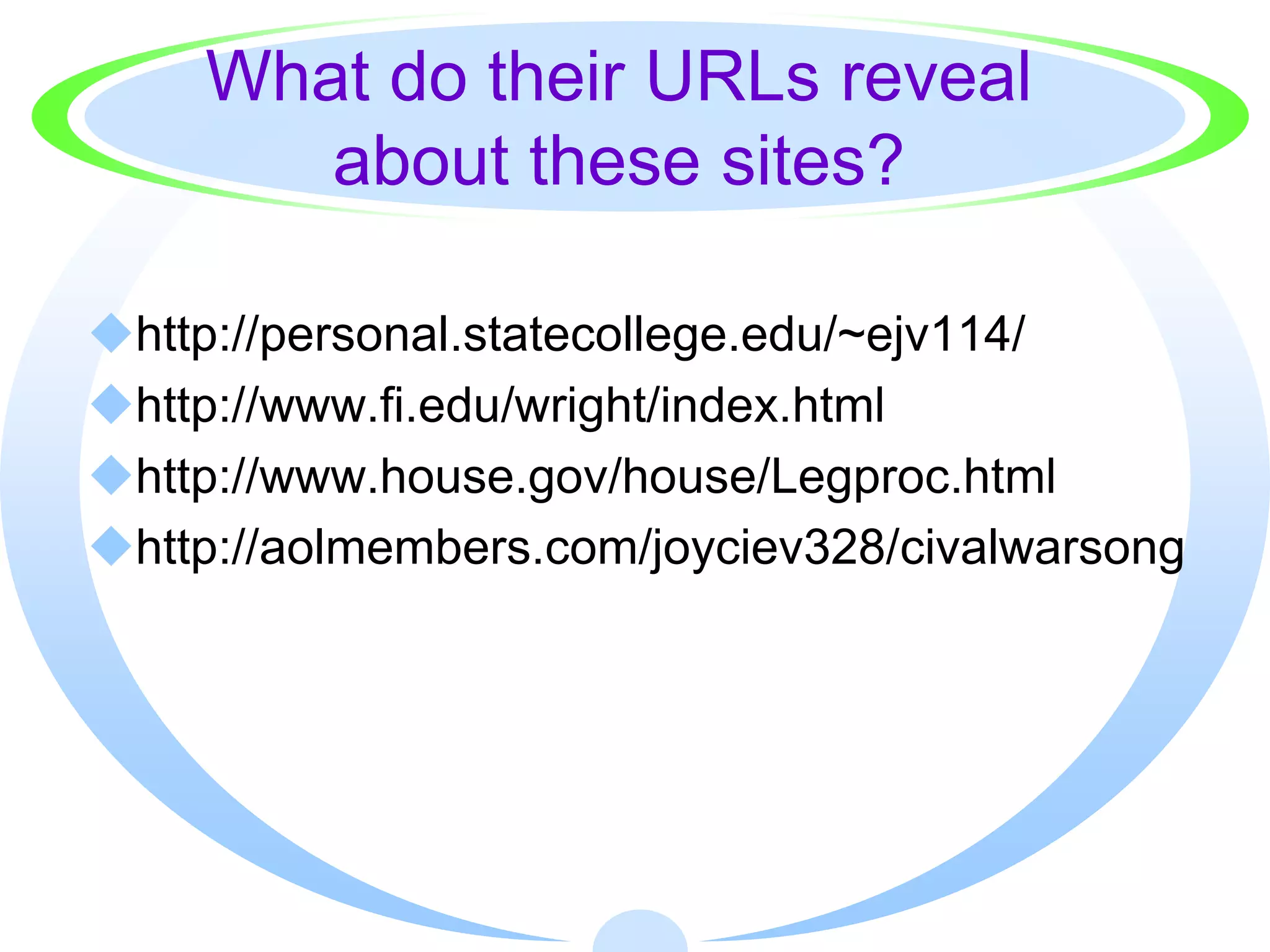
What do their URLs reveal
       about these sites?

http://personal.statecollege.edu/~ejv114/
http://www.fi.edu/wright/index.html
http://www.house.gov/house/Legproc.html
http://aolmembers.com/joyciev328/civalwarsong
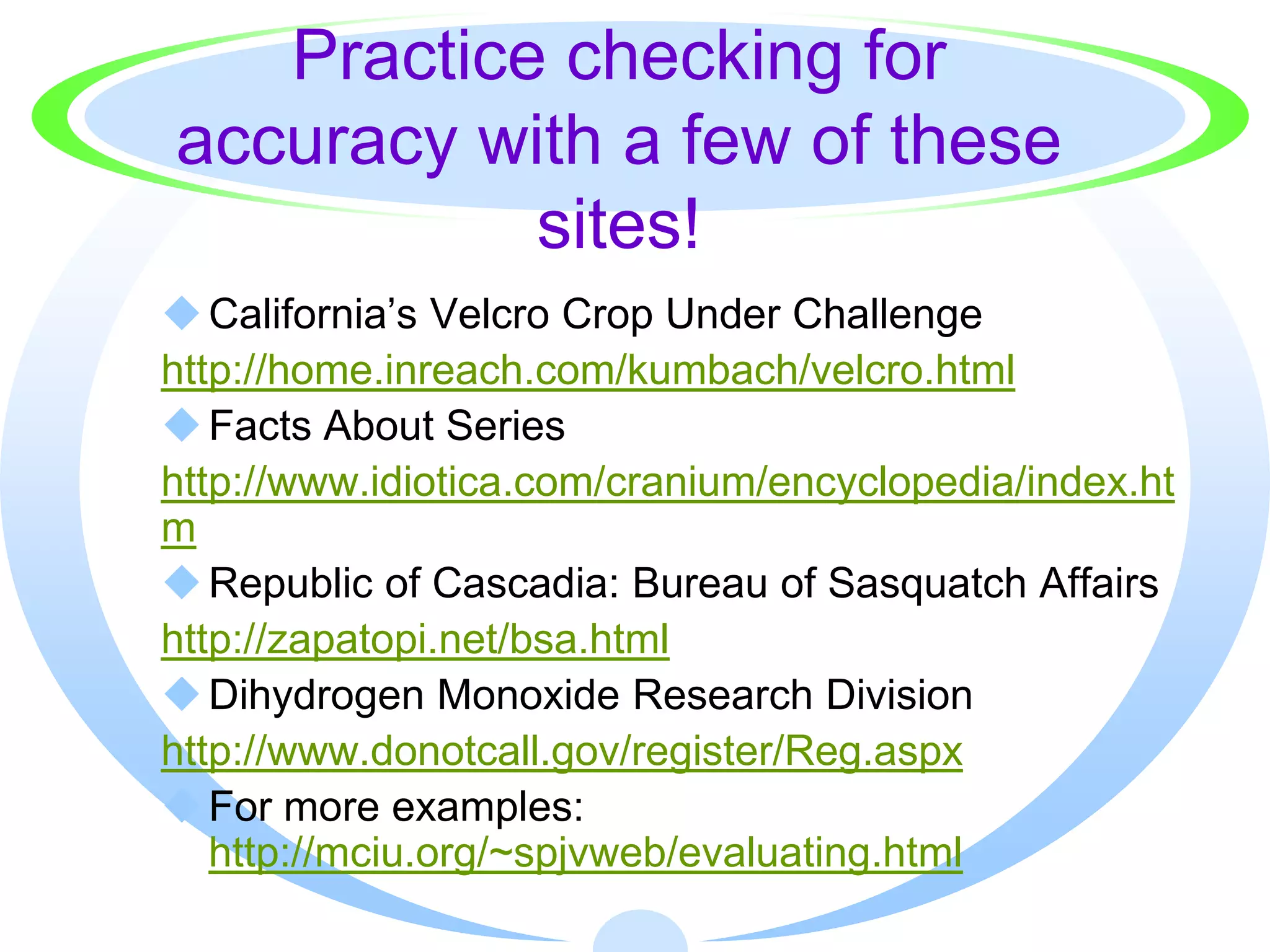
Practice checking for
accuracy with a few of these
           sites!
 California’s Velcro Crop Under Challenge
http://home.inreach.com/kumbach/velcro.html
 Facts About Series
http://www.idiotica.com/cranium/encyclopedia/index.ht
m
 Republic of Cascadia: Bureau of Sasquatch Affairs
http://zapatopi.net/bsa.html
 Dihydrogen Monoxide Research Division
http://www.donotcall.gov/register/Reg.aspx
 For more examples:
   http://mciu.org/~spjvweb/evaluating.html
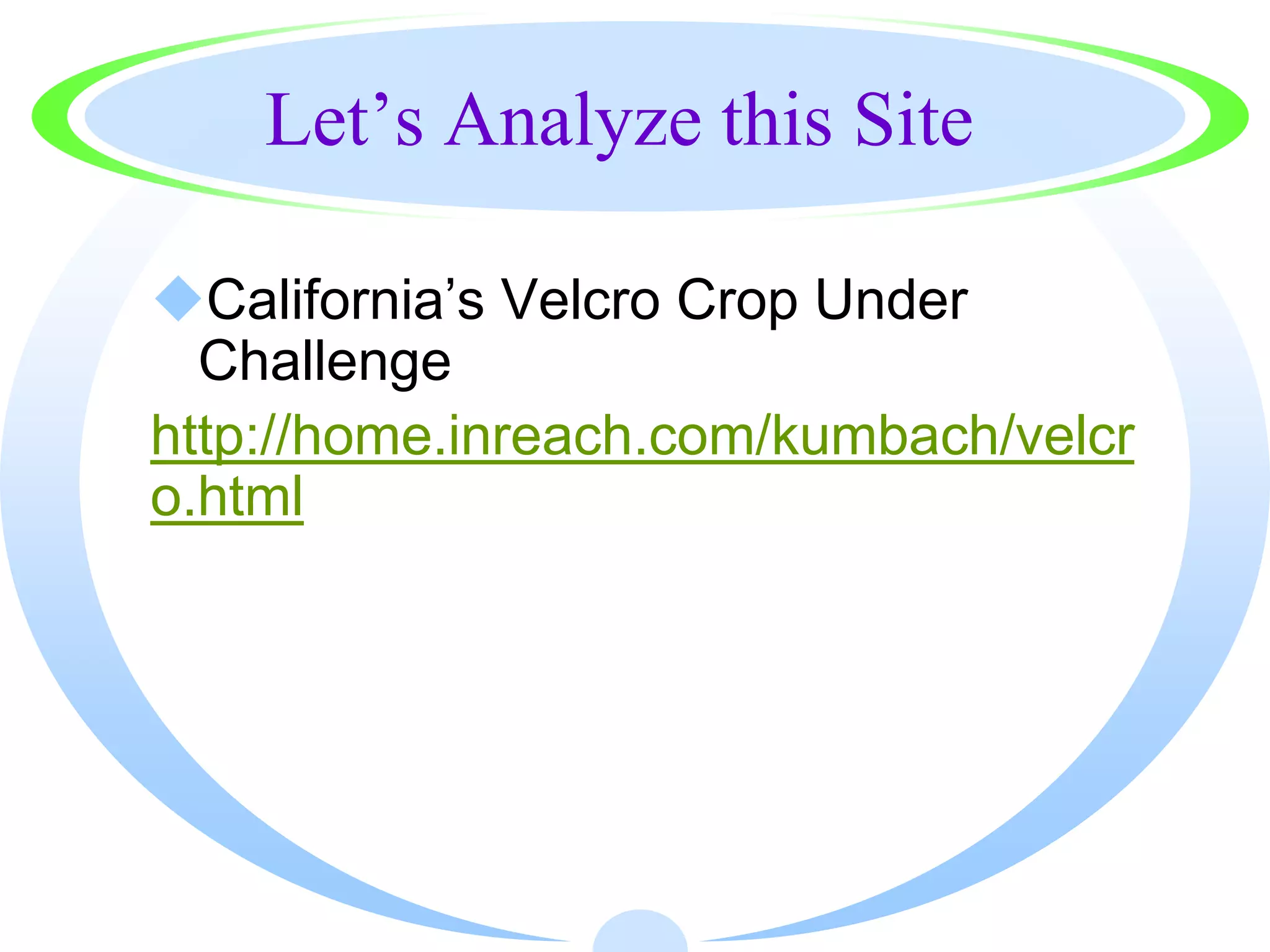
Let’s Analyze this Site

California’s Velcro Crop Under
  Challenge
http://home.inreach.com/kumbach/velcr
o.html
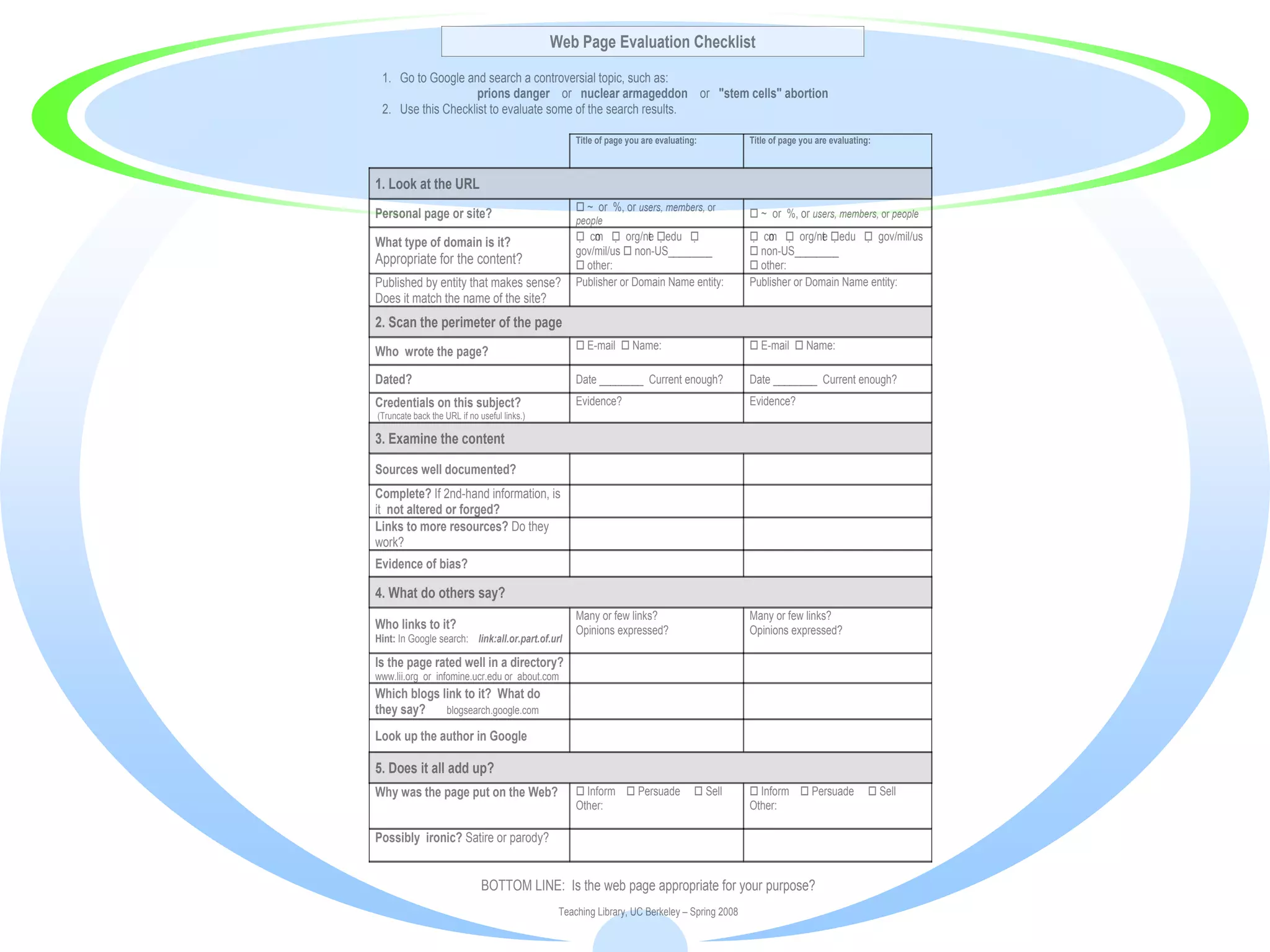
Web Page Evaluation Checklist
 1. Go to Google and search a controversial topic, such as:
                    prions danger or nuclear armageddon or "stem cells" abortion
 2. Use this Checklist to evaluate some of the search results.

                                                   Title of page you are evaluating:         Title of page you are evaluating:


1. Look at the URL
                                                    ~ or %, or users, members, or
Personal page or site?                             people
                                                                                              ~ or %, or users, members, or people

What type of domain is it?                          co  org/ne edu 
                                                       m           t                          co  org/ne edu  gov/mil/us
                                                                                                 m           t
                                                   gov/mil/us  non-US________                non-US________
Appropriate for the content?                        other:                                   other:
Published by entity that makes sense?              Publisher or Domain Name entity:          Publisher or Domain Name entity:
Does it match the name of the site?
2. Scan the perimeter of the page
                                                    E-mail  Name:                           E-mail  Name:
Who wrote the page?

Dated?                                             Date ________ Current enough?             Date ________ Current enough?
Credentials on this subject?                       Evidence?                                 Evidence?
(Truncate back the URL if no useful links.)

3. Examine the content

Sources well documented?
Complete? If 2nd-hand information, is
it not altered or forged?
Links to more resources? Do they
work?
Evidence of bias?

4. What do others say?
                                                   Many or few links?                        Many or few links?
Who links to it?                                   Opinions expressed?                       Opinions expressed?
Hint: In Google search: link:all.or.part.of.url

Is the page rated well in a directory?
www.lii.org or infomine.ucr.edu or about.com
Which blogs link to it? What do
they say?    blogsearch.google.com

Look up the author in Google

5. Does it all add up?
Why was the page put on the Web?                    Inform  Persuade              Sell     Inform  Persuade              Sell
                                                   Other:                                    Other:

Possibly ironic? Satire or parody?


                              BOTTOM LINE: Is the web page appropriate for your purpose?
                                               Teaching Library, UC Berkeley – Spring 2008
Remember, the free Web
 is not your only choice?

Did you use print sources?
Did you search subscription
 databases?
Did you check with your teacher-
 librarian for advice?
What about Wikipedia?


What is it? Where does the information
 come from?
When does it make sense to use it?
When are other sources better choices?
So, why should we care
   about all of this?
There are bigger questions in life!
 You will be using information to
   make important decisions!
  Which car should I buy?
  Which doctor should I choose?
  Should my child have this surgery?
  Should I take this medication?


· You want to be able to ensure the
  information you choose is reliable, credible,
  current, balanced, relevant, and accurate!
Website evaluation

Website evaluation

  • 1.
    Is that Site goodenough to Cite?
  • 2.
    There is somuch information out there!
  • 3.
    How are yougoing to know if a website is good enough to use in your report?
  • 4.
    It’s Okay tobe Confused! There are billions of websites out there Many of them are not worthy of your time and don’t belong in your bibliographies! Sometimes it’s very hard to tell treasure from trash Sometimes Web developers don’t want you to understand the difference
  • 5.
    Remember: Anyone can publish anything on the Web! It is your job, as a researcher, to look for quality!
  • 6.
    Yeah, and howcan we be sure our teacher will think it’s good Okay, so how enough to cite? do we know if a site is good?
  • 7.
    Think of CARRDSS · CREDIBILITY / AUTHORITY · ACCURACY · RELIABILITY · RELEVANCE · DATE · SOURCES BEHIND THE TEXT · SCOPE AND PURPOSE
  • 8.
    CREDIBILITY / AUTHORITY :  Who is the author?  What are his or her credentials? Education? Experience? Affiliation?  Does the author’s experience really qualify him or her as an expert?  Does he or she offer first-hand credibility? (For instance, a Vietnam veteran or a witness to Woodstock?)  Who actually published this page?  Is this a personal page or is it part of the site belonging to a major institution? (Clues pointing to a personal page: ~ tilde, %, users, members)  Is the page hosted by a free server like AOL, Tripod, Geocities?
  • 10.
    But what ifI can’t find any author information?
  • 11.
    Look for CredibilityClues! · Words and phrases to look for: · About us, Who Am I, FAQs, For More, Company Information, Profiles, Our Staff, Home · E-mail the author · If you have no information other than an e-mail link, write a polite e-mail asking for more information.
  • 12.
    More Credibility Clues (What do others think?) Do a link check · In Google type link:siteaddress · Your results will show which other sites have chosen to link to this page. If respectable institutions have linked to a site, that provides a clue about the site’s credibility. Does the site appear in major subject directories like Librarian’s Index to the Internet (lii.org)?
  • 13.
    Truncate the URL Deletecharacters in the address line up to the next slash mark to see if a main page offers more information about who is responsible for publishing the page you are interested in. Go from: ·http://www.statecollege.edu/history/middleages/chaucer/smith.htm ·http://www.statecollege.edu/history/middleages/chaucer ·http://www.statecollege.edu/history/middleages ·http://www.statecollege.edu/history ·http://www.statecollege.edu
  • 14.
    Still more CredibilityClues If you have an author’s name but no further information about credentials, Search the name in quotation marks in a search engine or online database On the Web, include words like profile, resume, or C.V. (curriculum vitae--an academic resume) to narrow your name search You might also include the name of a college or association you can connect with the person Search the name in biographical sources on- and offline Ask your teacher-librarian for help
  • 15.
    ACCURACY:  Can facts,statistics, or other information be verified through other sources?  Based on your knowledge, does the information seem accurate? Is the information inconsistent with information you learned from other sources?  Is the information second hand? Has it been altered?  Do there appear to be errors on the page (spelling, grammar, facts)?
  • 16.
    R ELIABILITY:  Does the source present a certain view or bias?  Is the page affiliated with an organization that has a particular political or social agenda?  Is the page selling a product?  Was the information found in a paid placement or sponsored result from the search engine?  Information is seldom neutral. Sometimes a bias is useful for persuasive essays or debates.  Understanding bias is important.
  • 17.
    R ELEVANCE: Does this information directly support my hypothesis/thesis or help to answer my question? Can I eliminate or ignore it because it simply doesn’t help me?
  • 18.
    D ATE: When was this information created? When was it revised? Are these dates meaningful in terms of your information needs? Has the author of the page stopped maintaining it? (Be suspicious of undated material.)
  • 19.
    S OURCES BEHIND THE TEXT:  Did the author bother to document his or her sources and use reliable, credible sources?  Were those references popular, scholarly, reputable?  Are those sources real? Have you or your librarian heard of or been able to verify them?  Is the material reproduced (accurately) from another publication?  What kind of links did the author choose?  Are the hyperlinks reliable, valuable?  Do the links work?
  • 20.
    S COPE / PURPOSE: Does this source address my hypothesis/thesis/question in a comprehensive or superficial way? Is it a scholarly or popular treatment? Is it material I can read and understand? Is it too simple? Is it too challenging? Who is the intended audience? Why was this page created? To inform or explain? To persuade? To sell?
  • 21.
    What can you learn from a URL? You can use the end, or suffix of a domain name to help you judge the validity of the information and the potential bias of a website. This strategy is only a guideline. People can easily purchase domains that do not reflect their actual purpose.
  • 22.
    URLs as cluesto content  .com = commercial sites  .mil = U.S. military site (vary in their credibility)  .net = networked  .gov = U.S. government service provider, site Internet administrative  .org = organization, site often non-profit. Some  .museum = museum have strong bias and  .name = individual agendas Internet user  .edu = school or  .biz = a business university site (is it K- 12? By a student?  .pro = professional’s By a scholar?) site  ~ = personal site
  • 23.
    What do theirURLs reveal about these sites? http://personal.statecollege.edu/~ejv114/ http://www.fi.edu/wright/index.html http://www.house.gov/house/Legproc.html http://aolmembers.com/joyciev328/civalwarsong
  • 24.
    Practice checking for accuracywith a few of these sites!  California’s Velcro Crop Under Challenge http://home.inreach.com/kumbach/velcro.html  Facts About Series http://www.idiotica.com/cranium/encyclopedia/index.ht m  Republic of Cascadia: Bureau of Sasquatch Affairs http://zapatopi.net/bsa.html  Dihydrogen Monoxide Research Division http://www.donotcall.gov/register/Reg.aspx  For more examples: http://mciu.org/~spjvweb/evaluating.html
  • 25.
    Let’s Analyze thisSite California’s Velcro Crop Under Challenge http://home.inreach.com/kumbach/velcr o.html
  • 26.
    Web Page EvaluationChecklist 1. Go to Google and search a controversial topic, such as: prions danger or nuclear armageddon or "stem cells" abortion 2. Use this Checklist to evaluate some of the search results. Title of page you are evaluating: Title of page you are evaluating: 1. Look at the URL  ~ or %, or users, members, or Personal page or site? people  ~ or %, or users, members, or people What type of domain is it?  co  org/ne edu  m t  co  org/ne edu  gov/mil/us m t gov/mil/us  non-US________  non-US________ Appropriate for the content?  other:  other: Published by entity that makes sense? Publisher or Domain Name entity: Publisher or Domain Name entity: Does it match the name of the site? 2. Scan the perimeter of the page  E-mail  Name:  E-mail  Name: Who wrote the page? Dated? Date ________ Current enough? Date ________ Current enough? Credentials on this subject? Evidence? Evidence? (Truncate back the URL if no useful links.) 3. Examine the content Sources well documented? Complete? If 2nd-hand information, is it not altered or forged? Links to more resources? Do they work? Evidence of bias? 4. What do others say? Many or few links? Many or few links? Who links to it? Opinions expressed? Opinions expressed? Hint: In Google search: link:all.or.part.of.url Is the page rated well in a directory? www.lii.org or infomine.ucr.edu or about.com Which blogs link to it? What do they say? blogsearch.google.com Look up the author in Google 5. Does it all add up? Why was the page put on the Web?  Inform  Persuade  Sell  Inform  Persuade  Sell Other: Other: Possibly ironic? Satire or parody? BOTTOM LINE: Is the web page appropriate for your purpose? Teaching Library, UC Berkeley – Spring 2008
  • 27.
    Remember, the freeWeb is not your only choice? Did you use print sources? Did you search subscription databases? Did you check with your teacher- librarian for advice?
  • 28.
    What about Wikipedia? Whatis it? Where does the information come from? When does it make sense to use it? When are other sources better choices?
  • 29.
    So, why shouldwe care about all of this?
  • 30.
    There are biggerquestions in life! You will be using information to make important decisions! Which car should I buy? Which doctor should I choose? Should my child have this surgery? Should I take this medication? · You want to be able to ensure the information you choose is reliable, credible, current, balanced, relevant, and accurate!