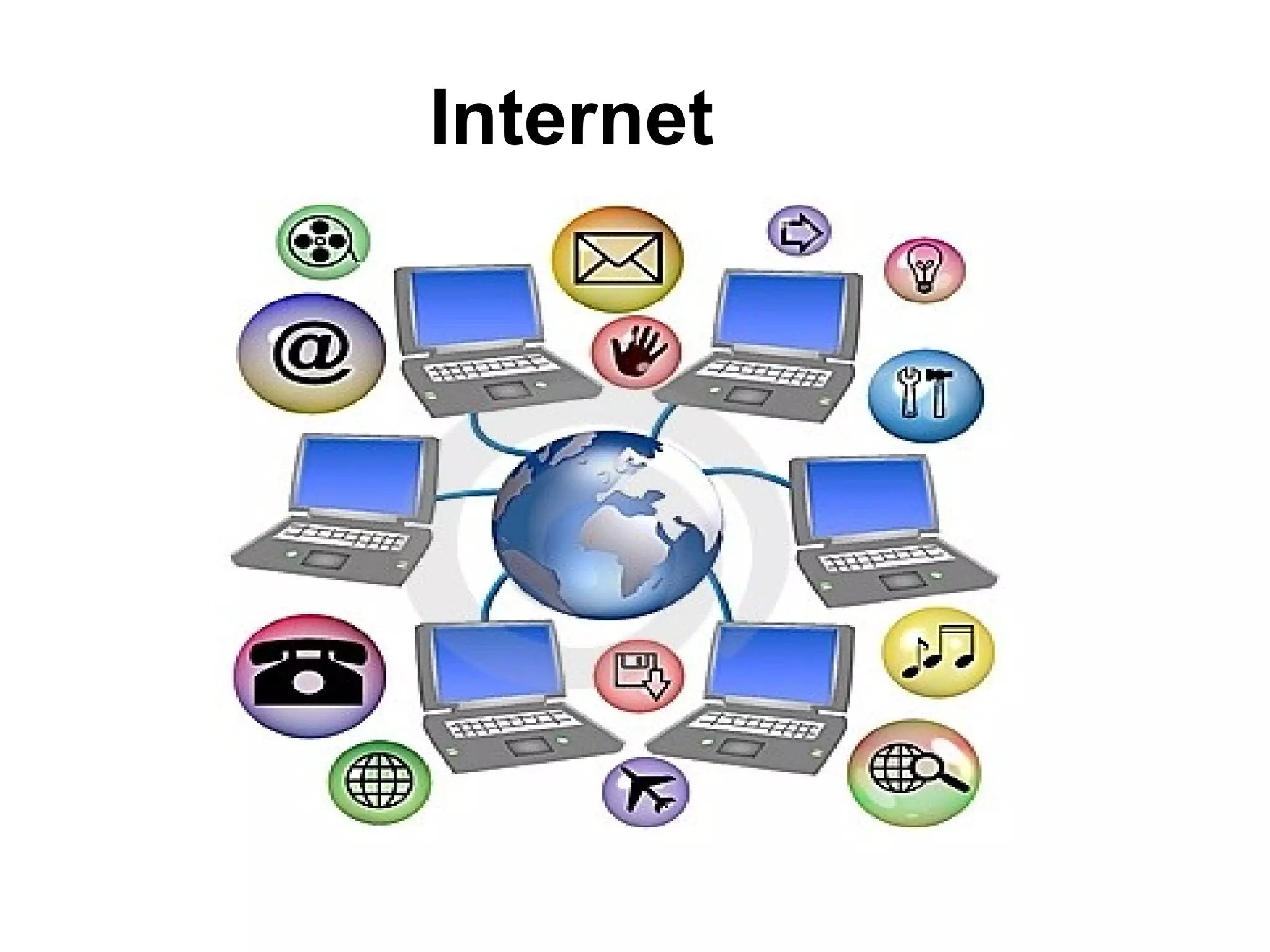
Internet
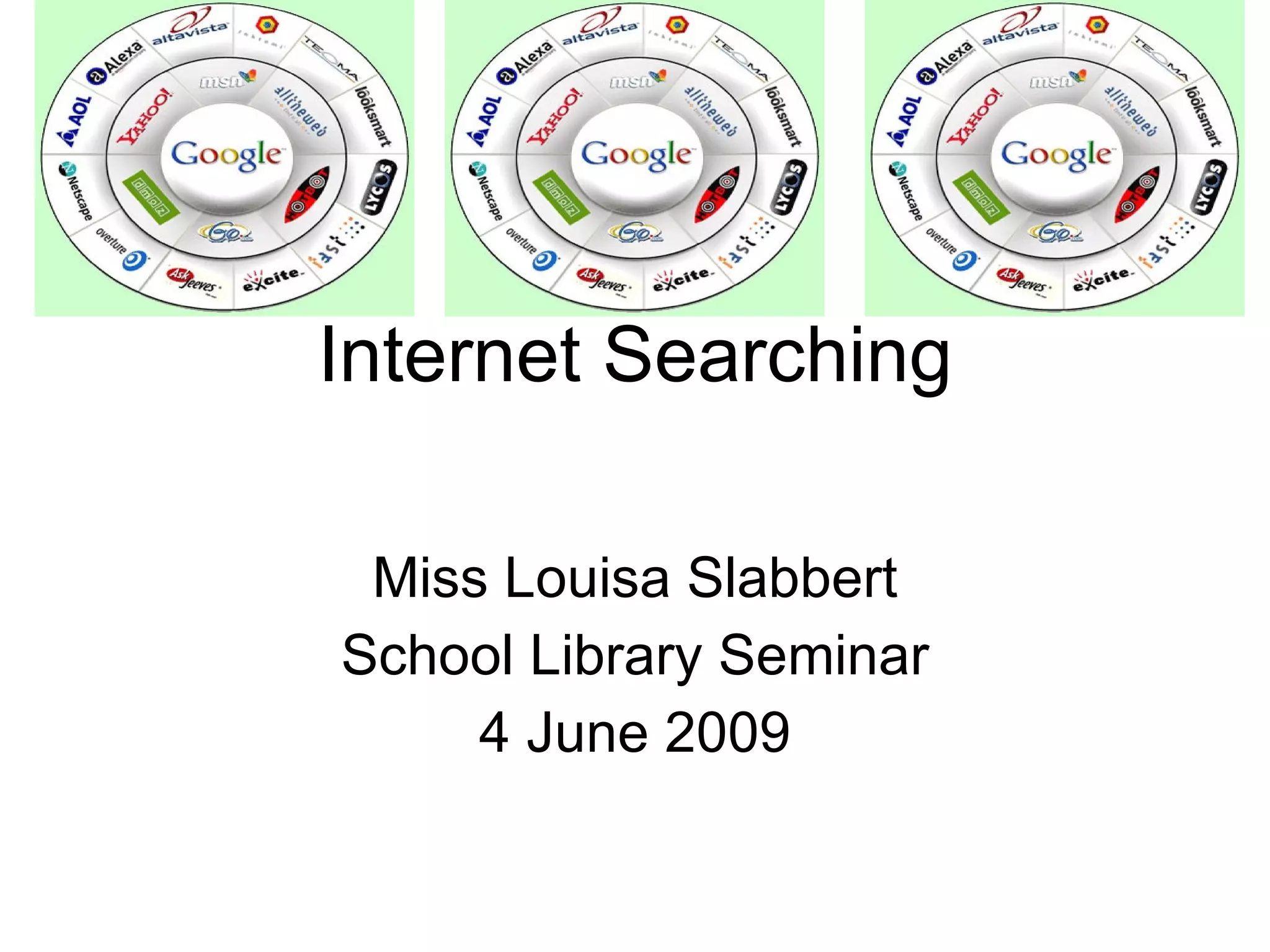
Internet Searching Miss Louisa Slabbert School Library Seminar 4 June 2009
Does the Internet make you feel like this?
What is the Internet about? Have access to information from all around the globe You can find local and international news, weather reports, sports scores, stock prices, do your baking, shop on-line. At your fingertips, you can send messages to others, meet new friends, take a course and watch a movie  - all from your computer
What is the Internet about? You can access the Internet from a computer anywhere. Success in business today requires an understanding of the Internet and how it works.
History of the Internet Goal was to build a network that would allow scientists at different locations to share information and work together on military and scientific projects. Today, a variety of organizations, companies and private individuals contribute to the network .
History No single person, company, institution, or government agency controls or owns the Internet.
Reality of searching on the Internet No  two similar searches  on the Internet will show the same hit results. The information on the Internet  changes  by minute and Web sites that is available today may not be there tomorrow. You can not  believe everything  that is posted on the Internet.
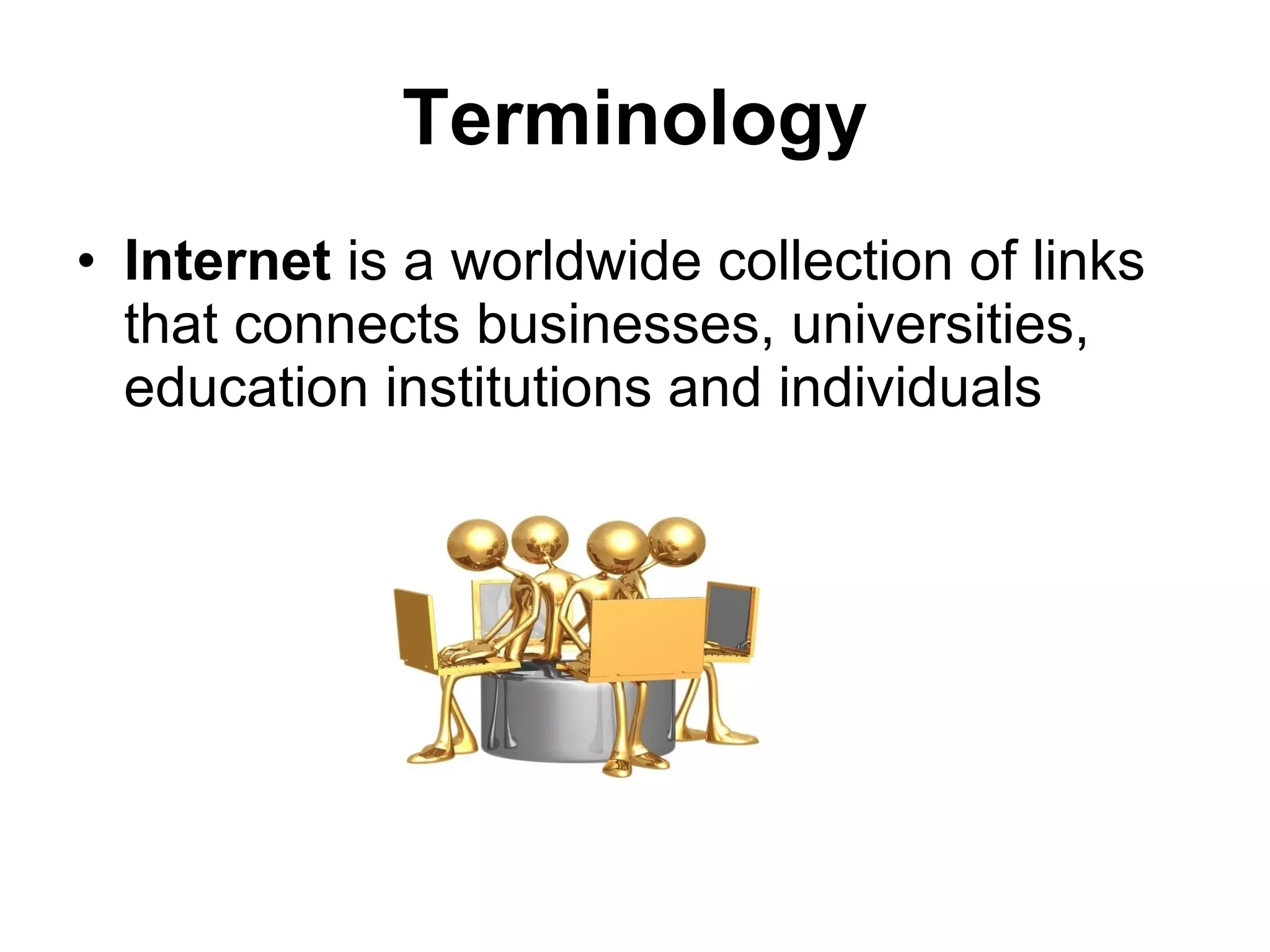
Terminology Internet  is a worldwide collection of links that connects businesses, universities, education institutions and individuals
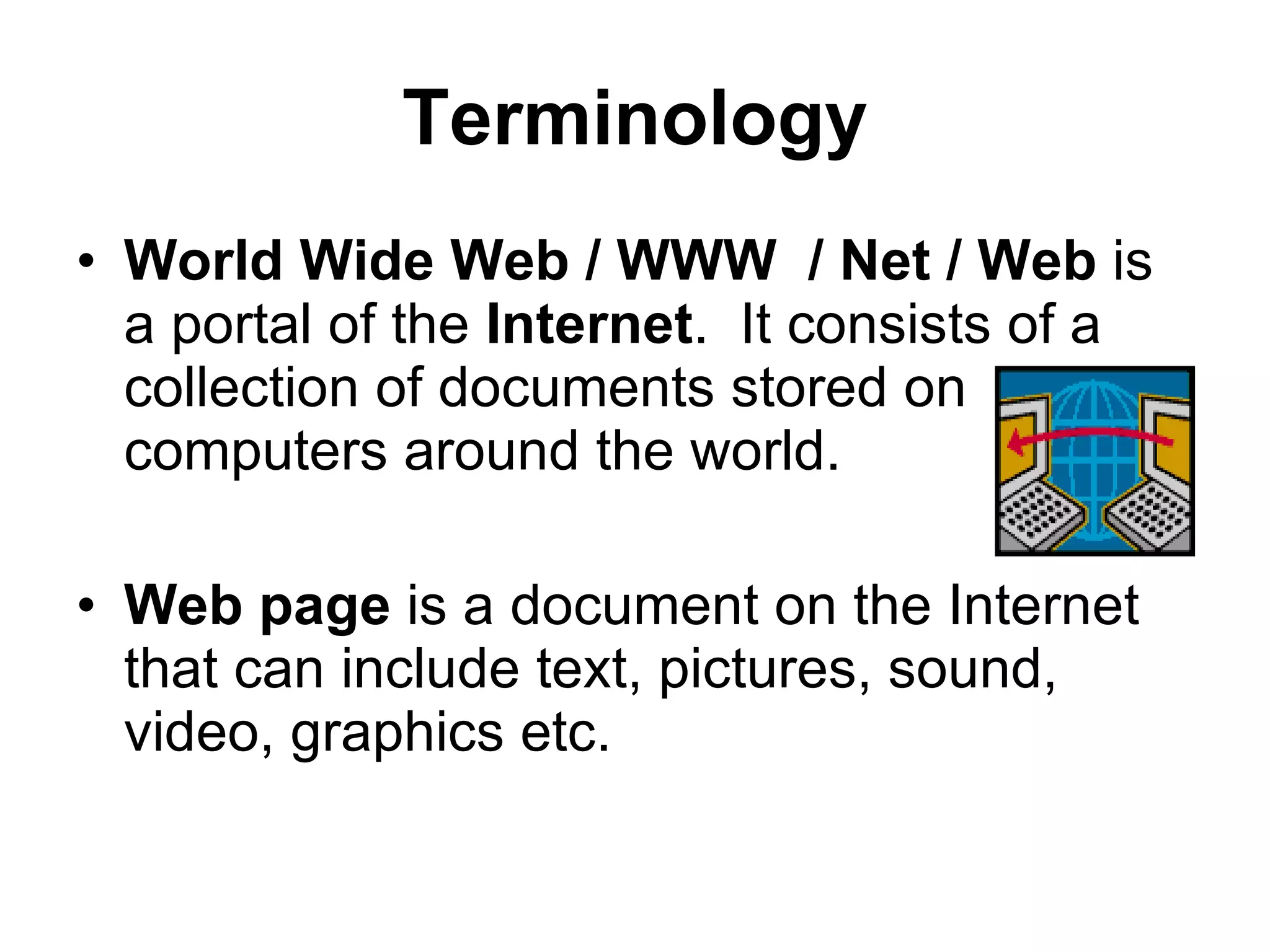
Terminology World Wide Web / WWW  / Net / Web  is   a portal of the  Internet .  It consists of a collection of documents stored on computers around the world. Web page  is a document on the Internet that can include text, pictures, sound, video, graphics etc.
Terminology Web Site  is a collection of Web pages. Search engine  is a software program you can use to find Web sites, Web pages and Internet files.
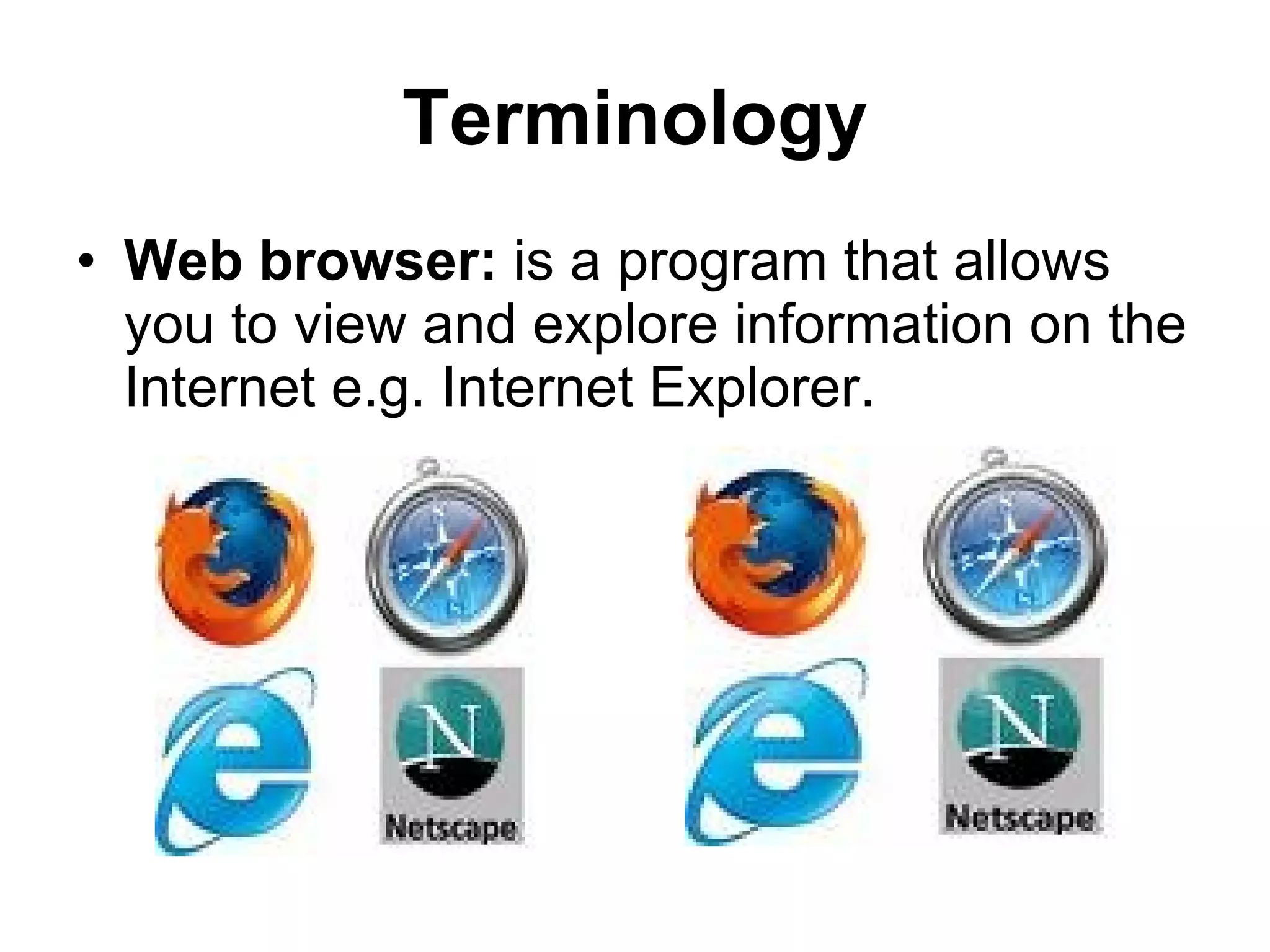
Terminology Web browser:  is a program that allows you to view and explore information on the Internet e.g. Internet Explorer.
Terminology Browse  to search the Internet for information. Surf  - slang for browsing – to search for information on the Internet.
Terminology URL  each Web page has a unique address called a  U niform  R esource  L ocator.  You can instantly display any Web page if you know its URL http://www.google.co.za http://www.google.com
Terminology Beware of Stealth URLs Adult Web sites adopt  URLs  similar to popular Web sites. Entice children to access these Web sites. E.g. Nintendo, Barbie, White House
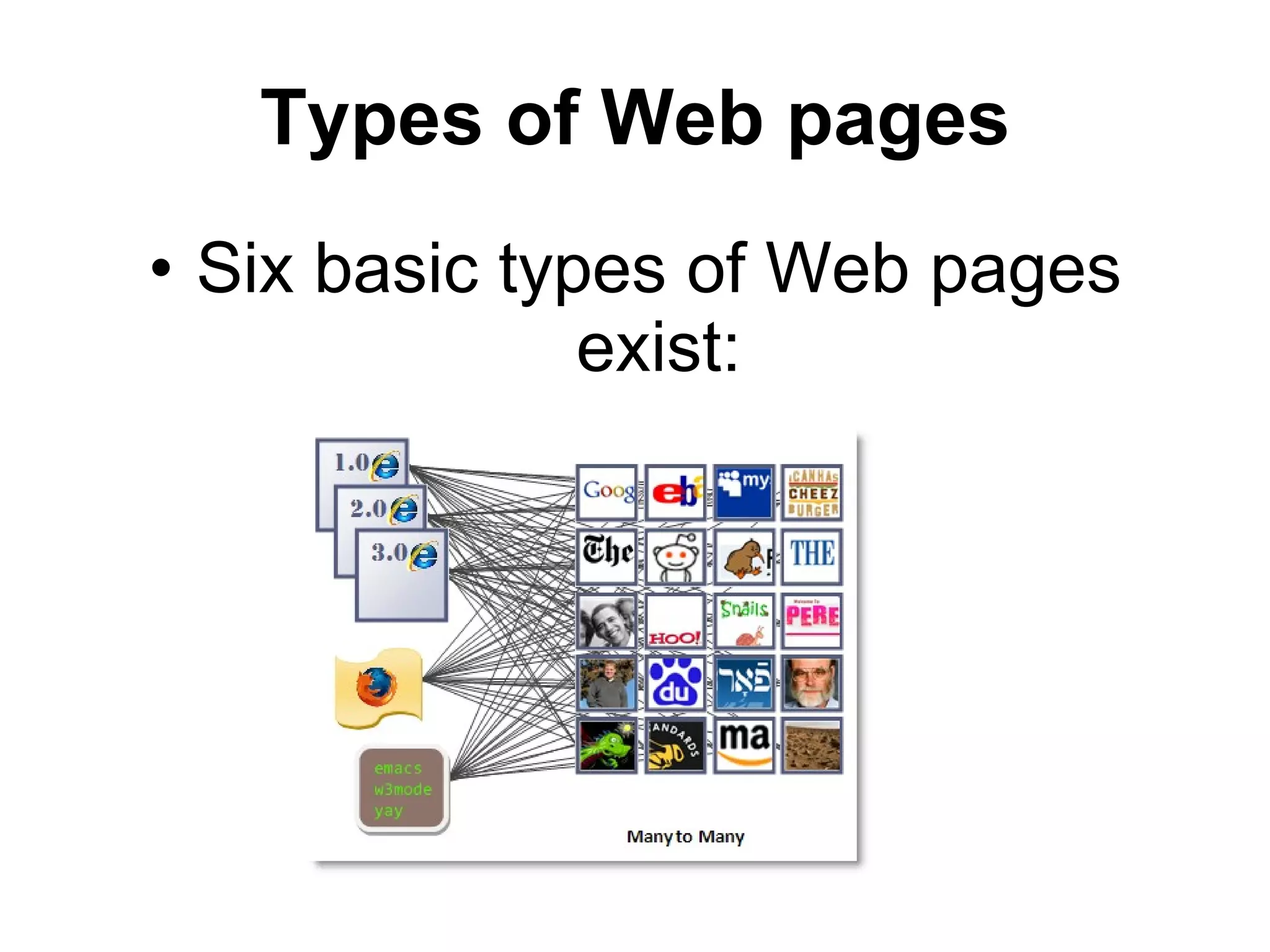
Types of Web pages Six basic types of Web pages exist:
Advocacy Web Pages Contains content that describes a cause, opinion or idea and view of an organization. The purpose is to convince the reader of the validity of the cause, opinion or idea. Greenpeace, SPCA
Business / Marketing Web Pages Contains content that promotes or sells products or services of an organization. May allow you to purchase their products or services online. Pick n Pay, Woolworths, Look n Listen
Informational Web pages Contains factual information. Many government agencies have informational pages providing information such as census data, tax details and general information. Other organizations provide information such as public transportation schedules, published research findings. Kalula.com, Mango, SARS, CSIR
News Web pages Contains newsworthy material including stories and articles relating to current events, money, sports an the weather. Provide summaries of printed articles. CNN, Sky News, Beeld, News24
Portal Web pages Often called a  portal , offers a variety of Internet services from a single convenient location. Most portals  offers  the following – search engines, local, national and international news, sport and weather. Google, AltaVista, Dogpile, Yahoo
Personal Web Pages A private individual who is normally not associated with any organization, often maintain a personal Web page. Published for a variety of reasons – hobby, for friend, special interest.
Search engines A search engine is a tool designed to search for information on the Internet. The search result are usually presented in a list and are commonly called  hits . The information may consist of Web pages, images, information and other types of files.
Search engines Search engines work by storing information about Web pages, which they retrieve from the Internet itself. These pages are retrieved by a  Web crawler  (also spider) an automated Web browser which follows every link it sees.
Search engines The usefulness of a search engine depends on the relevance of the  result  it gives back. Most search engines employ methods to rank the results to provide the  “best”  results first. The research results from different search engines varies widely from one to another.
Search engines Some search engines also mine data available in newsbooks, databases or open directories. Search engines operates algorithmically or are a mixture of algorithmic and human input.
Search engines It is important to remember that when you use a search engine, you are  NOT  searching the entire Web as it exist at that moment. Some information is only available on the  Invisible Web (Deep Web ), and can only be access by   using subject directories.
Before you start to search Think about your search before you begin. Create a search strategy in your head. Decide if you only want to brows for information or locate a specific piece of information. Retrieve everything you can.
Search Strategy Step 1 Analyze your topic to decide where to begin? What  unique   words , distinctive names, abbreviations or acronyms are associated with your topic? Can you think of societies, organization, or groups that might have information on your topic?
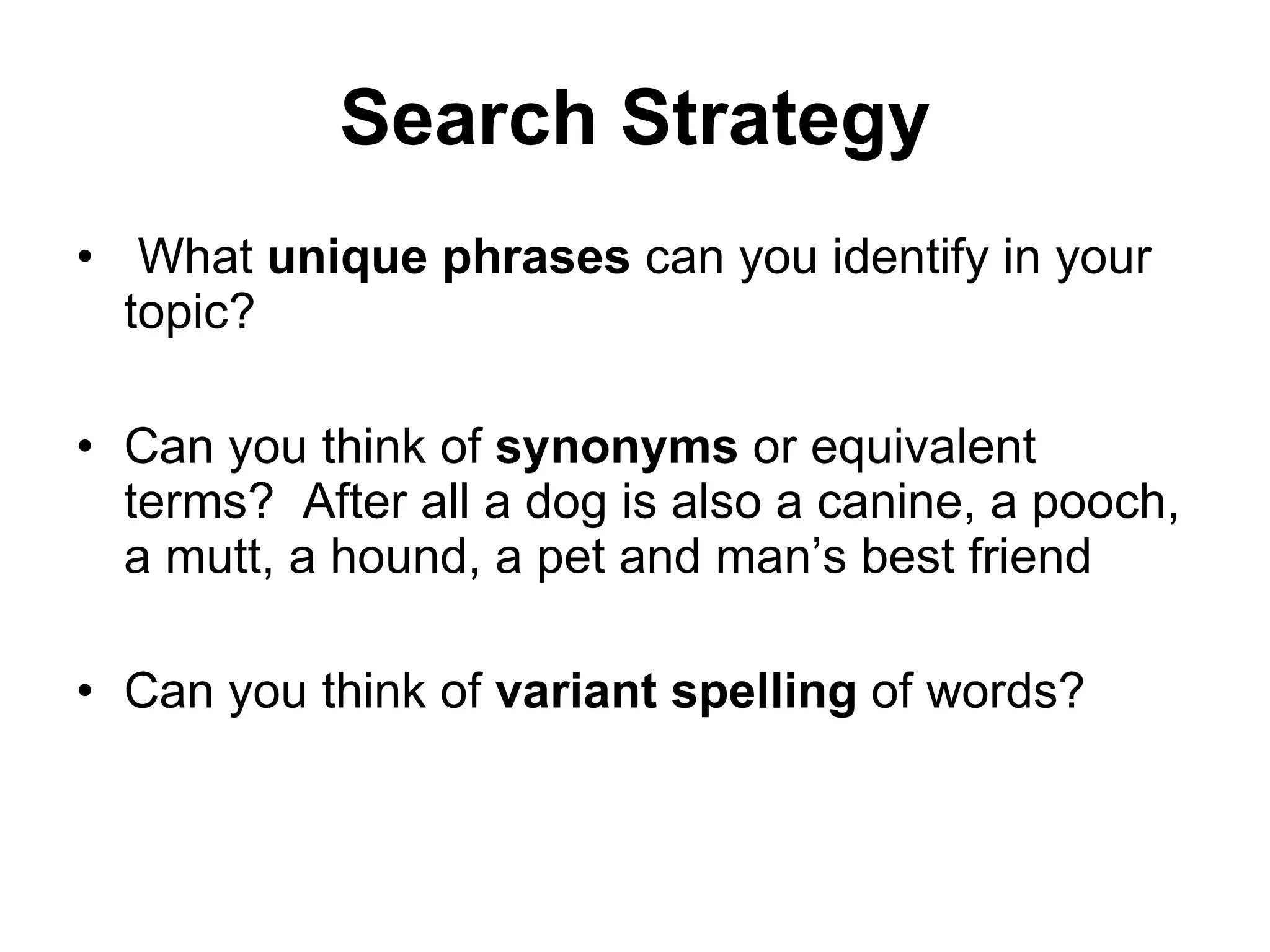
Search Strategy What  unique phrases  can you identify in your topic? Can you think of  synonyms  or equivalent terms?  After all a dog is also a canine, a pooch, a mutt, a hound, a pet and man’s best friend Can you think of  variant spelling  of words?
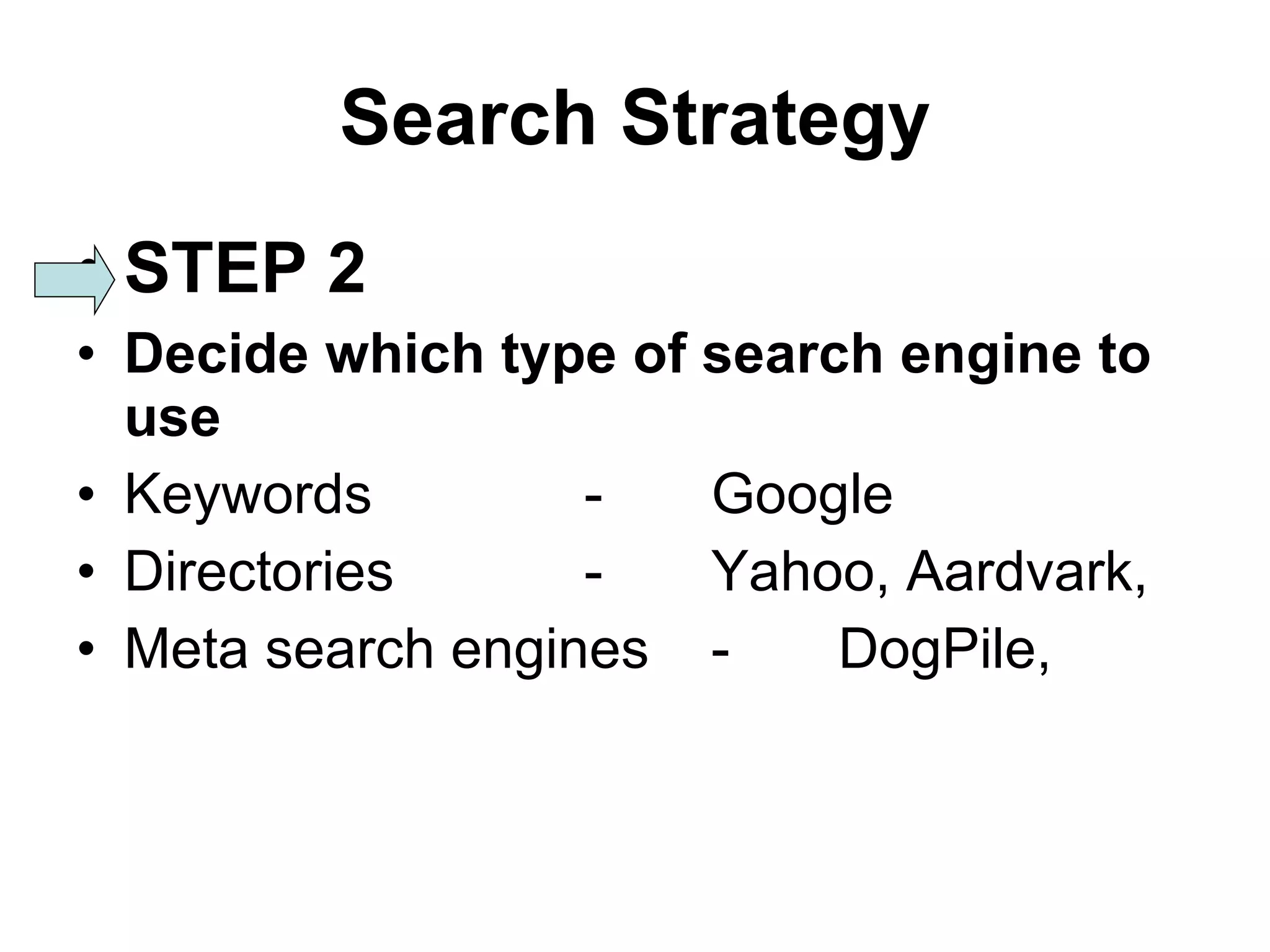
Search Strategy STEP 2 Decide which type of search engine to use Keywords - Google Directories - Yahoo, Aardvark,  Meta search engines - DogPile,
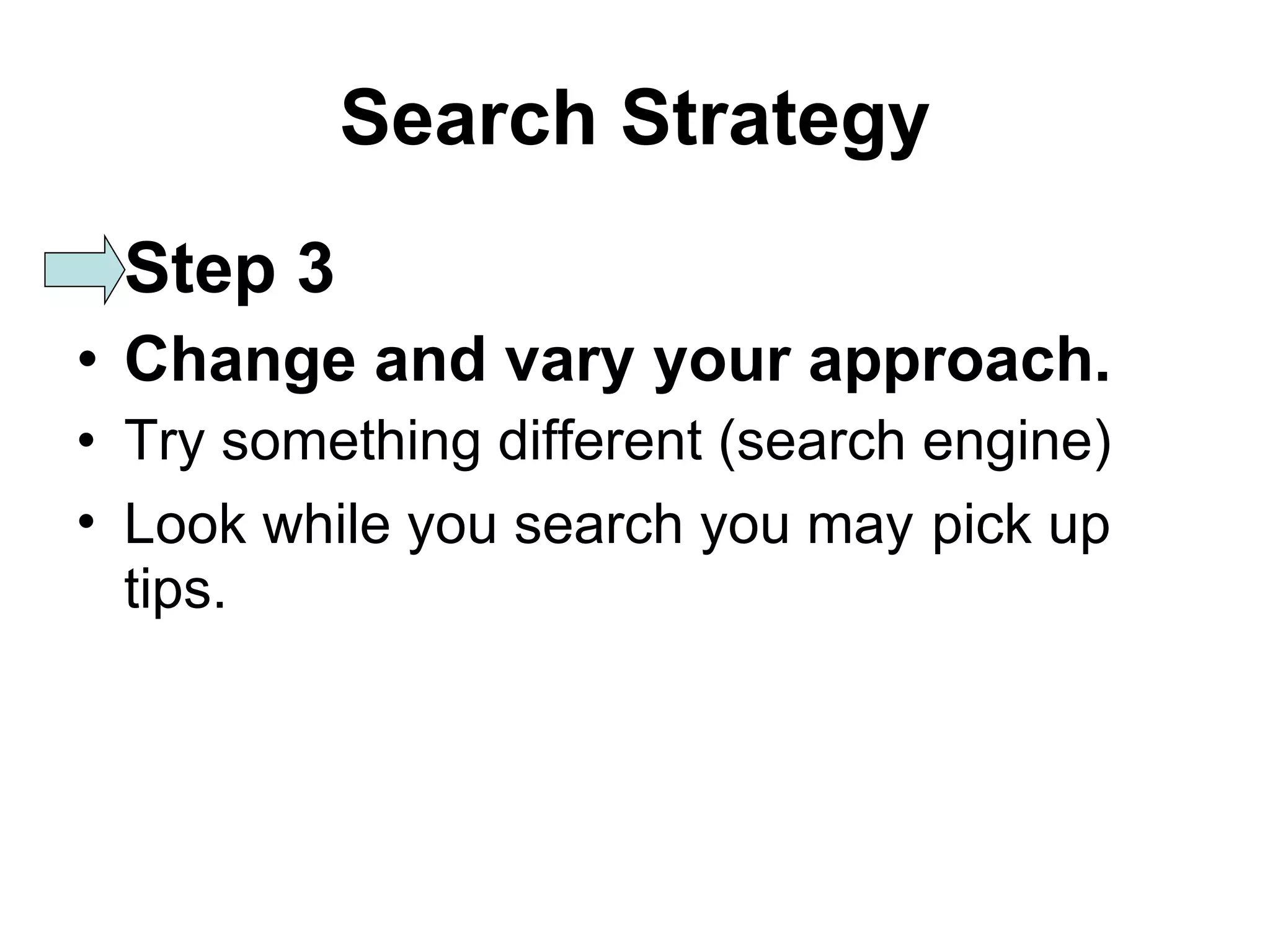
Search Strategy Step 3 Change and vary your approach. Try something different (search engine) Look while you search you may   pick up tips.
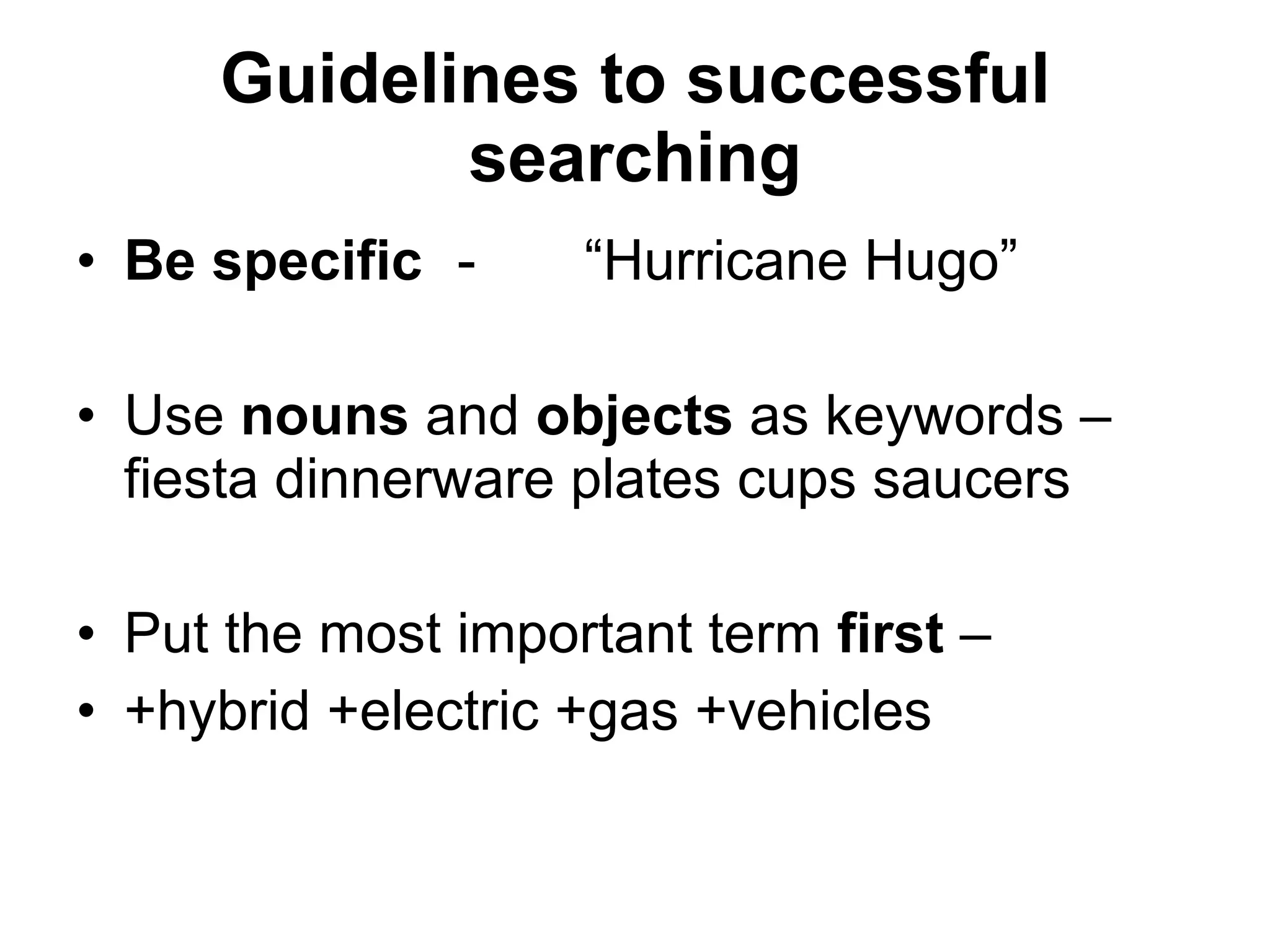
Guidelines to successful searching Be specific - “Hurricane Hugo” Use  nouns  and  objects  as keywords – fiesta dinnerware plates cups saucers Put the most important term  first  –  +hybrid +electric +gas +vehicles
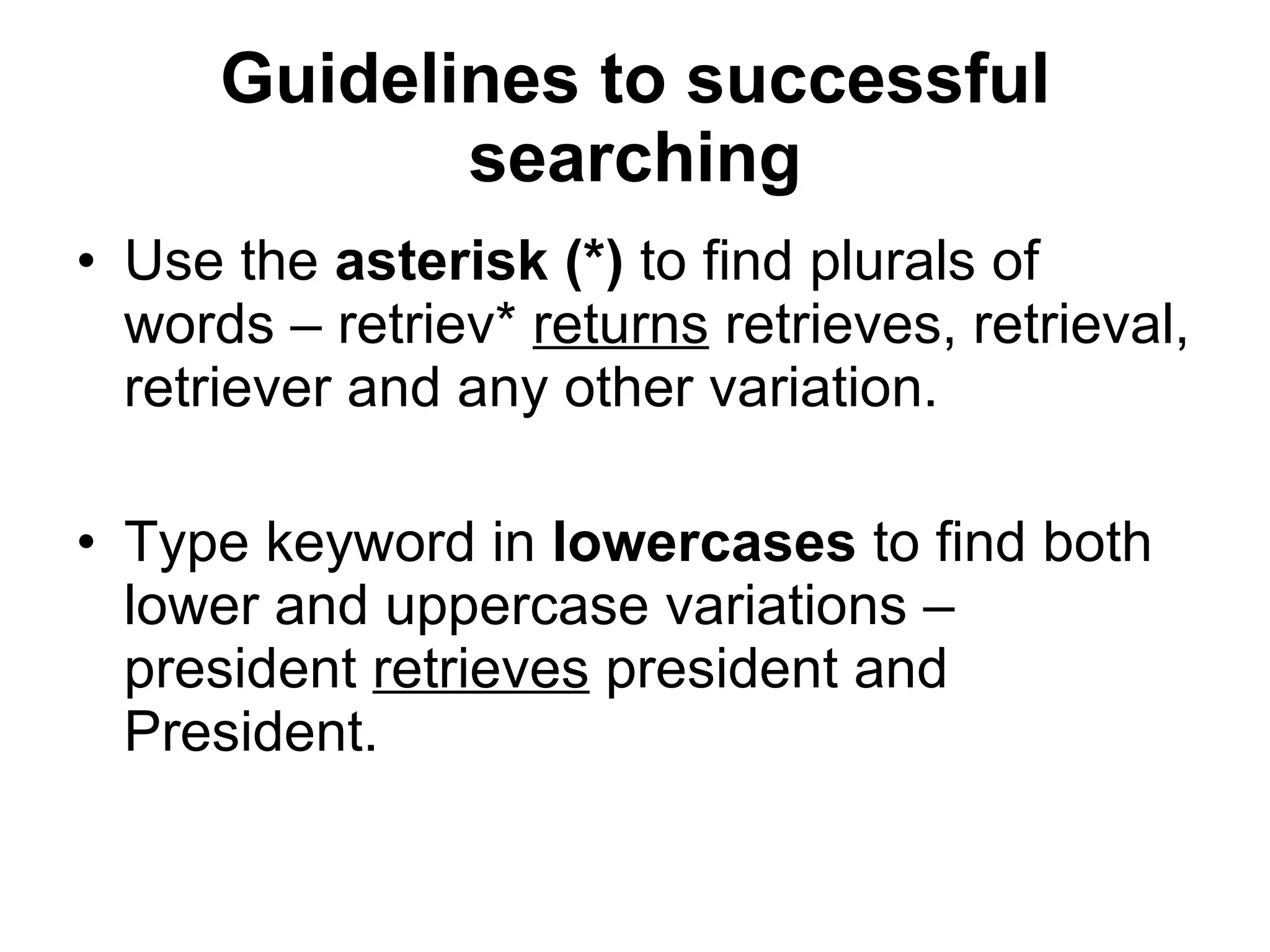
Guidelines to successful searching Use the  asterisk (*)  to find plurals of words – retriev*  returns  retrieves, retrieval, retriever and any other variation. Type keyword in  lowercases  to find both lower and uppercase variations – president  retrieves  president and President.
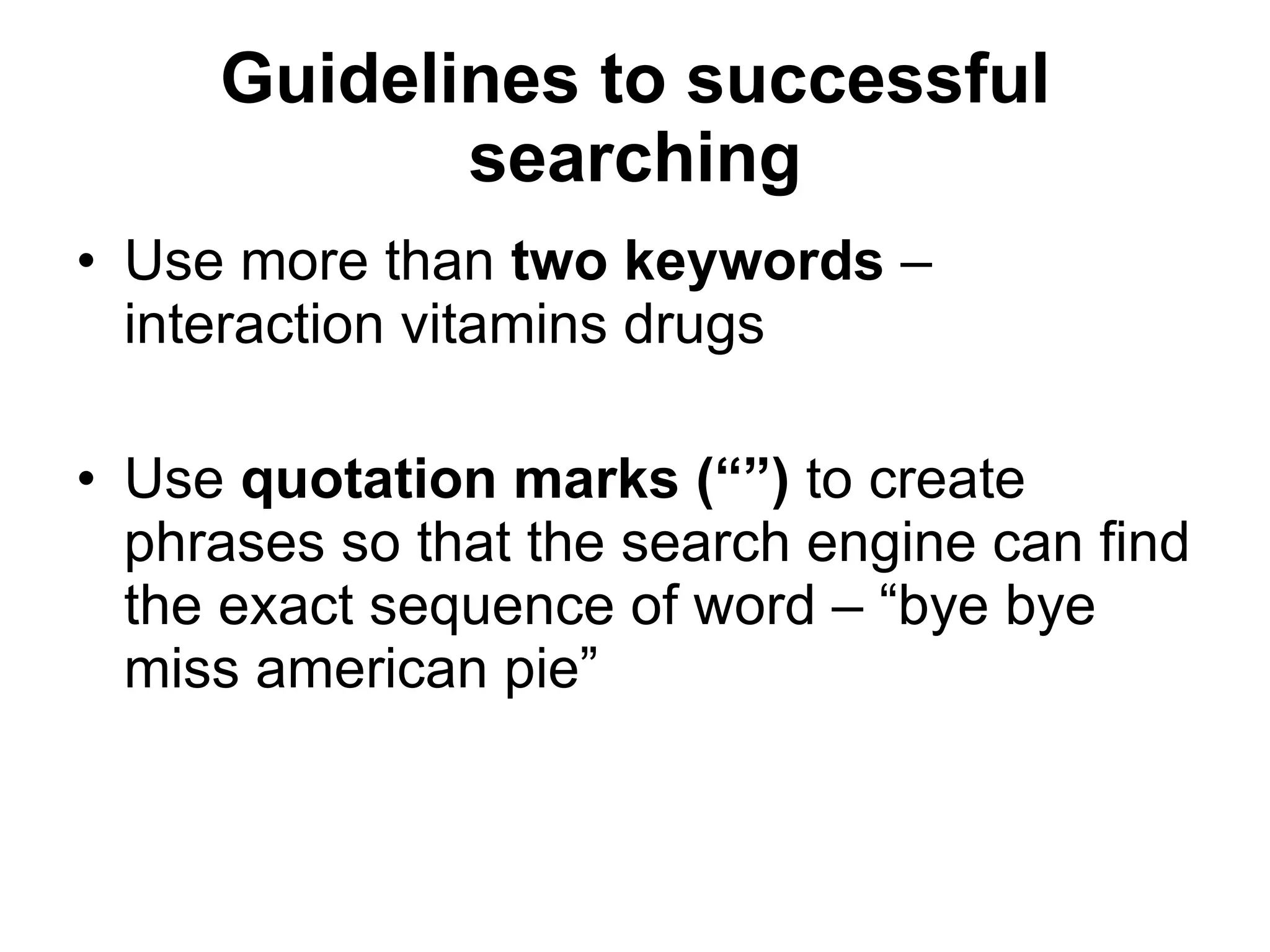
Guidelines to successful searching Use more than  two   keywords  – interaction vitamins drugs Use  quotation marks (“”)  to create phrases so that the search engine can find the exact sequence of word – “bye bye miss american pie”
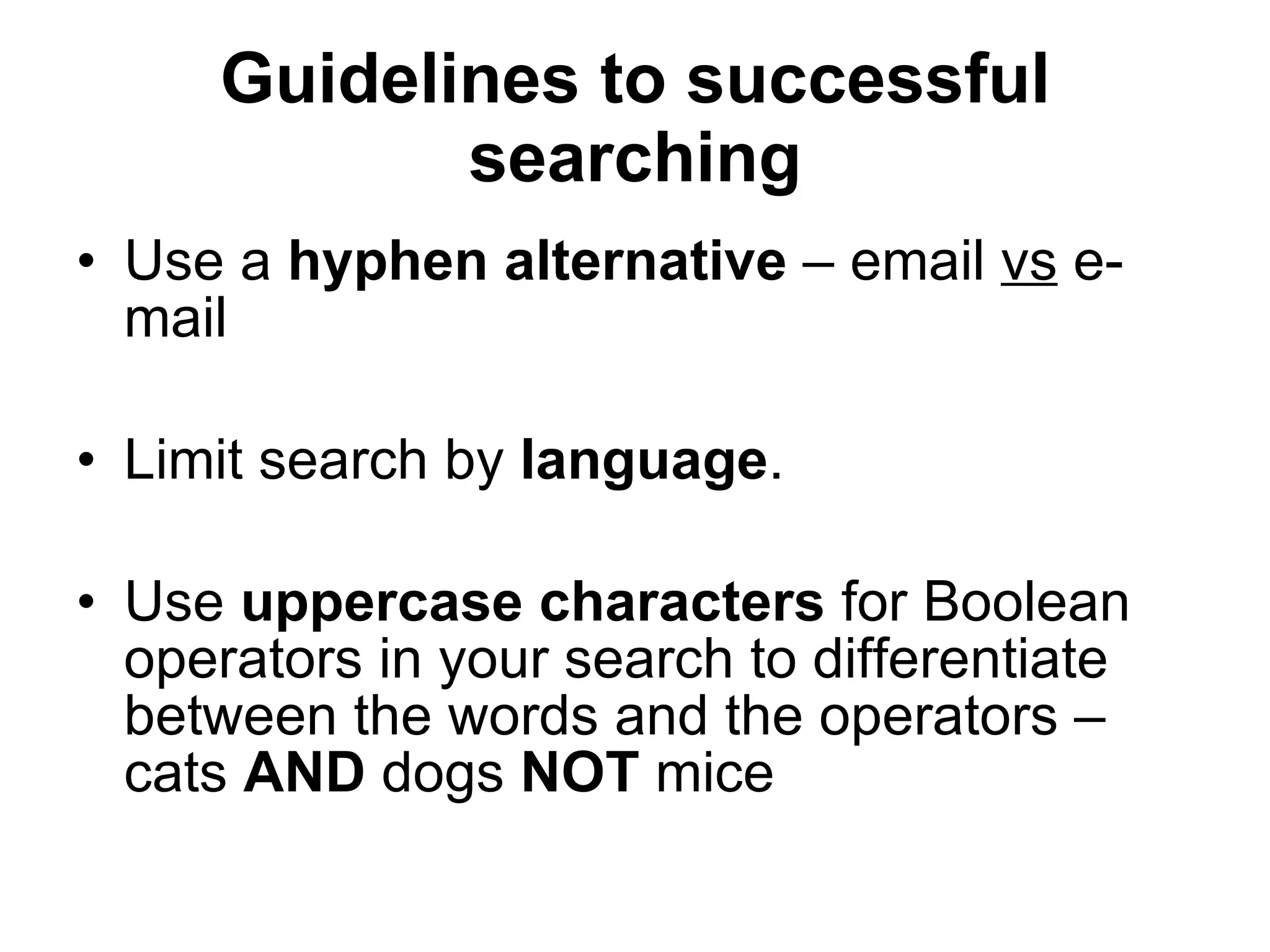
Guidelines to successful searching Use a  hyphen alternative  – email  vs  e-mail Limit search by  language . Use  uppercase characters  for Boolean operators in your search to differentiate between the words and the operators – cats  AND  dogs  NOT  mice
Guidelines to successful searching Combine  keyword wherever possible into phrases – “ search engine tutorials” Avoid  common words  e.g. water, unless they form part of a phrase – “bottle water” Think about words you  expect to find  in the document and use it as keywords – anorexia bulimia eating disorder
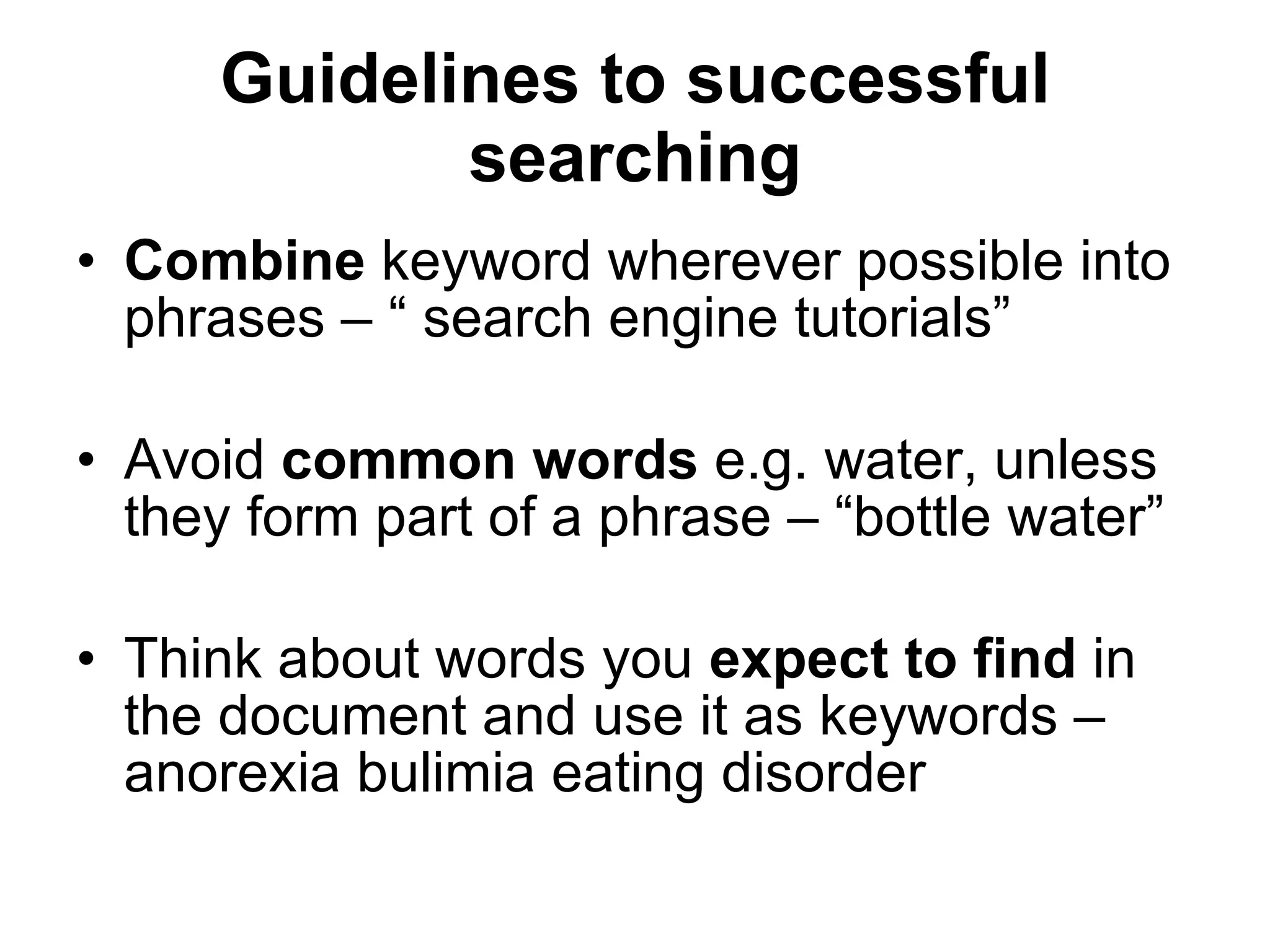
Guidelines to successful searching Write down  your search strategy and  revise  it before you type it into a search engine query box. It help to  revise  your search strategy if your hits were  unsuccessful
Guidelines to successful searching Try an  alternative search engine , do not stick to just one. Use the  plus sign (+)  to combine words -  Look for alternative ways of  spelling  a word – col*or returns color (America) and colour (British)
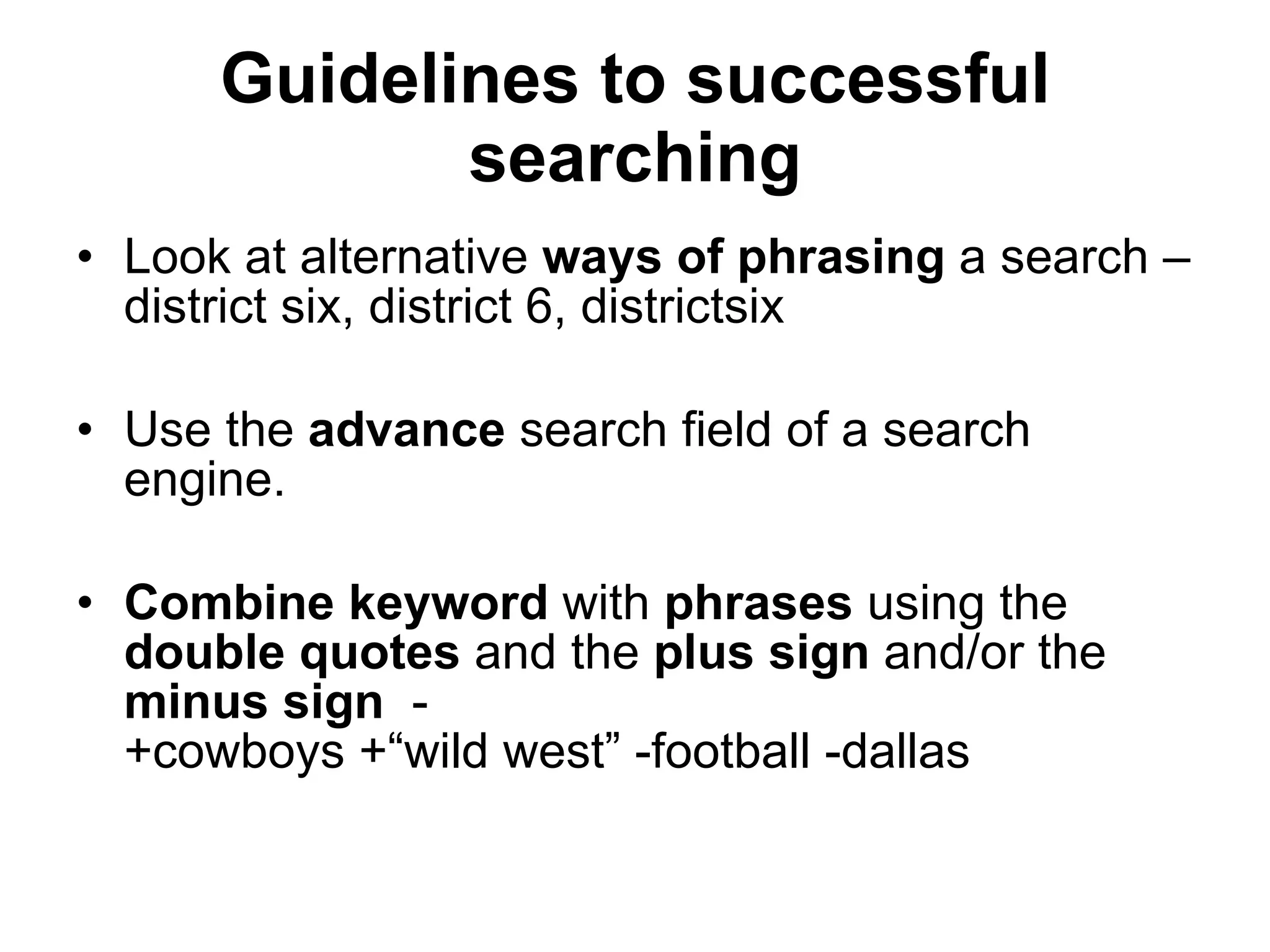
Guidelines to successful searching Look at alternative  ways of phrasing  a search – district six, district 6, districtsix Use the  advance  search field of a search engine. Combine keyword  with  phrases  using the  double quotes  and the  plus sign  and/or the  minus sign   -  +cowboys +“wild west” -football -dallas
Guidelines to successful searching Before you use a search engine read about its  help function  / or  about function . Read the  FAQ  of a search engine, it provide helpful hints on how to search.
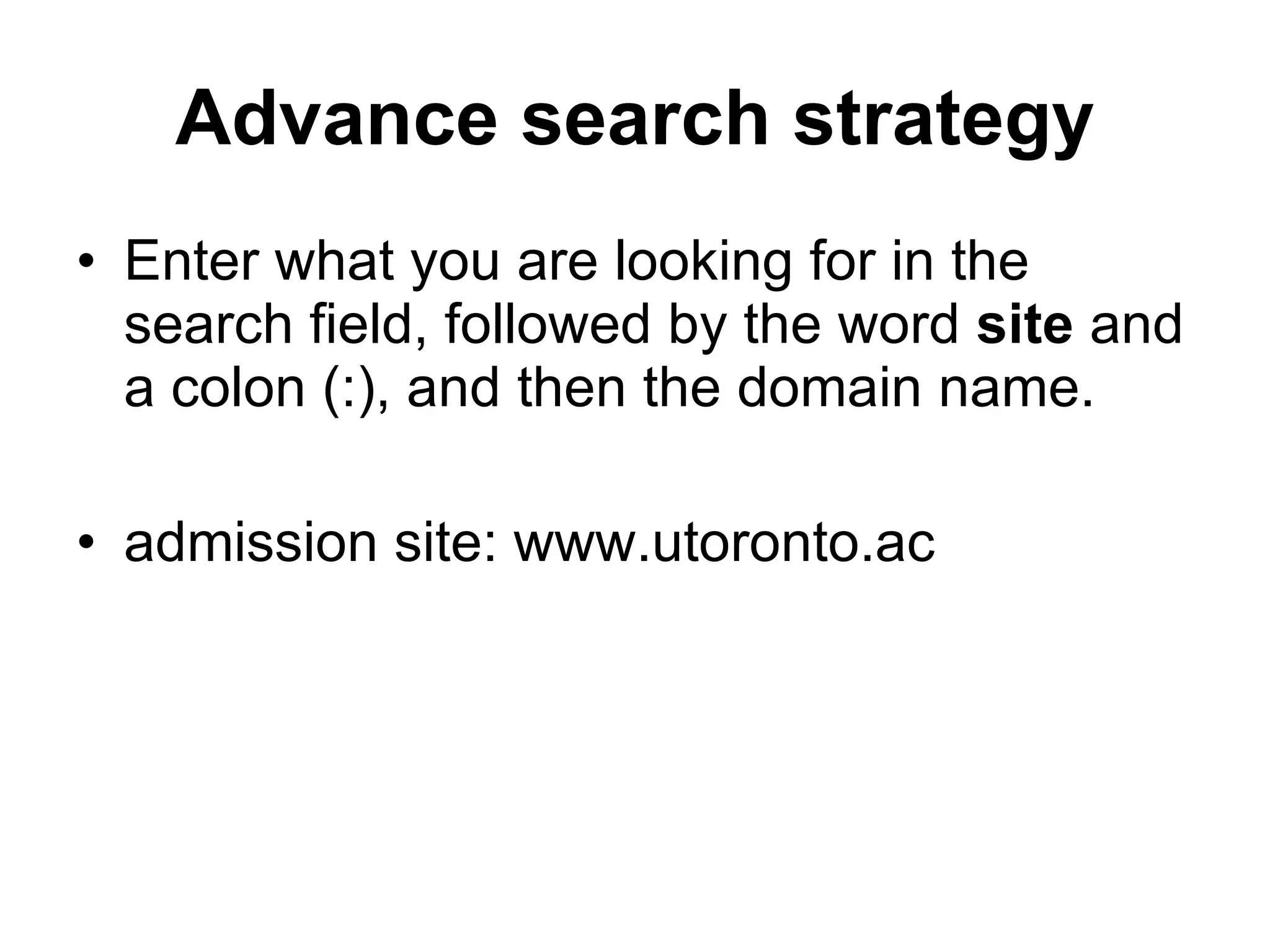
Advance search strategy Enter what you are looking for in the search field, followed by the word  site  and a colon (:), and then the domain name. admission site: www.utoronto.ac
Before you click to view the page Evaluating Web pages skilfully requires you to do two things at once: Train your eye and your fingers to employ a series of techniques that help you quickly find what you need to know about the Web. Train your mind to think critically, even suspiciously by asking a series of questions that will help you decide how much a Web page is to be trusted.
Before you click to view the page  Look at the URL   Is it somebody’s personal Web site or page ~ or % or  users  or  members Look for a personal name - personal Web site are not necessarily  “bad”,  but you need to investigate them carefully
Before you click to view the page Domain name   Is the domain extension appropriate for the content? Government sites  look for  gov, mil Education or academic sites  look for  edu, ac Non-profit   organizations  look for  com, org, net
Before you click to view the page Domain name Country code  look for  au, sa, za, uk, us, fr Country codes no longer tightly controlled but can still indicate where the page originate from
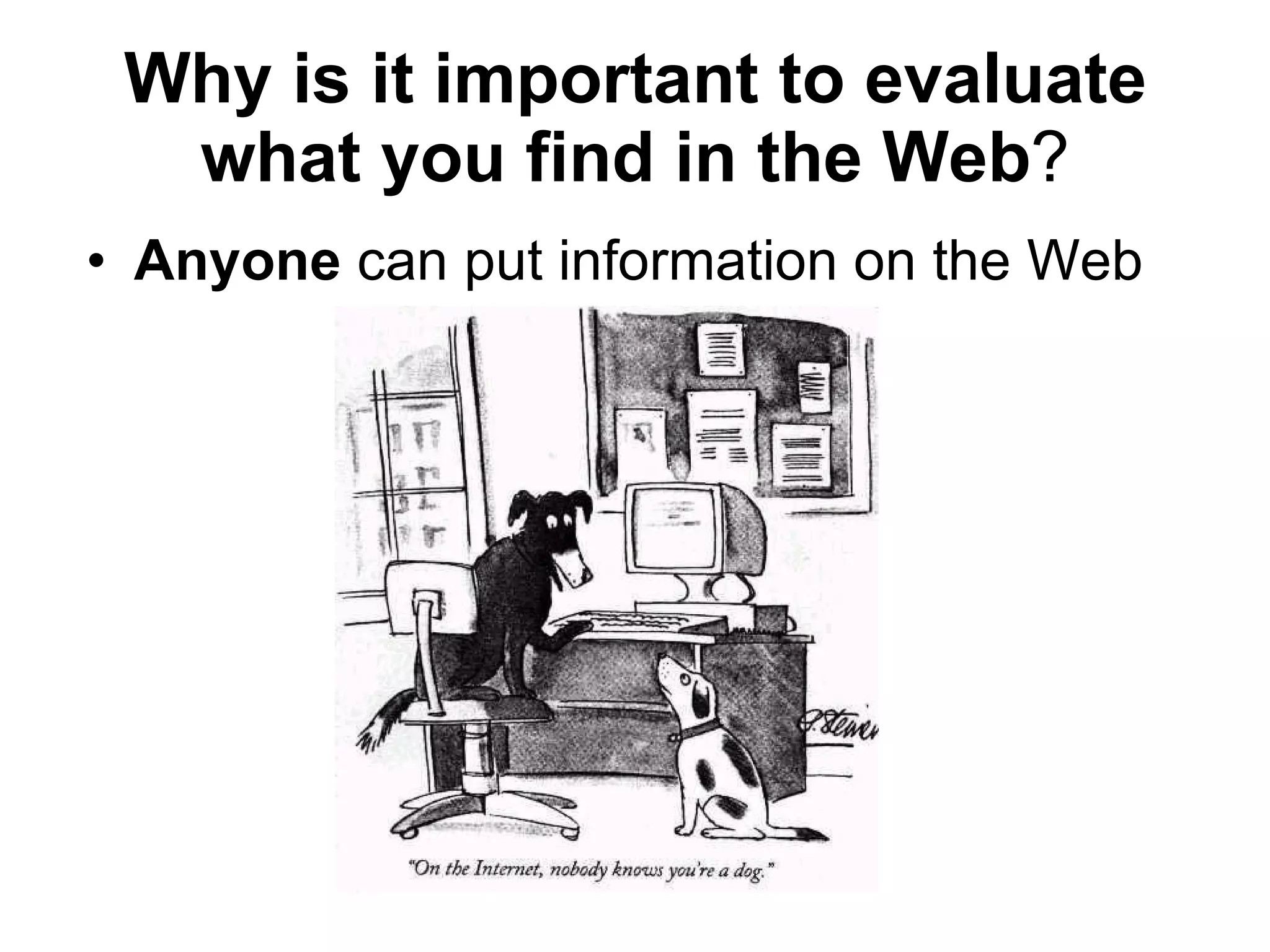
Why is it important to evaluate what you find in the Web ? Anyone  can put information on the Web
Why is it important to evaluate what you find in the Web ? Many pages are not  updated  and the information becomes absolute. No control exist about the  quality and trustworthiness  off the information available on the Internet.
Why is it important to evaluate what you find in the Web ? Web pages are created with a  specific purpose  in mind – They do not simply grow in the Web like mildew
How to evaluate a Web Page Can you tell who wrote it? Name of page author? Name of the organization, institution, agency do you recognize it? E-mail and contact details Authors credentials on the subject
How to evaluate a Web Page Credentials for the subject matter? Looks for links to:  “About us” “Philosophy” “Background” “Biography” Is it current? Look for “last updated” date
How to evaluate a Web Page Are there any links to other Web page? Does the links open? Look for a link called “additional sites” “related sites” “related links” Look who link to that We page Are there many links? What kind of sites does link to it?
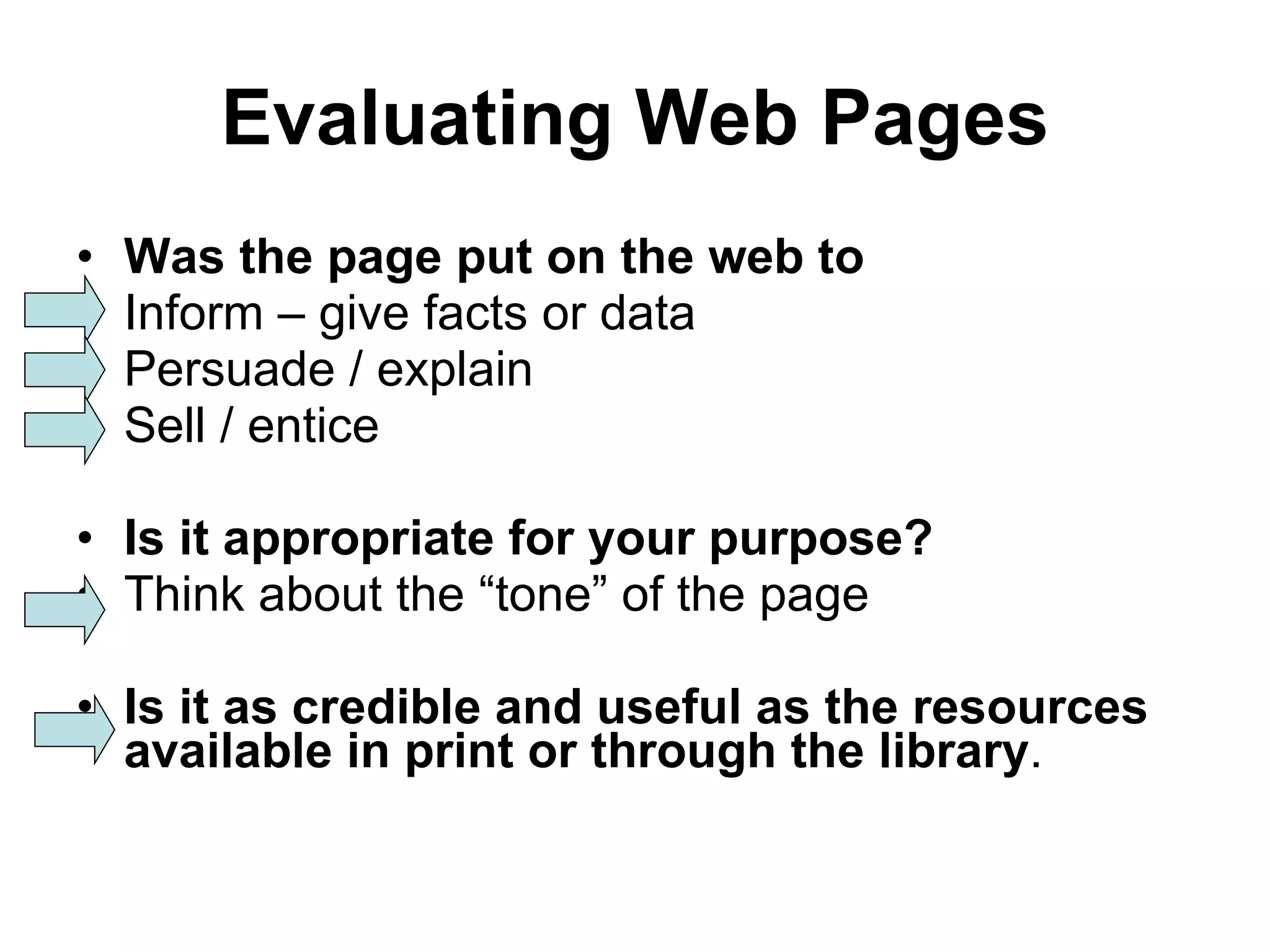
Evaluating Web Pages Was the page put on the web to Inform – give facts or data Persuade / explain Sell / entice Is it appropriate for your purpose? Think about the “tone” of the page Is it as credible and useful as the resources available in print or through the library .
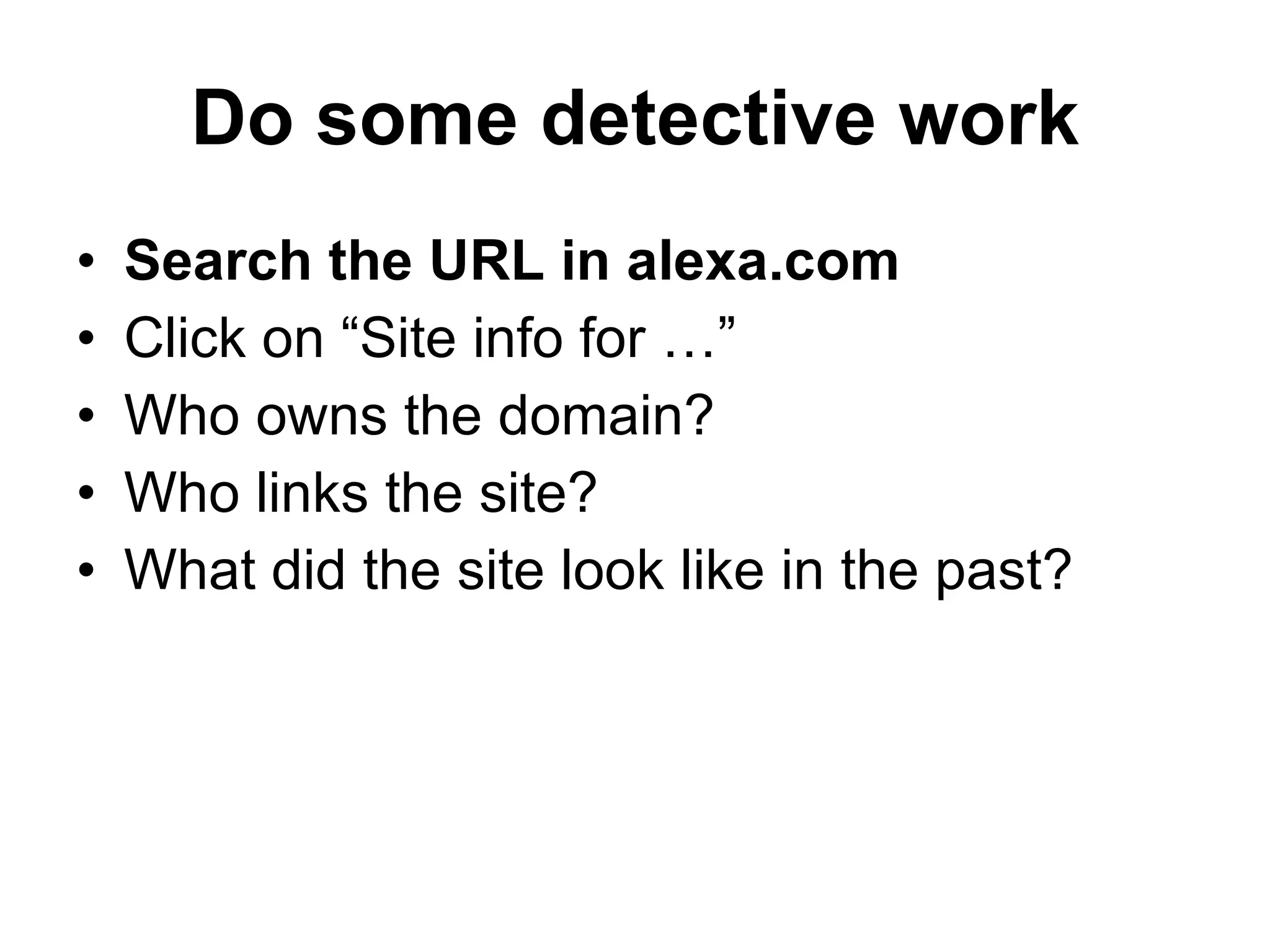
Do some detective work Search the URL in alexa.com Click on “Site info for …” Who owns the domain? Who links the site? What did the site look like in the past?
How do you feel now?
THANK YOU Have a nice day

Effective Internet Searching

  • 1.
  • 2.
    Internet Searching MissLouisa Slabbert School Library Seminar 4 June 2009
  • 3.
    Does the Internetmake you feel like this?
  • 4.
    What is theInternet about? Have access to information from all around the globe You can find local and international news, weather reports, sports scores, stock prices, do your baking, shop on-line. At your fingertips, you can send messages to others, meet new friends, take a course and watch a movie - all from your computer
  • 5.
    What is theInternet about? You can access the Internet from a computer anywhere. Success in business today requires an understanding of the Internet and how it works.
  • 6.
    History of theInternet Goal was to build a network that would allow scientists at different locations to share information and work together on military and scientific projects. Today, a variety of organizations, companies and private individuals contribute to the network .
  • 7.
    History No singleperson, company, institution, or government agency controls or owns the Internet.
  • 8.
    Reality of searchingon the Internet No two similar searches on the Internet will show the same hit results. The information on the Internet changes by minute and Web sites that is available today may not be there tomorrow. You can not believe everything that is posted on the Internet.
  • 9.
    Terminology Internet is a worldwide collection of links that connects businesses, universities, education institutions and individuals
  • 10.
    Terminology World WideWeb / WWW / Net / Web is a portal of the Internet . It consists of a collection of documents stored on computers around the world. Web page is a document on the Internet that can include text, pictures, sound, video, graphics etc.
  • 11.
    Terminology Web Site is a collection of Web pages. Search engine is a software program you can use to find Web sites, Web pages and Internet files.
  • 12.
    Terminology Web browser: is a program that allows you to view and explore information on the Internet e.g. Internet Explorer.
  • 13.
    Terminology Browse to search the Internet for information. Surf - slang for browsing – to search for information on the Internet.
  • 14.
    Terminology URL each Web page has a unique address called a U niform R esource L ocator. You can instantly display any Web page if you know its URL http://www.google.co.za http://www.google.com
  • 15.
    Terminology Beware ofStealth URLs Adult Web sites adopt URLs similar to popular Web sites. Entice children to access these Web sites. E.g. Nintendo, Barbie, White House
  • 16.
    Types of Webpages Six basic types of Web pages exist:
  • 17.
    Advocacy Web PagesContains content that describes a cause, opinion or idea and view of an organization. The purpose is to convince the reader of the validity of the cause, opinion or idea. Greenpeace, SPCA
  • 18.
    Business / MarketingWeb Pages Contains content that promotes or sells products or services of an organization. May allow you to purchase their products or services online. Pick n Pay, Woolworths, Look n Listen
  • 19.
    Informational Web pagesContains factual information. Many government agencies have informational pages providing information such as census data, tax details and general information. Other organizations provide information such as public transportation schedules, published research findings. Kalula.com, Mango, SARS, CSIR
  • 20.
    News Web pagesContains newsworthy material including stories and articles relating to current events, money, sports an the weather. Provide summaries of printed articles. CNN, Sky News, Beeld, News24
  • 21.
    Portal Web pagesOften called a portal , offers a variety of Internet services from a single convenient location. Most portals offers the following – search engines, local, national and international news, sport and weather. Google, AltaVista, Dogpile, Yahoo
  • 22.
    Personal Web PagesA private individual who is normally not associated with any organization, often maintain a personal Web page. Published for a variety of reasons – hobby, for friend, special interest.
  • 23.
    Search engines Asearch engine is a tool designed to search for information on the Internet. The search result are usually presented in a list and are commonly called hits . The information may consist of Web pages, images, information and other types of files.
  • 24.
    Search engines Searchengines work by storing information about Web pages, which they retrieve from the Internet itself. These pages are retrieved by a Web crawler (also spider) an automated Web browser which follows every link it sees.
  • 25.
    Search engines Theusefulness of a search engine depends on the relevance of the result it gives back. Most search engines employ methods to rank the results to provide the “best” results first. The research results from different search engines varies widely from one to another.
  • 26.
    Search engines Somesearch engines also mine data available in newsbooks, databases or open directories. Search engines operates algorithmically or are a mixture of algorithmic and human input.
  • 27.
    Search engines Itis important to remember that when you use a search engine, you are NOT searching the entire Web as it exist at that moment. Some information is only available on the Invisible Web (Deep Web ), and can only be access by using subject directories.
  • 28.
    Before you startto search Think about your search before you begin. Create a search strategy in your head. Decide if you only want to brows for information or locate a specific piece of information. Retrieve everything you can.
  • 29.
    Search Strategy Step1 Analyze your topic to decide where to begin? What unique words , distinctive names, abbreviations or acronyms are associated with your topic? Can you think of societies, organization, or groups that might have information on your topic?
  • 30.
    Search Strategy What unique phrases can you identify in your topic? Can you think of synonyms or equivalent terms? After all a dog is also a canine, a pooch, a mutt, a hound, a pet and man’s best friend Can you think of variant spelling of words?
  • 31.
    Search Strategy STEP2 Decide which type of search engine to use Keywords - Google Directories - Yahoo, Aardvark, Meta search engines - DogPile,
  • 32.
    Search Strategy Step3 Change and vary your approach. Try something different (search engine) Look while you search you may pick up tips.
  • 33.
    Guidelines to successfulsearching Be specific - “Hurricane Hugo” Use nouns and objects as keywords – fiesta dinnerware plates cups saucers Put the most important term first – +hybrid +electric +gas +vehicles
  • 34.
    Guidelines to successfulsearching Use the asterisk (*) to find plurals of words – retriev* returns retrieves, retrieval, retriever and any other variation. Type keyword in lowercases to find both lower and uppercase variations – president retrieves president and President.
  • 35.
    Guidelines to successfulsearching Use more than two keywords – interaction vitamins drugs Use quotation marks (“”) to create phrases so that the search engine can find the exact sequence of word – “bye bye miss american pie”
  • 36.
    Guidelines to successfulsearching Use a hyphen alternative – email vs e-mail Limit search by language . Use uppercase characters for Boolean operators in your search to differentiate between the words and the operators – cats AND dogs NOT mice
  • 37.
    Guidelines to successfulsearching Combine keyword wherever possible into phrases – “ search engine tutorials” Avoid common words e.g. water, unless they form part of a phrase – “bottle water” Think about words you expect to find in the document and use it as keywords – anorexia bulimia eating disorder
  • 38.
    Guidelines to successfulsearching Write down your search strategy and revise it before you type it into a search engine query box. It help to revise your search strategy if your hits were unsuccessful
  • 39.
    Guidelines to successfulsearching Try an alternative search engine , do not stick to just one. Use the plus sign (+) to combine words - Look for alternative ways of spelling a word – col*or returns color (America) and colour (British)
  • 40.
    Guidelines to successfulsearching Look at alternative ways of phrasing a search – district six, district 6, districtsix Use the advance search field of a search engine. Combine keyword with phrases using the double quotes and the plus sign and/or the minus sign - +cowboys +“wild west” -football -dallas
  • 41.
    Guidelines to successfulsearching Before you use a search engine read about its help function / or about function . Read the FAQ of a search engine, it provide helpful hints on how to search.
  • 42.
    Advance search strategyEnter what you are looking for in the search field, followed by the word site and a colon (:), and then the domain name. admission site: www.utoronto.ac
  • 43.
    Before you clickto view the page Evaluating Web pages skilfully requires you to do two things at once: Train your eye and your fingers to employ a series of techniques that help you quickly find what you need to know about the Web. Train your mind to think critically, even suspiciously by asking a series of questions that will help you decide how much a Web page is to be trusted.
  • 44.
    Before you clickto view the page Look at the URL Is it somebody’s personal Web site or page ~ or % or users or members Look for a personal name - personal Web site are not necessarily “bad”, but you need to investigate them carefully
  • 45.
    Before you clickto view the page Domain name Is the domain extension appropriate for the content? Government sites look for gov, mil Education or academic sites look for edu, ac Non-profit organizations look for com, org, net
  • 46.
    Before you clickto view the page Domain name Country code look for au, sa, za, uk, us, fr Country codes no longer tightly controlled but can still indicate where the page originate from
  • 47.
    Why is itimportant to evaluate what you find in the Web ? Anyone can put information on the Web
  • 48.
    Why is itimportant to evaluate what you find in the Web ? Many pages are not updated and the information becomes absolute. No control exist about the quality and trustworthiness off the information available on the Internet.
  • 49.
    Why is itimportant to evaluate what you find in the Web ? Web pages are created with a specific purpose in mind – They do not simply grow in the Web like mildew
  • 50.
    How to evaluatea Web Page Can you tell who wrote it? Name of page author? Name of the organization, institution, agency do you recognize it? E-mail and contact details Authors credentials on the subject
  • 51.
    How to evaluatea Web Page Credentials for the subject matter? Looks for links to: “About us” “Philosophy” “Background” “Biography” Is it current? Look for “last updated” date
  • 52.
    How to evaluatea Web Page Are there any links to other Web page? Does the links open? Look for a link called “additional sites” “related sites” “related links” Look who link to that We page Are there many links? What kind of sites does link to it?
  • 53.
    Evaluating Web PagesWas the page put on the web to Inform – give facts or data Persuade / explain Sell / entice Is it appropriate for your purpose? Think about the “tone” of the page Is it as credible and useful as the resources available in print or through the library .
  • 54.
    Do some detectivework Search the URL in alexa.com Click on “Site info for …” Who owns the domain? Who links the site? What did the site look like in the past?
  • 55.
    How do youfeel now?
  • 56.
    THANK YOU Havea nice day