Transforming your Classroom with Web 2.0 Administrators Technology Academy 2011 Jan Coley Jefferson County Schools http://jc-schools.net
Purpose and Objectives   Examine applications that are easy to access and user-friendly. Web 2.0 tools for the classroom Wordle Visuword Comic Creator Create a Graph Quizlet Kerpoof Scoreboard Slideshare Photoshop.com Pixlr Scoreboard ZoomIt Howjsay Bubbl.us Animoto
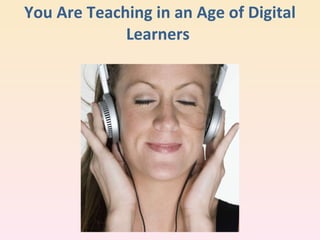
You Are Teaching in an Age of Digital Learners
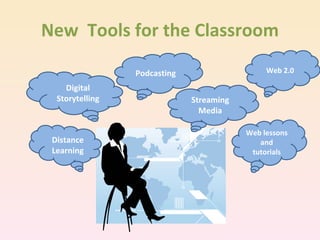
New  Tools for the Classroom Digital Storytelling Web lessons and tutorials Distance Learning Podcasting Streaming Media Web 2.0
Web  2.0  – What is it? Web 2.0 is an expression which was used for the first time in 2004  by Tim O`Reilly. The main characteristics of new era in Internet is connected with its constant development and delivering services tailored to the needs of each user.  Associated with web applications that facilitate interactive information sharing, interoperability, and user-centered.
WEB  2.0 A term used to describe a new generation of Web services and applications with an increasing emphasis on human collaboration These usually include tools that let people collaborate and share information online
  Web  2.0  – Why use it in education? What are the advantages? Works  with all Platform  No software purchases or downloads Available anywhere, anytime Allows the additions of tags, which in turn makes searchable. Easy to share Engages students Pride of ownership Provides an avenue for collaboration with professionals in all fields as well as other students.
WEB  2.0 What are the disadvantages? Internet may be down when you need to use this. Often cannot save to a local computer Correctness of information Privacy issues
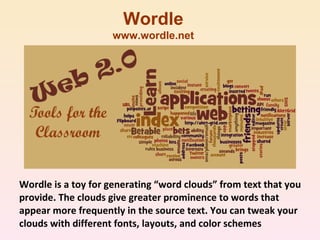
Wordle is a toy for generating “word clouds” from text that you provide. The clouds give greater prominence to words that appear more frequently in the source text. You can tweak your clouds with different fonts, layouts, and color schemes Wordle www.wordle.net
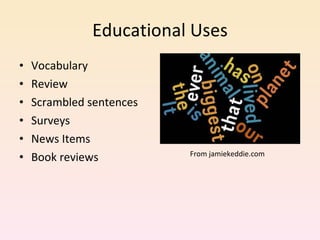
Educational Uses Vocabulary Review Scrambled sentences Surveys News Items Book reviews From jamiekeddie.com
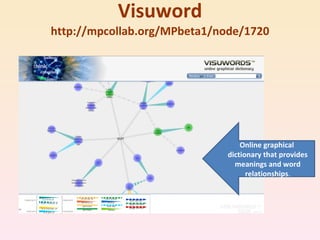
Visuword http://mpcollab.org/MPbeta1/node/1720 Online graphical  dictionary that provides meanings and word relationships .
Educational Uses Illustrates relationships of words Synonyms and homonym Nous, verbs, adjectives, adverbs Great for English language learners Serves as a dictionary and thesaurus. Visuword combines a web 2.0 type visualization tool with  Princeton University ’s opensource  WordNet  database to create an interactive click and drag type tool that is free for everyone to use.
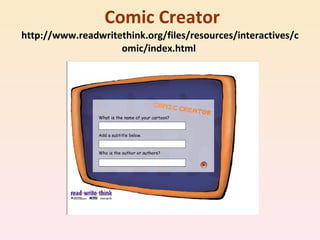
 Comic Creator http://www.readwritethink.org/files/resources/interactives/comic/index.html
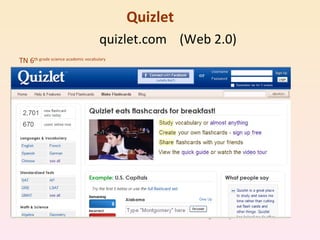
Quizlet        quizlet.com  (Web 2.0) TN 6 th  grade science academic vocabulary
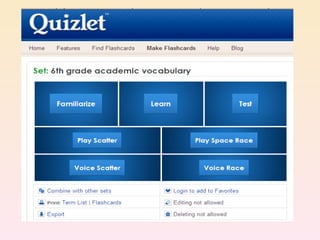
Quizlet
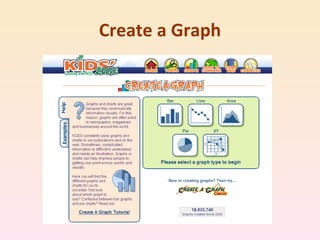
Create a Graph
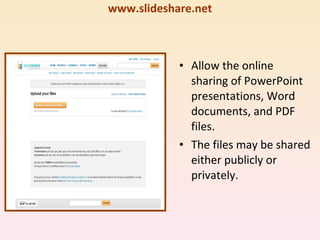
SlideShare www.slideshare.net Allow the online sharing of PowerPoint presentations, Word documents, and PDF files. The files may be shared either publicly or privately.
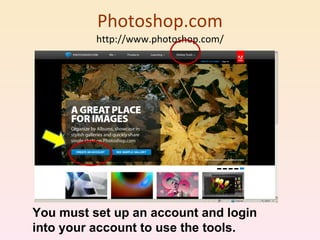
Photoshop.com http://www.photoshop.com/ You must set up an account and login into your account to use the tools.
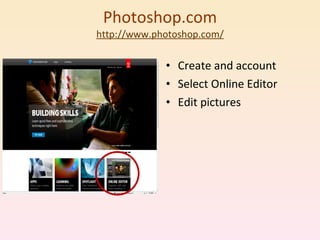
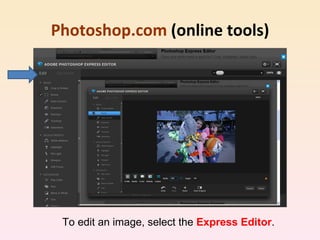
Photoshop.com http://www.photoshop.c om/ Create and account Select Online Editor Edit pictures
Photoshop.com  (online tools) To edit an image, select the  Express Editor .
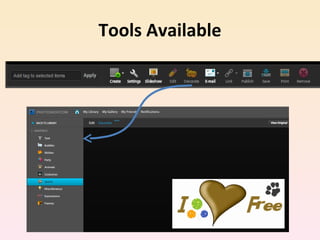
Tools Available
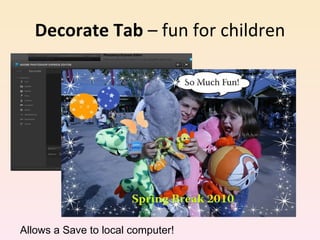
Decorate Tab  – fun for children Allows a Save to local computer!
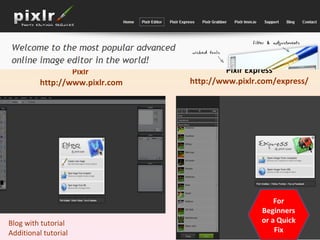
Pixlr  http://www.pixlr.com Pixlr Express http://www.pixlr.com/express/ For Beginners or a Quick Fix Blog with tutorial Additional tutorial
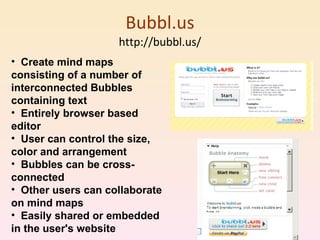
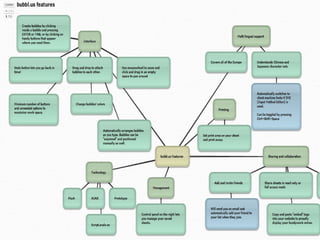
Bubbl.us http://bubbl.us/ Create mind maps consisting of a number of interconnected Bubbles containing text  Entirely browser based editor  User can control the size, color and arrangement  Bubbles can be cross-connected  Other users can collaborate on mind maps  Easily shared or embedded in the user's website
 
Seven Ways to use Mind Maps in the Classroom http://www.thinkbuzan.com/us/articles/view/7-mind-mapping-uses-for-teaching Lesson Preparation Delivering lessons Curriculum planning Creating Handouts Encouraging Discussion and Independent thinking Student Evaluation Self Evaluation
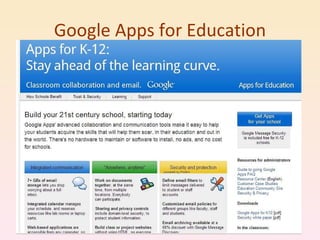
Google Apps for Education
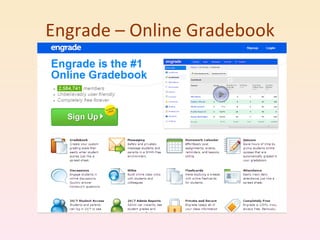
Engrade – Online Gradebook
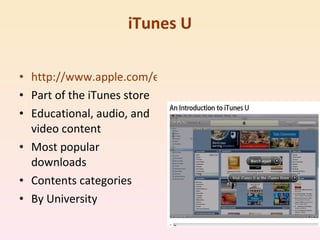
iTunes U http://www.apple.com/education/guidedtours/itunesu.html Part of the iTunes store Educational, audio, and video content Most popular downloads Contents categories By University
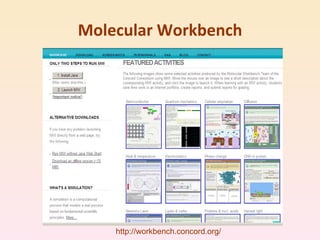
Molecular Workbench http://workbench.concord.org/
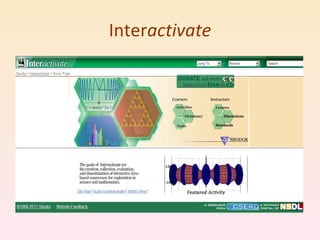
Inter activate
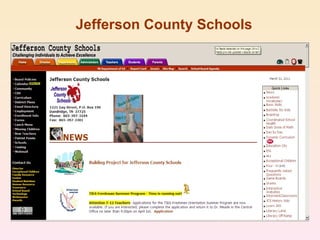
Jefferson County Schools
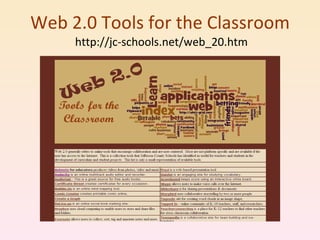
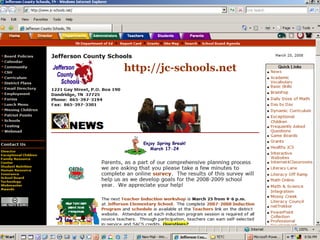
Web 2.0 Tools for the Classroom  http://jc-schools.net/web_20.htm
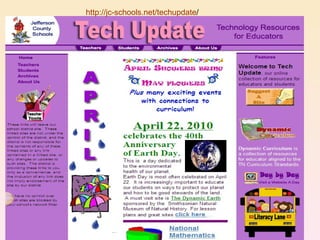
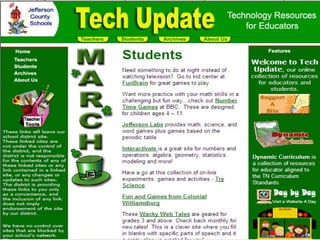
http://jc-schools.net/techupdate /
 
 
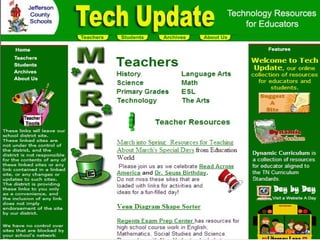
http://jc-schools.net
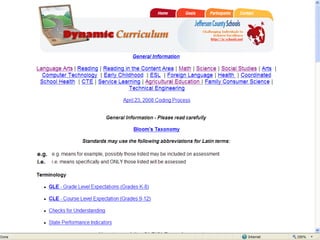
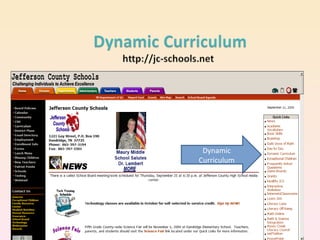
Dynamic Curriculum
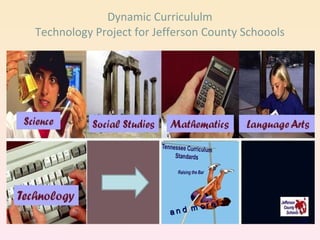
Dynamic Curricululm Technology Project for Jefferson County Schoools and more!
 
 
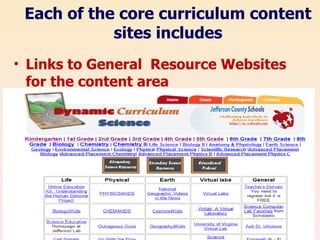
Links to General  Resource Websites for the content area Each of the core curriculum content sites includes
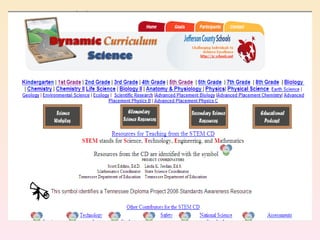
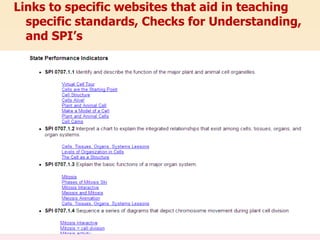
Links to specific websites that aid in teaching specific standards, Checks for Understanding, and SPI’s
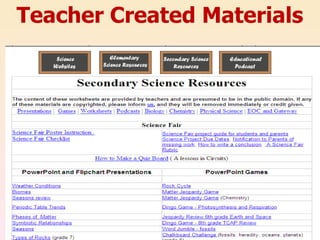
Teacher Created Materials
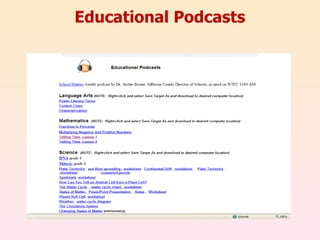
Educational Podcasts
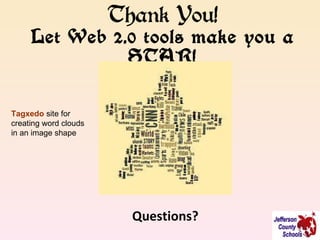
Thank You! Let Web 2.0 tools make you a STAR! Questions? Tagxedo   site for creating word clouds in an image shape

Web2.0 classroom ata2011

  • 1.
    Transforming your Classroomwith Web 2.0 Administrators Technology Academy 2011 Jan Coley Jefferson County Schools http://jc-schools.net
  • 2.
    Purpose and Objectives Examine applications that are easy to access and user-friendly. Web 2.0 tools for the classroom Wordle Visuword Comic Creator Create a Graph Quizlet Kerpoof Scoreboard Slideshare Photoshop.com Pixlr Scoreboard ZoomIt Howjsay Bubbl.us Animoto
  • 3.
    You Are Teachingin an Age of Digital Learners
  • 4.
    New Toolsfor the Classroom Digital Storytelling Web lessons and tutorials Distance Learning Podcasting Streaming Media Web 2.0
  • 5.
    Web 2.0 – What is it? Web 2.0 is an expression which was used for the first time in 2004 by Tim O`Reilly. The main characteristics of new era in Internet is connected with its constant development and delivering services tailored to the needs of each user. Associated with web applications that facilitate interactive information sharing, interoperability, and user-centered.
  • 6.
    WEB 2.0A term used to describe a new generation of Web services and applications with an increasing emphasis on human collaboration These usually include tools that let people collaborate and share information online
  • 7.
    Web 2.0 – Why use it in education? What are the advantages? Works with all Platform No software purchases or downloads Available anywhere, anytime Allows the additions of tags, which in turn makes searchable. Easy to share Engages students Pride of ownership Provides an avenue for collaboration with professionals in all fields as well as other students.
  • 8.
    WEB 2.0What are the disadvantages? Internet may be down when you need to use this. Often cannot save to a local computer Correctness of information Privacy issues
  • 9.
    Wordle is atoy for generating “word clouds” from text that you provide. The clouds give greater prominence to words that appear more frequently in the source text. You can tweak your clouds with different fonts, layouts, and color schemes Wordle www.wordle.net
  • 10.
    Educational Uses VocabularyReview Scrambled sentences Surveys News Items Book reviews From jamiekeddie.com
  • 11.
    Visuword http://mpcollab.org/MPbeta1/node/1720 Onlinegraphical dictionary that provides meanings and word relationships .
  • 12.
    Educational Uses Illustratesrelationships of words Synonyms and homonym Nous, verbs, adjectives, adverbs Great for English language learners Serves as a dictionary and thesaurus. Visuword combines a web 2.0 type visualization tool with Princeton University ’s opensource WordNet database to create an interactive click and drag type tool that is free for everyone to use.
  • 13.
    Comic Creatorhttp://www.readwritethink.org/files/resources/interactives/comic/index.html
  • 14.
    Quizlet quizlet.com (Web 2.0) TN 6 th grade science academic vocabulary
  • 15.
  • 16.
  • 17.
    SlideShare www.slideshare.net Allowthe online sharing of PowerPoint presentations, Word documents, and PDF files. The files may be shared either publicly or privately.
  • 18.
    Photoshop.com http://www.photoshop.com/ Youmust set up an account and login into your account to use the tools.
  • 19.
    Photoshop.com http://www.photoshop.c om/Create and account Select Online Editor Edit pictures
  • 20.
    Photoshop.com (onlinetools) To edit an image, select the Express Editor .
  • 21.
  • 22.
    Decorate Tab – fun for children Allows a Save to local computer!
  • 23.
    Pixlr http://www.pixlr.comPixlr Express http://www.pixlr.com/express/ For Beginners or a Quick Fix Blog with tutorial Additional tutorial
  • 24.
    Bubbl.us http://bubbl.us/ Createmind maps consisting of a number of interconnected Bubbles containing text Entirely browser based editor User can control the size, color and arrangement Bubbles can be cross-connected Other users can collaborate on mind maps Easily shared or embedded in the user's website
  • 25.
  • 26.
    Seven Ways touse Mind Maps in the Classroom http://www.thinkbuzan.com/us/articles/view/7-mind-mapping-uses-for-teaching Lesson Preparation Delivering lessons Curriculum planning Creating Handouts Encouraging Discussion and Independent thinking Student Evaluation Self Evaluation
  • 27.
    Google Apps forEducation
  • 28.
  • 29.
    iTunes U http://www.apple.com/education/guidedtours/itunesu.htmlPart of the iTunes store Educational, audio, and video content Most popular downloads Contents categories By University
  • 30.
  • 31.
  • 32.
  • 33.
    Web 2.0 Toolsfor the Classroom http://jc-schools.net/web_20.htm
  • 34.
  • 35.
  • 36.
  • 37.
  • 38.
  • 39.
    Dynamic Curricululm TechnologyProject for Jefferson County Schoools and more!
  • 40.
  • 41.
  • 42.
    Links to General Resource Websites for the content area Each of the core curriculum content sites includes
  • 43.
    Links to specificwebsites that aid in teaching specific standards, Checks for Understanding, and SPI’s
  • 44.
  • 45.
  • 46.
    Thank You! LetWeb 2.0 tools make you a STAR! Questions? Tagxedo site for creating word clouds in an image shape