Collaboration & E-Learning SHARING BEST PRACTICE
Collaboration & E-Learning Explore and experience new ways of successfully integrating e-learning tools into day-to-day teaching Use  online collaborative tools and techniques with students inside and outside the classroom.
Use Technology to engage with students
 
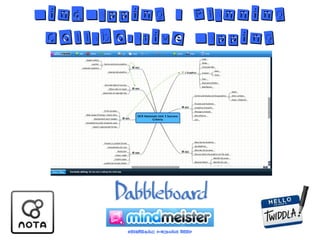
MindMapping / Planning Collaborative Mapping


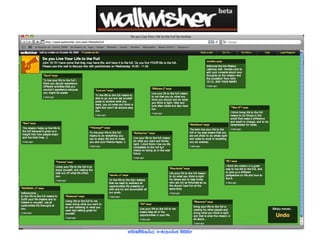
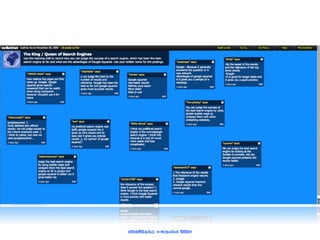
Share Ideas
Word Cloud Generators
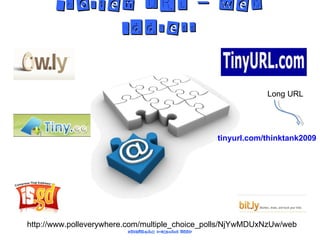
Shorten URL – web address Long URL tinyurl.com/thinktank2009 http://www.polleverywhere.com/multiple_choice_polls/NjYwMDUxNzUw/web
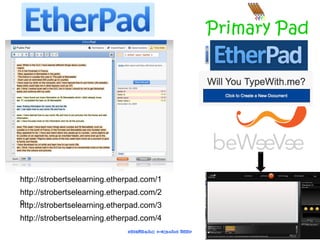
http://strobertselearning.etherpad.com/1 http://strobertselearning.etherpad.com/2 o http://strobertselearning.etherpad.com/3 http://strobertselearning.etherpad.com/4


Online Surveys
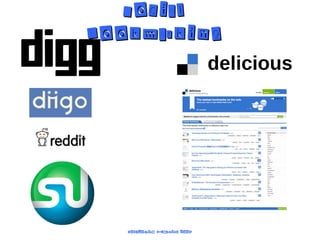
Social Bookmarking
Use Technology to engage with students Use their tools (eg: social networking spaces) Offer choice of output (written, typed, poster, presentation, video, podcast etc…) the input (planning, drafting, re-drafting, collaboration etc…) remains the same and the most important bit. Provide a real audience for students work (Wikipedia, blogs with comments, school radio podcast, sc hool website, twitter(!)) Be creative with on-line technology tools.
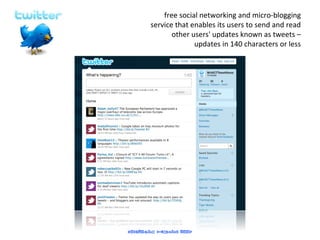
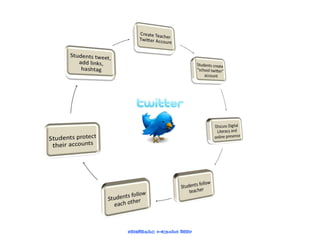
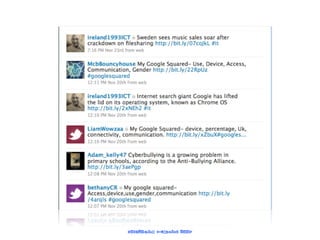
free social networking and micro-blogging service that enables its users to send and read other users' updates known as tweets – updates in 140 characters or less
 
 
Digital literacy is the responsibility of all teachers. Be very careful what you put on-line Use your school email address for any school related communication Don’t post personal details online


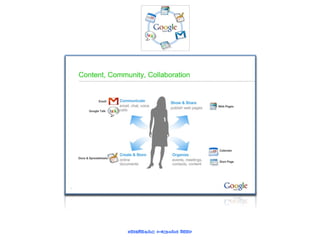
Collaborative ICT Tools