Transforming your Classroom with Web 2.0


           Jan Coley
   Jefferson County Schools
     http://jc-schools.net
Purpose and Objectives
  Examine applications that are easy to access and user-friendly.
Web 2.0 tools for the classroom
  – Wordle                          Free and open-source softwar
  – Visuword                            – Porta
  – Create a Graph                      – Photo Story 3
  – Quizlet
  – Kerpoof                         Virtual Labs
  – Scoreboard
  – Gliffy                          Favorite online applications and
  – Slideshare                         games
  – Animoto
  – Photoshop.com
  – Pixlr
  – Scoreboard
You Are Teaching in an Age of Digital
             Learners
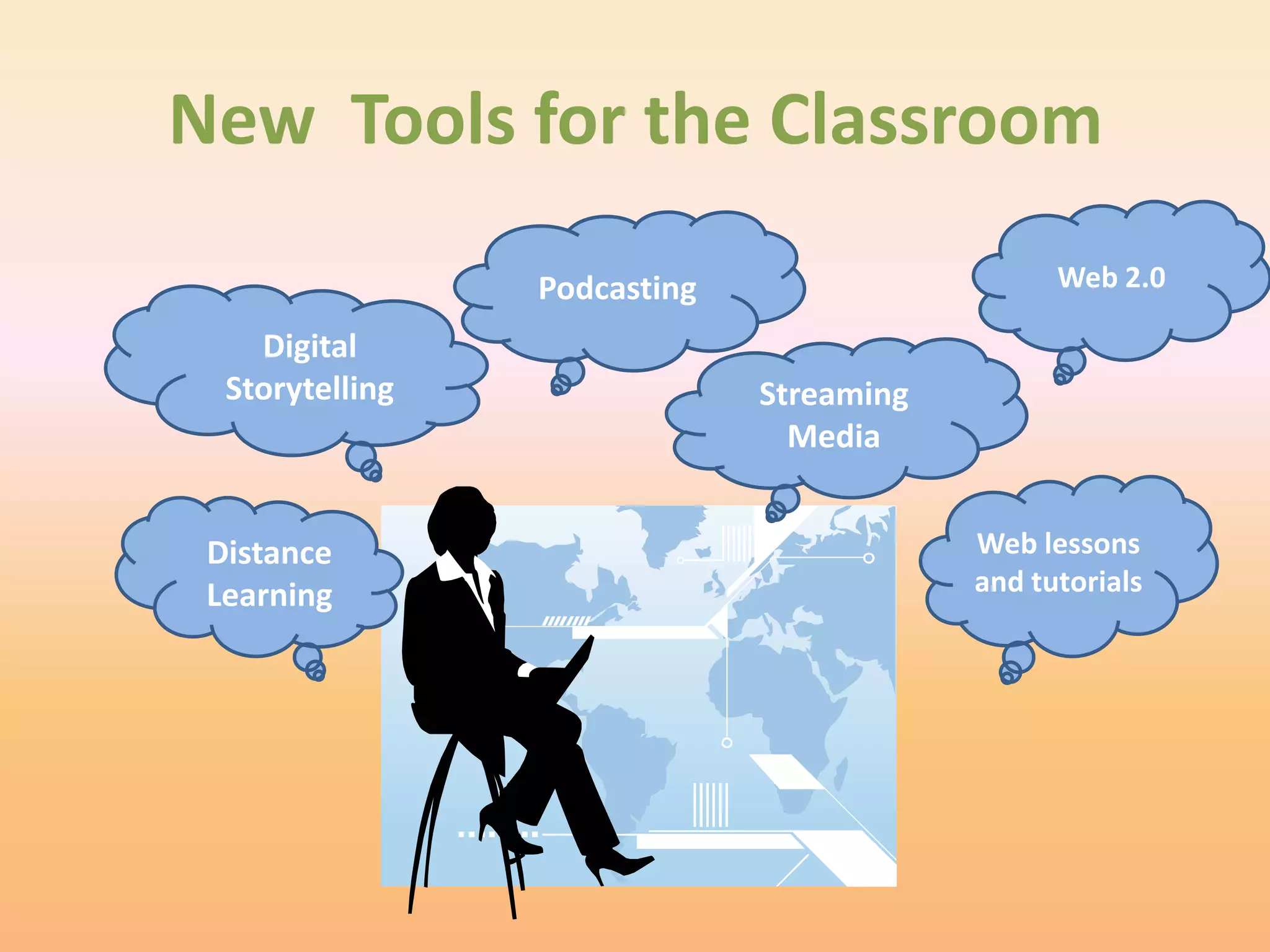
New Tools for the Classroom

                 Podcasting                     Web 2.0

    Digital
  Storytelling                Streaming
                                Media


 Distance                                 Web lessons
 Learning                                 and tutorials
Web 2.0 – What is it?
• Web 2.0 is an expression which was used for the first time in
  2004 by Tim O`Reilly. The main characteristics of new era in
  Internet is connected with its constant development and
  delivering services tailored to the needs of each user.

• Associated with web applications that facilitate interactive
  information sharing, interoperability, and user-centered.
WEB 2.0
• A term used to describe a new generation of Web
  services and applications with an increasing
  emphasis on human collaboration

• These usually include tools that let people
  collaborate and share information online
Web 2.0 – Why use it in education?
   What are the advantages?
– Works with all Platform   –   Easy to share
– No software purchases     –   Engages students
  or downloads              –   Pride of ownership
– Available anywhere,       –   Provides an avenue for
  anytime                       collaboration with
– Allows the additions of       professionals in all fields
  tags, which in turn           as well as other
  makes searchable.             students.
WEB 2.0
• What are the disadvantages?
  – Internet may be down when you need to use
    this.
  – Often cannot save to a local computer
  – Correctness of information
  – Privacy issues
Wordle
                      www.wordle.net


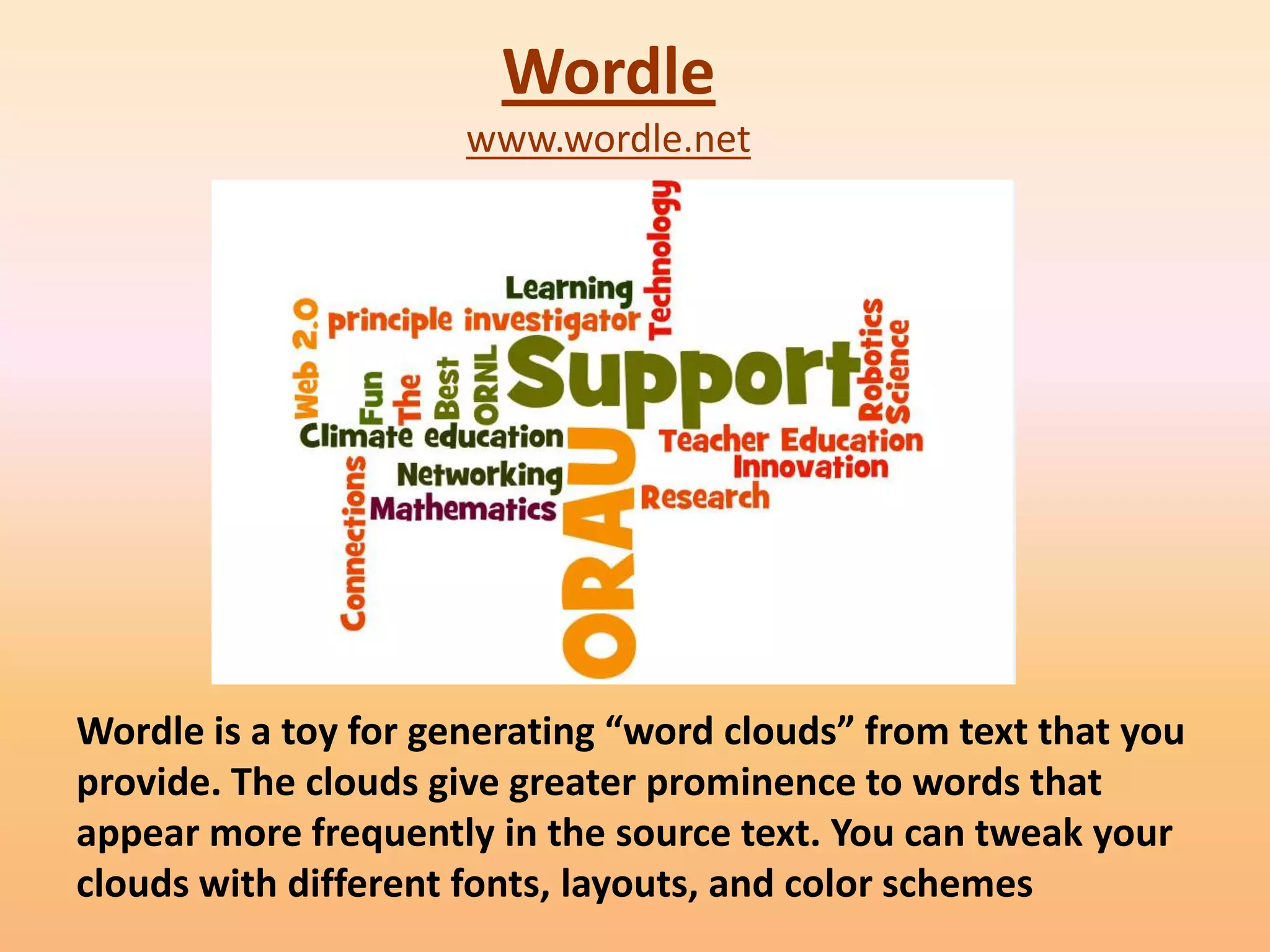
Wordle is a toy for generating “word clouds” from text that you
provide. The clouds give greater prominence to words that
appear more frequently in the source text. You can tweak your
clouds with different fonts, layouts, and color schemes
Educational Uses
•   Vocabulary
•   Review
•   Scrambled sentences
•   Surveys
•   News Items
•   Book reviews
Visuword
http://mpcollab.org/MPbeta1/node/1720


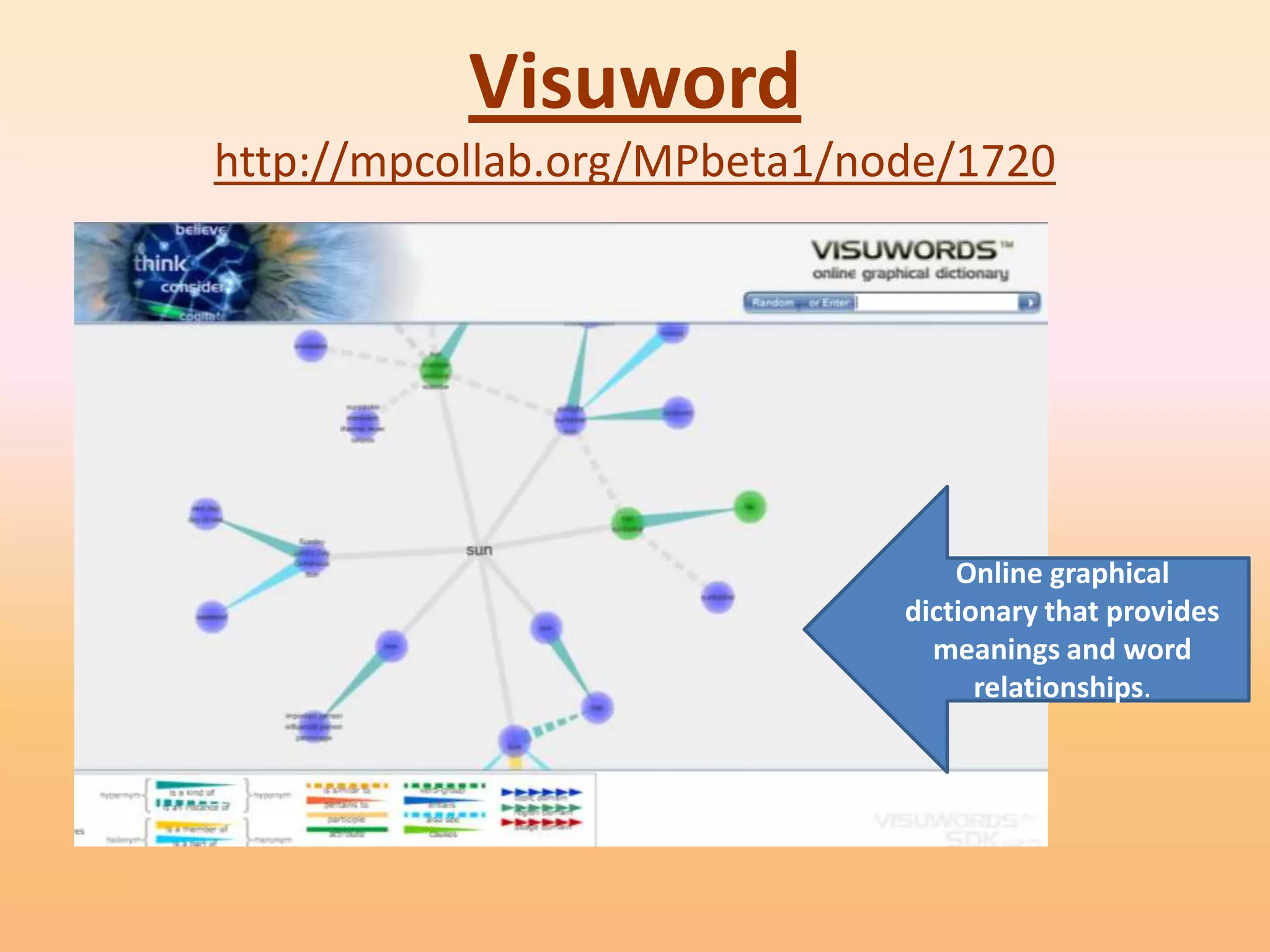
                                  Online graphical
                              dictionary that provides
                                meanings and word
                                    relationships.
Educational Uses
• Illustrates relationships of words
   – Synonyms and homonym
   – Nous, verbs, adjectives, adverbs
• Great for English language learners
• Serves as a dictionary and thesaurus.
• Visuword combines a web 2.0 type visualization
  tool with Princeton University’s opensource
  WordNet database to create an interactive click
  and drag type tool that is free for everyone to
  use.
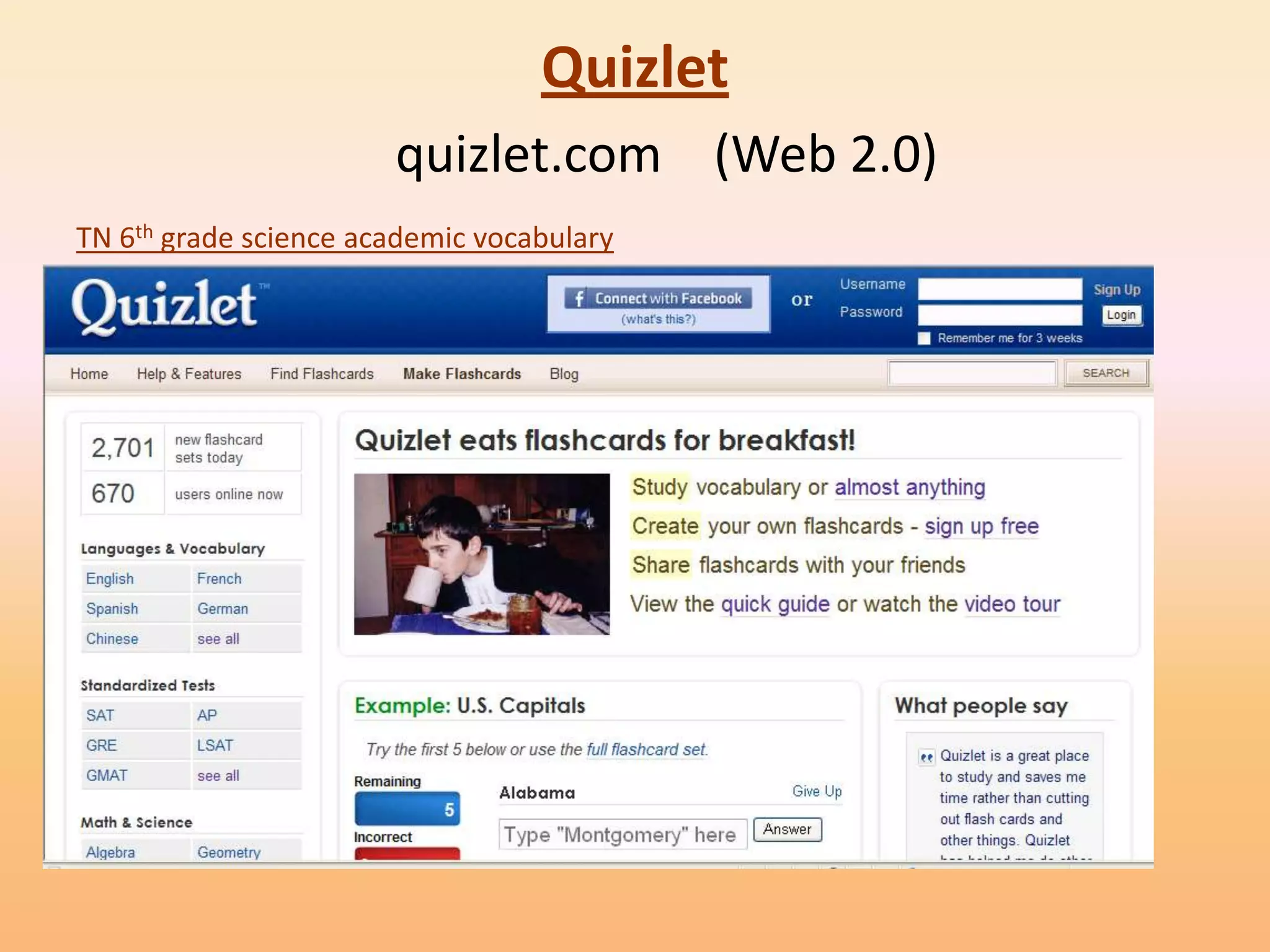
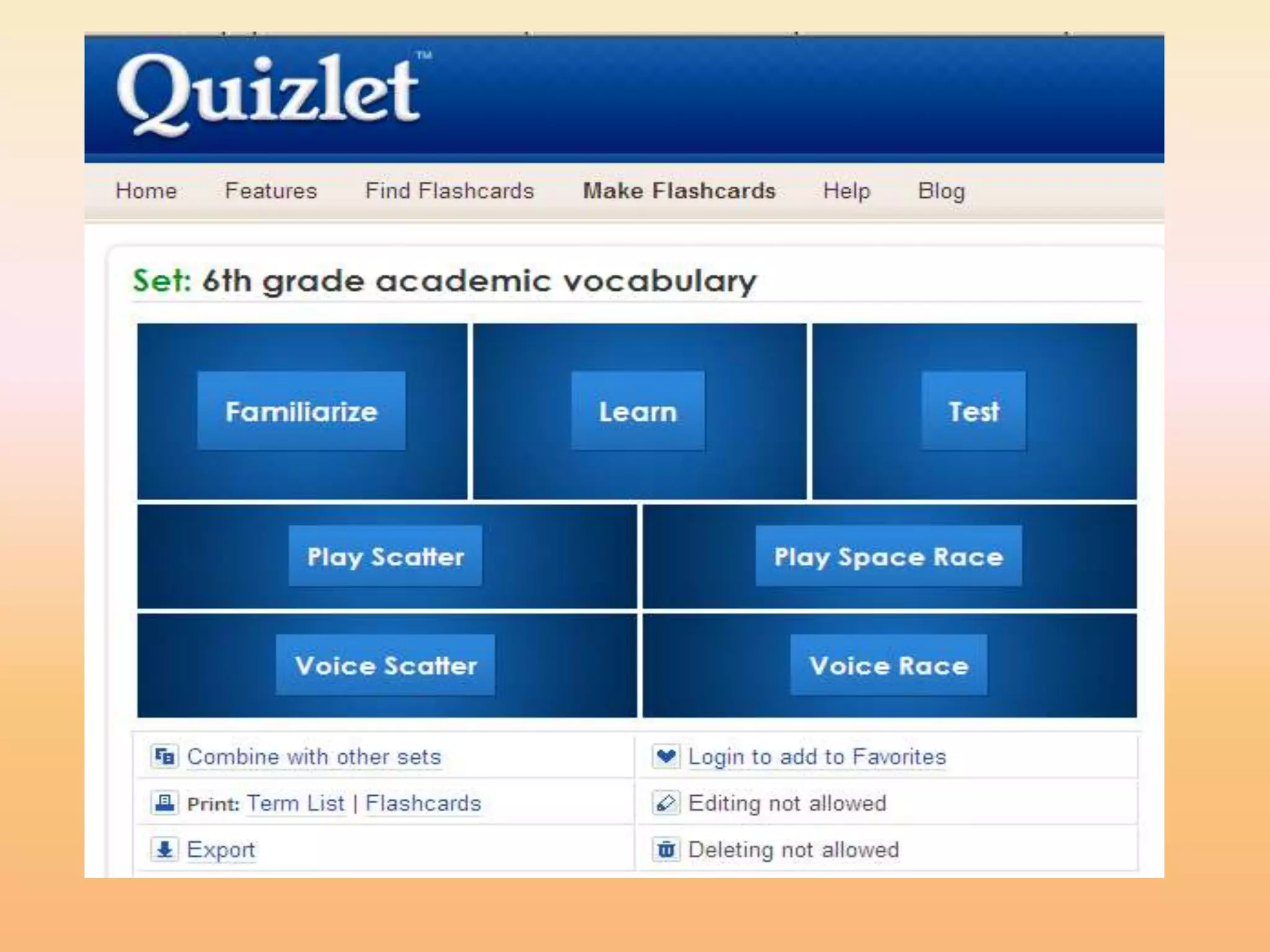
Quizlet
                       quizlet.com (Web 2.0)
TN 6th grade science academic vocabulary
Quizlet
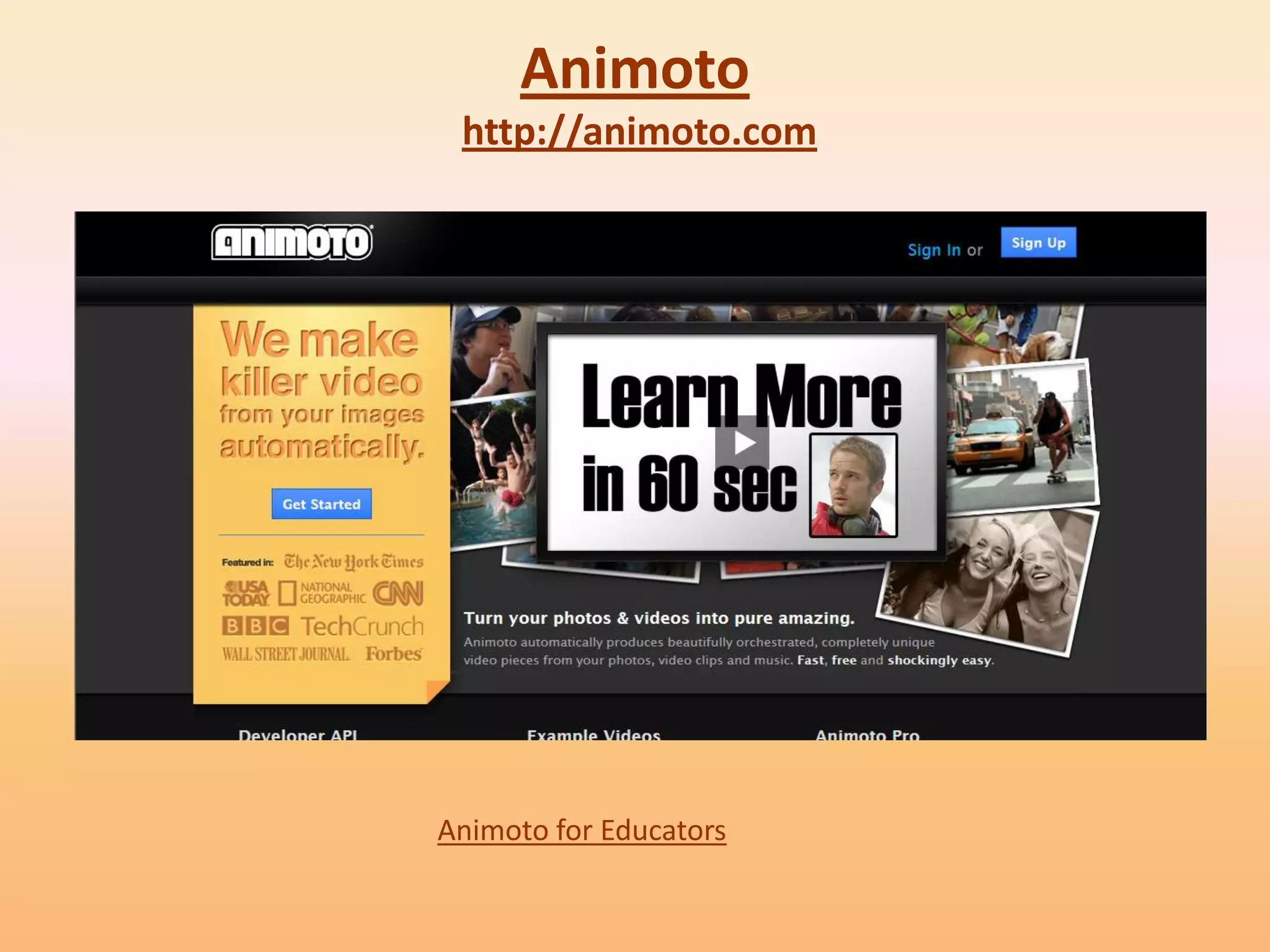
Animoto
 http://animoto.com


Animoto for Educators
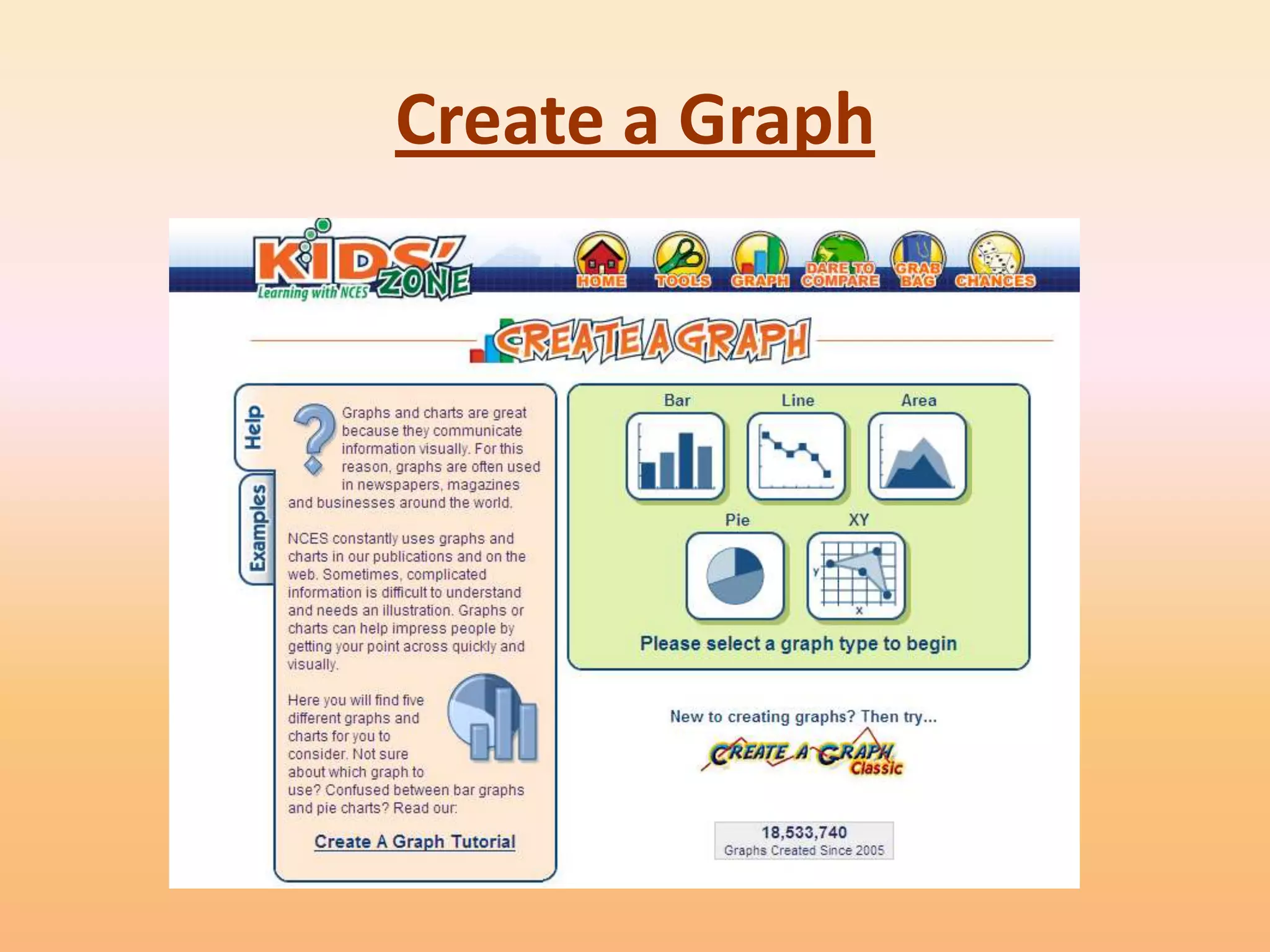
Create a Graph
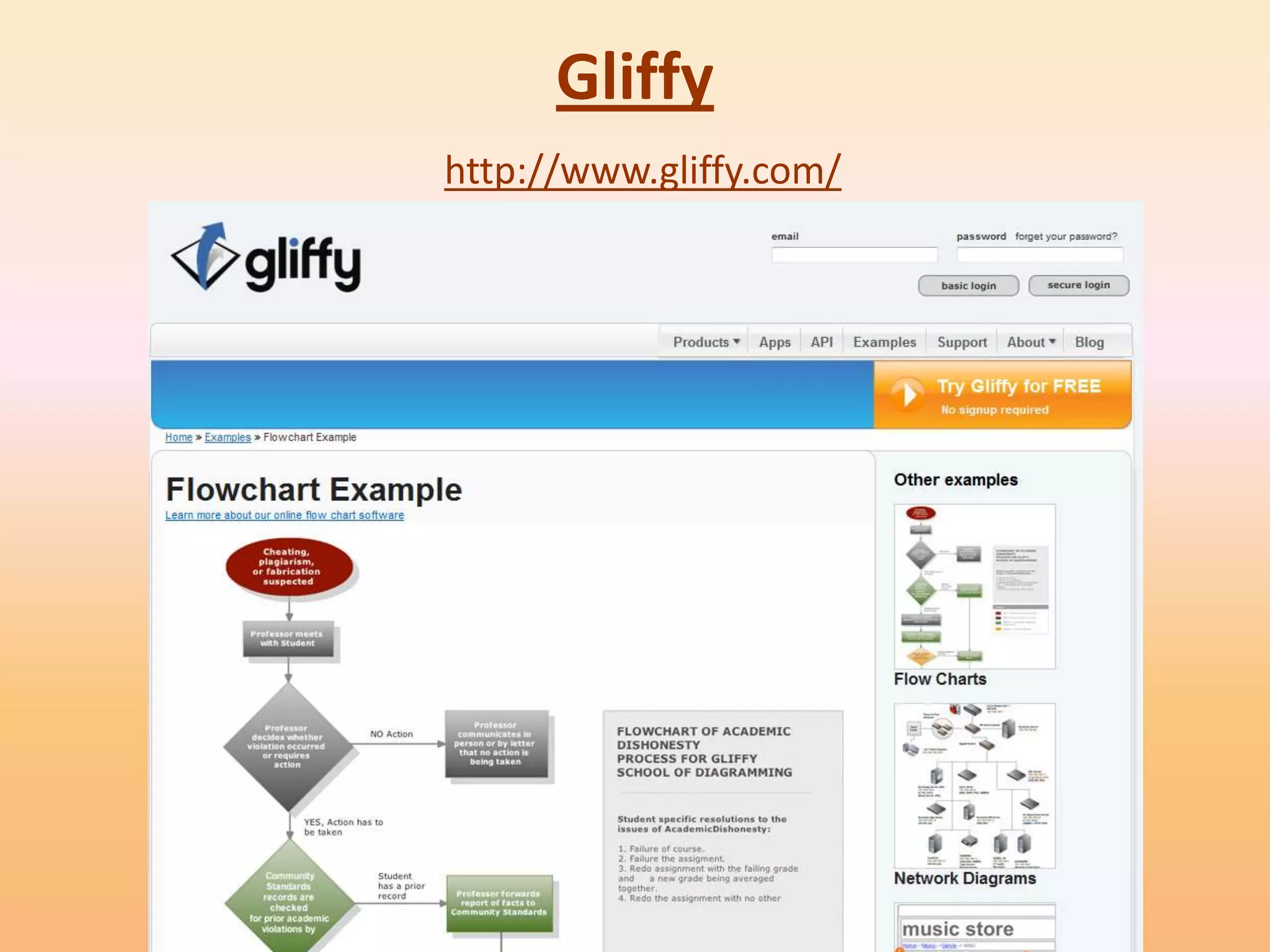
Gliffy
http://www.gliffy.com/
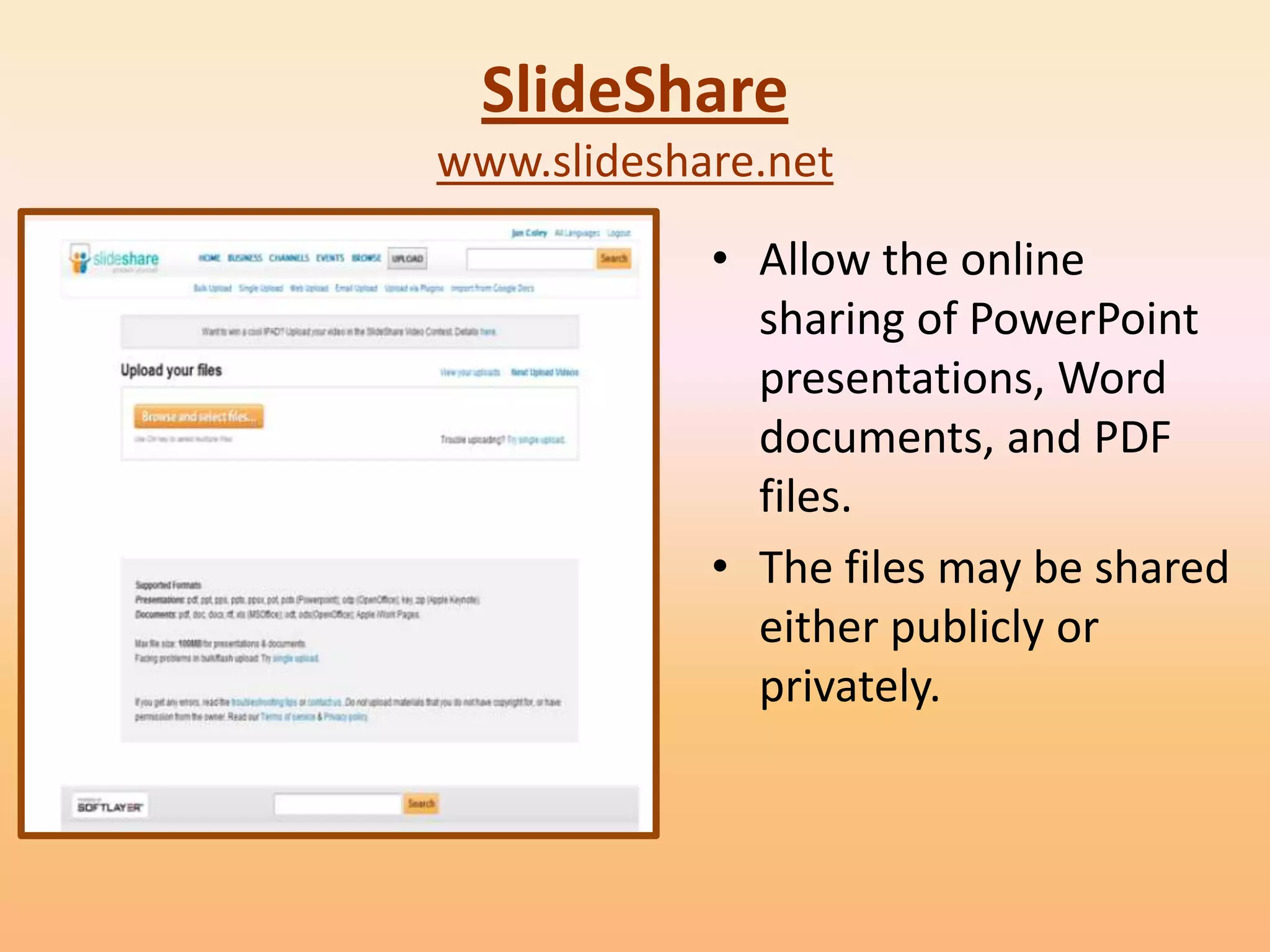
SlideShare
www.slideshare.net
            • Allow the online
              sharing of PowerPoint
              presentations, Word
              documents, and PDF
              files.
            • The files may be shared
              either publicly or
              privately.
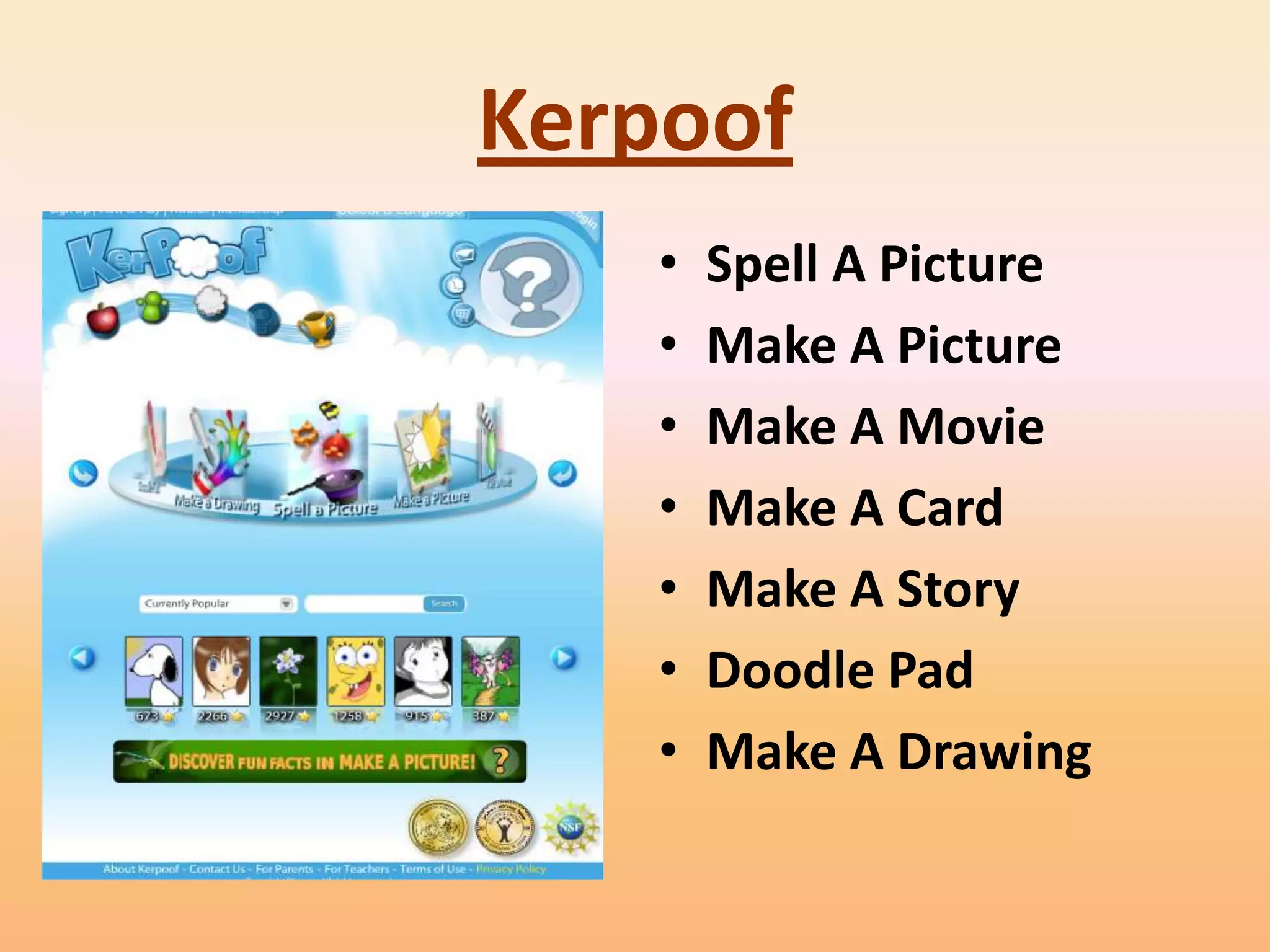
Kerpoof
    •   Spell A Picture
    •   Make A Picture
    •   Make A Movie
    •   Make A Card
    •   Make A Story
    •   Doodle Pad
    •   Make A Drawing
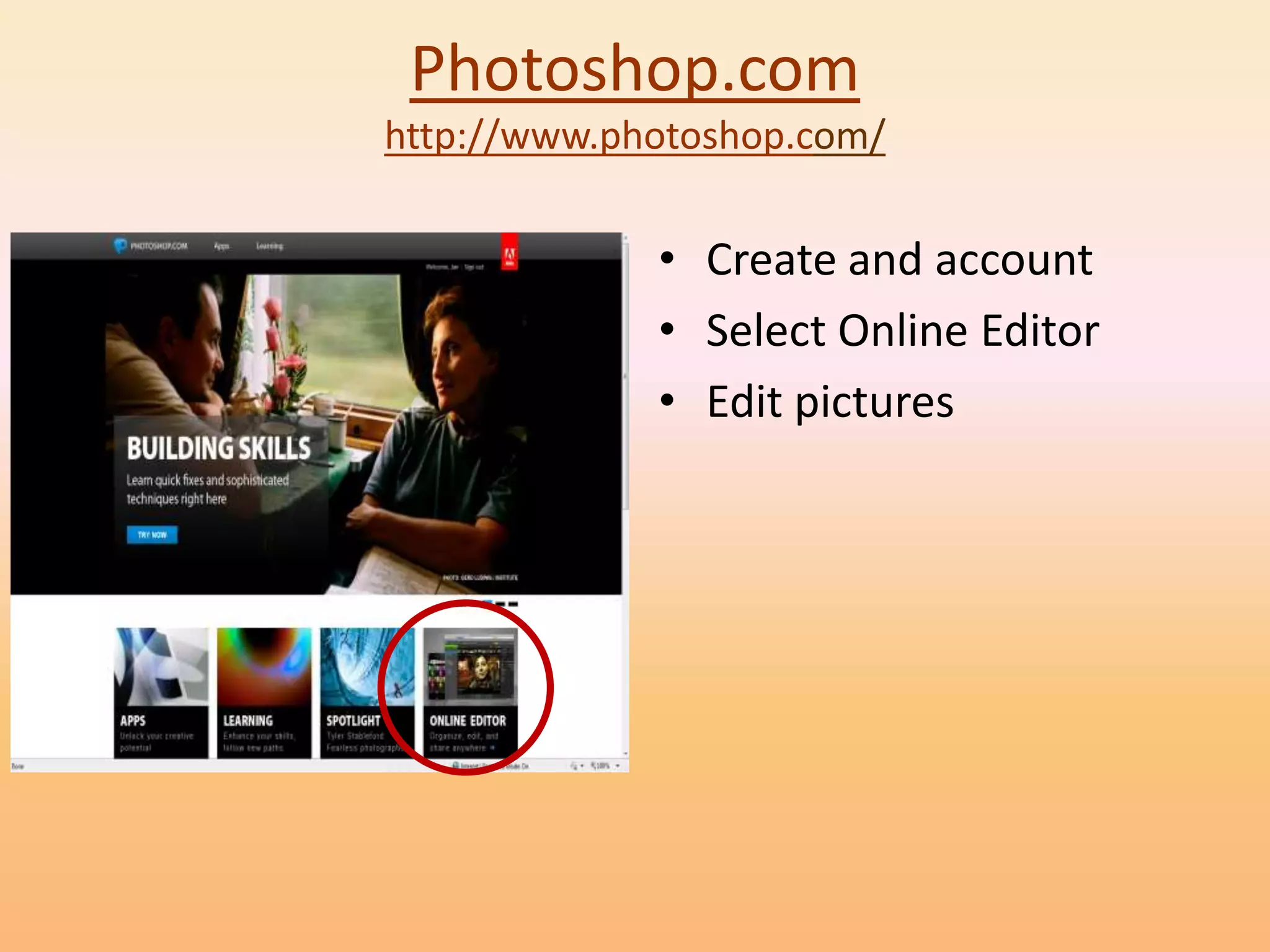
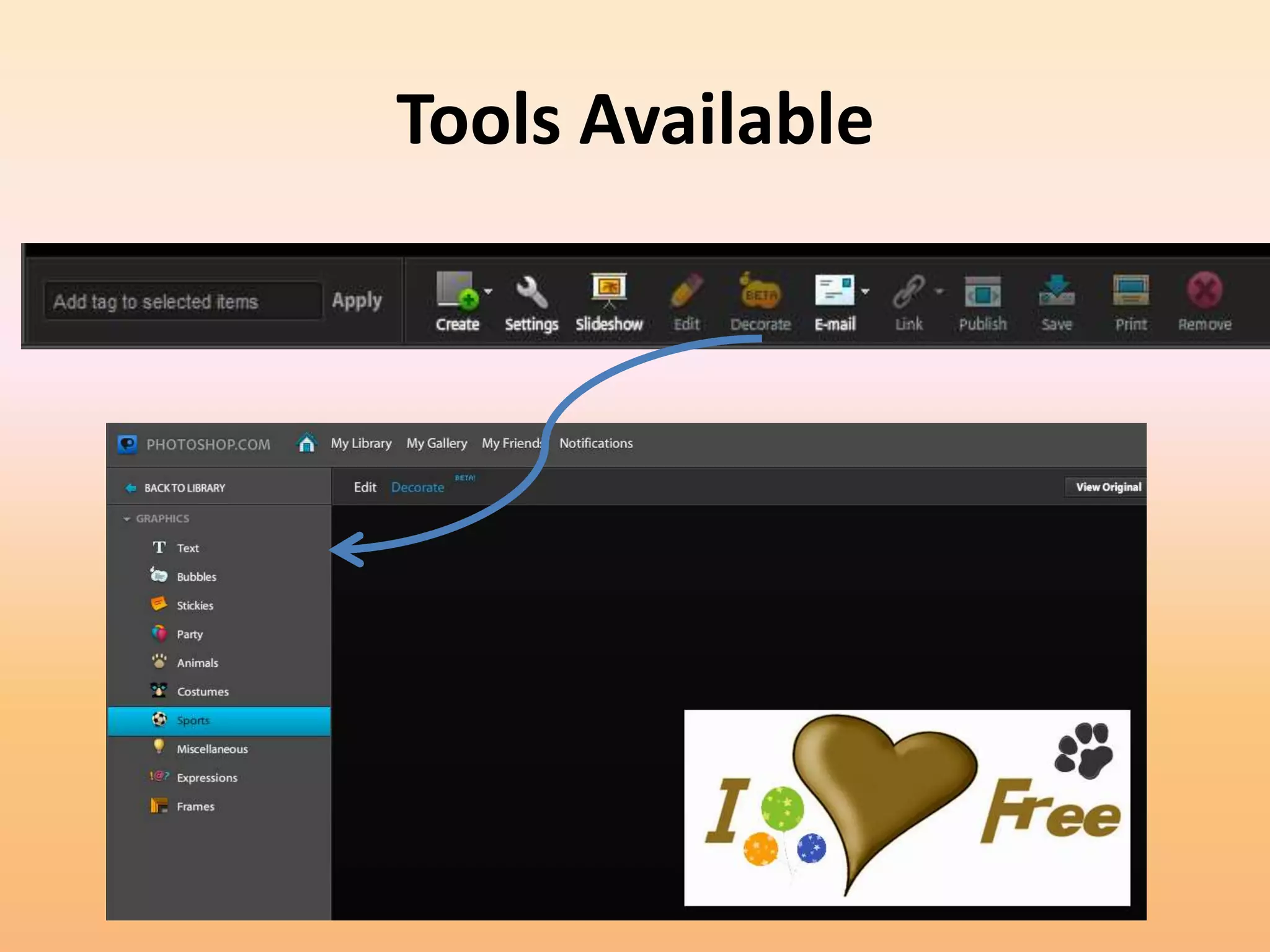
Photoshop.com
http://www.photoshop.com/

             • Create and account
             • Select Online Editor
             • Edit pictures
Tools Available
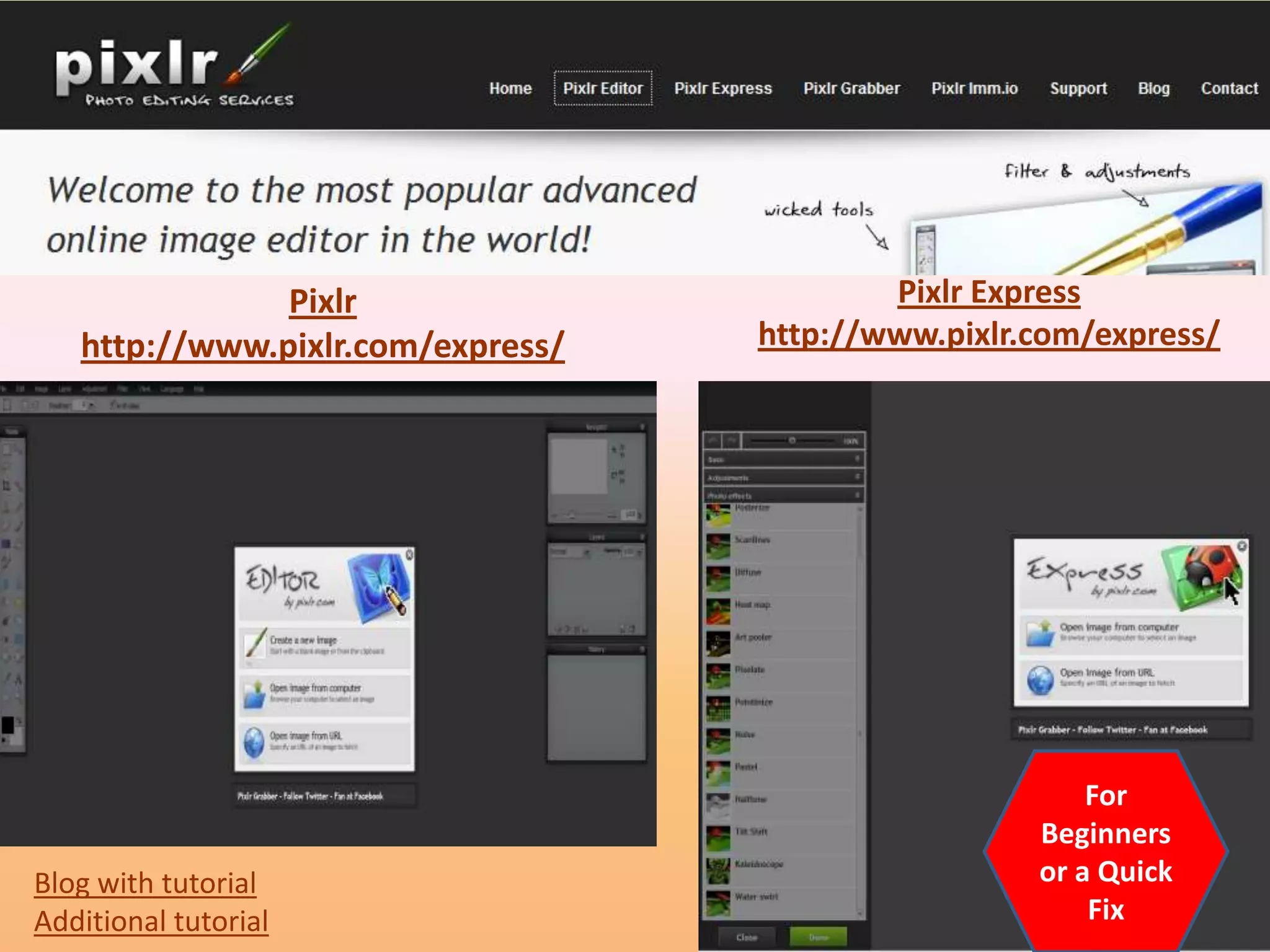
Pixlr                       Pixlr Express
   http://www.pixlr.com/express/   http://www.pixlr.com/express/


                                                        For
                                                    Beginners
Blog with tutorial                                  or a Quick
Additional tutorial                                     Fix
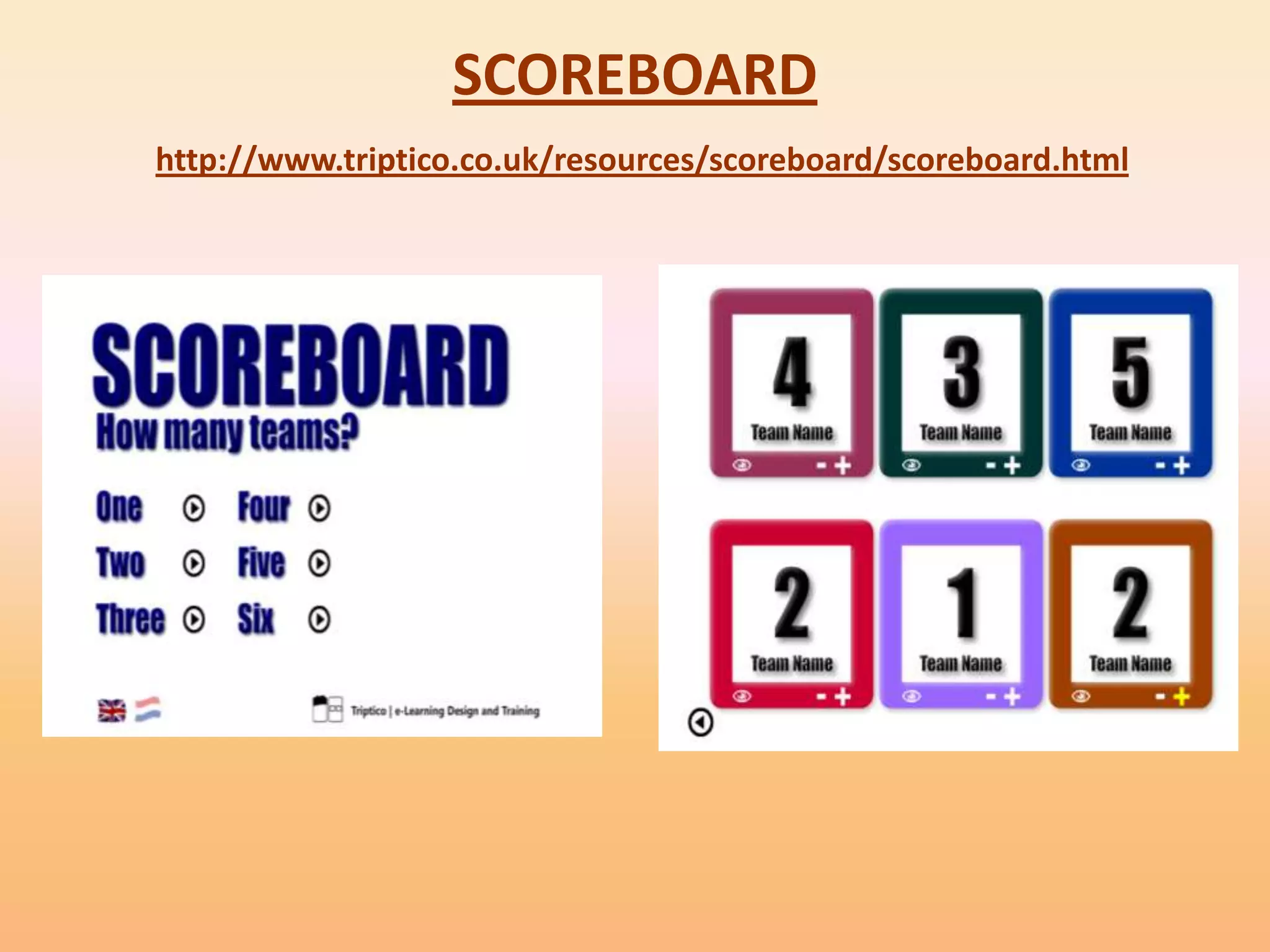
SCOREBOARD
http://www.triptico.co.uk/resources/scoreboard/scoreboard.html
Free but must download
       software
Do PDF
• http://www.dopdf.com/
• Installs a virtual printer on local computer
• doPDF is a free PDF converter for both personal
  and commercial use. Using doPDF you can
  create PDF files by selecting the "Print"
  command from virtually any application.
ClamWin Portable
• antivirus to go
• ClamWin Portable is the popular ClamWin
  antivirus packaged as a portable app, so you
  can take your antivirus with you to scan files on
  the go. You can place it on your USB flash drive,
  iPod, portable hard drive or a CD and use it on
  any computer, without leaving any personal
  information behind.
Porta


• Porta is an open source, hassle-free photo
  album generator for web pages.
• It is fast and easy to use.
• It maybe downloaded from
  http://stegmann.dk/mikkel/porta/


        example      tutorial
iTunes U

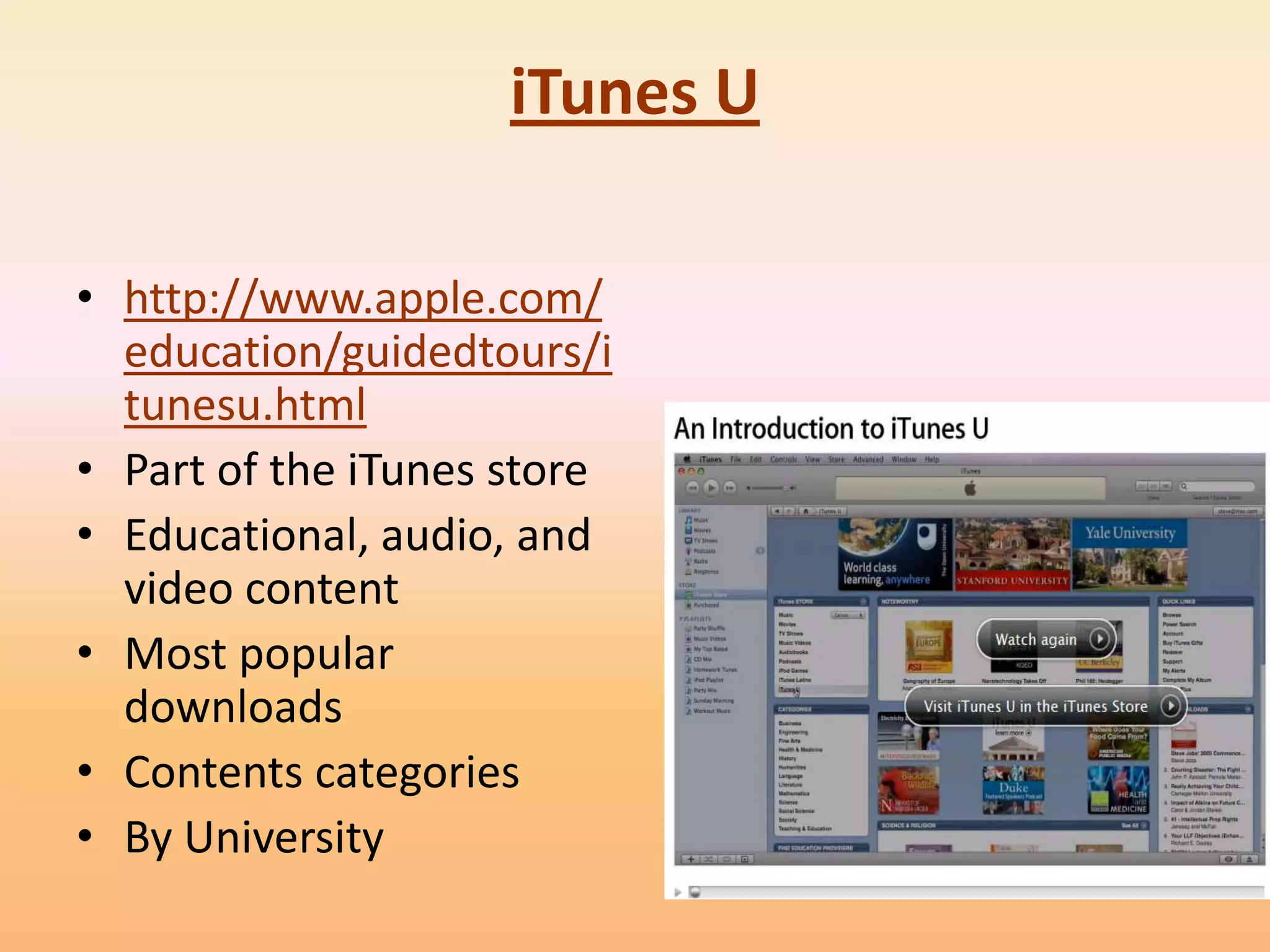
• http://www.apple.com/
  education/guidedtours/i
  tunesu.html
• Part of the iTunes store
• Educational, audio, and
  video content
• Most popular
  downloads
• Contents categories
• By University
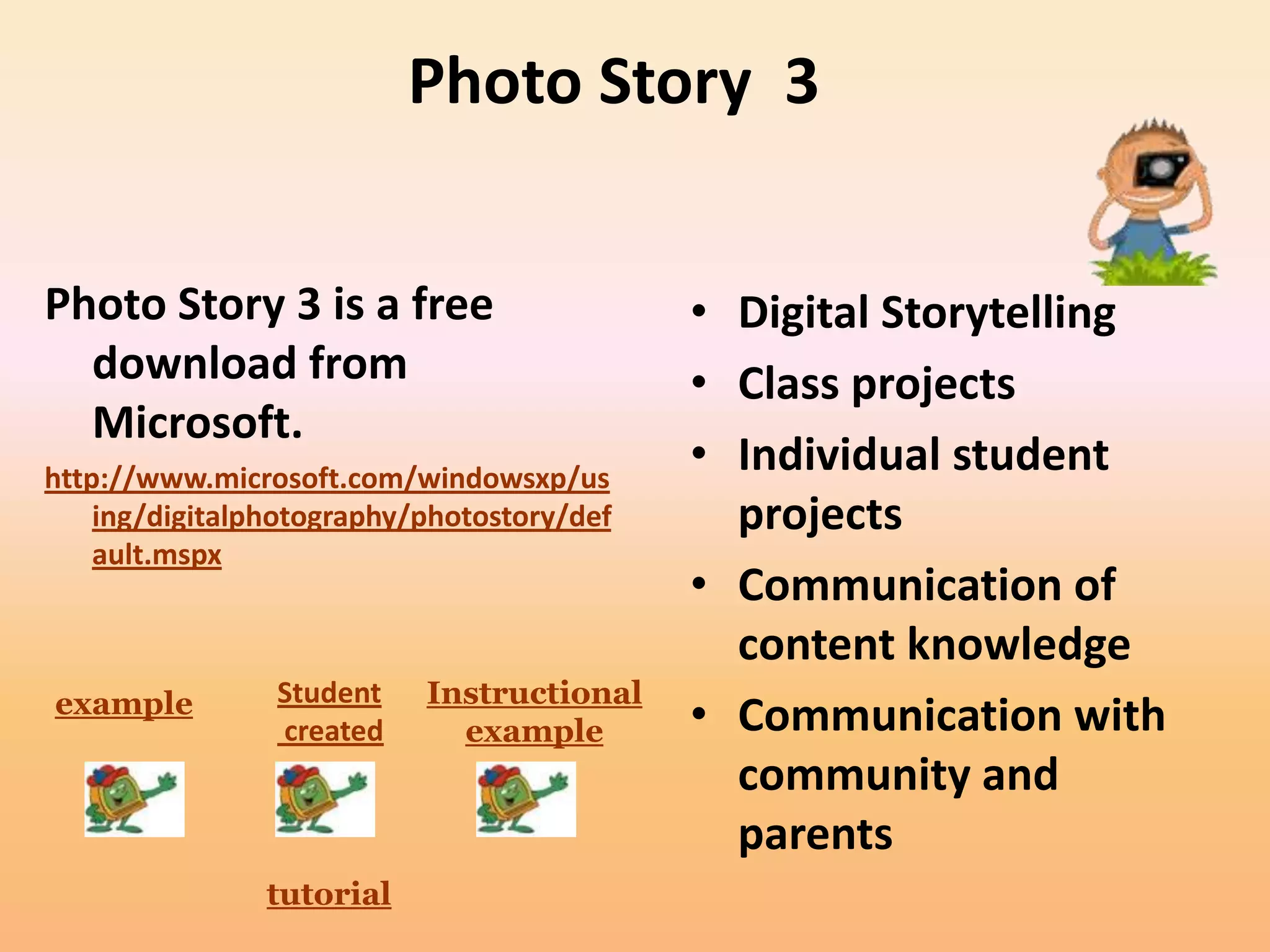
Photo Story 3


Photo Story 3 is a free                     • Digital Storytelling
  download from                             • Class projects
  Microsoft.
http://www.microsoft.com/windowsxp/us
                                            • Individual student
    ing/digitalphotography/photostory/def     projects
    ault.mspx
                                            • Communication of
                                              content knowledge
example         Student    Instructional
                created      example        • Communication with
                                              community and
                                              parents
                tutorial
Cool Features

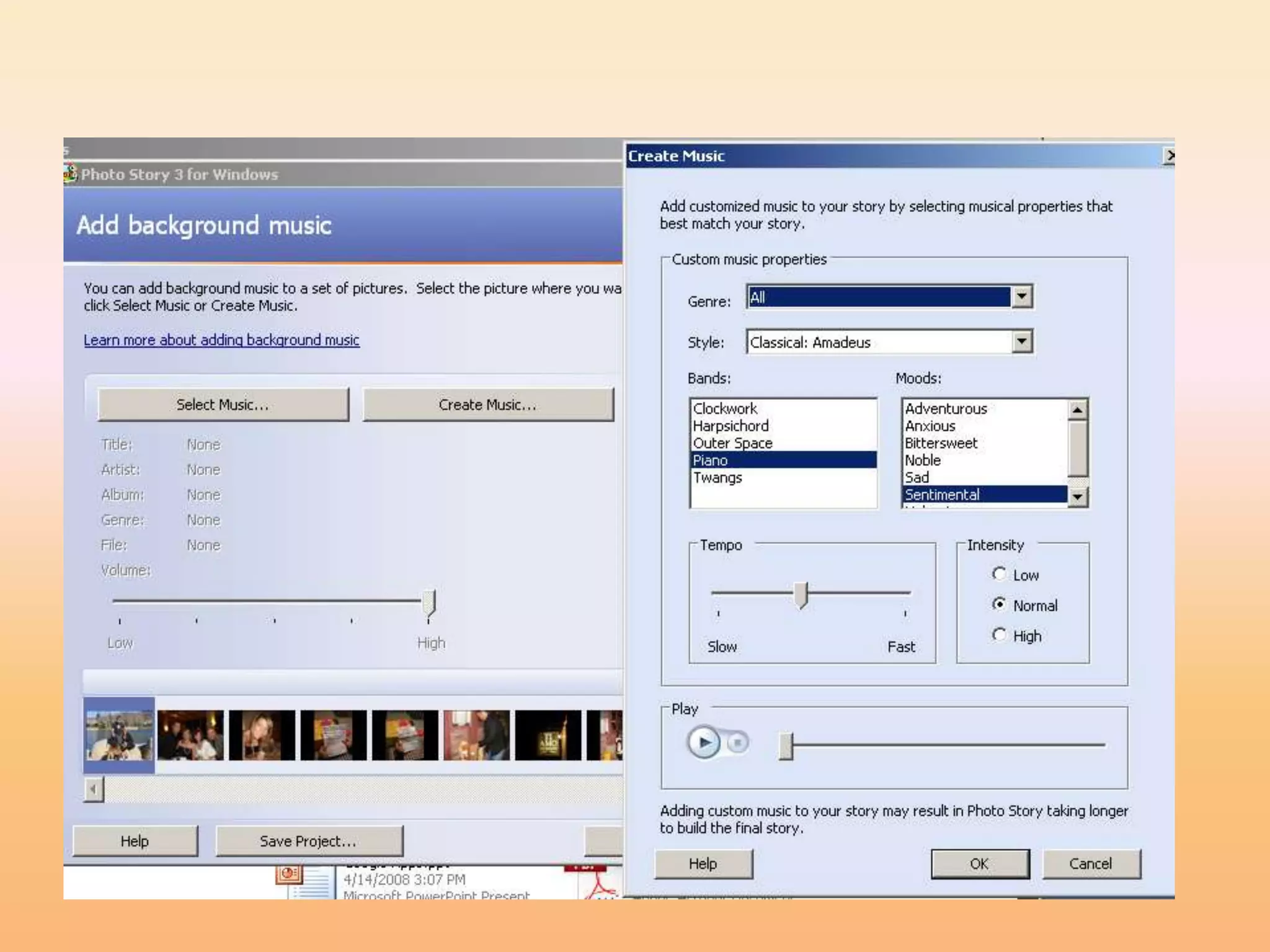
•   Touch-up              • Create music
•   Crop                  • Use music from other
•   Rotate pictures         sources
•   Remove red-eye
•   Add special effects
•   Add soundtracks
•   Add narration
Educational Uses

• Early language learners or English language
  learners can associate images with words
• Create a student portfolio
• Post images of field trips, projects, school
  events
• Show, create, or describe a process
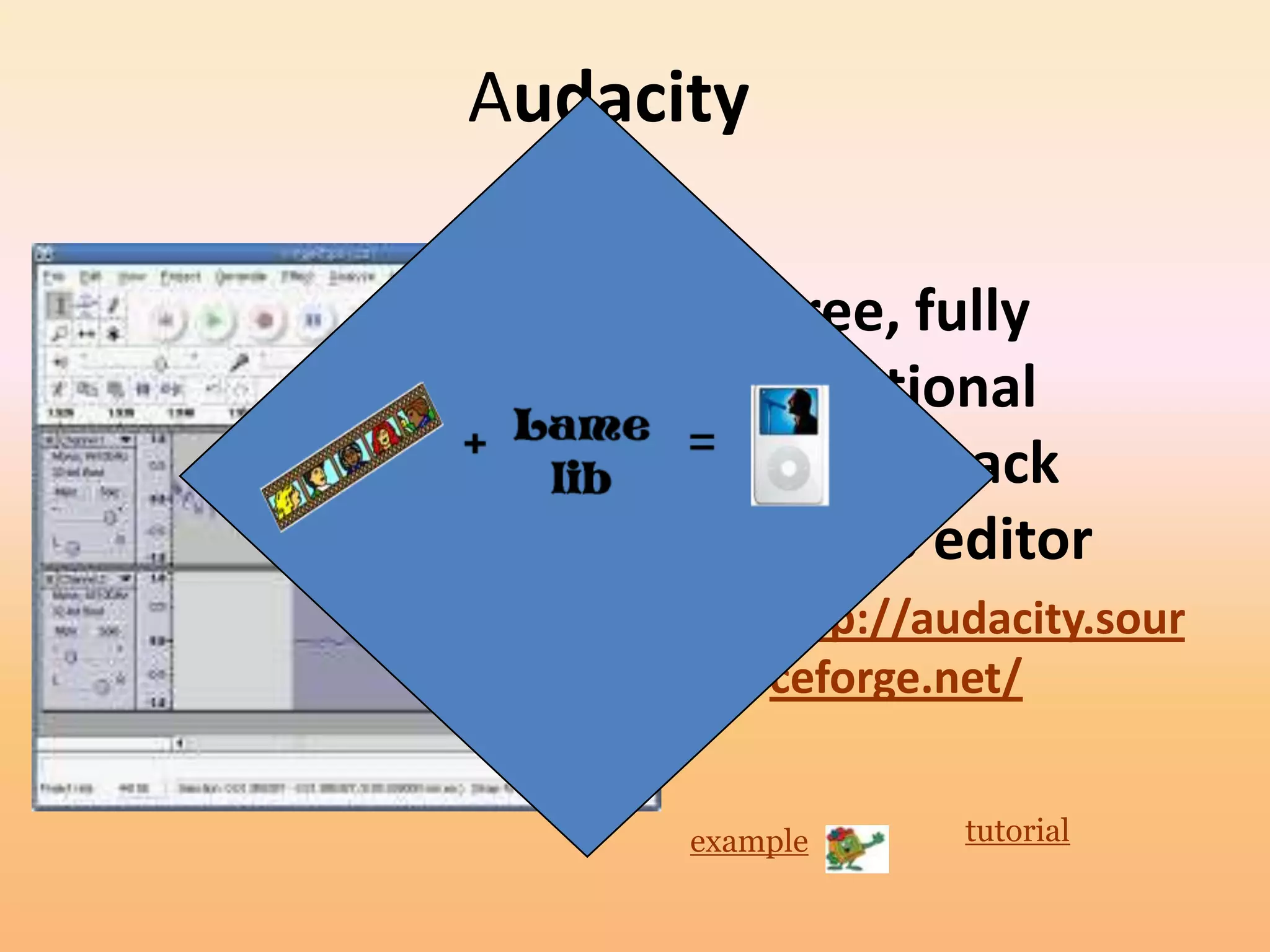
Audacity

       • Free, fully
         functional
         multi-track
         audio editor
       • http://audacity.sour
         ceforge.net/


      example     tutorial
YouTube
• Ways to Use YouTube in the classroom:
  – YouTube downloader – changes to QuickTime
    format
     • http://download.cnet.com/YouTube-Downloader/3000-
       2071_4-10647340.html?tag=mncol
  – YouTube downloader – changes to AVI and format
     • http://www.dvdvideosoft.com/products/dvd/Free-
       YouTube-Download.htm
   Fast Math Trick
   Ma and Pa Kettle Math
• Go to the video (you should be viewing it) Type
  pwn in the address line after the www For
  example if the video is at this address:
  http://www.youtube.com/watch?v=RxsOVK4syx
  U After the www type:
  http://www.pwnyoutube.com/watch?v=RxsOVK
  4syxU On the next screen, click to download:
  Download High Quality Video (MP4) This may
  take a while depending on the length of the
  video and your internet speed.
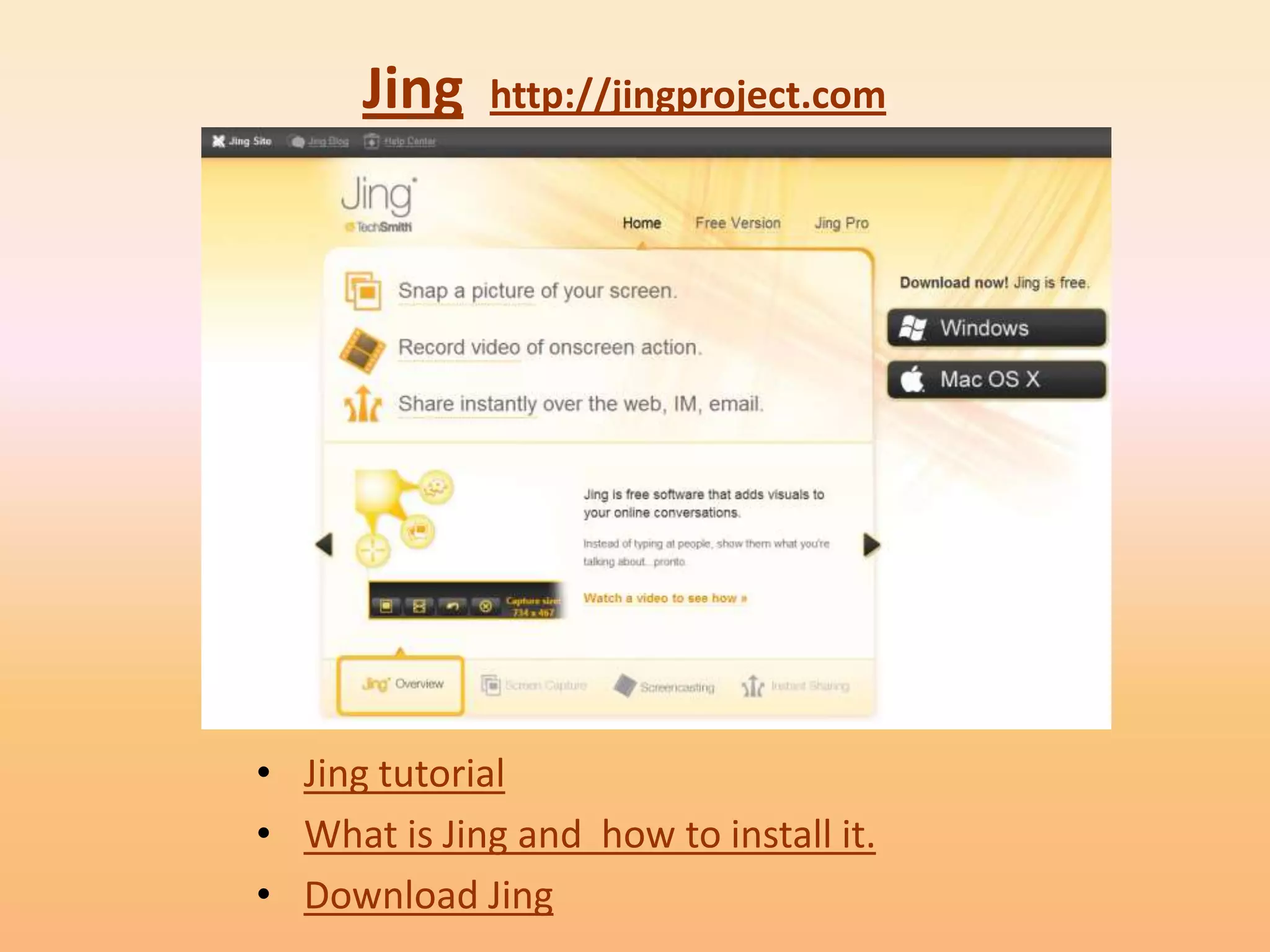
Jing   http://jingproject.com


• Jing tutorial
• What is Jing and how to install it.
• Download Jing
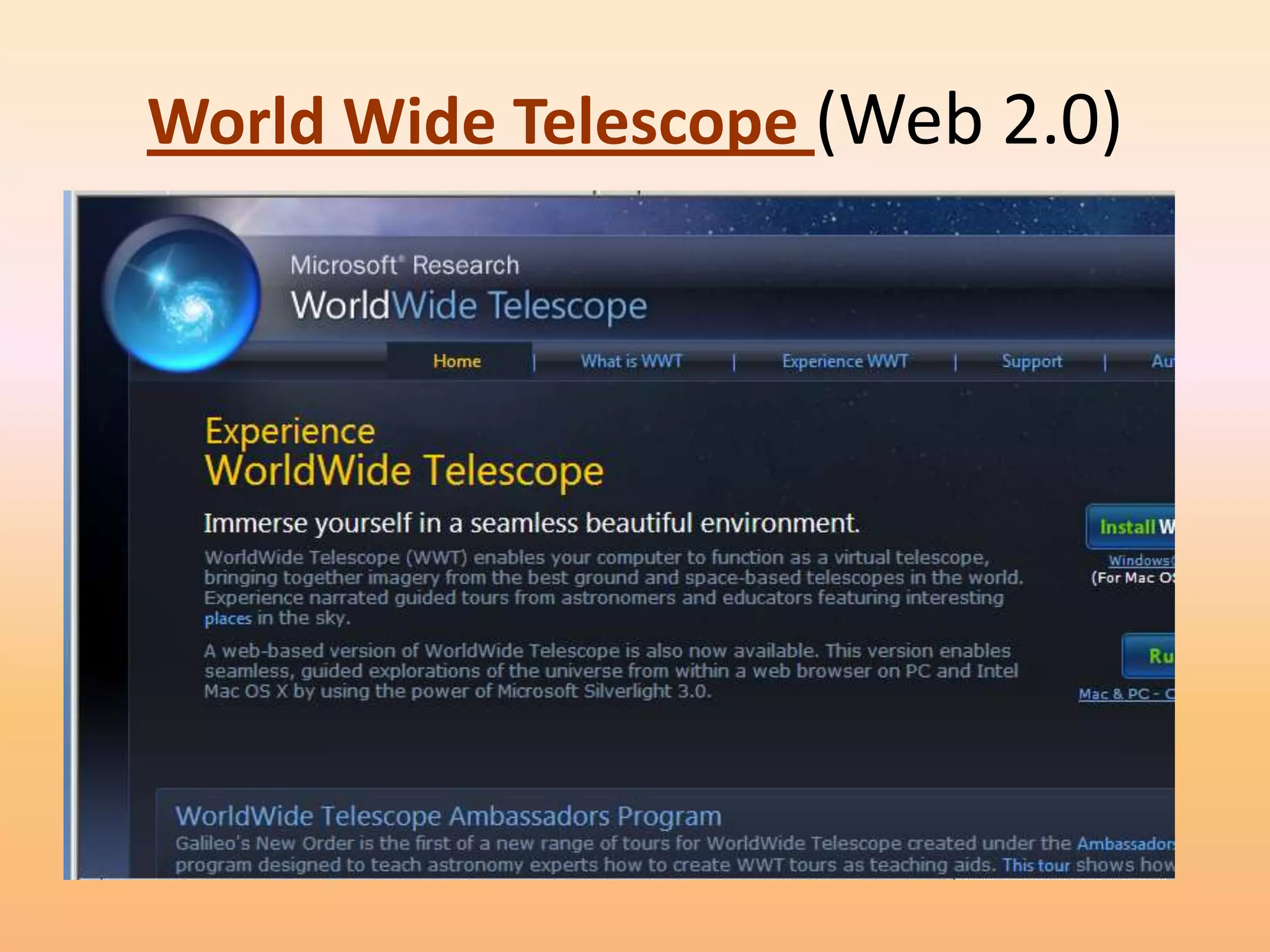
World Wide Telescope (Web 2.0)
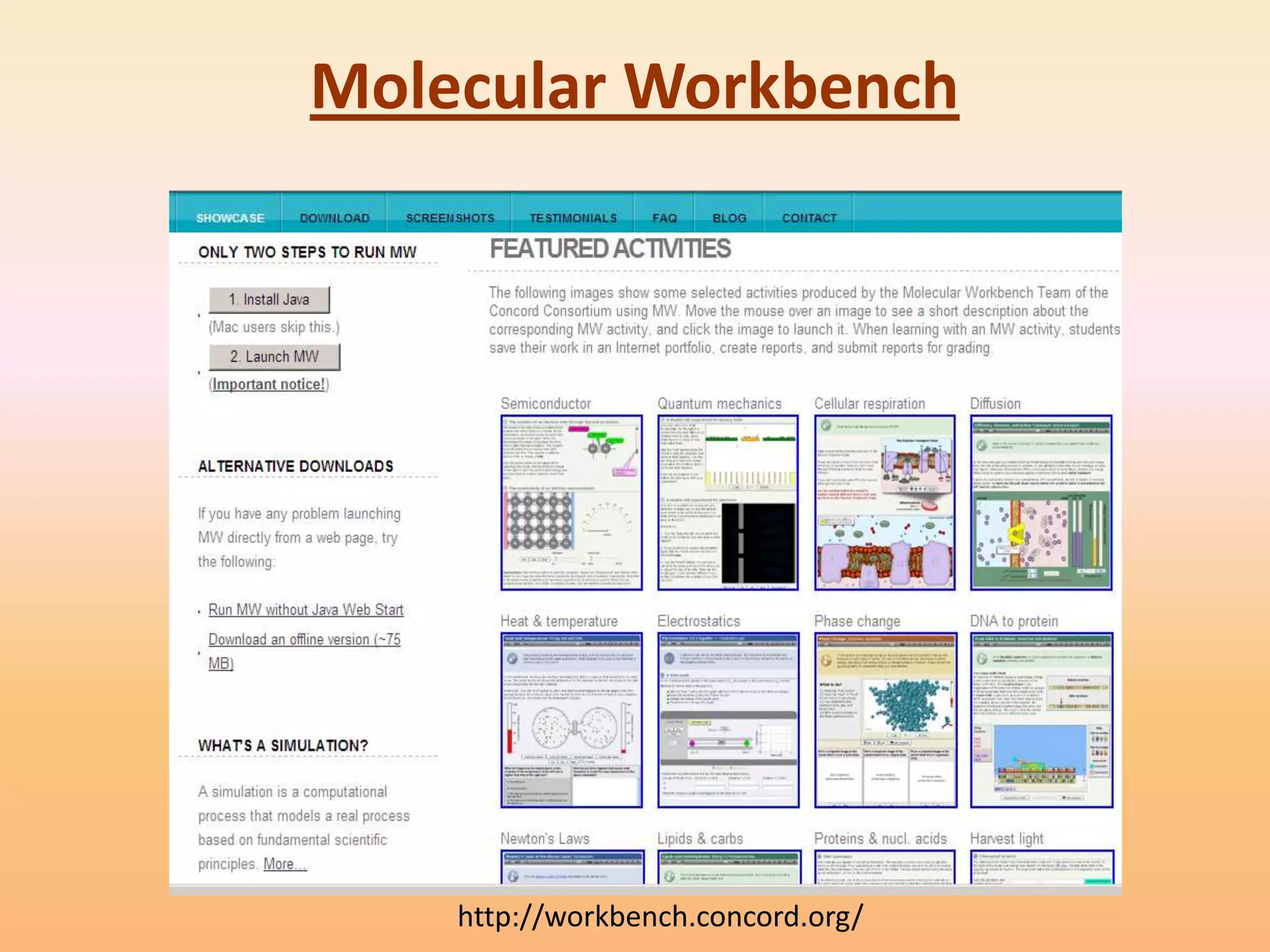
Molecular Workbench


    http://workbench.concord.org/
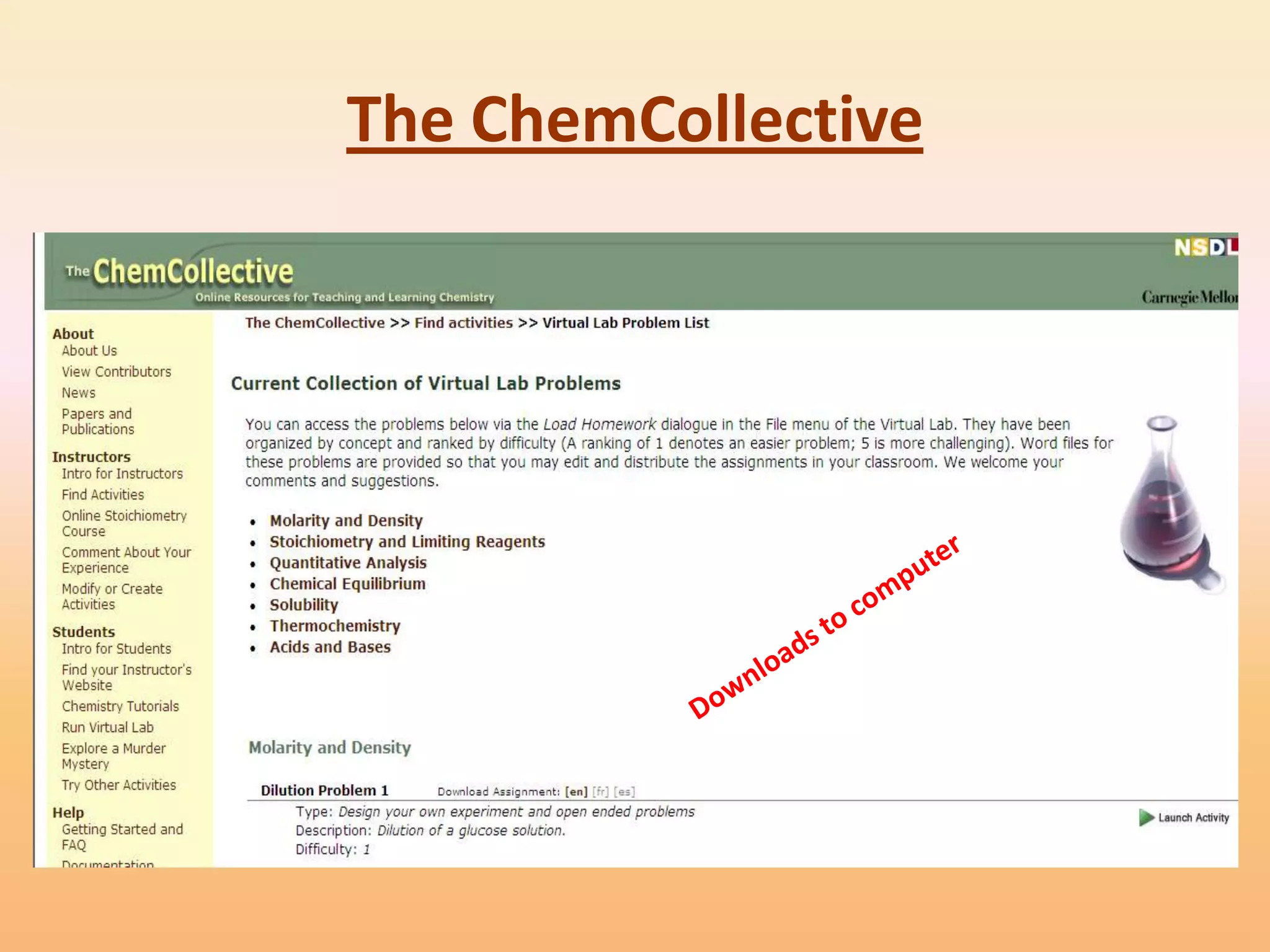
The ChemCollective
Favorite Math & Science
        Websites
Exploratorium
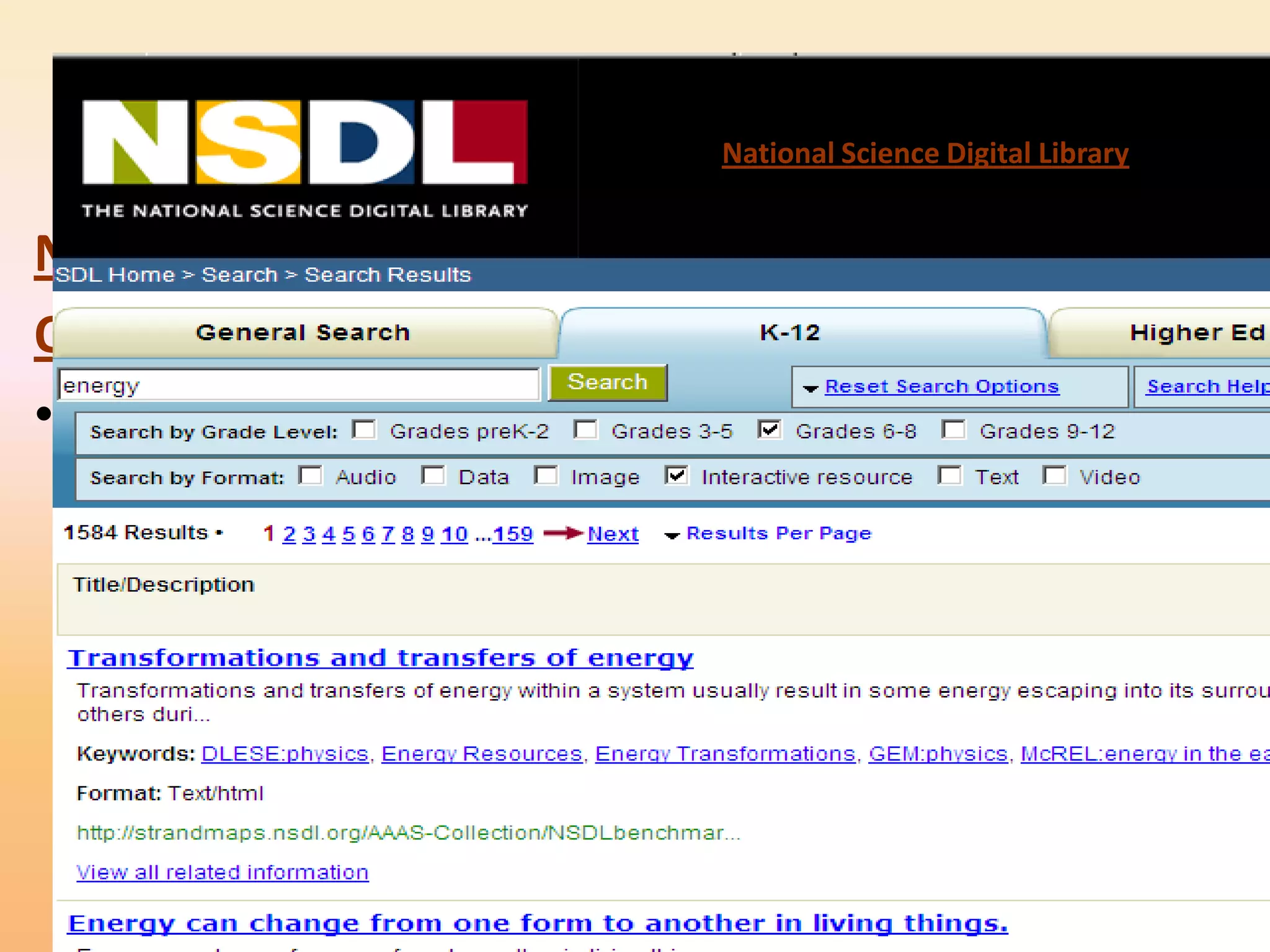
                                       National Science Digital Library


Newspaper Bridges
Online Activities
• Site includes:
  – Treasure Trove
  – Learning Resources Library from
    National Science Digital Library
    (NSDL).
  – Special Collections including a
    microscope imaging station, math
    explorer database, webcasts,
    podcasts and media downloads
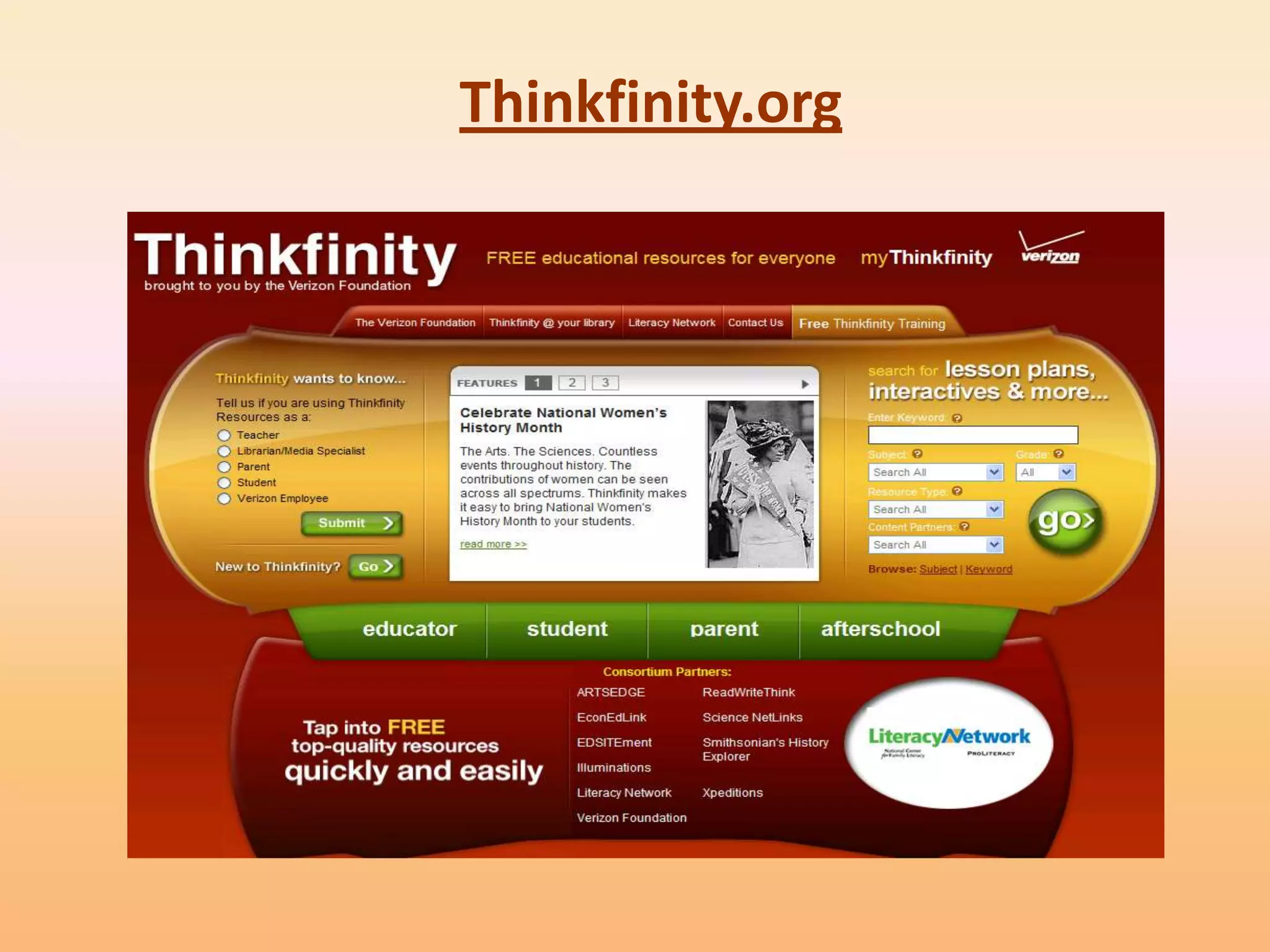
Thinkfinity.org
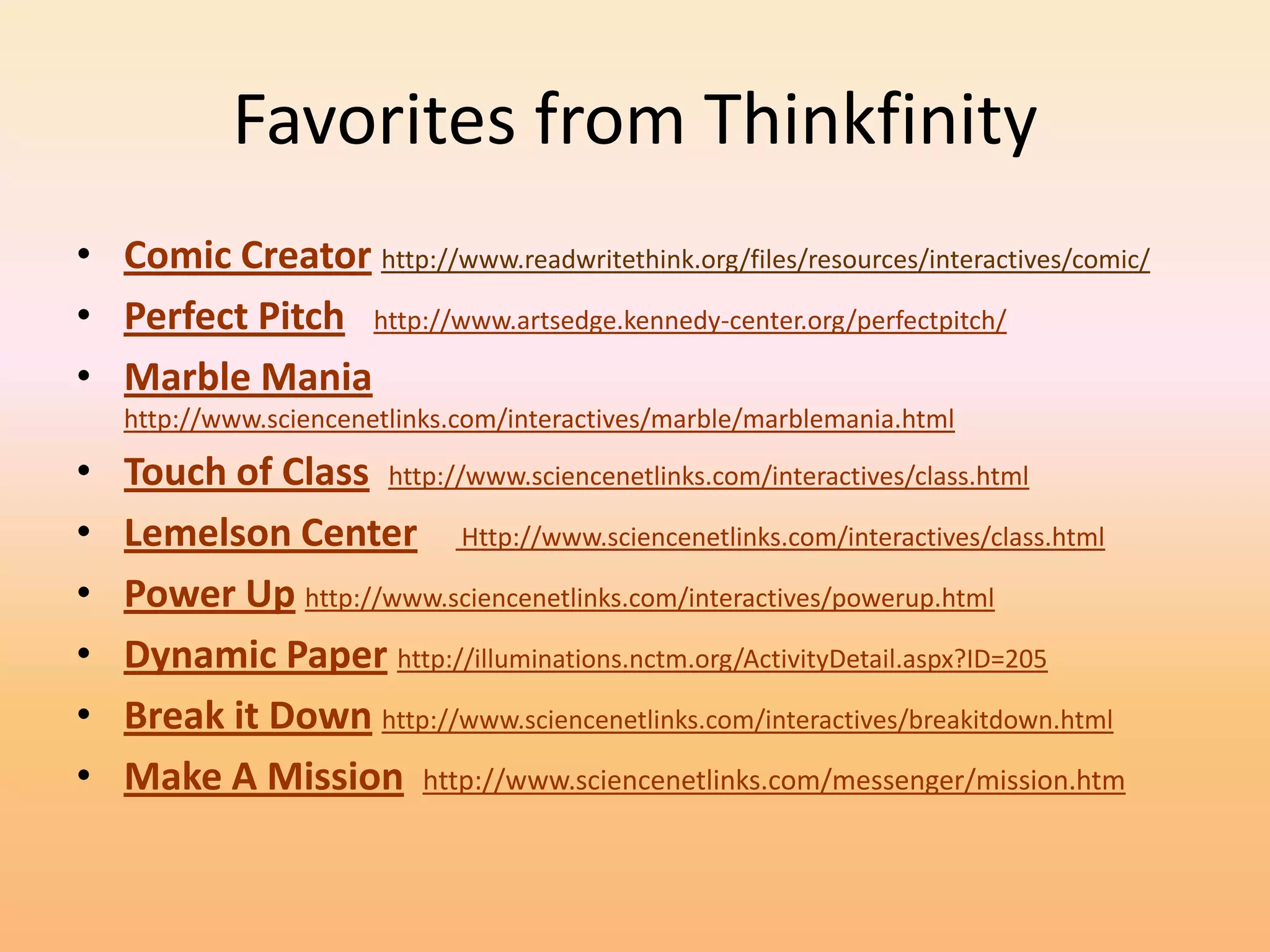
Favorites from Thinkfinity
• Comic Creator http://www.readwritethink.org/files/resources/interactives/comic/
• Perfect Pitch http://www.artsedge.kennedy-center.org/perfectpitch/
• Marble Mania
    http://www.sciencenetlinks.com/interactives/marble/marblemania.html

•   Touch of Class http://www.sciencenetlinks.com/interactives/class.html
•   Lemelson Center Http://www.sciencenetlinks.com/interactives/class.html
•   Power Up http://www.sciencenetlinks.com/interactives/powerup.html
•   Dynamic Paper http://illuminations.nctm.org/ActivityDetail.aspx?ID=205
•   Break it Down http://www.sciencenetlinks.com/interactives/breakitdown.html
•   Make A Mission http://www.sciencenetlinks.com/messenger/mission.htm
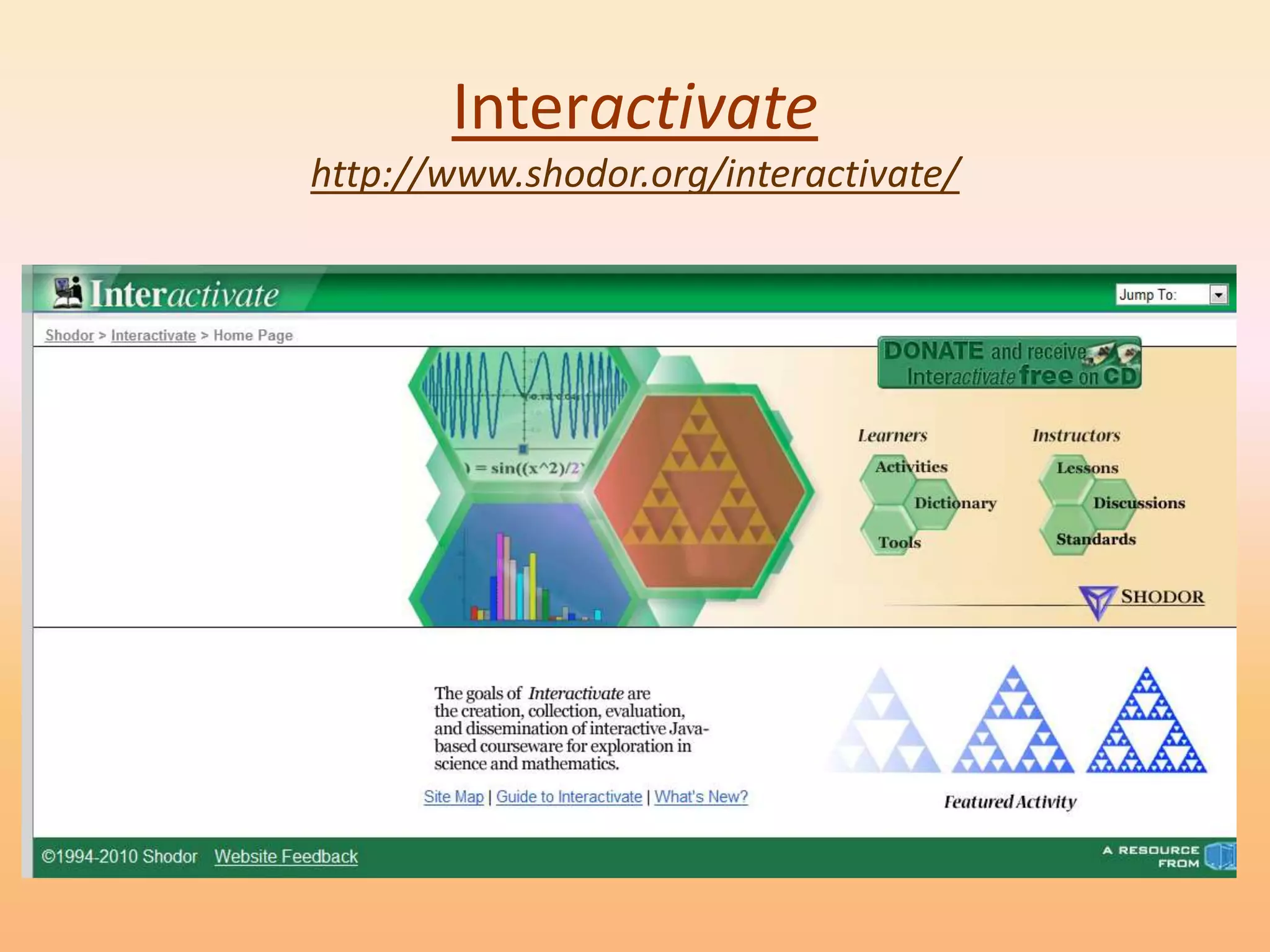
Interactivate
http://www.shodor.org/interactivate/
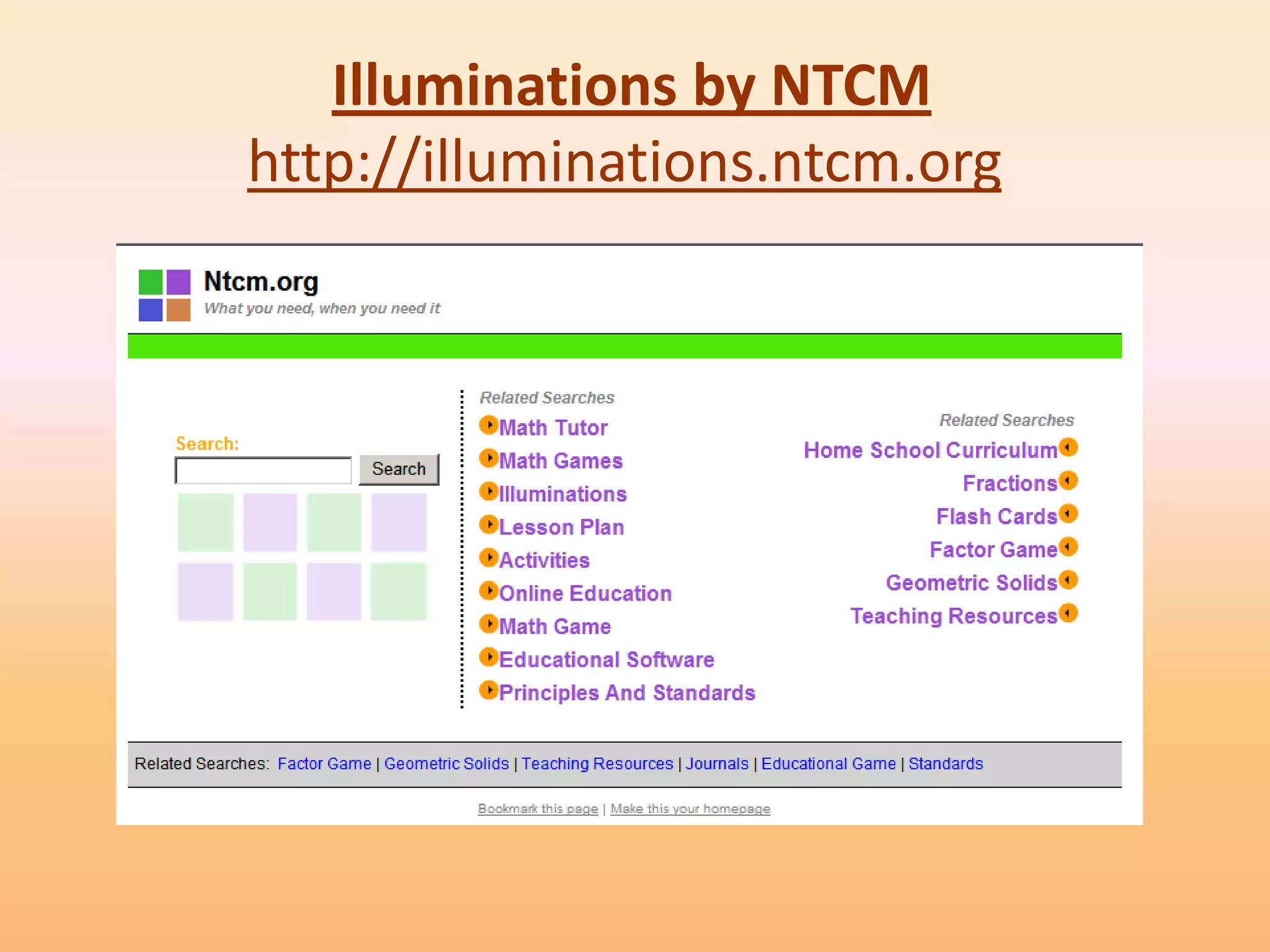
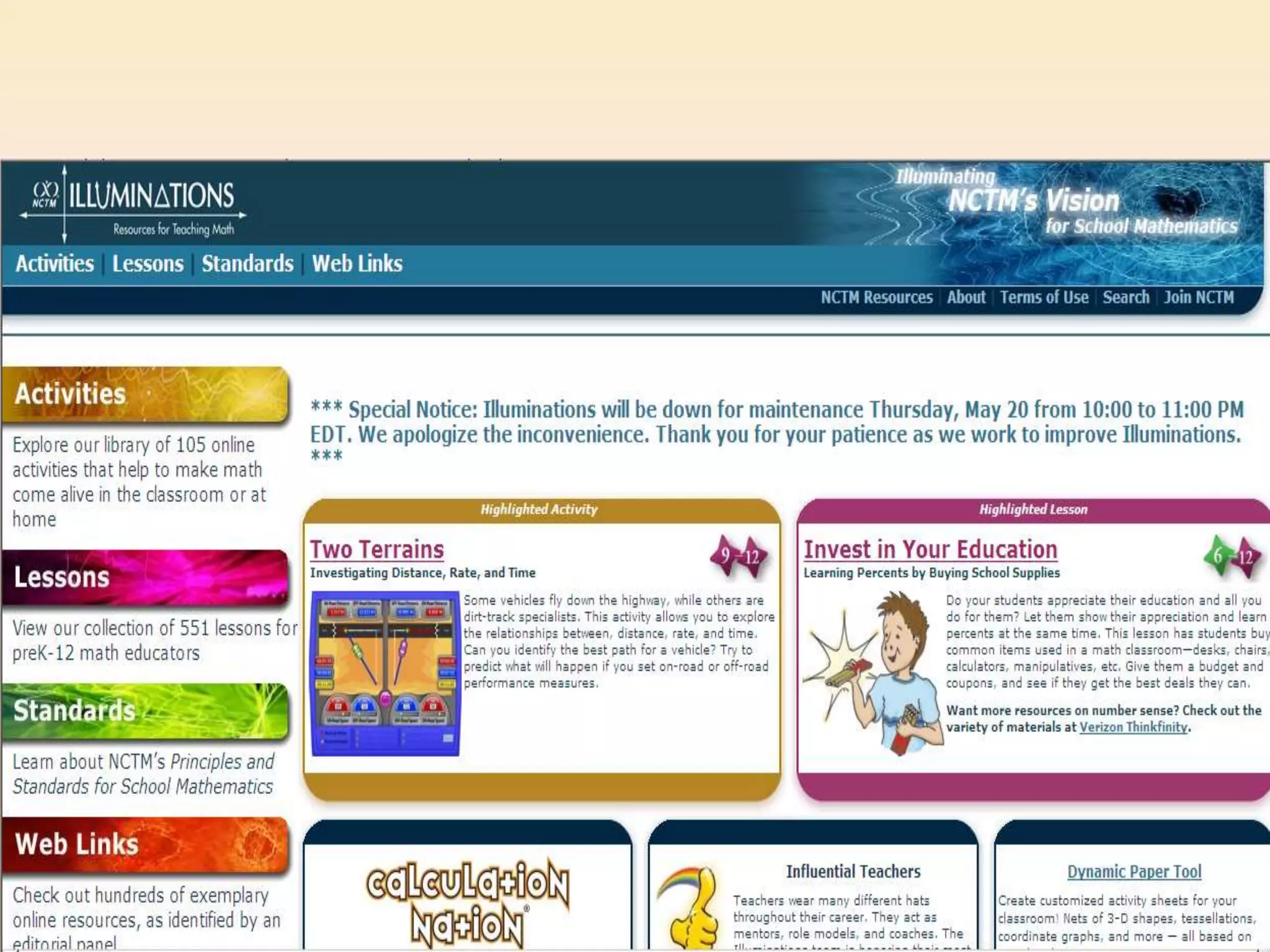
Illuminations by NTCM
http://illuminations.ntcm.org
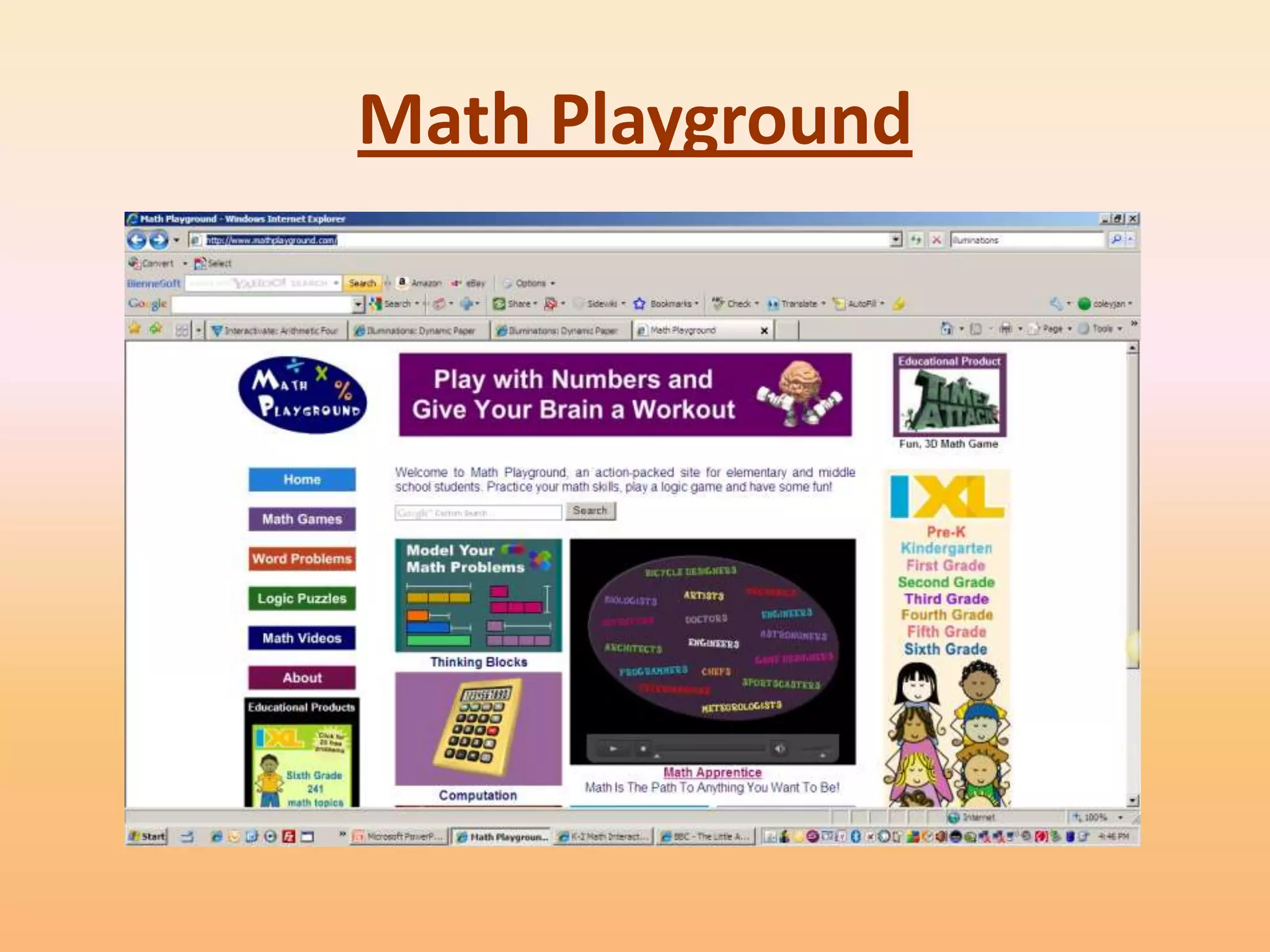
Math Playground
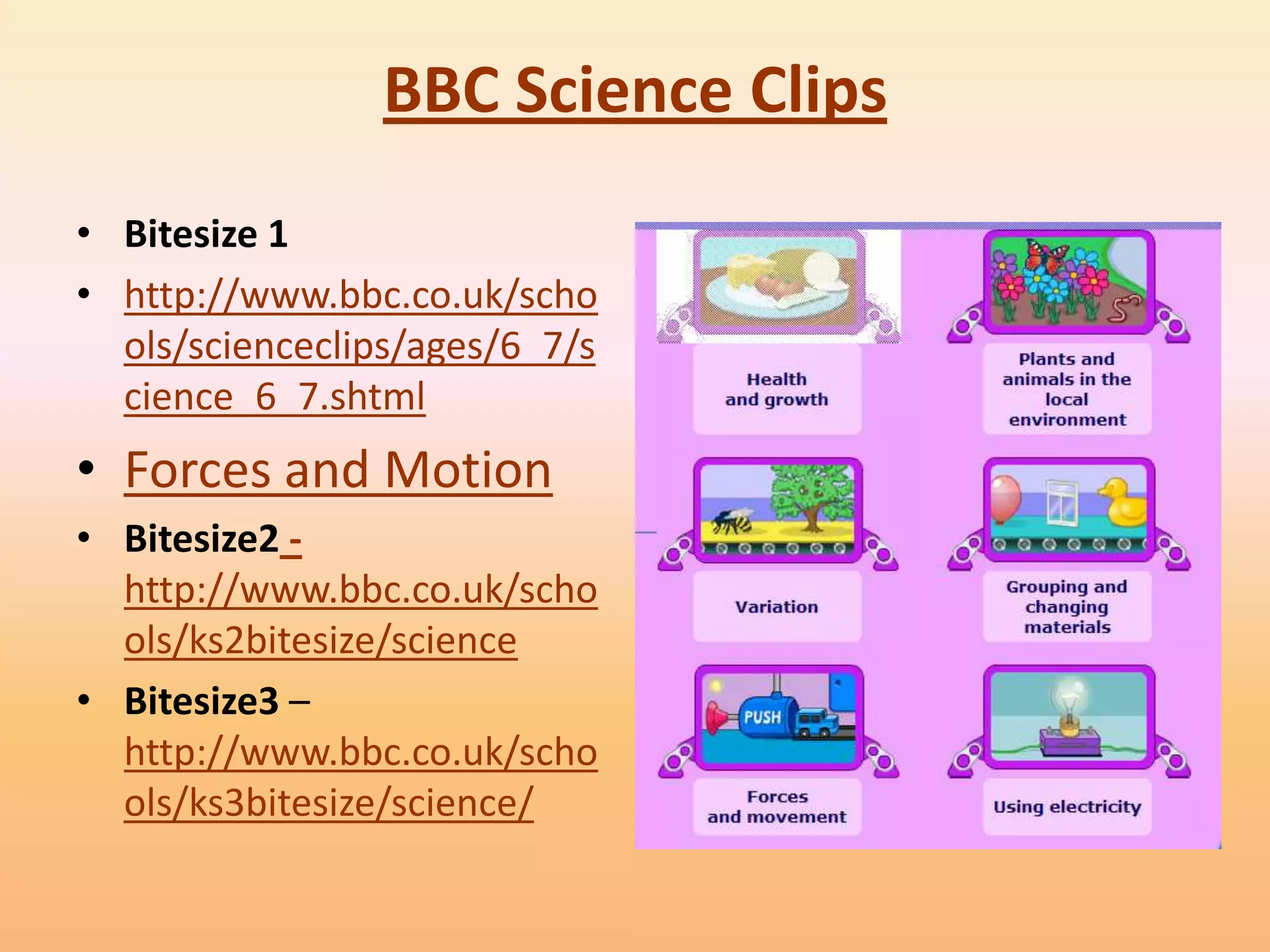
BBC Science Clips
• Bitesize 1
• http://www.bbc.co.uk/scho
  ols/scienceclips/ages/6_7/s
  cience_6_7.shtml
• Forces and Motion
• Bitesize2 -
  http://www.bbc.co.uk/scho
  ols/ks2bitesize/science
• Bitesize3 –
  http://www.bbc.co.uk/scho
  ols/ks3bitesize/science/
Teacher Tube


The goal of TeacherTube.com is to provide an
  online community for sharing instructional
  teacher videos.
• Registration is required for uploading
    - Unlimited MB video upload space.
    - Unlimited MB bandwidth per month.
    - Unlimited video uploads.
    - All TeacherTube packages are FREE!
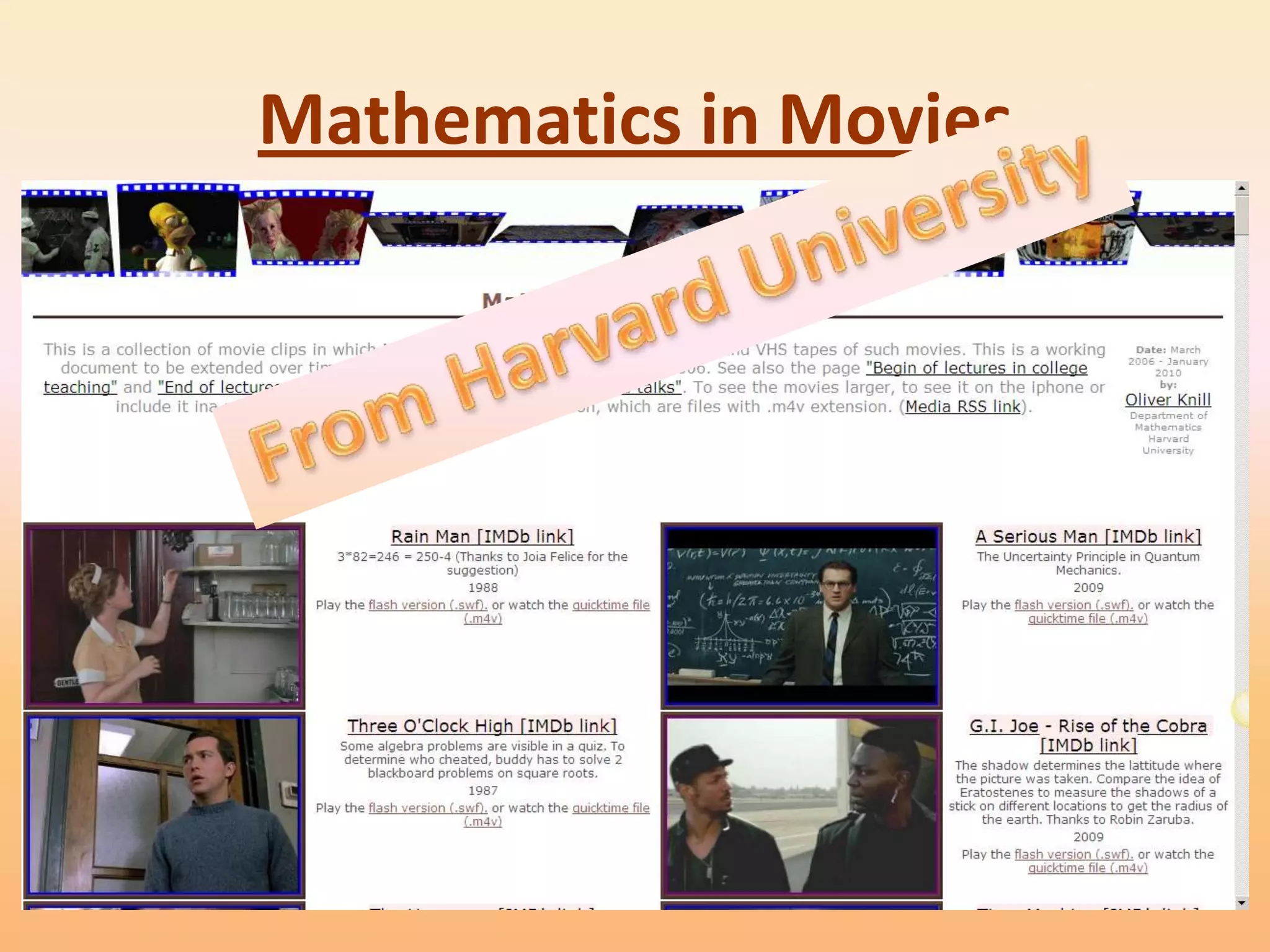
Mathematics in Movies
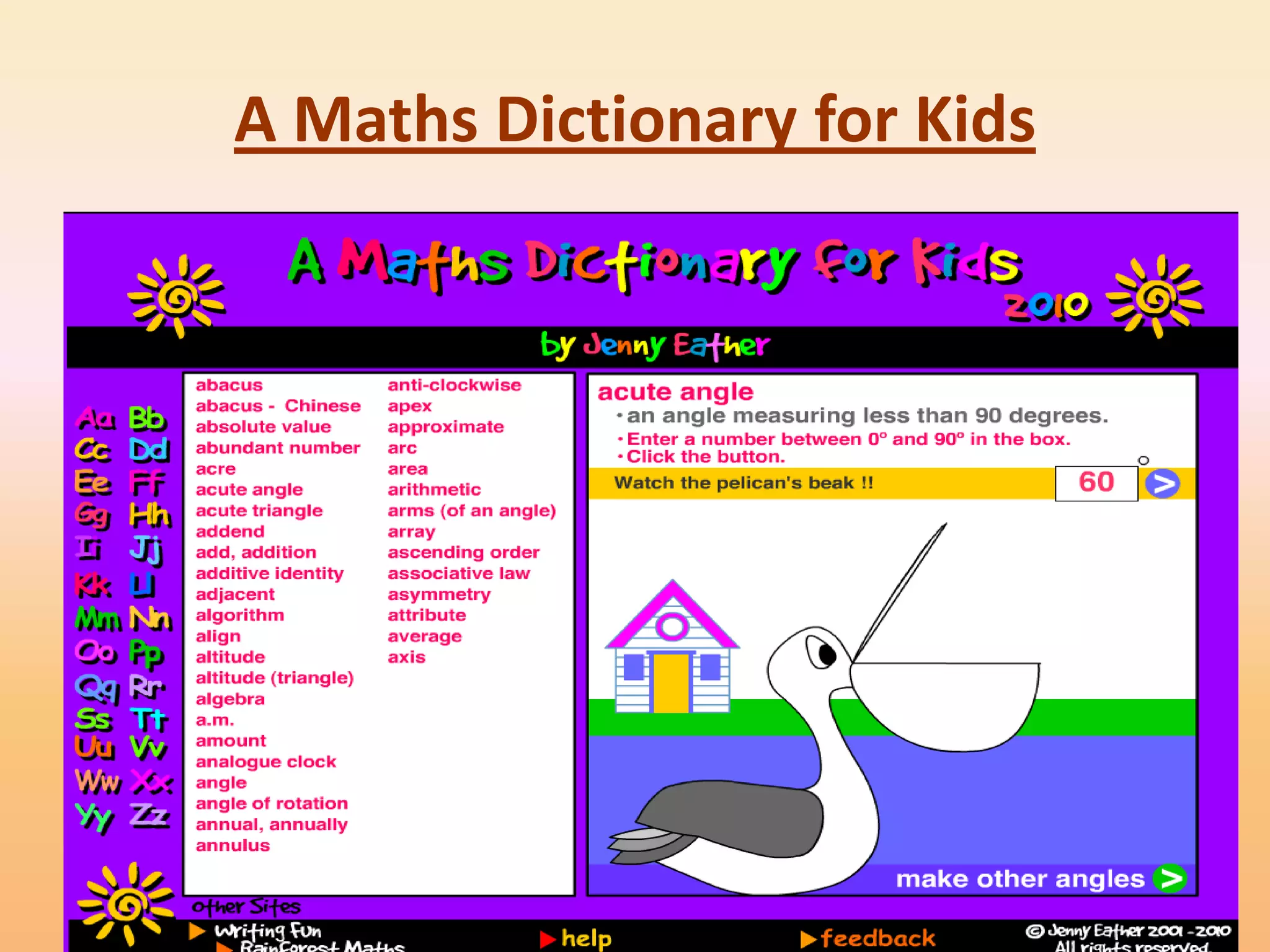
A Maths Dictionary for Kids
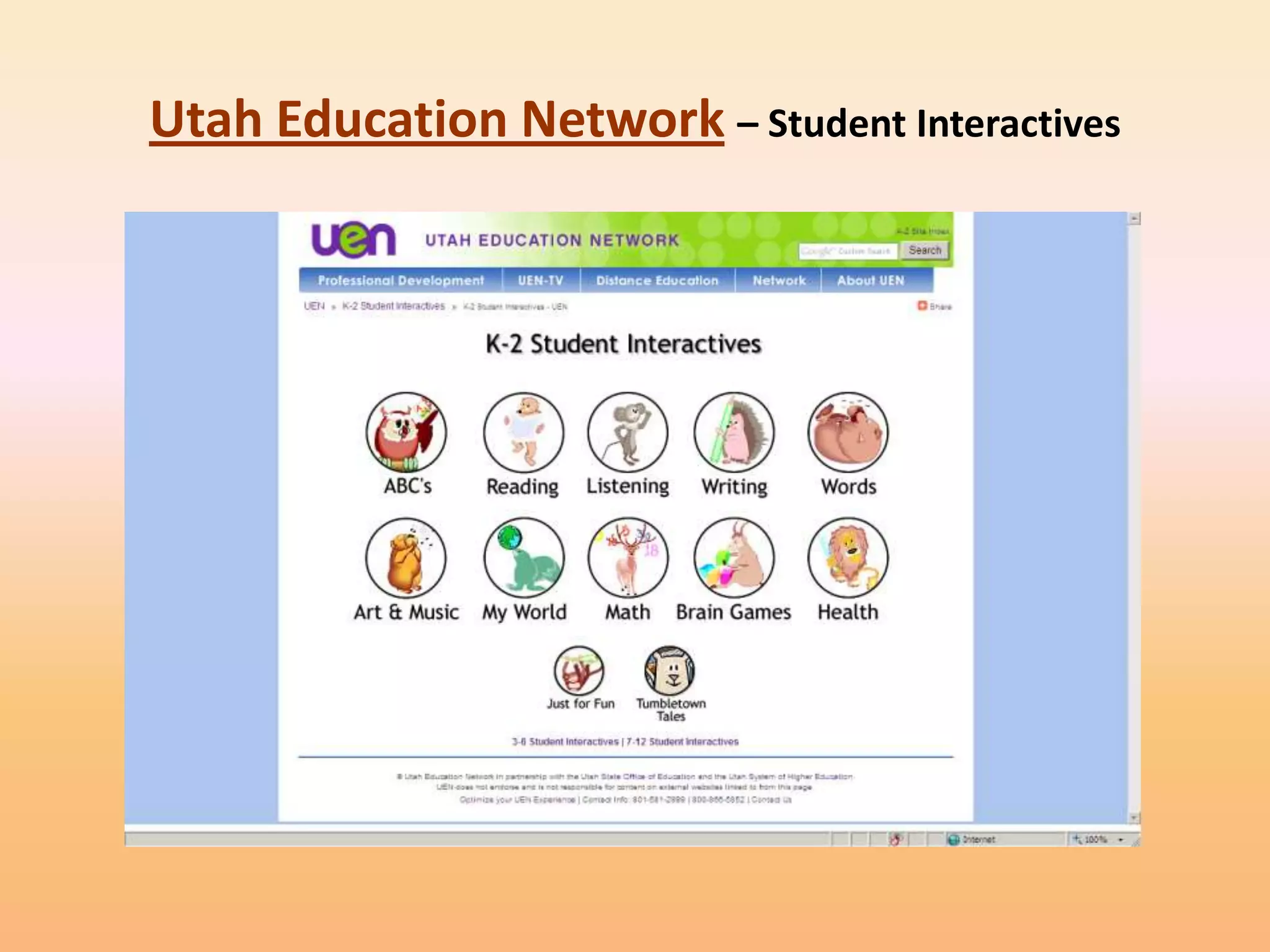
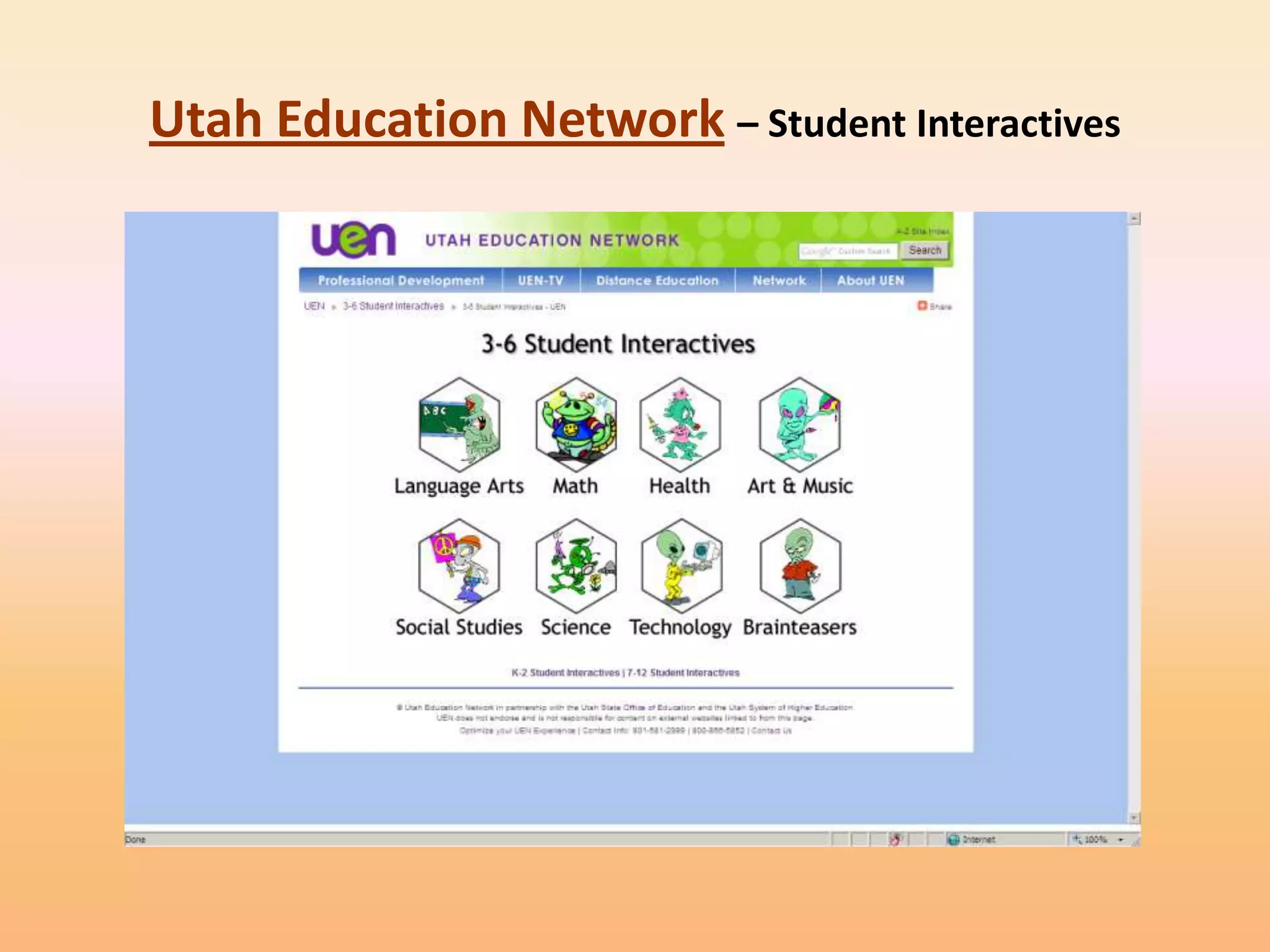
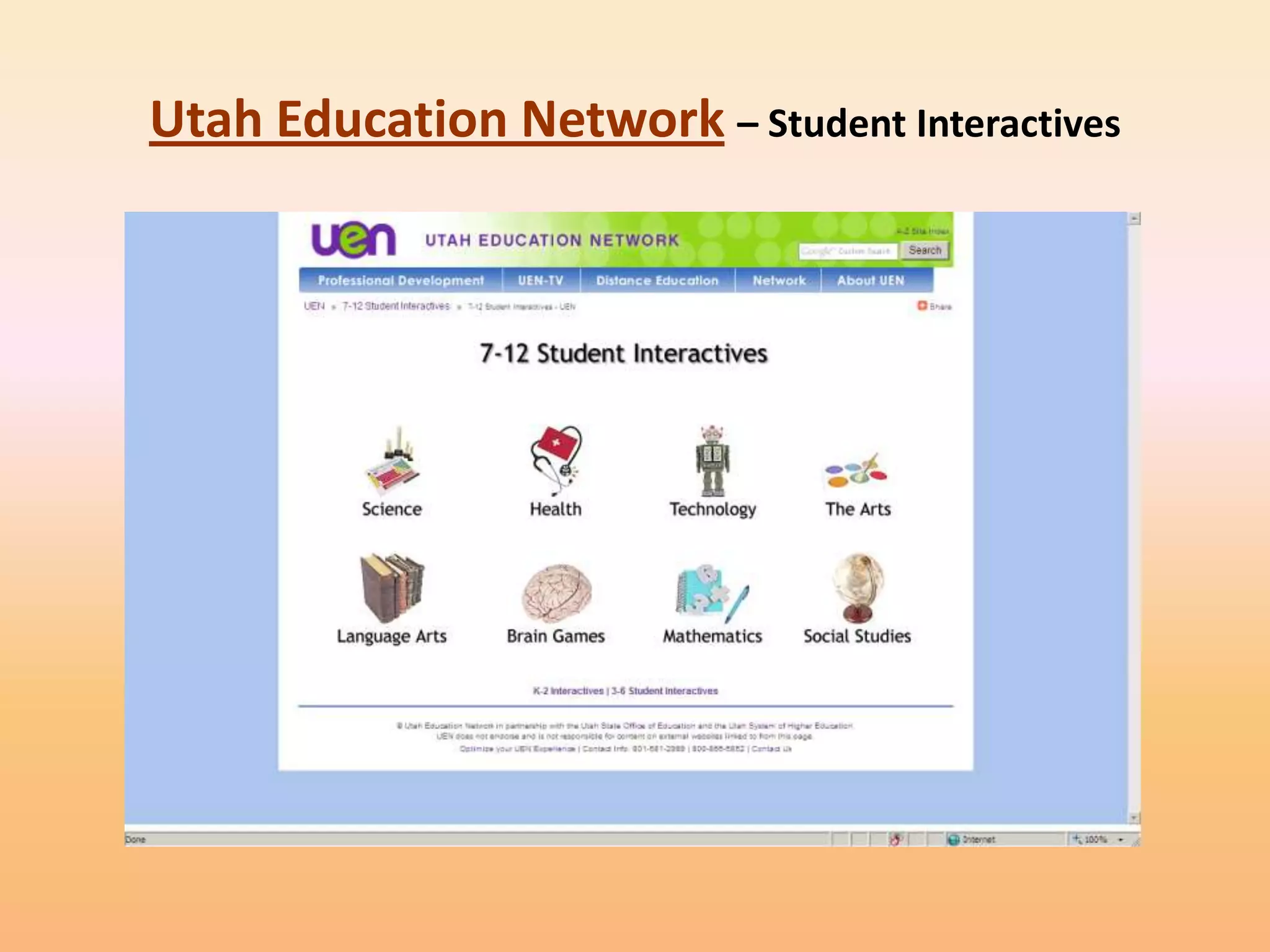
Utah Education Network – Student Interactives
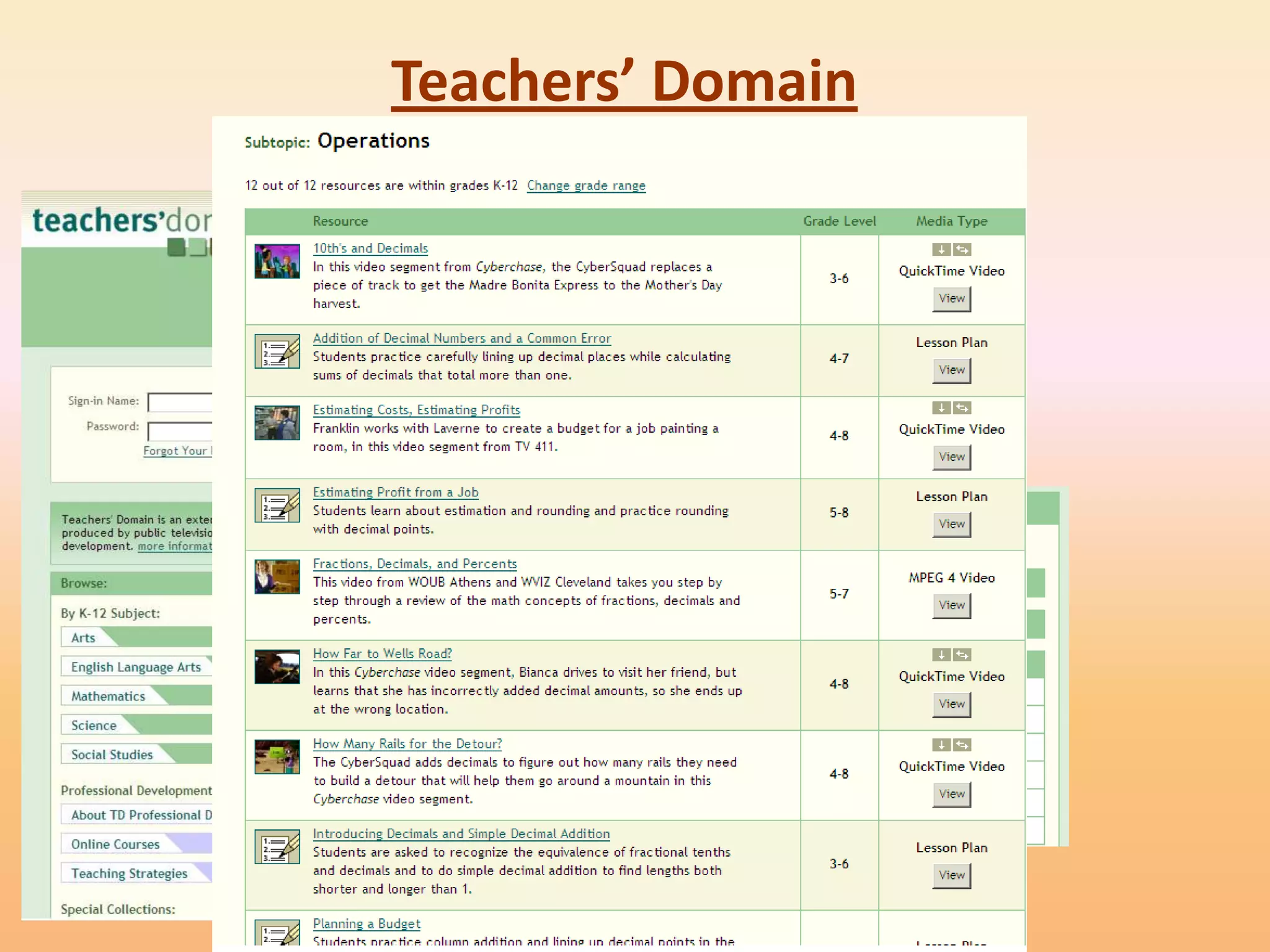
Teachers’ Domain
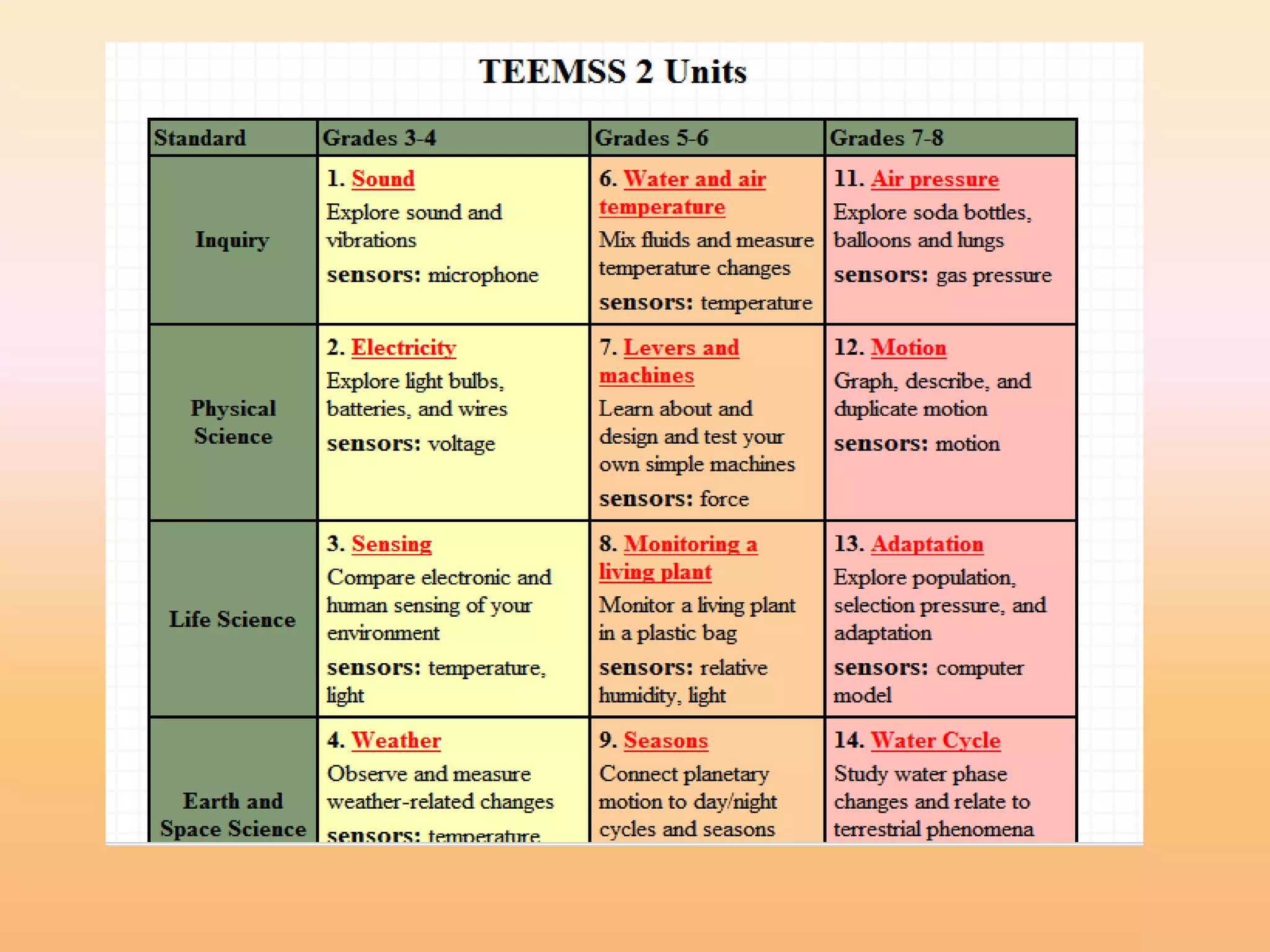
Probes - TEEMSS
• The Technology Enhanced Elementary and Middle
  School Science project (TEEMSS) was funded by the
  National Science Foundation to bring the power of
  information and communication technology to science
  education in grades 3-8 by creating and disseminating
  valuable, proven, and easily implemented technology-
  based science learning materials and associated
  teacher professional development.
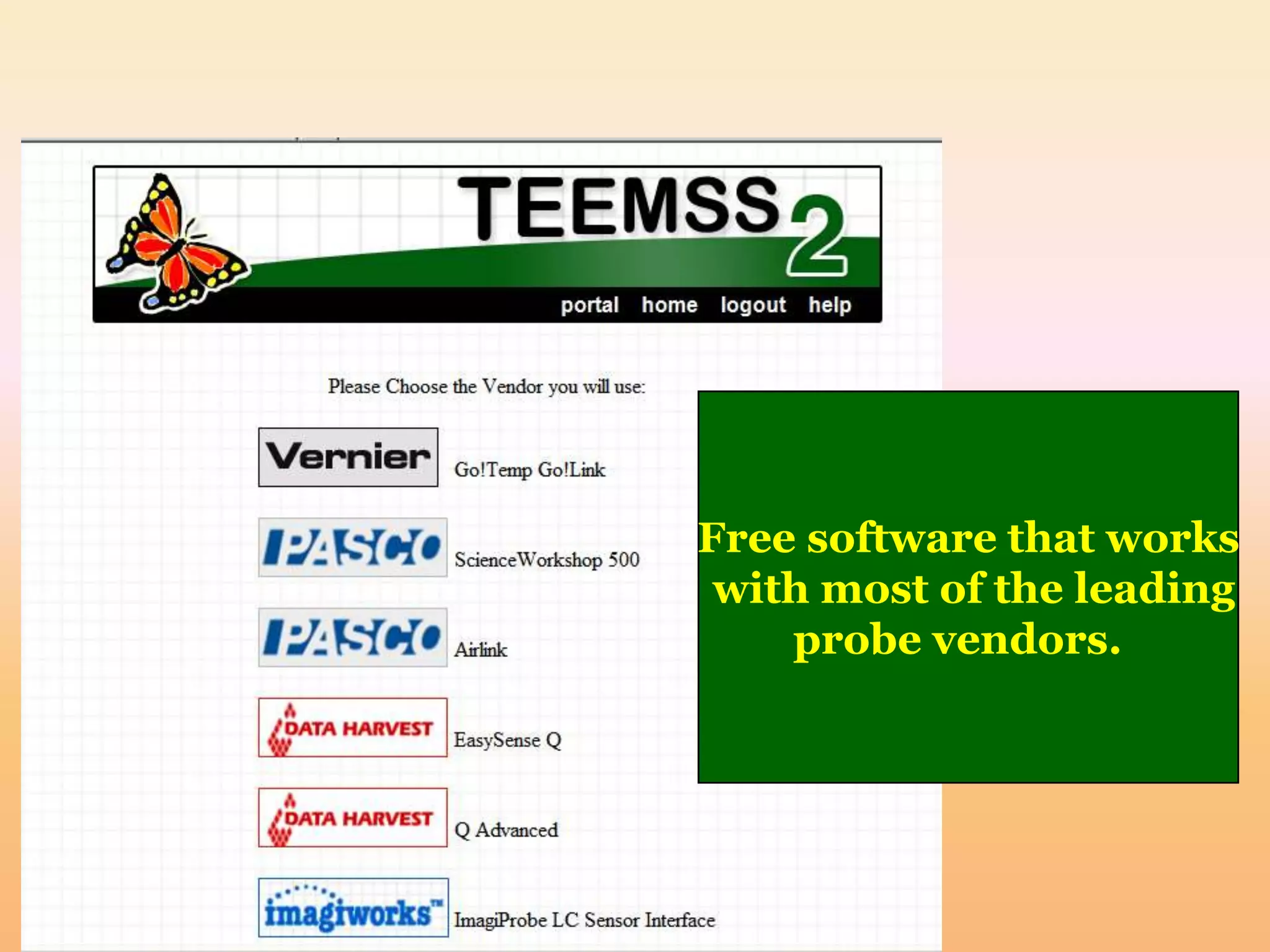
Free software that works
 with most of the leading
    probe vendors.
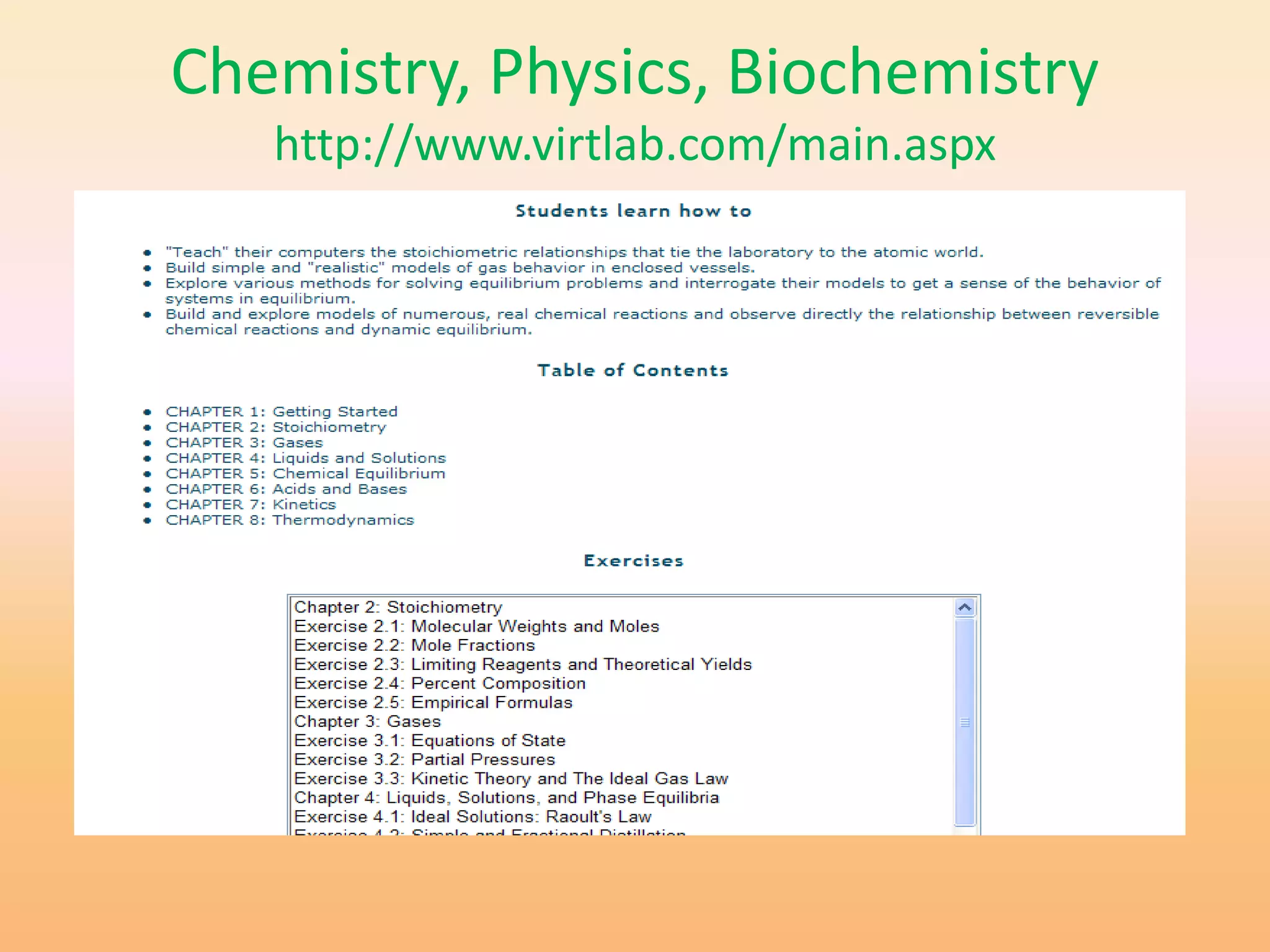
Chemistry, Physics, Biochemistry
   http://www.virtlab.com/main.aspx


  Virtlab: A Virtual Laboratory
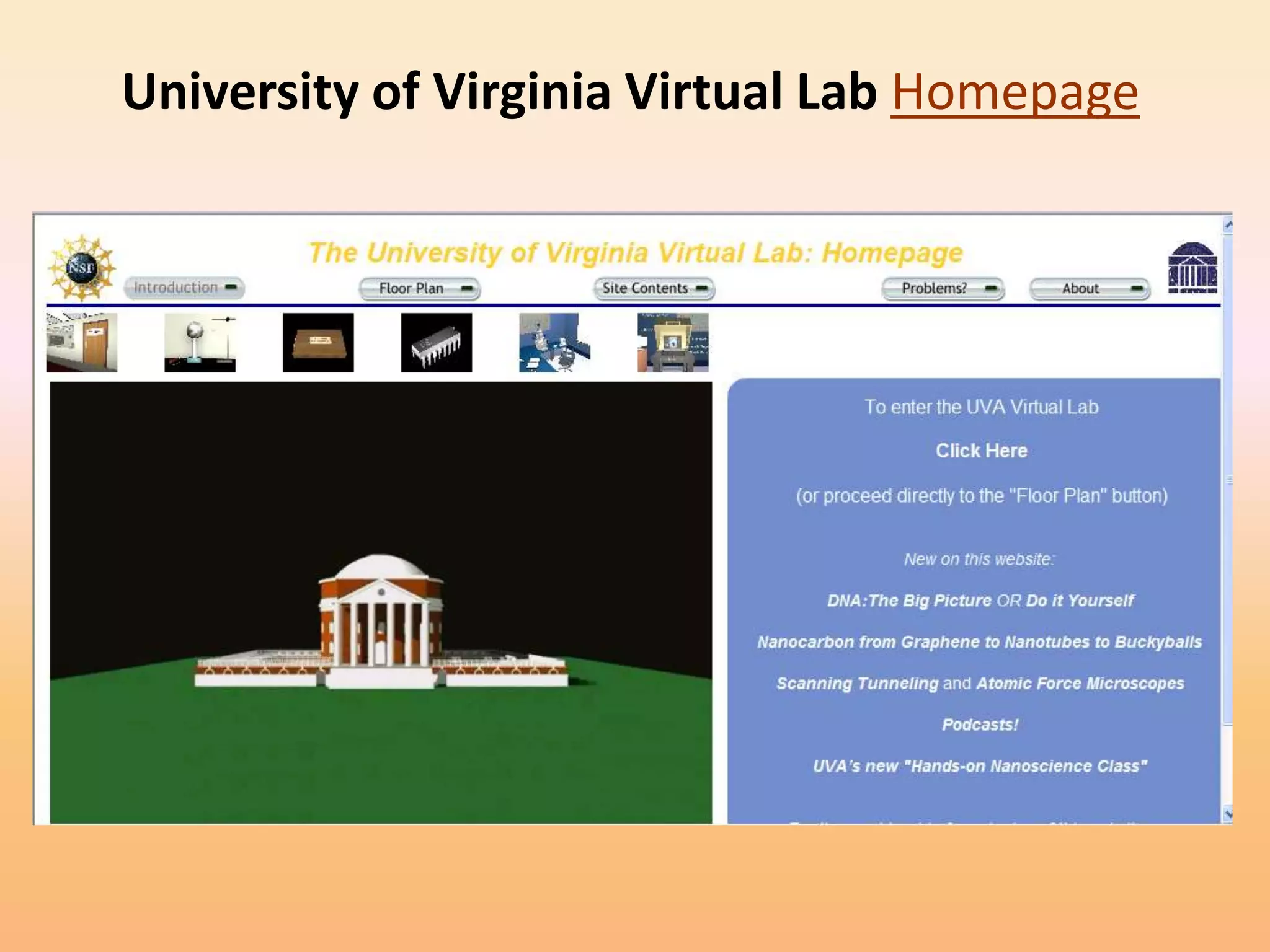
University of Virginia Virtual Lab Homepage
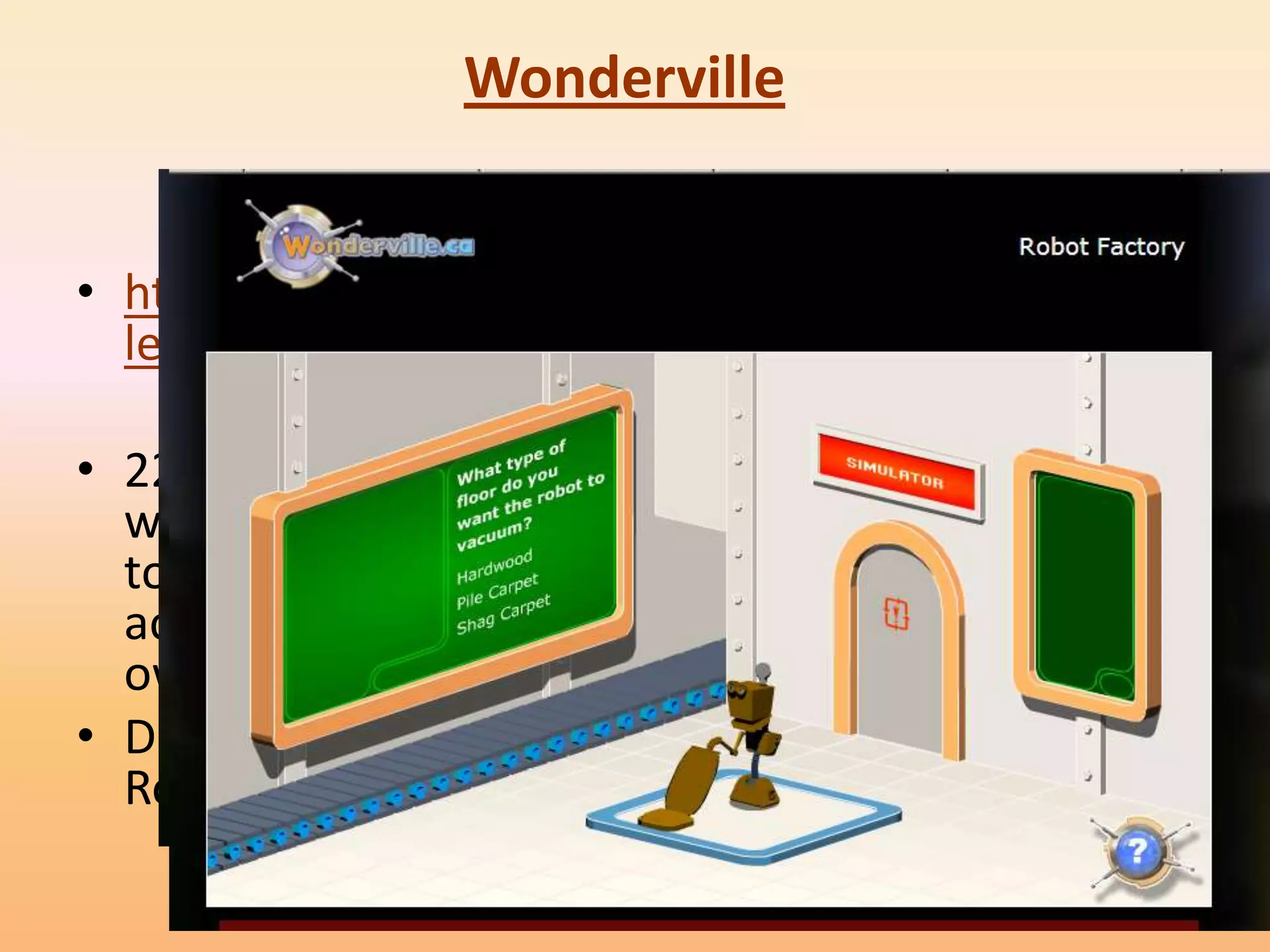
Wonderville


• http://www.wondervil
  le.ca/v1/home.html

• 22 activities covering a
  wide range of science
  topics. Each animated
  activity opens up in its
  own window
• D not miss the “The
  Robot Factory”
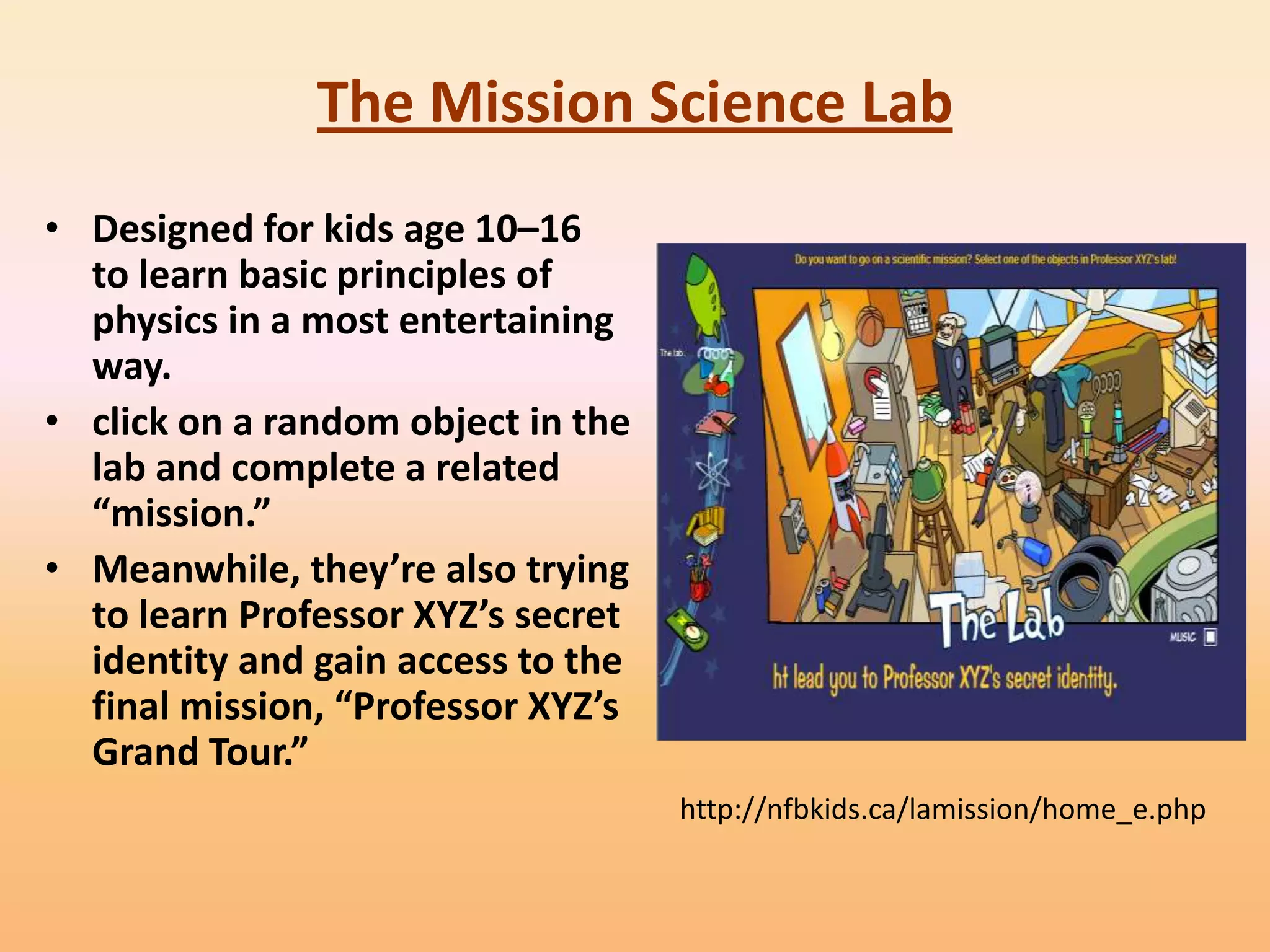
The Mission Science Lab
• Designed for kids age 10–16
  to learn basic principles of
  physics in a most entertaining
  way.
• click on a random object in the
  lab and complete a related
  “mission.”
• Meanwhile, they’re also trying
  to learn Professor XYZ’s secret
  identity and gain access to the
  final mission, “Professor XYZ’s
  Grand Tour.”
                                    http://nfbkids.ca/lamission/home_e.php
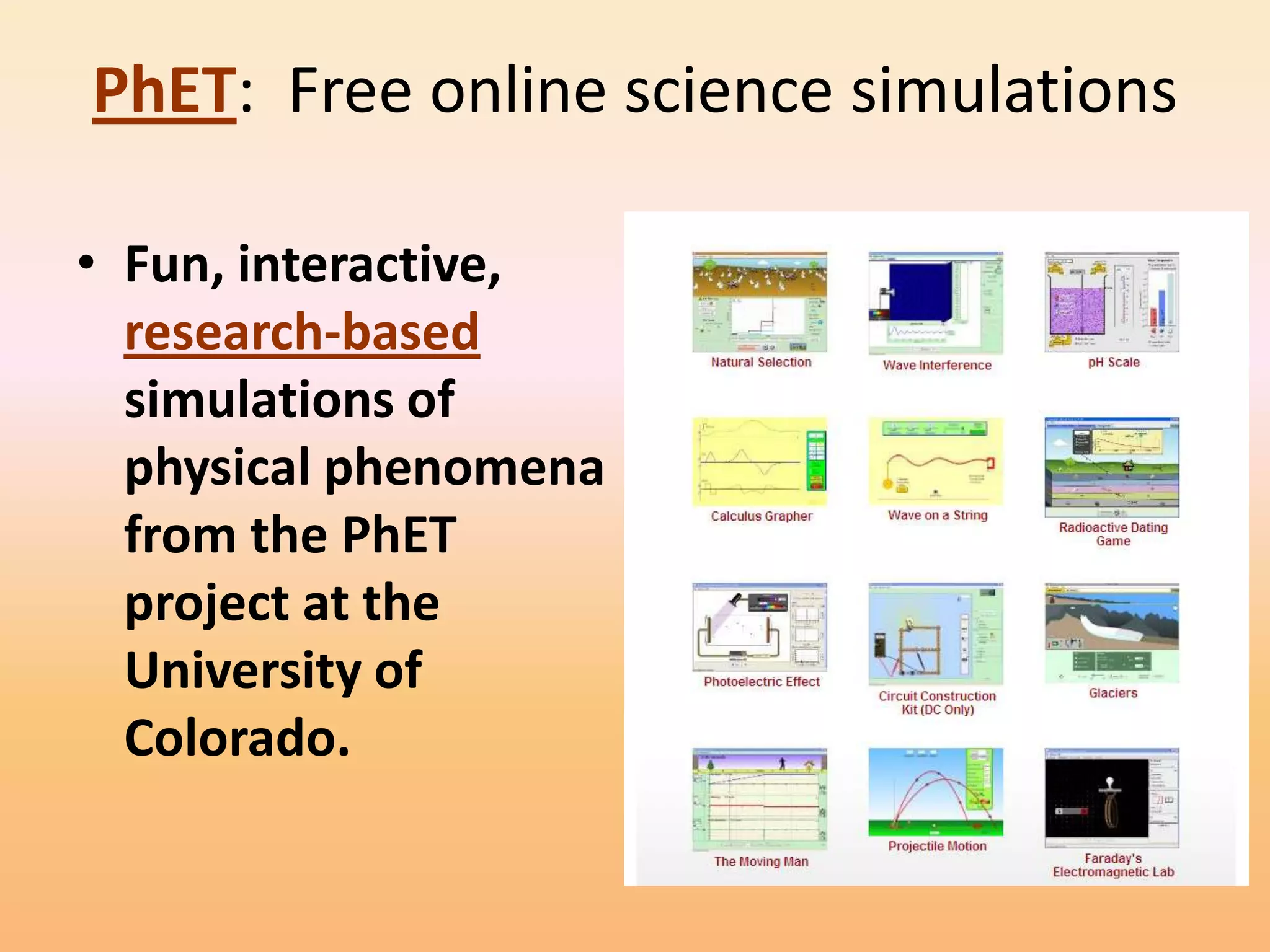
PhET: Free online science simulations

• Fun, interactive,
  research-based
  simulations of
  physical phenomena
  from the PhET
  project at the
  University of
  Colorado.
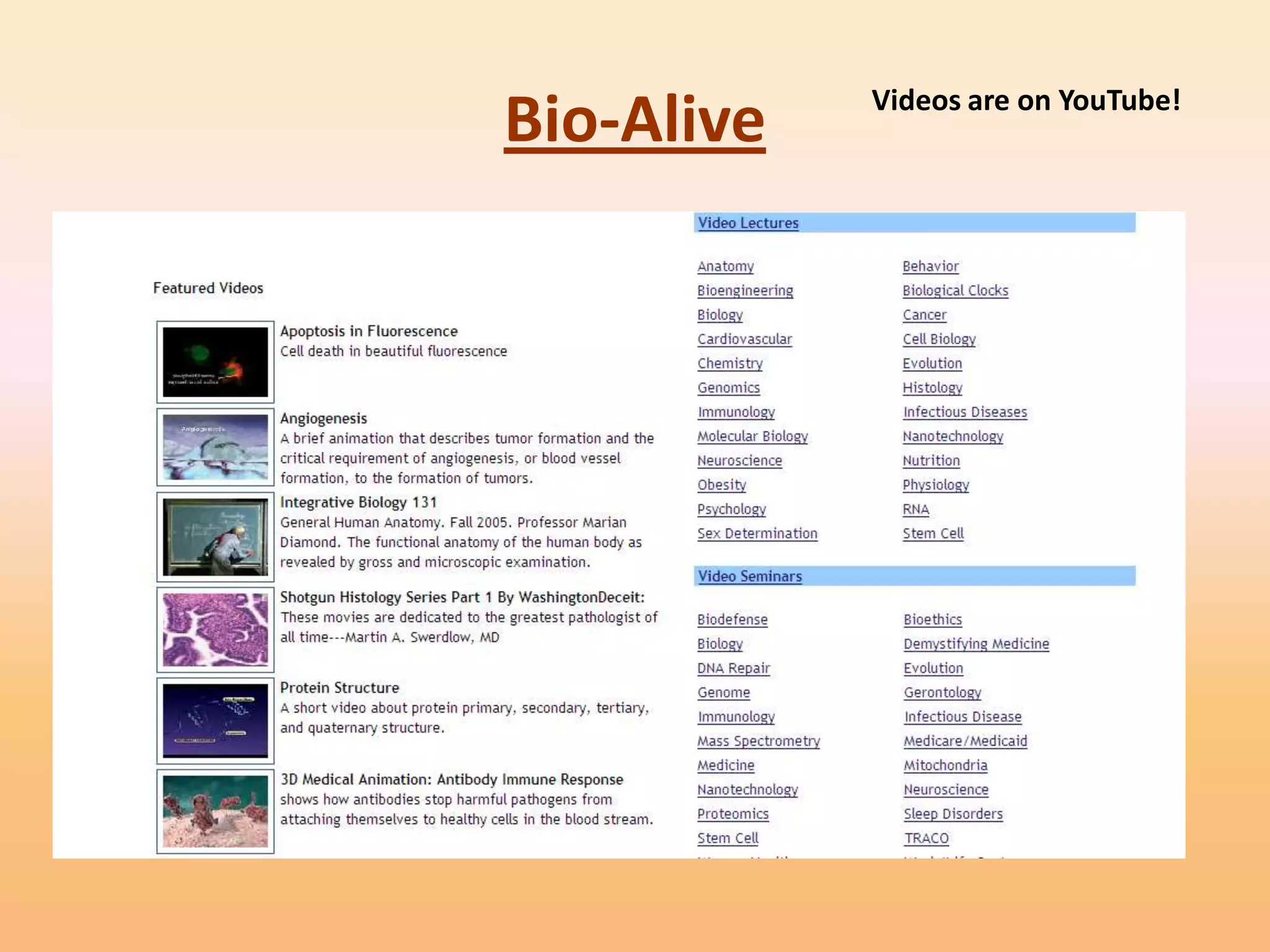
Videos are on YouTube!
Bio-Alive
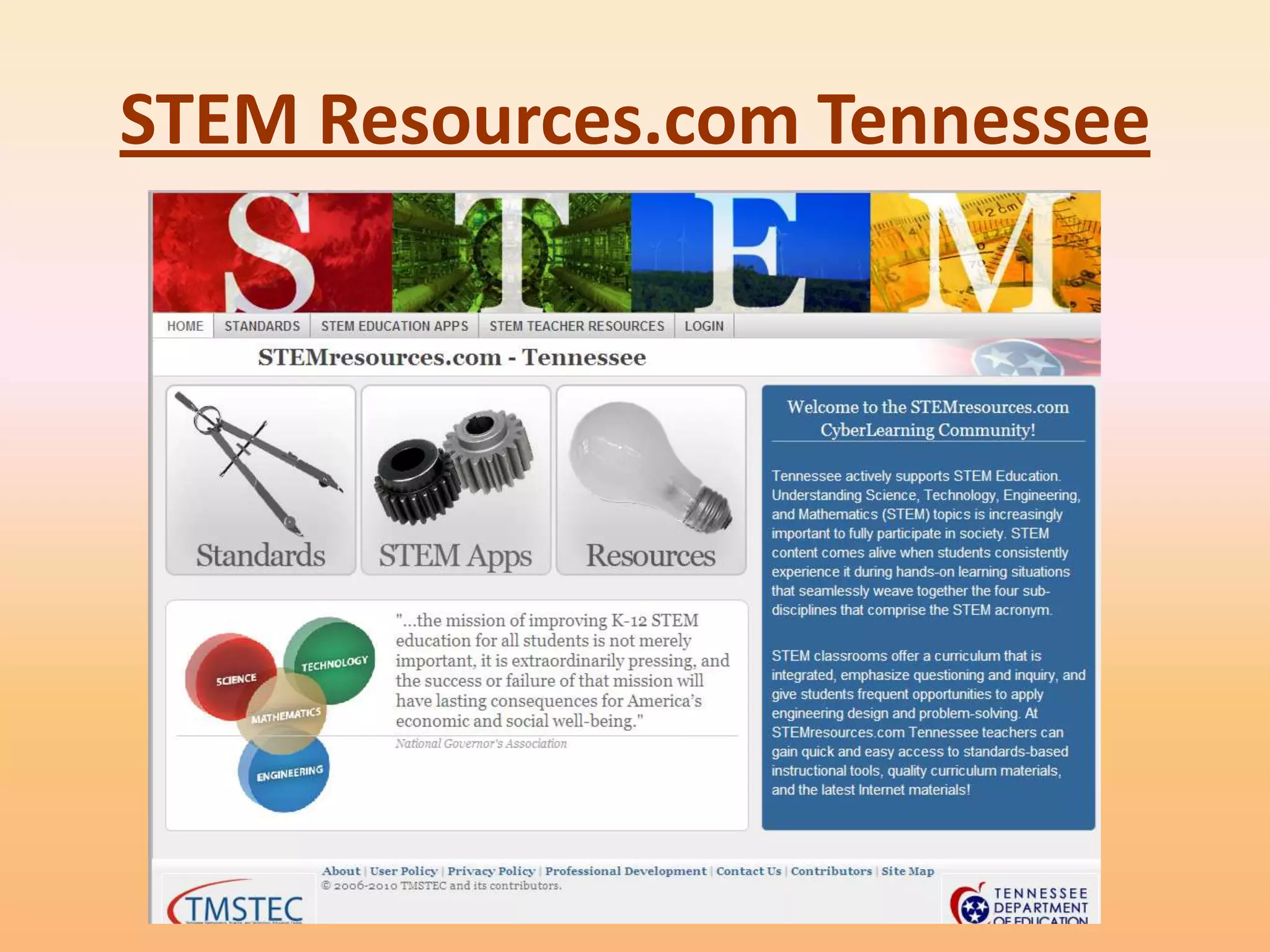
STEM Resources.com Tennessee
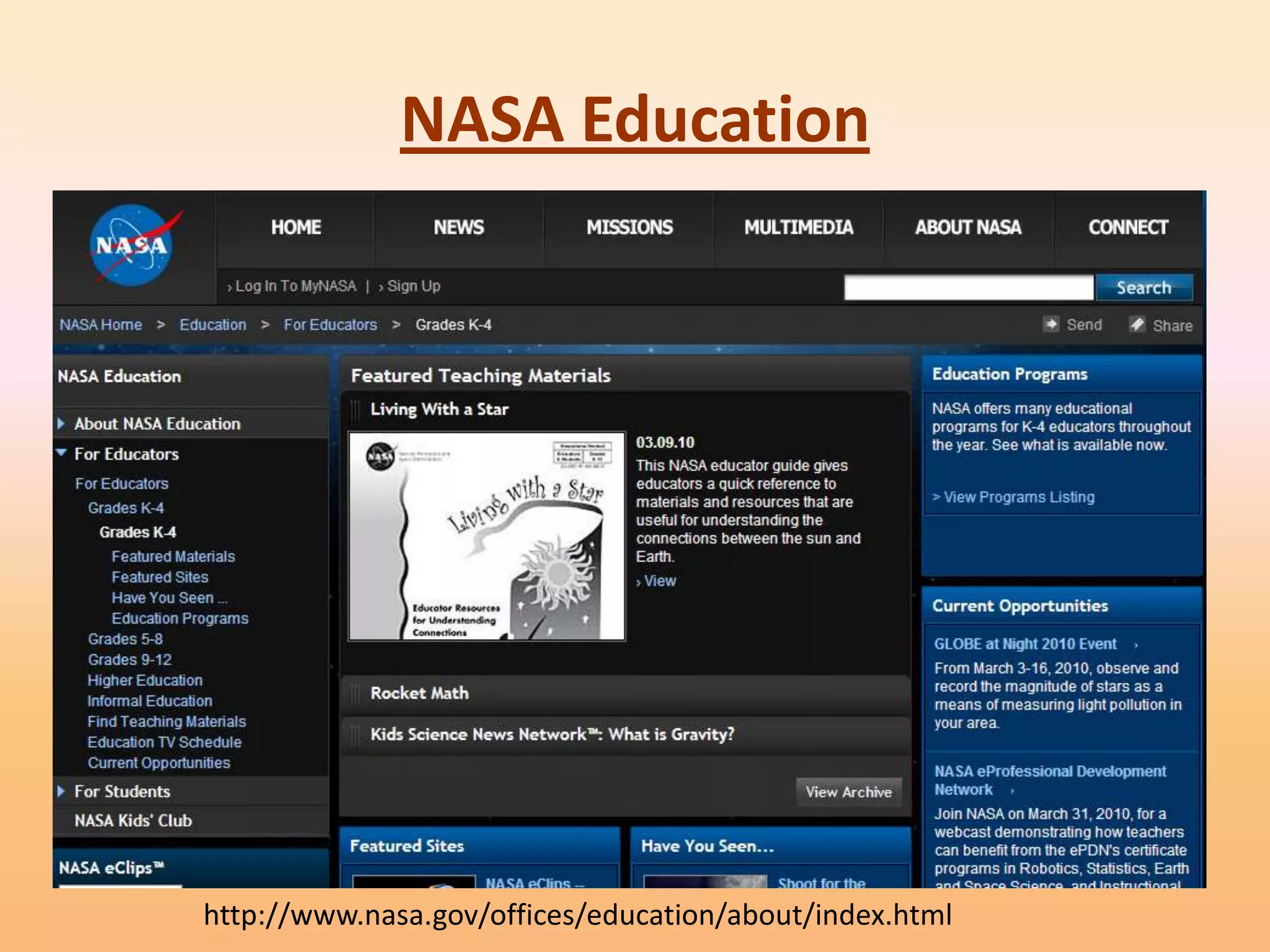
NASA Education


http://www.nasa.gov/offices/education/about/index.html
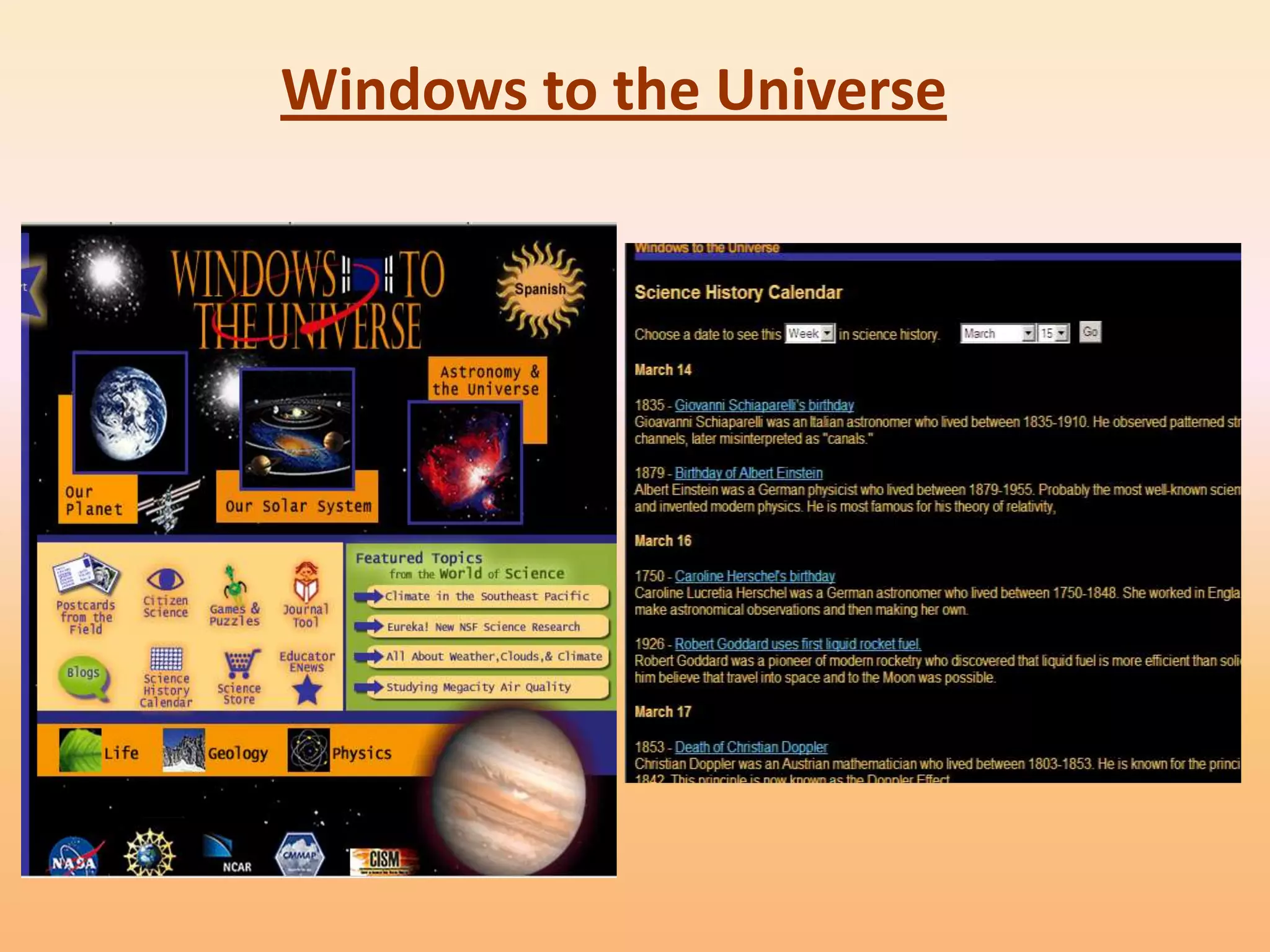
Windows to the Universe
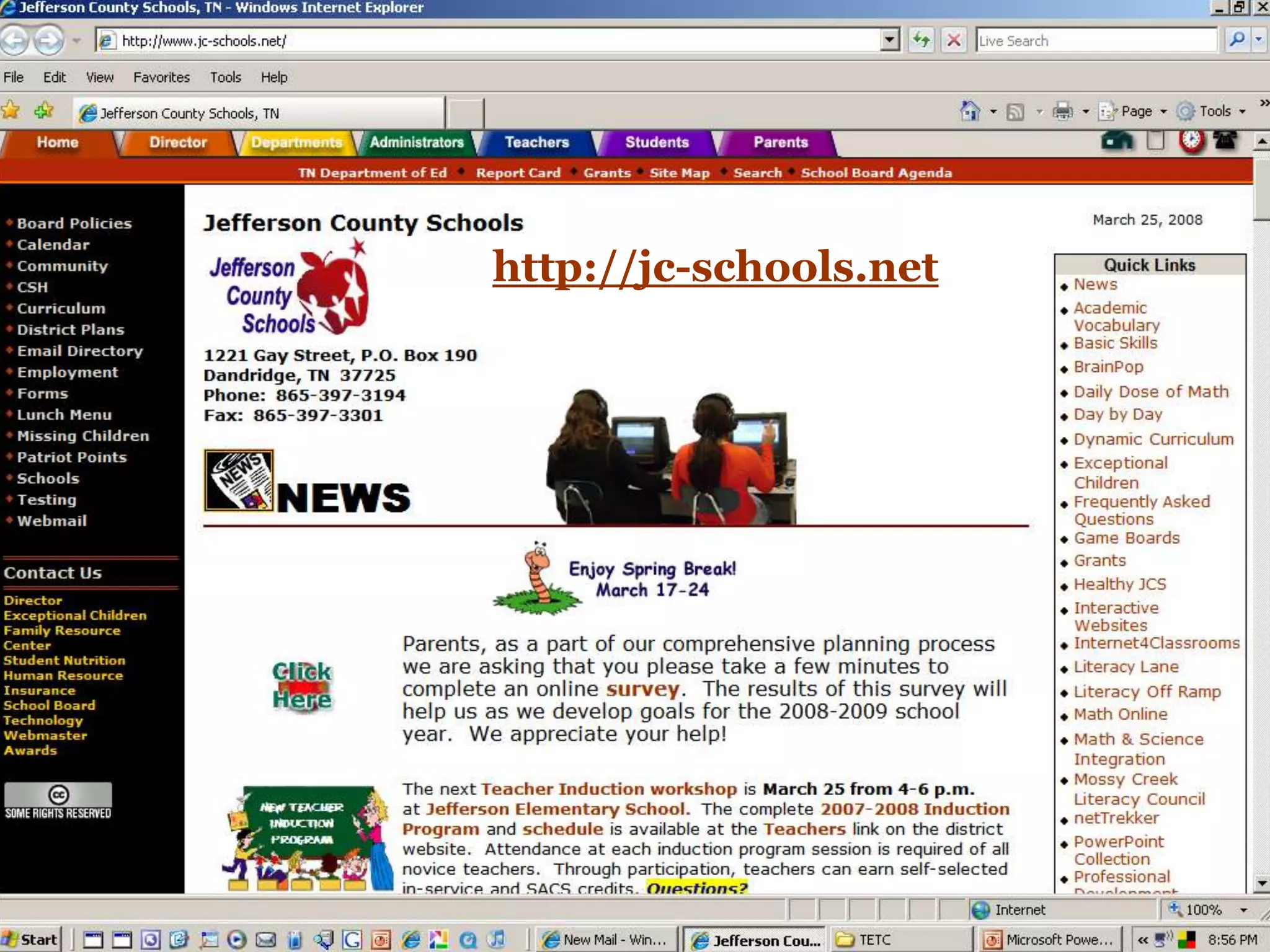
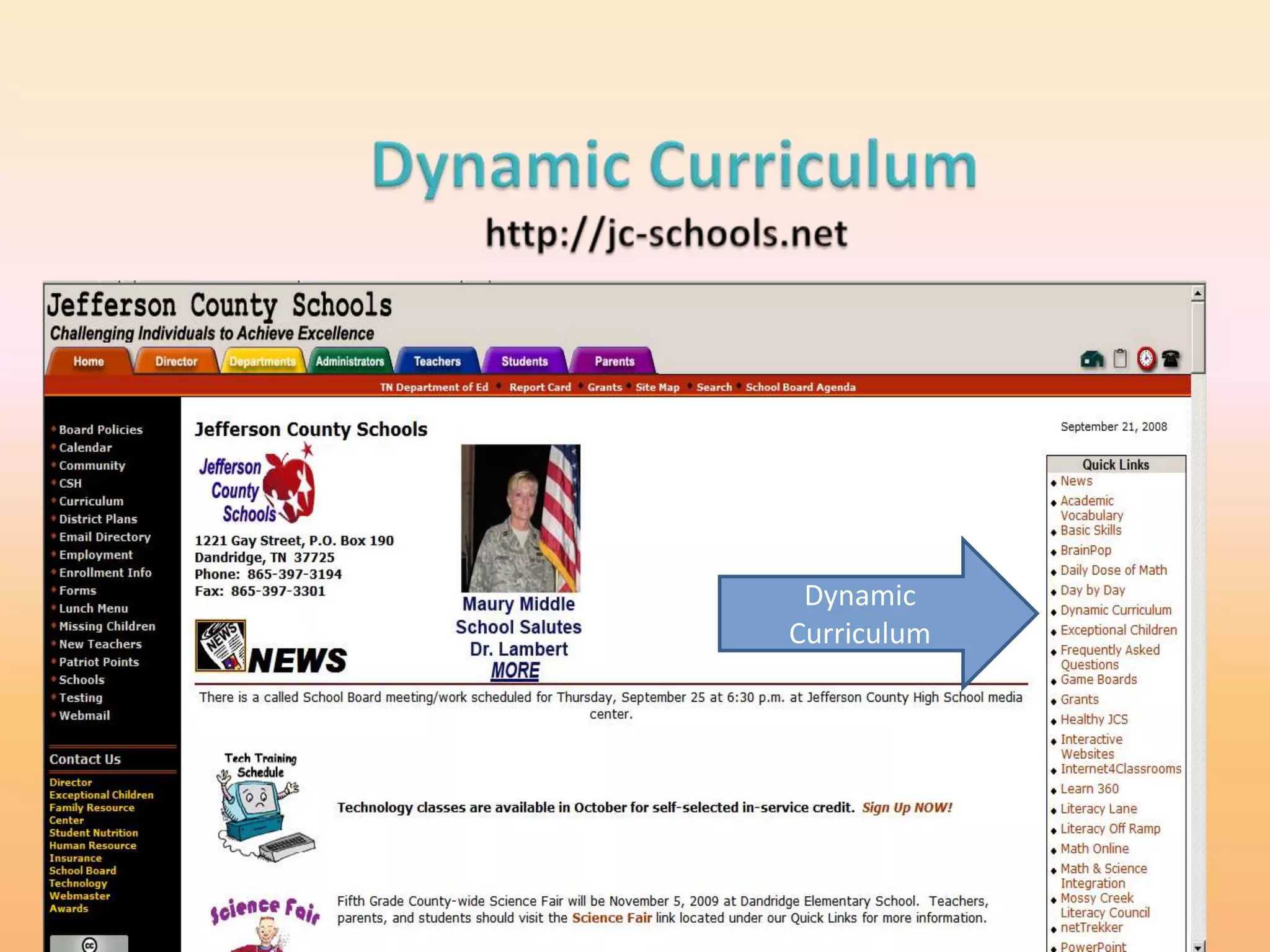
http://jc-schools.net
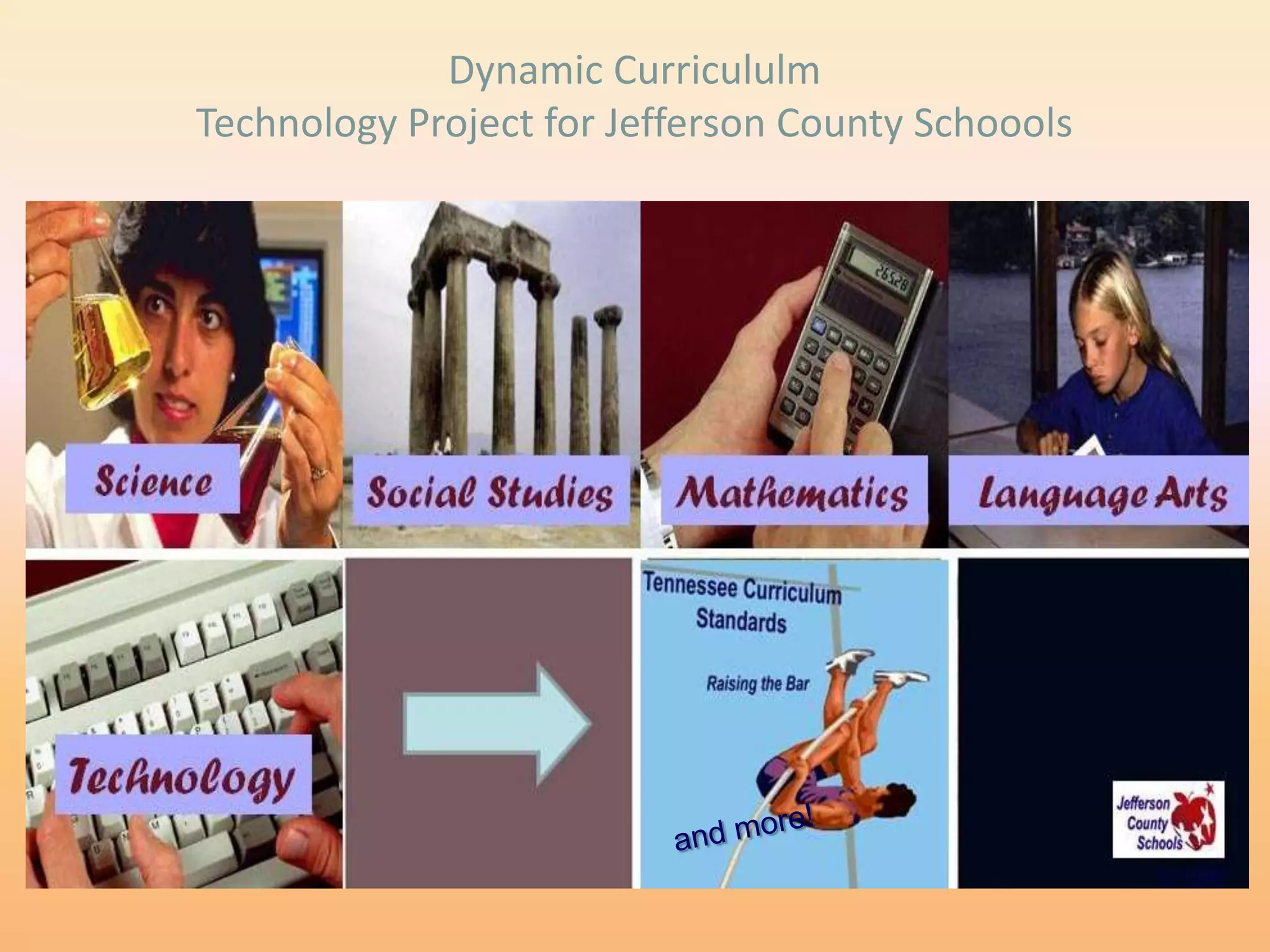
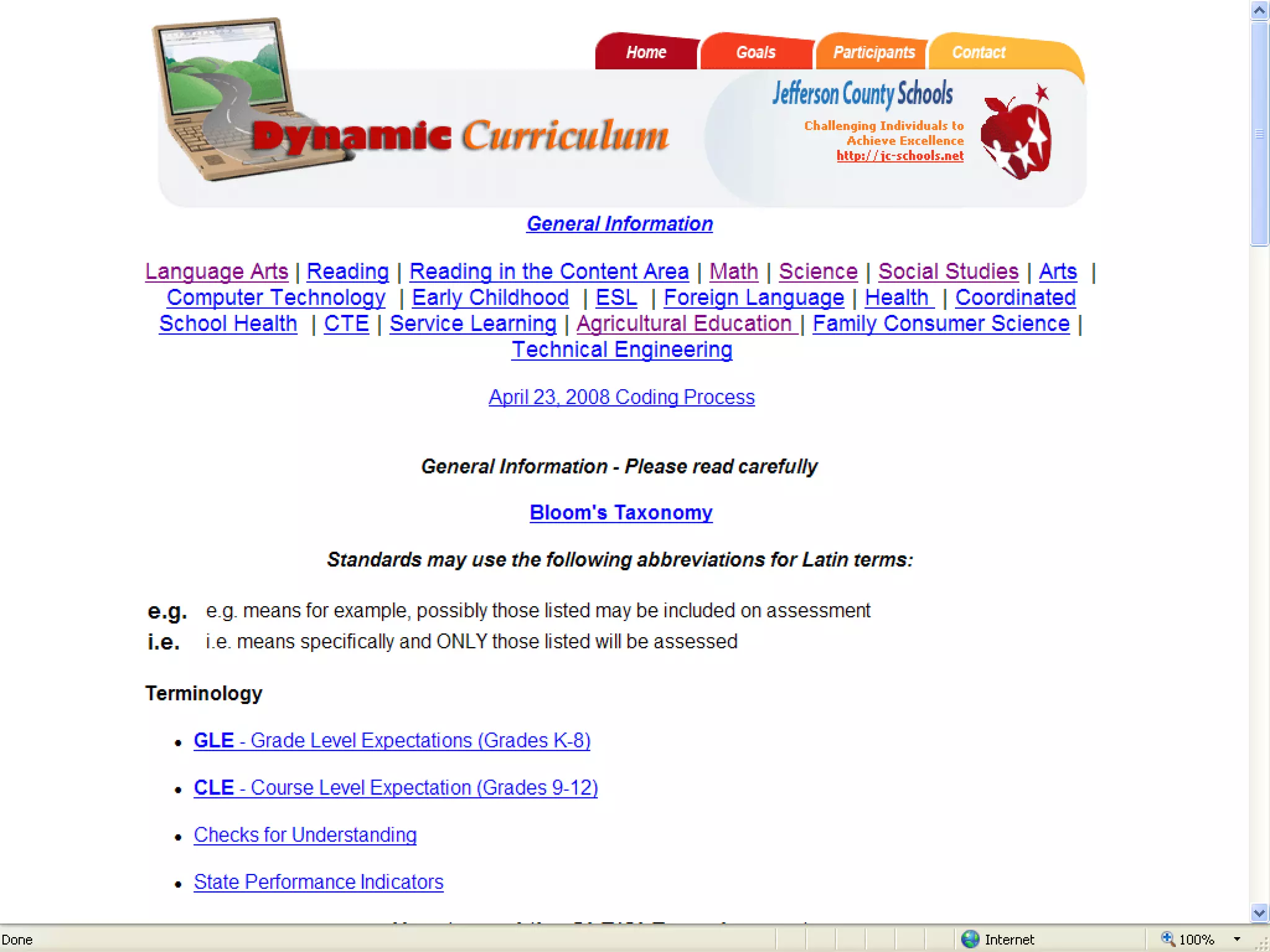
Dynamic
Curriculum
Dynamic Curricululm
Technology Project for Jefferson County Schoools
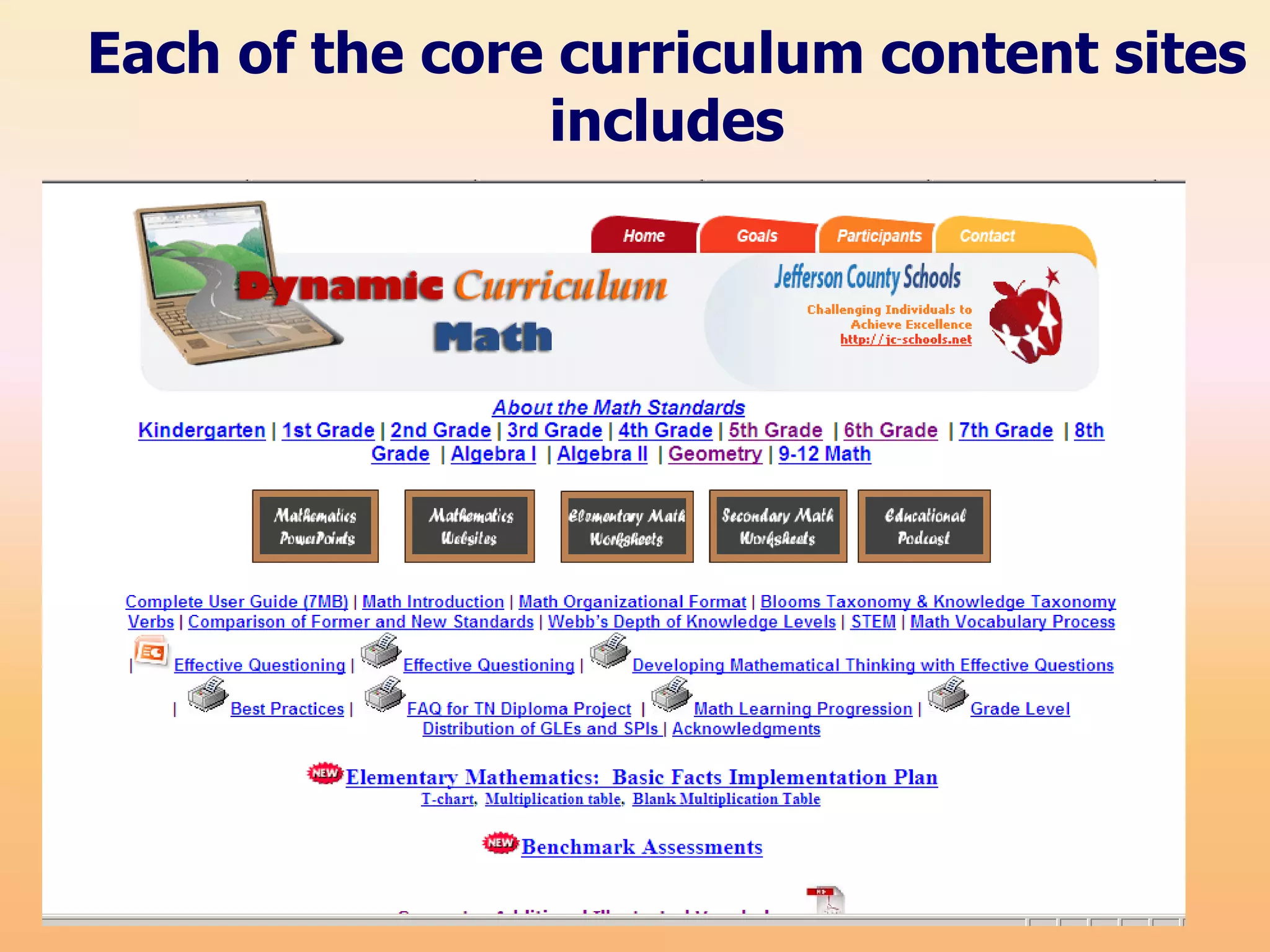
Each of the core curriculum content sites
                includes
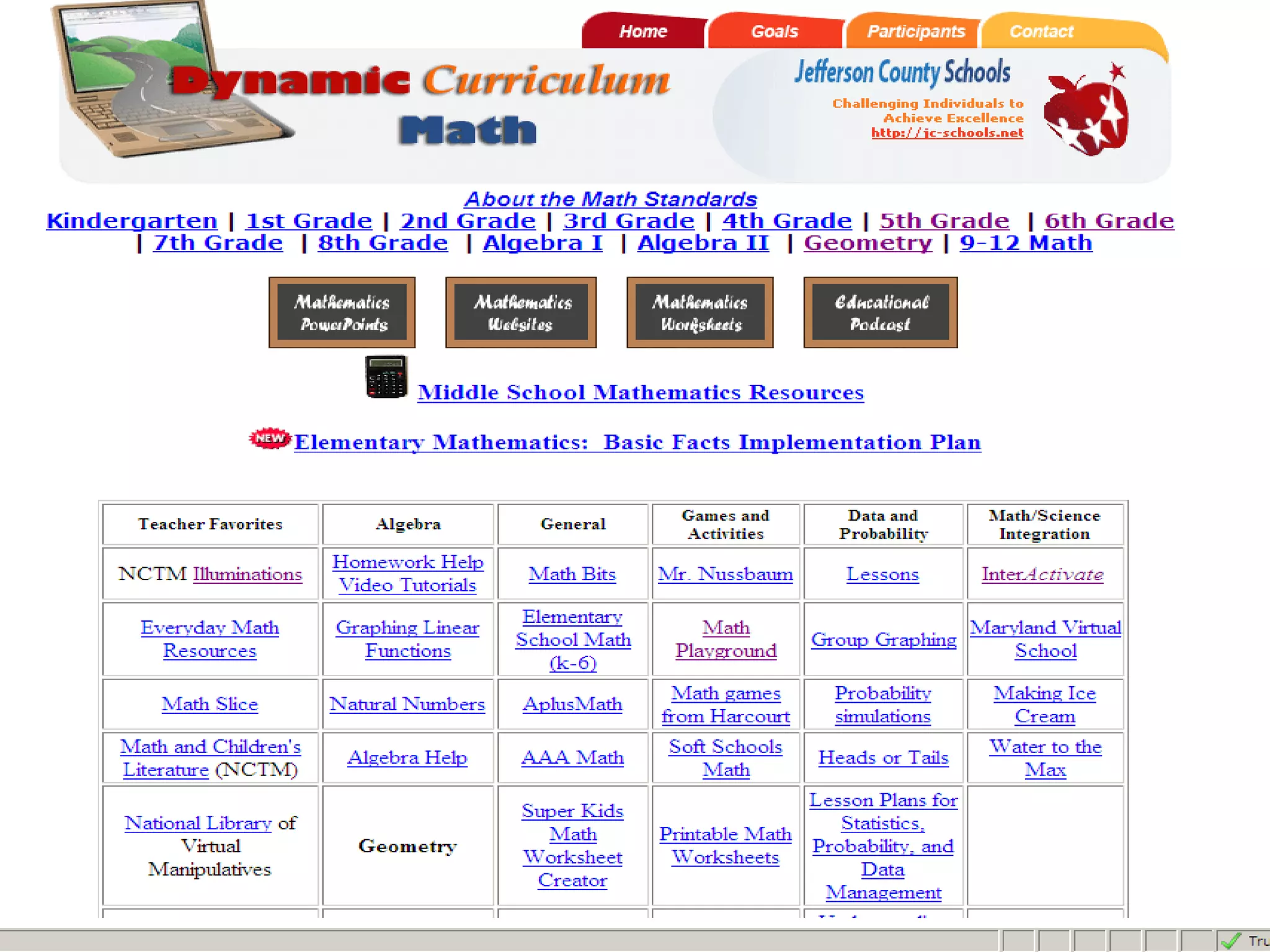
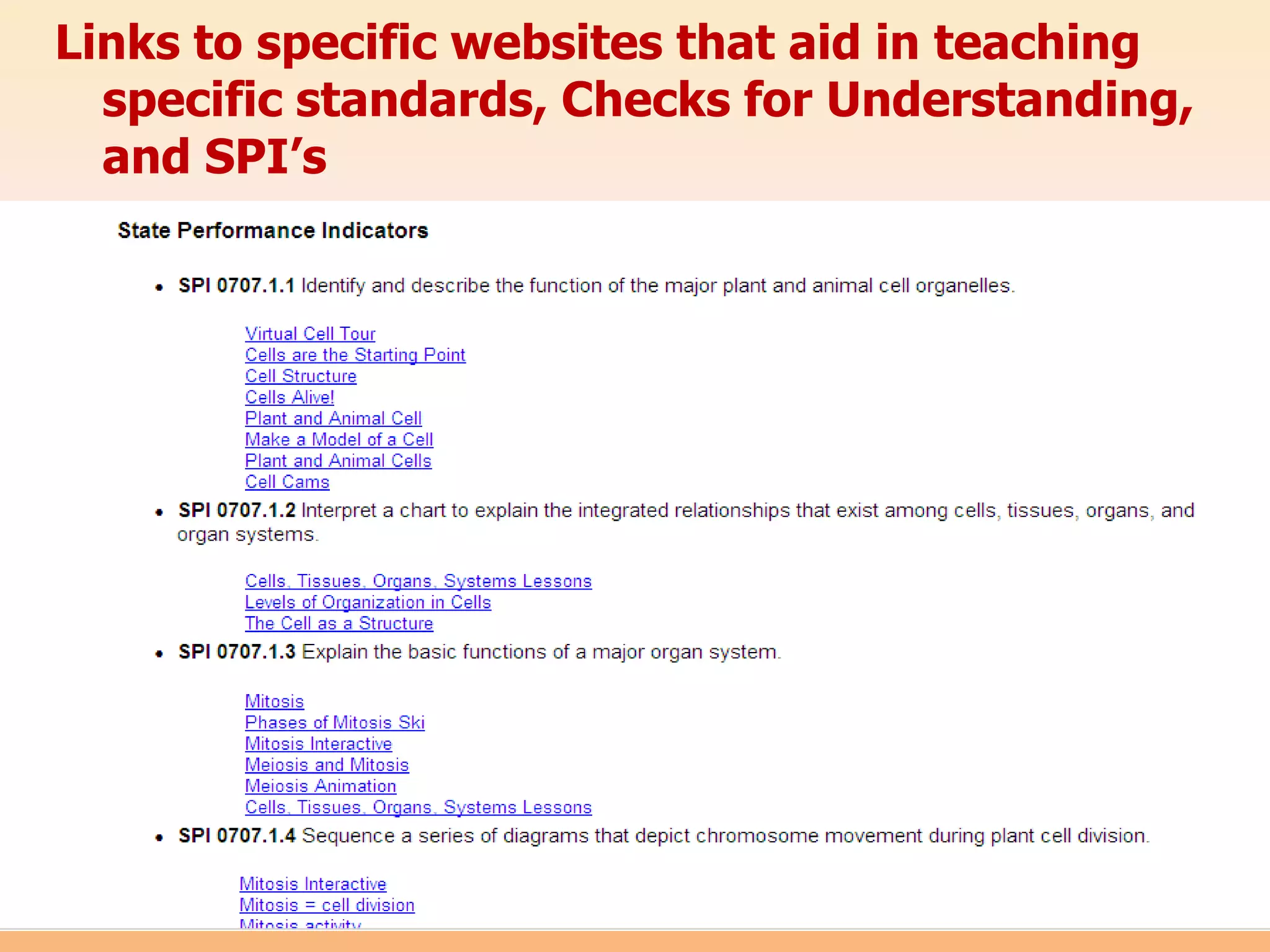
Links to specific websites that aid in teaching
  specific standards, Checks for Understanding,
  and SPI’s
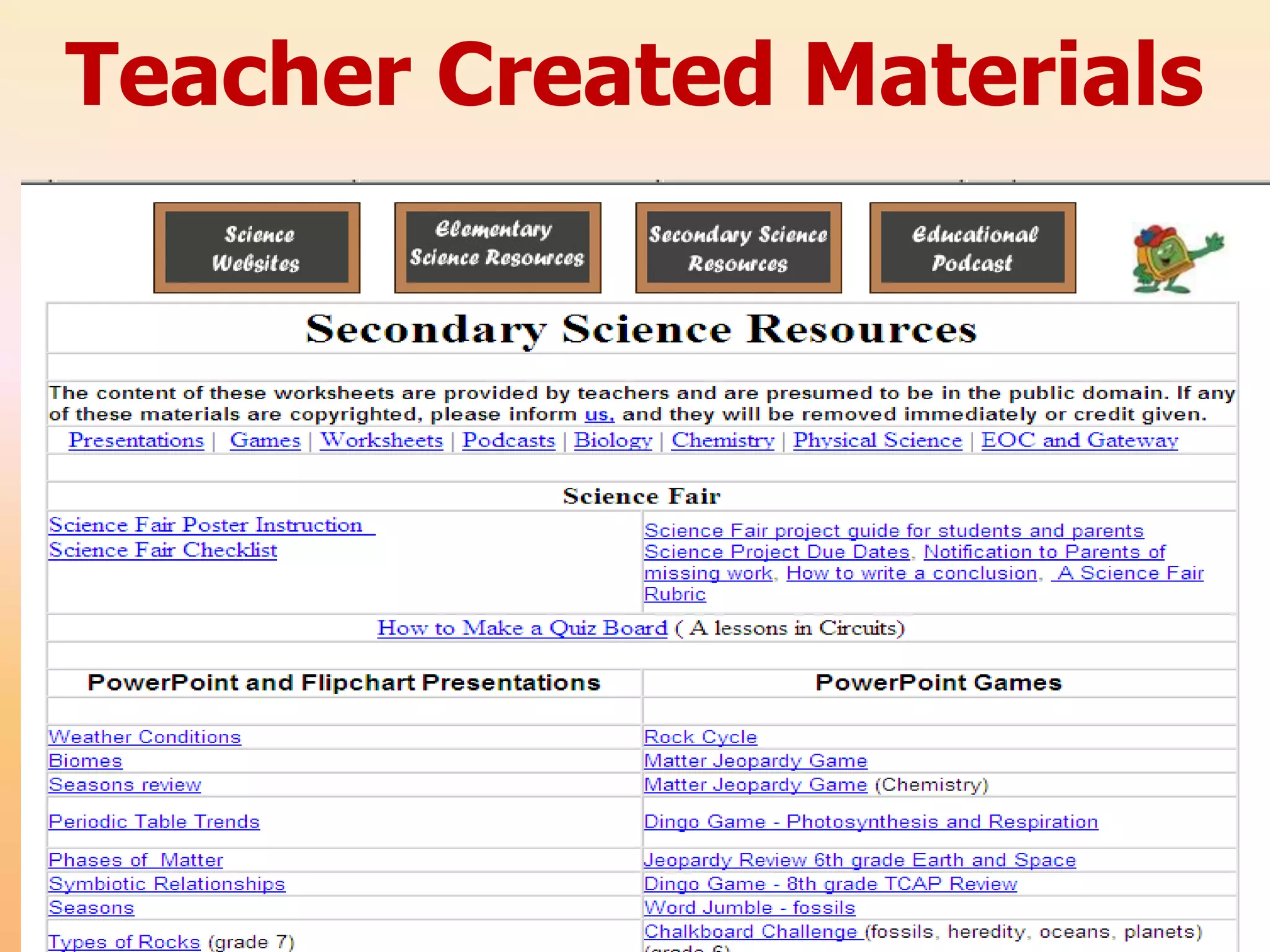
Teacher Created Materials
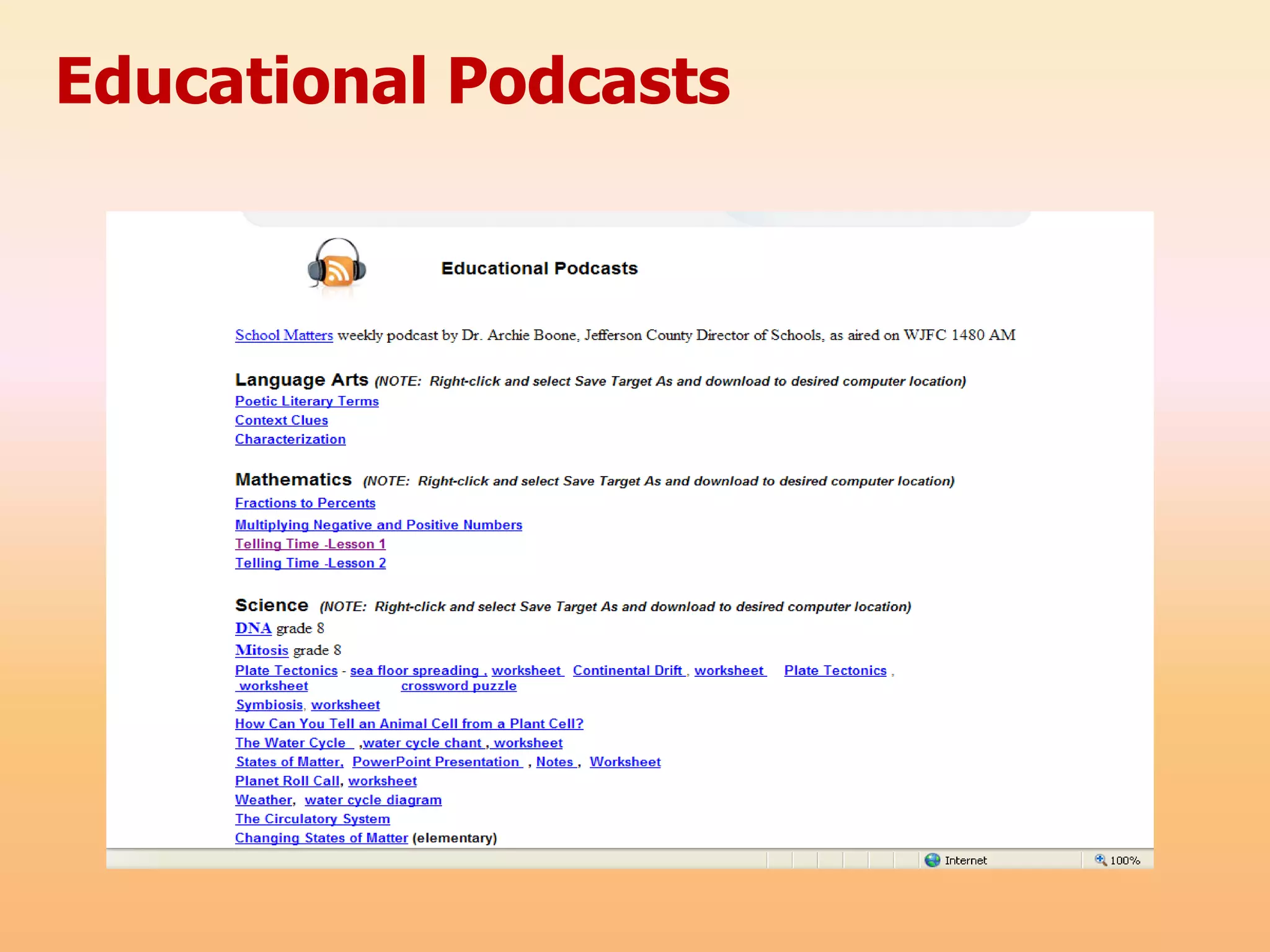
Educational Podcasts
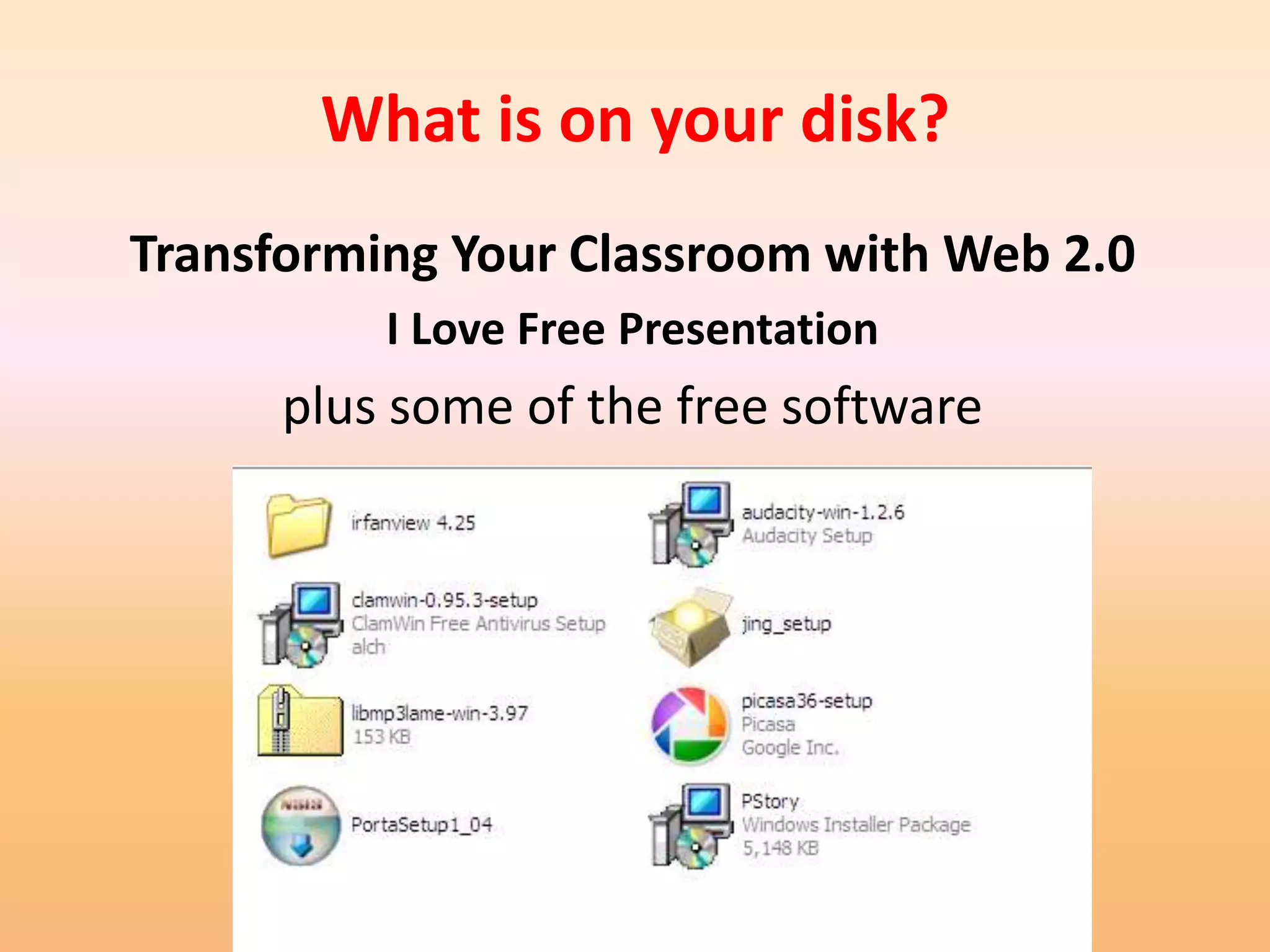
What is on your disk?
Transforming Your Classroom with Web 2.0
          I Love Free Presentation
      plus some of the free software
Thank You!

  Questions?

I love free – transforming your classroom with web 2.0

  • 1.
    Transforming your Classroomwith Web 2.0 Jan Coley Jefferson County Schools http://jc-schools.net
  • 2.
    Purpose and Objectives Examine applications that are easy to access and user-friendly. Web 2.0 tools for the classroom – Wordle Free and open-source softwar – Visuword – Porta – Create a Graph – Photo Story 3 – Quizlet – Kerpoof Virtual Labs – Scoreboard – Gliffy Favorite online applications and – Slideshare games – Animoto – Photoshop.com – Pixlr – Scoreboard
  • 3.
    You Are Teachingin an Age of Digital Learners
  • 4.
    New Tools forthe Classroom Podcasting Web 2.0 Digital Storytelling Streaming Media Distance Web lessons Learning and tutorials
  • 5.
    Web 2.0 –What is it? • Web 2.0 is an expression which was used for the first time in 2004 by Tim O`Reilly. The main characteristics of new era in Internet is connected with its constant development and delivering services tailored to the needs of each user. • Associated with web applications that facilitate interactive information sharing, interoperability, and user-centered.
  • 6.
    WEB 2.0 • Aterm used to describe a new generation of Web services and applications with an increasing emphasis on human collaboration • These usually include tools that let people collaborate and share information online
  • 7.
    Web 2.0 –Why use it in education? What are the advantages? – Works with all Platform – Easy to share – No software purchases – Engages students or downloads – Pride of ownership – Available anywhere, – Provides an avenue for anytime collaboration with – Allows the additions of professionals in all fields tags, which in turn as well as other makes searchable. students.
  • 8.
    WEB 2.0 • Whatare the disadvantages? – Internet may be down when you need to use this. – Often cannot save to a local computer – Correctness of information – Privacy issues
  • 9.
    Wordle www.wordle.net Wordle is a toy for generating “word clouds” from text that you provide. The clouds give greater prominence to words that appear more frequently in the source text. You can tweak your clouds with different fonts, layouts, and color schemes
  • 10.
    Educational Uses • Vocabulary • Review • Scrambled sentences • Surveys • News Items • Book reviews
  • 11.
    Visuword http://mpcollab.org/MPbeta1/node/1720 Online graphical dictionary that provides meanings and word relationships.
  • 12.
    Educational Uses • Illustratesrelationships of words – Synonyms and homonym – Nous, verbs, adjectives, adverbs • Great for English language learners • Serves as a dictionary and thesaurus. • Visuword combines a web 2.0 type visualization tool with Princeton University’s opensource WordNet database to create an interactive click and drag type tool that is free for everyone to use.
  • 13.
    Quizlet quizlet.com (Web 2.0) TN 6th grade science academic vocabulary
  • 14.
  • 15.
  • 16.
  • 17.
  • 18.
    SlideShare www.slideshare.net • Allow the online sharing of PowerPoint presentations, Word documents, and PDF files. • The files may be shared either publicly or privately.
  • 19.
    Kerpoof • Spell A Picture • Make A Picture • Make A Movie • Make A Card • Make A Story • Doodle Pad • Make A Drawing
  • 20.
    Photoshop.com http://www.photoshop.com/ • Create and account • Select Online Editor • Edit pictures
  • 21.
  • 22.
    Pixlr Pixlr Express http://www.pixlr.com/express/ http://www.pixlr.com/express/ For Beginners Blog with tutorial or a Quick Additional tutorial Fix
  • 23.
  • 24.
    Free but mustdownload software
  • 25.
    Do PDF • http://www.dopdf.com/ •Installs a virtual printer on local computer • doPDF is a free PDF converter for both personal and commercial use. Using doPDF you can create PDF files by selecting the "Print" command from virtually any application.
  • 26.
    ClamWin Portable • antivirusto go • ClamWin Portable is the popular ClamWin antivirus packaged as a portable app, so you can take your antivirus with you to scan files on the go. You can place it on your USB flash drive, iPod, portable hard drive or a CD and use it on any computer, without leaving any personal information behind.
  • 27.
    Porta • Porta isan open source, hassle-free photo album generator for web pages. • It is fast and easy to use. • It maybe downloaded from http://stegmann.dk/mikkel/porta/ example tutorial
  • 28.
    iTunes U • http://www.apple.com/ education/guidedtours/i tunesu.html • Part of the iTunes store • Educational, audio, and video content • Most popular downloads • Contents categories • By University
  • 29.
    Photo Story 3 PhotoStory 3 is a free • Digital Storytelling download from • Class projects Microsoft. http://www.microsoft.com/windowsxp/us • Individual student ing/digitalphotography/photostory/def projects ault.mspx • Communication of content knowledge example Student Instructional created example • Communication with community and parents tutorial
  • 30.
    Cool Features • Touch-up • Create music • Crop • Use music from other • Rotate pictures sources • Remove red-eye • Add special effects • Add soundtracks • Add narration
  • 32.
    Educational Uses • Earlylanguage learners or English language learners can associate images with words • Create a student portfolio • Post images of field trips, projects, school events • Show, create, or describe a process
  • 33.
    Audacity • Free, fully functional multi-track audio editor • http://audacity.sour ceforge.net/ example tutorial
  • 34.
    YouTube • Ways toUse YouTube in the classroom: – YouTube downloader – changes to QuickTime format • http://download.cnet.com/YouTube-Downloader/3000- 2071_4-10647340.html?tag=mncol – YouTube downloader – changes to AVI and format • http://www.dvdvideosoft.com/products/dvd/Free- YouTube-Download.htm Fast Math Trick Ma and Pa Kettle Math
  • 35.
    • Go tothe video (you should be viewing it) Type pwn in the address line after the www For example if the video is at this address: http://www.youtube.com/watch?v=RxsOVK4syx U After the www type: http://www.pwnyoutube.com/watch?v=RxsOVK 4syxU On the next screen, click to download: Download High Quality Video (MP4) This may take a while depending on the length of the video and your internet speed.
  • 36.
    Jing http://jingproject.com • Jing tutorial • What is Jing and how to install it. • Download Jing
  • 37.
  • 38.
    Molecular Workbench http://workbench.concord.org/
  • 39.
  • 40.
    Favorite Math &Science Websites
  • 41.
    Exploratorium National Science Digital Library Newspaper Bridges Online Activities • Site includes: – Treasure Trove – Learning Resources Library from National Science Digital Library (NSDL). – Special Collections including a microscope imaging station, math explorer database, webcasts, podcasts and media downloads
  • 42.
  • 43.
    Favorites from Thinkfinity •Comic Creator http://www.readwritethink.org/files/resources/interactives/comic/ • Perfect Pitch http://www.artsedge.kennedy-center.org/perfectpitch/ • Marble Mania http://www.sciencenetlinks.com/interactives/marble/marblemania.html • Touch of Class http://www.sciencenetlinks.com/interactives/class.html • Lemelson Center Http://www.sciencenetlinks.com/interactives/class.html • Power Up http://www.sciencenetlinks.com/interactives/powerup.html • Dynamic Paper http://illuminations.nctm.org/ActivityDetail.aspx?ID=205 • Break it Down http://www.sciencenetlinks.com/interactives/breakitdown.html • Make A Mission http://www.sciencenetlinks.com/messenger/mission.htm
  • 44.
  • 45.
  • 47.
  • 48.
    BBC Science Clips •Bitesize 1 • http://www.bbc.co.uk/scho ols/scienceclips/ages/6_7/s cience_6_7.shtml • Forces and Motion • Bitesize2 - http://www.bbc.co.uk/scho ols/ks2bitesize/science • Bitesize3 – http://www.bbc.co.uk/scho ols/ks3bitesize/science/
  • 49.
    Teacher Tube The goalof TeacherTube.com is to provide an online community for sharing instructional teacher videos. • Registration is required for uploading - Unlimited MB video upload space. - Unlimited MB bandwidth per month. - Unlimited video uploads. - All TeacherTube packages are FREE!
  • 50.
  • 51.
  • 52.
    Utah Education Network– Student Interactives
  • 53.
    Utah Education Network– Student Interactives
  • 54.
    Utah Education Network– Student Interactives
  • 55.
  • 56.
    Probes - TEEMSS •The Technology Enhanced Elementary and Middle School Science project (TEEMSS) was funded by the National Science Foundation to bring the power of information and communication technology to science education in grades 3-8 by creating and disseminating valuable, proven, and easily implemented technology- based science learning materials and associated teacher professional development.
  • 57.
    Free software thatworks with most of the leading probe vendors.
  • 59.
    Chemistry, Physics, Biochemistry http://www.virtlab.com/main.aspx Virtlab: A Virtual Laboratory
  • 60.
    University of VirginiaVirtual Lab Homepage
  • 61.
    Wonderville • http://www.wondervil le.ca/v1/home.html • 22 activities covering a wide range of science topics. Each animated activity opens up in its own window • D not miss the “The Robot Factory”
  • 62.
    The Mission ScienceLab • Designed for kids age 10–16 to learn basic principles of physics in a most entertaining way. • click on a random object in the lab and complete a related “mission.” • Meanwhile, they’re also trying to learn Professor XYZ’s secret identity and gain access to the final mission, “Professor XYZ’s Grand Tour.” http://nfbkids.ca/lamission/home_e.php
  • 63.
    PhET: Free onlinescience simulations • Fun, interactive, research-based simulations of physical phenomena from the PhET project at the University of Colorado.
  • 64.
    Videos are onYouTube! Bio-Alive
  • 65.
  • 66.
  • 67.
  • 68.
  • 72.
  • 73.
    Dynamic Curricululm Technology Projectfor Jefferson County Schoools
  • 75.
    Each of thecore curriculum content sites includes
  • 77.
    Links to specificwebsites that aid in teaching specific standards, Checks for Understanding, and SPI’s
  • 78.
  • 79.
  • 80.
    What is onyour disk? Transforming Your Classroom with Web 2.0 I Love Free Presentation plus some of the free software
  • 81.
    Thank You! Questions?