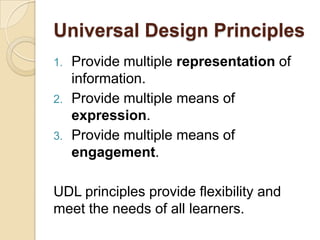
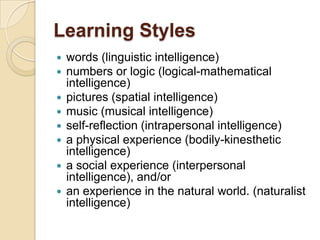
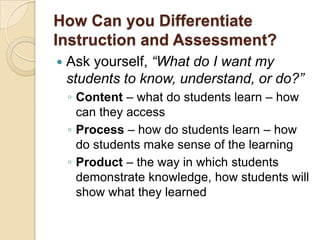
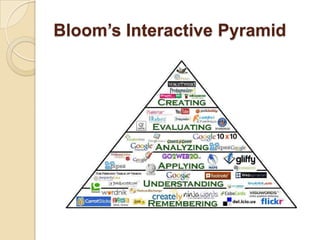
This document discusses ways to differentiate instruction and assessment using Web 2.0 tools. It outlines universal design principles that provide flexibility and meet diverse learner needs. It also describes multiple intelligences and strategies for each, along with technology tools to support different learning styles, including verbal-linguistic, logical-mathematical, visual-spatial, musical-rhythmic, intrapersonal, bodily-kinesthetic, interpersonal, and naturalist intelligences. Specific Web 2.0 tools are suggested for differentiating instruction across content, process and product.