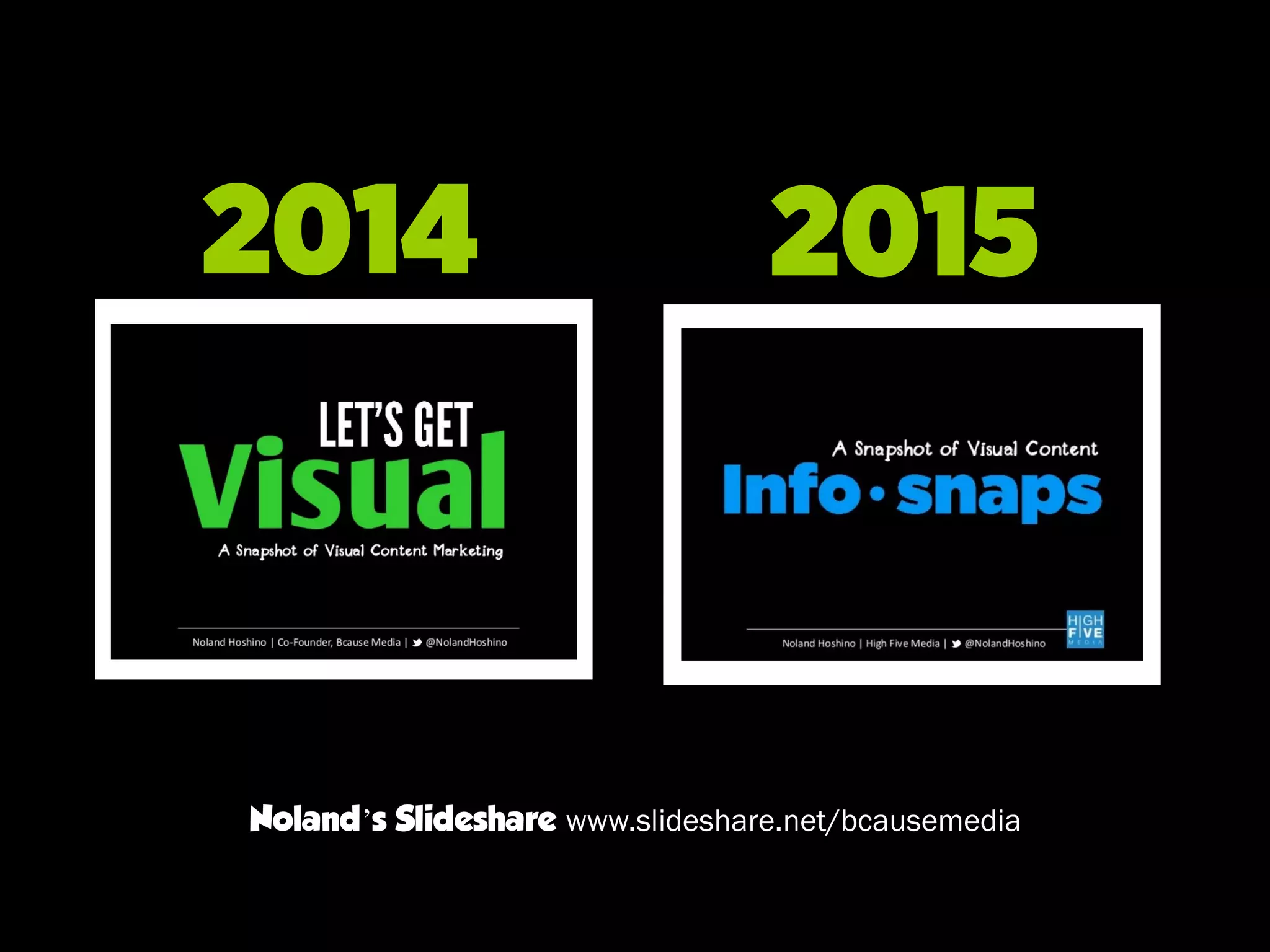
Info snaps
Noland Hoshino | High Five Media | @NolandHoshino
A Snapshot of Visual Content
2014 2015
Noland’s Slideshare www.slideshare.net/bcausemedia
Visual marketing is no
longer an option
Why Visual Content?
Show me what you got
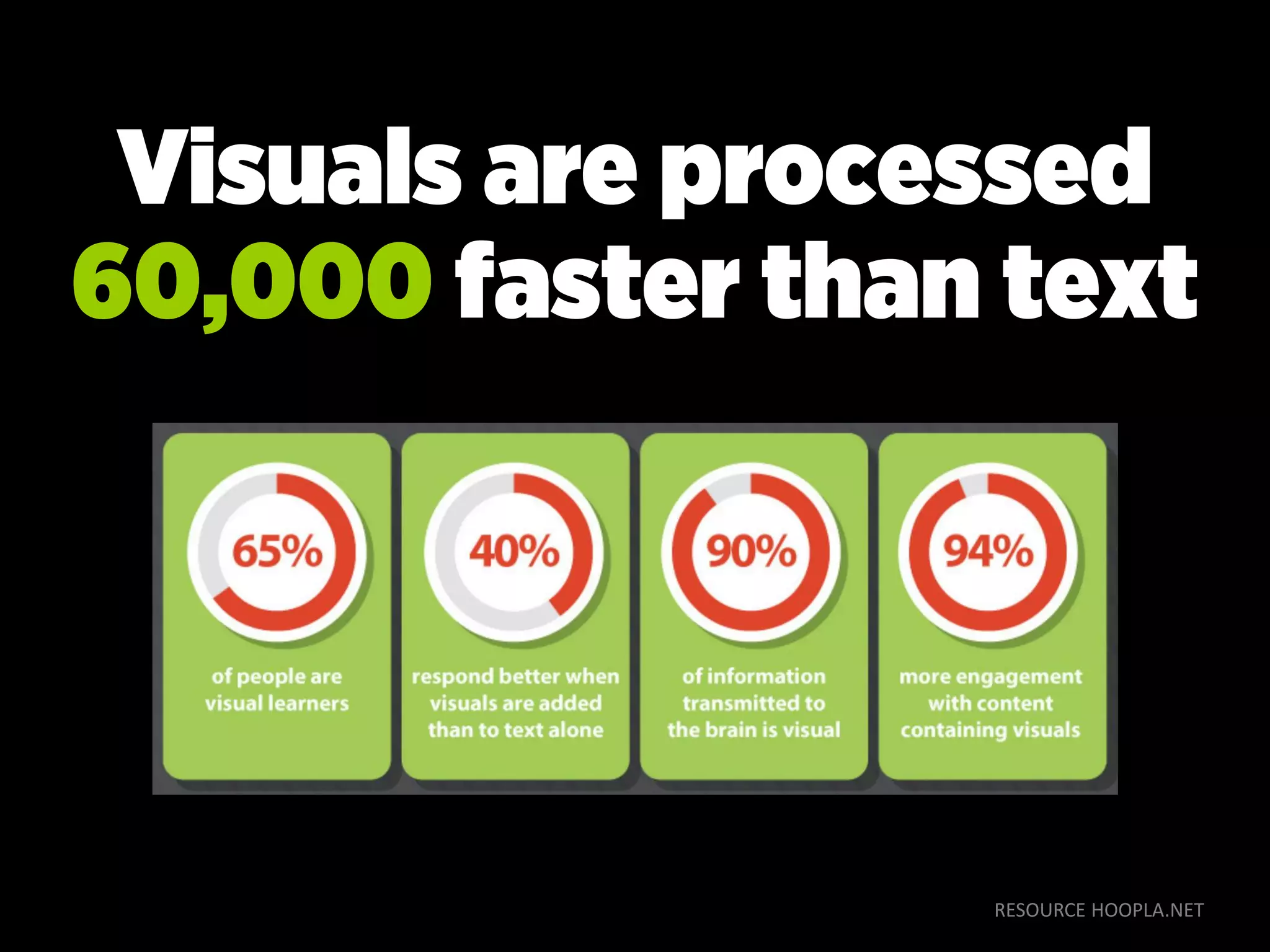
RESOURCE HOOPLA.NET
Visuals are processed
60,000 faster than text
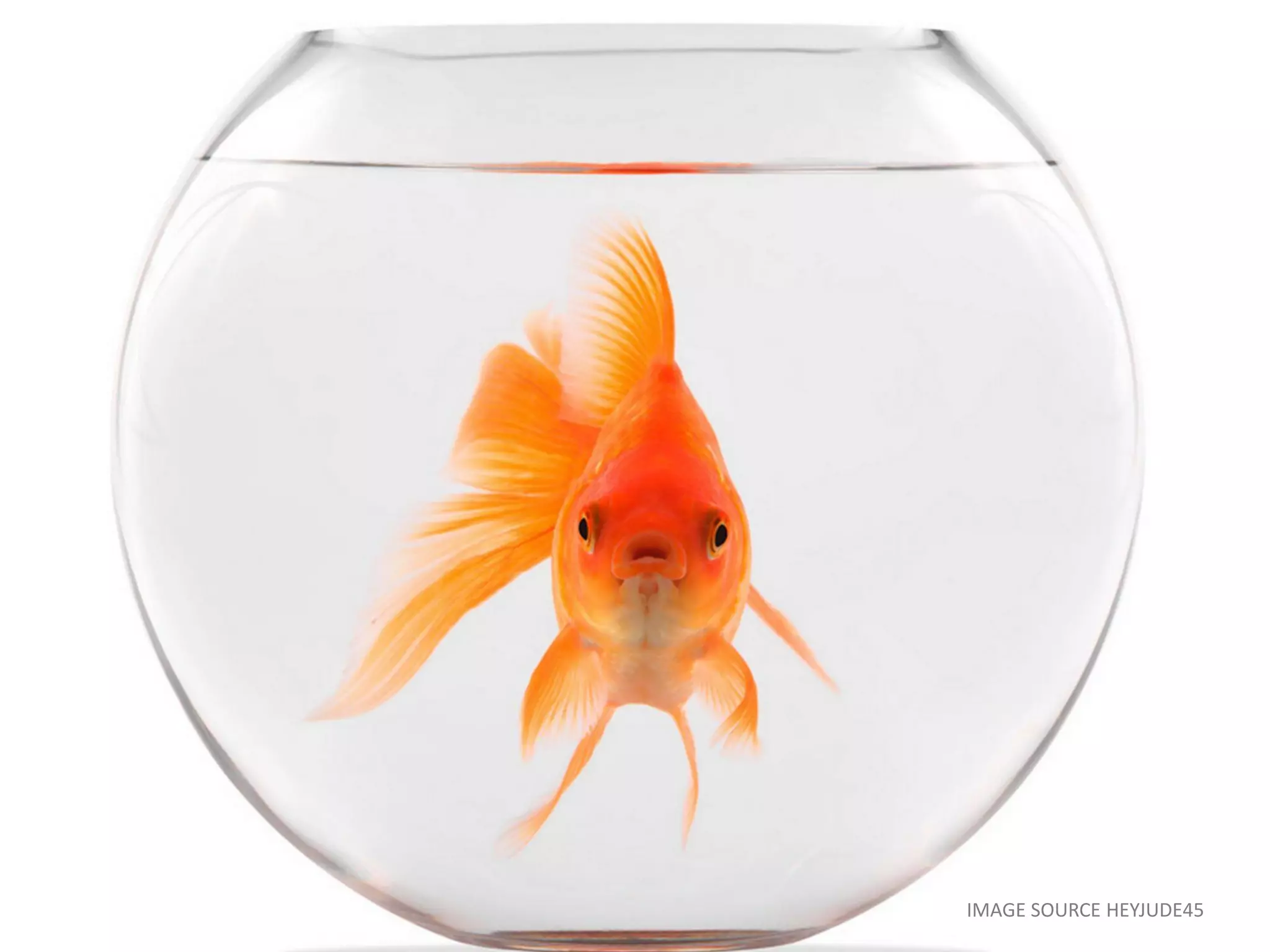
IMAGE SOURCE HEYJUDE45
IMAGE SOURCE LEISUREGROUPTRAVEL.COM
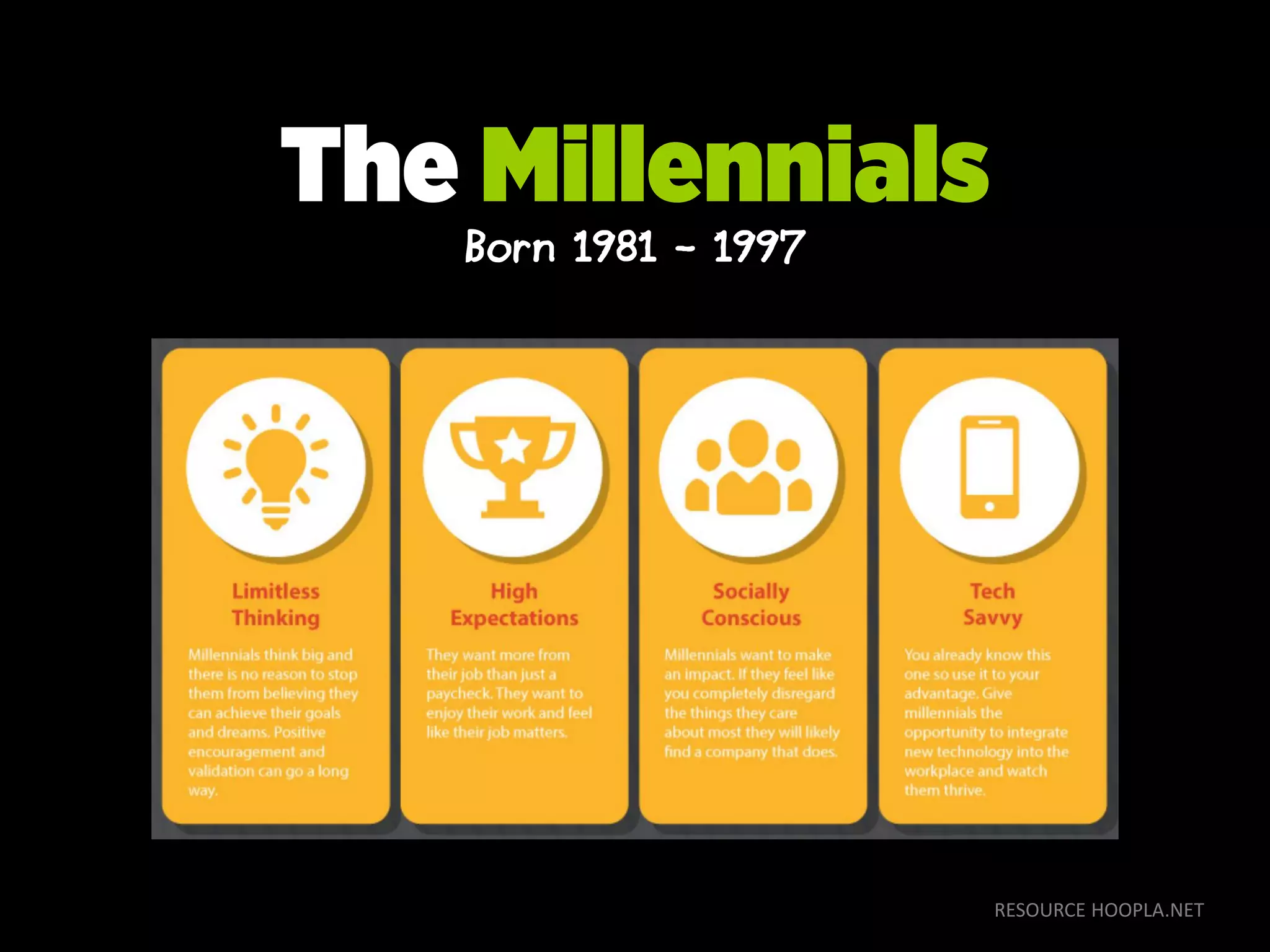
RESOURCE HOOPLA.NET
The Millennials
Born 1981 - 1997
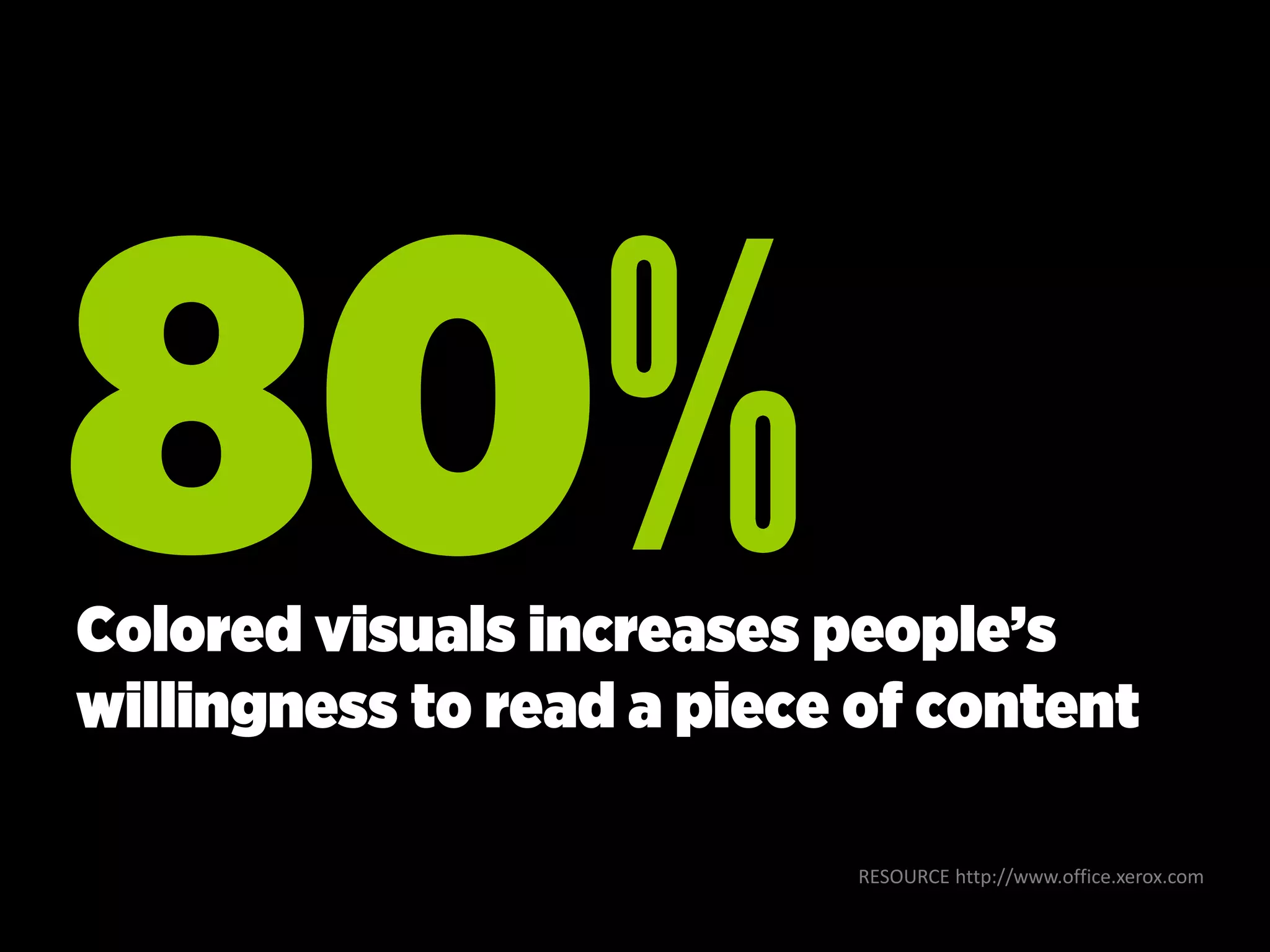
RESOURCE http://www.office.xerox.com
Colored visuals increases people’s
willingness to read a piece of content
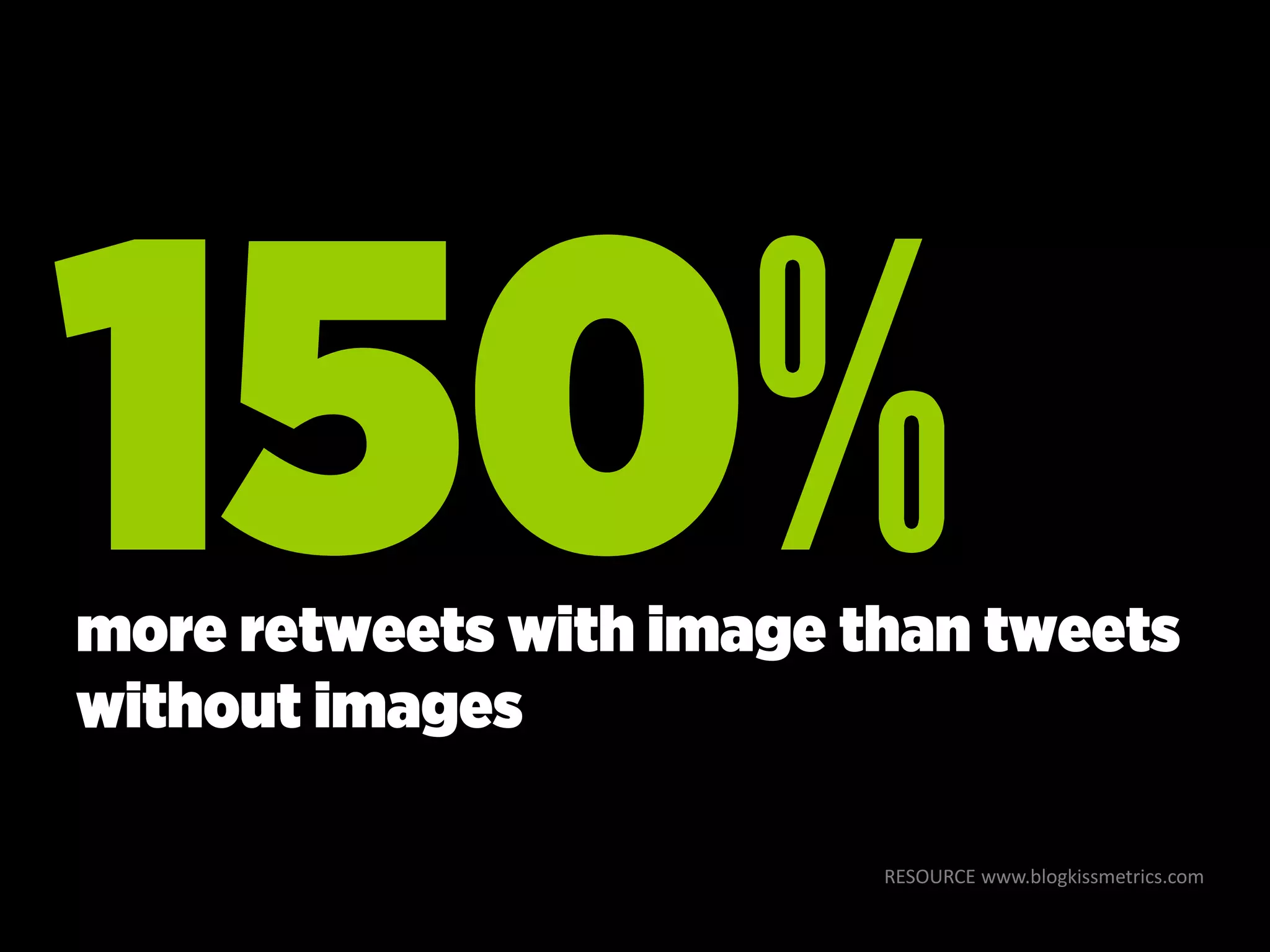
RESOURCE www.blogkissmetrics.com
more retweets with image than tweets
without images
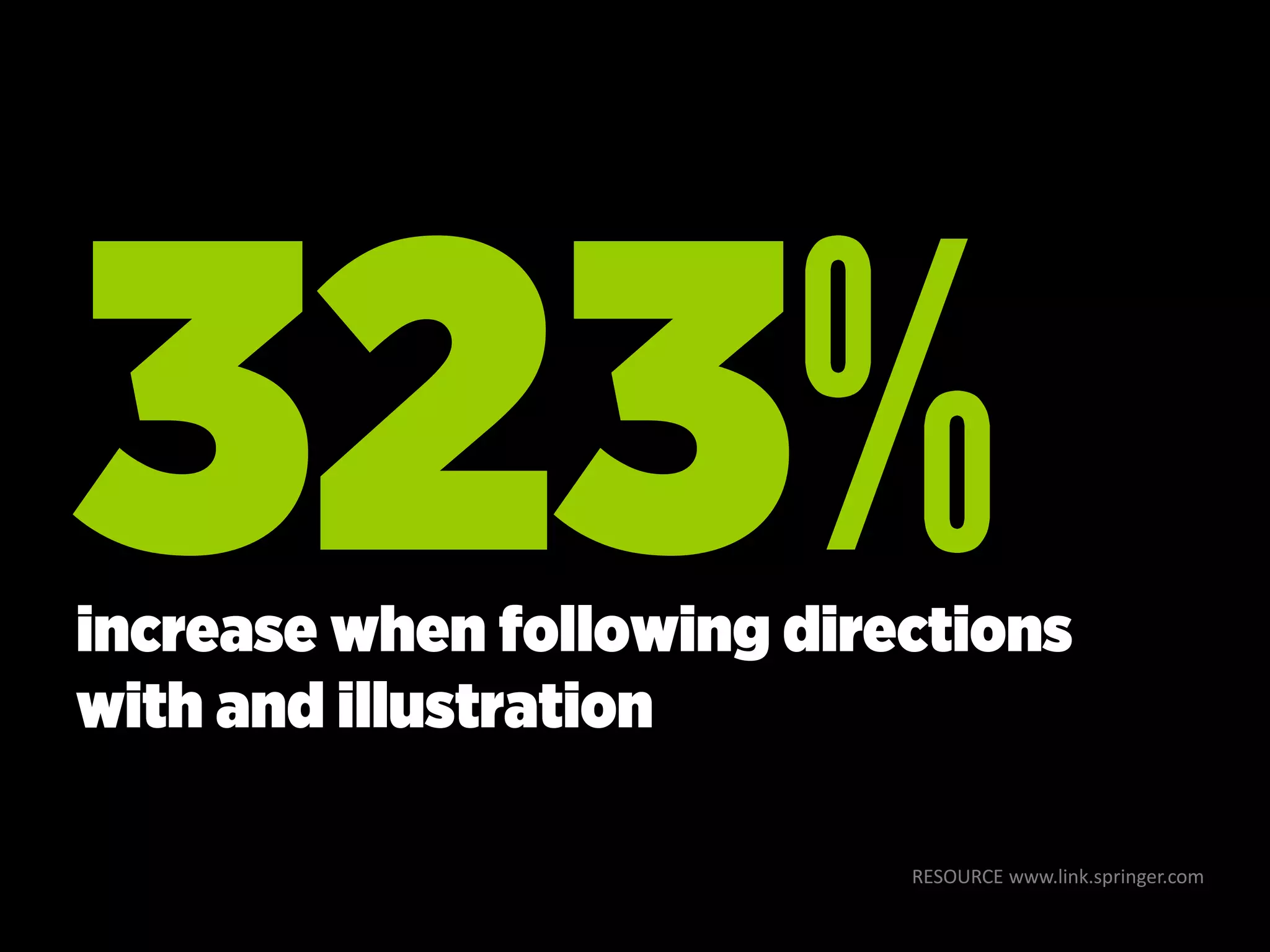
RESOURCE www.link.springer.com
increase when following directions
with and illustration
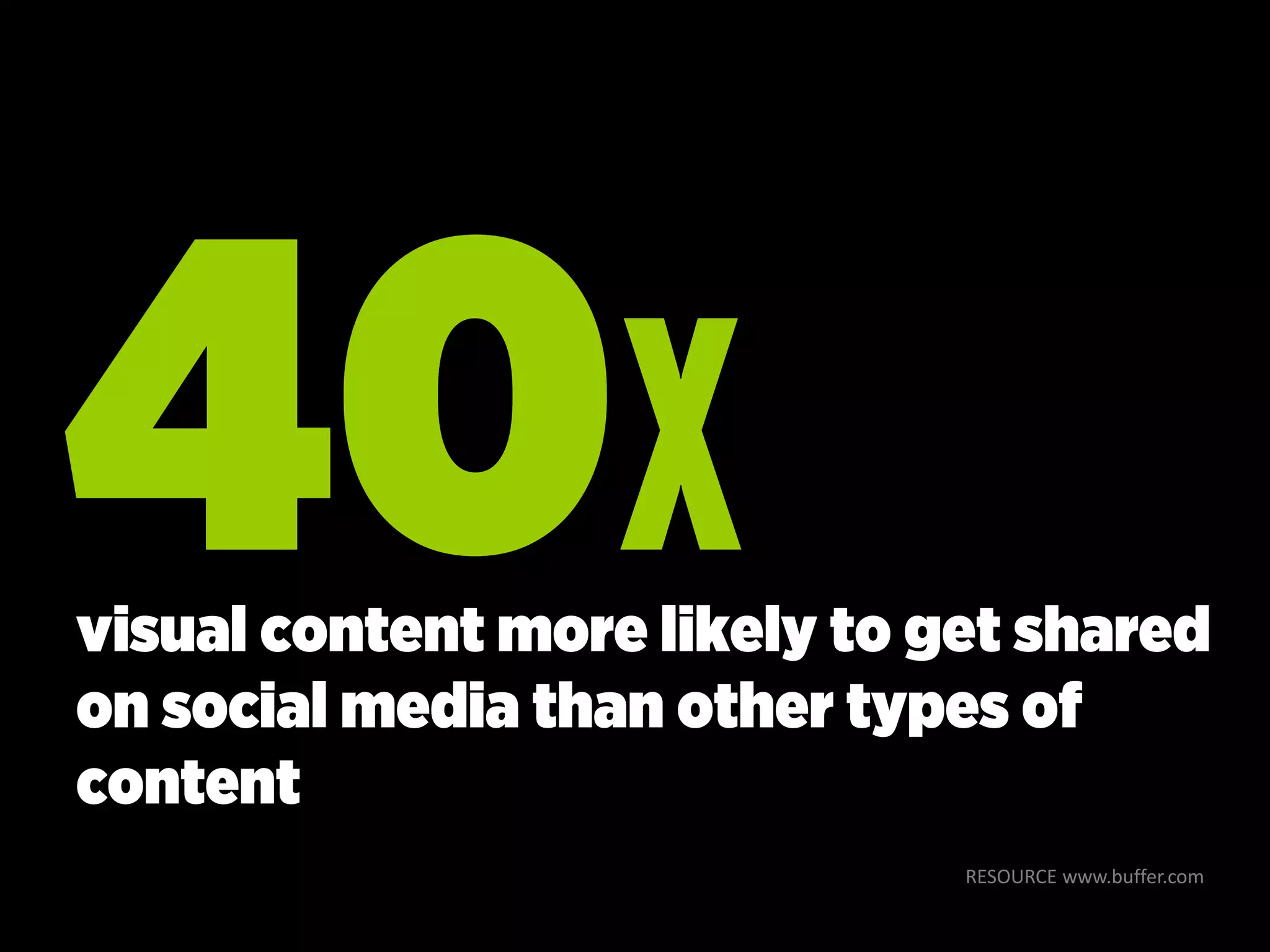
RESOURCE www.buffer.com
visual content more likely to get shared
on social media than other types of
content
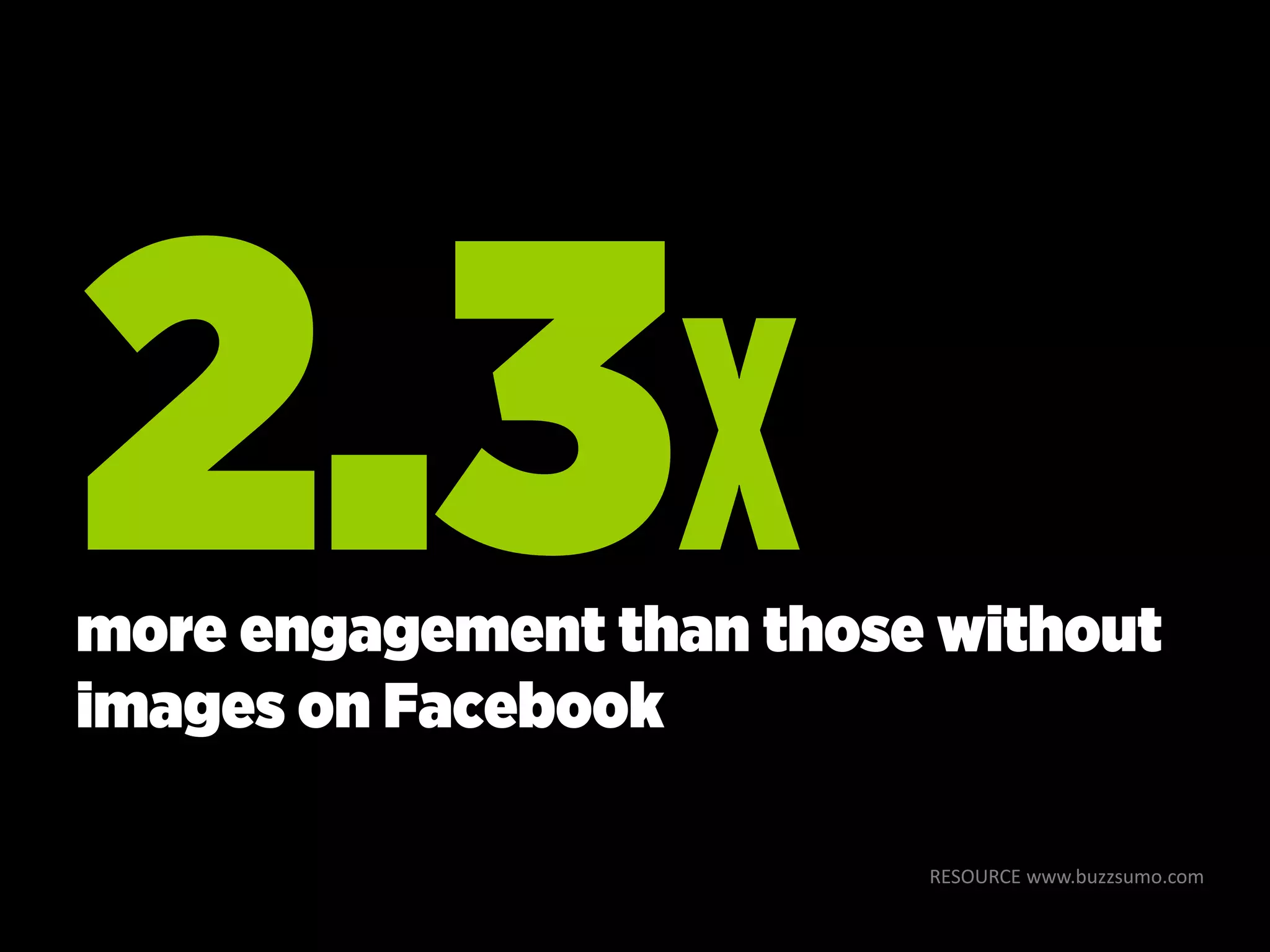
RESOURCE www.buzzsumo.com
more engagement than those without
images on Facebook
RESOURCE www.buzzsumo.com
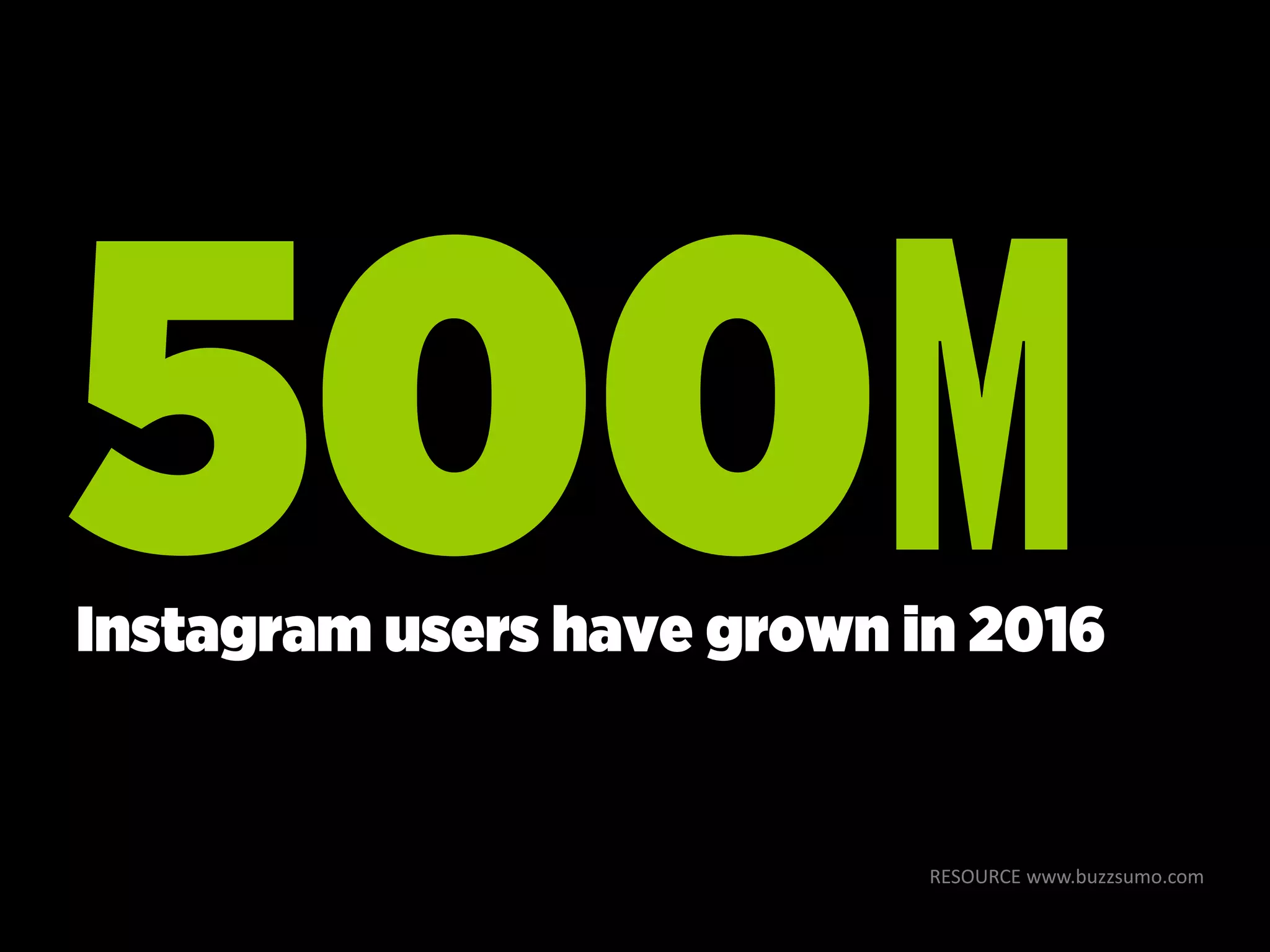
Instagram users have grown in 2016
Visual marketing is
the core to telling
your story
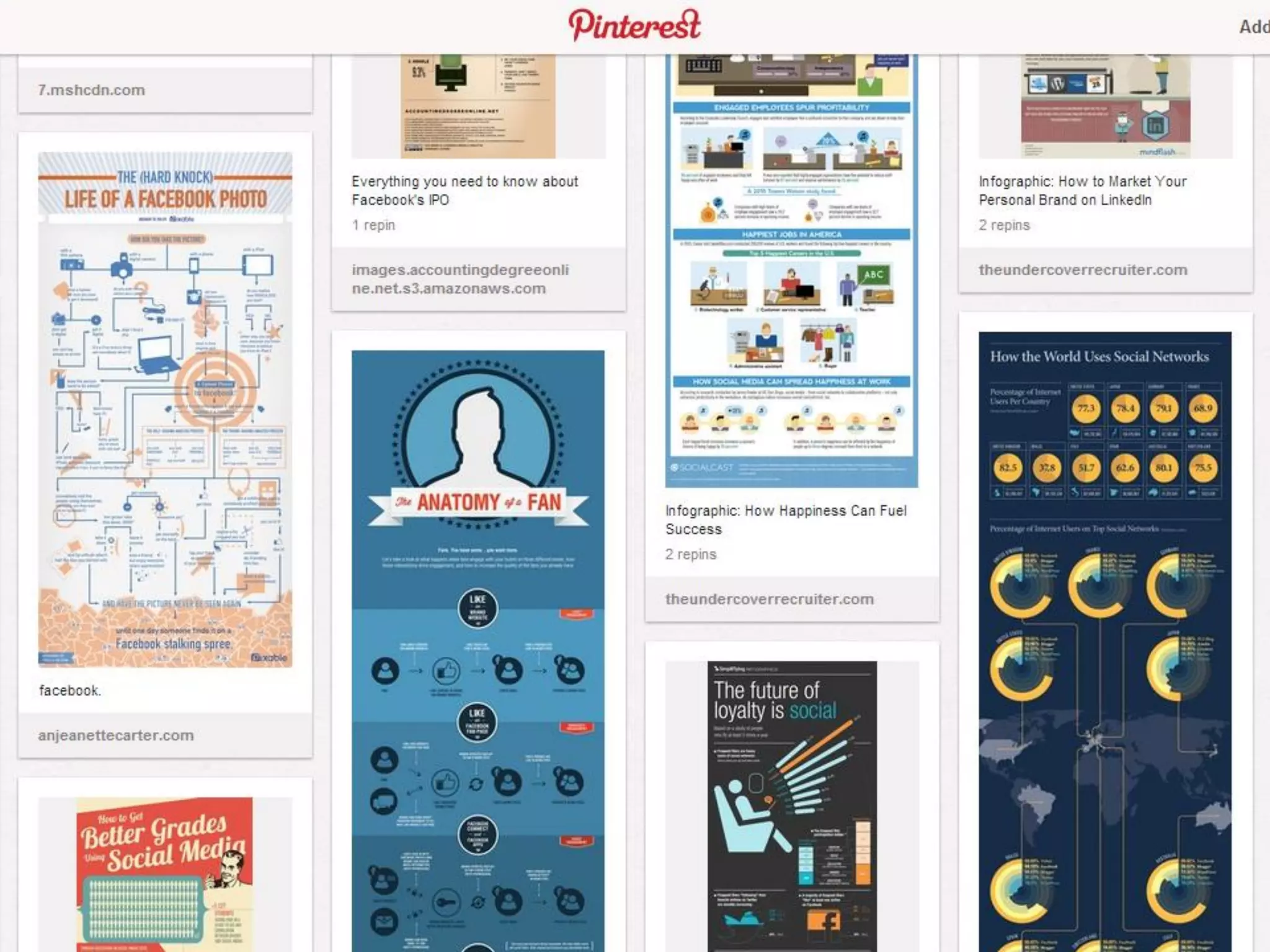
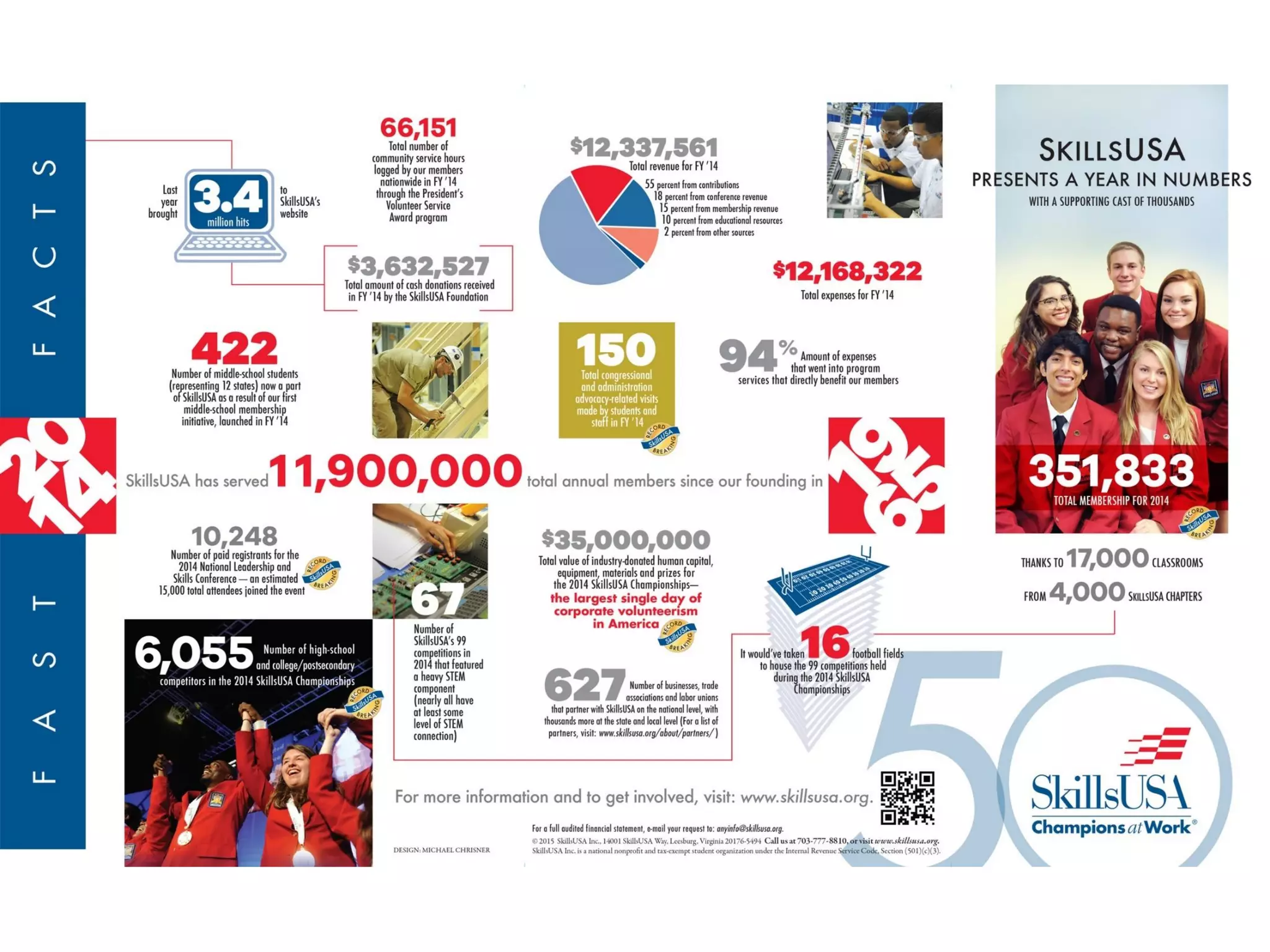
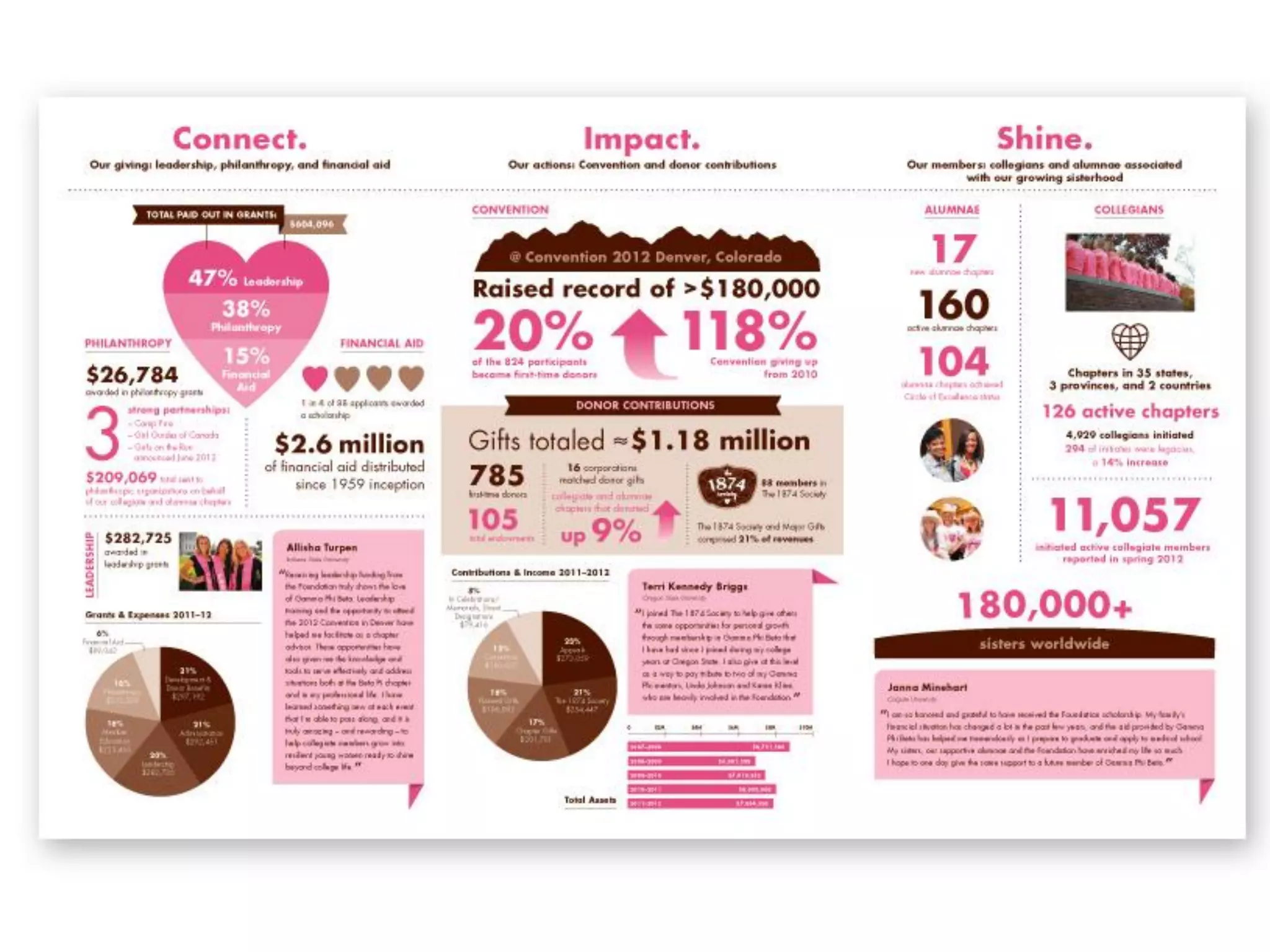
infographics
annual
reports
infosnapsInformation snapshots
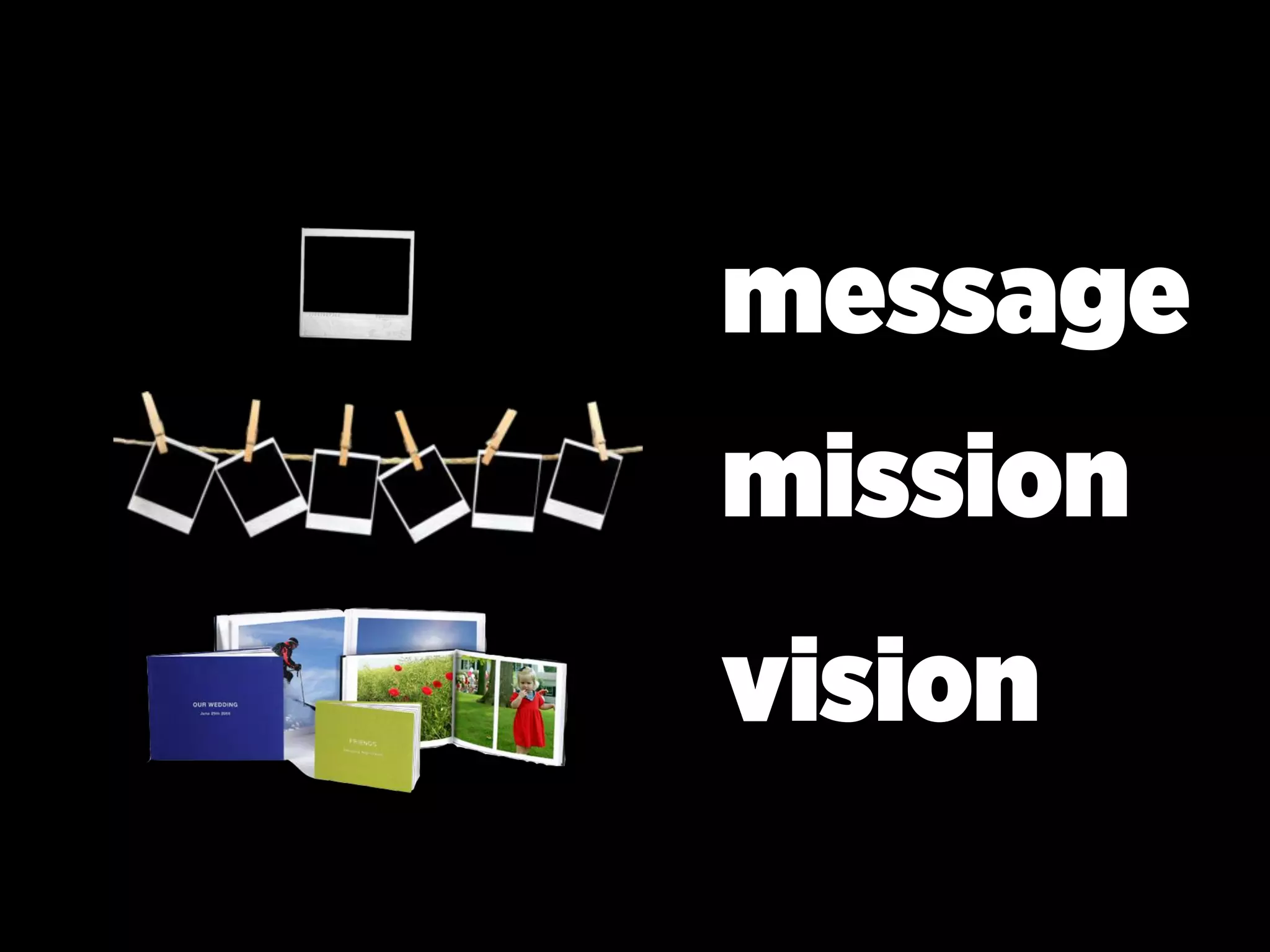
message
mission
vision
impressionable
promote
educate
inspire
call to action
Y
C
promote
educate
inspire
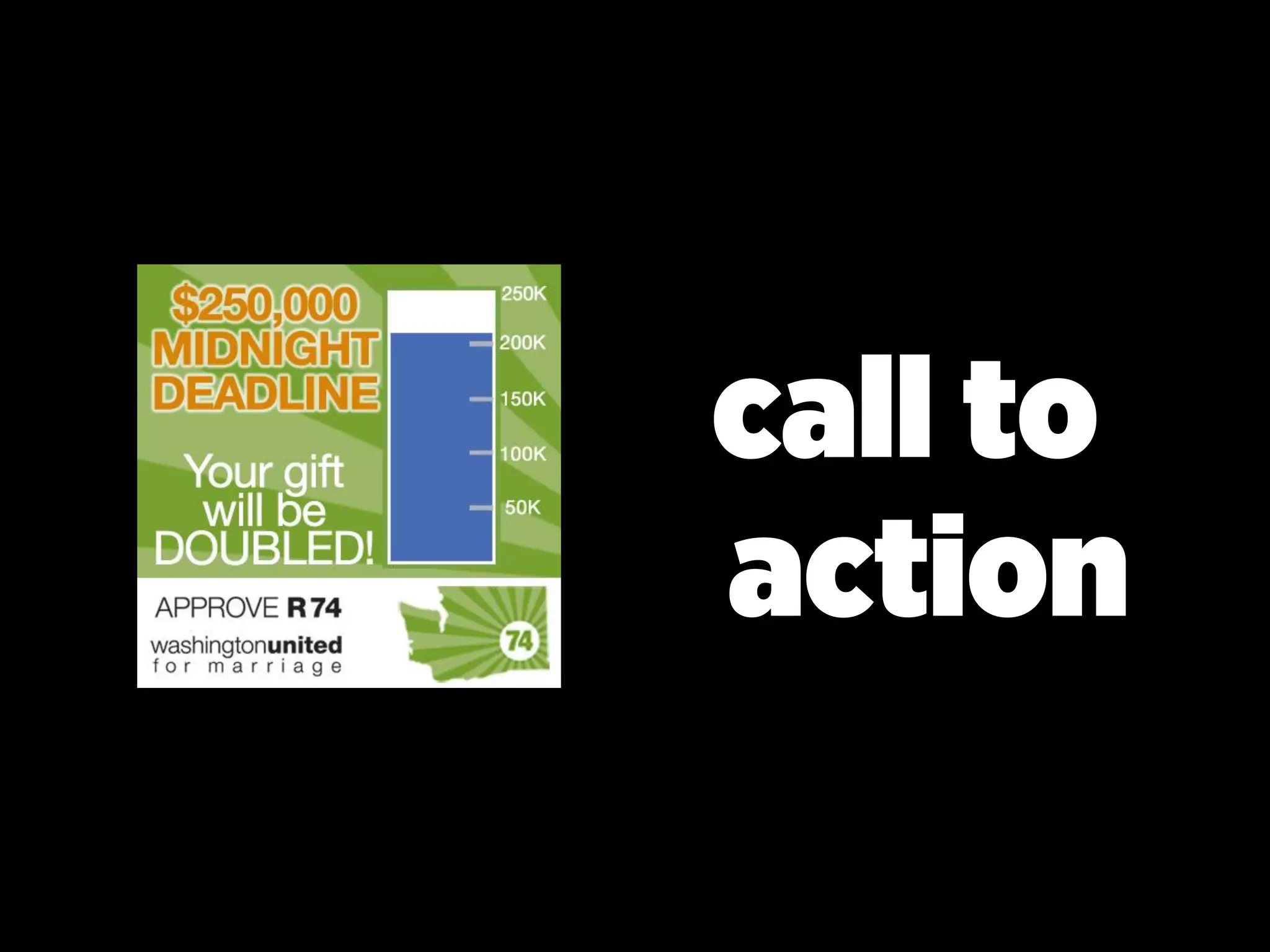
call to
action
Elements of infosnap
message
image
typography
brand | logo | i.d.
call to action
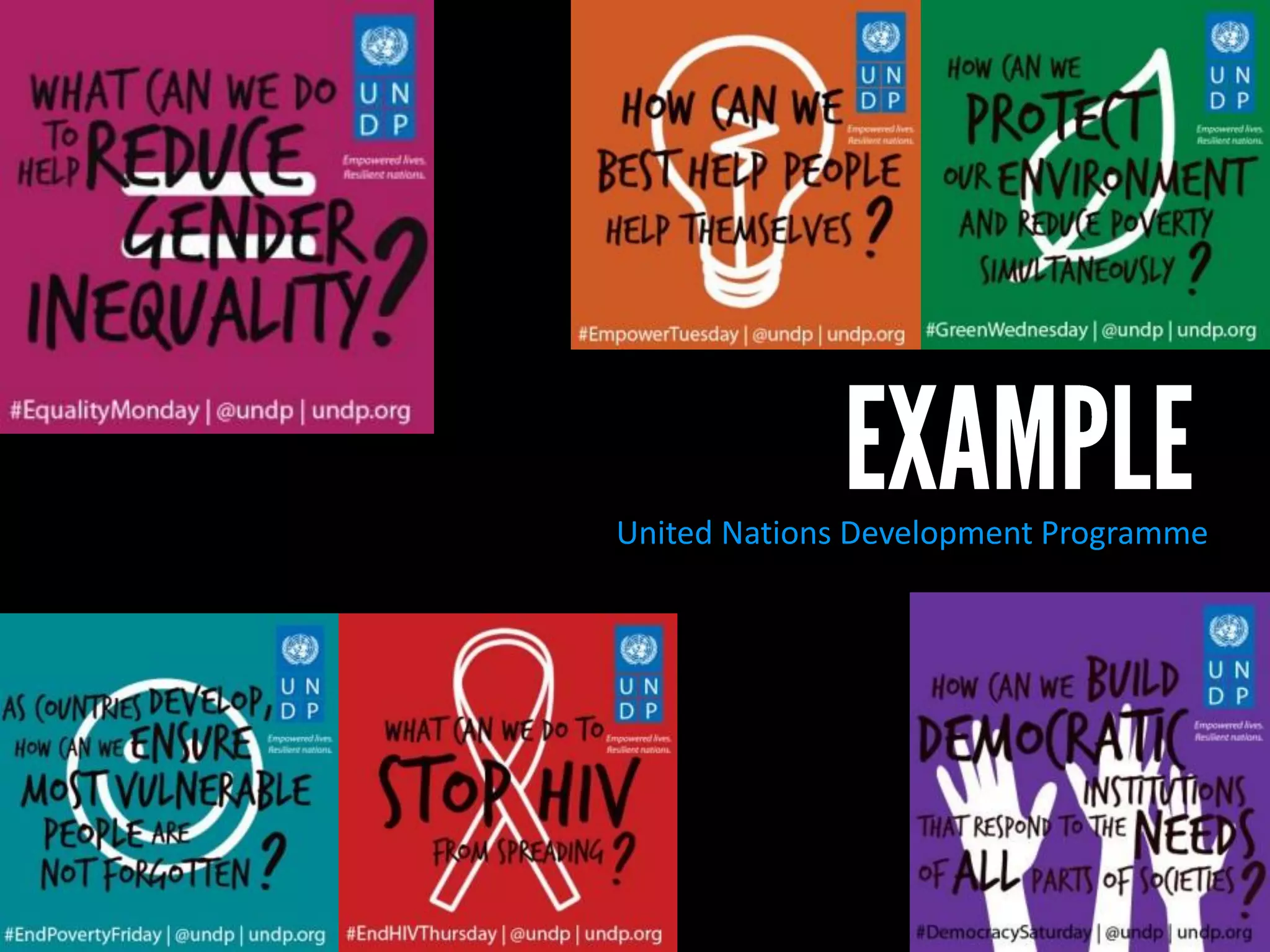
United Nations Development Programme
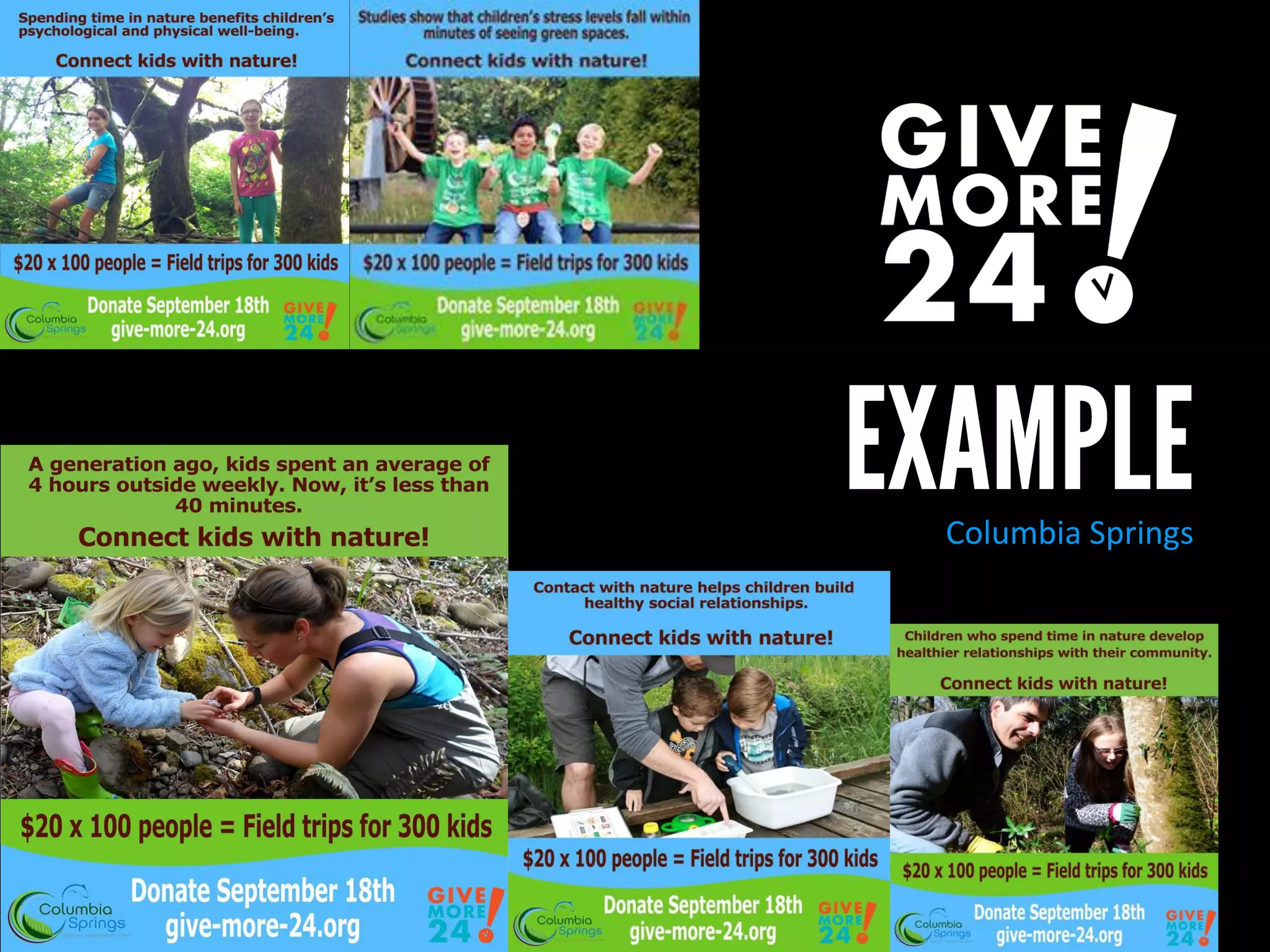
Columbia Springs
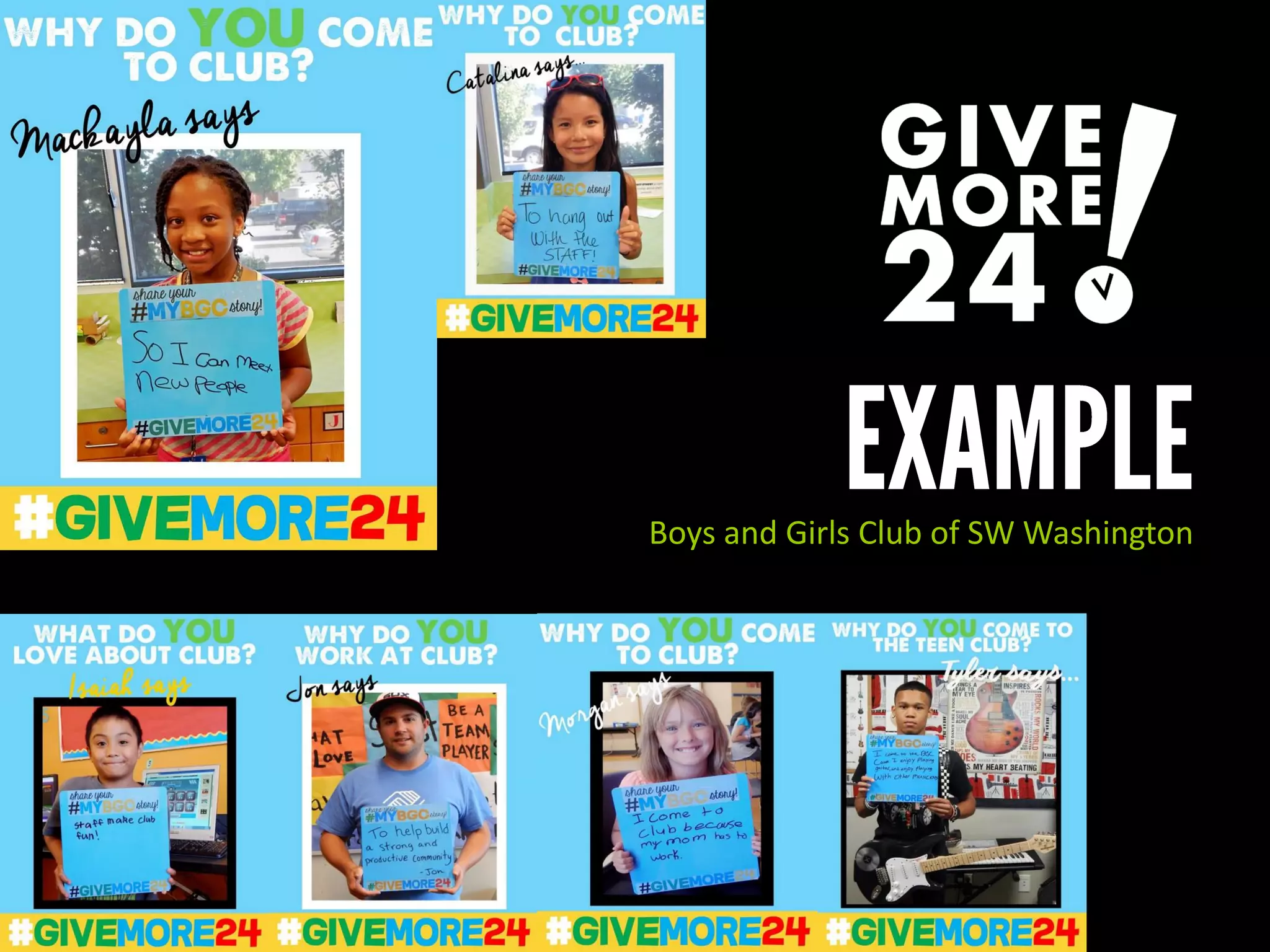
Boys and Girls Club of SW Washington
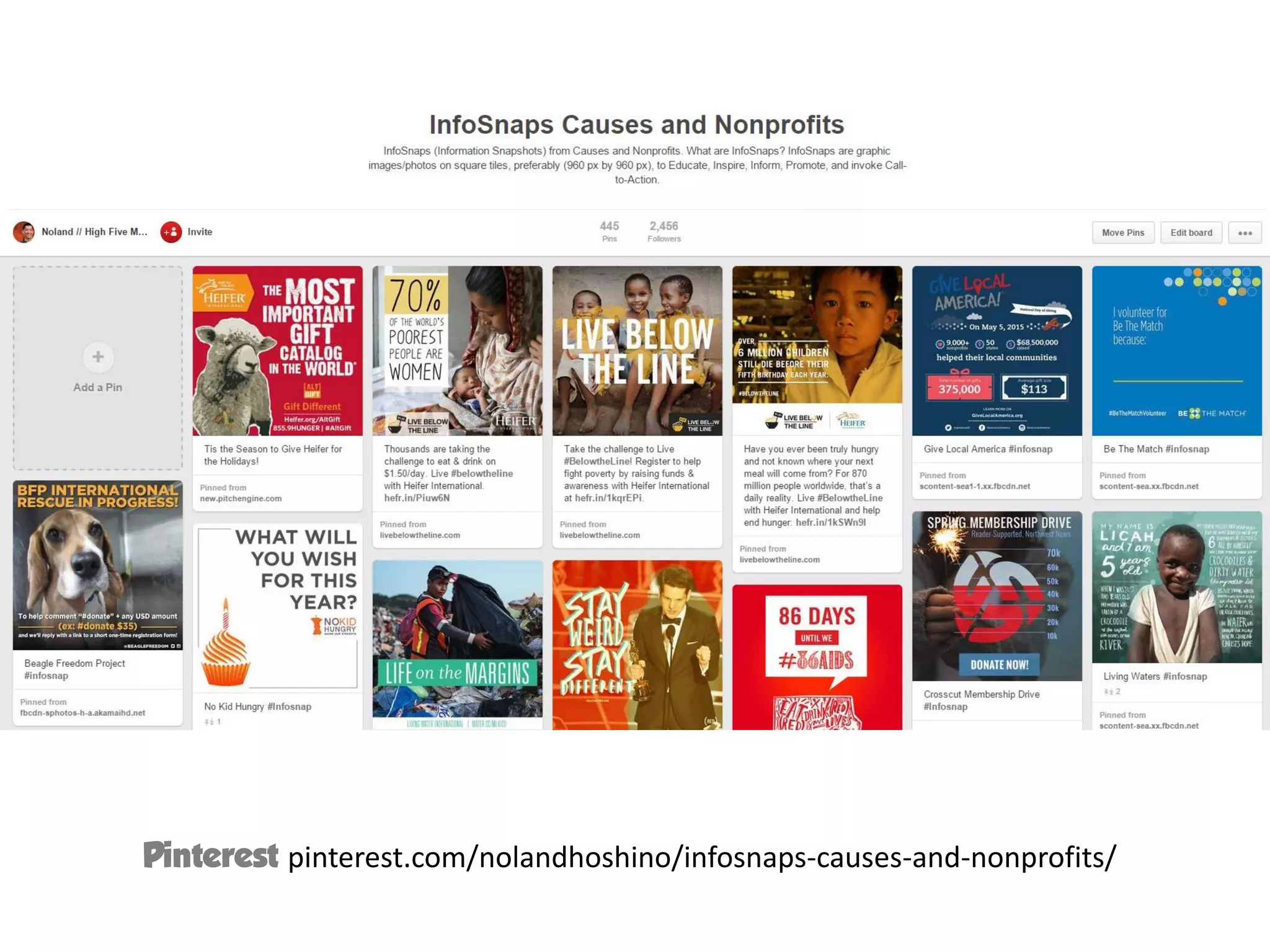
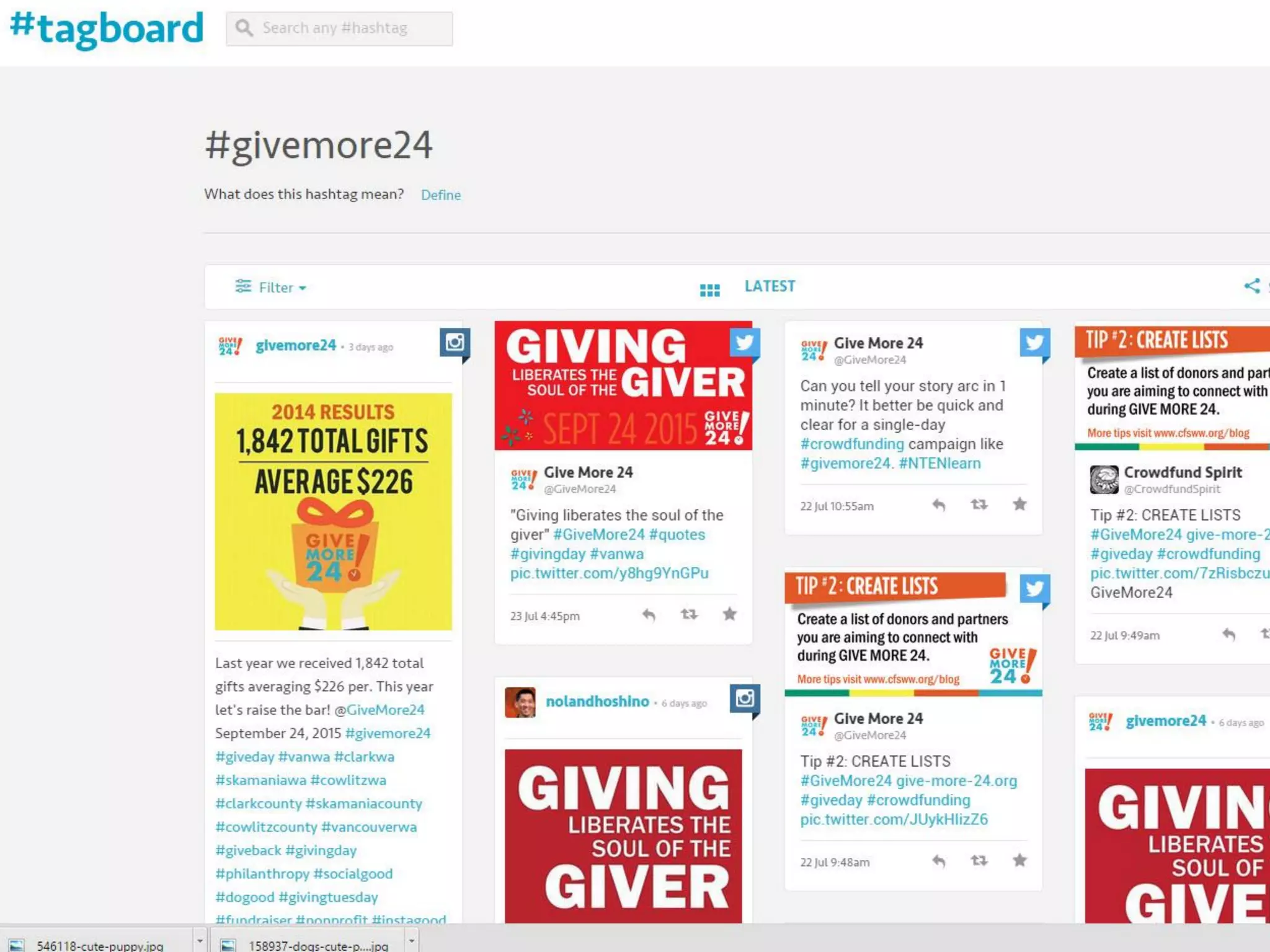
Pinterest pinterest.com/nolandhoshino/infosnaps-causes-and-nonprofits/
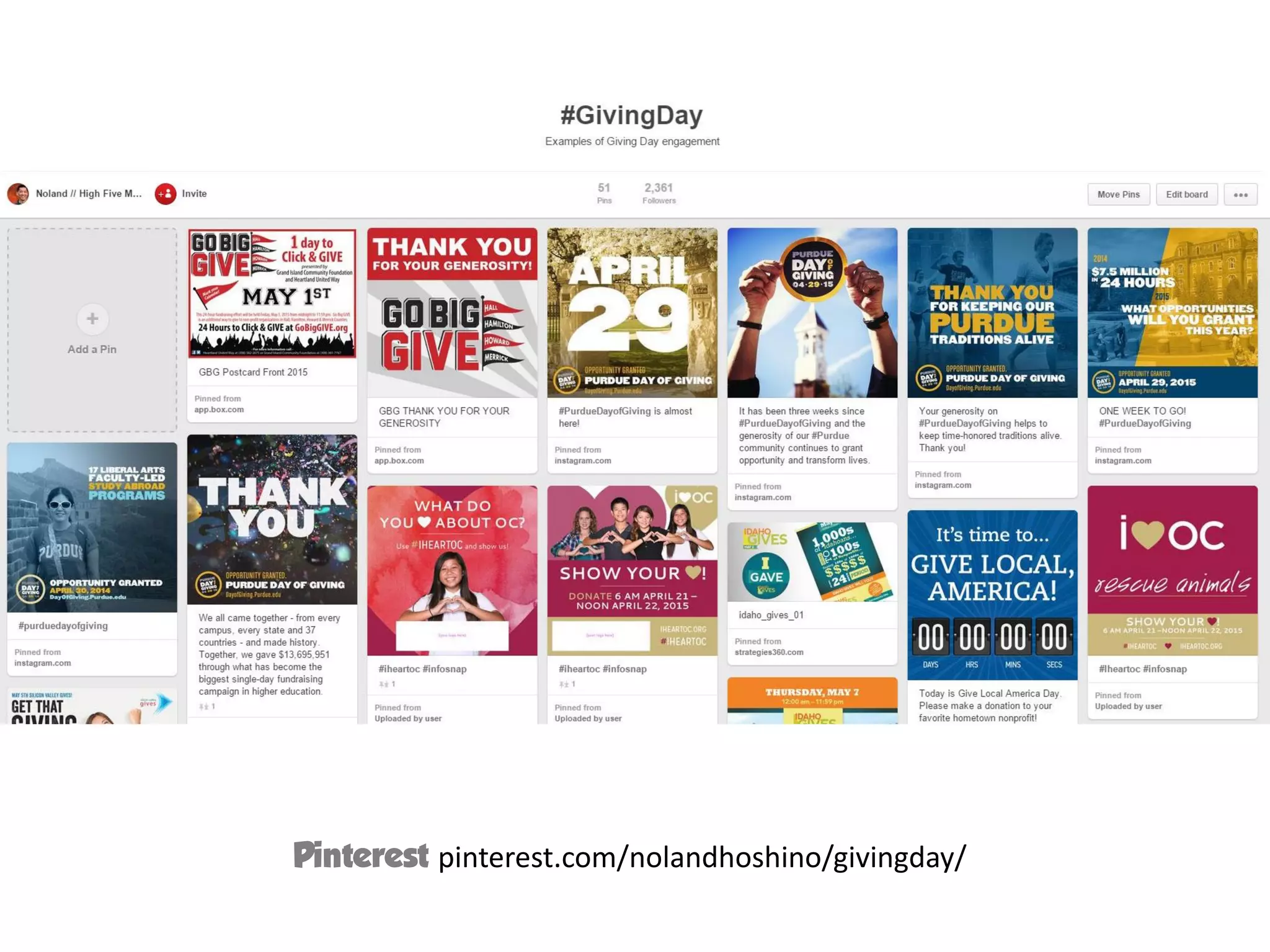
Pinterest pinterest.com/nolandhoshino/givingday/
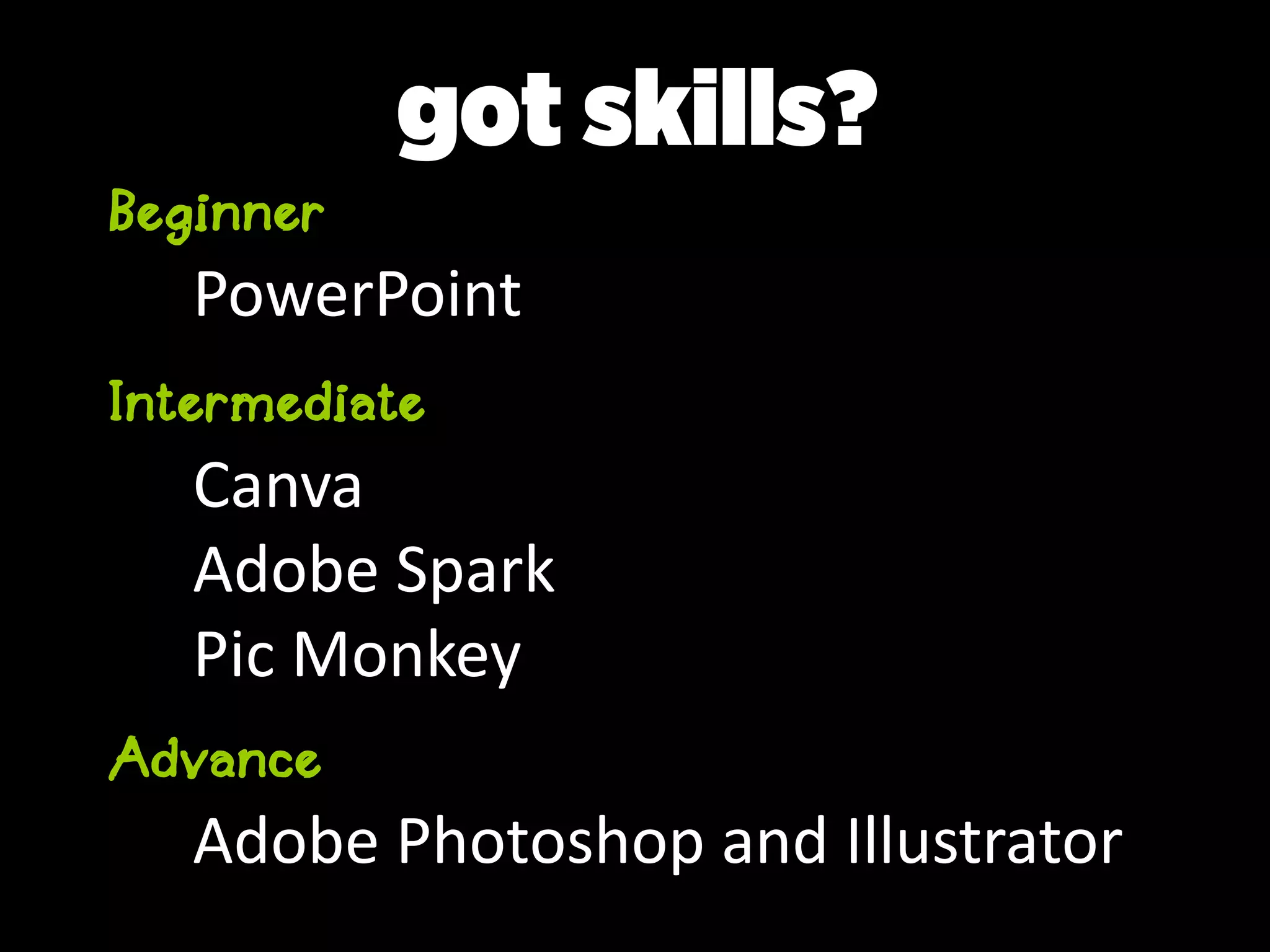
Beginner
PowerPoint
Intermediate
Canva
Adobe Spark
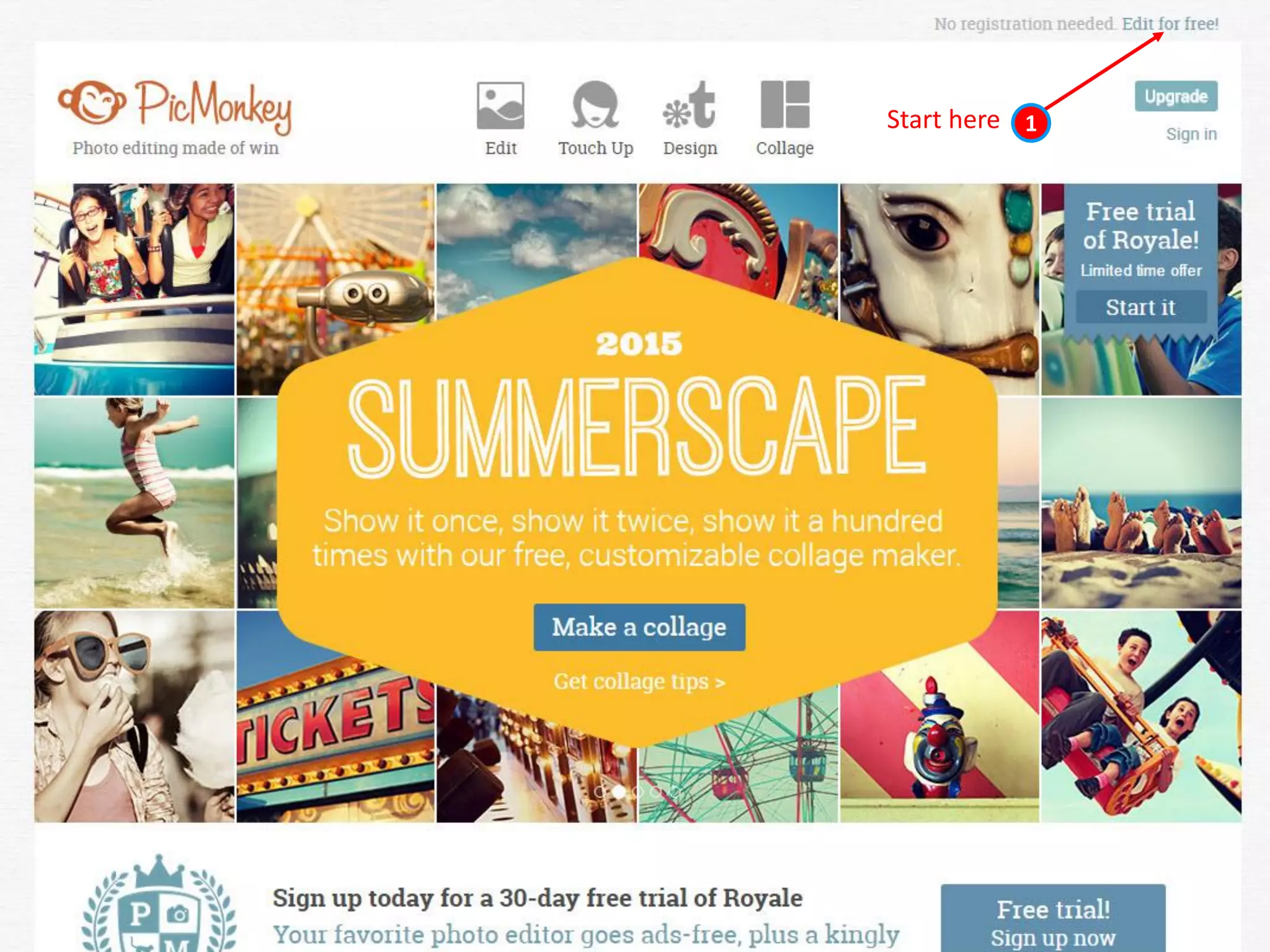
Pic Monkey
Advance
Adobe Photoshop and Illustrator
got skills?
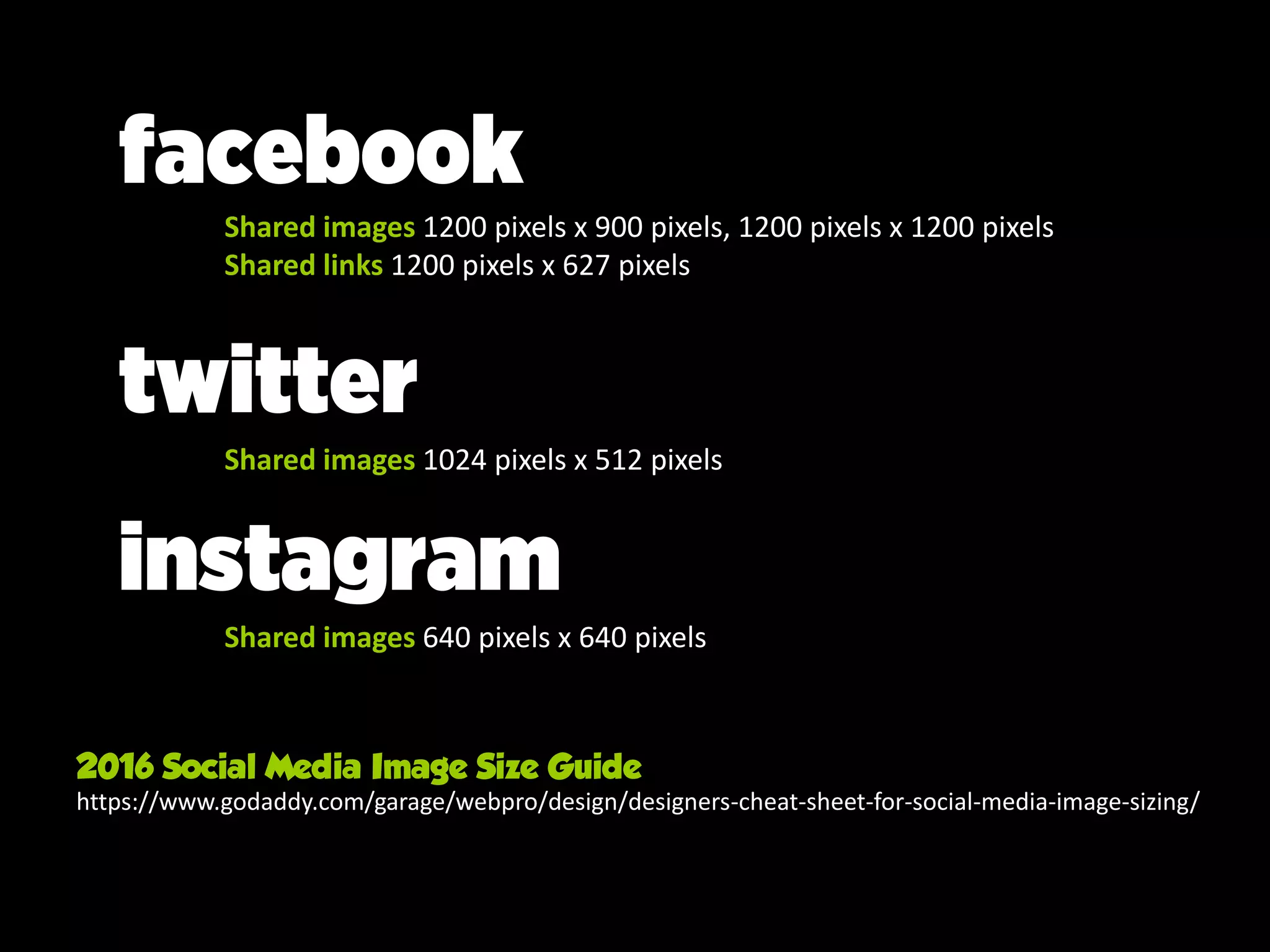
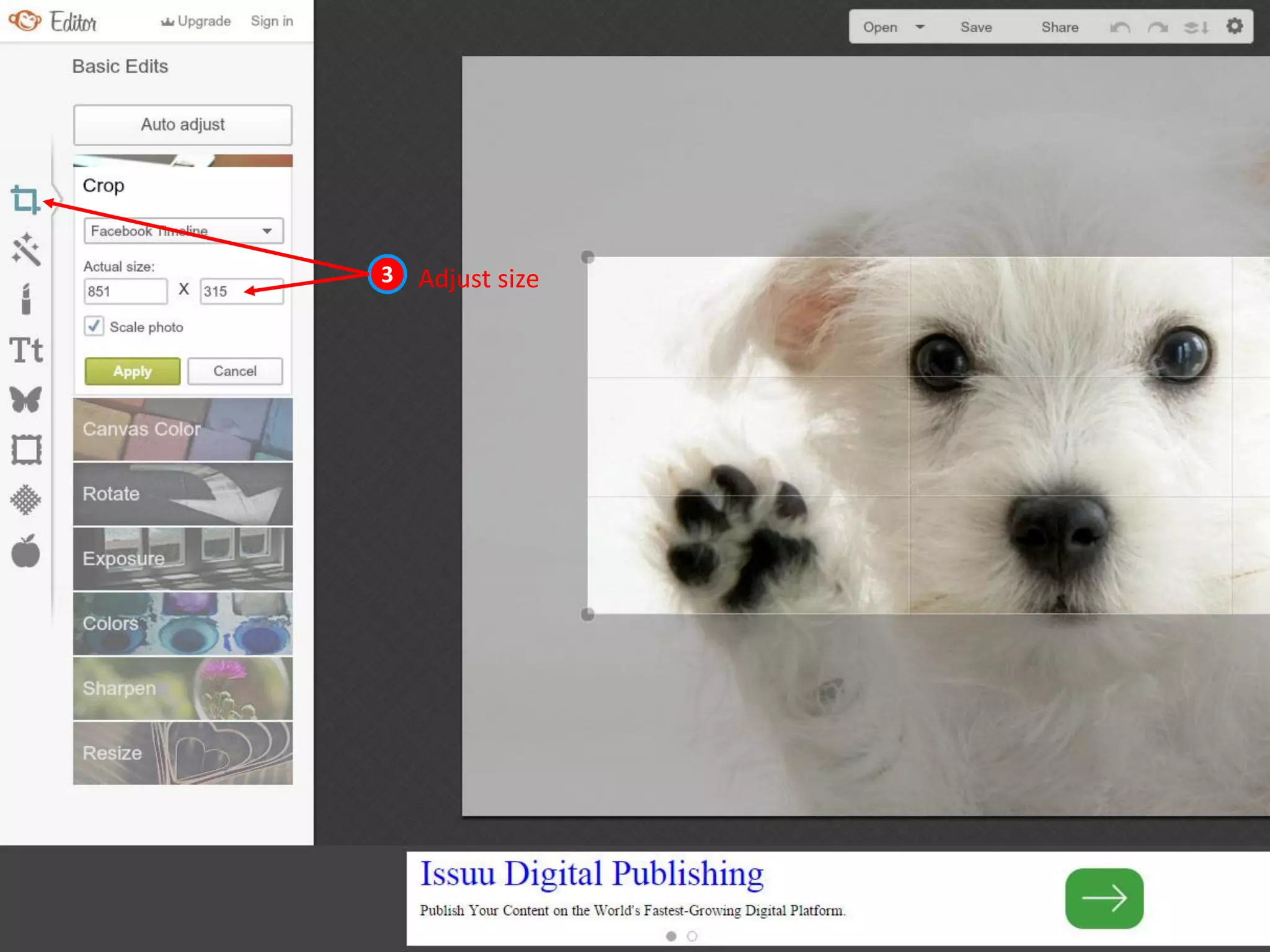
size matters
2016 Social Media Image Size Guide
https://www.godaddy.com/garage/webpro/design/designers-cheat-sheet-for-social-media-image-sizing/
facebook
Shared images 1200 pixels x 900 pixels, 1200 pixels x 1200 pixels
Shared links 1200 pixels x 627 pixels
twitter
Shared images 1024 pixels x 512 pixels
instagram
Shared images 640 pixels x 640 pixels
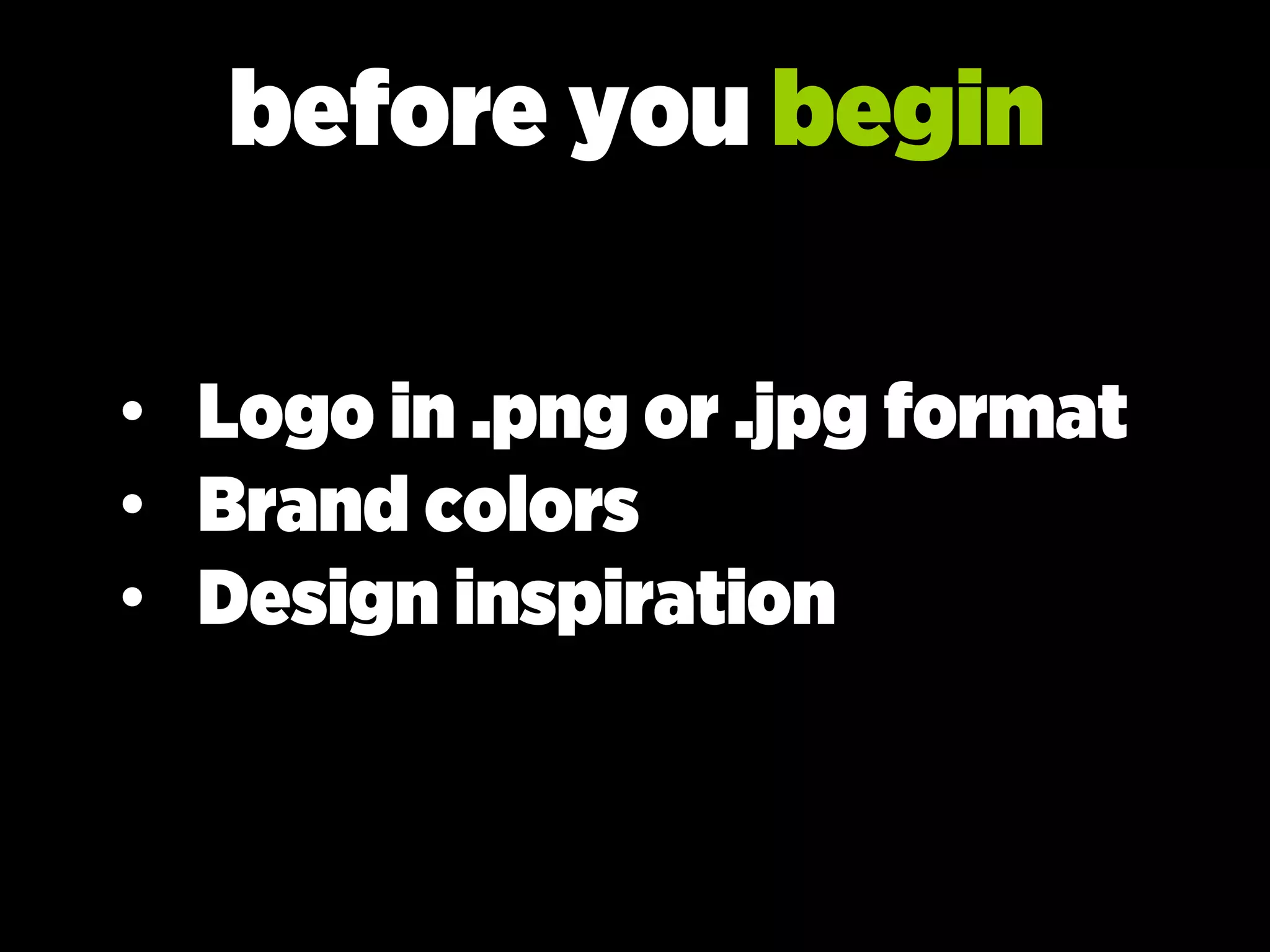
before you begin
• Logo in .png or .jpg format
• Brand colors
• Design inspiration
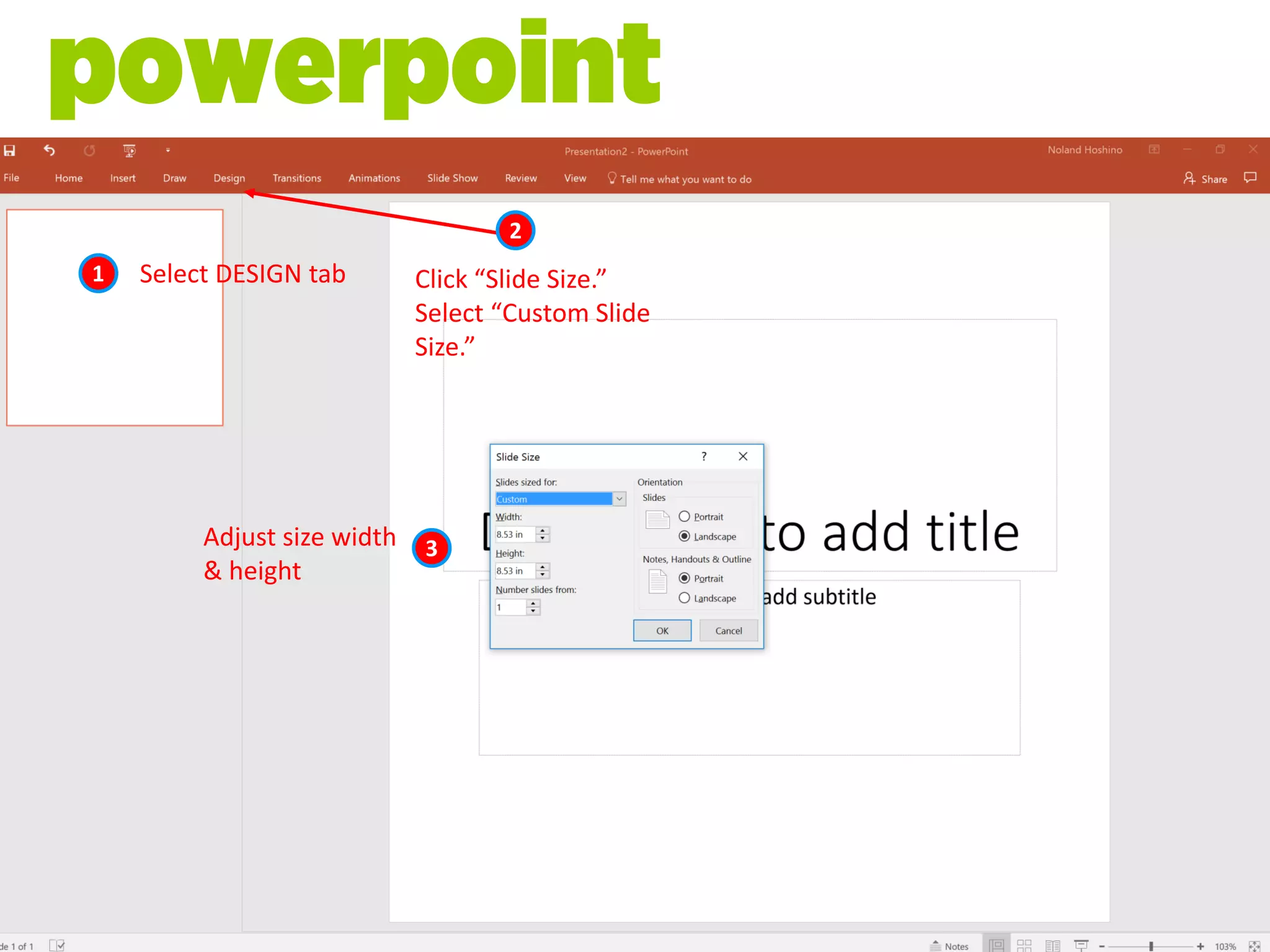
1 Select DESIGN tab
2
Click “Slide Size.”
Select “Custom Slide
Size.”
3Adjust size width
& height
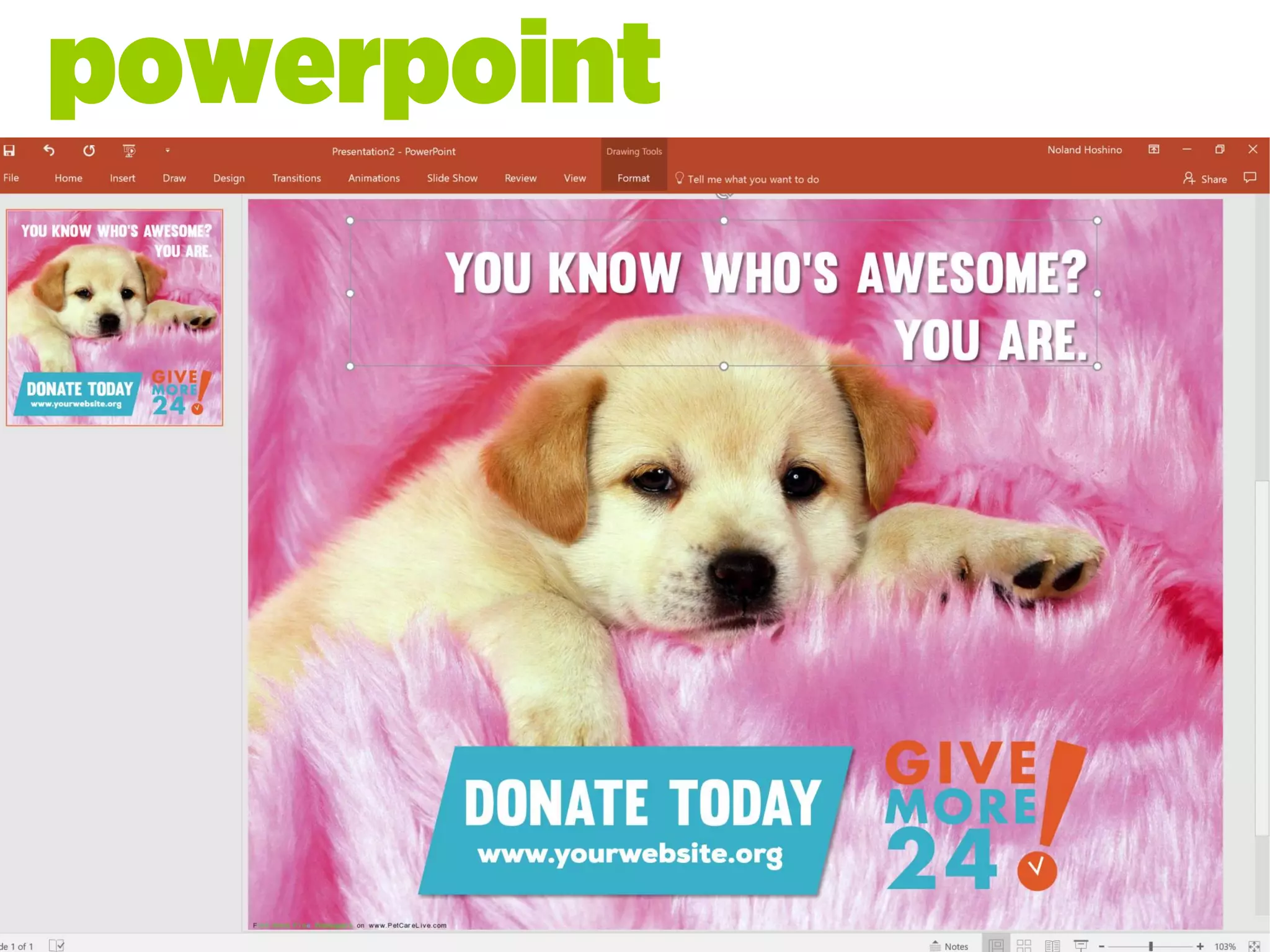
powerpoint
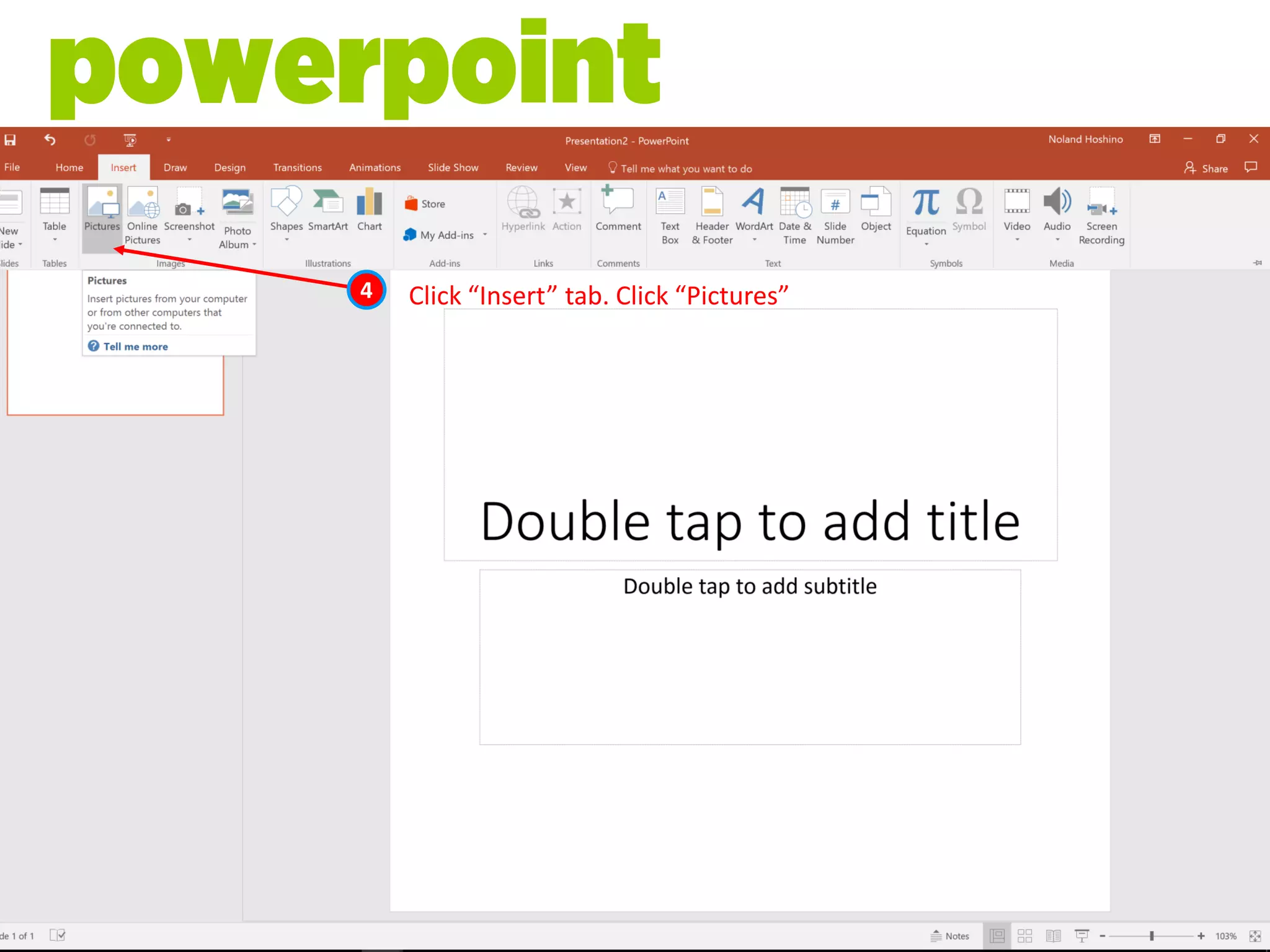
4 Click “Insert” tab. Click “Pictures”
powerpoint
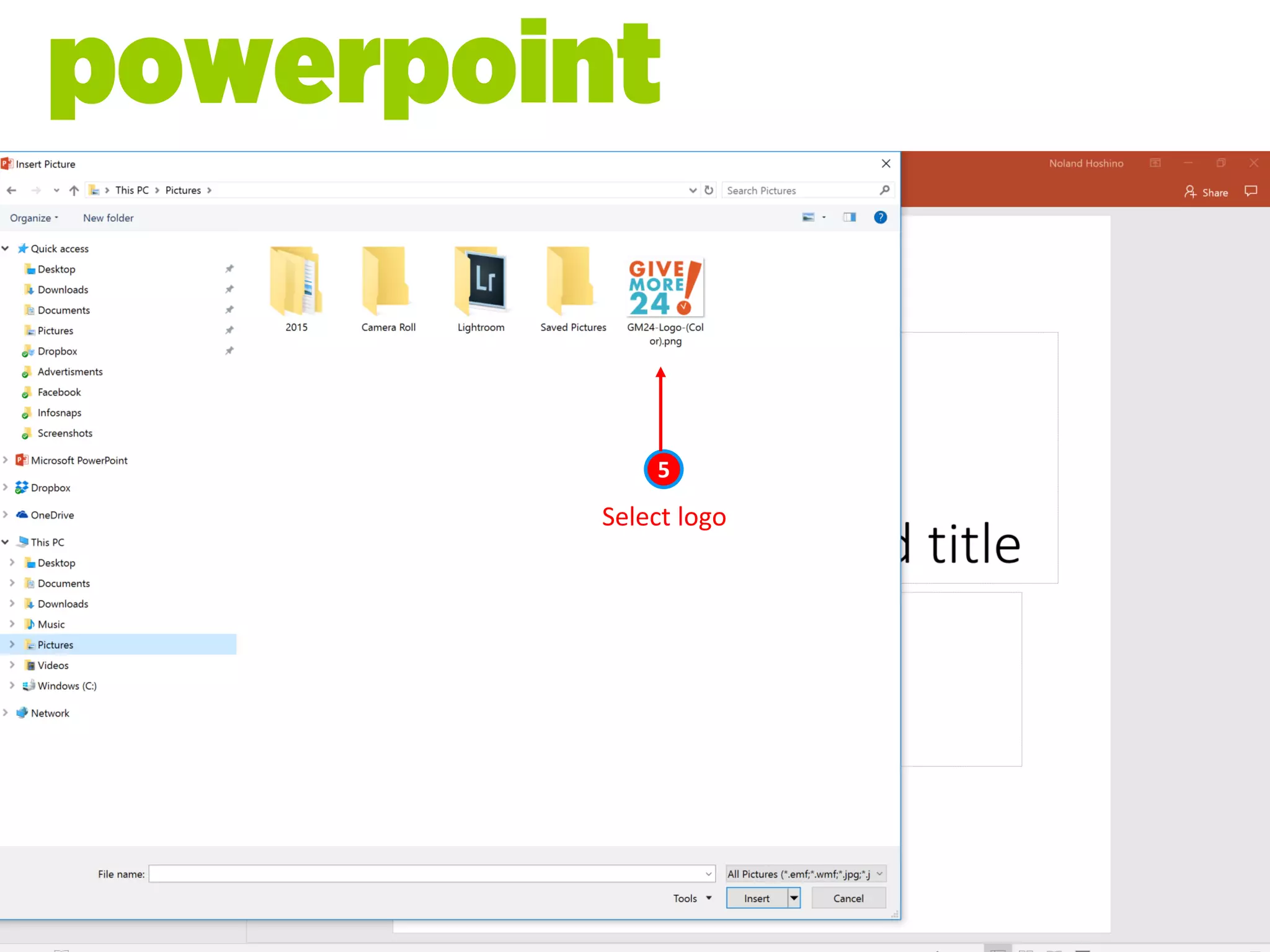
Select logo
5
powerpoint
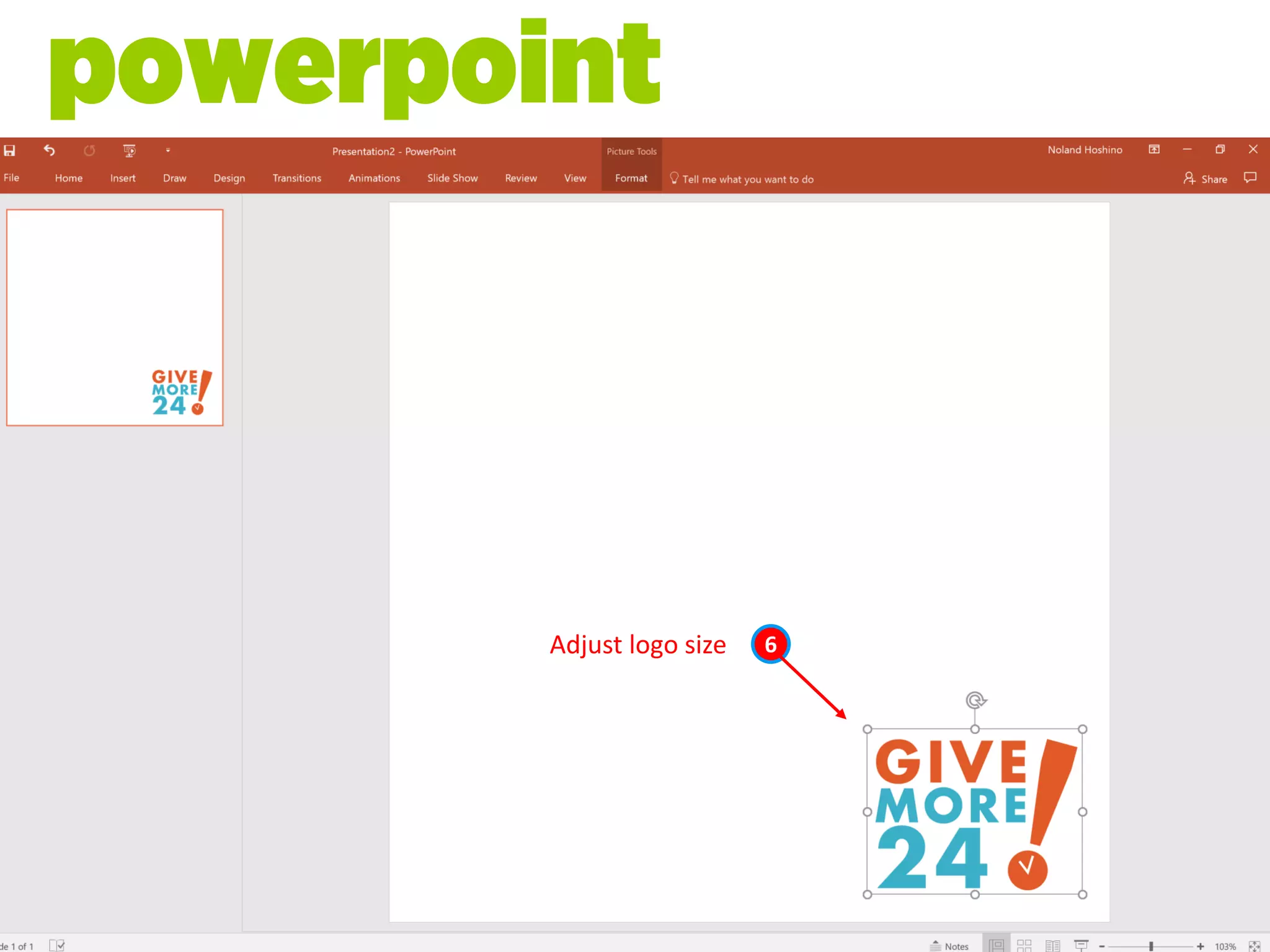
Adjust logo size 6
powerpoint
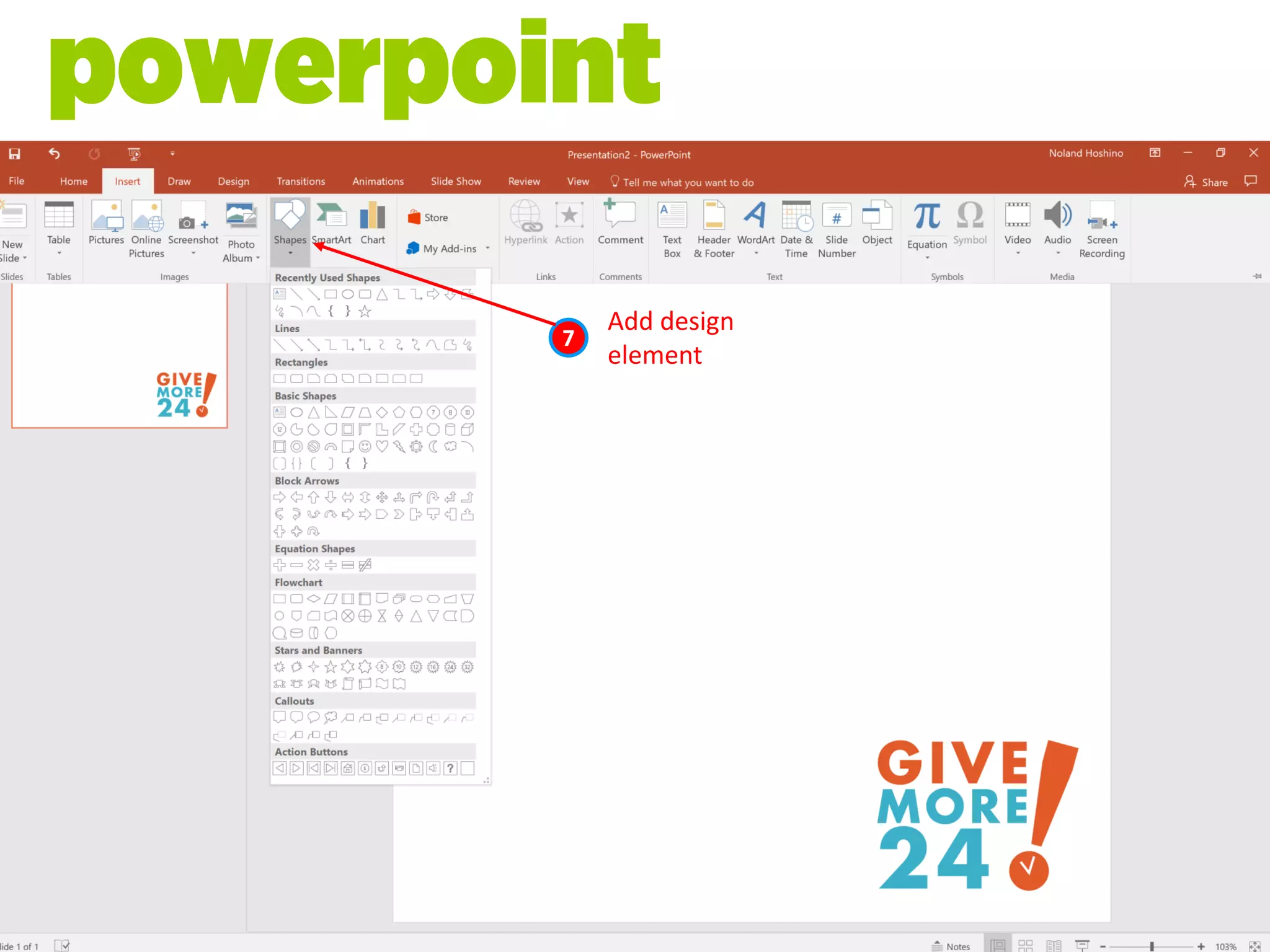
Add design
element
7
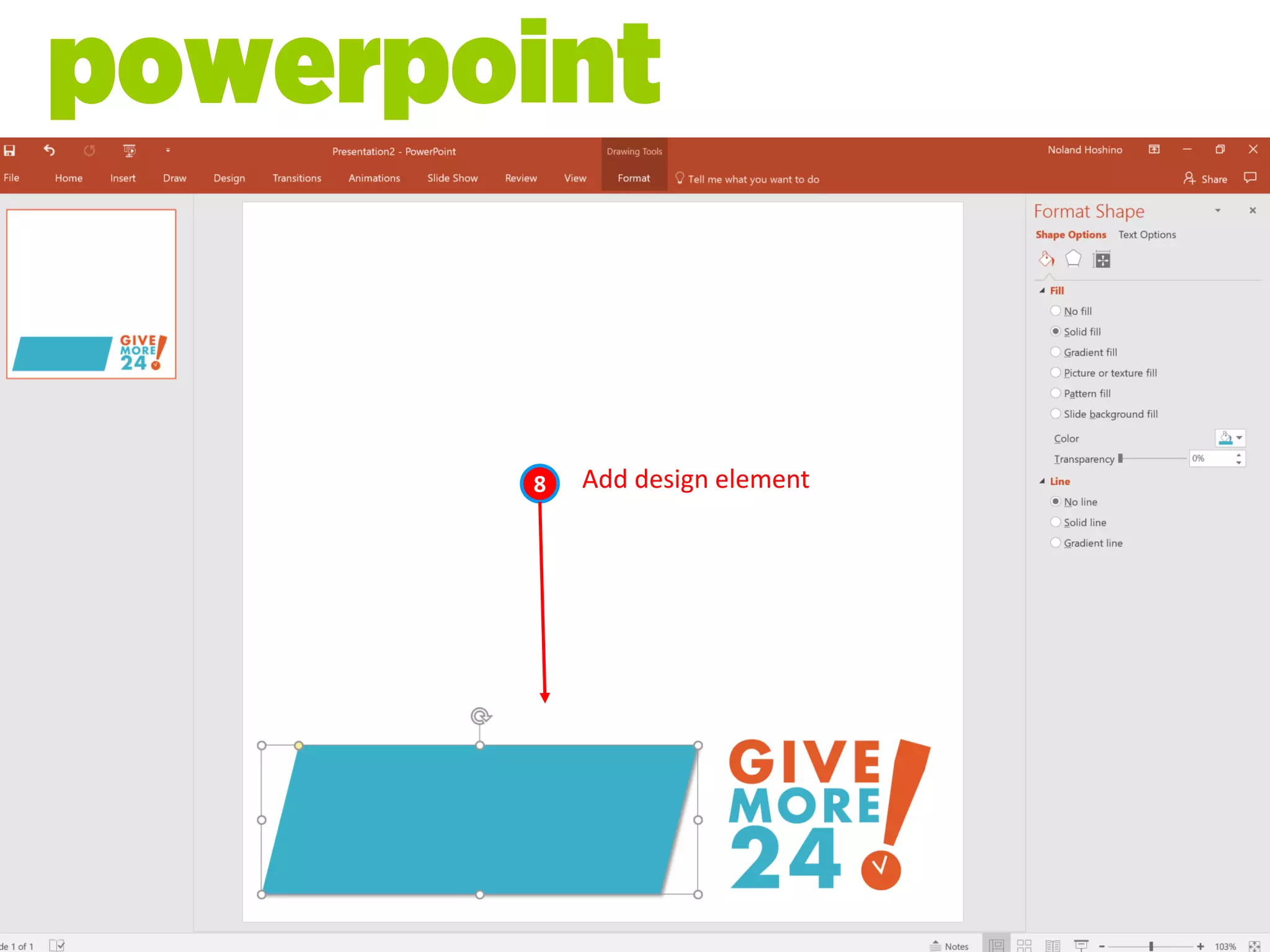
powerpoint
Add design element8
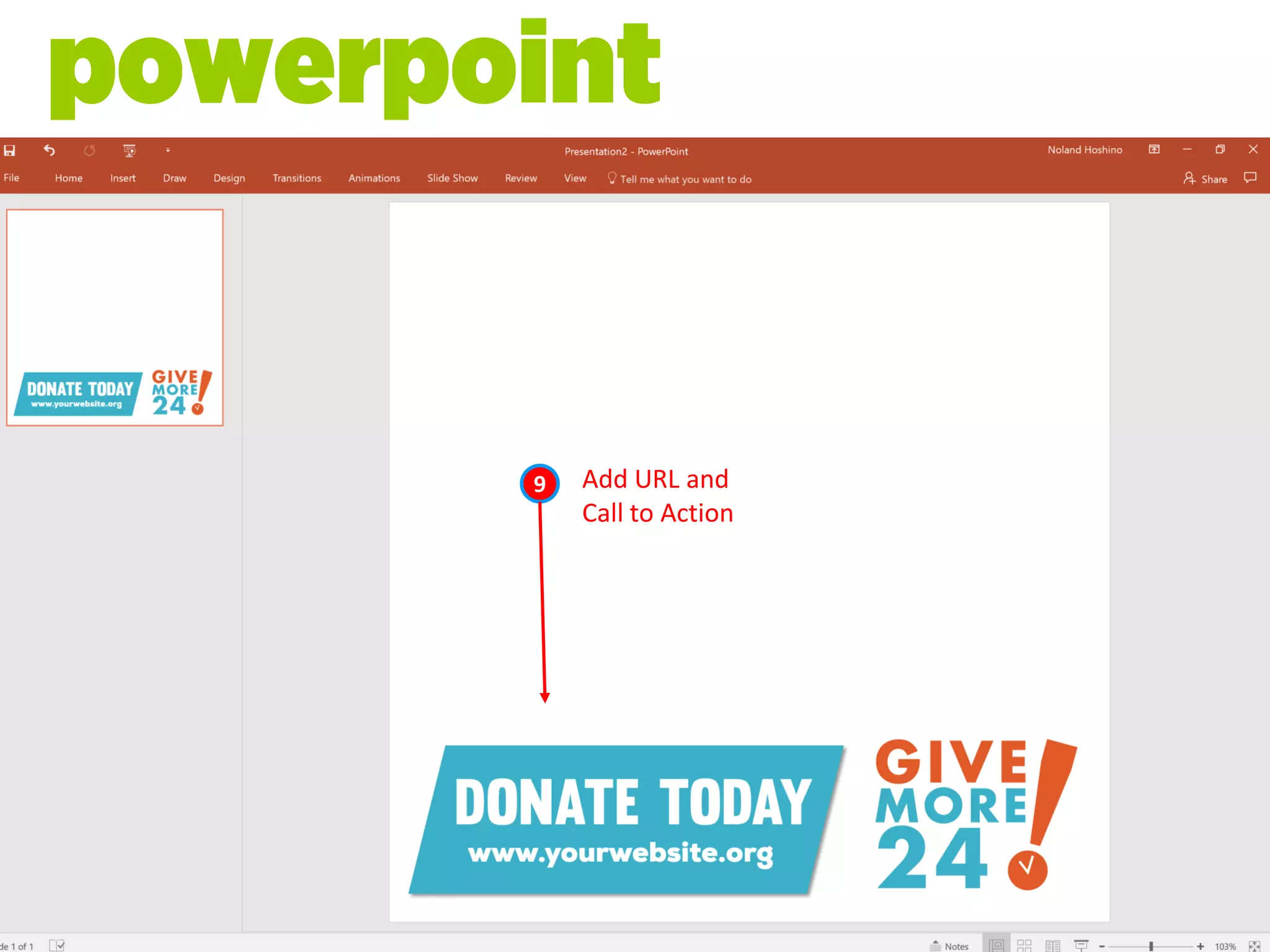
powerpoint
Add URL and
Call to Action
9
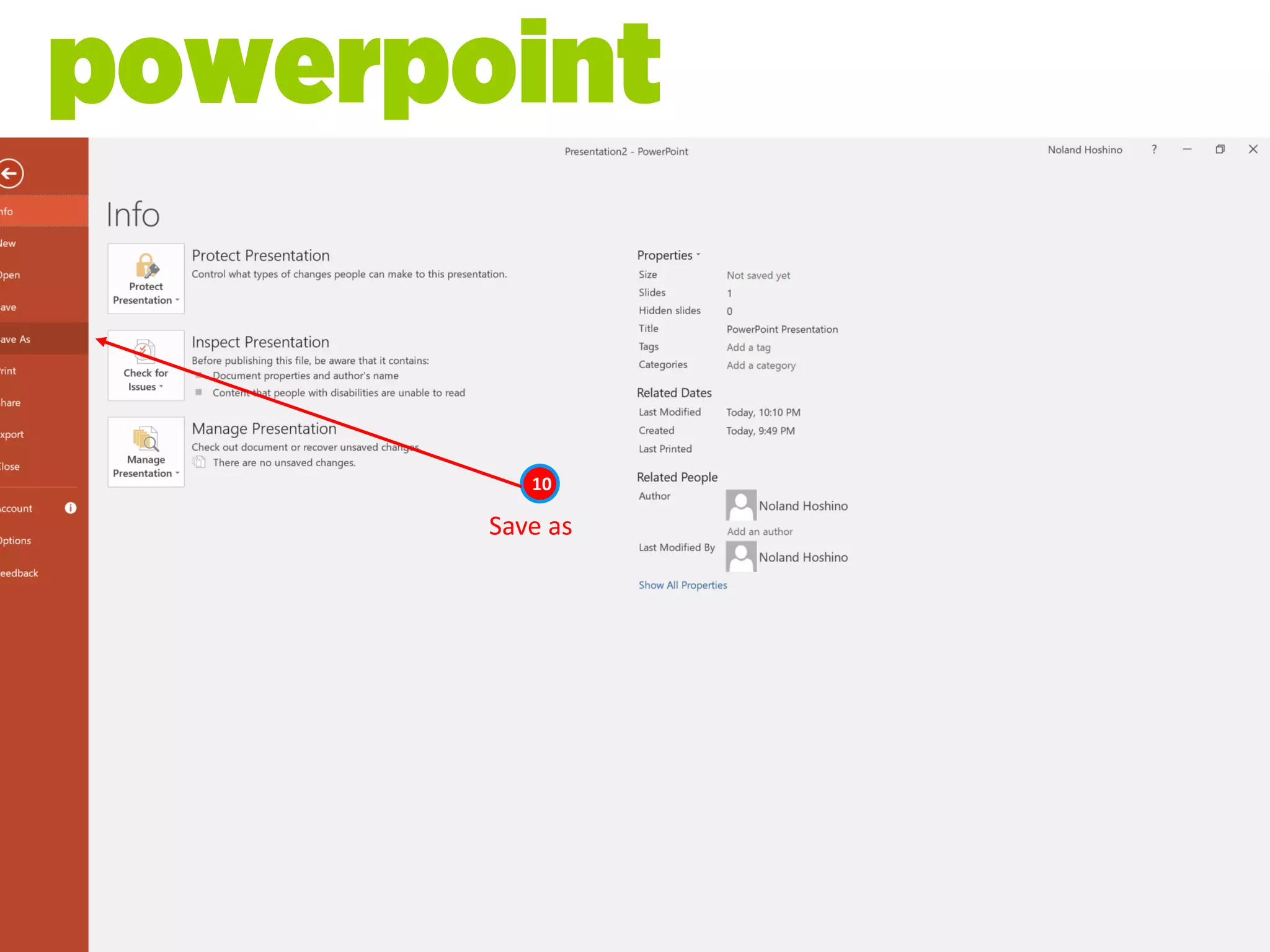
powerpoint
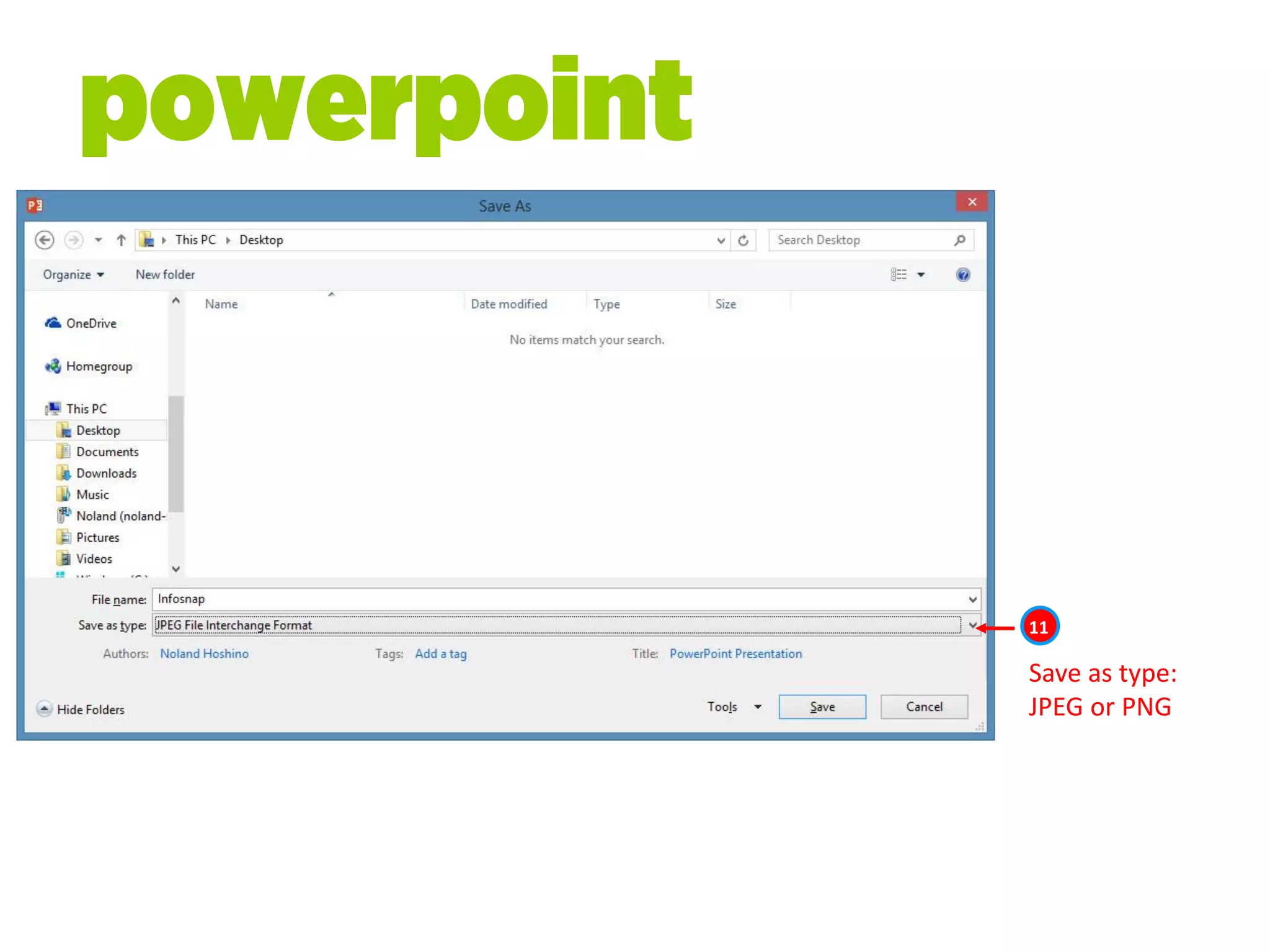
Save as
powerpoint
10
powerpoint
Save as type:
JPEG or PNG
powerpoint
11
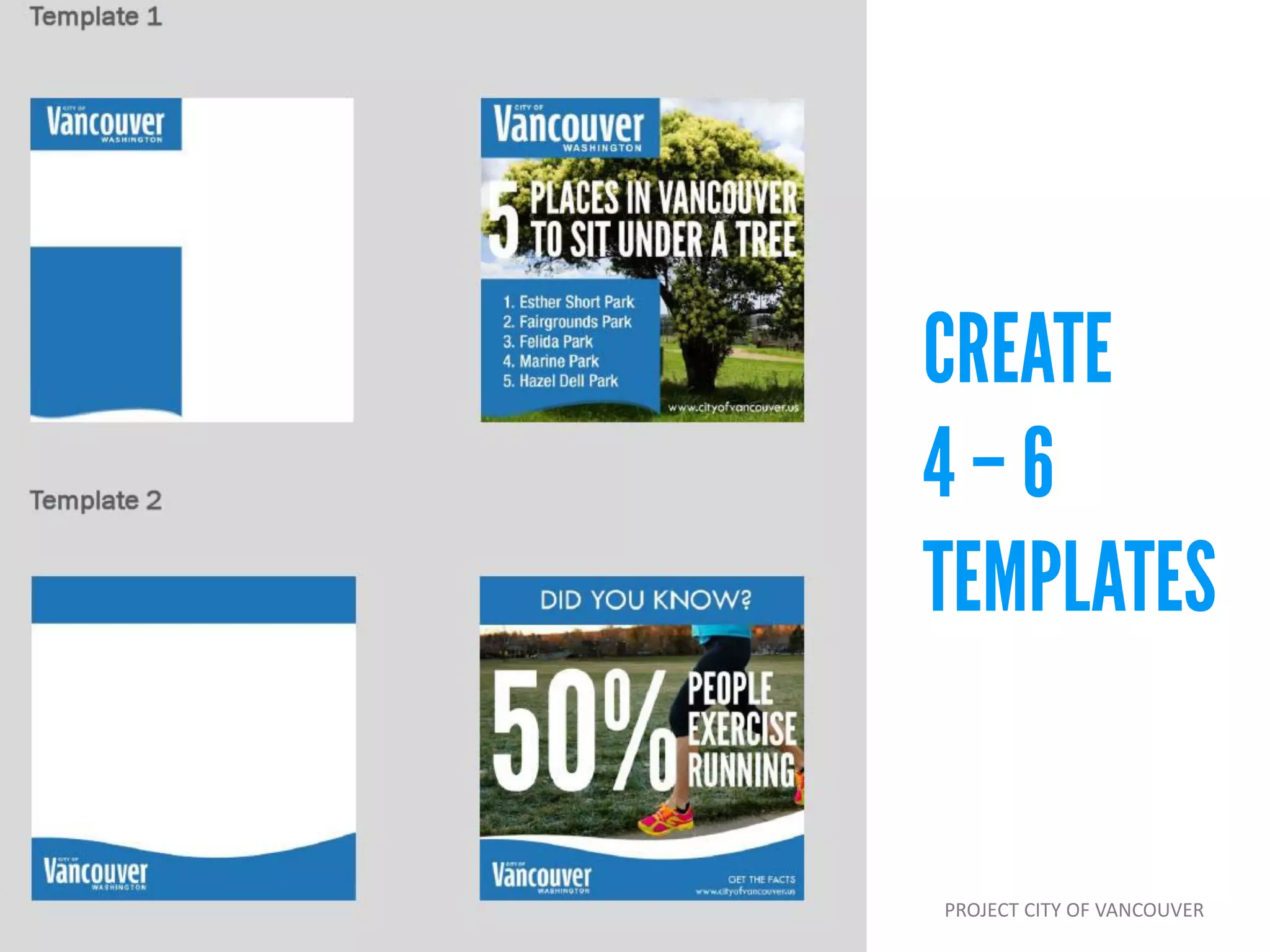
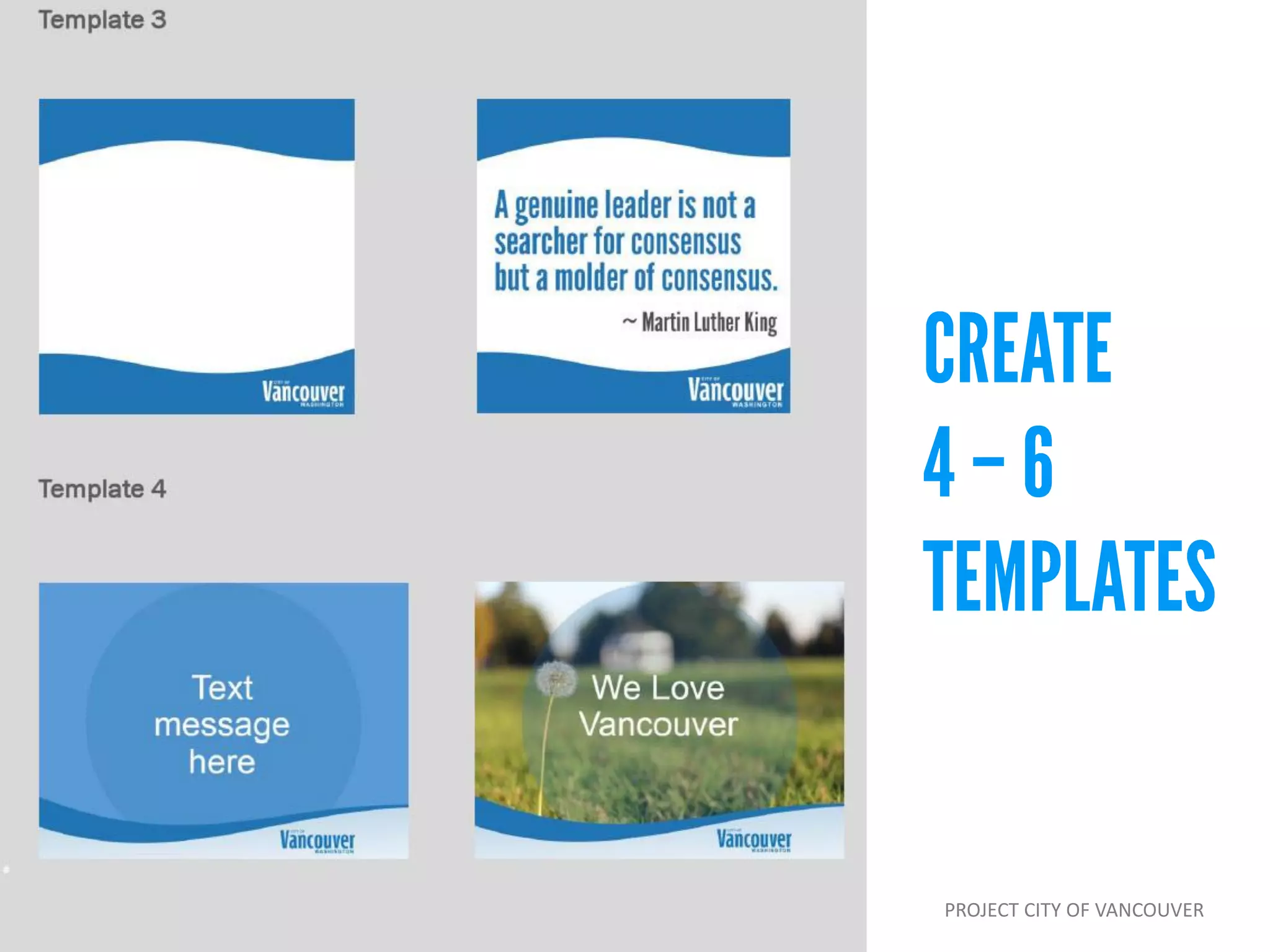
PROJECT CITY OF VANCOUVER
Mobile and web app
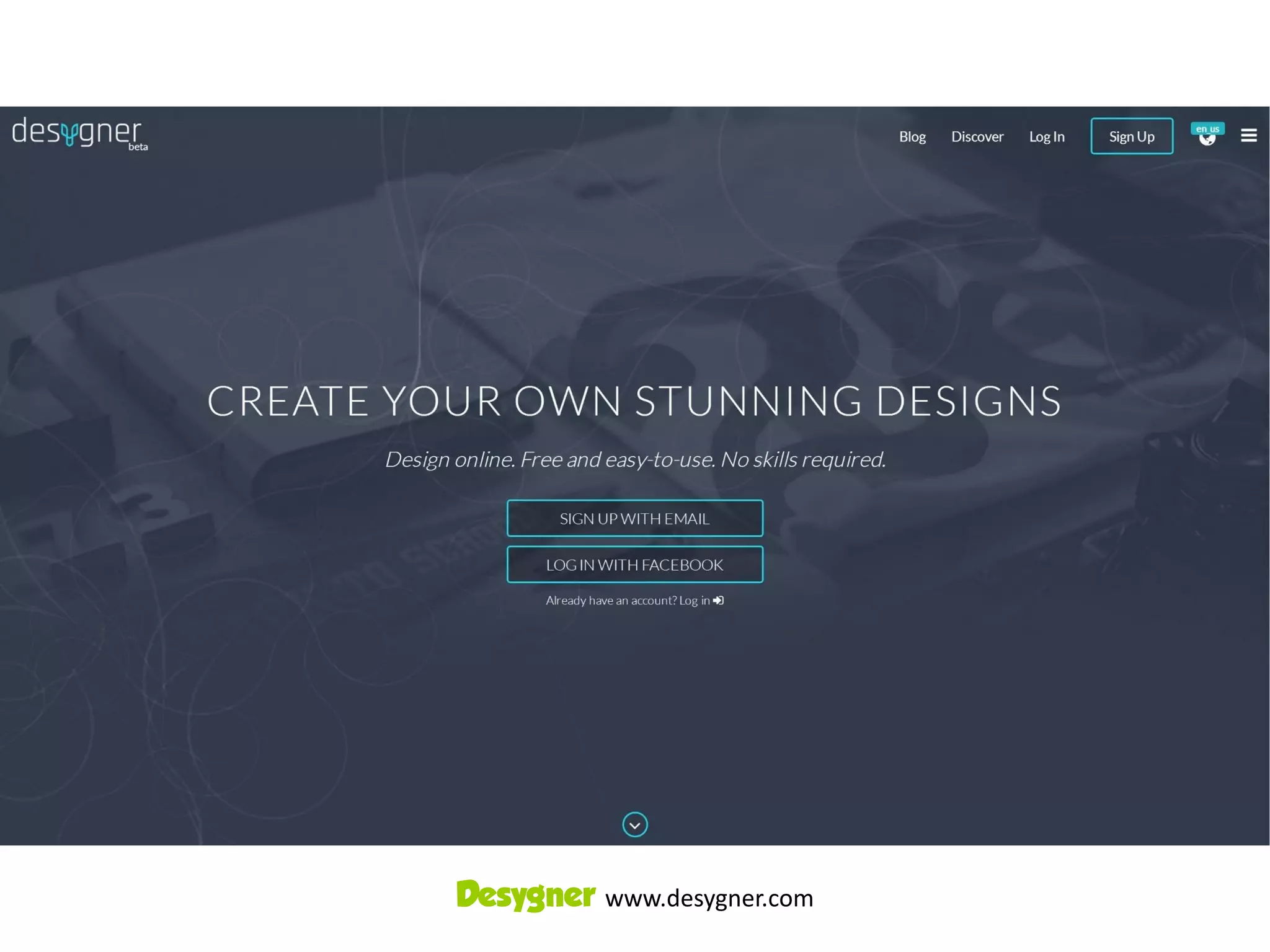
Desygner www.desygner.com
before you begin
• Download logo in .jpg format
onto phone
• Brand colors
• Design inspiration
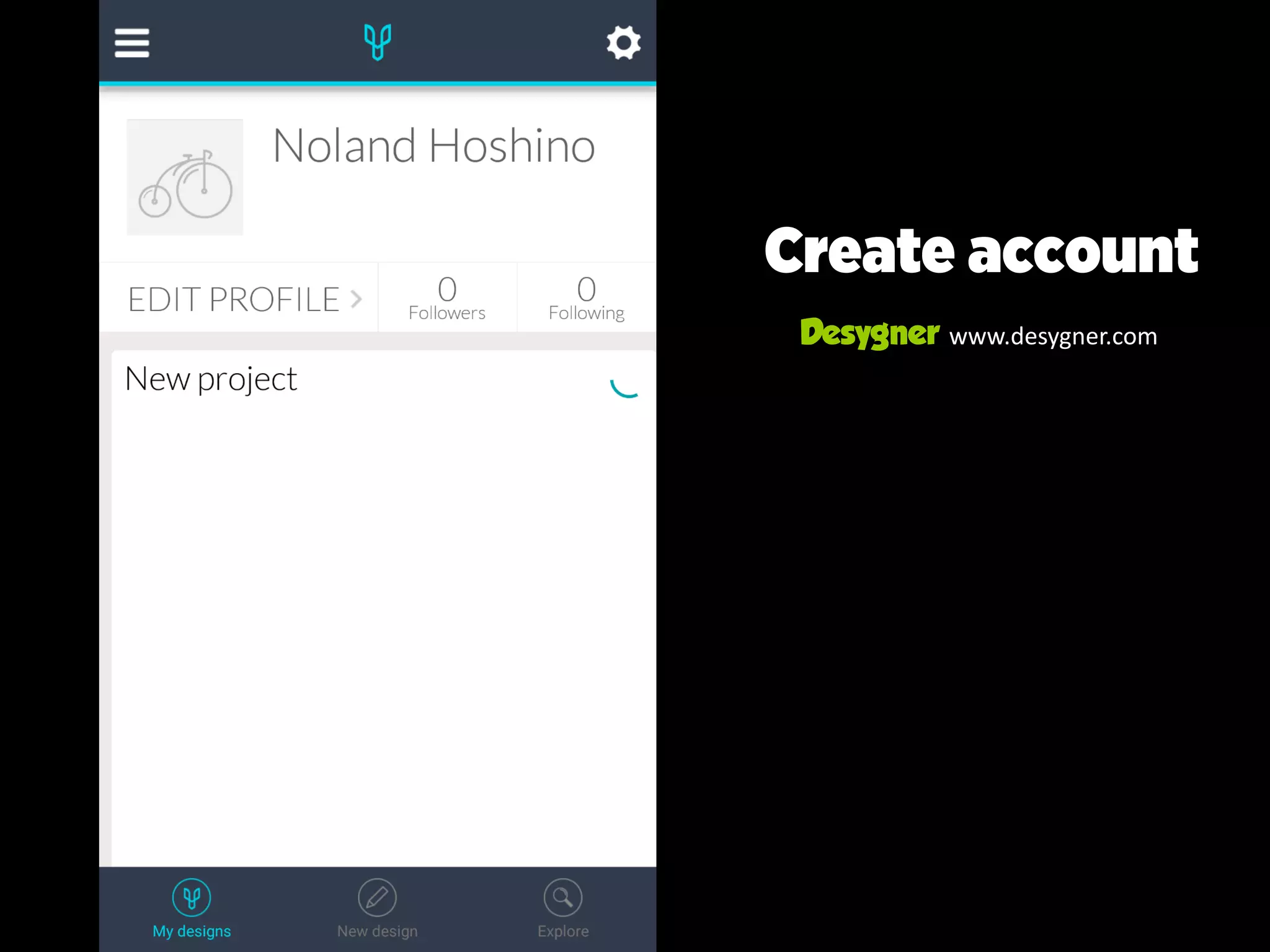
Create account
Desygner www.desygner.com
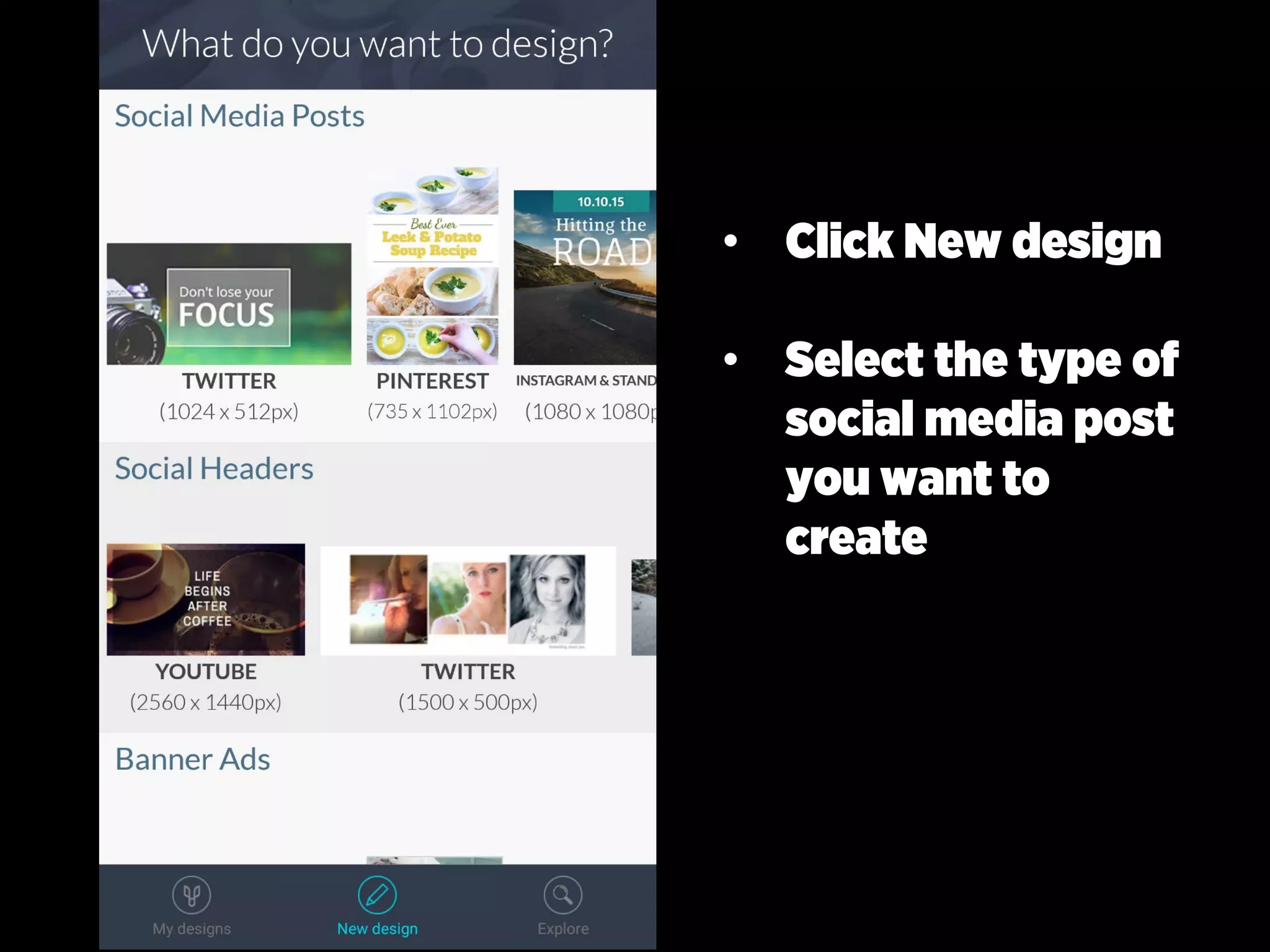
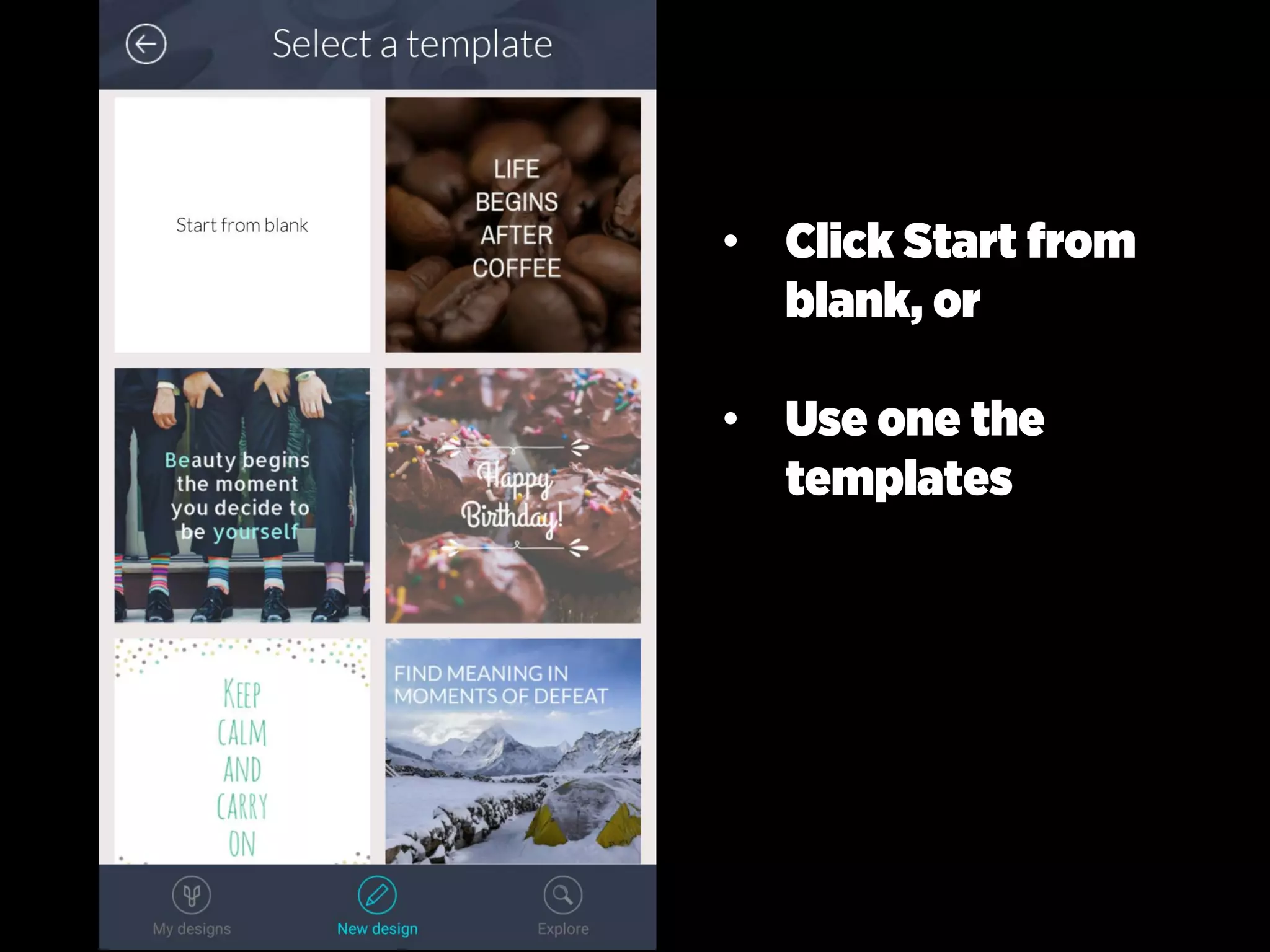
• Click New design
• Select the type of
social media post
you want to
create
• Click Start from
blank, or
• Use one the
templates
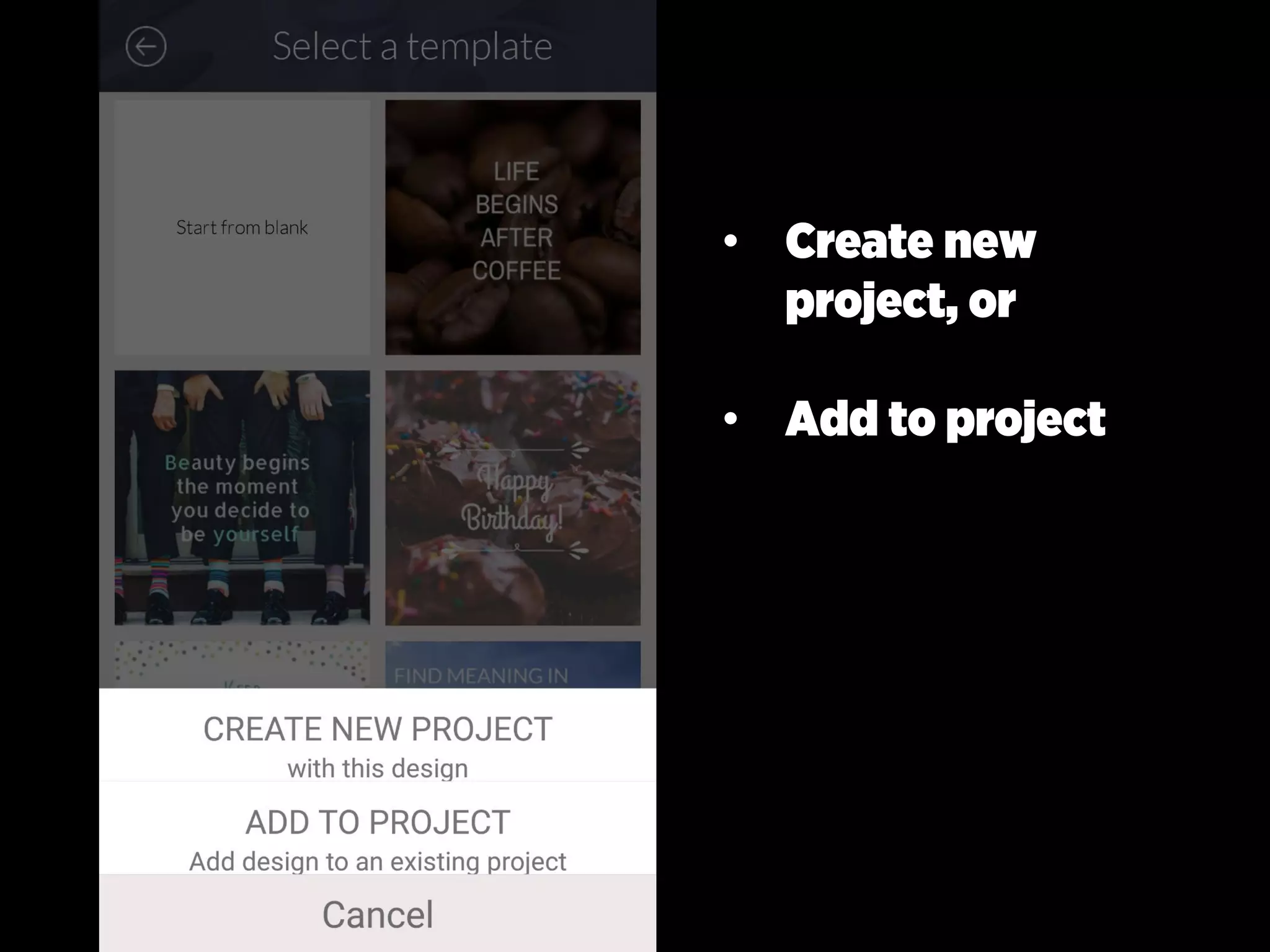
• Create new
project, or
• Add to project
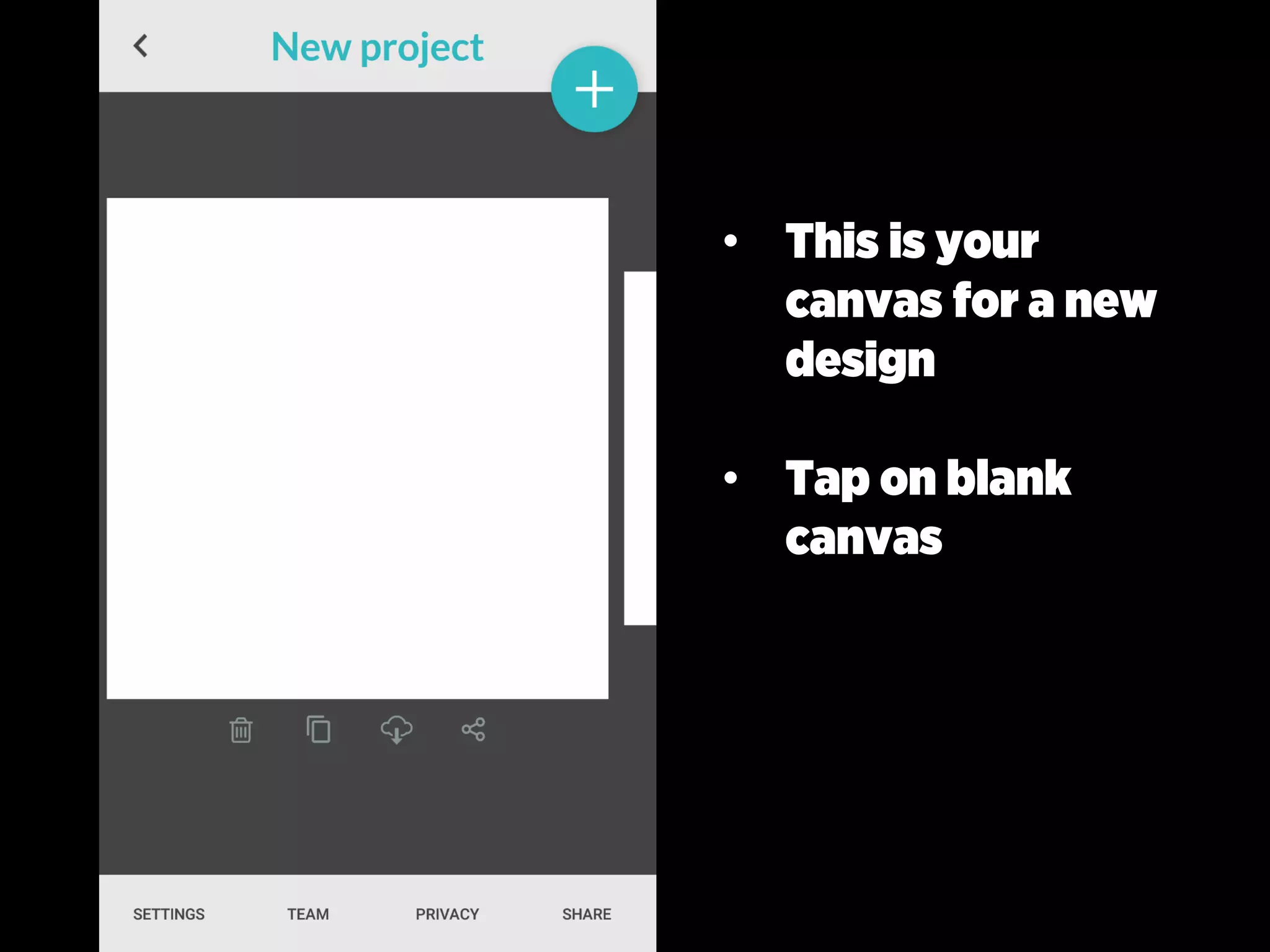
• This is your
canvas for a new
design
• Tap on blank
canvas
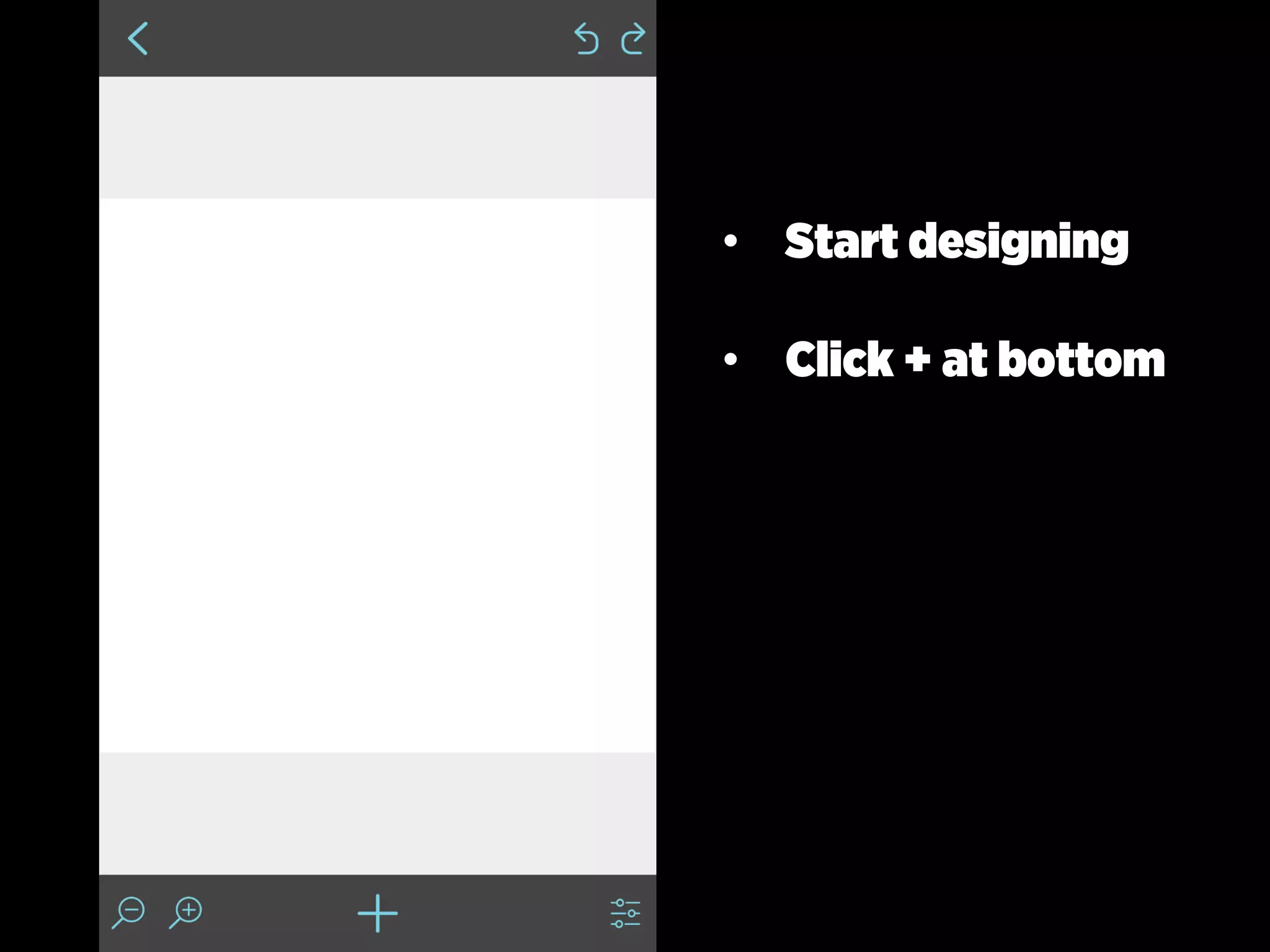
• Start designing
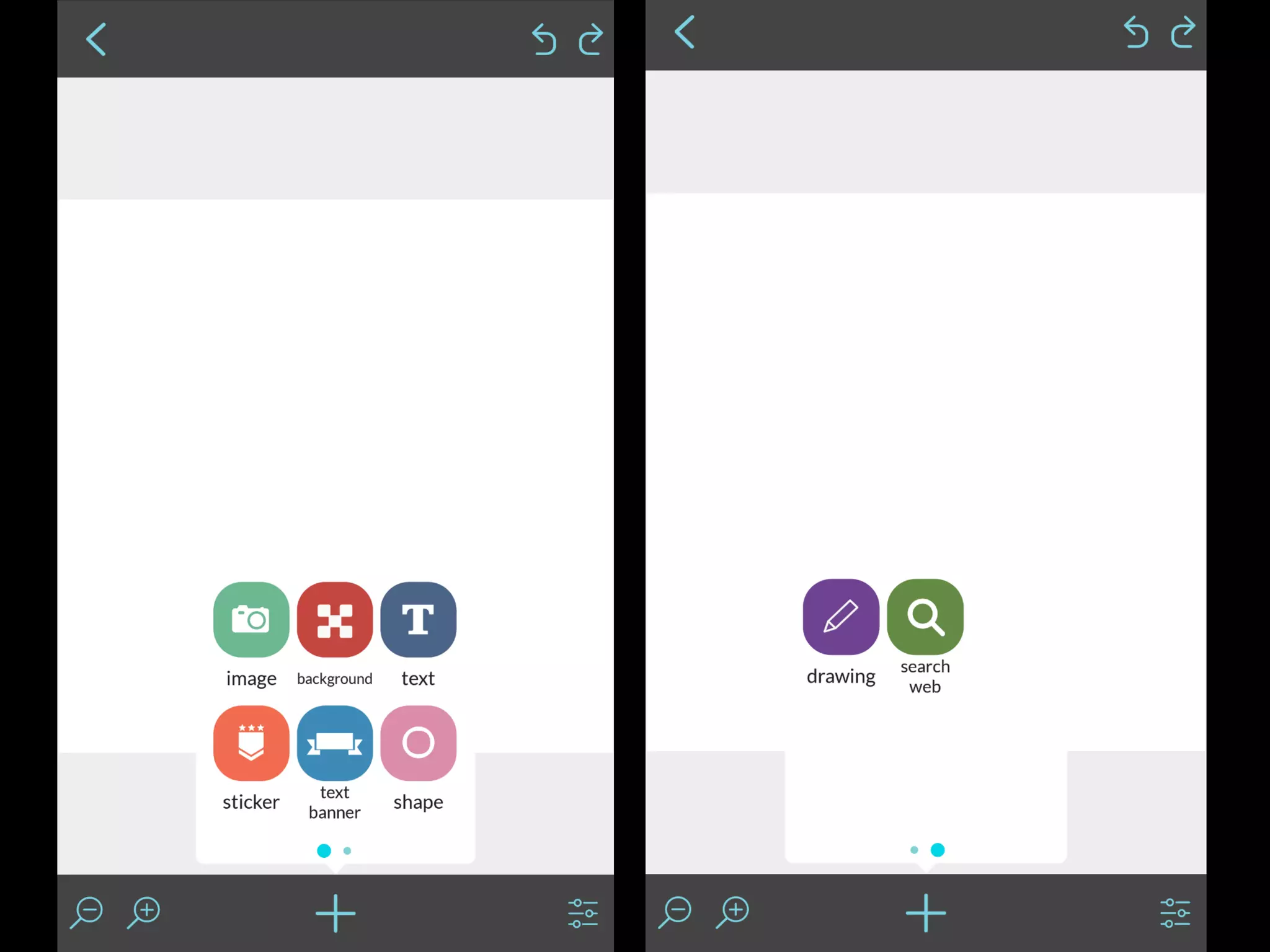
• Click + at bottom
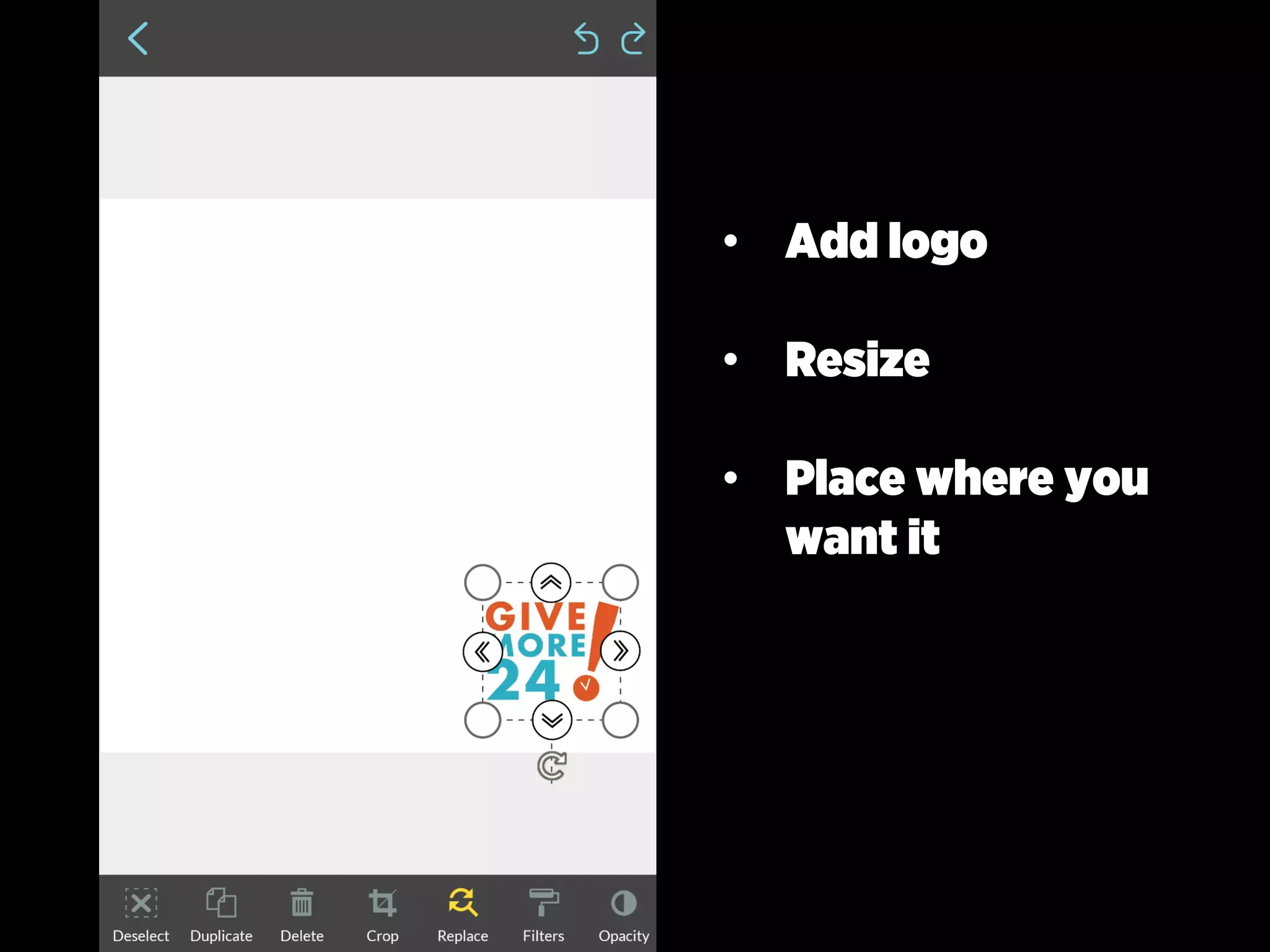
• Add logo
• Resize
• Place where you
want it
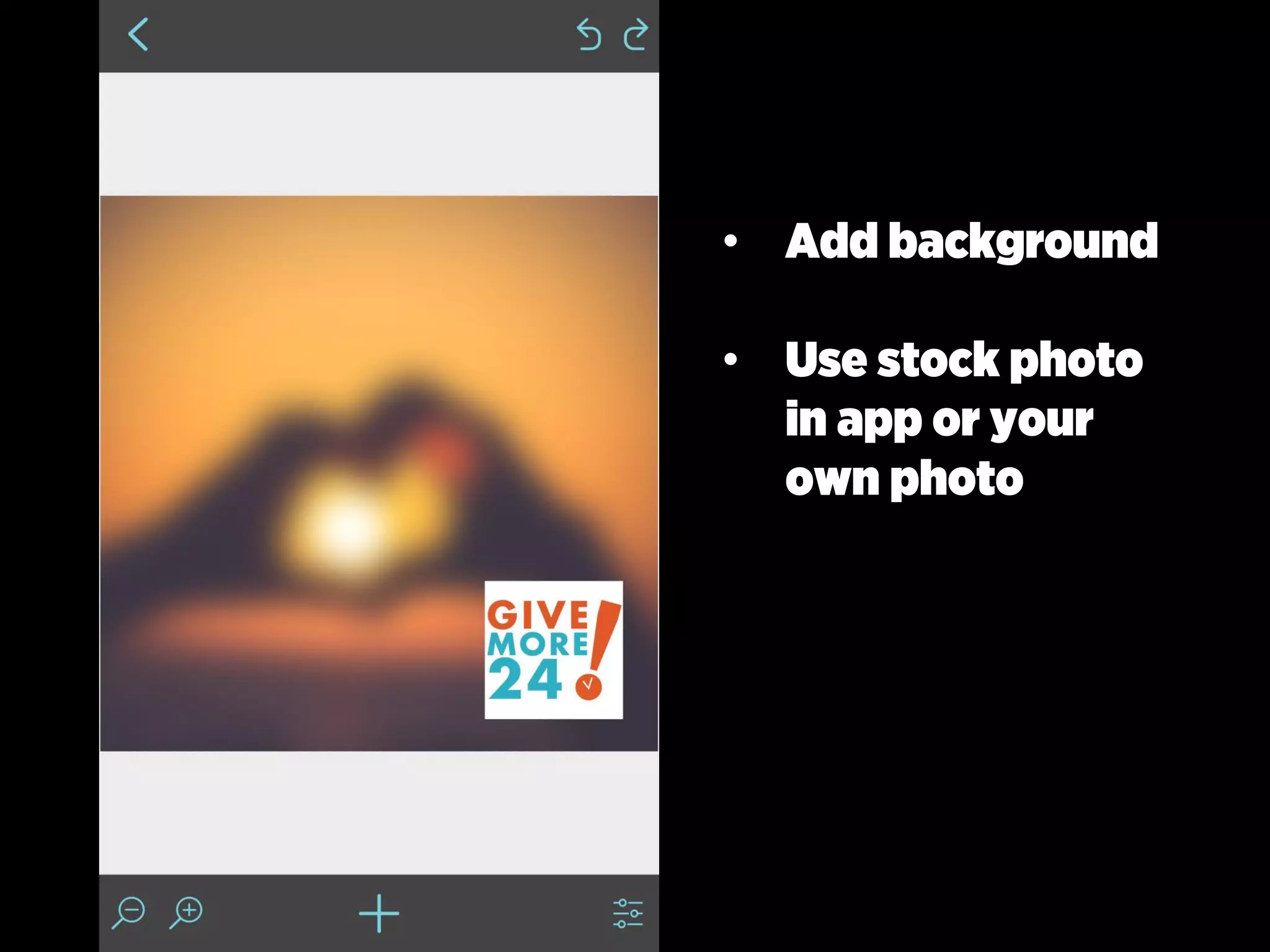
• Add background
• Use stock photo
in app or your
own photo
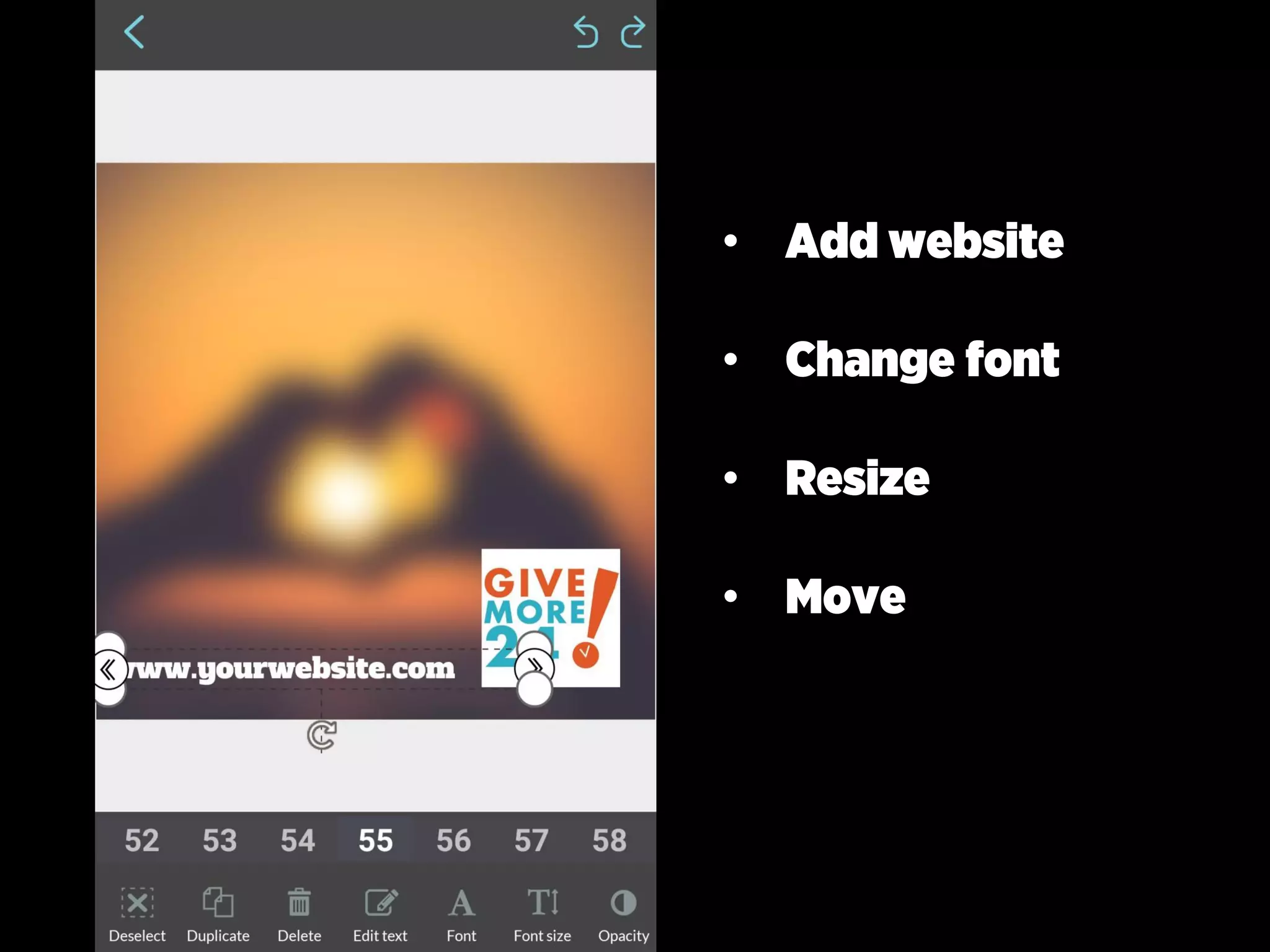
• Add website
• Change font
• Resize
• Move
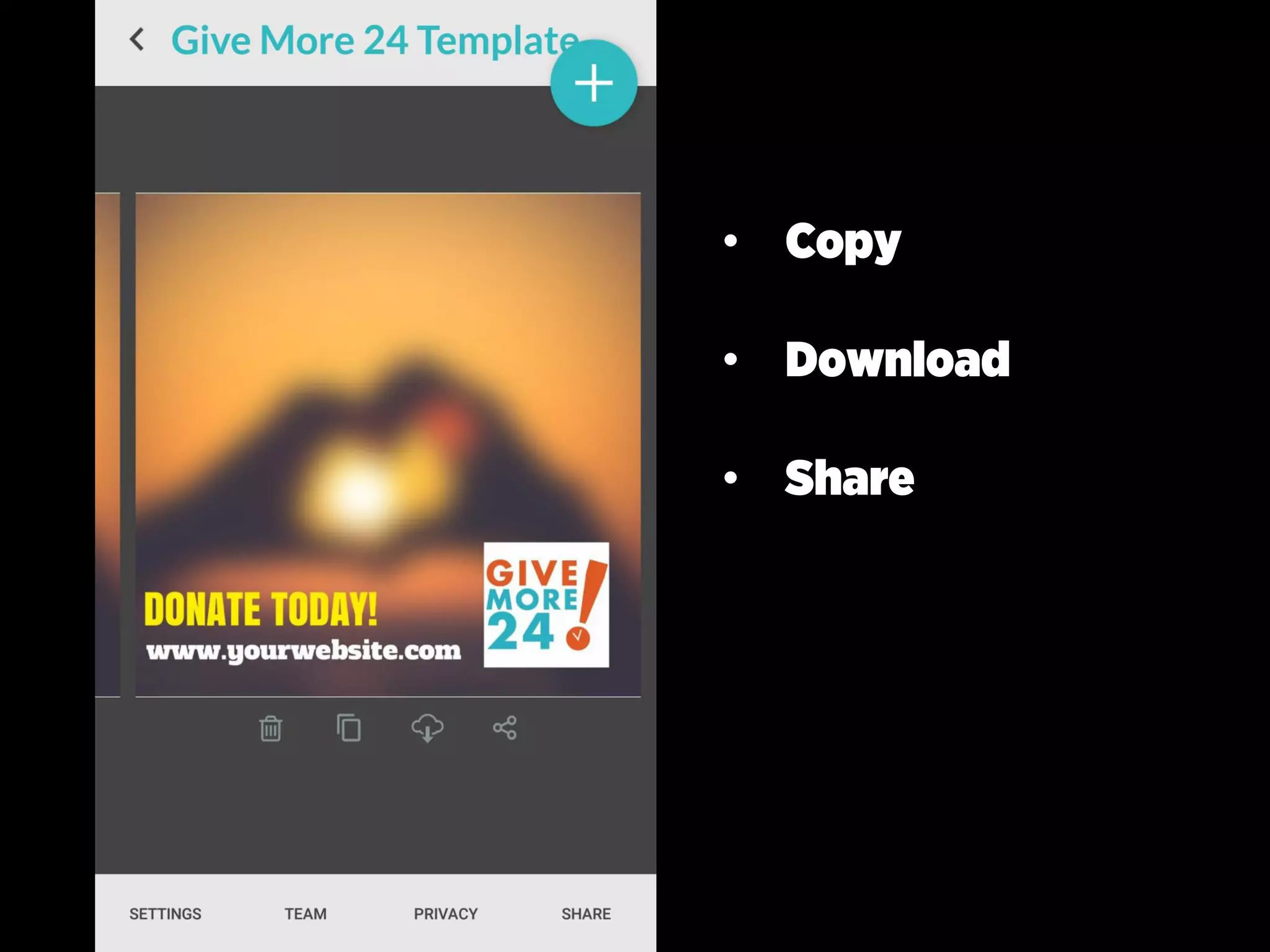
• Copy
• Download
• Share
• Change template
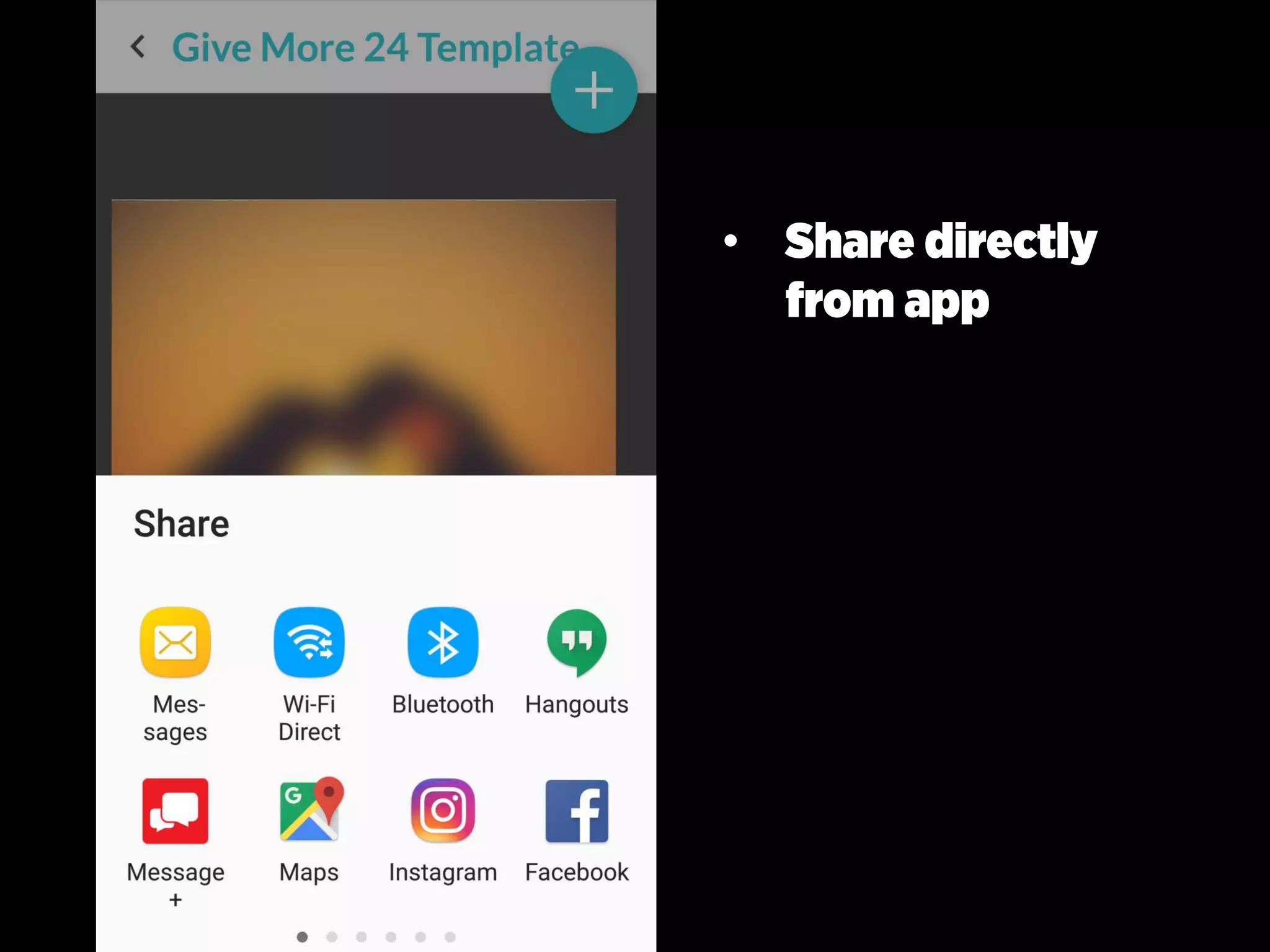
• Share
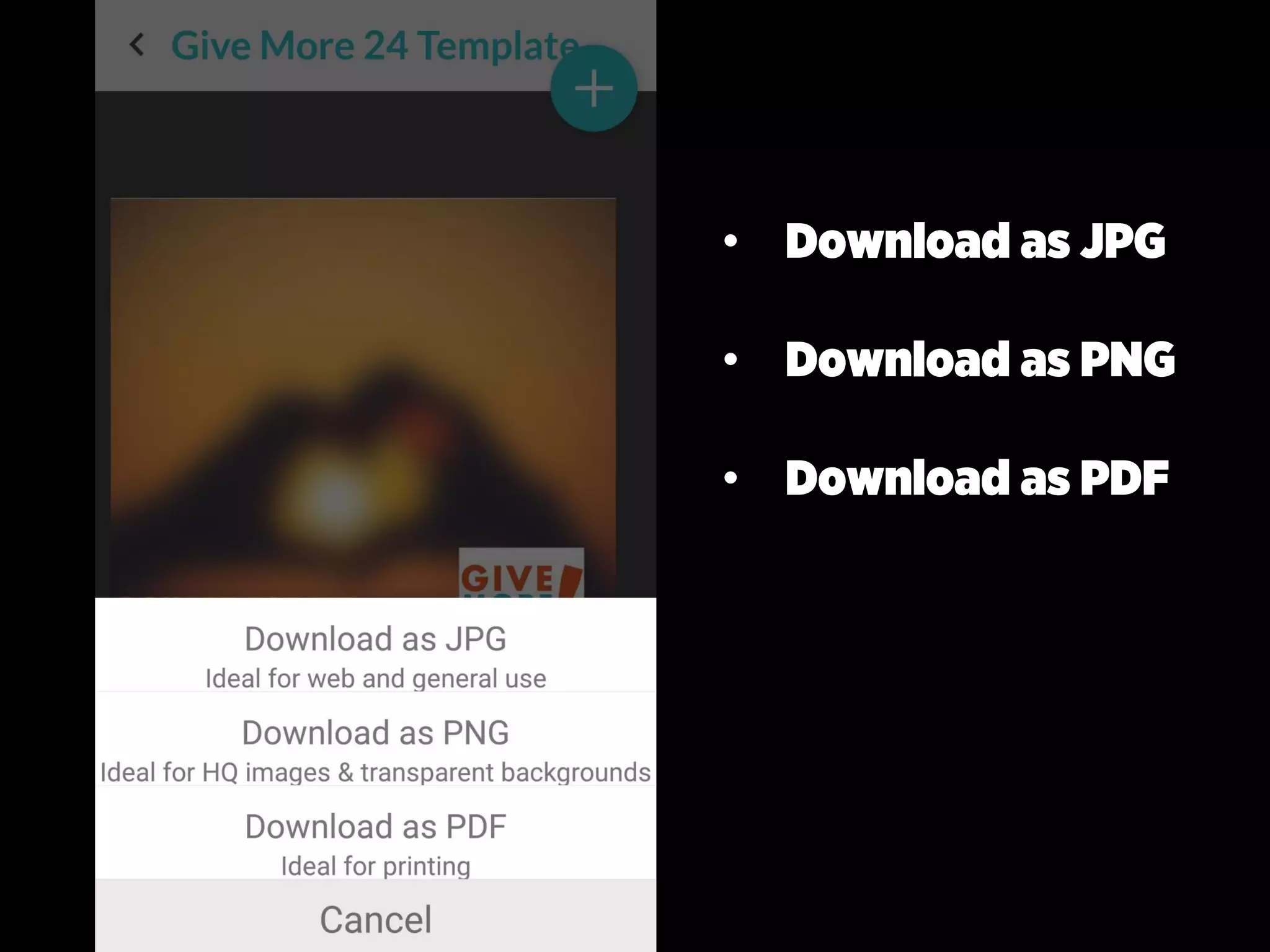
• Download
• Download as JPG
• Download as PNG
• Download as PDF
• Share directly
from app
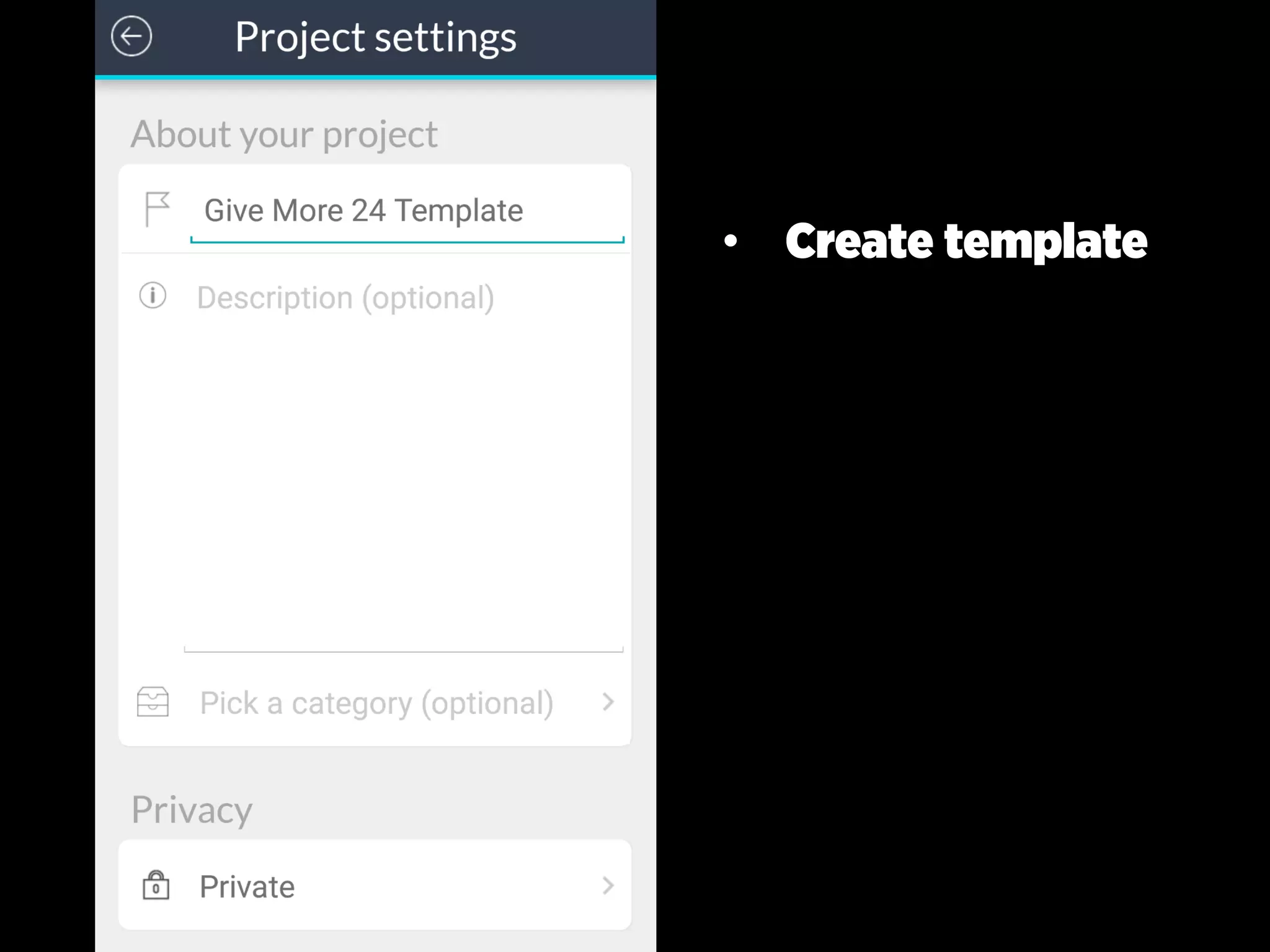
• Create template
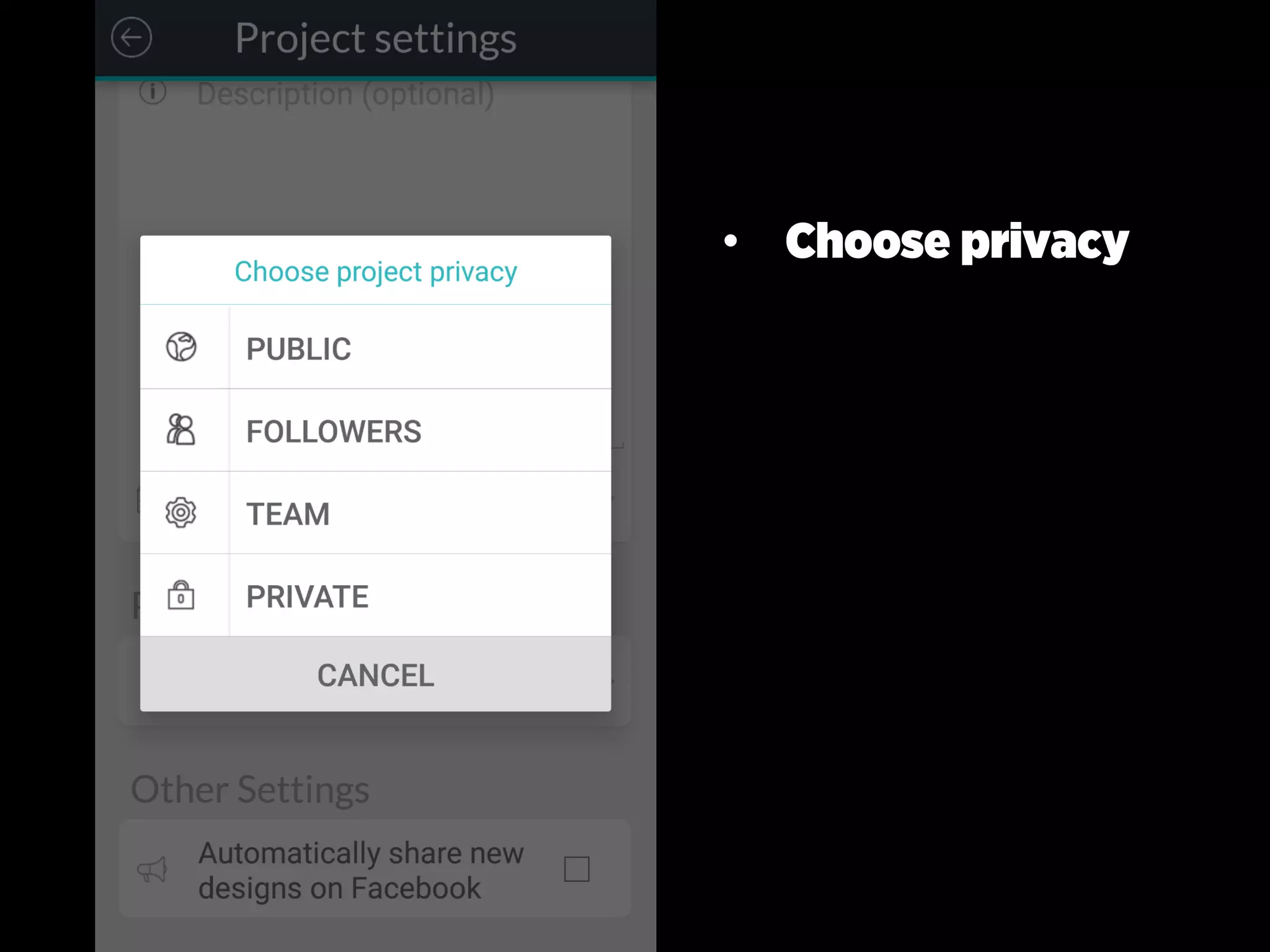
• Choose privacy
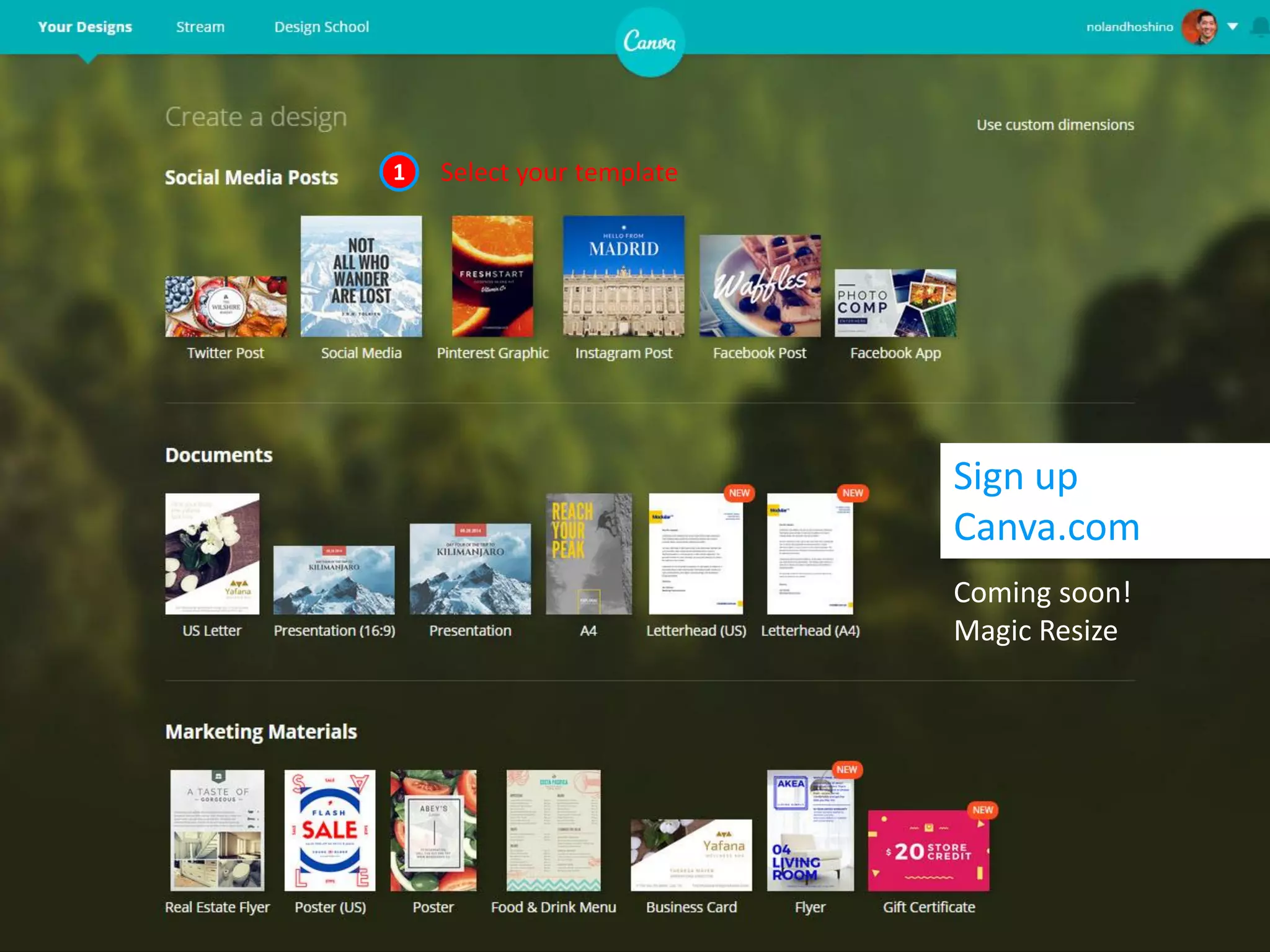
Sign up
Canva.com
Coming soon!
Magic Resize
1 Select your template
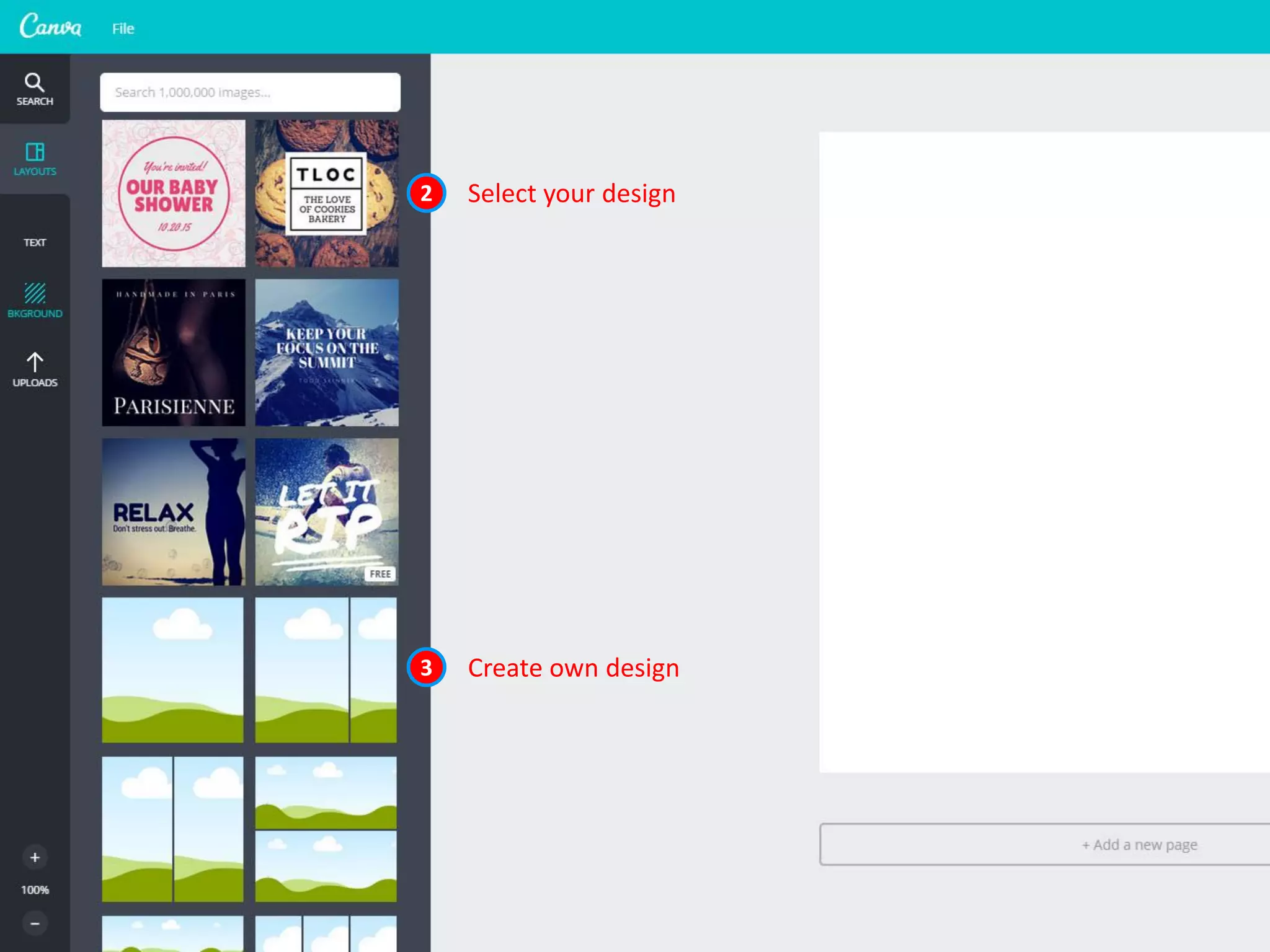
2 Select your design
3 Create own design
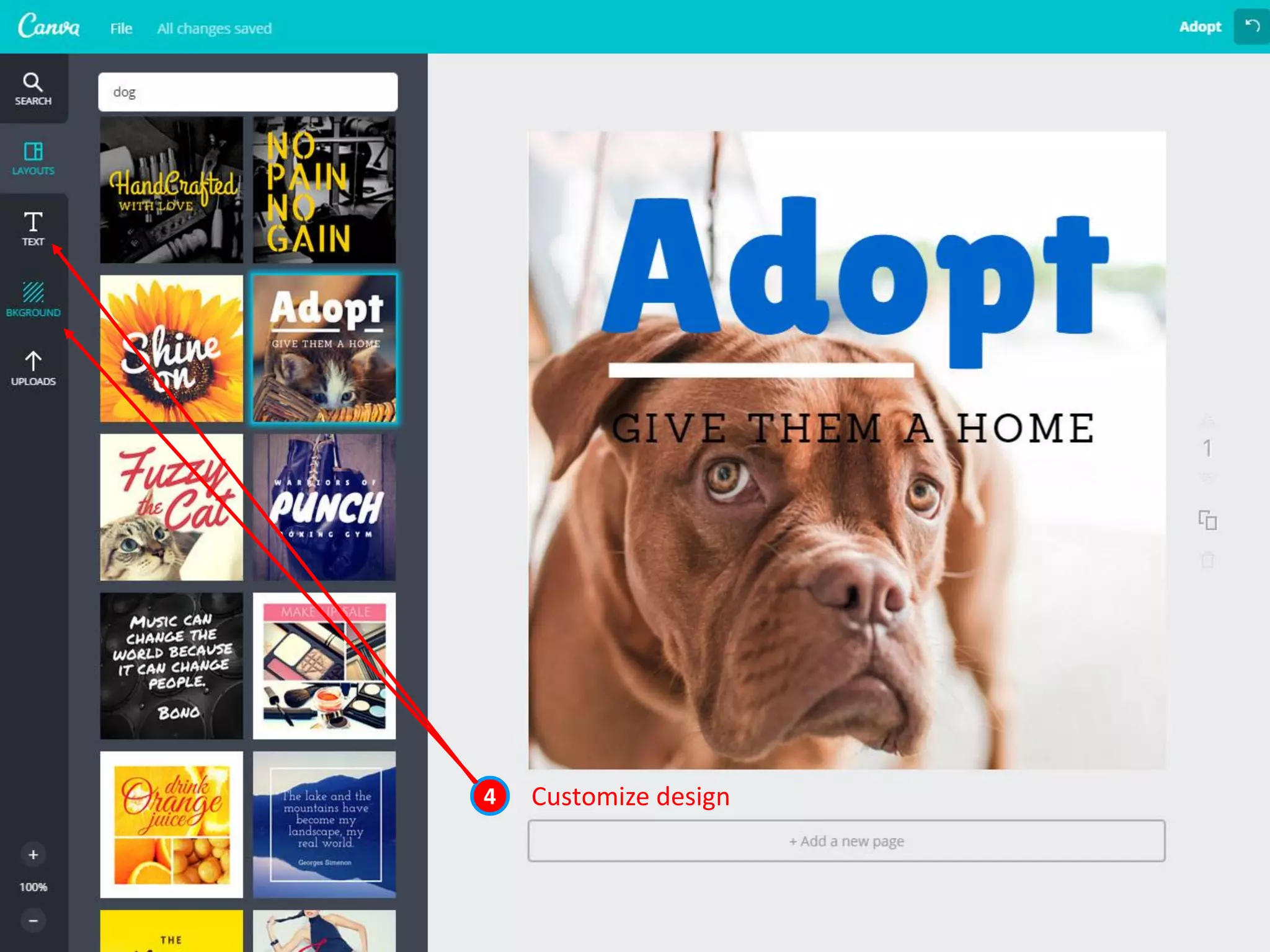
4 Customize design
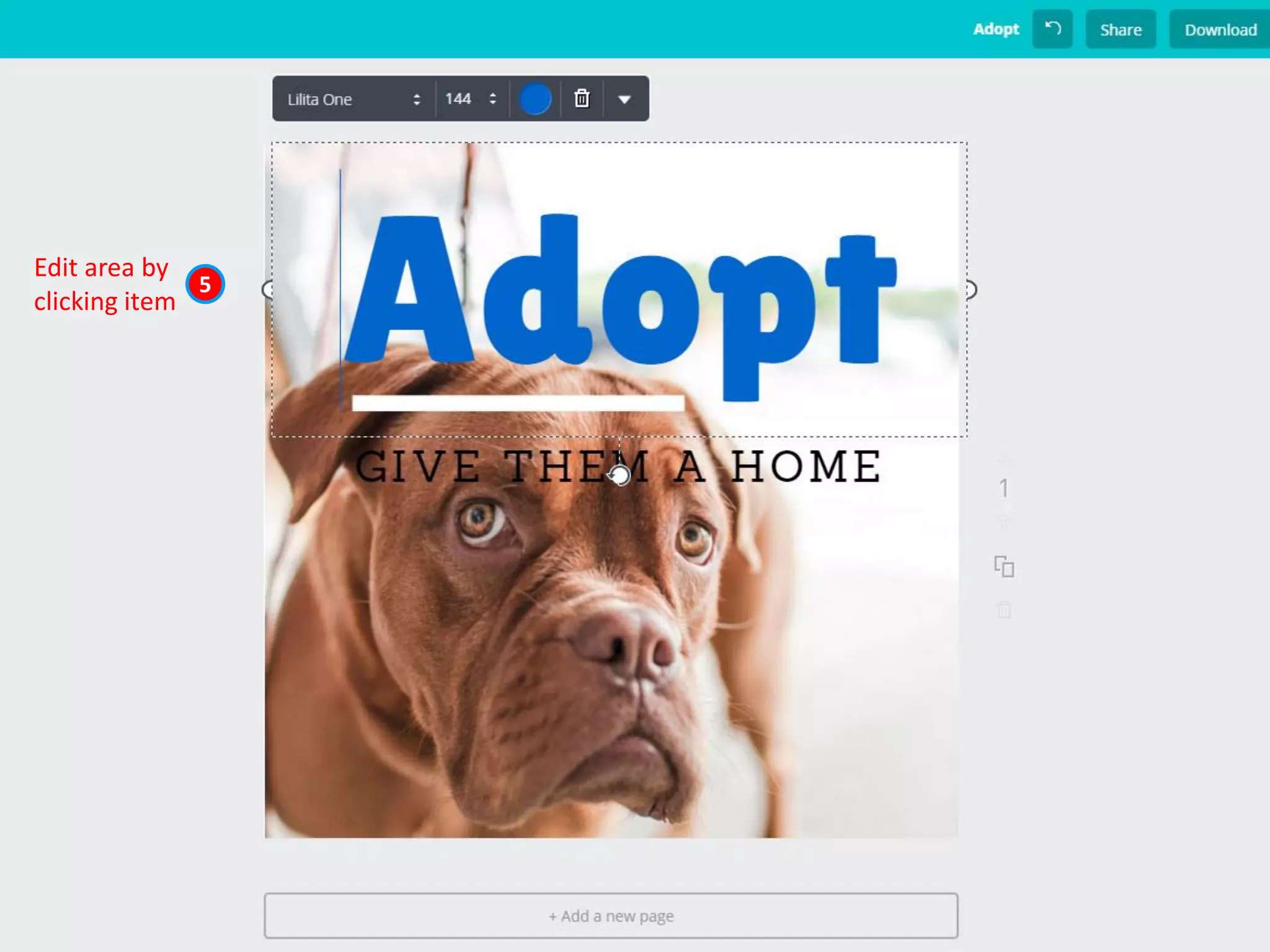
5
Edit area by
clicking item
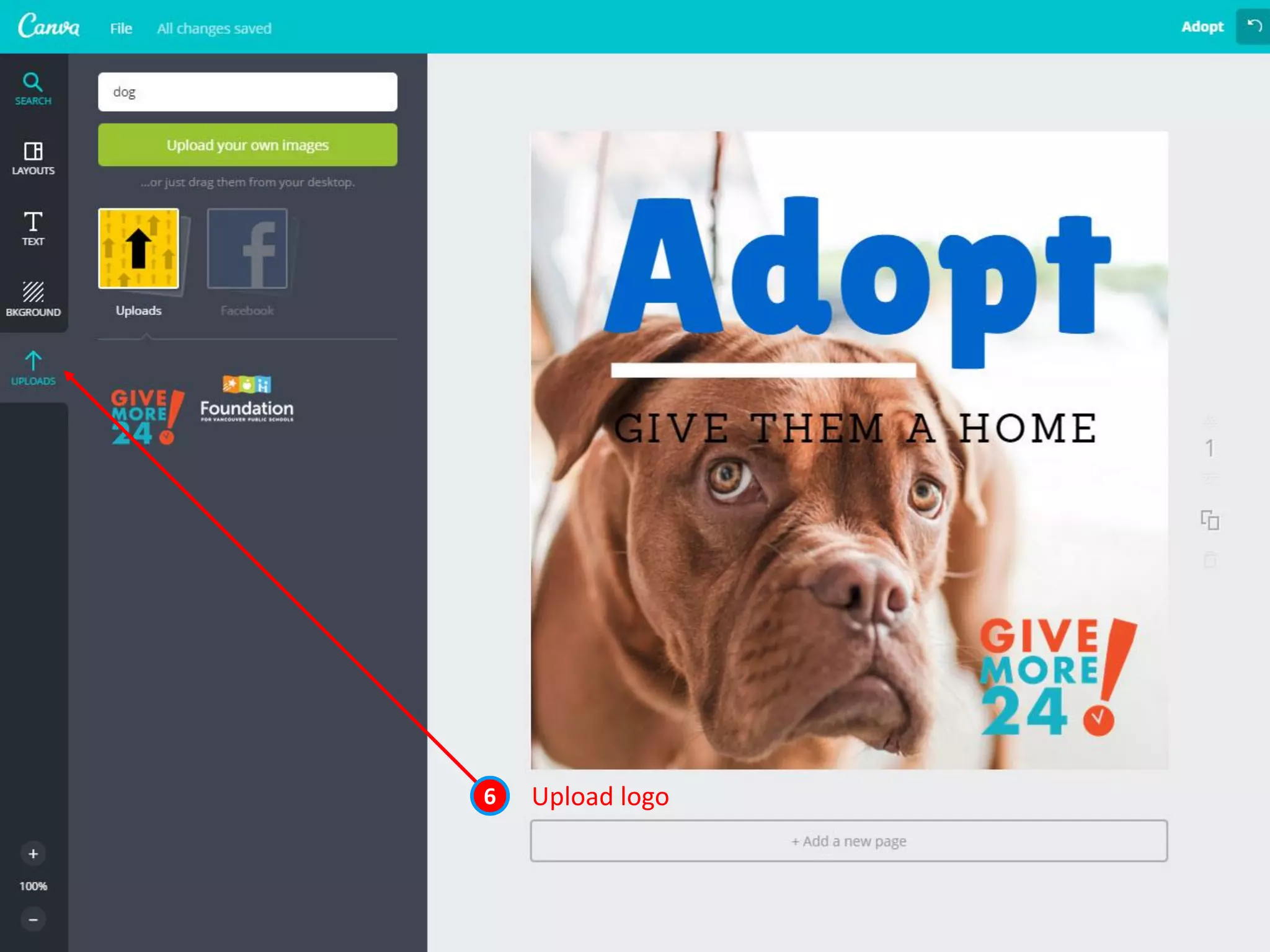
Upload logo6
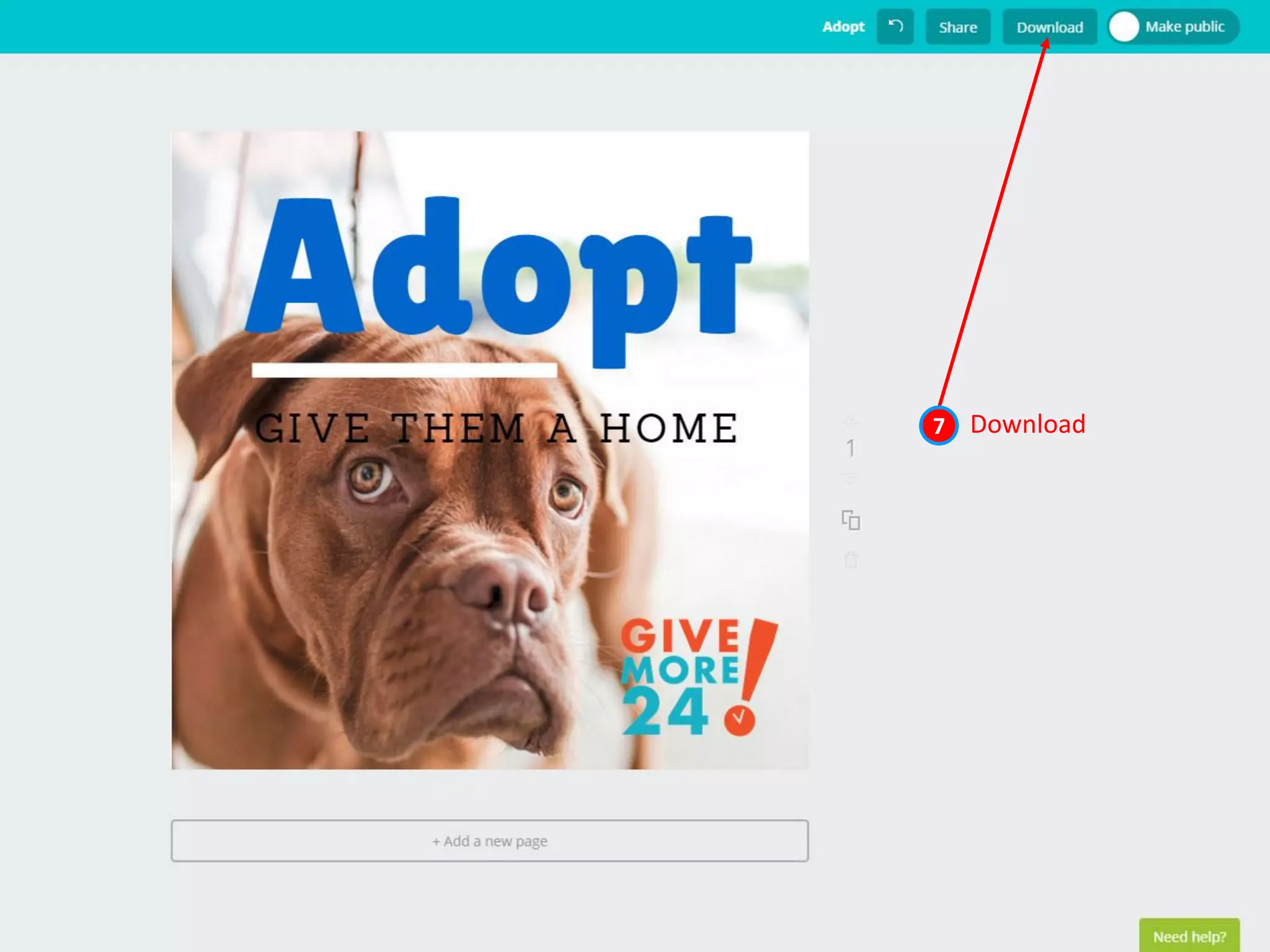
Download7
Start here 1
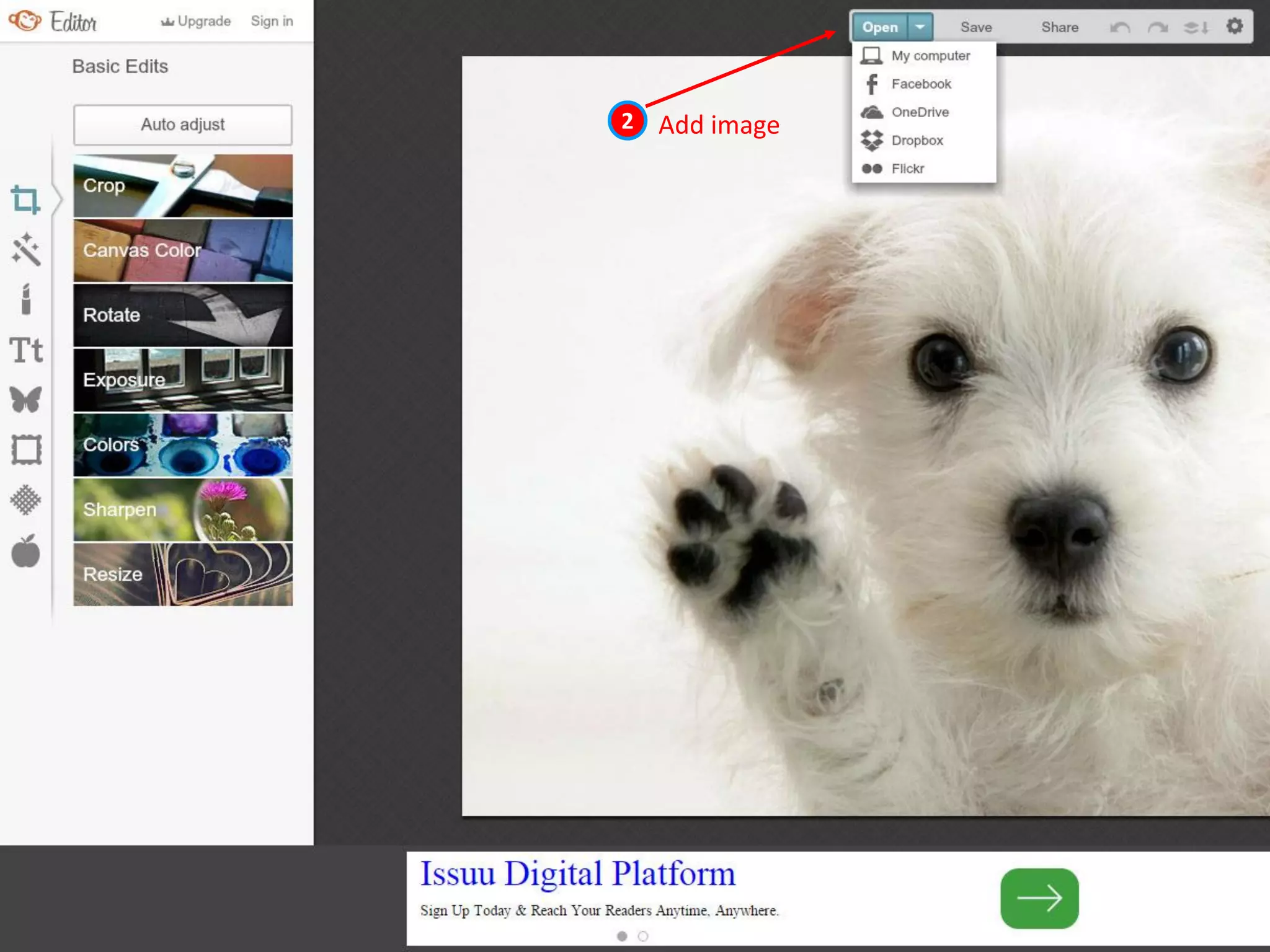
Add image2
Adjust size3
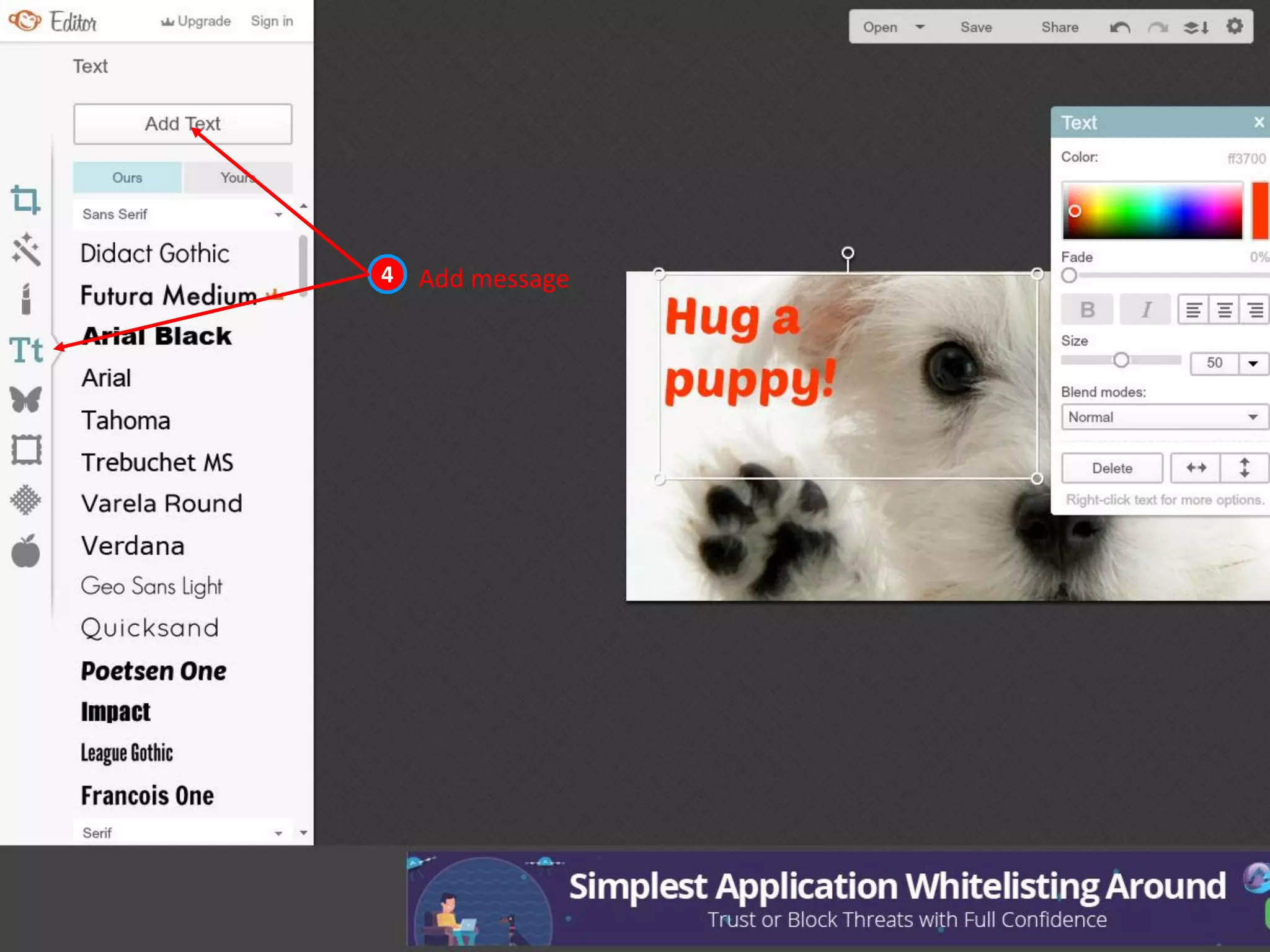
Add message4
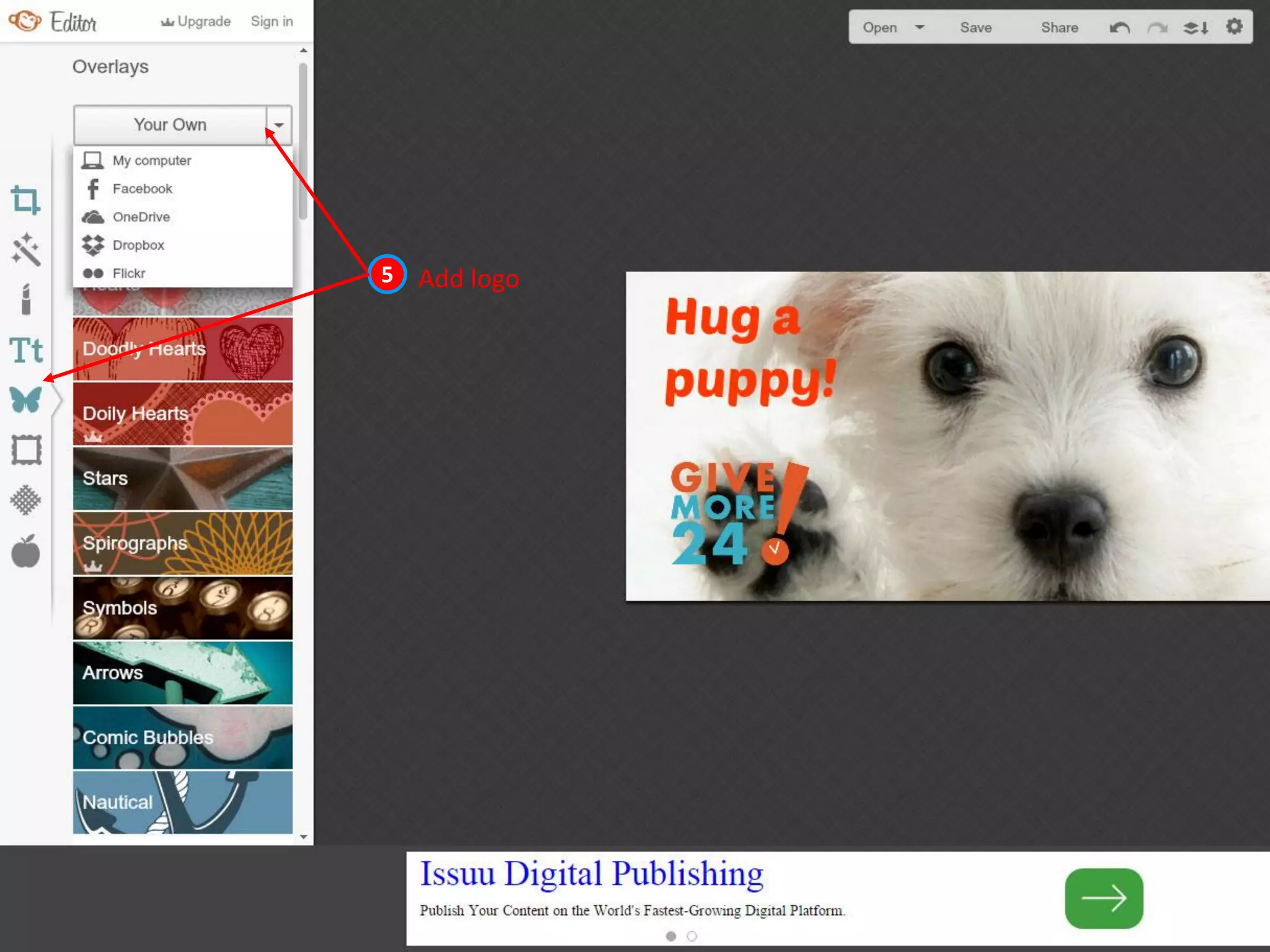
Add logo5
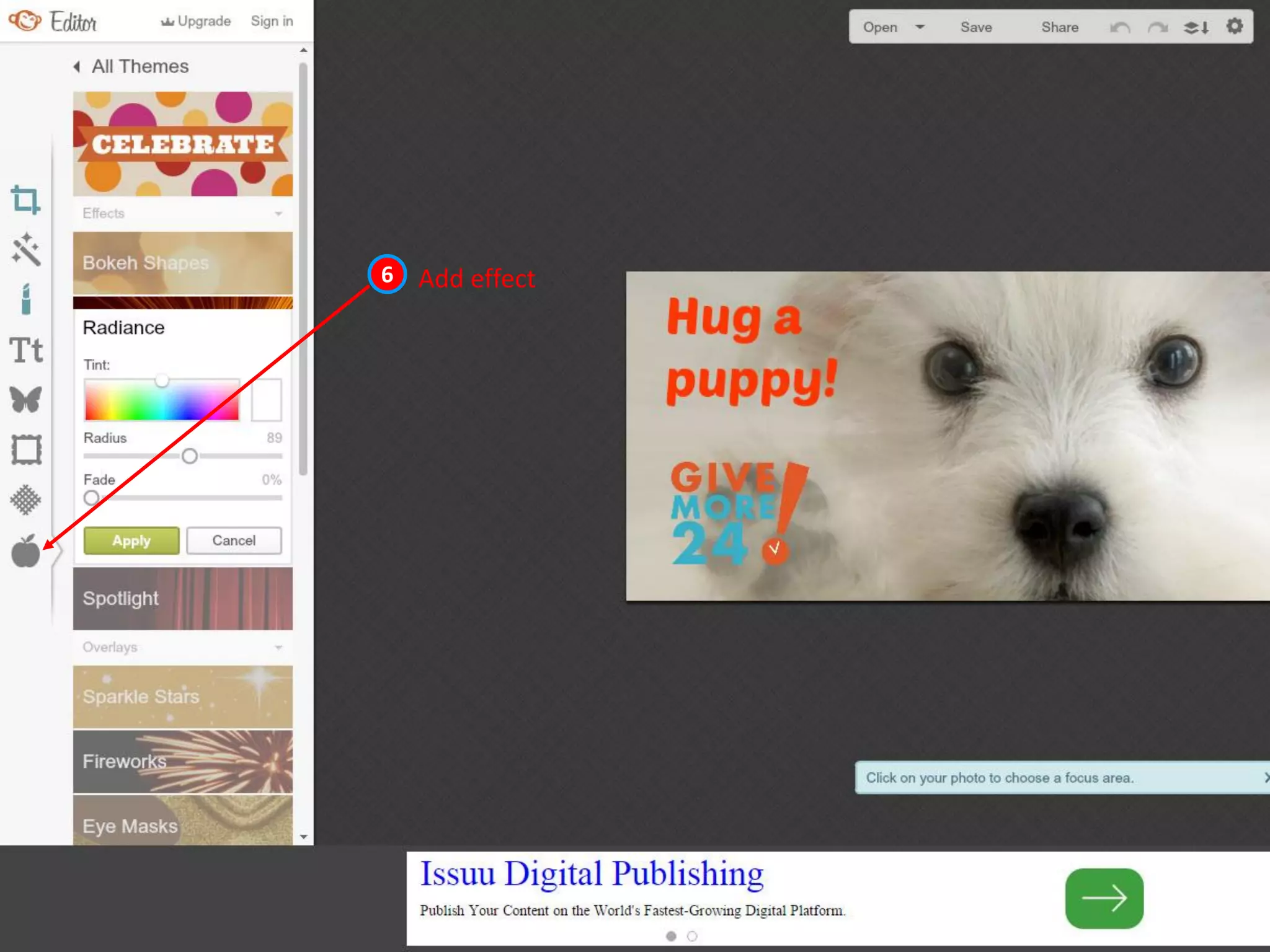
Add effect6
More Favorites
• Adope Spark
• Word Swag
• Over
• PicLab
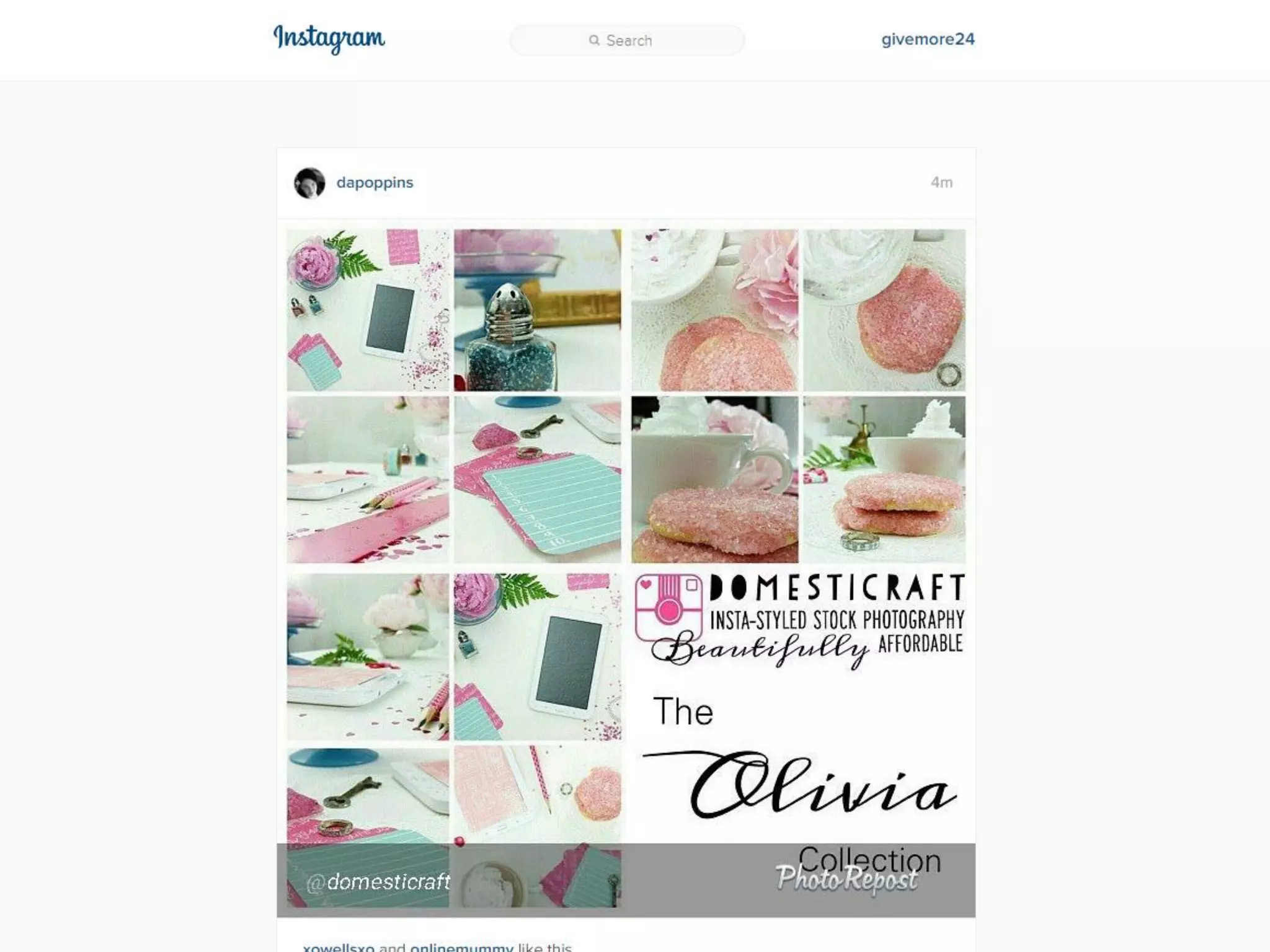
• Repost
• Canva
• PicMonkey
Bonus tips!
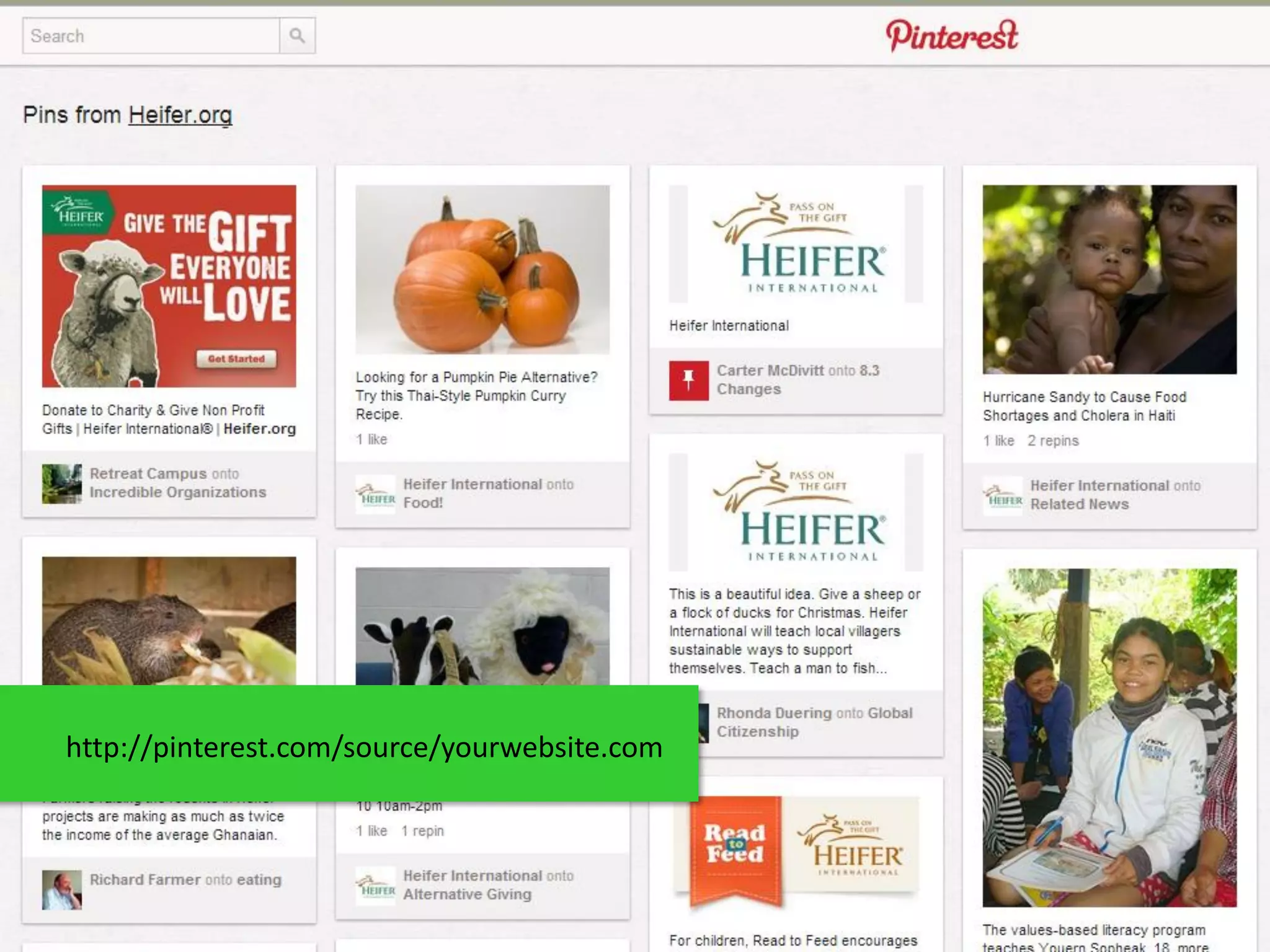
http://pinterest.com/source/yourwebsite.com
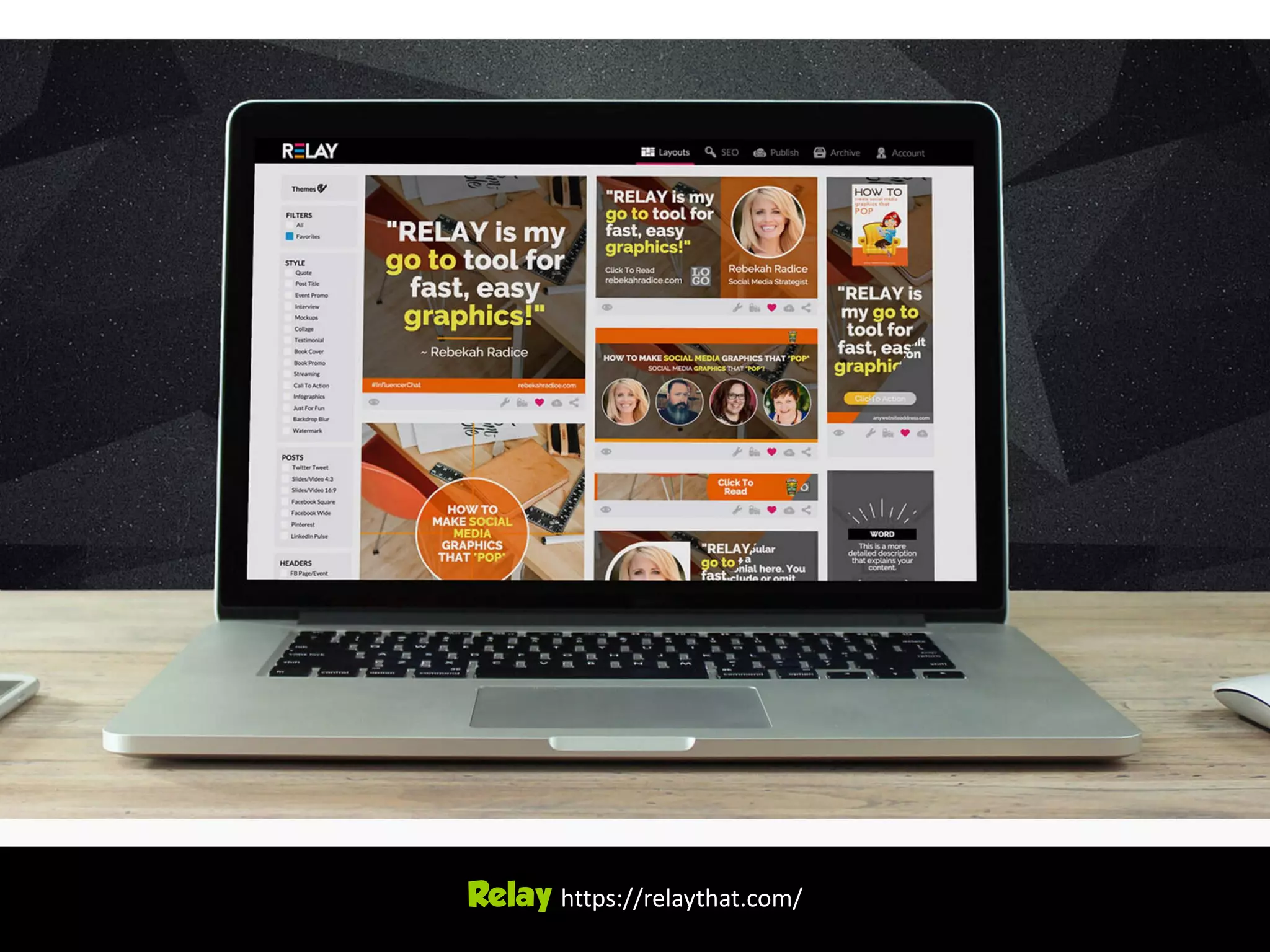
Relay https://relaythat.com/
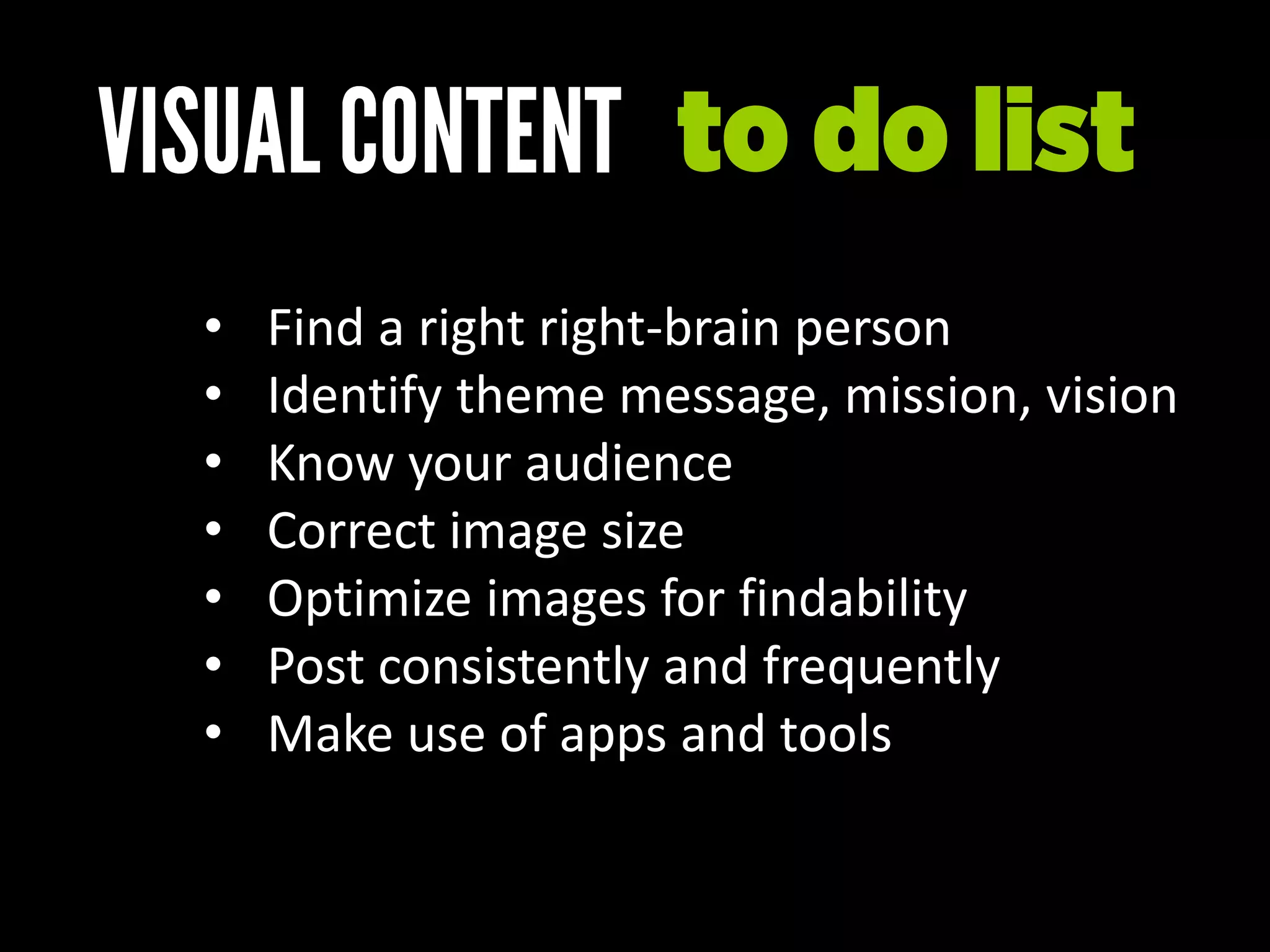
• Find a right right-brain person
• Identify theme message, mission, vision
• Know your audience
• Correct image size
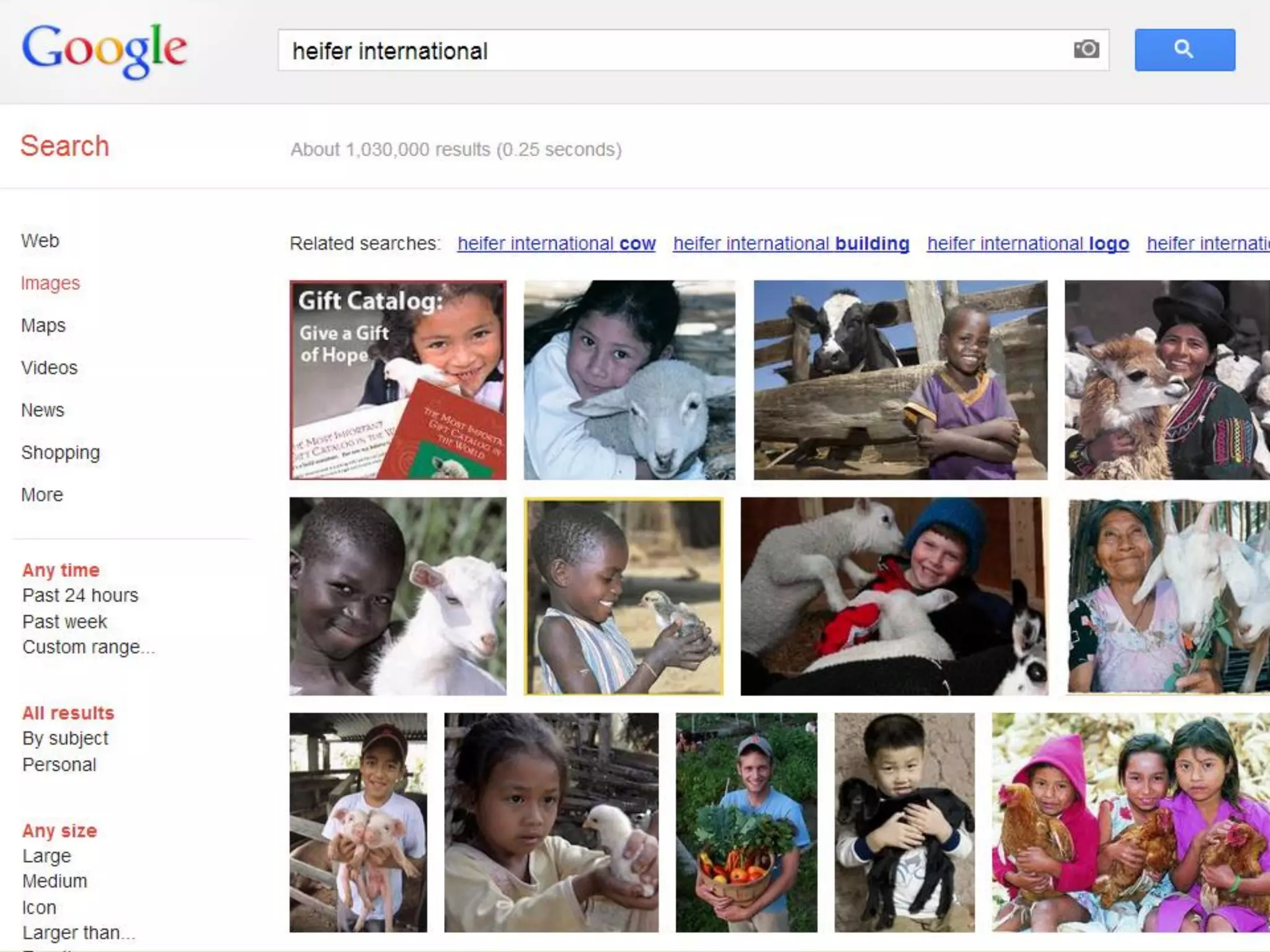
• Optimize images for findability
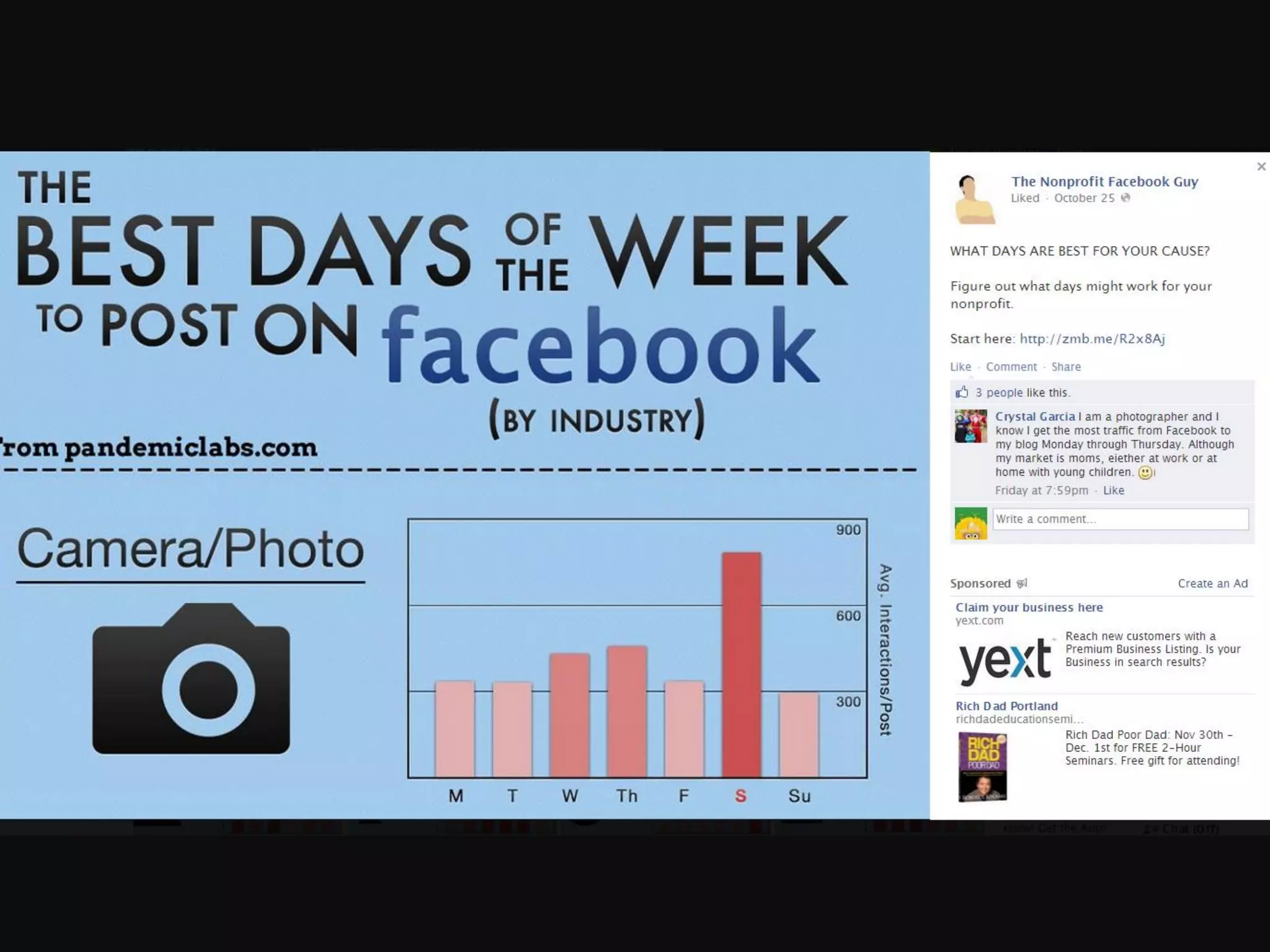
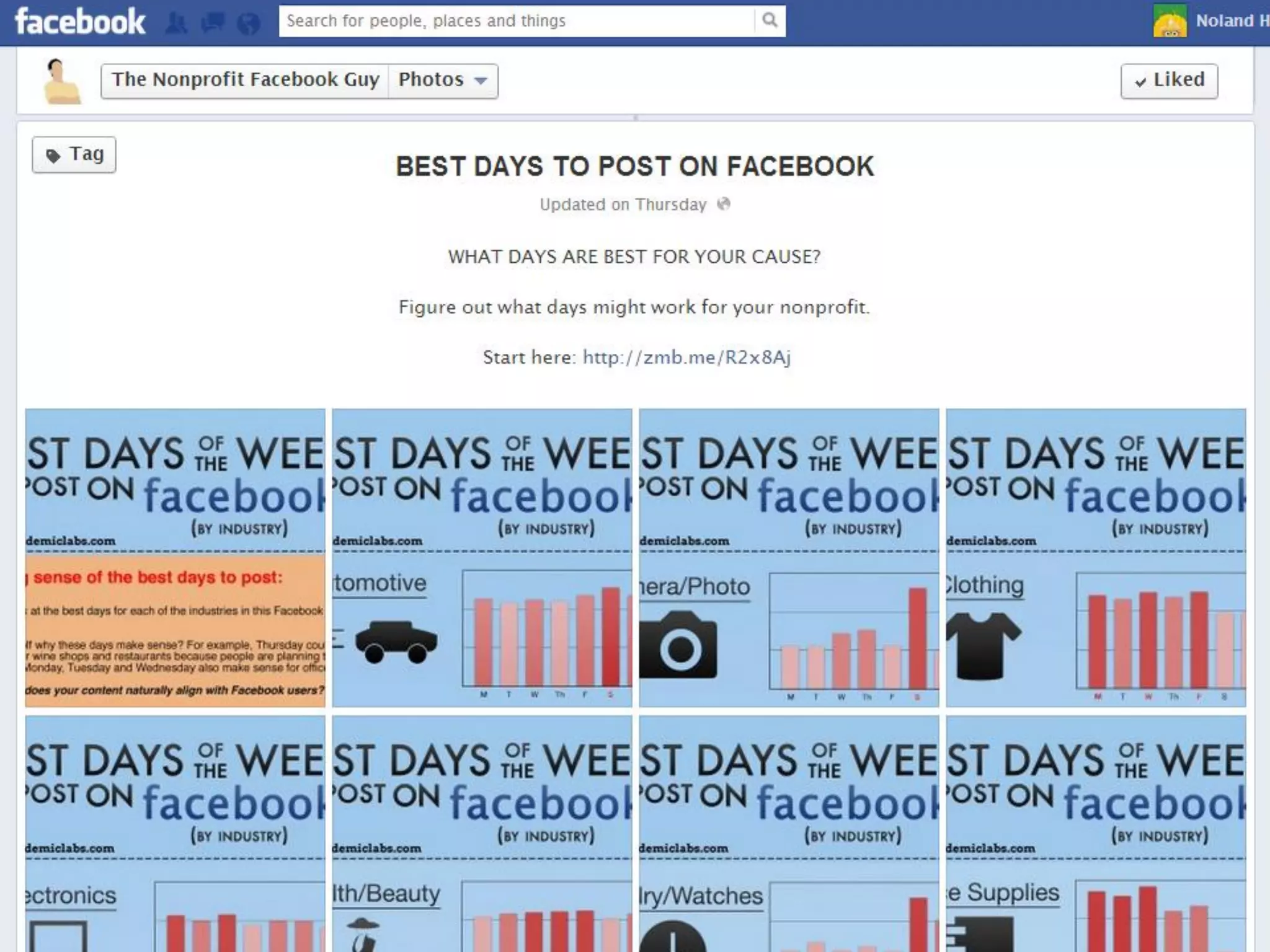
• Post consistently and frequently
• Make use of apps and tools
to do list
Make
lasting
impressions
Visual content strategy infosnaps 2.0

Visual content strategy infosnaps 2.0