Design
Designtrender 2012


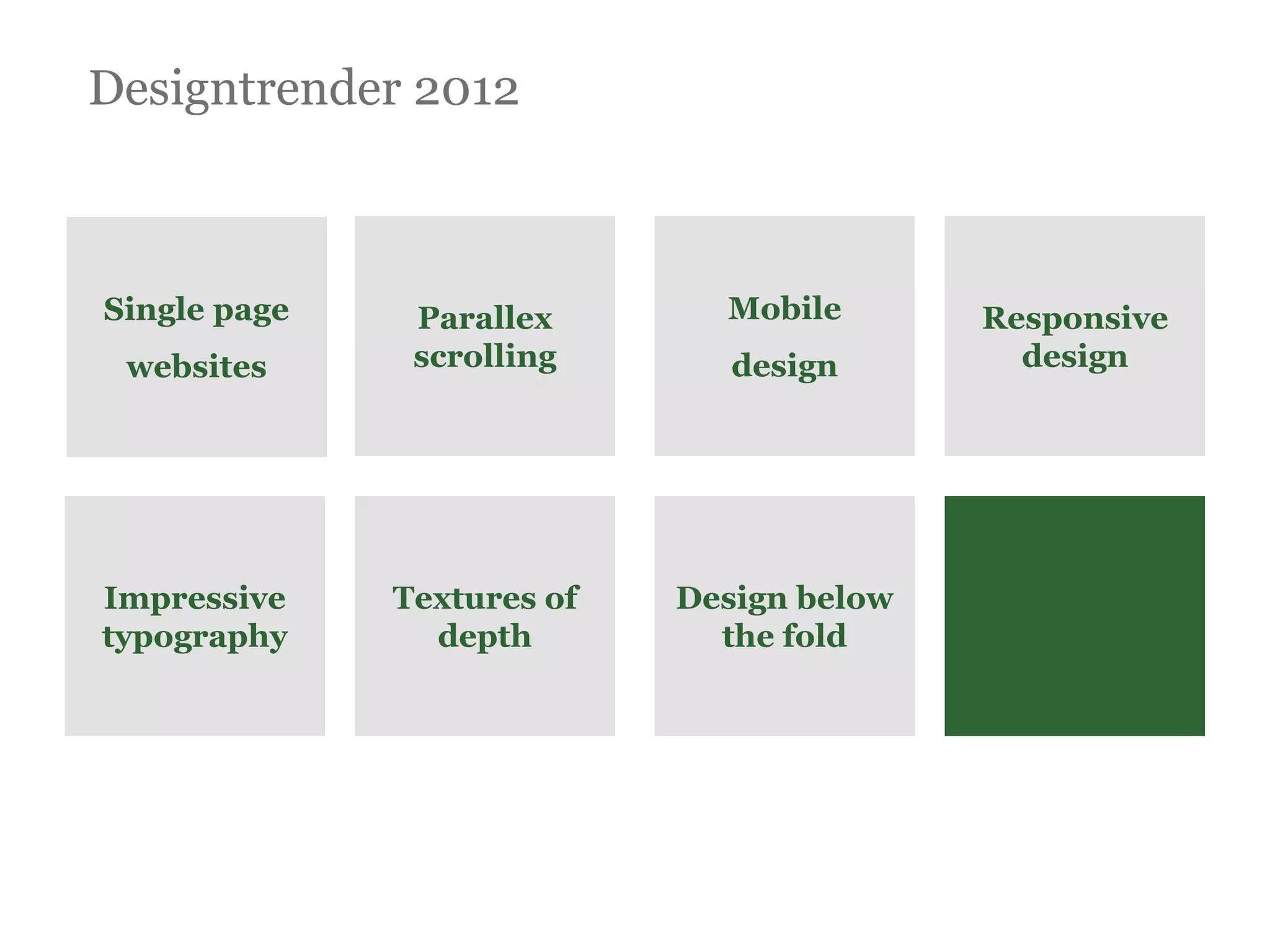
Single page    Parallex       Mobile       Responsive
 websites      scrolling       design        design


Impressive    Textures of   Design below
typography      depth         the fold
8
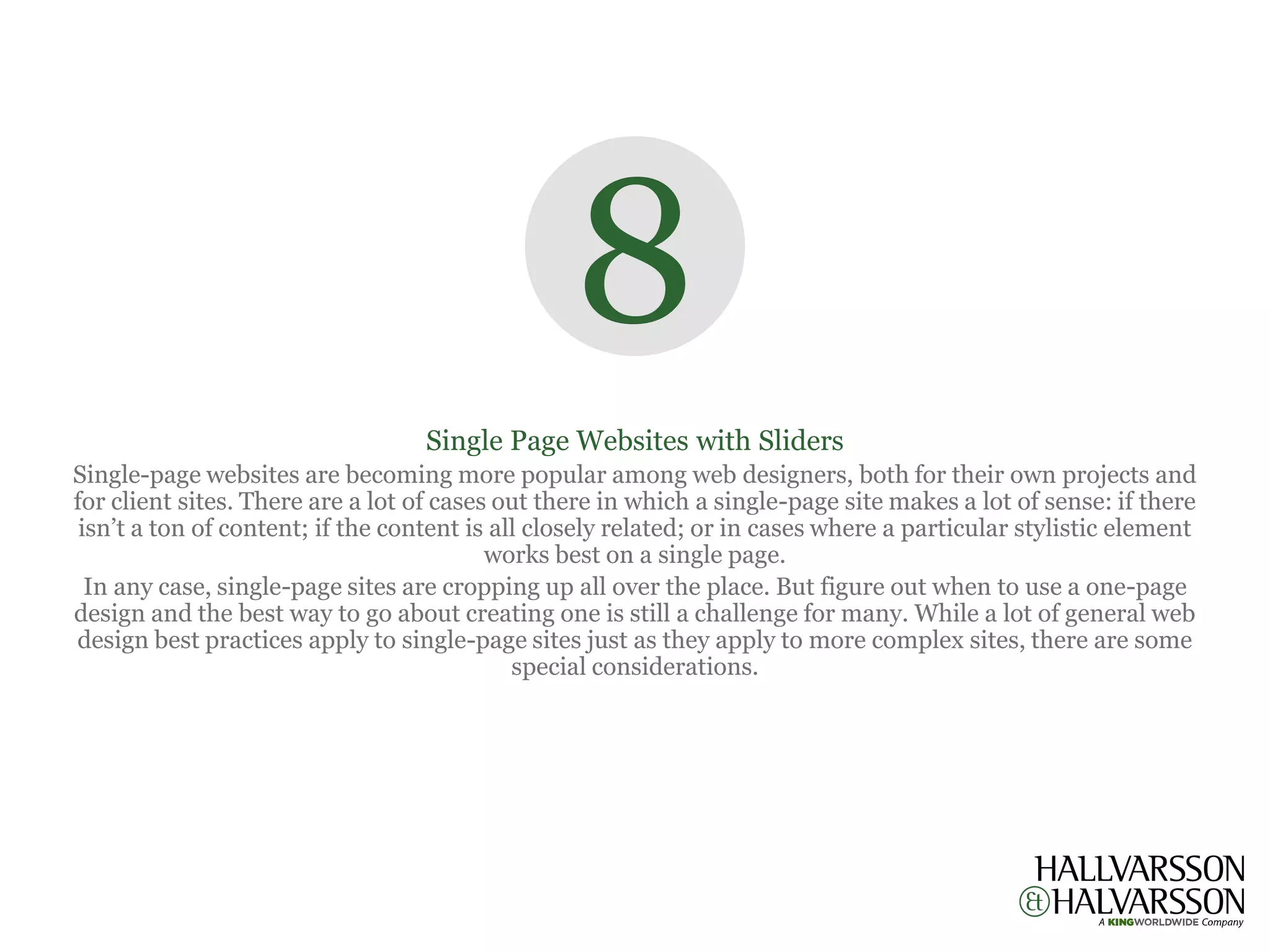
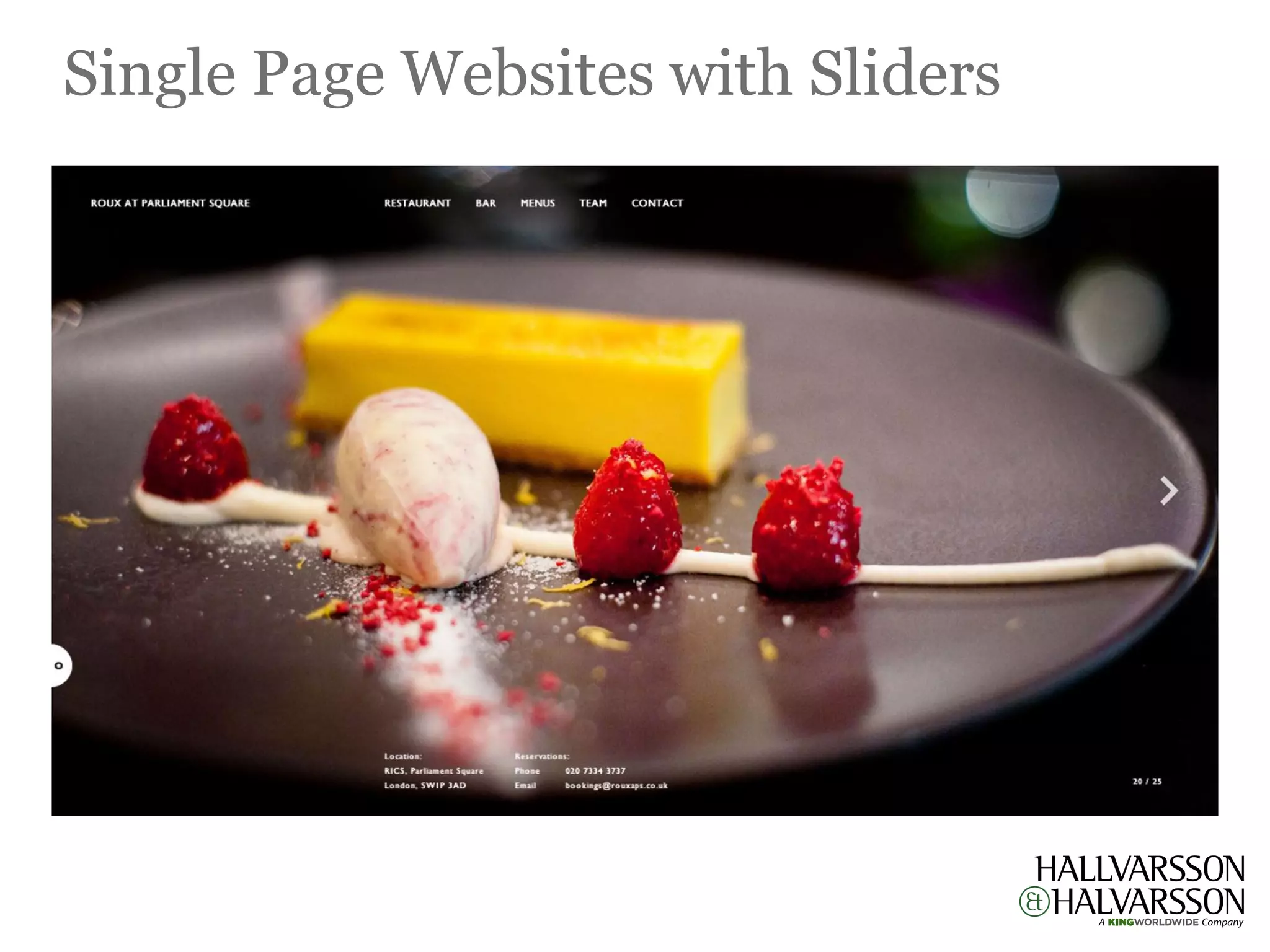
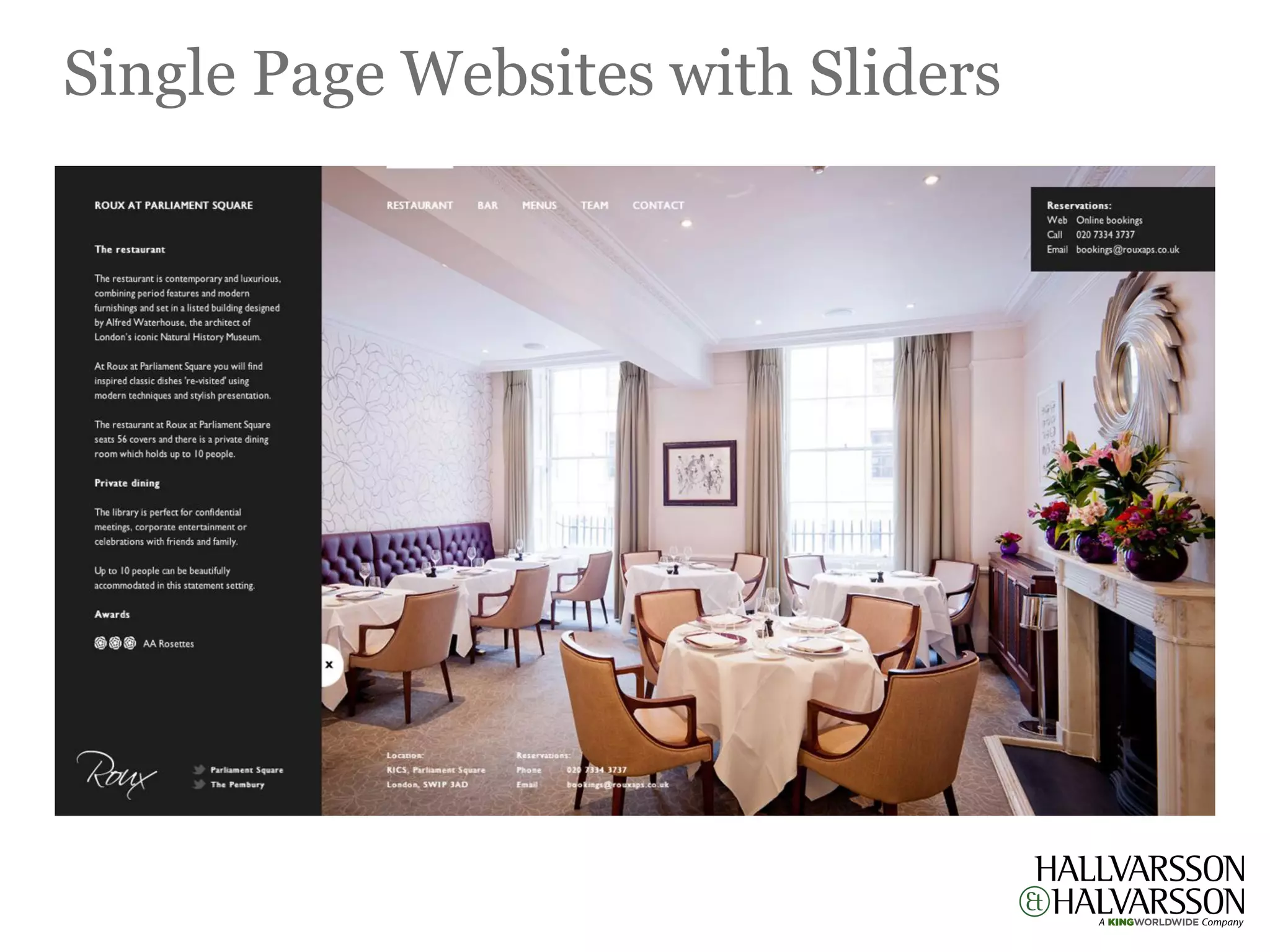
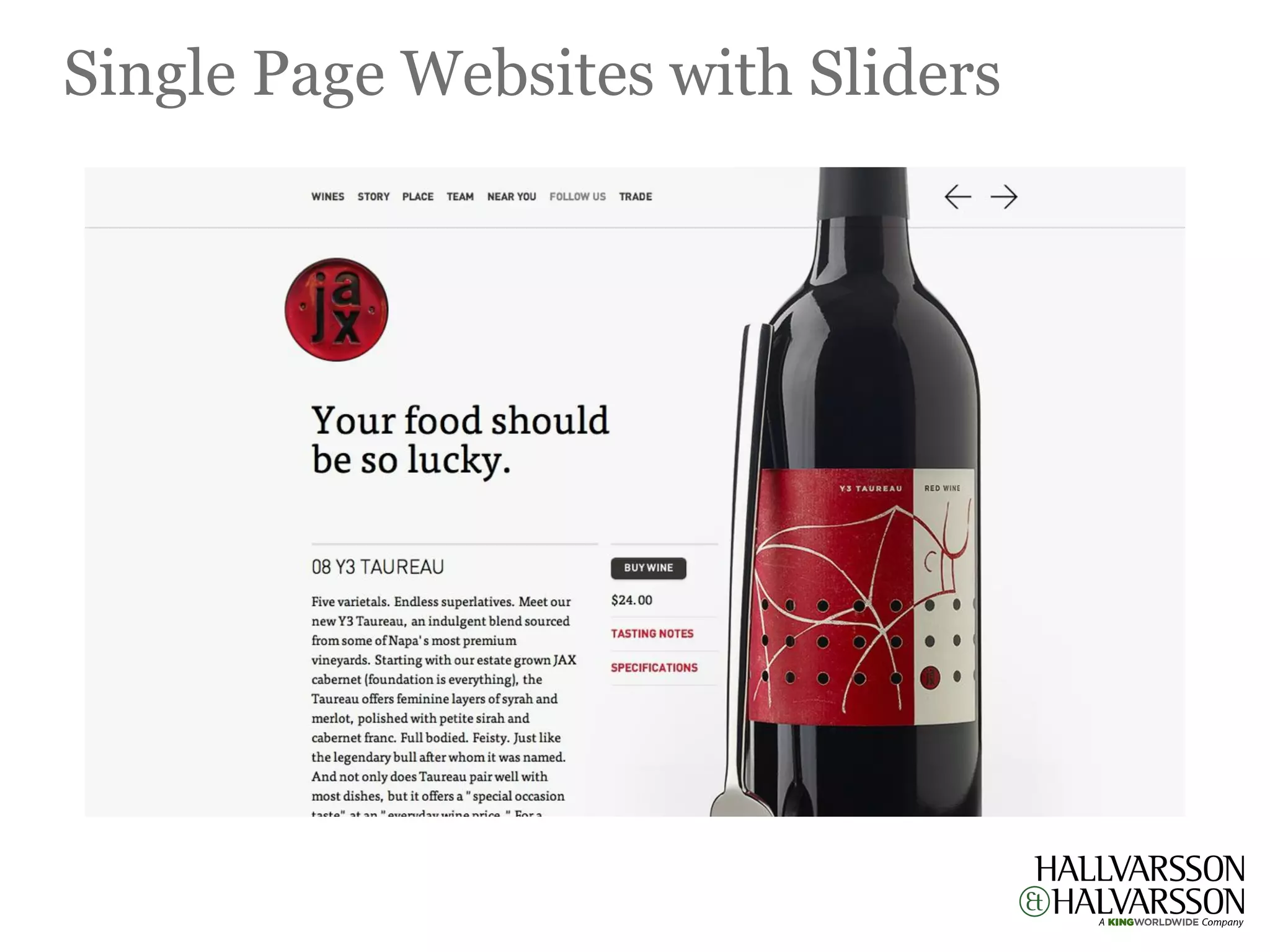
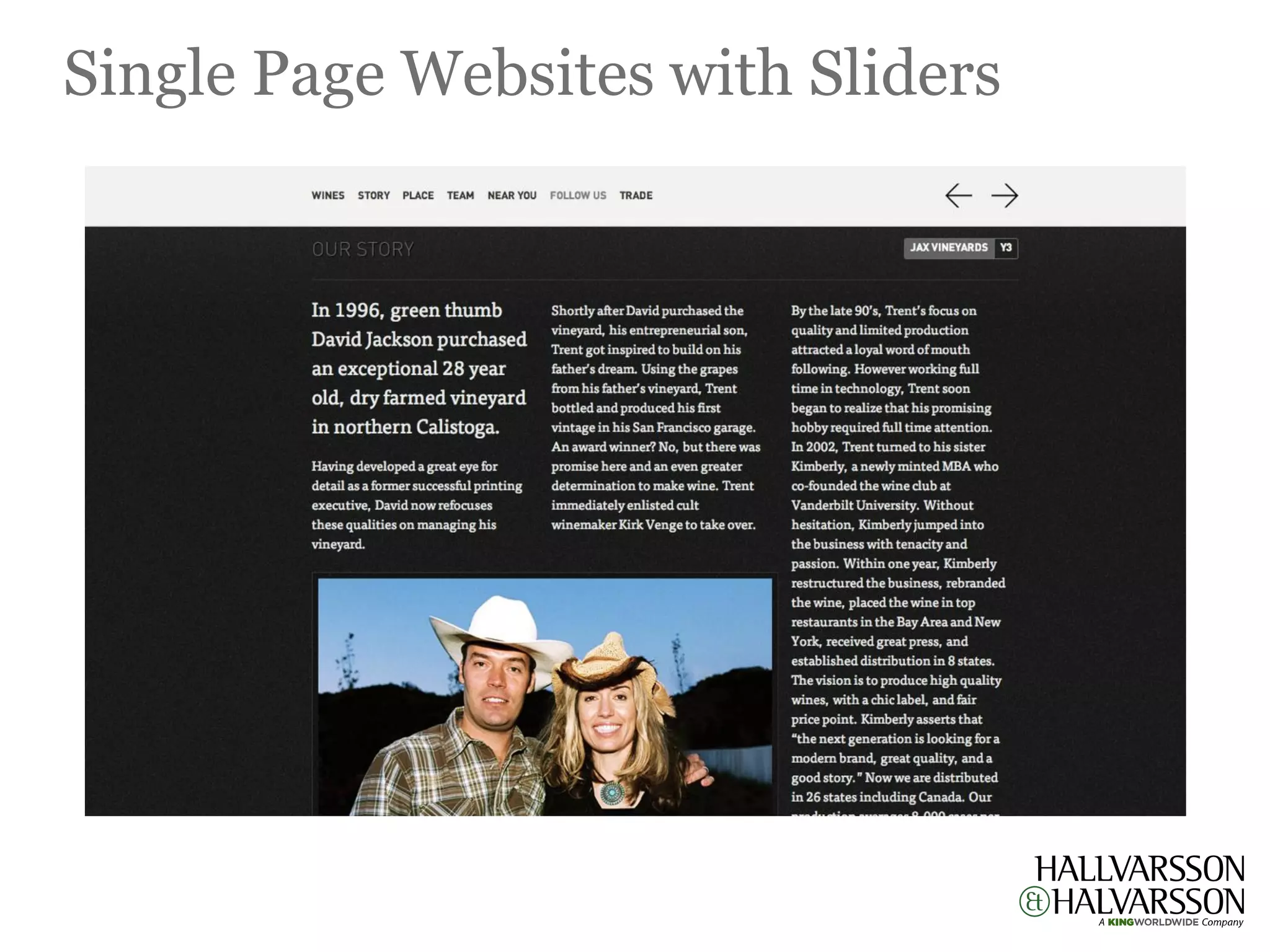
                                   Single Page Websites with Sliders
Single-page websites are becoming more popular among web designers, both for their own projects and
for client sites. There are a lot of cases out there in which a single-page site makes a lot of sense: if there
 isn’t a ton of content; if the content is all closely related; or in cases where a particular stylistic element
                                          works best on a single page.
  In any case, single-page sites are cropping up all over the place. But figure out when to use a one-page
design and the best way to go about creating one is still a challenge for many. While a lot of general web
design best practices apply to single-page sites just as they apply to more complex sites, there are some
                                             special considerations.
Single Page Websites with Sliders
7
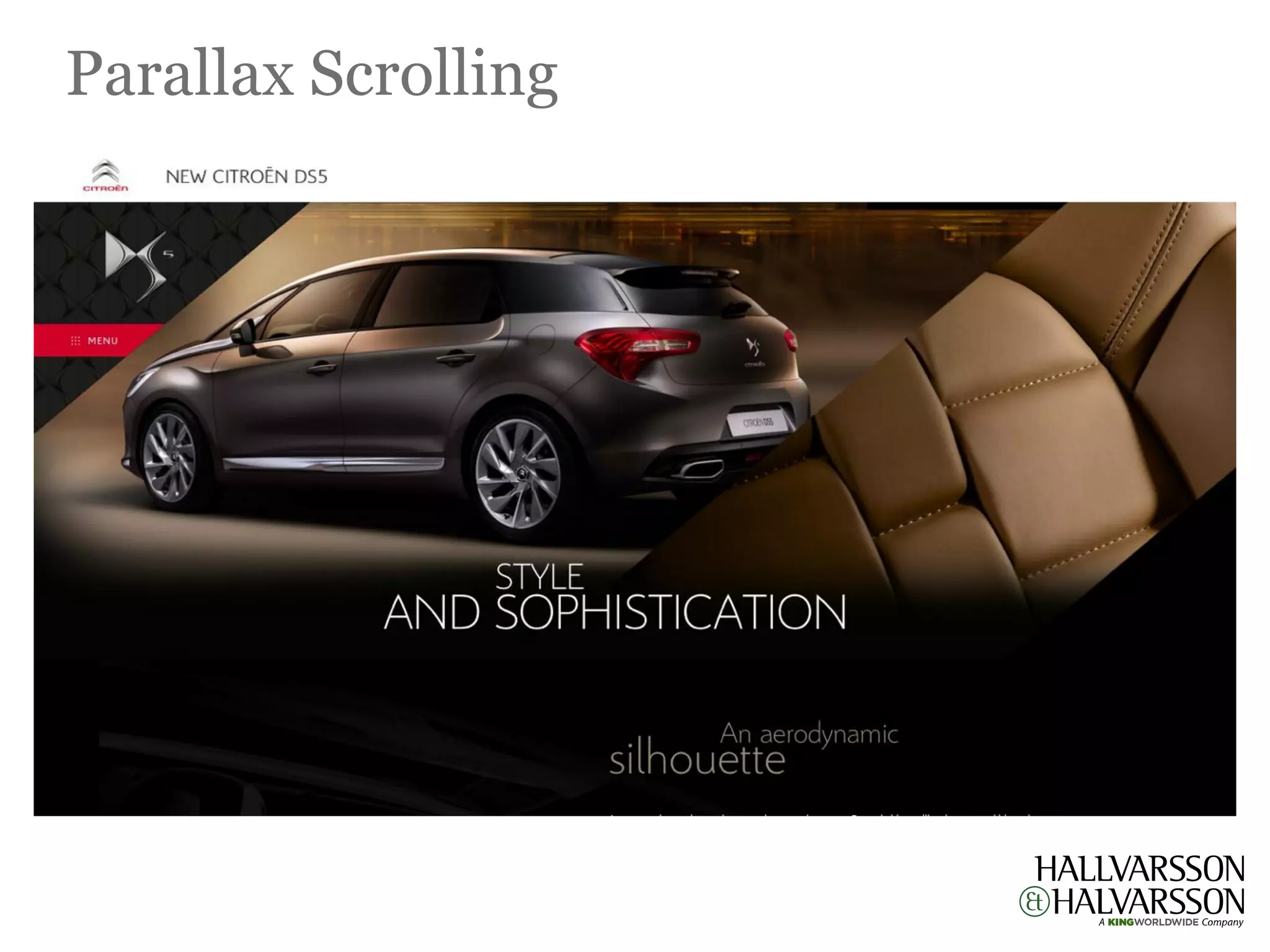
                                        Parallax Scrolling
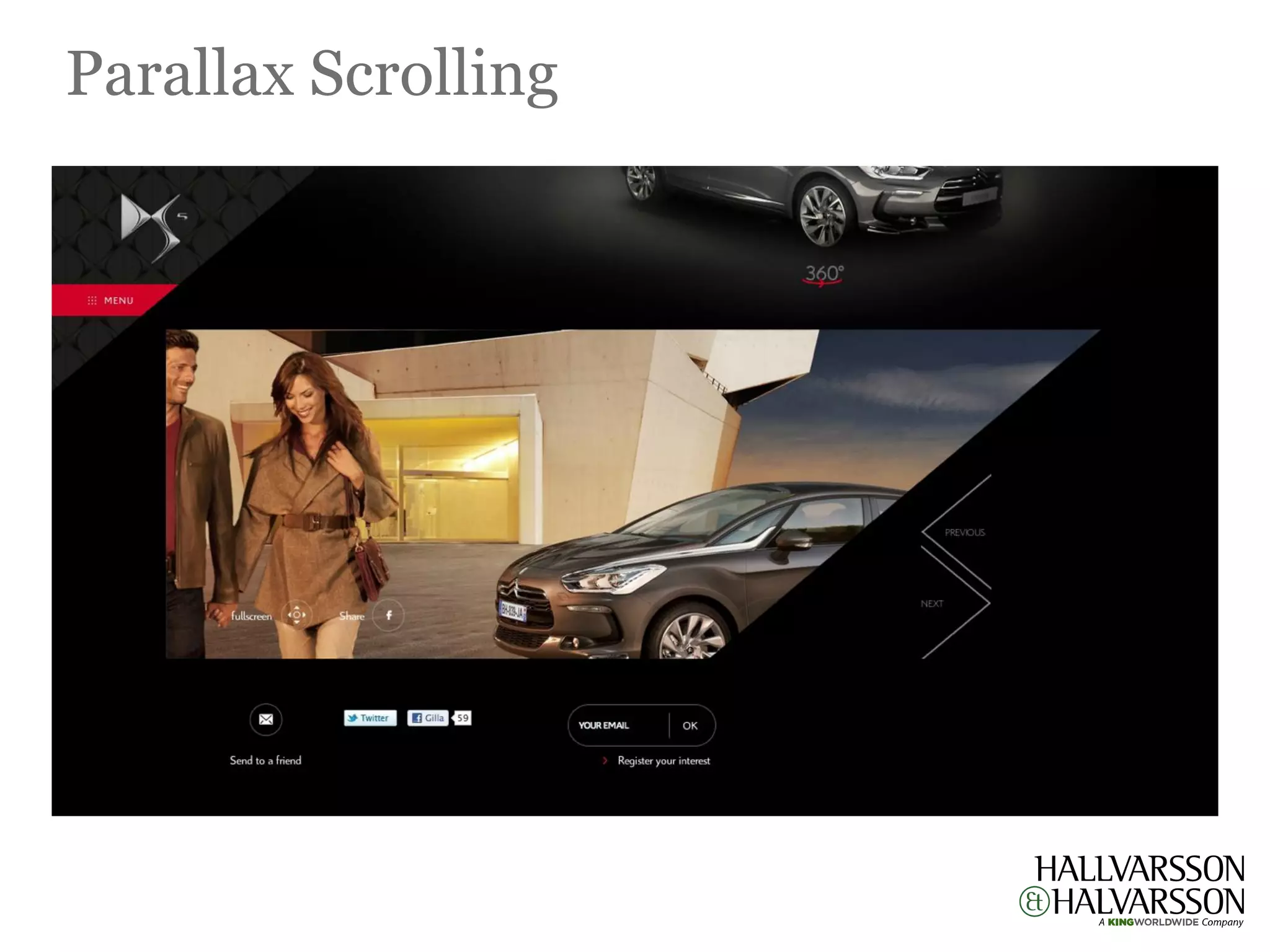
   Parallax scrolling is a special scrolling pseudo-3D technique in computer graphics, where background or
foreground moving image create an illusion of depth adding to the immersion. Although its forte was Gaming
                   arena but now its growing by leaps and bounds in Web Designing as well.
Parallax Scrolling
Parallax Scrolling
6
                                           Mobile Design
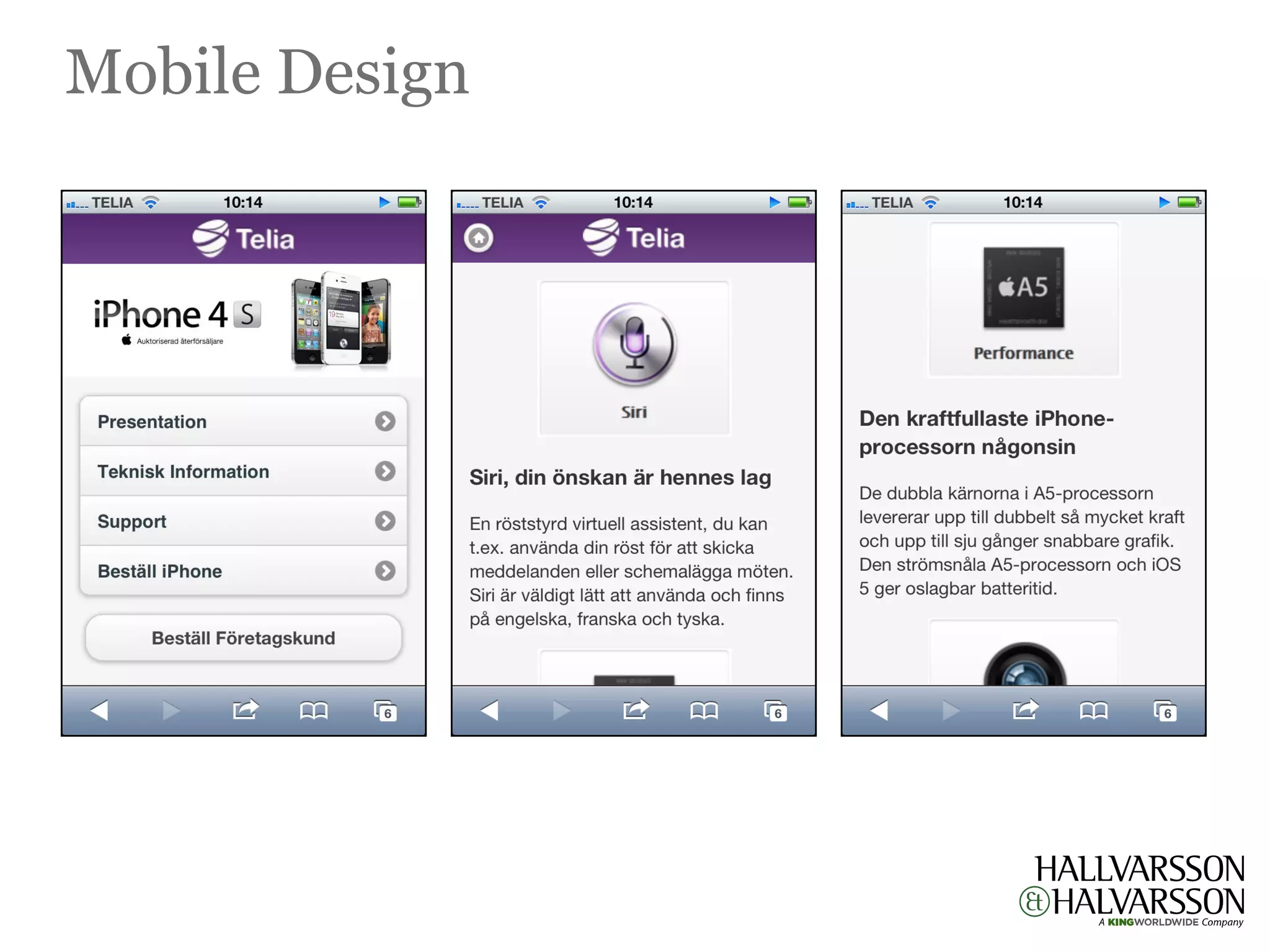
    Touch is a new paradigm for design. The rapid adoption of touch technology affects design in two
essential ways. First and most obviously it changes the way people physically interact with a website. The
 designer must not only account for direct differences, like their being no hover effects or even a mouse
pointer, but also more subtle effects like directionality of flow, where with touch, a horizontal rather than
 vertical scroll may be desired. Similarly the pinch to zoom gesture means that zoom out and pan is now
   an acceptable way of navigating across a site. Touch is more intuitive than keyboard and mouse and
  consequently this creates the second effect on design as it changes who is going to use the site. Touch
                            opens up virtual interactivity to new demographics
Mobile Design
5
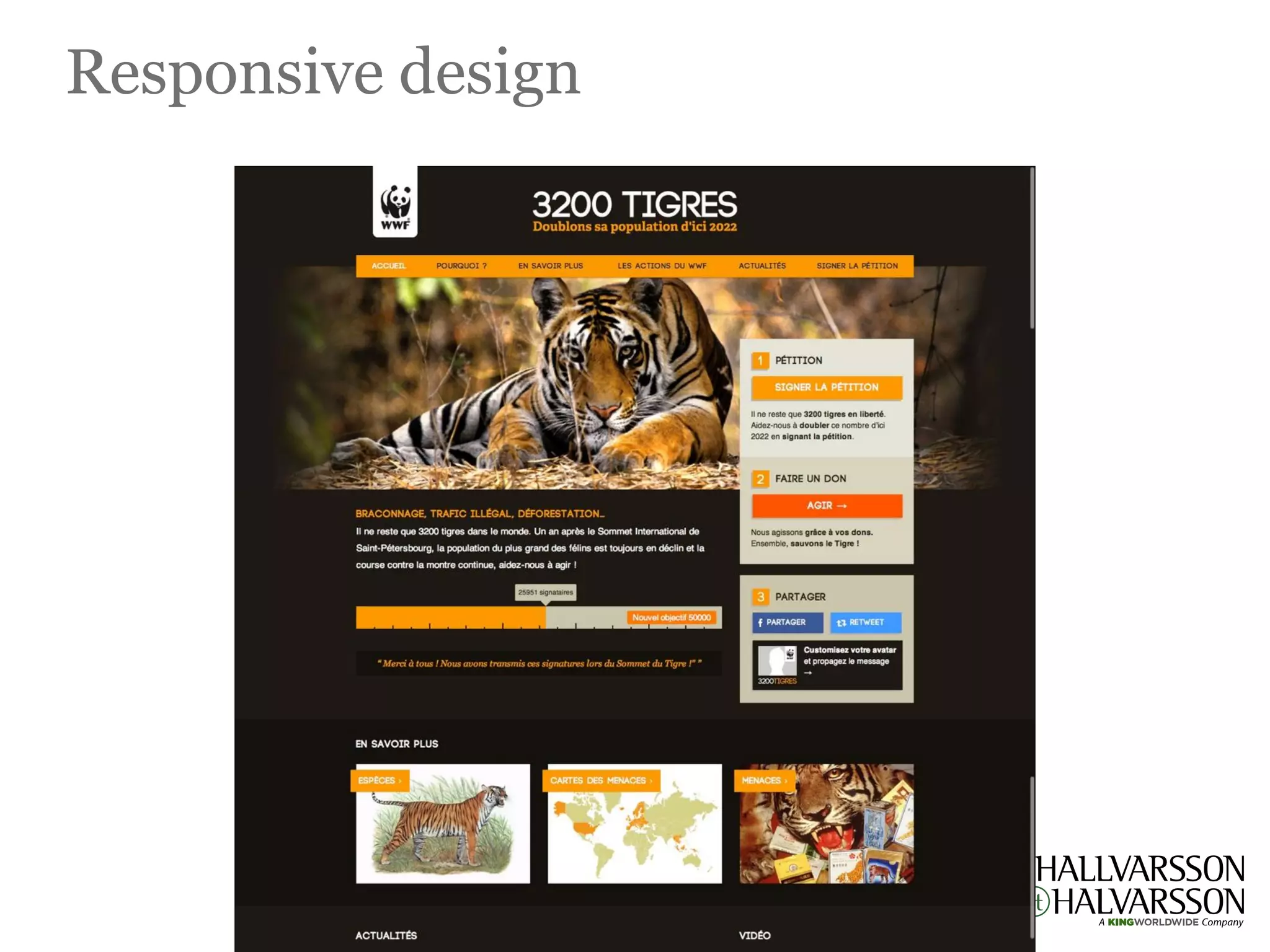
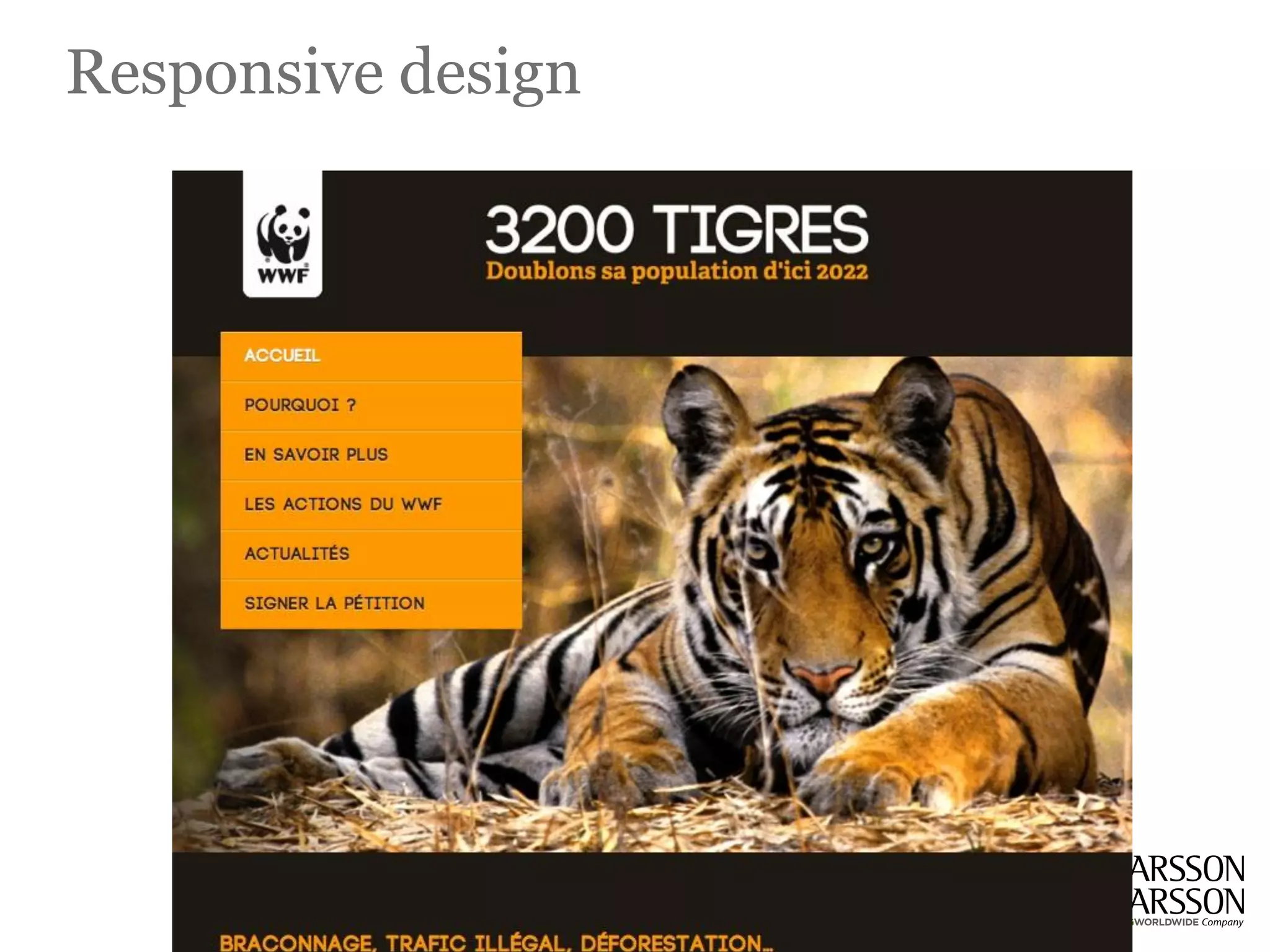
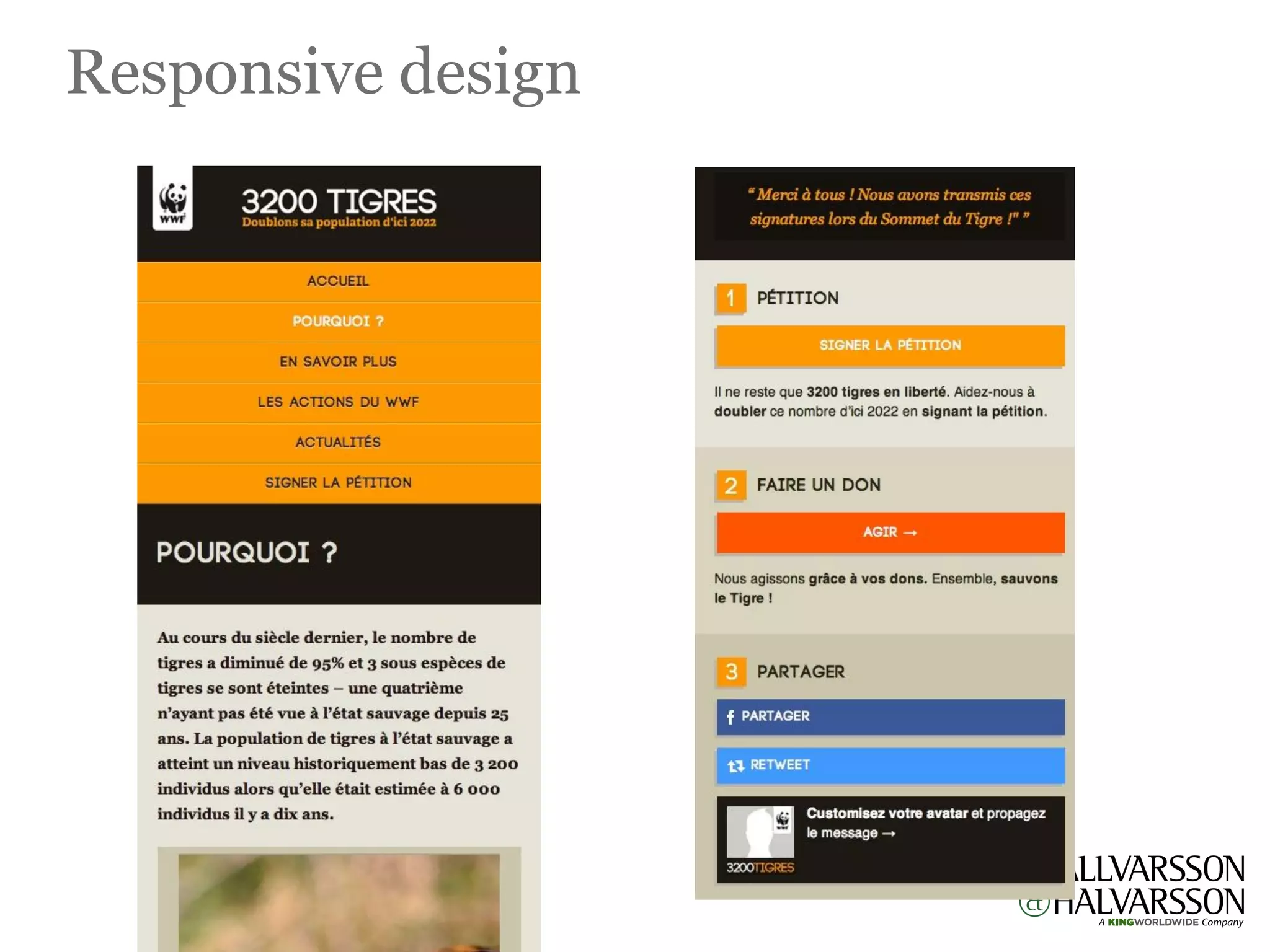
                                       Responsive design
Now we can make things more flexible. Images can be automatically adjusted, and we have workarounds
so that layouts never break (although they may become squished and illegible in the process). While it’s
    not a complete fix, the solution gives us far more options. It’s perfect for devices that switch from
portrait orientation to landscape in an instant or for when users switch from a large computer screen to
                                              an iPad, iPhone.
Responsive design
Responsive design
Responsive design
4
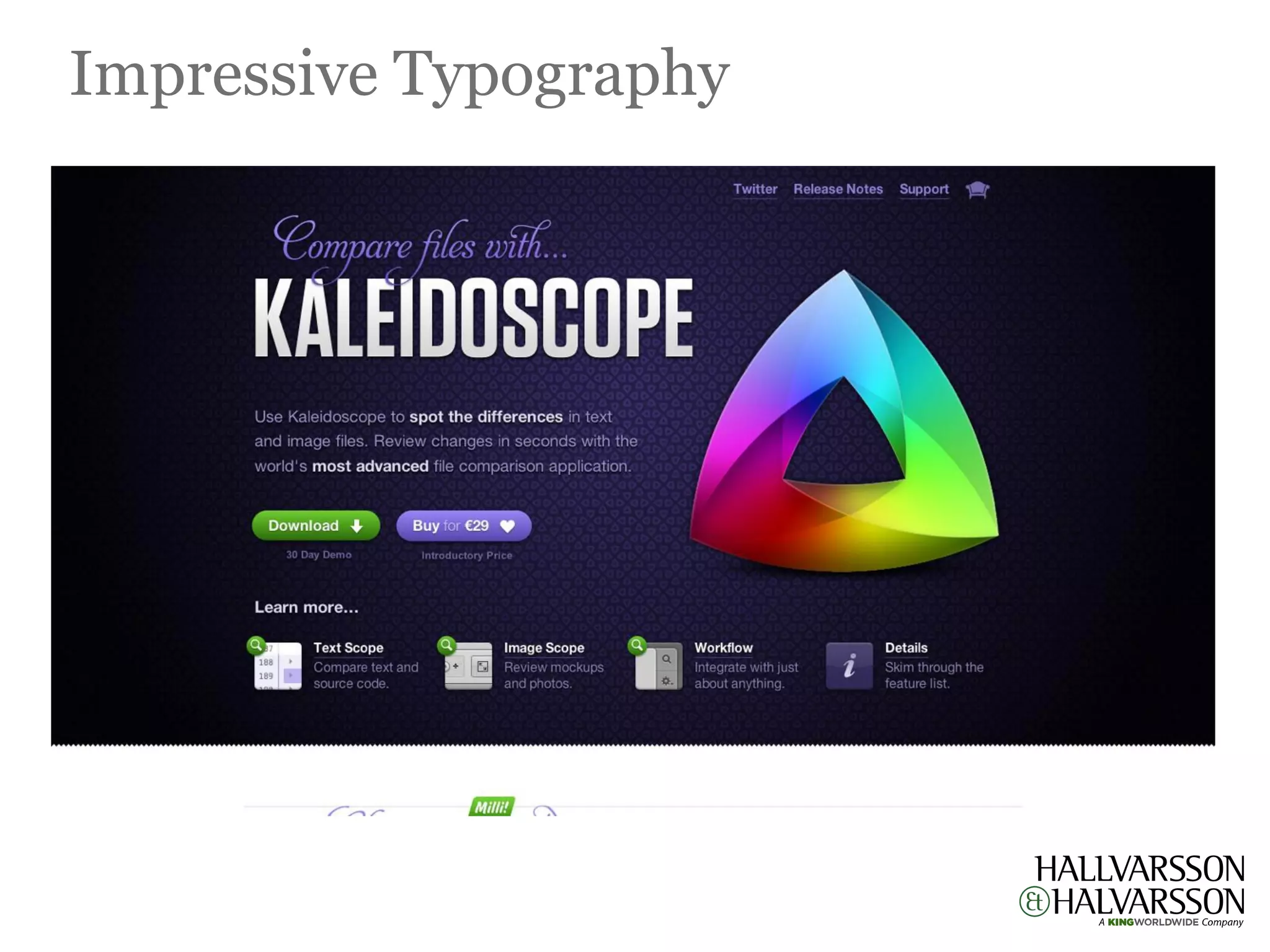
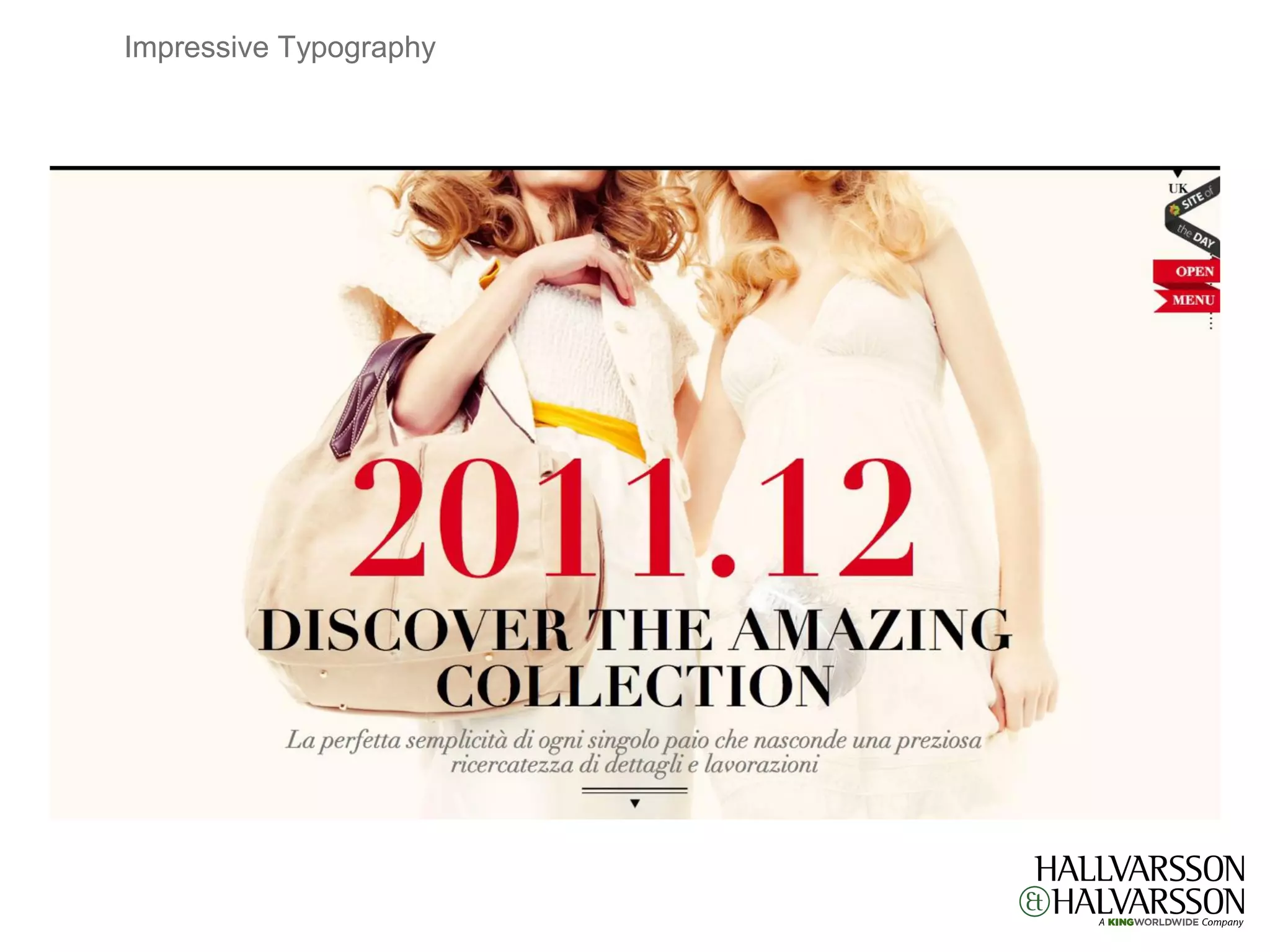
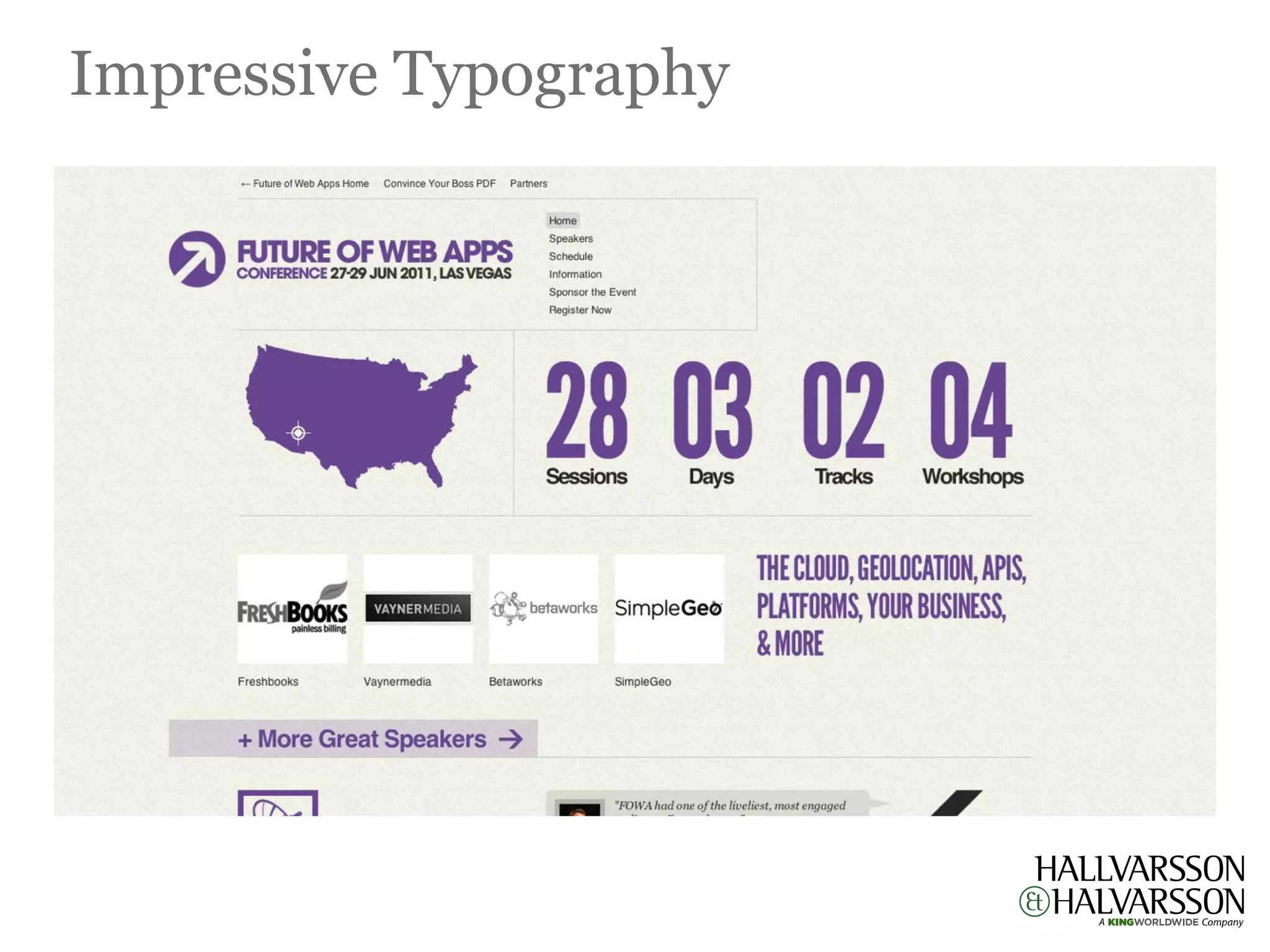
                                   Impressive Typography
   It is always amazing to see how different typefaces influence the overall design and its feel. For that
reason, typography is considered as the backbone of any design. For any web designer, typography is the
           most fundamental component of designing a website that they always pay attention to.
 Typography not only used to provide information rather it can improve the user experience as well by
          improving the web design. Many designers struggle with good and effective typography.
Impressive Typography
3
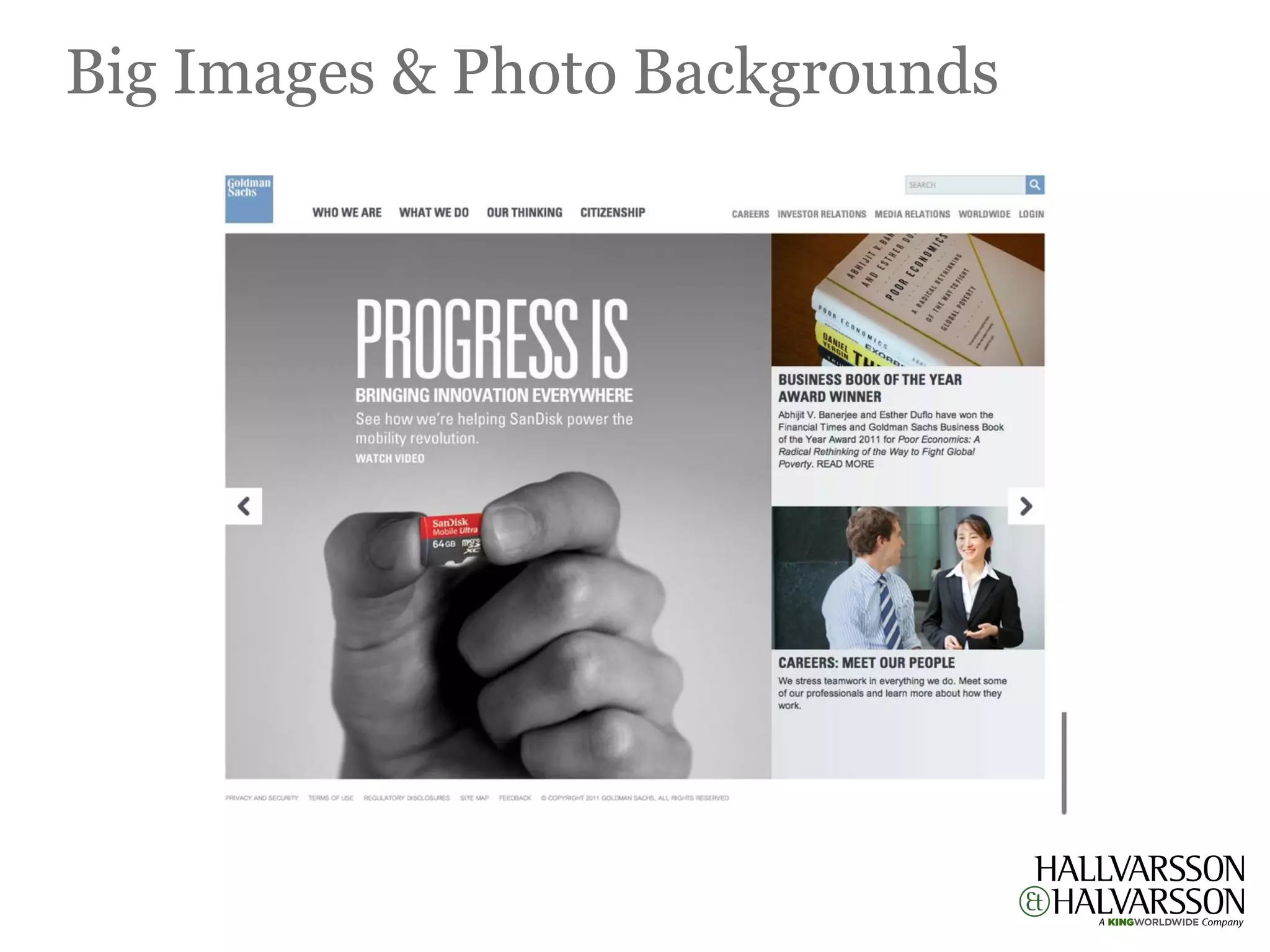
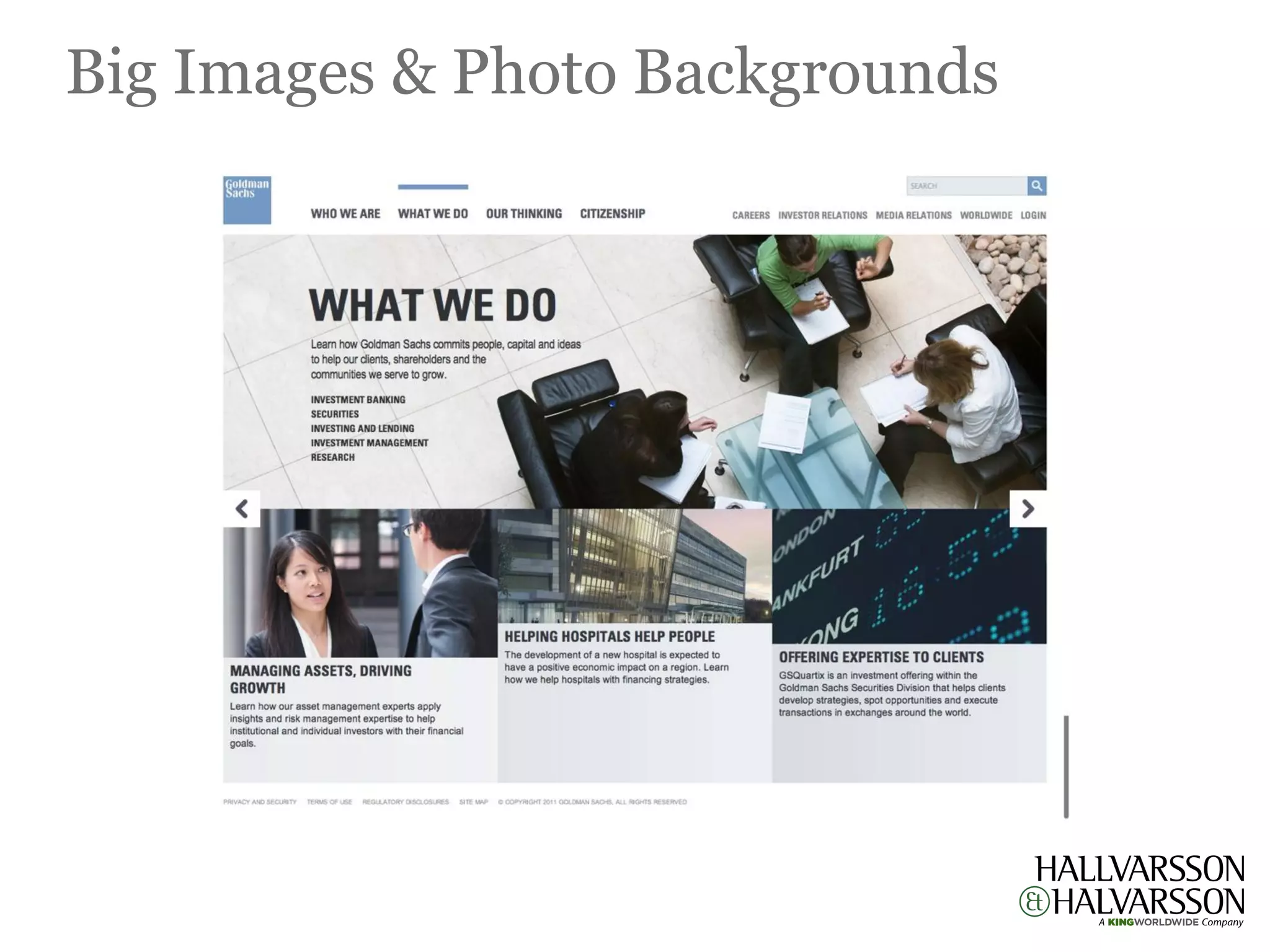
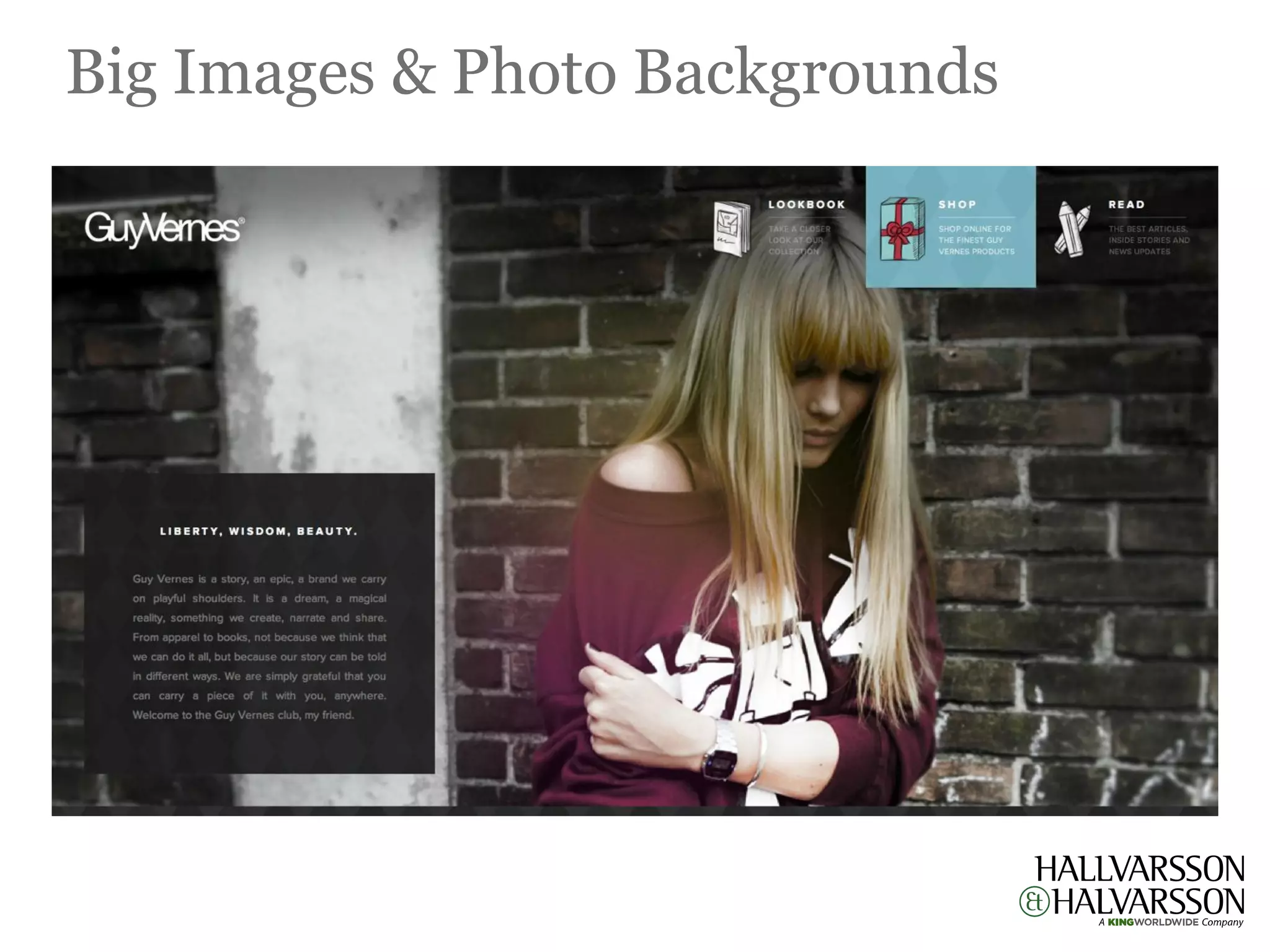
                             Big Images & Photo Backgrounds
Large backgrounds make a very impressive visual impact on websites. A web designer has the possibility
  to play with different design variables that are usually used by photographers, such as depth of field or
focus. The background does not have to be just photos, but also any other large illustration or even video.
Big Images & Photo Backgrounds
2
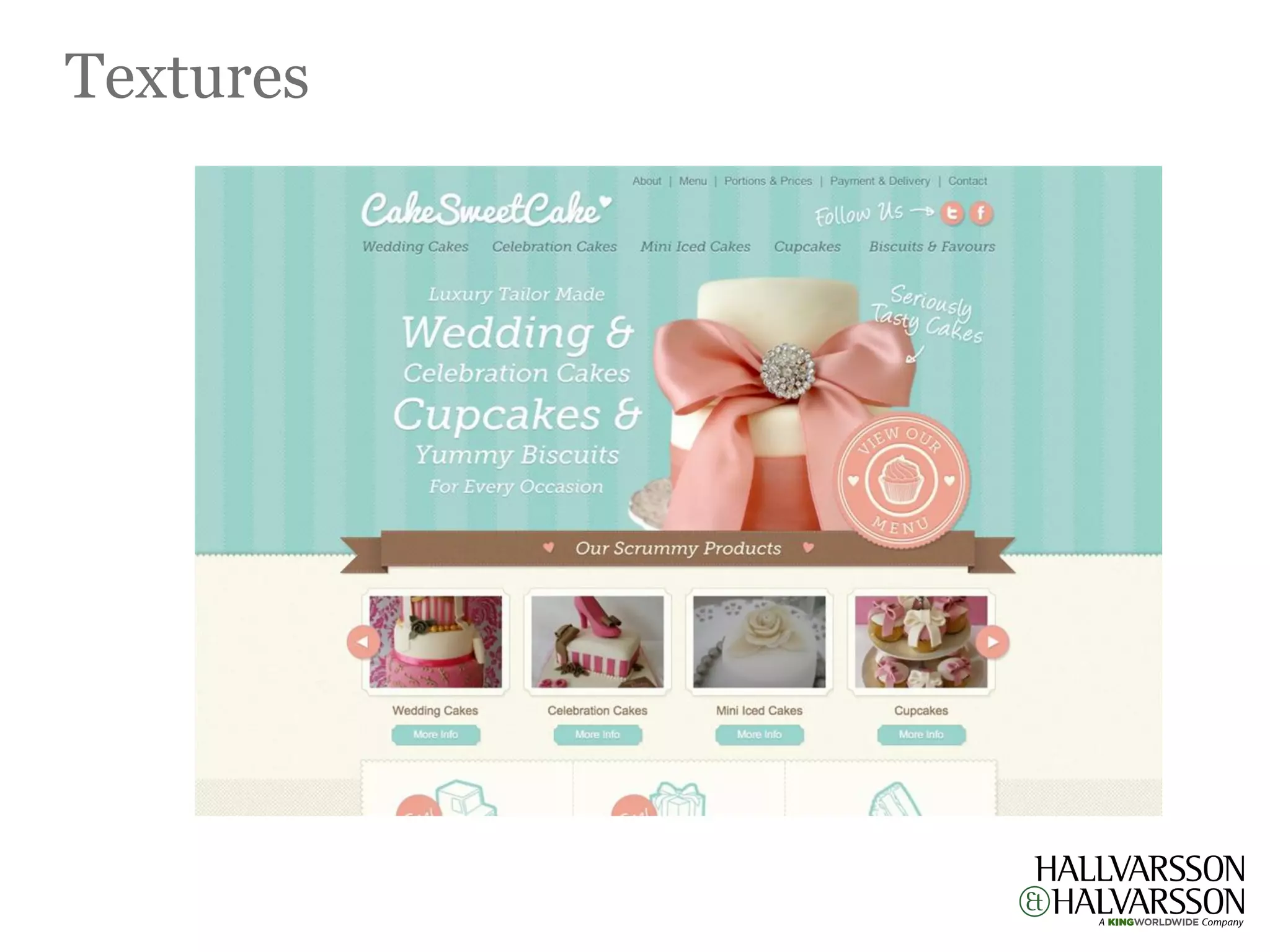
                                              Textures
Using texture is a good way to add depth, detail, and a layer of interest to a web design. Whether it’s in
big doses or just a few subtle patches here and there, texture can help give personality to your website.
Textures
1
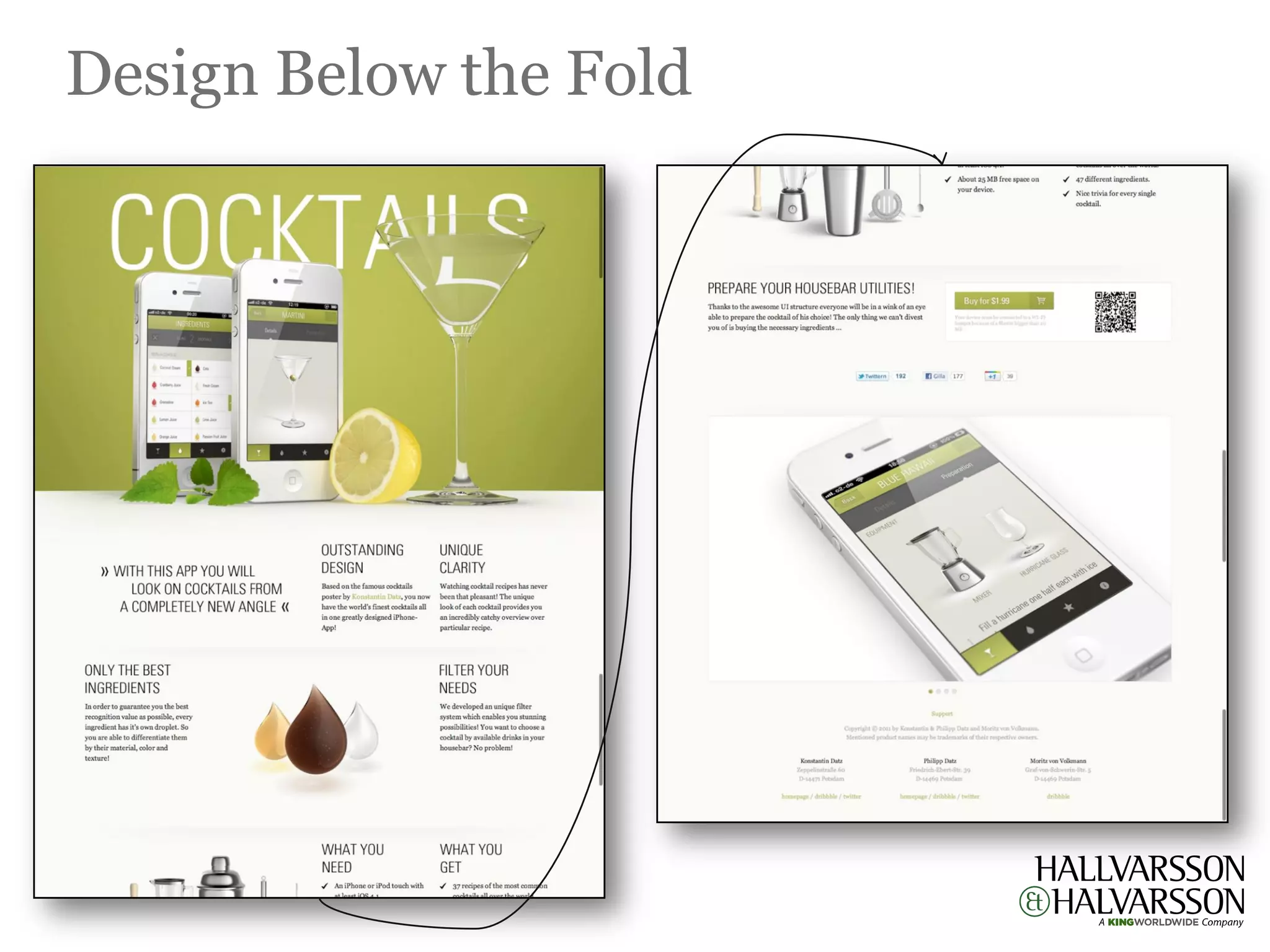
                 Design Below the Fold / (People Expect to Scroll)
Think of a newspaper’s front page above the fold. What is the dominant content? On many newspapers it
  is simply an exciting image or headline to lure readers in. All of the substantial content is embedded
  within the rest of the paper, but if a reader is compelled by the headline they will gladly search it out.
 Use this to your advantage. Attract your visitors above the fold, but don’t hesitate to put the good stuff
below. It simply has to be something compelling; something that will make a winning case for the rest of
                                                    the site
Design Below the Fold
Digital kommunikation


   Hur man skapar den bästa företagswebbplatsen och kommunicerar i sociala medier

Hallvarsson & Halvarsson - Webbdesigntrender 2012

  • 1.
  • 2.
    Designtrender 2012 Single page Parallex Mobile Responsive websites scrolling design design Impressive Textures of Design below typography depth the fold
  • 3.
    8 Single Page Websites with Sliders Single-page websites are becoming more popular among web designers, both for their own projects and for client sites. There are a lot of cases out there in which a single-page site makes a lot of sense: if there isn’t a ton of content; if the content is all closely related; or in cases where a particular stylistic element works best on a single page. In any case, single-page sites are cropping up all over the place. But figure out when to use a one-page design and the best way to go about creating one is still a challenge for many. While a lot of general web design best practices apply to single-page sites just as they apply to more complex sites, there are some special considerations.
  • 4.
  • 5.
  • 6.
  • 7.
  • 8.
    7 Parallax Scrolling Parallax scrolling is a special scrolling pseudo-3D technique in computer graphics, where background or foreground moving image create an illusion of depth adding to the immersion. Although its forte was Gaming arena but now its growing by leaps and bounds in Web Designing as well.
  • 9.
  • 10.
  • 11.
    6 Mobile Design Touch is a new paradigm for design. The rapid adoption of touch technology affects design in two essential ways. First and most obviously it changes the way people physically interact with a website. The designer must not only account for direct differences, like their being no hover effects or even a mouse pointer, but also more subtle effects like directionality of flow, where with touch, a horizontal rather than vertical scroll may be desired. Similarly the pinch to zoom gesture means that zoom out and pan is now an acceptable way of navigating across a site. Touch is more intuitive than keyboard and mouse and consequently this creates the second effect on design as it changes who is going to use the site. Touch opens up virtual interactivity to new demographics
  • 12.
  • 13.
    5 Responsive design Now we can make things more flexible. Images can be automatically adjusted, and we have workarounds so that layouts never break (although they may become squished and illegible in the process). While it’s not a complete fix, the solution gives us far more options. It’s perfect for devices that switch from portrait orientation to landscape in an instant or for when users switch from a large computer screen to an iPad, iPhone.
  • 14.
  • 15.
  • 16.
  • 17.
    4 Impressive Typography It is always amazing to see how different typefaces influence the overall design and its feel. For that reason, typography is considered as the backbone of any design. For any web designer, typography is the most fundamental component of designing a website that they always pay attention to. Typography not only used to provide information rather it can improve the user experience as well by improving the web design. Many designers struggle with good and effective typography.
  • 18.
  • 19.
  • 20.
  • 21.
    3 Big Images & Photo Backgrounds Large backgrounds make a very impressive visual impact on websites. A web designer has the possibility to play with different design variables that are usually used by photographers, such as depth of field or focus. The background does not have to be just photos, but also any other large illustration or even video.
  • 22.
    Big Images &Photo Backgrounds
  • 23.
    Big Images &Photo Backgrounds
  • 24.
    Big Images &Photo Backgrounds
  • 25.
    2 Textures Using texture is a good way to add depth, detail, and a layer of interest to a web design. Whether it’s in big doses or just a few subtle patches here and there, texture can help give personality to your website.
  • 26.
  • 27.
    1 Design Below the Fold / (People Expect to Scroll) Think of a newspaper’s front page above the fold. What is the dominant content? On many newspapers it is simply an exciting image or headline to lure readers in. All of the substantial content is embedded within the rest of the paper, but if a reader is compelled by the headline they will gladly search it out. Use this to your advantage. Attract your visitors above the fold, but don’t hesitate to put the good stuff below. It simply has to be something compelling; something that will make a winning case for the rest of the site
  • 28.
  • 29.
    Digital kommunikation Hur man skapar den bästa företagswebbplatsen och kommunicerar i sociala medier