VIRTUAL PERSONAL
ASSISTANT
(VPA)
PRESENTED BY,
SHUBHAM MAHESH BHALEKAR
1. Introduction.
2. History.
3. Basic Concepts Used.
4. Working.
5. Available Applications.
6. User Interfaces.
7. Comparison Between Popular Ones.
8. VPAs in Future.
9. Conclusion.
10. References
3
 What is Virtual Personal Assistant?
 Concept of an artificial personal assistant.
 Voice-controlled Personal Digital Assistants.
 The combination of :
 Automatic Speech Recognition.
 Artificial Intelligence.
 Natural Language Processing.
 Inter Process Communication.
4
 The first PDA was released in 1984 by Psion, the Organizer
 Early PDA’s was devices having full keyboard and touch screen,
Which was also known as PALMs
 Which was also known as PALMs
 The concept of virtual assistant was first developed by Joseph
Weizenbaum of MIT in the late 60s.
 The first chatterbot was “ELIZA”.
 “JULIA” is an example of the second generation chatterbot.
 “ALICE” is example of third generation chatterbot.
5
The working of Virtual Assistant uses following principles:
 Natural Language Processing.
 To Understand user’s speech input.
 Automatic Speech Recognition.
 To understand command according to user’s input.
 Artificial Intelligence.
 To learn things from user and to store all
information bout behavior and relations of user
 Inter Process Communication.
 To get important information from
other software applications.
6
Hardware And Software Requirements
 Hardware:
 A phone with a touch screen interface.
 Phone Ram should be of a minimum 512 MB.
 Internet connectivity.
 The phone should have USB debugging mode for development and testing
purposes.
 Software:
 Operating system should be android 4.1/win 8.1/IOS 6 or higher.
 The kernel version should be 3.0.16 or higher.
 Support of other basic applications like maps, calender,
camera, web connection etc.
7
Any Virtual Assistant basically consists of three layers.
1. Speech to text
2. Text Analysing
3. Interpret commands
8
1. Speech to text:
 A Piece of software used that converts audio to text.
It doesn’t understand just anything you might say.
2. Text Analysing:
 Converted text is just letters for computer.
 A piece of software converts text to something that is understandable for
computer.
 Computer understands the command, so Virtual Assistant like siri convert this text
to computer command.
9
10
 VPAs maps the words to functions and parameters to create a command that
computer can understand.
Example of Reminder.
3. Interpret commands:
 In this layer, that mapped computer command, go to server through internet.
 Simultaneously, your speech evaluated locally.
 A local recogniser communicate with server to judge whether command will be
best handle locally or not.
Example:
Play Music, Restaurant reservation, Movie Rating
Name Platform
Google Now Android & IOS
Cortana Windows
Siri IOS
Robin Android
Dragon Go IOS
Evi Android
EasilyDo Android
11
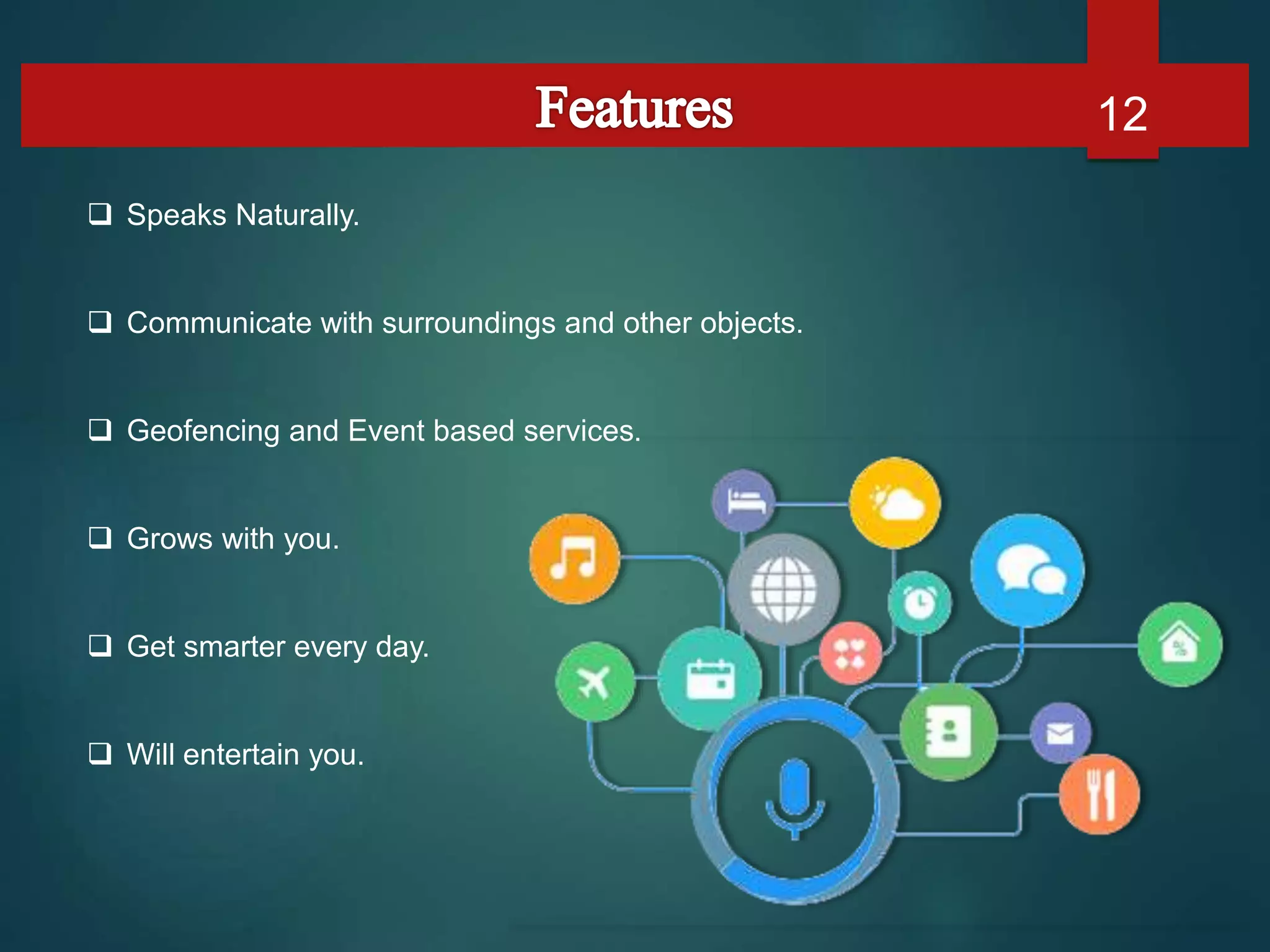
 Speaks Naturally.
 Communicate with surroundings and other objects.
 Geofencing and Event based services.
 Grows with you.
 Get smarter every day.
 Will entertain you.
12
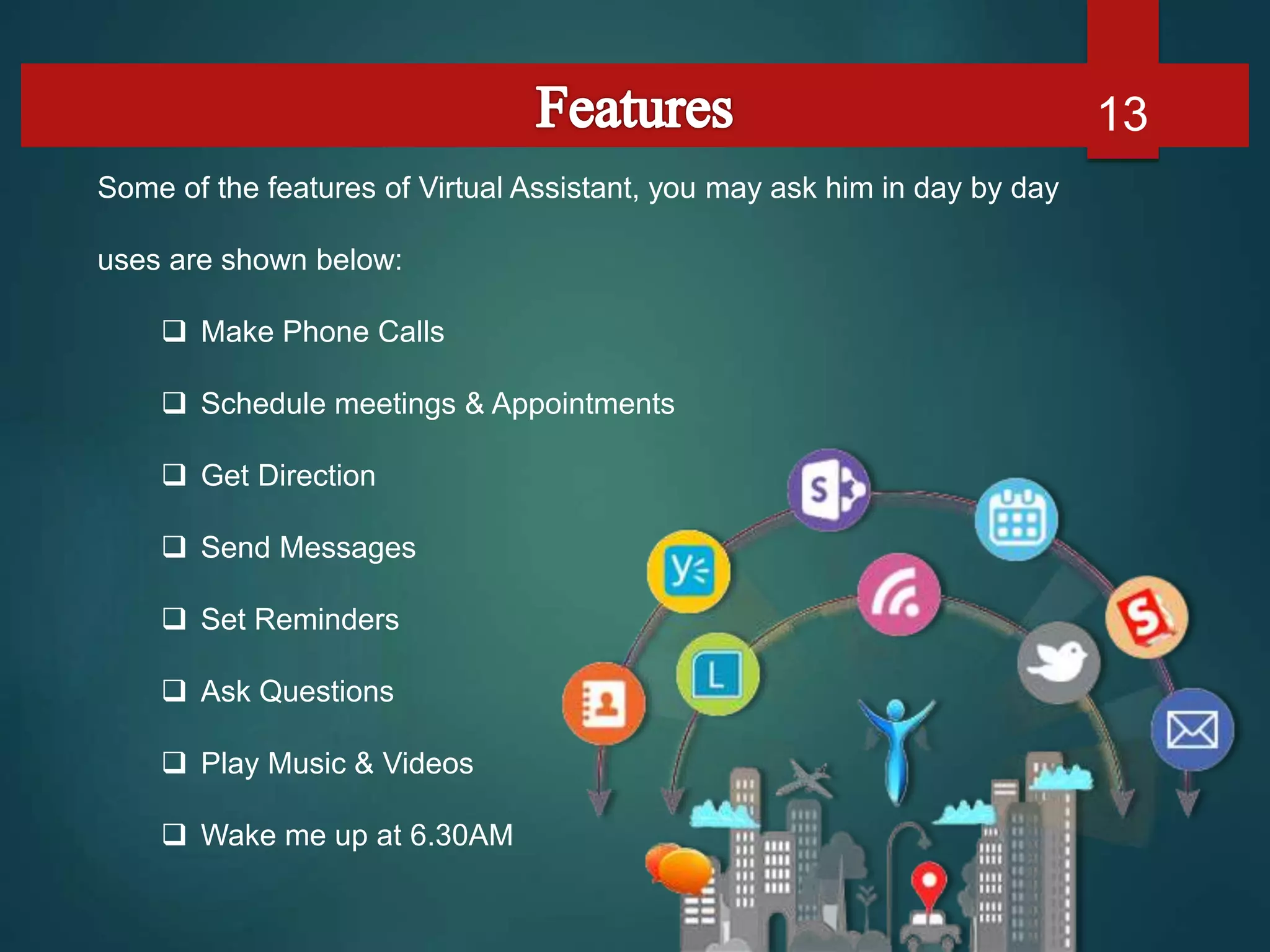
Some of the features of Virtual Assistant, you may ask him in day by day
uses are shown below:
 Make Phone Calls
 Schedule meetings & Appointments
 Get Direction
 Send Messages
 Set Reminders
 Ask Questions
 Play Music & Videos
 Wake me up at 6.30AM
13
User Interface 14
Google Now
User Interface 15
Siri
User Interface 16
Cortana
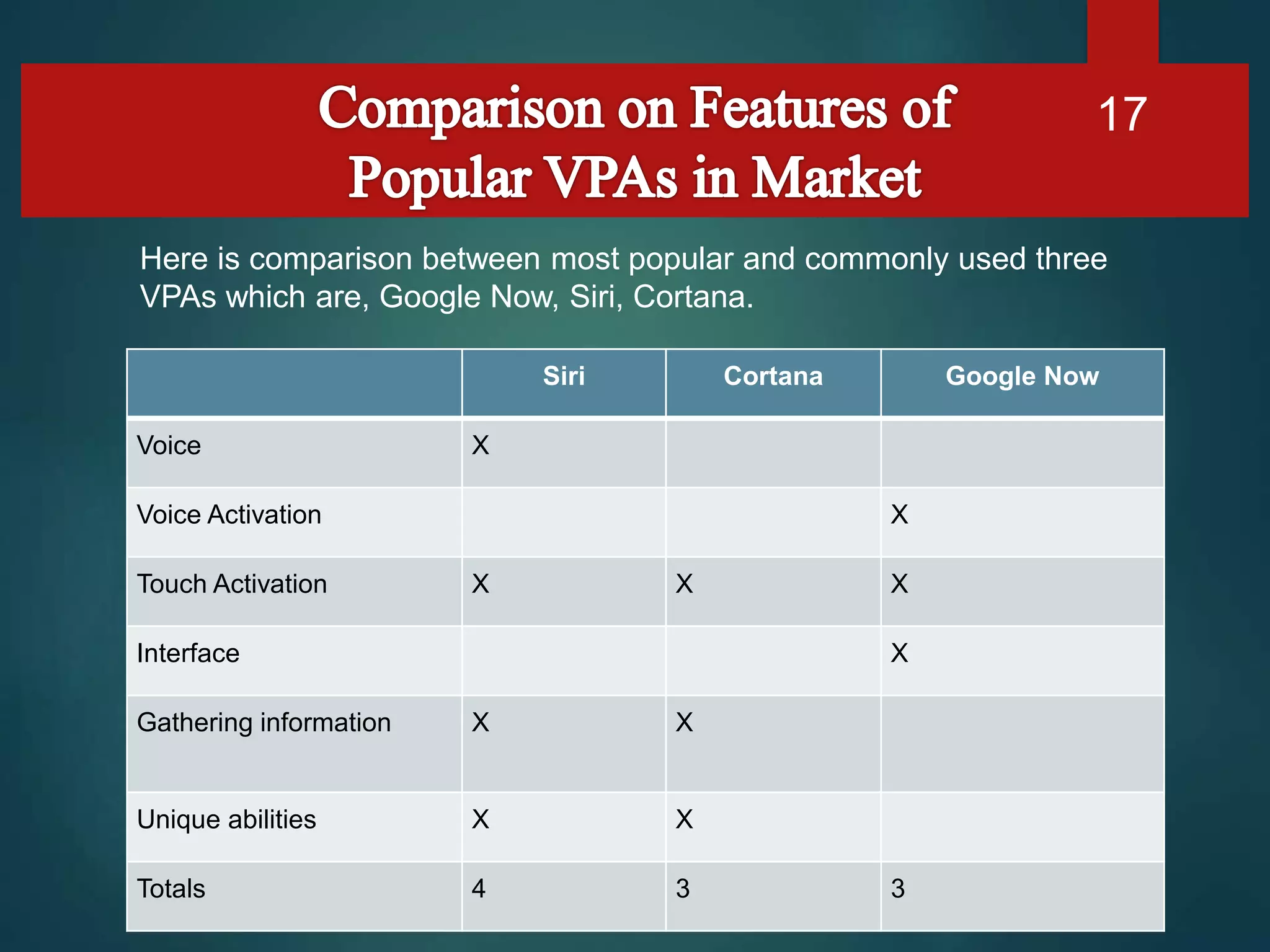
Siri Cortana Google Now
Voice X
Voice Activation X
Touch Activation X X X
Interface X
Gathering information X X
Unique abilities X X
Totals 4 3 3
17
Here is comparison between most popular and commonly used three
VPAs which are, Google Now, Siri, Cortana.
Timing and Accuracy 18
“Where can I see the movie The Equalizer?”
 Siri (3.5 seconds)
 Cortana (6 seconds)
 Google Now (5.47 seconds)
Best Answer: Google Now: While Siri was faster.
“Remind me to pick up the dry cleaning.”
 Siri: 2.7 seconds.
 Cortana: 5 seconds.
 Google Now (6 seconds)
Best Answer: Siri.
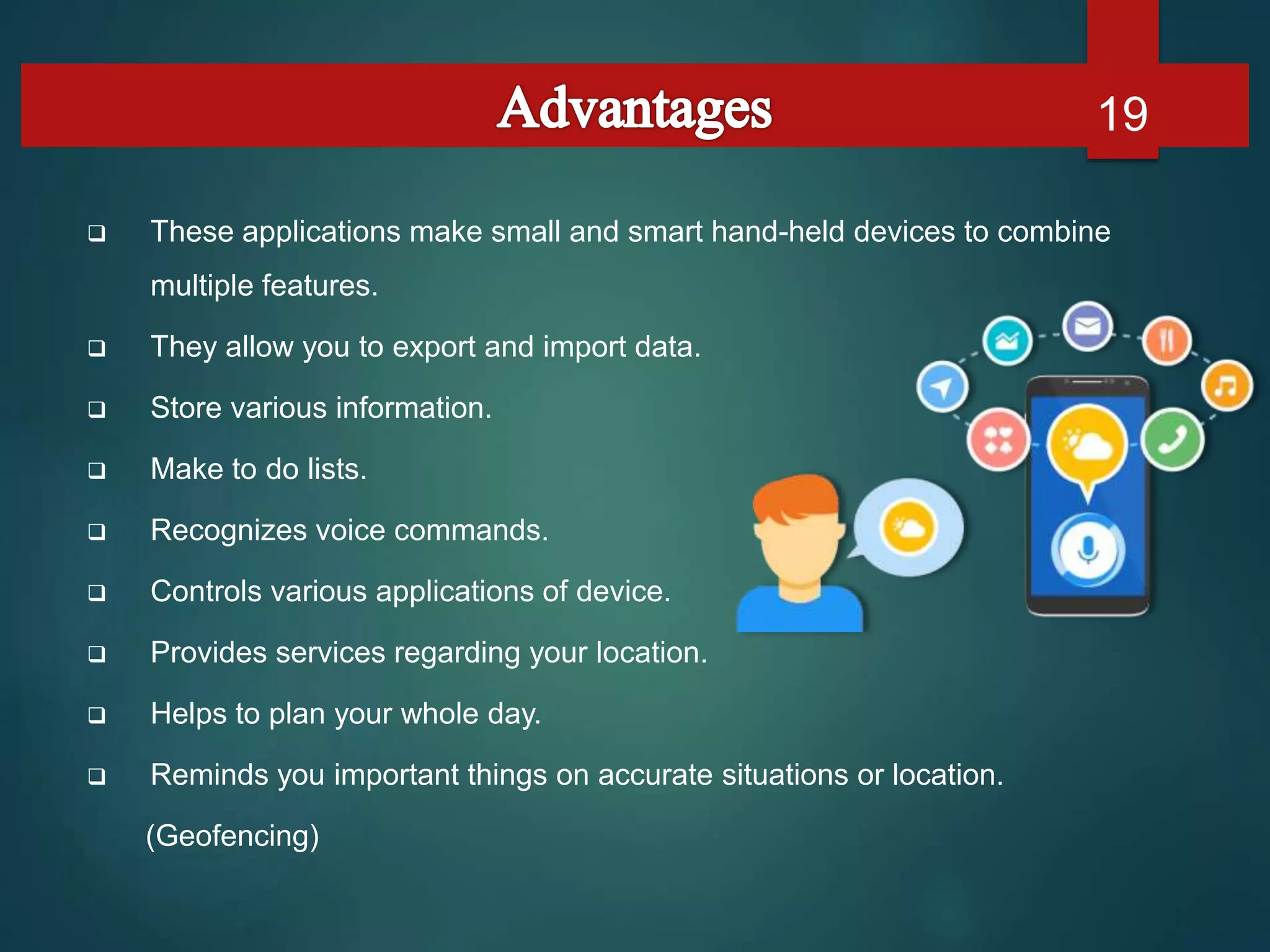
 These applications make small and smart hand-held devices to combine
multiple features.
 They allow you to export and import data.
 Store various information.
 Make to do lists.
 Recognizes voice commands.
 Controls various applications of device.
 Provides services regarding your location.
 Helps to plan your whole day.
 Reminds you important things on accurate situations or location.
(Geofencing)
19
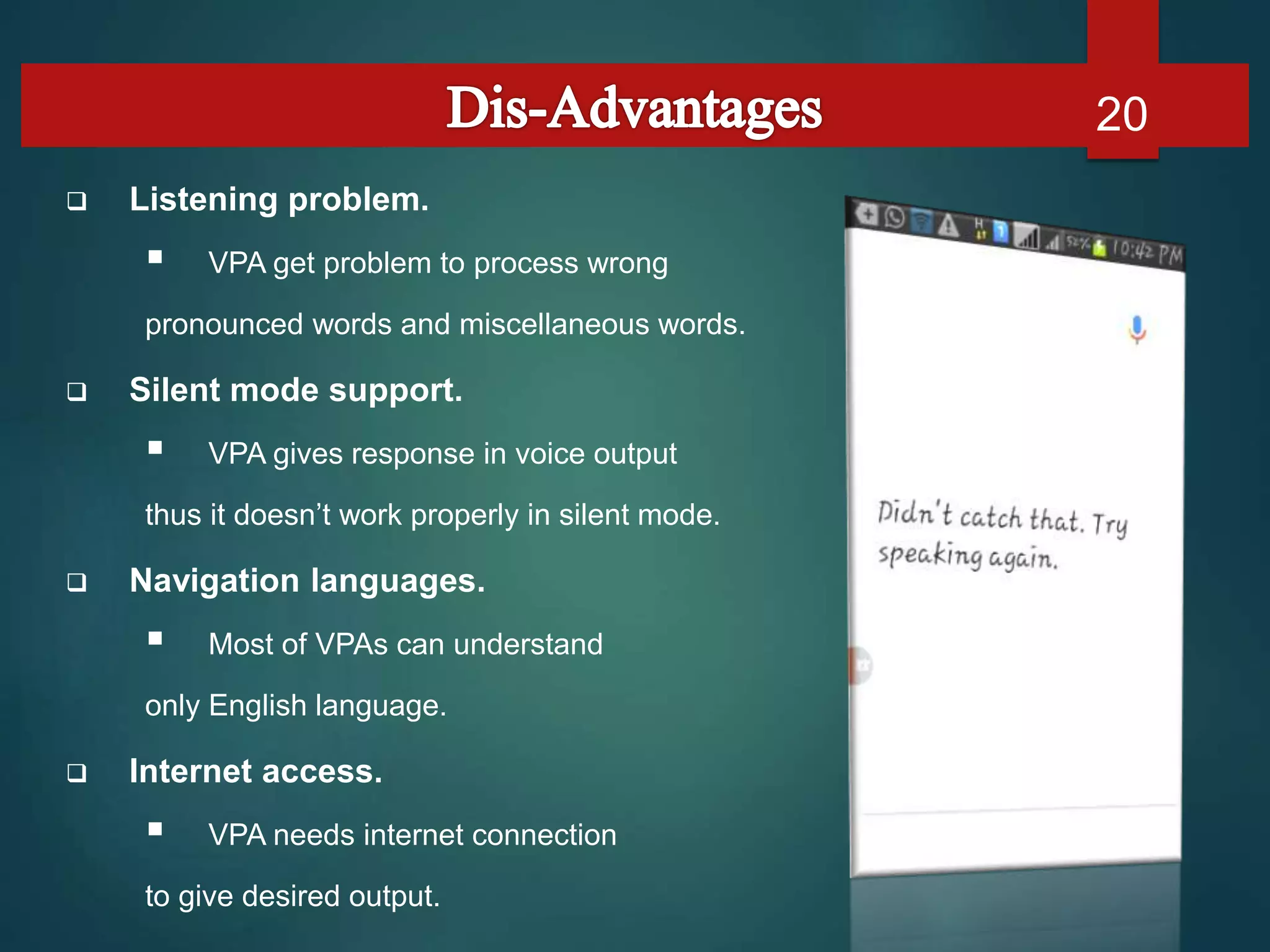
 Listening problem.
 VPA get problem to process wrong
pronounced words and miscellaneous words.
 Silent mode support.
 VPA gives response in voice output
thus it doesn’t work properly in silent mode.
 Navigation languages.
 Most of VPAs can understand
only English language.
 Internet access.
 VPA needs internet connection
to give desired output.
20
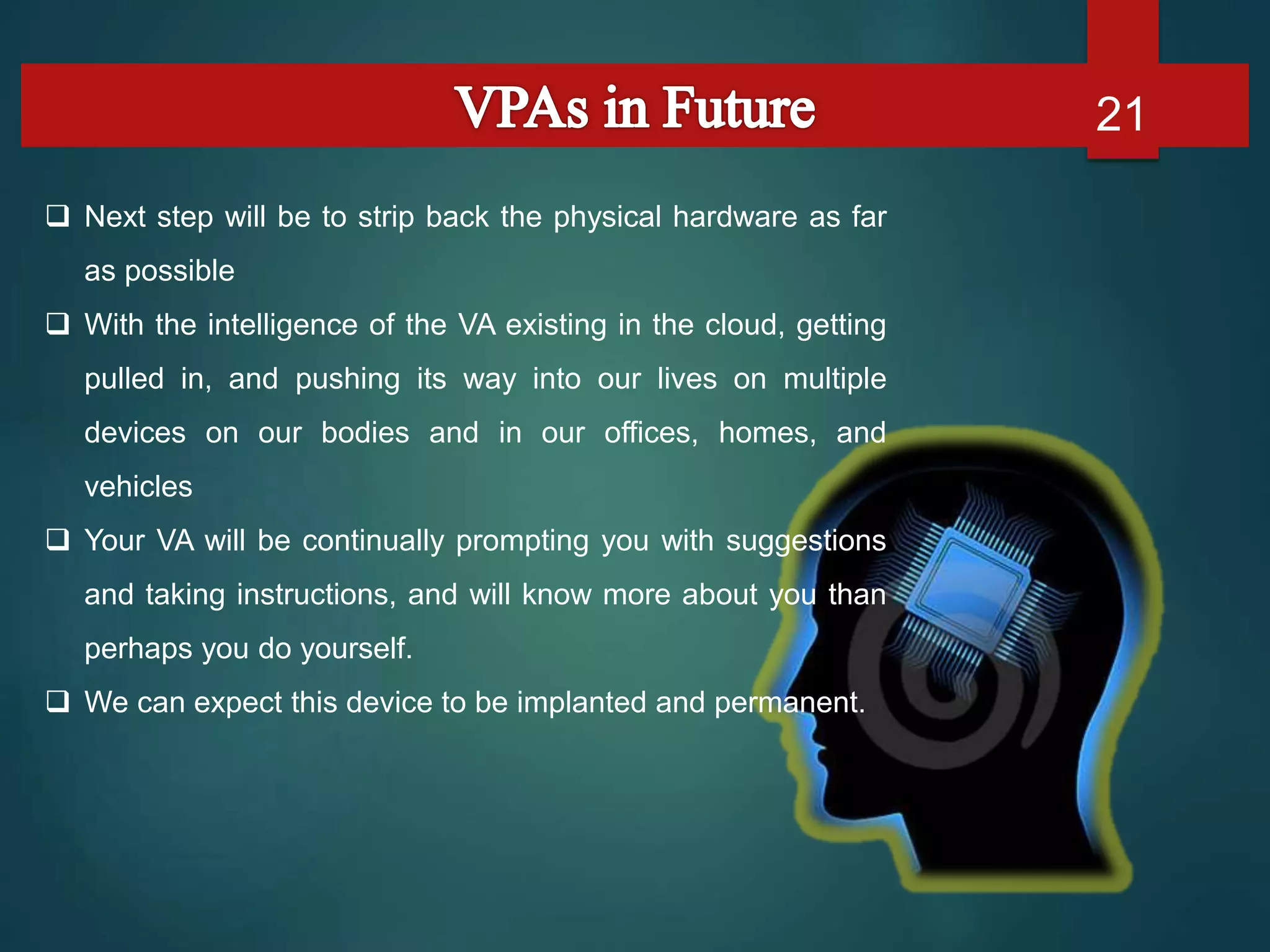
 Next step will be to strip back the physical hardware as far
as possible
 With the intelligence of the VA existing in the cloud, getting
pulled in, and pushing its way into our lives on multiple
devices on our bodies and in our offices, homes, and
vehicles
 Your VA will be continually prompting you with suggestions
and taking instructions, and will know more about you than
perhaps you do yourself.
 We can expect this device to be implanted and permanent.
21
Virtual Personal Assistants are very effective way to organize your
schedule. Now there are many Smart Personal Digital Assistant applications
available in market for various device platforms.
These new Software Applications are performing really well than PDA
devices as they provided with all resources of your smartphone.
VPAs are also reliable than Human Personal Assistant because,
VPAs are more portable and you can use them anytime. They also have lot of
information than any assistant as they are connected with internet.
22
23

24

Virtual personal assistant

  • 1.
  • 3.
    1. Introduction. 2. History. 3.Basic Concepts Used. 4. Working. 5. Available Applications. 6. User Interfaces. 7. Comparison Between Popular Ones. 8. VPAs in Future. 9. Conclusion. 10. References 3
  • 4.
     What isVirtual Personal Assistant?  Concept of an artificial personal assistant.  Voice-controlled Personal Digital Assistants.  The combination of :  Automatic Speech Recognition.  Artificial Intelligence.  Natural Language Processing.  Inter Process Communication. 4
  • 5.
     The firstPDA was released in 1984 by Psion, the Organizer  Early PDA’s was devices having full keyboard and touch screen, Which was also known as PALMs  Which was also known as PALMs  The concept of virtual assistant was first developed by Joseph Weizenbaum of MIT in the late 60s.  The first chatterbot was “ELIZA”.  “JULIA” is an example of the second generation chatterbot.  “ALICE” is example of third generation chatterbot. 5
  • 6.
    The working ofVirtual Assistant uses following principles:  Natural Language Processing.  To Understand user’s speech input.  Automatic Speech Recognition.  To understand command according to user’s input.  Artificial Intelligence.  To learn things from user and to store all information bout behavior and relations of user  Inter Process Communication.  To get important information from other software applications. 6
  • 7.
    Hardware And SoftwareRequirements  Hardware:  A phone with a touch screen interface.  Phone Ram should be of a minimum 512 MB.  Internet connectivity.  The phone should have USB debugging mode for development and testing purposes.  Software:  Operating system should be android 4.1/win 8.1/IOS 6 or higher.  The kernel version should be 3.0.16 or higher.  Support of other basic applications like maps, calender, camera, web connection etc. 7
  • 8.
    Any Virtual Assistantbasically consists of three layers. 1. Speech to text 2. Text Analysing 3. Interpret commands 8
  • 9.
    1. Speech totext:  A Piece of software used that converts audio to text. It doesn’t understand just anything you might say. 2. Text Analysing:  Converted text is just letters for computer.  A piece of software converts text to something that is understandable for computer.  Computer understands the command, so Virtual Assistant like siri convert this text to computer command. 9
  • 10.
    10  VPAs mapsthe words to functions and parameters to create a command that computer can understand. Example of Reminder. 3. Interpret commands:  In this layer, that mapped computer command, go to server through internet.  Simultaneously, your speech evaluated locally.  A local recogniser communicate with server to judge whether command will be best handle locally or not. Example: Play Music, Restaurant reservation, Movie Rating
  • 11.
    Name Platform Google NowAndroid & IOS Cortana Windows Siri IOS Robin Android Dragon Go IOS Evi Android EasilyDo Android 11
  • 12.
     Speaks Naturally. Communicate with surroundings and other objects.  Geofencing and Event based services.  Grows with you.  Get smarter every day.  Will entertain you. 12
  • 13.
    Some of thefeatures of Virtual Assistant, you may ask him in day by day uses are shown below:  Make Phone Calls  Schedule meetings & Appointments  Get Direction  Send Messages  Set Reminders  Ask Questions  Play Music & Videos  Wake me up at 6.30AM 13
  • 14.
  • 15.
  • 16.
  • 17.
    Siri Cortana GoogleNow Voice X Voice Activation X Touch Activation X X X Interface X Gathering information X X Unique abilities X X Totals 4 3 3 17 Here is comparison between most popular and commonly used three VPAs which are, Google Now, Siri, Cortana.
  • 18.
    Timing and Accuracy18 “Where can I see the movie The Equalizer?”  Siri (3.5 seconds)  Cortana (6 seconds)  Google Now (5.47 seconds) Best Answer: Google Now: While Siri was faster. “Remind me to pick up the dry cleaning.”  Siri: 2.7 seconds.  Cortana: 5 seconds.  Google Now (6 seconds) Best Answer: Siri.
  • 19.
     These applicationsmake small and smart hand-held devices to combine multiple features.  They allow you to export and import data.  Store various information.  Make to do lists.  Recognizes voice commands.  Controls various applications of device.  Provides services regarding your location.  Helps to plan your whole day.  Reminds you important things on accurate situations or location. (Geofencing) 19
  • 20.
     Listening problem. VPA get problem to process wrong pronounced words and miscellaneous words.  Silent mode support.  VPA gives response in voice output thus it doesn’t work properly in silent mode.  Navigation languages.  Most of VPAs can understand only English language.  Internet access.  VPA needs internet connection to give desired output. 20
  • 21.
     Next stepwill be to strip back the physical hardware as far as possible  With the intelligence of the VA existing in the cloud, getting pulled in, and pushing its way into our lives on multiple devices on our bodies and in our offices, homes, and vehicles  Your VA will be continually prompting you with suggestions and taking instructions, and will know more about you than perhaps you do yourself.  We can expect this device to be implanted and permanent. 21
  • 22.
    Virtual Personal Assistantsare very effective way to organize your schedule. Now there are many Smart Personal Digital Assistant applications available in market for various device platforms. These new Software Applications are performing really well than PDA devices as they provided with all resources of your smartphone. VPAs are also reliable than Human Personal Assistant because, VPAs are more portable and you can use them anytime. They also have lot of information than any assistant as they are connected with internet. 22
  • 23.
  • 24.