
Using Twitter for
  professional
 development
• Links
           doing?


         • Photos
         • What are you

         • 140 Characters
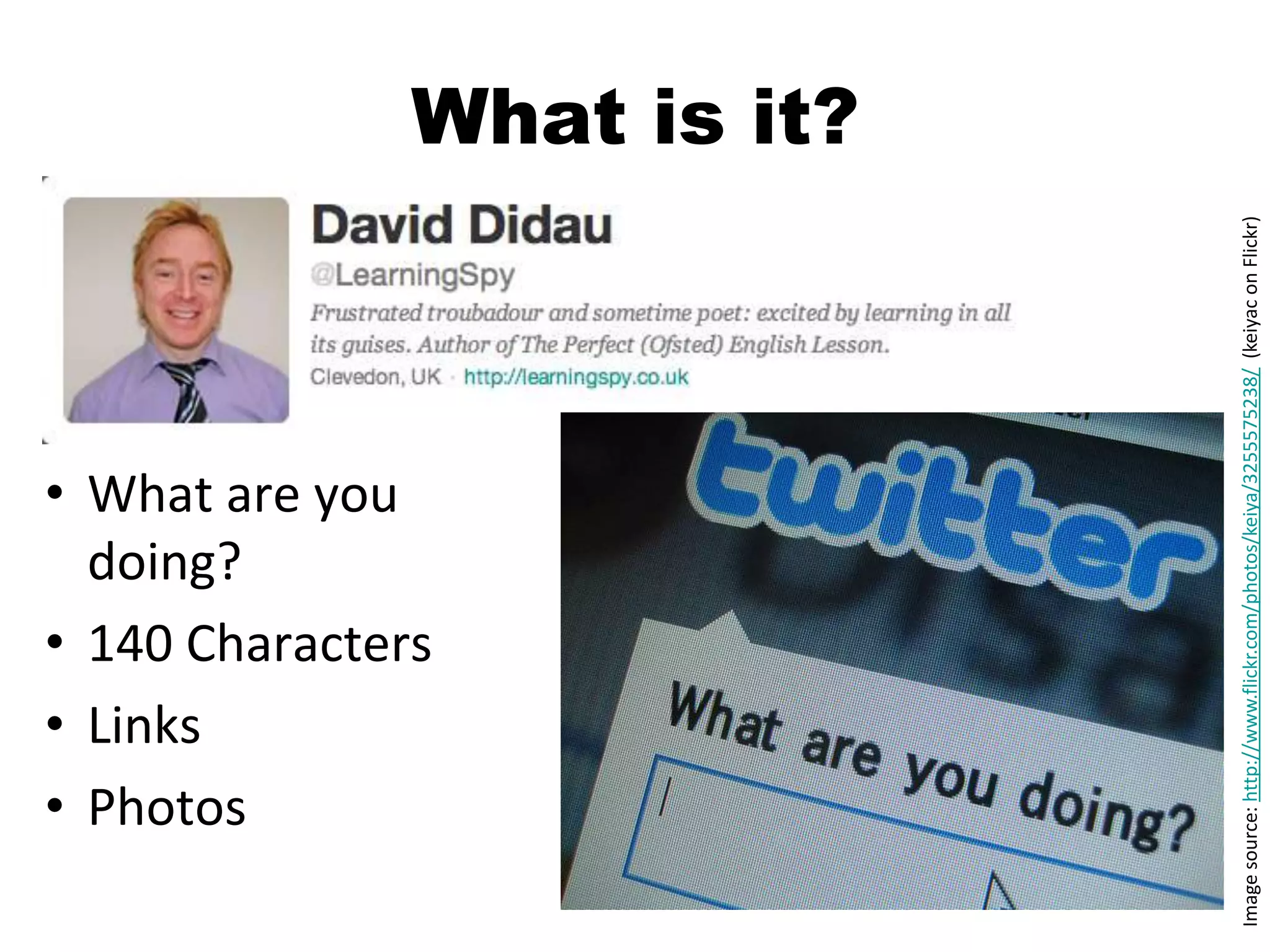
                                                                                  What is it?


Image source: http://www.flickr.com/photos/keiya/3255575238/ (keiyac on Flickr)
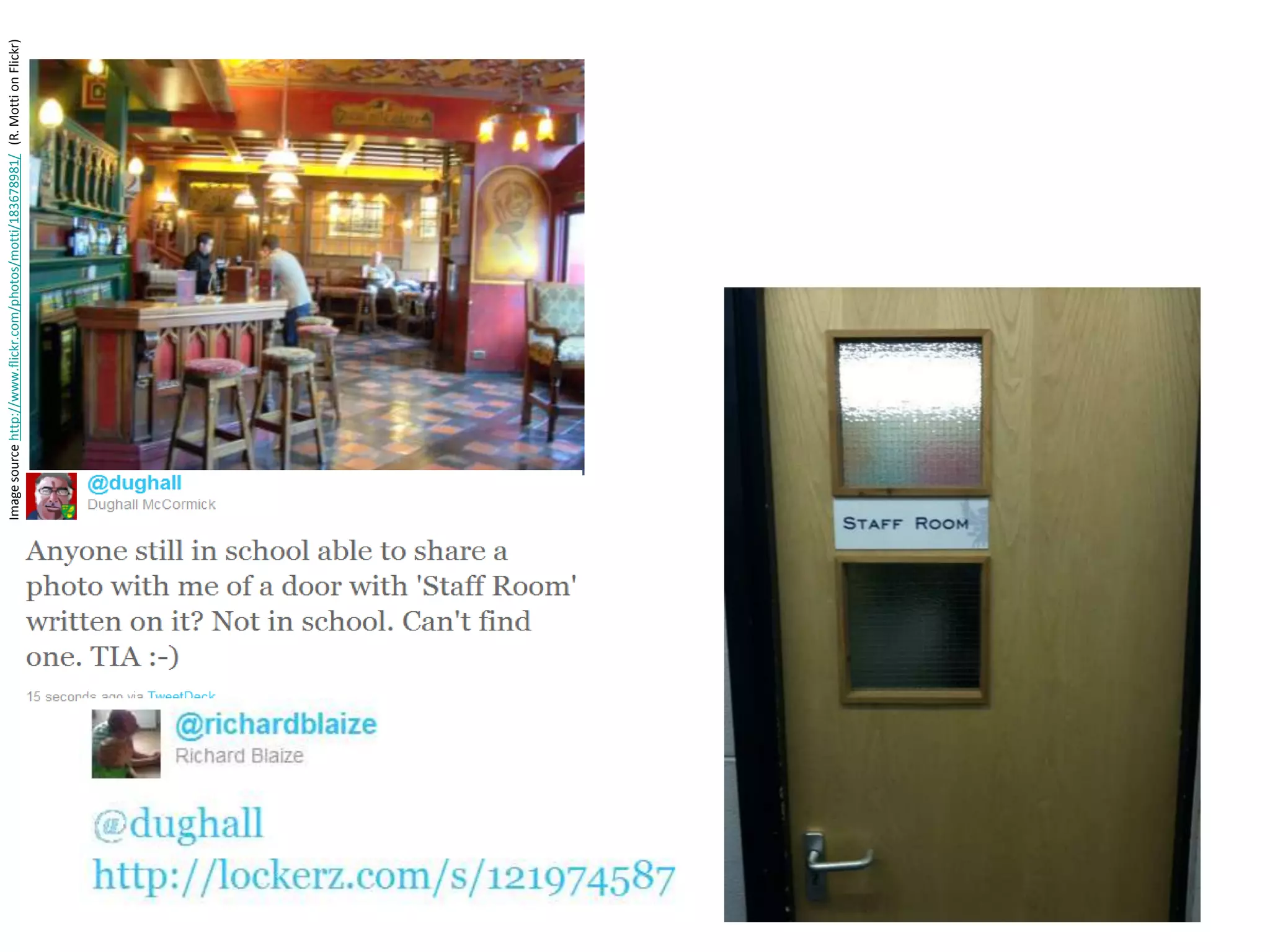
Image source http://www.flickr.com/photos/motti/183678981/ (R. Motti on Flickr)
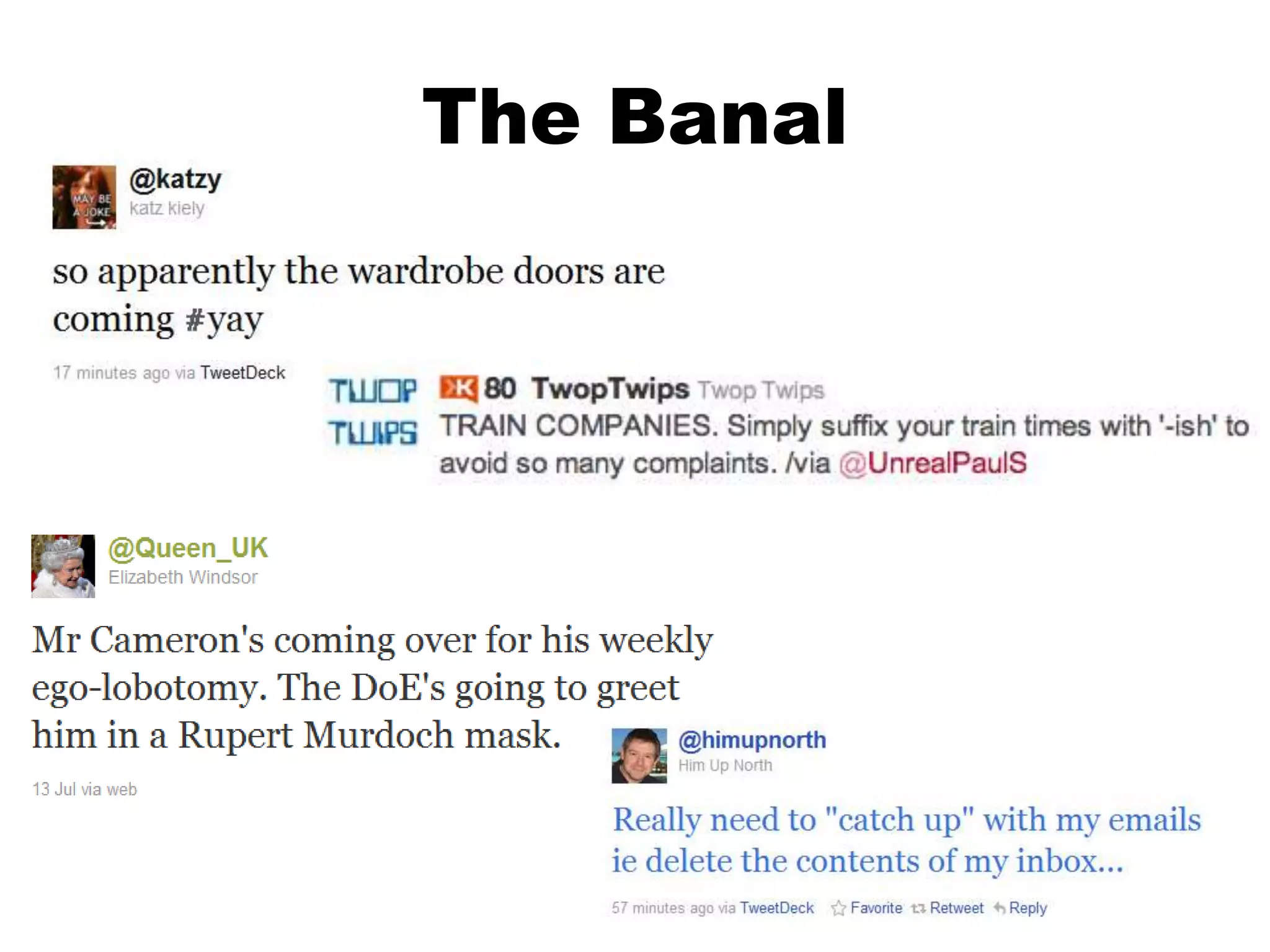
The Banal
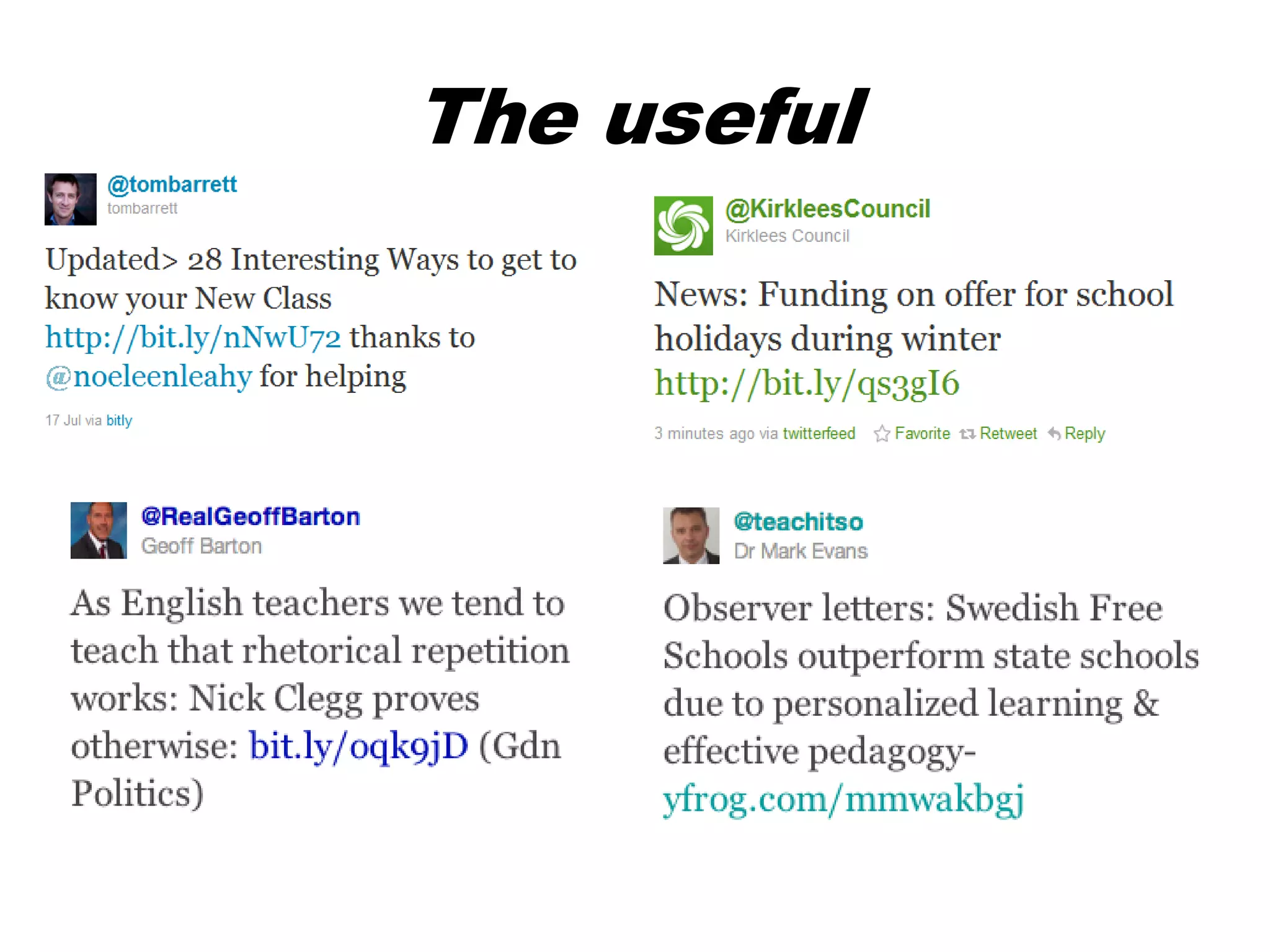
The useful
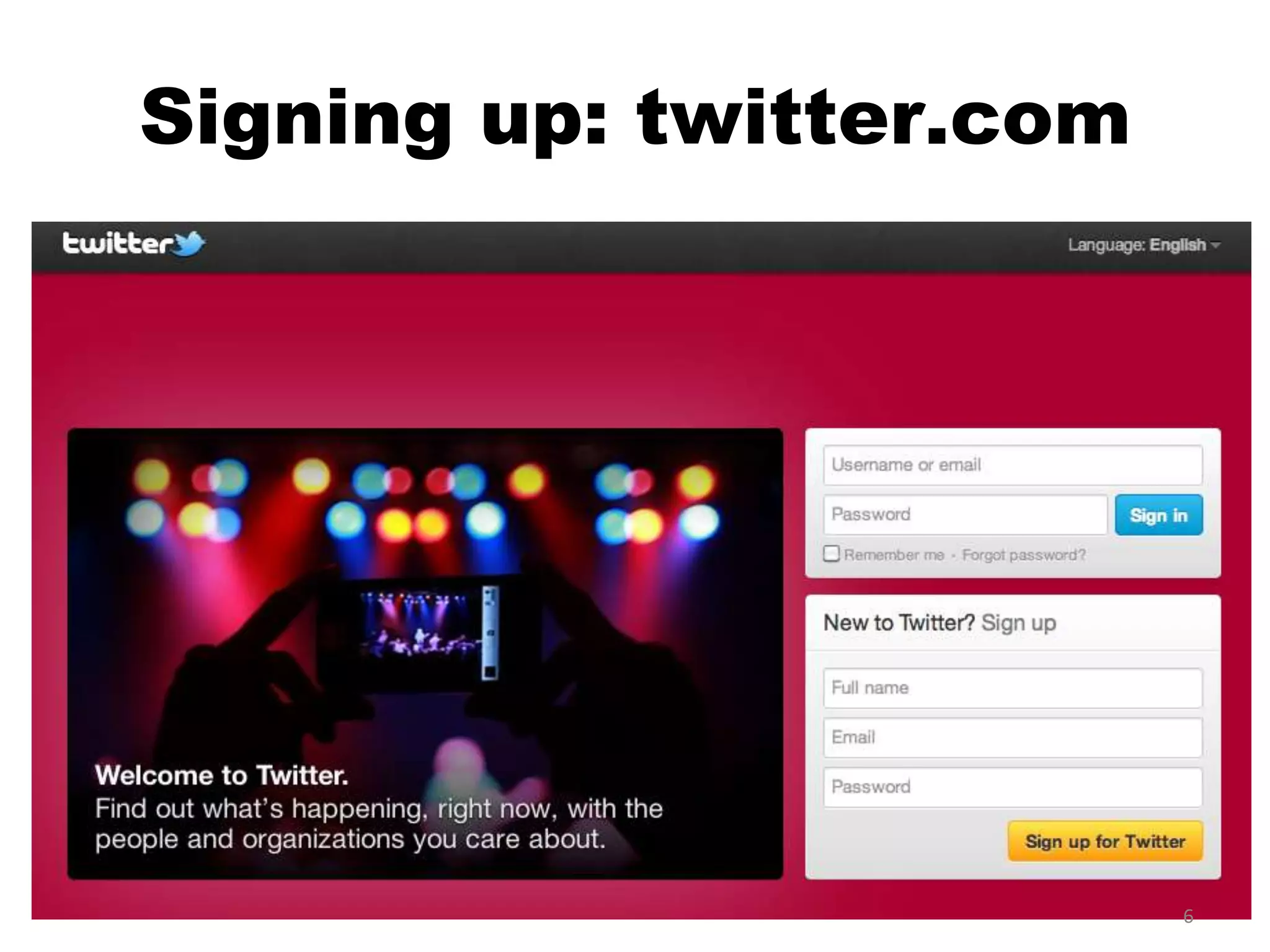
Signing up: twitter.com


                          6
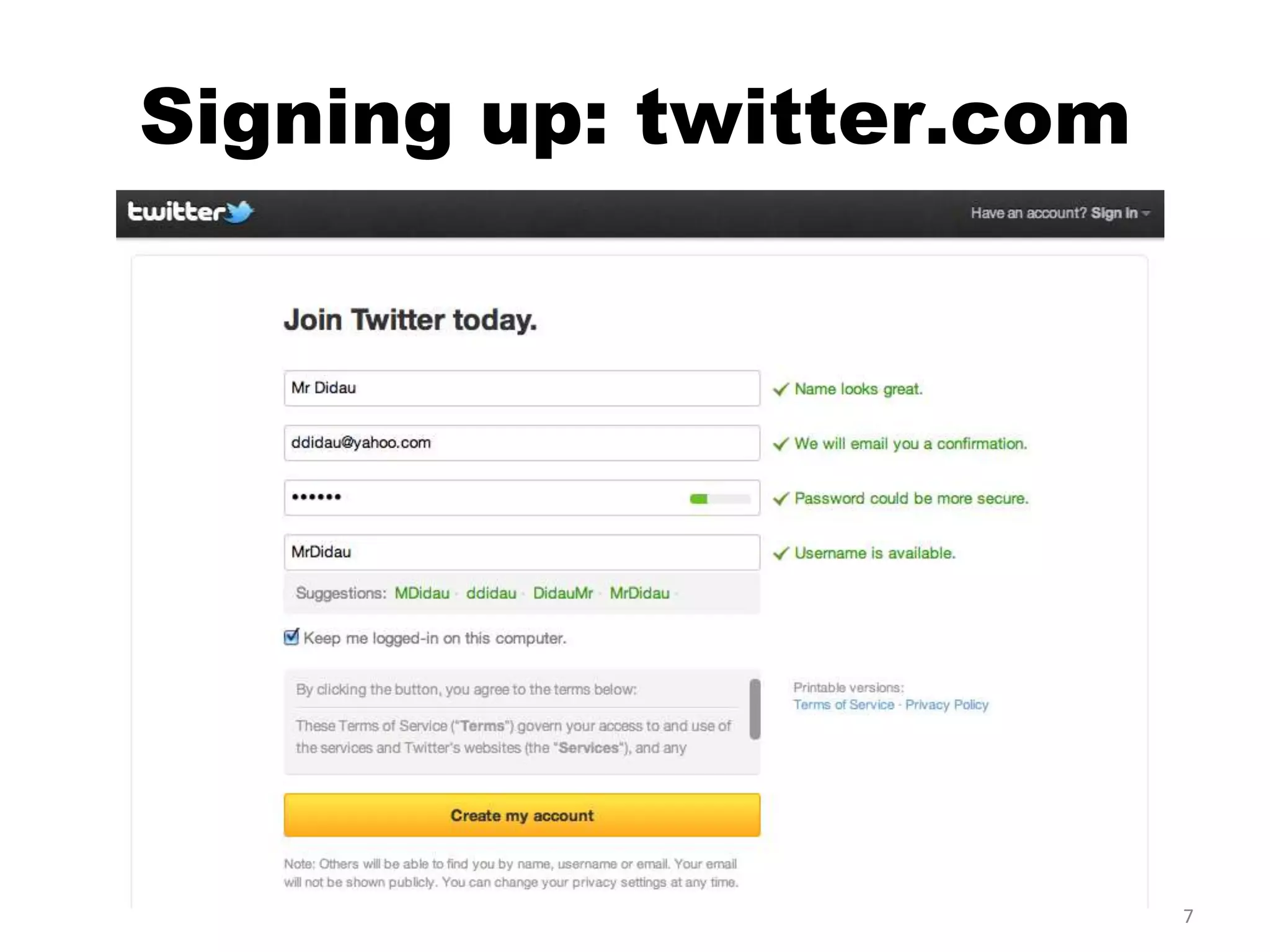
Signing up: twitter.com


                          7
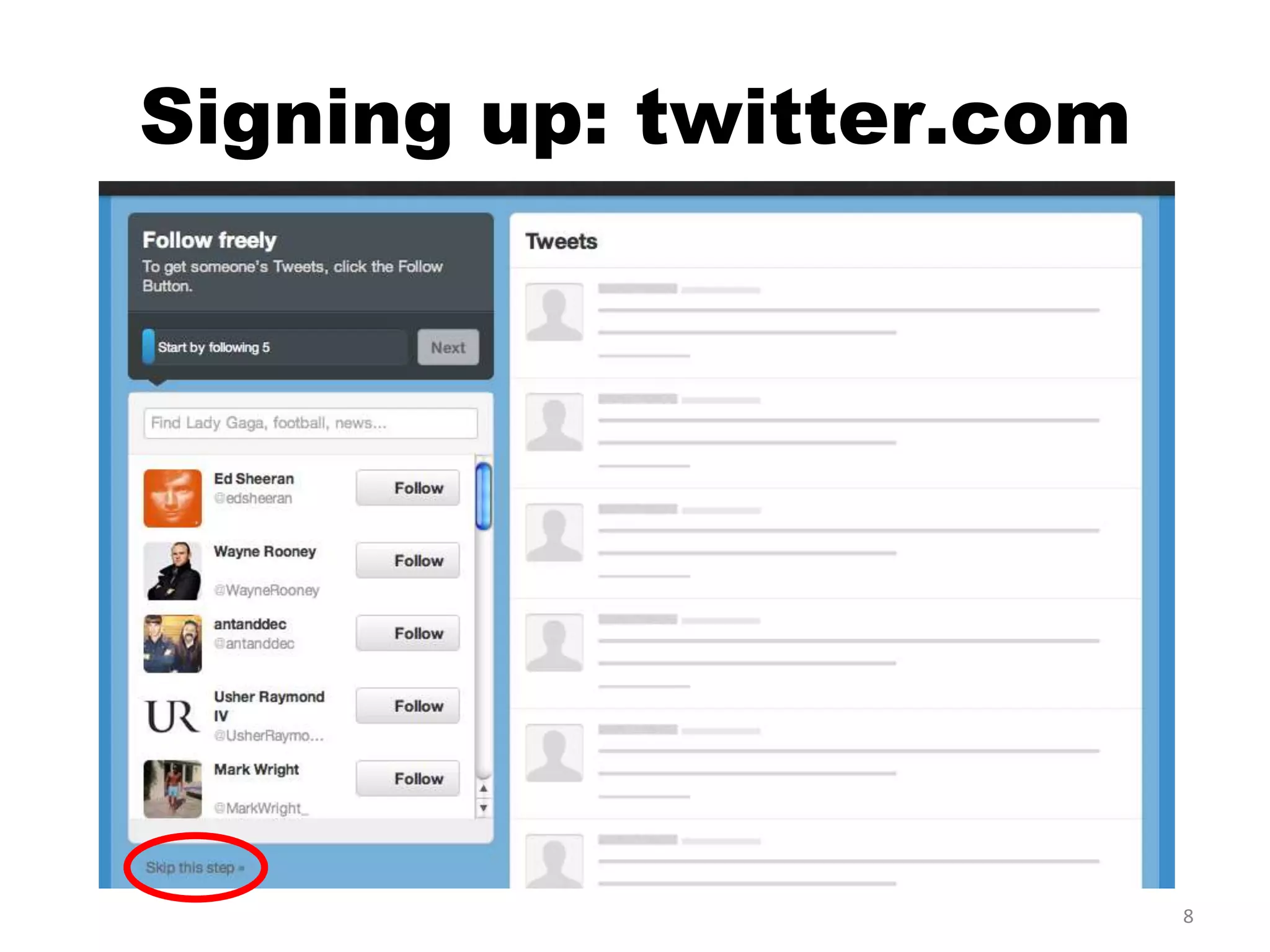
Signing up: twitter.com


                          8
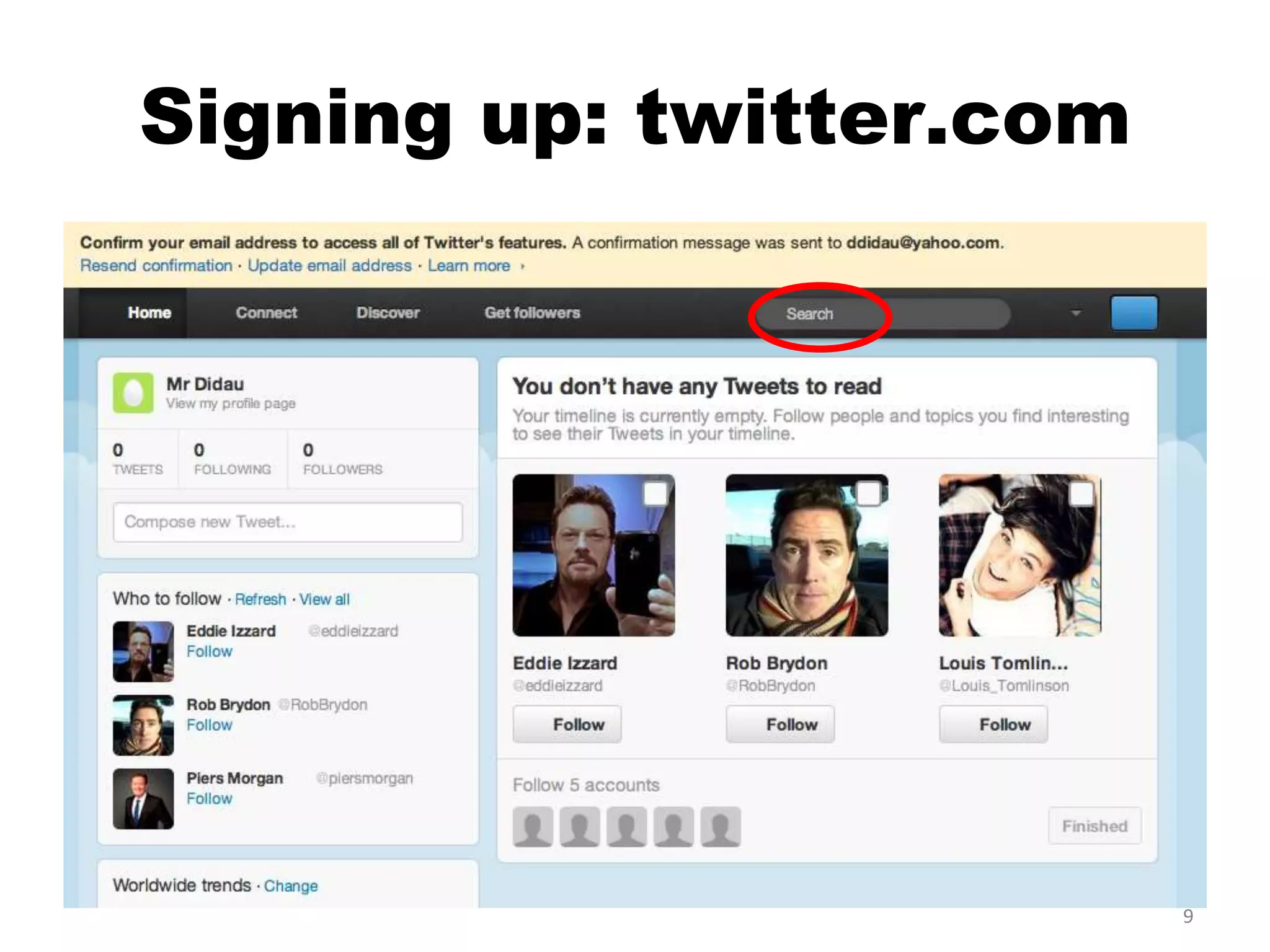
Signing up: twitter.com


                          9
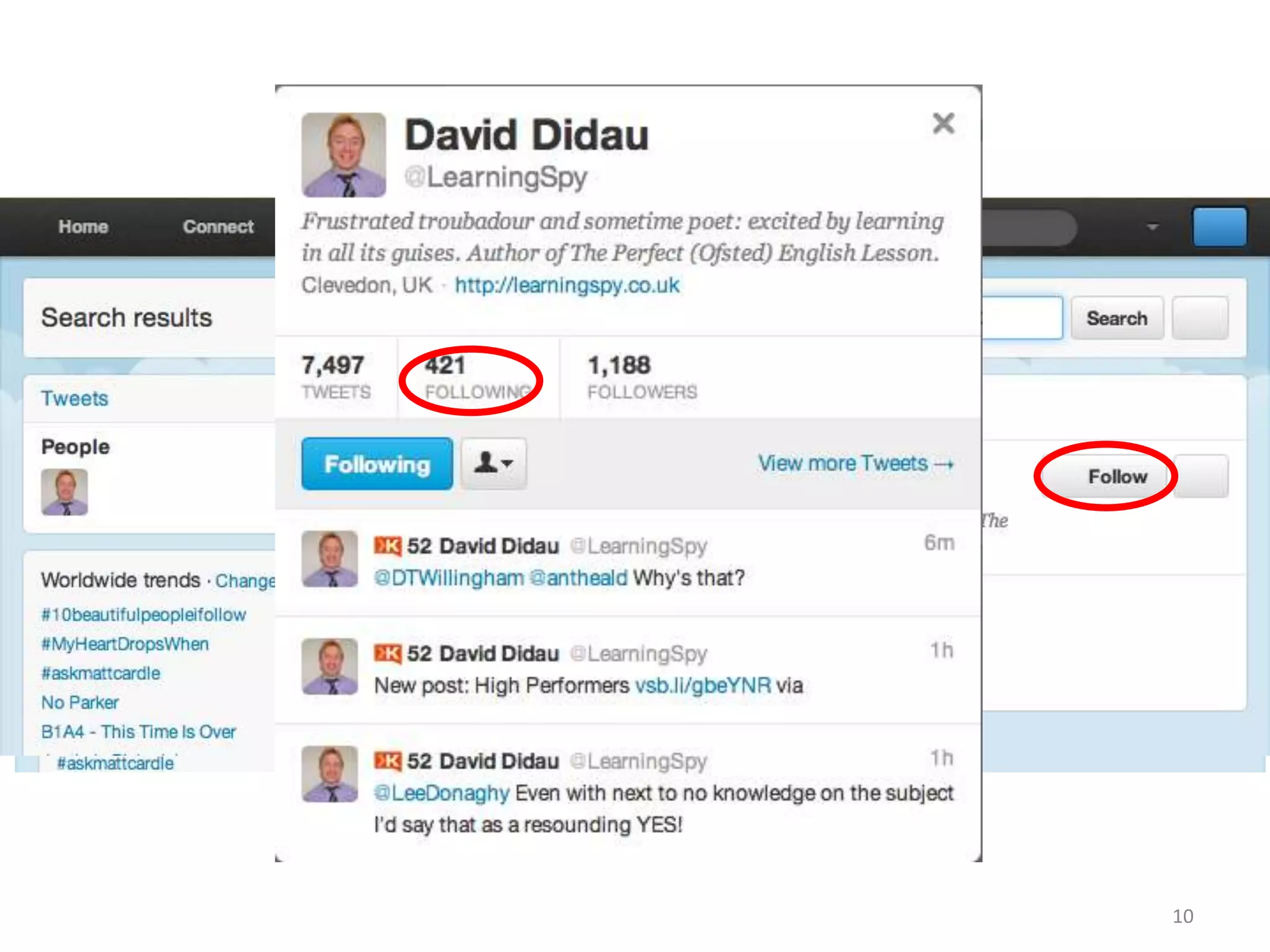
Now what?


            10
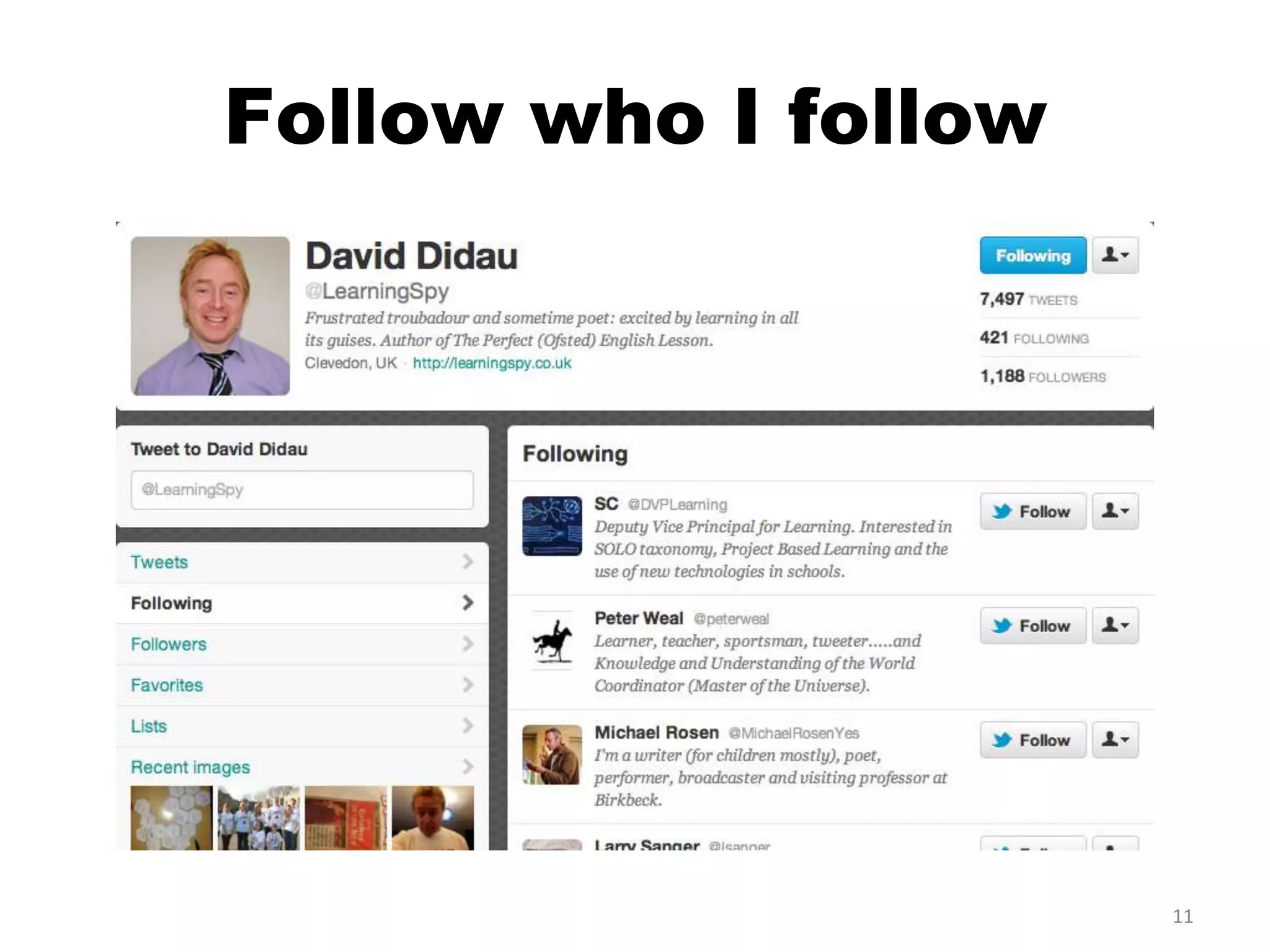
Follow who I follow


                      11
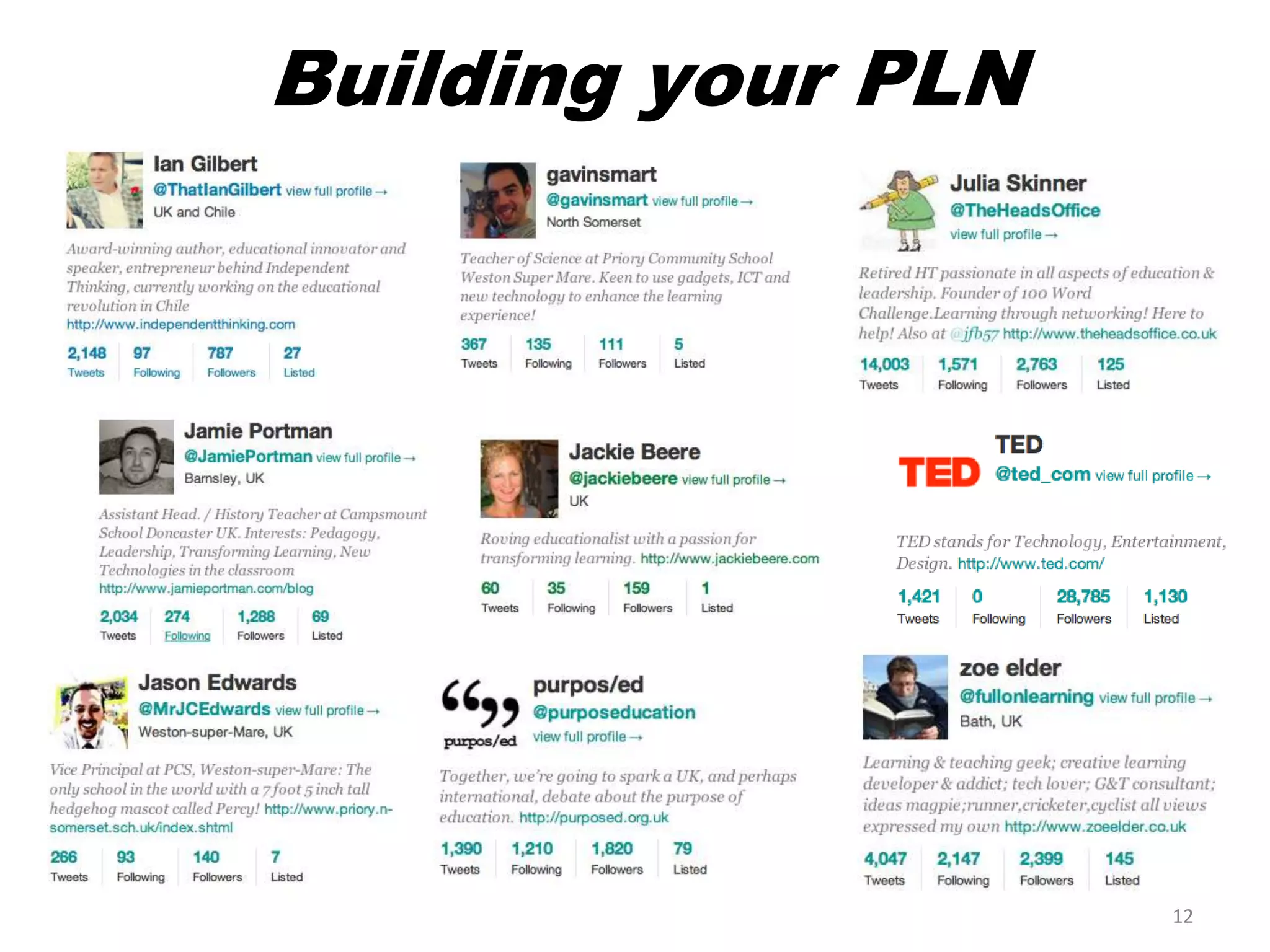
Building your PLN


                    12
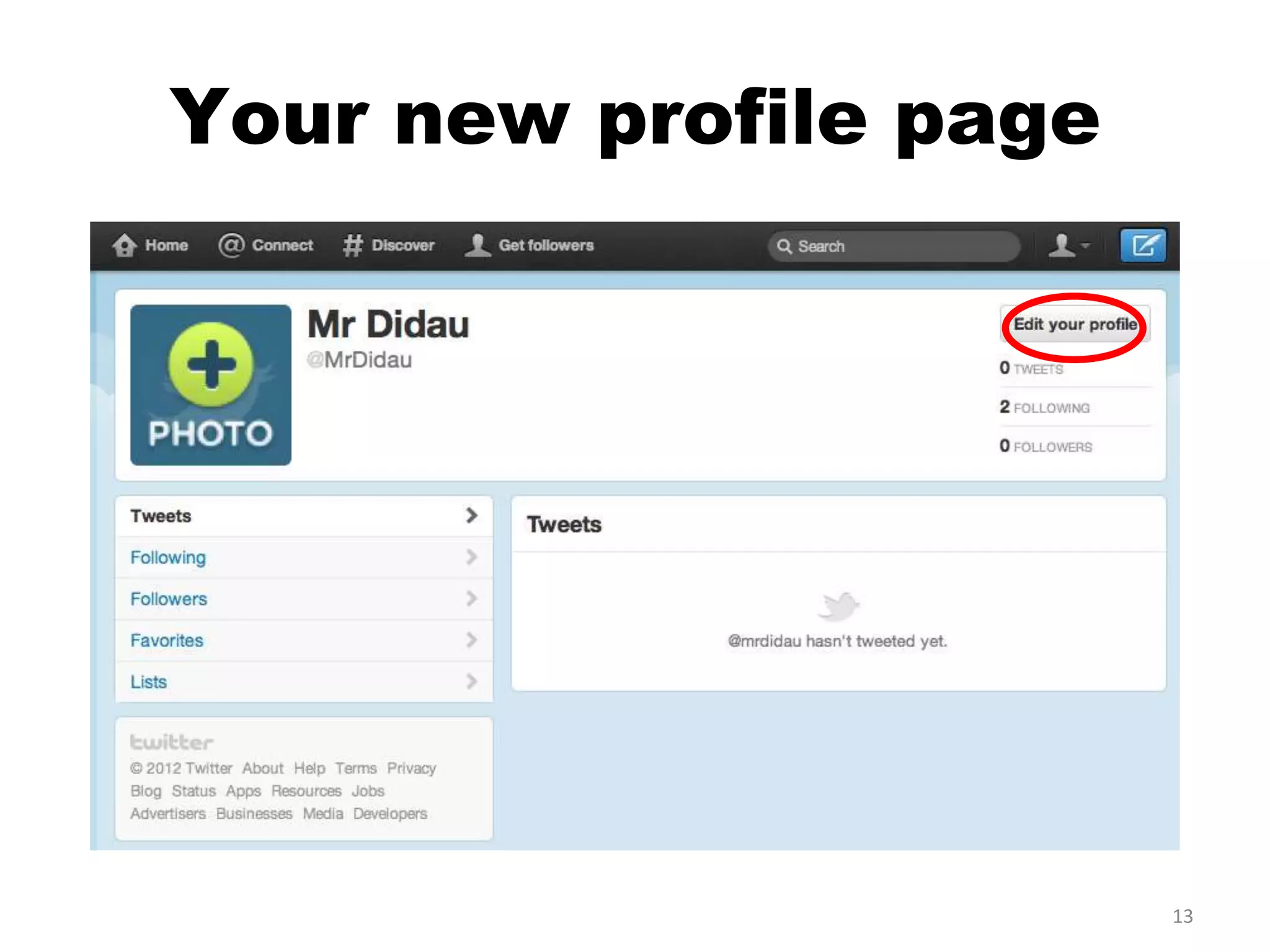
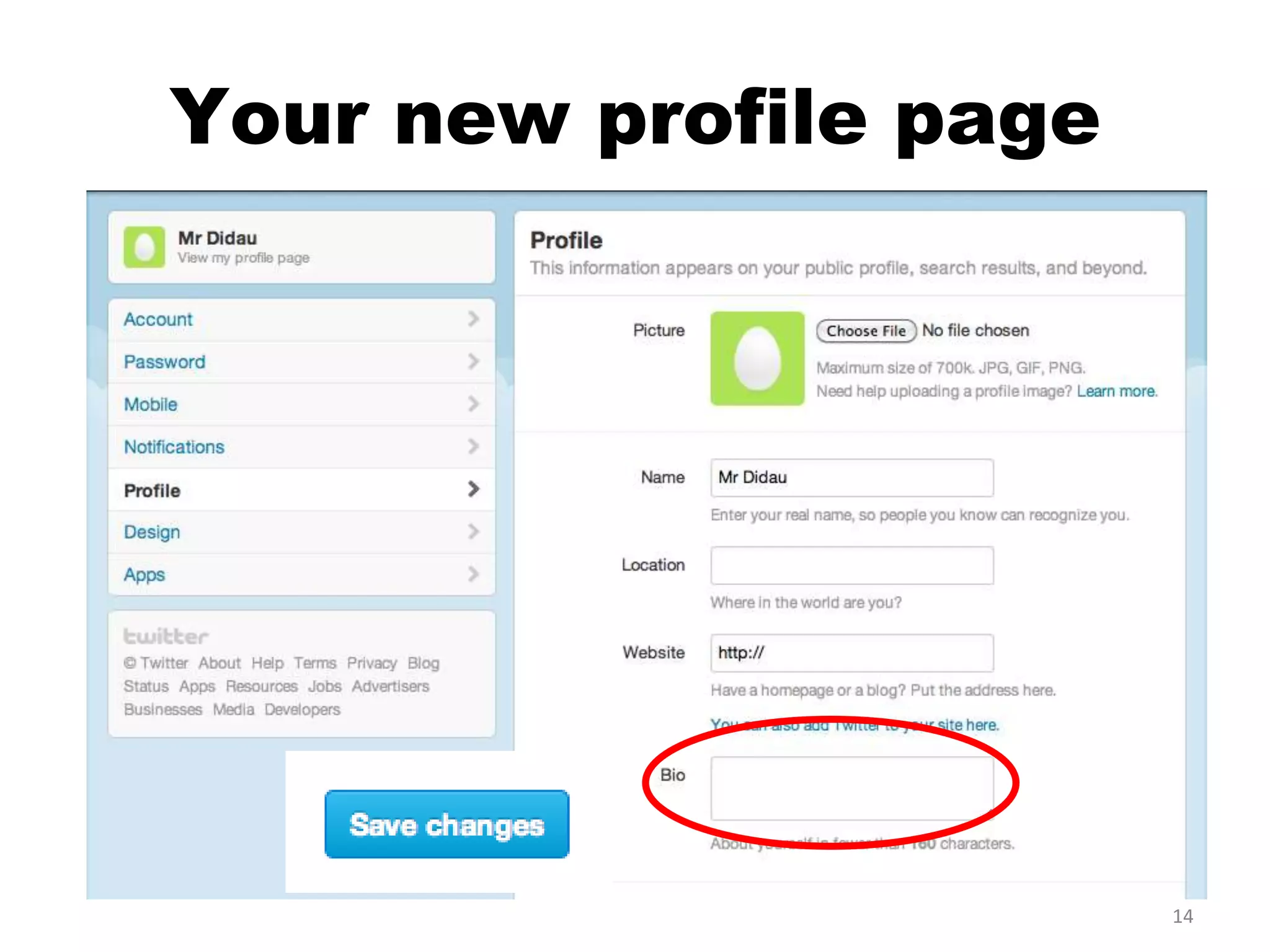
Your new profile page


                        13
Your new profile page


                        14
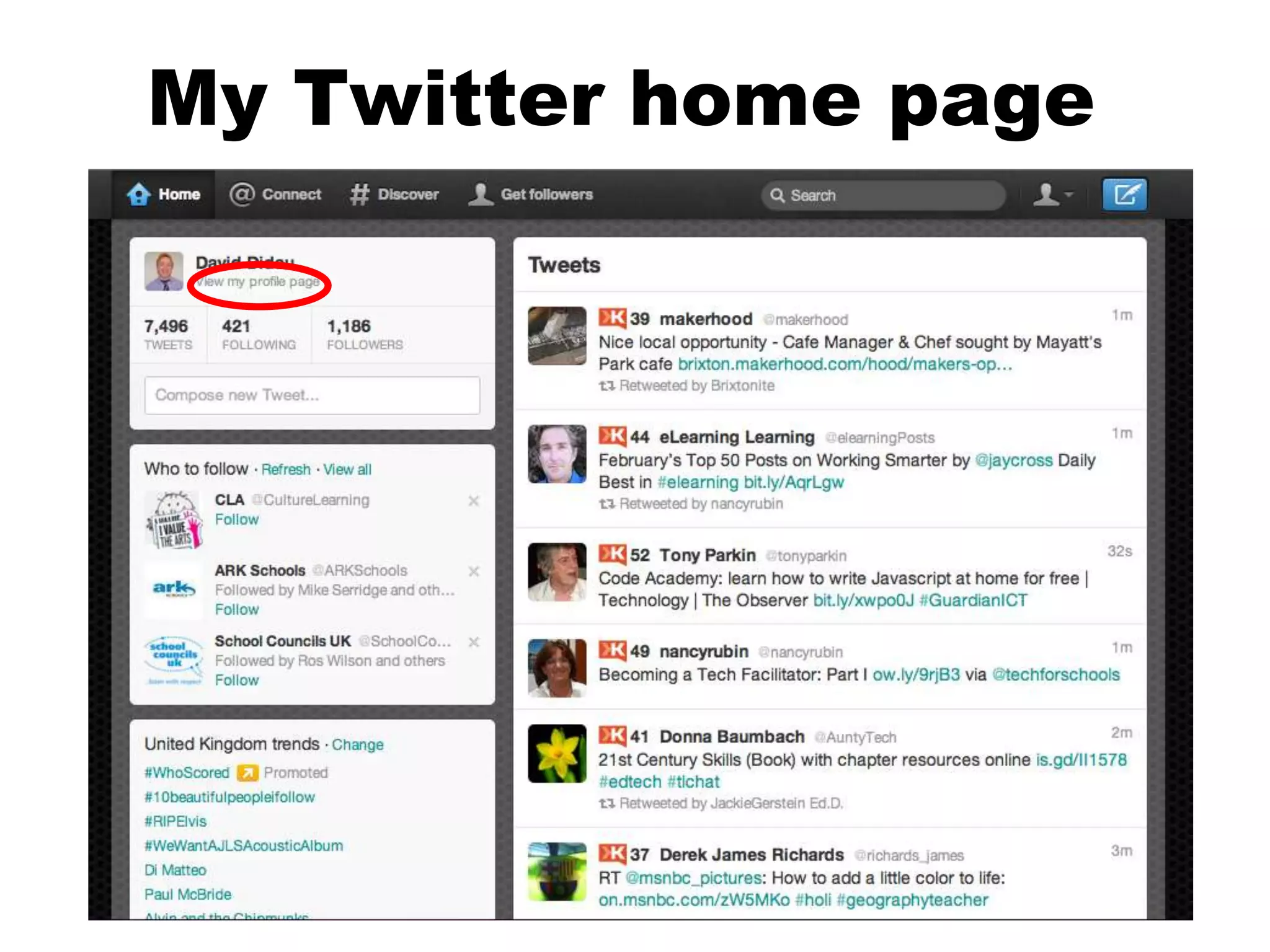
My Twitter home page
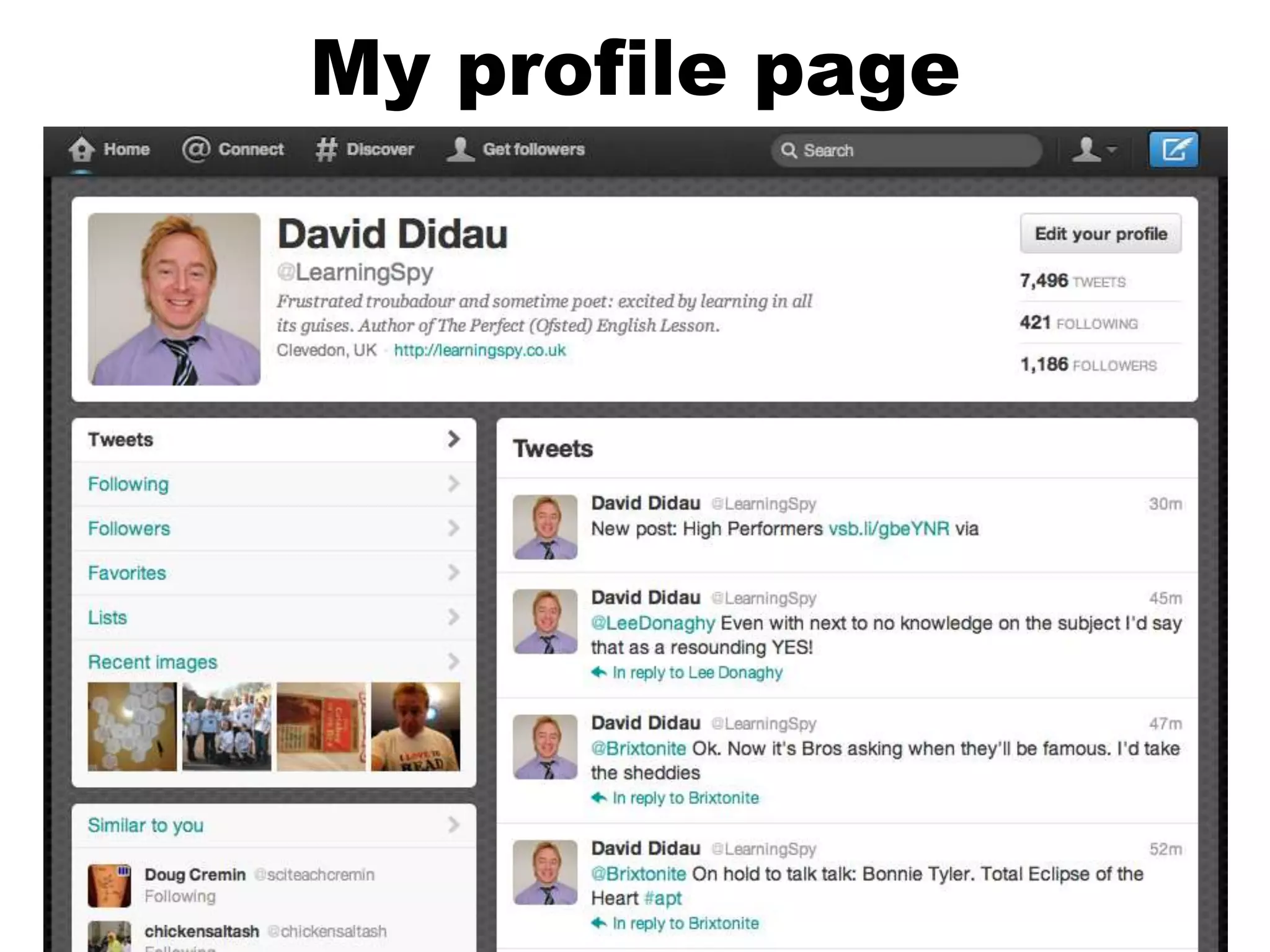
My profile page
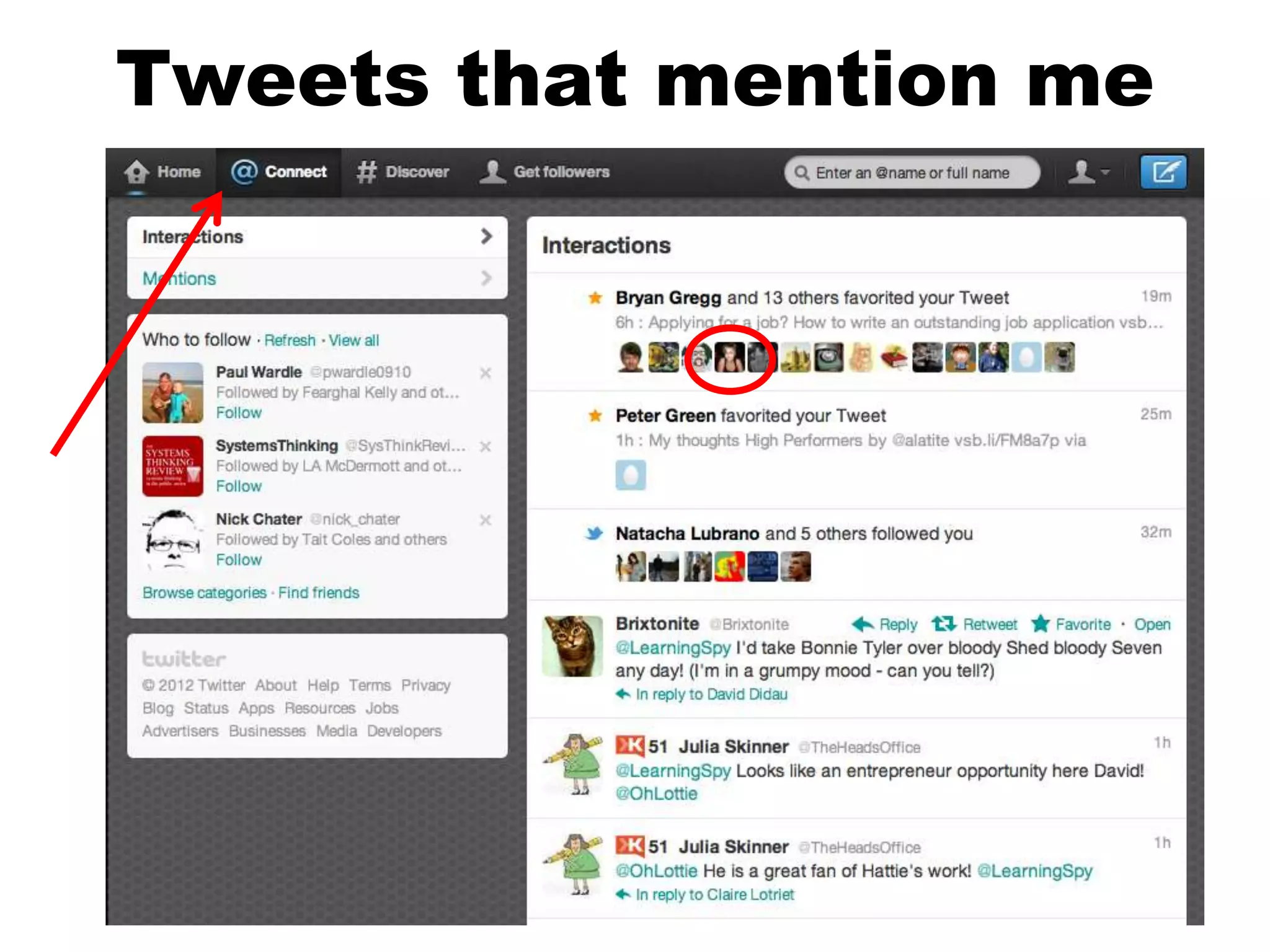
Tweets that mention me
The ‘language’ of Twitter


                    •@
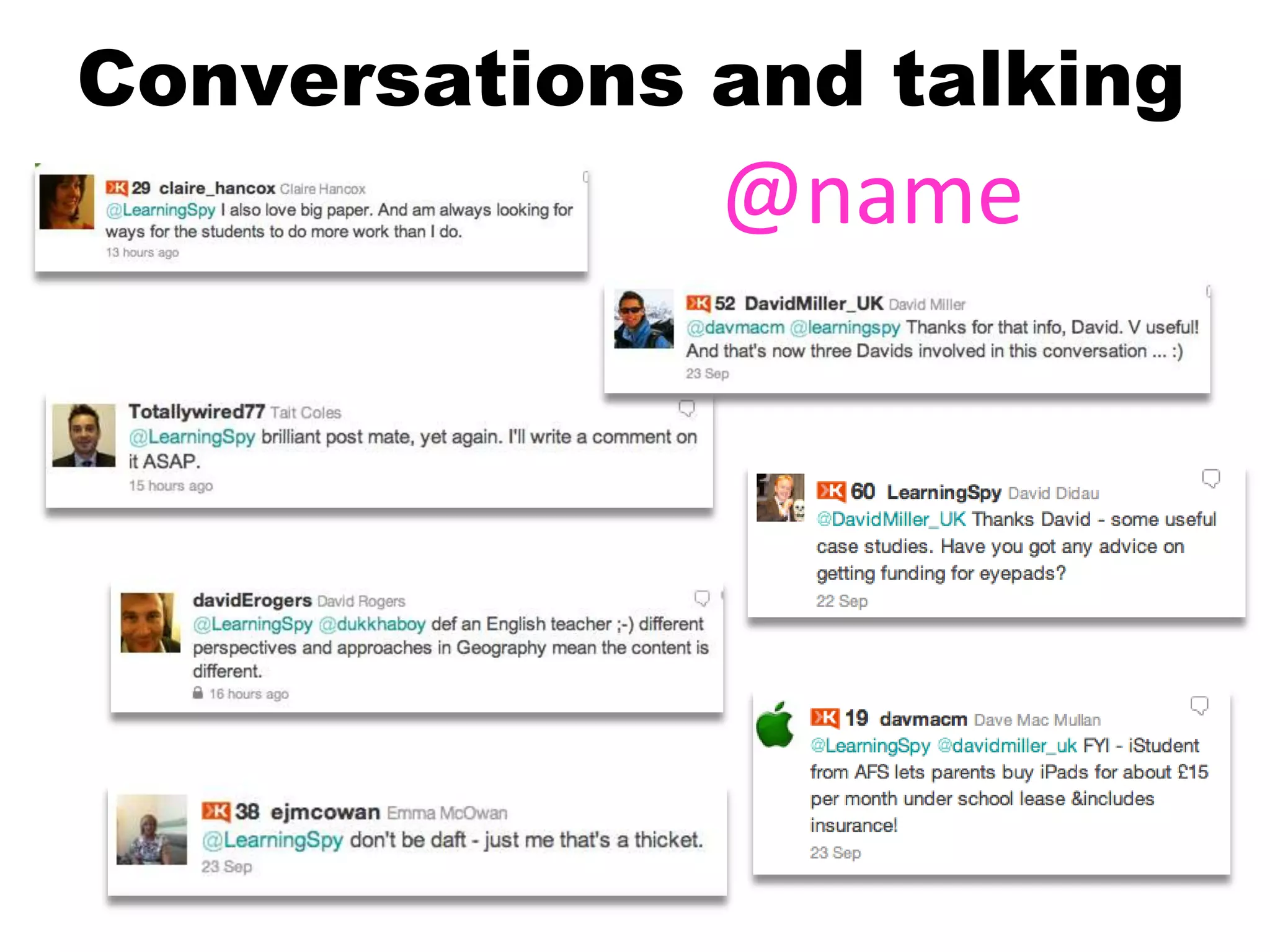
Conversations and talking
              @name
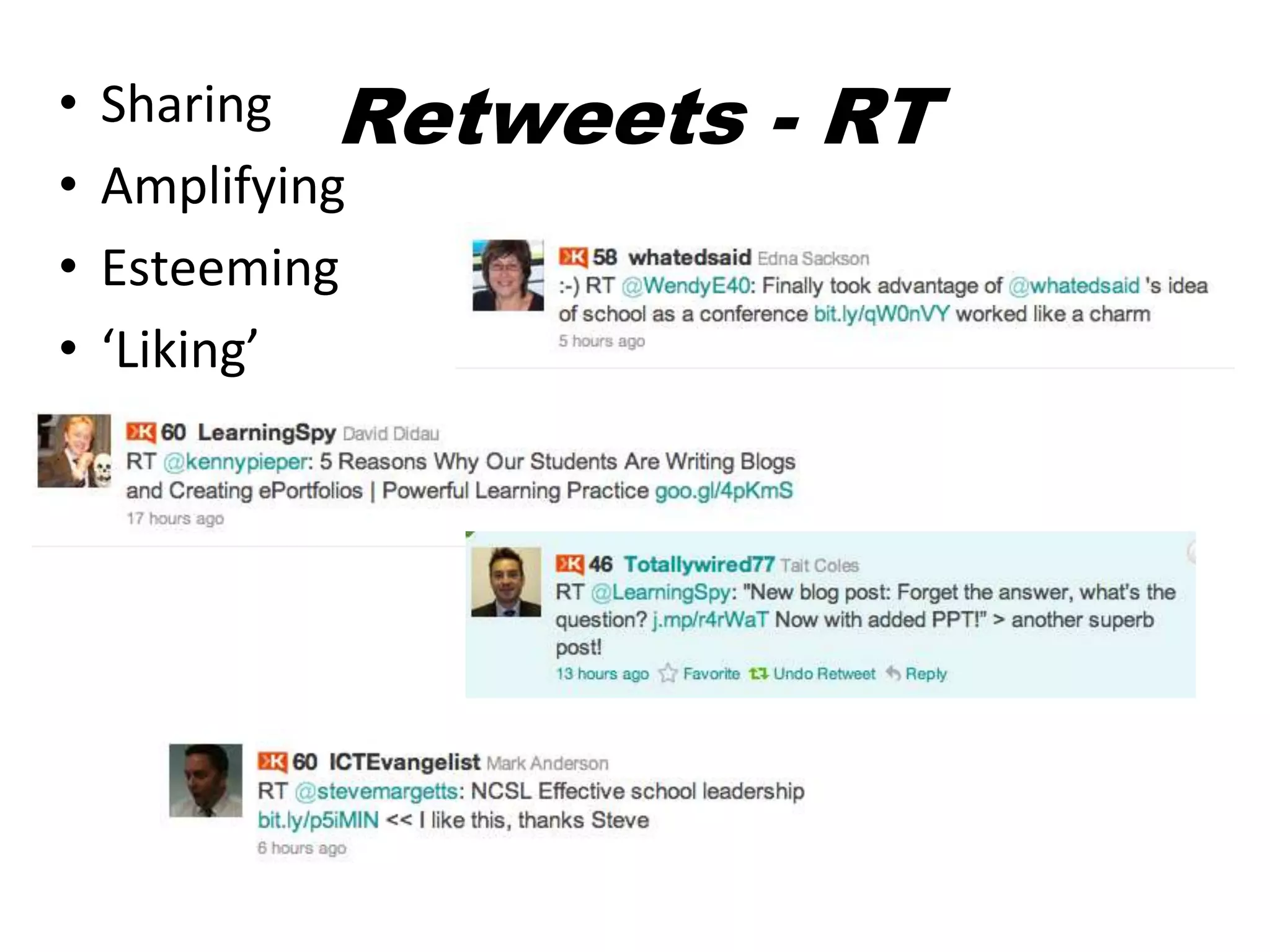
•   Sharing Retweets   - RT
•   Amplifying
•   Esteeming
•   ‘Liking’
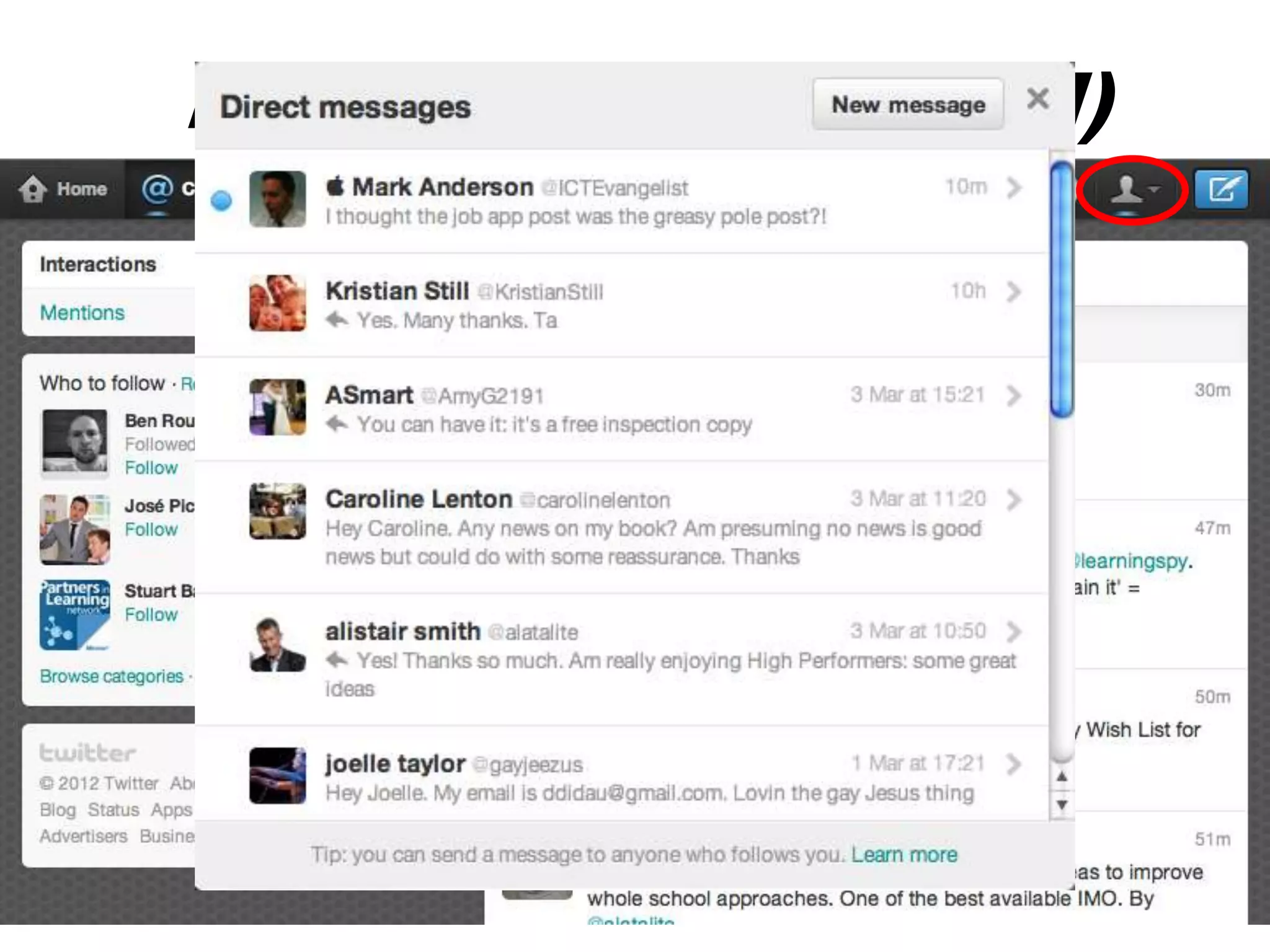
Direct Messages (DM)


                       21
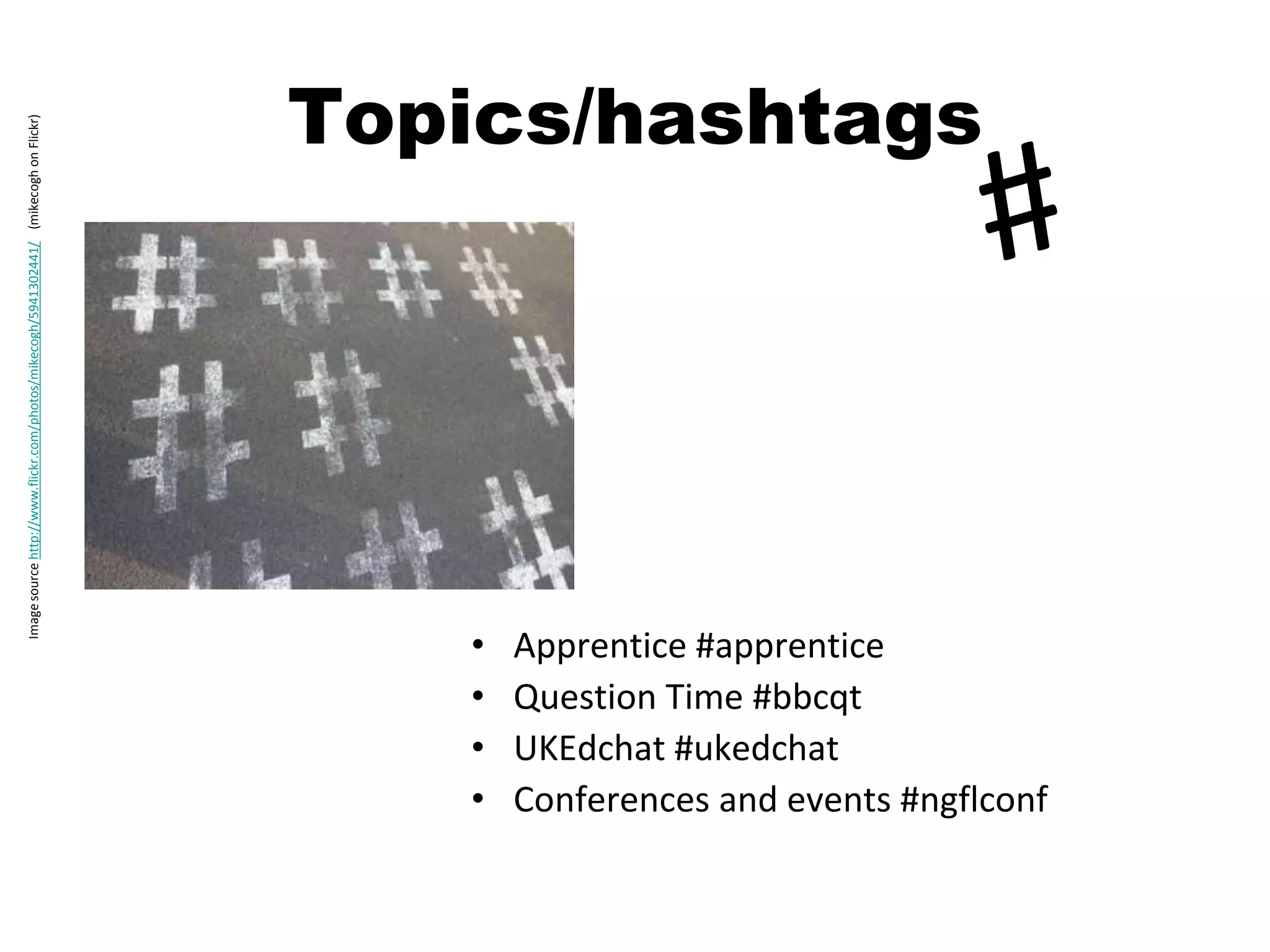
Topics/hashtags
Image source http://www.flickr.com/photos/mikecogh/5941302441/ (mikecogh on Flickr)


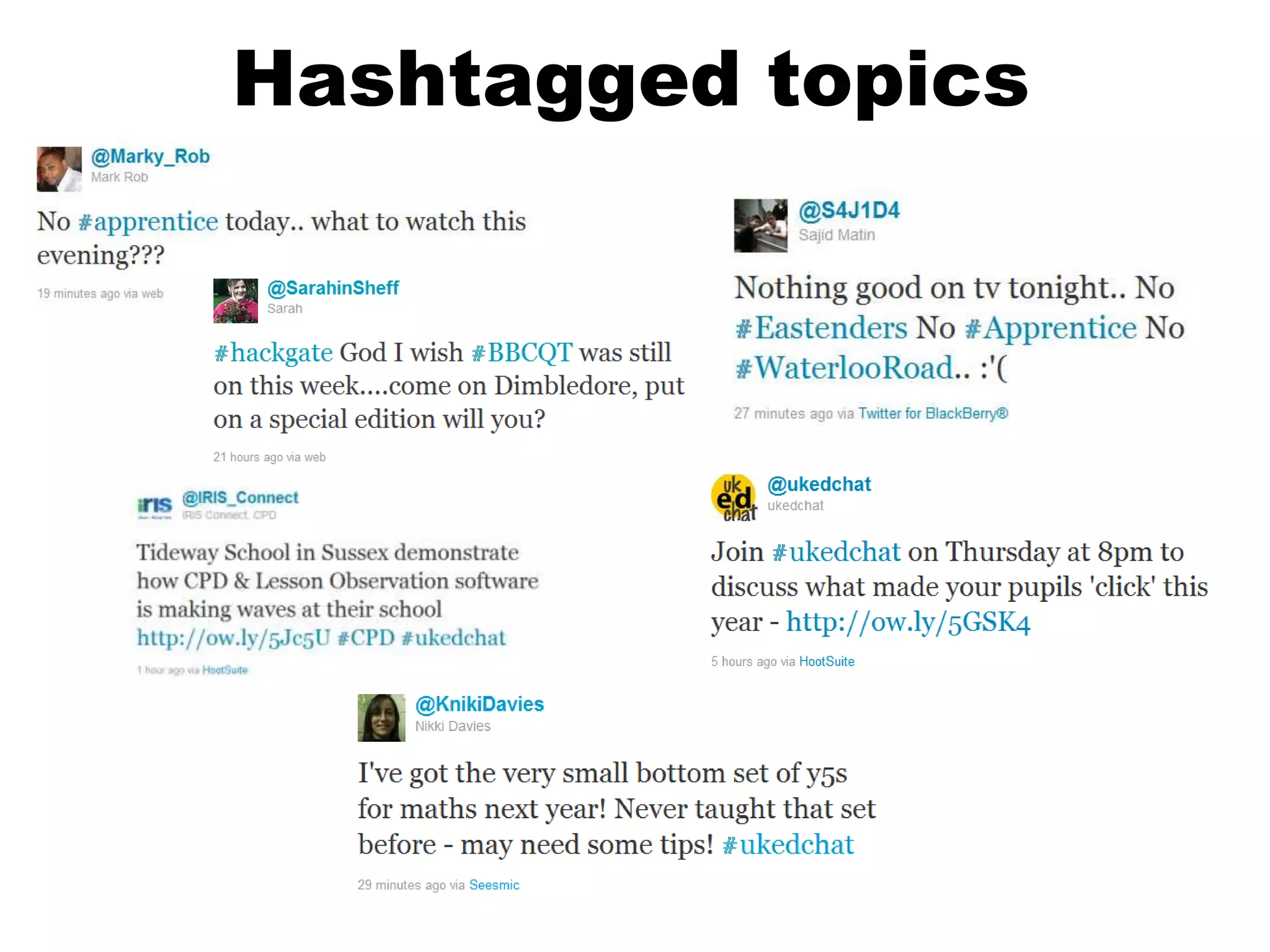
                                                                                         •   Apprentice #apprentice
                                                                                         •   Question Time #bbcqt
                                                                                         •   UKEdchat #ukedchat
                                                                                         •   Conferences and events #ngflconf
Hashtagged topics
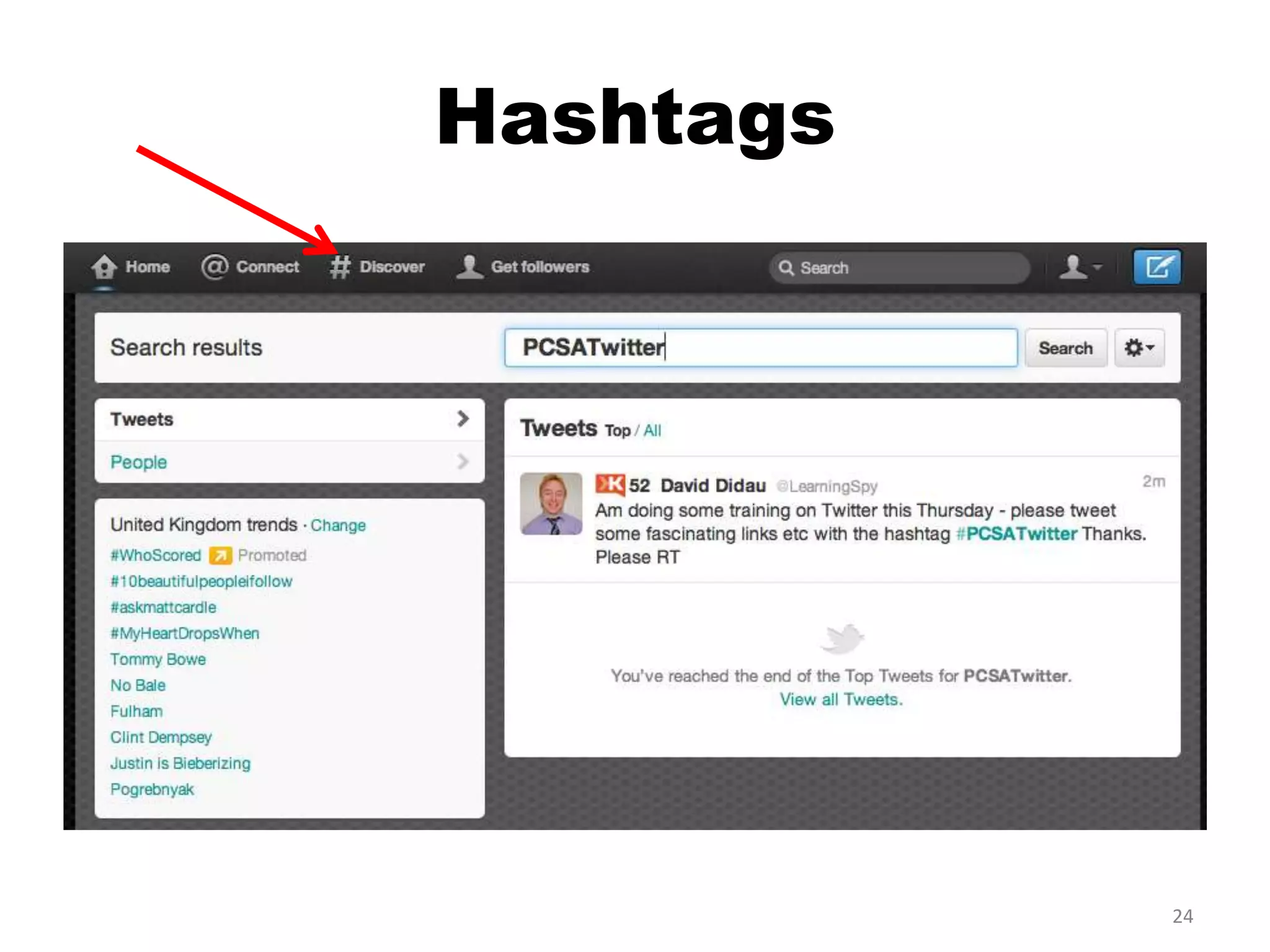
Hashtags


           24
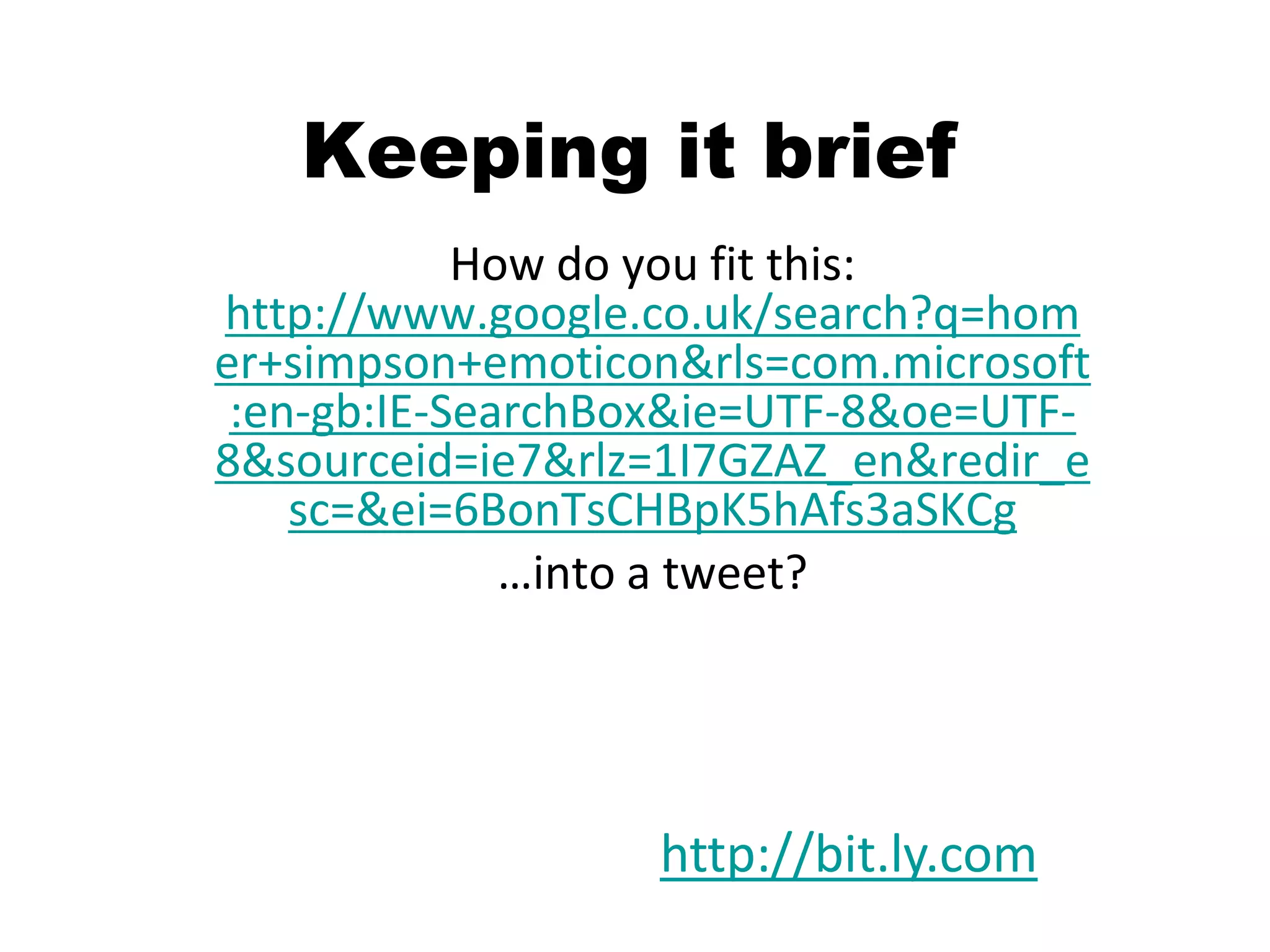
Keeping it brief
            How do you fit this:
http://www.google.co.uk/search?q=hom
er+simpson+emoticon&rls=com.microsoft
 :en-gb:IE-SearchBox&ie=UTF-8&oe=UTF-
8&sourceid=ie7&rlz=1I7GZAZ_en&redir_e
    sc=&ei=6BonTsCHBpK5hAfs3aSKCg
              …into a tweet?


                  http://bit.ly.com
Image source: http://www.flickr.com/photos/92919222@N00/45331822/ (atenon Flickr)
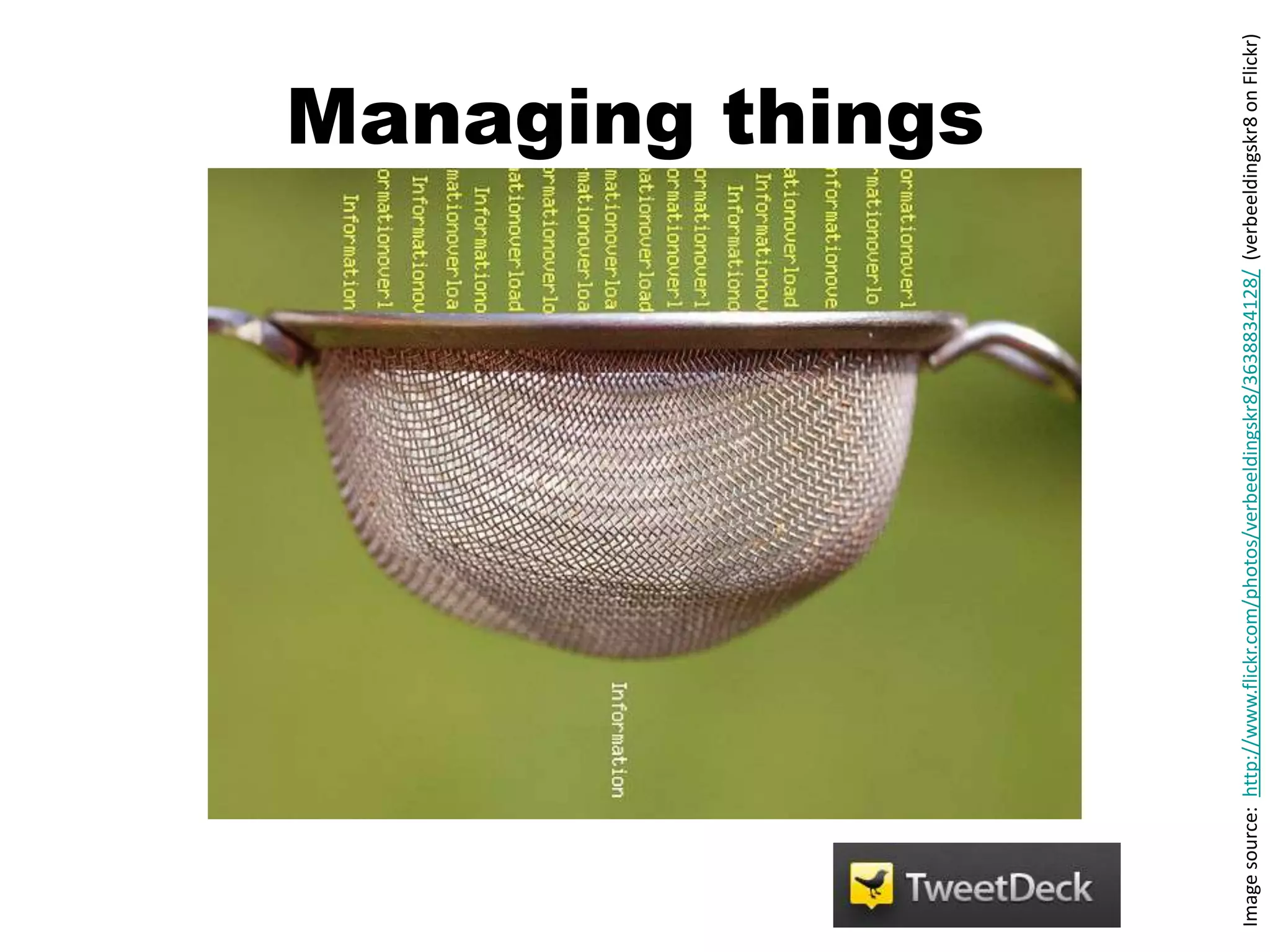
Managing things


Image source: http://www.flickr.com/photos/verbeeldingskr8/3638834128/ (verbeeldingskr8 on Flickr)
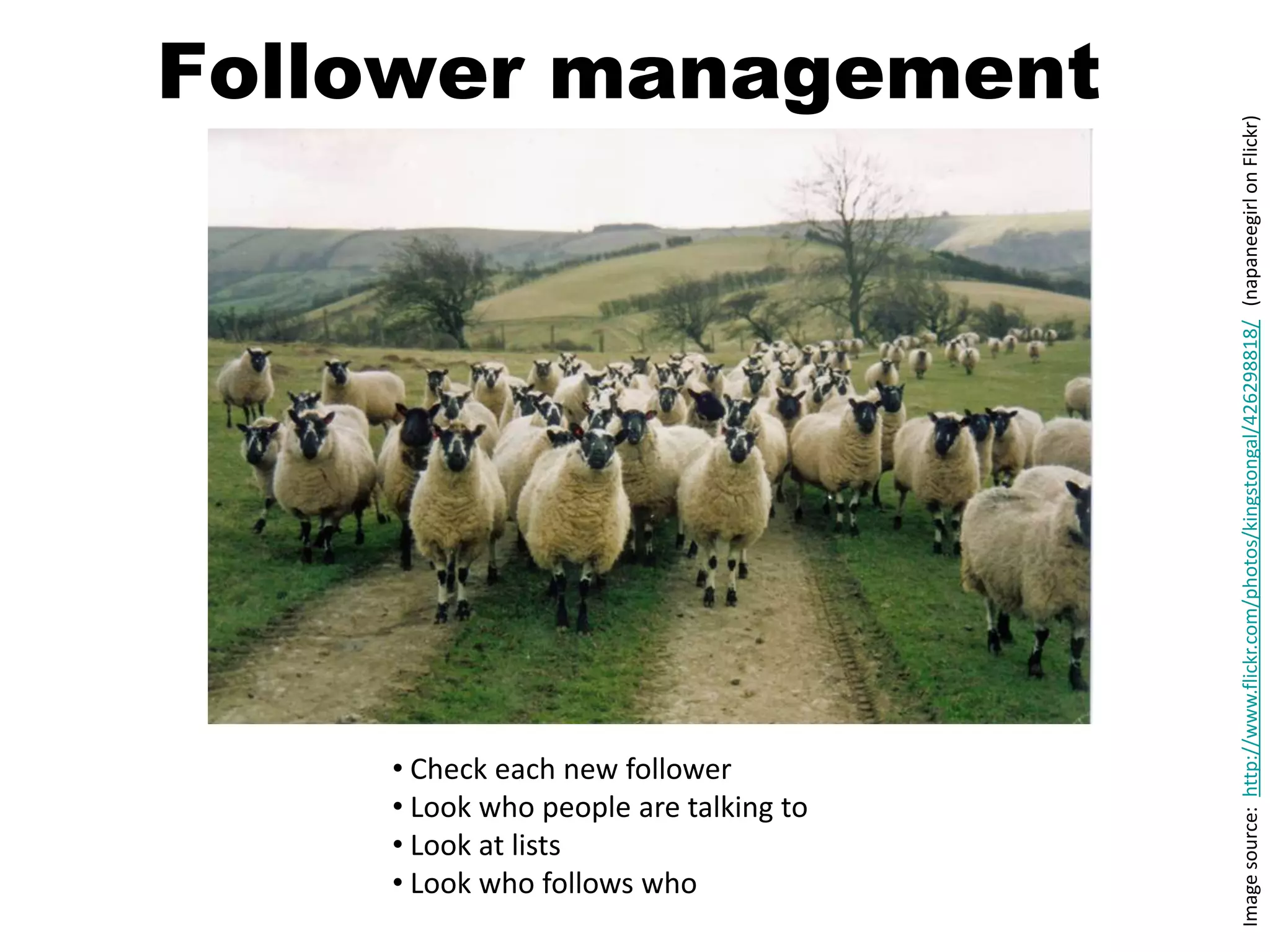
Follower management


                                       Image source: http://www.flickr.com/photos/kingstongal/426298818/ (napaneegirl on Flickr)
    • Check each new follower
    • Look who people are talking to
    • Look at lists
    • Look who follows who
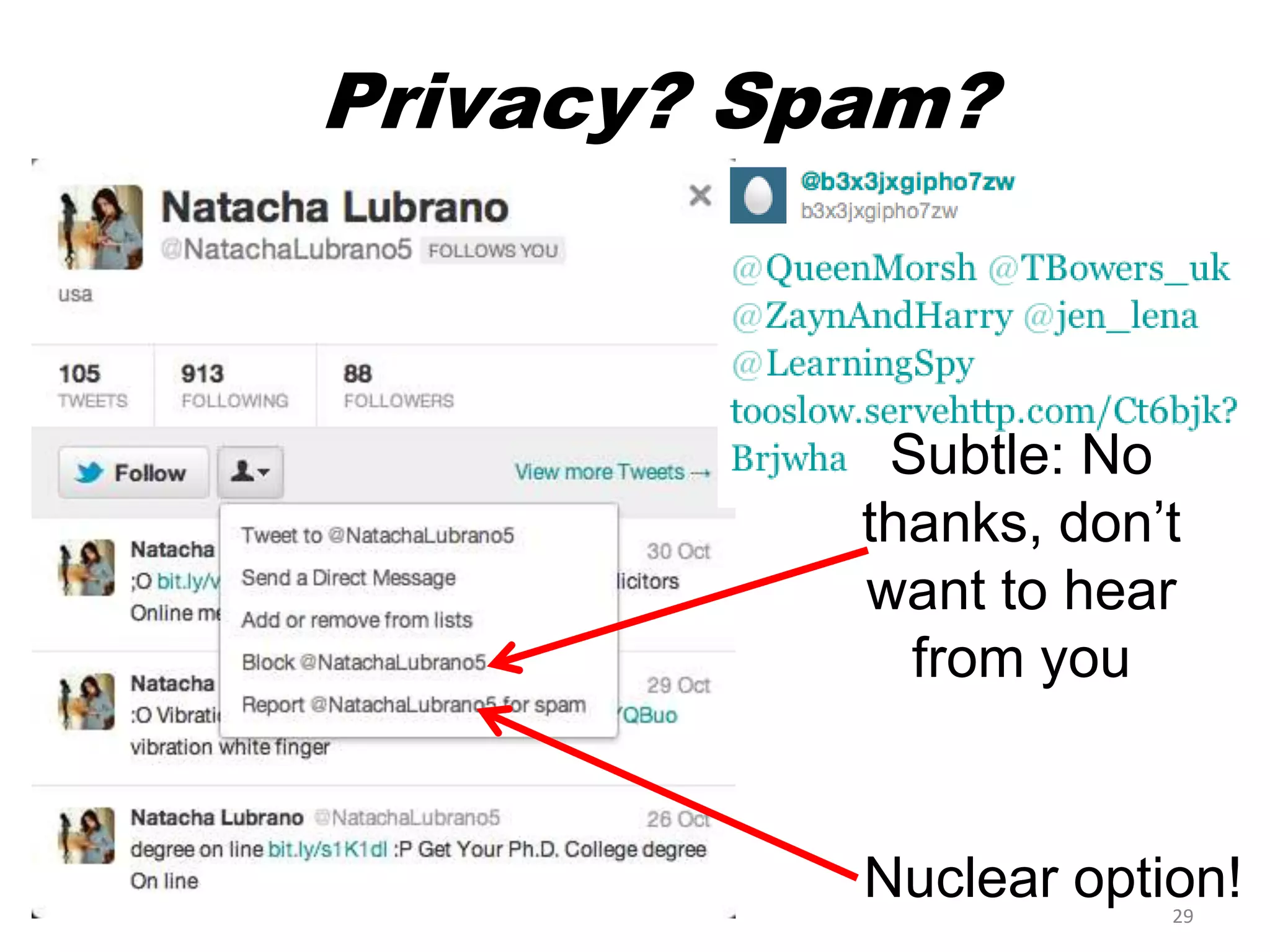
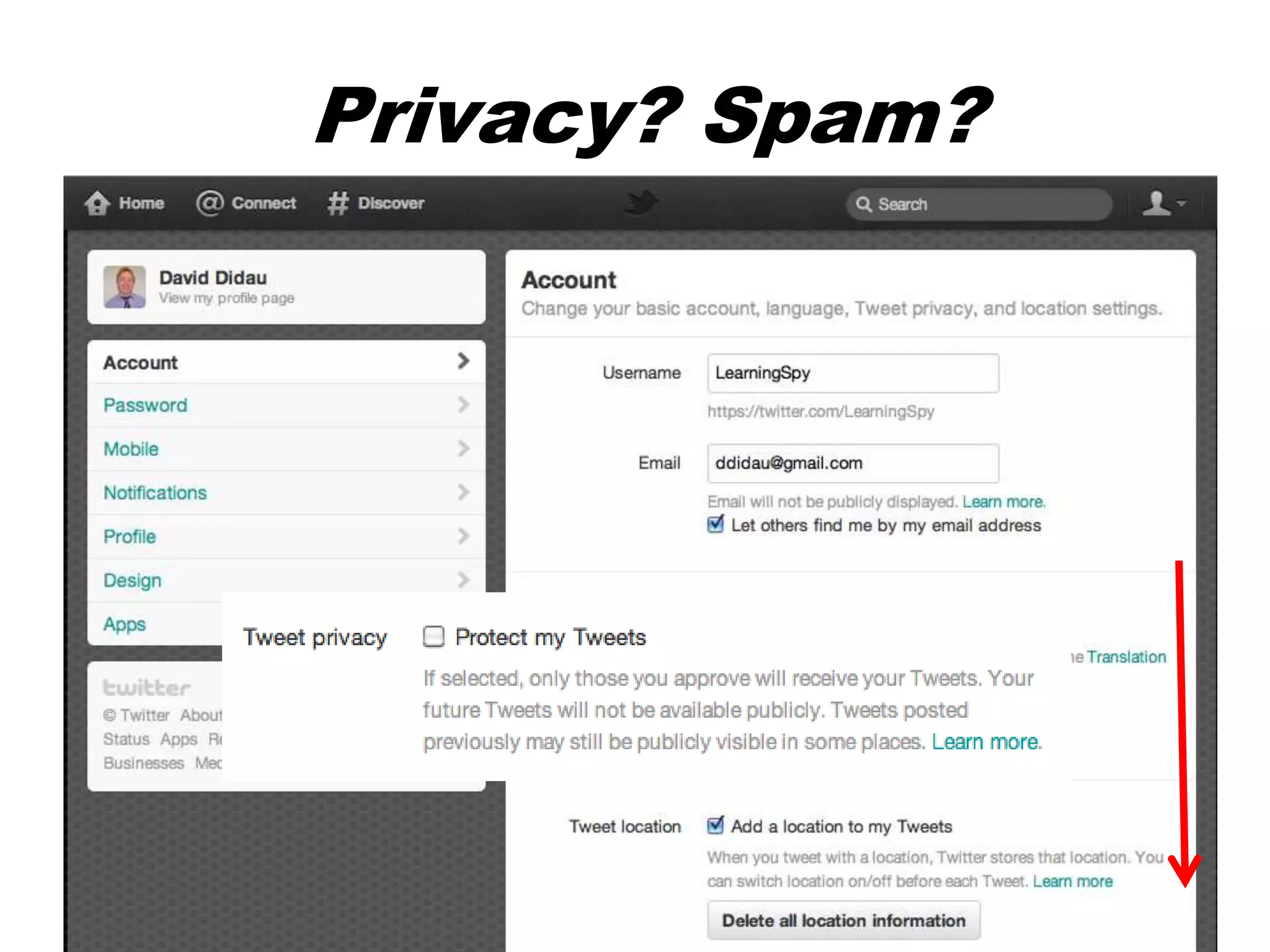
Privacy? Spam?


            Subtle: No
           thanks, don’t
           want to hear
             from you


           Nuclear option!
                       29
Privacy? Spam?


                 30
Some golden rules


Image source: http://www.flickr.com/photos/gordonflood/1922343481/ (gordonflood.com on Flickr)
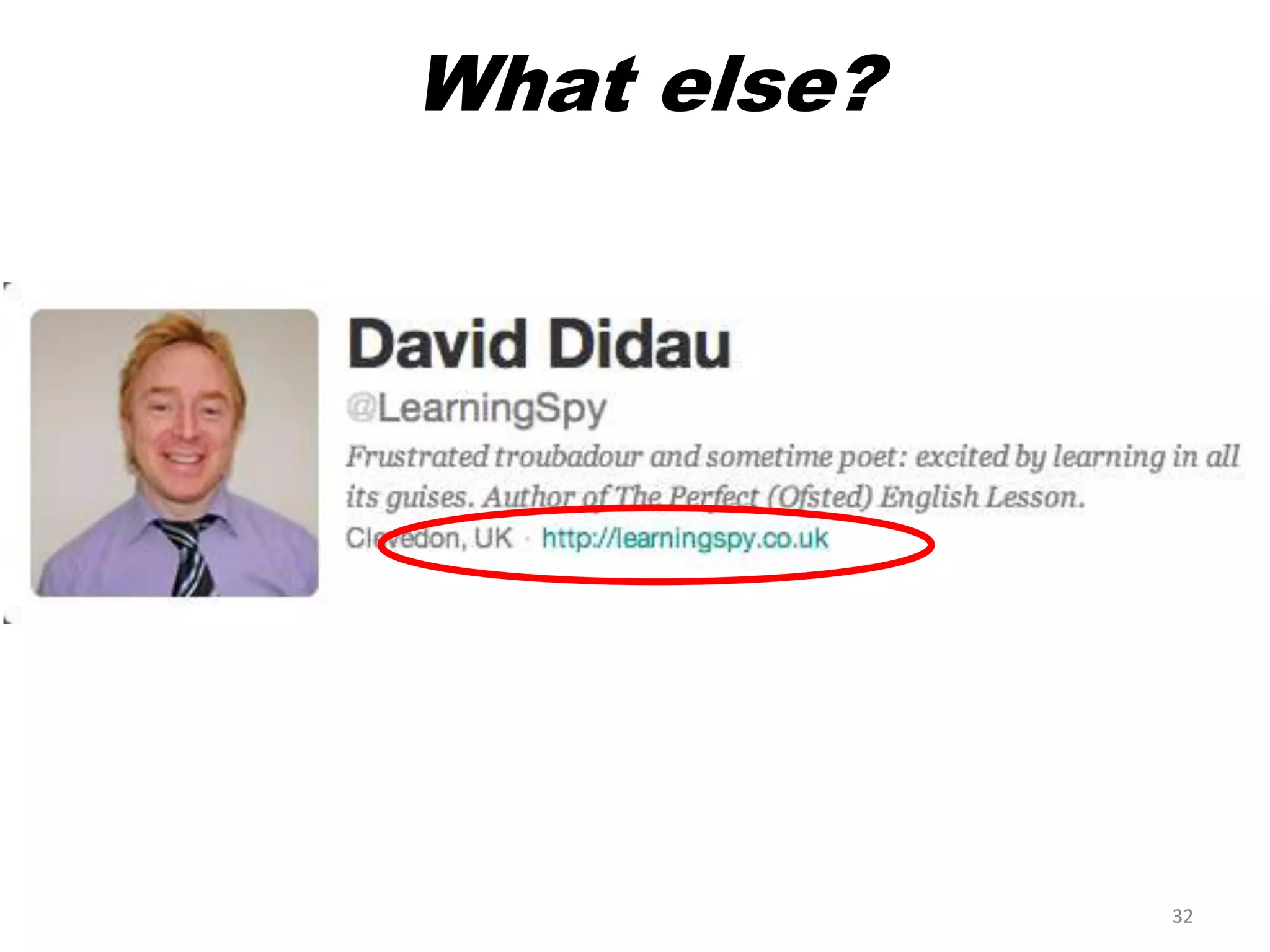
What else?


             32
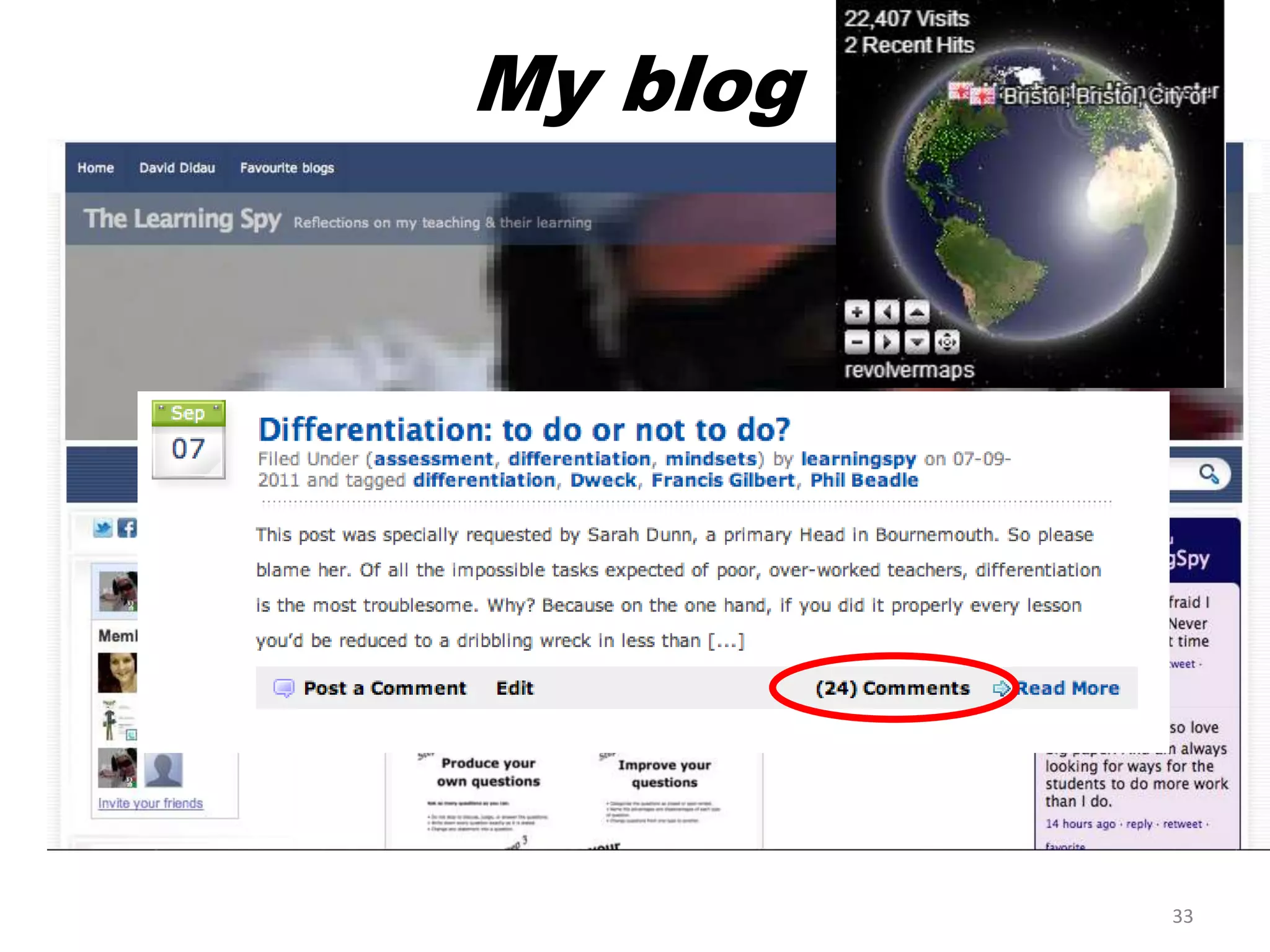
My blog


          33
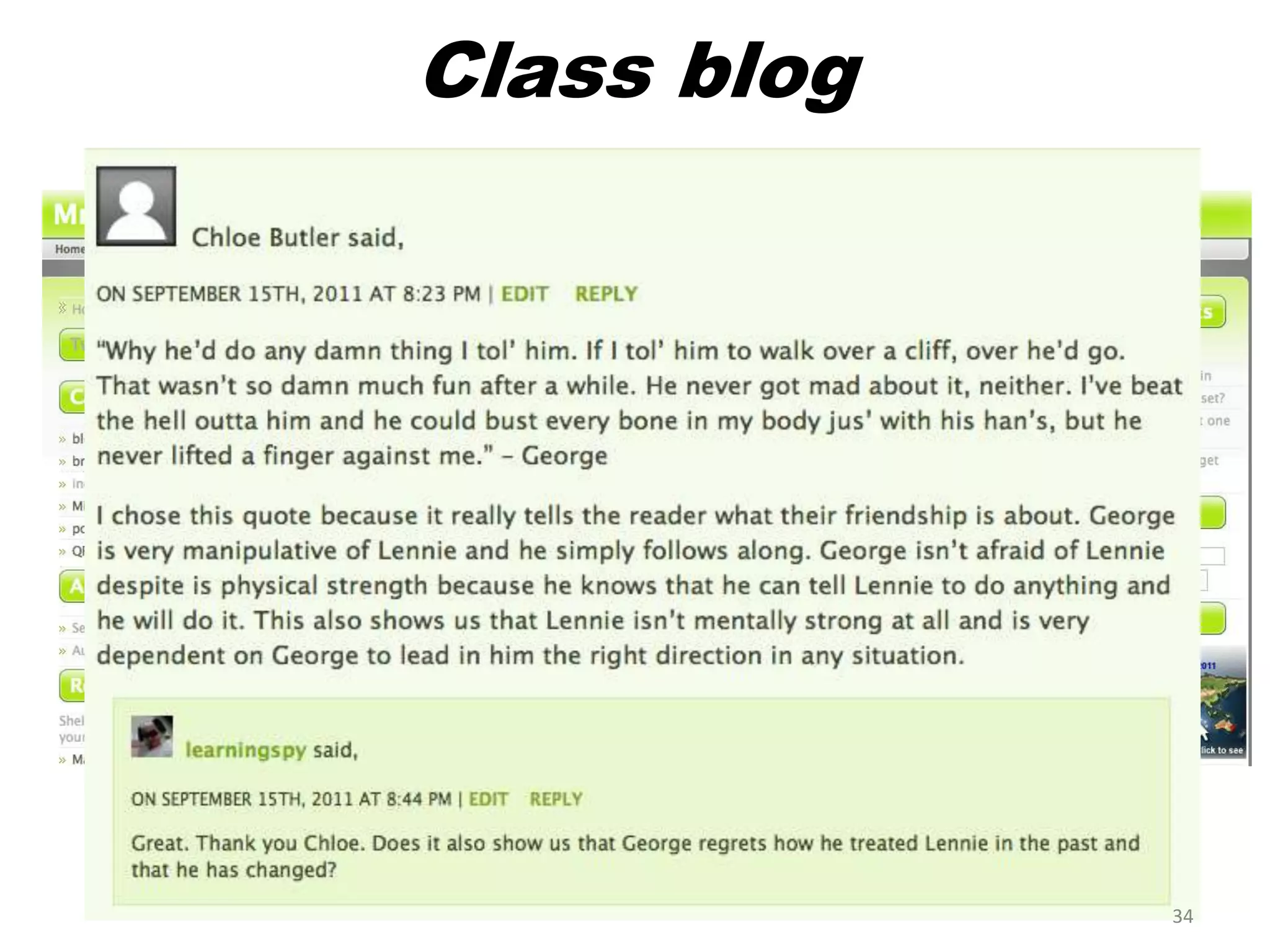
Class blog


             34
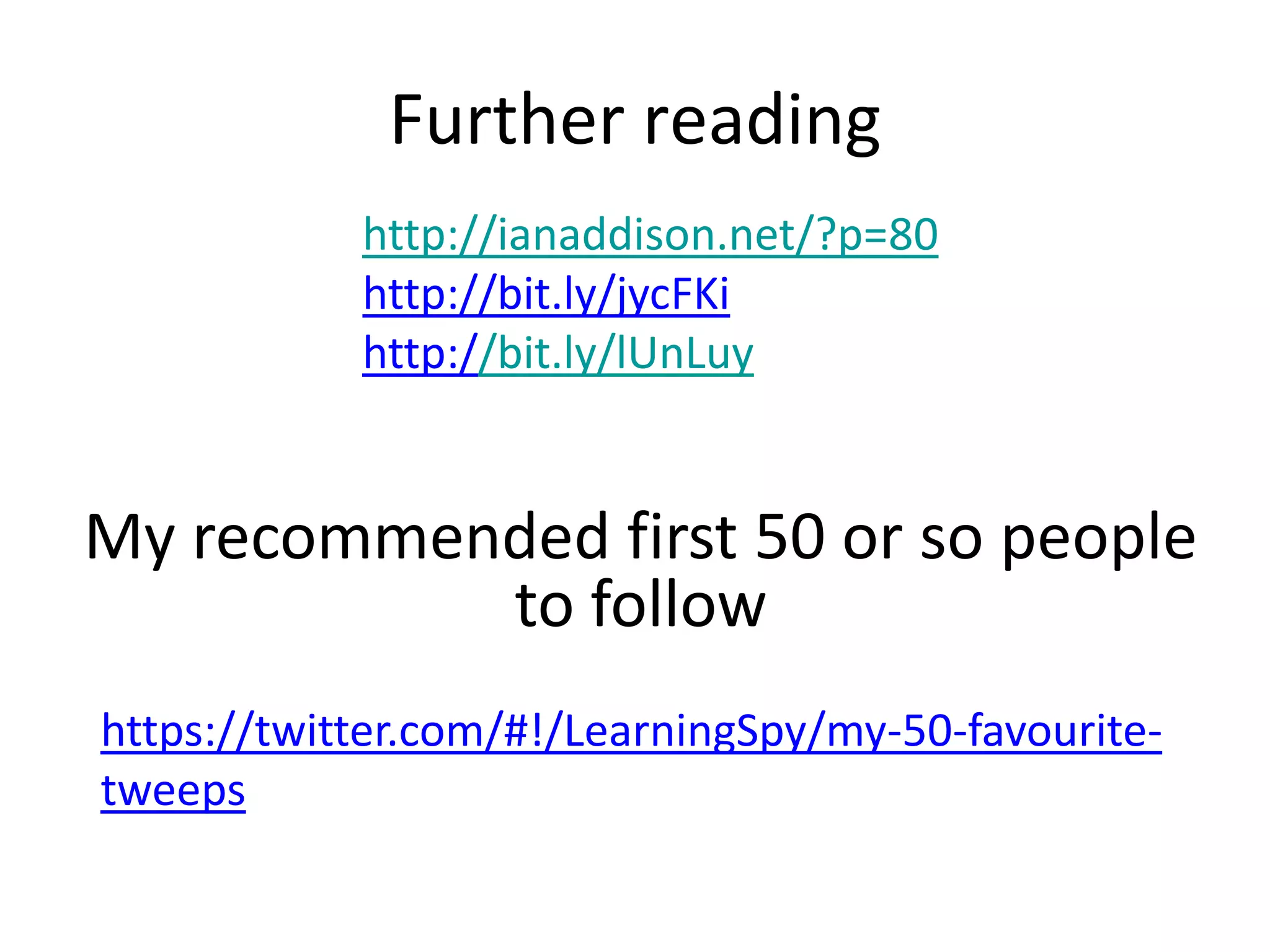
Further reading
            http://ianaddison.net/?p=80
            http://bit.ly/jycFKi
            http://bit.ly/lUnLuy


My recommended first 50 or so people
           to follow
https://twitter.com/#!/LearningSpy/my-50-favourite-
tweeps

Using twitter for CPD