iPad Technology
Accessibility and Apps for Assisting Students with Disabilities


                                                      Royce J. Jacomen
                                                     rjacomen@vt.edu
                                             Coordinator of Assistive Technology
                                                   T/TAC at Virginia Tech
                                                      January 24, 2012
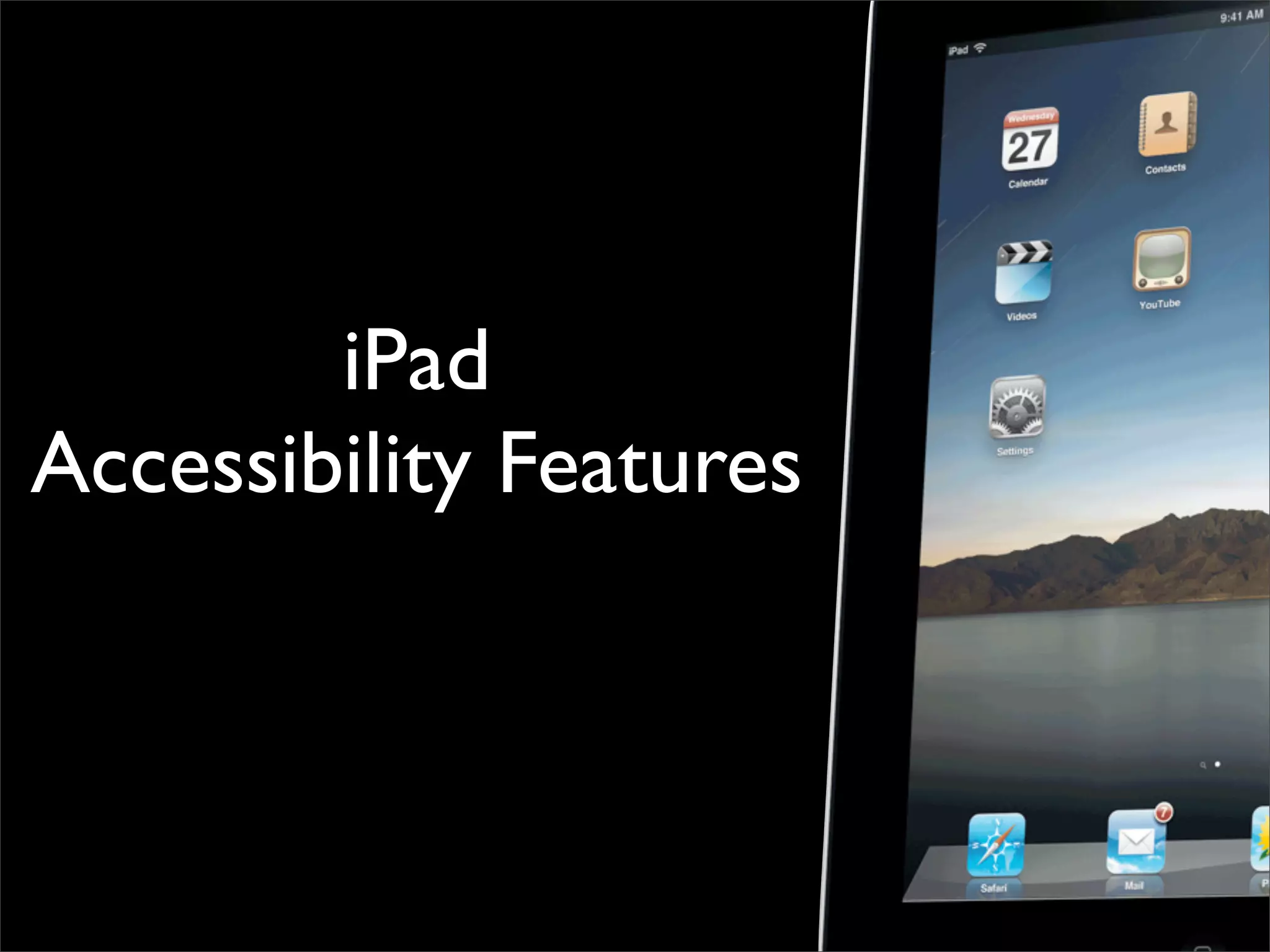
The Evolution of the iPad
Todayʼs Focus

Is the iPad right for my students/child?


iPad Accessibility Features


Apps for Students with Disabilities/Academic Apps
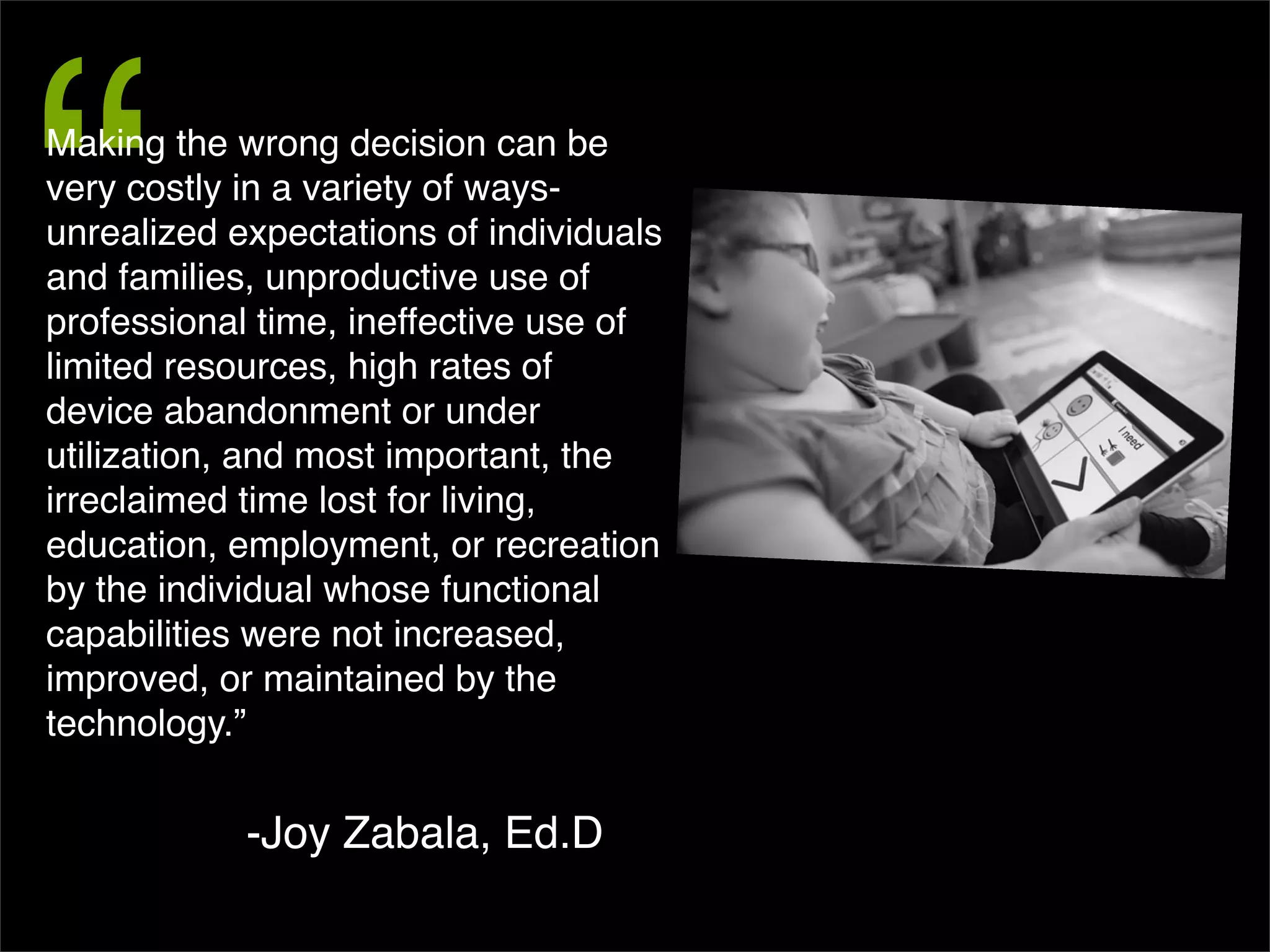
Is The iPad Right For My Child?
“
Making the wrong decision can be
very costly in a variety of ways-
unrealized expectations of individuals
and families, unproductive use of
professional time, ineffective use of
limited resources, high rates of
device abandonment or under
utilization, and most important, the
irreclaimed time lost for living,
education, employment, or recreation
by the individual whose functional
capabilities were not increased,
improved, or maintained by the
technology.”


            -Joy Zabala, Ed.D
SETT Framework for Tools/Apps
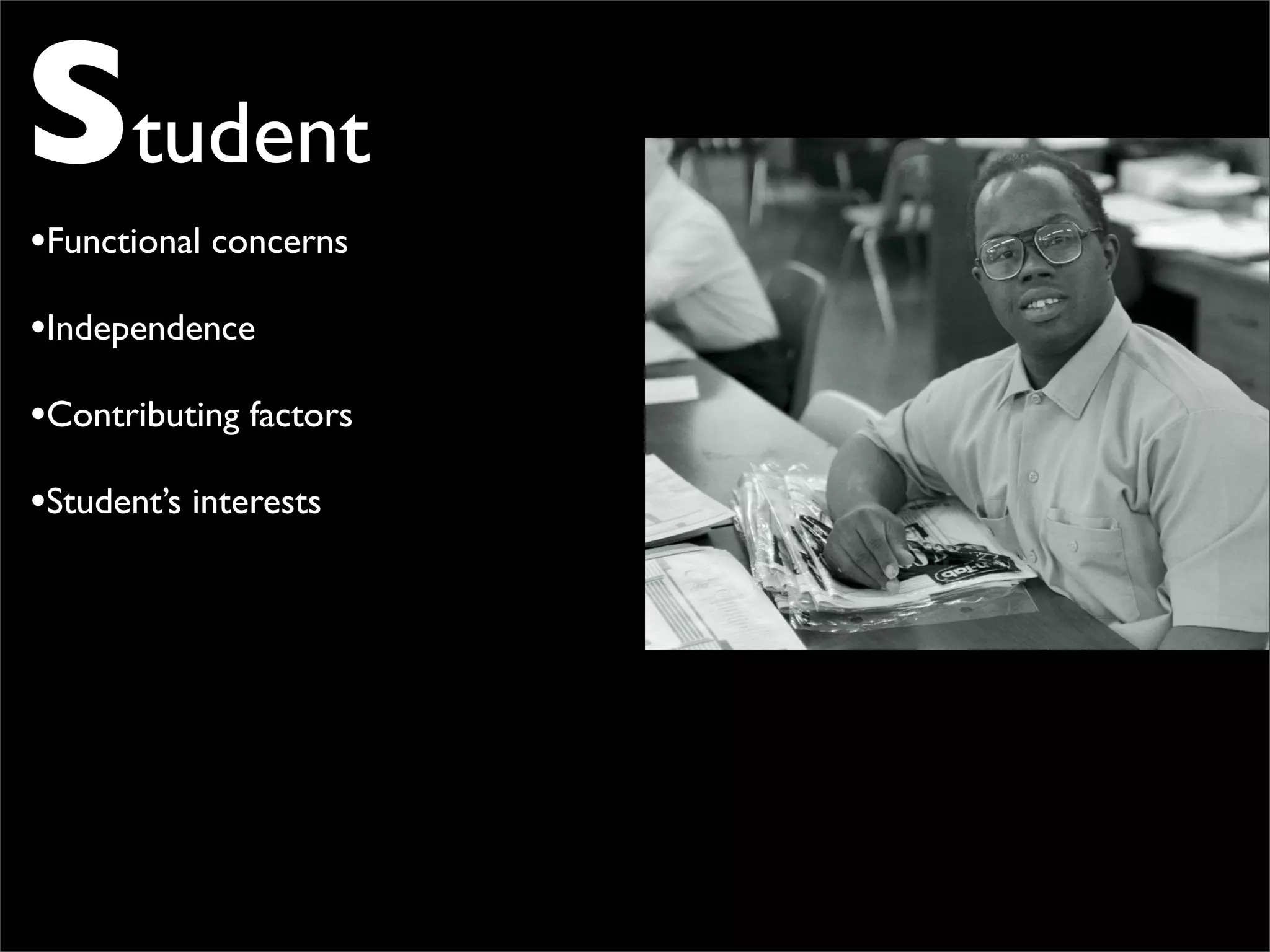
Student
•Functional concerns
•Independence
•Contributing factors
•Student’s interests
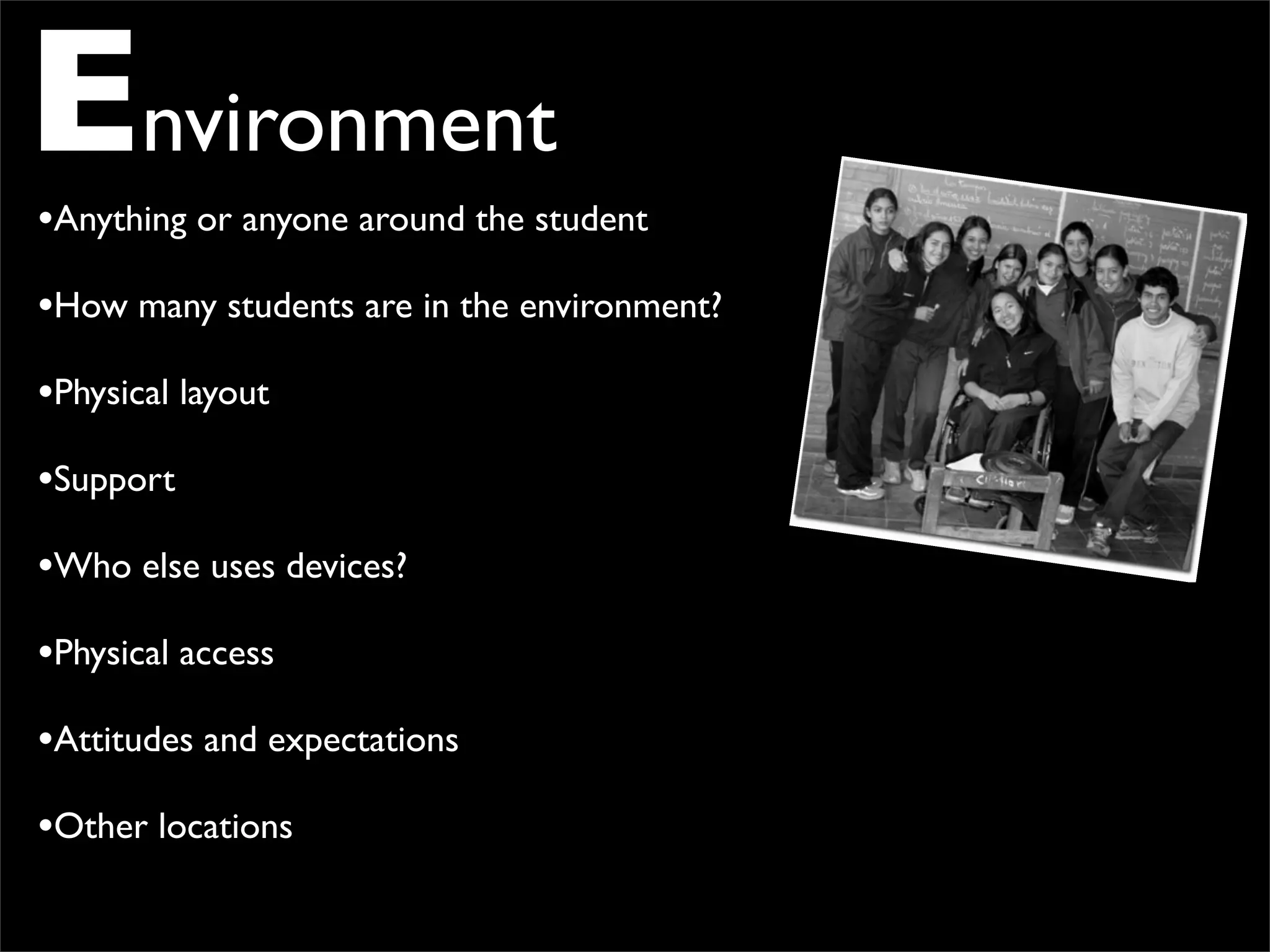
Environment
•Anything or anyone around the student
•How many students are in the environment?
•Physical layout
•Support
•Who else uses devices?
•Physical access
•Attitudes and expectations
•Other locations
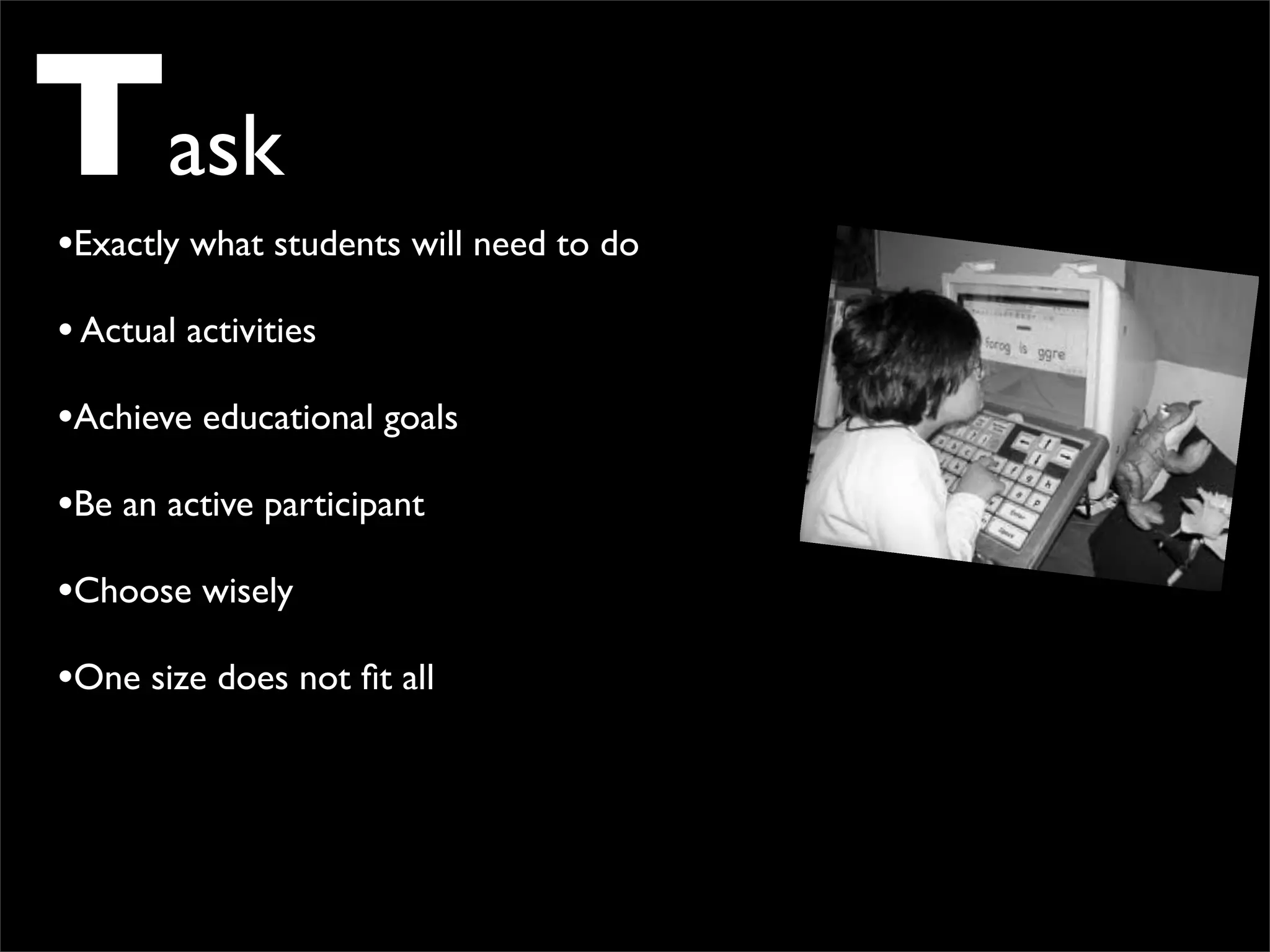
Task
•Exactly what students will need to do
• Actual activities
•Achieve educational goals
•Be an active participant
•Choose wisely
•One size does not fit all
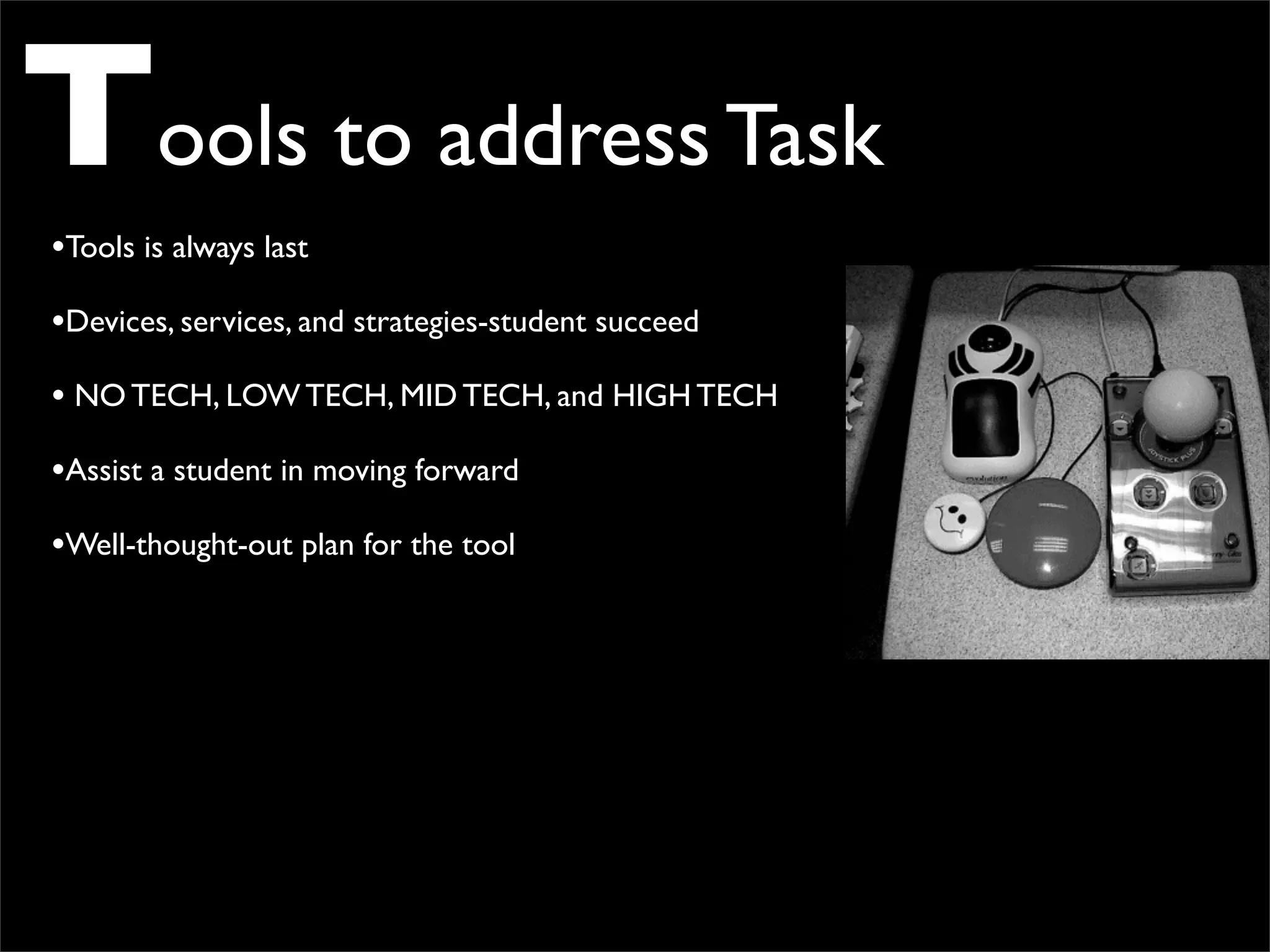
Tools to address Task
•Tools is always last
•Devices, services, and strategies-student succeed
• NO TECH, LOW TECH, MID TECH, and HIGH TECH
•Assist a student in moving forward
•Well-thought-out plan for the tool
iPad May Be “Magical,”

but It’s Not a “Miracle”
                 R.J. Cooper
1) If a person has a significant motor impairment that affects their arm and/or
hand and/or fingers, then operating the iPad will be a challenge.


2) Someone with severe cognitive impairments is definitely going to have a
challenge with the iPad. That which you and I take for granted in using the iPad,
is completely unknown to the disabled person. They might drop the iPad, try to
mouth it, press on the back rather than the front, and many other unfocused
actions.


3) Many parents and professionals feel that their learner’s “acting out” is due, in
part, to frustration from their inability to communicate. I agree.
iPad
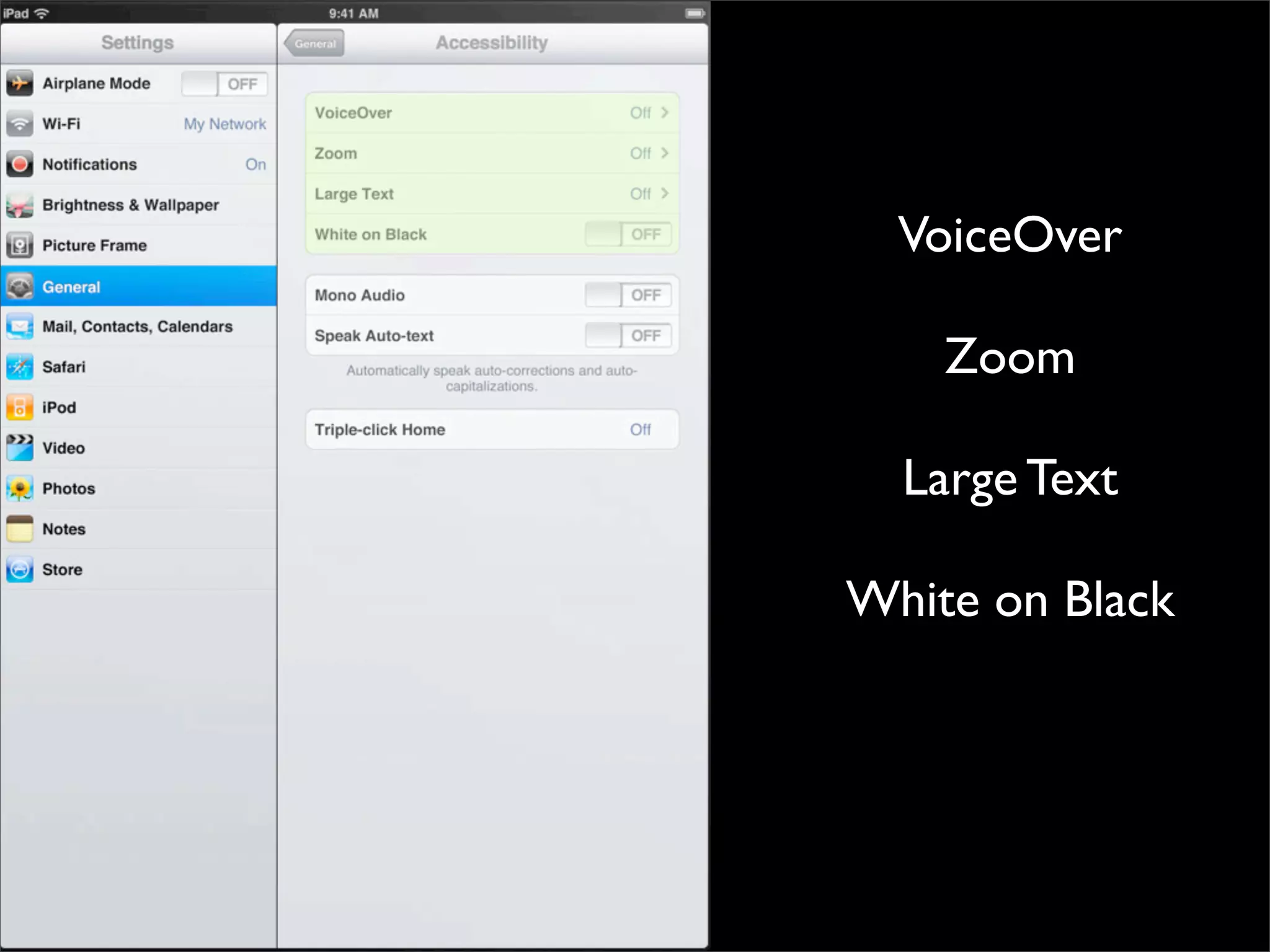
Accessibility Features
VoiceOver

                                                                 Zoom

                                                               Large Text

                                                             White on Black


http://www.apple.com/asia/ipad/features/accessibility.html
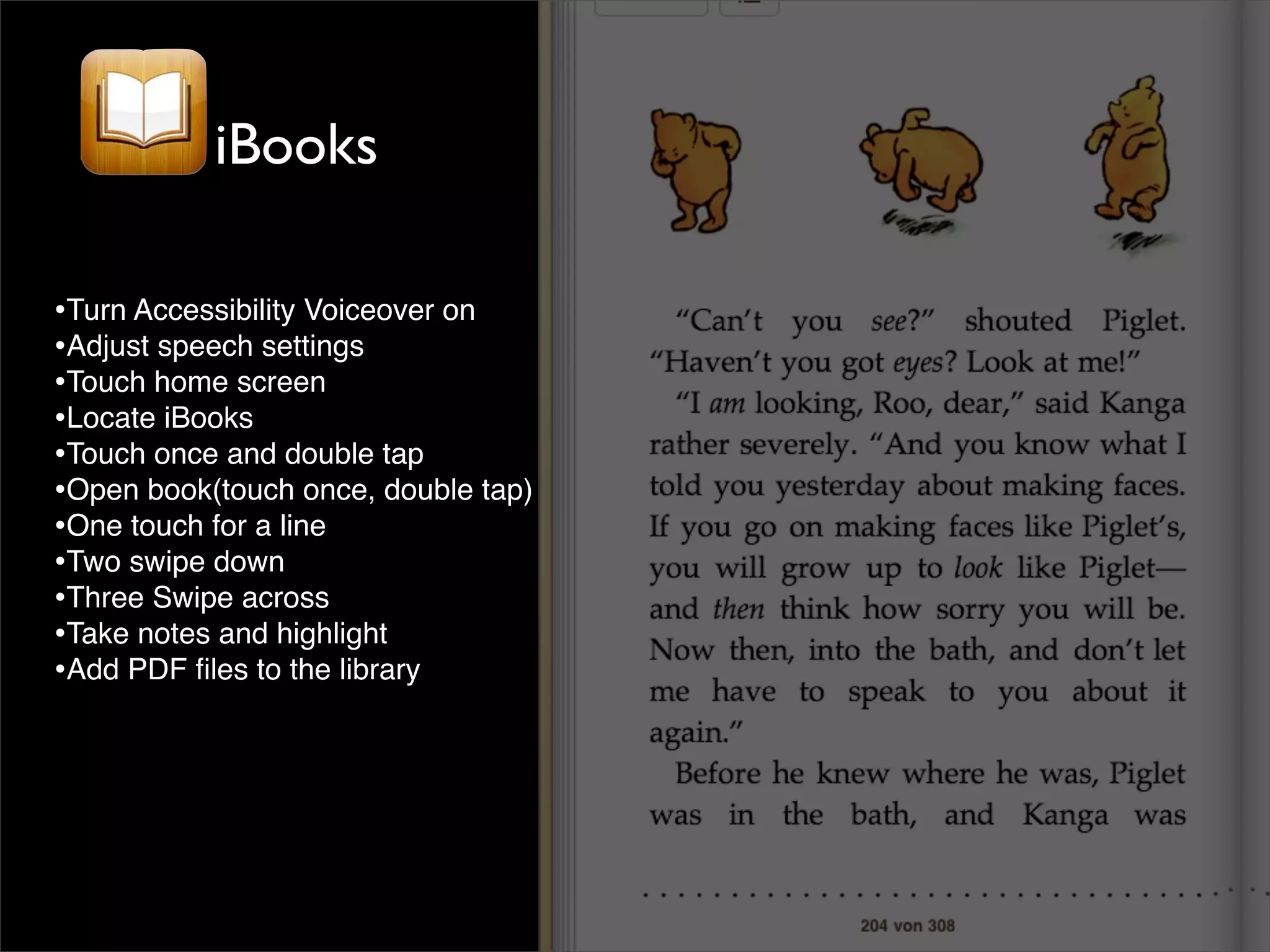
iBooks

•Turn Accessibility Voiceover on
•Adjust speech settings
•Touch home screen
•Locate iBooks
•Touch once and double tap
•Open book(touch once, double tap)
•One touch for a line
•Two swipe down
•Three Swipe across
•Take notes and highlight
•Add PDF files to the library
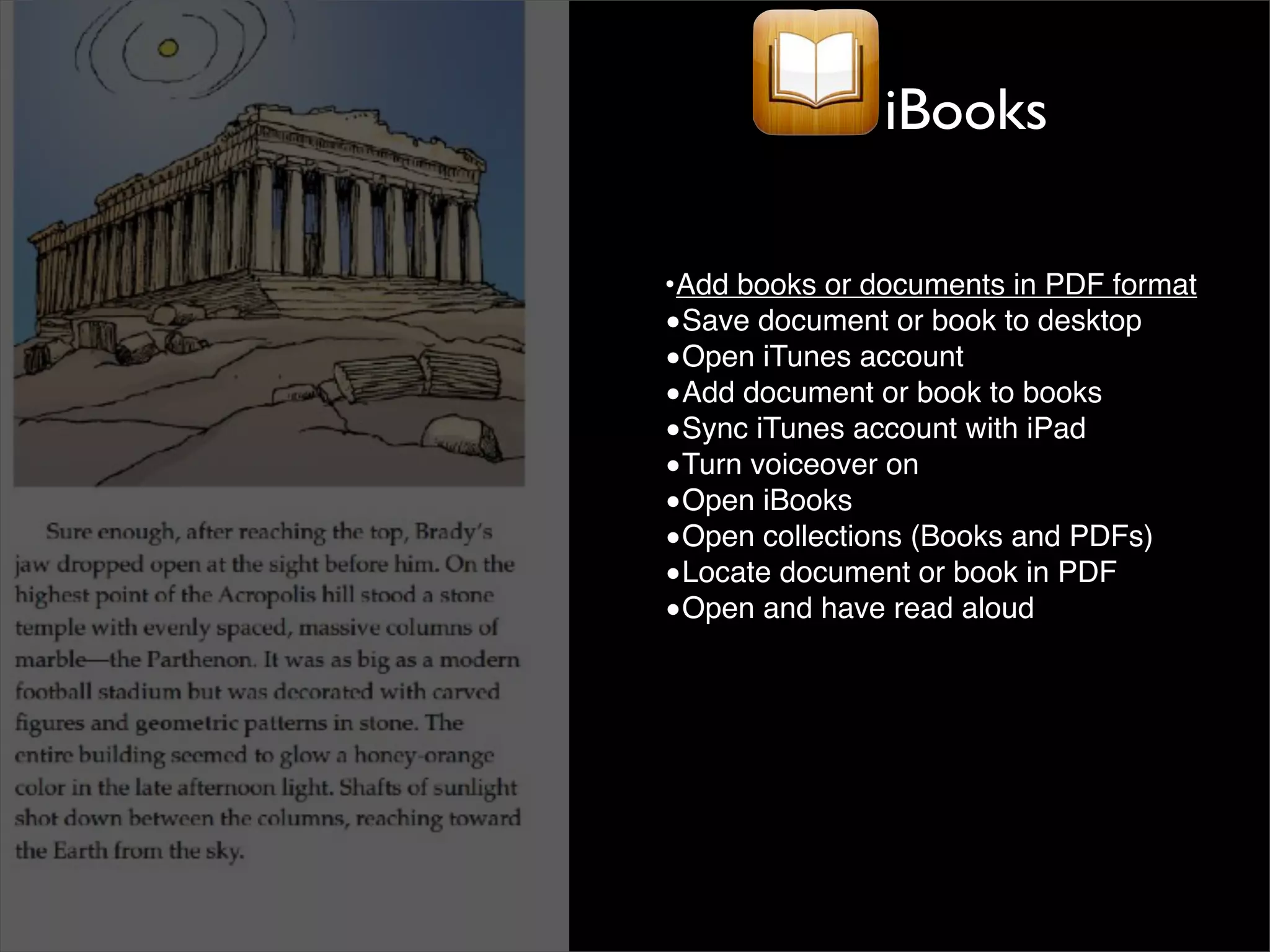
iBooks

•Add books or documents in PDF format
•Save document or book to desktop
•Open iTunes account
•Add document or book to books
•Sync iTunes account with iPad
•Turn voiceover on
•Open iBooks
•Open collections (Books and PDFs)
•Locate document or book in PDF
•Open and have read aloud
500,000 + Apps
Apps for Autism
          Social Stories
            Behavior
  Communication/Articulation
Visual Schedules and To-Do Lists
      Reading and Writing
              Math
         Art and Music


                         www.autismspeaks.org
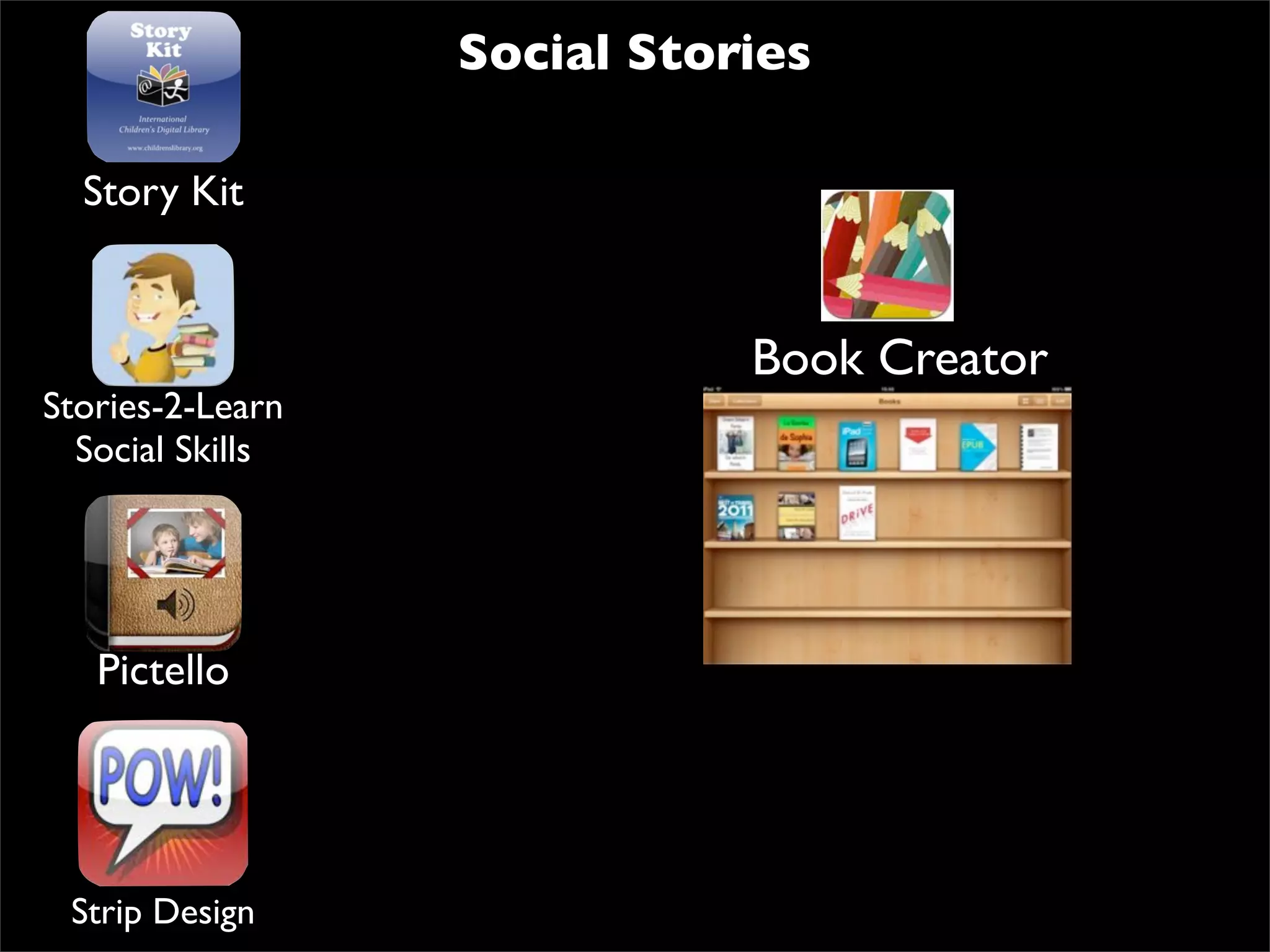
Social Stories

  Story Kit


                             Book Creator
Stories-2-Learn
  Social Skills


   Pictello


 Strip Design
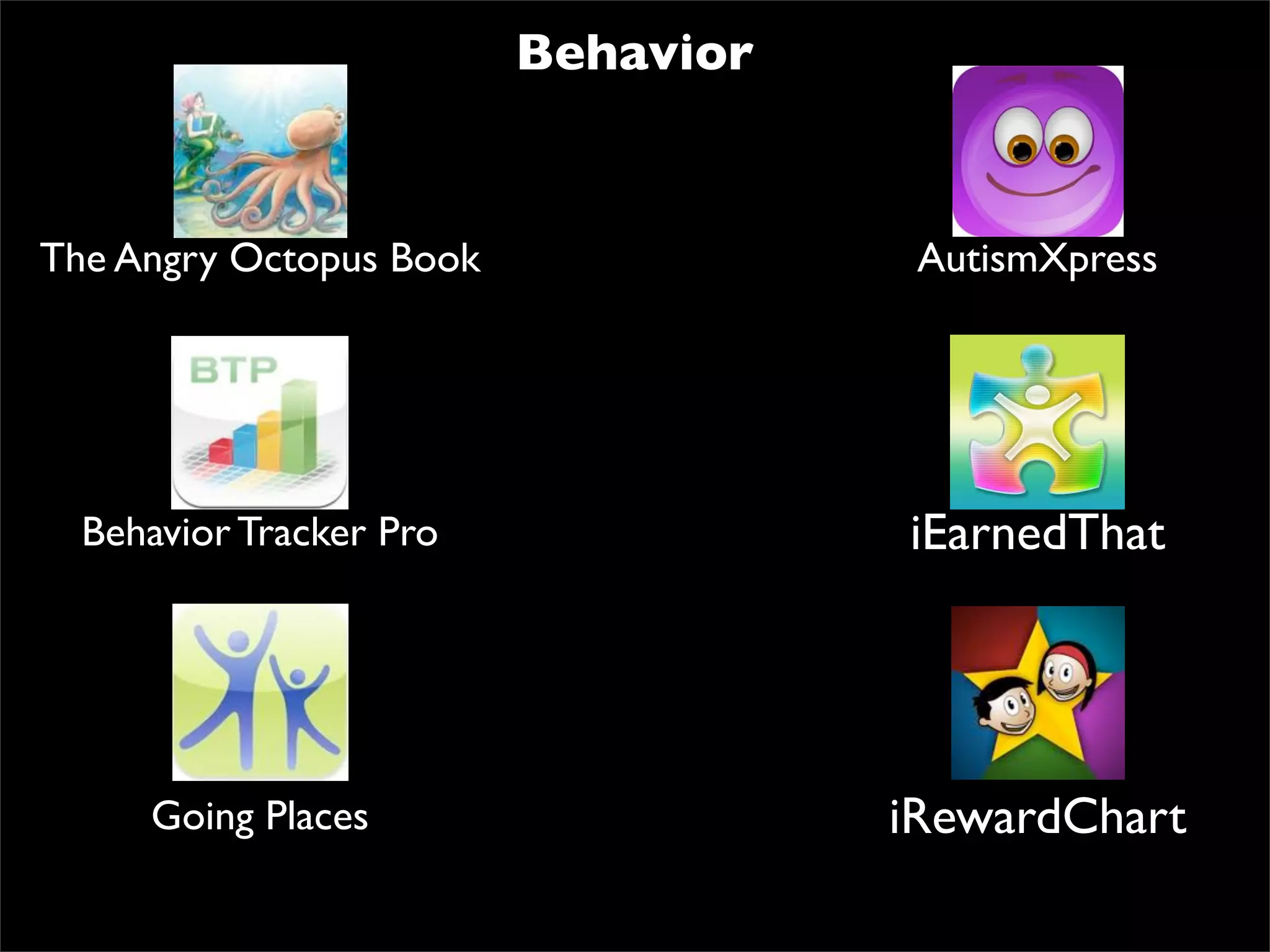
Behavior


The Angry Octopus Book               AutismXpress


  Behavior Tracker Pro              iEarnedThat


     Going Places                   iRewardChart
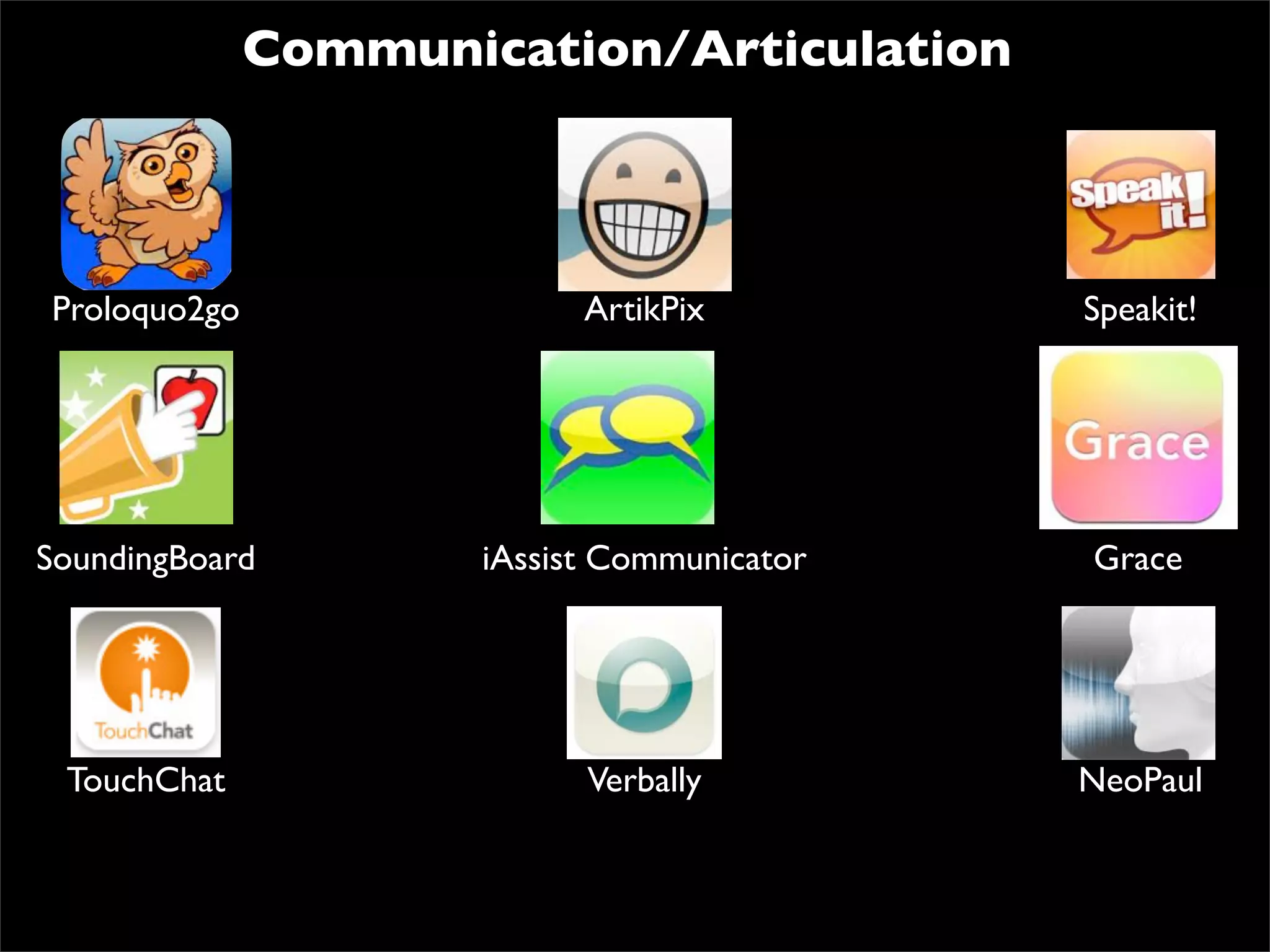
Communication/Articulation


Proloquo2go                 ArtikPix         Speakit!


SoundingBoard         iAssist Communicator   Grace


 TouchChat                  Verbally         NeoPaul
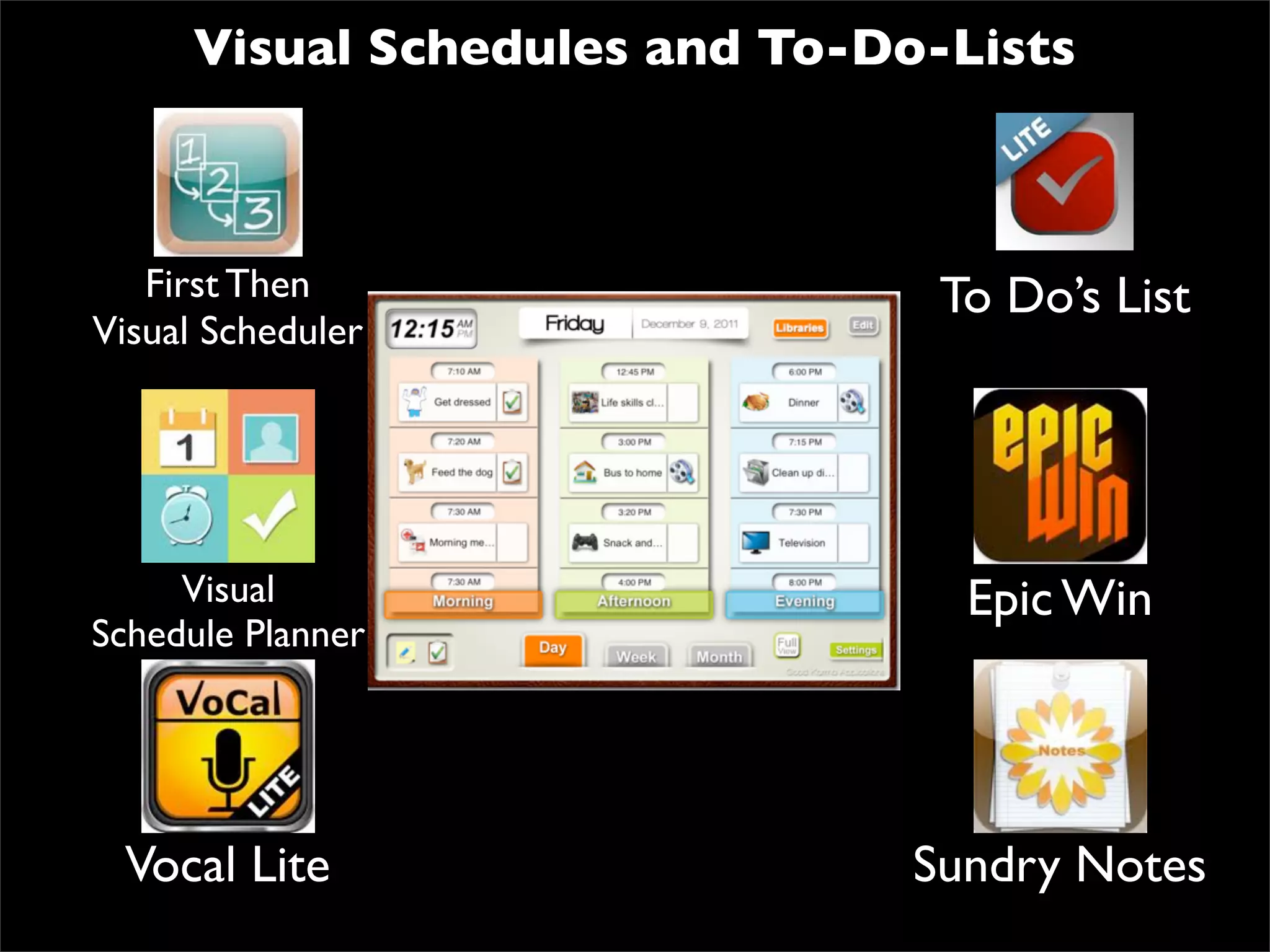
Visual Schedules and To-Do-Lists


   First Then                   To Do’s List
Visual Scheduler


     Visual                      Epic Win
Schedule Planner


 Vocal Lite                    Sundry Notes
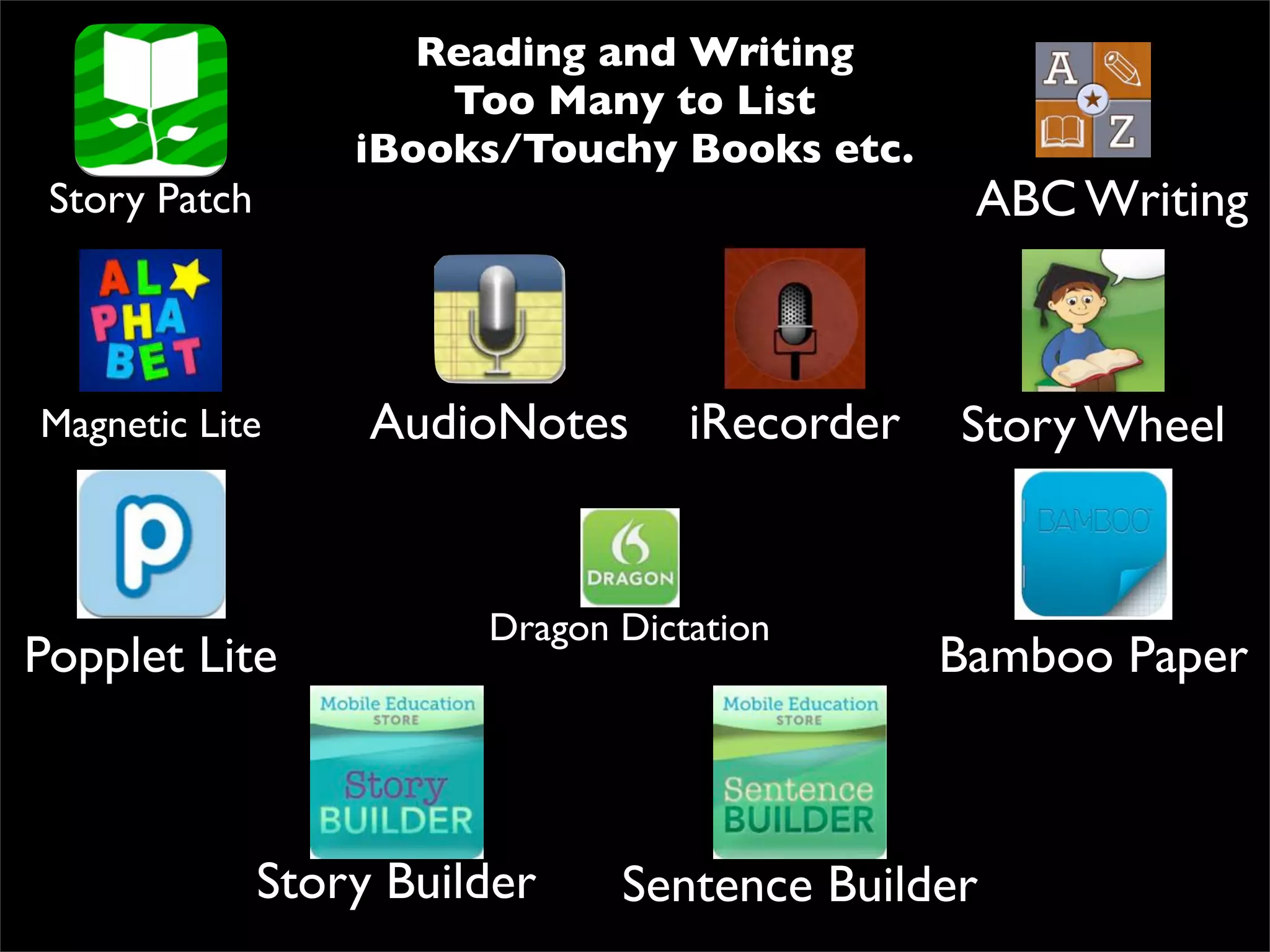
Reading and Writing
                       Too Many to List
                   iBooks/Touchy Books etc.
 Story Patch                                     ABC Writing


Magnetic Lite       AudioNotes      iRecorder   Story Wheel


                         Dragon Dictation
Popplet Lite                                    Bamboo Paper


               Story Builder    Sentence Builder
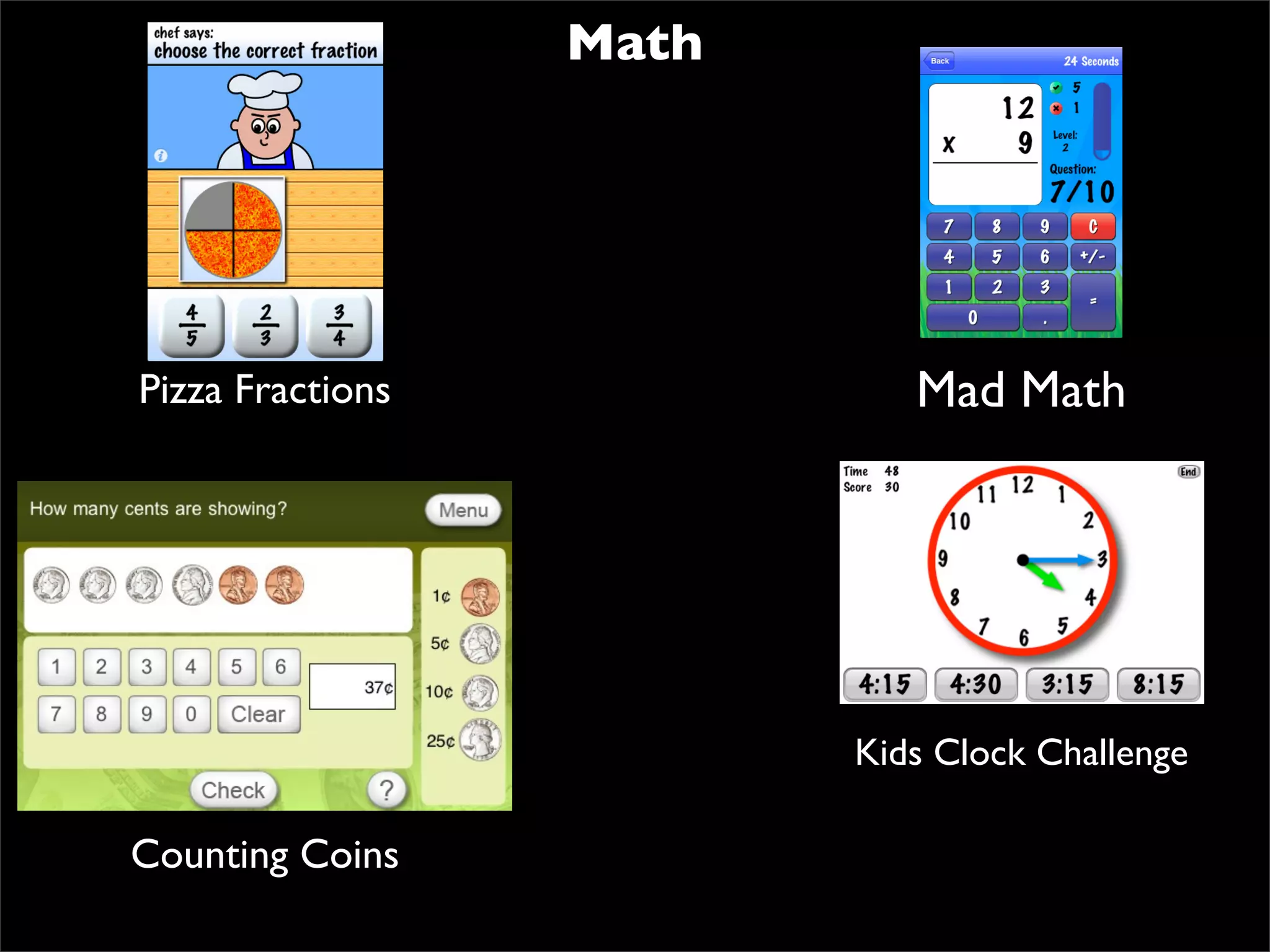
Math


Pizza Fractions             Mad Math


                         Kids Clock Challenge

Counting Coins
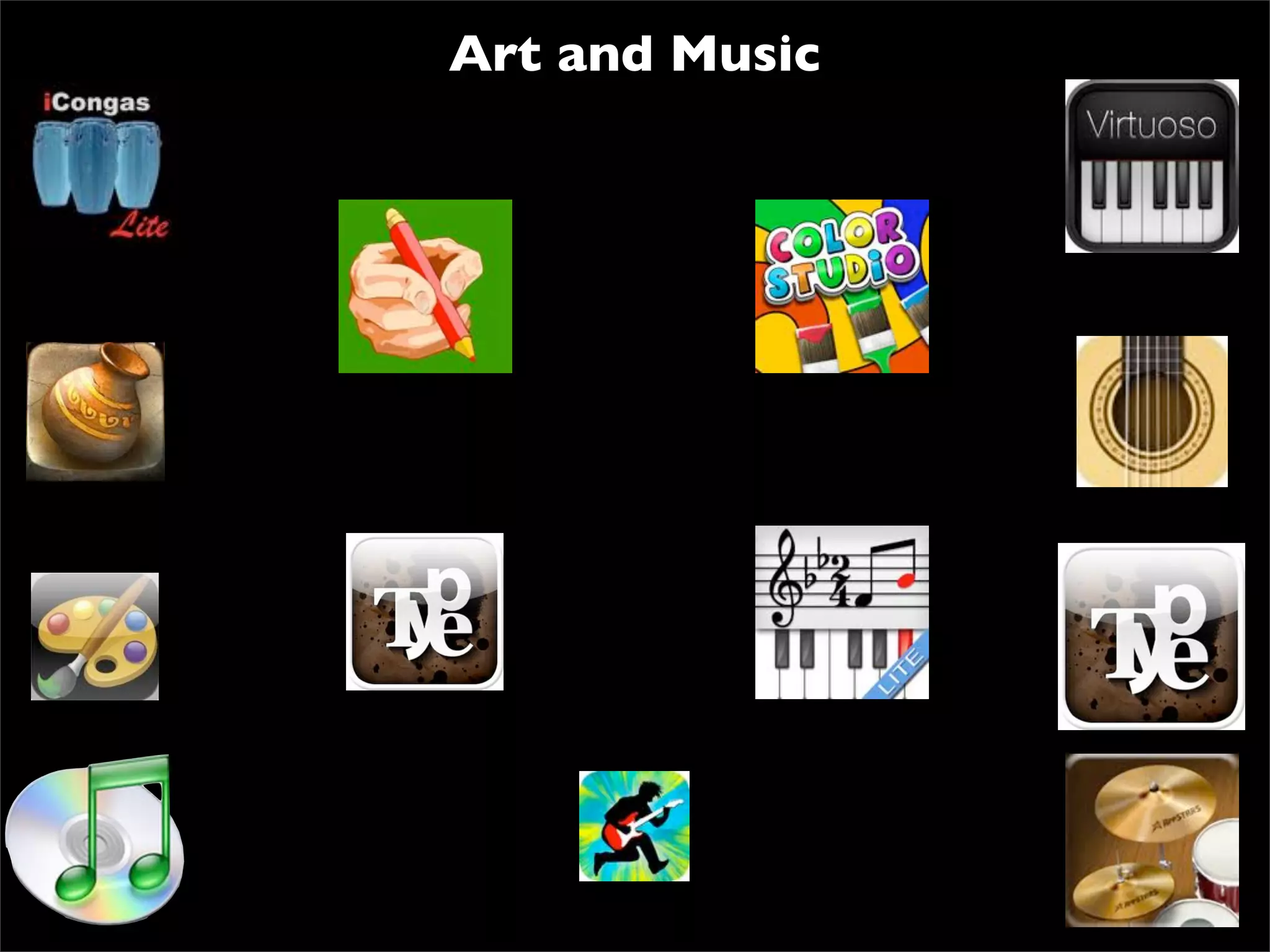
Art and Music

Apps for autism

  • 1.
    iPad Technology Accessibility andApps for Assisting Students with Disabilities Royce J. Jacomen rjacomen@vt.edu Coordinator of Assistive Technology T/TAC at Virginia Tech January 24, 2012
  • 2.
  • 4.
    Todayʼs Focus Is theiPad right for my students/child? iPad Accessibility Features Apps for Students with Disabilities/Academic Apps
  • 5.
    Is The iPadRight For My Child?
  • 6.
    “ Making the wrongdecision can be very costly in a variety of ways- unrealized expectations of individuals and families, unproductive use of professional time, ineffective use of limited resources, high rates of device abandonment or under utilization, and most important, the irreclaimed time lost for living, education, employment, or recreation by the individual whose functional capabilities were not increased, improved, or maintained by the technology.” -Joy Zabala, Ed.D
  • 7.
  • 8.
  • 9.
    Environment •Anything or anyonearound the student •How many students are in the environment? •Physical layout •Support •Who else uses devices? •Physical access •Attitudes and expectations •Other locations
  • 10.
    Task •Exactly what studentswill need to do • Actual activities •Achieve educational goals •Be an active participant •Choose wisely •One size does not fit all
  • 11.
    Tools to addressTask •Tools is always last •Devices, services, and strategies-student succeed • NO TECH, LOW TECH, MID TECH, and HIGH TECH •Assist a student in moving forward •Well-thought-out plan for the tool
  • 12.
    iPad May Be“Magical,” but It’s Not a “Miracle” R.J. Cooper
  • 13.
    1) If aperson has a significant motor impairment that affects their arm and/or hand and/or fingers, then operating the iPad will be a challenge. 2) Someone with severe cognitive impairments is definitely going to have a challenge with the iPad. That which you and I take for granted in using the iPad, is completely unknown to the disabled person. They might drop the iPad, try to mouth it, press on the back rather than the front, and many other unfocused actions. 3) Many parents and professionals feel that their learner’s “acting out” is due, in part, to frustration from their inability to communicate. I agree.
  • 14.
  • 15.
    VoiceOver Zoom Large Text White on Black http://www.apple.com/asia/ipad/features/accessibility.html
  • 16.
    iBooks •Turn Accessibility Voiceoveron •Adjust speech settings •Touch home screen •Locate iBooks •Touch once and double tap •Open book(touch once, double tap) •One touch for a line •Two swipe down •Three Swipe across •Take notes and highlight •Add PDF files to the library
  • 17.
    iBooks •Add books ordocuments in PDF format •Save document or book to desktop •Open iTunes account •Add document or book to books •Sync iTunes account with iPad •Turn voiceover on •Open iBooks •Open collections (Books and PDFs) •Locate document or book in PDF •Open and have read aloud
  • 19.
  • 20.
    Apps for Autism Social Stories Behavior Communication/Articulation Visual Schedules and To-Do Lists Reading and Writing Math Art and Music www.autismspeaks.org
  • 21.
    Social Stories Story Kit Book Creator Stories-2-Learn Social Skills Pictello Strip Design
  • 22.
    Behavior The Angry OctopusBook AutismXpress Behavior Tracker Pro iEarnedThat Going Places iRewardChart
  • 23.
    Communication/Articulation Proloquo2go ArtikPix Speakit! SoundingBoard iAssist Communicator Grace TouchChat Verbally NeoPaul
  • 24.
    Visual Schedules andTo-Do-Lists First Then To Do’s List Visual Scheduler Visual Epic Win Schedule Planner Vocal Lite Sundry Notes
  • 25.
    Reading and Writing Too Many to List iBooks/Touchy Books etc. Story Patch ABC Writing Magnetic Lite AudioNotes iRecorder Story Wheel Dragon Dictation Popplet Lite Bamboo Paper Story Builder Sentence Builder
  • 26.
    Math Pizza Fractions Mad Math Kids Clock Challenge Counting Coins
  • 27.