HIVE
Data Warehousing & Analytics on Hadoop
Creating and Managing Databases and Tables, Seeing How the Hive Data Manipulation
Language
Why Another Data Warehousing System?
 Problem: Data, data and more data
– 200GB per day in March 2008 back to 1TB compressed per day today
 The Hadoop Experiment
 Problem: Map/Reduce is great but every one is not a
Map/Reduce expert
– I know SQL and I am a python and php expert
 So what do we do: HIVE
What is HIVE?
 A system for querying and managing structured data built
on top of Map/Reduce and Hadoop
 We had:
– Structured logs with rich data types (structs, lists and maps)
– A user base wanting to access this data in the language of their
choice
– A lot of traditional SQL workloads on this data (filters, joins and
aggregations)
– Other non SQL workloads
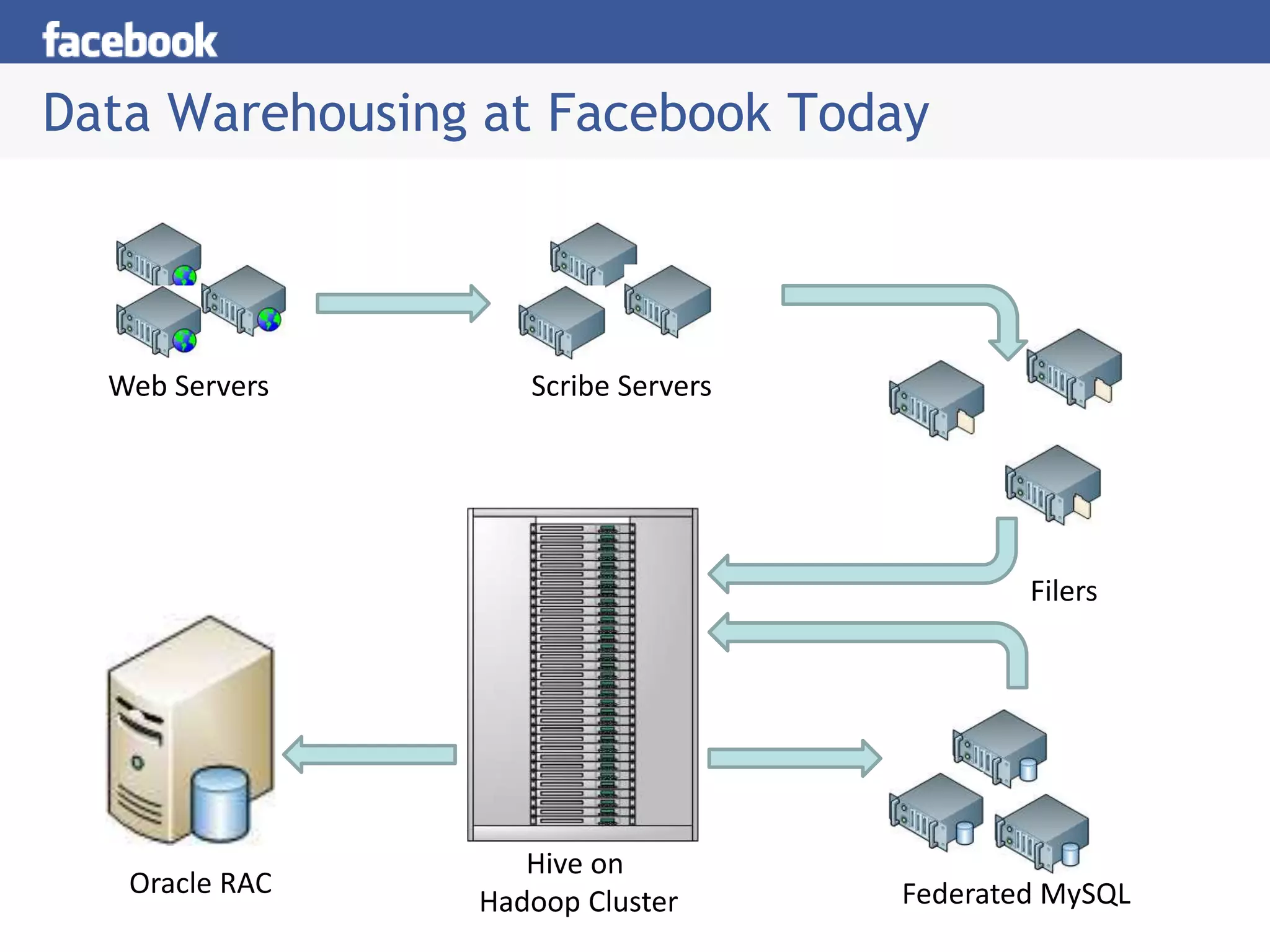
Data Warehousing at Facebook Today
Web Servers Scribe Servers
Filers
Hive on
Hadoop Cluster
Oracle RAC Federated MySQL
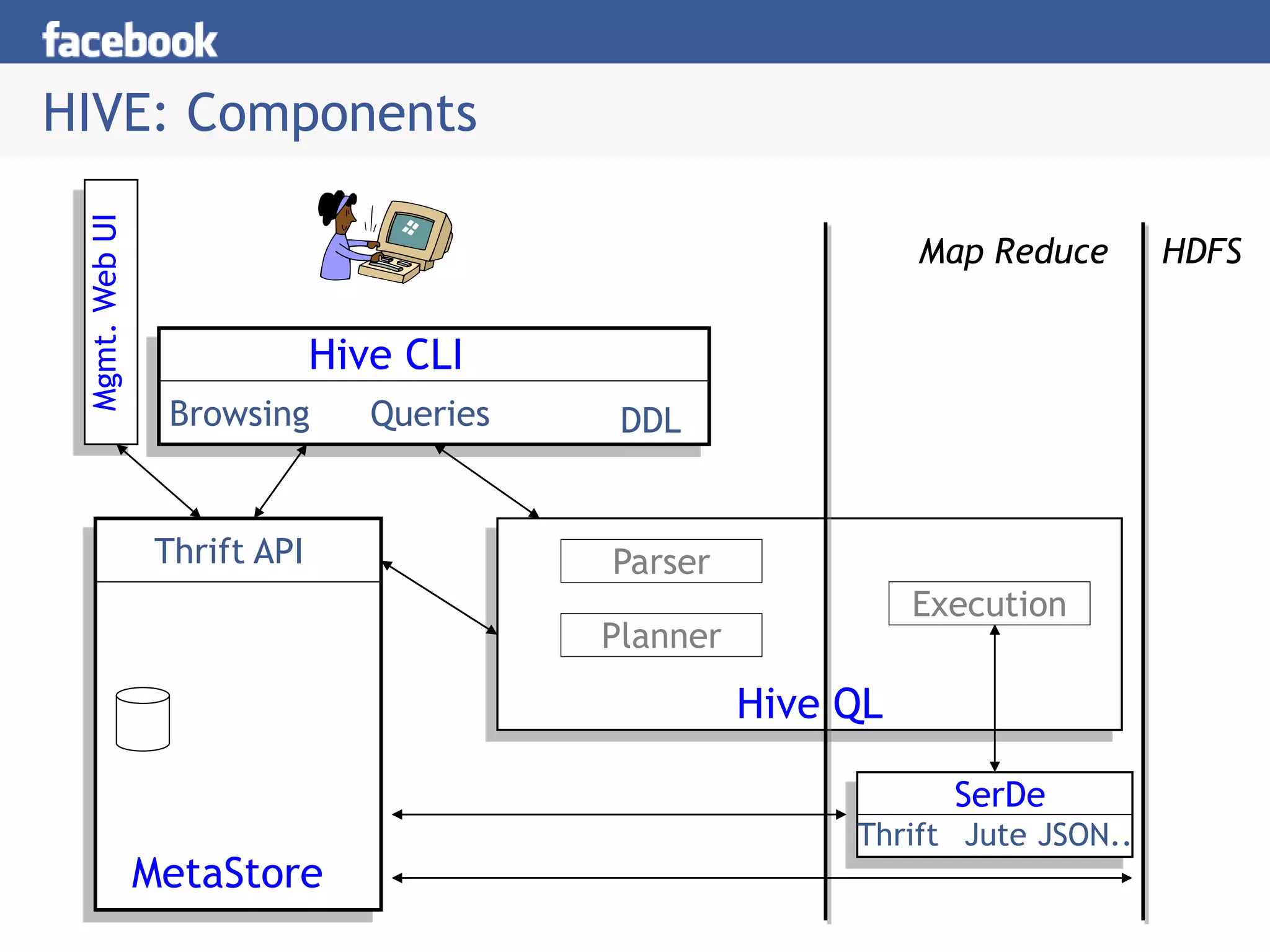
HIVE: Components
HDFS
Hive CLI
DDL
Queries
Browsing
Map Reduce
MetaStore
Thrift API
SerDe
Thrift Jute JSON..
Execution
Hive QL
Parser
Planner
Mgmt.
Web
UI
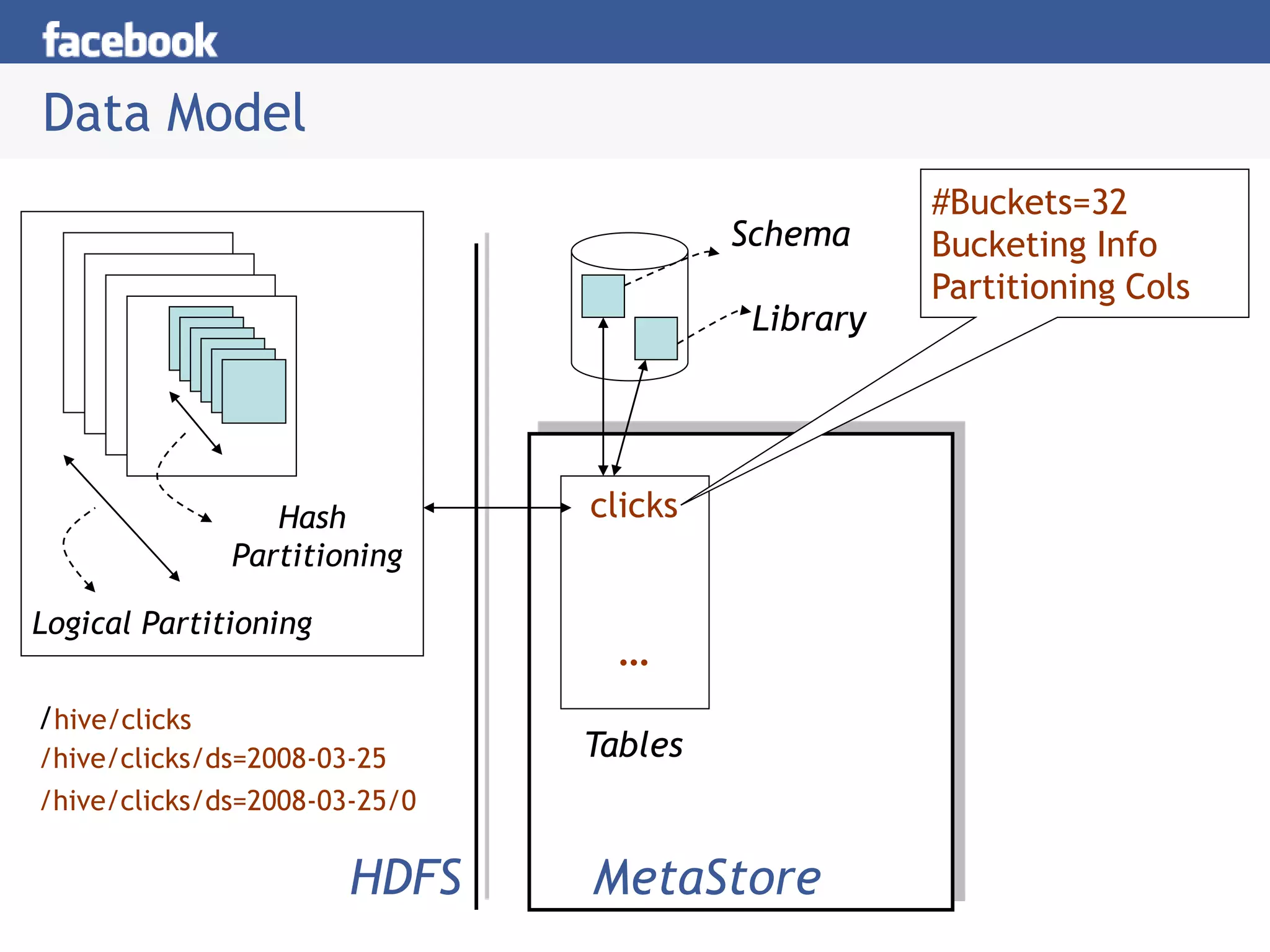
Data Model
Logical Partitioning
Hash
Partitioning
Schema
Library
clicks
HDFS MetaStore
/hive/clicks
/hive/clicks/ds=2008-03-25
/hive/clicks/ds=2008-03-25/0
…
Tables
#Buckets=32
Bucketing Info
Partitioning Cols
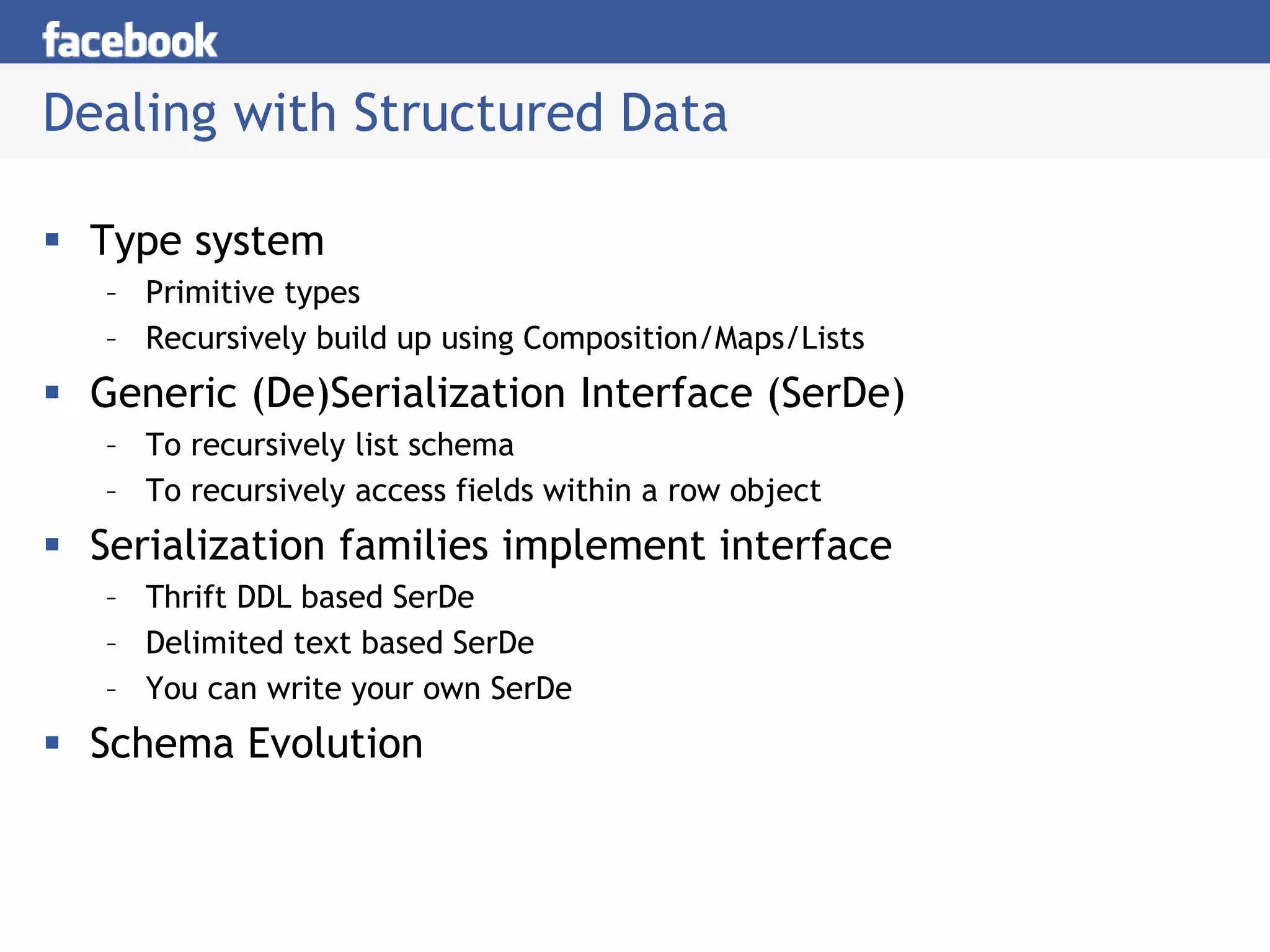
Dealing with Structured Data
 Type system
– Primitive types
– Recursively build up using Composition/Maps/Lists
 Generic (De)Serialization Interface (SerDe)
– To recursively list schema
– To recursively access fields within a row object
 Serialization families implement interface
– Thrift DDL based SerDe
– Delimited text based SerDe
– You can write your own SerDe
 Schema Evolution
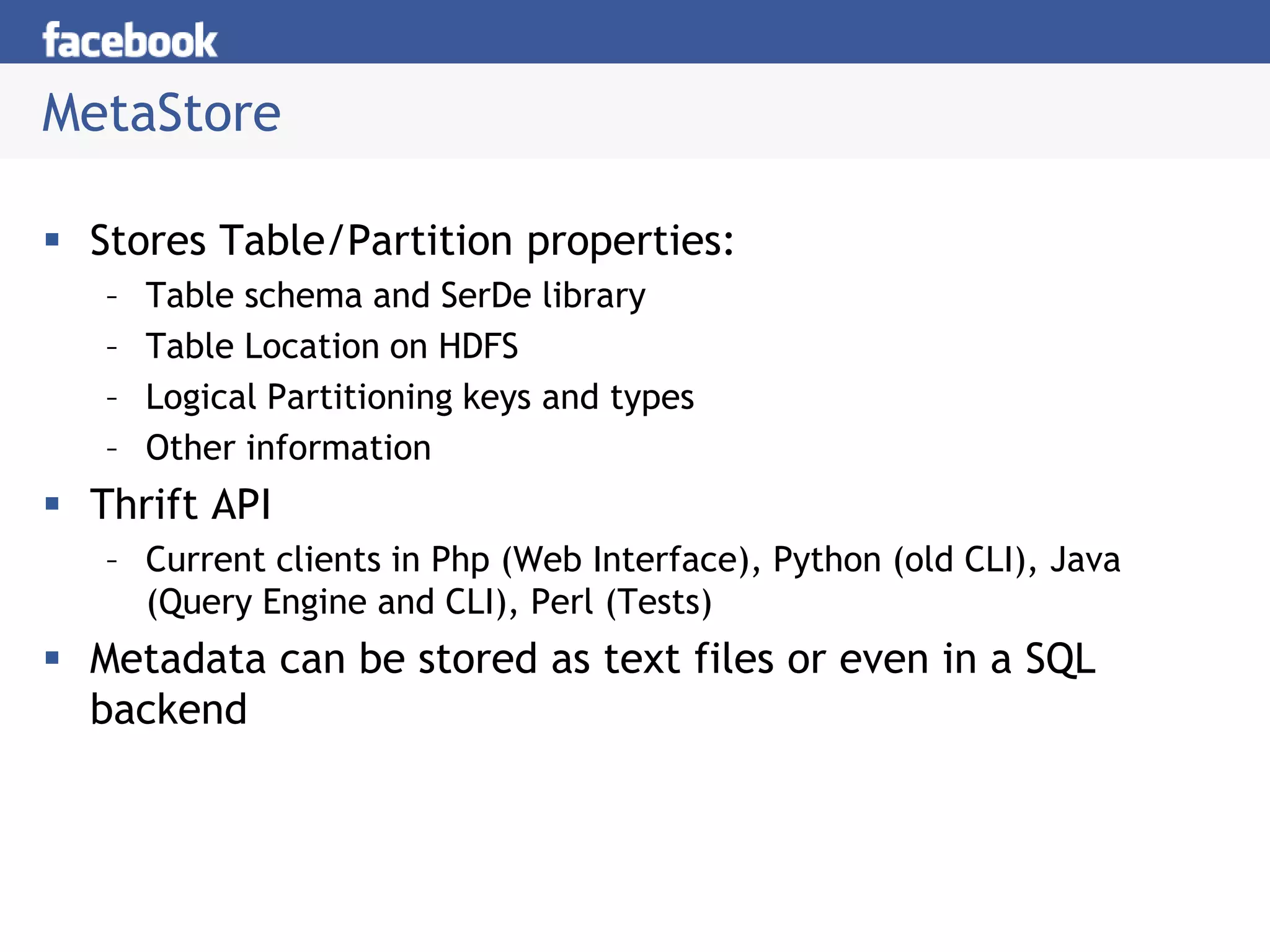
MetaStore
 Stores Table/Partition properties:
– Table schema and SerDe library
– Table Location on HDFS
– Logical Partitioning keys and types
– Other information
 Thrift API
– Current clients in Php (Web Interface), Python (old CLI), Java
(Query Engine and CLI), Perl (Tests)
 Metadata can be stored as text files or even in a SQL
backend
Hive CLI
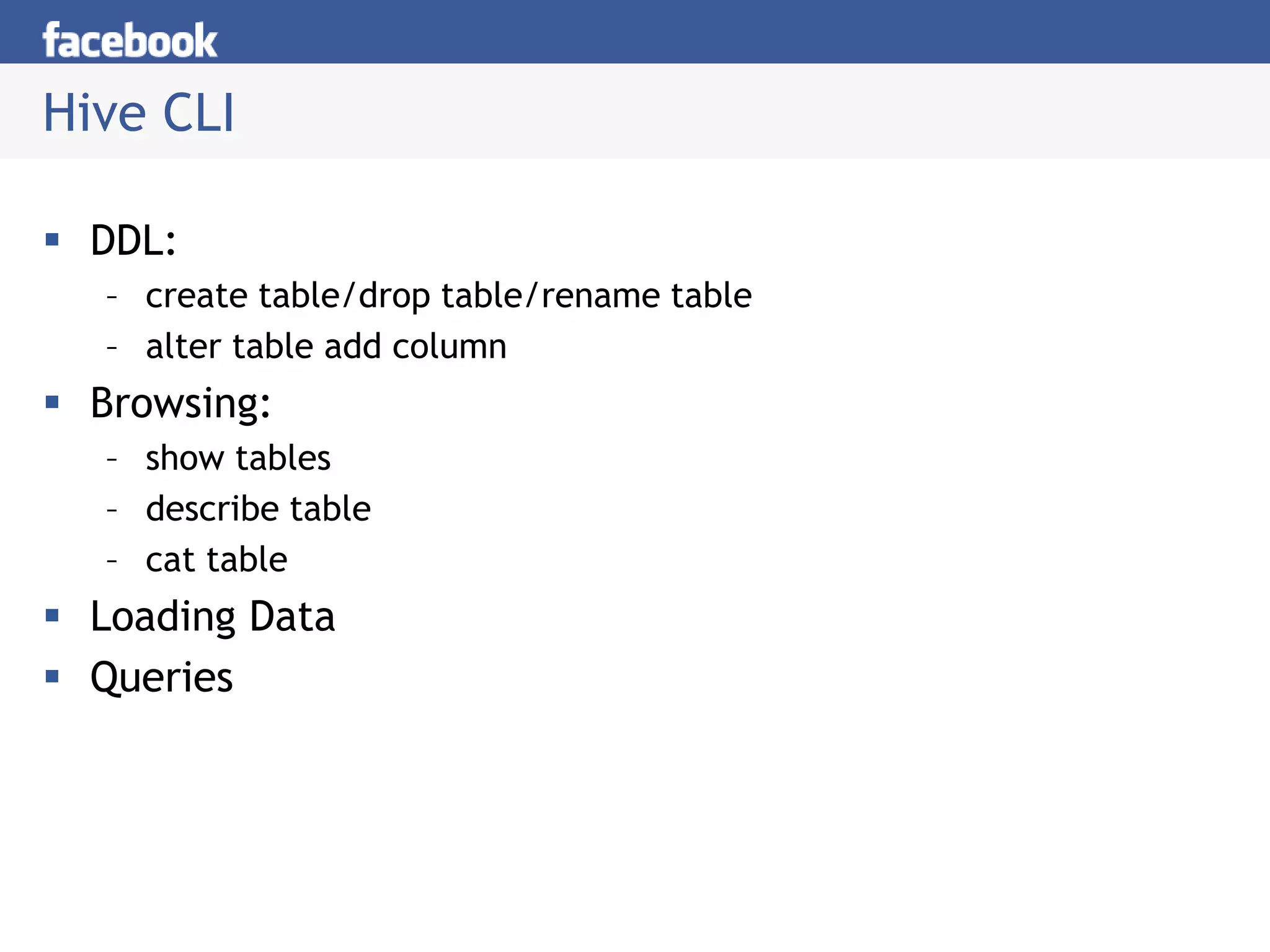
 DDL:
– create table/drop table/rename table
– alter table add column
 Browsing:
– show tables
– describe table
– cat table
 Loading Data
 Queries
Hive Query Language
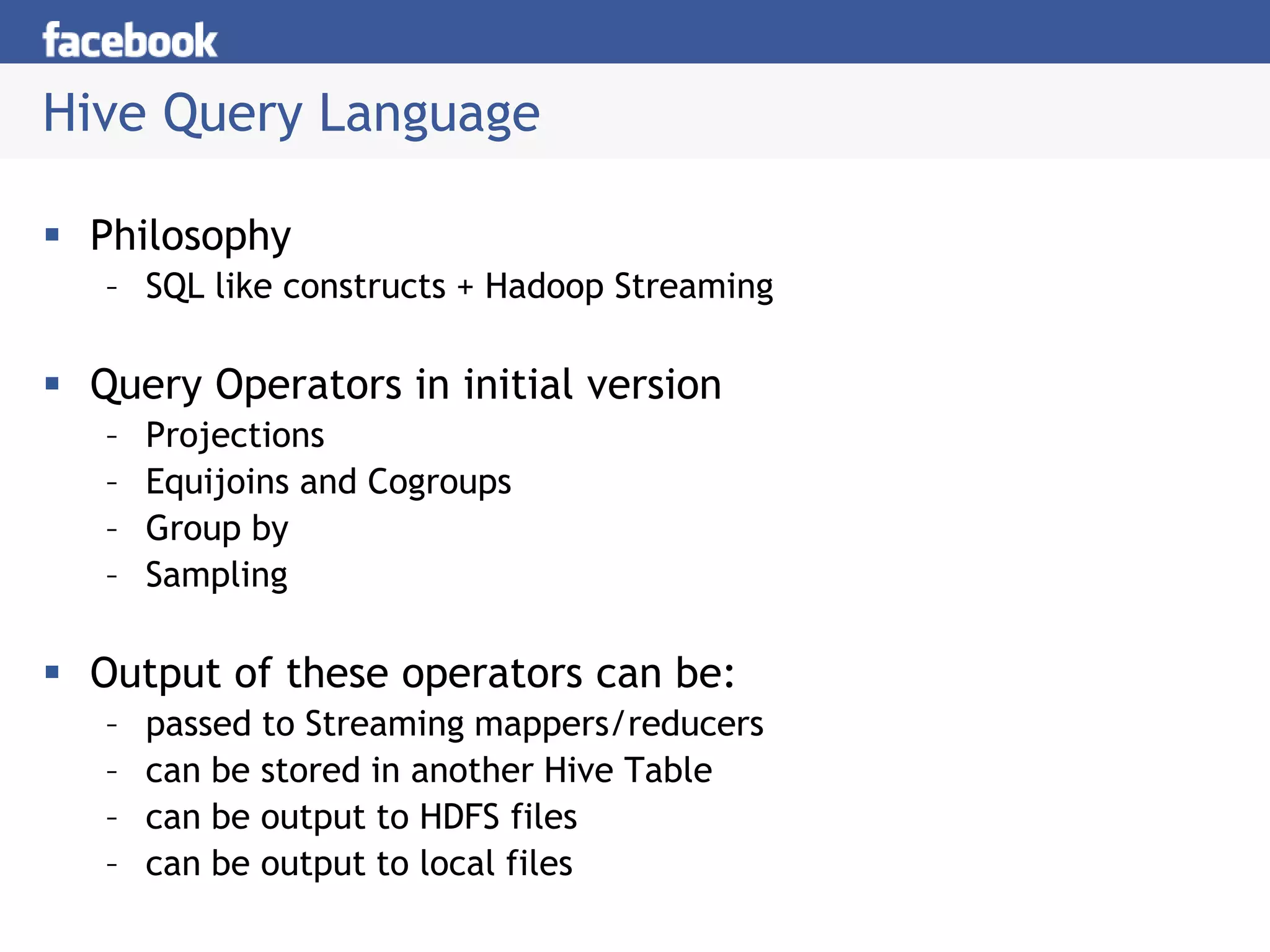
 Philosophy
– SQL like constructs + Hadoop Streaming
 Query Operators in initial version
– Projections
– Equijoins and Cogroups
– Group by
– Sampling
 Output of these operators can be:
– passed to Streaming mappers/reducers
– can be stored in another Hive Table
– can be output to HDFS files
– can be output to local files
Hive Query Language
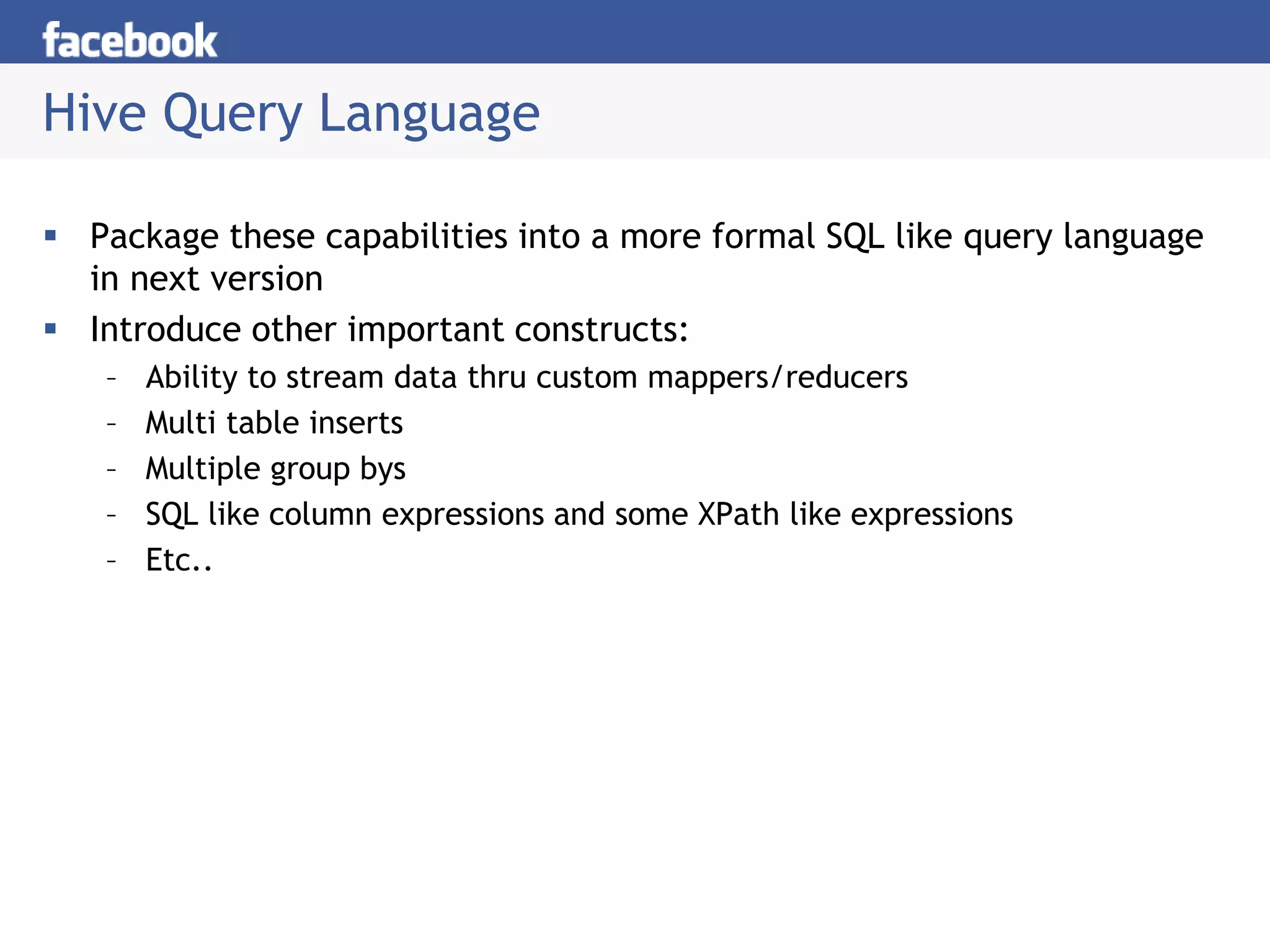
 Package these capabilities into a more formal SQL like query language
in next version
 Introduce other important constructs:
– Ability to stream data thru custom mappers/reducers
– Multi table inserts
– Multiple group bys
– SQL like column expressions and some XPath like expressions
– Etc..
Joins
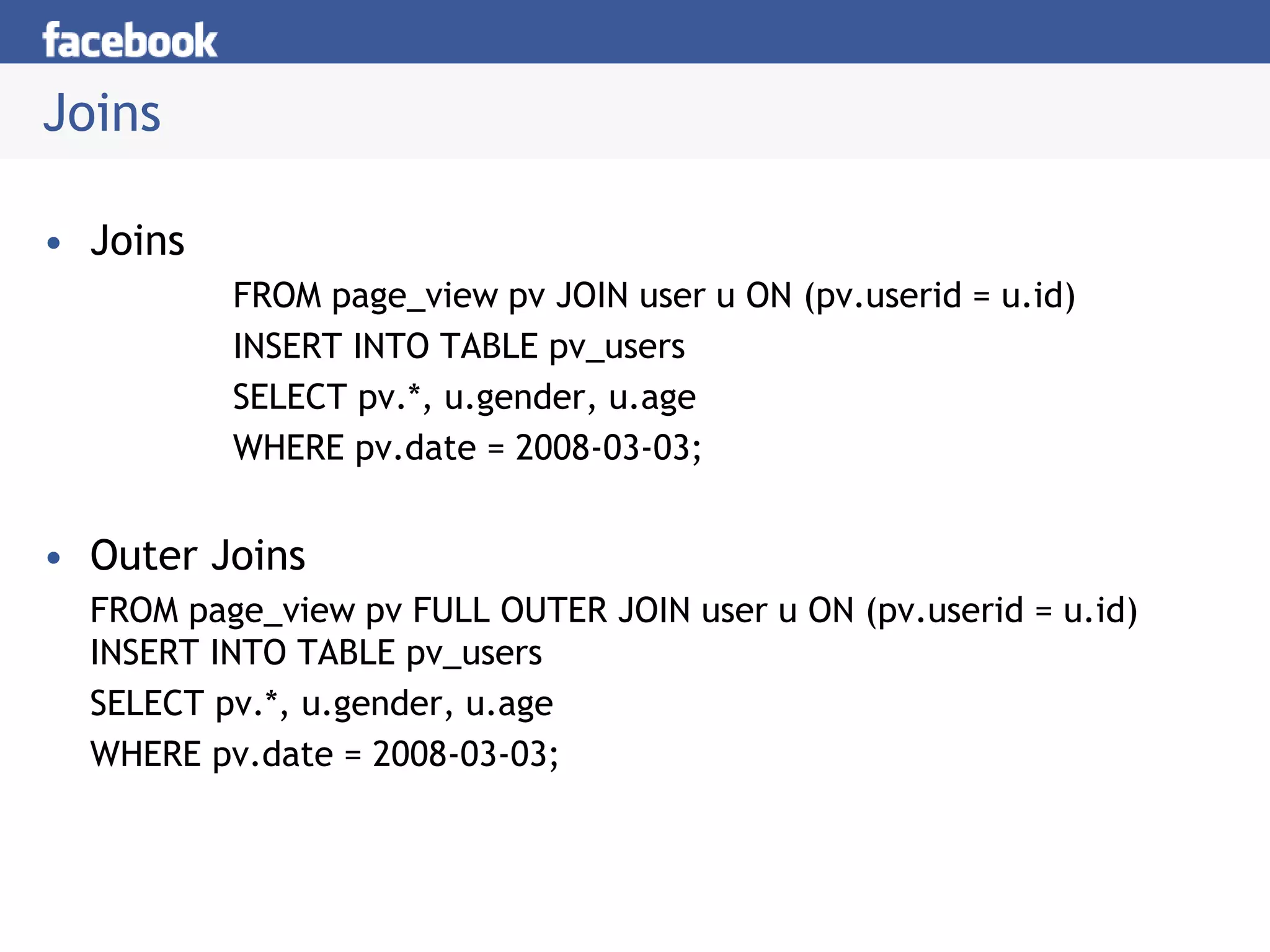
• Joins
FROM page_view pv JOIN user u ON (pv.userid = u.id)
INSERT INTO TABLE pv_users
SELECT pv.*, u.gender, u.age
WHERE pv.date = 2008-03-03;
• Outer Joins
FROM page_view pv FULL OUTER JOIN user u ON (pv.userid = u.id)
INSERT INTO TABLE pv_users
SELECT pv.*, u.gender, u.age
WHERE pv.date = 2008-03-03;
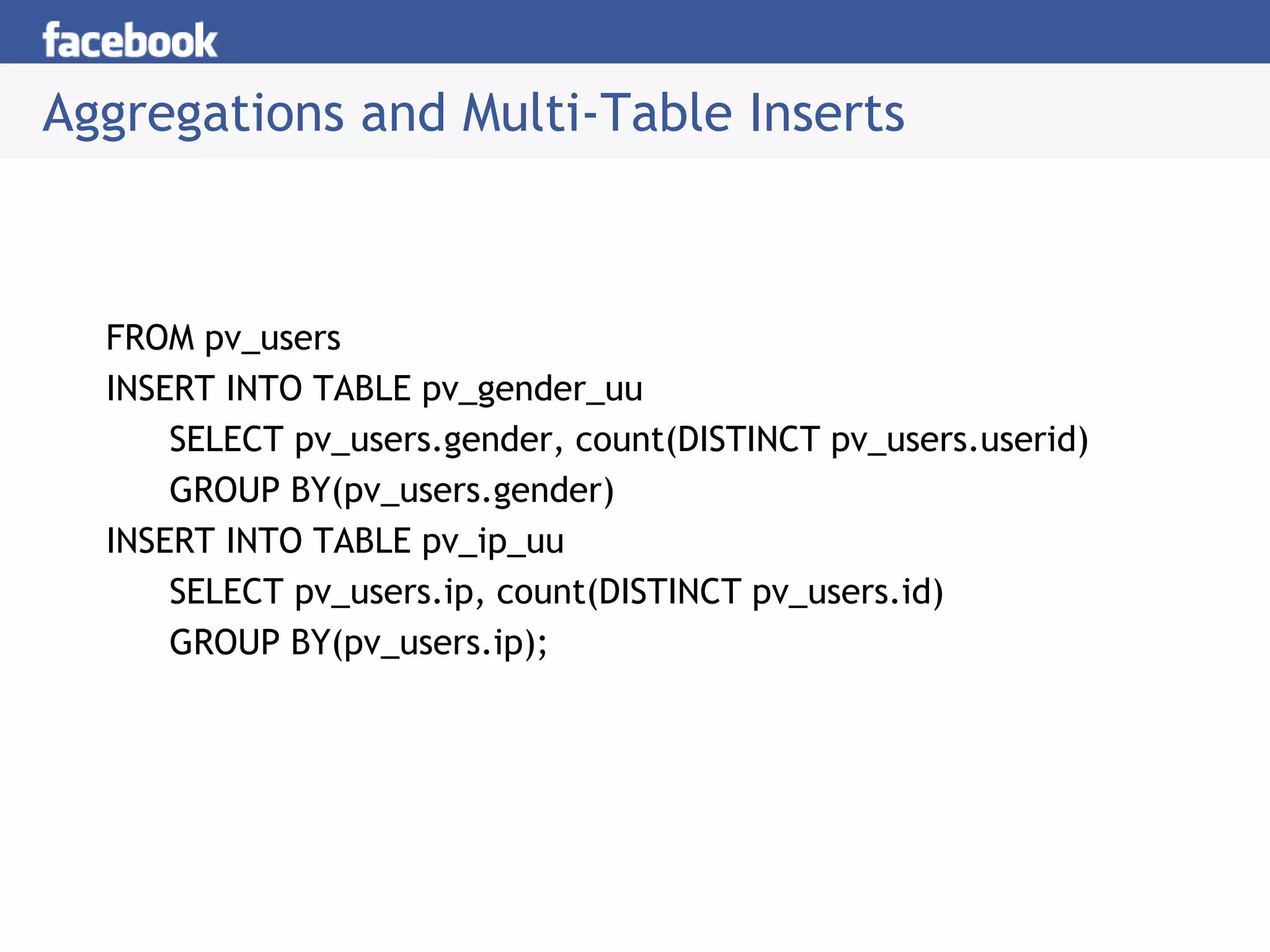
Aggregations and Multi-Table Inserts
FROM pv_users
INSERT INTO TABLE pv_gender_uu
SELECT pv_users.gender, count(DISTINCT pv_users.userid)
GROUP BY(pv_users.gender)
INSERT INTO TABLE pv_ip_uu
SELECT pv_users.ip, count(DISTINCT pv_users.id)
GROUP BY(pv_users.ip);
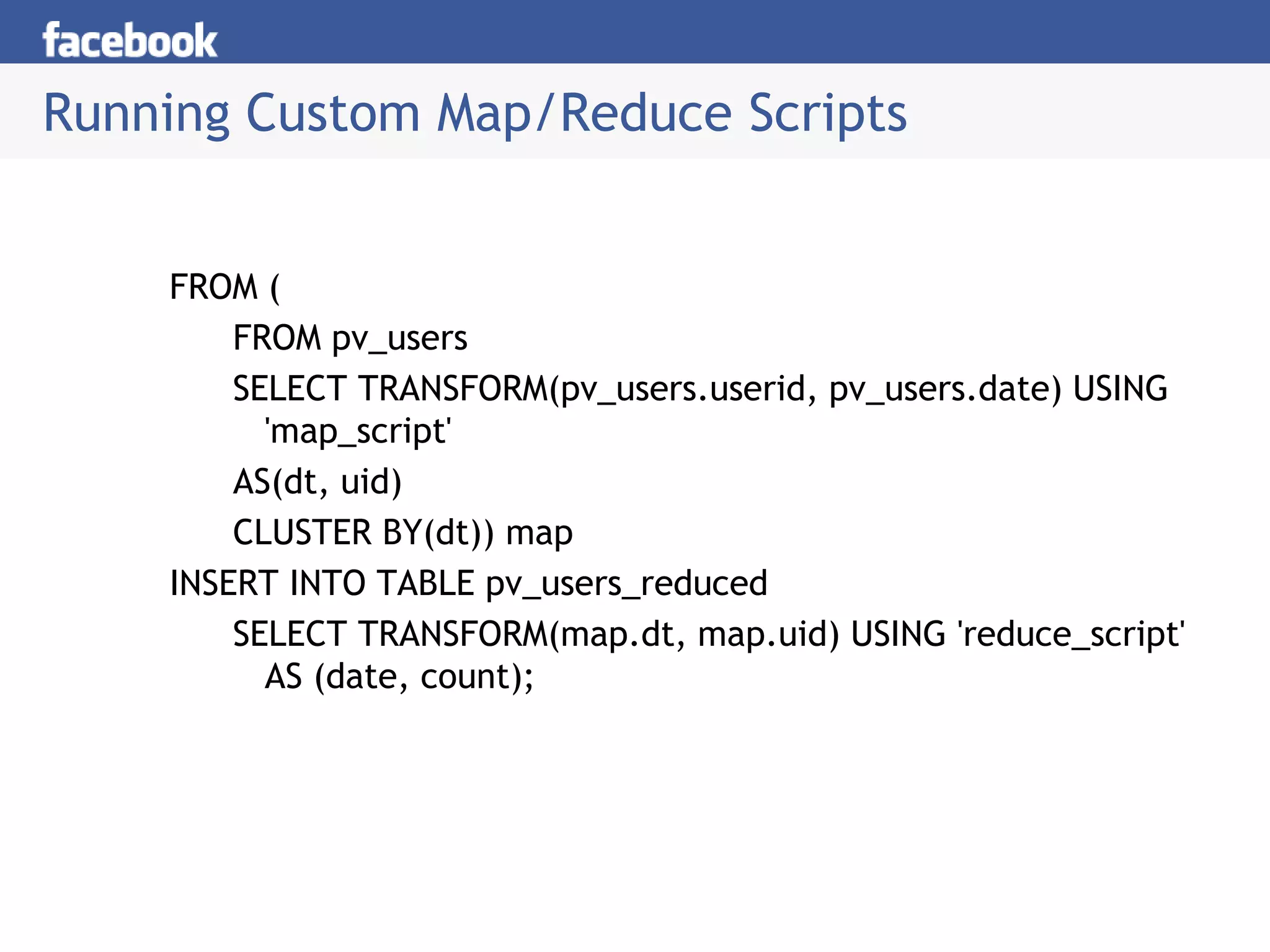
Running Custom Map/Reduce Scripts
FROM (
FROM pv_users
SELECT TRANSFORM(pv_users.userid, pv_users.date) USING
'map_script'
AS(dt, uid)
CLUSTER BY(dt)) map
INSERT INTO TABLE pv_users_reduced
SELECT TRANSFORM(map.dt, map.uid) USING 'reduce_script'
AS (date, count);
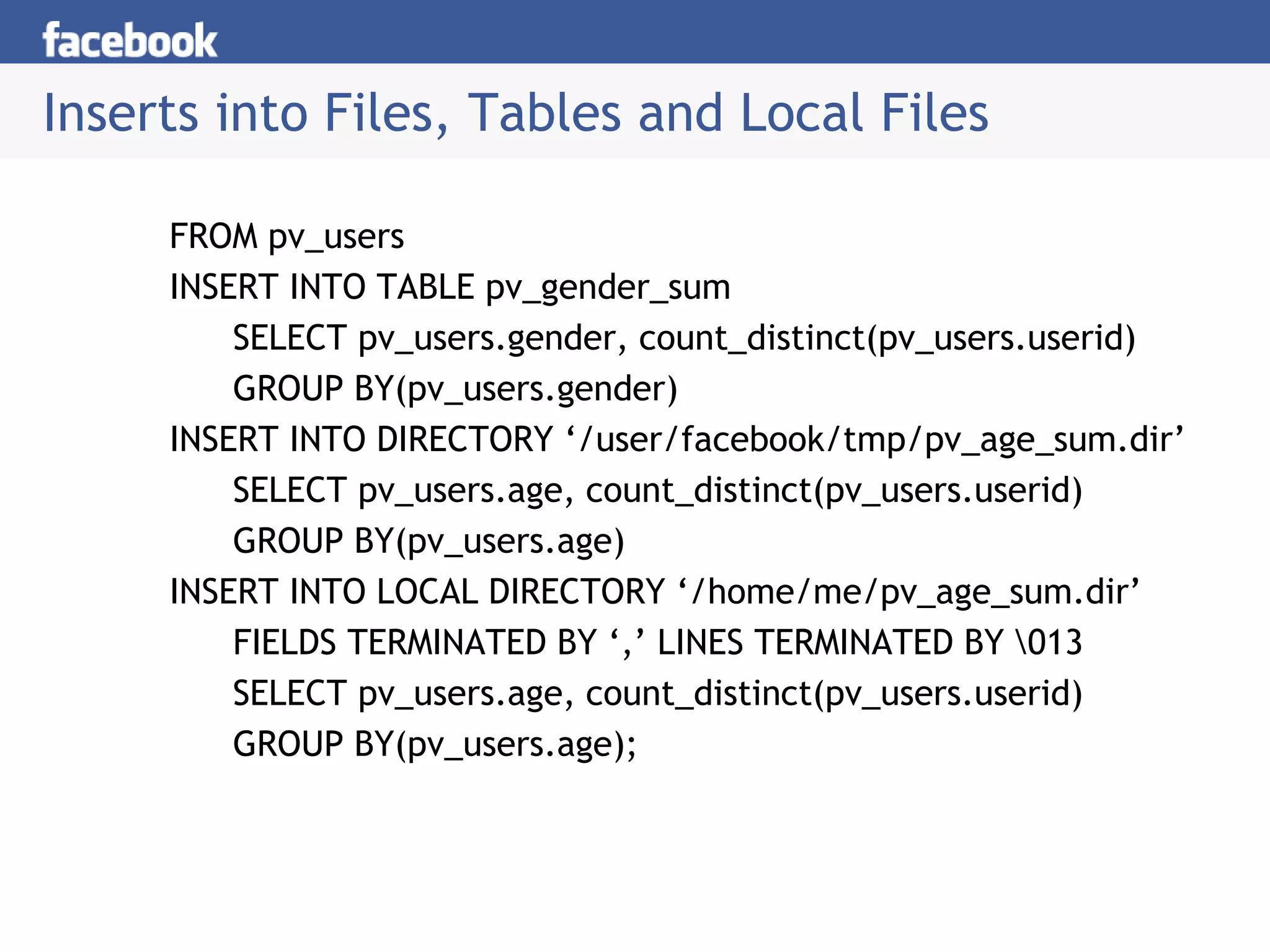
Inserts into Files, Tables and Local Files
FROM pv_users
INSERT INTO TABLE pv_gender_sum
SELECT pv_users.gender, count_distinct(pv_users.userid)
GROUP BY(pv_users.gender)
INSERT INTO DIRECTORY ‘/user/facebook/tmp/pv_age_sum.dir’
SELECT pv_users.age, count_distinct(pv_users.userid)
GROUP BY(pv_users.age)
INSERT INTO LOCAL DIRECTORY ‘/home/me/pv_age_sum.dir’
FIELDS TERMINATED BY ‘,’ LINES TERMINATED BY 013
SELECT pv_users.age, count_distinct(pv_users.userid)
GROUP BY(pv_users.age);
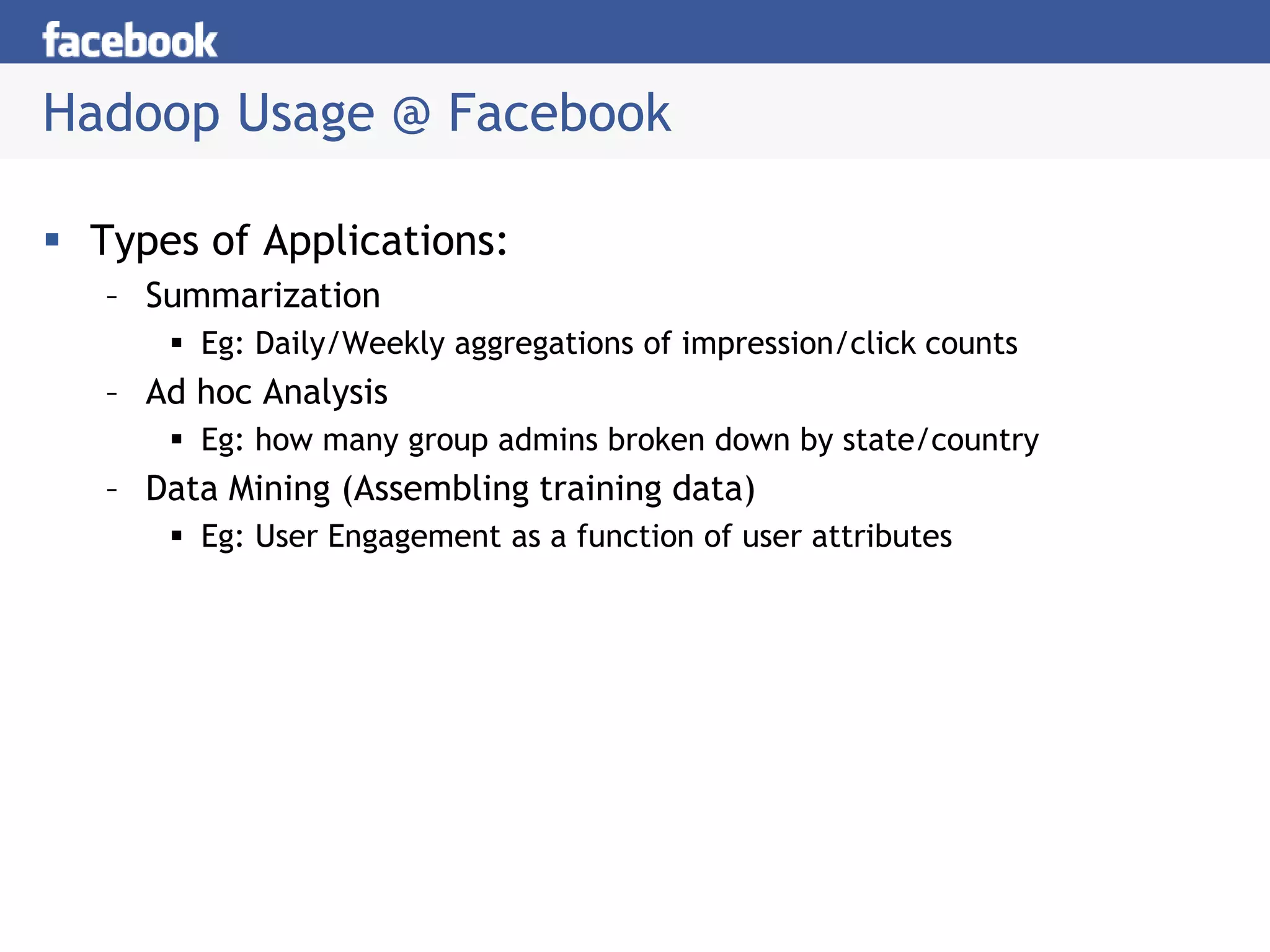
Hadoop Usage @ Facebook
 Types of Applications:
– Summarization
 Eg: Daily/Weekly aggregations of impression/click counts
– Ad hoc Analysis
 Eg: how many group admins broken down by state/country
– Data Mining (Assembling training data)
 Eg: User Engagement as a function of user attributes
 Creating a View
You can create a view at the time of executing a SELECT
statement. The syntax is as follows:
CREATE VIEW [IF NOT EXISTS] view_name [(column_name [COMMENT column_comment], ...)
] [COMMENT table_comment] AS SELECT ...
hive> CREATE VIEW emp_30000 AS SELECT * FROM employee WHERE salary>30000;
Dropping a View
Use the following syntax to drop a view:
DROP VIEW view_name The following query drops a view named as emp_30000:
hive> DROP VIEW emp_30000;
Creating an Index
An Index is nothing but a pointer on a particular column of a
table. Creating an index means creating a pointer on a
particular column of a table. Its syntax is as follows:
CREATE INDEX index_name ON TABLE base_table_name (col_name, ...) AS
'index.handler.class.name' [WITH DEFERRED REBUILD] [IDXPROPERTIES
(property_name=property_value, ...)] [IN TABLE index_table_name] [PARTITIONED BY
(col_name, ...)] [ [ ROW FORMAT ...] STORED AS ... | STORED BY ... ] [LOCATION
hdfs_path] [TBLPROPERTIES (...)]
hive> CREATE INDEX inedx_salary ON TABLE employee(salary) AS
'org.apache.hadoop.hive.ql.index.compact.CompactIndexHandler';
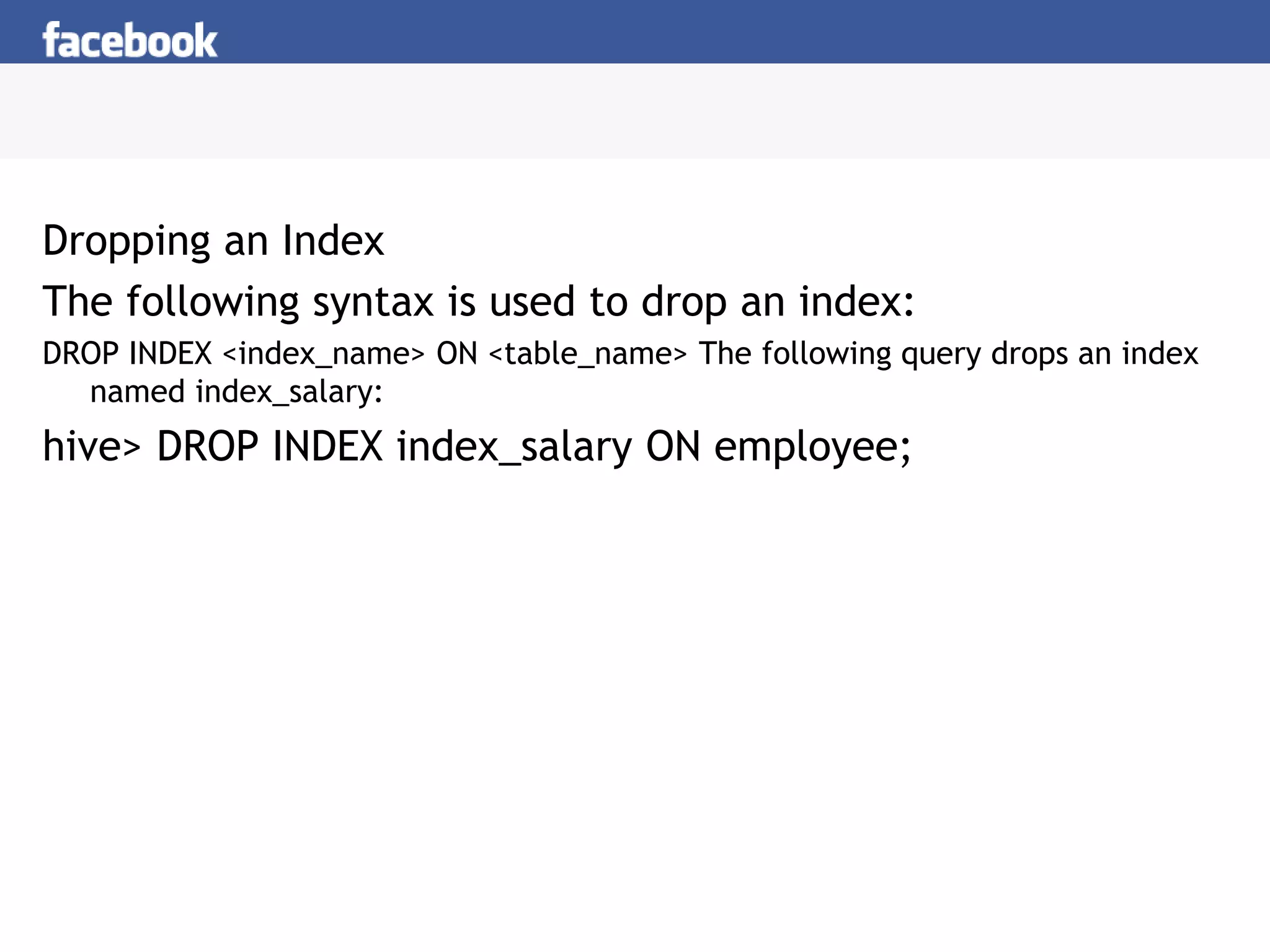
Dropping an Index
The following syntax is used to drop an index:
DROP INDEX <index_name> ON <table_name> The following query drops an index
named index_salary:
hive> DROP INDEX index_salary ON employee;
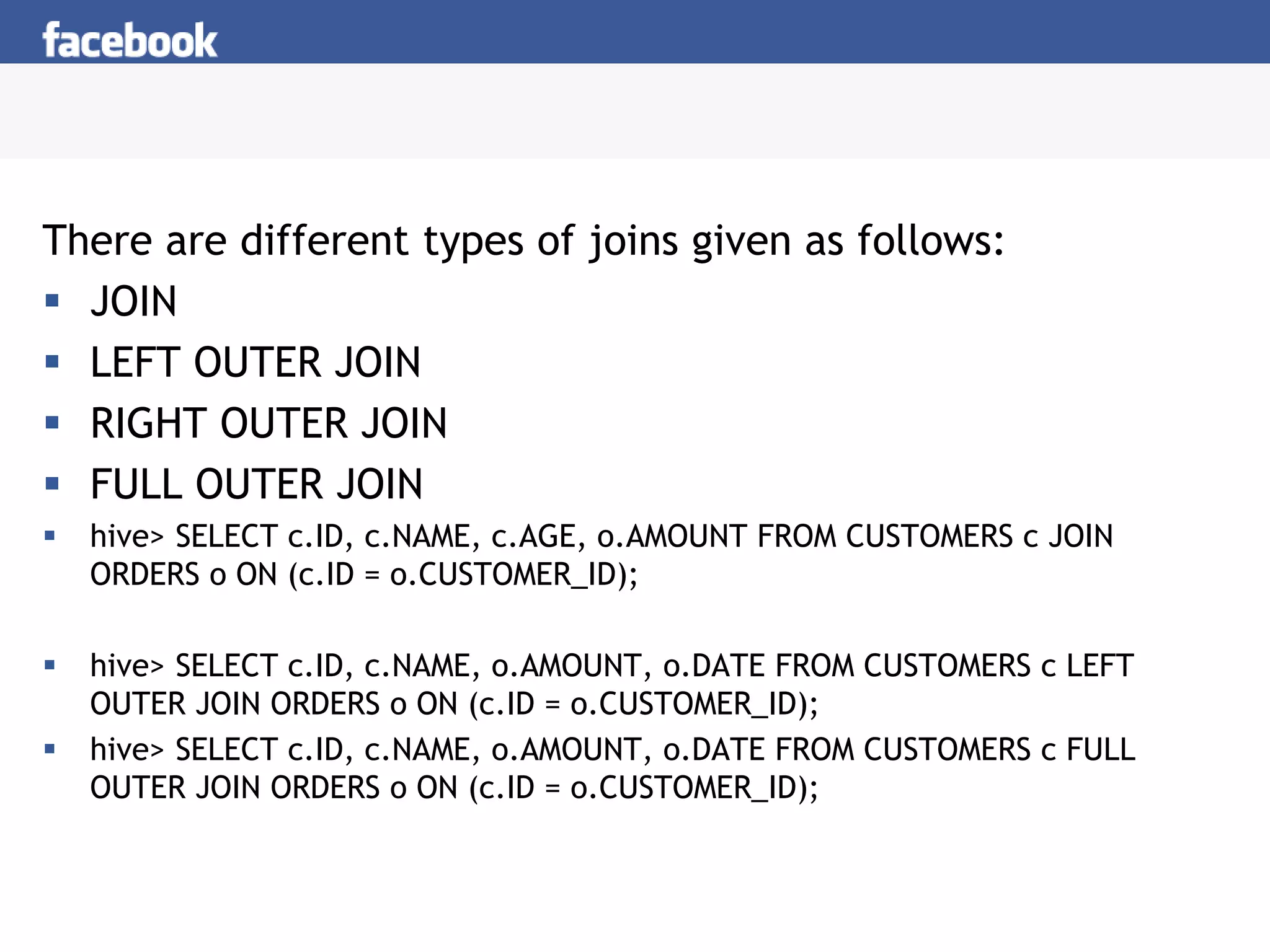
There are different types of joins given as follows:
 JOIN
 LEFT OUTER JOIN
 RIGHT OUTER JOIN
 FULL OUTER JOIN
 hive> SELECT c.ID, c.NAME, c.AGE, o.AMOUNT FROM CUSTOMERS c JOIN
ORDERS o ON (c.ID = o.CUSTOMER_ID);
 hive> SELECT c.ID, c.NAME, o.AMOUNT, o.DATE FROM CUSTOMERS c LEFT
OUTER JOIN ORDERS o ON (c.ID = o.CUSTOMER_ID);
 hive> SELECT c.ID, c.NAME, o.AMOUNT, o.DATE FROM CUSTOMERS c FULL
OUTER JOIN ORDERS o ON (c.ID = o.CUSTOMER_ID);

Unit 5-lecture4

  • 1.
    HIVE Data Warehousing &Analytics on Hadoop Creating and Managing Databases and Tables, Seeing How the Hive Data Manipulation Language
  • 2.
    Why Another DataWarehousing System?  Problem: Data, data and more data – 200GB per day in March 2008 back to 1TB compressed per day today  The Hadoop Experiment  Problem: Map/Reduce is great but every one is not a Map/Reduce expert – I know SQL and I am a python and php expert  So what do we do: HIVE
  • 3.
    What is HIVE? A system for querying and managing structured data built on top of Map/Reduce and Hadoop  We had: – Structured logs with rich data types (structs, lists and maps) – A user base wanting to access this data in the language of their choice – A lot of traditional SQL workloads on this data (filters, joins and aggregations) – Other non SQL workloads
  • 4.
    Data Warehousing atFacebook Today Web Servers Scribe Servers Filers Hive on Hadoop Cluster Oracle RAC Federated MySQL
  • 5.
    HIVE: Components HDFS Hive CLI DDL Queries Browsing MapReduce MetaStore Thrift API SerDe Thrift Jute JSON.. Execution Hive QL Parser Planner Mgmt. Web UI
  • 6.
    Data Model Logical Partitioning Hash Partitioning Schema Library clicks HDFSMetaStore /hive/clicks /hive/clicks/ds=2008-03-25 /hive/clicks/ds=2008-03-25/0 … Tables #Buckets=32 Bucketing Info Partitioning Cols
  • 7.
    Dealing with StructuredData  Type system – Primitive types – Recursively build up using Composition/Maps/Lists  Generic (De)Serialization Interface (SerDe) – To recursively list schema – To recursively access fields within a row object  Serialization families implement interface – Thrift DDL based SerDe – Delimited text based SerDe – You can write your own SerDe  Schema Evolution
  • 8.
    MetaStore  Stores Table/Partitionproperties: – Table schema and SerDe library – Table Location on HDFS – Logical Partitioning keys and types – Other information  Thrift API – Current clients in Php (Web Interface), Python (old CLI), Java (Query Engine and CLI), Perl (Tests)  Metadata can be stored as text files or even in a SQL backend
  • 9.
    Hive CLI  DDL: –create table/drop table/rename table – alter table add column  Browsing: – show tables – describe table – cat table  Loading Data  Queries
  • 10.
    Hive Query Language Philosophy – SQL like constructs + Hadoop Streaming  Query Operators in initial version – Projections – Equijoins and Cogroups – Group by – Sampling  Output of these operators can be: – passed to Streaming mappers/reducers – can be stored in another Hive Table – can be output to HDFS files – can be output to local files
  • 11.
    Hive Query Language Package these capabilities into a more formal SQL like query language in next version  Introduce other important constructs: – Ability to stream data thru custom mappers/reducers – Multi table inserts – Multiple group bys – SQL like column expressions and some XPath like expressions – Etc..
  • 12.
    Joins • Joins FROM page_viewpv JOIN user u ON (pv.userid = u.id) INSERT INTO TABLE pv_users SELECT pv.*, u.gender, u.age WHERE pv.date = 2008-03-03; • Outer Joins FROM page_view pv FULL OUTER JOIN user u ON (pv.userid = u.id) INSERT INTO TABLE pv_users SELECT pv.*, u.gender, u.age WHERE pv.date = 2008-03-03;
  • 13.
    Aggregations and Multi-TableInserts FROM pv_users INSERT INTO TABLE pv_gender_uu SELECT pv_users.gender, count(DISTINCT pv_users.userid) GROUP BY(pv_users.gender) INSERT INTO TABLE pv_ip_uu SELECT pv_users.ip, count(DISTINCT pv_users.id) GROUP BY(pv_users.ip);
  • 14.
    Running Custom Map/ReduceScripts FROM ( FROM pv_users SELECT TRANSFORM(pv_users.userid, pv_users.date) USING 'map_script' AS(dt, uid) CLUSTER BY(dt)) map INSERT INTO TABLE pv_users_reduced SELECT TRANSFORM(map.dt, map.uid) USING 'reduce_script' AS (date, count);
  • 15.
    Inserts into Files,Tables and Local Files FROM pv_users INSERT INTO TABLE pv_gender_sum SELECT pv_users.gender, count_distinct(pv_users.userid) GROUP BY(pv_users.gender) INSERT INTO DIRECTORY ‘/user/facebook/tmp/pv_age_sum.dir’ SELECT pv_users.age, count_distinct(pv_users.userid) GROUP BY(pv_users.age) INSERT INTO LOCAL DIRECTORY ‘/home/me/pv_age_sum.dir’ FIELDS TERMINATED BY ‘,’ LINES TERMINATED BY 013 SELECT pv_users.age, count_distinct(pv_users.userid) GROUP BY(pv_users.age);
  • 16.
    Hadoop Usage @Facebook  Types of Applications: – Summarization  Eg: Daily/Weekly aggregations of impression/click counts – Ad hoc Analysis  Eg: how many group admins broken down by state/country – Data Mining (Assembling training data)  Eg: User Engagement as a function of user attributes
  • 17.
     Creating aView You can create a view at the time of executing a SELECT statement. The syntax is as follows: CREATE VIEW [IF NOT EXISTS] view_name [(column_name [COMMENT column_comment], ...) ] [COMMENT table_comment] AS SELECT ... hive> CREATE VIEW emp_30000 AS SELECT * FROM employee WHERE salary>30000; Dropping a View Use the following syntax to drop a view: DROP VIEW view_name The following query drops a view named as emp_30000: hive> DROP VIEW emp_30000;
  • 18.
    Creating an Index AnIndex is nothing but a pointer on a particular column of a table. Creating an index means creating a pointer on a particular column of a table. Its syntax is as follows: CREATE INDEX index_name ON TABLE base_table_name (col_name, ...) AS 'index.handler.class.name' [WITH DEFERRED REBUILD] [IDXPROPERTIES (property_name=property_value, ...)] [IN TABLE index_table_name] [PARTITIONED BY (col_name, ...)] [ [ ROW FORMAT ...] STORED AS ... | STORED BY ... ] [LOCATION hdfs_path] [TBLPROPERTIES (...)] hive> CREATE INDEX inedx_salary ON TABLE employee(salary) AS 'org.apache.hadoop.hive.ql.index.compact.CompactIndexHandler';
  • 19.
    Dropping an Index Thefollowing syntax is used to drop an index: DROP INDEX <index_name> ON <table_name> The following query drops an index named index_salary: hive> DROP INDEX index_salary ON employee;
  • 20.
    There are differenttypes of joins given as follows:  JOIN  LEFT OUTER JOIN  RIGHT OUTER JOIN  FULL OUTER JOIN  hive> SELECT c.ID, c.NAME, c.AGE, o.AMOUNT FROM CUSTOMERS c JOIN ORDERS o ON (c.ID = o.CUSTOMER_ID);  hive> SELECT c.ID, c.NAME, o.AMOUNT, o.DATE FROM CUSTOMERS c LEFT OUTER JOIN ORDERS o ON (c.ID = o.CUSTOMER_ID);  hive> SELECT c.ID, c.NAME, o.AMOUNT, o.DATE FROM CUSTOMERS c FULL OUTER JOIN ORDERS o ON (c.ID = o.CUSTOMER_ID);