Uniface Responsive
Development (4)
– Mobile Extensions
David Akerman – Solution Consultant
Agenda
Development Approaches for Mobile
Using Native Mobile Features
Demo & Code Walkthrough
Development
Approaches
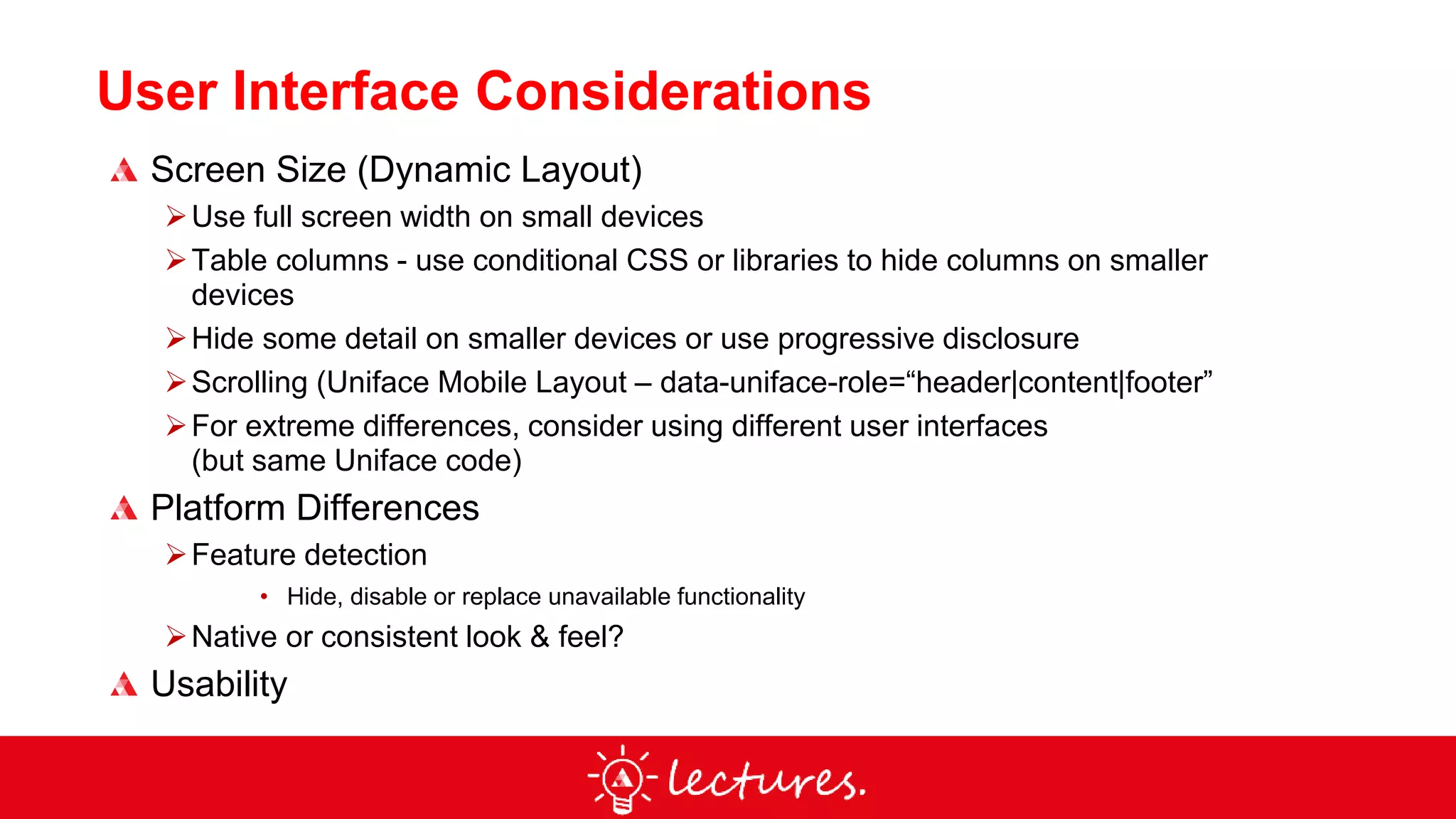
User Interface Considerations
Screen Size (Dynamic Layout)
Use full screen width on small devices
Table columns - use conditional CSS or libraries to hide columns on smaller
devices
Hide some detail on smaller devices or use progressive disclosure
Scrolling (Uniface Mobile Layout – data-uniface-role=“header|content|footer”
For extreme differences, consider using different user interfaces
(but same Uniface code)
Platform Differences
Feature detection
• Hide, disable or replace unavailable functionality
Native or consistent look & feel?
Usability
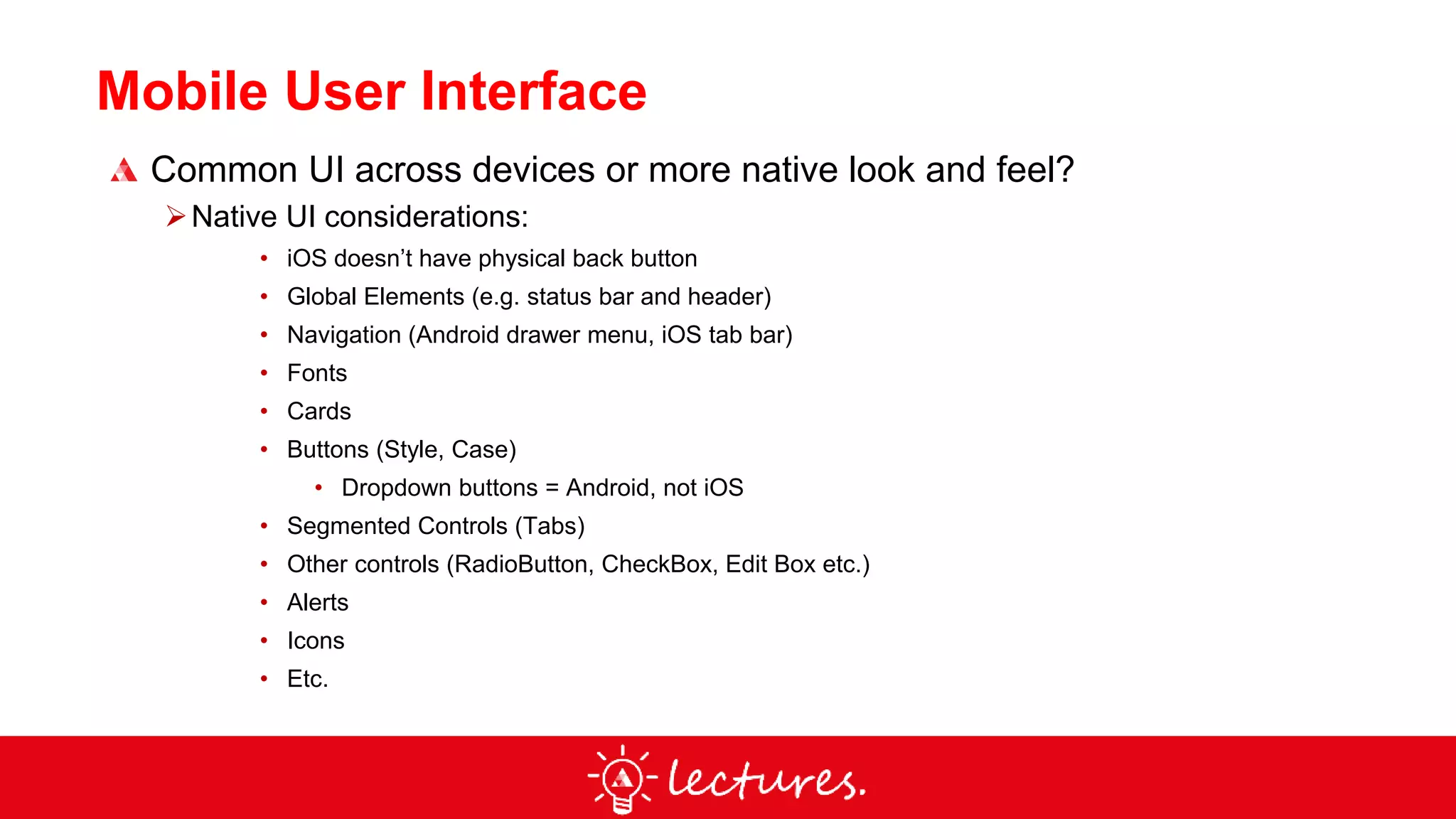
Mobile User Interface
Common UI across devices or more native look and feel?
Native UI considerations:
• iOS doesn’t have physical back button
• Global Elements (e.g. status bar and header)
• Navigation (Android drawer menu, iOS tab bar)
• Fonts
• Cards
• Buttons (Style, Case)
• Dropdown buttons = Android, not iOS
• Segmented Controls (Tabs)
• Other controls (RadioButton, CheckBox, Edit Box etc.)
• Alerts
• Icons
• Etc.
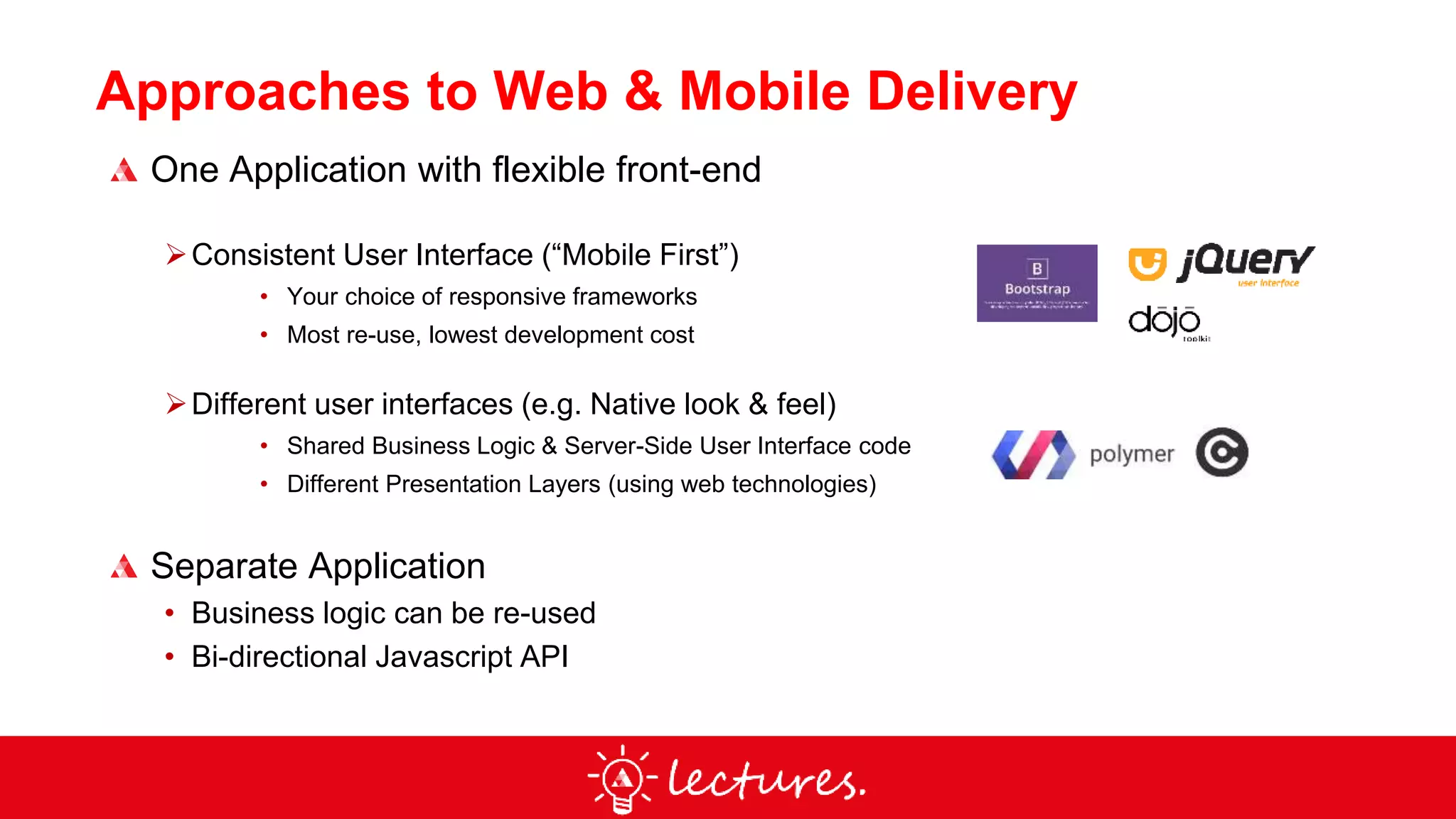
Approaches to Web & Mobile Delivery
One Application with flexible front-end
Consistent User Interface (“Mobile First”)
• Your choice of responsive frameworks
• Most re-use, lowest development cost
Different user interfaces (e.g. Native look & feel)
• Shared Business Logic & Server-Side User Interface code
• Different Presentation Layers (using web technologies)
Separate Application
• Business logic can be re-used
• Bi-directional Javascript API
Using Native
Mobile Features
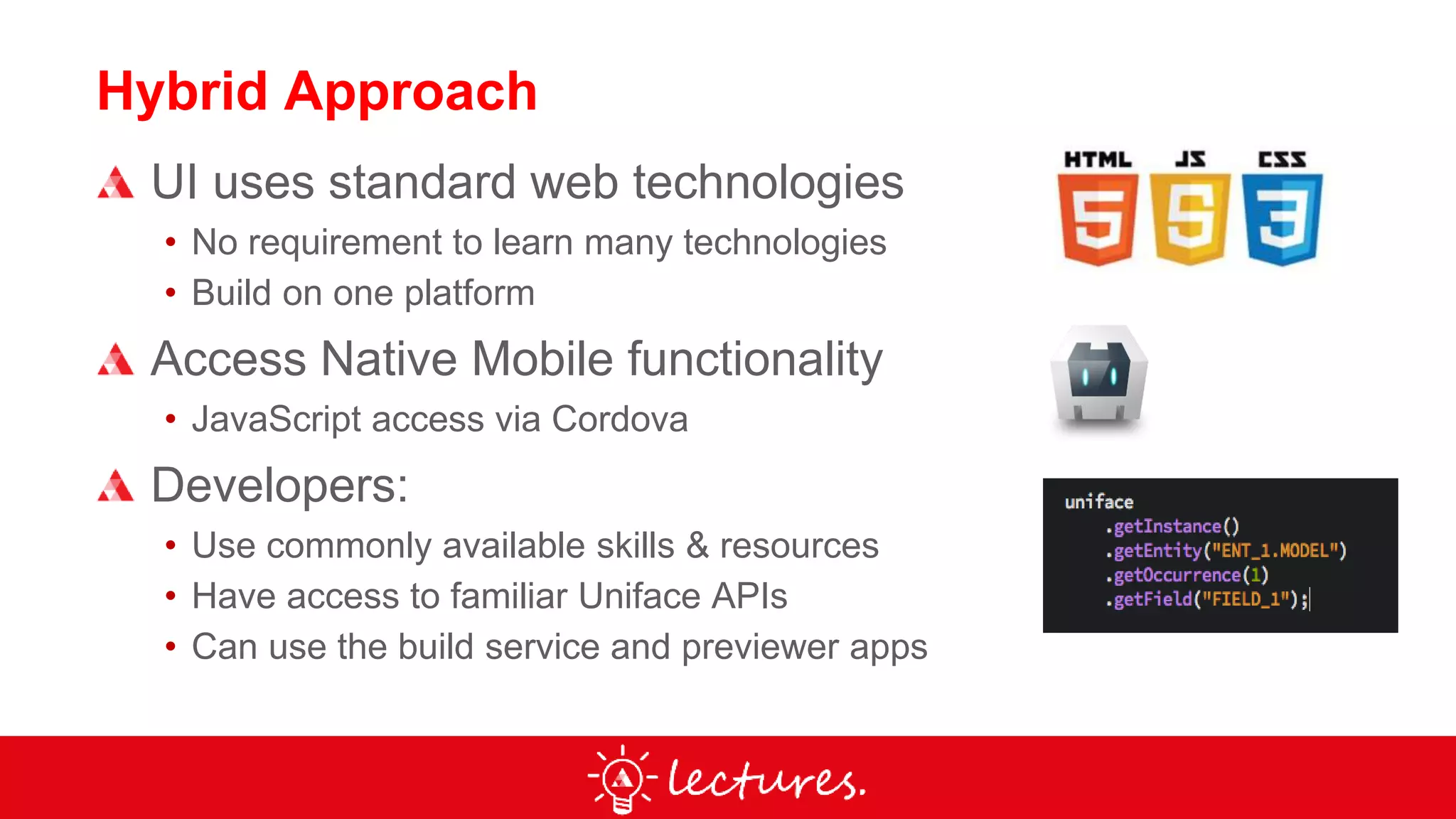
Hybrid Approach
UI uses standard web technologies
• No requirement to learn many technologies
• Build on one platform
Access Native Mobile functionality
• JavaScript access via Cordova
Developers:
• Use commonly available skills & resources
• Have access to familiar Uniface APIs
• Can use the build service and previewer apps
Apache Cordova Plugins
Contacts
navigator.contacts.pickContact(onSuccess, onError);
Geolocation
navigator.geolocation.getCurrentPosition(onSuccess, onError);
Camera
navigator.camera.getPicture(onSuccess, onError);
Barcode, Cache, Globalization, Keyboard, Printer,
Screen Orientation, SQL Plugin 2, Status Bar, Toast
Message, Uniface System Info + Custom Plugins
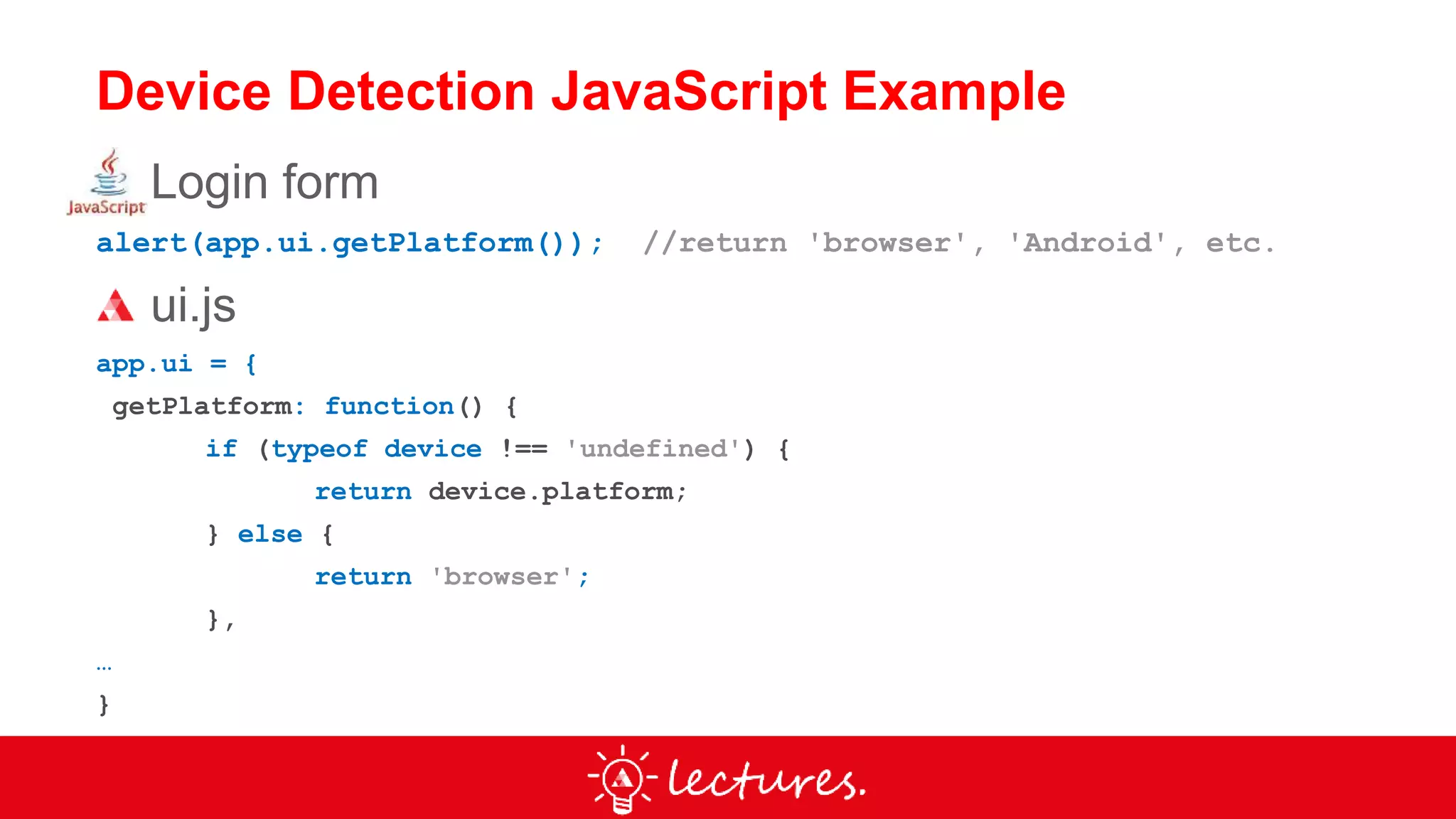
Device Detection JavaScript Example
Login form
alert(app.ui.getPlatform()); //return 'browser', 'Android', etc.
ui.js
app.ui = {
getPlatform: function() {
if (typeof device !== 'undefined') {
return device.platform;
} else {
return 'browser';
},
…
}
Walkthrough:
WebStart App
Code: github.com/uniface/webstart
Walkthrough:
uclaim demo
Code: github.com/uniface/mobile
Resources
Uniface Help: Tutorials
unifaceinfo.com
- Mobile Product Availability Matrix, Samples, forums, blogs & more
go.uniface.com/lectures-page
- Archive of webinar video recordings
youtube.com/unifacesme
- Tutorials, demos & webinar recording
slideshare.net/Uniface
github.com/uniface
- Frameworks & tools
Uniface Training & Consultancy
Video recording of this & previous webinars:
go.uniface.com/lectures-page

Uniface Lectures Webinar - Extending Applications for Mobile

  • 2.
    Uniface Responsive Development (4) –Mobile Extensions David Akerman – Solution Consultant
  • 3.
    Agenda Development Approaches forMobile Using Native Mobile Features Demo & Code Walkthrough
  • 4.
  • 5.
    User Interface Considerations ScreenSize (Dynamic Layout) Use full screen width on small devices Table columns - use conditional CSS or libraries to hide columns on smaller devices Hide some detail on smaller devices or use progressive disclosure Scrolling (Uniface Mobile Layout – data-uniface-role=“header|content|footer” For extreme differences, consider using different user interfaces (but same Uniface code) Platform Differences Feature detection • Hide, disable or replace unavailable functionality Native or consistent look & feel? Usability
  • 6.
    Mobile User Interface CommonUI across devices or more native look and feel? Native UI considerations: • iOS doesn’t have physical back button • Global Elements (e.g. status bar and header) • Navigation (Android drawer menu, iOS tab bar) • Fonts • Cards • Buttons (Style, Case) • Dropdown buttons = Android, not iOS • Segmented Controls (Tabs) • Other controls (RadioButton, CheckBox, Edit Box etc.) • Alerts • Icons • Etc.
  • 7.
    Approaches to Web& Mobile Delivery One Application with flexible front-end Consistent User Interface (“Mobile First”) • Your choice of responsive frameworks • Most re-use, lowest development cost Different user interfaces (e.g. Native look & feel) • Shared Business Logic & Server-Side User Interface code • Different Presentation Layers (using web technologies) Separate Application • Business logic can be re-used • Bi-directional Javascript API
  • 8.
  • 9.
    Hybrid Approach UI usesstandard web technologies • No requirement to learn many technologies • Build on one platform Access Native Mobile functionality • JavaScript access via Cordova Developers: • Use commonly available skills & resources • Have access to familiar Uniface APIs • Can use the build service and previewer apps
  • 10.
    Apache Cordova Plugins Contacts navigator.contacts.pickContact(onSuccess,onError); Geolocation navigator.geolocation.getCurrentPosition(onSuccess, onError); Camera navigator.camera.getPicture(onSuccess, onError); Barcode, Cache, Globalization, Keyboard, Printer, Screen Orientation, SQL Plugin 2, Status Bar, Toast Message, Uniface System Info + Custom Plugins
  • 11.
    Device Detection JavaScriptExample Login form alert(app.ui.getPlatform()); //return 'browser', 'Android', etc. ui.js app.ui = { getPlatform: function() { if (typeof device !== 'undefined') { return device.platform; } else { return 'browser'; }, … }
  • 12.
  • 13.
  • 14.
    Resources Uniface Help: Tutorials unifaceinfo.com -Mobile Product Availability Matrix, Samples, forums, blogs & more go.uniface.com/lectures-page - Archive of webinar video recordings youtube.com/unifacesme - Tutorials, demos & webinar recording slideshare.net/Uniface github.com/uniface - Frameworks & tools Uniface Training & Consultancy
  • 15.
    Video recording ofthis & previous webinars: go.uniface.com/lectures-page