Group News
Upcoming Events
● Tuesday May 28th 5pm - Virtual and In-person
Data Cloud & Me with Matt Robison
● Thursday May 30th
Kiwi Dreaming 2024
● Tuesday June 4 - Virtual
Trailhead Tuesday
Next Session
Monday June 17 - 12 pm Virtual
Improving UI/UX in Screen Flows using Salesforce Lightning Design System (SLDS) with Tom Kitt
Tim Combridge
Managing Director
Agenda
1. Back to Basics
1. Concept 1: Subflows
2. Concept 2: HTTP Callouts
3. Concept 3: Flow Contexts
4. Concept 4: Flow Access
5. Concept 5: Custom Components/3rd Party
Firstly, Back to Basics
Done to death — The foundations of Salesforce Flow have been discussed before - I want to spend
time going through some more advanced concepts, but the basics are still extremely important.
Key things to remember going forward:
● Minimise pink elements (DML)
● Use Collections and Loops for bulk data
● Use recordId record variable instead of a query
● Flow isn’t the only tool! As developers, you’re likely more familiar with Apex, LWC, etc. - there’s
a great combination of Flow and programmatic tools.
● Connect with other Trailblazers to verify any questions you have - you’re not alone!
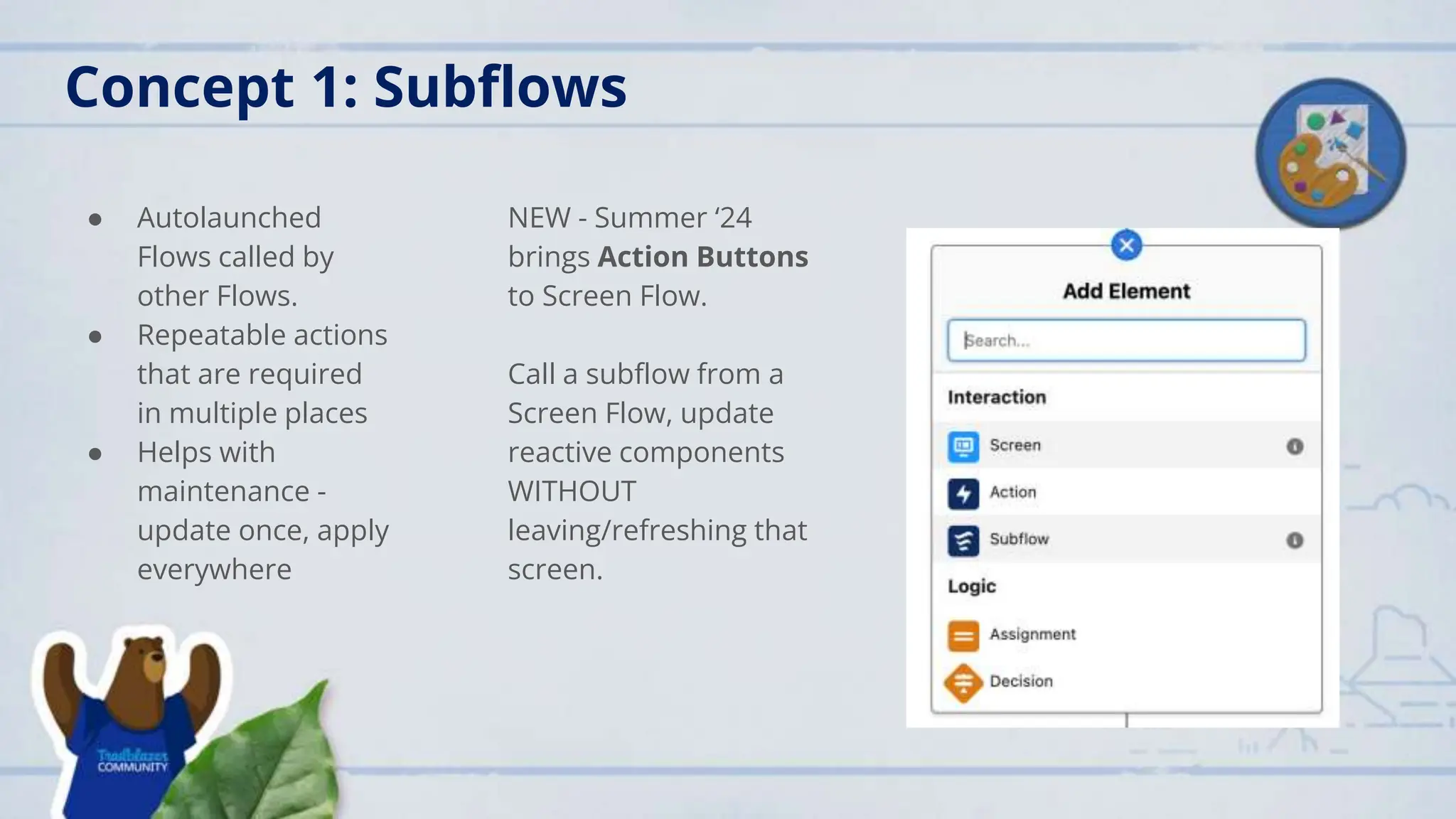
Concept 1: Subflows
● Autolaunched
Flows called by
other Flows.
● Repeatable actions
that are required
in multiple places
● Helps with
maintenance -
update once, apply
everywhere
NEW - Summer ‘24
brings Action Buttons
to Screen Flow.
Call a subflow from a
Screen Flow, update
reactive components
WITHOUT
leaving/refreshing that
screen.
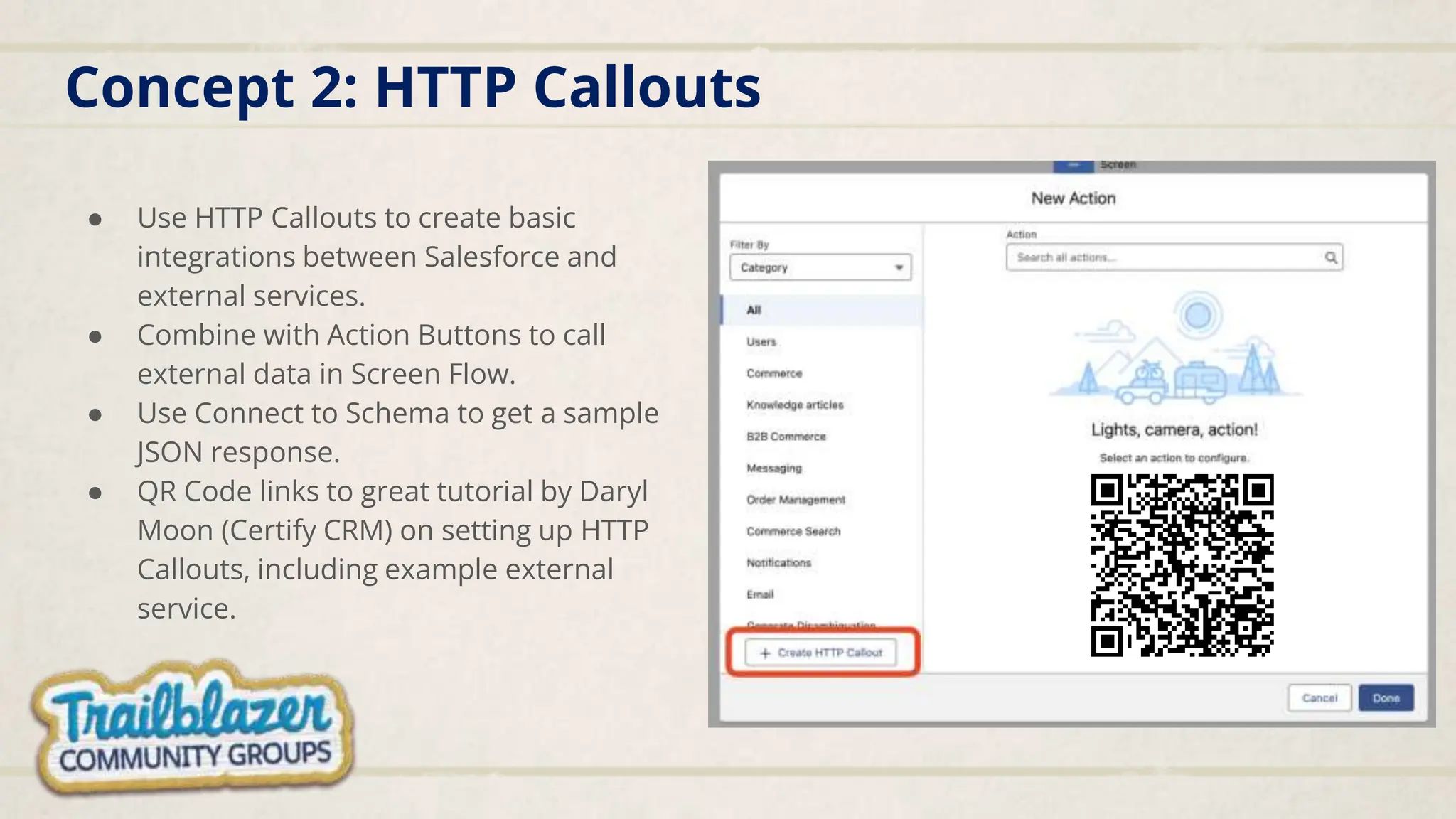
Concept 2: HTTP Callouts
● Use HTTP Callouts to create basic
integrations between Salesforce and
external services.
● Combine with Action Buttons to call
external data in Screen Flow.
● Use Connect to Schema to get a sample
JSON response.
● QR Code links to great tutorial by Daryl
Moon (Certify CRM) on setting up HTTP
Callouts, including example external
service.
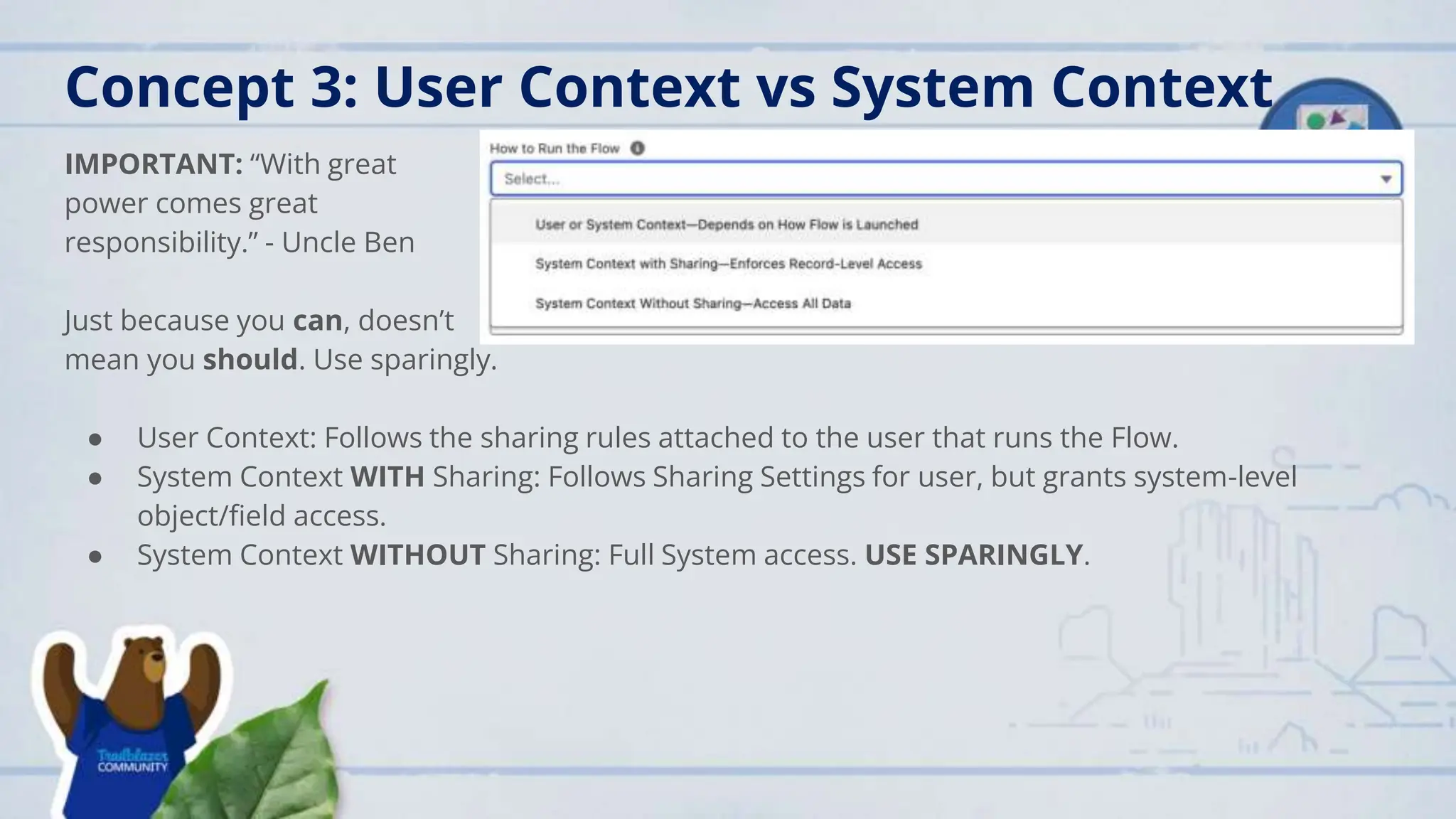
Concept 3: User Context vs System Context
IMPORTANT: “With great
power comes great
responsibility.” - Uncle Ben
Just because you can, doesn’t
mean you should. Use sparingly.
● User Context: Follows the sharing rules attached to the user that runs the Flow.
● System Context WITH Sharing: Follows Sharing Settings for user, but grants system-level
object/field access.
● System Context WITHOUT Sharing: Full System access. USE SPARINGLY.
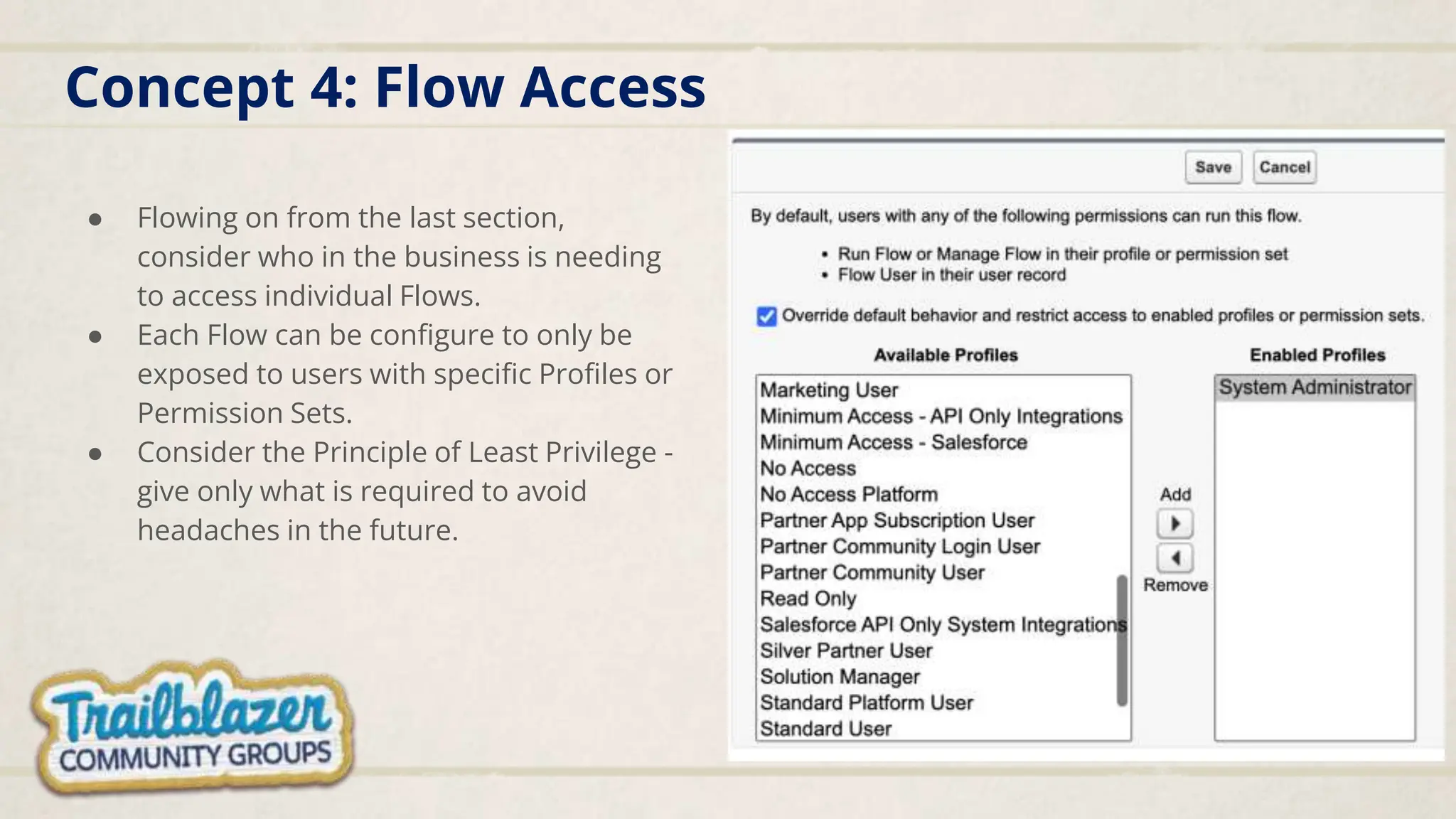
Concept 4: Flow Access
● Flowing on from the last section,
consider who in the business is needing
to access individual Flows.
● Each Flow can be configure to only be
exposed to users with specific Profiles or
Permission Sets.
● Consider the Principle of Least Privilege -
give only what is required to avoid
headaches in the future.
Concept 5: Custom Components/3rd Party
● Flow is great, but can also be expanded
upon.
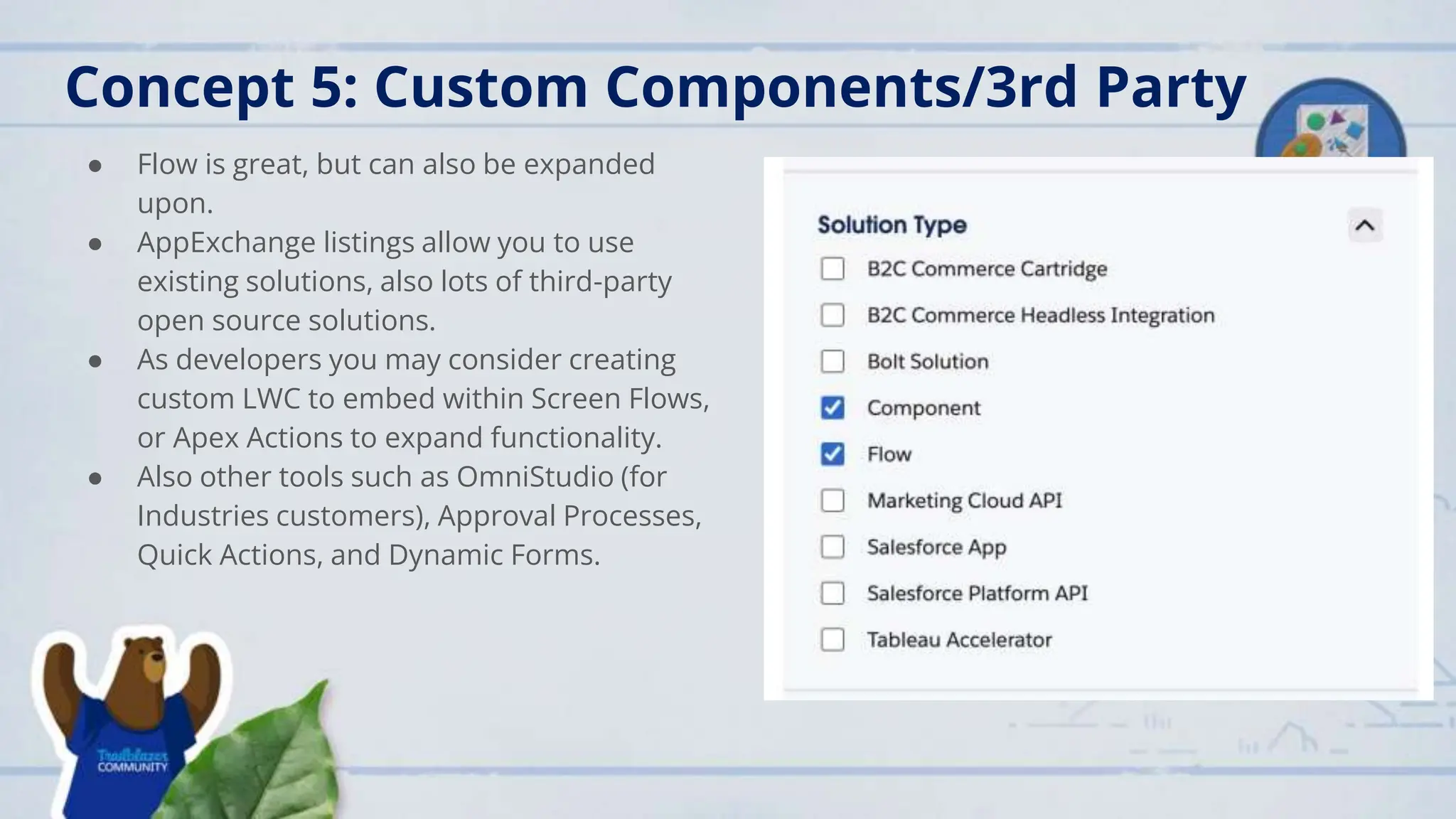
● AppExchange listings allow you to use
existing solutions, also lots of third-party
open source solutions.
● As developers you may consider creating
custom LWC to embed within Screen Flows,
or Apex Actions to expand functionality.
● Also other tools such as OmniStudio (for
Industries customers), Approval Processes,
Quick Actions, and Dynamic Forms.
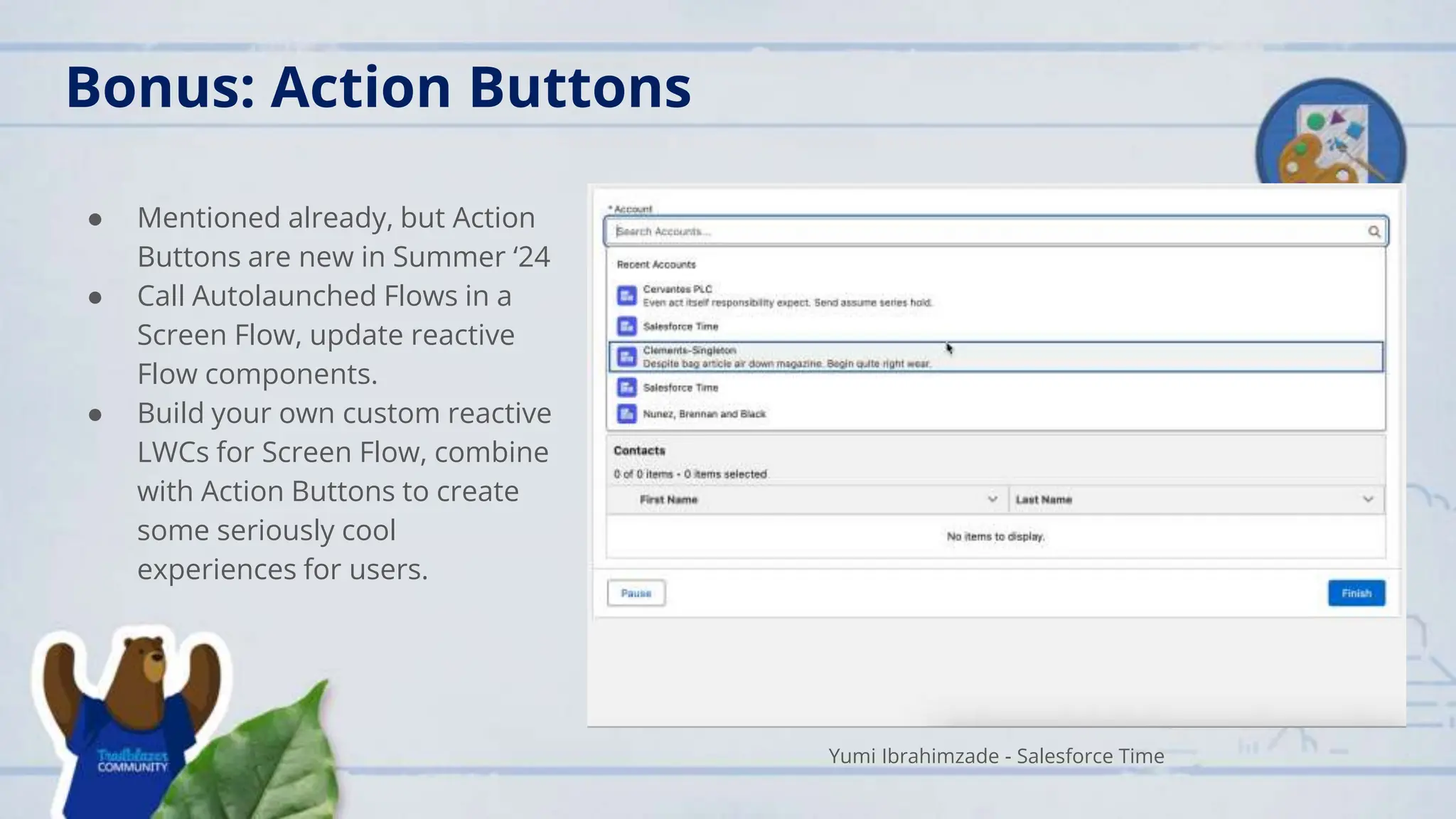
● Mentioned already, but Action
Buttons are new in Summer ‘24
● Call Autolaunched Flows in a
Screen Flow, update reactive
Flow components.
● Build your own custom reactive
LWCs for Screen Flow, combine
with Action Buttons to create
some seriously cool
experiences for users.
Bonus: Action Buttons
Yumi Ibrahimzade - Salesforce Time
Summary
1. Use Subflows to replicate common functionality/actions across multiple Flows,
reduce maintenance, combine with Action Buttons for Reactive Screen Flows.
2. Integrate with external data sources using HTTP Callouts to push and pull data.
3. Use (SPARINGLY (!!!!!)) System Context to bypass security under certain
circumstances.
4. Flow Access can be used to grant access to Flows to individuals with specific
Profiles/Permission Sets.
5. Enhance OOTB Flow with AppExchange solutions, Invocable Apex Actions, and
custom LWC.
6. Action Buttons are gonna be dope. Summer ‘24 is a big update in the Flow space.
Questions
Advanced Flow Concepts Every Developer Should Know

Advanced Flow Concepts Every Developer Should Know

  • 2.
    Group News Upcoming Events ●Tuesday May 28th 5pm - Virtual and In-person Data Cloud & Me with Matt Robison ● Thursday May 30th Kiwi Dreaming 2024 ● Tuesday June 4 - Virtual Trailhead Tuesday Next Session Monday June 17 - 12 pm Virtual Improving UI/UX in Screen Flows using Salesforce Lightning Design System (SLDS) with Tom Kitt
  • 4.
  • 5.
    Agenda 1. Back toBasics 1. Concept 1: Subflows 2. Concept 2: HTTP Callouts 3. Concept 3: Flow Contexts 4. Concept 4: Flow Access 5. Concept 5: Custom Components/3rd Party
  • 6.
    Firstly, Back toBasics Done to death — The foundations of Salesforce Flow have been discussed before - I want to spend time going through some more advanced concepts, but the basics are still extremely important. Key things to remember going forward: ● Minimise pink elements (DML) ● Use Collections and Loops for bulk data ● Use recordId record variable instead of a query ● Flow isn’t the only tool! As developers, you’re likely more familiar with Apex, LWC, etc. - there’s a great combination of Flow and programmatic tools. ● Connect with other Trailblazers to verify any questions you have - you’re not alone!
  • 7.
    Concept 1: Subflows ●Autolaunched Flows called by other Flows. ● Repeatable actions that are required in multiple places ● Helps with maintenance - update once, apply everywhere NEW - Summer ‘24 brings Action Buttons to Screen Flow. Call a subflow from a Screen Flow, update reactive components WITHOUT leaving/refreshing that screen.
  • 8.
    Concept 2: HTTPCallouts ● Use HTTP Callouts to create basic integrations between Salesforce and external services. ● Combine with Action Buttons to call external data in Screen Flow. ● Use Connect to Schema to get a sample JSON response. ● QR Code links to great tutorial by Daryl Moon (Certify CRM) on setting up HTTP Callouts, including example external service.
  • 9.
    Concept 3: UserContext vs System Context IMPORTANT: “With great power comes great responsibility.” - Uncle Ben Just because you can, doesn’t mean you should. Use sparingly. ● User Context: Follows the sharing rules attached to the user that runs the Flow. ● System Context WITH Sharing: Follows Sharing Settings for user, but grants system-level object/field access. ● System Context WITHOUT Sharing: Full System access. USE SPARINGLY.
  • 10.
    Concept 4: FlowAccess ● Flowing on from the last section, consider who in the business is needing to access individual Flows. ● Each Flow can be configure to only be exposed to users with specific Profiles or Permission Sets. ● Consider the Principle of Least Privilege - give only what is required to avoid headaches in the future.
  • 11.
    Concept 5: CustomComponents/3rd Party ● Flow is great, but can also be expanded upon. ● AppExchange listings allow you to use existing solutions, also lots of third-party open source solutions. ● As developers you may consider creating custom LWC to embed within Screen Flows, or Apex Actions to expand functionality. ● Also other tools such as OmniStudio (for Industries customers), Approval Processes, Quick Actions, and Dynamic Forms.
  • 12.
    ● Mentioned already,but Action Buttons are new in Summer ‘24 ● Call Autolaunched Flows in a Screen Flow, update reactive Flow components. ● Build your own custom reactive LWCs for Screen Flow, combine with Action Buttons to create some seriously cool experiences for users. Bonus: Action Buttons Yumi Ibrahimzade - Salesforce Time
  • 13.
    Summary 1. Use Subflowsto replicate common functionality/actions across multiple Flows, reduce maintenance, combine with Action Buttons for Reactive Screen Flows. 2. Integrate with external data sources using HTTP Callouts to push and pull data. 3. Use (SPARINGLY (!!!!!)) System Context to bypass security under certain circumstances. 4. Flow Access can be used to grant access to Flows to individuals with specific Profiles/Permission Sets. 5. Enhance OOTB Flow with AppExchange solutions, Invocable Apex Actions, and custom LWC. 6. Action Buttons are gonna be dope. Summer ‘24 is a big update in the Flow space.
  • 14.