A seminar on
Touchless Touchscreen
Technology
Presented by,
Akshay vasava (MA073)
Table Content:
• Abstract – TouchLess Tech
• Touch Wall
• TouchLess Touchscreen
• TouchLess Monitor
• Working
• Minority Report
• TouchLess SDK
• TouchLess Demo
• Advantages
• Conclusion
Introduction:
• Simple UI for touchless control, EllipticLabs
Innovative technology
• This unique screen is made by TouchKo, White
Electronics Designs, and Groupe 3D.
• The screen resembles the Nintendo Wii without the
Wii Controller.
Touch wall:
• Touch Wall refers to the touch screen hardware setup
itself; the corresponding software to run Touch Wall,
which is built on a standard version of Vista, is called
Plex.
• Touch Wall consists of three infrared lasers that scan
a surface.
Touch wall:
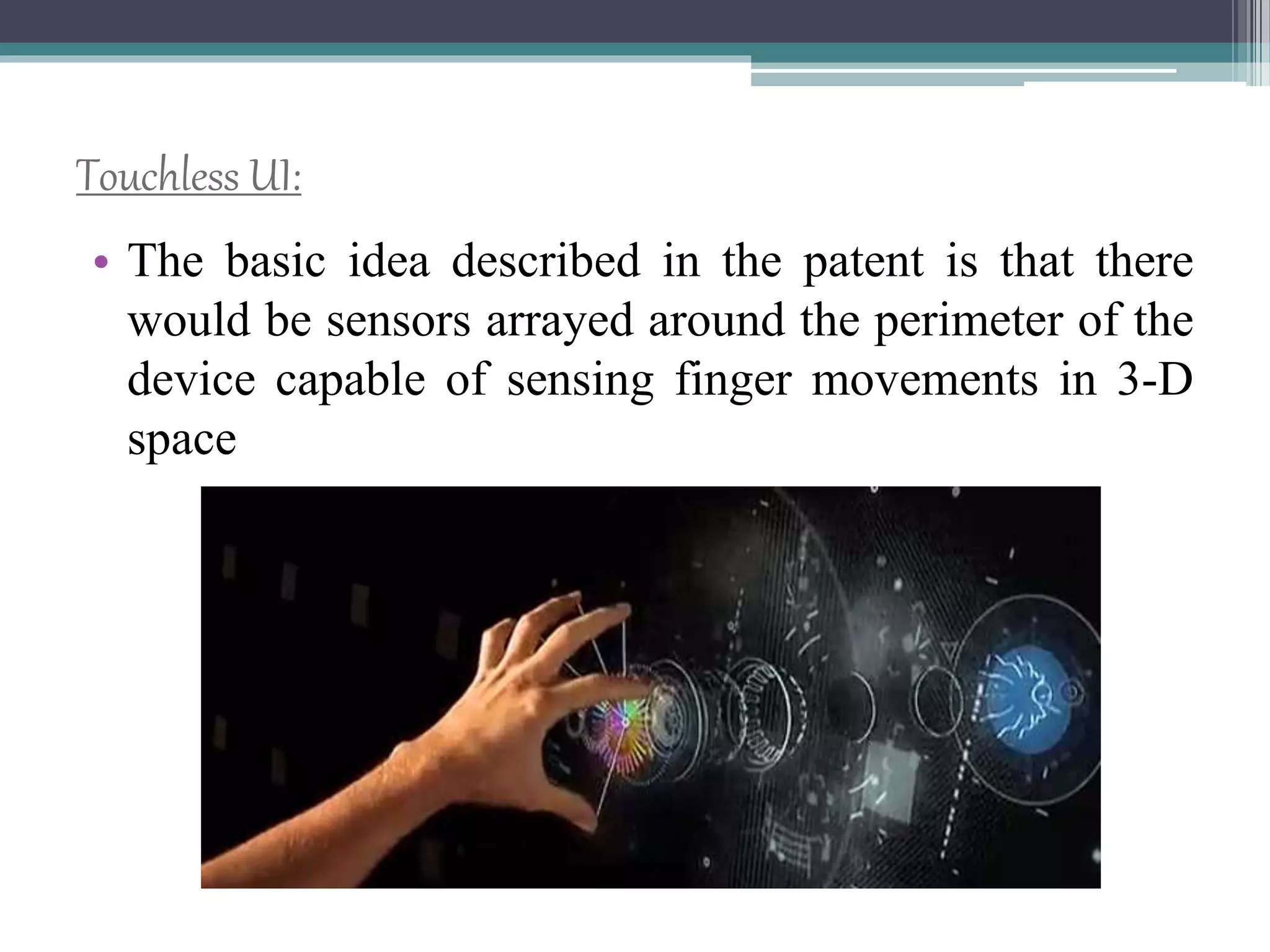
Touchless UI:
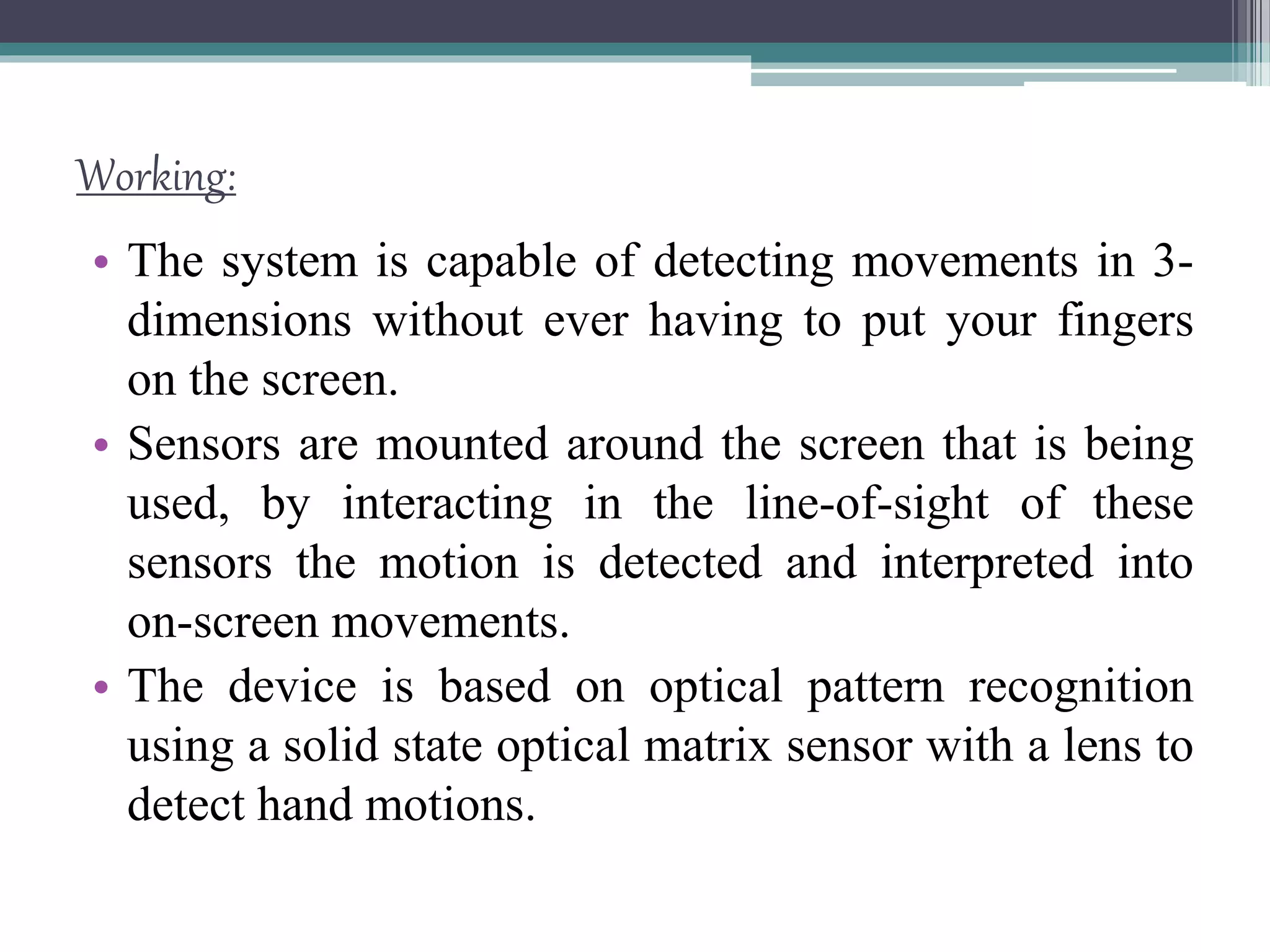
• The basic idea described in the patent is that there
would be sensors arrayed around the perimeter of the
device capable of sensing finger movements in 3-D
space
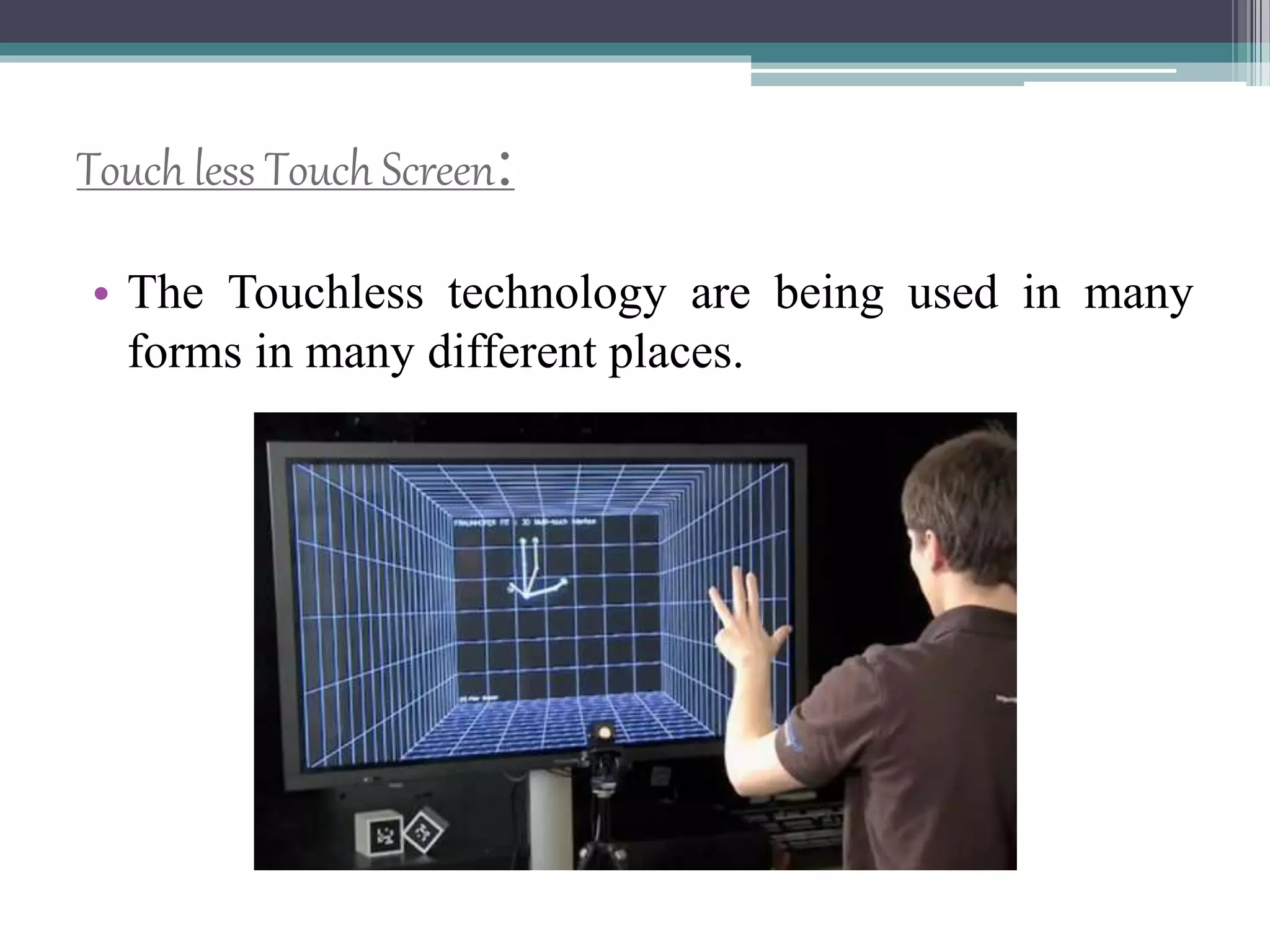
Touch less Touch Screen:
• The Touchless technology are being used in many
forms in many different places.
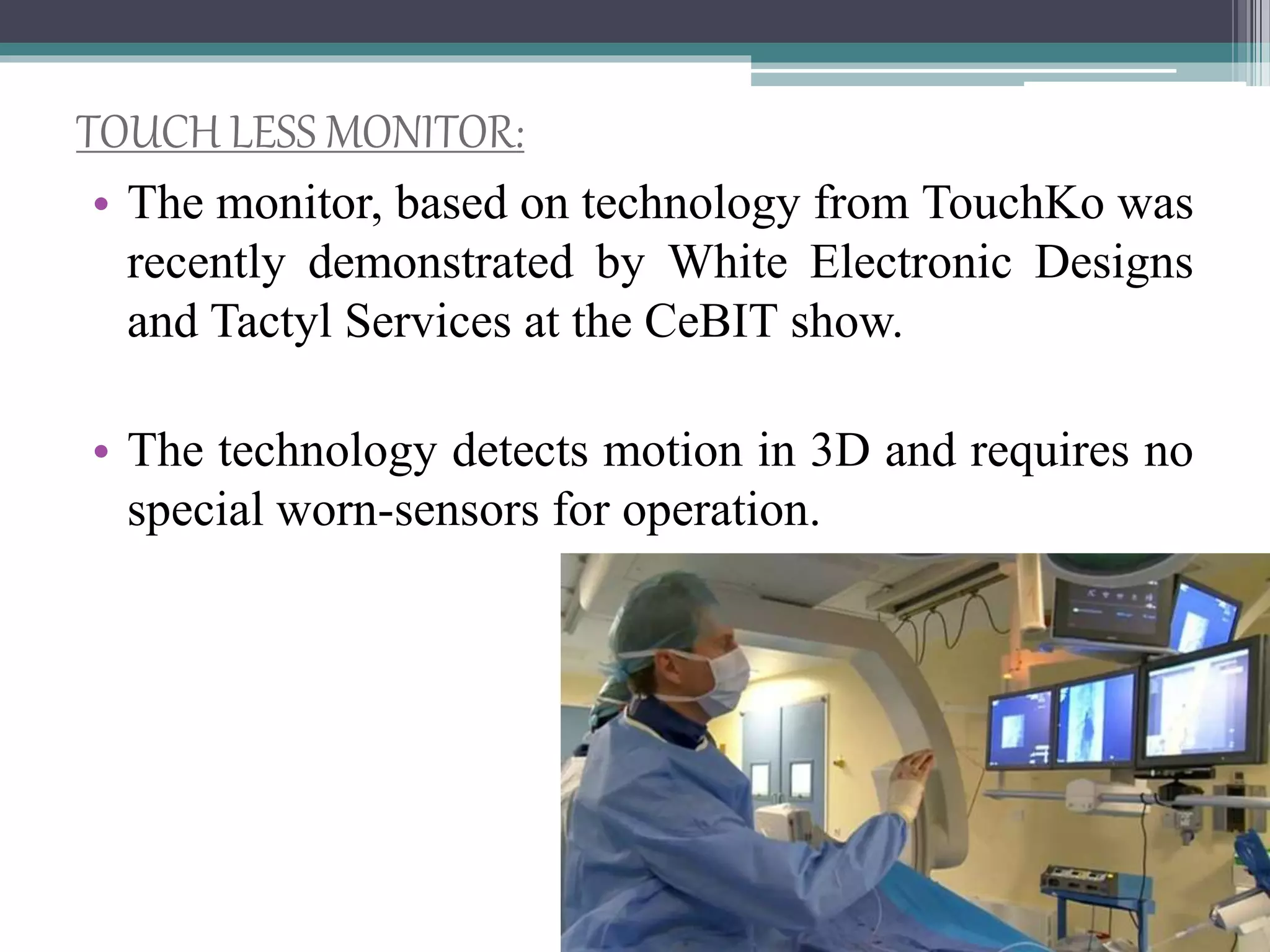
TOUCH LESS MONITOR:
• The monitor, based on technology from TouchKo was
recently demonstrated by White Electronic Designs
and Tactyl Services at the CeBIT show.
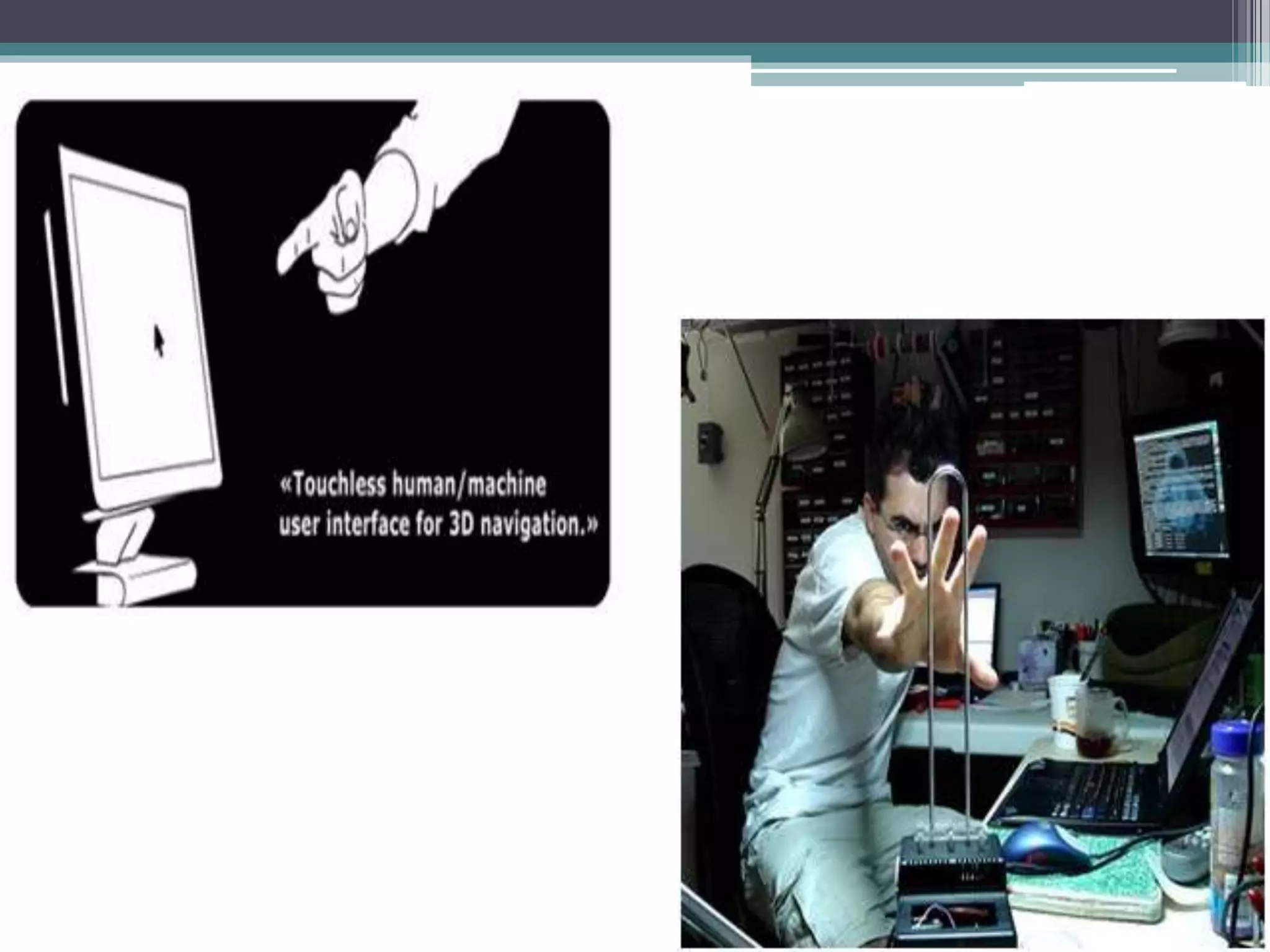
• The technology detects motion in 3D and requires no
special worn-sensors for operation.
Working:
• The system is capable of detecting movements in 3-
dimensions without ever having to put your fingers
on the screen.
• Sensors are mounted around the screen that is being
used, by interacting in the line-of-sight of these
sensors the motion is detected and interpreted into
on-screen movements.
• The device is based on optical pattern recognition
using a solid state optical matrix sensor with a lens to
detect hand motions.
• This sensor is then connected to a digital image
processor, which interprets the patterns of motion and
outputs the results as signals to control fixtures,
appliances, machinery, or any device controllable
through electrical signals.
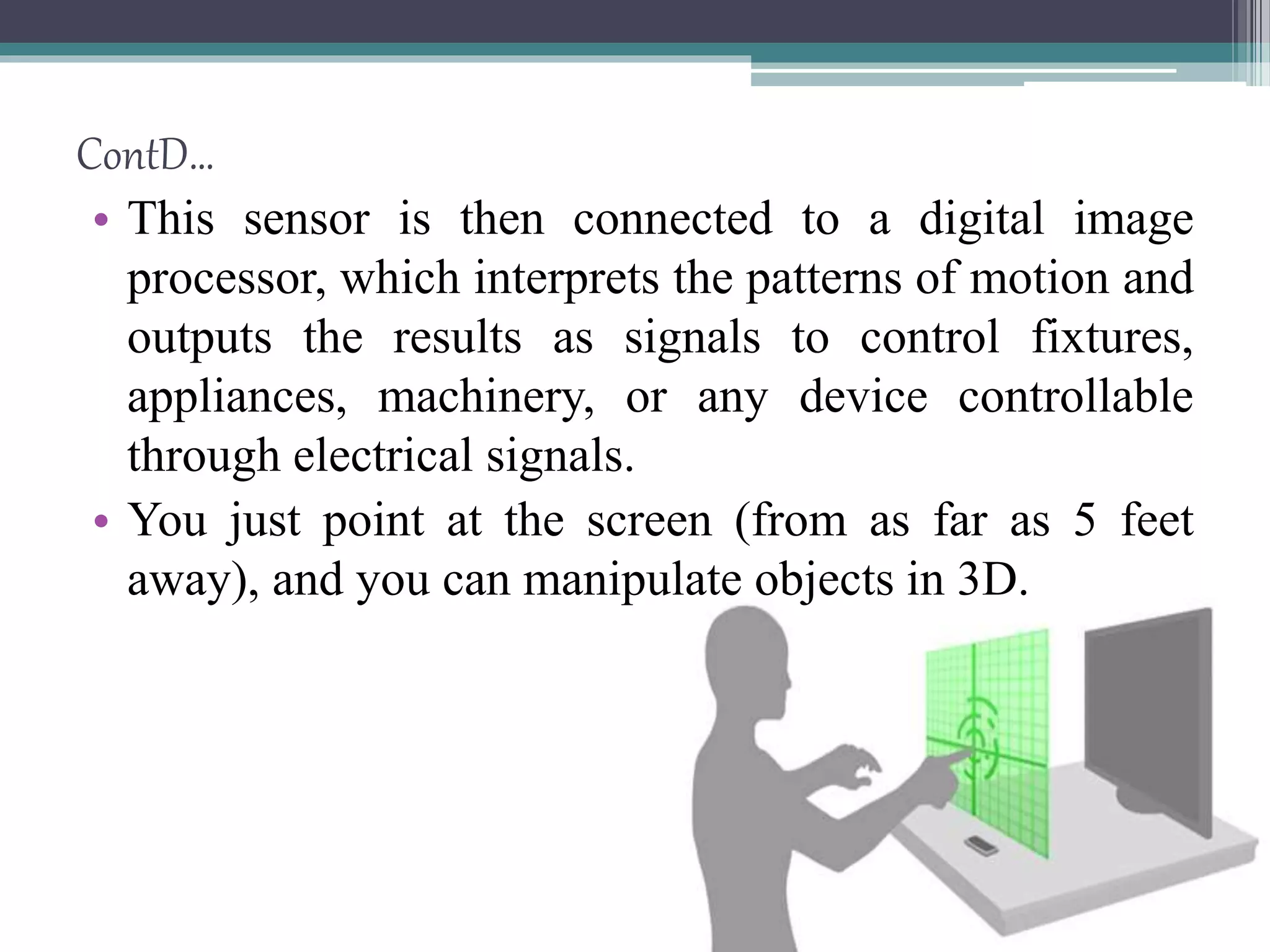
• You just point at the screen (from as far as 5 feet
away), and you can manipulate objects in 3D.
ContD…
Touch-less -> Glimpse of gbui
• We have seen the futuristic user interfaces of movies
like Minority Report and the Matrix Revolutions
where people wave their hand in 3 dimensions and
the computer understands what the user wants and
shifts and sorts data with precision.
• Microsoft’s XD Huang demonstrated how his
company sees the future of the GUI at ITEXPO.
9 Minority Report
Inspired Touchless Technology:
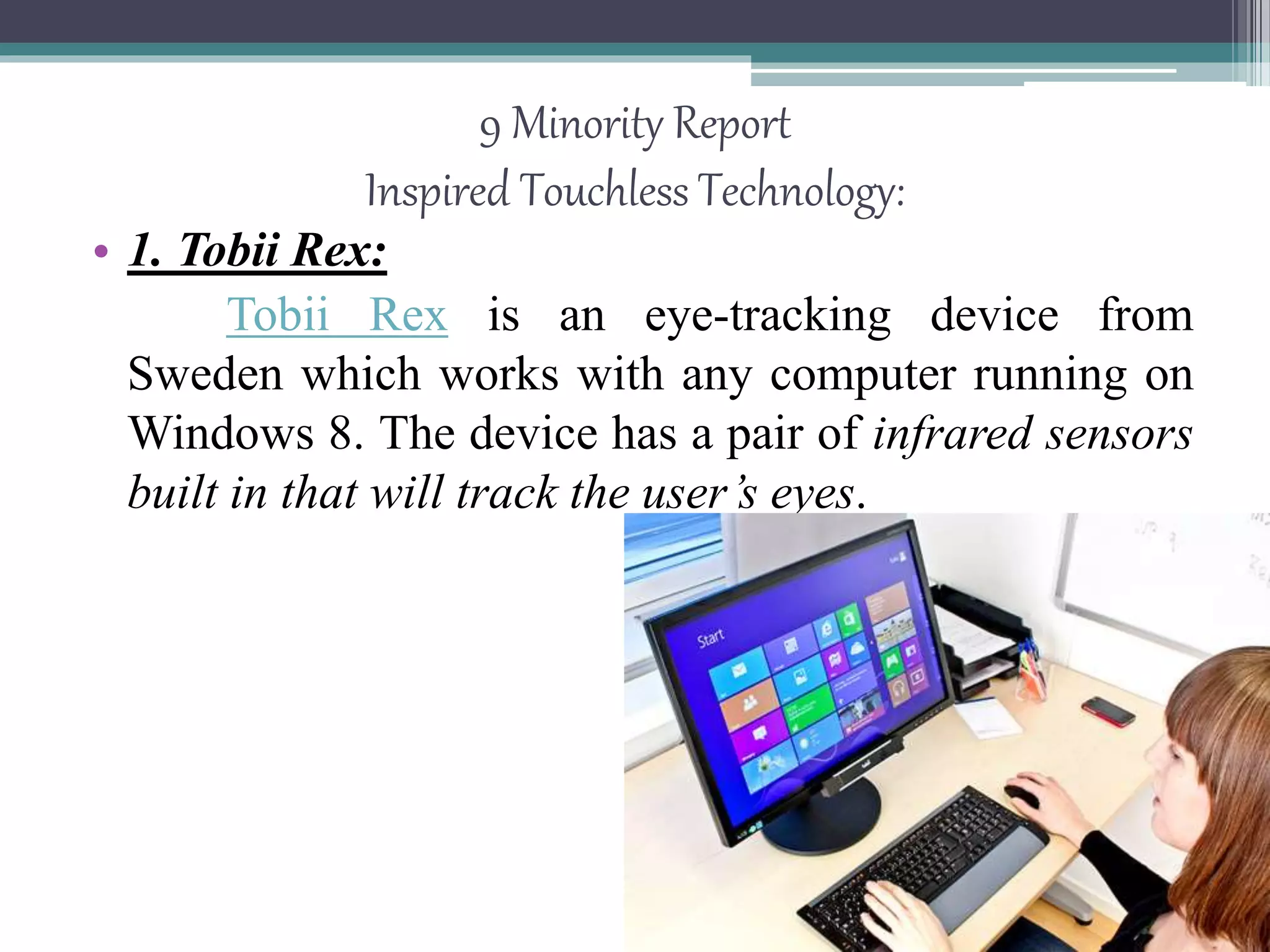
• 1. Tobii Rex:
Tobii Rex is an eye-tracking device from
Sweden which works with any computer running on
Windows 8. The device has a pair of infrared sensors
built in that will track the user’s eyes.
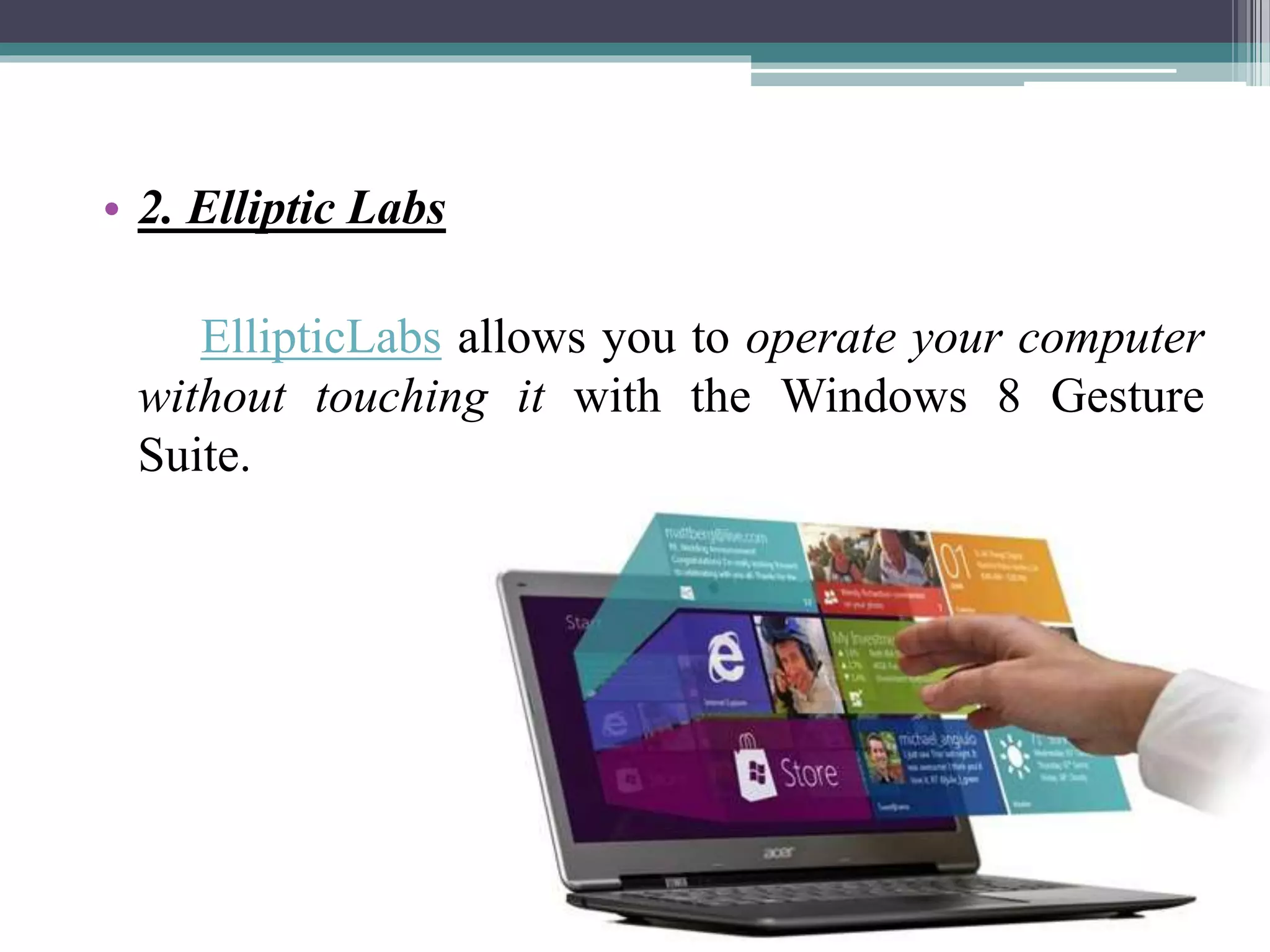
• 2. Elliptic Labs
EllipticLabs allows you to operate your computer
without touching it with the Windows 8 Gesture
Suite.
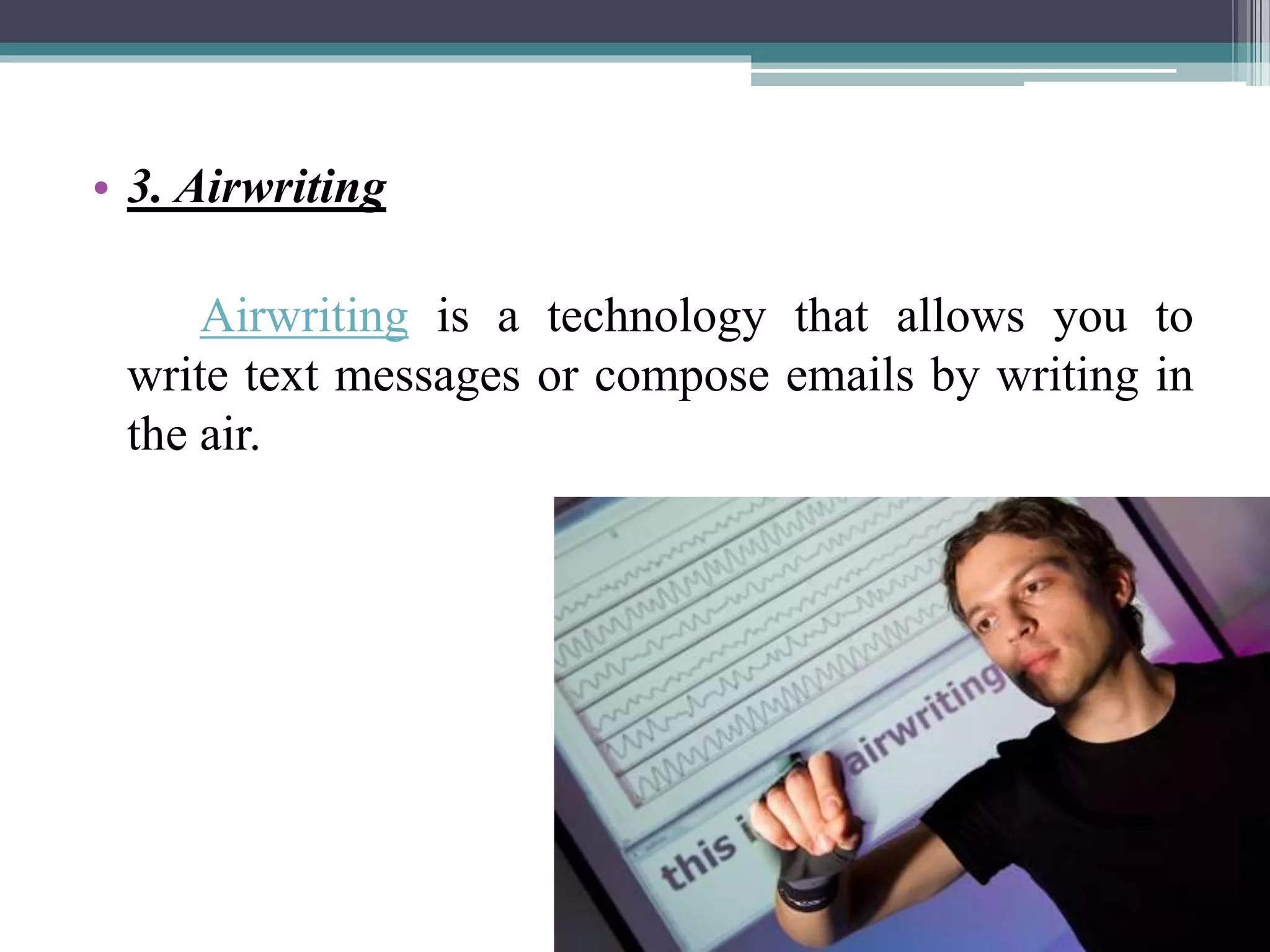
• 3. Airwriting
Airwriting is a technology that allows you to
write text messages or compose emails by writing in
the air.
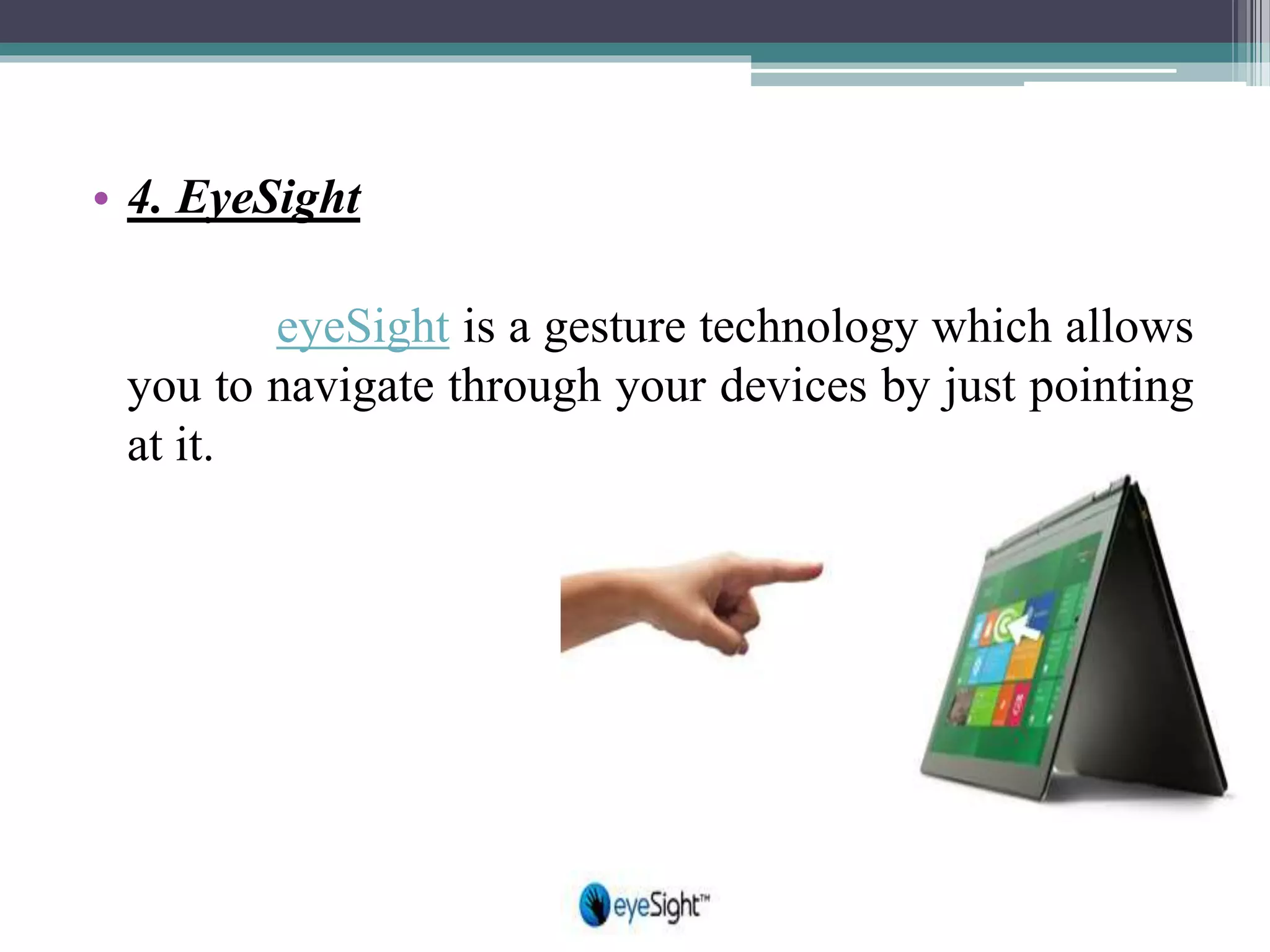
• 4. EyeSight
eyeSight is a gesture technology which allows
you to navigate through your devices by just pointing
at it.
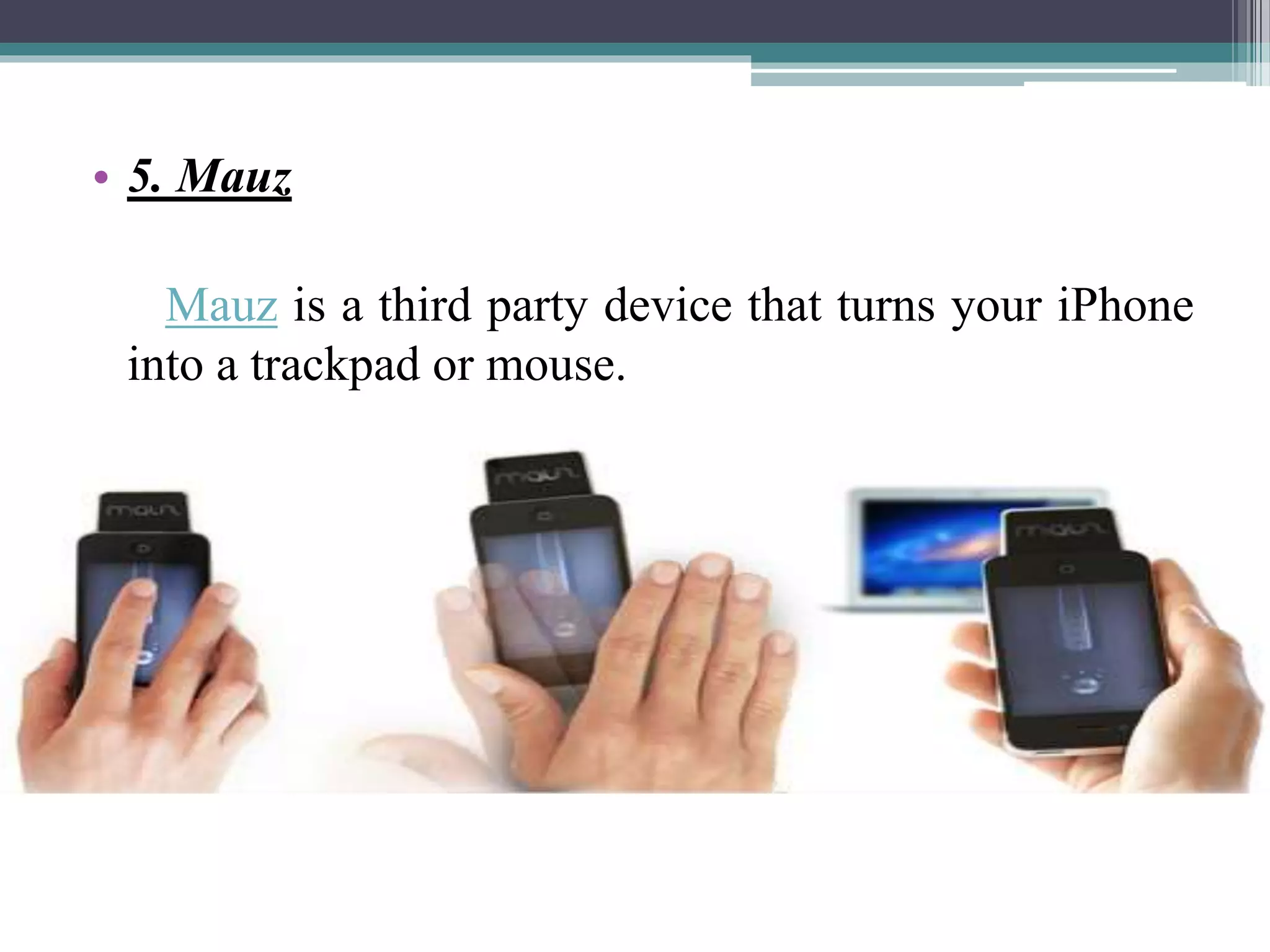
• 5. Mauz
Mauz is a third party device that turns your iPhone
into a trackpad or mouse.
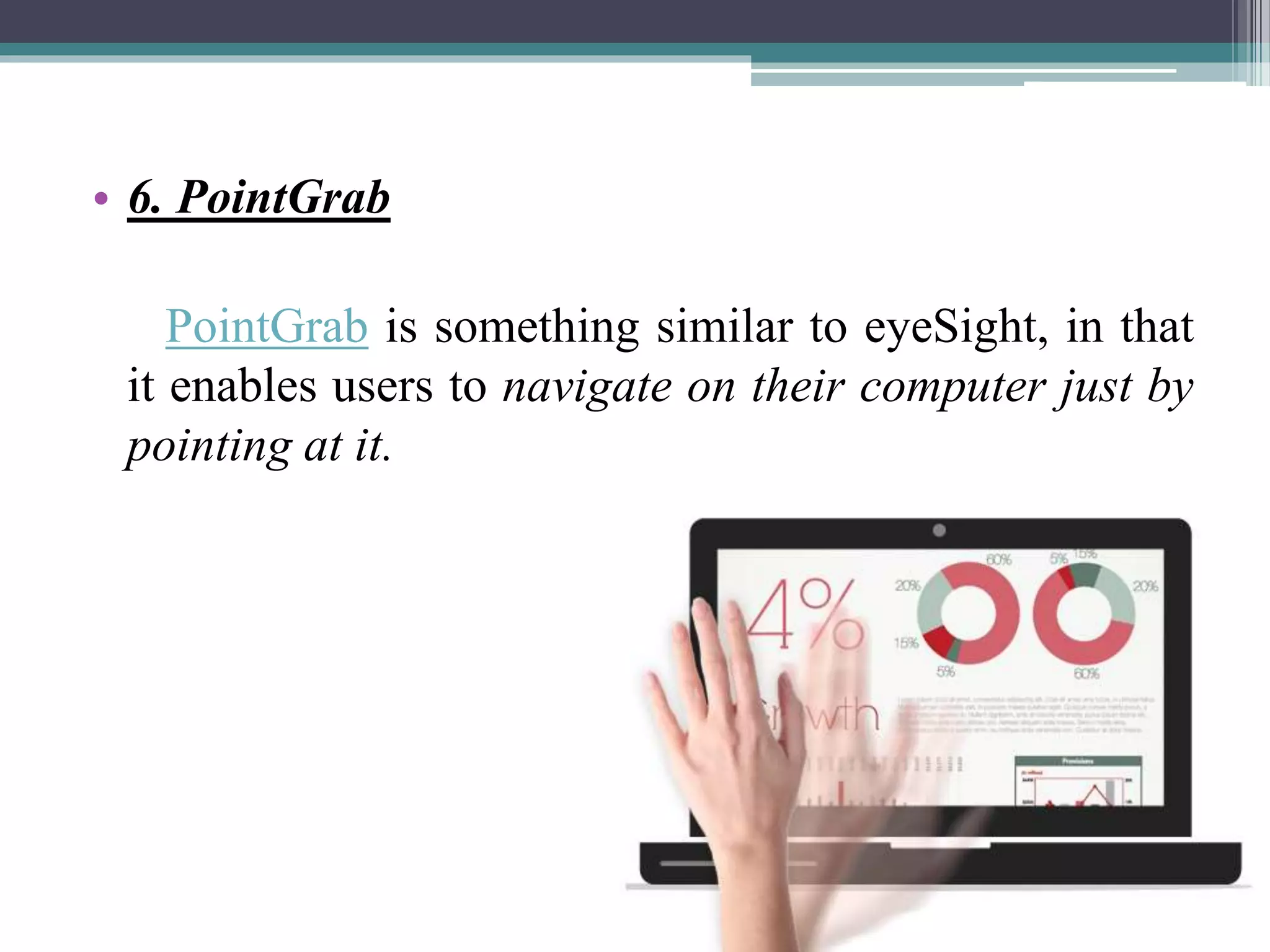
• 6. PointGrab
PointGrab is something similar to eyeSight, in that
it enables users to navigate on their computer just by
pointing at it.
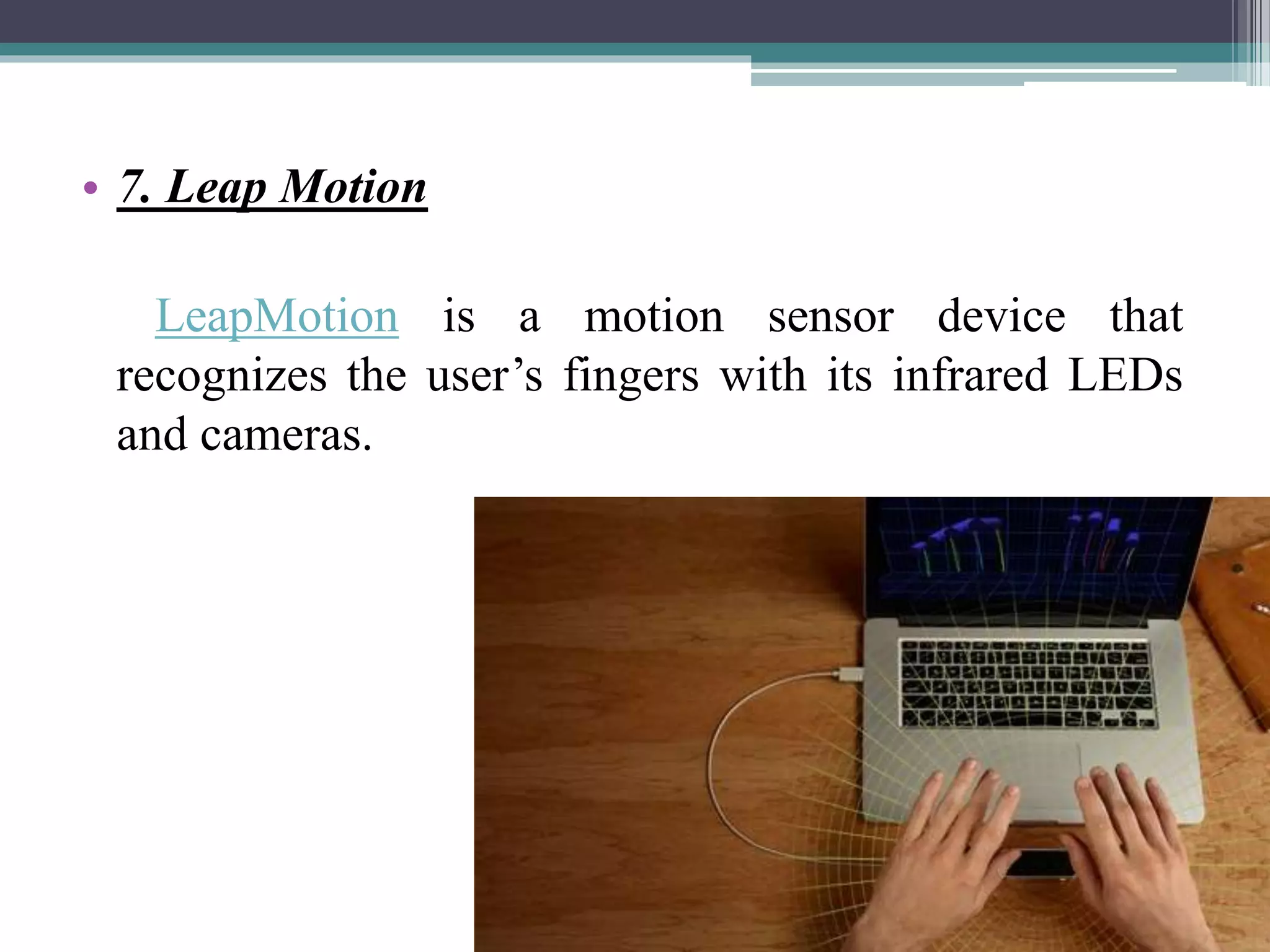
• 7. Leap Motion
LeapMotion is a motion sensor device that
recognizes the user’s fingers with its infrared LEDs
and cameras.
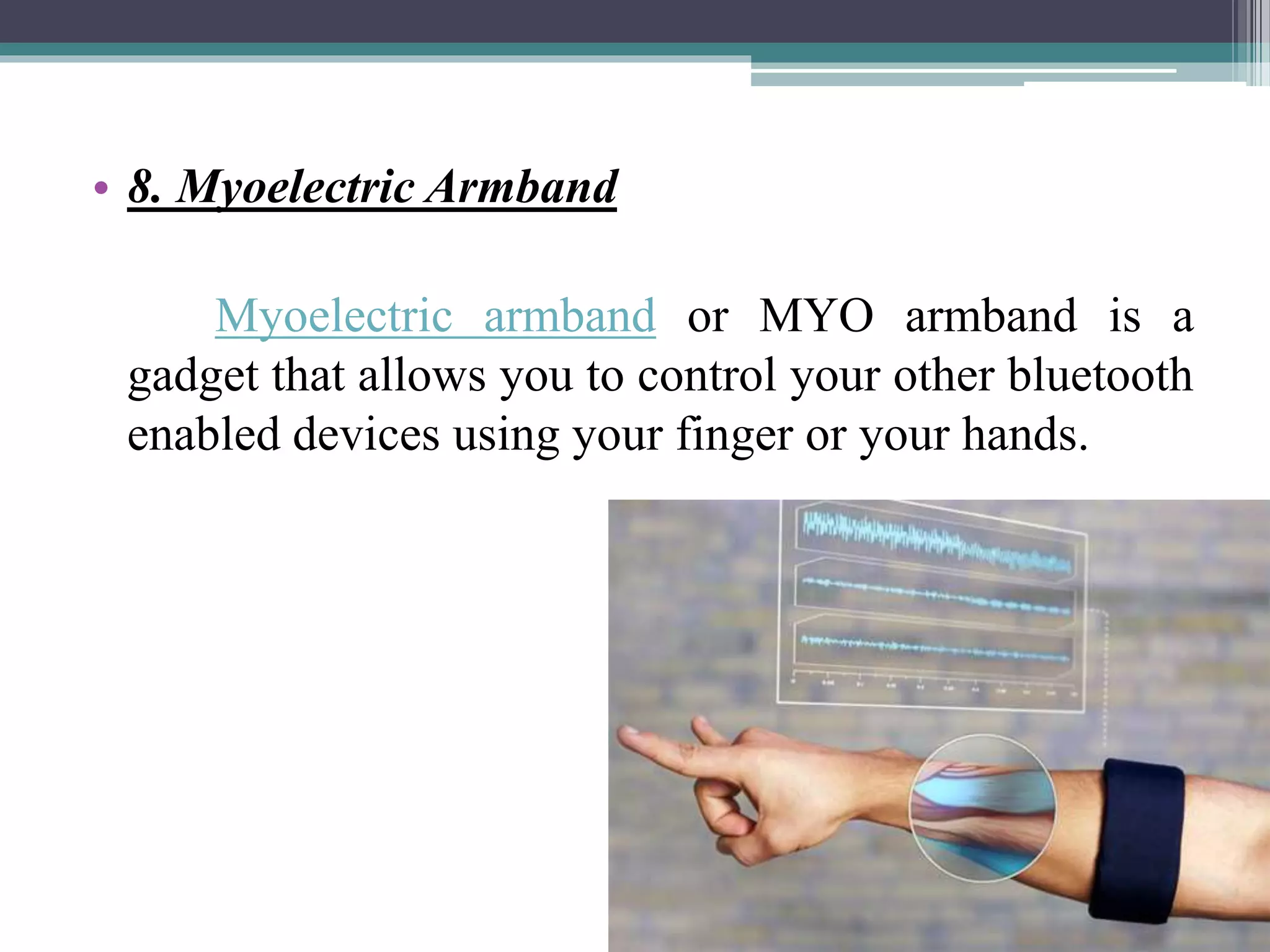
• 8. Myoelectric Armband
Myoelectric armband or MYO armband is a
gadget that allows you to control your other bluetooth
enabled devices using your finger or your hands.
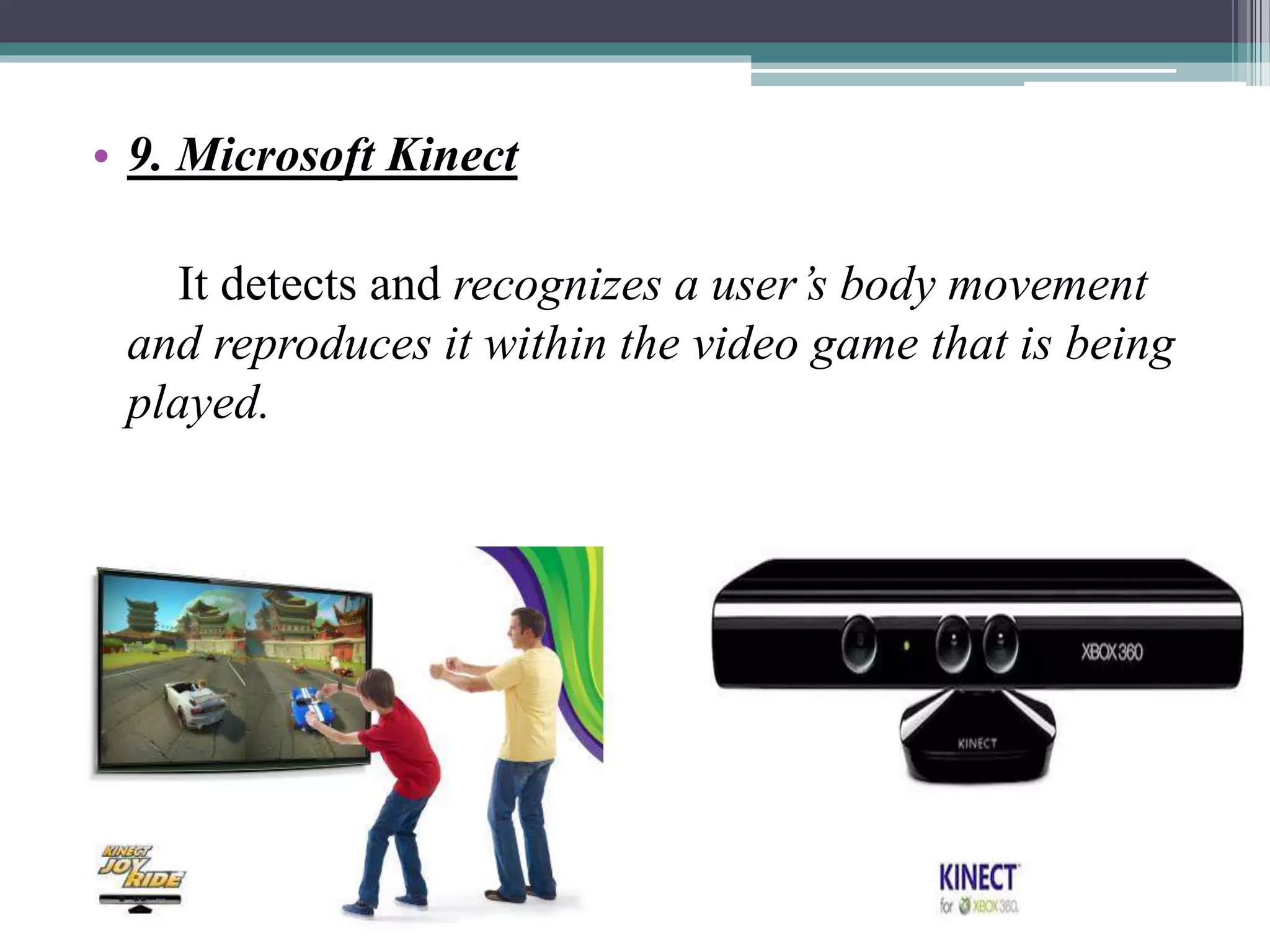
• 9. Microsoft Kinect
It detects and recognizes a user’s body movement
and reproduces it within the video game that is being
played.
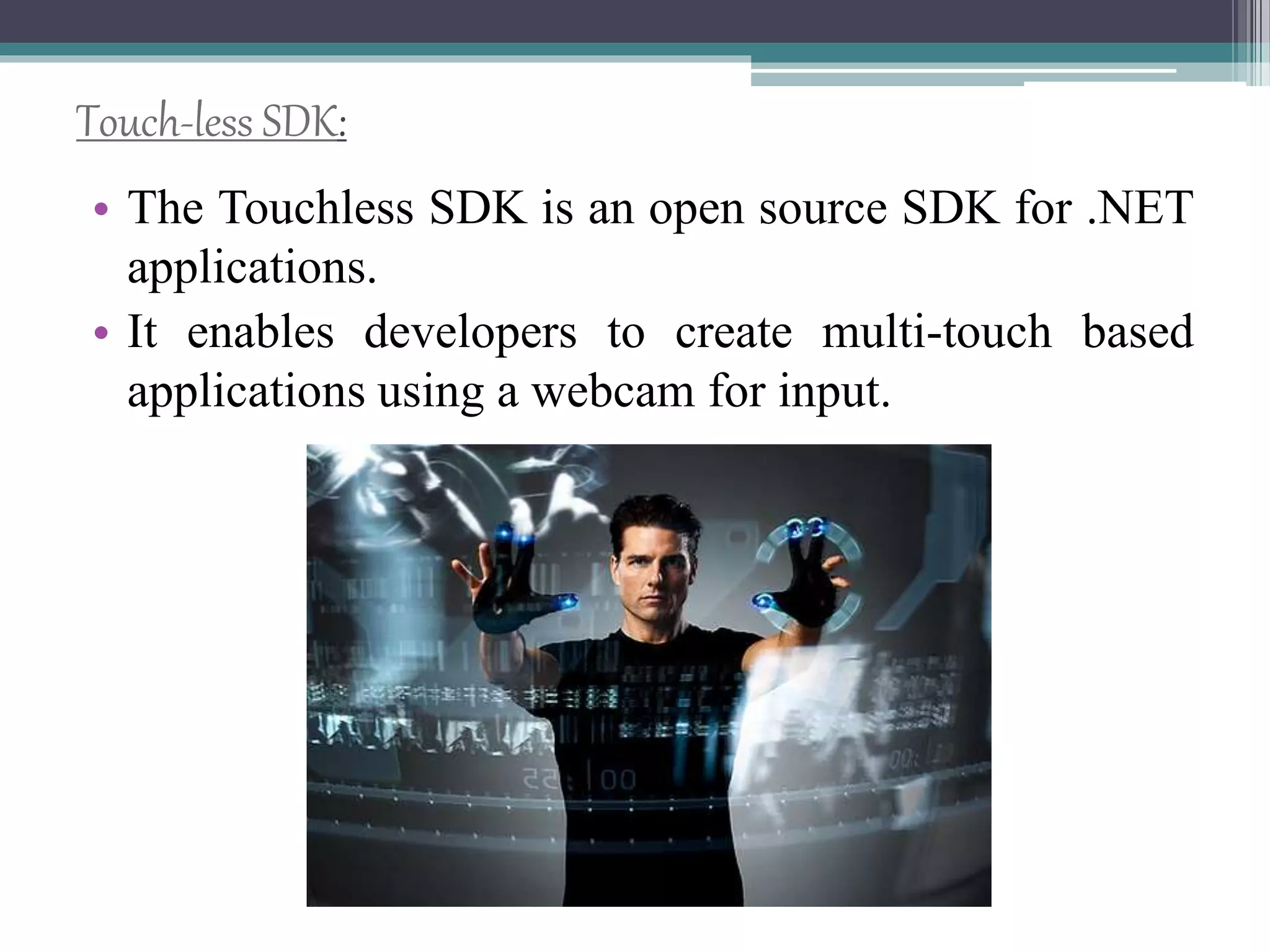
Touch-less SDK:
• The Touchless SDK is an open source SDK for .NET
applications.
• It enables developers to create multi-touch based
applications using a webcam for input.
Touch-less demo:
• The demo was created using the Touch less SDK and
Windows Forms with C#.
• There are 4 fun demos:
▫ Snake - where you control a snake with a marker
▫ Defender - up to 4 player version of a pong-like game
▫ Map - where you can rotate, zoom, and move a map
using 2 markers
▫ Draw - the marker is used to guess what…. draw!
Advantages:
• Easier and satisfactory experience
• Touchless Screen
• Controlling objects
• Gesturing and cursor positioning
• No drivers required
Conclusion:
• Today’s thoughts are again around user interface.
• The Touch less touch screen user interface can be
used effectively in computers, cell phones, webcams
and laptops
• May be few years down the line, our body can be
transformed into a virtual mouse, virtual keyboard.
Our body may be turned in to an input device!
Bibliography:
• http://www.comogy.com/concepts/170-
universal-remote-concept.html
• http://www.hitslot.com/?p=214
• http://www.touchuserinterface.com/touchless-
touch-screen-that-senses-your.html
• http://www.etre.com/blog/elliptic_labs_touchl
ess_user_interface/
• http://www.lewisshepherd.wordpress.com/stop
-being-so-touchy
Touchless Touchscreen Technology

Touchless Touchscreen Technology

  • 1.
    A seminar on TouchlessTouchscreen Technology Presented by, Akshay vasava (MA073)
  • 2.
    Table Content: • Abstract– TouchLess Tech • Touch Wall • TouchLess Touchscreen • TouchLess Monitor • Working • Minority Report • TouchLess SDK • TouchLess Demo • Advantages • Conclusion
  • 3.
    Introduction: • Simple UIfor touchless control, EllipticLabs Innovative technology • This unique screen is made by TouchKo, White Electronics Designs, and Groupe 3D. • The screen resembles the Nintendo Wii without the Wii Controller.
  • 4.
    Touch wall: • TouchWall refers to the touch screen hardware setup itself; the corresponding software to run Touch Wall, which is built on a standard version of Vista, is called Plex. • Touch Wall consists of three infrared lasers that scan a surface.
  • 5.
  • 6.
    Touchless UI: • Thebasic idea described in the patent is that there would be sensors arrayed around the perimeter of the device capable of sensing finger movements in 3-D space
  • 7.
    Touch less TouchScreen: • The Touchless technology are being used in many forms in many different places.
  • 8.
    TOUCH LESS MONITOR: •The monitor, based on technology from TouchKo was recently demonstrated by White Electronic Designs and Tactyl Services at the CeBIT show. • The technology detects motion in 3D and requires no special worn-sensors for operation.
  • 9.
    Working: • The systemis capable of detecting movements in 3- dimensions without ever having to put your fingers on the screen. • Sensors are mounted around the screen that is being used, by interacting in the line-of-sight of these sensors the motion is detected and interpreted into on-screen movements. • The device is based on optical pattern recognition using a solid state optical matrix sensor with a lens to detect hand motions.
  • 11.
    • This sensoris then connected to a digital image processor, which interprets the patterns of motion and outputs the results as signals to control fixtures, appliances, machinery, or any device controllable through electrical signals. • You just point at the screen (from as far as 5 feet away), and you can manipulate objects in 3D. ContD…
  • 13.
    Touch-less -> Glimpseof gbui • We have seen the futuristic user interfaces of movies like Minority Report and the Matrix Revolutions where people wave their hand in 3 dimensions and the computer understands what the user wants and shifts and sorts data with precision. • Microsoft’s XD Huang demonstrated how his company sees the future of the GUI at ITEXPO.
  • 14.
    9 Minority Report InspiredTouchless Technology: • 1. Tobii Rex: Tobii Rex is an eye-tracking device from Sweden which works with any computer running on Windows 8. The device has a pair of infrared sensors built in that will track the user’s eyes.
  • 15.
    • 2. EllipticLabs EllipticLabs allows you to operate your computer without touching it with the Windows 8 Gesture Suite.
  • 16.
    • 3. Airwriting Airwritingis a technology that allows you to write text messages or compose emails by writing in the air.
  • 17.
    • 4. EyeSight eyeSightis a gesture technology which allows you to navigate through your devices by just pointing at it.
  • 18.
    • 5. Mauz Mauzis a third party device that turns your iPhone into a trackpad or mouse.
  • 19.
    • 6. PointGrab PointGrabis something similar to eyeSight, in that it enables users to navigate on their computer just by pointing at it.
  • 20.
    • 7. LeapMotion LeapMotion is a motion sensor device that recognizes the user’s fingers with its infrared LEDs and cameras.
  • 21.
    • 8. MyoelectricArmband Myoelectric armband or MYO armband is a gadget that allows you to control your other bluetooth enabled devices using your finger or your hands.
  • 22.
    • 9. MicrosoftKinect It detects and recognizes a user’s body movement and reproduces it within the video game that is being played.
  • 23.
    Touch-less SDK: • TheTouchless SDK is an open source SDK for .NET applications. • It enables developers to create multi-touch based applications using a webcam for input.
  • 24.
    Touch-less demo: • Thedemo was created using the Touch less SDK and Windows Forms with C#. • There are 4 fun demos: ▫ Snake - where you control a snake with a marker ▫ Defender - up to 4 player version of a pong-like game ▫ Map - where you can rotate, zoom, and move a map using 2 markers ▫ Draw - the marker is used to guess what…. draw!
  • 25.
    Advantages: • Easier andsatisfactory experience • Touchless Screen • Controlling objects • Gesturing and cursor positioning • No drivers required
  • 26.
    Conclusion: • Today’s thoughtsare again around user interface. • The Touch less touch screen user interface can be used effectively in computers, cell phones, webcams and laptops • May be few years down the line, our body can be transformed into a virtual mouse, virtual keyboard. Our body may be turned in to an input device!
  • 27.
    Bibliography: • http://www.comogy.com/concepts/170- universal-remote-concept.html • http://www.hitslot.com/?p=214 •http://www.touchuserinterface.com/touchless- touch-screen-that-senses-your.html • http://www.etre.com/blog/elliptic_labs_touchl ess_user_interface/ • http://www.lewisshepherd.wordpress.com/stop -being-so-touchy