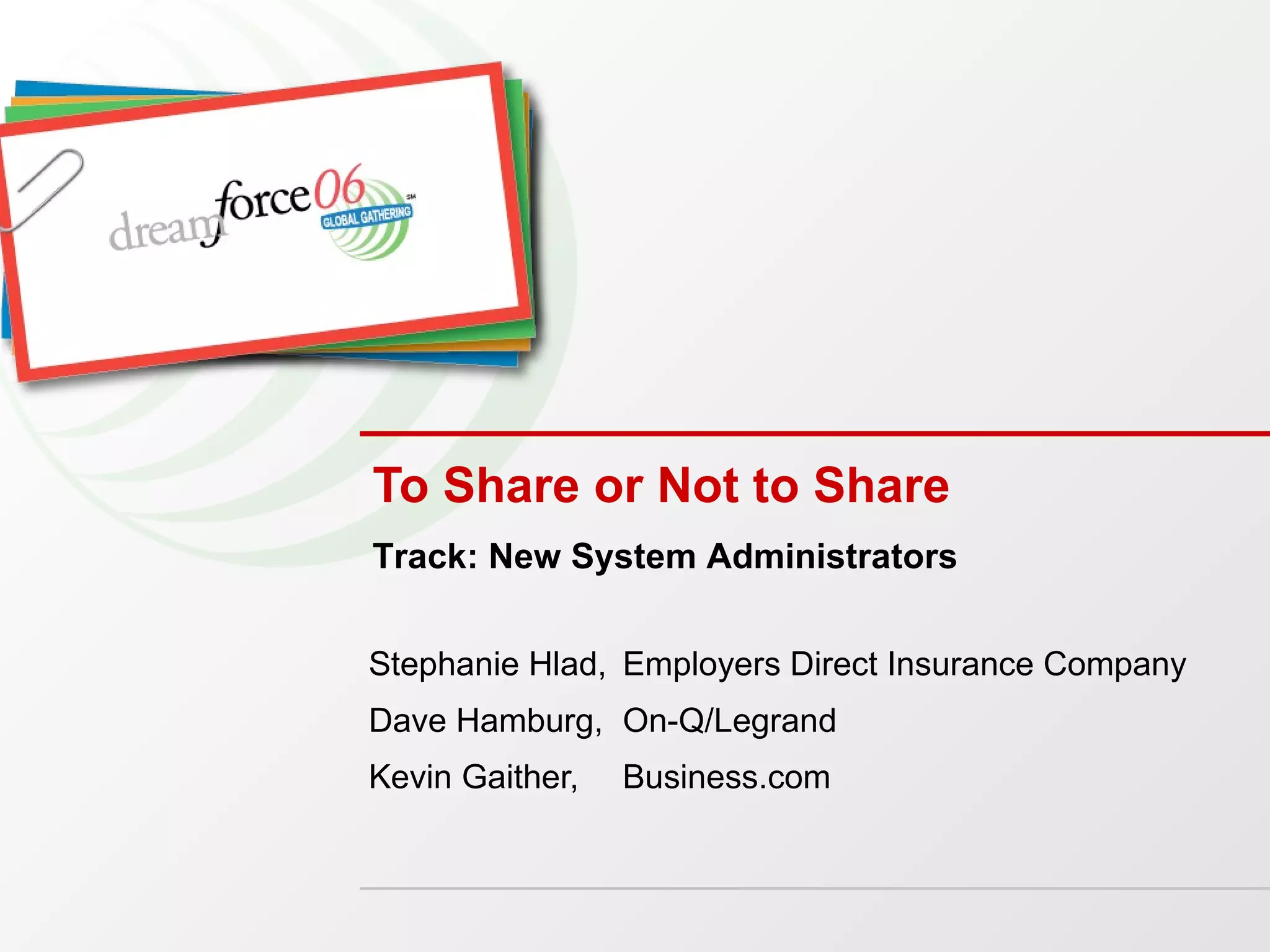
To Share or Not to Share Stephanie Hlad,  Employers Direct Insurance Company Dave Hamburg,  On-Q/Legrand Kevin Gaither,  Business.com Track: New System Administrators
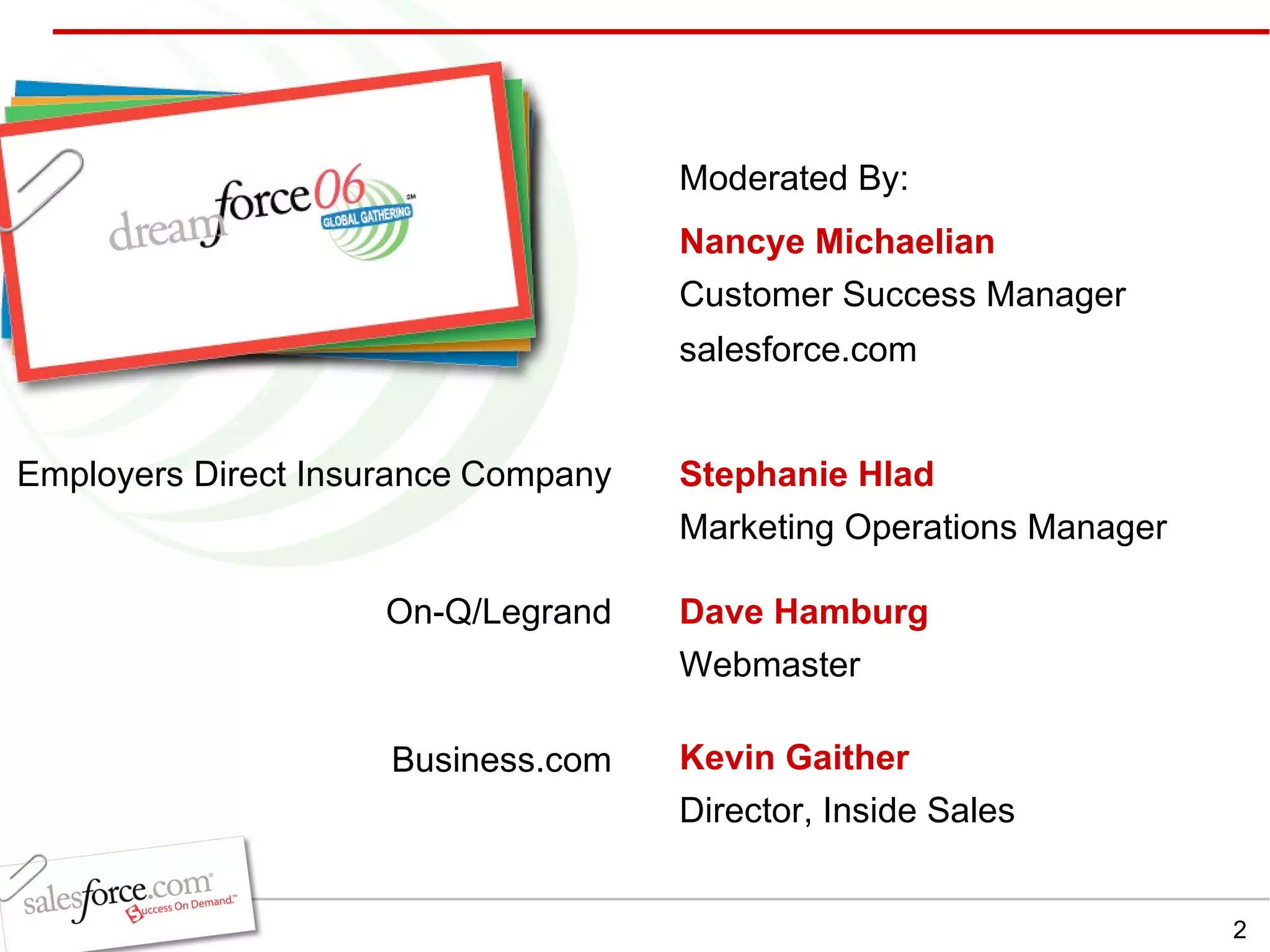
Stephanie Hlad Marketing Operations Manager  Employers Direct Insurance   Company Dave Hamburg   Webmaster Kevin Gaither Director, Inside Sales Nancye Michaelian Customer Success Manager salesforce.com Moderated By: On-Q/Legrand Business.com
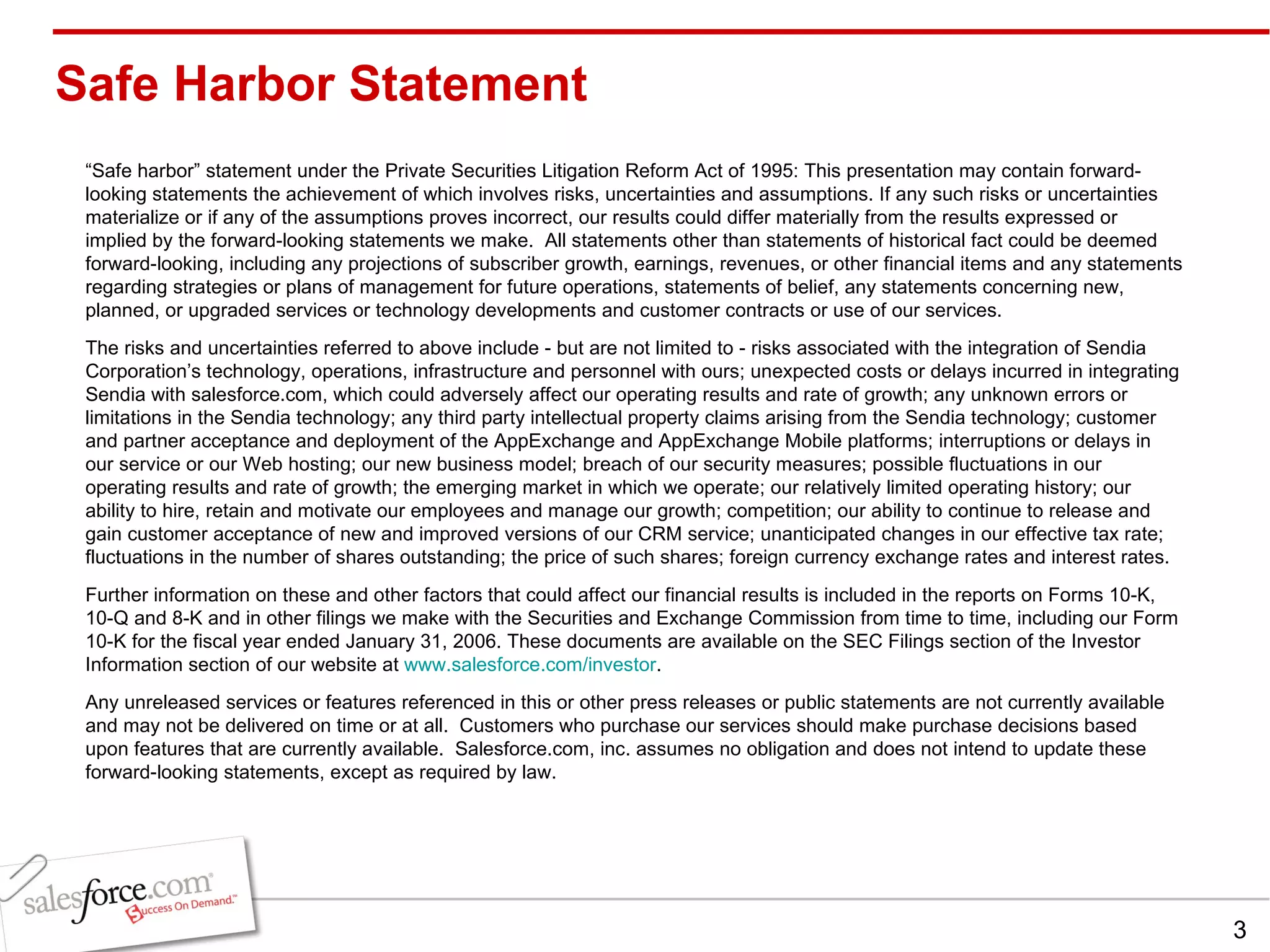
Safe Harbor Statement “ Safe harbor” statement under the Private Securities Litigation Reform Act of 1995: This presentation may contain forward-looking statements the achievement of which involves risks, uncertainties and assumptions. If any such risks or uncertainties materialize or if any of the assumptions proves incorrect, our results could differ materially from the results expressed or implied by the forward-looking statements we make.  All statements other than statements of historical fact could be deemed forward-looking, including any projections of subscriber growth, earnings, revenues, or other financial items and any statements regarding strategies or plans of management for future operations, statements of belief, any statements concerning new, planned, or upgraded services or technology developments and customer contracts or use of our services. The risks and uncertainties referred to above include - but are not limited to - risks associated with the integration of Sendia Corporation’s technology, operations, infrastructure and personnel with ours; unexpected costs or delays incurred in integrating Sendia with salesforce.com, which could adversely affect our operating results and rate of growth; any unknown errors or limitations in the Sendia technology; any third party intellectual property claims arising from the Sendia technology; customer and partner acceptance and deployment of the AppExchange and AppExchange Mobile platforms; interruptions or delays in our service or our Web hosting; our new business model; breach of our security measures; possible fluctuations in our operating results and rate of growth; the emerging market in which we operate; our relatively limited operating history; our ability to hire, retain and motivate our employees and manage our growth; competition; our ability to continue to release and gain customer acceptance of new and improved versions of our CRM service; unanticipated changes in our effective tax rate; fluctuations in the number of shares outstanding; the price of such shares; foreign currency exchange rates and interest rates. Further information on these and other factors that could affect our financial results is included in the reports on Forms 10-K, 10-Q and 8-K and in other filings we make with the Securities and Exchange Commission from time to time, including our Form 10-K for the fiscal year ended January 31, 2006. These documents are available on the SEC Filings section of the Investor Information section of our website at  www.salesforce.com/investor . Any unreleased services or features referenced in this or other press releases or public statements are not currently available and may not be delivered on time or at all.  Customers who purchase our services should make purchase decisions based upon features that are currently available.  Salesforce.com, inc. assumes no obligation and does not intend to update these forward-looking statements, except as required by law.
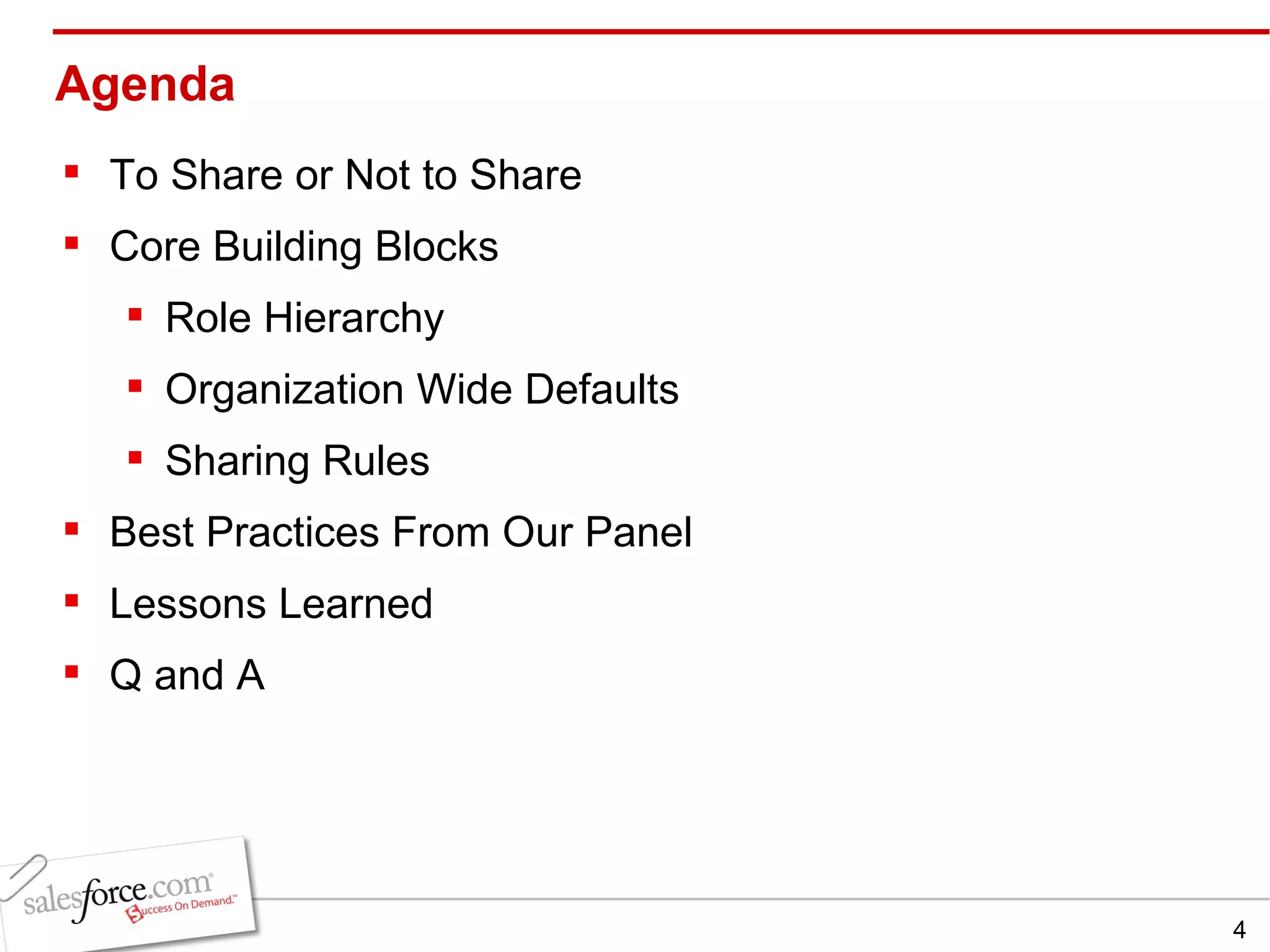
Agenda To Share or Not to Share  Core Building Blocks  Role Hierarchy Organization Wide Defaults Sharing Rules Best Practices From Our Panel Lessons Learned Q and A
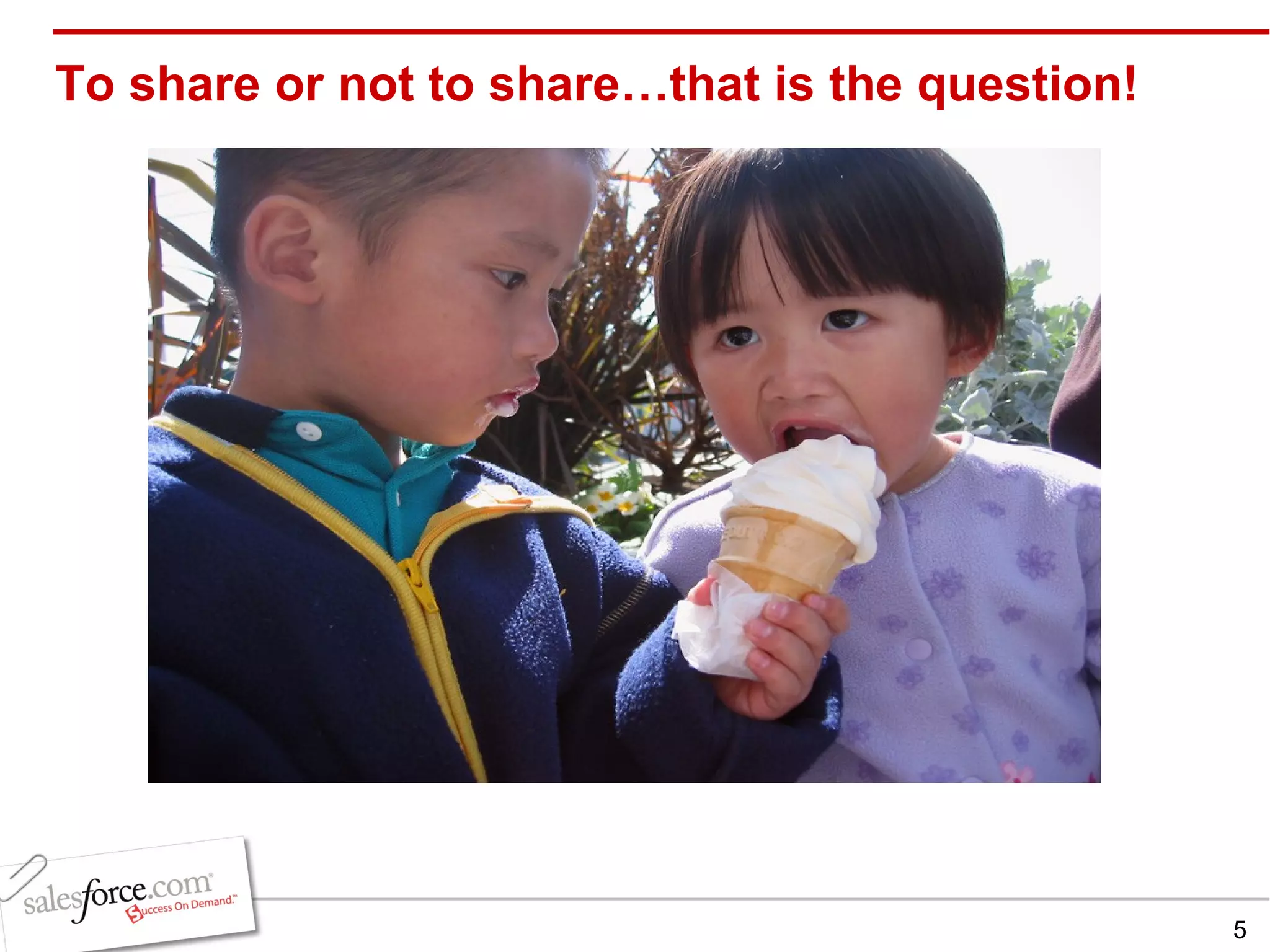
To share or not to share…that is the question!
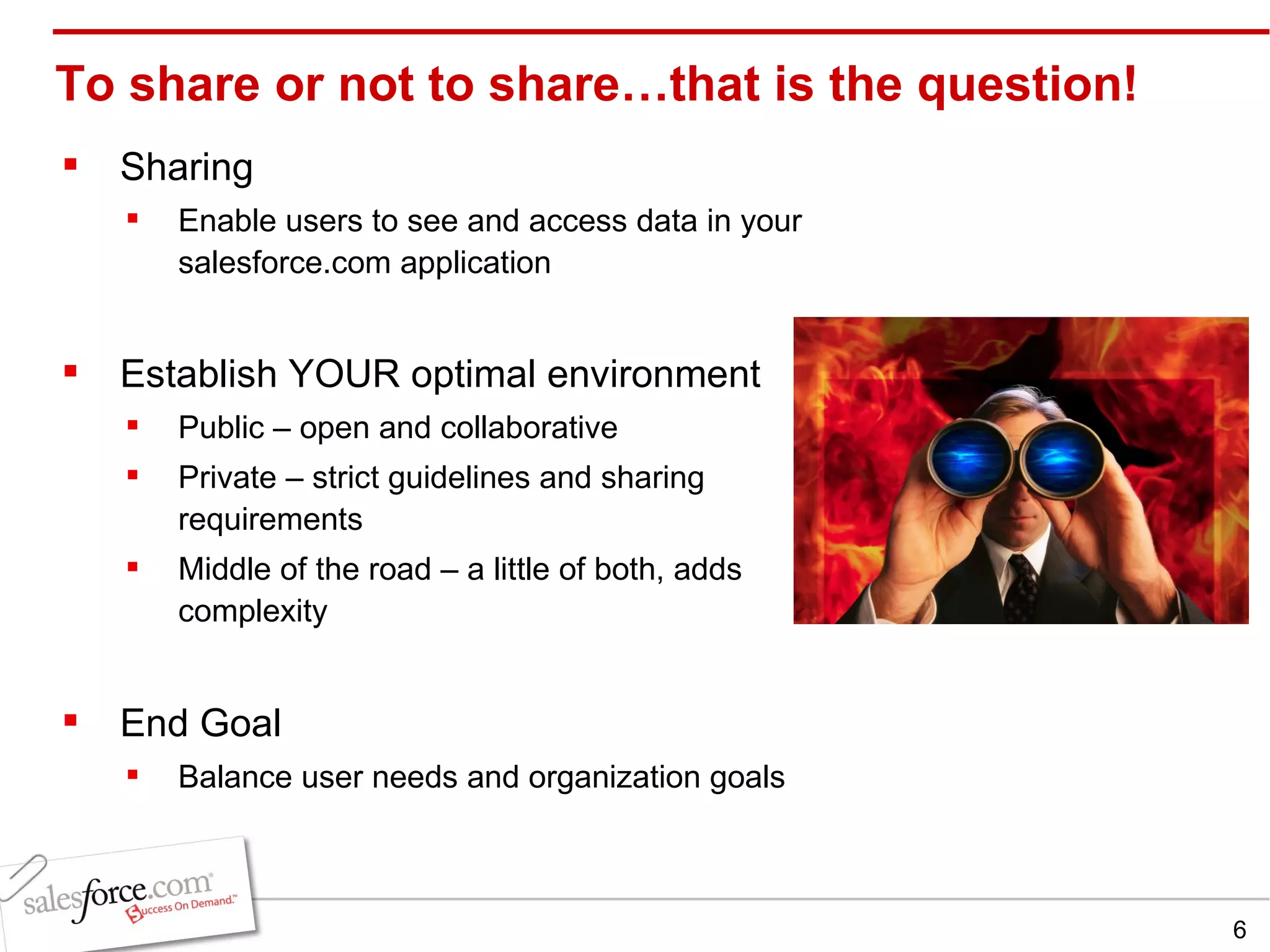
To share or not to share…that is the question! Sharing Enable users to see and access data in your salesforce.com application Establish YOUR optimal environment   Public – open and collaborative Private – strict guidelines and sharing requirements Middle of the road – a little of both, adds complexity End Goal Balance user needs and organization goals
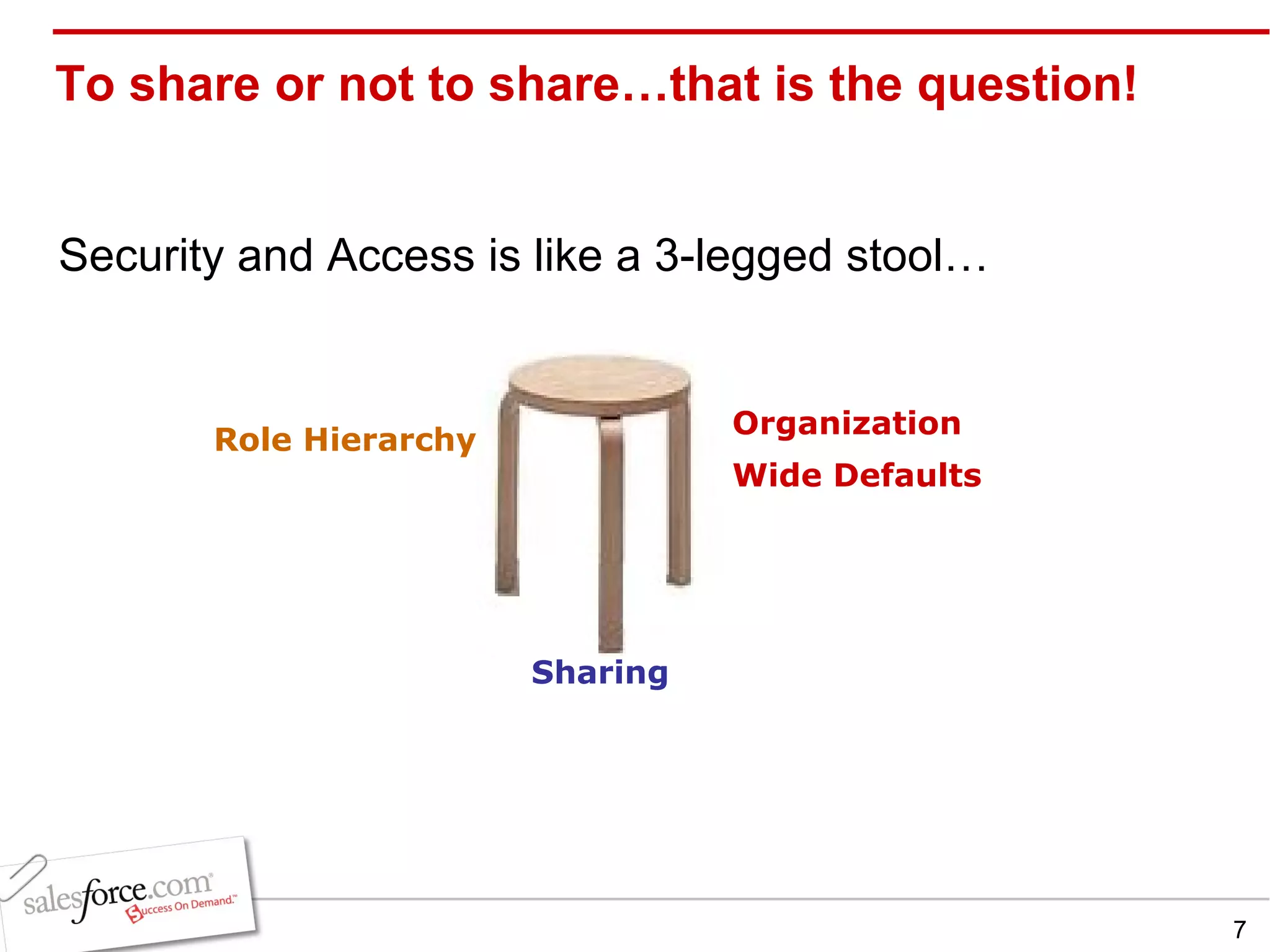
To share or not to share…that is the question! Security and Access is like a 3-legged stool… Organization Wide Defaults Role Hierarchy Sharing
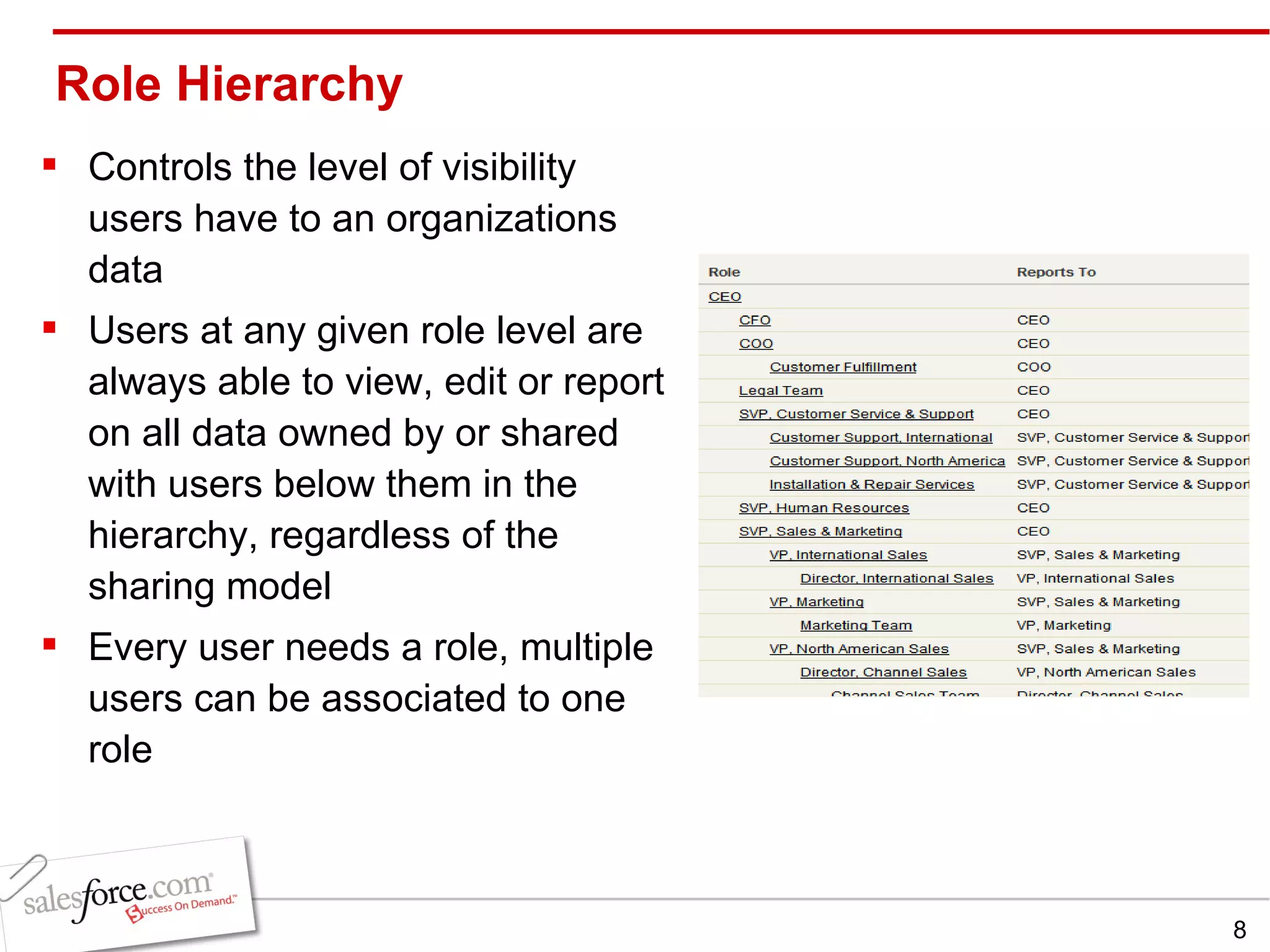
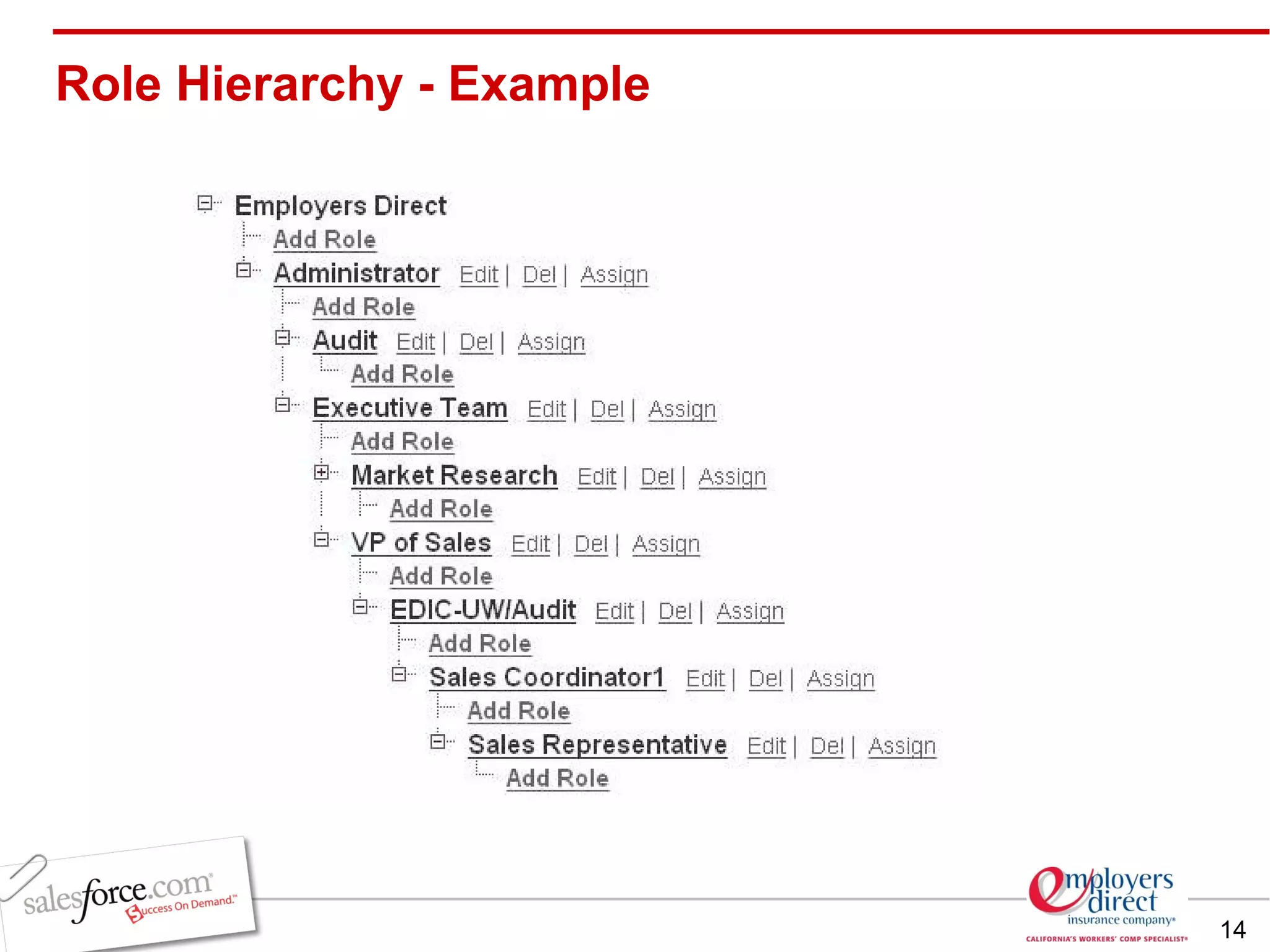
Role Hierarchy Controls the level of visibility  users have to an organizations data Users at any given role level are always able to view, edit or report on all data owned by or shared with users below them in the hierarchy, regardless of the sharing model Every user needs a role, multiple users can be associated to one role
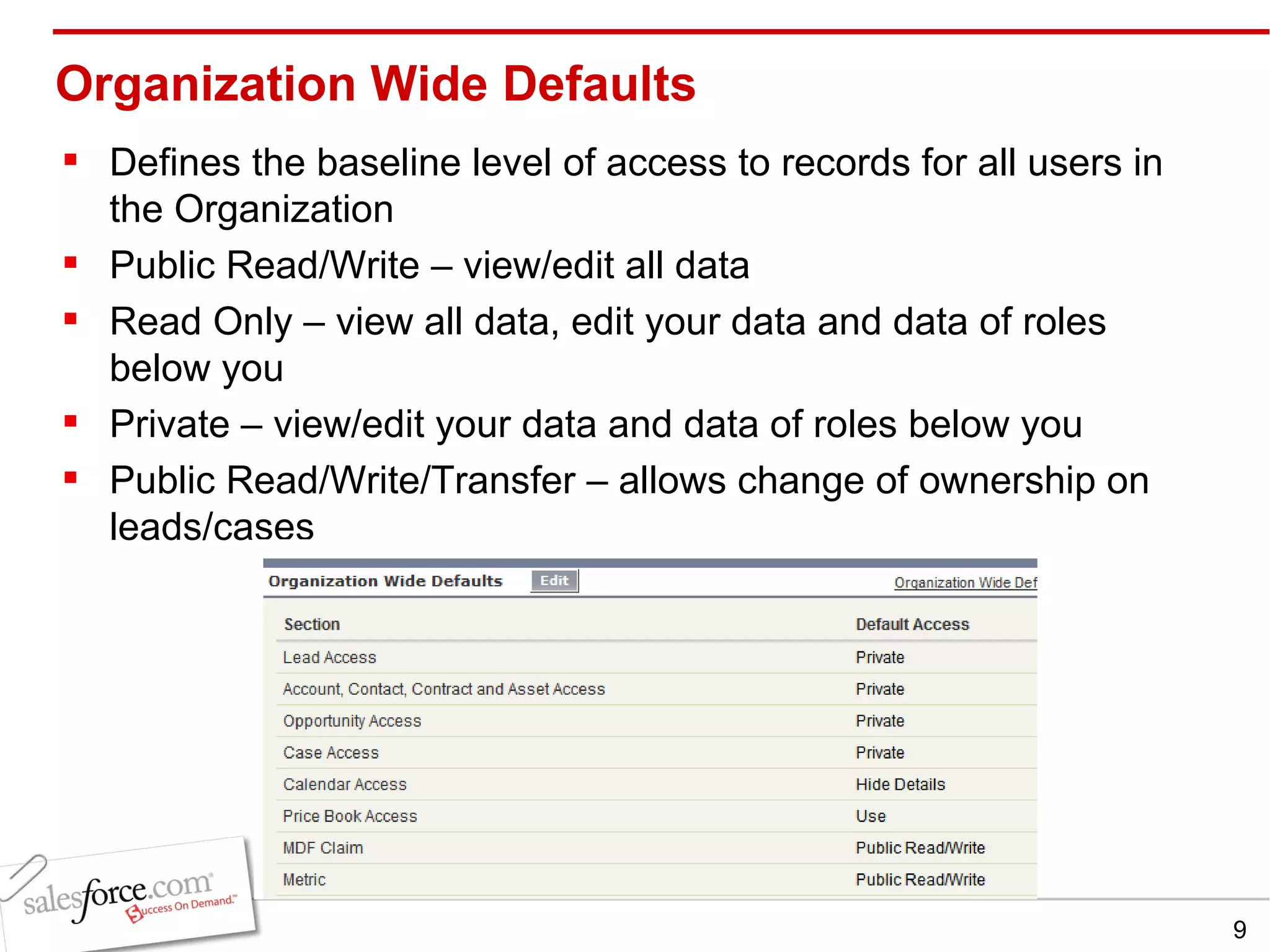
Organization Wide Defaults Defines the baseline level of access to records for all users in the Organization Public Read/Write – view/edit all data Read Only – view all data, edit your data and data of roles below you Private – view/edit your data and data of roles below you Public Read/Write/Transfer – allows change of ownership on leads/cases
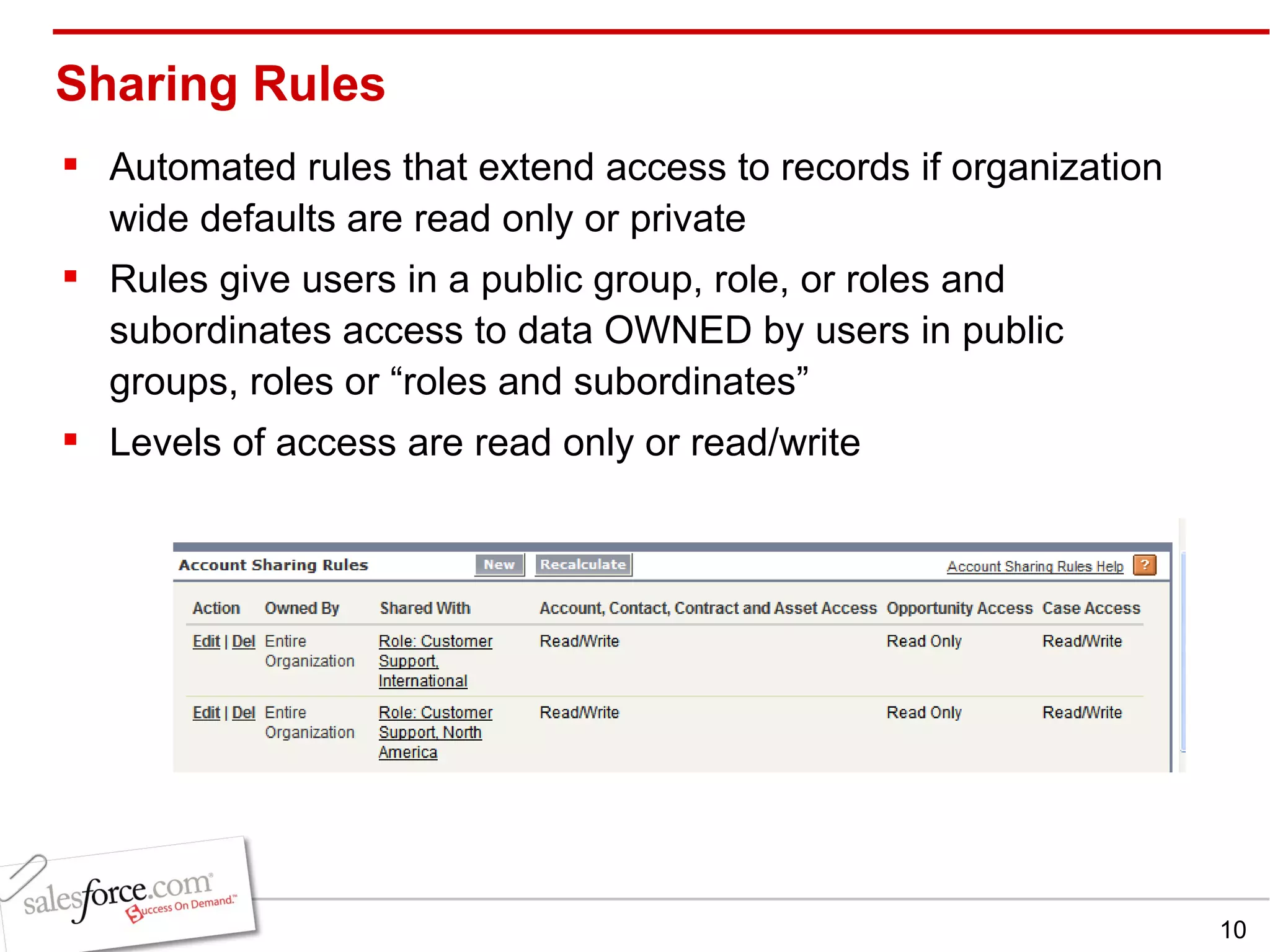
Sharing Rules Automated rules that extend access to records if organization wide defaults are read only or private Rules give users in a public group, role, or roles and subordinates access to data OWNED by users in public groups, roles or “roles and subordinates”  Levels of access are read only or read/write
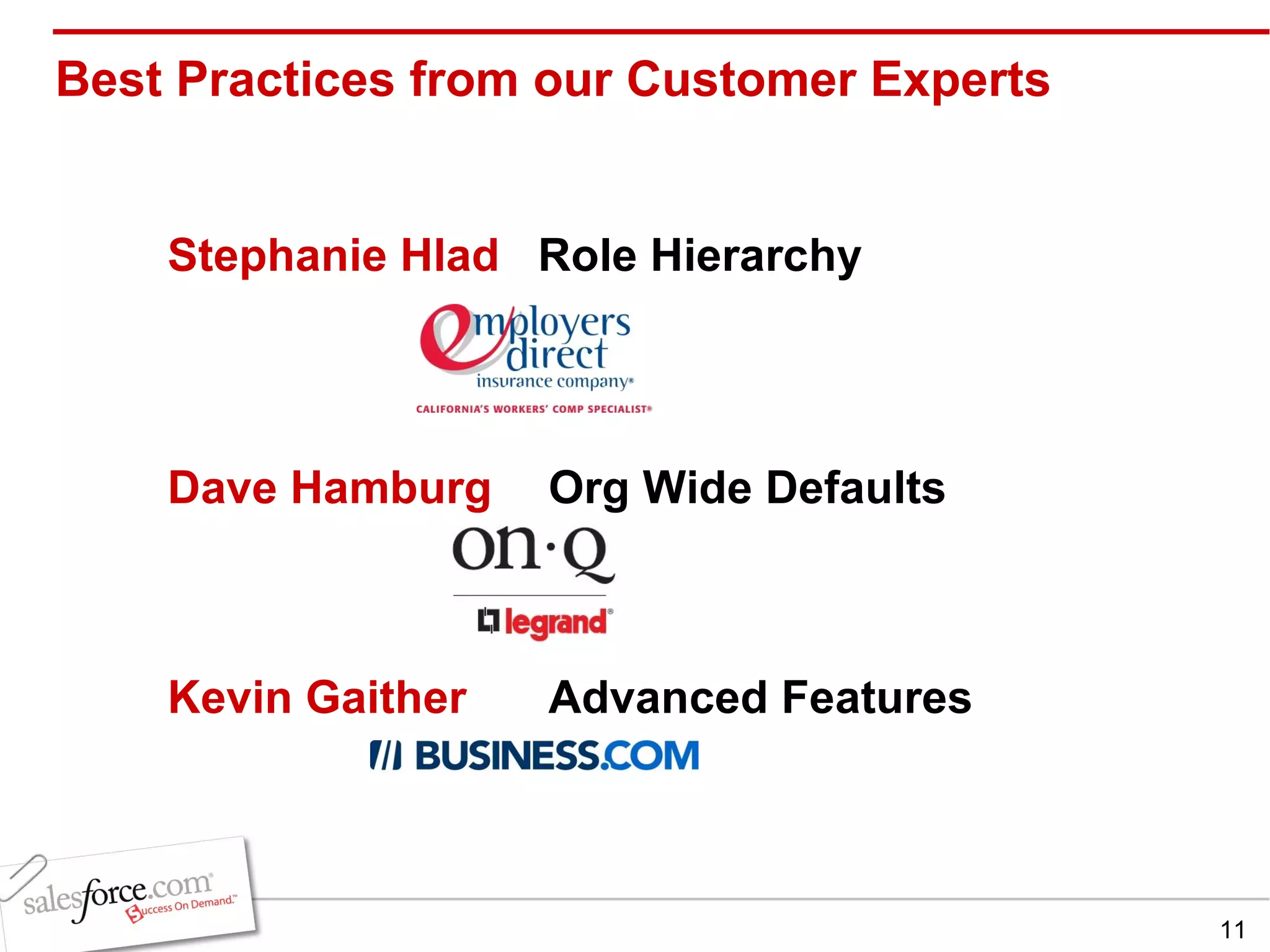
Best Practices from our Customer Experts Stephanie Hlad  Role Hierarchy Dave Hamburg  Org Wide Defaults Kevin Gaither  Advanced Features
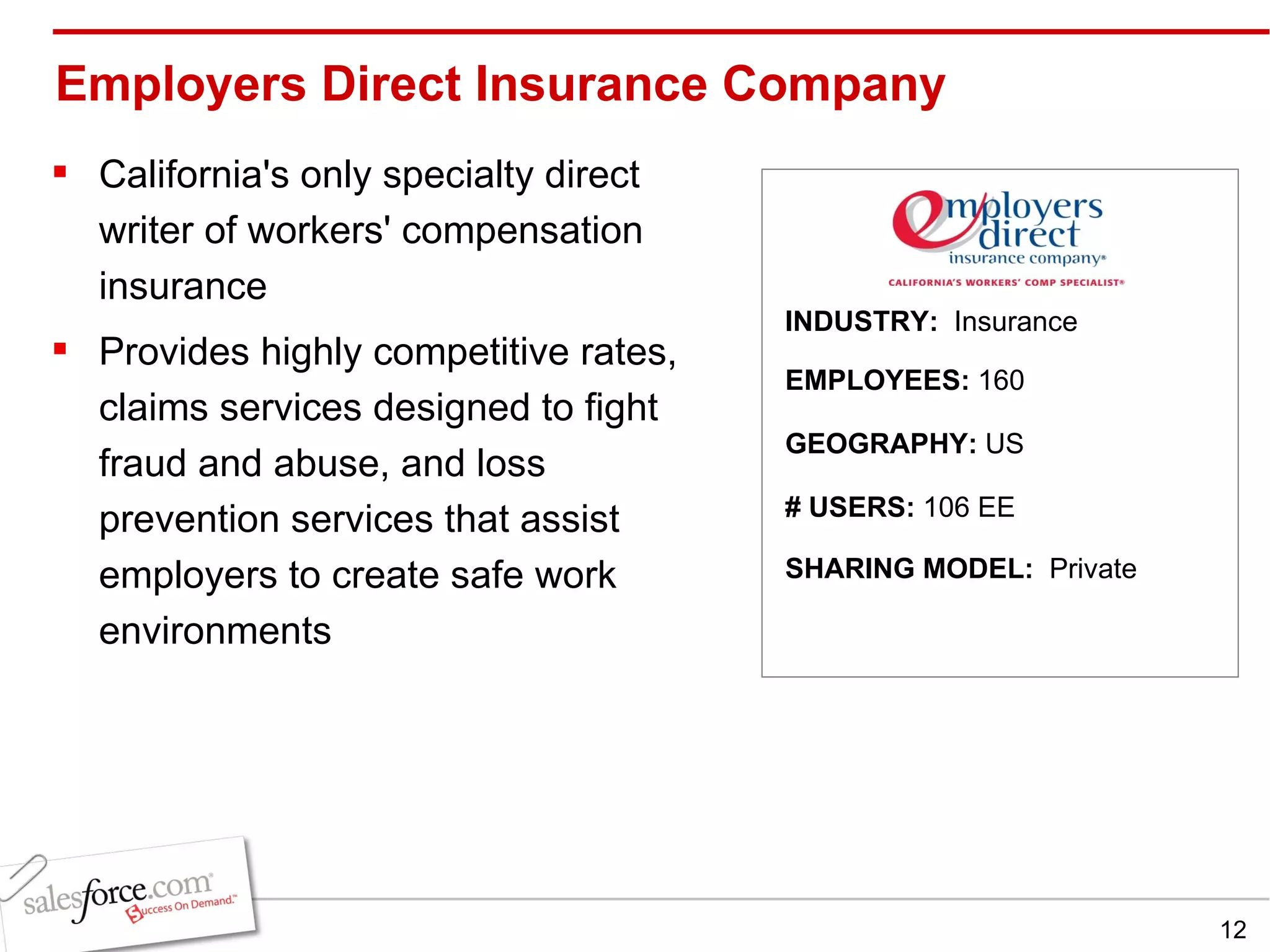
Employers Direct Insurance Company California's only specialty direct writer of workers' compensation insurance  Provides highly competitive rates, claims services designed to fight fraud and abuse, and loss prevention services that assist employers to create safe work environments  INDUSTRY:  Insurance EMPLOYEES:  160 GEOGRAPHY:  US SHARING MODEL:  Private # USERS:  106 EE
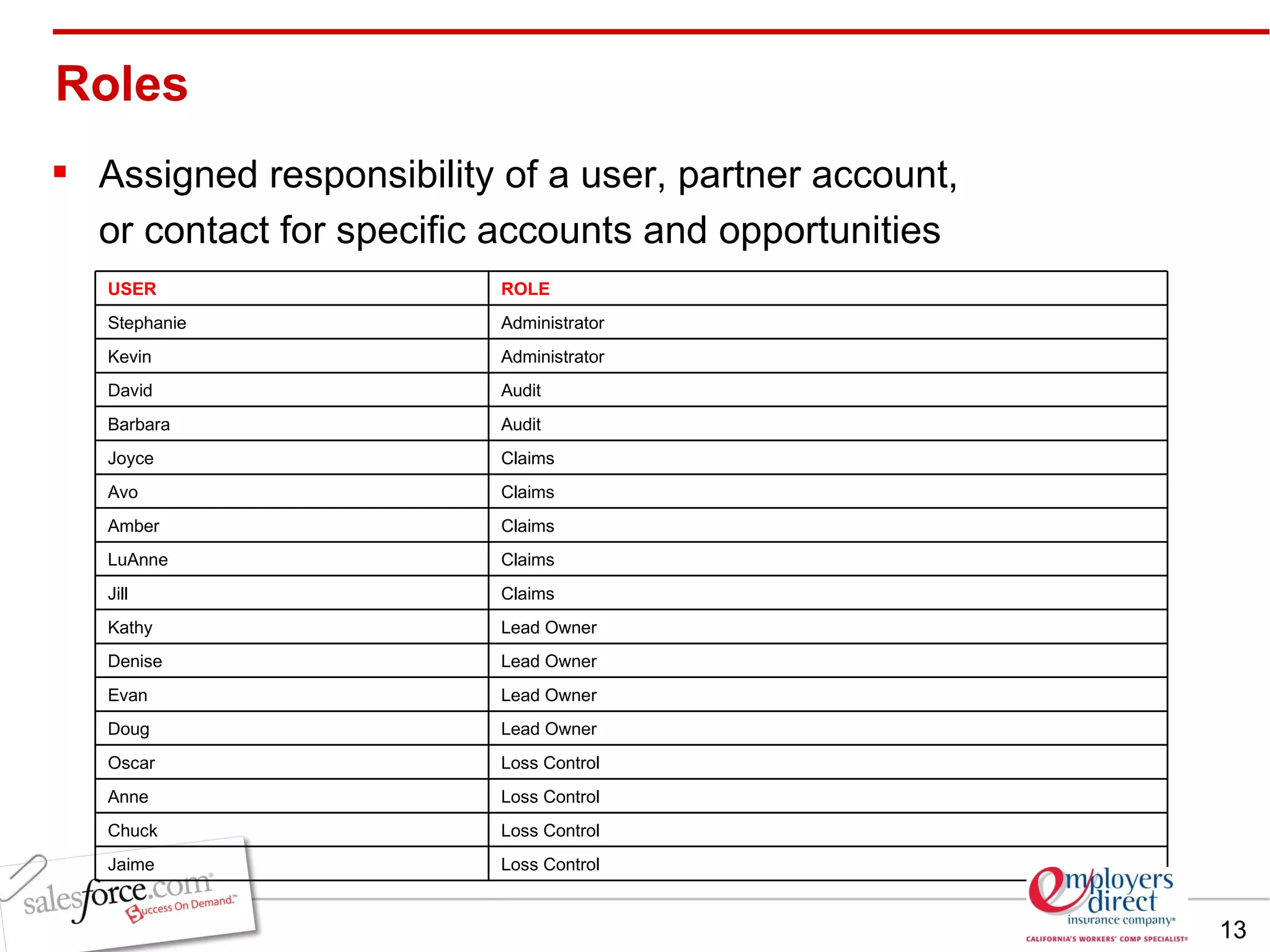
Assigned responsibility of a user, partner account,  or contact for specific accounts and opportunities  Roles USER ROLE Stephanie Administrator Kevin Administrator David  Audit Barbara Audit Joyce Claims Avo Claims Amber Claims LuAnne Claims Jill Claims Kathy Lead Owner Denise Lead Owner Evan Lead Owner Doug Lead Owner Oscar Loss Control Anne Loss Control Chuck Loss Control Jaime Loss Control
Role Hierarchy - Example
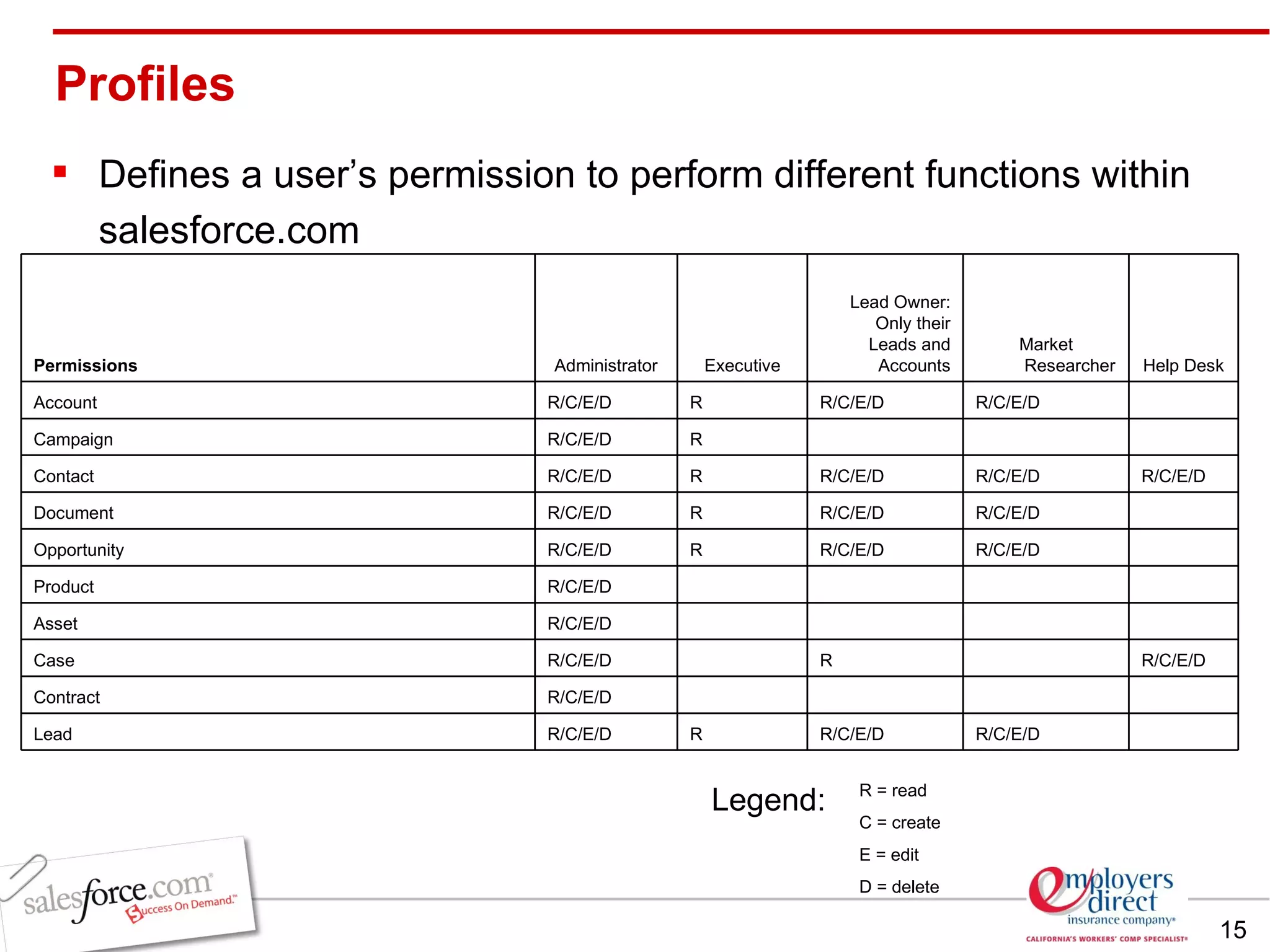
R = read C = create E = edit D = delete Legend: Defines a user’s permission to perform different functions within salesforce.com Profiles Permissions   Administrator Executive Lead Owner: Only their Leads and Accounts Market Researcher Help Desk Account   R/C/E/D R R/C/E/D R/C/E/D   Campaign   R/C/E/D R       Contact   R/C/E/D R R/C/E/D R/C/E/D R/C/E/D Document   R/C/E/D R R/C/E/D R/C/E/D   Opportunity   R/C/E/D R R/C/E/D R/C/E/D   Product   R/C/E/D         Asset   R/C/E/D         Case   R/C/E/D   R    R/C/E/D Contract   R/C/E/D         Lead   R/C/E/D R R/C/E/D R/C/E/D  
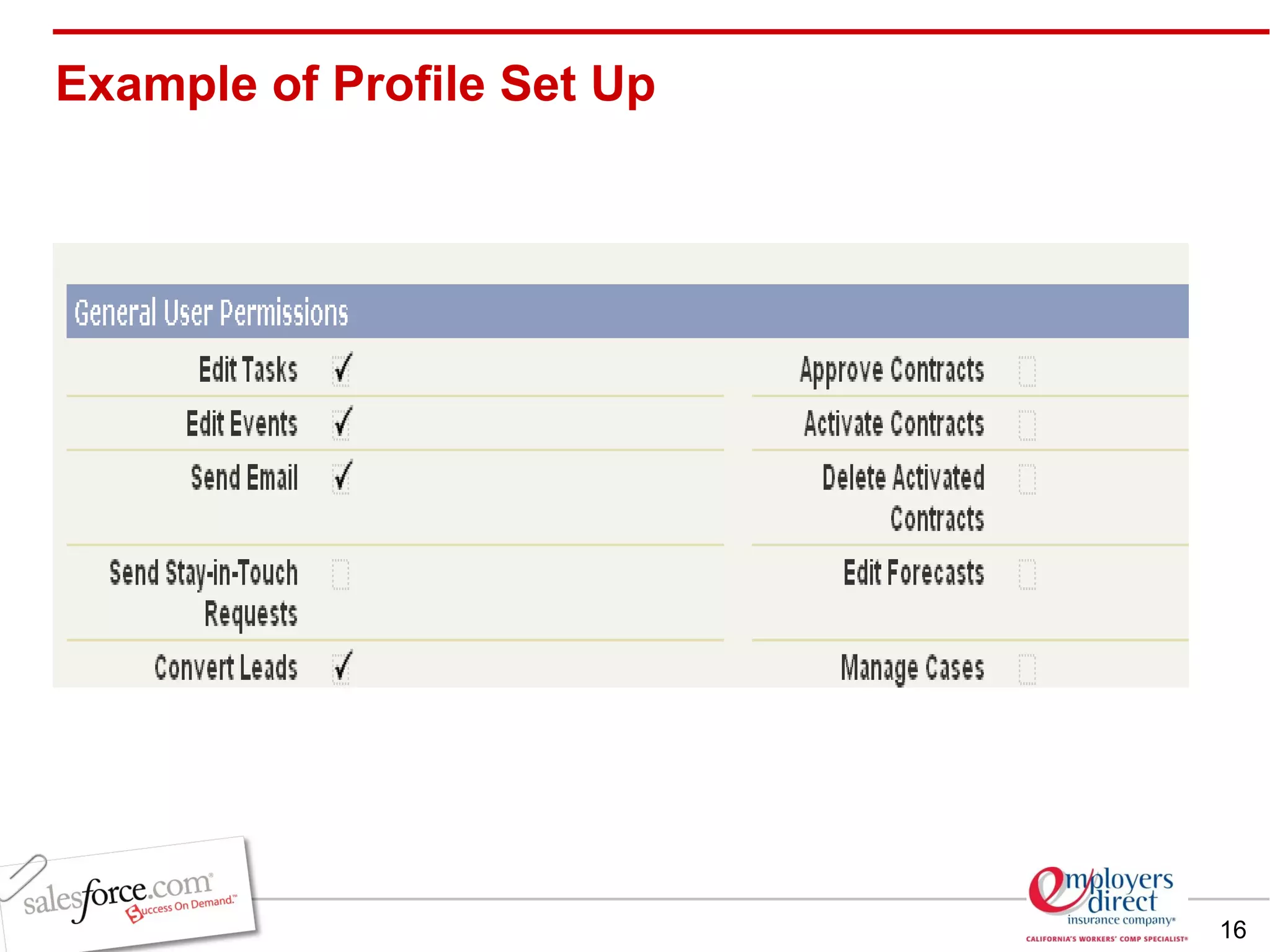
Example of Profile Set Up
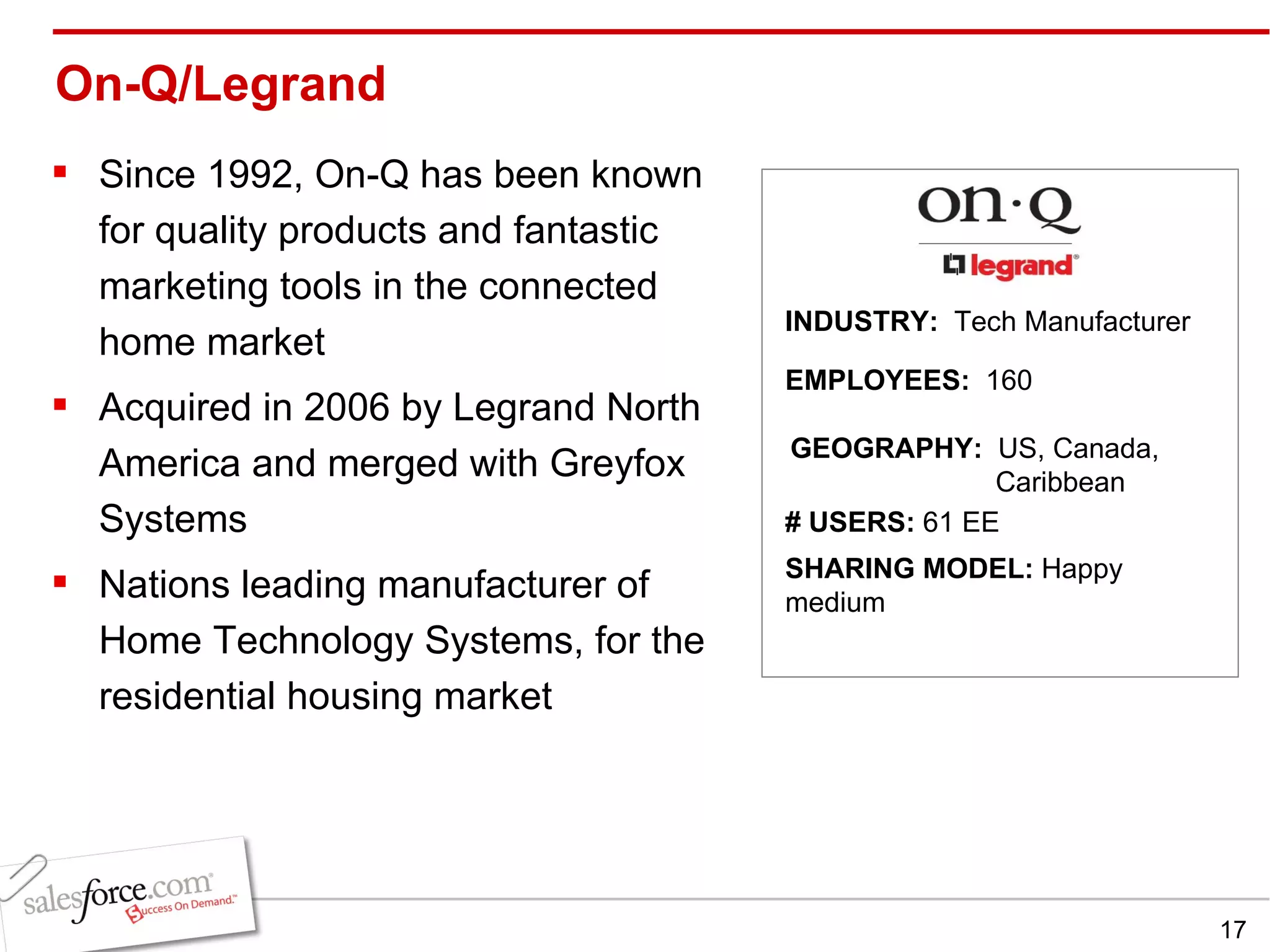
On-Q/Legrand Since 1992, On-Q has been known for quality products and fantastic marketing tools in the connected home market Acquired in 2006 by Legrand North America and merged with Greyfox Systems Nations leading manufacturer of Home Technology Systems, for the residential housing market INDUSTRY:  Tech Manufacturer EMPLOYEES:  160 GEOGRAPHY:  US, Canada,    Caribbean   SHARING MODEL:  Happy medium # USERS:  61 EE
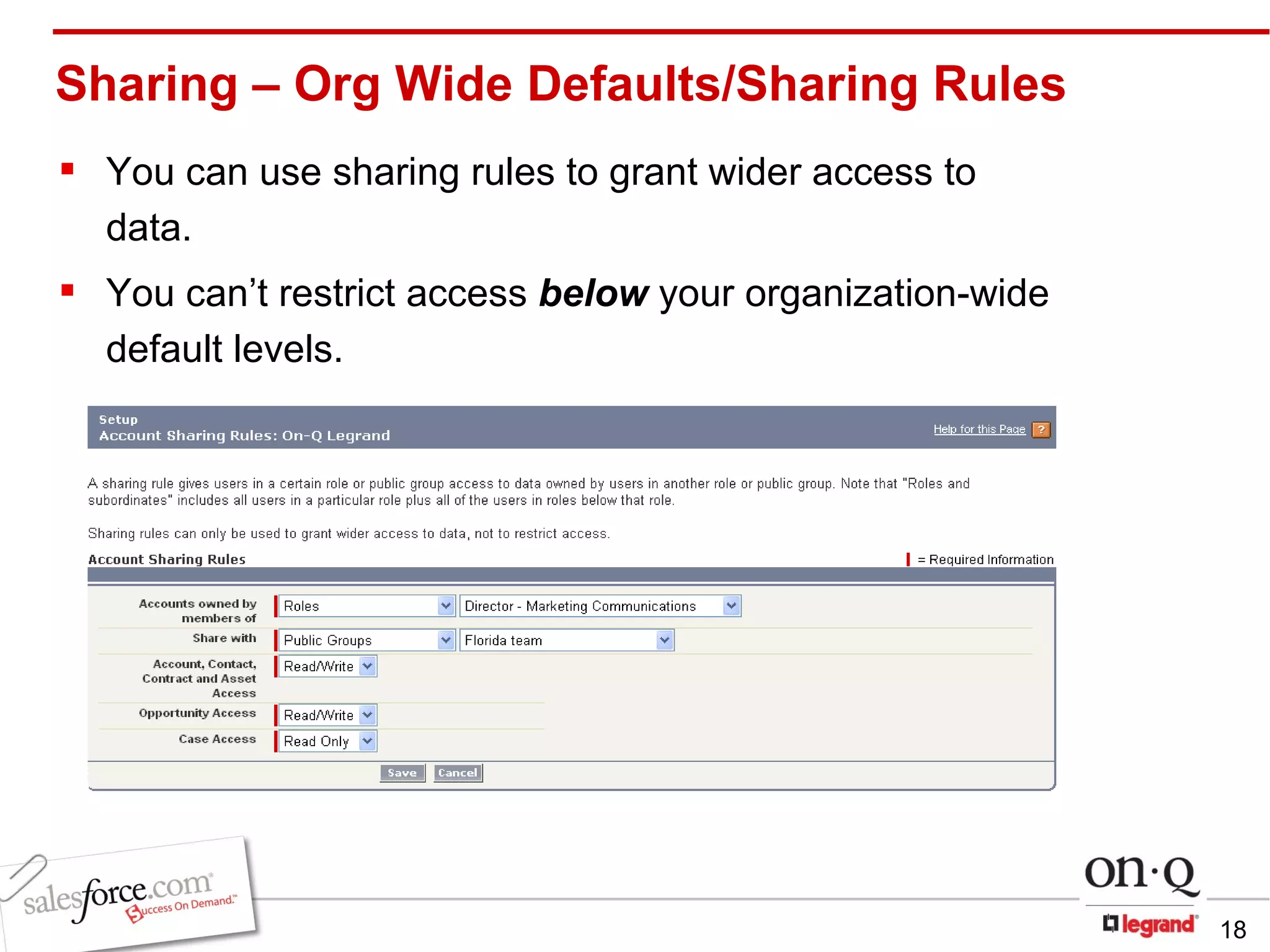
Sharing – Org Wide Defaults/Sharing Rules You can use sharing rules to grant wider access to data.  You can’t restrict access  below  your organization-wide default levels.
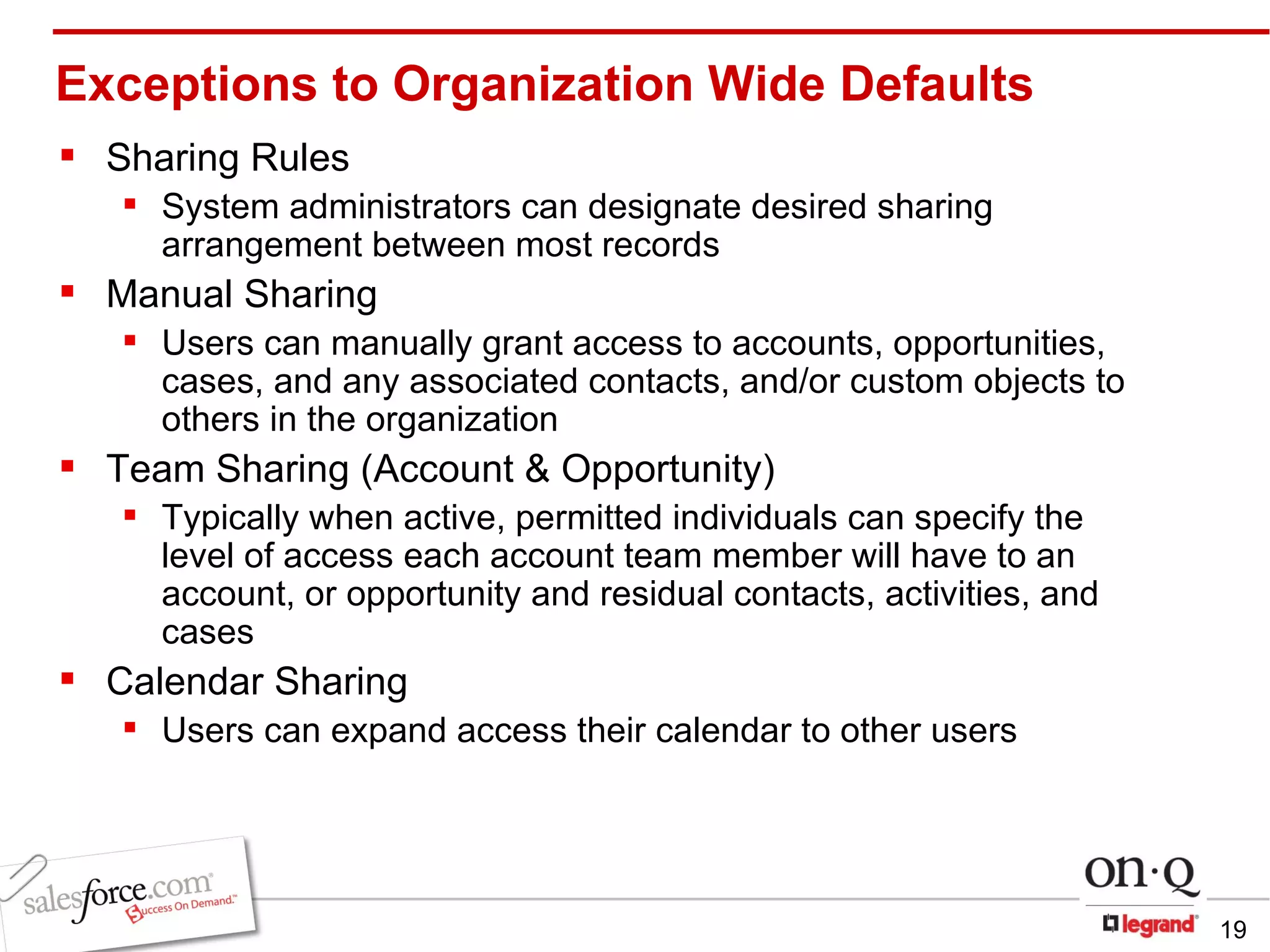
Exceptions to Organization Wide Defaults Sharing Rules System administrators can designate desired sharing arrangement between most records Manual Sharing Users can manually grant access to accounts, opportunities, cases, and any associated contacts, and/or   custom objects to others in the organization Team Sharing (Account & Opportunity) Typically when active, permitted individuals can specify the level of access each account team member will have to an account, or opportunity and residual contacts, activities, and cases Calendar Sharing Users can expand access their calendar to other users
Considerations When Establishing  Design the Role Hierarchy with some thought towards sharing and expansion! Do you have data that needs to be kept private? Who needs access to all records Look at every object to see if it needs different defaults Public access requires less administration, but can cause task saturation
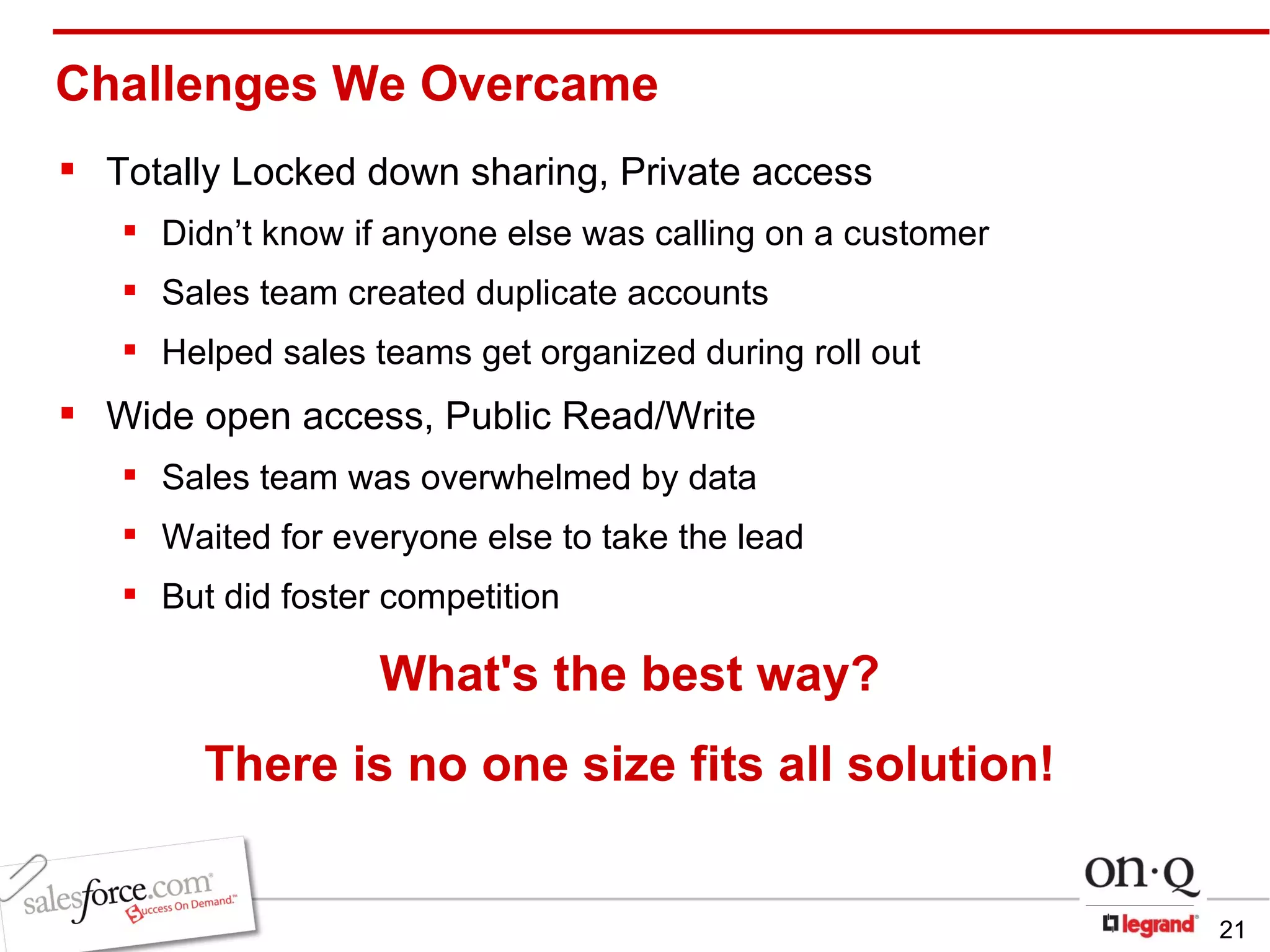
Challenges We Overcame Totally Locked down sharing, Private access Didn’t know if anyone else was calling on a customer Sales team created duplicate accounts Helped sales teams get organized during roll out Wide open access, Public Read/Write  Sales team was overwhelmed by data Waited for everyone else to take the lead But did foster competition   What's the best way? There is no one size fits all solution!
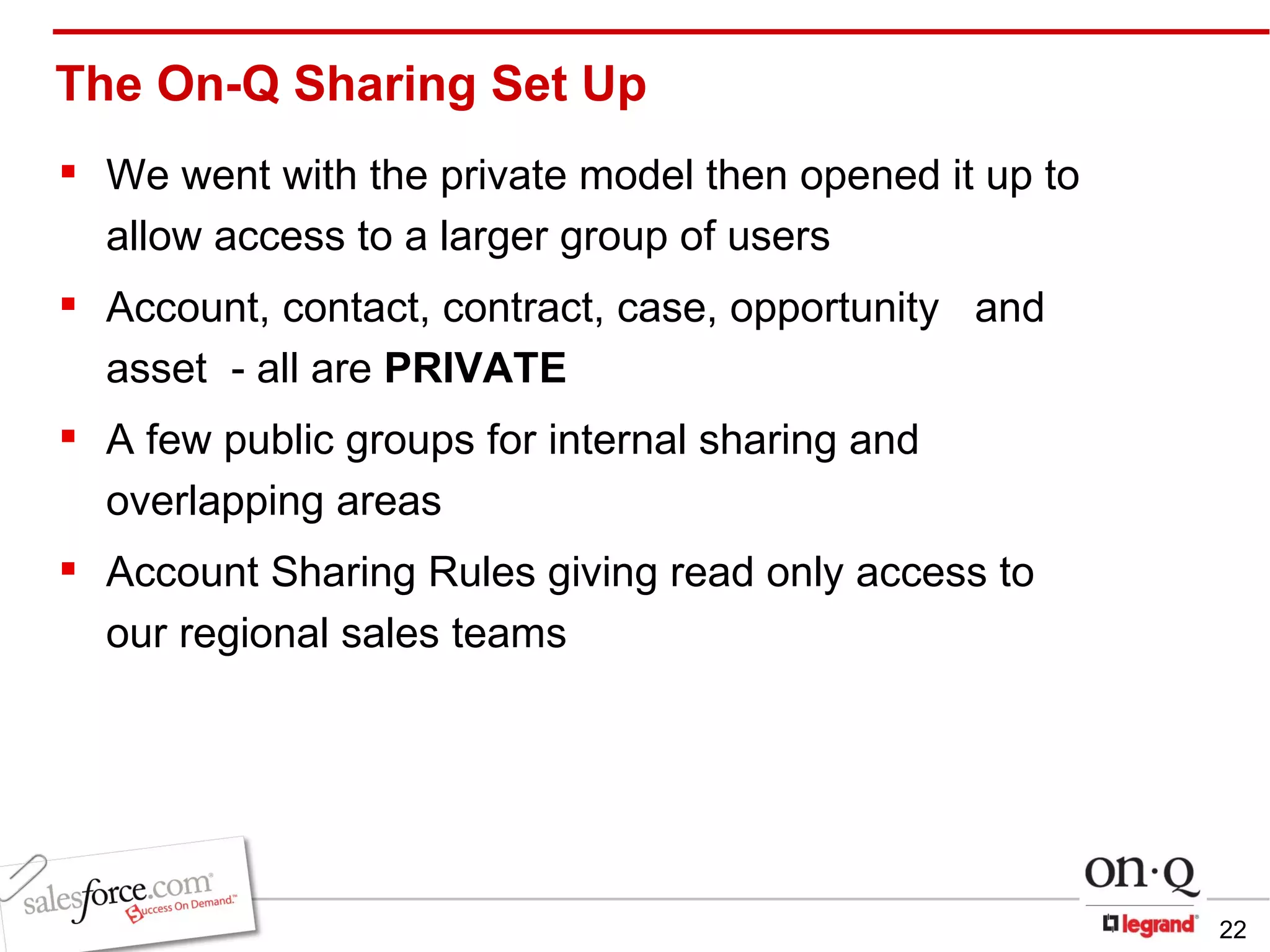
The On-Q Sharing Set Up We went with the private model then opened it up to allow access to a larger group of users Account, contact, contract, case, opportunity  and asset  - all are  PRIVATE A few public groups for internal sharing and overlapping areas Account Sharing Rules giving read only access to  our regional sales teams
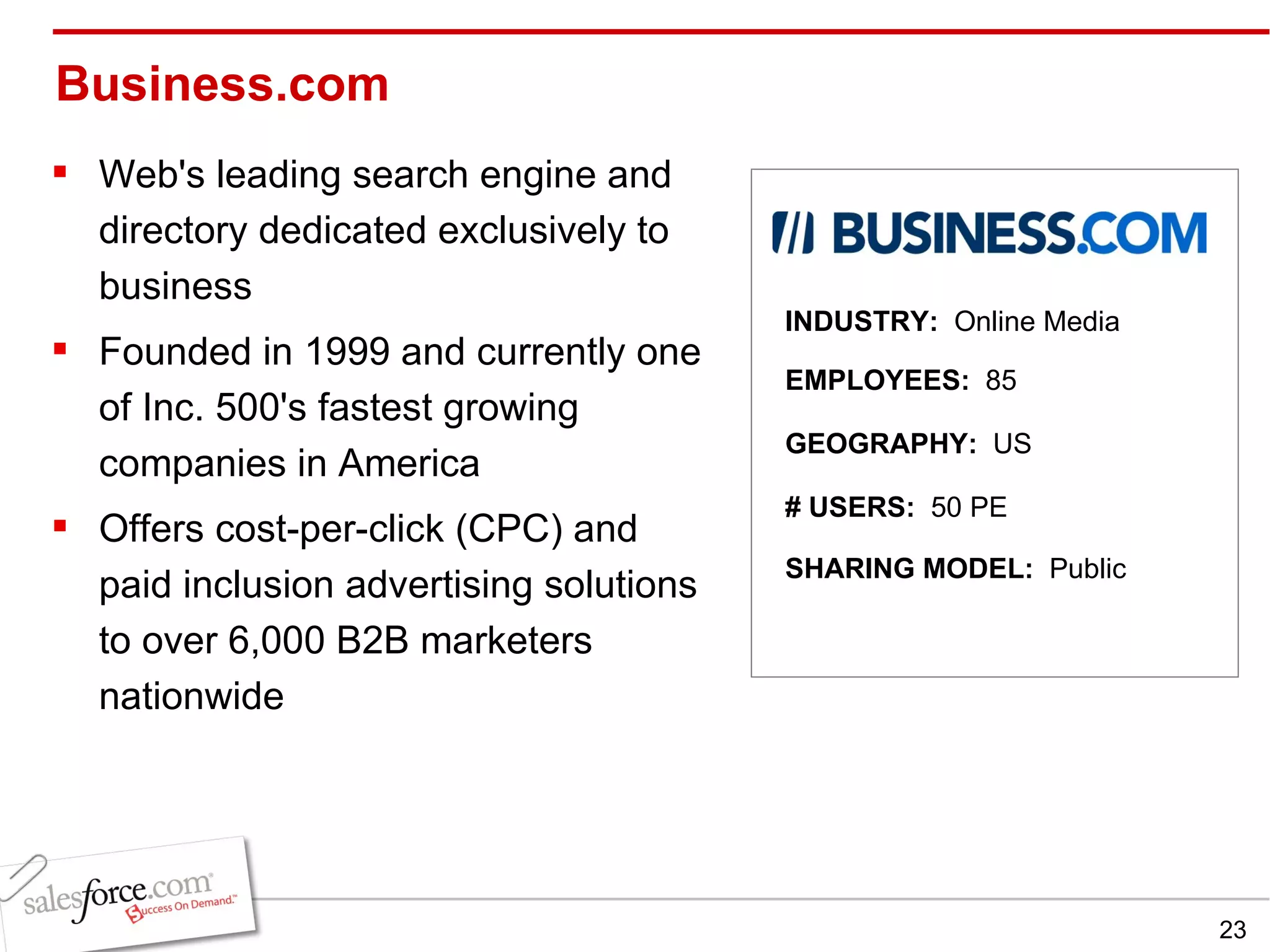
Business.com Web's leading search engine and directory dedicated exclusively to business Founded in 1999 and currently one of Inc. 500's fastest growing companies in America Offers cost-per-click (CPC) and paid inclusion advertising solutions to over 6,000 B2B marketers nationwide INDUSTRY:  Online Media EMPLOYEES:  85 GEOGRAPHY:  US SHARING MODEL:  Public # USERS:  50 PE
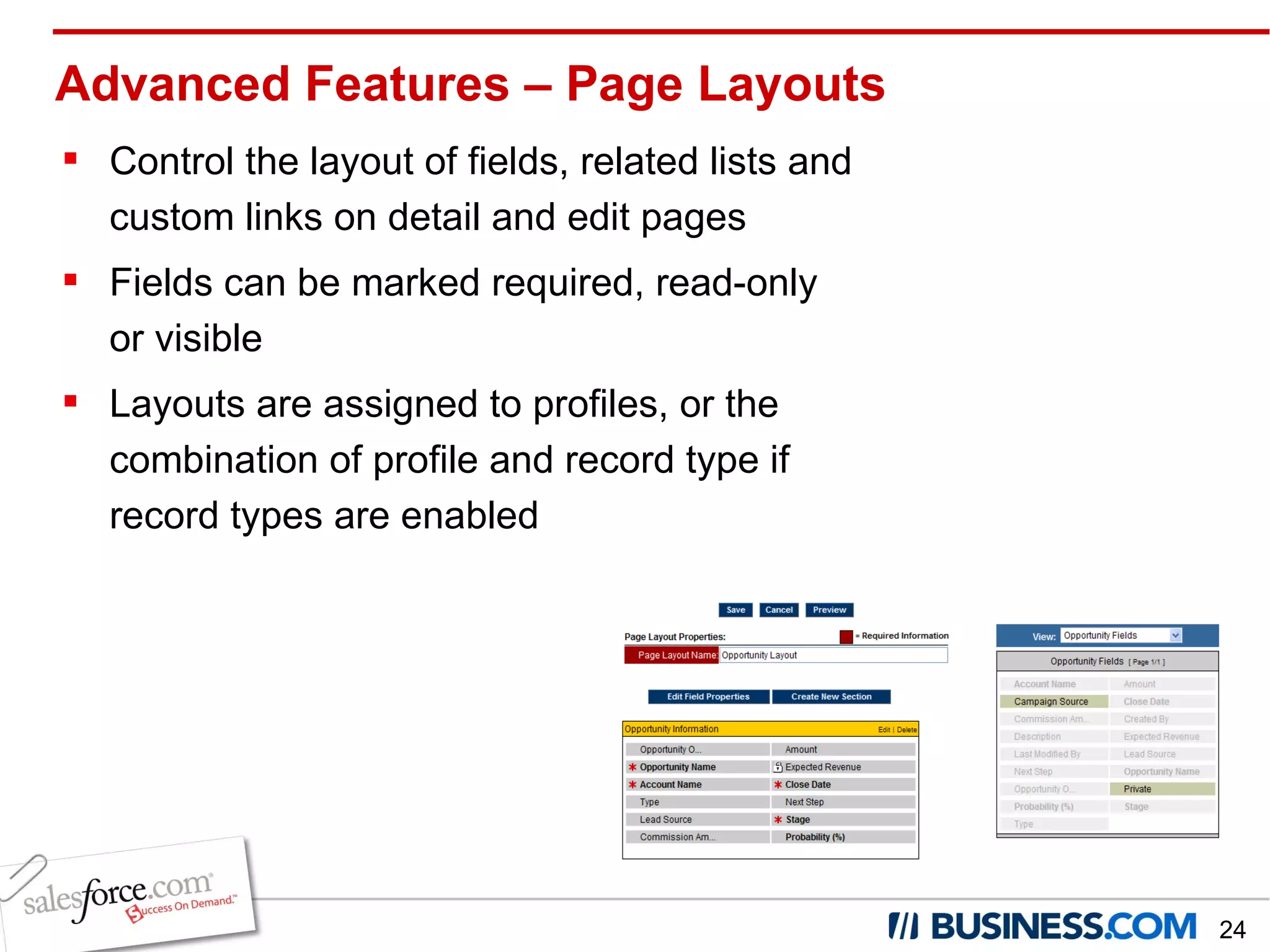
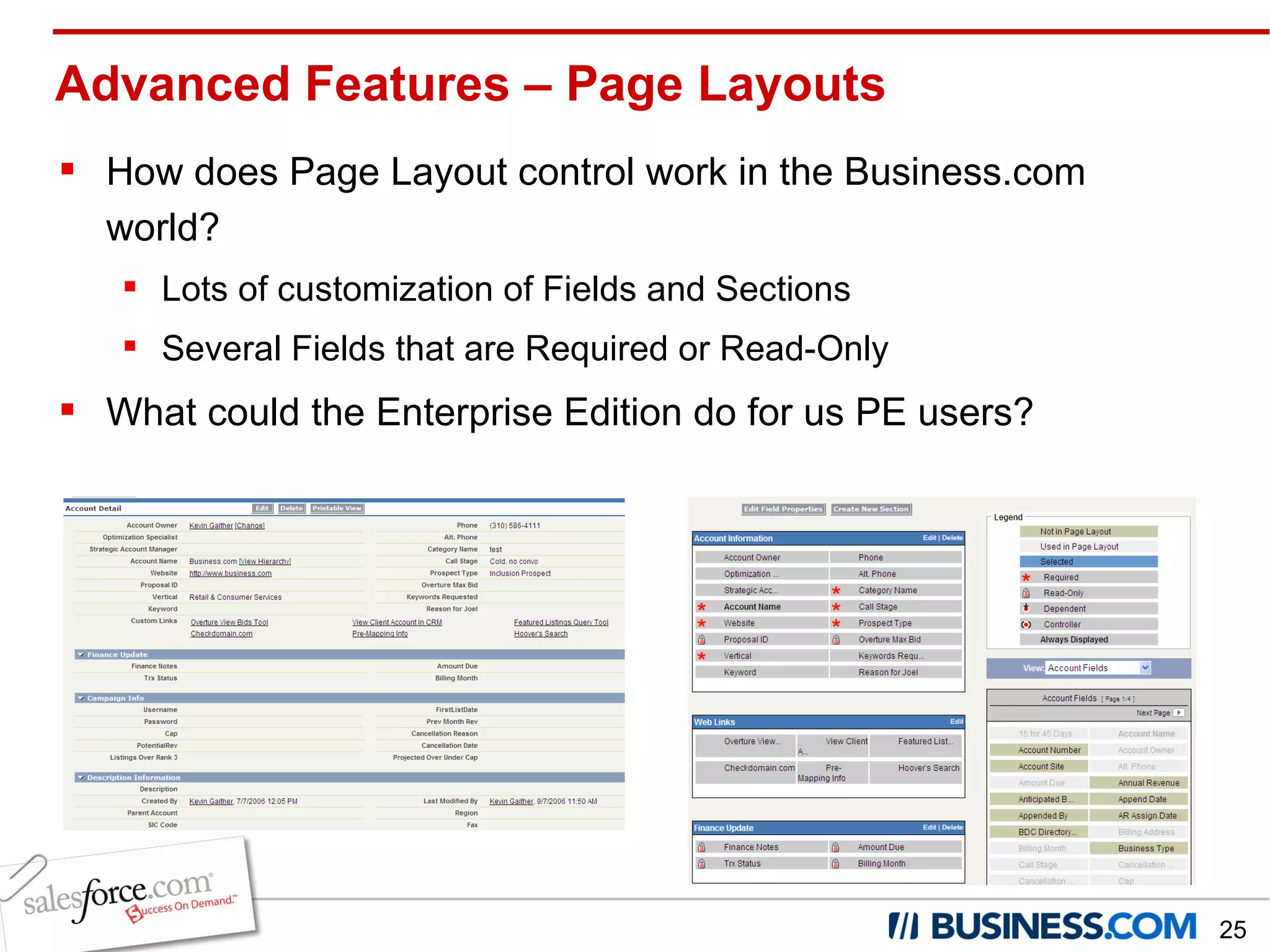
Advanced Features – Page Layouts Control the layout of fields, related lists and custom links on detail and edit pages Fields can be marked required, read-only or visible Layouts are assigned to profiles, or the combination of profile and record type if record types are enabled
Advanced Features – Page Layouts How does Page Layout control work in the Business.com world? Lots of customization of Fields and Sections Several Fields that are Required or Read-Only What could the Enterprise Edition do for us PE users?
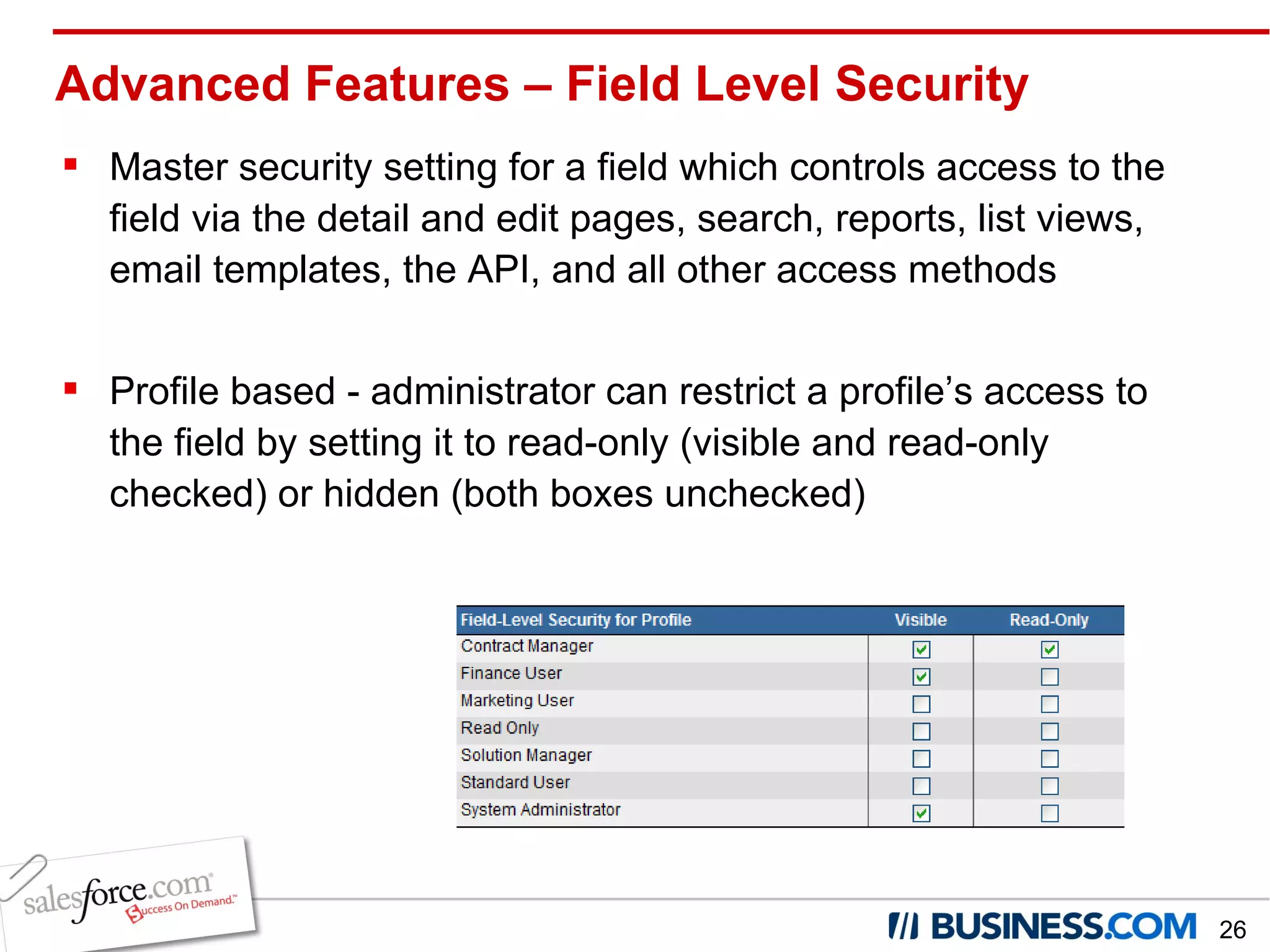
Advanced Features – Field Level Security Master security setting for a field which controls access to the field via the detail and edit pages, search, reports, list views, email templates, the API, and all other access methods Profile based - administrator can restrict a profile’s access to the field by setting it to read-only (visible and read-only checked) or hidden (both boxes unchecked)
How does Field Level Security work in the Business.com world? It doesn’t…..yet! How could Business.com use Field Level Security? Finance currently an “Admin” to allow for editing Read-Only fields If Business.com had EE, we could employ Field Level Security for the “Finance Users” Advanced Features – Field Level Security
Key Takeaways Understand the basics – remember the 3 legged stool Importance of establishing proper visibility Only give users what they need – foster 2-way communication Revisit your role hierarchy quarterly  Don’t forget about reports – the role hierarchy and sharing model should support reporting needs Nothing is perfect the first time - configuration is flexible Leverage resources available on successforce.com CRM is an ongoing process!
Stephanie Hlad Marketing Operations Manager Dave Hamburg Webmaster Kevin Gaither Director, Inside Sales QUESTION & ANSWER SESSION Employers Direct Insurance Company On-Q/Legrand Business.com
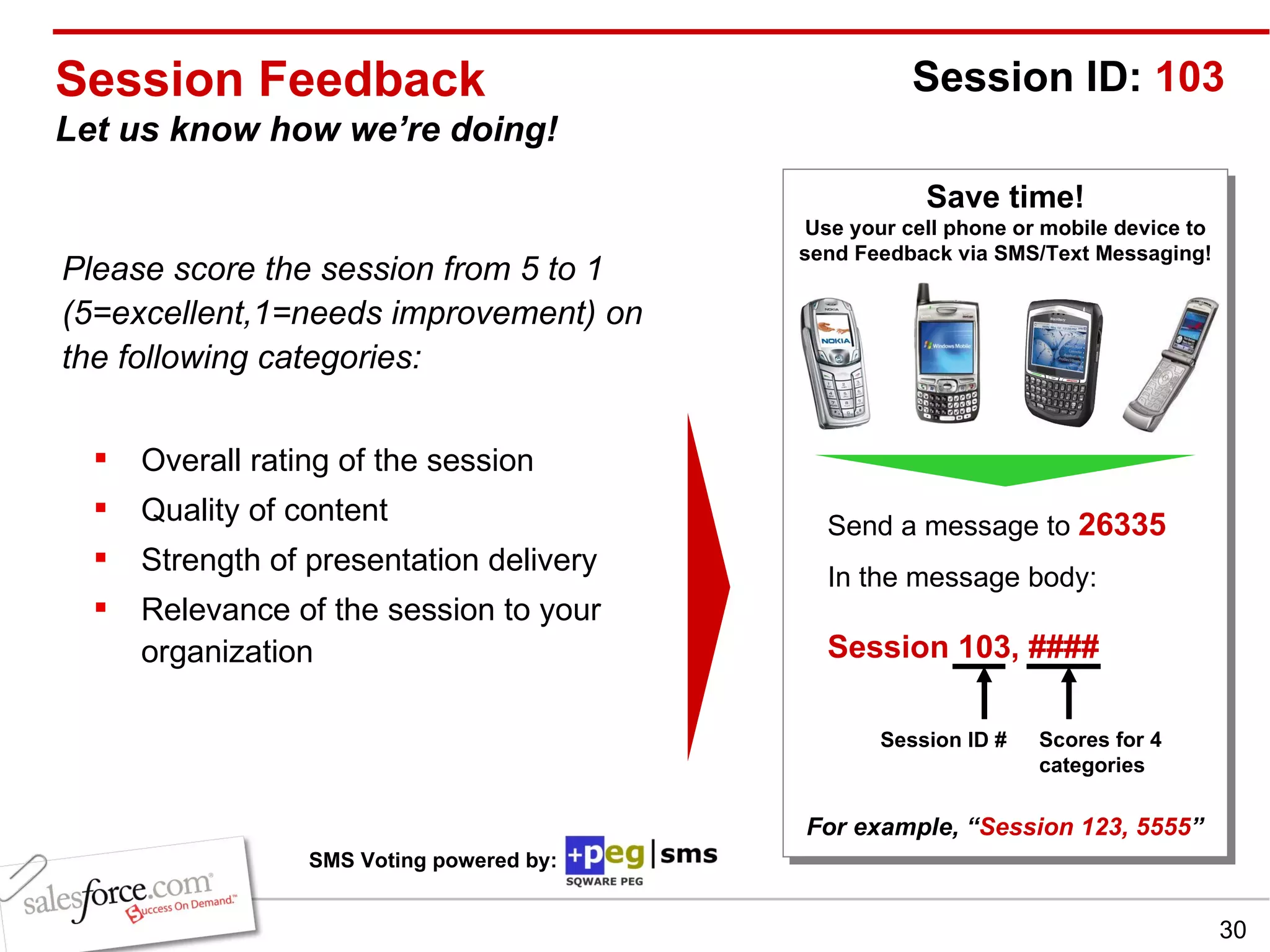
Session Feedback Let us know how we’re doing! Please score the session from 5 to 1 (5=excellent,1=needs improvement) on the following categories: Overall rating of the session Quality of content Strength of presentation delivery Relevance of the session to your organization Save time! Use your cell phone or mobile device to send Feedback via SMS/Text Messaging! Send a message to  26335 In the message body:   Session 103, ####   For example, “ Session 123, 5555 ” Session ID:  103 Session ID # Scores for 4 categories SMS Voting powered by:

To Share or Not to Share

  • 1.
    To Share orNot to Share Stephanie Hlad, Employers Direct Insurance Company Dave Hamburg, On-Q/Legrand Kevin Gaither, Business.com Track: New System Administrators
  • 2.
    Stephanie Hlad MarketingOperations Manager Employers Direct Insurance Company Dave Hamburg Webmaster Kevin Gaither Director, Inside Sales Nancye Michaelian Customer Success Manager salesforce.com Moderated By: On-Q/Legrand Business.com
  • 3.
    Safe Harbor Statement“ Safe harbor” statement under the Private Securities Litigation Reform Act of 1995: This presentation may contain forward-looking statements the achievement of which involves risks, uncertainties and assumptions. If any such risks or uncertainties materialize or if any of the assumptions proves incorrect, our results could differ materially from the results expressed or implied by the forward-looking statements we make.  All statements other than statements of historical fact could be deemed forward-looking, including any projections of subscriber growth, earnings, revenues, or other financial items and any statements regarding strategies or plans of management for future operations, statements of belief, any statements concerning new, planned, or upgraded services or technology developments and customer contracts or use of our services. The risks and uncertainties referred to above include - but are not limited to - risks associated with the integration of Sendia Corporation’s technology, operations, infrastructure and personnel with ours; unexpected costs or delays incurred in integrating Sendia with salesforce.com, which could adversely affect our operating results and rate of growth; any unknown errors or limitations in the Sendia technology; any third party intellectual property claims arising from the Sendia technology; customer and partner acceptance and deployment of the AppExchange and AppExchange Mobile platforms; interruptions or delays in our service or our Web hosting; our new business model; breach of our security measures; possible fluctuations in our operating results and rate of growth; the emerging market in which we operate; our relatively limited operating history; our ability to hire, retain and motivate our employees and manage our growth; competition; our ability to continue to release and gain customer acceptance of new and improved versions of our CRM service; unanticipated changes in our effective tax rate; fluctuations in the number of shares outstanding; the price of such shares; foreign currency exchange rates and interest rates. Further information on these and other factors that could affect our financial results is included in the reports on Forms 10-K, 10-Q and 8-K and in other filings we make with the Securities and Exchange Commission from time to time, including our Form 10-K for the fiscal year ended January 31, 2006. These documents are available on the SEC Filings section of the Investor Information section of our website at www.salesforce.com/investor . Any unreleased services or features referenced in this or other press releases or public statements are not currently available and may not be delivered on time or at all.  Customers who purchase our services should make purchase decisions based upon features that are currently available.  Salesforce.com, inc. assumes no obligation and does not intend to update these forward-looking statements, except as required by law.
  • 4.
    Agenda To Shareor Not to Share Core Building Blocks Role Hierarchy Organization Wide Defaults Sharing Rules Best Practices From Our Panel Lessons Learned Q and A
  • 5.
    To share ornot to share…that is the question!
  • 6.
    To share ornot to share…that is the question! Sharing Enable users to see and access data in your salesforce.com application Establish YOUR optimal environment Public – open and collaborative Private – strict guidelines and sharing requirements Middle of the road – a little of both, adds complexity End Goal Balance user needs and organization goals
  • 7.
    To share ornot to share…that is the question! Security and Access is like a 3-legged stool… Organization Wide Defaults Role Hierarchy Sharing
  • 8.
    Role Hierarchy Controlsthe level of visibility users have to an organizations data Users at any given role level are always able to view, edit or report on all data owned by or shared with users below them in the hierarchy, regardless of the sharing model Every user needs a role, multiple users can be associated to one role
  • 9.
    Organization Wide DefaultsDefines the baseline level of access to records for all users in the Organization Public Read/Write – view/edit all data Read Only – view all data, edit your data and data of roles below you Private – view/edit your data and data of roles below you Public Read/Write/Transfer – allows change of ownership on leads/cases
  • 10.
    Sharing Rules Automatedrules that extend access to records if organization wide defaults are read only or private Rules give users in a public group, role, or roles and subordinates access to data OWNED by users in public groups, roles or “roles and subordinates” Levels of access are read only or read/write
  • 11.
    Best Practices fromour Customer Experts Stephanie Hlad Role Hierarchy Dave Hamburg Org Wide Defaults Kevin Gaither Advanced Features
  • 12.
    Employers Direct InsuranceCompany California's only specialty direct writer of workers' compensation insurance Provides highly competitive rates, claims services designed to fight fraud and abuse, and loss prevention services that assist employers to create safe work environments INDUSTRY: Insurance EMPLOYEES: 160 GEOGRAPHY: US SHARING MODEL: Private # USERS: 106 EE
  • 13.
    Assigned responsibility ofa user, partner account, or contact for specific accounts and opportunities Roles USER ROLE Stephanie Administrator Kevin Administrator David Audit Barbara Audit Joyce Claims Avo Claims Amber Claims LuAnne Claims Jill Claims Kathy Lead Owner Denise Lead Owner Evan Lead Owner Doug Lead Owner Oscar Loss Control Anne Loss Control Chuck Loss Control Jaime Loss Control
  • 14.
  • 15.
    R = readC = create E = edit D = delete Legend: Defines a user’s permission to perform different functions within salesforce.com Profiles Permissions   Administrator Executive Lead Owner: Only their Leads and Accounts Market Researcher Help Desk Account   R/C/E/D R R/C/E/D R/C/E/D   Campaign   R/C/E/D R       Contact   R/C/E/D R R/C/E/D R/C/E/D R/C/E/D Document   R/C/E/D R R/C/E/D R/C/E/D   Opportunity   R/C/E/D R R/C/E/D R/C/E/D   Product   R/C/E/D         Asset   R/C/E/D         Case   R/C/E/D   R   R/C/E/D Contract   R/C/E/D         Lead   R/C/E/D R R/C/E/D R/C/E/D  
  • 16.
  • 17.
    On-Q/Legrand Since 1992,On-Q has been known for quality products and fantastic marketing tools in the connected home market Acquired in 2006 by Legrand North America and merged with Greyfox Systems Nations leading manufacturer of Home Technology Systems, for the residential housing market INDUSTRY: Tech Manufacturer EMPLOYEES: 160 GEOGRAPHY: US, Canada, Caribbean SHARING MODEL: Happy medium # USERS: 61 EE
  • 18.
    Sharing – OrgWide Defaults/Sharing Rules You can use sharing rules to grant wider access to data. You can’t restrict access below your organization-wide default levels.
  • 19.
    Exceptions to OrganizationWide Defaults Sharing Rules System administrators can designate desired sharing arrangement between most records Manual Sharing Users can manually grant access to accounts, opportunities, cases, and any associated contacts, and/or custom objects to others in the organization Team Sharing (Account & Opportunity) Typically when active, permitted individuals can specify the level of access each account team member will have to an account, or opportunity and residual contacts, activities, and cases Calendar Sharing Users can expand access their calendar to other users
  • 20.
    Considerations When Establishing Design the Role Hierarchy with some thought towards sharing and expansion! Do you have data that needs to be kept private? Who needs access to all records Look at every object to see if it needs different defaults Public access requires less administration, but can cause task saturation
  • 21.
    Challenges We OvercameTotally Locked down sharing, Private access Didn’t know if anyone else was calling on a customer Sales team created duplicate accounts Helped sales teams get organized during roll out Wide open access, Public Read/Write Sales team was overwhelmed by data Waited for everyone else to take the lead But did foster competition What's the best way? There is no one size fits all solution!
  • 22.
    The On-Q SharingSet Up We went with the private model then opened it up to allow access to a larger group of users Account, contact, contract, case, opportunity and asset - all are PRIVATE A few public groups for internal sharing and overlapping areas Account Sharing Rules giving read only access to our regional sales teams
  • 23.
    Business.com Web's leading search engine anddirectory dedicated exclusively to business Founded in 1999 and currently one of Inc. 500's fastest growing companies in America Offers cost-per-click (CPC) and paid inclusion advertising solutions to over 6,000 B2B marketers nationwide INDUSTRY: Online Media EMPLOYEES: 85 GEOGRAPHY: US SHARING MODEL: Public # USERS: 50 PE
  • 24.
    Advanced Features –Page Layouts Control the layout of fields, related lists and custom links on detail and edit pages Fields can be marked required, read-only or visible Layouts are assigned to profiles, or the combination of profile and record type if record types are enabled
  • 25.
    Advanced Features –Page Layouts How does Page Layout control work in the Business.com world? Lots of customization of Fields and Sections Several Fields that are Required or Read-Only What could the Enterprise Edition do for us PE users?
  • 26.
    Advanced Features –Field Level Security Master security setting for a field which controls access to the field via the detail and edit pages, search, reports, list views, email templates, the API, and all other access methods Profile based - administrator can restrict a profile’s access to the field by setting it to read-only (visible and read-only checked) or hidden (both boxes unchecked)
  • 27.
    How does FieldLevel Security work in the Business.com world? It doesn’t…..yet! How could Business.com use Field Level Security? Finance currently an “Admin” to allow for editing Read-Only fields If Business.com had EE, we could employ Field Level Security for the “Finance Users” Advanced Features – Field Level Security
  • 28.
    Key Takeaways Understandthe basics – remember the 3 legged stool Importance of establishing proper visibility Only give users what they need – foster 2-way communication Revisit your role hierarchy quarterly Don’t forget about reports – the role hierarchy and sharing model should support reporting needs Nothing is perfect the first time - configuration is flexible Leverage resources available on successforce.com CRM is an ongoing process!
  • 29.
    Stephanie Hlad MarketingOperations Manager Dave Hamburg Webmaster Kevin Gaither Director, Inside Sales QUESTION & ANSWER SESSION Employers Direct Insurance Company On-Q/Legrand Business.com
  • 30.
    Session Feedback Letus know how we’re doing! Please score the session from 5 to 1 (5=excellent,1=needs improvement) on the following categories: Overall rating of the session Quality of content Strength of presentation delivery Relevance of the session to your organization Save time! Use your cell phone or mobile device to send Feedback via SMS/Text Messaging! Send a message to 26335 In the message body: Session 103, #### For example, “ Session 123, 5555 ” Session ID: 103 Session ID # Scores for 4 categories SMS Voting powered by: