








































































































































this is a slide
we will see lots of them
things to keep in mind when working
in the world of responsive design
firstly
booklets + website + etc
long a** title
haris
mahmood
@harismahmood89
excited
the hype is real
slow down the hype train
$#!+
shopify
hackeryou
ladies learning code
freelancer
meetharis.com
focuspocus.io
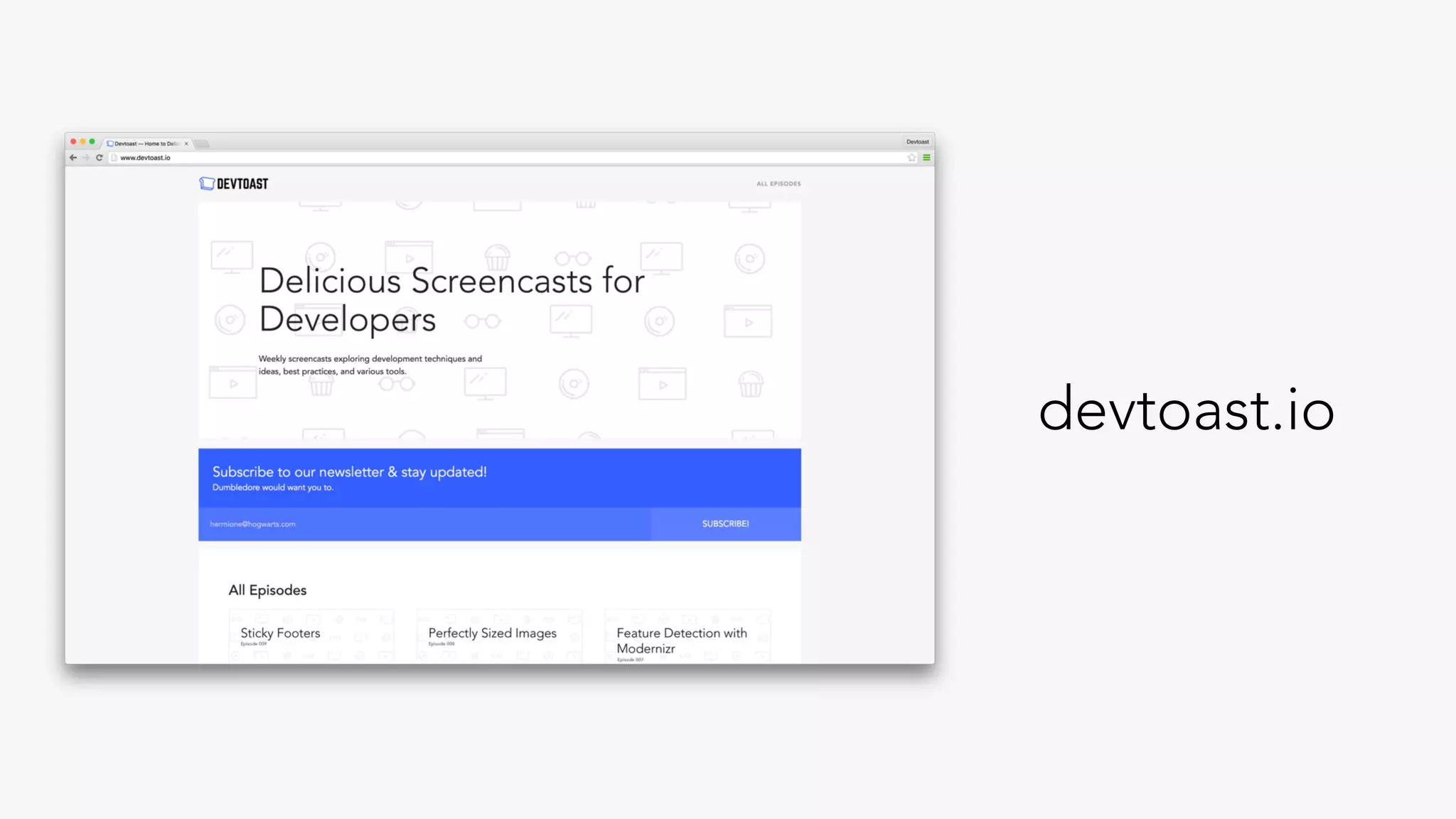
devtoast.io
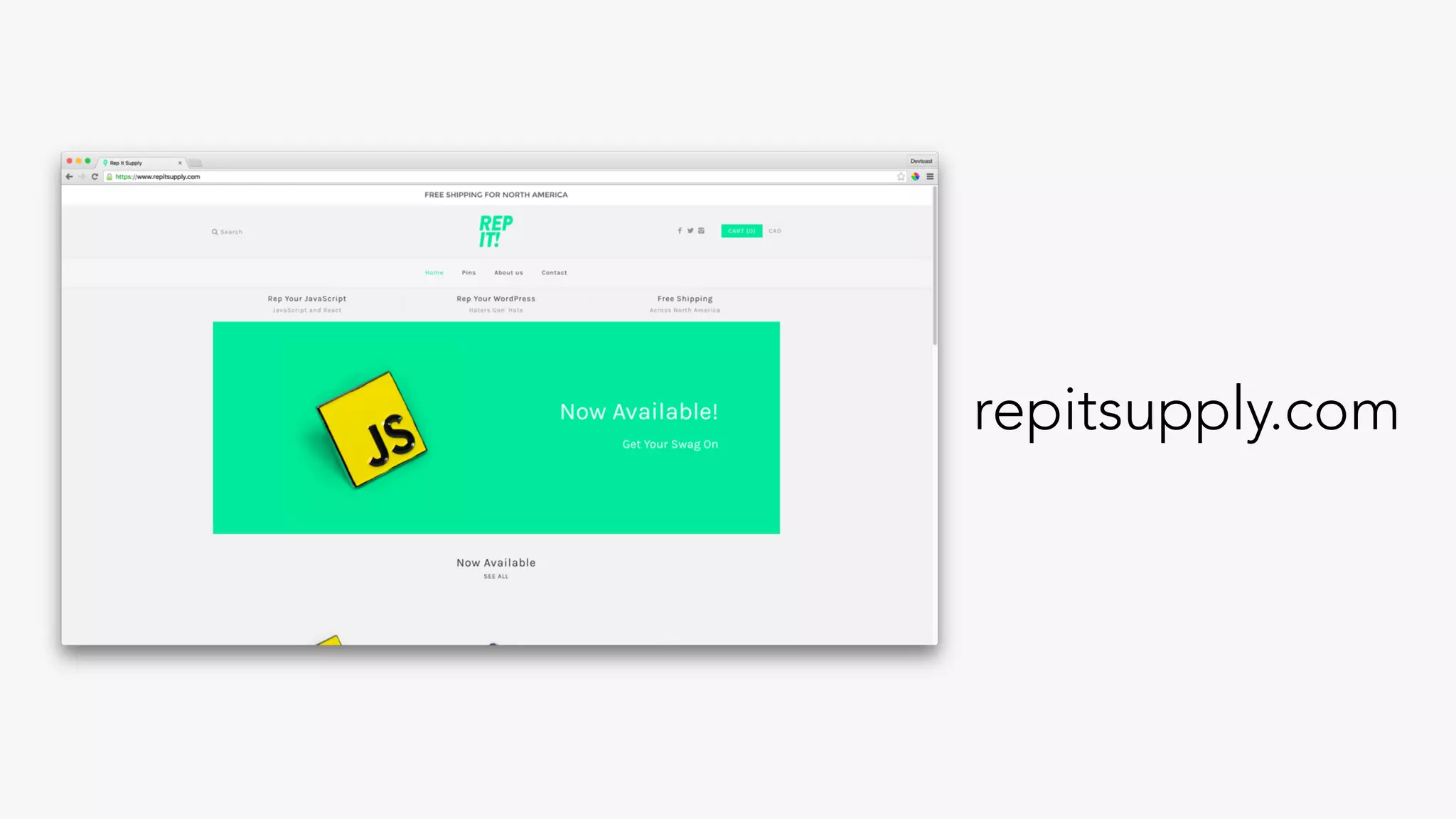
repitsupply.com
repitsupply.com
haris
mahmood
@harismahmood89
kingpin
@harismahmood89
emma watson
our story starts
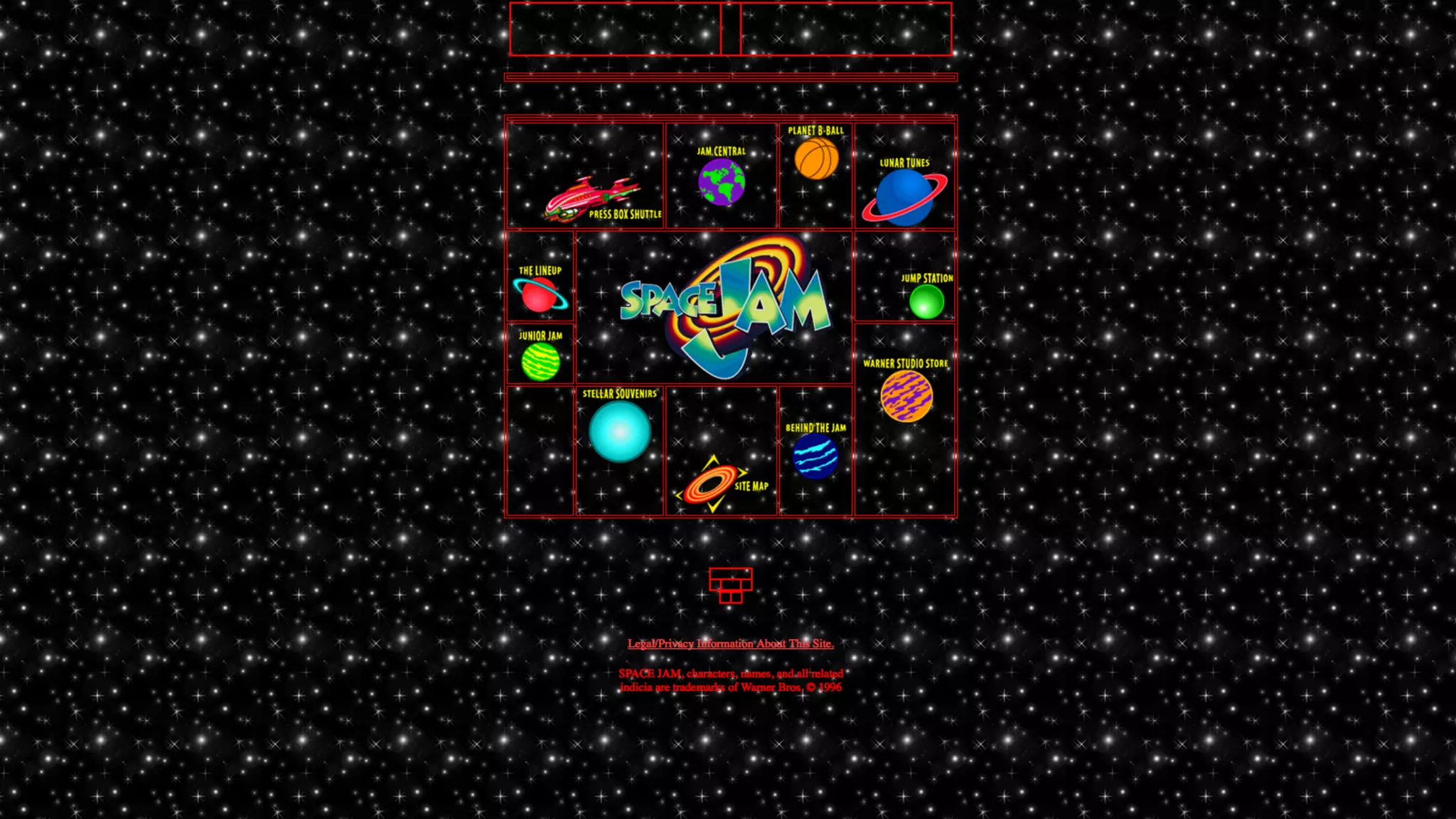
300 BC
table layouts
time went by
mobile browsers
website.com
m.website.com
ibm
2010
ethan marcotte
responsive web design
three main features
fluid grids
flexible images
media queries
technical ingredients
of rwd
most importantly
“… a different way of
thinking”
6 years later
continuously changing
landscape
features + tools + tips
+ pointers
I
css layouts
floats
focus on individual
elements
flexbox
no longer about
individual elements
flow
container
flow of elements
flow of flex children
direction, alignment, etc
cohesive whole
sizing
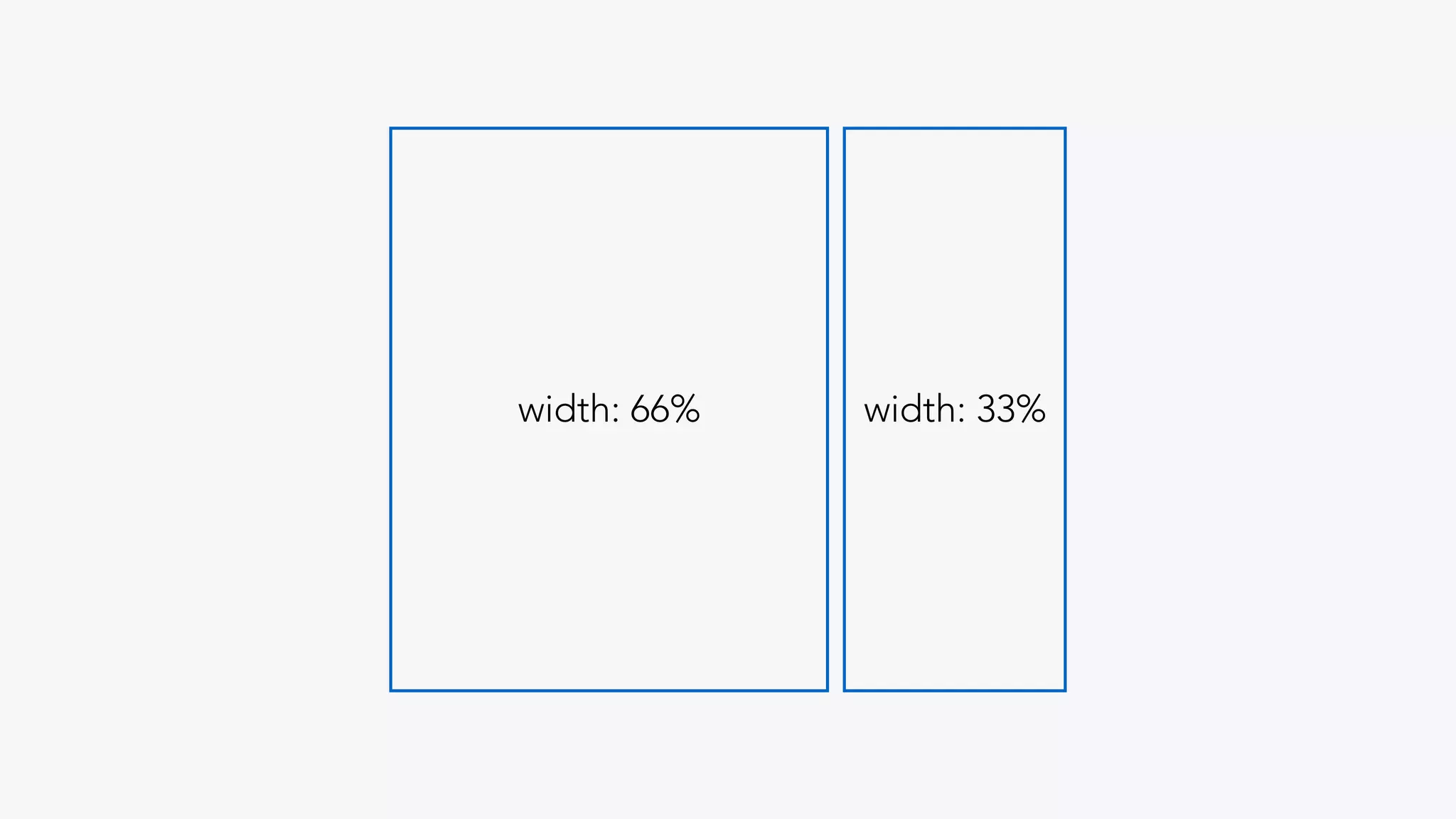
“what width does x
need to be?”
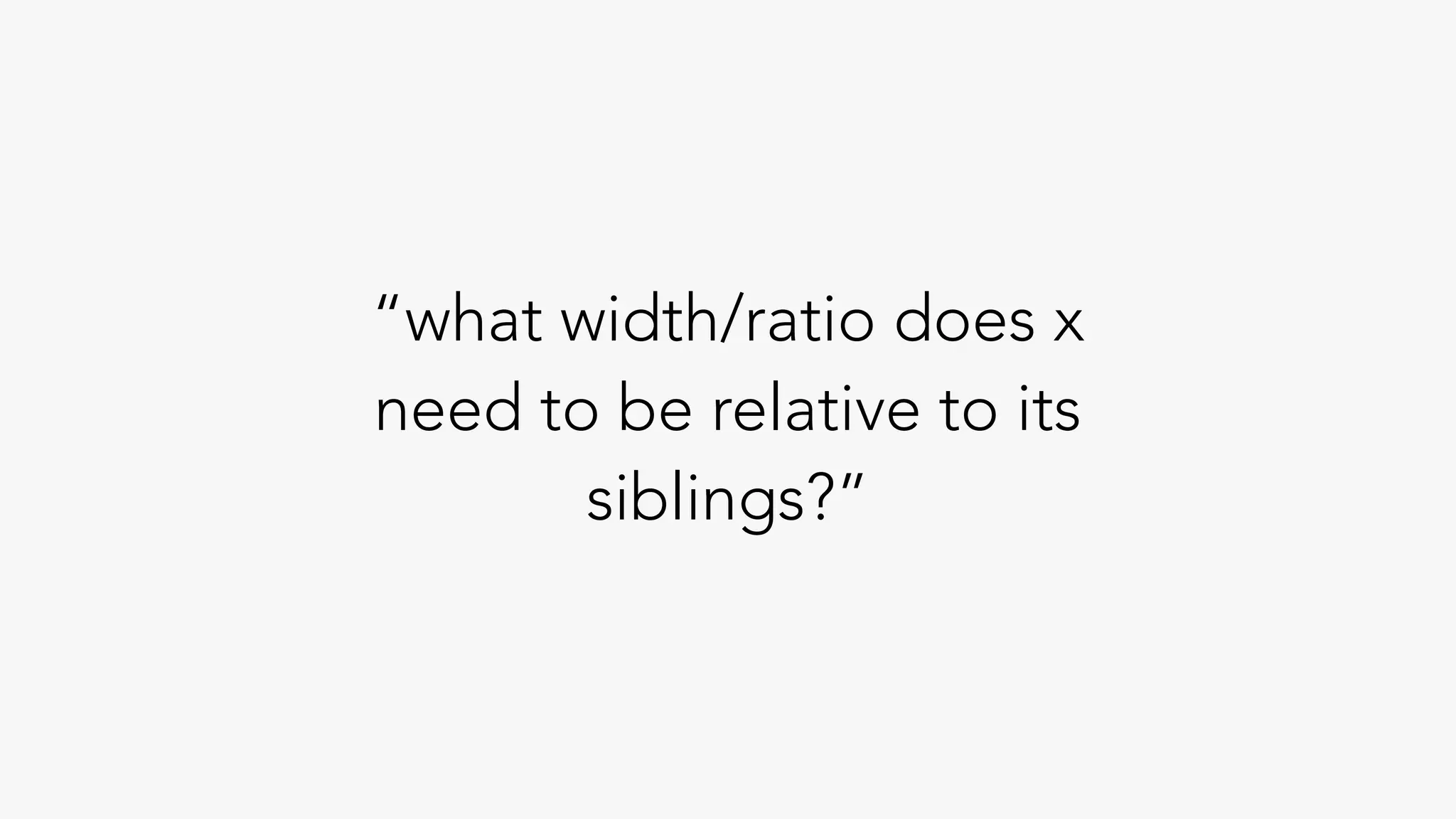
“what width/ratio does x
need to be relative to its
siblings?”
width: 66% width: 33%
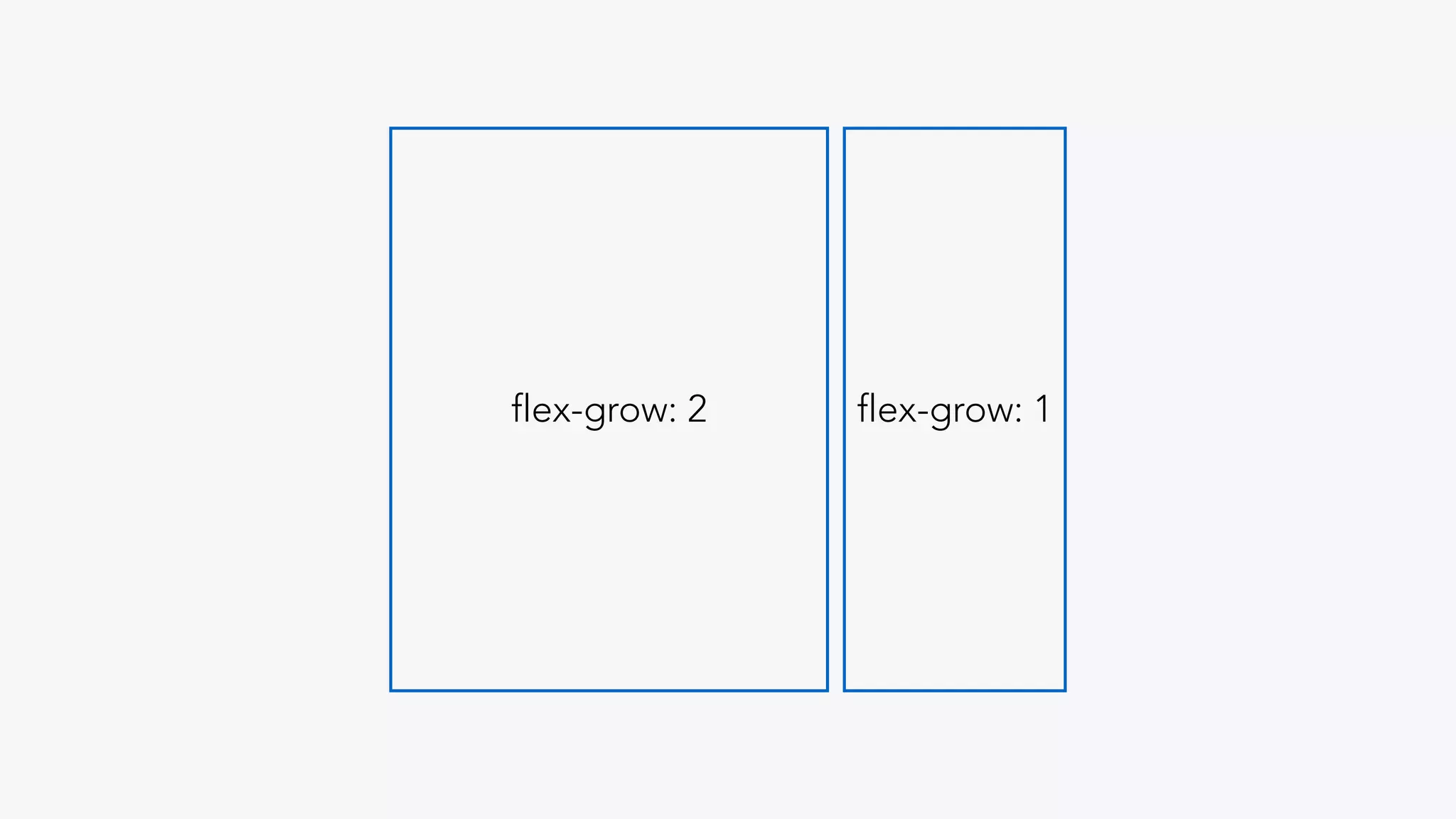
flex-grow: 2 flex-grow: 1
how do these items
flow together
common layout
example
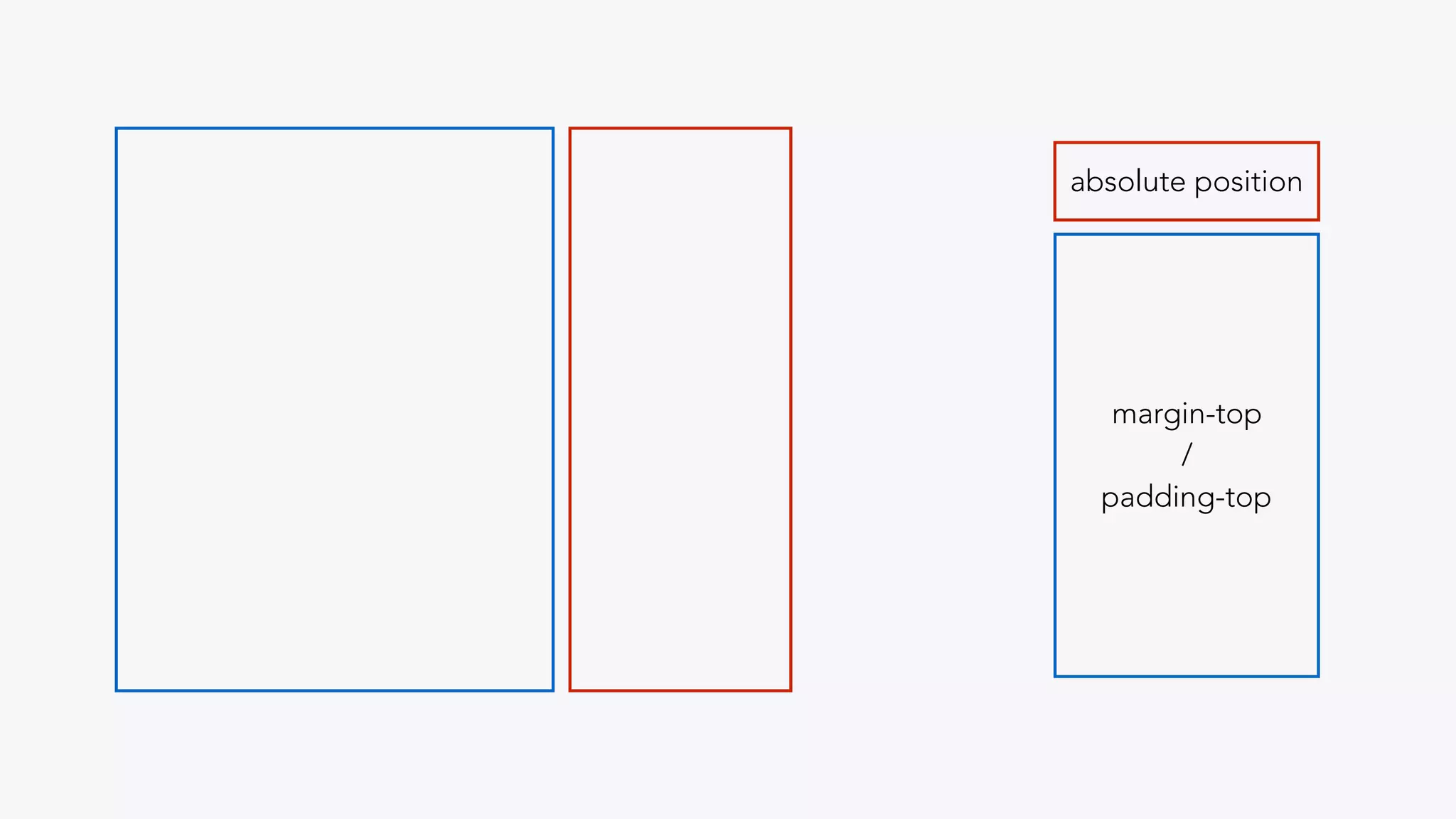
absolute positioning
absolute position
margin-top
/
padding-top
yuck.
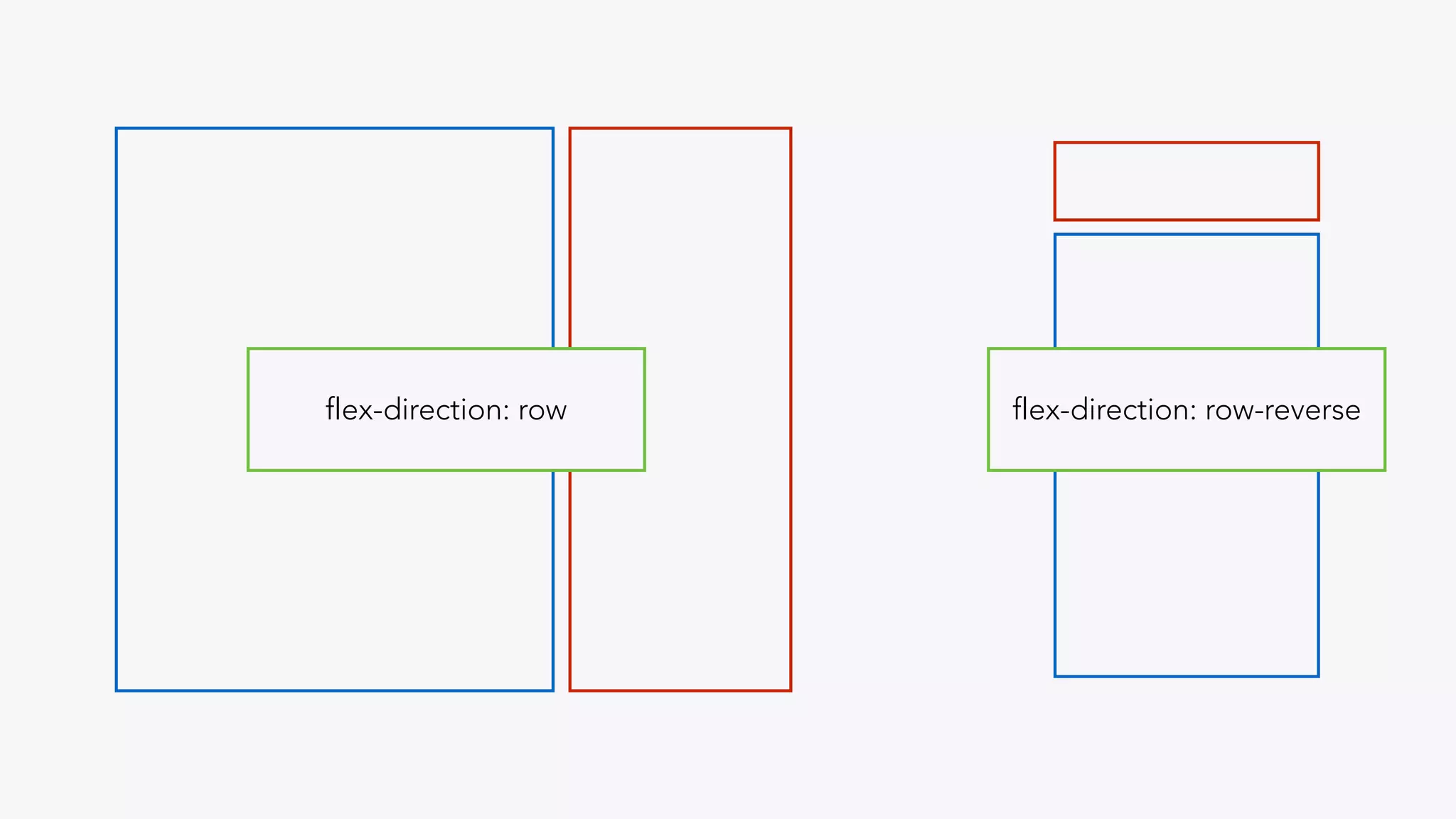
flexbox
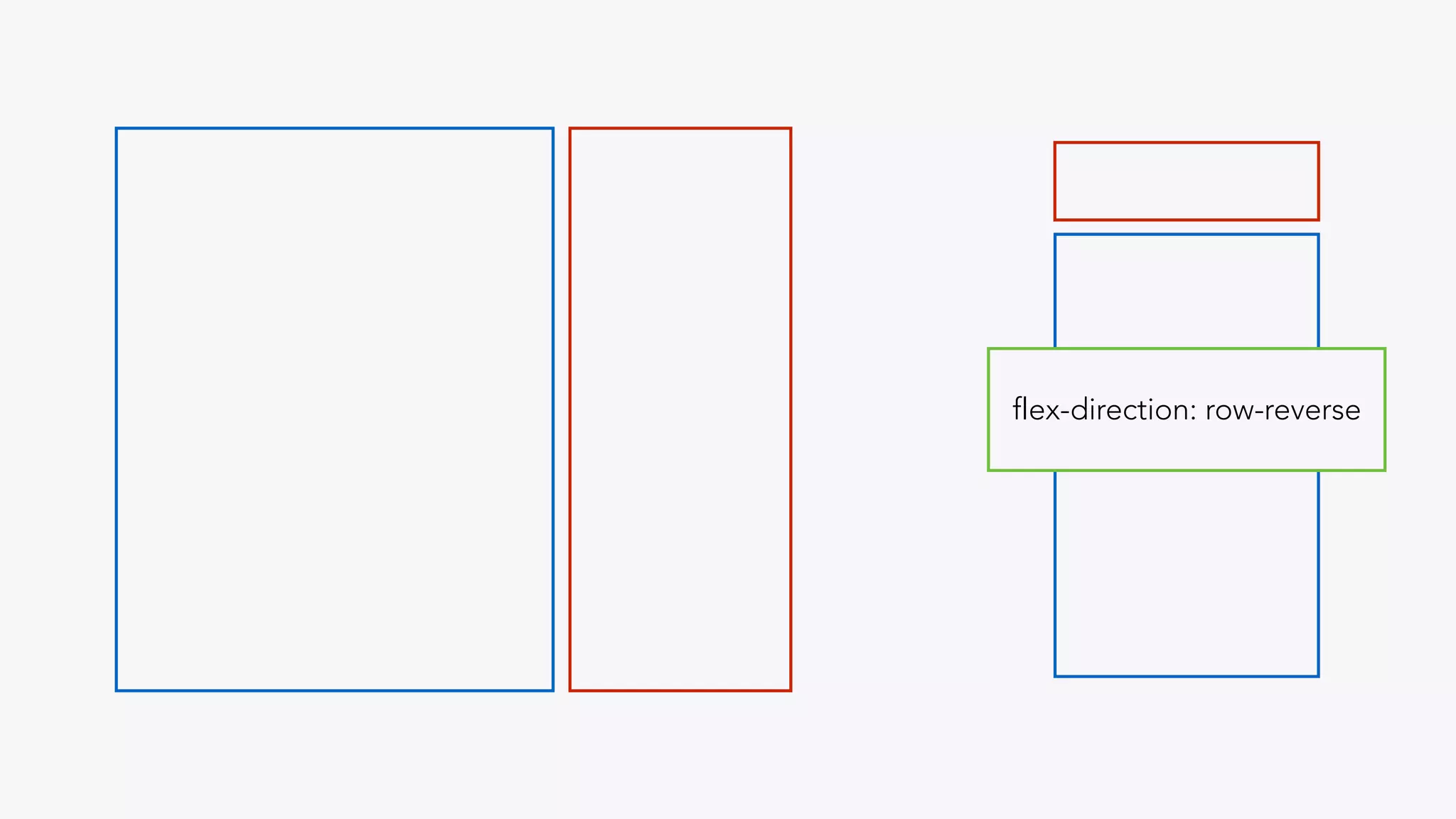
flex-direction: row-reverseflex-direction: row
flex-direction: row-reverse
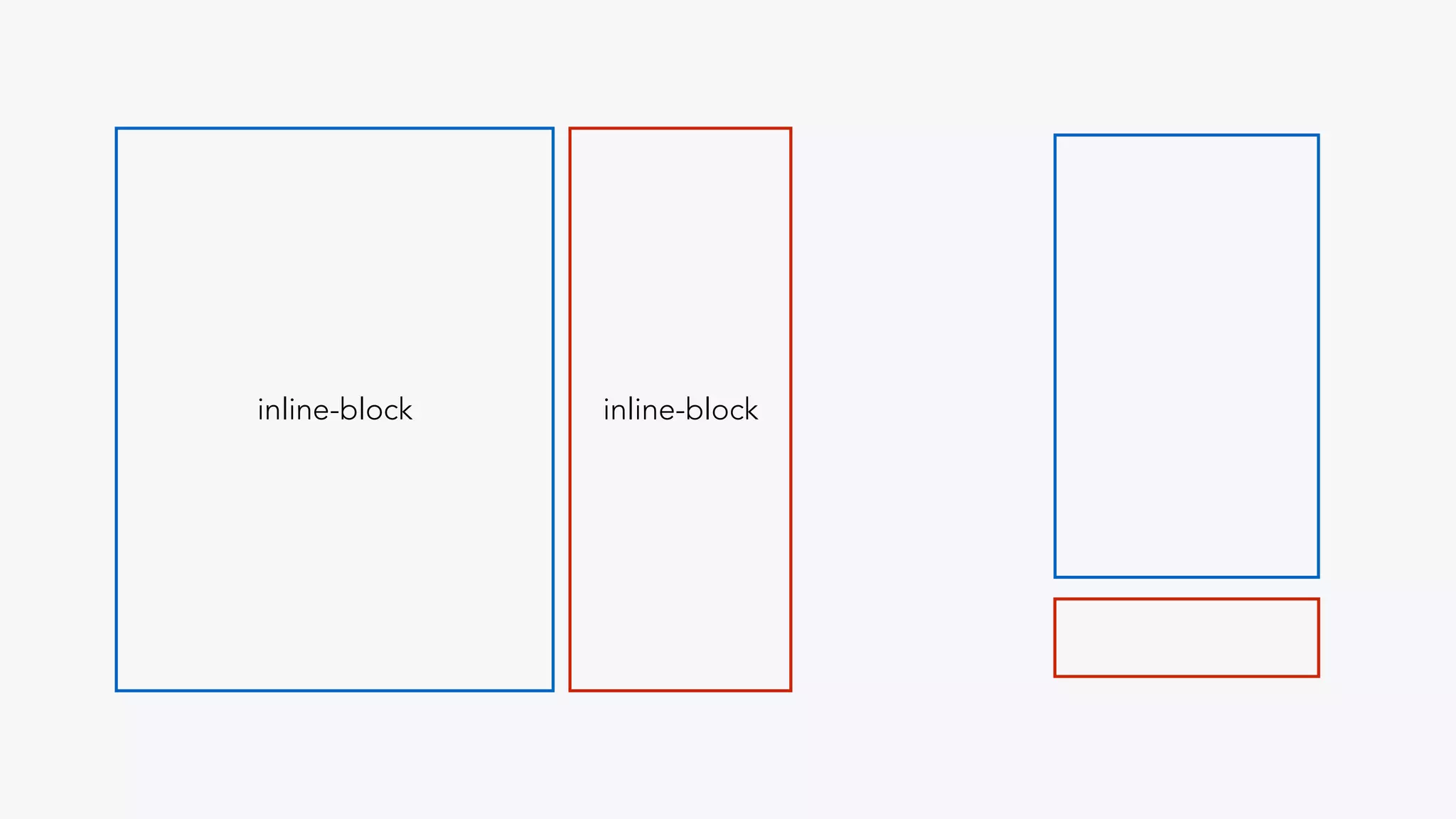
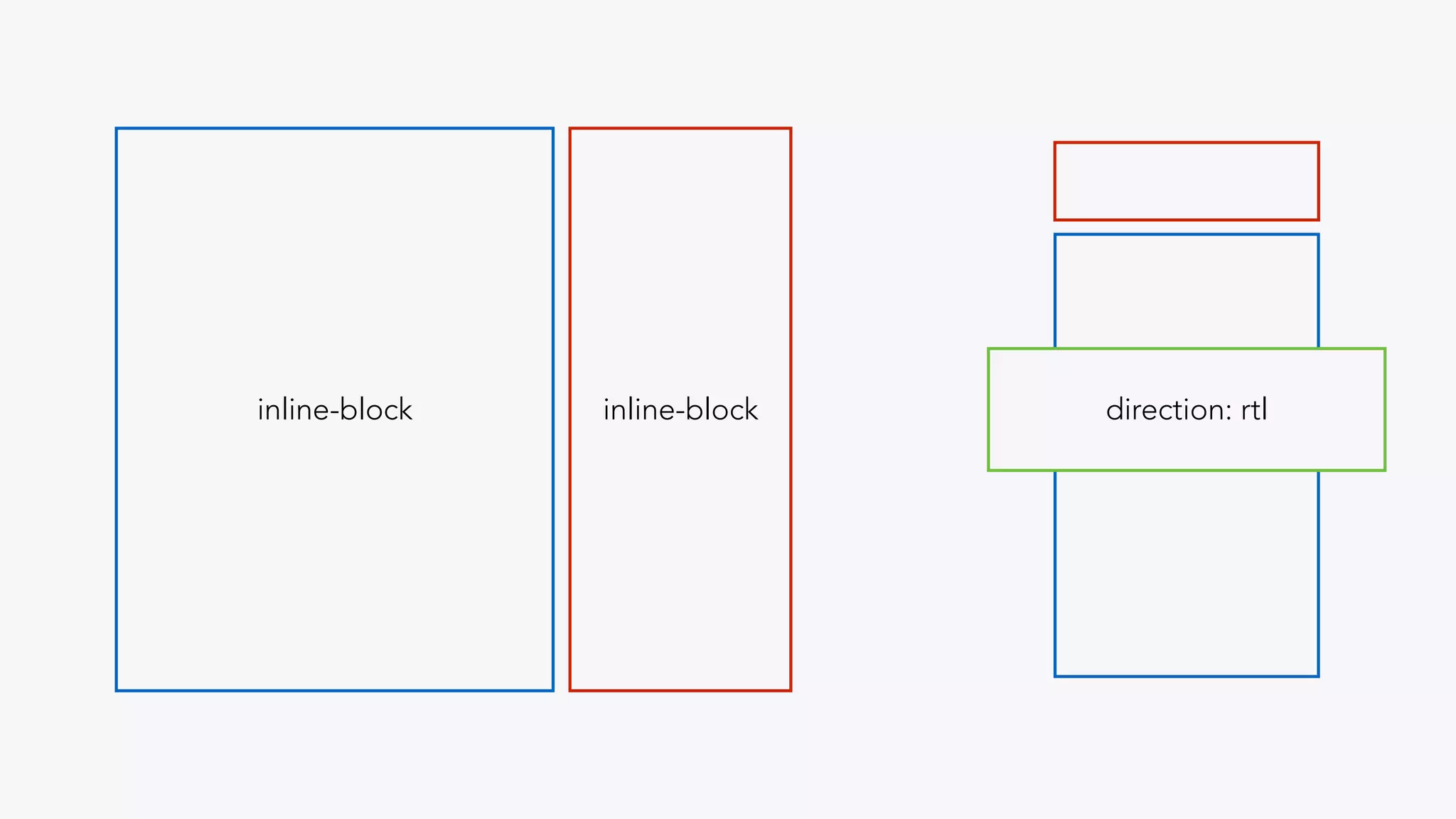
display: inline-block
inline-blockinline-block
direction: rtlinline-blockinline-block
control content flow
II
sizing + measurements
px
fixed pixel based
layouts
percentage based
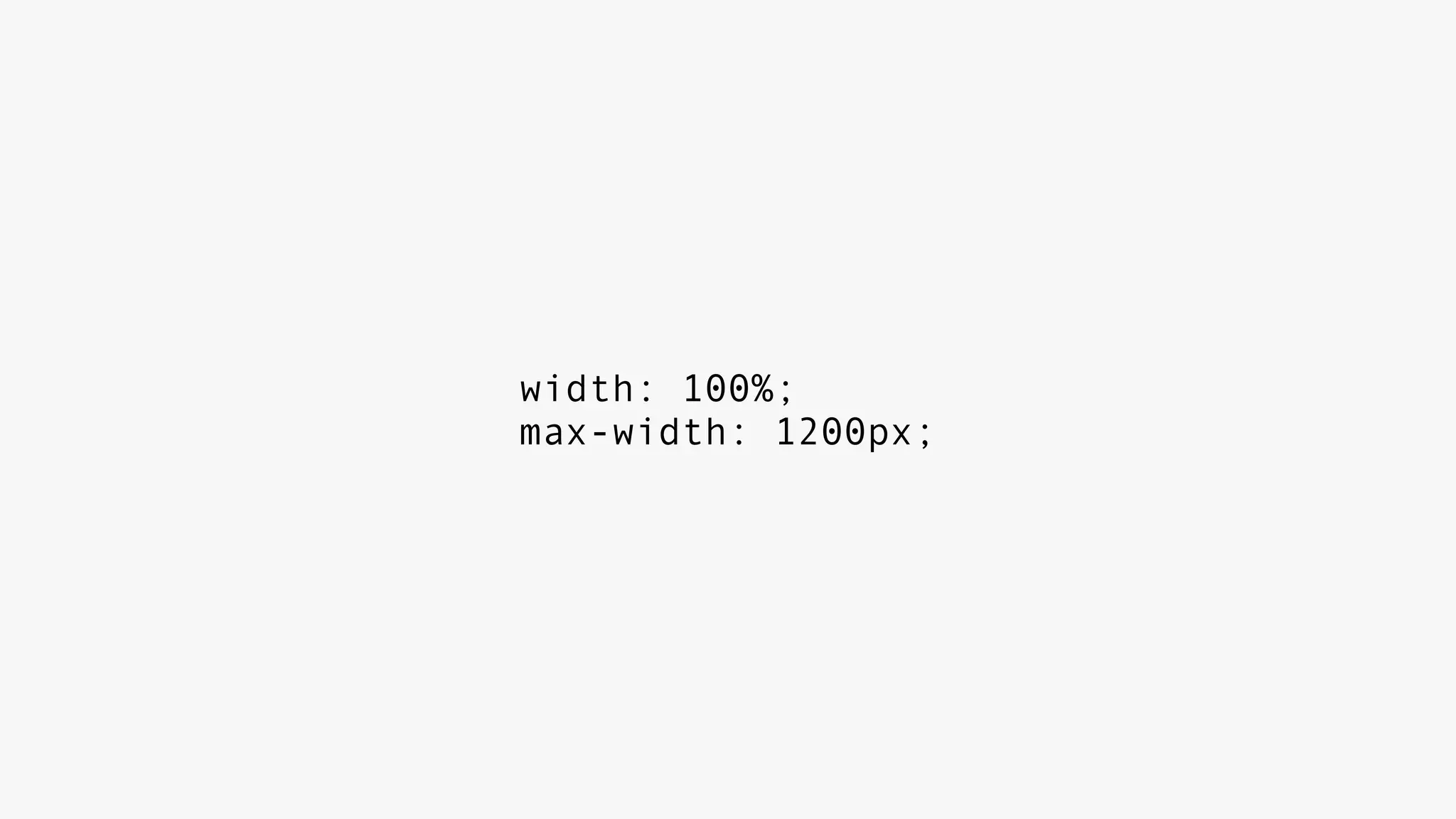
width: 100%;
max-width: 1200px;
push further
%, em, rem, vh, vw
foundation 5
bootstrap 4
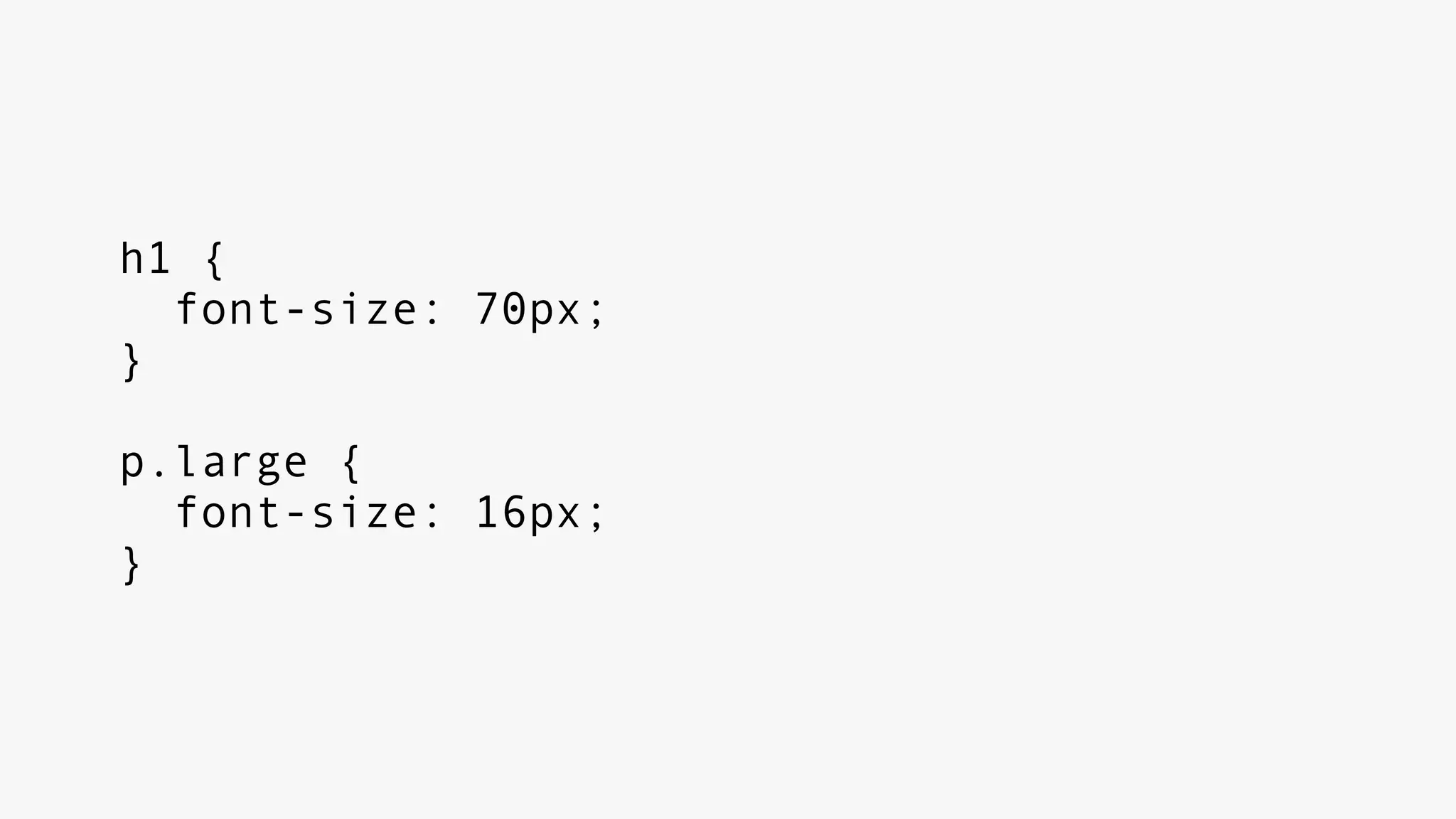
h1 {
font-size: 70px;
}
p.large {
font-size: 16px;
}
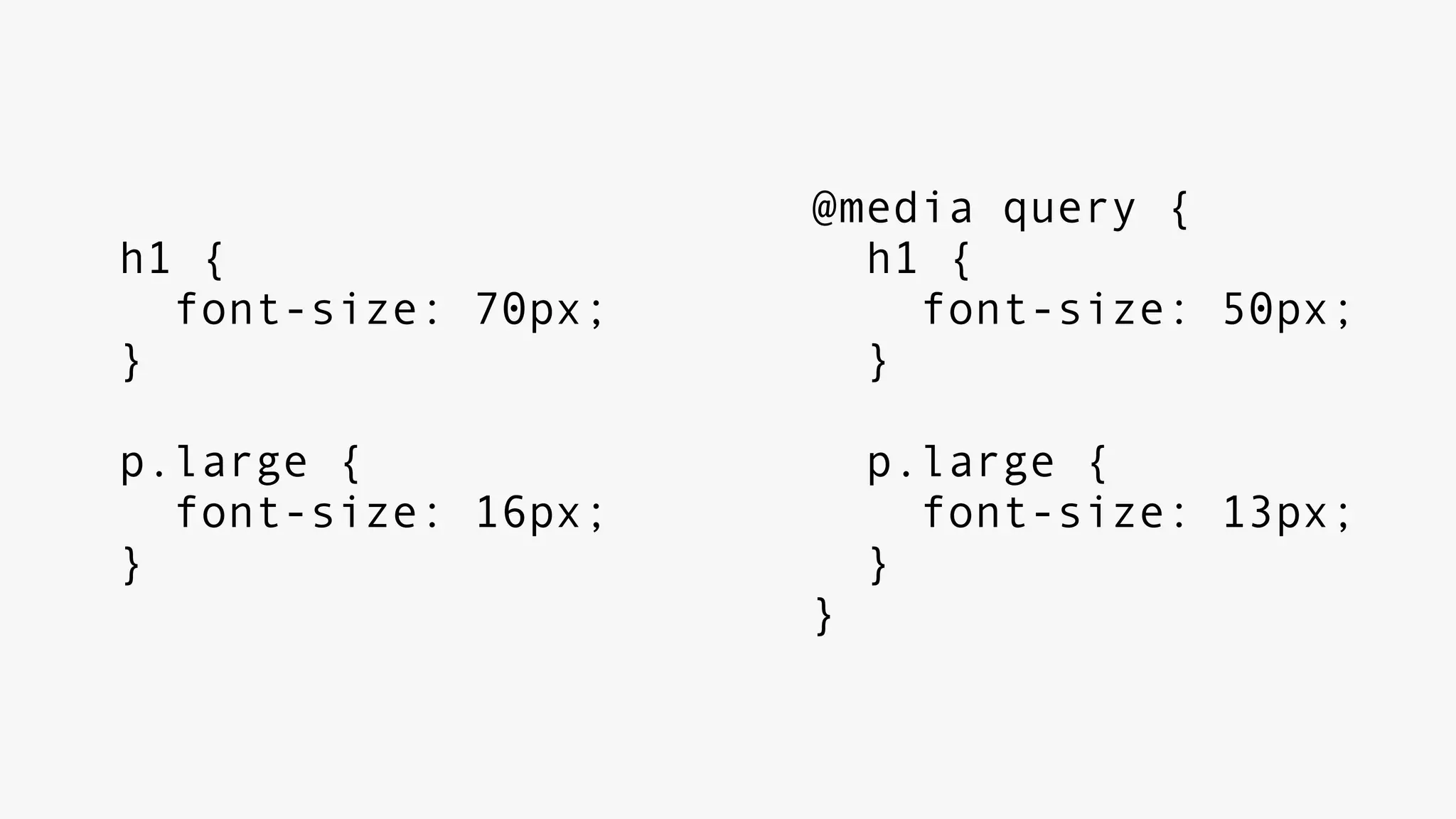
h1 {
font-size: 70px;
}
p.large {
font-size: 16px;
}
@media query {
h1 {
font-size: 50px;
}
p.large {
font-size: 13px;
}
}
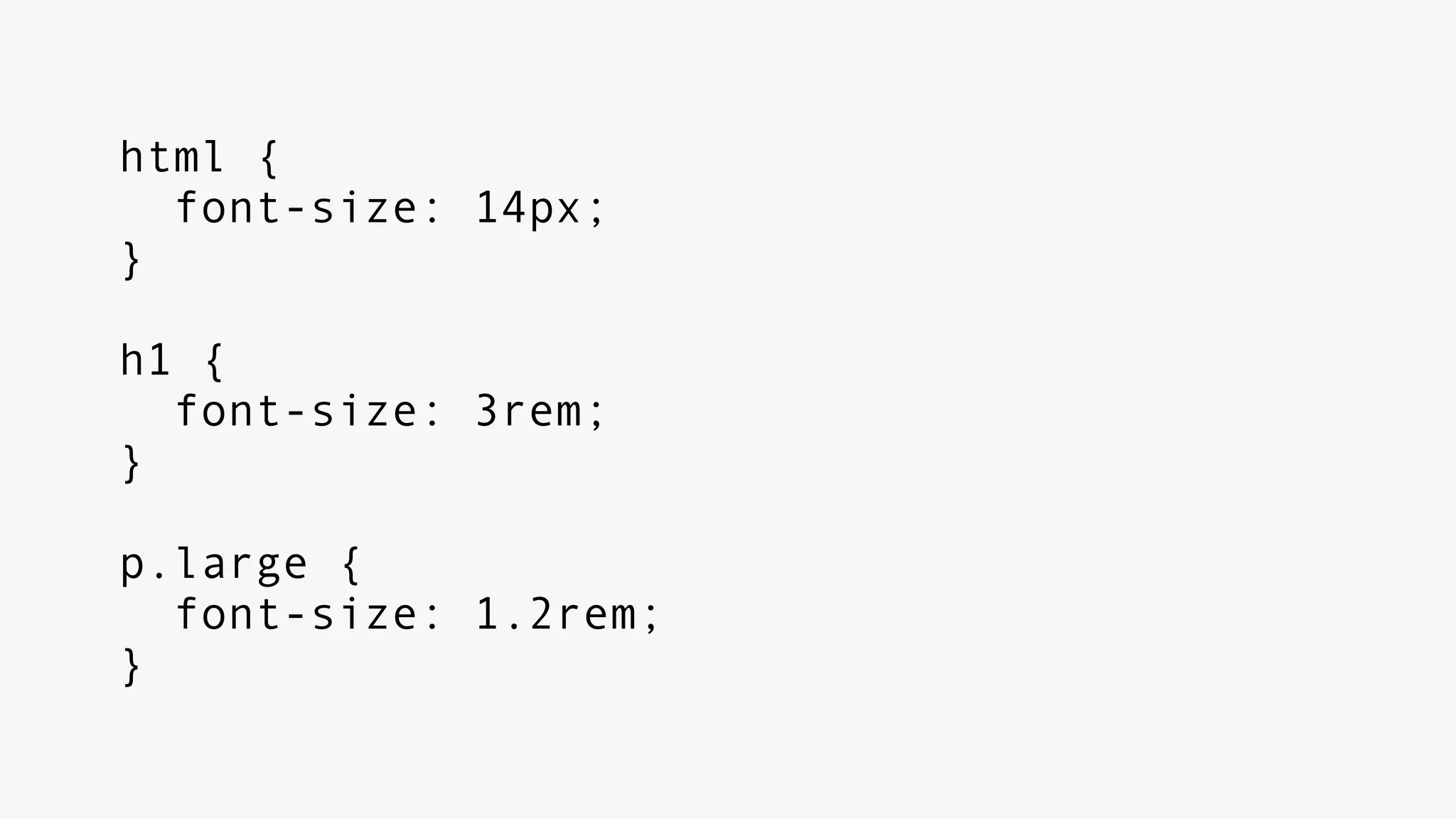
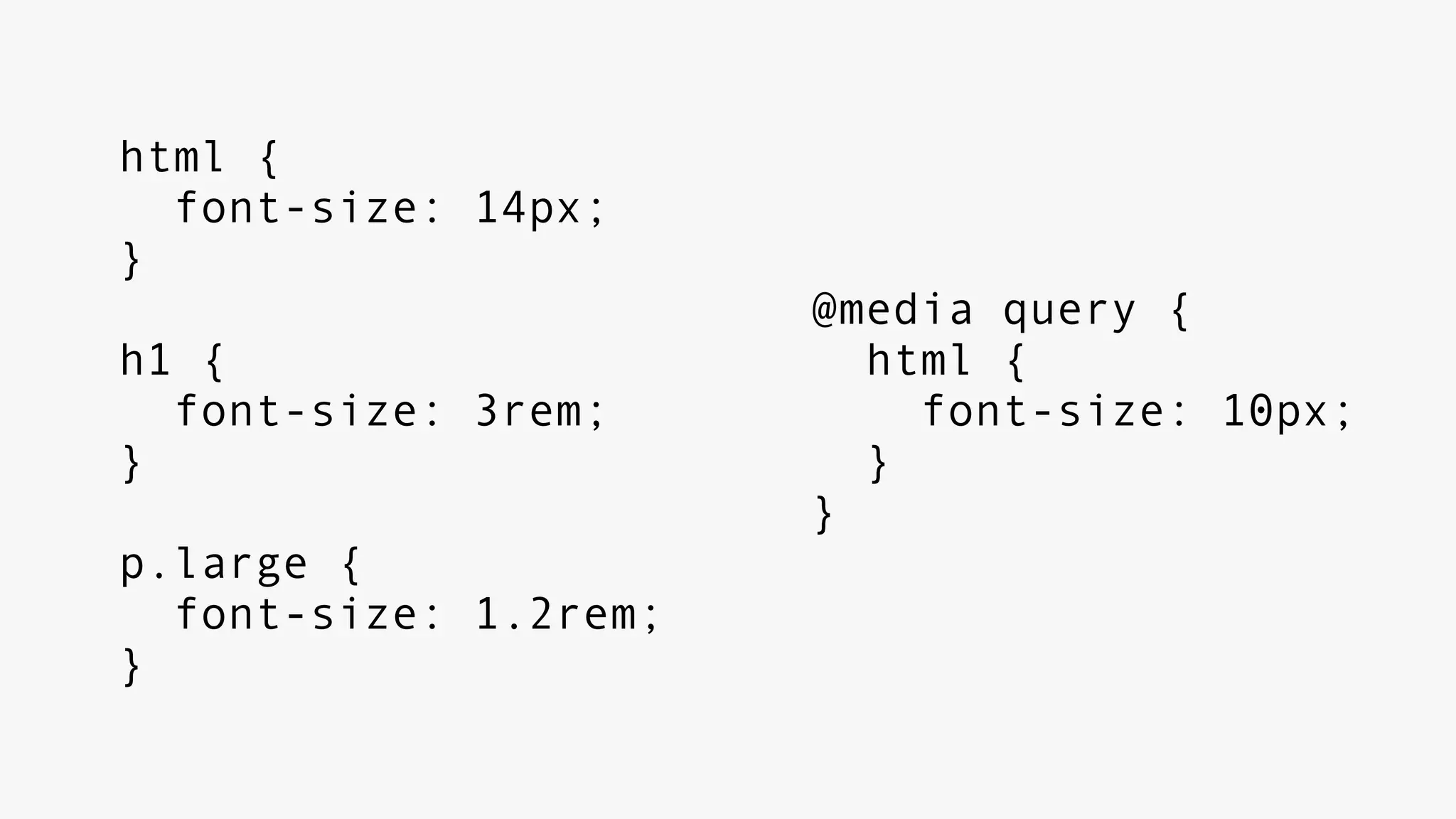
html {
font-size: 14px;
}
h1 {
font-size: 3rem;
}
p.large {
font-size: 1.2rem;
}
html {
font-size: 14px;
}
h1 {
font-size: 3rem;
}
p.large {
font-size: 1.2rem;
}
@media query {
html {
font-size: 10px;
}
}
explore + implement
rip px
III
media queries
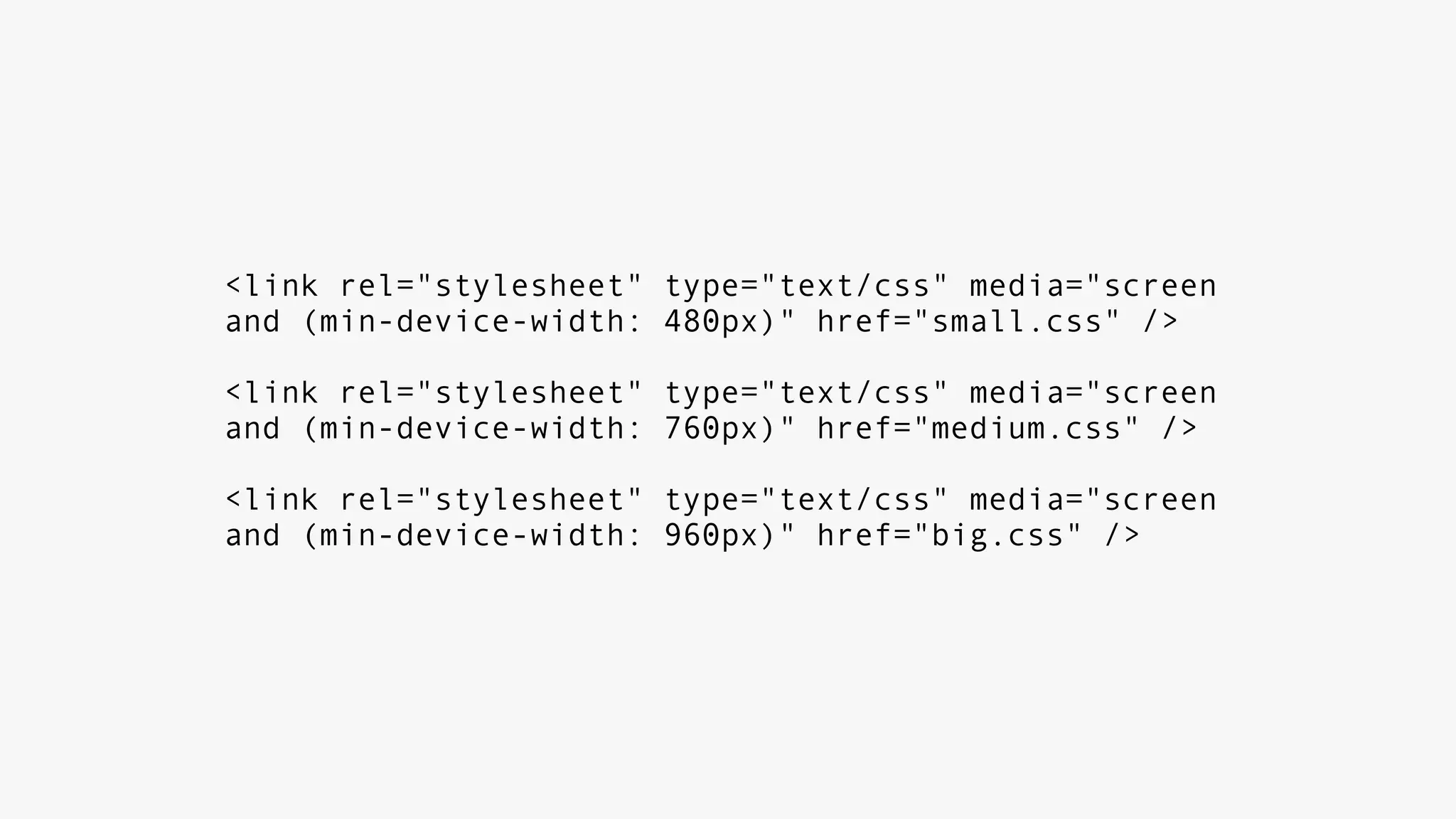
<link rel="stylesheet" type="text/css" media="screen
and (min-device-width: 480px)" href="small.css" />
<link rel="stylesheet" type="text/css" media="screen
and (min-device-width: 760px)" href="medium.css" />
<link rel="stylesheet" type="text/css" media="screen
and (min-device-width: 960px)" href="big.css" />
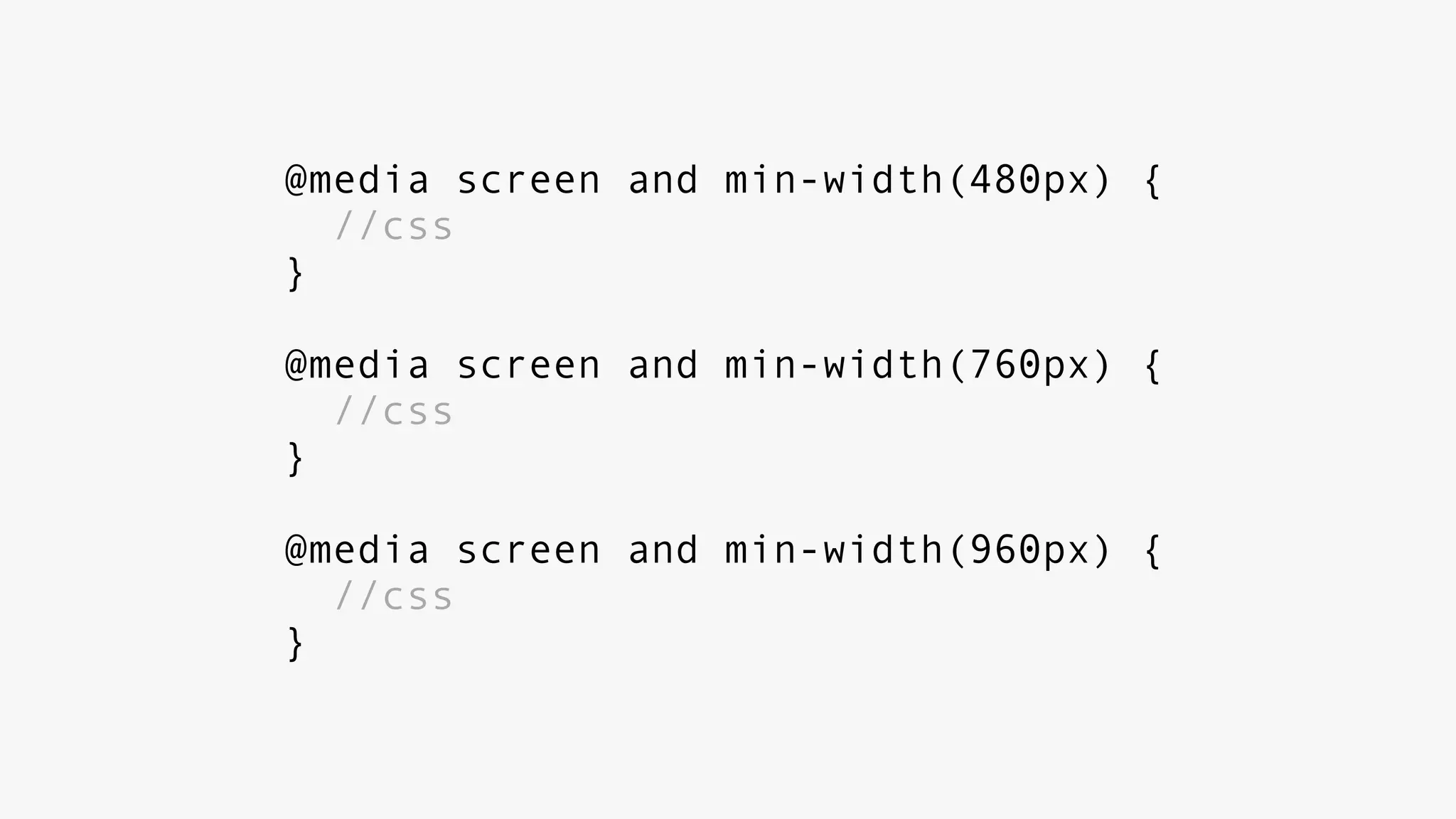
@media screen and min-width(480px) {
//css
}
@media screen and min-width(760px) {
//css
}
@media screen and min-width(960px) {
//css
}
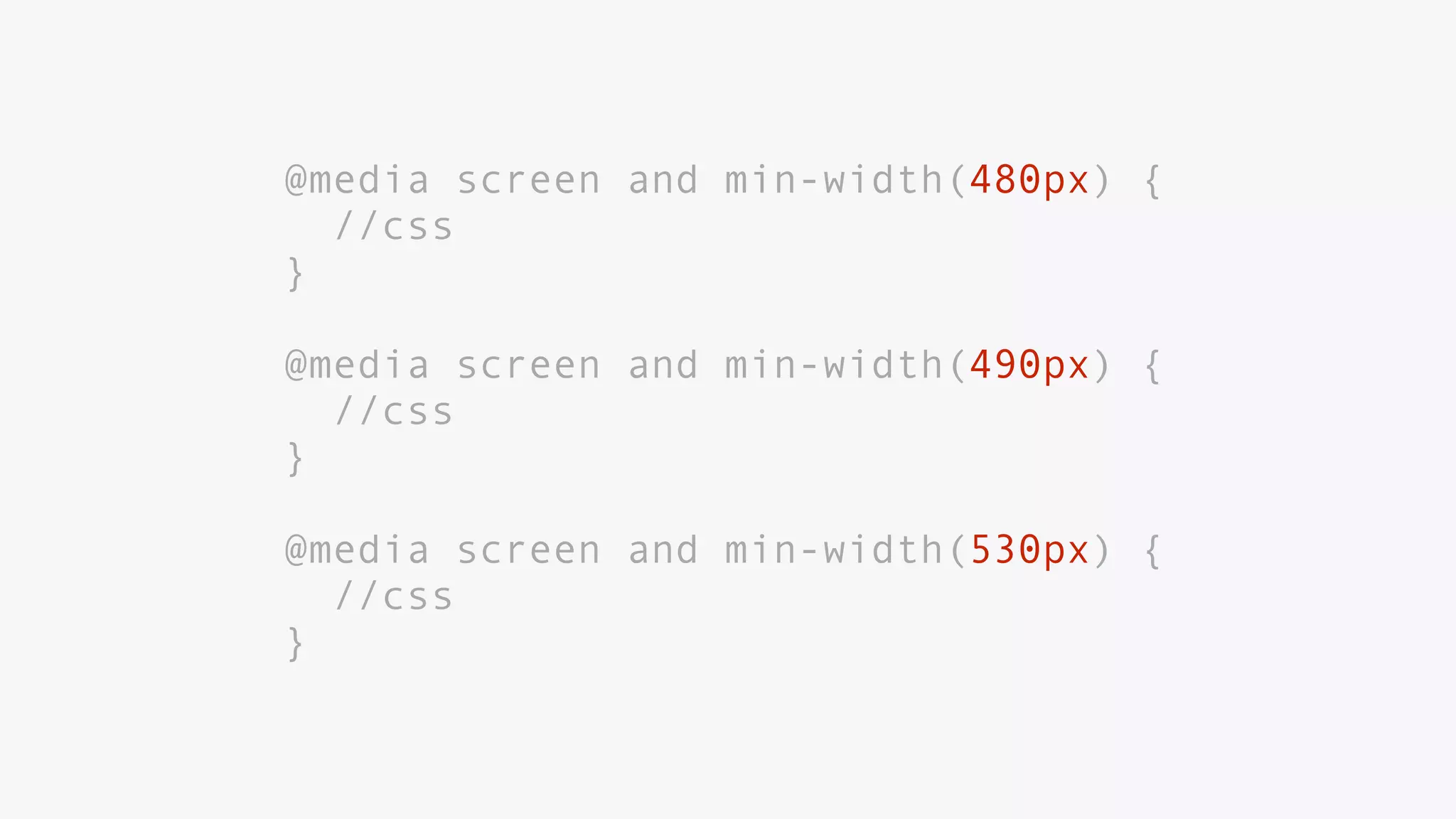
if you notice yourself
doing this:
@media screen and min-width(480px) {
//css
}
@media screen and min-width(490px) {
//css
}
@media screen and min-width(530px) {
//css
}
you’re doing
something wrong
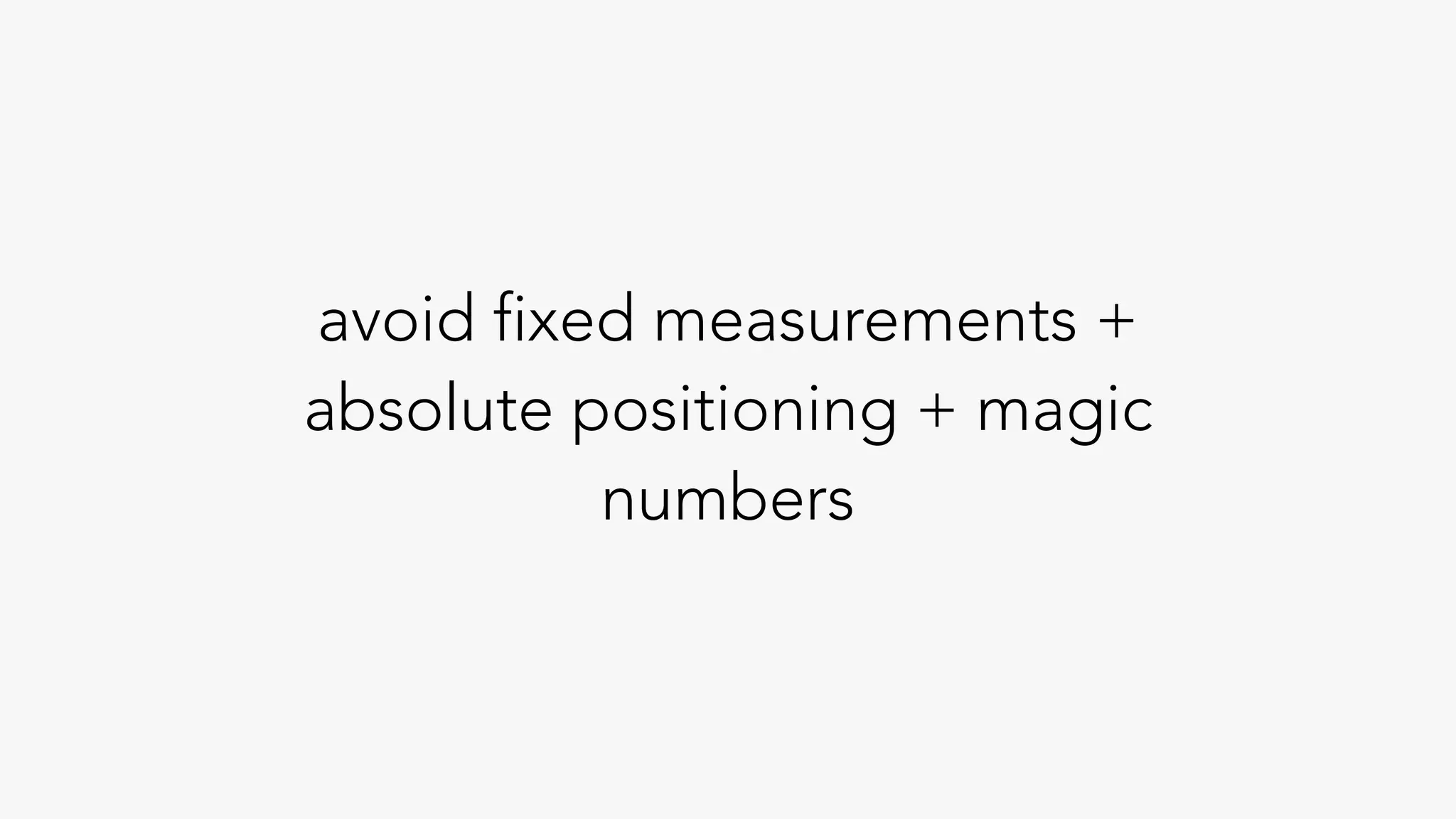
avoid fixed measurements +
absolute positioning + magic
numbers
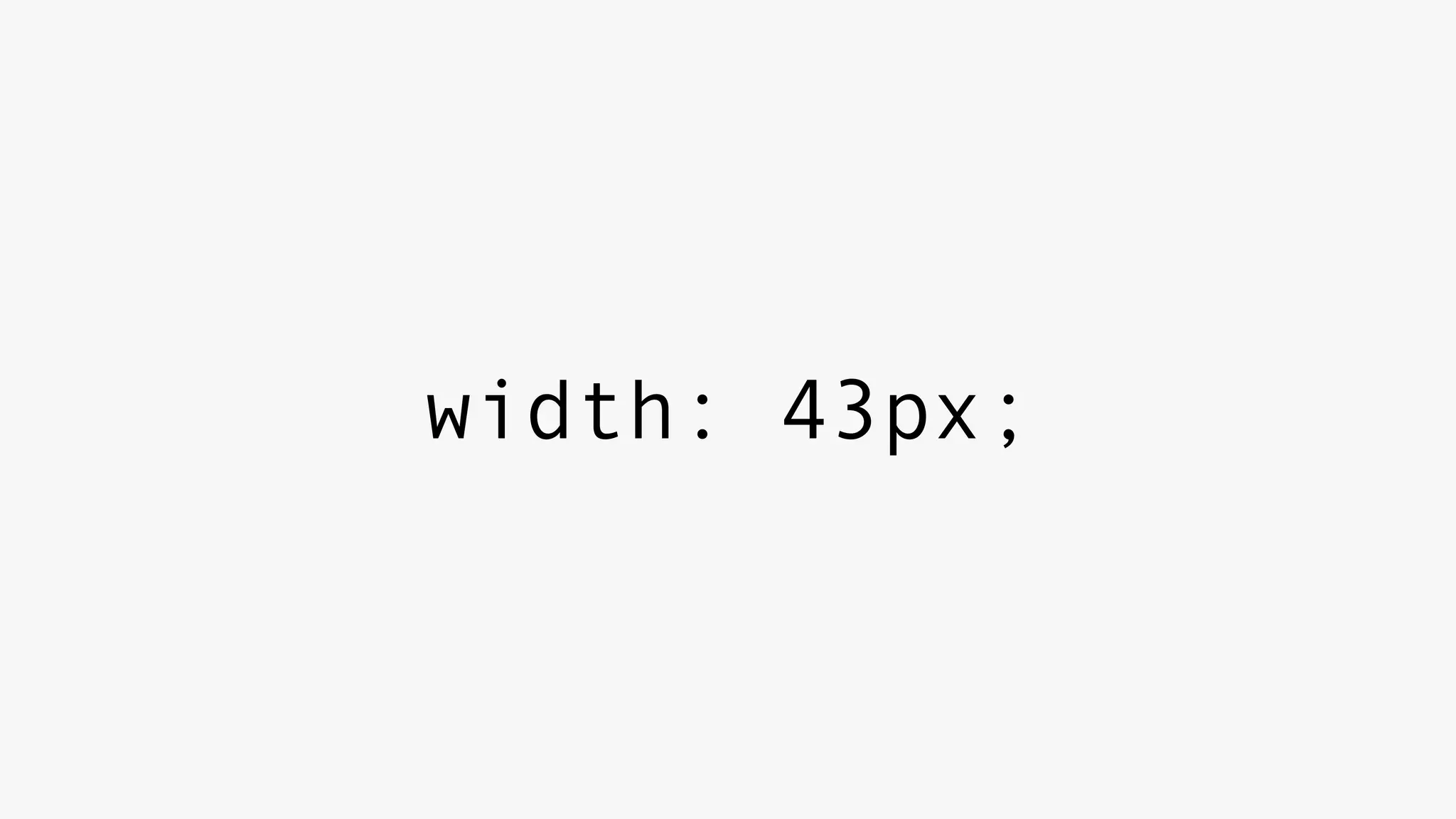
width: 43px;
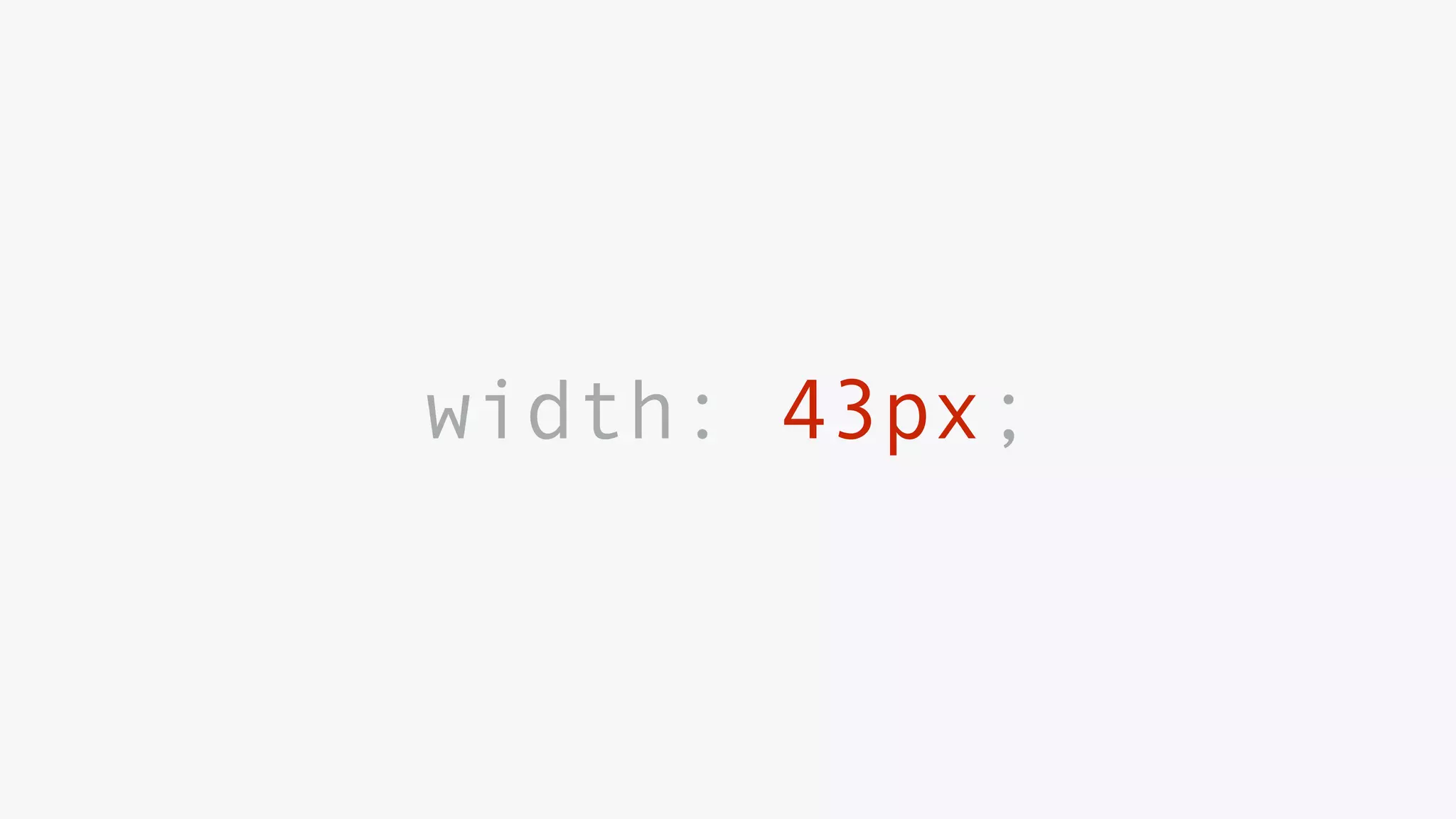
width: 43px;
shitty magic
IV
rwd at scale
maintain + organize
large projects
large teams
two recommendations
preprocessed css
sass, less, stylus,
postcss
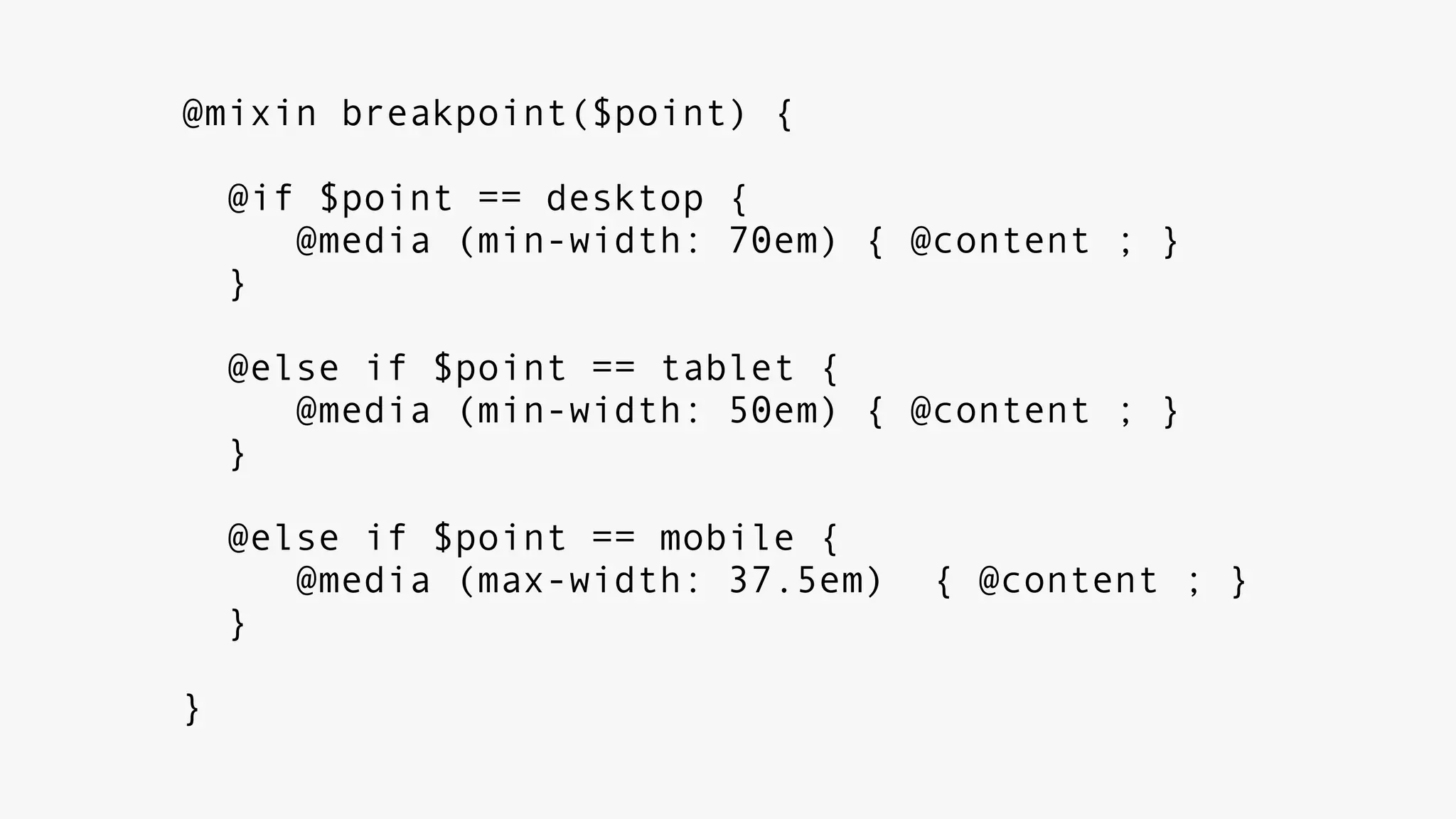
breakpoint mixin
@mixin breakpoint($point) {
@if $point == desktop {
@media (min-width: 70em) { @content ; }
}
@else if $point == tablet {
@media (min-width: 50em) { @content ; }
}
@else if $point == mobile {
@media (max-width: 37.5em) { @content ; }
}
}
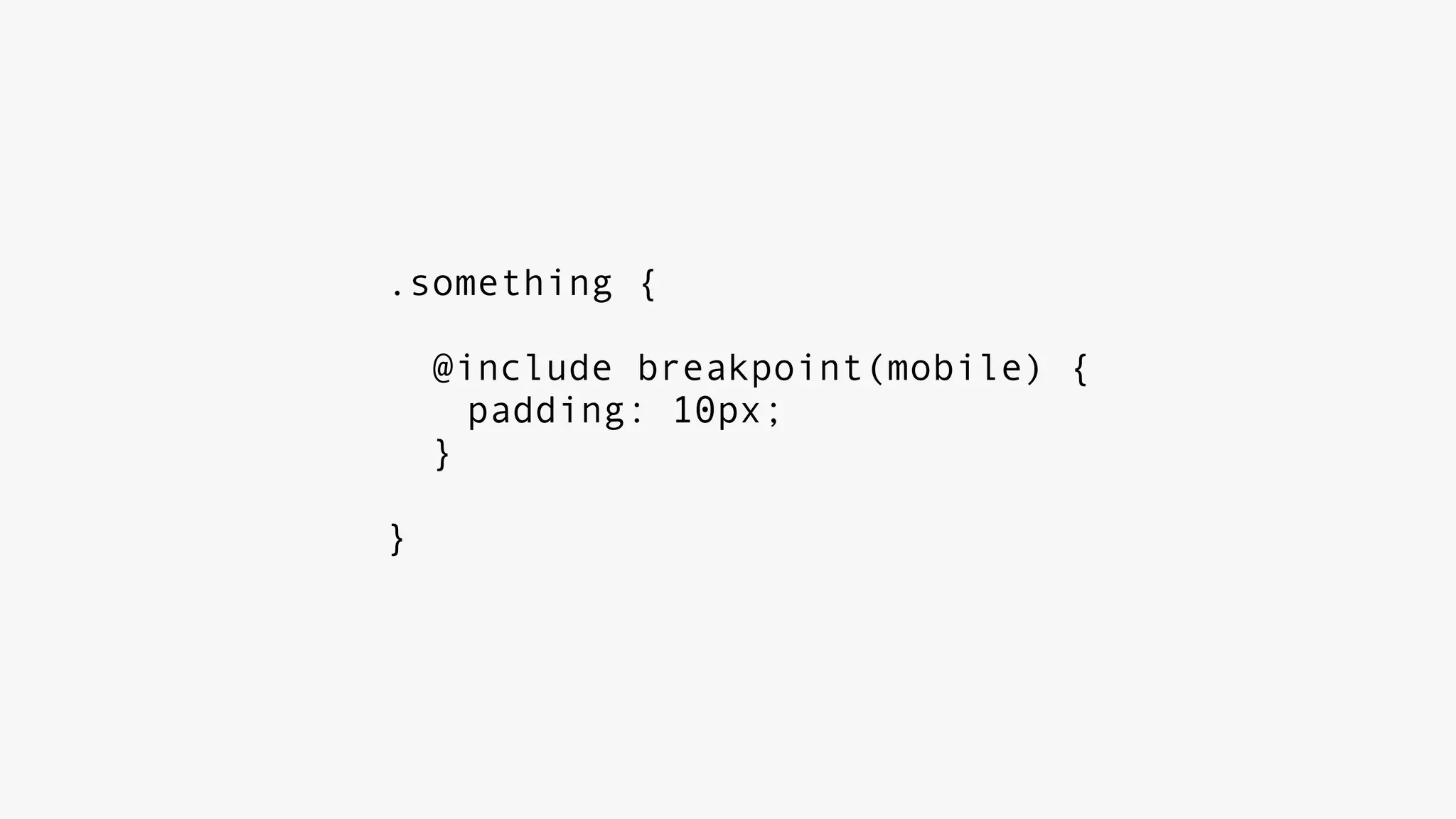
.something {
@include breakpoint(mobile) {
padding: 10px;
}
}
defined set of
breakpoints
ensures consistency
active discussion and
proper maintenance
modular css
separate your css into
‘objects’ and ‘concerns’
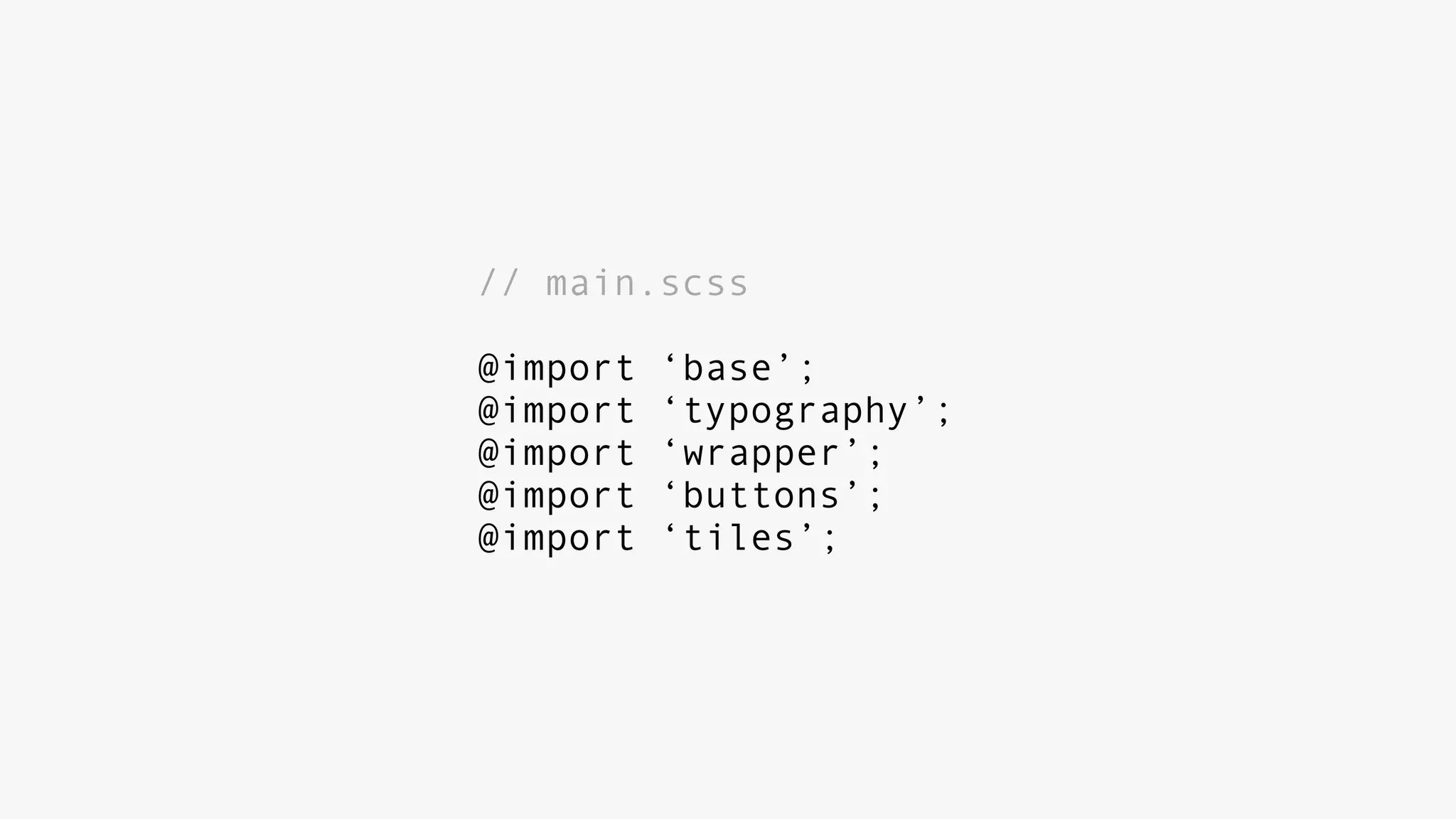
// main.scss
@import ‘base’;
@import ‘typography’;
@import ‘wrapper’;
@import ‘buttons’;
@import ‘tiles’;
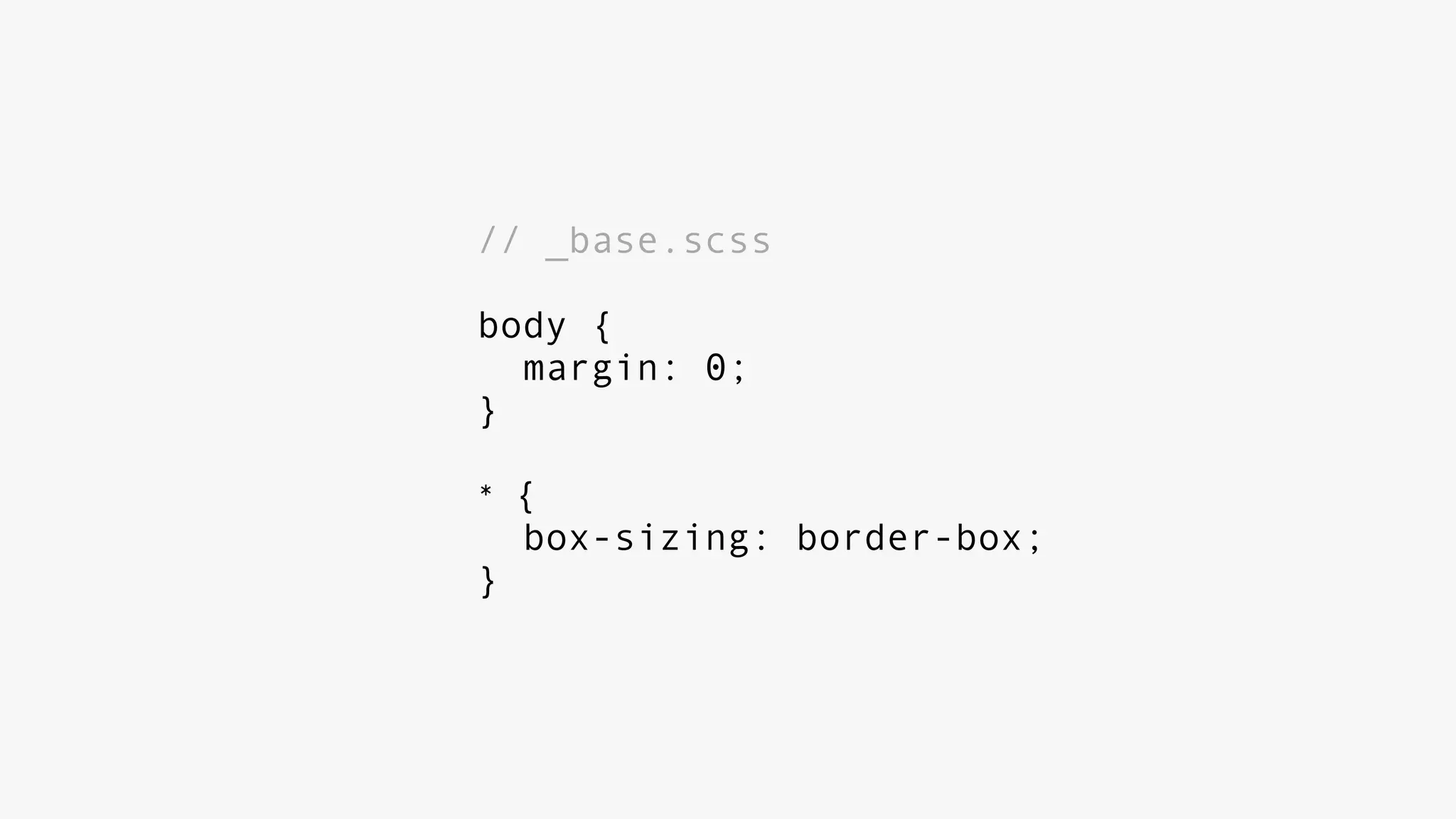
// _base.scss
body {
margin: 0;
}
* {
box-sizing: border-box;
}
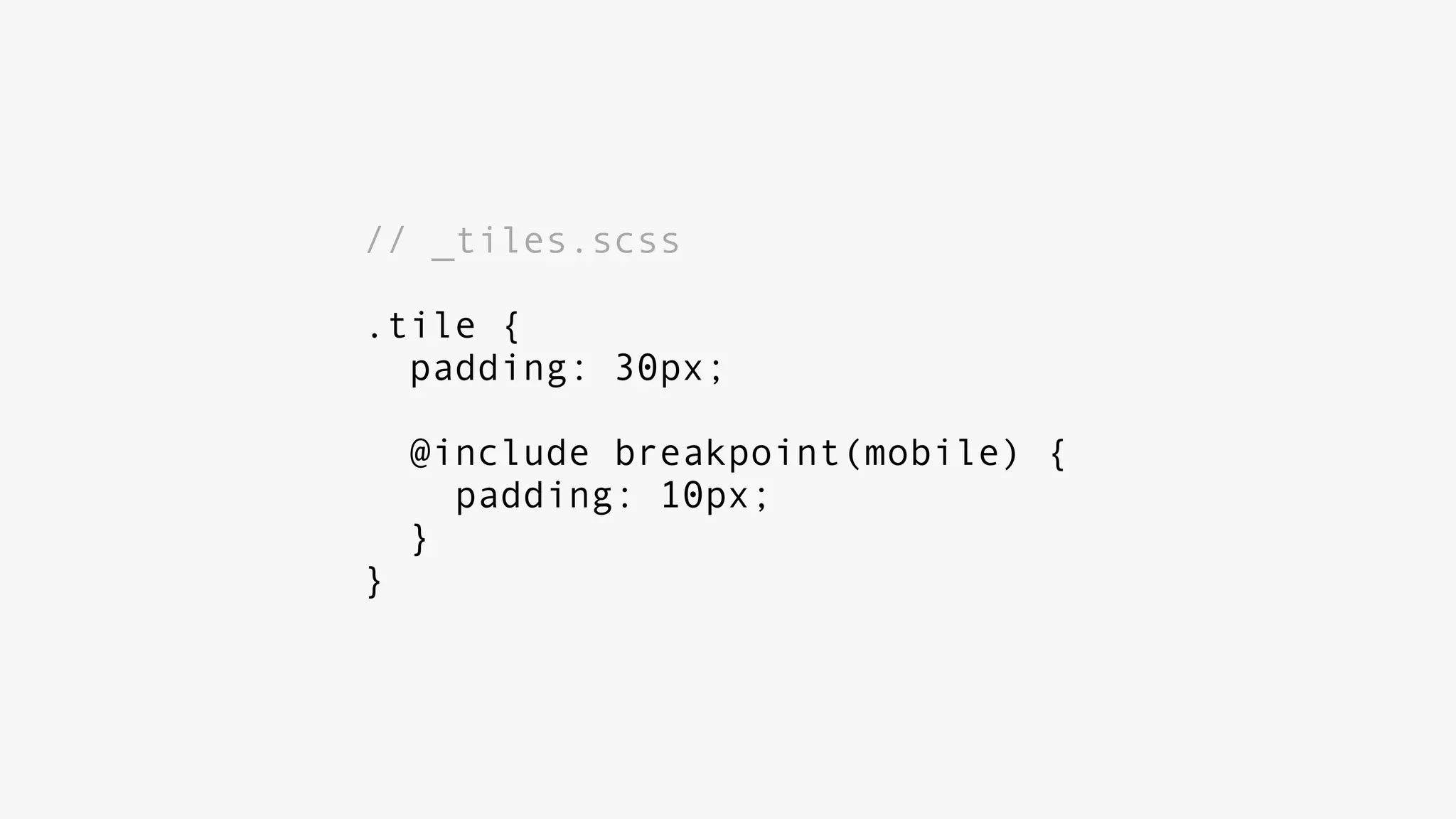
// _tiles.scss
.tile {
padding: 30px;
@include breakpoint(mobile) {
padding: 10px;
}
}
keeps all code related
to a module together
helpers + utility classes
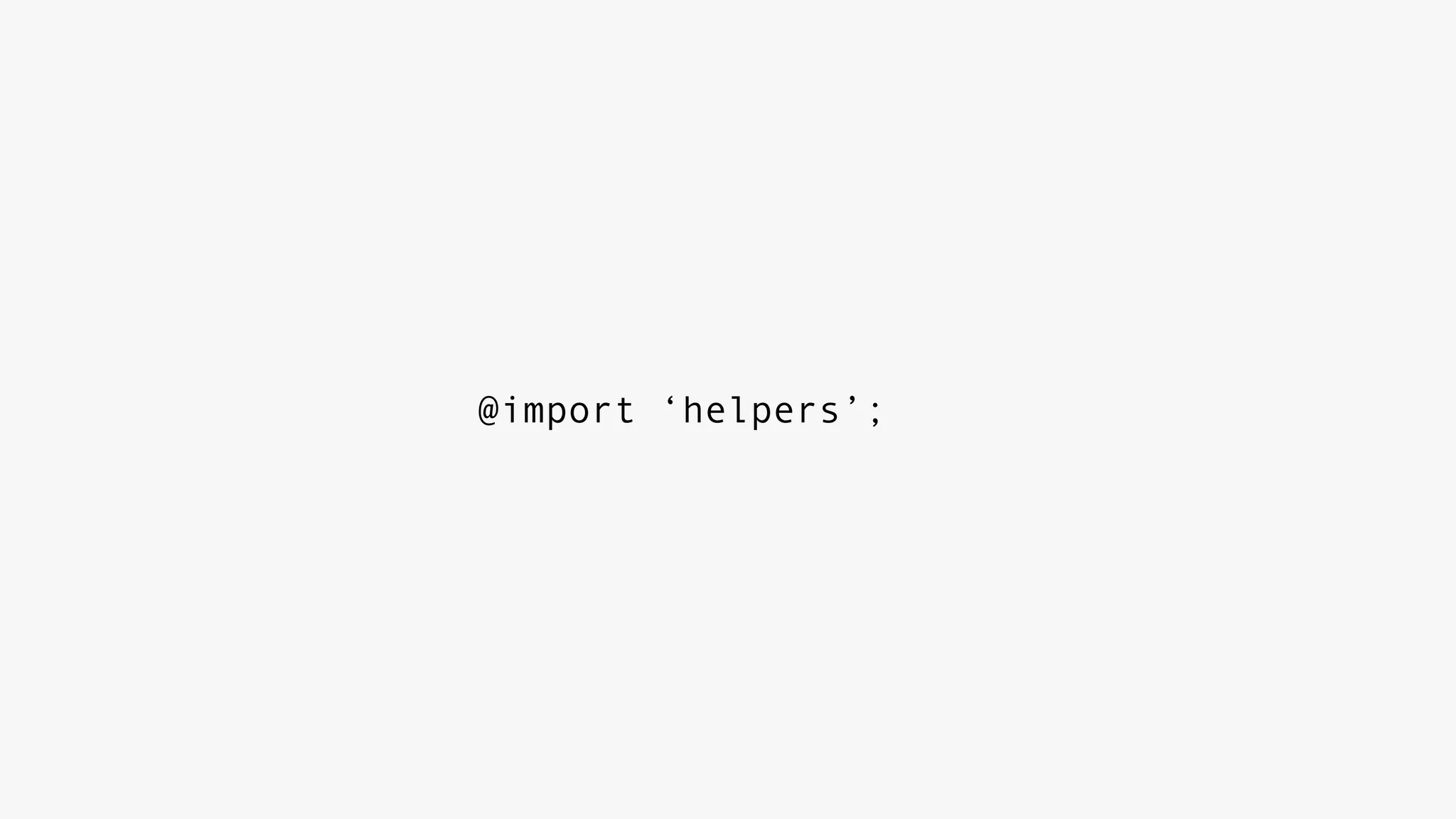
@import ‘helpers’;
// _helpers.scss
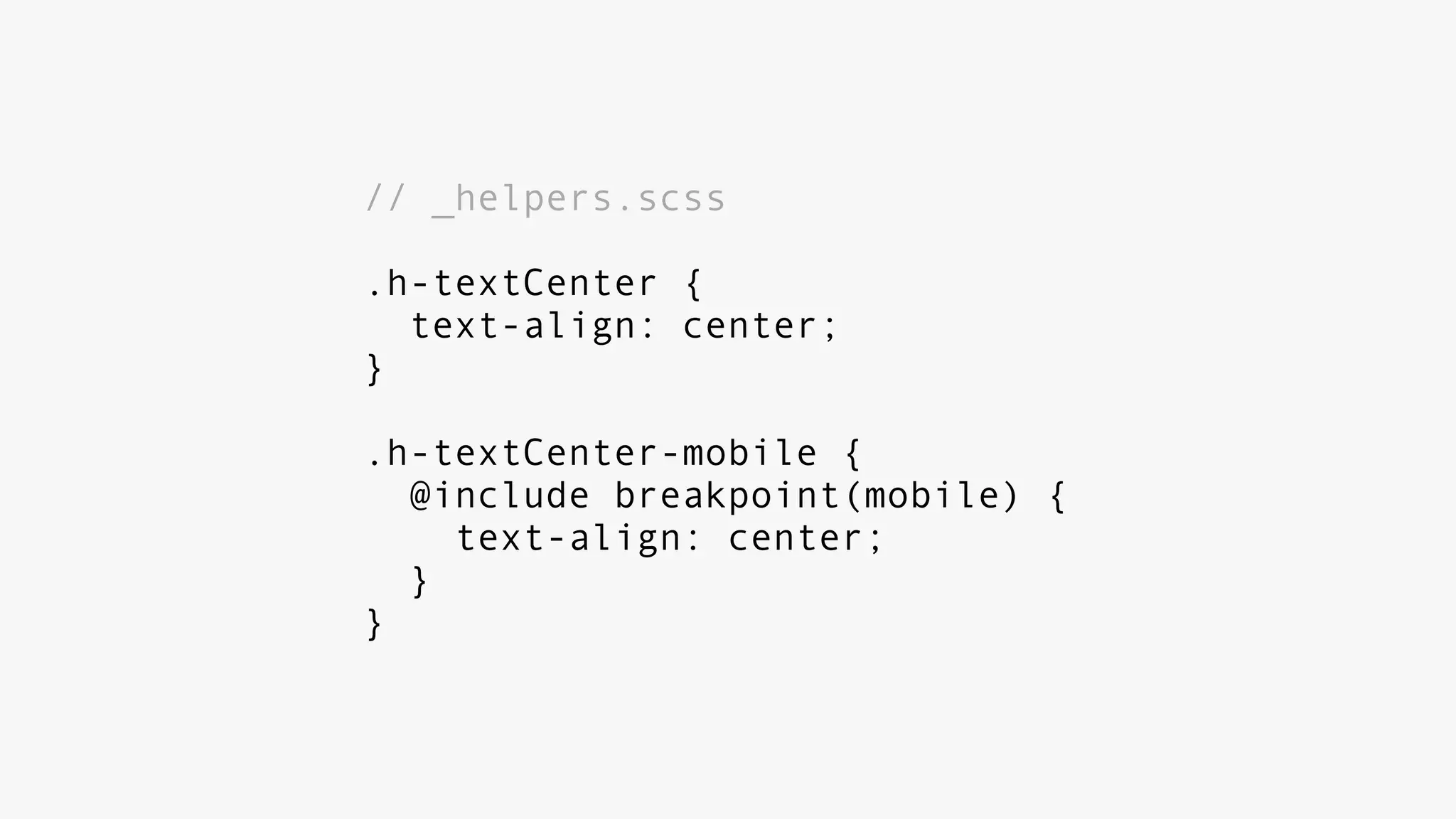
.h-textCenter {
text-align: center;
}
.h-textCenter-mobile {
@include breakpoint(mobile) {
text-align: center;
}
}
oocss + bem
harry roberts
shopify
better reusable and
maintainable responsive
code
really sexy code
oh. you bet.
V
“desktop” vs “mobile”
iPad, iPhone, a couple
others
no longer sufficient
devices + interactions
Hundreds of device sizes
+ pixel density
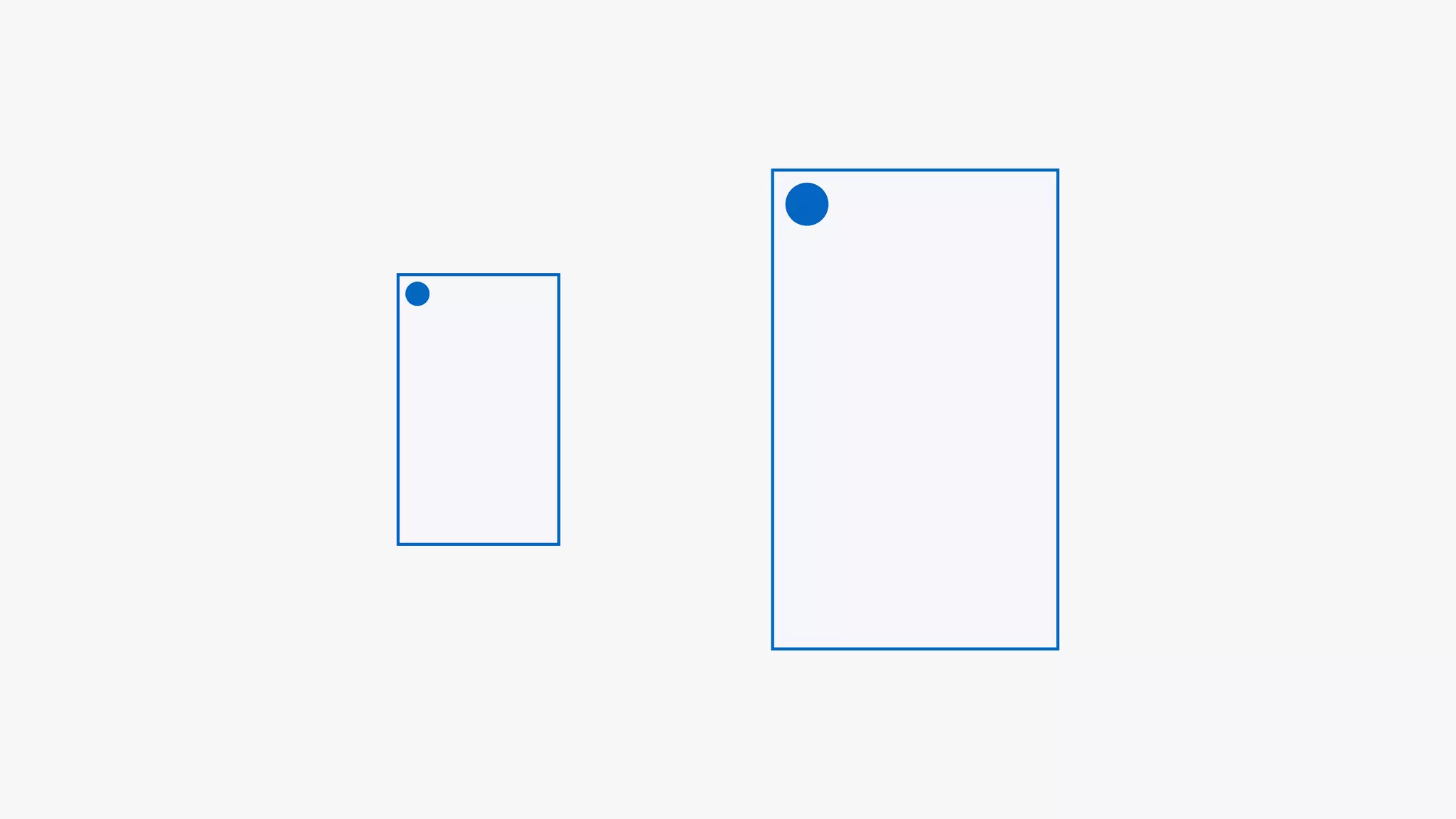
iPhone VS iPhone
HD TV + IE/Edge + Kinect
apple watch
apple watch
never leave a feature unusable
on supported platforms
hover states
media queries + device
detection + feature detection
google’s material design
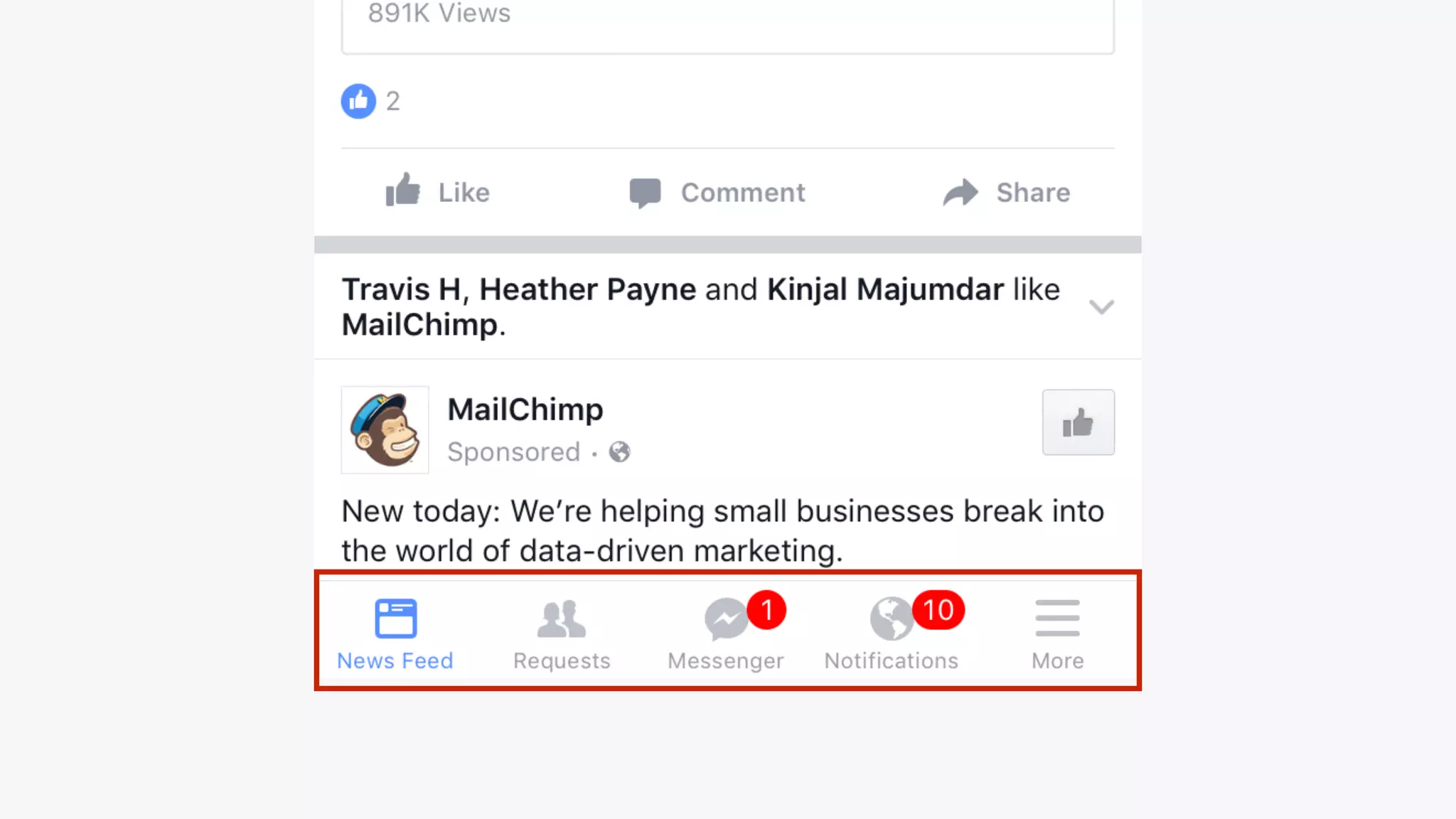
facebook app
navigation structures
do you even need one?
seriously.
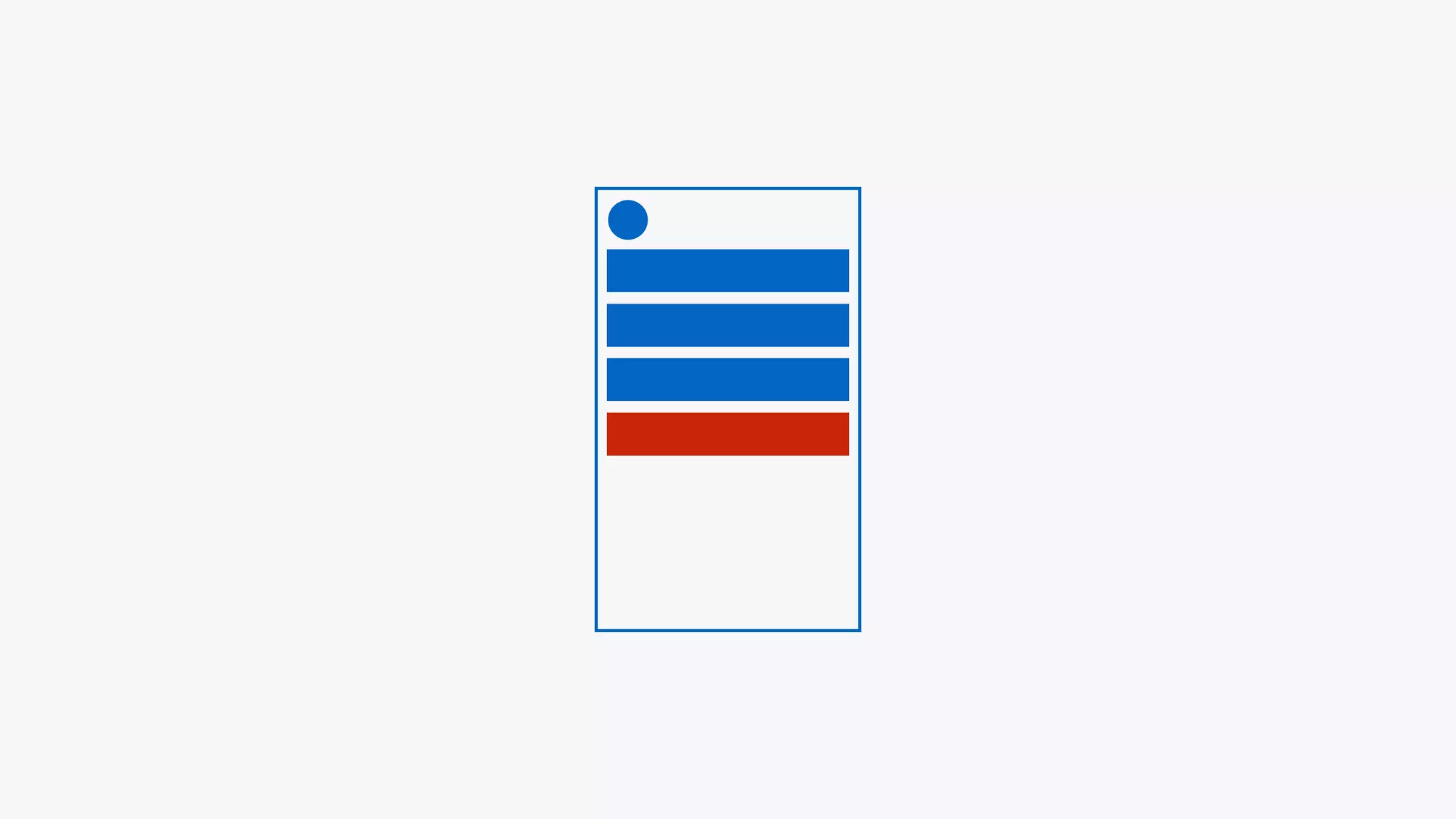
hiding menu items
reduce visibility and
impact ux
don’t just make things fit
purpose + reason
rwd is more important
than ever
mobile > desktop
mediocre experiences
on mobile
watered down versions
no longer sufficient
harmful to business,
conversions, etc
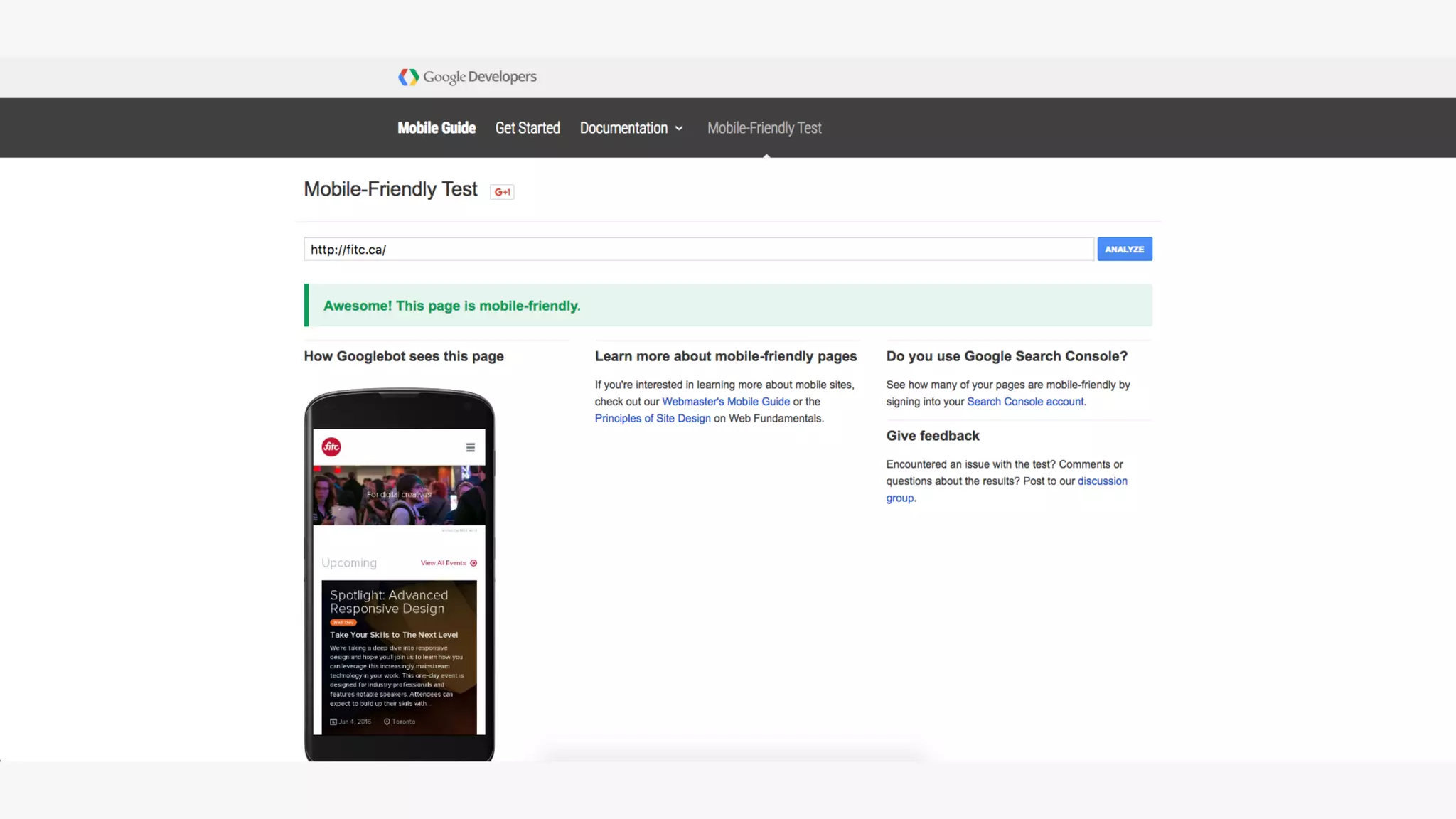
google ranking
algorithm updates that will have a
“significant impact” on mobile search
results worldwide for mobile searchers
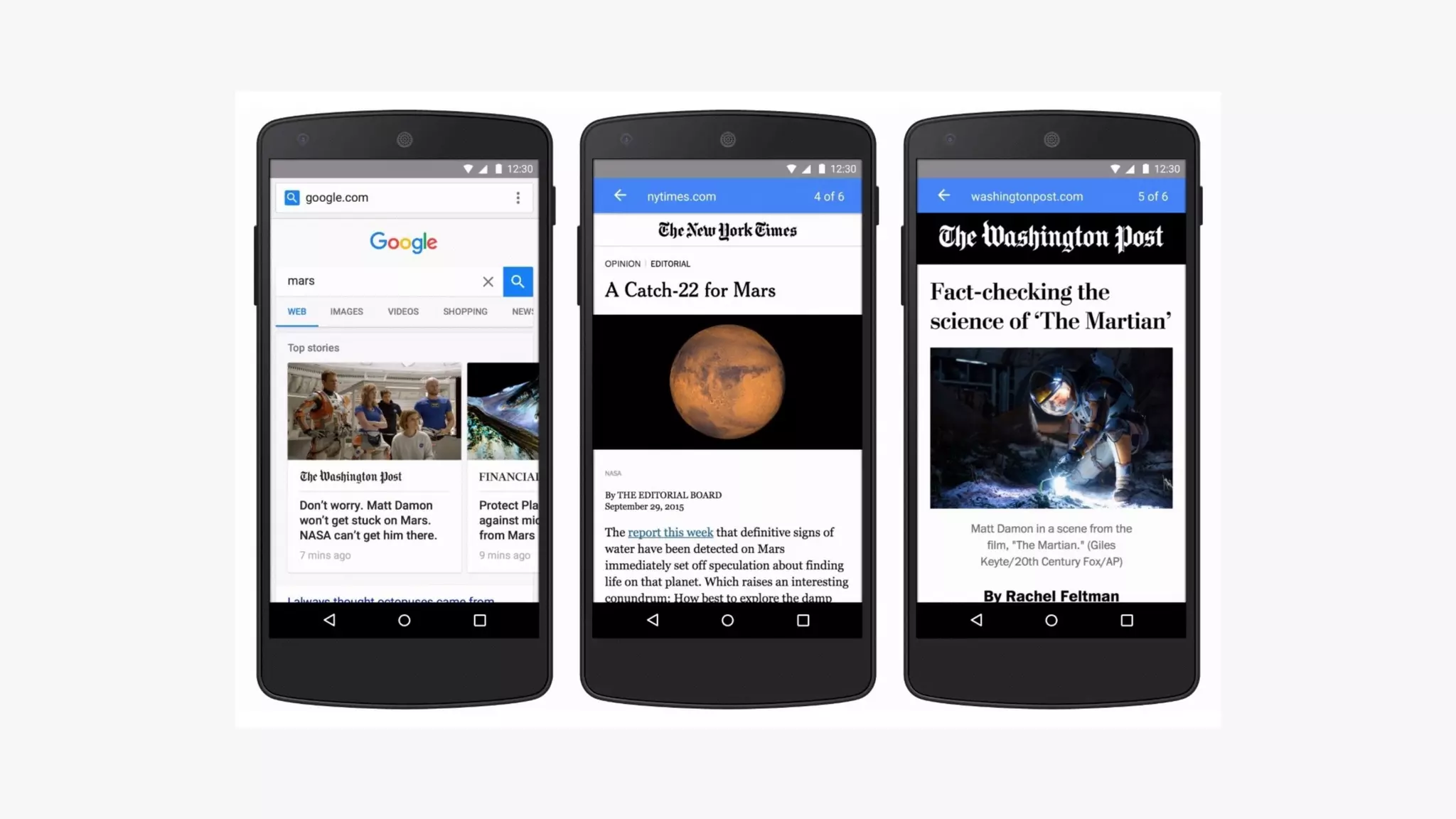
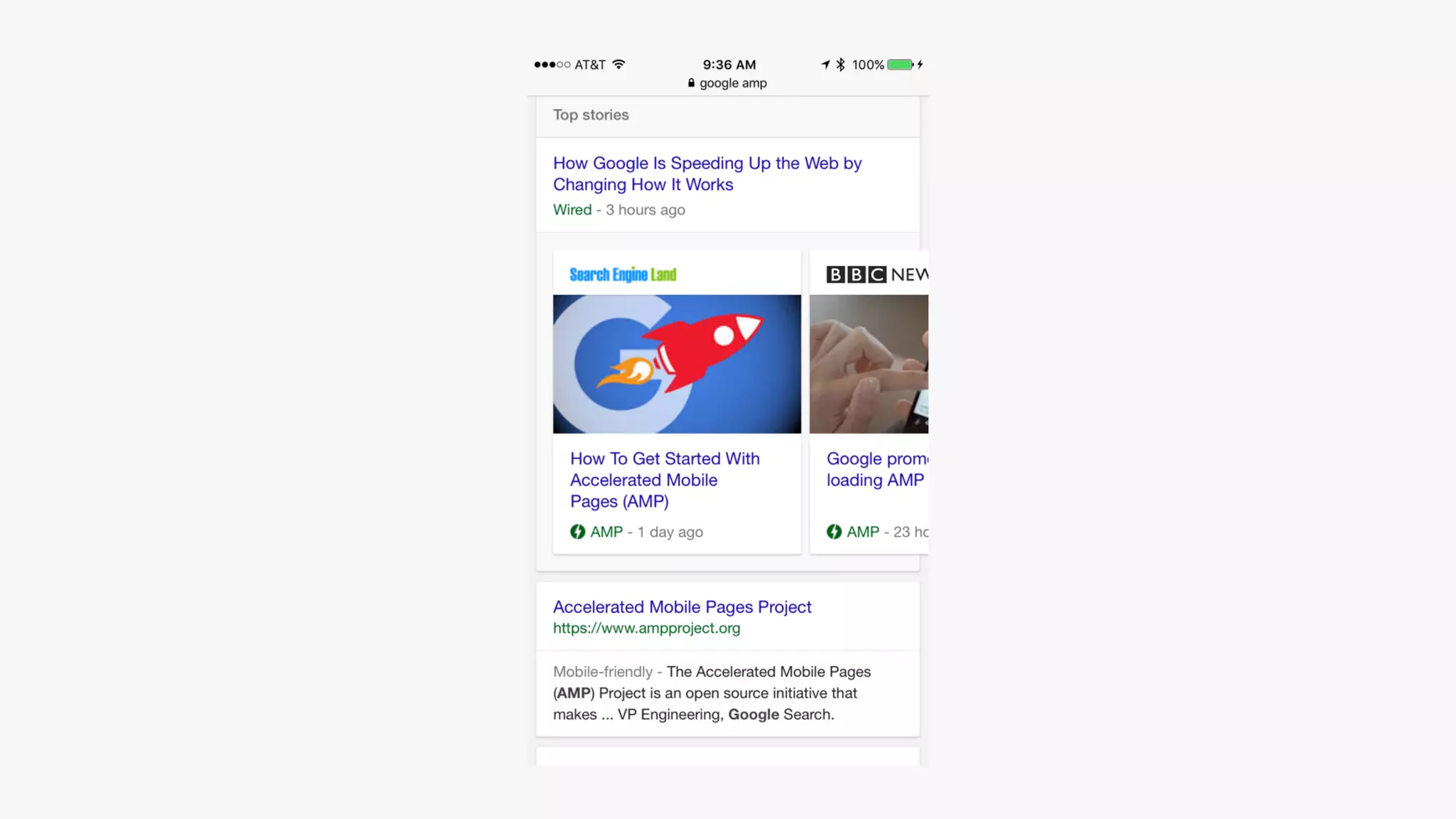
google amp
accelerated mobile
pages
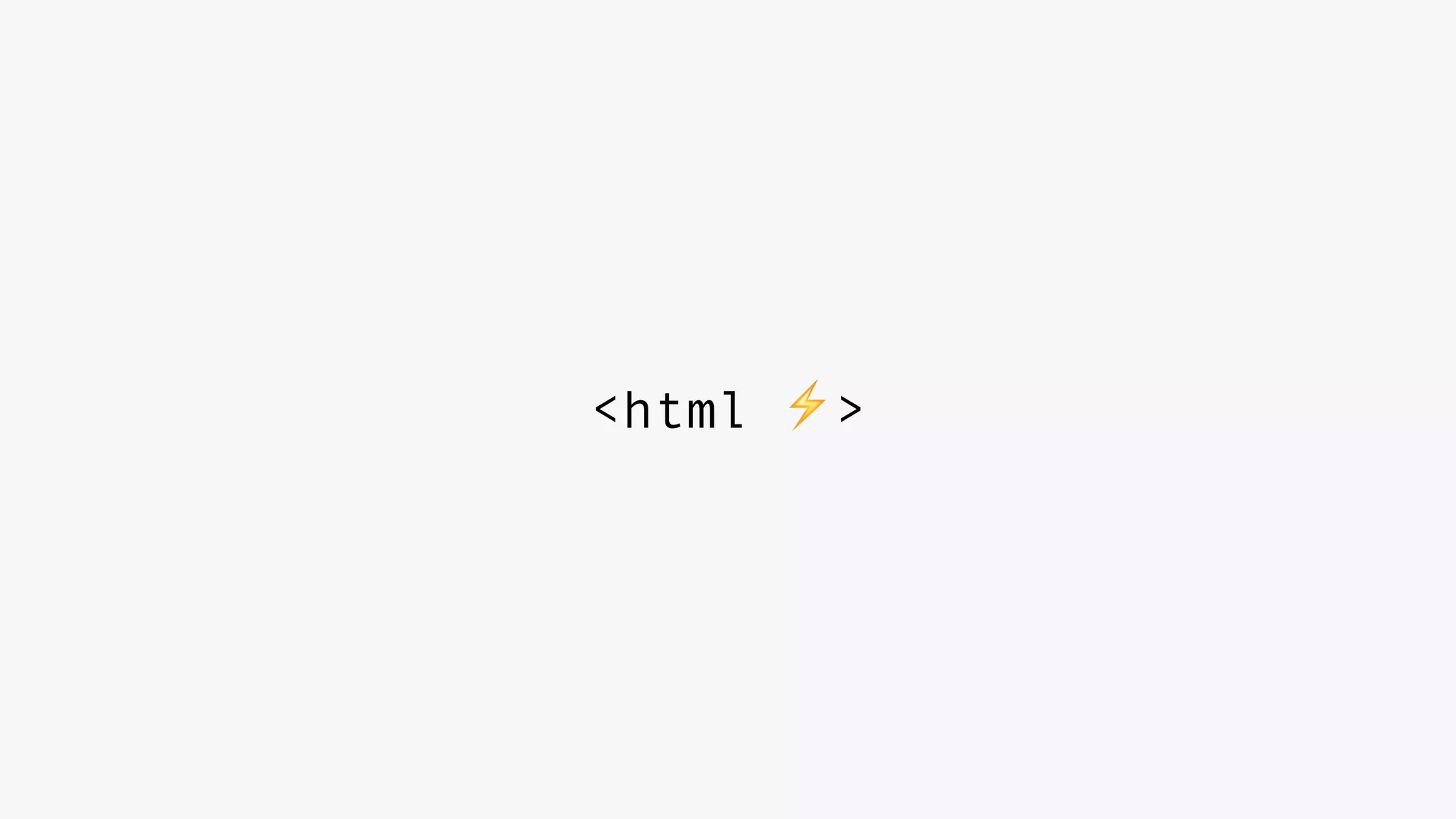
html subset
built for performance
mobile only
<html ⚡>
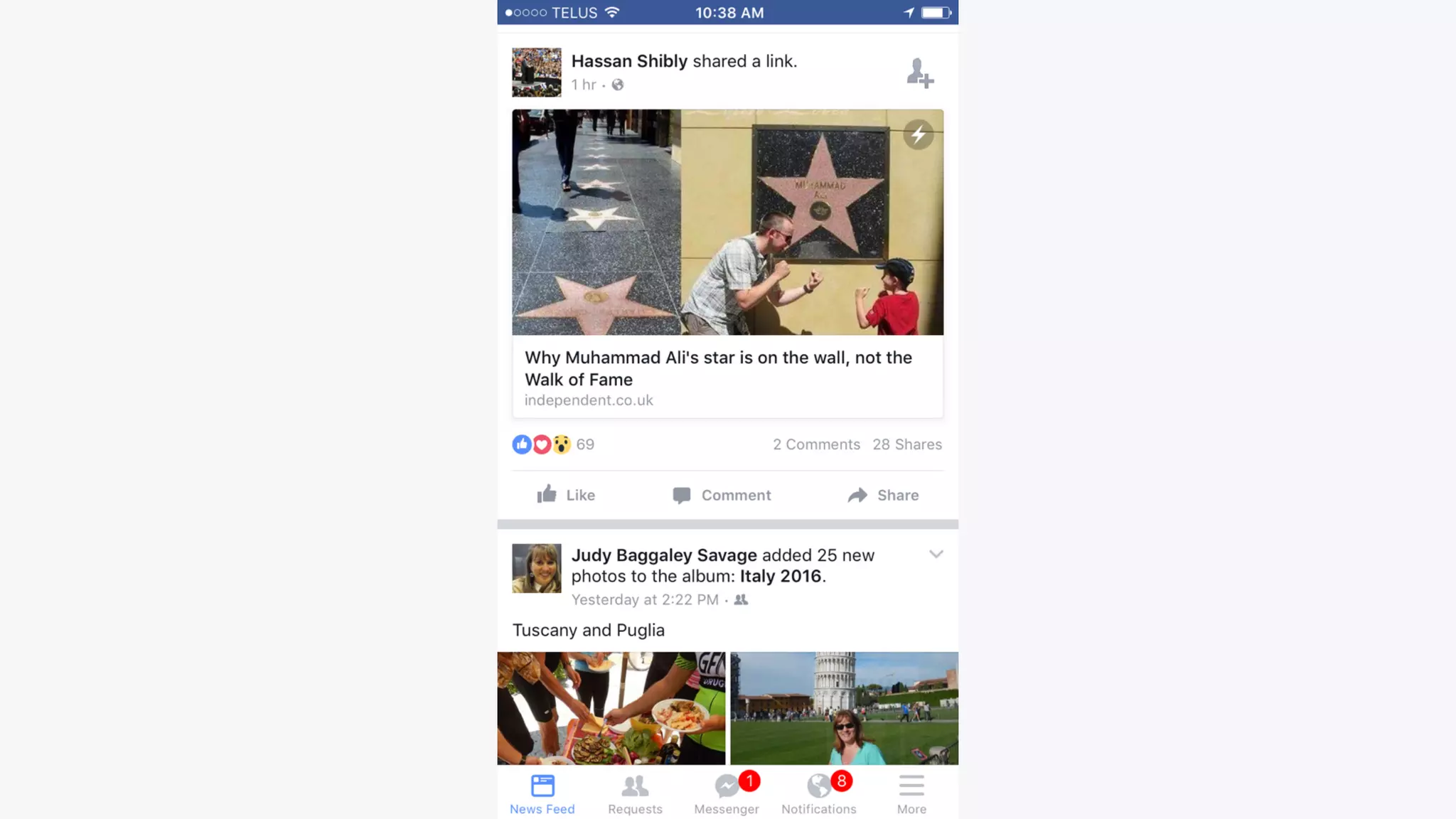
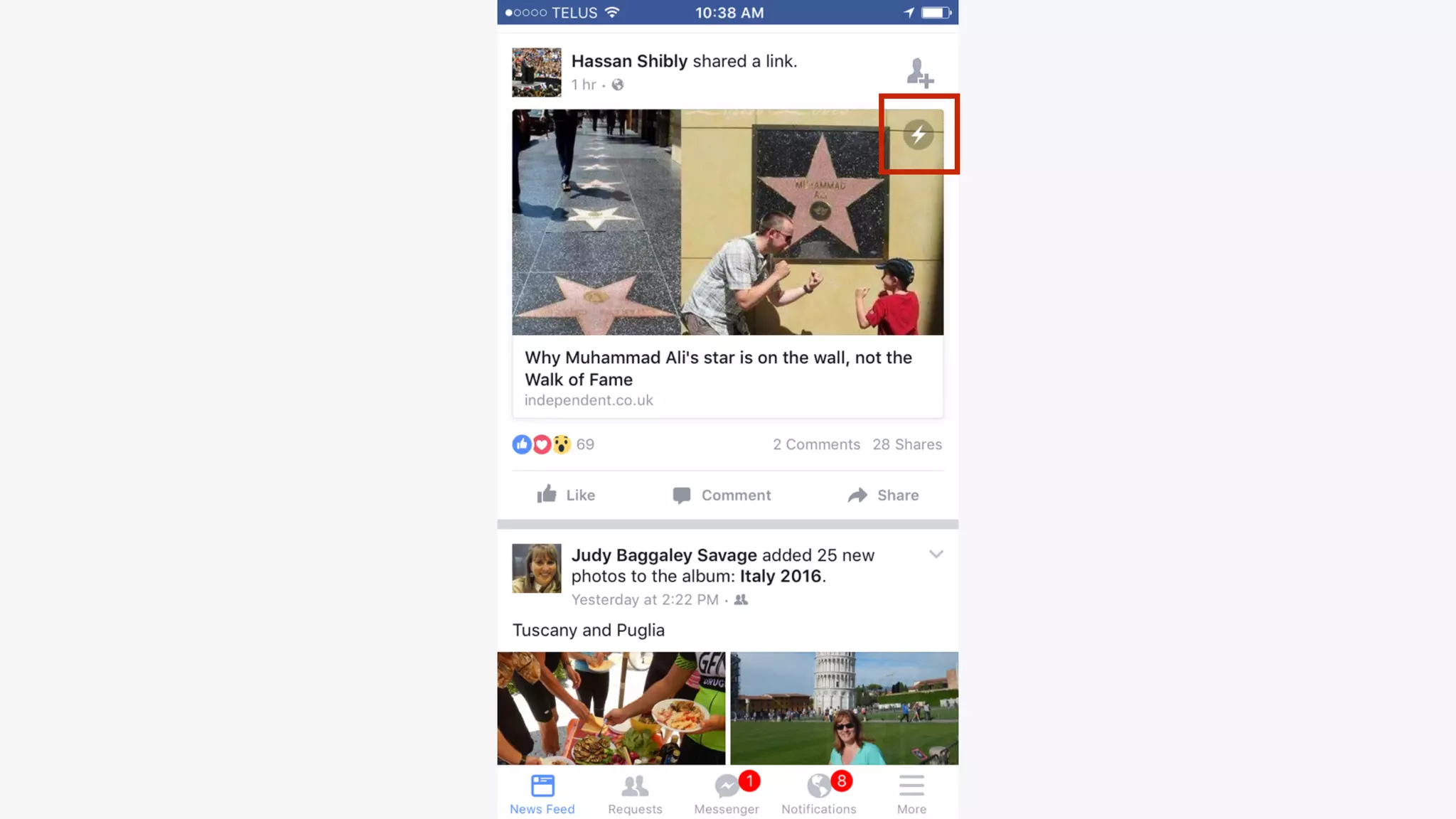
facebook instant articles
incredibly fast
looking ahead + things
i’m excited about
more amp + instant
articles
css grid layout
new css spec
two dimensional
content flow
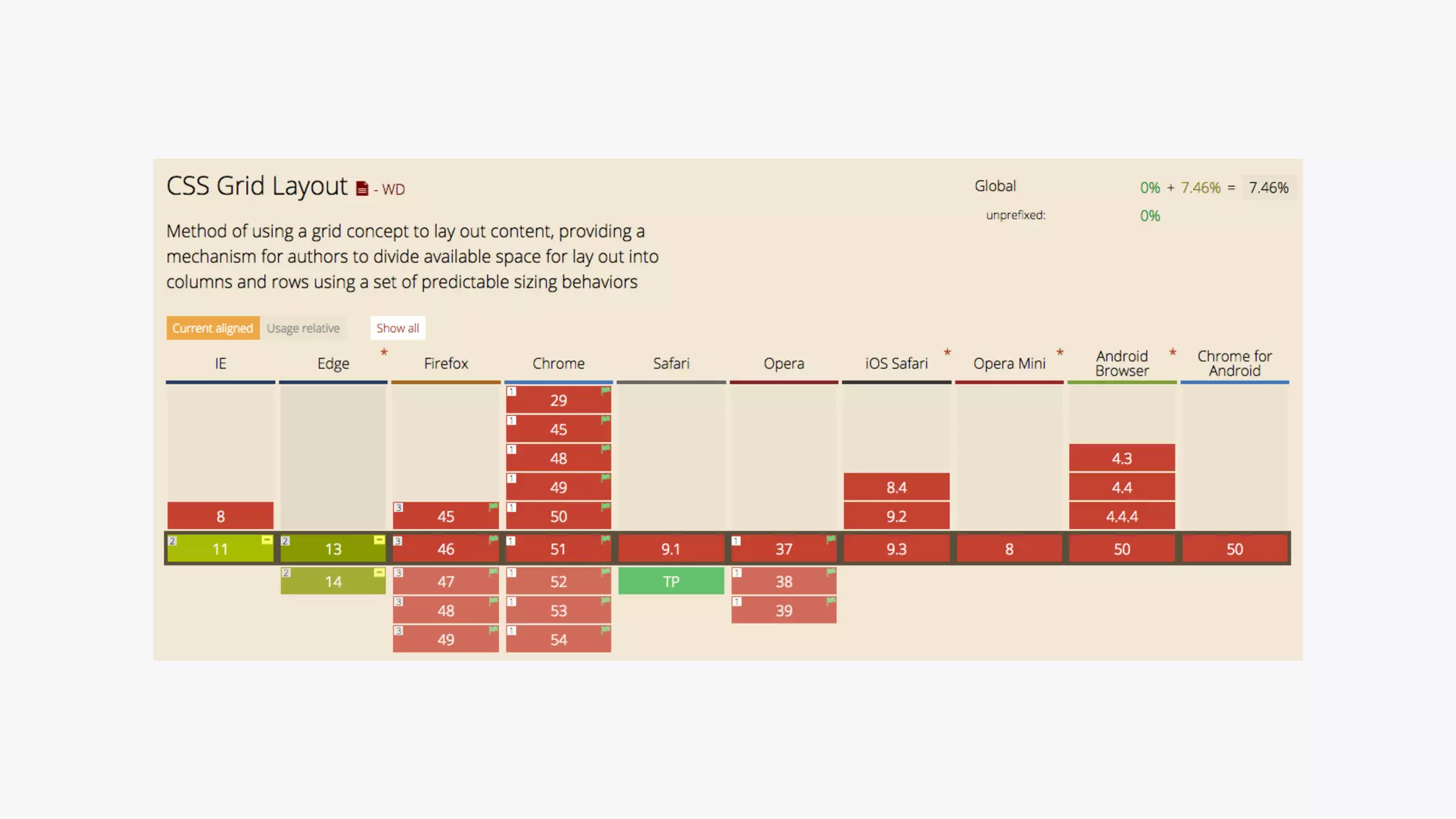
early days
browser support is
horrendous
experimental flags
gridbyexample.com
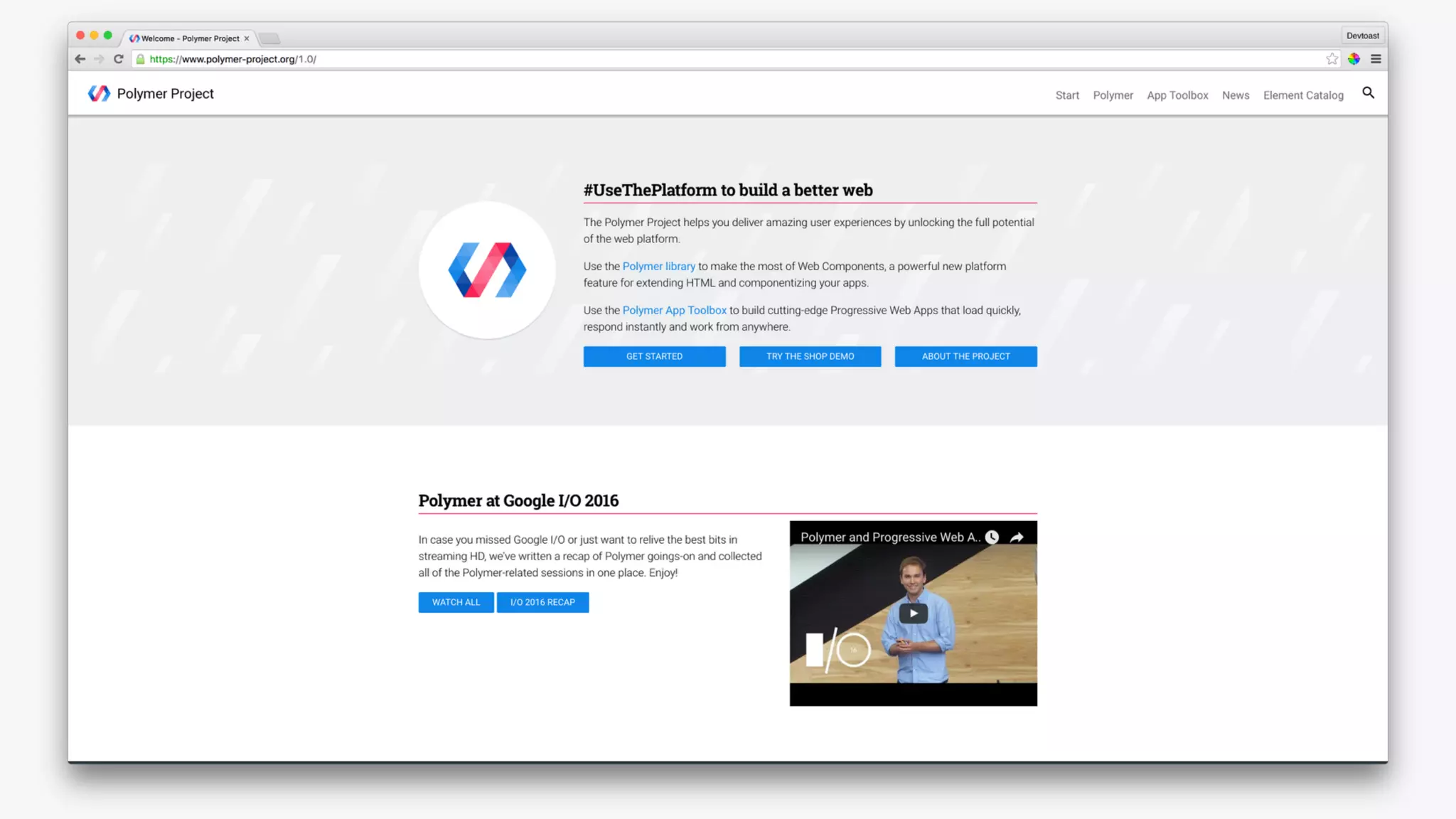
web components
modular elements
‘scoped’ css
html video element
polymer
element queries
css spec
js polyfill
VR
360 experiences
minority report
my hope
responsive web design
just web design
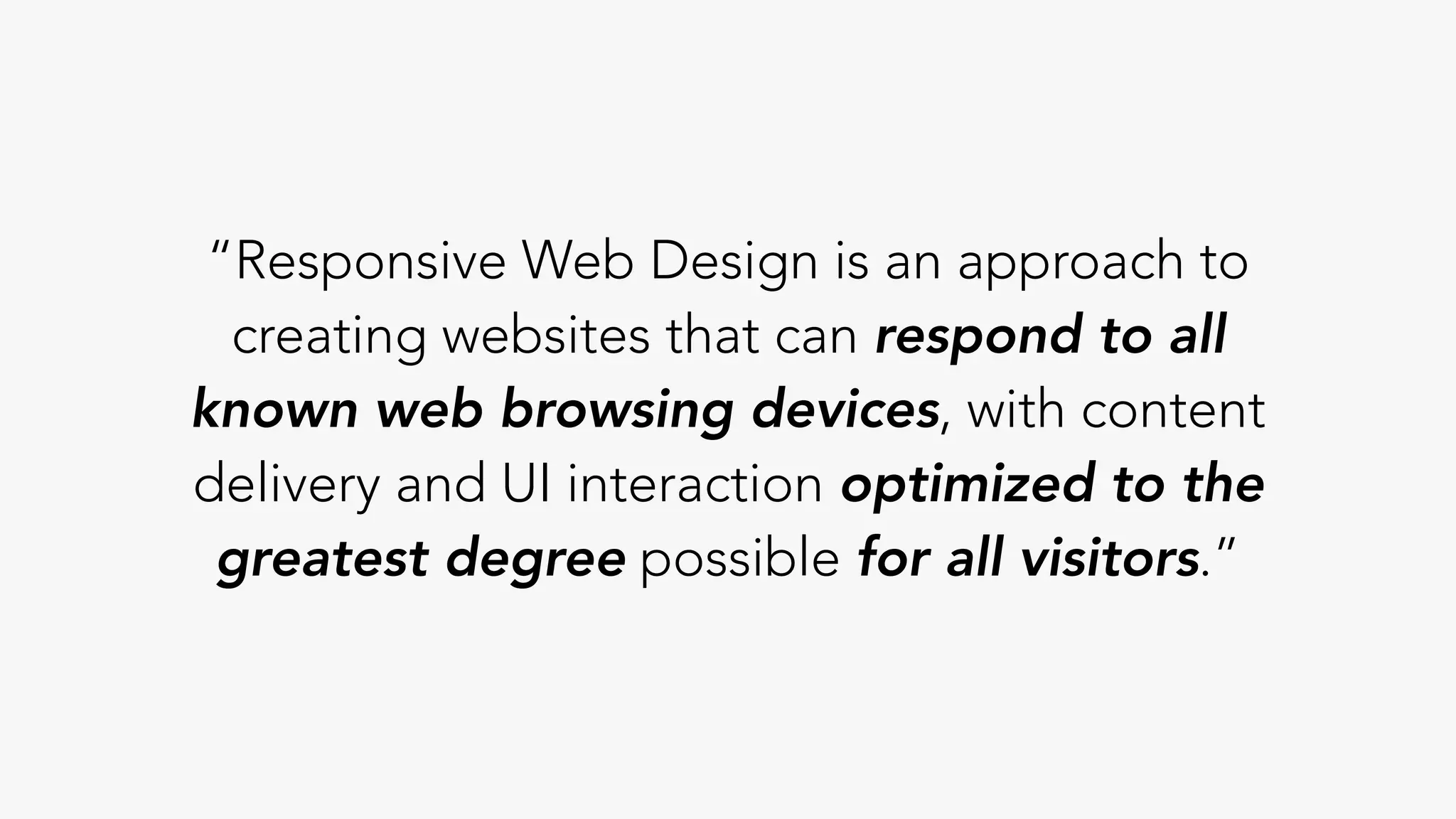
“Responsive Web Design is an approach to
creating websites that can respond to all
known web browsing devices, with content
delivery and UI interaction optimized to the
greatest degree possible for all visitors.”
make emma proud
#oneLove
@harismahmood89

Things To Keep In Mind When Working In The World Of Responsive Design