ESL Teacher, are you overloaded with technology expectations? John Allan, Niagara College
Presentation Synopsis  Is Web 2.0 one technology too far for ESL instructors?  Most ESL instructors spend most of their time in offices working on computers when not teaching. Web 2.0 offers potential for teaching opportunities for EFL professionals. However many are shying away from adopting these new technologies that include community interaction, active contributions and multimedia interactivity. Educational technologists fear that most English language teachers are suffering from technology overload. This paper hopes to reveal the potential expected compliance with technology usage for ESL instructor.  This inventory may seem inflated, yet the ESL instructor may find that it describes their routine and expectations.
Impetus Web 2.0 Inventory  Considerations
Impetus technology aggravation at my workplace photocopier LED displays cryptic instructions  PeopleSoft attendance module  VPN access
Web 2.0………… Overwhelming set of tools and resources Collaboration Community Interactivity  Authenticity Flickr -  YouTube -  DIGG -  Wikipedia Digital natives dig it……..and expect it!
When and How…. do teachers learn these tools? do teachers use these tools? do schools accommodate technology for these tools? do teachers assess language usage with these tools?
Web 2.0 is …. Just the latest technology to be added Teachers are already overloaded inventory
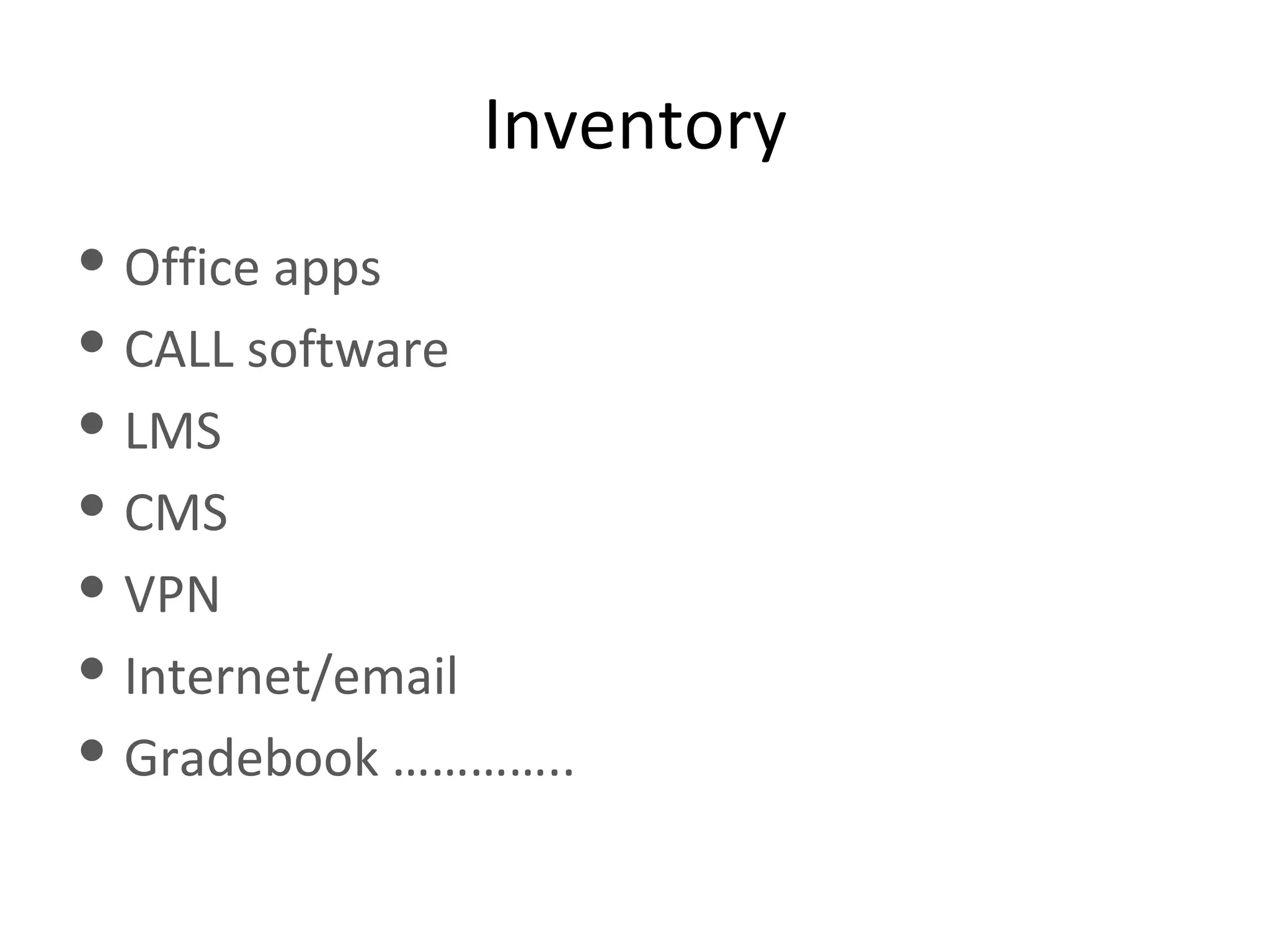
Inventory Office apps CALL software LMS CMS VPN Internet/email Gradebook …………..
Word processor (MS Word) Presentation (PowerPoint) Spreadsheet (Excel [gradebook]) Database (Access/FileMaker Pro) (old school CALL) Publishing (MS Publisher)
Multimedia Proprietary packages Customized learning opportunities Outdated  model?
Headsets Ports on the PC Servicing of workstations (IT) Dedicated staff  Microphones (levels)  Ellis vs Audacity
BlackBoard (example) Administration Creation  Set up Facilitation Mixed media
Speech recognition Text to speech Zoom
Allows access to intranet resources From outside an institution
Old school For developers At one time used as a CALL teaching tool
SharePoint PeopleSoft
TNG PeopleSoft  Simple spreadsheets
Atomic Learning
SharePoint Instructor support the “portal”
Wikipedia YouTube Google Dave’s ESL Café WebQuests Translators Dictionaries ……
Audacity Imovie Windows Movie Maker Premiere Final Cut Pro
WinZip Windows
Data projector and  the “@#$%” remote Audio mixer (usually software) Video switcher (at the teacher podium) Complex integrated lecture and classroom control podiums
Whiteboard (reduction) SoftBoard SmartBoard
Task manager Wiring Wireless
Photoshop Online  (Picnik) Paint vector/pixel
Desktop (which one do you use?) Roxio Windows Explorer Nero
Norton Cisco Clean Access browser security (Pop up blockers) Spam blockers Ad Aware
Email Chat Instant messenger FaceBook - social communities Twitter – mobile device and web IP telephones
Pervasive learning is here and getting bigger ITunes university Ipod Mobile phone PDA BlackBerry
Fax machines Photocopiers Printer scanners
Specialized mailing lists TESL-L Social networks (NING)
Instructional coordinators only
Access, reserve monitor resources On line journals and newspapers
Second Life 3D Virtual Worlds
Access the institution systems and Internet Access to Internet in external area Students and laptops?
Websense Telecoms (National)
Common trend since the late 90’s Many systems  My dog ate it…….
Include stakeholders in process of technology acquisition Training – cycles, just-in-time, system (check list) Upgrades of technology (equal, train, timely)
Archiving of learning and administrative media – for easier access Optimization of learning objects Common desktop (workstation) Teacher/Lab
Mentoring system (tech champion) Dedicated team to support tech   Consistent Bookmaking on browser & portal page Development of suitable activities to make technology relevant

TESL Technology Overload