Web 2.0A New Generation of Web InteractionDr. Maureen Lamb
What is Web 2.0?Web 2.0 is a collection of applications designed with the Web as the platform, that operate “above the level of a single device,” and require expertise in data management. Applications are delivered as an ongoing, constantly updated service rather than as a fixed product. It harnesses collective intelligence and delivers rich multimedia user experiences and high level  interactivity. It allows for participatory involvement, collaboration, and interactions among users.It is characterized by the creation and sharing of intellectual and social resources by end usersIts applications transition from isolation to 	interconnectedness
Instruction/Learning with Web 2.0Student-generated online content class blogs, online posting of student works, wiki-type 	collaborative formatsTeacher-generated online content teacher-developed multimedia presentations, lesson plans, 	student  handouts for classroom activities, sets of links to digital	 resources, blogs, wikisOnline social networking used as part of instruction student exchange of email or text messages for educational 	purposes during school, Facebook-style online utilities for 	educational purposes, opportunities to communicate online 	with students from other geographical areas
Instruction /Learning with Web 2.0Student use of virtual learning environments online courses, electronic tutors, computer-managed instruction, online assignments and assessments)Multimedia resources podcasts and video-casts, streaming video)Online communication with parents and students outside school hours excluding email exchanges homework pages, teacher Web pages describing assignments, teacher blogs, sites for checking grades online (Parent portals)Online learning games and simulationsdrill and practice games, multi-player simulations, 	Second Life-type environments
Why use Web 2.0?To address students’ individual learningneeds, engage student interest, and increasestudents’ options for access to teaching and learning.To preparing students with 21st century skillsTo access a source of resources to address individual student needs. To support and enhance established instructionalmethods and approaches and to stimulate educational change/transformation. To fill a need for new instructional methodsusing Web 2.0 technologies.
Stages of Use & Adoption of Web 2.0 ResourcesOnline communication with parents and students and multimedia resourcesUse of video and incorporation of multiple media Teacher-generated online contentStudent use of virtual learning environments(including online courses)Online social networking as part of instruction
Barriers to Using Web 2.0Lack of teacher knowledge/professional developmentConcerns about student safety and securityLack of timeInsufficient access to technology.
Second LifeSecond Life is a free 3D virtual world 	where users can socialize, connect and create using free voice and text chat.  The following are good explanations of using this application effectively.Second Life Educational UsesScience Learning in Second Life
Web 2.0 Applications
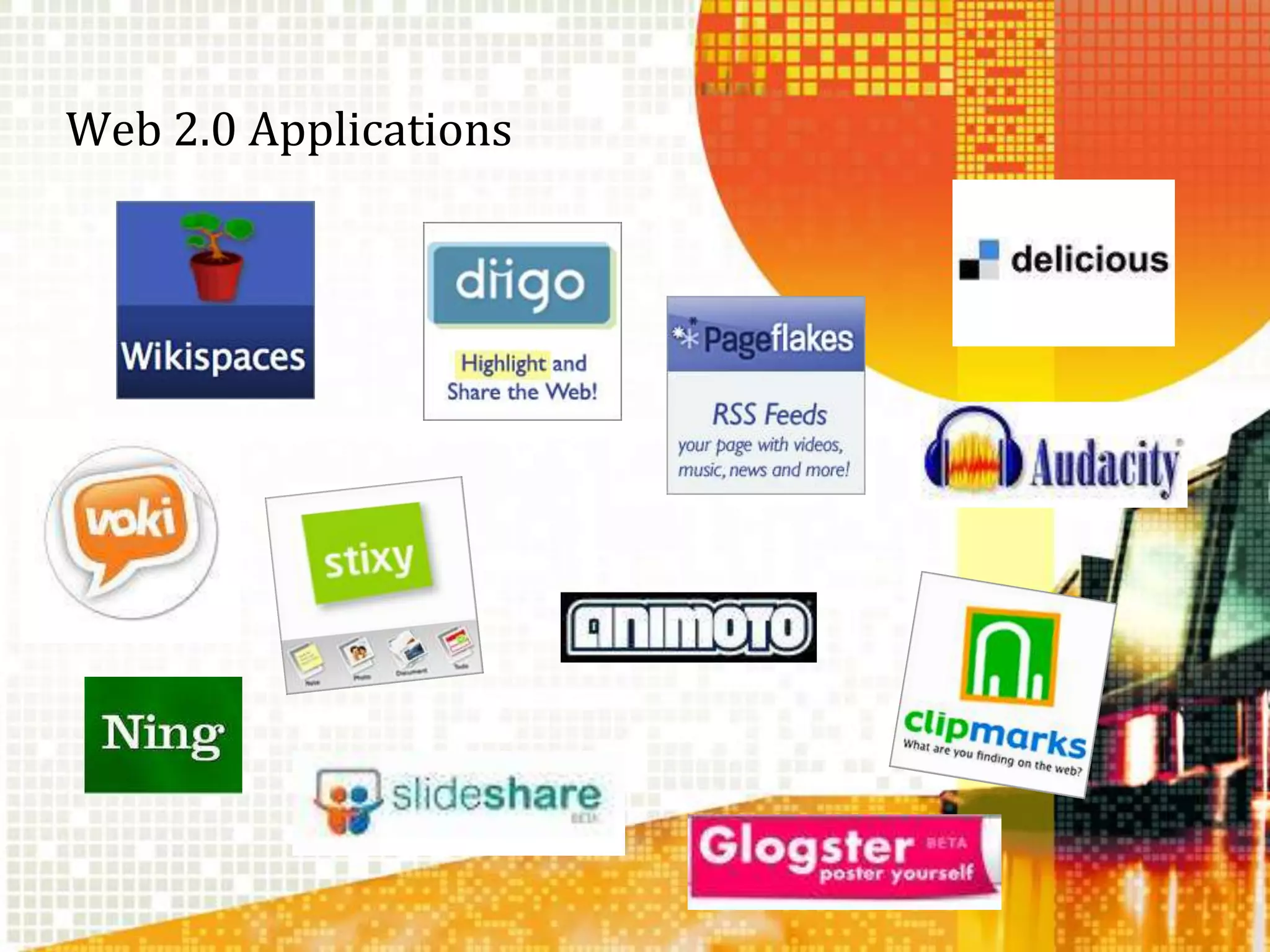
Finding ApplicationsDelicious – www.delicious.com -  organize your bookmarksAnimoto – www.animoto.com -  create video showsVoki – www.voki.com -  create a speaking AvatarAudacity – www.audacity.sourceforge.net		cross platform sound editorWkikspaces - www.wikispaces.com/site/for/teachers		create a free teacher wikiDiigo – www.diigo.com – organize book marks, collaborate and moreClipmarks – www.clipmarks.com –a bookmarking toolNing – www.ning.com –  create an educational networkSlideshare – www.slidechare.com – share slide showsGlogster – www.eduglogster.com –  create postersStixy – www.stixy.com – collaboration toolPage Flakes – www.pageflakes.com –  create your own 		information page
Web 2.0 Applications
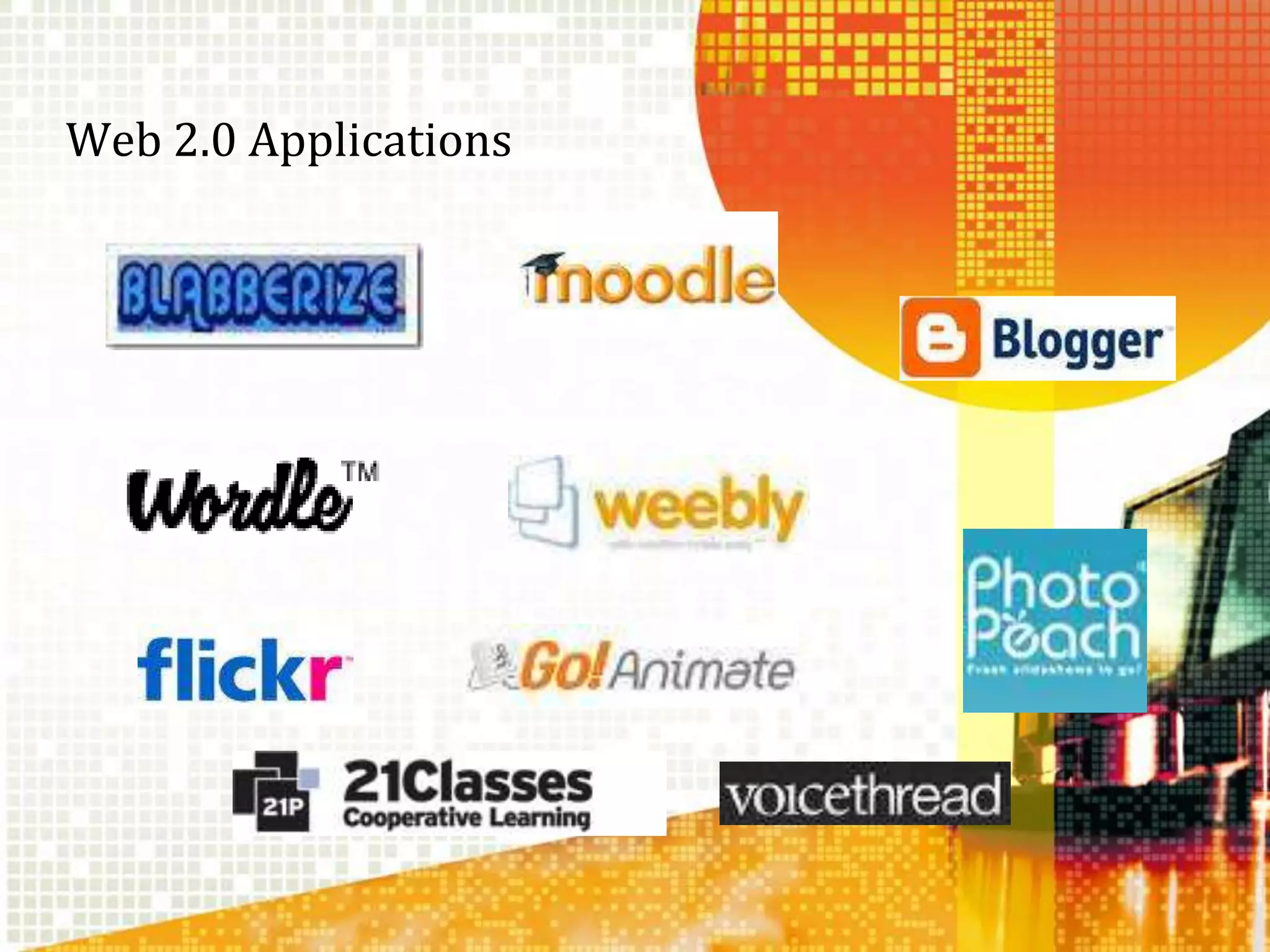
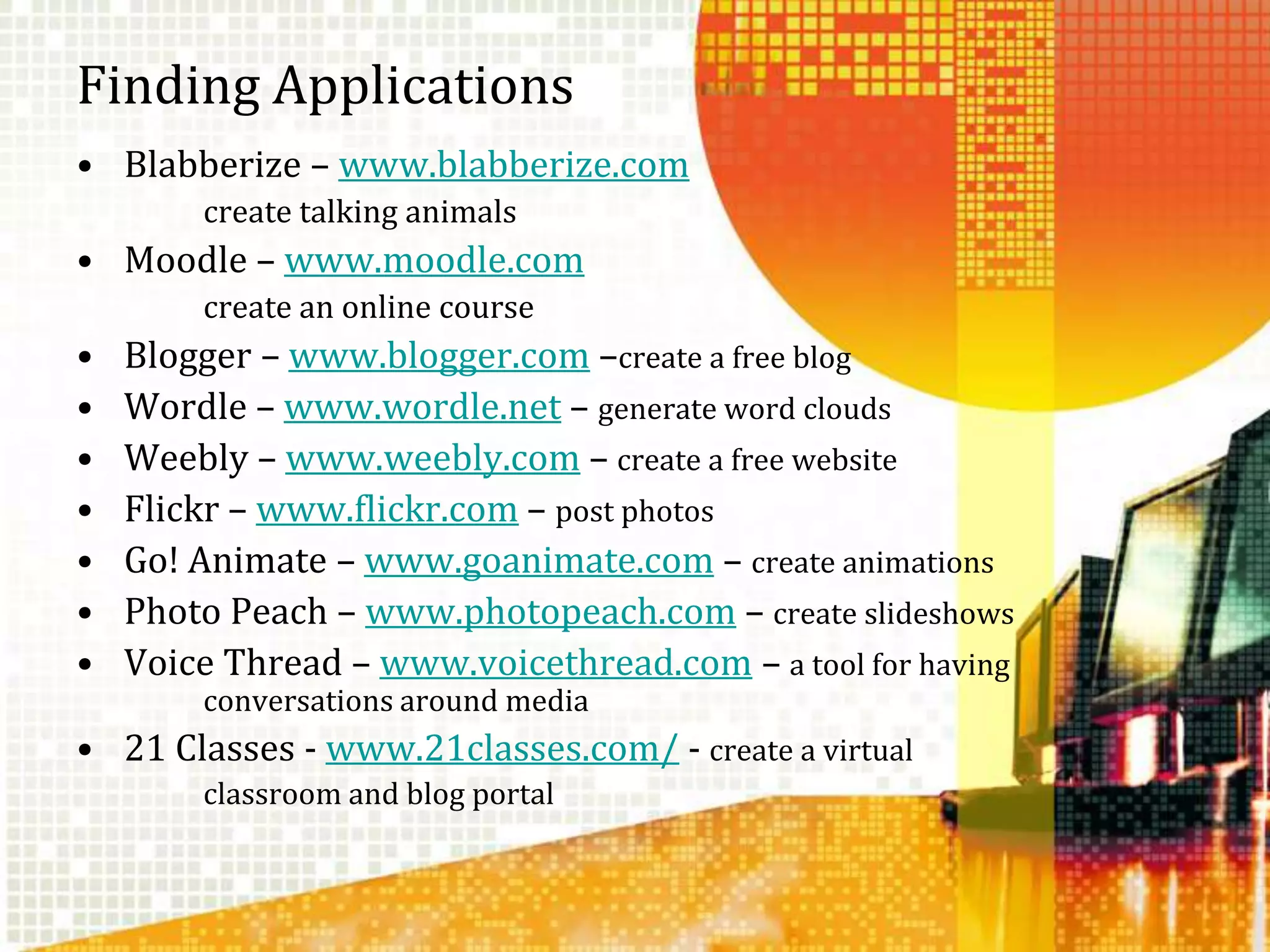
Finding ApplicationsBlabberize – www.blabberize.com		create talking animalsMoodle – www.moodle.com		create an online courseBlogger – www.blogger.com –create a free blogWordle – www.wordle.net – generate word cloudsWeebly – www.weebly.com – create a free websiteFlickr – www.flickr.com – post photosGo! Animate – www.goanimate.com – create animationsPhoto Peach – www.photopeach.com – create slideshowsVoice Thread – www.voicethread.com – a tool for having 	conversations around media21 Classes - www.21classes.com/ - create a virtual 		classroom and blog portal
Thank you!Tech Class 2011A VOKI message to all of you!

Technology integration class #4 2011.ppt

  • 1.
    Web 2.0A NewGeneration of Web InteractionDr. Maureen Lamb
  • 2.
    What is Web2.0?Web 2.0 is a collection of applications designed with the Web as the platform, that operate “above the level of a single device,” and require expertise in data management. Applications are delivered as an ongoing, constantly updated service rather than as a fixed product. It harnesses collective intelligence and delivers rich multimedia user experiences and high level interactivity. It allows for participatory involvement, collaboration, and interactions among users.It is characterized by the creation and sharing of intellectual and social resources by end usersIts applications transition from isolation to interconnectedness
  • 3.
    Instruction/Learning with Web2.0Student-generated online content class blogs, online posting of student works, wiki-type collaborative formatsTeacher-generated online content teacher-developed multimedia presentations, lesson plans, student handouts for classroom activities, sets of links to digital resources, blogs, wikisOnline social networking used as part of instruction student exchange of email or text messages for educational purposes during school, Facebook-style online utilities for educational purposes, opportunities to communicate online with students from other geographical areas
  • 4.
    Instruction /Learning withWeb 2.0Student use of virtual learning environments online courses, electronic tutors, computer-managed instruction, online assignments and assessments)Multimedia resources podcasts and video-casts, streaming video)Online communication with parents and students outside school hours excluding email exchanges homework pages, teacher Web pages describing assignments, teacher blogs, sites for checking grades online (Parent portals)Online learning games and simulationsdrill and practice games, multi-player simulations, Second Life-type environments
  • 5.
    Why use Web2.0?To address students’ individual learningneeds, engage student interest, and increasestudents’ options for access to teaching and learning.To preparing students with 21st century skillsTo access a source of resources to address individual student needs. To support and enhance established instructionalmethods and approaches and to stimulate educational change/transformation. To fill a need for new instructional methodsusing Web 2.0 technologies.
  • 6.
    Stages of Use& Adoption of Web 2.0 ResourcesOnline communication with parents and students and multimedia resourcesUse of video and incorporation of multiple media Teacher-generated online contentStudent use of virtual learning environments(including online courses)Online social networking as part of instruction
  • 7.
    Barriers to UsingWeb 2.0Lack of teacher knowledge/professional developmentConcerns about student safety and securityLack of timeInsufficient access to technology.
  • 9.
    Second LifeSecond Lifeis a free 3D virtual world where users can socialize, connect and create using free voice and text chat. The following are good explanations of using this application effectively.Second Life Educational UsesScience Learning in Second Life
  • 10.
  • 11.
    Finding ApplicationsDelicious –www.delicious.com - organize your bookmarksAnimoto – www.animoto.com - create video showsVoki – www.voki.com - create a speaking AvatarAudacity – www.audacity.sourceforge.net cross platform sound editorWkikspaces - www.wikispaces.com/site/for/teachers create a free teacher wikiDiigo – www.diigo.com – organize book marks, collaborate and moreClipmarks – www.clipmarks.com –a bookmarking toolNing – www.ning.com – create an educational networkSlideshare – www.slidechare.com – share slide showsGlogster – www.eduglogster.com – create postersStixy – www.stixy.com – collaboration toolPage Flakes – www.pageflakes.com – create your own information page
  • 12.
  • 13.
    Finding ApplicationsBlabberize –www.blabberize.com create talking animalsMoodle – www.moodle.com create an online courseBlogger – www.blogger.com –create a free blogWordle – www.wordle.net – generate word cloudsWeebly – www.weebly.com – create a free websiteFlickr – www.flickr.com – post photosGo! Animate – www.goanimate.com – create animationsPhoto Peach – www.photopeach.com – create slideshowsVoice Thread – www.voicethread.com – a tool for having conversations around media21 Classes - www.21classes.com/ - create a virtual classroom and blog portal
  • 14.
    Thank you!Tech Class2011A VOKI message to all of you!

Editor's Notes

  • #7 Online communication with parents and students and multimedia resources are used by many teachers, and most districts have plans/policies that promote their use. Use of video and incorporation of multiple media are frequent occurrences in large districts.Teacher-generated online contentis used by a significant number of teachers. Almost half of the districts have plans/policies that promote the use of this technology, and more districts are considering their plans/policies related to it. Based on this, it seems likely that teacher-generated online content will be an important area of growth. District technology leaders value sharing of teacher-generated online content as a way of sharing expertise and not having to constantly “reinvent the wheel.”Student use of virtual learning environments (including online courses) Almost half of the districts report that very few or no teachers use this technology, while only one-fourth of the districts indicate that about half or more of their teachers currently use it. However, more than one-third of the districts have plans/policies that promote the use of this technology, and more districts are considering their plans/policies related to it. Based on this, it seems likely that student use of virtual learning environments will be an area of growth.Online social networking as part of instruction is currently used by very few teachers, and many districts’ policies don’t allow use of this technology.
  • #8  Nearly all districts employ a Web content filter on school computers. Many districts use or plan to use a variety of Web 2.0 applications for teacher professional development. Given this, we might expect teachers to get more comfortable with Web 2.0 technologies over the next few years, and overcome some of the barriers to their use as teaching and learning tools.›Many stakeholder groups are involved in developing policies related to Web 2.0 technologies. Teachers and students are among the most important groups driving Web 2.0 adoption.
  • #11 Delicious – www.delicious.com - organize your bookmarksAnimoto – www.animoto.com - create video showsVoki – www.voki.com - create a speaking AvatarAudacity – www.audacity.sourceforge.net - cross platform sound editorWkikspaces - www.wikispaces.com – create a wikiDiigo – www.diigo.com – a research toolClipmarks – www.clipmarks.com –a bookmarking toolNing – www.ning.com – create an educational networkSlideshare – www.slidechare.com – share slide showsGlogster – www.eduglogster.com – create postersStixy – www.stixy.com – collaboration toolPage Flakes – www.lpageflakes.com – create your own information page
  • #13 Blabberize – www.blabberize.com – create talking animalsMoodle – www.moodle.com –create an online courseBlogger – www.blogger.com –create a free bloggWordle – www.wordle.net – generate word cloudsWeebly – www.weebly.com – create a free websiteFlickr – www.flickr.com – post photosGo! Animate – www.goanimate.com – create animationsPhoto Peach – www.photopeach.com – create slideshowsVoice Thread – www.voicethread.com – a tool for having conversations around media