Technology Applications in Education Jon Orech English Teacher Curricular Technology Consultant Cooperative Learning Trainer Downers Grove South High School [email_address]
Tools Office  Word Publisher Powerpoint Excel E Mail
More tools Software: content/ test prep. Hardware Digital cameras Scanners Smart boards Document cameras The web (student and teacher)
What do we do with them?
Learner standards NETS En-gauge State BOE District
Thinking beyond the tools How does the tool promote a fundamental literacy? How does the technology add to and extend the learning experience? What pedagogy will ensure the success of 1 and 2? (D. Jakes)
Instead of technology being  integrated  into the curriculum, it must be  integral.
Buzz words Project based learning Differentiated instruction Critical thinking Multiple intelligences/ Learning styles Student-centered /Cooperative learning Assessment  for  learning “ Guaranteed and Viable” curriculum Local, state, and national standards
 
Uses for learning Inquiry research Digital Storytelling Web 2.0 Curricular management systems
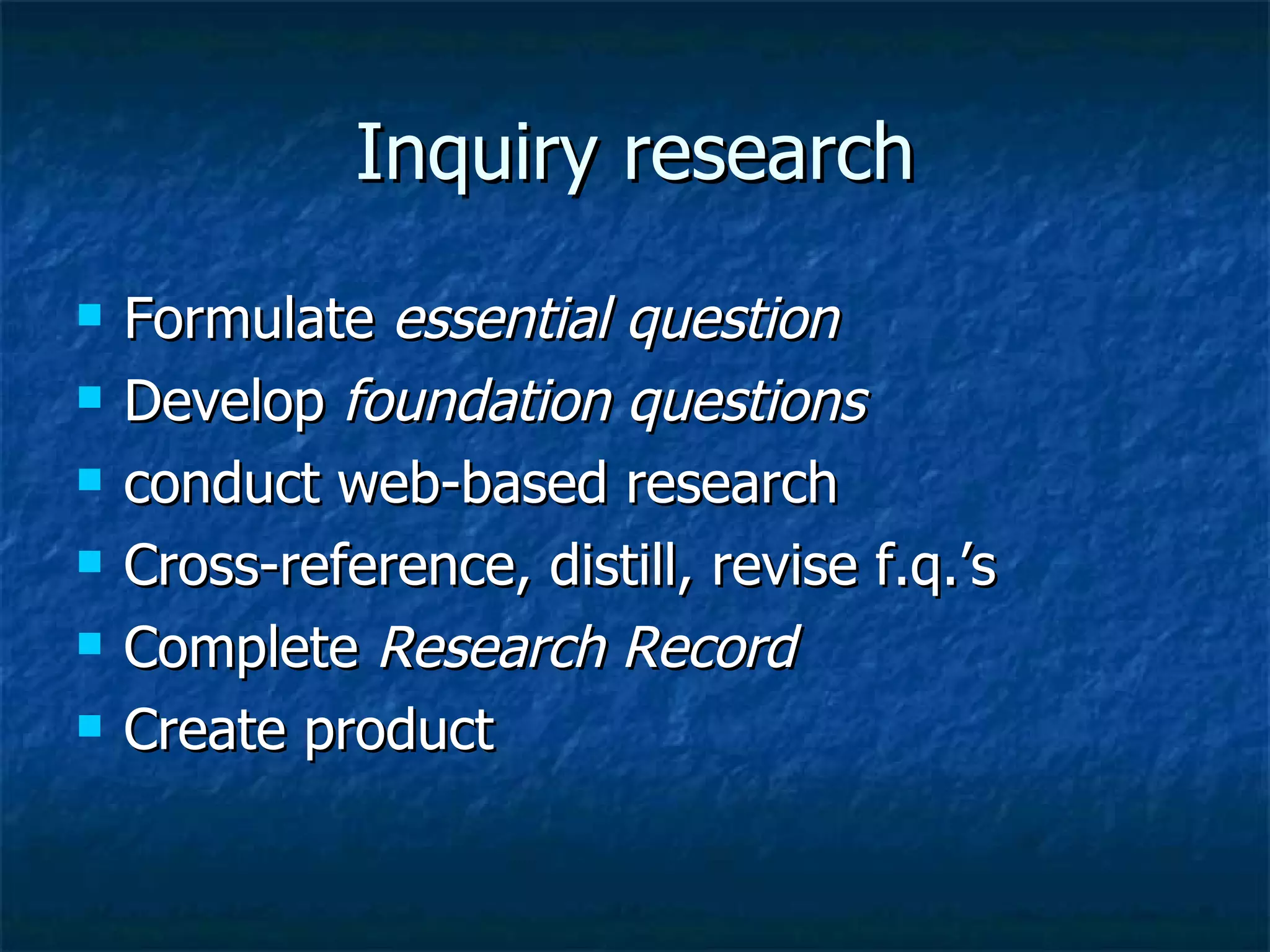
Inquiry research Formulate  essential question Develop  foundation questions conduct web-based research Cross-reference, distill, revise f.q.’s Complete  Research Record Create product
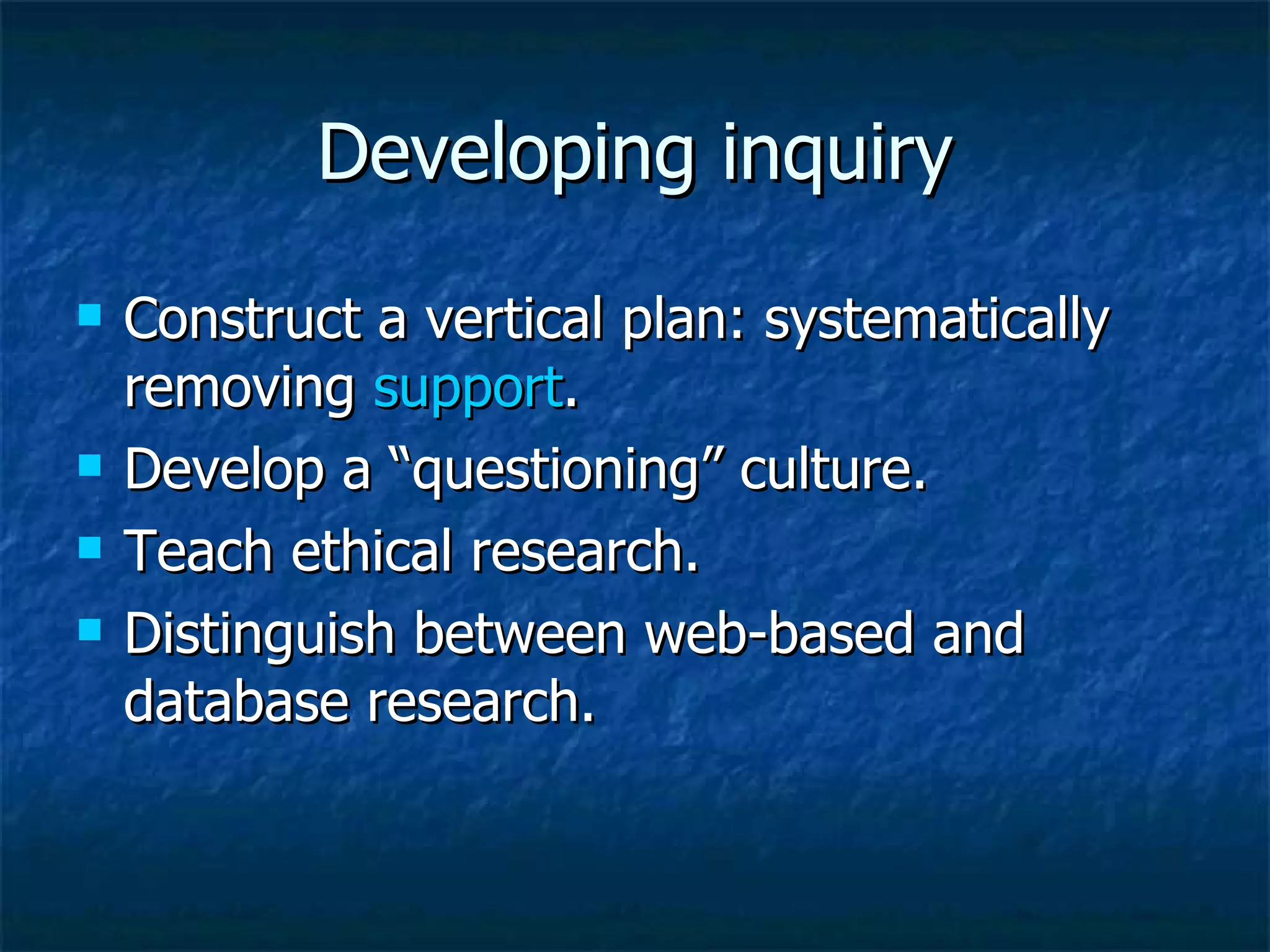
Developing inquiry Construct a vertical plan: systematically removing  support . Develop a “questioning” culture. Teach ethical research. Distinguish between web-based and database research.
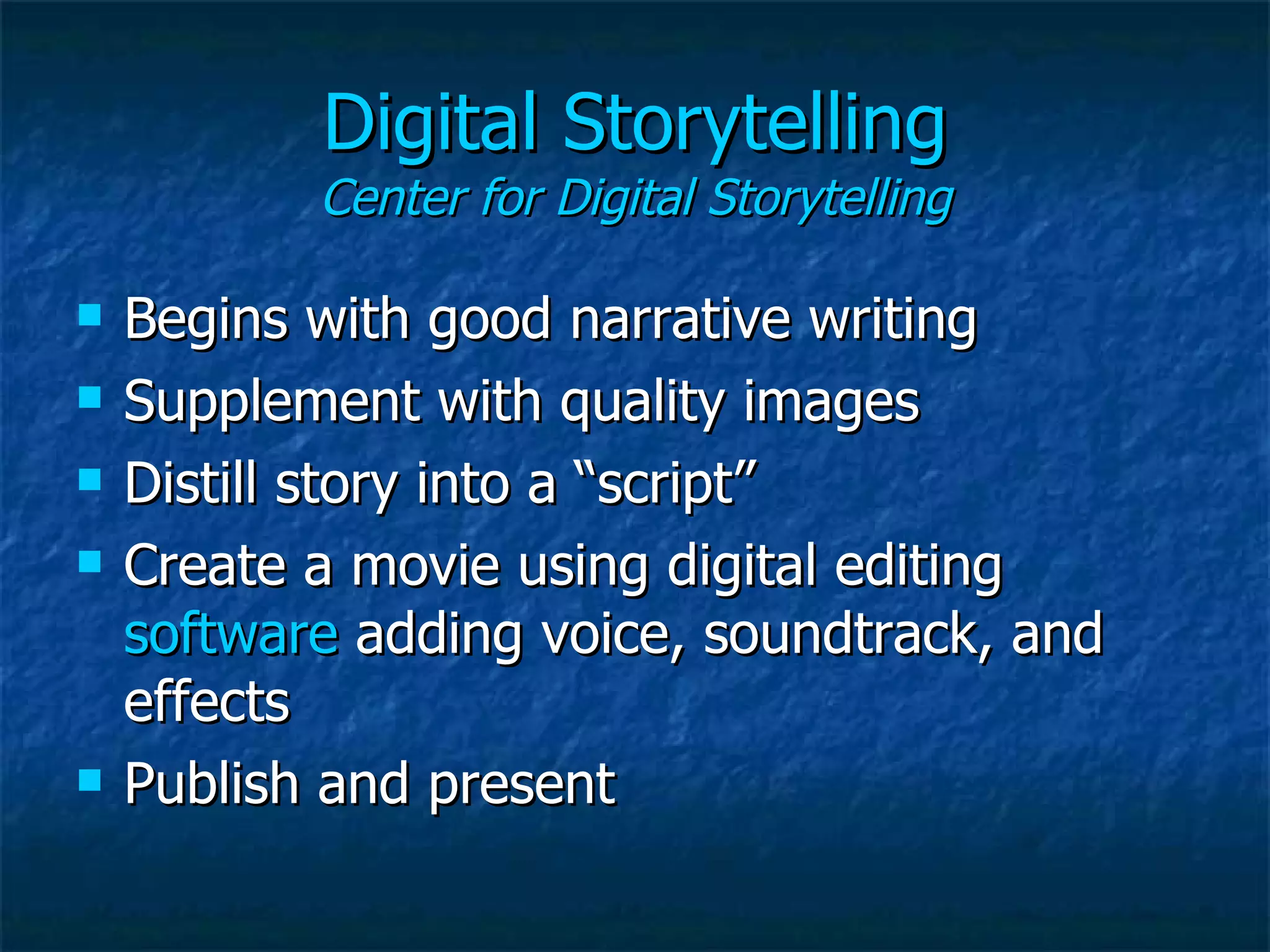
Digital Storytelling Center for Digital Storytelling Begins with good narrative writing Supplement with quality images Distill story into a “script” Create a movie using digital editing  software  adding voice, soundtrack, and effects Publish and present
“ Why bother?” Pangea  day
Web 2.0  Connectedness Blogs  / wikis / googledocs Myspace/Facebook Social bookmarking ( del.icio.us ) video/ photography ( teachertube ,  flickr ) RSS Podcasting /  Audacity Podbean.com
Curricular management systems (Blackboard) Assignments, links, and announcements Discussion board Digital dropbox Blogs and wikis Groups Turnitin.com Podcasting On-line testing and surveys
Acceptable use Policy Digital professionalism Creative commons plagiarism
Instead of… “ Technology is really cool.  How can we get kids to use it?” Think… “ Students need to be able to_____.  How can technology help?”

Tech Intro

  • 1.
    Technology Applications inEducation Jon Orech English Teacher Curricular Technology Consultant Cooperative Learning Trainer Downers Grove South High School [email_address]
  • 2.
    Tools Office Word Publisher Powerpoint Excel E Mail
  • 3.
    More tools Software:content/ test prep. Hardware Digital cameras Scanners Smart boards Document cameras The web (student and teacher)
  • 4.
    What do wedo with them?
  • 5.
    Learner standards NETSEn-gauge State BOE District
  • 6.
    Thinking beyond thetools How does the tool promote a fundamental literacy? How does the technology add to and extend the learning experience? What pedagogy will ensure the success of 1 and 2? (D. Jakes)
  • 7.
    Instead of technologybeing integrated into the curriculum, it must be integral.
  • 8.
    Buzz words Projectbased learning Differentiated instruction Critical thinking Multiple intelligences/ Learning styles Student-centered /Cooperative learning Assessment for learning “ Guaranteed and Viable” curriculum Local, state, and national standards
  • 9.
  • 10.
    Uses for learningInquiry research Digital Storytelling Web 2.0 Curricular management systems
  • 11.
    Inquiry research Formulate essential question Develop foundation questions conduct web-based research Cross-reference, distill, revise f.q.’s Complete Research Record Create product
  • 12.
    Developing inquiry Constructa vertical plan: systematically removing support . Develop a “questioning” culture. Teach ethical research. Distinguish between web-based and database research.
  • 13.
    Digital Storytelling Centerfor Digital Storytelling Begins with good narrative writing Supplement with quality images Distill story into a “script” Create a movie using digital editing software adding voice, soundtrack, and effects Publish and present
  • 14.
  • 15.
    Web 2.0 Connectedness Blogs / wikis / googledocs Myspace/Facebook Social bookmarking ( del.icio.us ) video/ photography ( teachertube , flickr ) RSS Podcasting / Audacity Podbean.com
  • 16.
    Curricular management systems(Blackboard) Assignments, links, and announcements Discussion board Digital dropbox Blogs and wikis Groups Turnitin.com Podcasting On-line testing and surveys
  • 17.
    Acceptable use PolicyDigital professionalism Creative commons plagiarism
  • 18.
    Instead of… “Technology is really cool. How can we get kids to use it?” Think… “ Students need to be able to_____. How can technology help?”