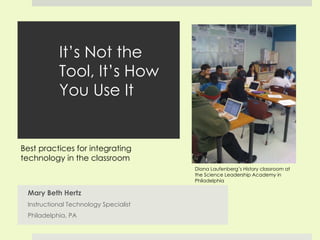
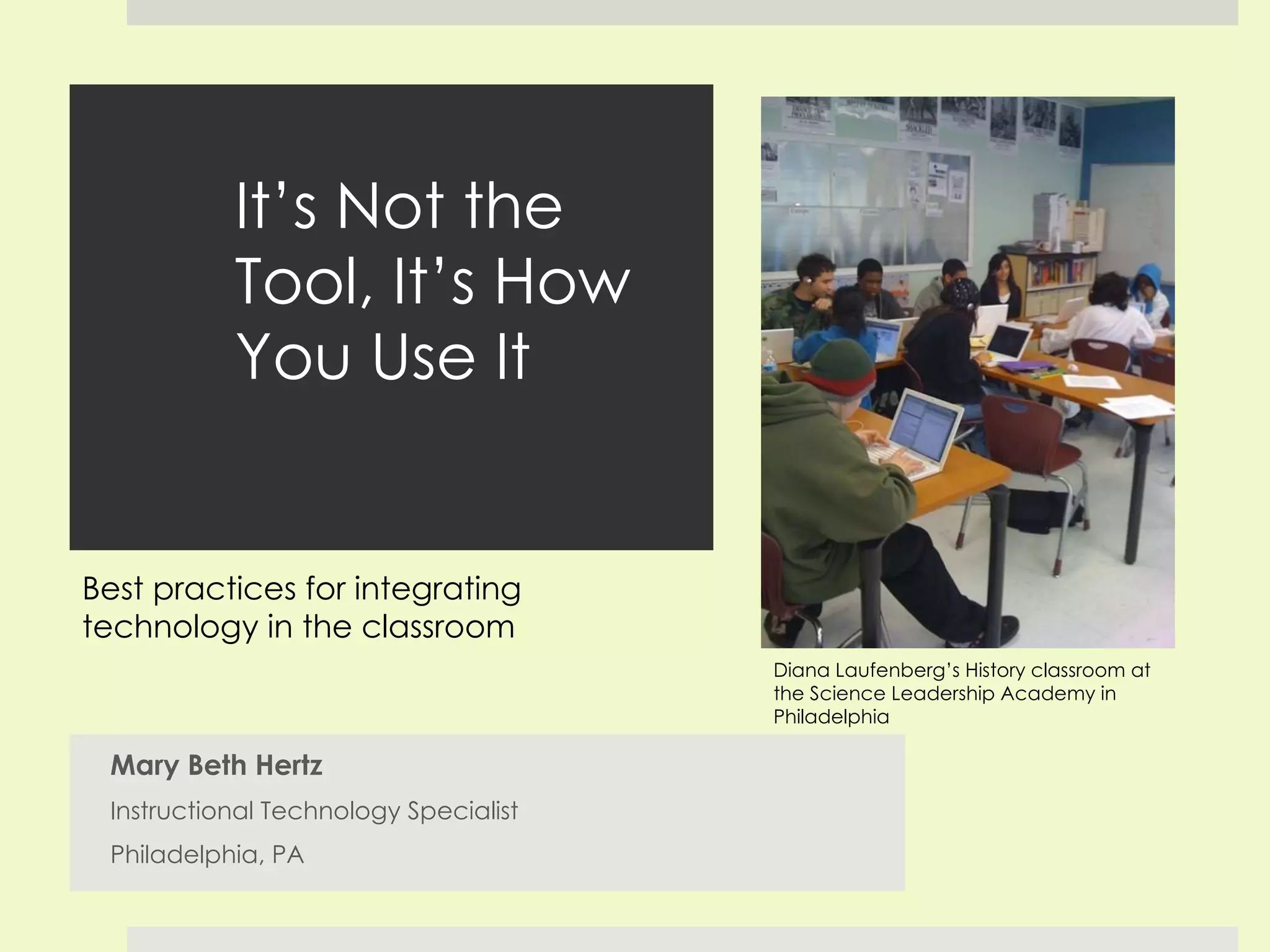
It’s Not the Tool, It’s How You Use It Mary Beth Hertz Instructional Technology Specialist Philadelphia, PA Diana Laufenberg’s History classroom at the Science Leadership Academy in Philadelphia Best practices for integrating technology in the classroom
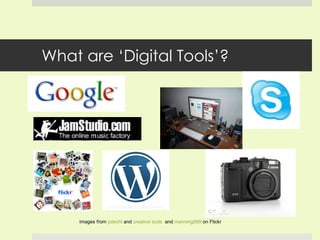
What are ‘Digital Tools’? images from  jutecht  and  creative tools   and  manning999  on Flickr
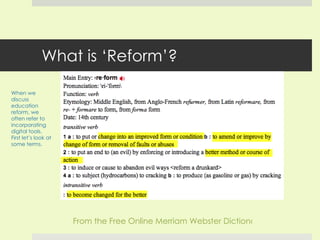
What is ‘Reform’? From the Free Online Merriam Webster Dictionary When we discuss education reform, we often refer to incorporating digital tools. First let’s look at some terms.
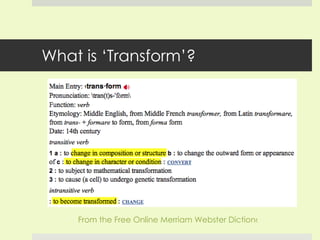
What is ‘Transform’? From the Free Online Merriam Webster Dictionary
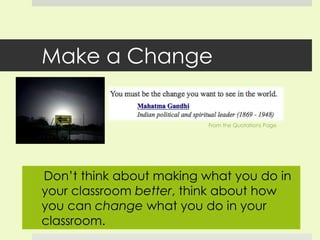
Make a Change From the Quotations Page Don’t think about making what you do in your classroom  better , think about how you can  change  what you do in your classroom.
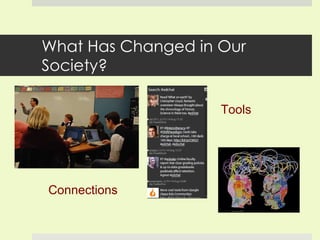
What Has Changed in Our Society? Connections Tools
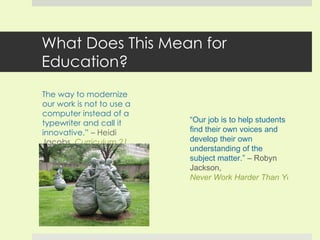
What Does This Mean for Education? “ The way to modernize our work is not to use a computer instead of a typewriter and call it innovative.”  – Heidi Jacobs,  Curriculum 21 “ Our job is to help students find their own voices and develop their own understanding of the subject matter.”  – Robyn Jackson,  Never Work Harder Than Your Students
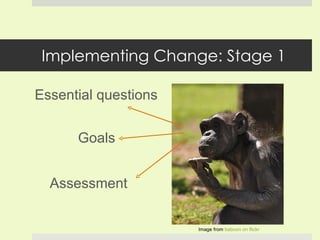
Implementing Change: Stage 1 Assessment  Essential questions Goals Image from  baboon on flickr
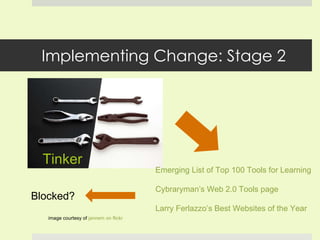
Implementing Change: Stage 2 Tinker image courtesy of  jannem on flickr Blocked? Emerging List of Top 100 Tools for  Learning Cybraryman’s Web 2.0 Tools page   Larry Ferlazzo’s Best Websites of the Year
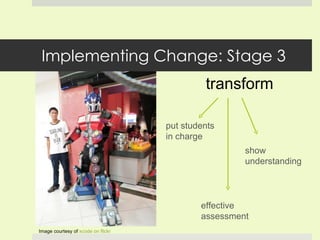
Implementing Change: Stage 3 transform Image courtesy of  xcode on  flickr put students in charge show understanding effective assessment
Other Considerations - introducing the tool - rules & expectations - individuals or groups - how long - turning it in - does it work?
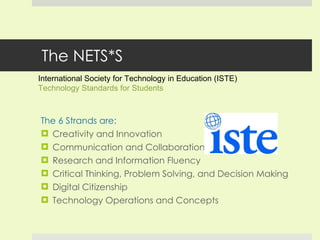
The NETS*S The 6 Strands are: Creativity and Innovation Communication and Collaboration Research and Information Fluency Critical Thinking, Problem Solving, and Decision Making Digital Citizenship Technology Operations and Concepts International Society for Technology in Education (ISTE)  Technology Standards for Students
Why Incorporate the NETS? No Bells and Whistles Please!
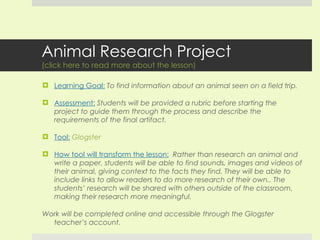
Animal Research Project (click here to read more about the lesson) Learning Goal:   To find information about an animal seen on a field trip. Assessment:   Students will be provided a rubric before starting the project to guide them through the process and describe the requirements of the final artifact. Tool:   Glogster How tool will transform the lesson:   Rather than research an animal and write a paper, students will be able to find sounds, images and videos of their animal, giving context to the facts they find. They will be able to include links to allow readers to do more research of their own.. The students’ research will be shared with others outside of the classroom, making their research more meaningful. Work will be completed online and accessible through the Glogster teacher’s account.
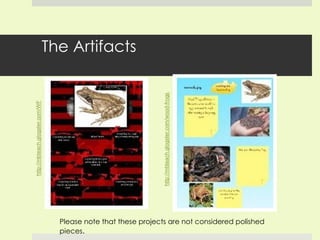
The Artifacts Please note that these projects are not considered polished pieces .
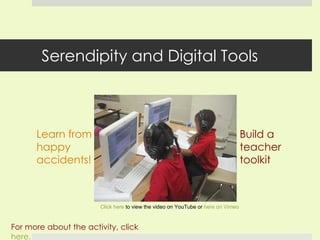
Serendipity and Digital Tools Learn from happy accidents! For more about the activity, click  here. Click here  to view the video on YouTube or  here on Vimeo Build a teacher toolkit
Questions & Stories How have you successfully integrated digital tools into your classroom? Questions or comments? Contact me: [email_address]

It's Not the Tool, It's How You Use It

  • 1.
    It’s Not theTool, It’s How You Use It Mary Beth Hertz Instructional Technology Specialist Philadelphia, PA Diana Laufenberg’s History classroom at the Science Leadership Academy in Philadelphia Best practices for integrating technology in the classroom
  • 2.
    What are ‘DigitalTools’? images from jutecht and creative tools and manning999 on Flickr
  • 3.
    What is ‘Reform’?From the Free Online Merriam Webster Dictionary When we discuss education reform, we often refer to incorporating digital tools. First let’s look at some terms.
  • 4.
    What is ‘Transform’?From the Free Online Merriam Webster Dictionary
  • 5.
    Make a ChangeFrom the Quotations Page Don’t think about making what you do in your classroom better , think about how you can change what you do in your classroom.
  • 6.
    What Has Changedin Our Society? Connections Tools
  • 7.
    What Does ThisMean for Education? “ The way to modernize our work is not to use a computer instead of a typewriter and call it innovative.” – Heidi Jacobs, Curriculum 21 “ Our job is to help students find their own voices and develop their own understanding of the subject matter.” – Robyn Jackson, Never Work Harder Than Your Students
  • 8.
    Implementing Change: Stage1 Assessment Essential questions Goals Image from baboon on flickr
  • 9.
    Implementing Change: Stage2 Tinker image courtesy of jannem on flickr Blocked? Emerging List of Top 100 Tools for Learning Cybraryman’s Web 2.0 Tools page Larry Ferlazzo’s Best Websites of the Year
  • 10.
    Implementing Change: Stage3 transform Image courtesy of xcode on flickr put students in charge show understanding effective assessment
  • 11.
    Other Considerations -introducing the tool - rules & expectations - individuals or groups - how long - turning it in - does it work?
  • 12.
    The NETS*S The6 Strands are: Creativity and Innovation Communication and Collaboration Research and Information Fluency Critical Thinking, Problem Solving, and Decision Making Digital Citizenship Technology Operations and Concepts International Society for Technology in Education (ISTE) Technology Standards for Students
  • 13.
    Why Incorporate theNETS? No Bells and Whistles Please!
  • 14.
    Animal Research Project(click here to read more about the lesson) Learning Goal: To find information about an animal seen on a field trip. Assessment: Students will be provided a rubric before starting the project to guide them through the process and describe the requirements of the final artifact. Tool: Glogster How tool will transform the lesson: Rather than research an animal and write a paper, students will be able to find sounds, images and videos of their animal, giving context to the facts they find. They will be able to include links to allow readers to do more research of their own.. The students’ research will be shared with others outside of the classroom, making their research more meaningful. Work will be completed online and accessible through the Glogster teacher’s account.
  • 15.
    The Artifacts Pleasenote that these projects are not considered polished pieces .
  • 16.
    Serendipity and DigitalTools Learn from happy accidents! For more about the activity, click here. Click here to view the video on YouTube or here on Vimeo Build a teacher toolkit
  • 17.
    Questions & StoriesHow have you successfully integrated digital tools into your classroom? Questions or comments? Contact me: [email_address]

Editor's Notes

  • #4 As a preface to this presentation I should mention that I struck ‘reform’ from my vocabulary earlier this month. It is no reflection on this conference or reform in general. Rather, I felt that it wasn’t properly describing what I felt needed to be done in the classroom or in schools. According to many definitions, it refers to ‘improve’—whose standards? “Better method?” “for the better?”
  • #5 To CHANGE. No qualifying language. You are not making your teaching better per se, you are CHANGING it with the effect of improving your teaching.