Designing Activities for
Online Learning
Mark Childs
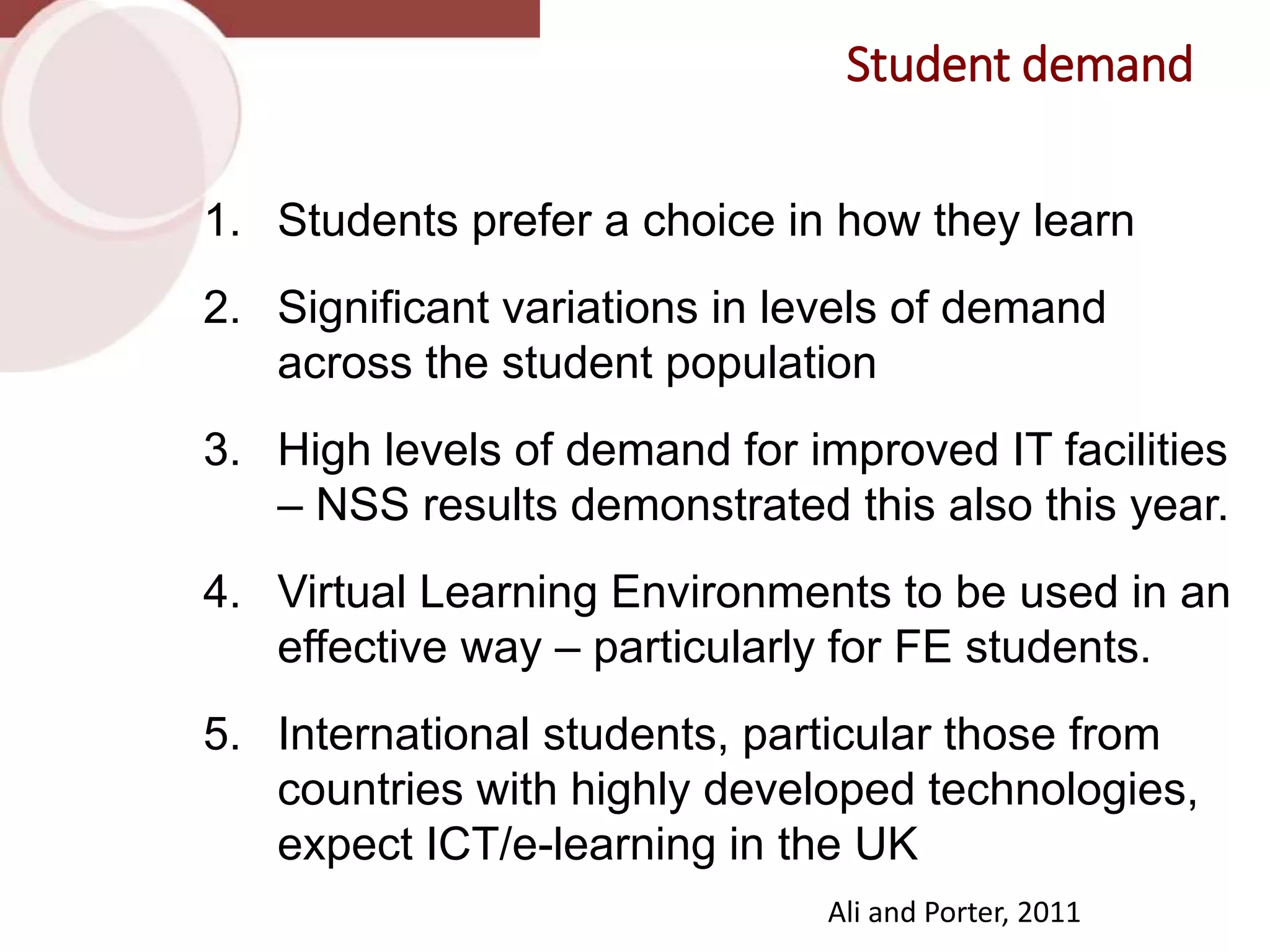
1. Students prefer a choice in how they learn
2. Significant variations in levels of demand
across the student population
3. High levels of demand for improved IT facilities
– NSS results demonstrated this also this year.
4. Virtual Learning Environments to be used in an
effective way – particularly for FE students.
5. International students, particular those from
countries with highly developed technologies,
expect ICT/e-learning in the UK
Student demand
Ali and Porter, 2011
“Technology is a word
that describes
something that
doesn’t work yet” –
Douglas Adams (1999)
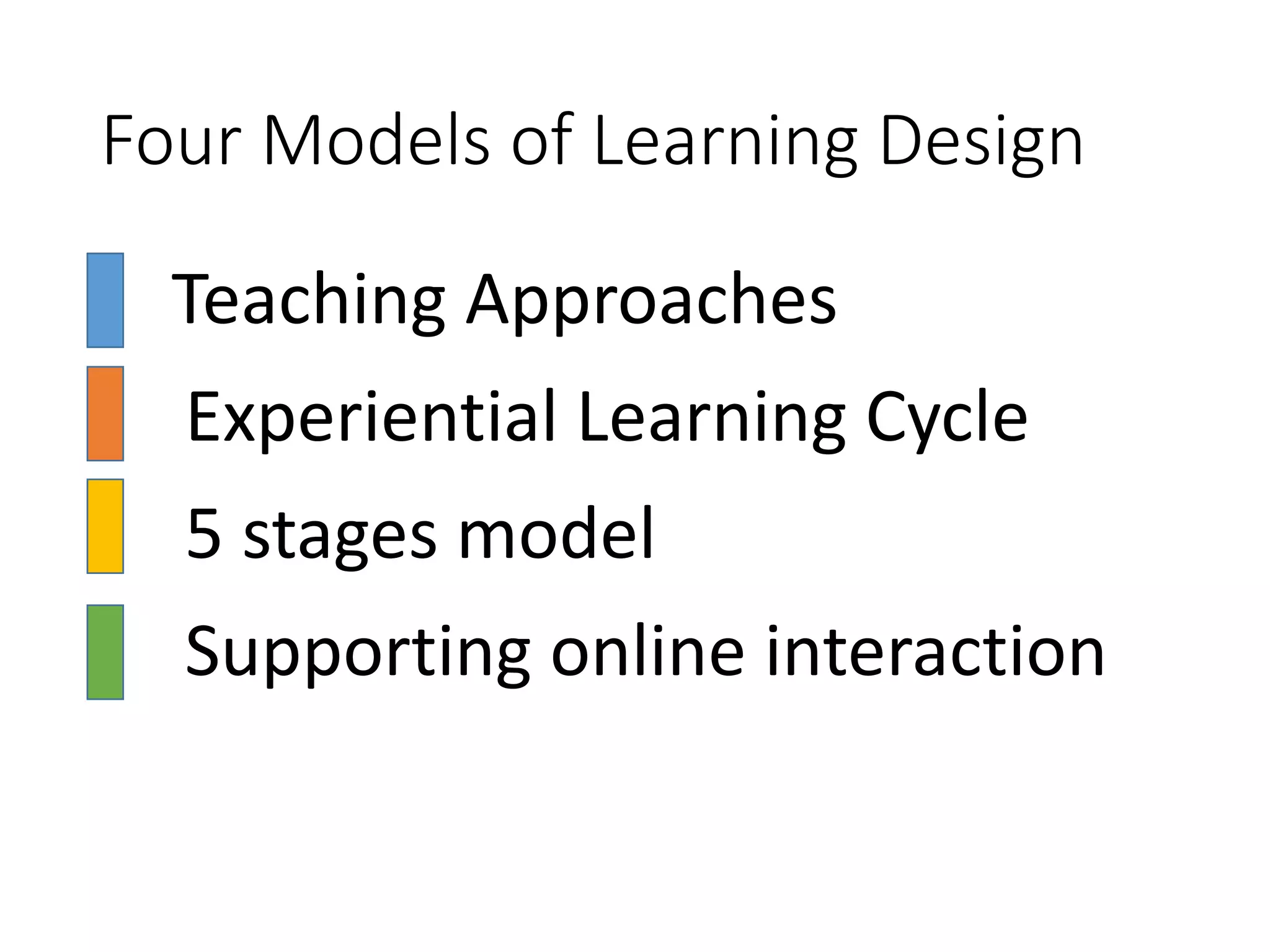
Four Models of Learning Design
• Teaching Approaches
• Experiential Learning Cycle
• 5 stages model
• Supporting online interaction
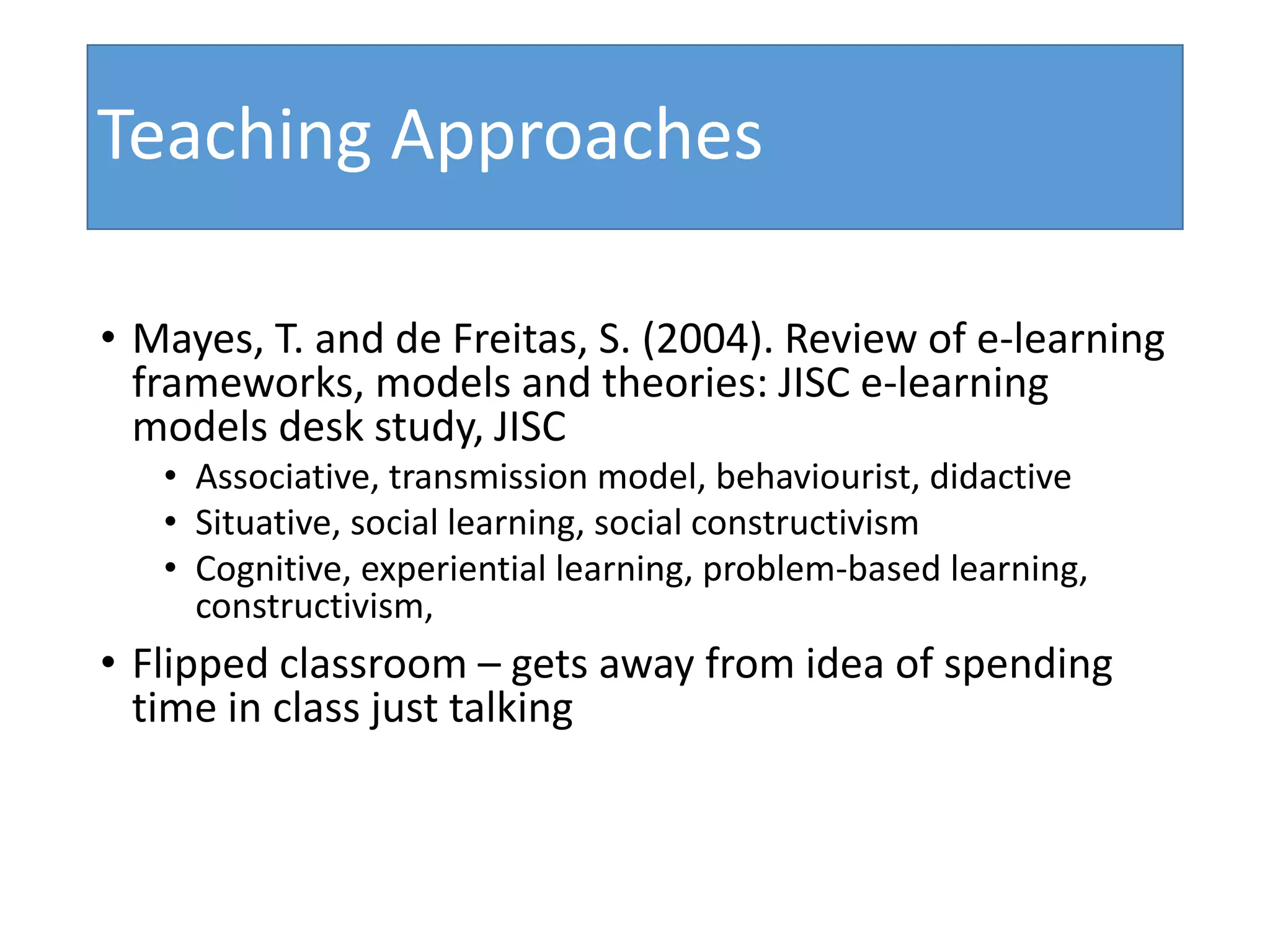
Teaching Approaches
• Mayes, T. and de Freitas, S. (2004). Review of e-learning
frameworks, models and theories: JISC e-learning
models desk study, JISC
• Associative, transmission model, behaviourist, didactive
• Situative, social learning, social constructivism
• Cognitive, experiential learning, problem-based learning,
constructivism,
• Flipped classroom – gets away from idea of spending
time in class just talking
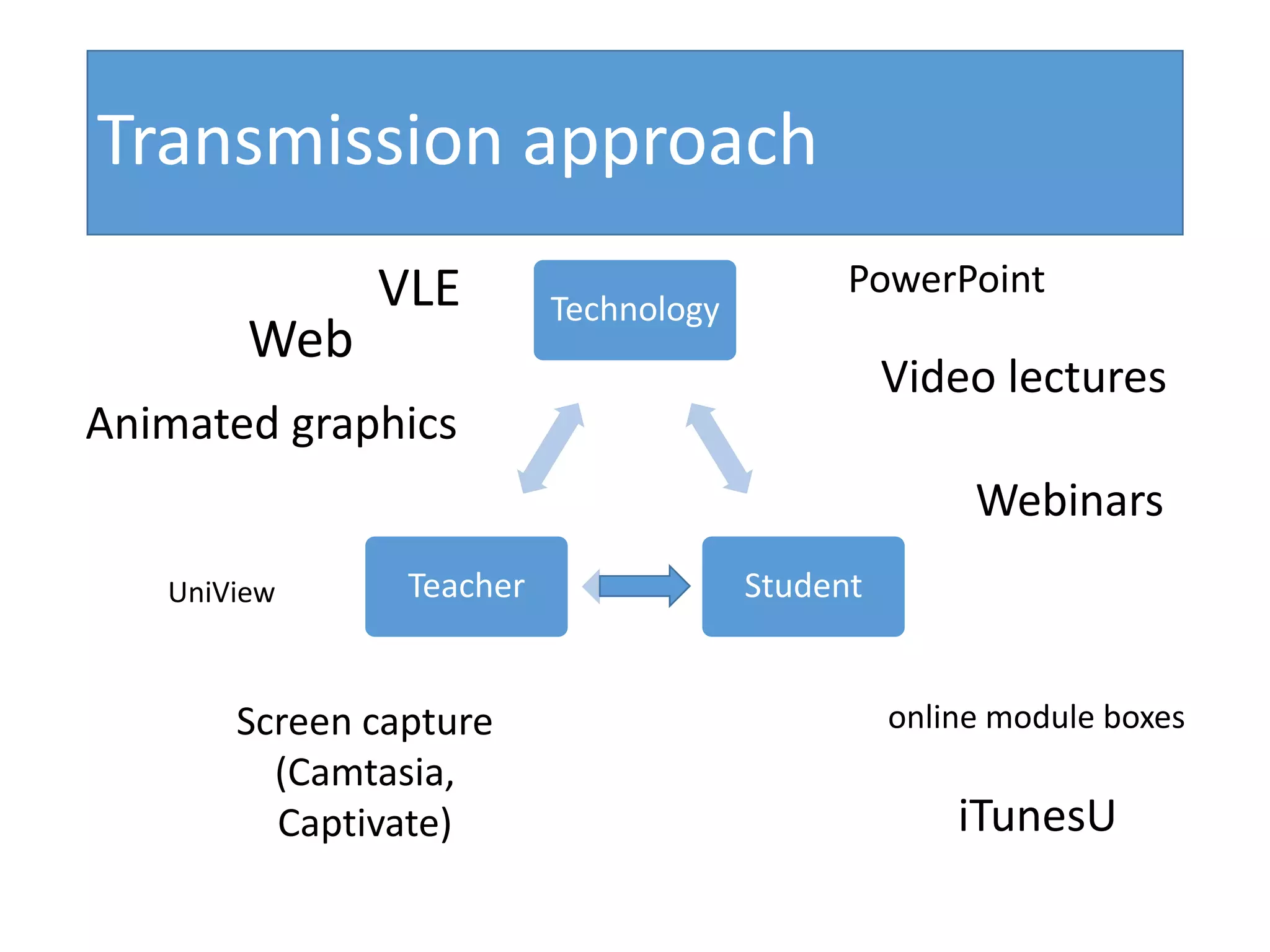
Technology
StudentTeacher
VLE
Video lectures
Web
PowerPoint
Animated graphics
Webinars
Screen capture
(Camtasia,
Captivate) iTunesU
online module boxes
UniView
Transmission approach
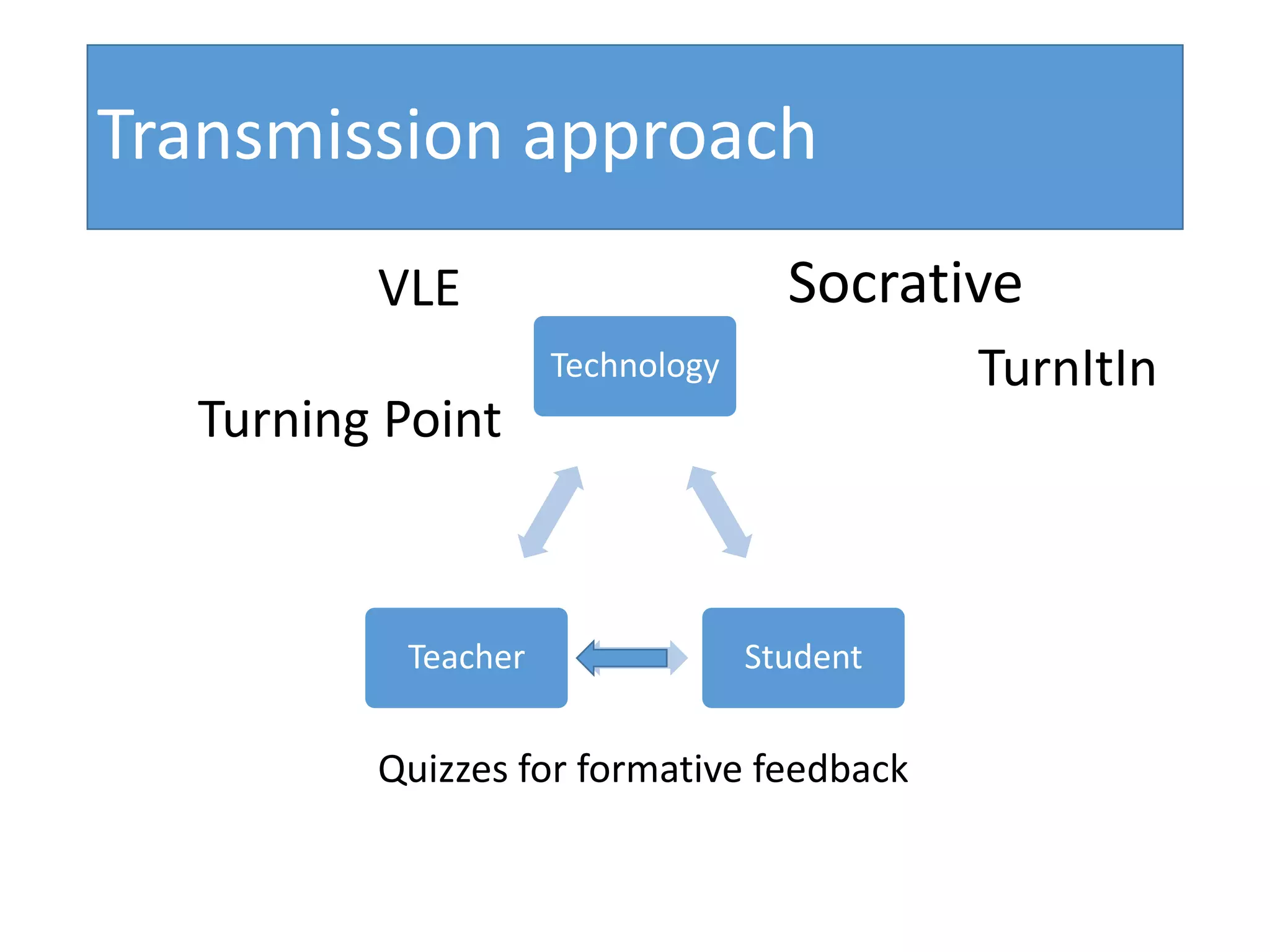
Technology
StudentTeacher
VLE
TurnItIn
Turning Point
Quizzes for formative feedback
Socrative
Transmission approach
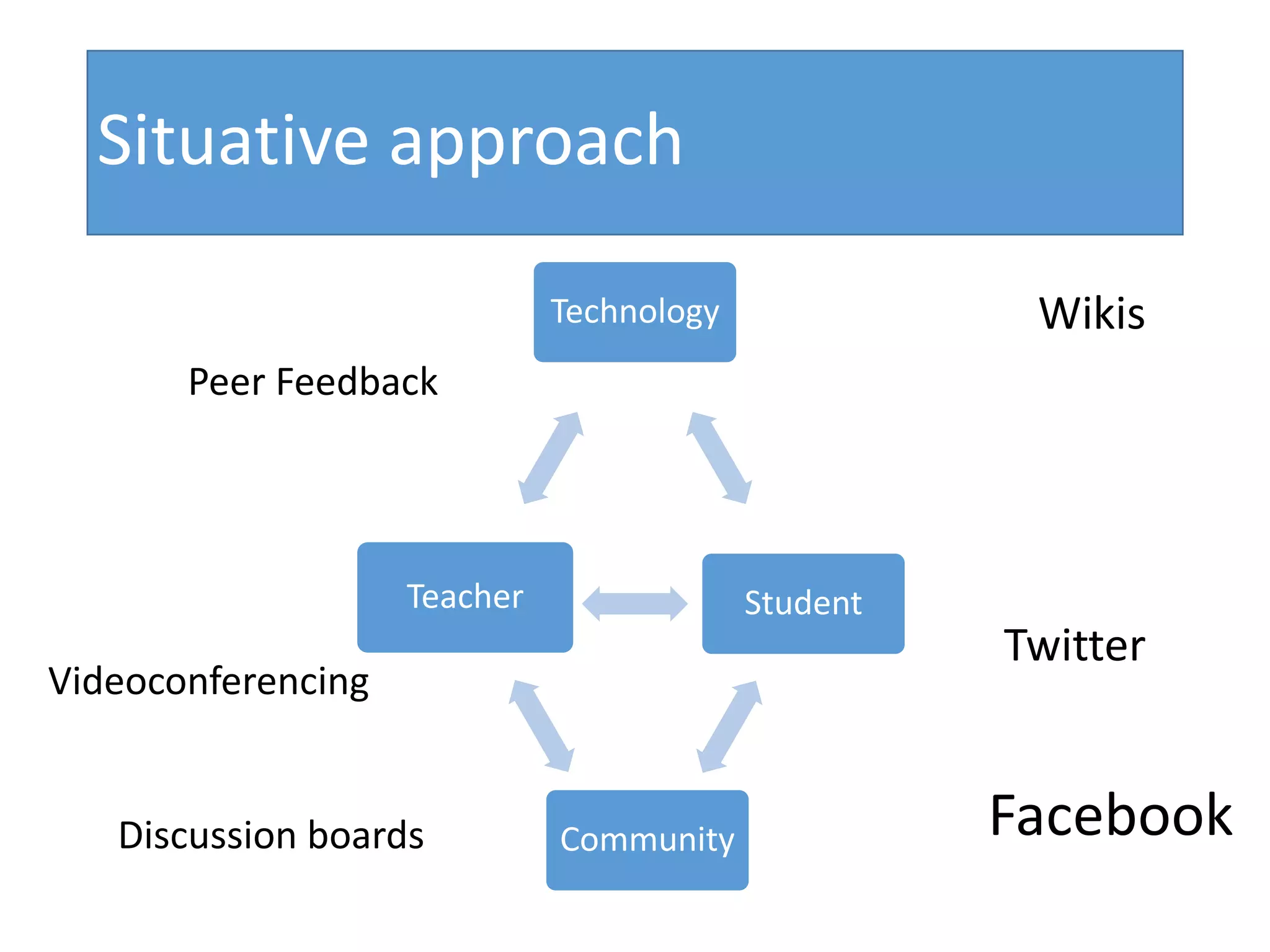
Technology
StudentSubject
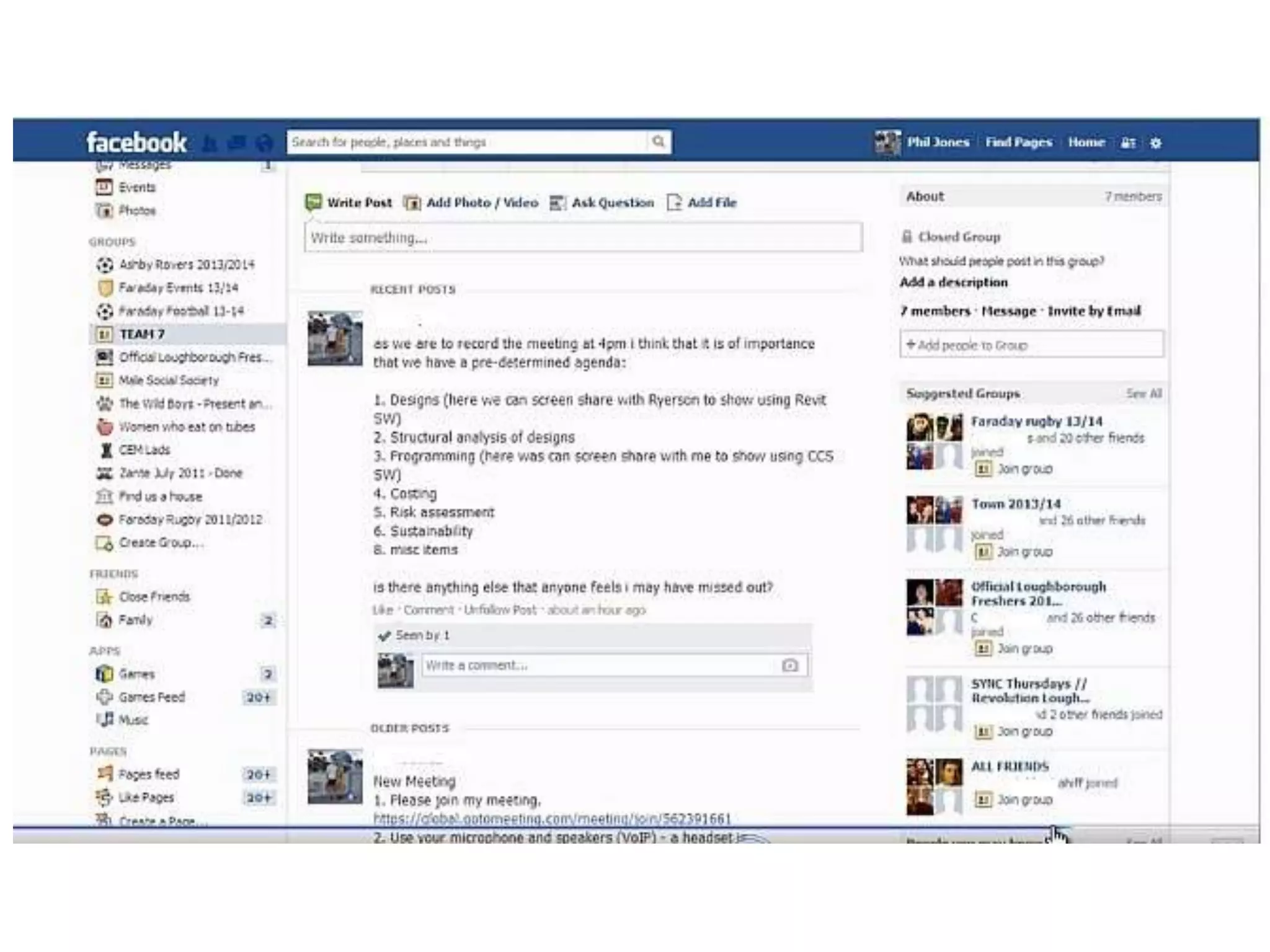
CommunityDiscussion boards Facebook
Videoconferencing
Teacher
Wikis
Twitter
Peer Feedback
Situative approach
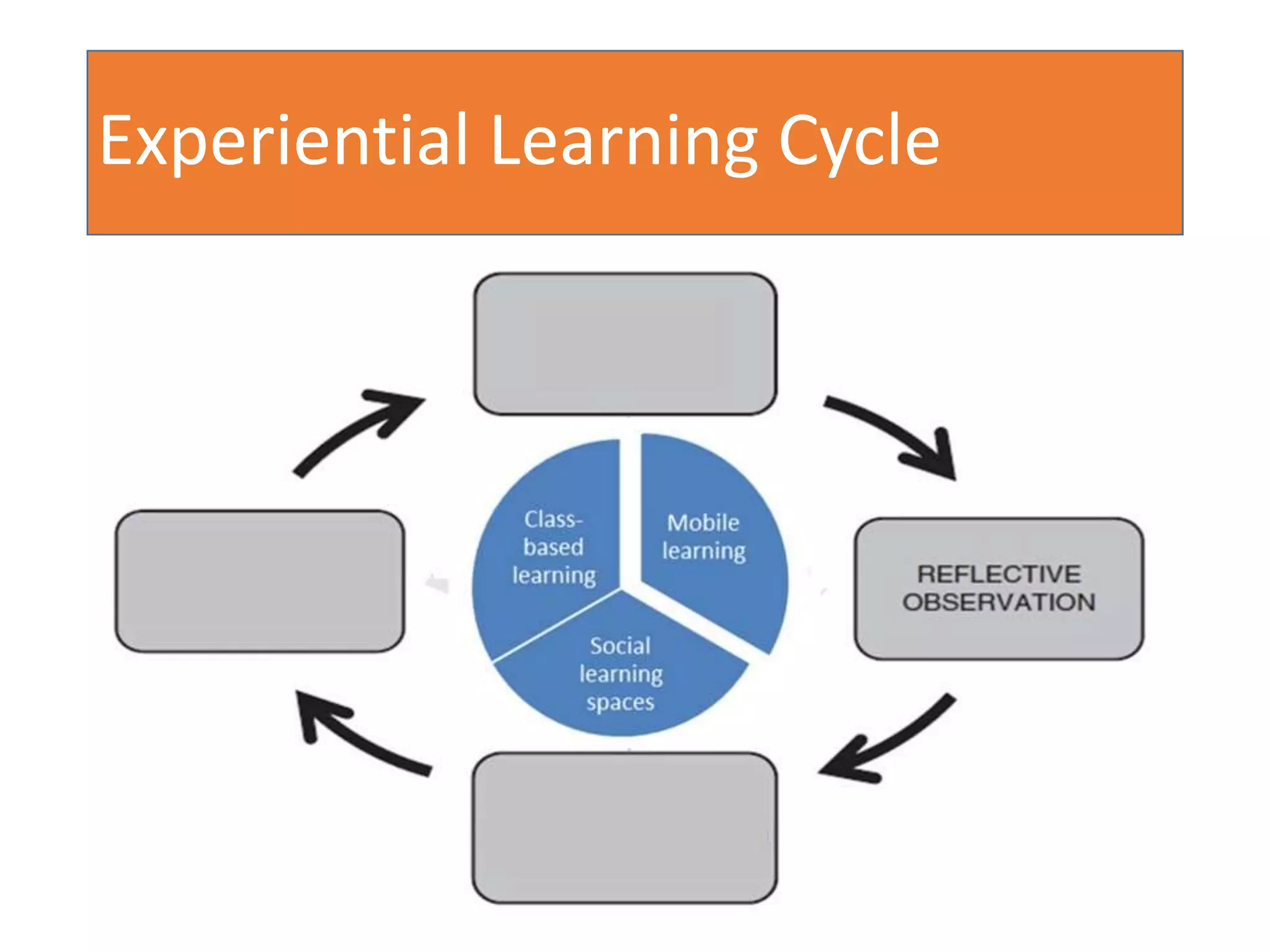
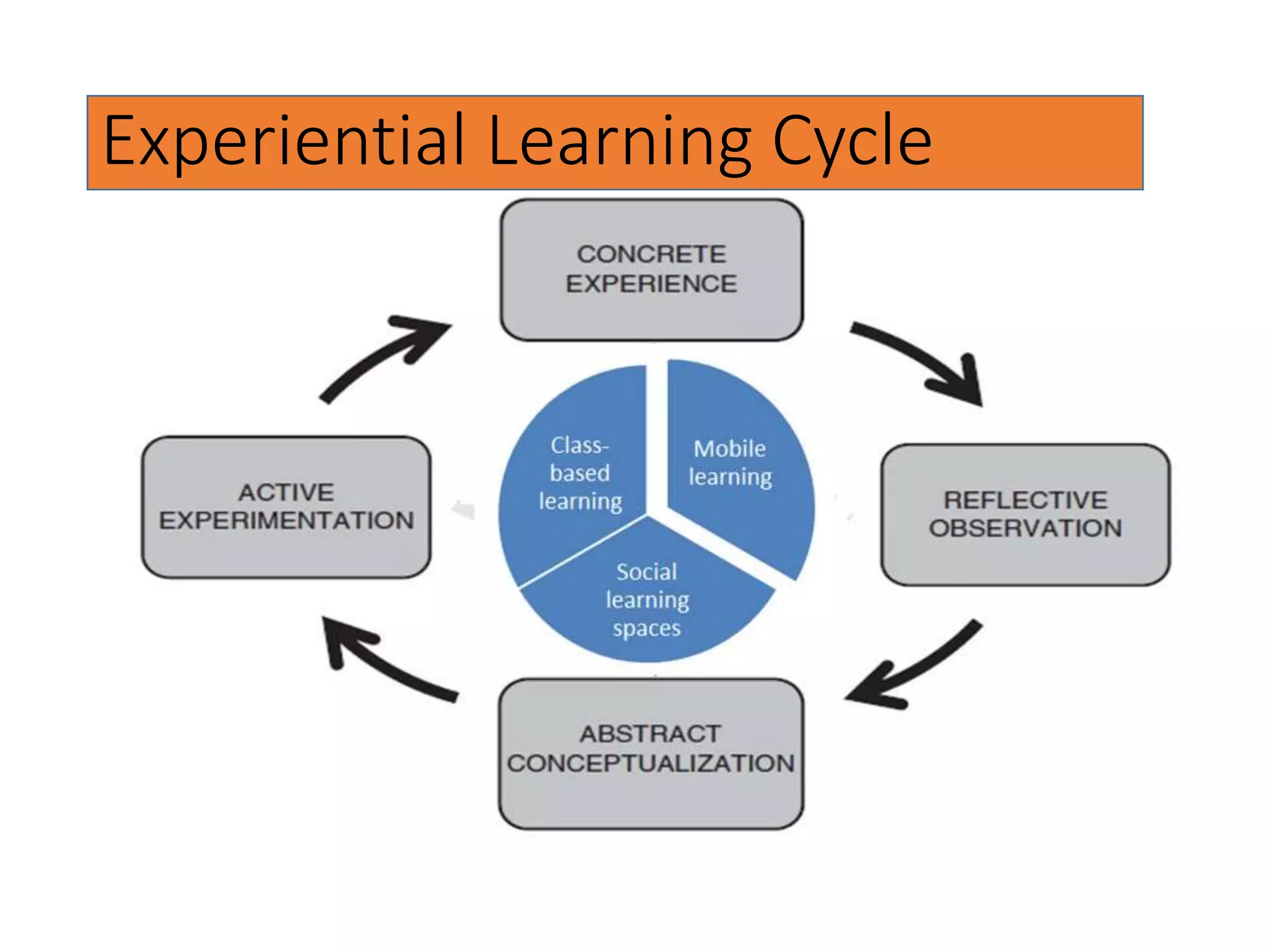
Experiential Learning
• Places student activities at the core of the learning
process
• Forms a cycle of activities to consolidate learning
effectively
• First used by Lewin and based on the engineering
concept of feedback (Kolb, 1984, 21)
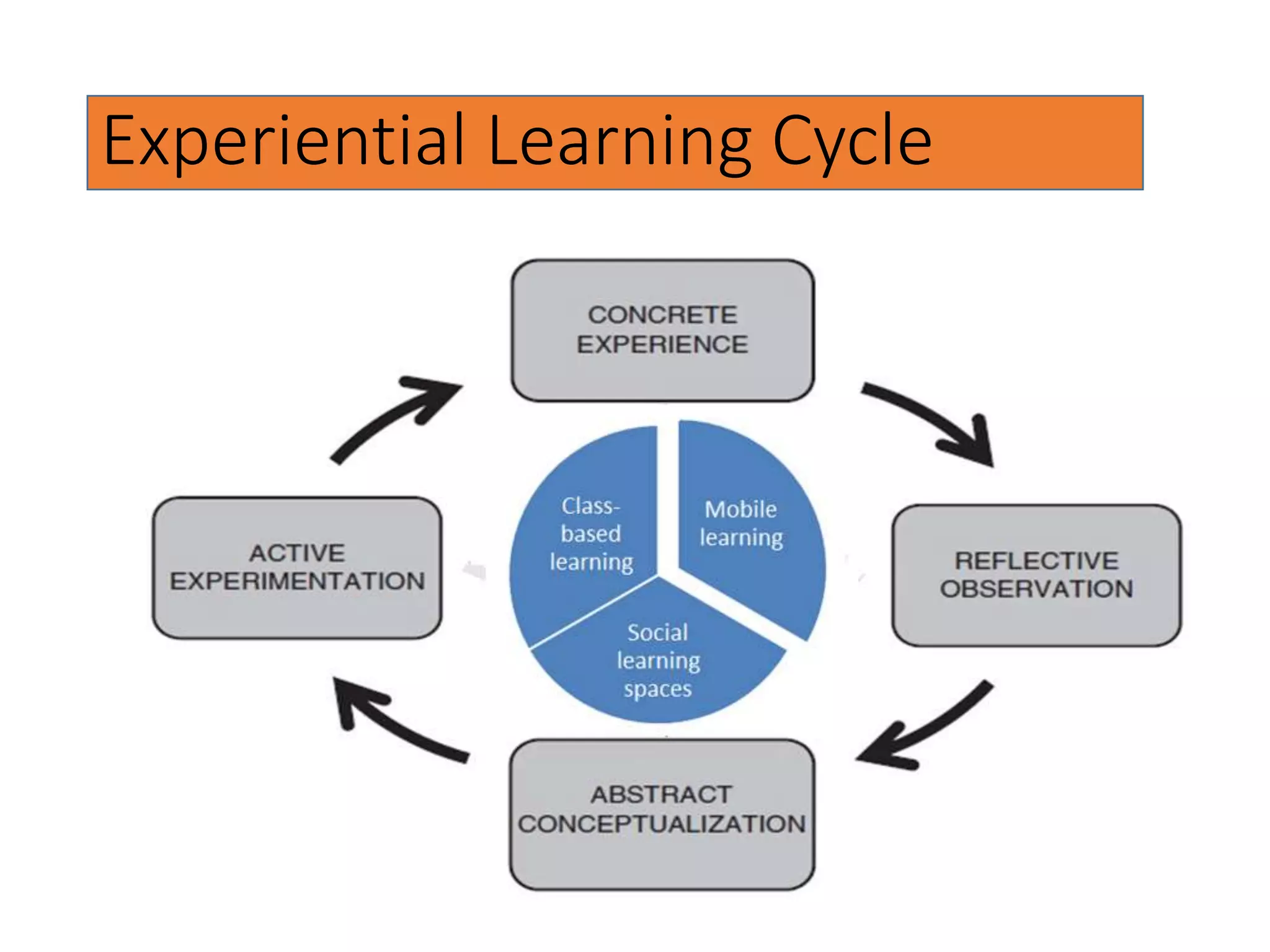
Experiential Learning Cycle
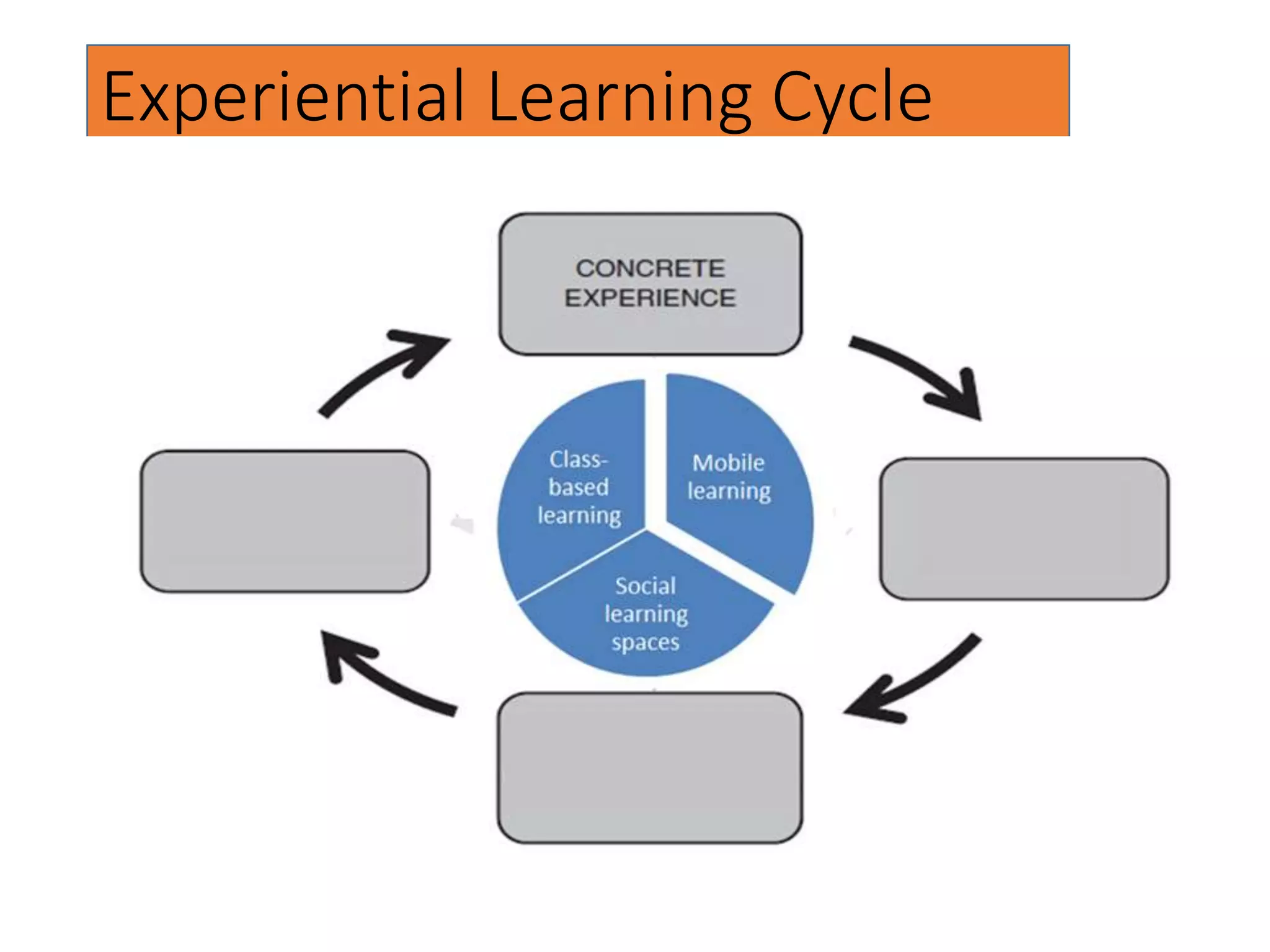
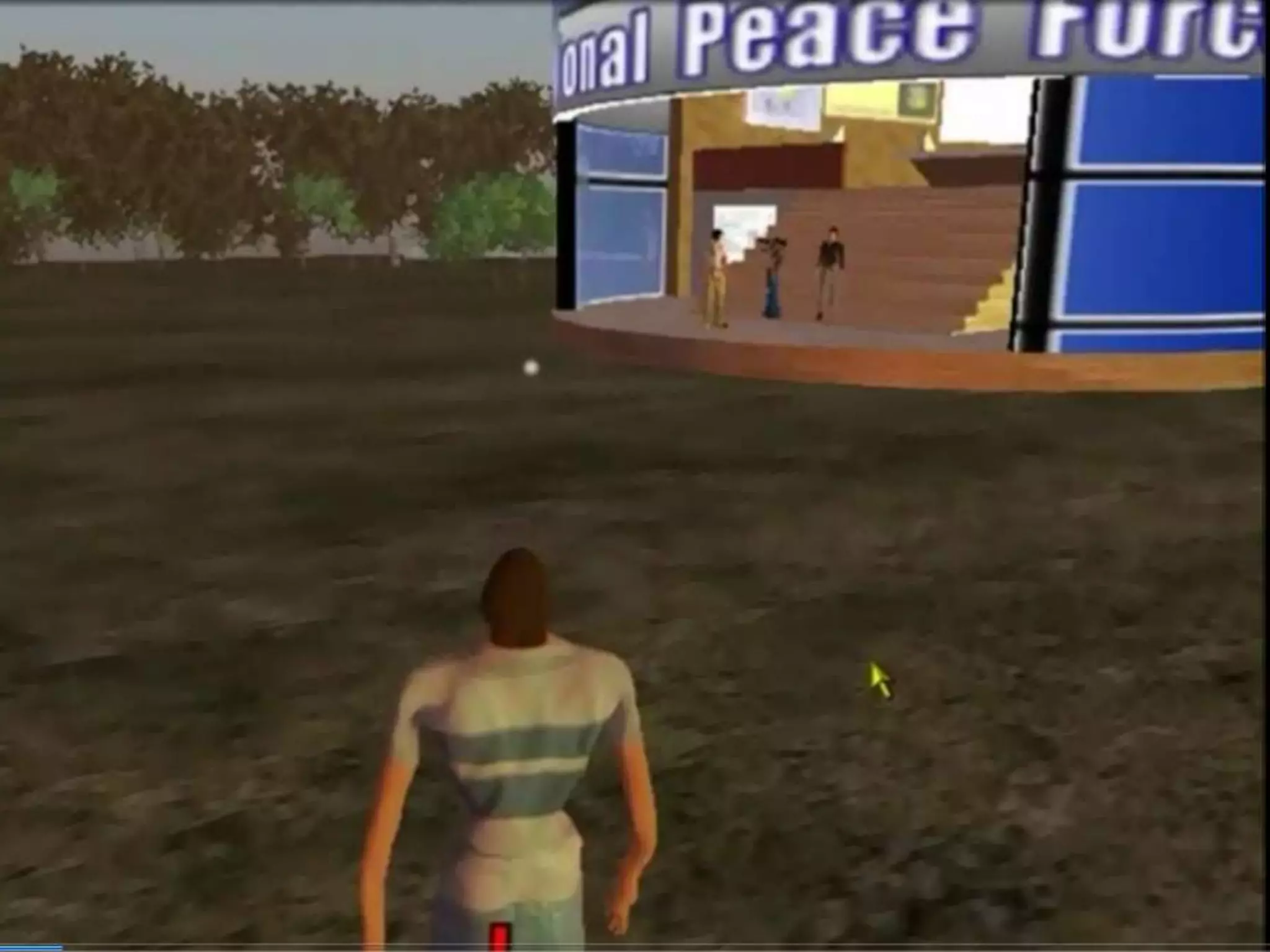
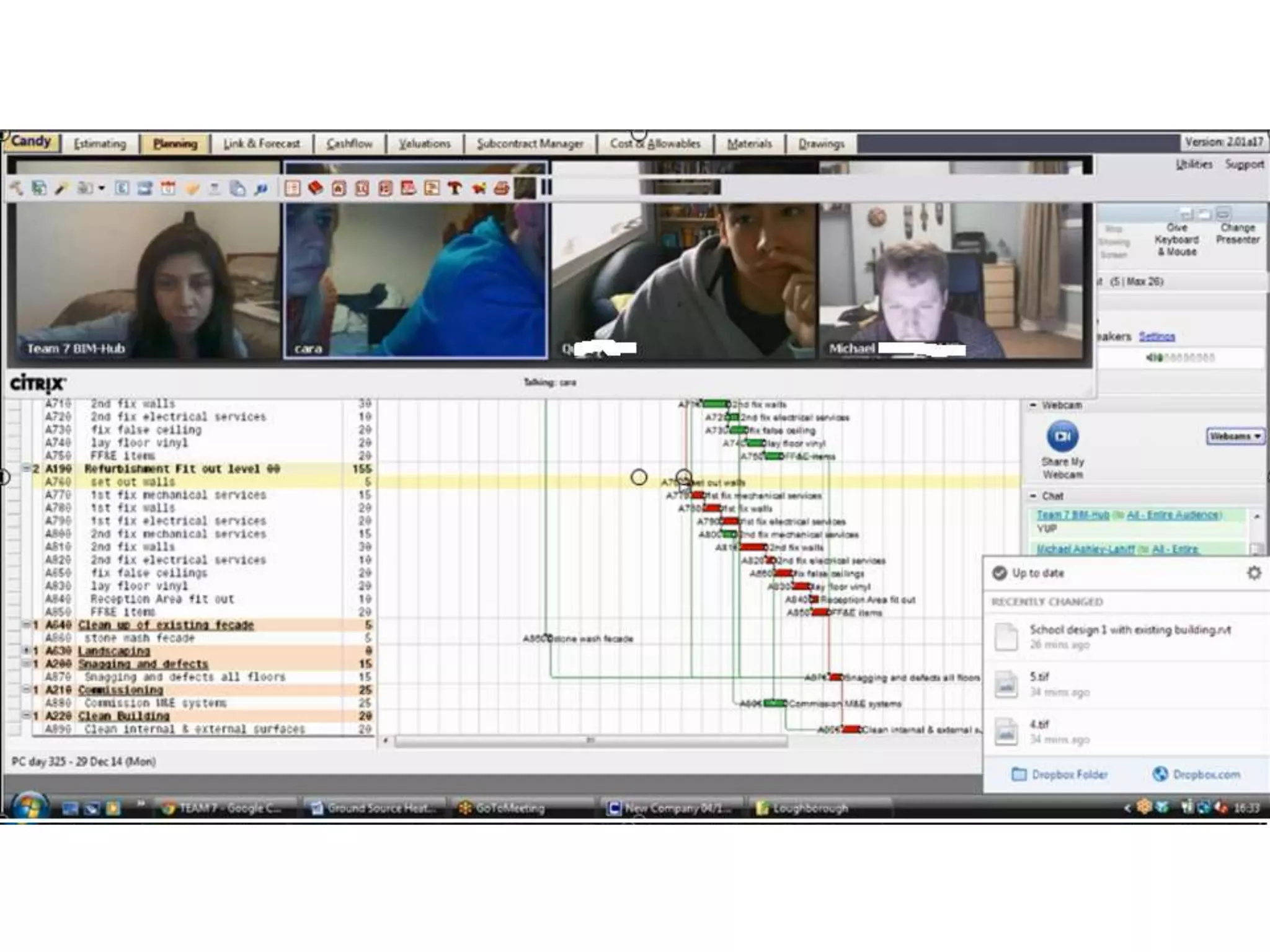
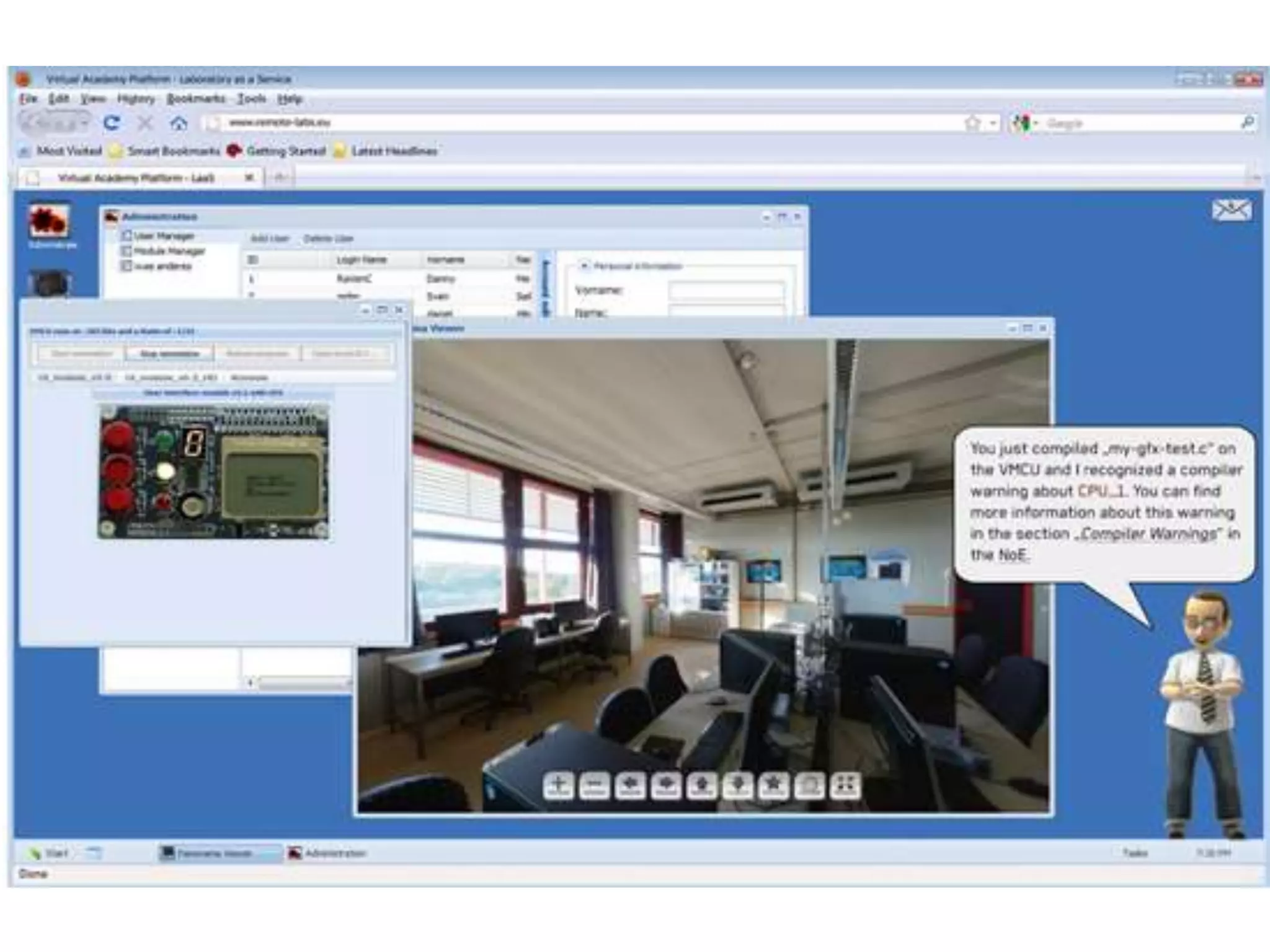
TEL and concrete experience
• Can TEL provide concrete experience?
• What form can they take?
• Simulations
• Remote and virtual laboratories
• Game-like environments
• Work-based scenarios
• Role play
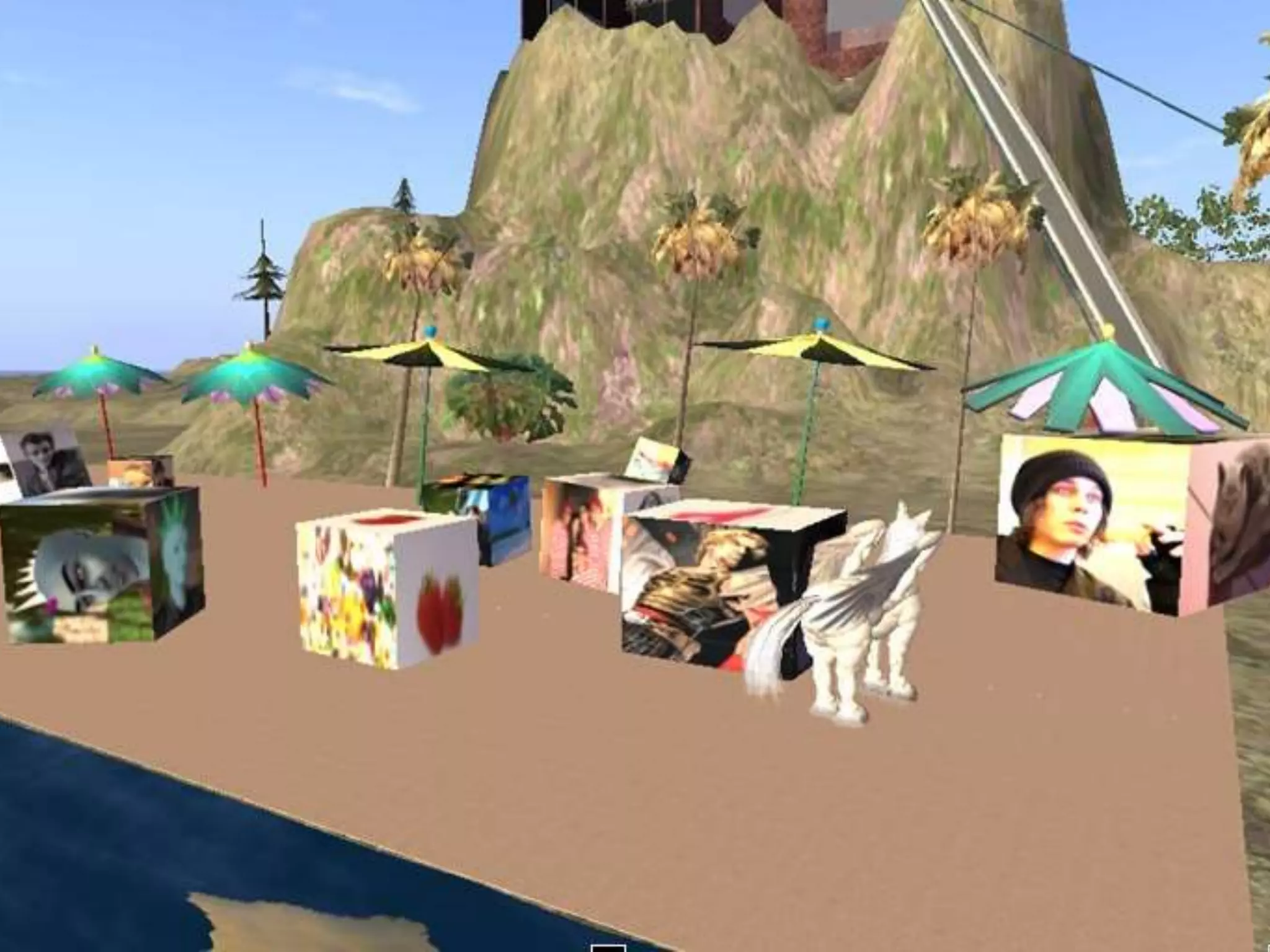
• Virtual worlds
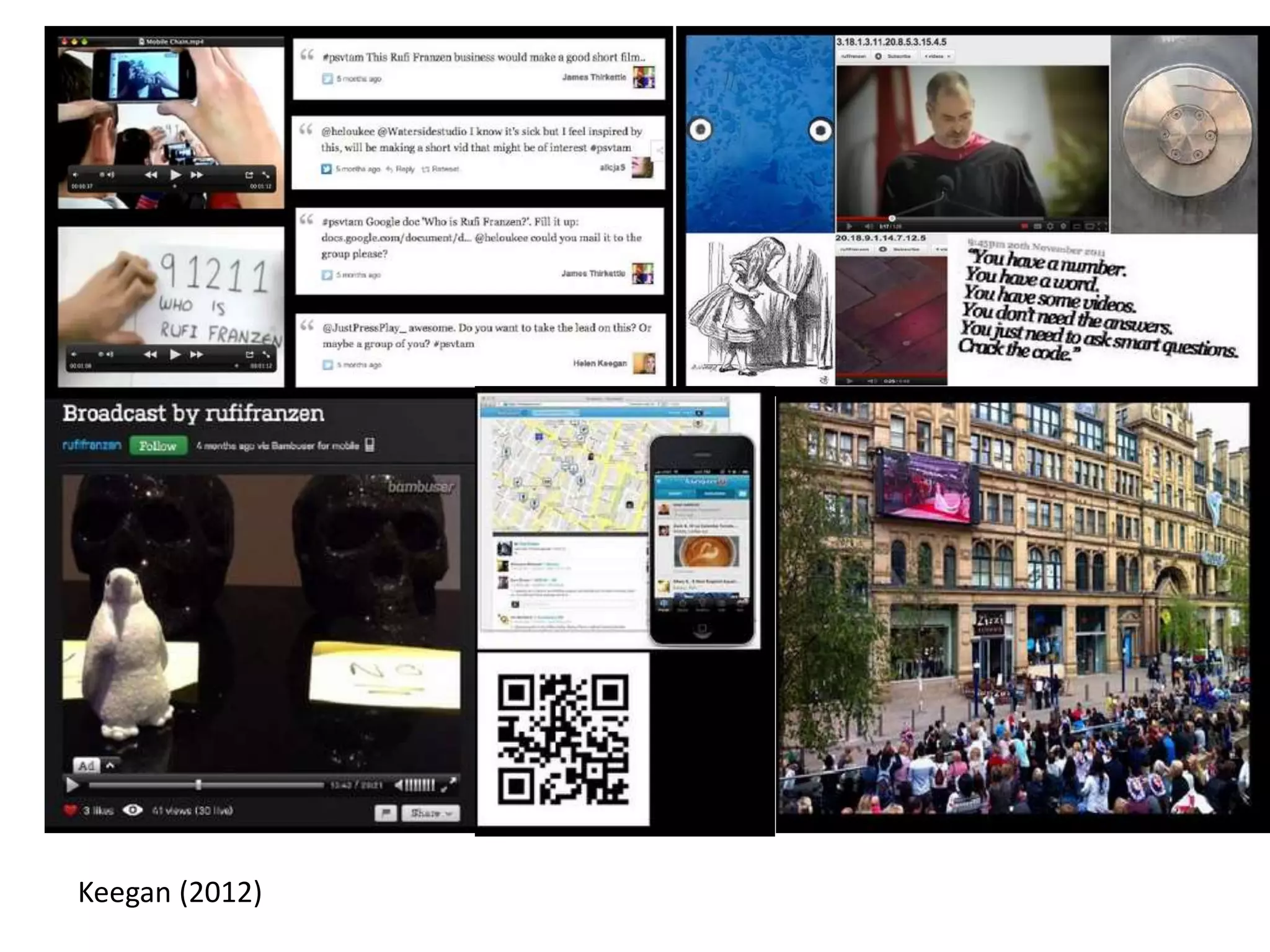
Keegan (2012)
Experiential Learning Cycle
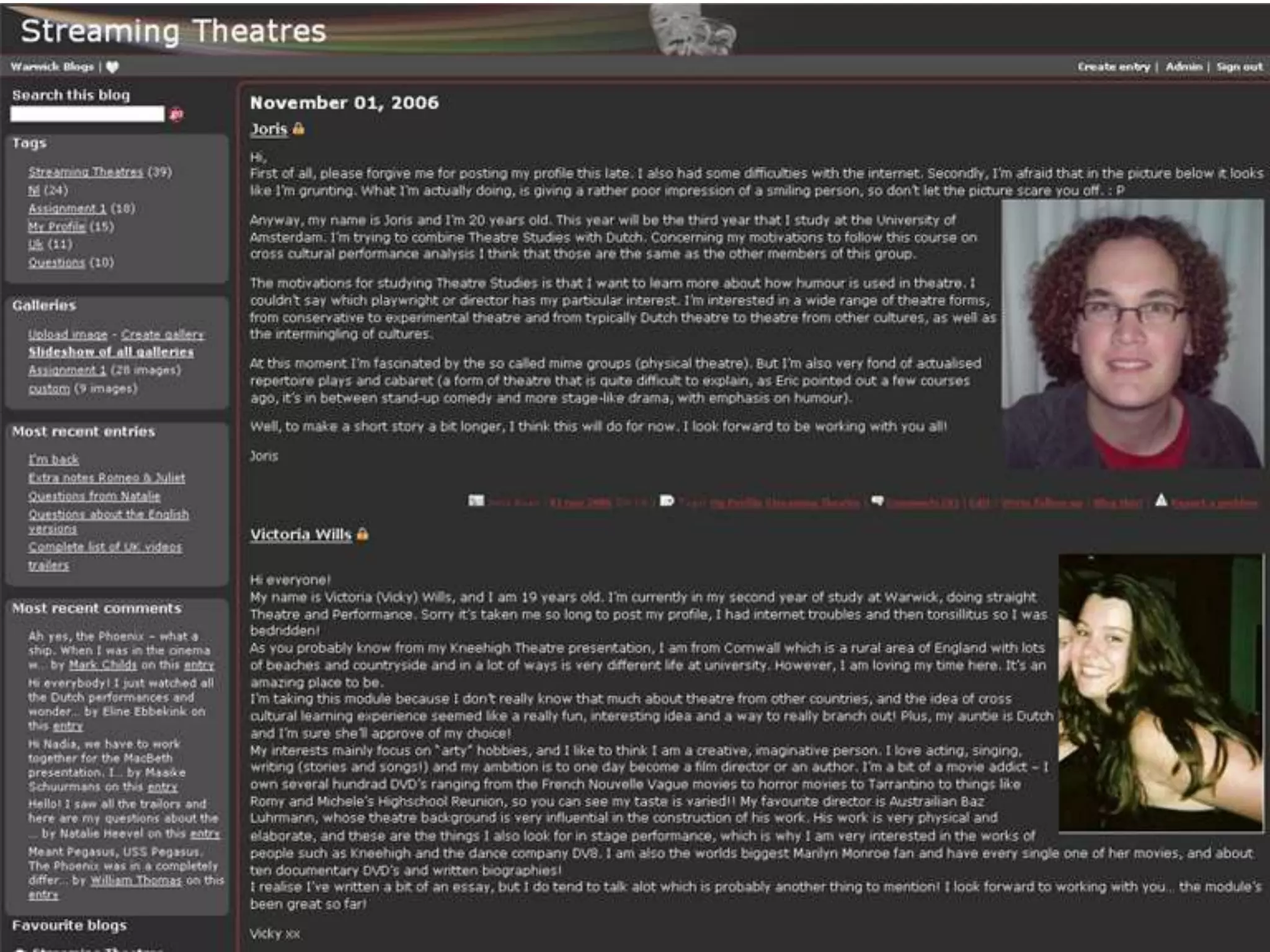
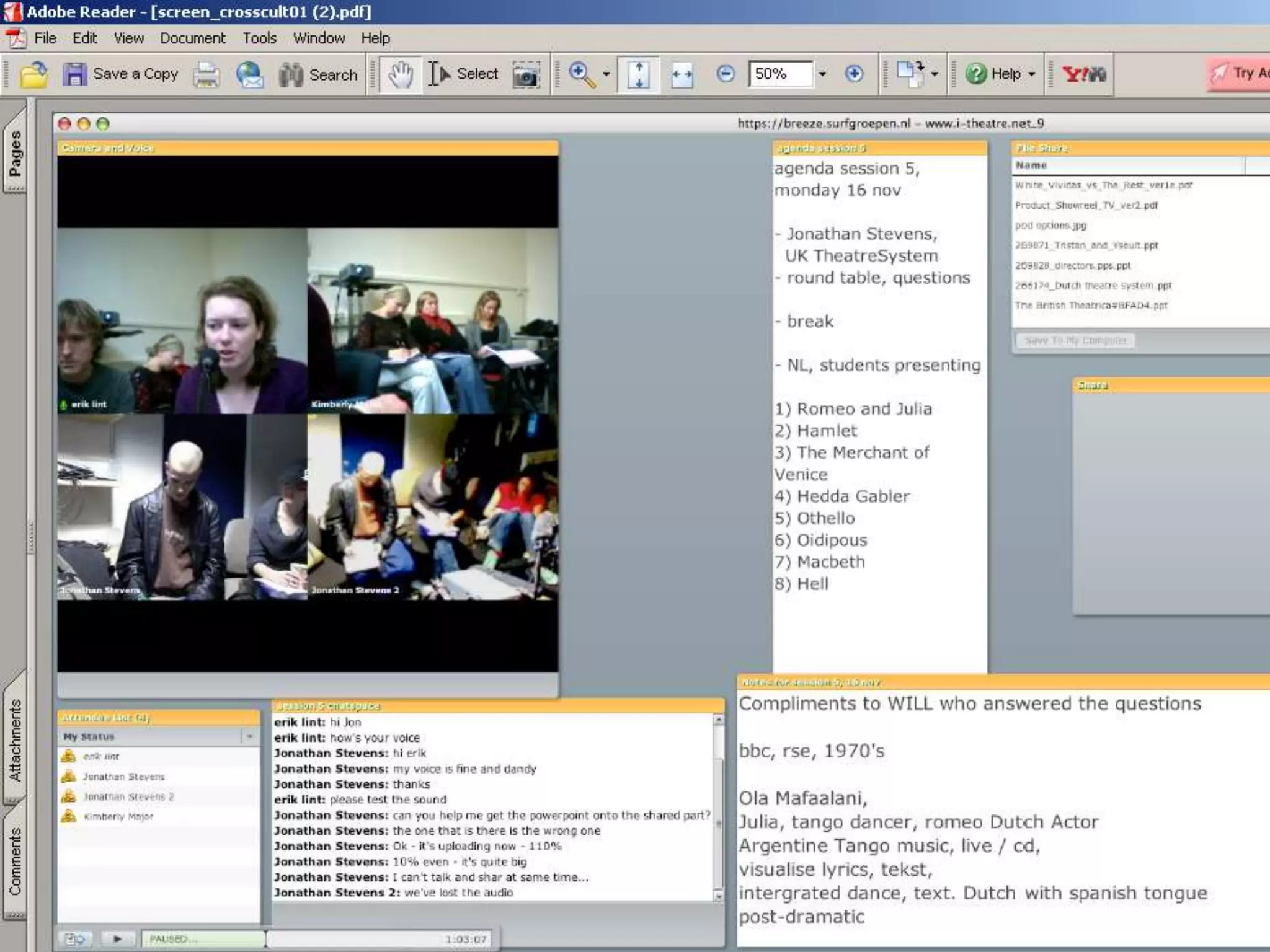
TEL and reflective observation
Supporting students’ reflection on learning
• Reflection in action – Tweeting
• Reflection on action – Blogging, social media
• Reflection in collaboration – discussion boards,
blogging communities
• Reflection synchronously – videoconference (Skype,
Collaborate), chatrooms, virtual worlds
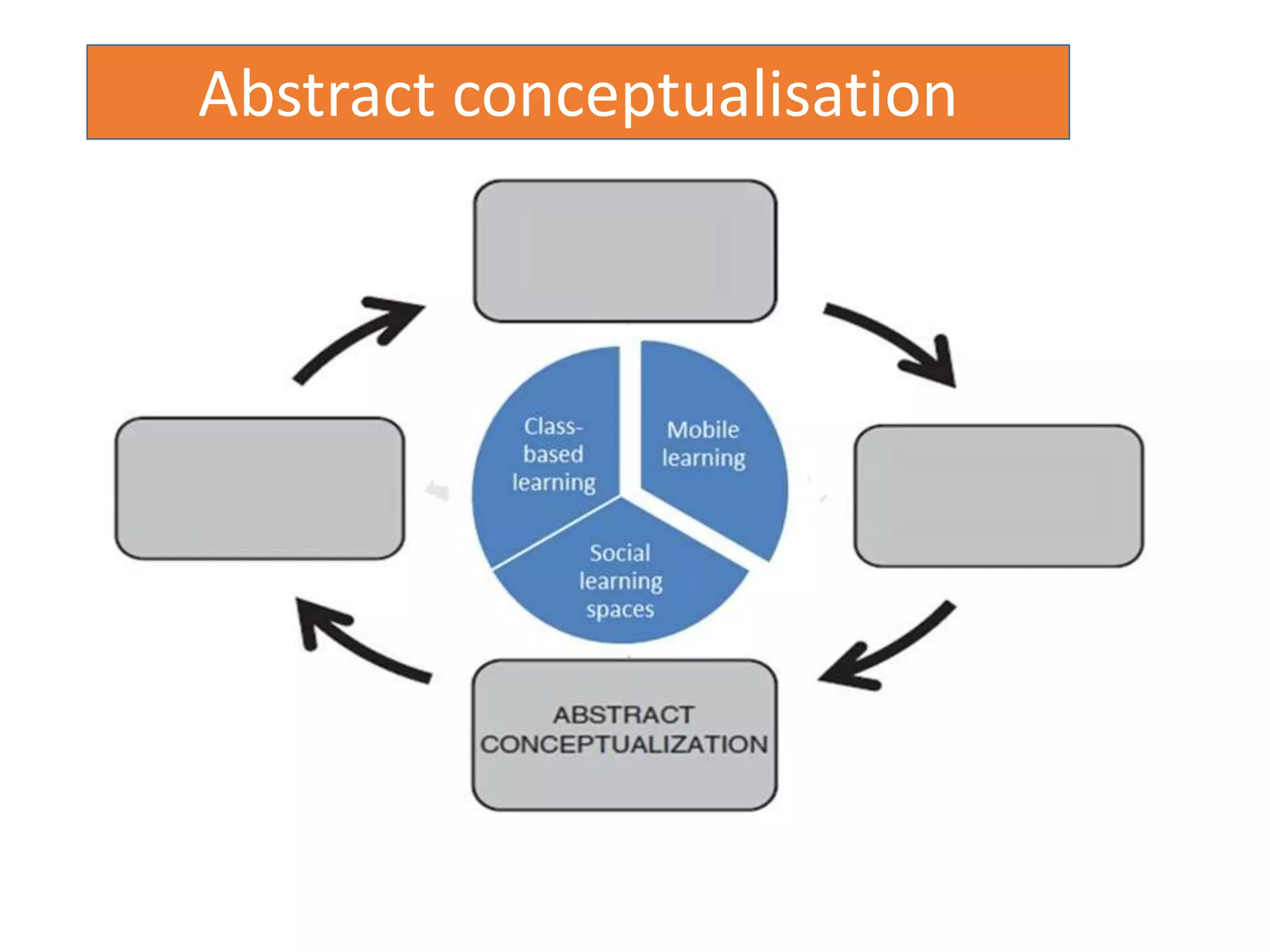
Abstract conceptualisation
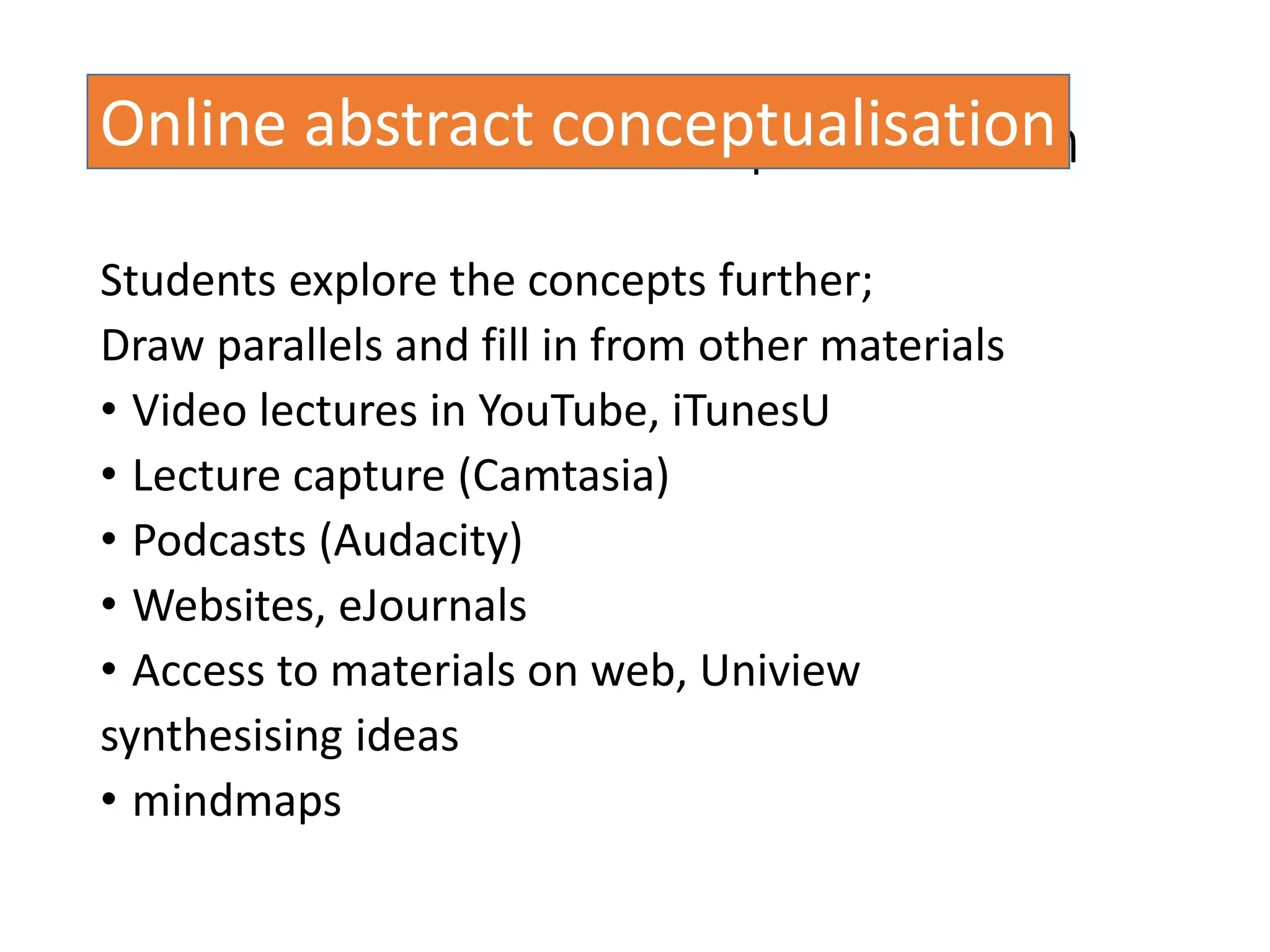
TEL and abstract conceptualisation
Students explore the concepts further;
Draw parallels and fill in from other materials
• Video lectures in YouTube, iTunesU
• Lecture capture (Camtasia)
• Podcasts (Audacity)
• Websites, eJournals
• Access to materials on web, Uniview
synthesising ideas
• mindmaps
Online abstract conceptualisation
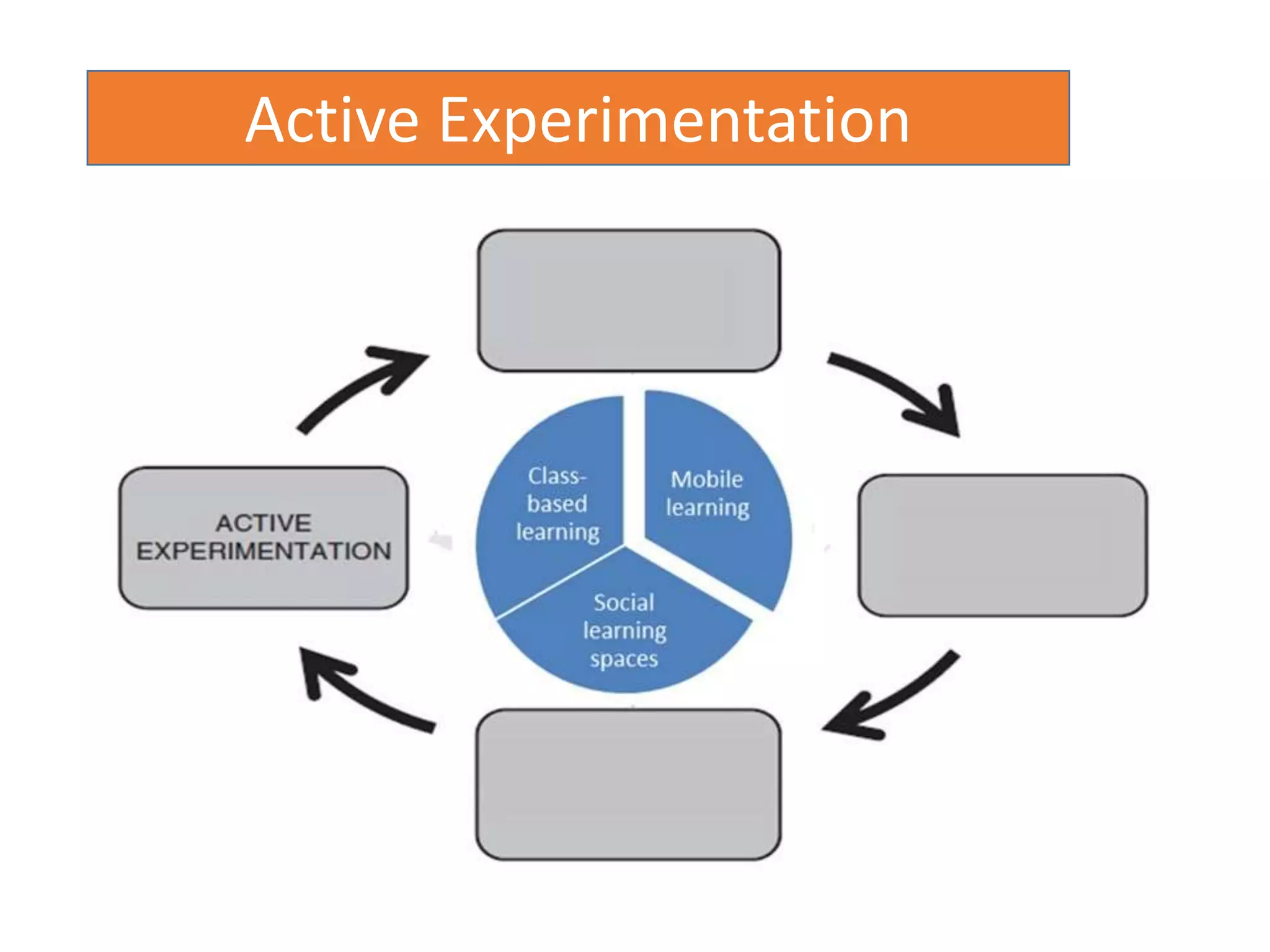
Active Experimentation
TEL and active experimentation
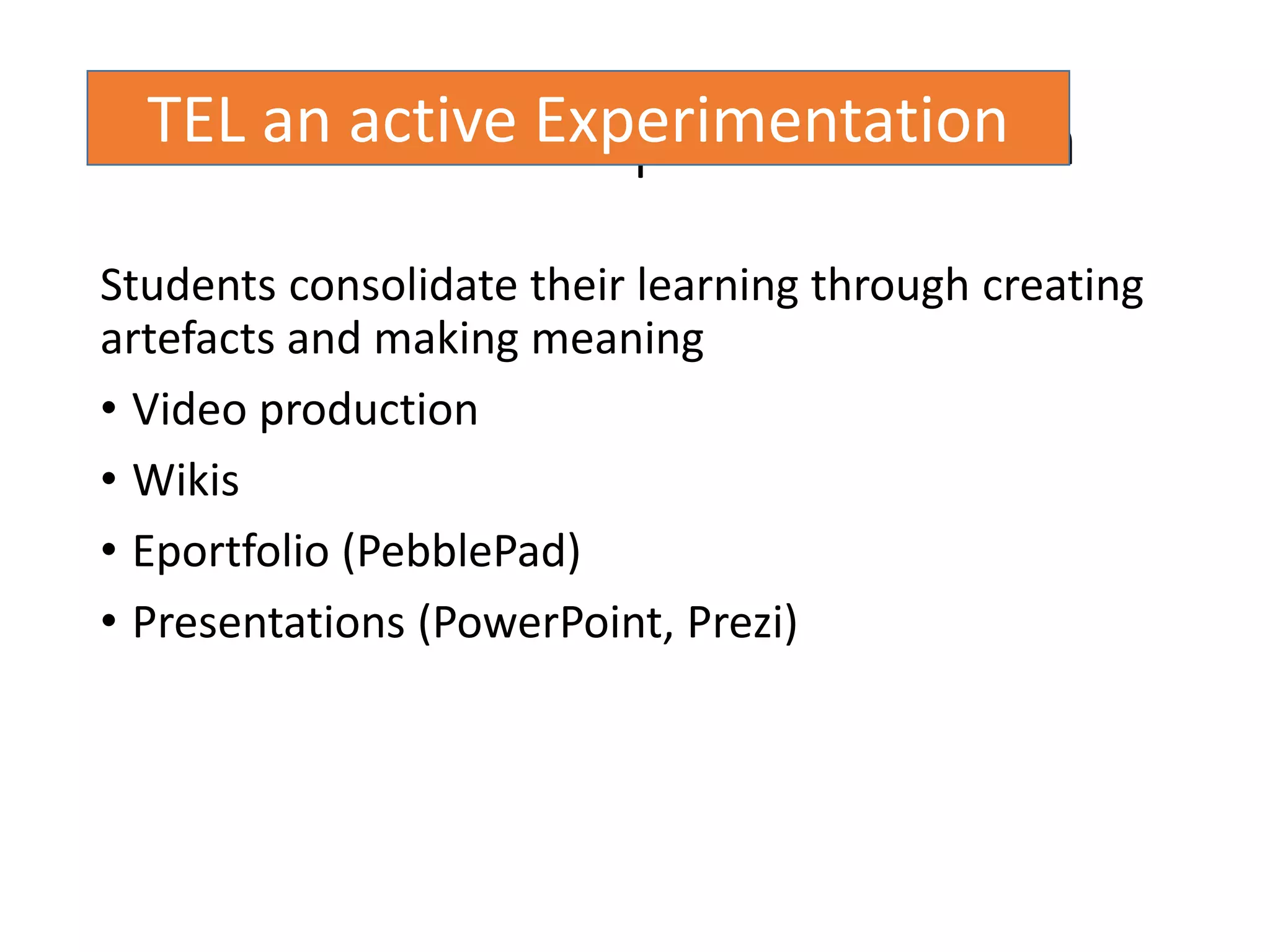
Students consolidate their learning through creating
artefacts and making meaning
• Video production
• Wikis
• Eportfolio (PebblePad)
• Presentations (PowerPoint, Prezi)
TEL an active Experimentation
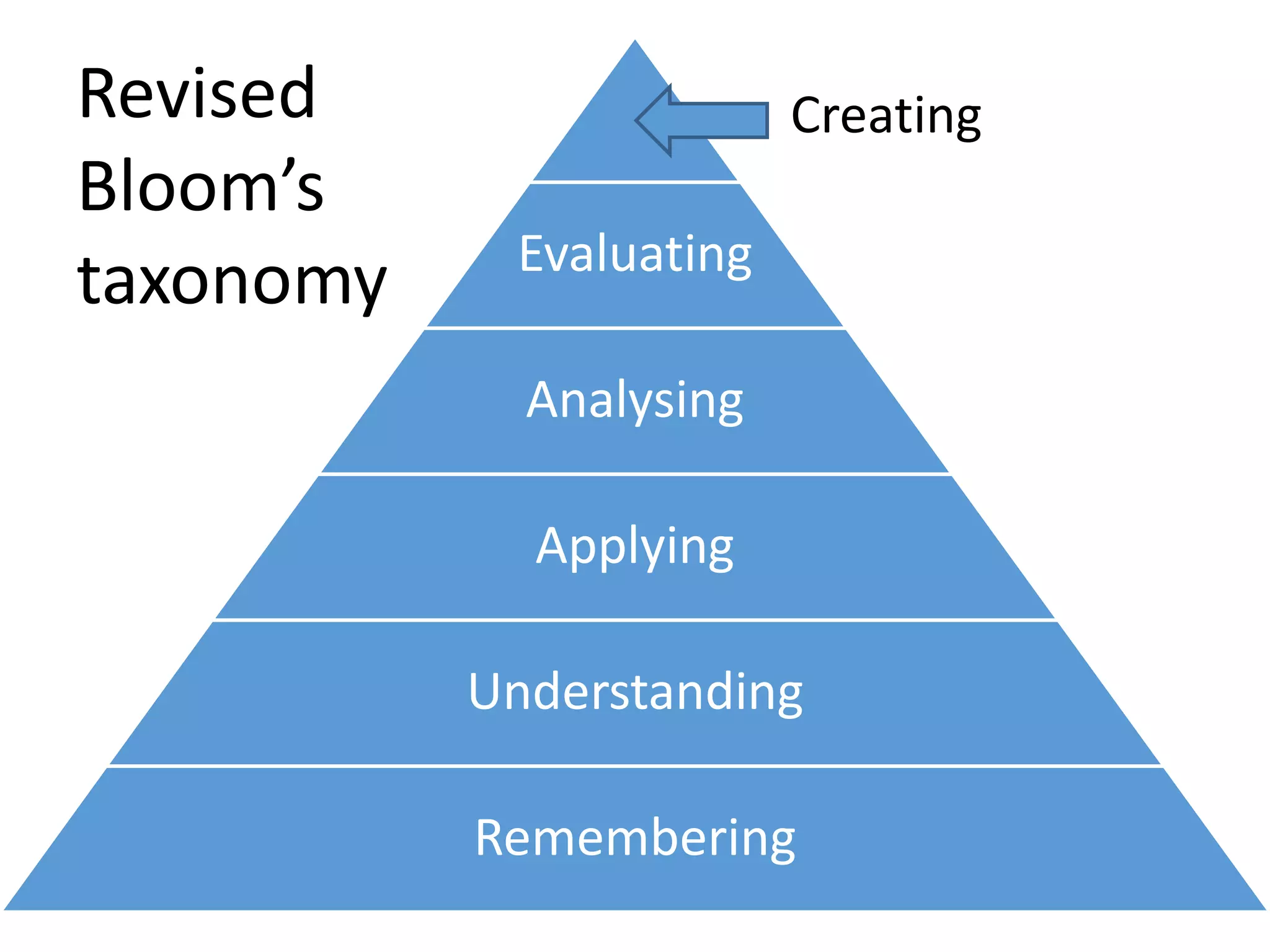
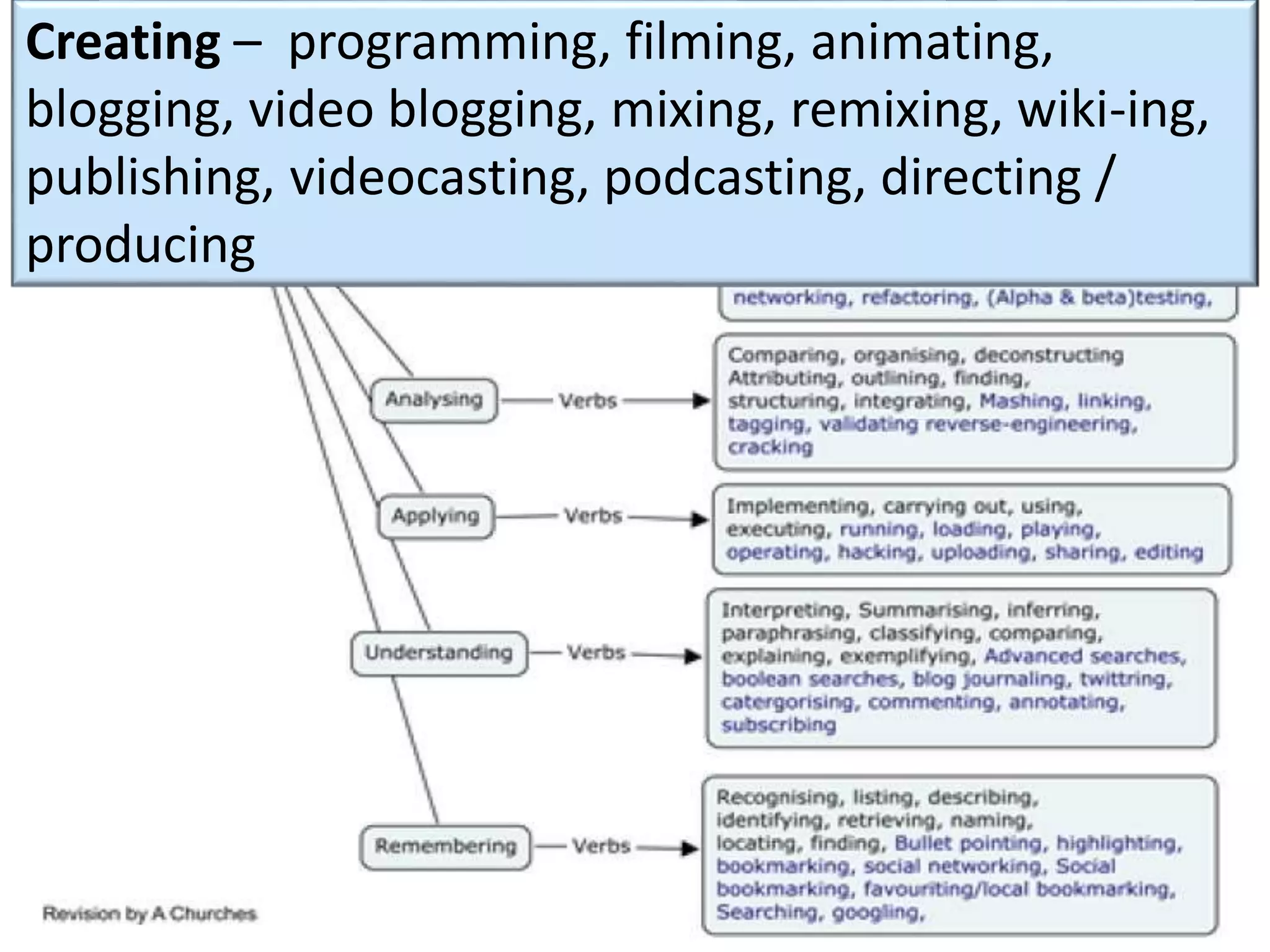
Evaluating
Analysing
Applying
Understanding
Remembering
CreatingRevised
Bloom’s
taxonomy
Making meaning
Making meaning
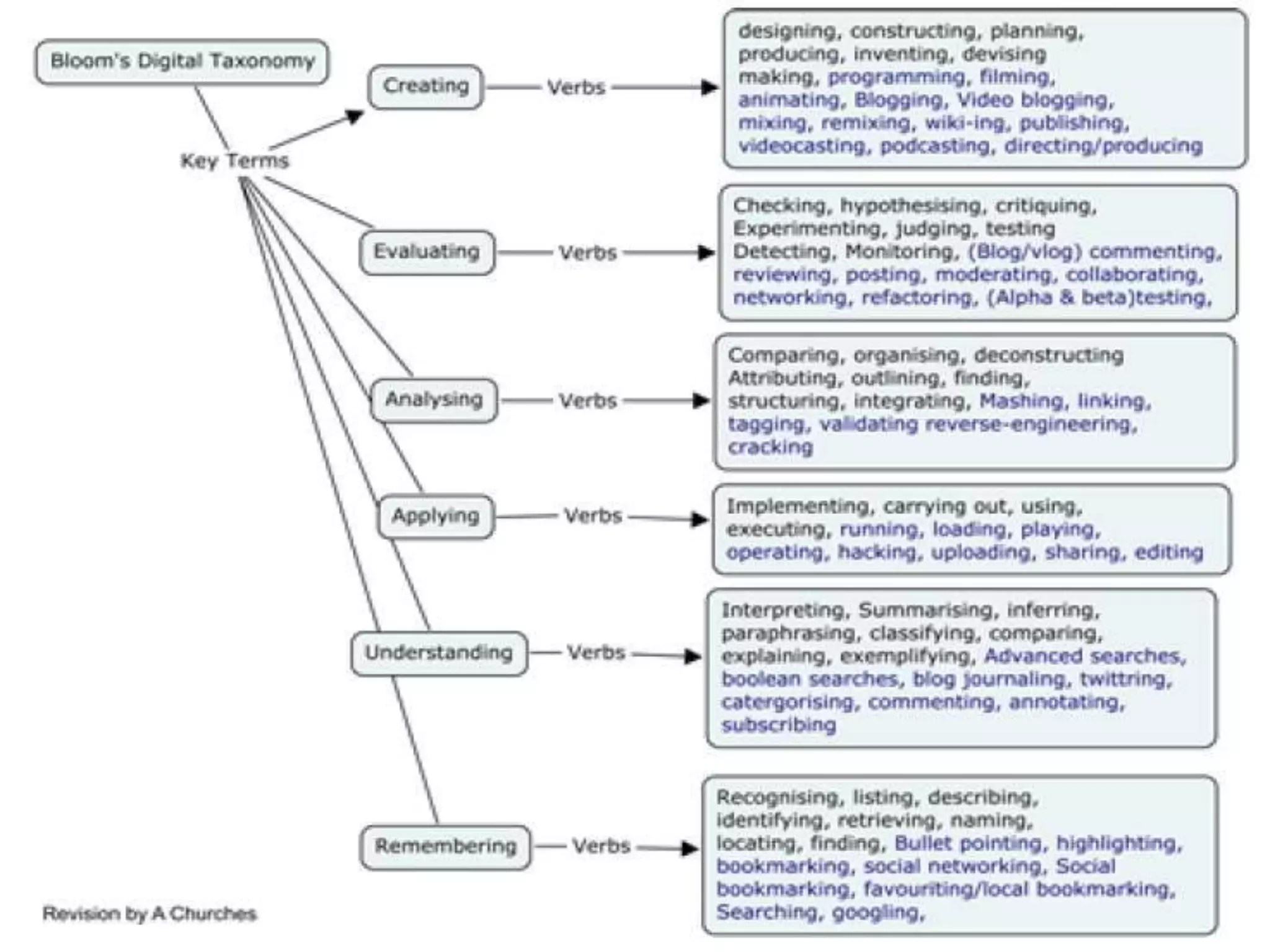
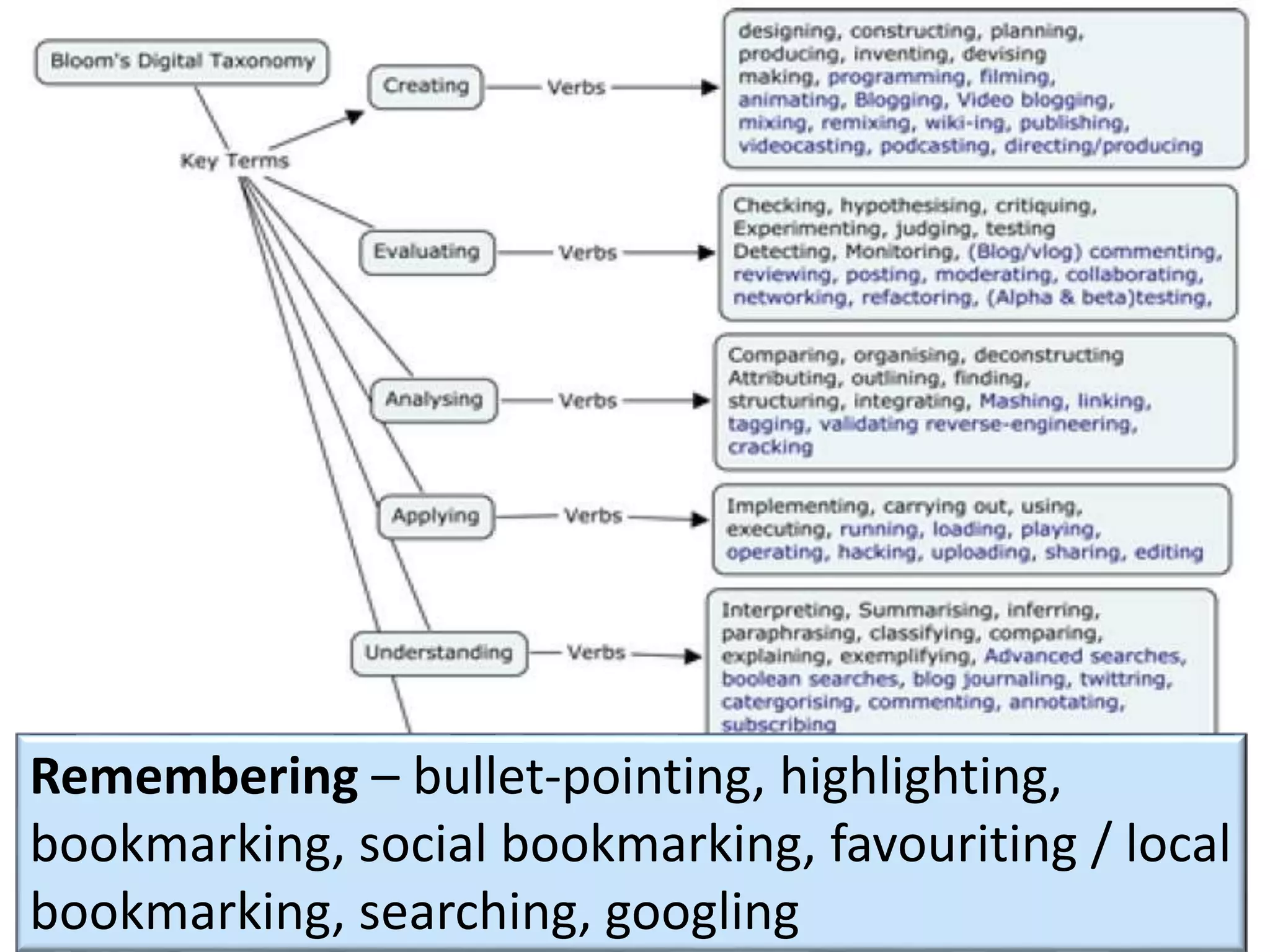
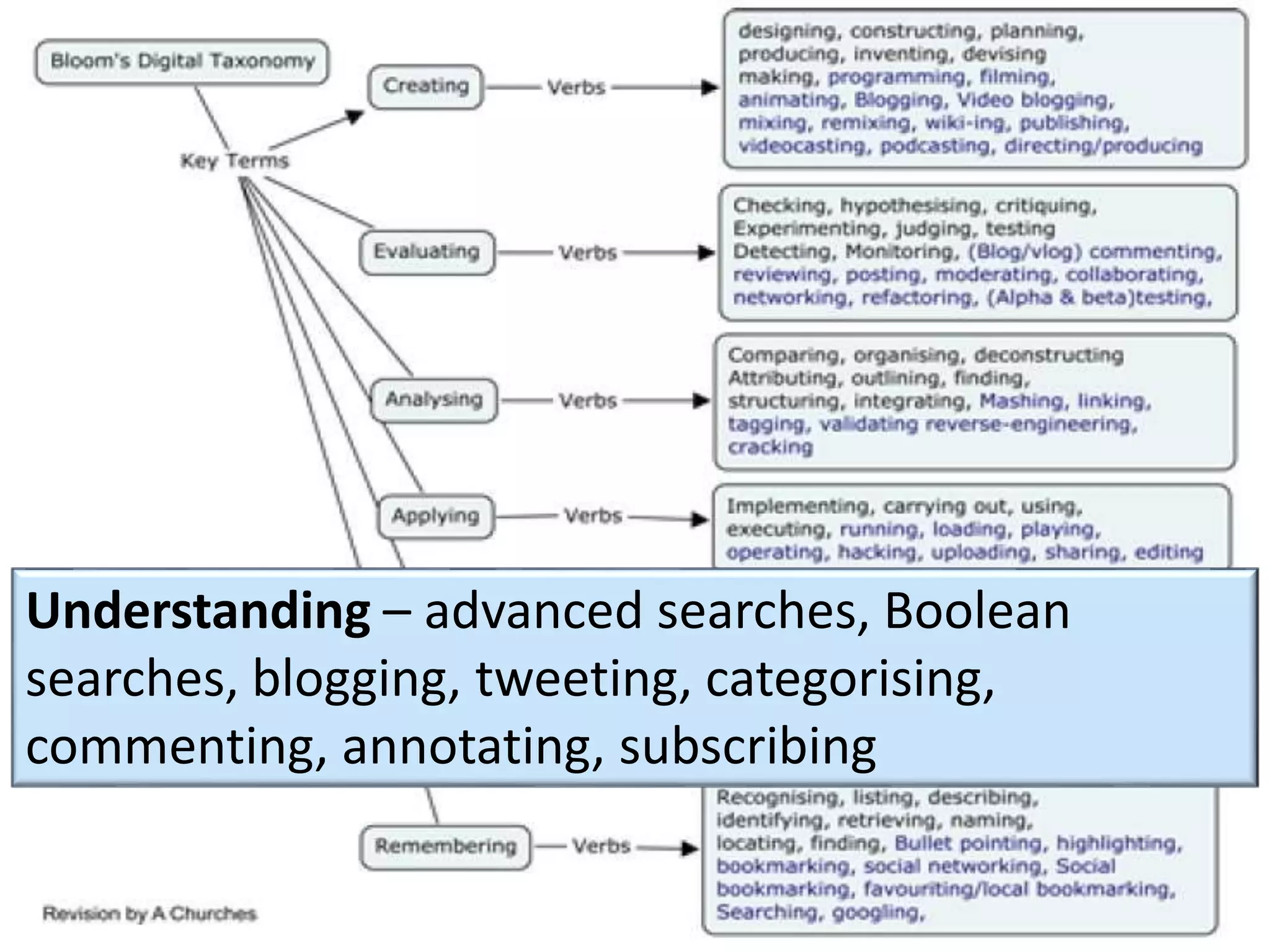
Remembering – bullet-pointing, highlighting,
bookmarking, social bookmarking, favouriting / local
bookmarking, searching, googling
Making meaning
Understanding – advanced searches, Boolean
searches, blogging, tweeting, categorising,
commenting, annotating, subscribing
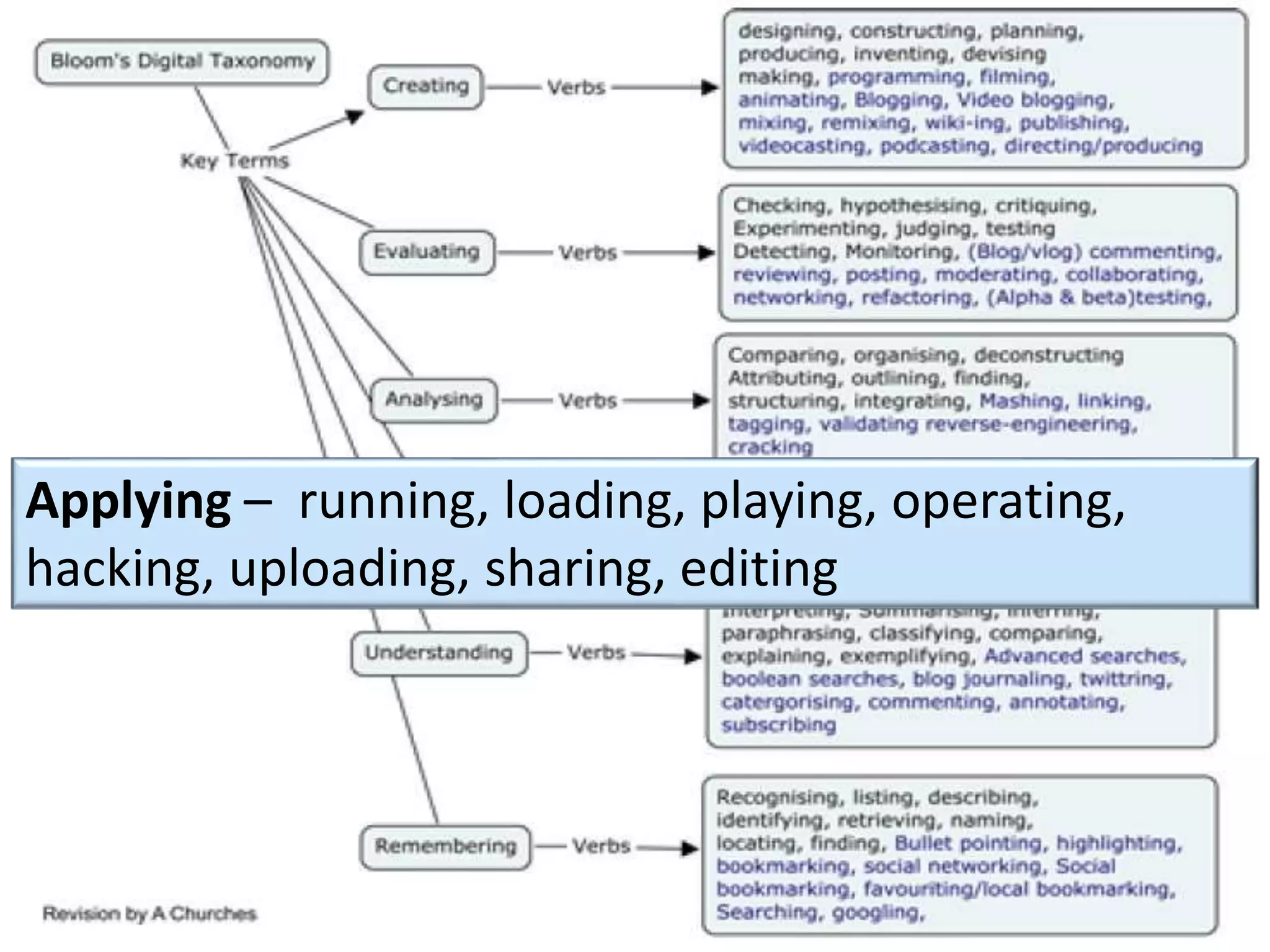
Making meaning
Applying – running, loading, playing, operating,
hacking, uploading, sharing, editing
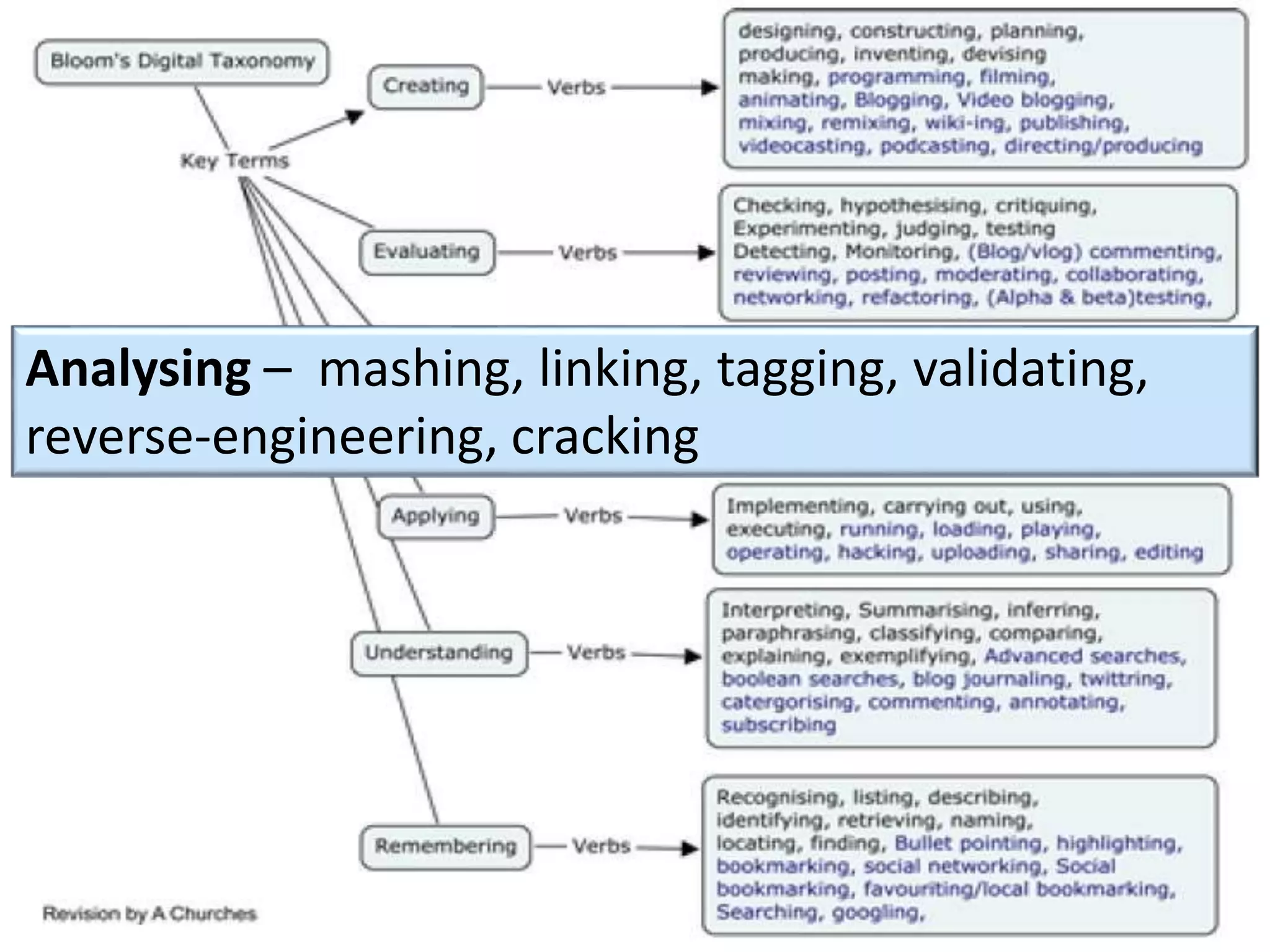
Making meaning
Analysing – mashing, linking, tagging, validating,
reverse-engineering, cracking
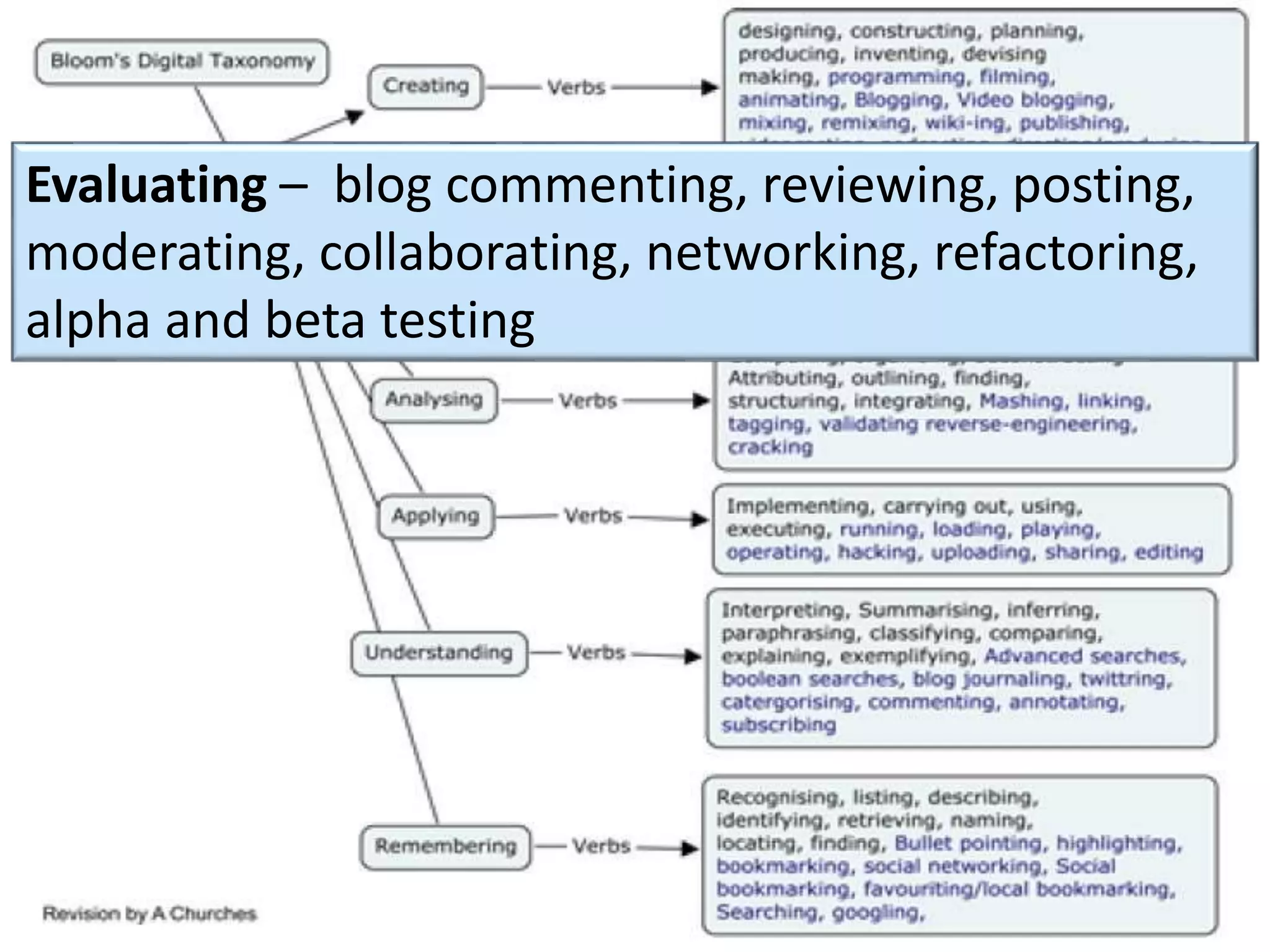
Making meaningEvaluating – blog commenting, reviewing, posting,
moderating, collaborating, networking, refactoring,
alpha and beta testing
Making meaning
Creating – programming, filming, animating,
blogging, video blogging, mixing, remixing, wiki-ing,
publishing, videocasting, podcasting, directing /
producing
Experiential Learning Cycle
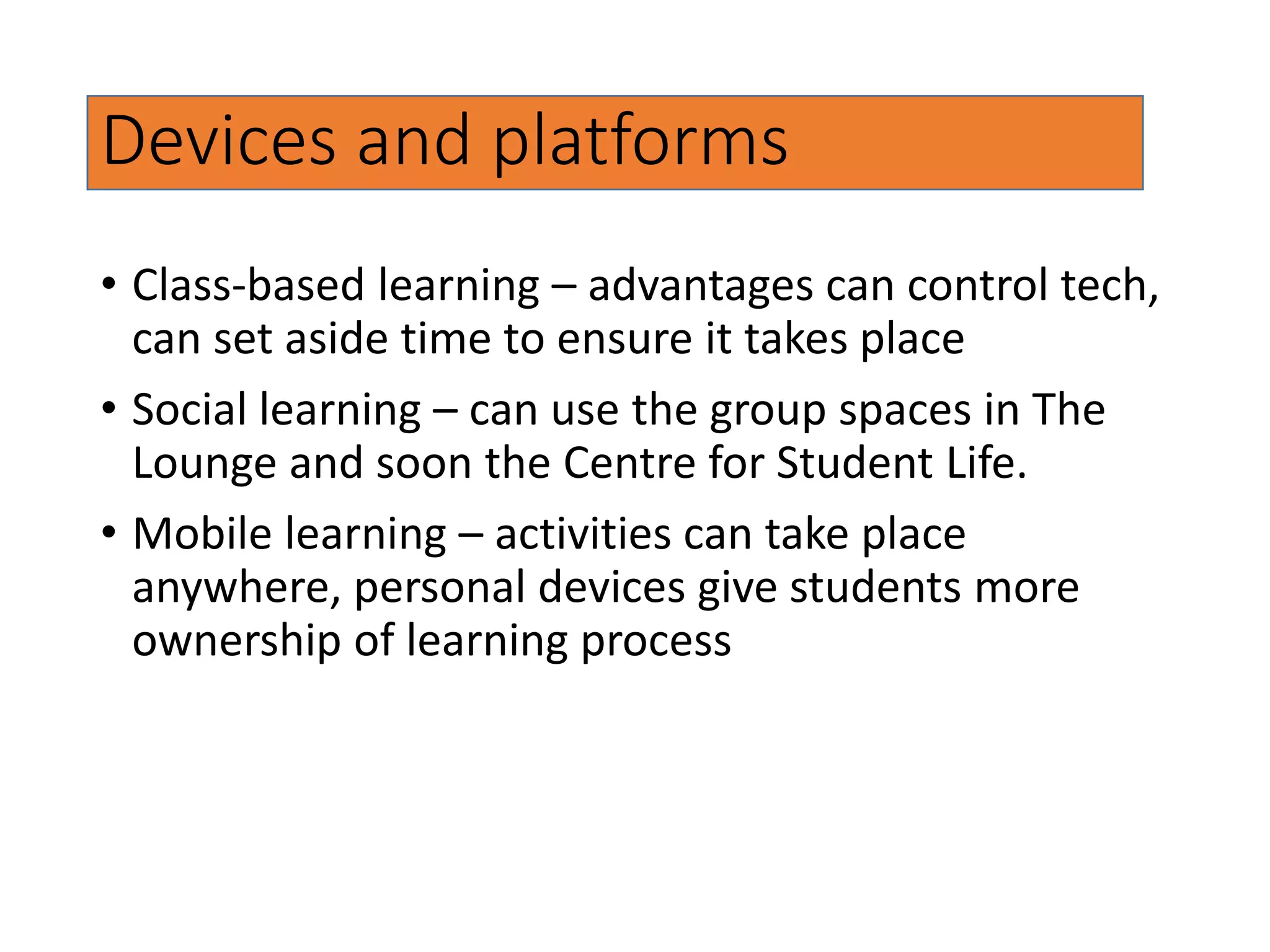
Devices and platforms
• Class-based learning – advantages can control tech,
can set aside time to ensure it takes place
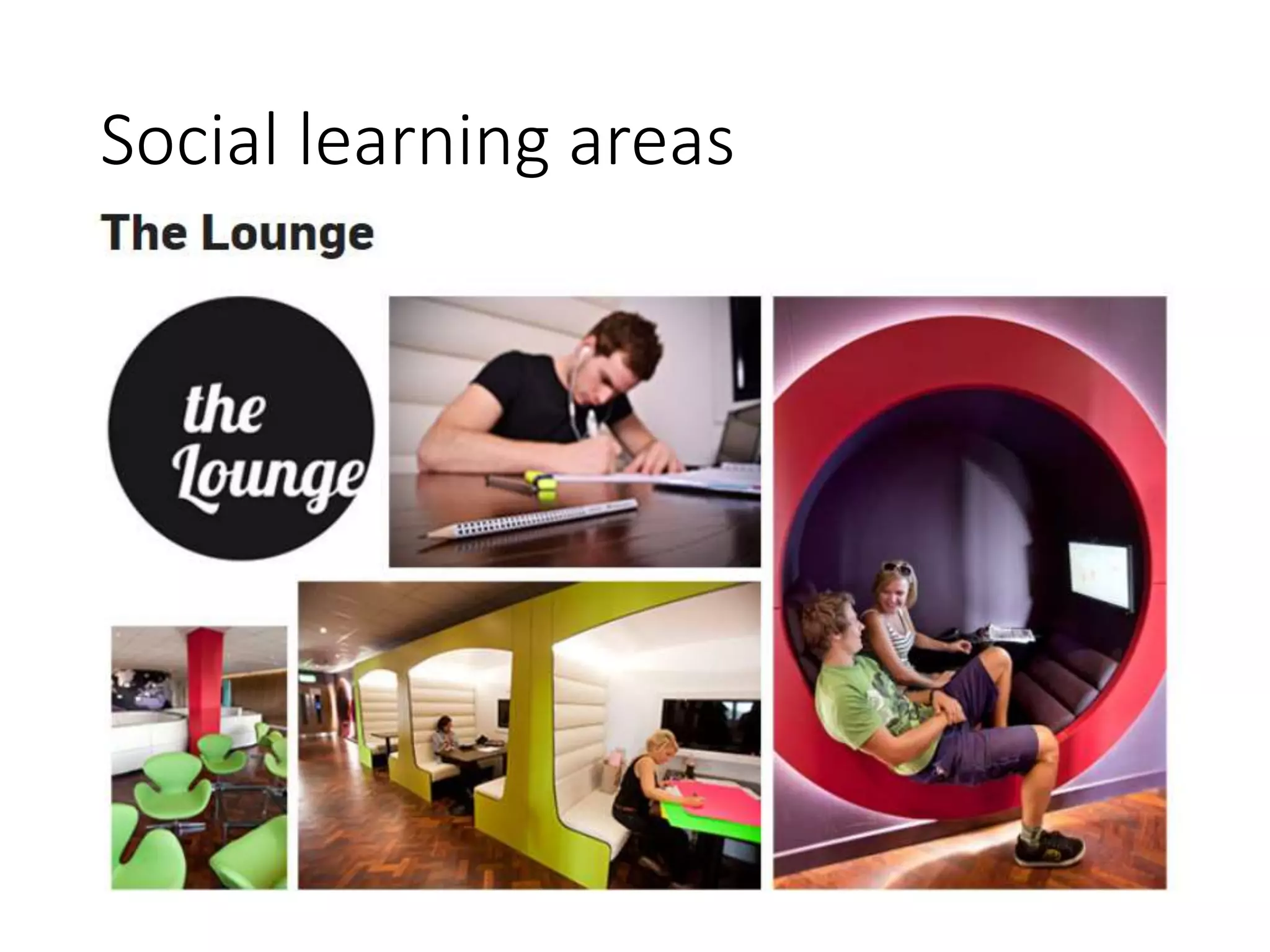
• Social learning – can use the group spaces in The
Lounge and soon the Centre for Student Life.
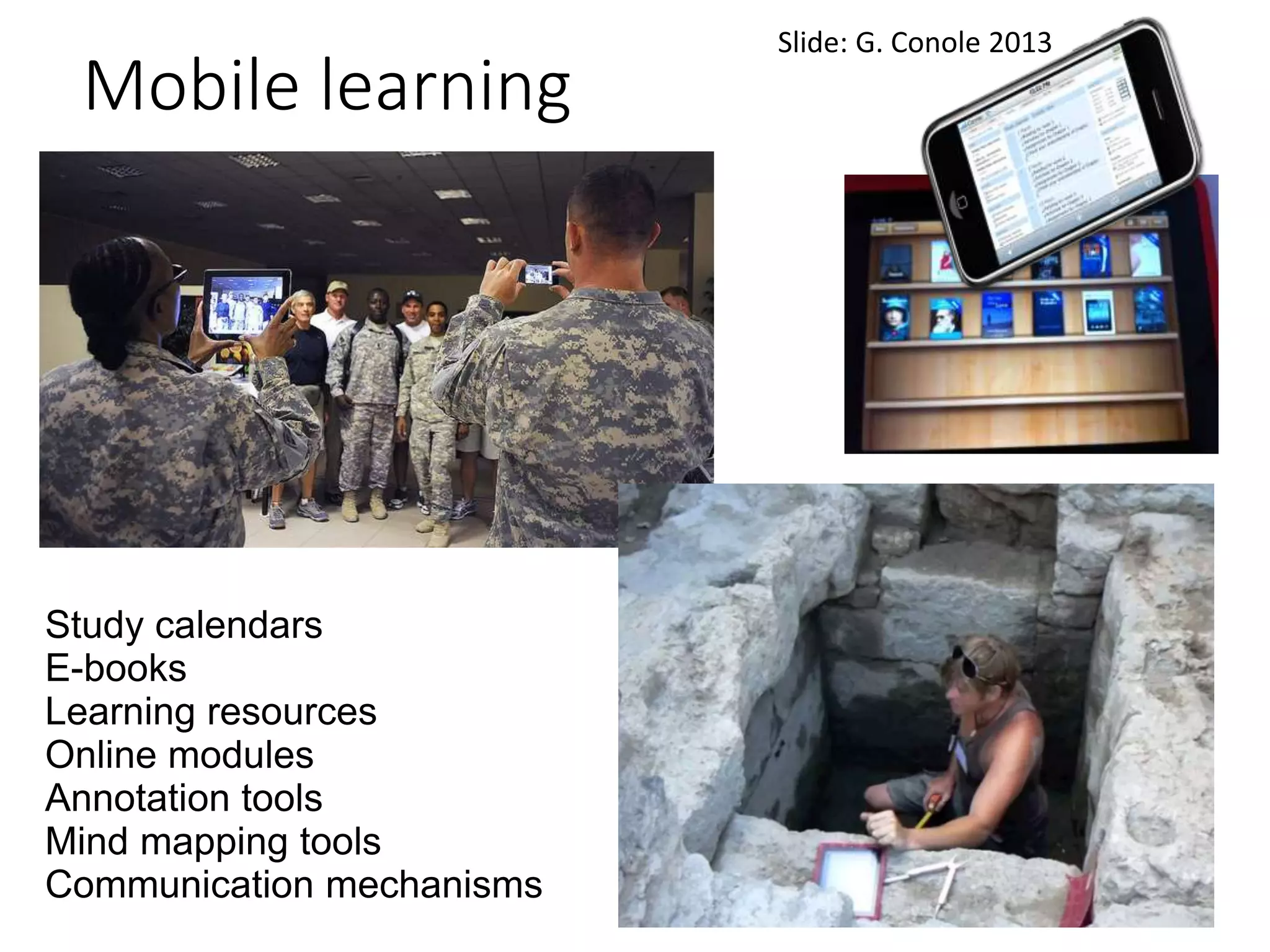
• Mobile learning – activities can take place
anywhere, personal devices give students more
ownership of learning process
Social learning areas
Study calendars
E-books
Learning resources
Online modules
Annotation tools
Mind mapping tools
Communication mechanisms
Mobile learning
Slide: G. Conole 2013
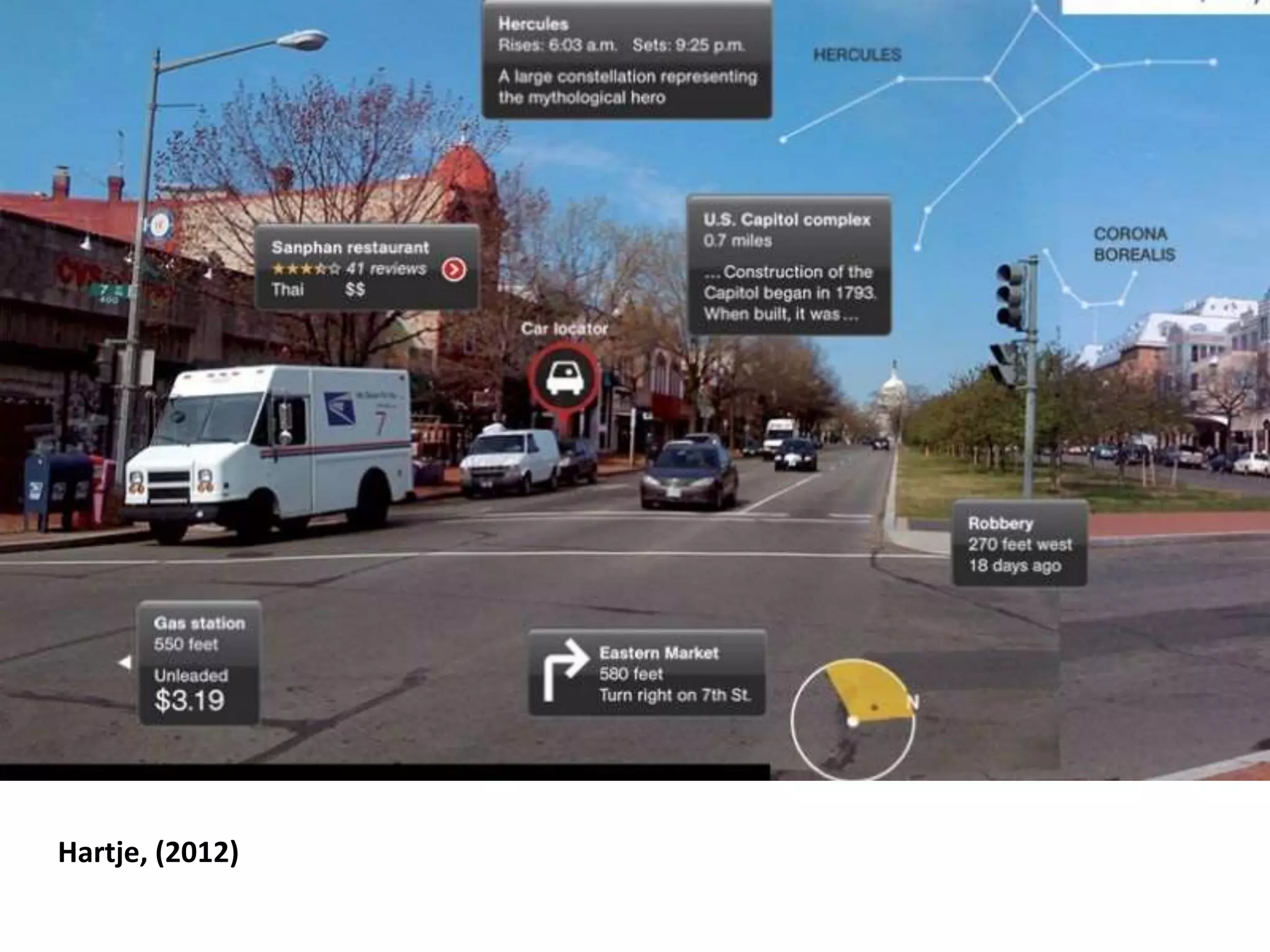
Hartje, (2012)
References
Adams, D.N. (1999) How to Stop Worrying and Learn to Love the
Internet, The Sunday Times, August 29th 1999.
http://www.douglasadams.com/dna/19990901-00-a.html
Ali, U. and Porter, A. (2011) What do students really want, JISC,
http://www.slideshare.net/JISC/what-do-students-really-
want
Churches, A. (2008) Bloom's Taxonomy Blooms Digitally, Tech &
Learning, 4th Jan, 2008
http://www.techlearning.com/studies-in-ed-
tech/0020/blooms-taxonomy-blooms-digitally/44988
Conole, G. (2013) Disruptive Learning, 2nd MobiLearn Asia
Conference, Singapore,
http://www.slideshare.net/GrainneConole/conole-
mobilearn
Hartje, Z. (2012) TLT Faculty Social: Augmented Reality Recap,
Innovative Technology for Innovative Instructors,
http://blogs.cofc.edu/tlt/2012/09/25/tlt-faculty-social-
augmented-reality-recap
Designing activities for online learning

Designing activities for online learning

  • 1.
    Designing Activities for OnlineLearning Mark Childs
  • 2.
    1. Students prefera choice in how they learn 2. Significant variations in levels of demand across the student population 3. High levels of demand for improved IT facilities – NSS results demonstrated this also this year. 4. Virtual Learning Environments to be used in an effective way – particularly for FE students. 5. International students, particular those from countries with highly developed technologies, expect ICT/e-learning in the UK Student demand Ali and Porter, 2011
  • 3.
    “Technology is aword that describes something that doesn’t work yet” – Douglas Adams (1999)
  • 4.
    Four Models ofLearning Design • Teaching Approaches • Experiential Learning Cycle • 5 stages model • Supporting online interaction
  • 5.
    Teaching Approaches • Mayes,T. and de Freitas, S. (2004). Review of e-learning frameworks, models and theories: JISC e-learning models desk study, JISC • Associative, transmission model, behaviourist, didactive • Situative, social learning, social constructivism • Cognitive, experiential learning, problem-based learning, constructivism, • Flipped classroom – gets away from idea of spending time in class just talking
  • 6.
    Technology StudentTeacher VLE Video lectures Web PowerPoint Animated graphics Webinars Screencapture (Camtasia, Captivate) iTunesU online module boxes UniView Transmission approach
  • 7.
    Technology StudentTeacher VLE TurnItIn Turning Point Quizzes forformative feedback Socrative Transmission approach
  • 8.
  • 9.
    Experiential Learning • Placesstudent activities at the core of the learning process • Forms a cycle of activities to consolidate learning effectively • First used by Lewin and based on the engineering concept of feedback (Kolb, 1984, 21)
  • 10.
  • 11.
  • 12.
    TEL and concreteexperience • Can TEL provide concrete experience? • What form can they take? • Simulations • Remote and virtual laboratories • Game-like environments • Work-based scenarios • Role play • Virtual worlds
  • 16.
  • 17.
  • 18.
    TEL and reflectiveobservation Supporting students’ reflection on learning • Reflection in action – Tweeting • Reflection on action – Blogging, social media • Reflection in collaboration – discussion boards, blogging communities • Reflection synchronously – videoconference (Skype, Collaborate), chatrooms, virtual worlds
  • 22.
  • 23.
    TEL and abstractconceptualisation Students explore the concepts further; Draw parallels and fill in from other materials • Video lectures in YouTube, iTunesU • Lecture capture (Camtasia) • Podcasts (Audacity) • Websites, eJournals • Access to materials on web, Uniview synthesising ideas • mindmaps Online abstract conceptualisation
  • 24.
  • 25.
    TEL and activeexperimentation Students consolidate their learning through creating artefacts and making meaning • Video production • Wikis • Eportfolio (PebblePad) • Presentations (PowerPoint, Prezi) TEL an active Experimentation
  • 26.
  • 27.
  • 28.
    Making meaning Remembering –bullet-pointing, highlighting, bookmarking, social bookmarking, favouriting / local bookmarking, searching, googling
  • 29.
    Making meaning Understanding –advanced searches, Boolean searches, blogging, tweeting, categorising, commenting, annotating, subscribing
  • 30.
    Making meaning Applying –running, loading, playing, operating, hacking, uploading, sharing, editing
  • 31.
    Making meaning Analysing –mashing, linking, tagging, validating, reverse-engineering, cracking
  • 32.
    Making meaningEvaluating –blog commenting, reviewing, posting, moderating, collaborating, networking, refactoring, alpha and beta testing
  • 33.
    Making meaning Creating –programming, filming, animating, blogging, video blogging, mixing, remixing, wiki-ing, publishing, videocasting, podcasting, directing / producing
  • 35.
  • 36.
    Devices and platforms •Class-based learning – advantages can control tech, can set aside time to ensure it takes place • Social learning – can use the group spaces in The Lounge and soon the Centre for Student Life. • Mobile learning – activities can take place anywhere, personal devices give students more ownership of learning process
  • 37.
  • 38.
    Study calendars E-books Learning resources Onlinemodules Annotation tools Mind mapping tools Communication mechanisms Mobile learning Slide: G. Conole 2013
  • 39.
  • 40.
    References Adams, D.N. (1999)How to Stop Worrying and Learn to Love the Internet, The Sunday Times, August 29th 1999. http://www.douglasadams.com/dna/19990901-00-a.html Ali, U. and Porter, A. (2011) What do students really want, JISC, http://www.slideshare.net/JISC/what-do-students-really- want Churches, A. (2008) Bloom's Taxonomy Blooms Digitally, Tech & Learning, 4th Jan, 2008 http://www.techlearning.com/studies-in-ed- tech/0020/blooms-taxonomy-blooms-digitally/44988 Conole, G. (2013) Disruptive Learning, 2nd MobiLearn Asia Conference, Singapore, http://www.slideshare.net/GrainneConole/conole- mobilearn Hartje, Z. (2012) TLT Faculty Social: Augmented Reality Recap, Innovative Technology for Innovative Instructors, http://blogs.cofc.edu/tlt/2012/09/25/tlt-faculty-social- augmented-reality-recap