NonprofitTech EssentialsOctober 20091
Tech EssentialsAdam Kingadam@npowermichigan.orgMark Shawmark@npowermichigan.org2
NPower’s MissionTo inspire and empower nonprofits to use technology to better serve their communities.3
Today’s SessionComputing TrendsTop Nonprofit Tech ResourcesThe Nonprofit Tech Essentials4
Computing Trends5
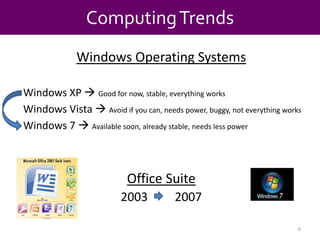
Computing TrendsWindows Operating SystemsWindows XP Good for now, stable, everything worksWindows Vista  Avoid if you can, needs power, buggy, not everything works Windows 7  Available soon, already stable, needs less power  Office Suite2003         20076
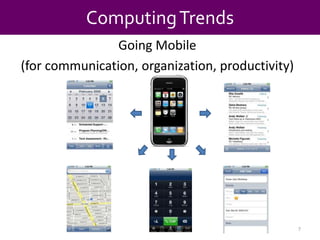
Computing TrendsGoing Mobile(for communication, organization, productivity)7
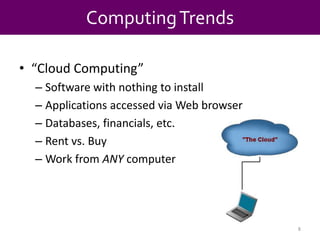
Computing Trends“Cloud Computing”Software with nothing to installApplications accessed via Web browserDatabases, financials, etc. Rent vs. BuyWork from ANY computer8
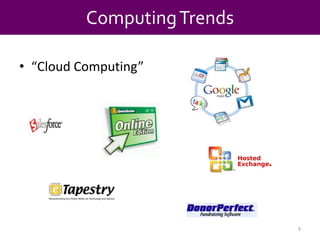
“Cloud Computing”Computing Trends9
Top Nonprofit Tech Resources10
Top Nonprofit Tech ResourcesTechSoup.org11
12
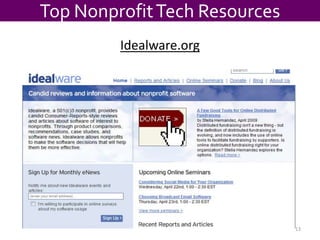
Top Nonprofit Tech ResourcesIdealware.org13
Top Nonprofit Tech ResourcesIdealware.org“Consumer Reports style” reviews and article on software packages that nonprofits useA Few Good…Constituent databasesOnline donation toolsE-newsletter toolsWebinarsChoosing a databaseOpen source software optionsEtc.14
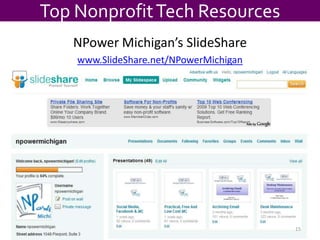
Top Nonprofit Tech ResourcesNPower Michigan’s SlideSharewww.SlideShare.net/NPowerMichigan15
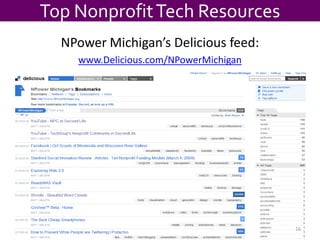
Top Nonprofit Tech ResourcesNPower Michigan’s Delicious feed:www.Delicious.com/NPowerMichigan16
Tech Checklist17
Computer18
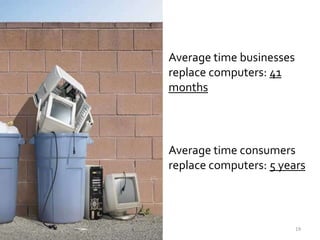
Average time businesses replace computers: 41 monthsAverage time consumers replace computers: 5 years19
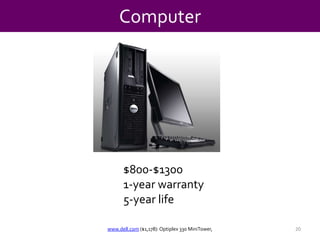
Computer$800-$13001-year warranty5-year lifewww.dell.com ($1,178): Optiplex 330 MiniTower,20
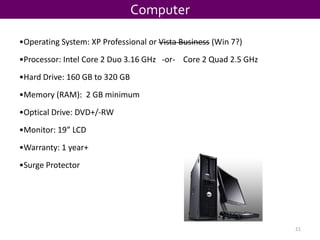
ComputerOperating System: XP Professional or Vista Business (Win 7?)
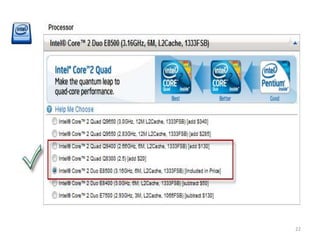
Processor: Intel Core 2 Duo 3.16 GHz   -or-    Core 2 Quad 2.5 GHz
Hard Drive: 160 GB to 320 GB
Memory (RAM):  2 GB minimum
Optical Drive: DVD+/-RW
Monitor: 19” LCD
Warranty: 1 year+
Surge Protector21
22
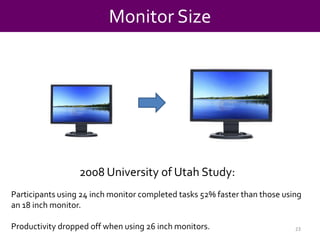
Monitor Size2008 University of Utah Study:Participants using 24 inch monitor completed tasks 52% faster than those using an 18 inch monitor.Productivity dropped off when using 26 inch monitors.23
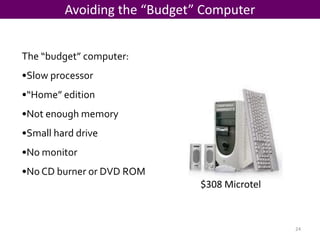
Avoiding the “Budget” ComputerThe “budget” computer:Slow processor
“Home” edition
Not enough memory
Small hard drive
No monitor
No CD burner or DVD ROM$308 Microtel24
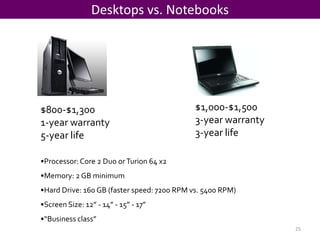
Desktops vs. Notebooks$1,000-$1,5003-year warranty3-year life$800-$1,3001-year warranty5-year lifeProcessor: Core 2 Duo or Turion 64 x2
Memory: 2 GB minimum
Hard Drive: 160 GB (faster speed: 7200 RPM vs. 5400 RPM)
Screen Size: 12” - 14” - 15” - 17”
“Business class”25
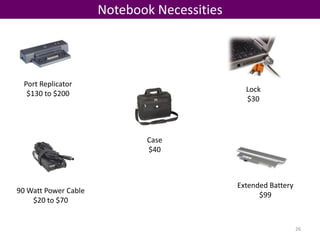
Notebook NecessitiesPort Replicator$130 to $200Lock$30 Case$40 Extended Battery$9990 Watt Power Cable$20 to $7026
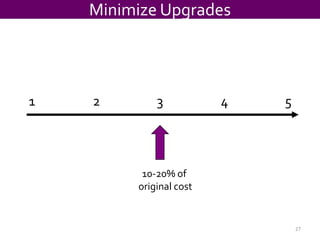
Minimize Upgrades1		2		3		4		510-20% of original cost27
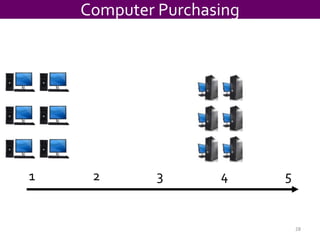
Computer Purchasing1		2		3		4		528
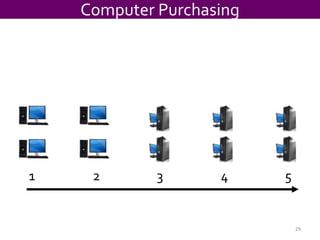
Computer Purchasing1		2		3		4		529
Internet & Infrastructure30
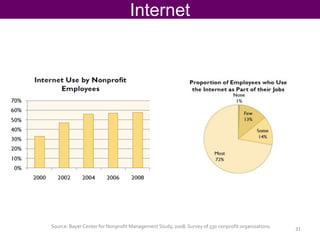
InternetSource: Bayer Center for Nonprofit Management Study, 2008. Survey of 330 nonprofit organizations.31
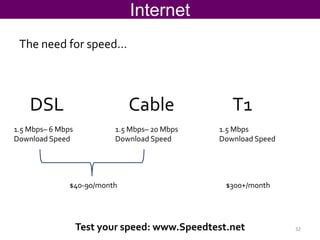
InternetThe need for speed…DSL CableT11.5 Mbps– 6 MbpsDownload Speed1.5 Mbps– 20 MbpsDownload Speed1.5 MbpsDownload Speed$40-90/month$300+/monthTest your speed: www.Speedtest.net32
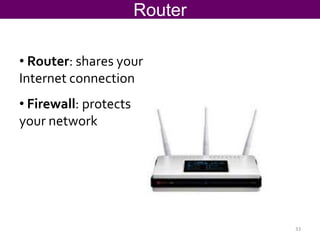
Router Router: shares your Internet connection
Firewall: protects your network33
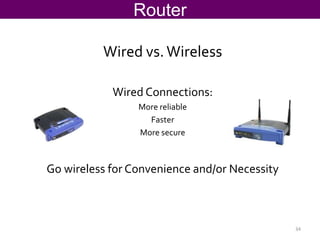
RouterWired vs. WirelessWired Connections:More reliable FasterMore secureGo wireless for Convenience and/or Necessity34
BackupScary Statistics:A computer hard drive fails every 15 seconds
Over 2000 laptops are stolen or lost everyday
1 in 5 computers suffer hard drive failure during their normal useful life
Eventually, 100% of all hard drives will failSource: Realty Times35
Backup36
BackupOnline BackupProsAutomatic
Offsite
Versioning
Affordable optionConsRelies on your Internet connection
Recurring feehttp://www.jungledisk.comhttp://www.mozypro.com15¢ per GB$3.95 + $0.50/GB per month37
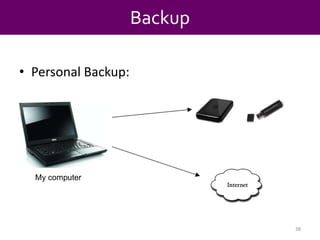
BackupPersonal Backup:My computer38
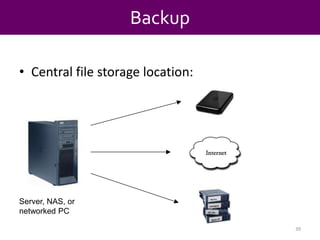
BackupCentral file storage location:Server, NAS, or networked PC39
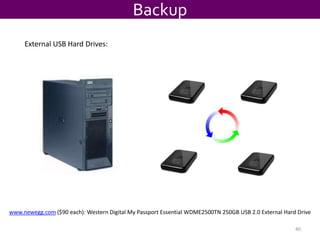
BackupExternal USB Hard Drives:www.newegg.com($90 each): Western Digital My Passport Essential WDME2500TN 250GB USB 2.0 External Hard Drive40
Printing41
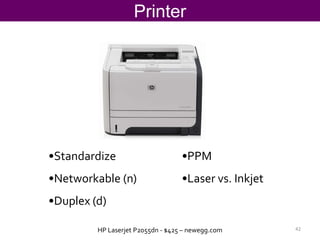
PrinterStandardize
Networkable (n)
Duplex (d)
PPM
Laser vs. InkjetHP Laserjet P2055dn - $425 – newegg.com42
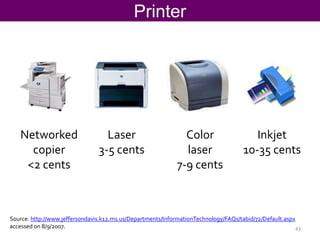
PrinterLaser3-5 centsInkjet10-35 centsNetworkedcopier<2 centsColorlaser7-9 centsSource: http://www.jeffersondavis.k12.ms.us/Departments/InformationTechnology/FAQs/tabid/72/Default.aspxaccessed on 8/9/2007.43
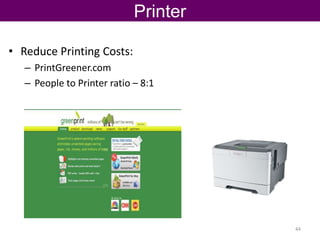
PrinterReduce Printing Costs:PrintGreener.comPeople to Printer ratio – 8:144
Voice & Phone Systems45
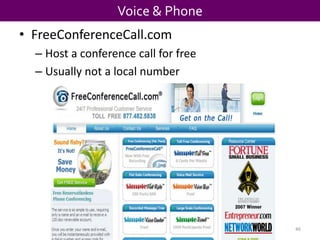
Voice & PhoneFreeConferenceCall.comHost a conference call for freeUsually not a local number46
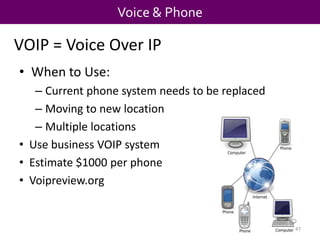
Voice & PhoneVOIP = Voice Over IPWhen to Use:
Current phone system needs to be replaced
Moving to new location
Multiple locations
Use business VOIP system
Estimate $1000 per phone
Voipreview.org47
Voice & Phone800-Goog-411Free directory assistance vs. calling information (up to $1.99 per call)No residential connections48
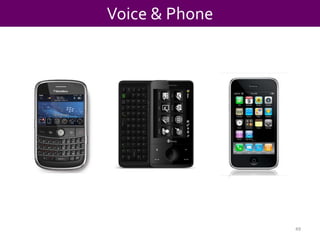
Voice & Phone49
Voice & PhoneWhy Smartphone?Email anywhereFaster schedulingTask management (“to dos”)Address book always availableLook up information / searchDirections50
Office Software51
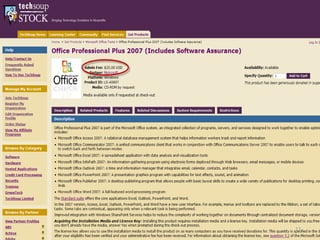
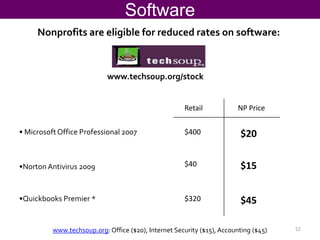
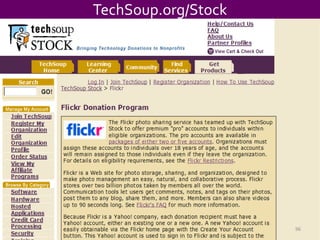
SoftwareNonprofits are eligible for reduced rates on software:www.techsoup.org/stockRetailNP Price Microsoft Office Professional 2007$400$20$40$15Norton Antivirus 2009
Quickbooks Premier *$45$320www.techsoup.org: Office ($20), Internet Security ($15), Accounting ($45)52
Collaboration Systems53
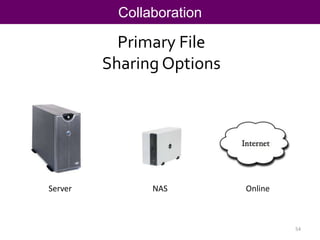
CollaborationPrimary File Sharing OptionsServerNASOnline54
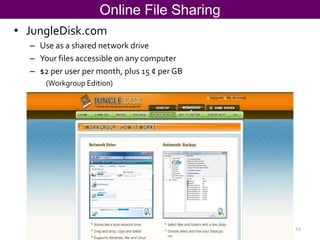
Online File SharingJungleDisk.comUse as a shared network driveYour files accessible on any computer $2 per user per month, plus 15 ¢ per GB(Workgroup Edition)55

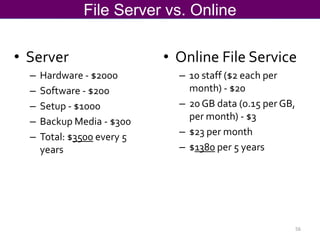
File Server vs. OnlineServer
Hardware - $2000
Software - $200
Setup - $1000
Backup Media - $300
Total: $3500 every 5 years
Online File Service

10 staff ($2 each per month) - $20
20 GB data (0.15 per GB, per month) - $3
$23 per month
$1380 per 5 years56
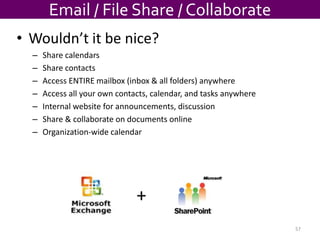
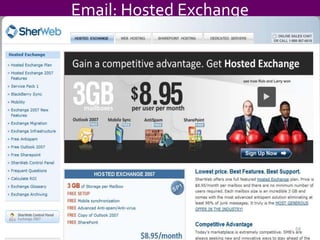
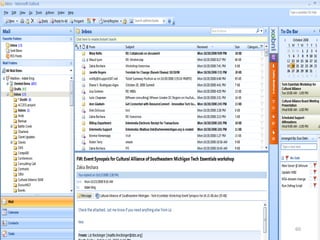
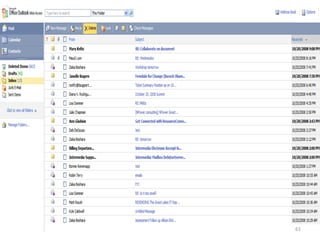
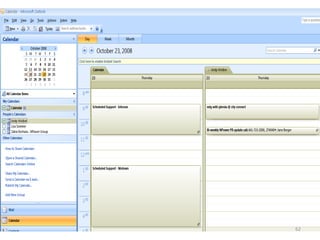
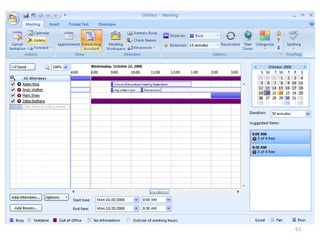
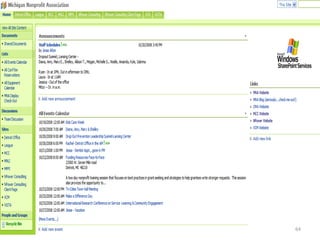
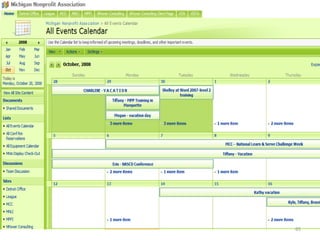
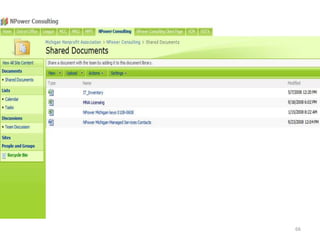
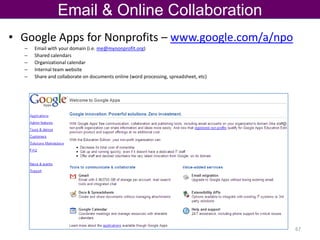
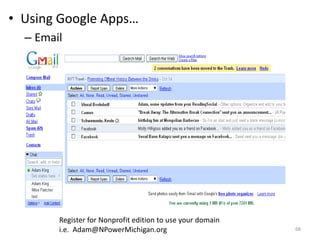
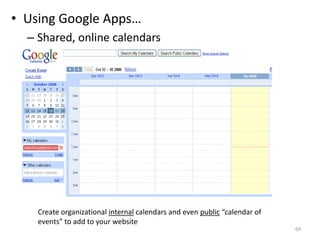
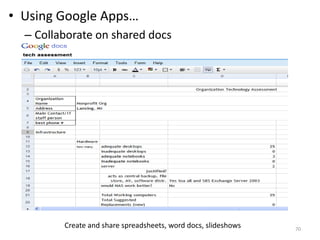
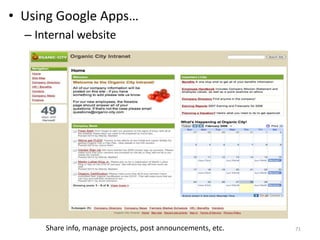
Email / File Share / CollaborateWouldn’t it be nice?Share calendarsShare contactsAccess ENTIRE mailbox (inbox & all folders) anywhereAccess all your own contacts, calendar, and tasks anywhereInternal website for announcements, discussionShare & collaborate on documents onlineOrganization-wide calendar+57
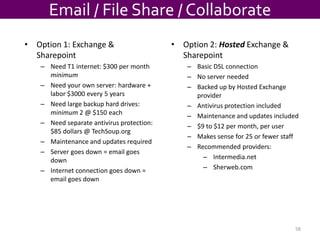
Email / File Share / CollaborateOption 1: Exchange & Sharepoint
Need T1 internet: $300 per month minimum
Need your own server: hardware + labor $3000 every 5 years
Need large backup hard drives: minimum 2 @ $150 each

Tech Essentials Webinar

Editor's Notes

  • #39 If you are in charge of your own backup either at home of in the office…