

Tips for the Accidental TechieWelcome! Mark ShawConsulting ManagerPresentermark@mnaonline.orgAndy WolberExecutive Directorandy@mnaonline.orgAdam KingTechnical Manageradam@mnaonline.orgZakia BesharaCustomer Relations Associatezakia@mnaonline.org1Introductions	Name	What Org are you with	What are you here to learn?	For our Webinar today	As your Tech Outreach Tool?	Mute *6 on your phone
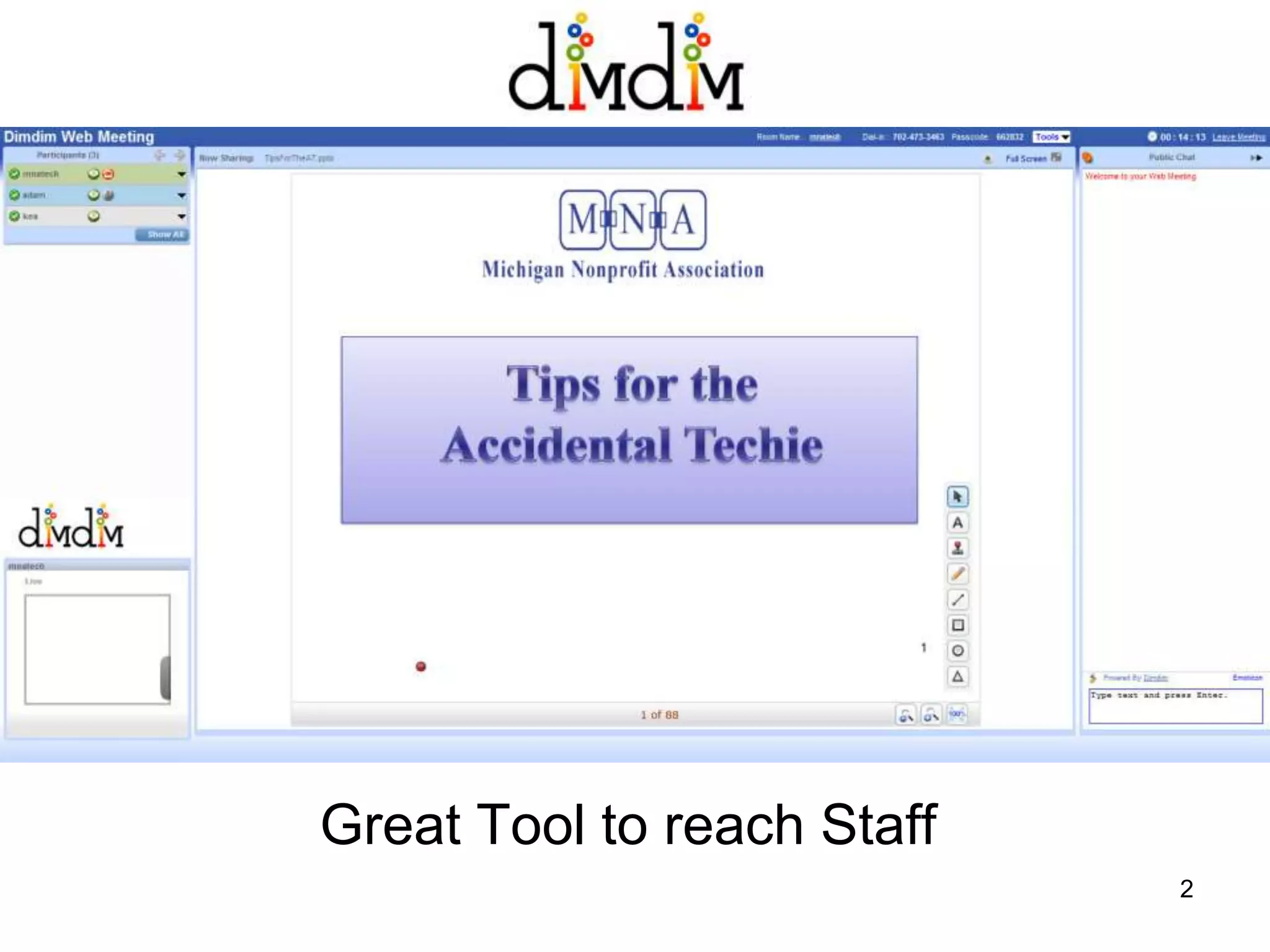
Great Tool to reach Staff 2
Slides and Attachment Available from…http://www.slideshare.net/npowermichiganAll slides are Numbered in case you need to follow that wayAttachmenthttp://checkvist.com/checklists/20348-tips-for-the-accidental-techie3
On the Menu Today!NP Tech Support & Roles
The Basics
Maintenance
Tips & Tricks
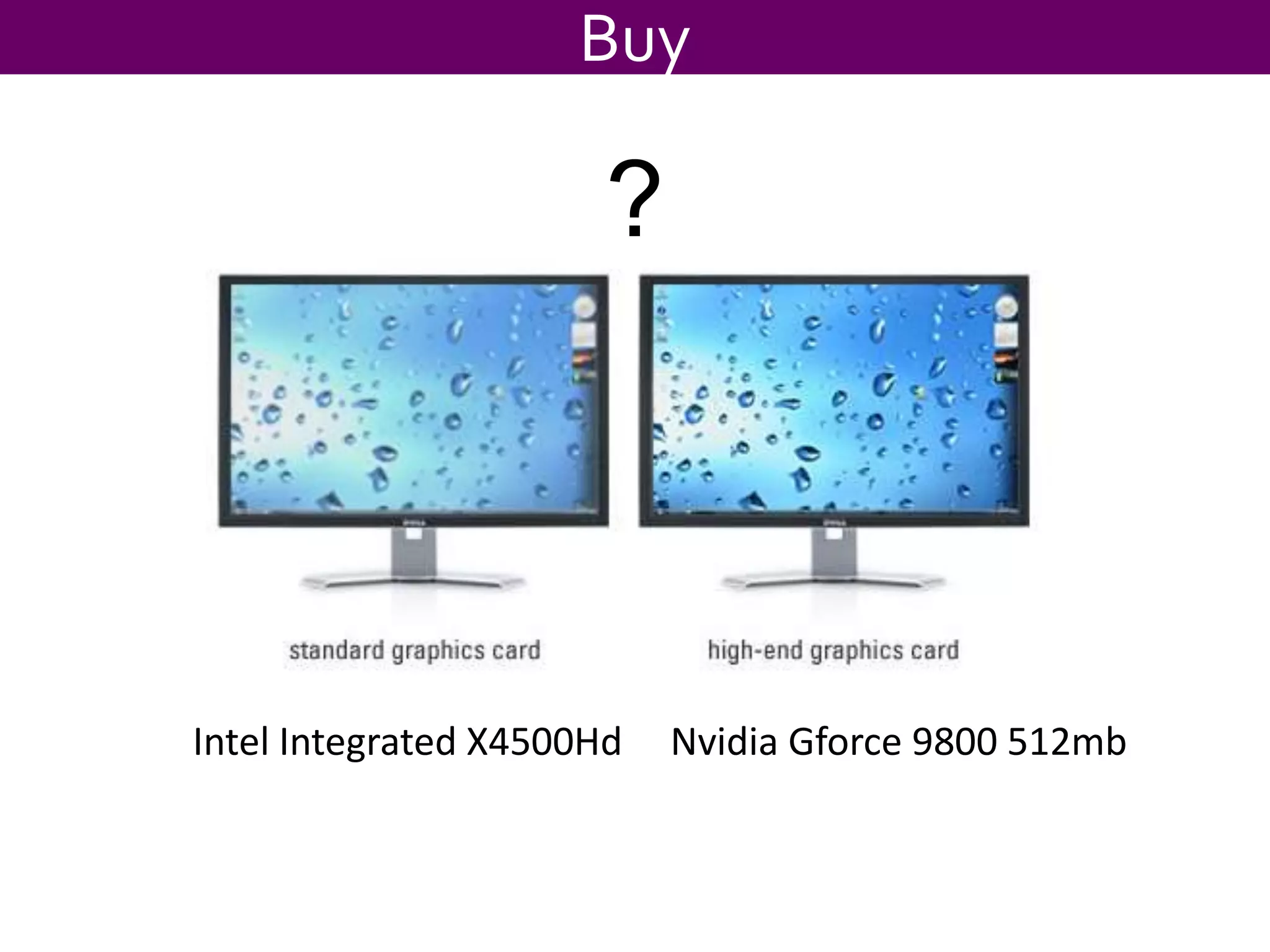
Buy or Upgrade
Tech Resources & Training4
Nonprofit Tech SupportAnd Roles5
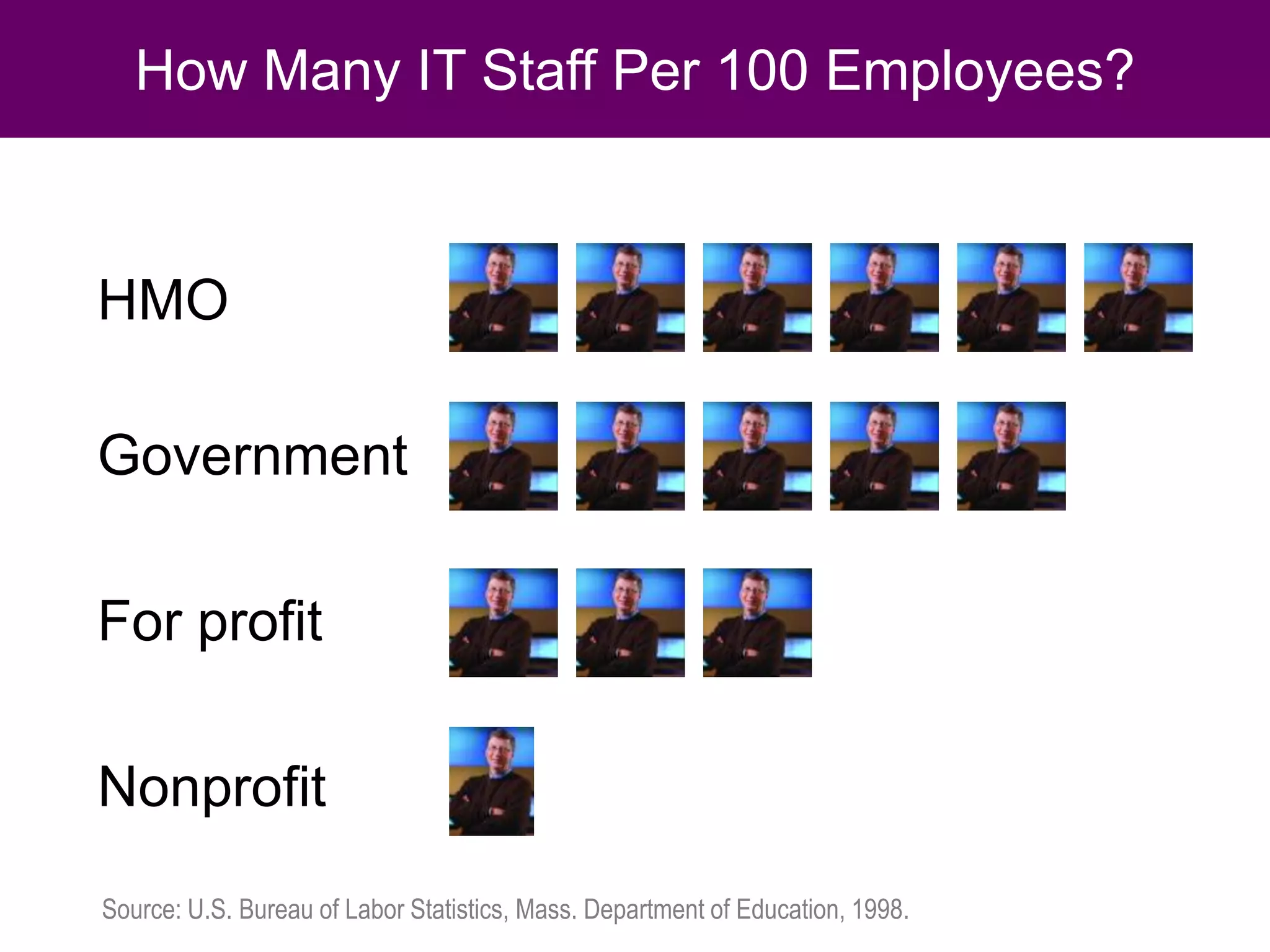
How Many IT Staff Per 100 Employees?HMOGovernmentFor profitNonprofitSource: U.S. Bureau of Labor Statistics, Mass. Department of Education, 1998.
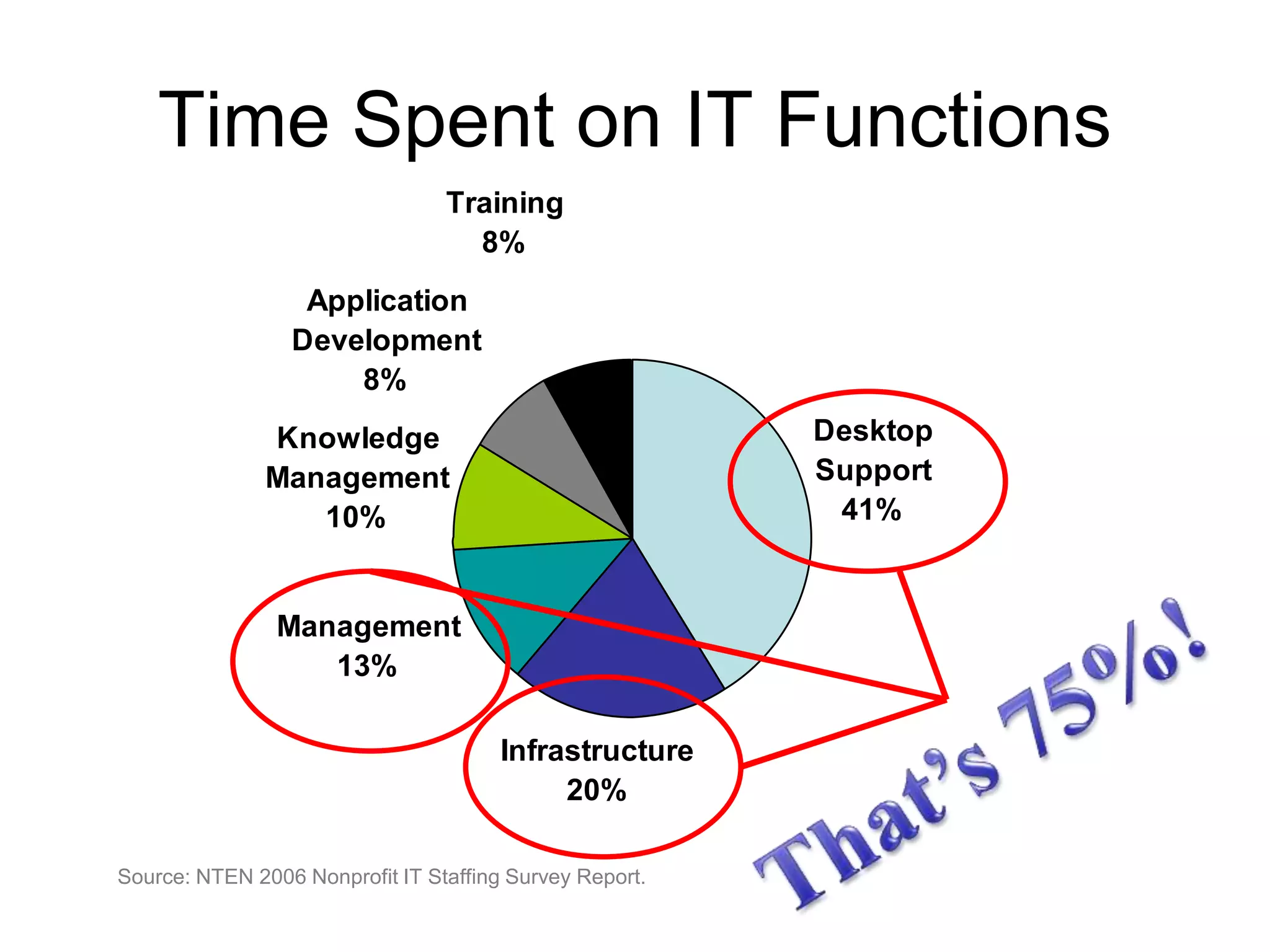
Time Spent on IT FunctionsThat’s 75%!Source: NTEN 2006 Nonprofit IT Staffing Survey Report.
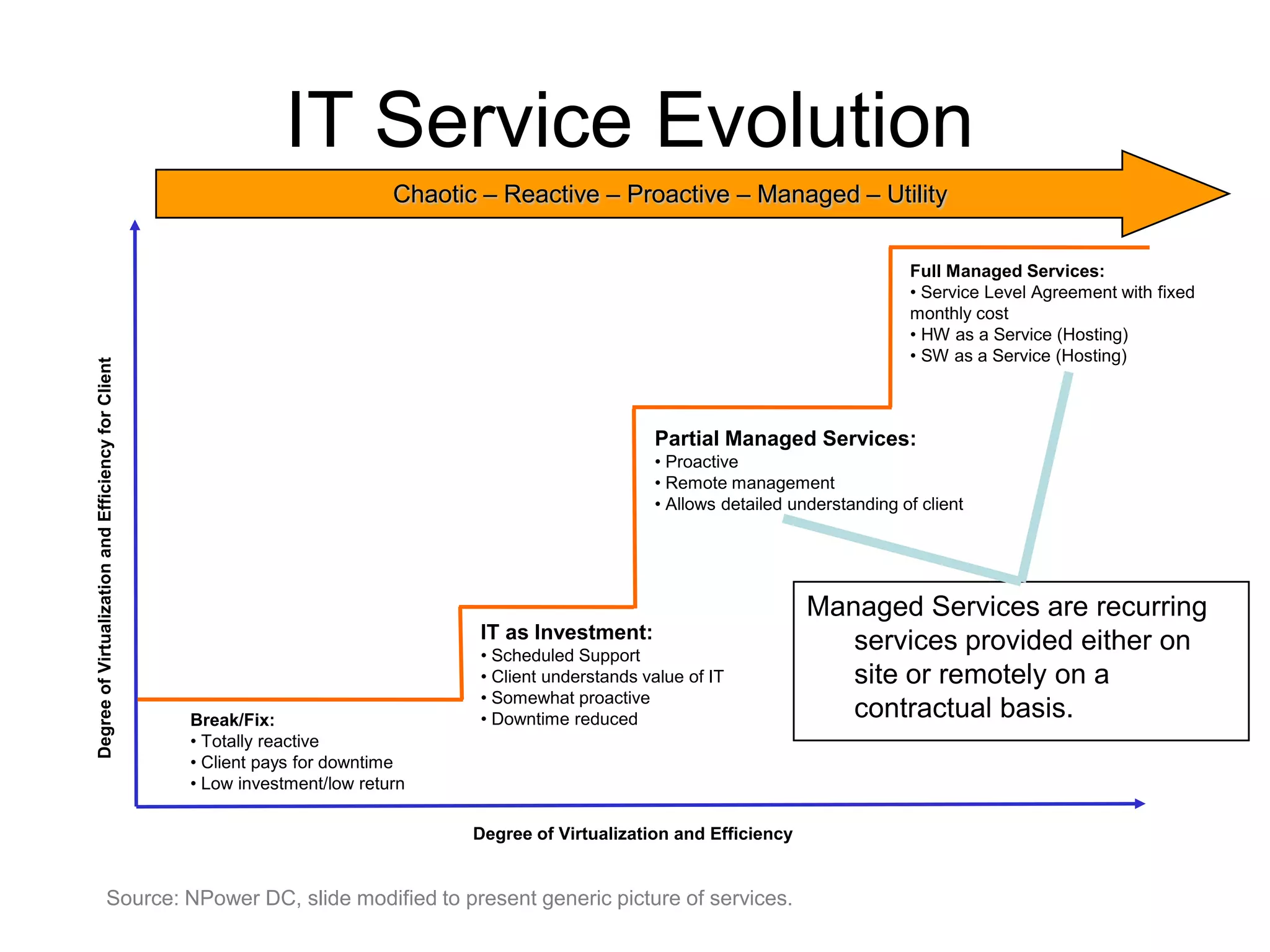
IT Service EvolutionChaotic – Reactive – Proactive – Managed – UtilityFull Managed Services:  Service Level Agreement with fixed monthly cost
 HW as a Service (Hosting)‏
 SW as a Service (Hosting)‏Partial Managed Services: Proactive
 Remote management
 Allows detailed understanding of clientDegree of Virtualization and Efficiency for ClientManaged Services are recurring services provided either on site or remotely on a contractual basis.IT as Investment: Scheduled Support
 Client understands value of IT
 Somewhat proactive
 Downtime reducedBreak/Fix: Totally reactive
 Client pays for downtime
 Low investment/low returnDegree of Virtualization and EfficiencySource: NPower DC, slide modified to present generic picture of services.
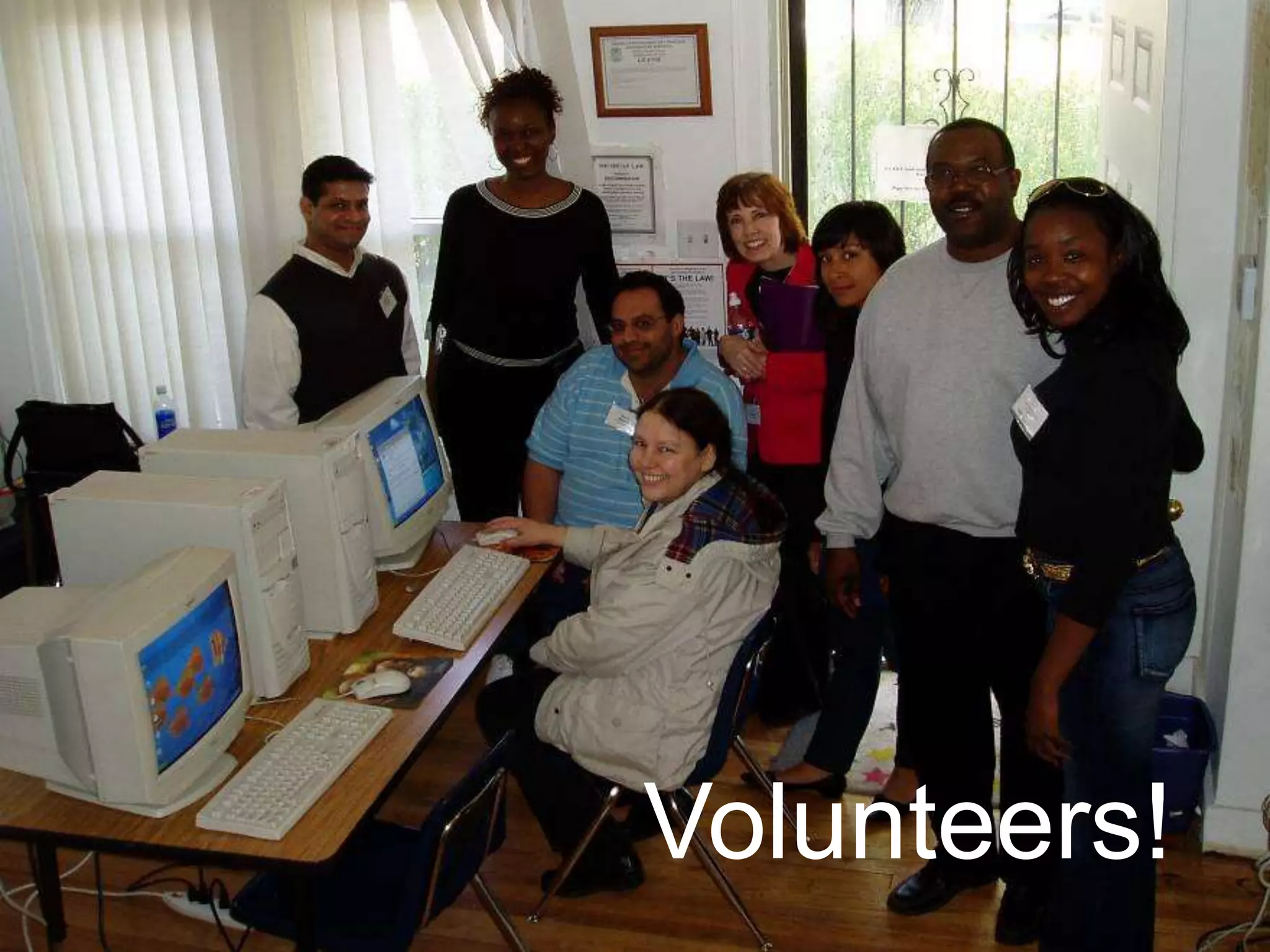
Volunteers availableVolunteers!
Volunteers are best for:Short term projectsProjects that have an easily definable endProjects that aren’t time sensitiveProjects that aren’t critical
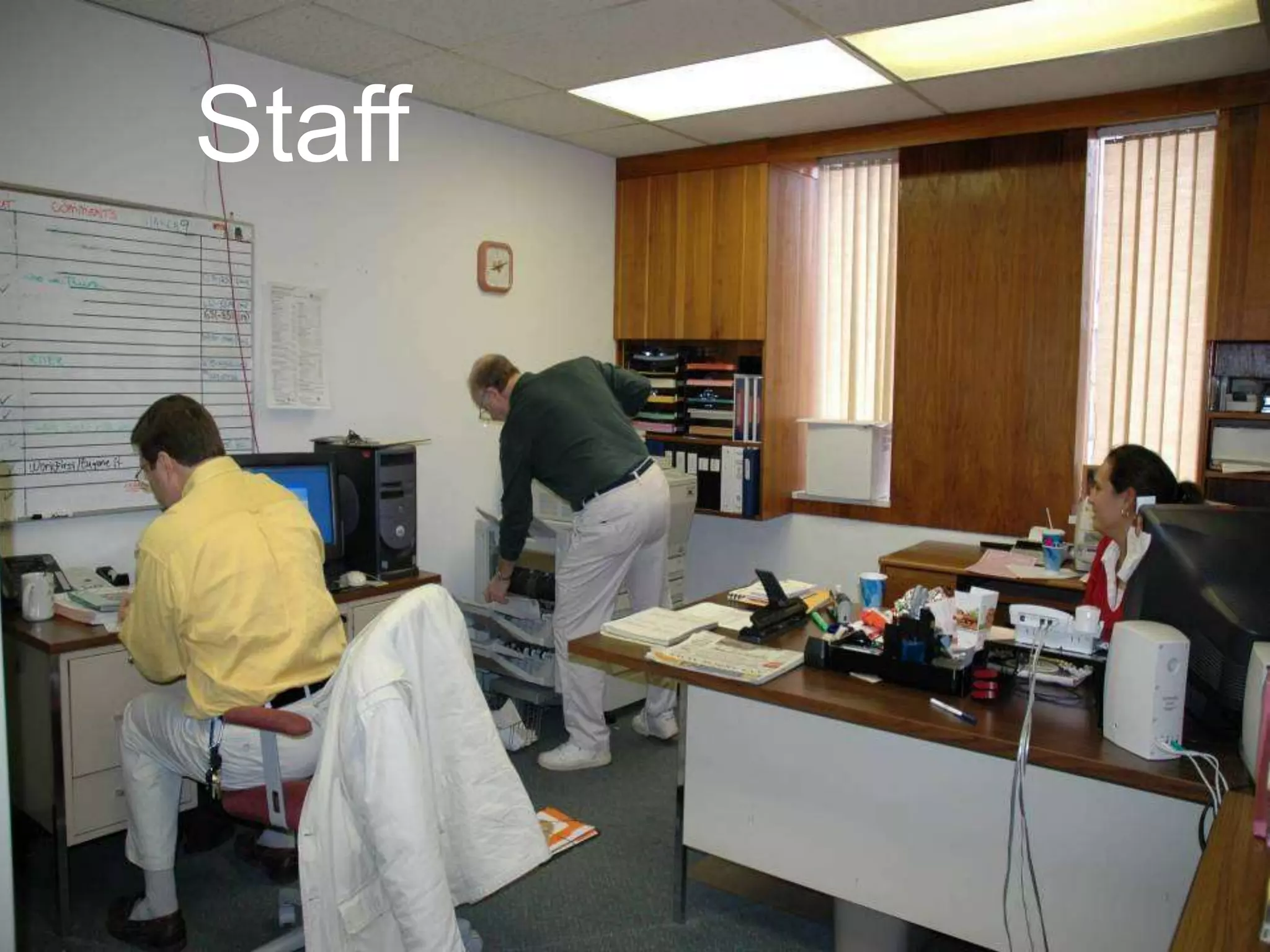
Staff
Staff are best for:Simple troubleshootingTriaging issues before escalating externallyProjects that require immediate assistanceMaintaining critical documentationDirection for others implementing long-term projects
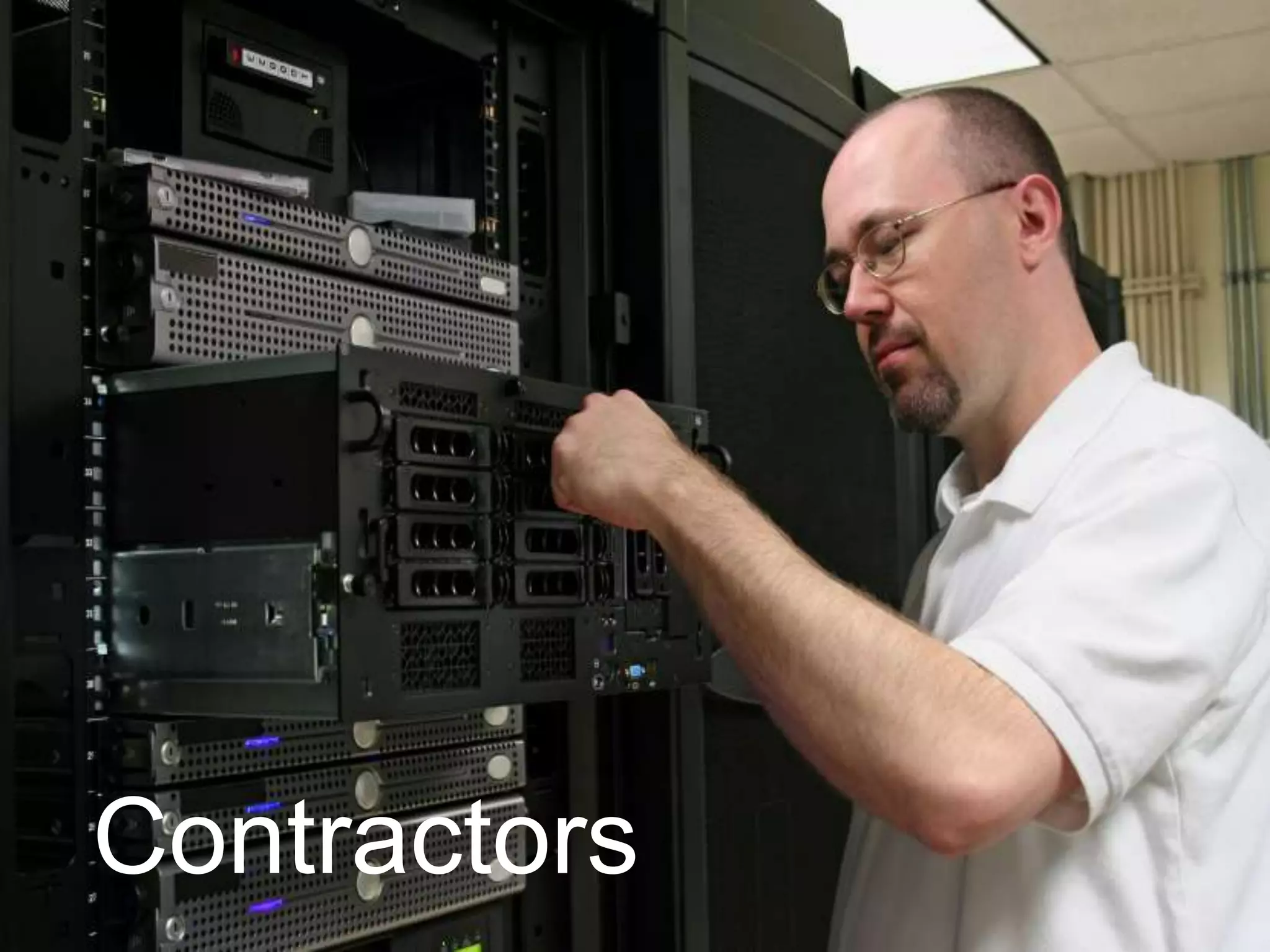
Contractors
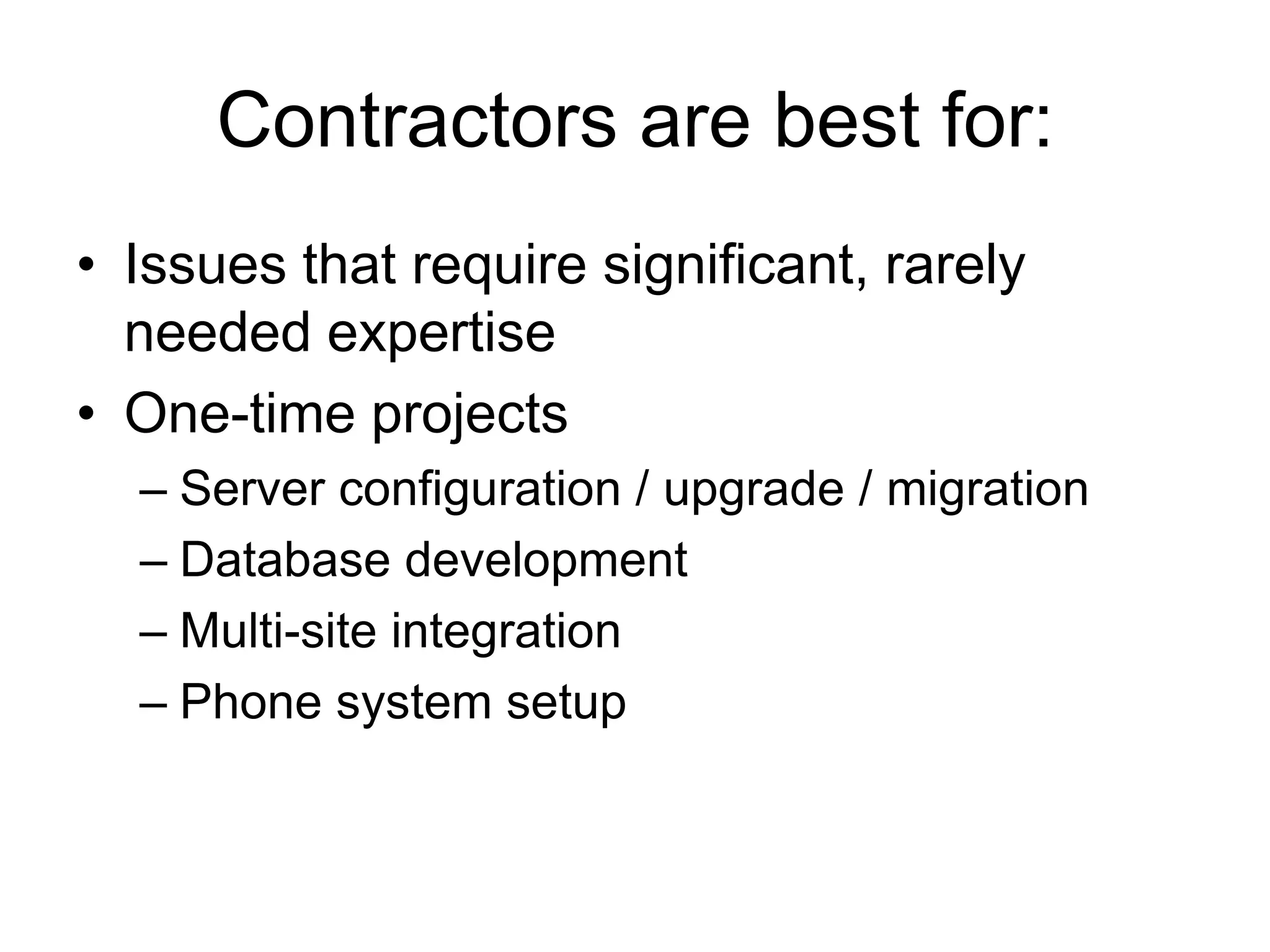
Contractors are best for:Issues that require significant, rarely needed expertiseOne-time projectsServer configuration / upgrade / migrationDatabase developmentMulti-site integrationPhone system setup
The Basics15
The BasicsData Ownership IssuesMake staff aware that the organization owns the data  IncludingEmail
Financials
Documentation
Databases
Websites
Other16
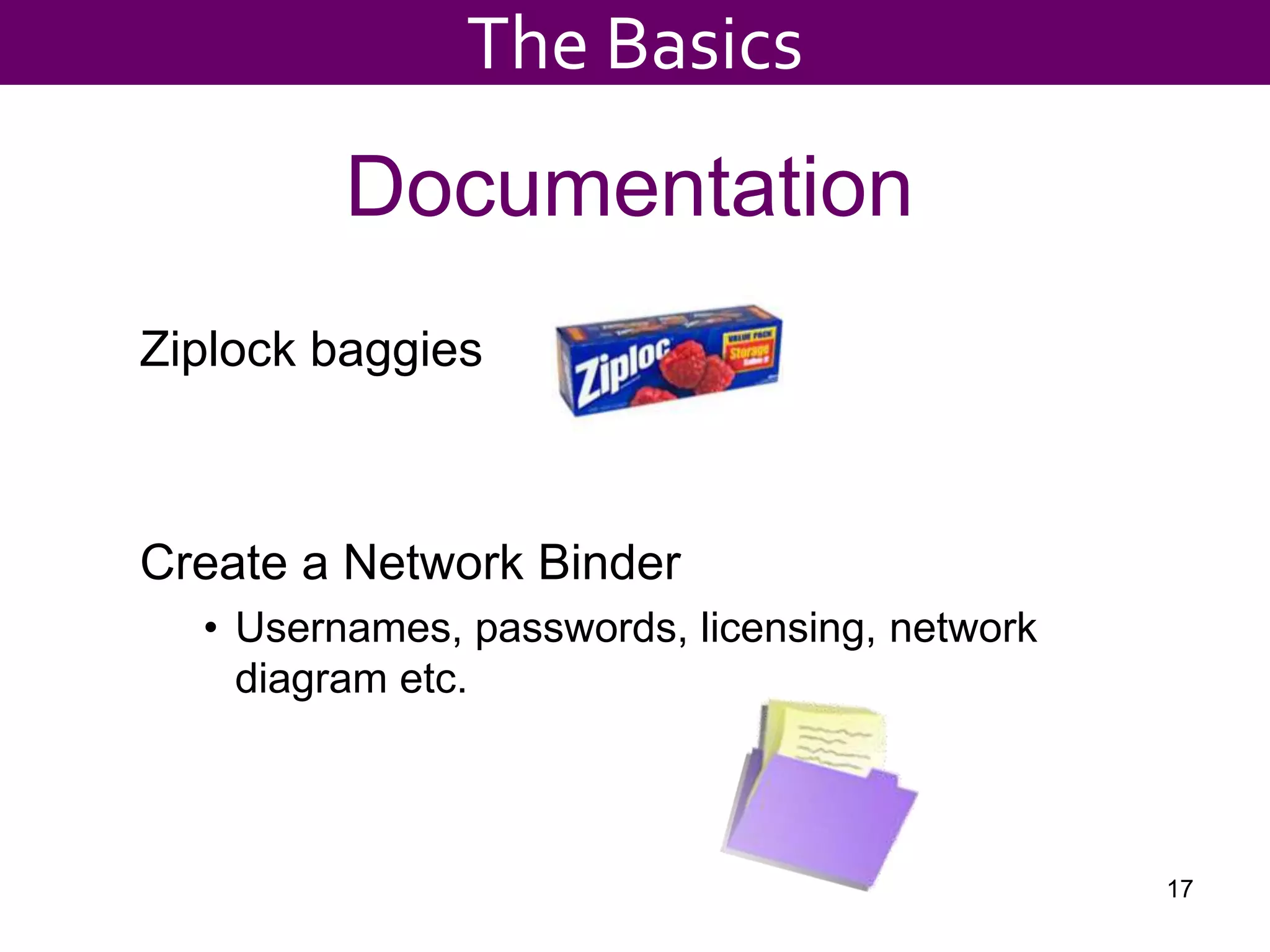
DocumentationZiplock baggiesCreate a Network BinderUsernames, passwords, licensing, network diagram etc.17The Basics
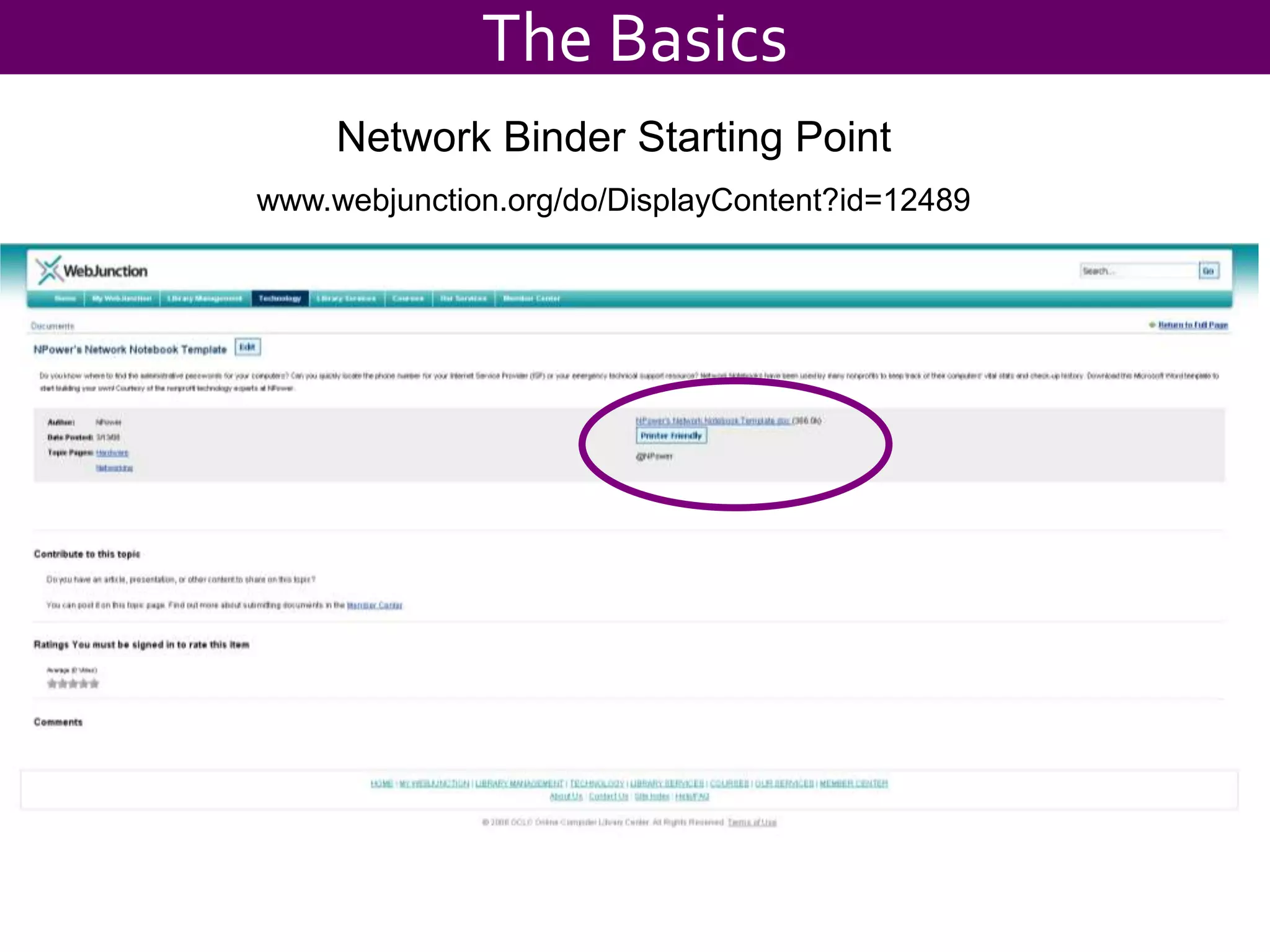
The BasicsNetwork Binder Starting Pointwww.webjunction.org/do/DisplayContent?id=12489
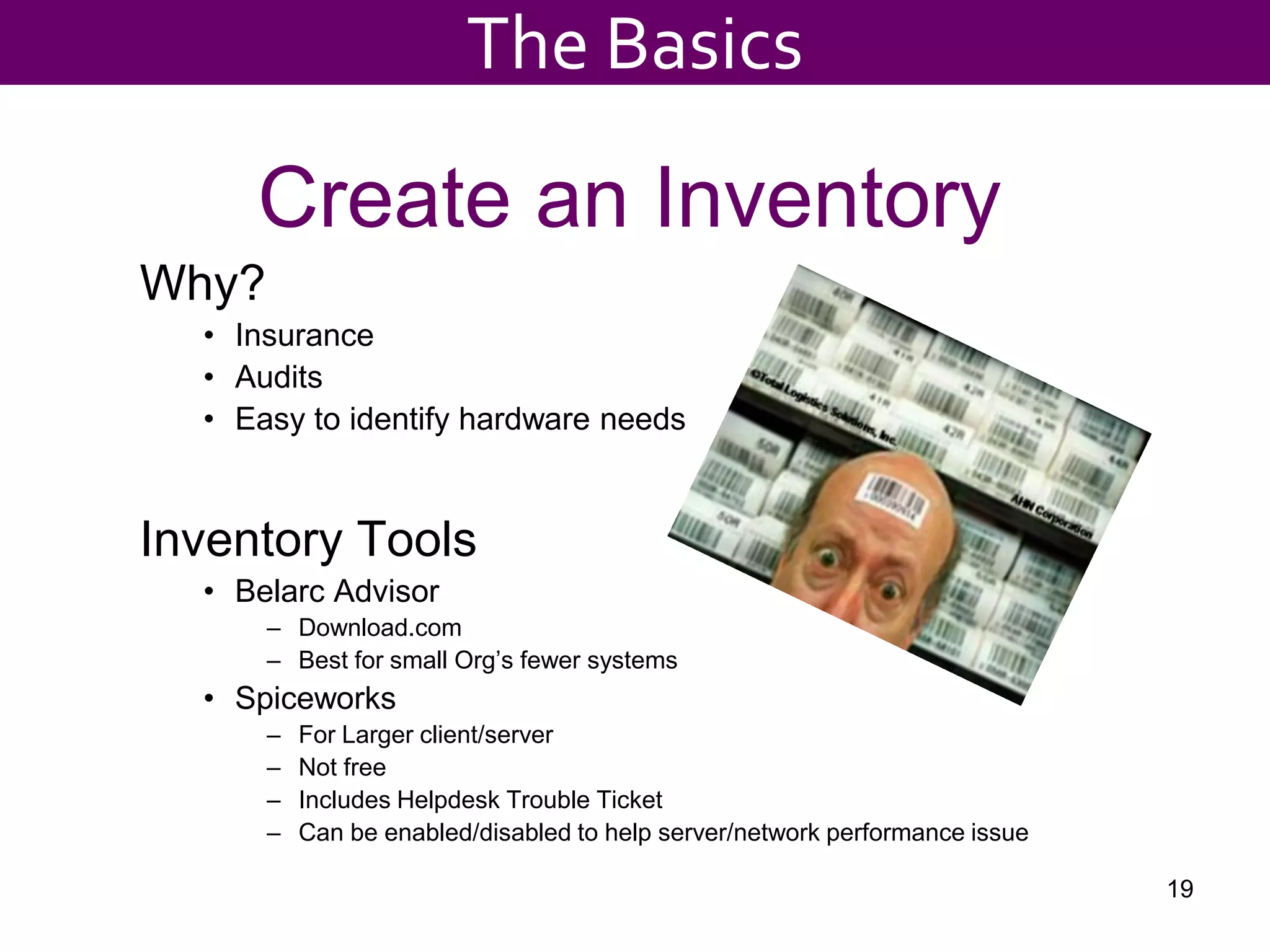
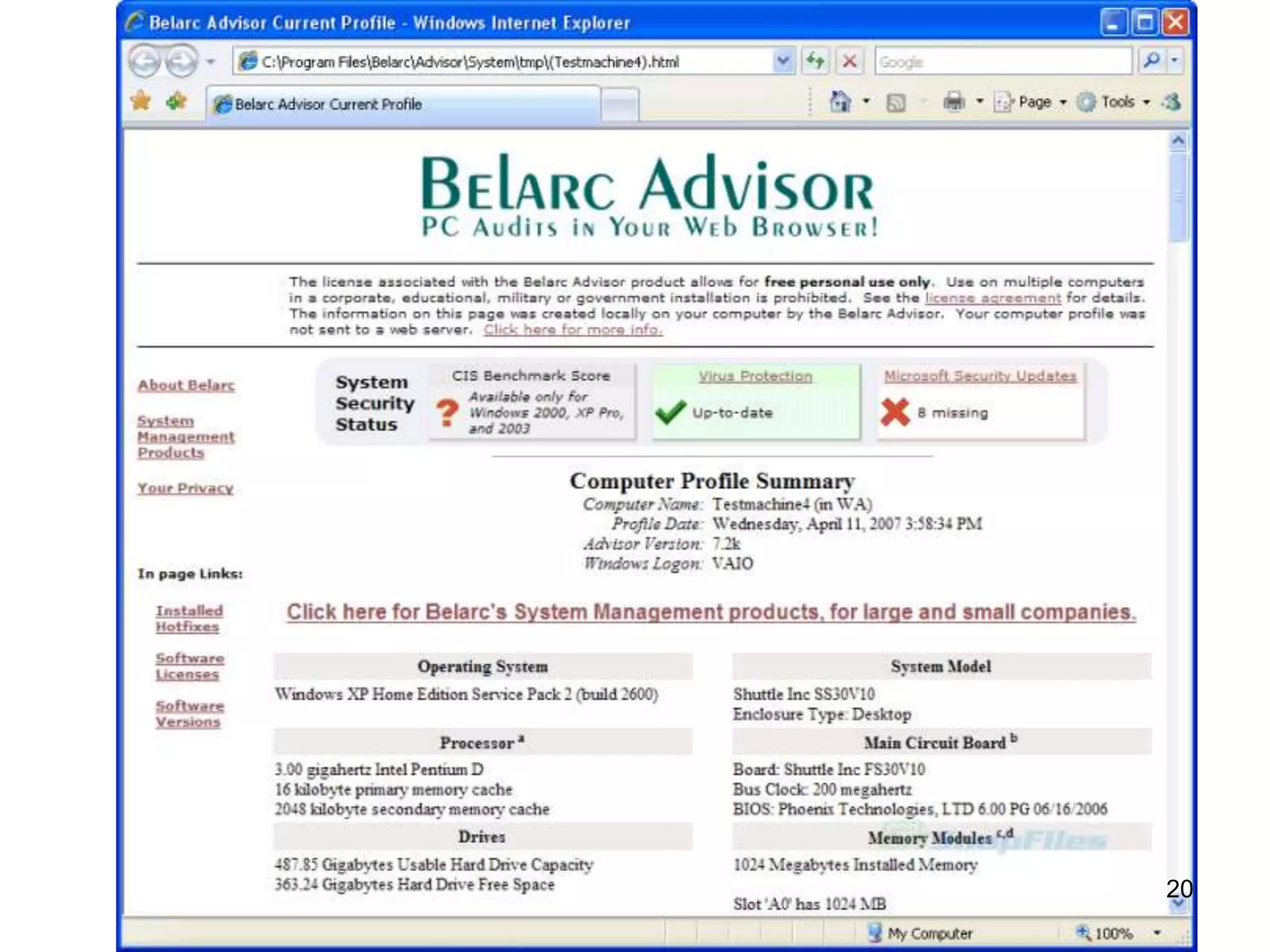
Create an InventoryWhy? InsuranceAuditsEasy to identify hardware needsInventory ToolsBelarc Advisor Download.comBest for small Org’s fewer systemsSpiceworksFor Larger client/serverNot freeIncludes Helpdesk Trouble TicketCan be enabled/disabled to help server/network performance issue19The Basics
20
Others..Label Managed DevicesPrinters	Fixed IP# on the cover
Router	IP#, User & Pwd labeled to bottomVelcro or Tape the Driver CD to printers/copiersKeep “key” files close easy to get toDrivers, Ccleaner, Malwarebytes, Adobe9, Java, etc.
Tech Flash Drive
Tech Server or NAS shareCarry an Info txt File (secure it!)Accounts
URL’s user/pwd
Support Phone numbers
Contact Names21The Basics
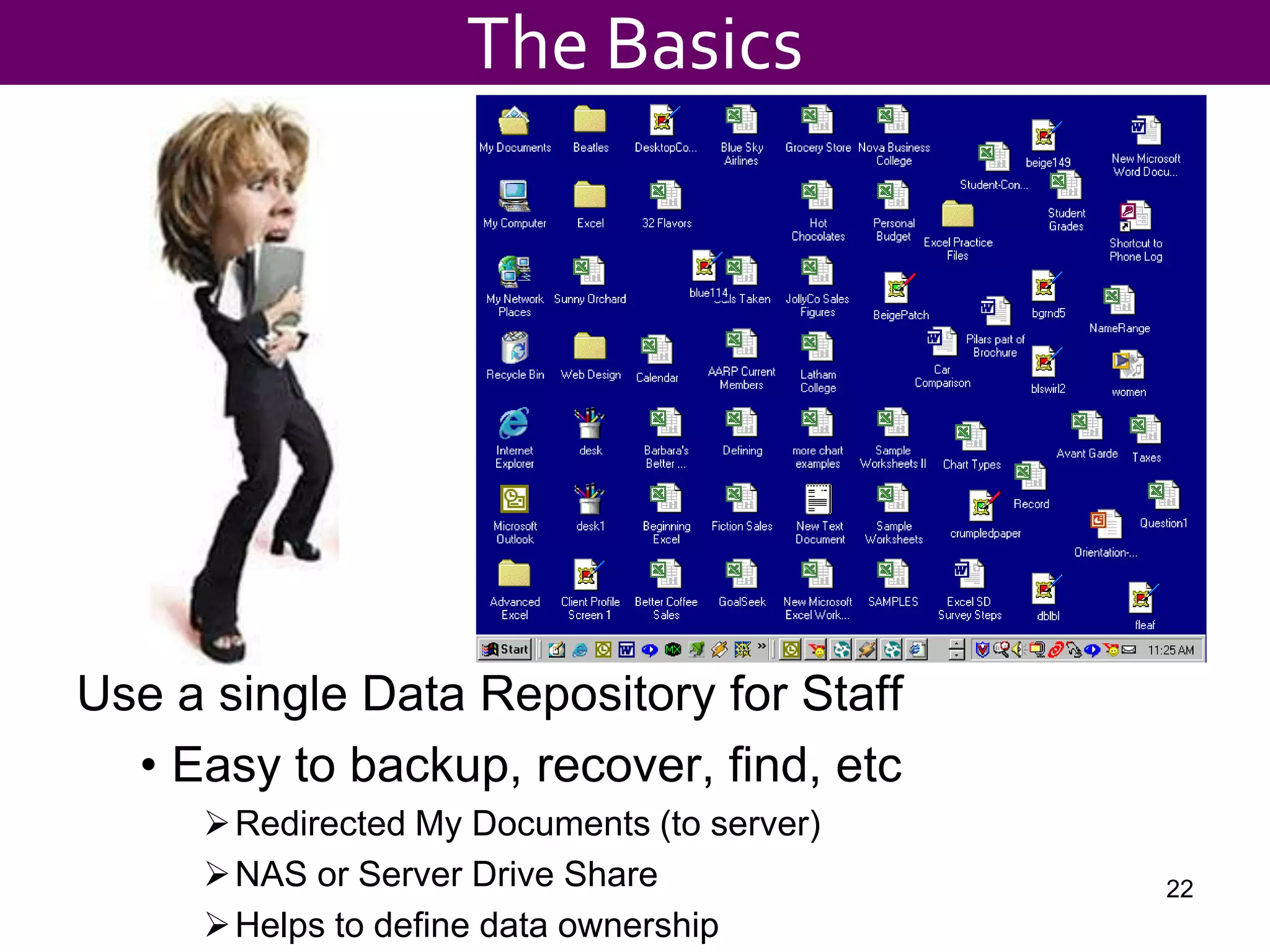
Use a single Data Repository for StaffEasy to backup, recover, find, etcRedirected My Documents (to server)
NAS or Server Drive Share
Helps to define data ownership22The Basics
Maintenance23
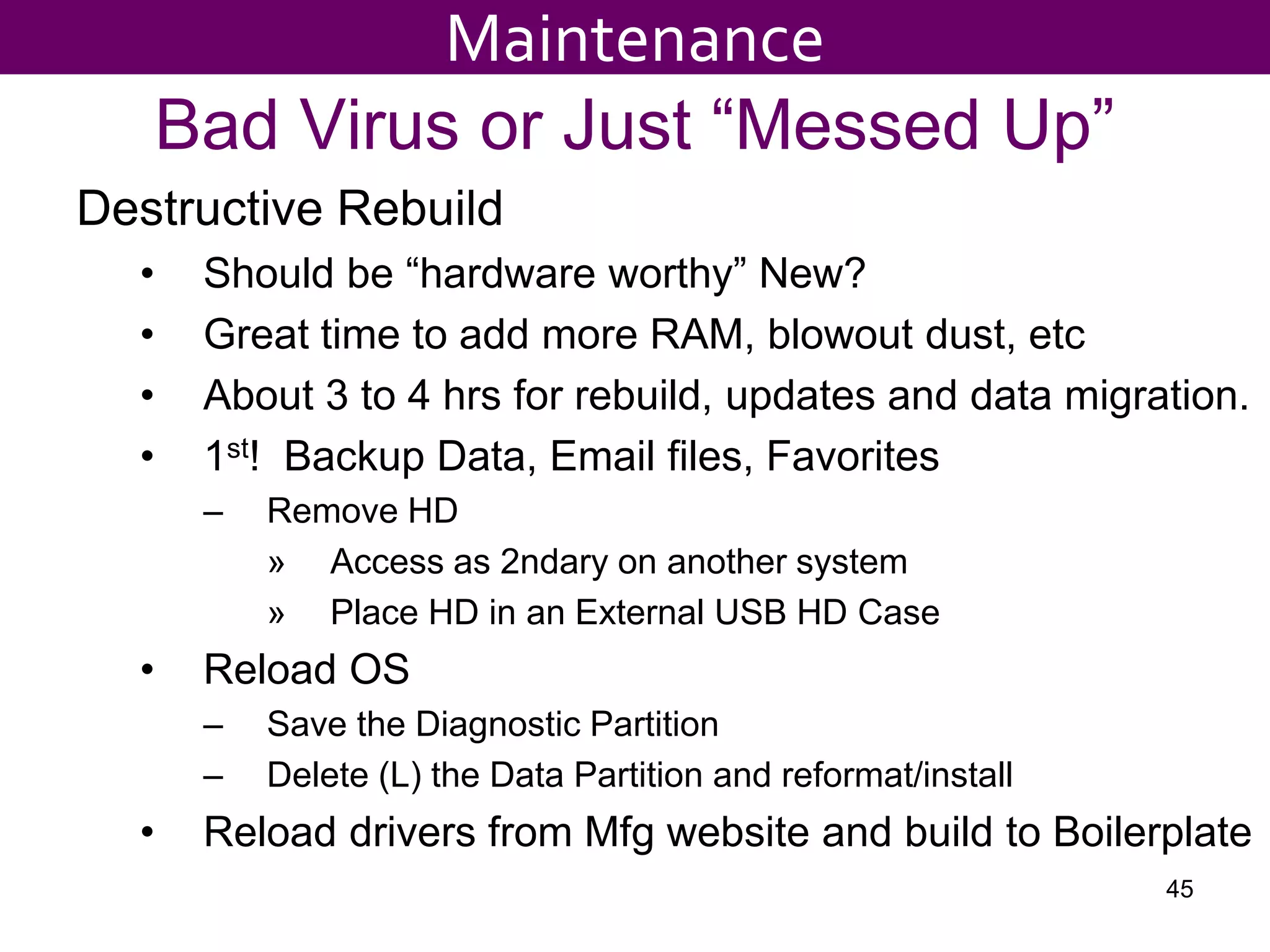
New or Rebuilt System SetupDefine your Setup “Boilerplate”Uninstall unwanted Apps
XP or Win7 – Patched and updated
Latest hardware drivers etc.
Office 2007 – Patched and Updated
Antivirus – Updated
Setup Microsoft Update
Install/update Java, Adobe Reader, Adobe Flash, pdf creator
Org specific Apps (Database shortcut etc)
Setup the Users profile, email account
Here’s your chance to standardize the desktop!
Install Printers and other peripherals
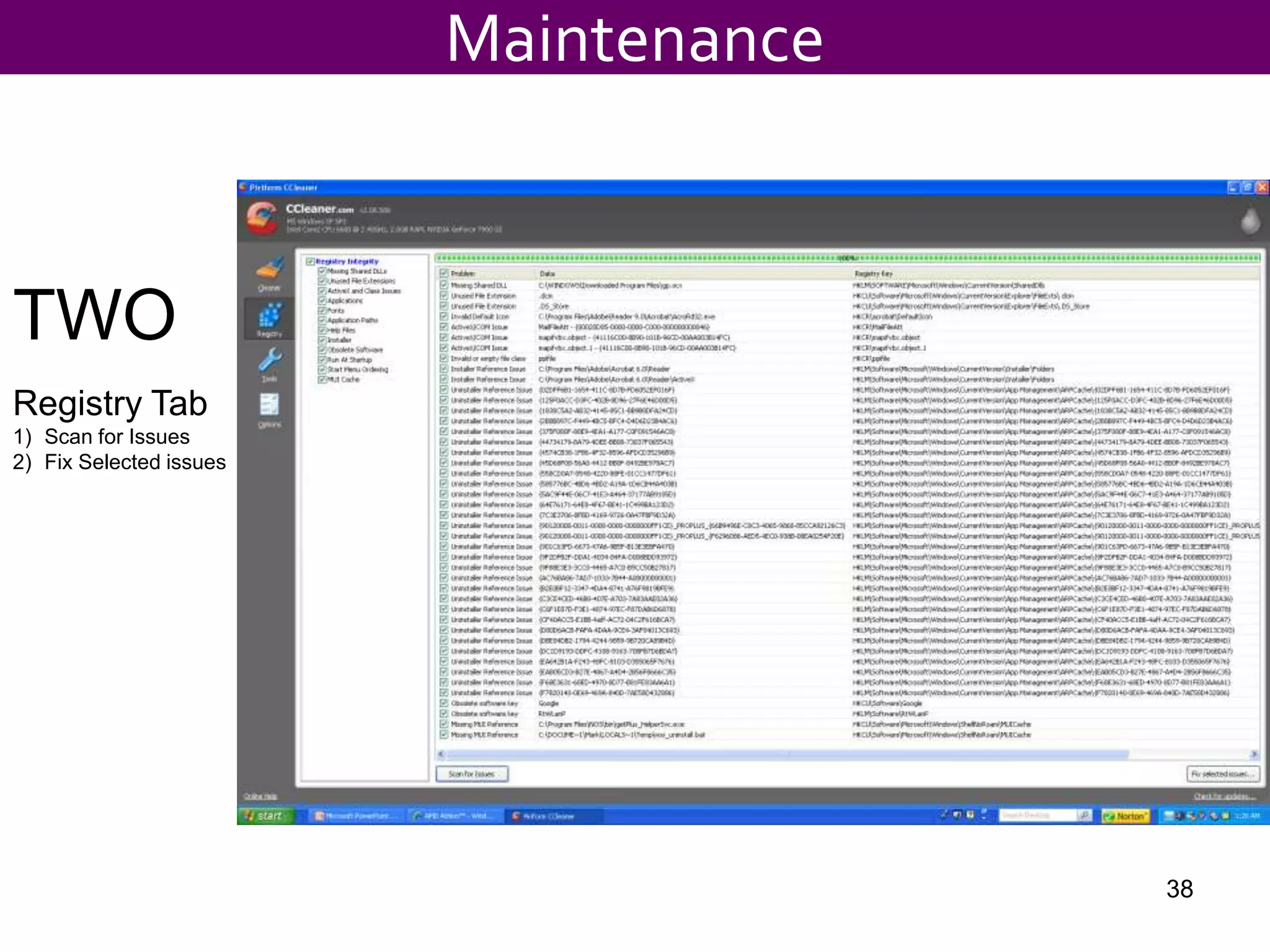
Add your tools: Ccleaner, Managed Care, Remote Access, etc.
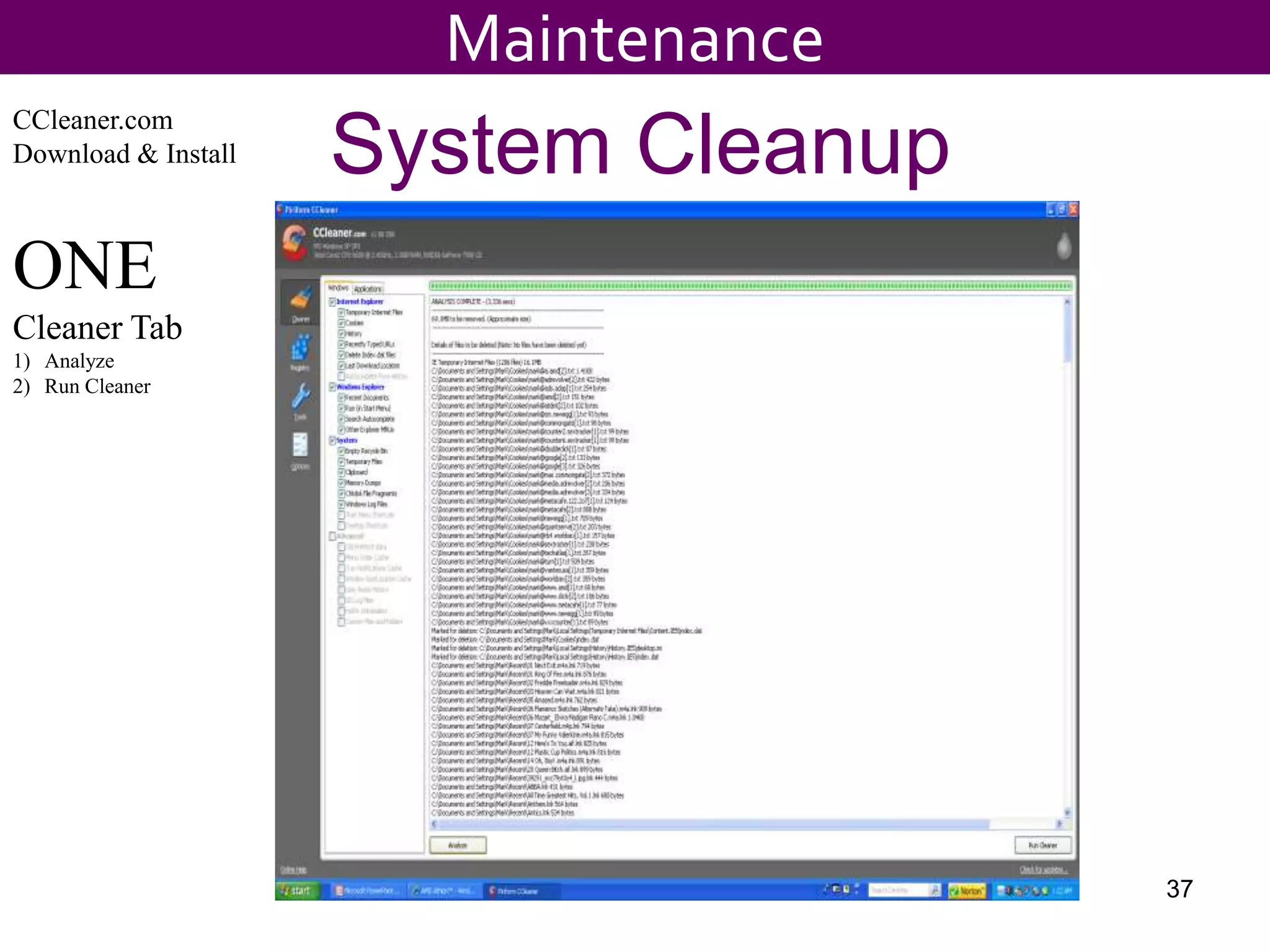
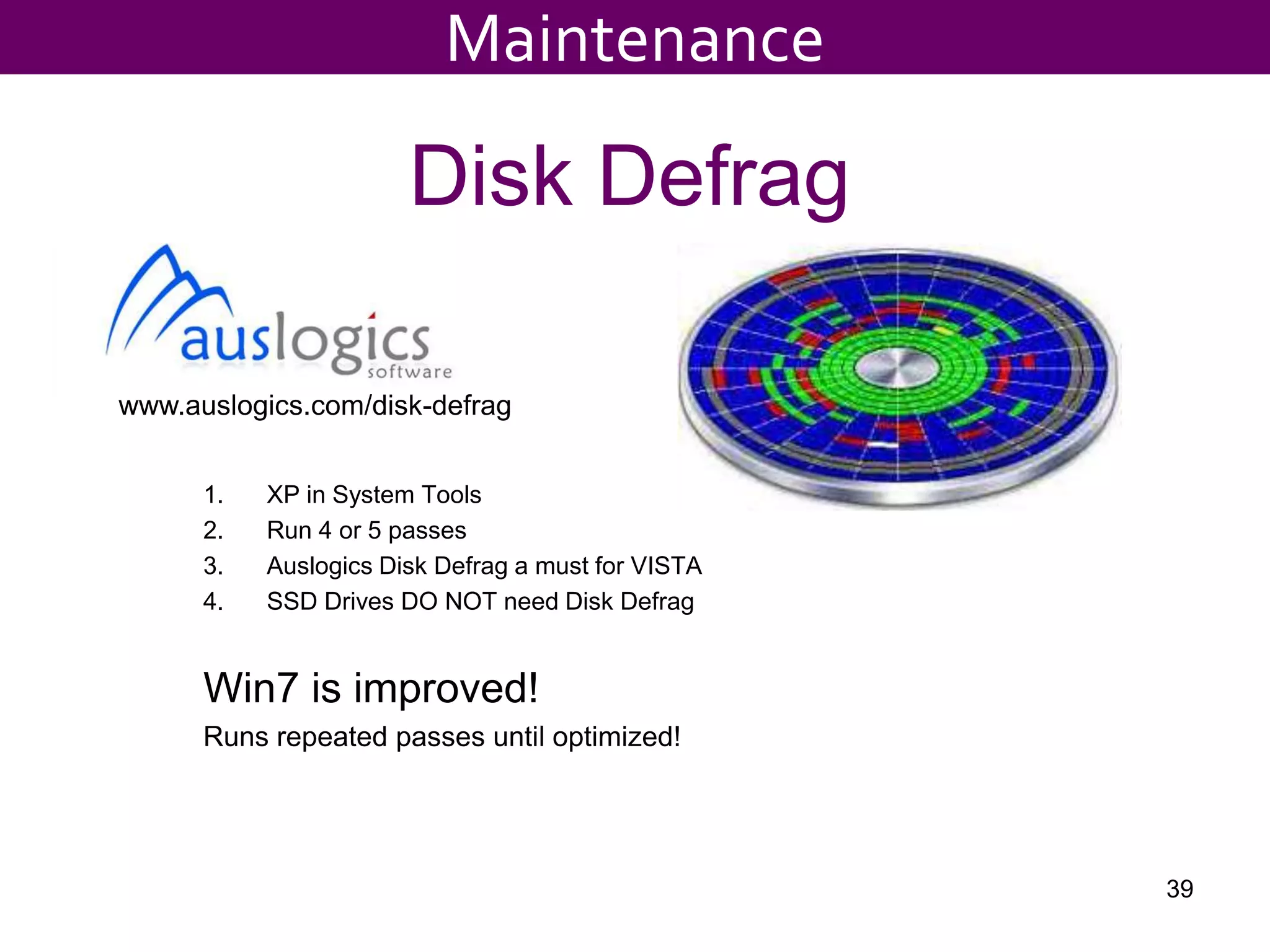
Defrag Disk, Run Ccleaner24Maintenance
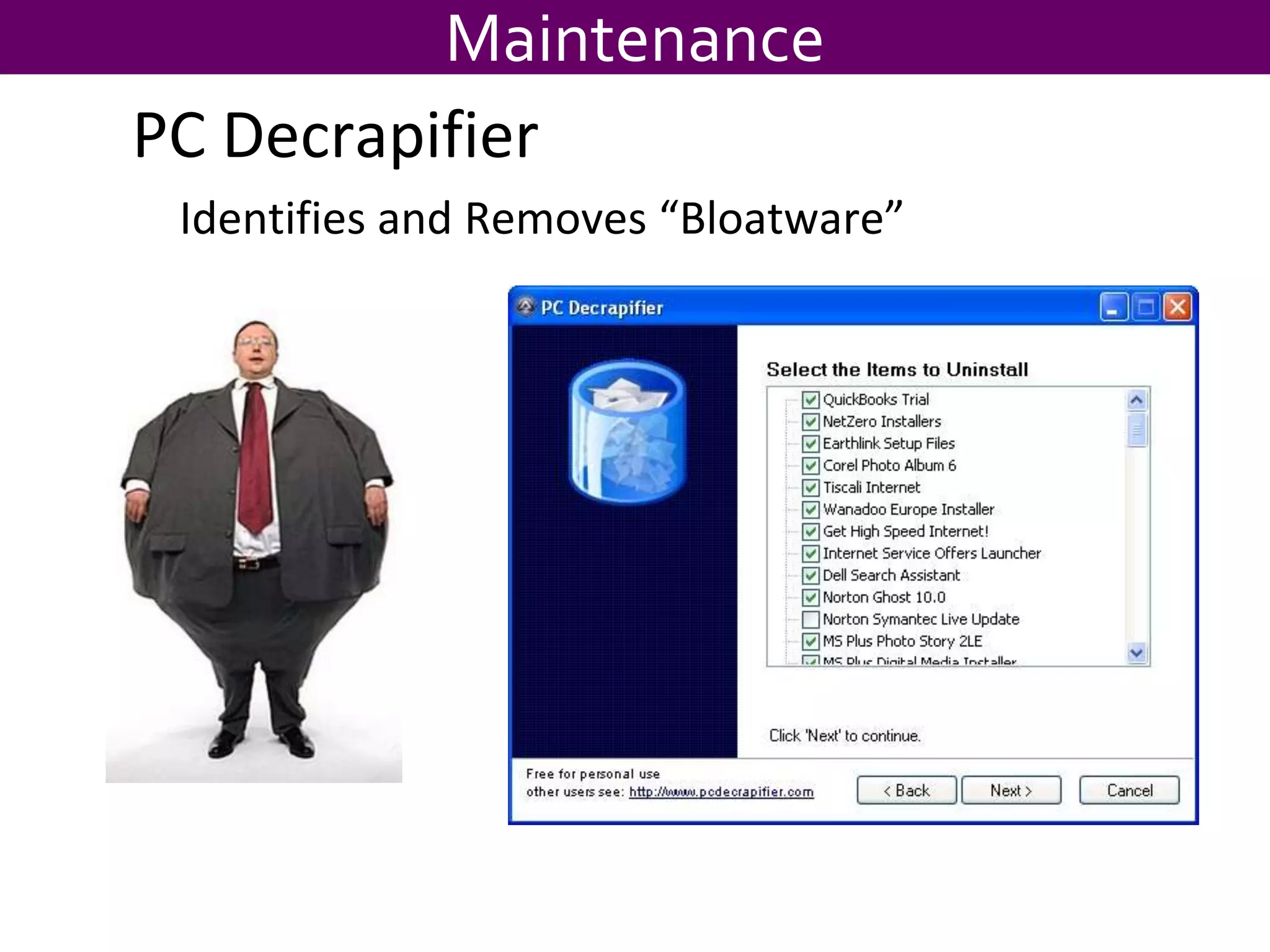
MaintenancePC DecrapifierIdentifies and Removes “Bloatware”
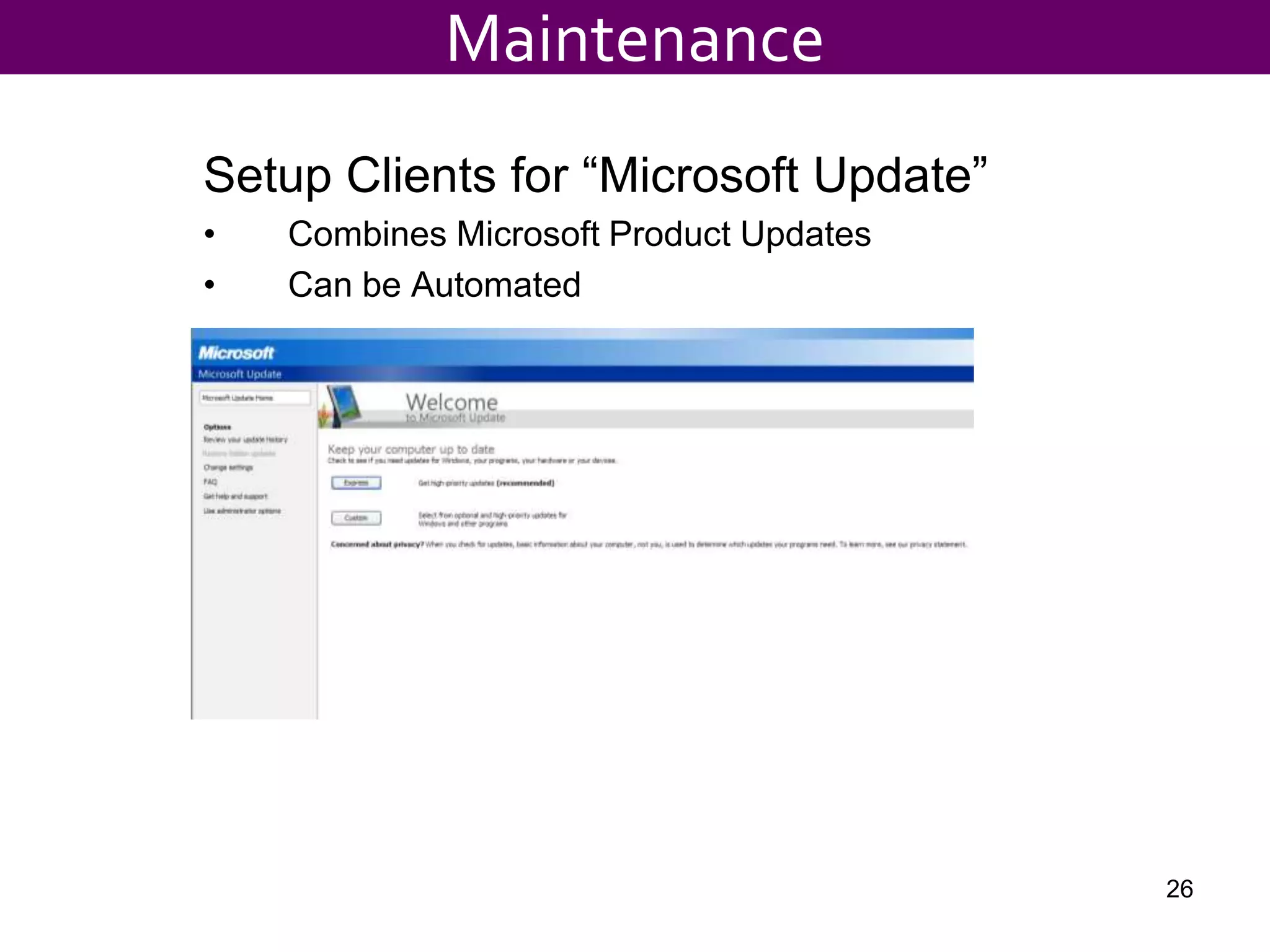
Setup Clients for “Microsoft Update”Combines Microsoft Product UpdatesCan be Automated26Maintenance
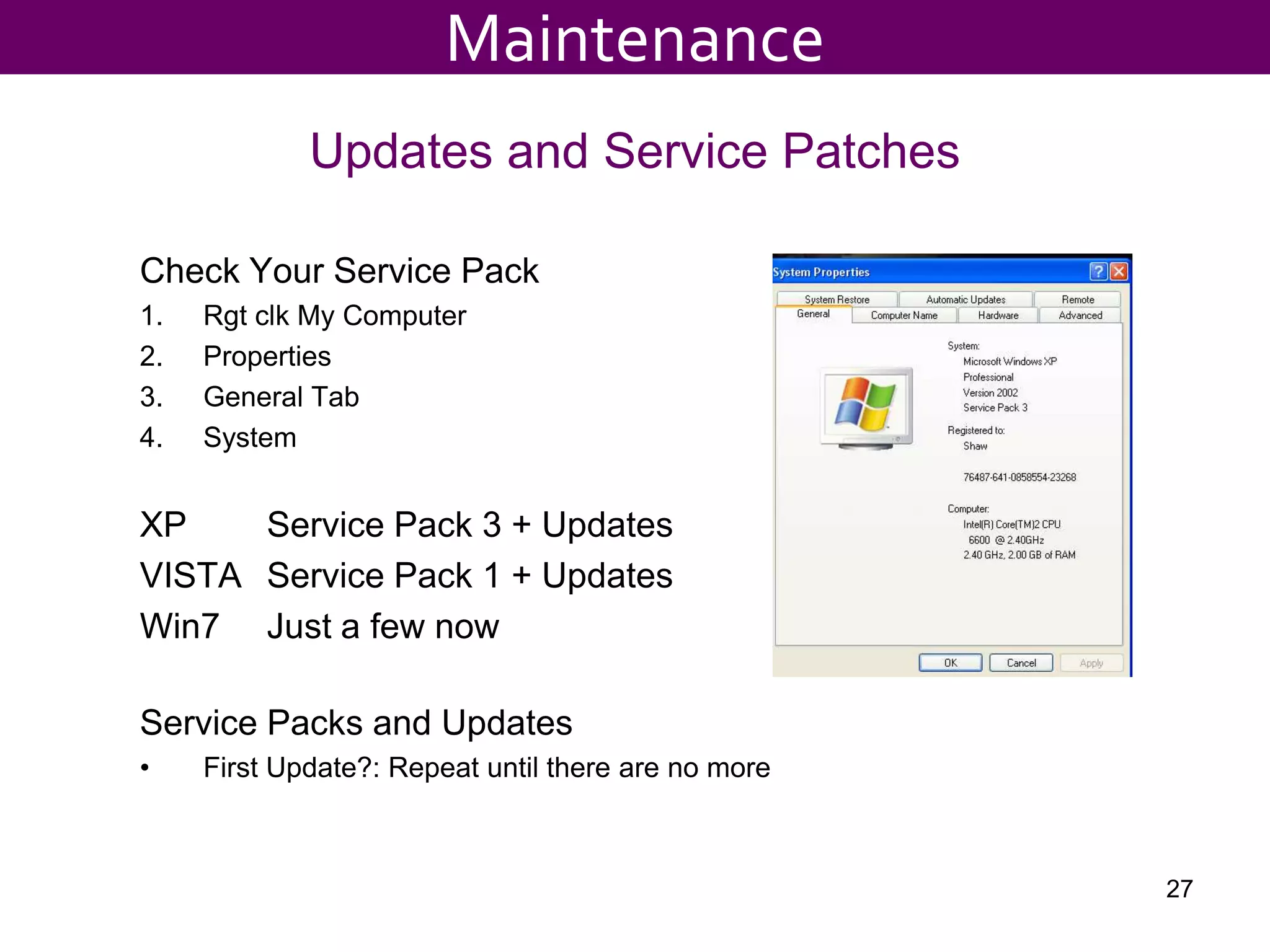
Updates and Service PatchesCheck Your Service PackRgtclk My ComputerPropertiesGeneral TabSystemXP		Service Pack 3 + UpdatesVISTA	Service Pack 1 + UpdatesWin7	Just a few nowService Packs and UpdatesFirst Update?: Repeat until there are no more27Maintenance
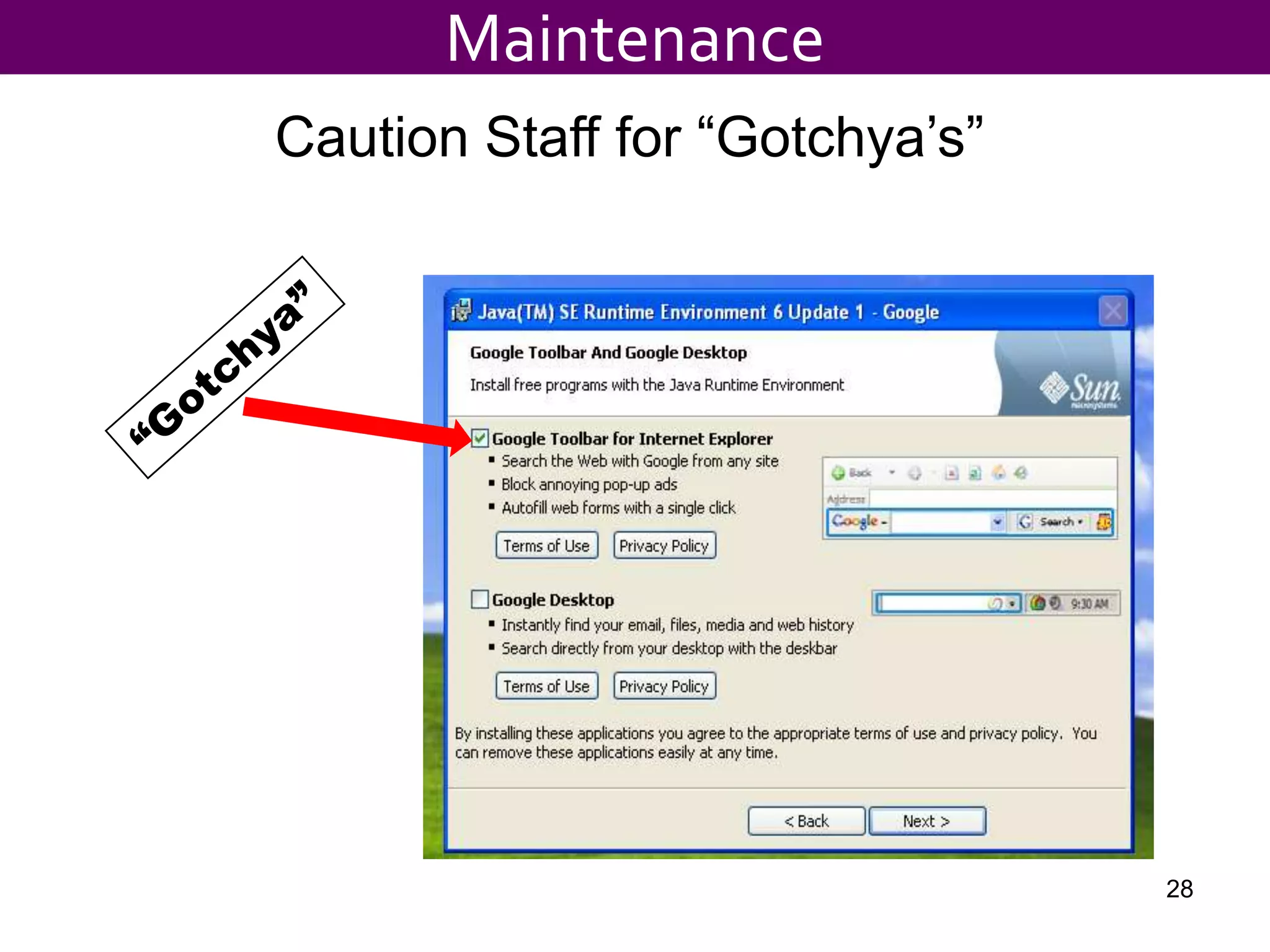
MaintenanceCaution Staff for “Gotchya’s”“Gotchya”28
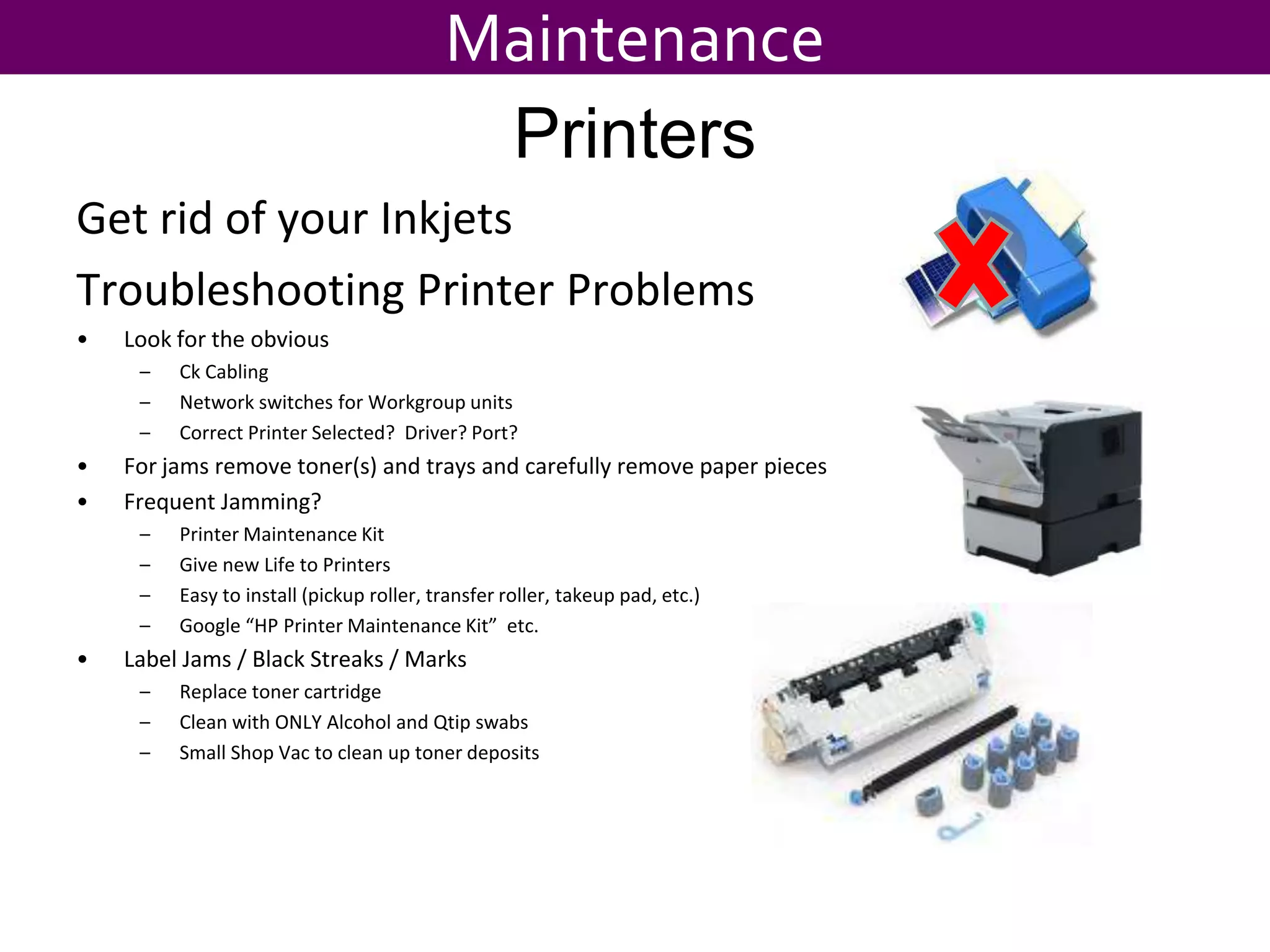
MaintenancePrintersGet rid of your InkjetsTroubleshooting Printer ProblemsLook for the obviousCk Cabling Network switches for Workgroup unitsCorrect Printer Selected?  Driver? Port?For jams remove toner(s) and trays and carefully remove paper piecesFrequent Jamming?Printer Maintenance KitGive new Life to PrintersEasy to install (pickup roller, transfer roller, takeup pad, etc.)Google “HP Printer Maintenance Kit”  etc.Label Jams / Black Streaks / MarksReplace toner cartridgeClean with ONLY Alcohol and Qtip swabsSmall Shop Vac to clean up toner deposits
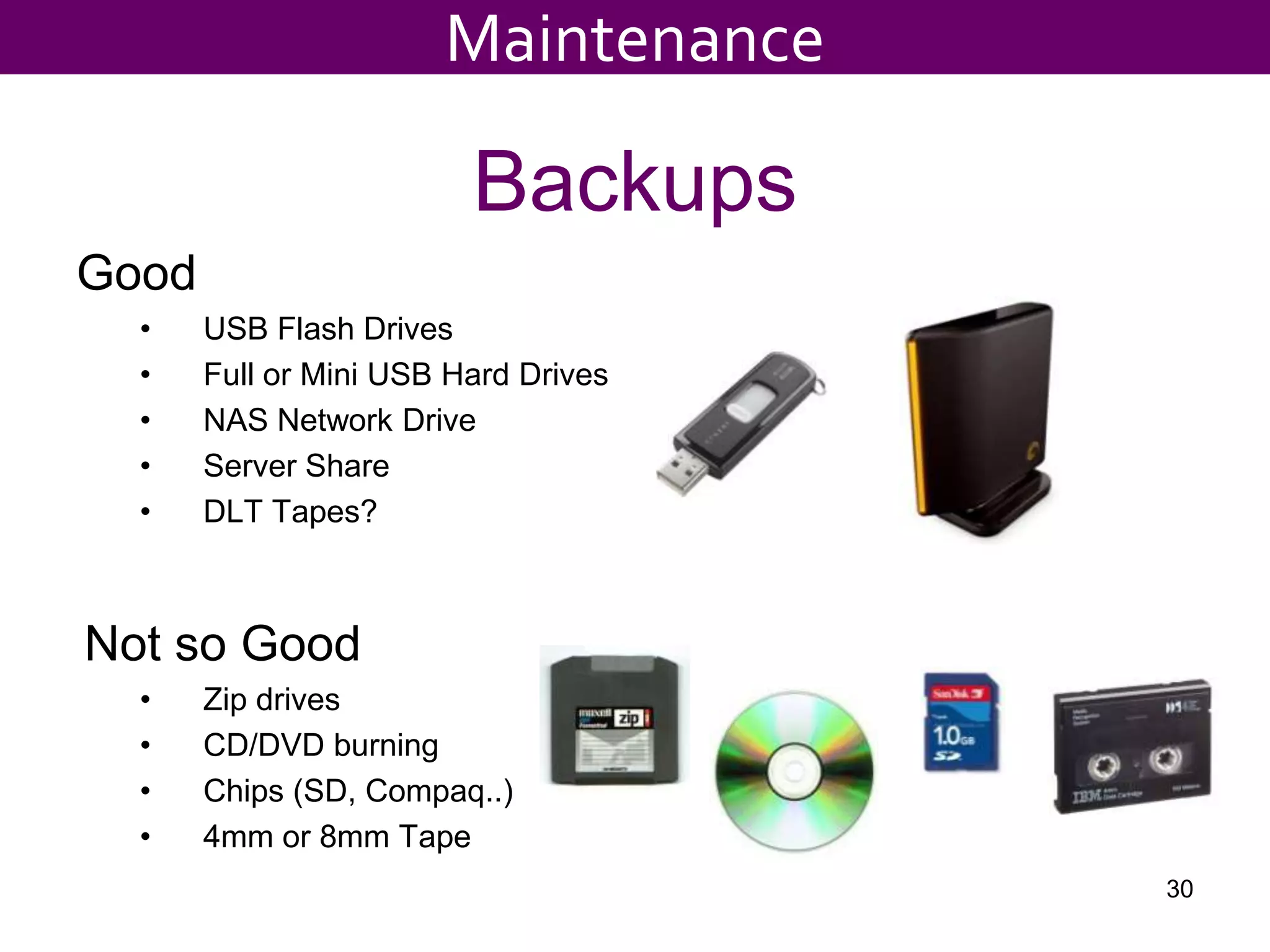
BackupsGoodUSB Flash DrivesFull or Mini USB Hard DrivesNAS Network DriveServer ShareDLT Tapes?Not so GoodZip drivesCD/DVD burningChips (SD, Compaq..)4mm or 8mm Tape30Maintenance
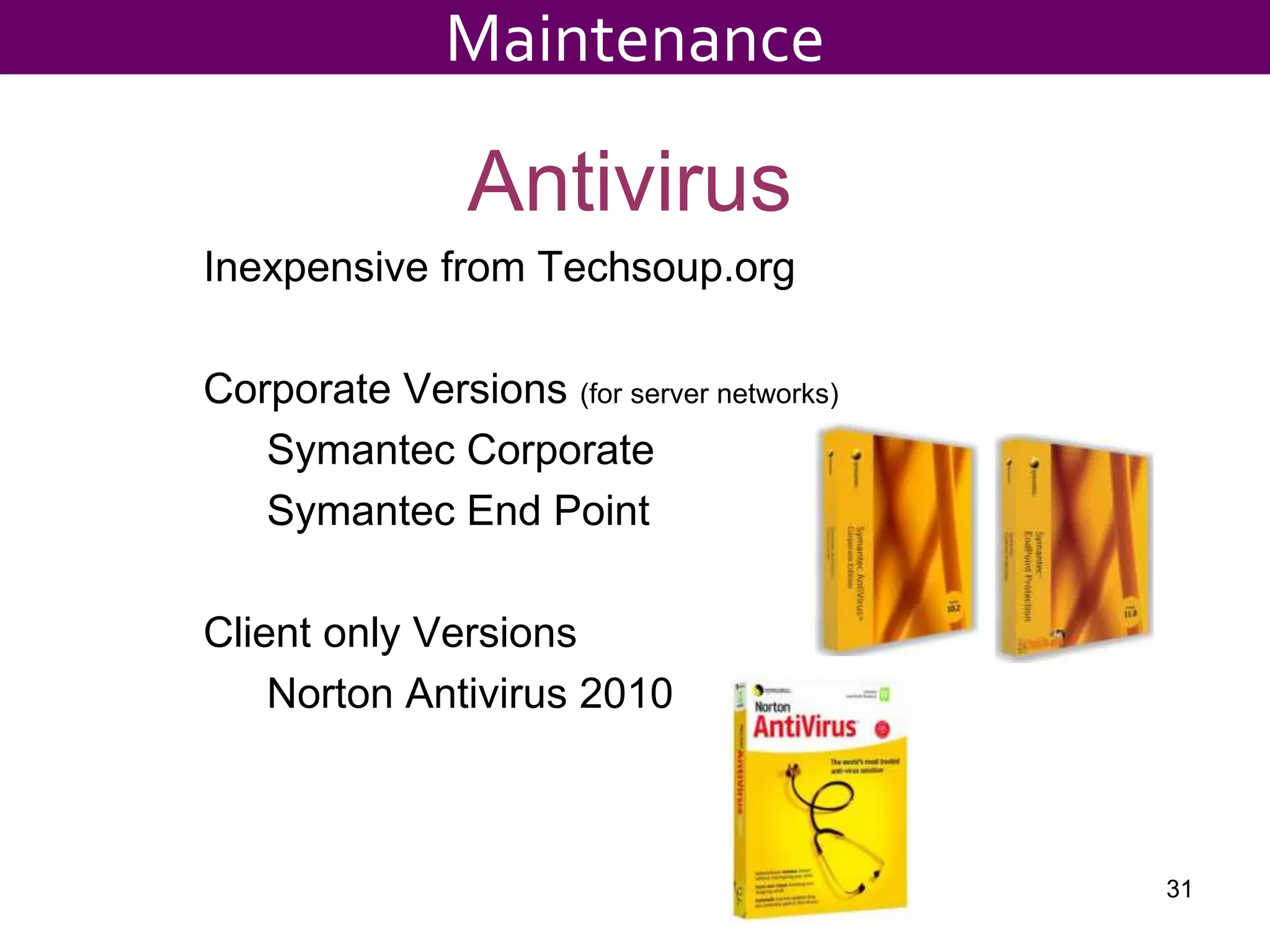
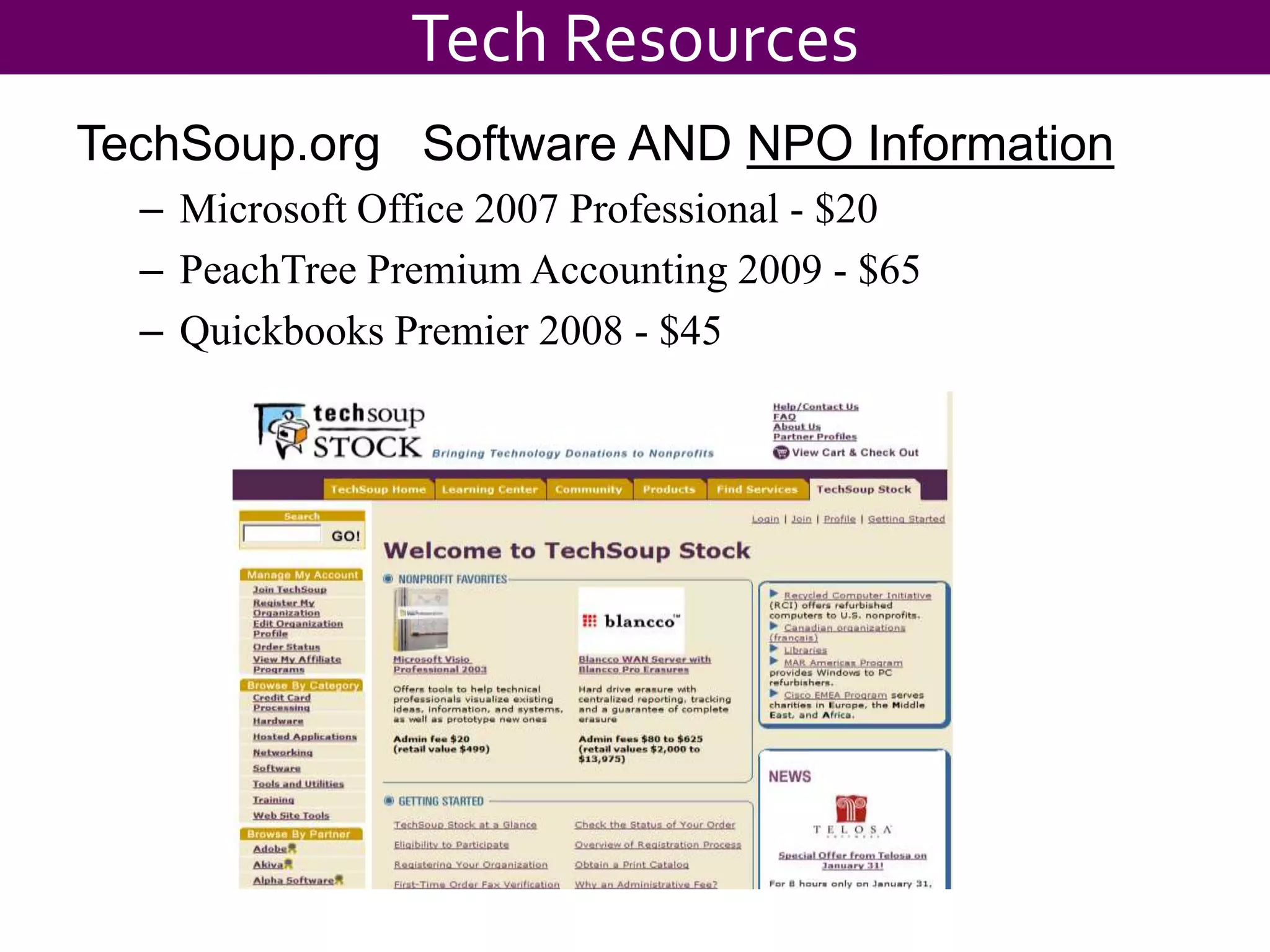
AntivirusInexpensive from Techsoup.orgCorporate Versions (for server networks)	Symantec Corporate	Symantec End PointClient only Versions	Norton Antivirus 201031Maintenance
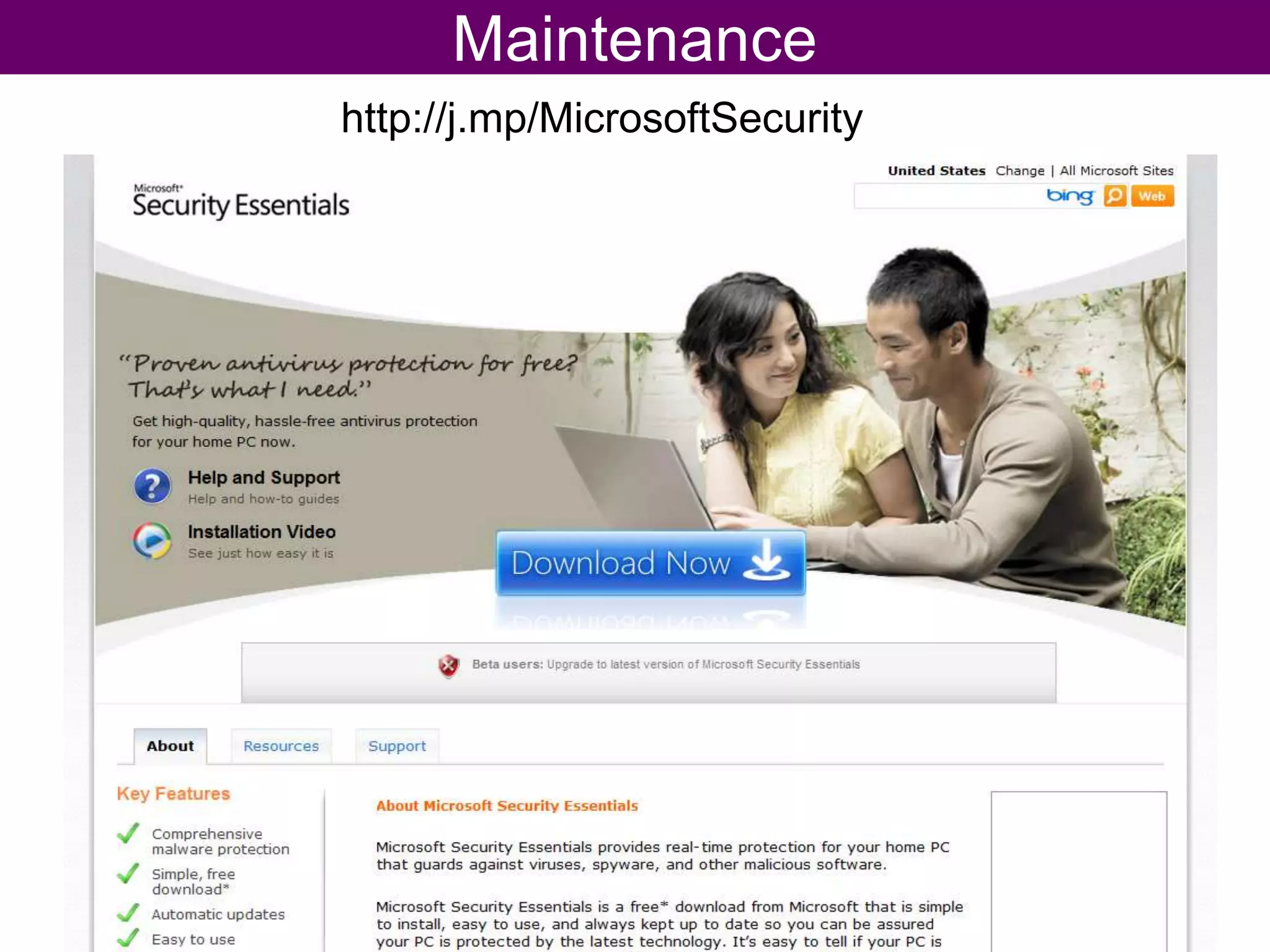
Maintenancehttp://j.mp/MicrosoftSecurity
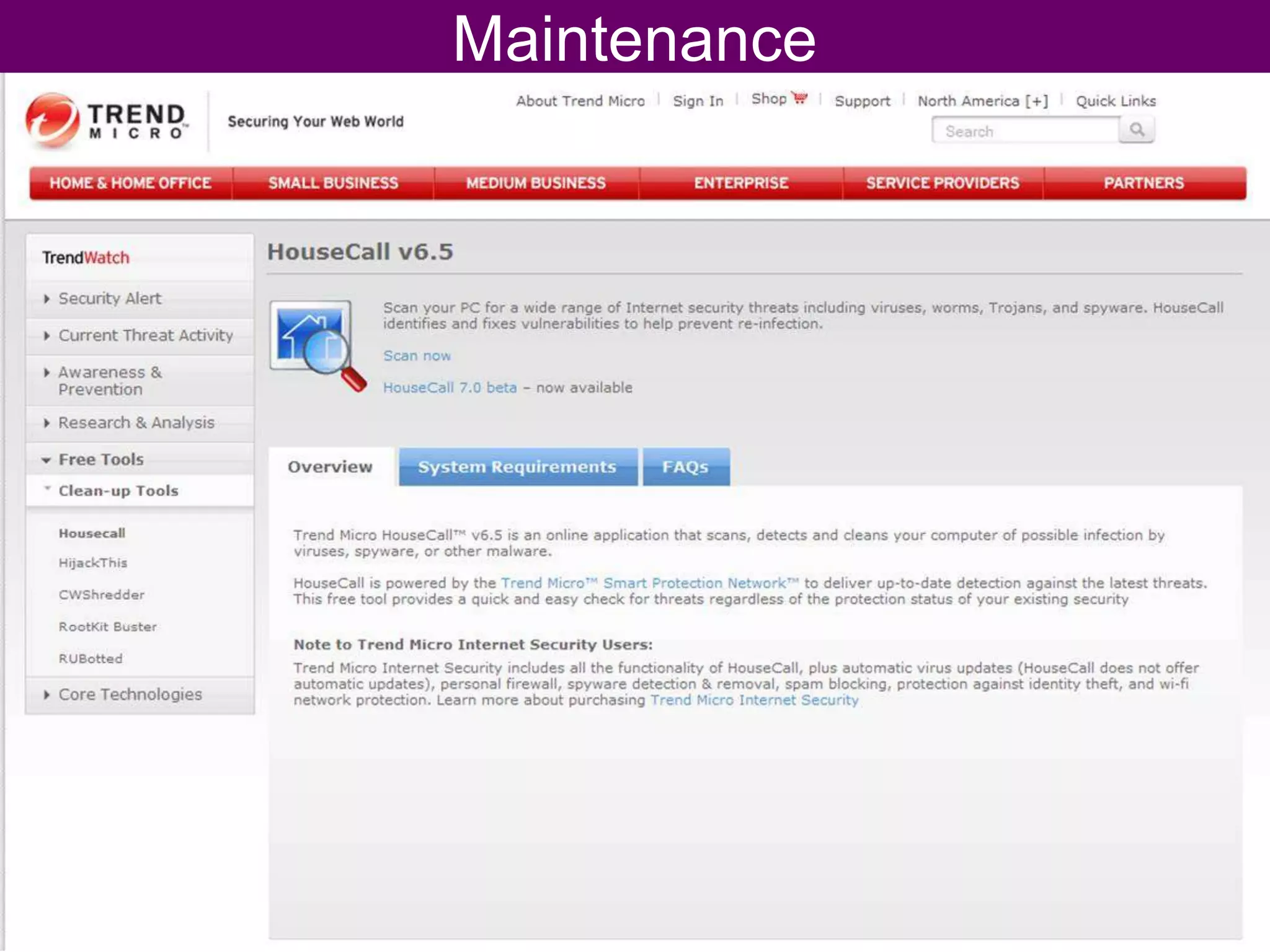
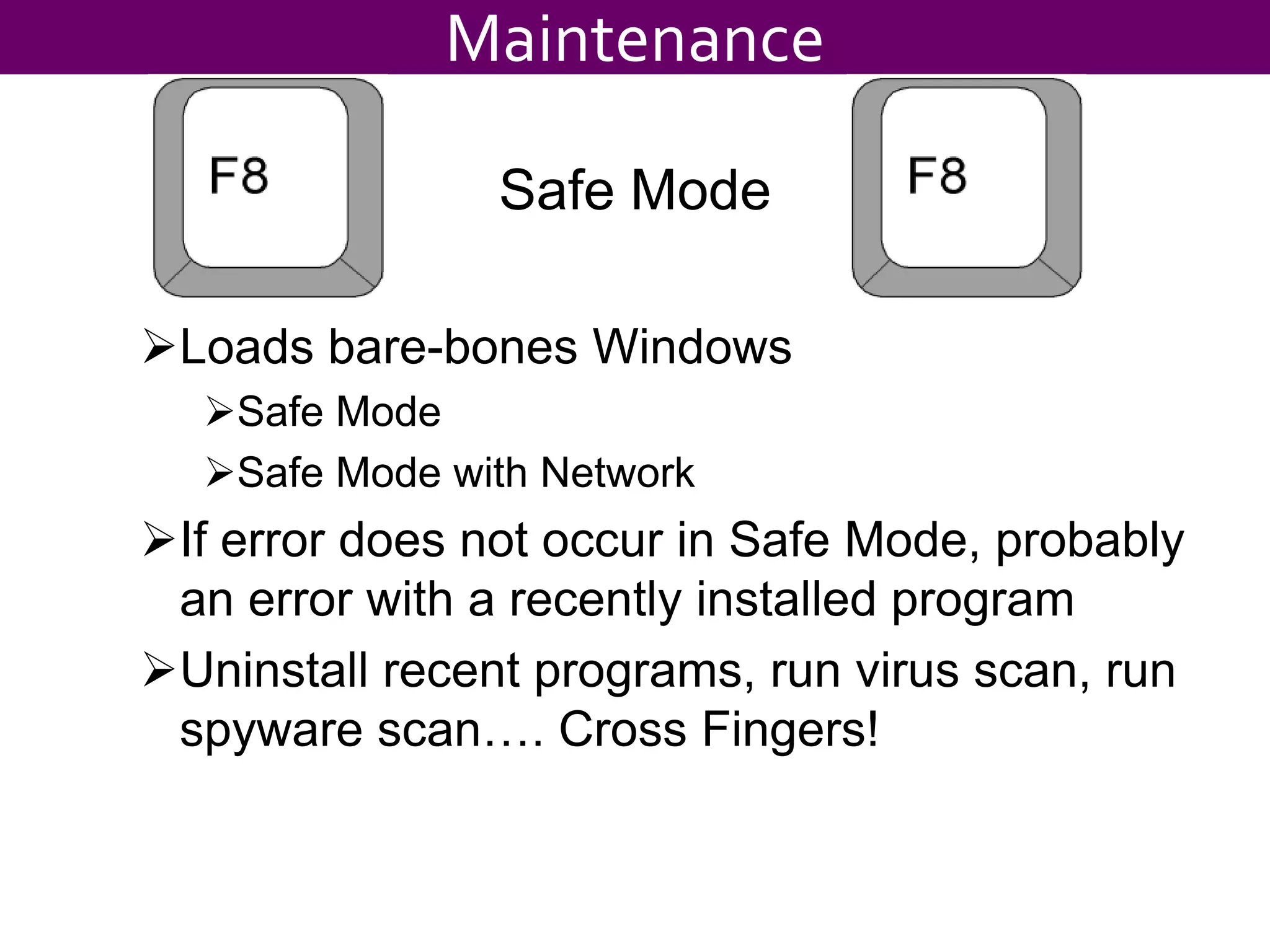
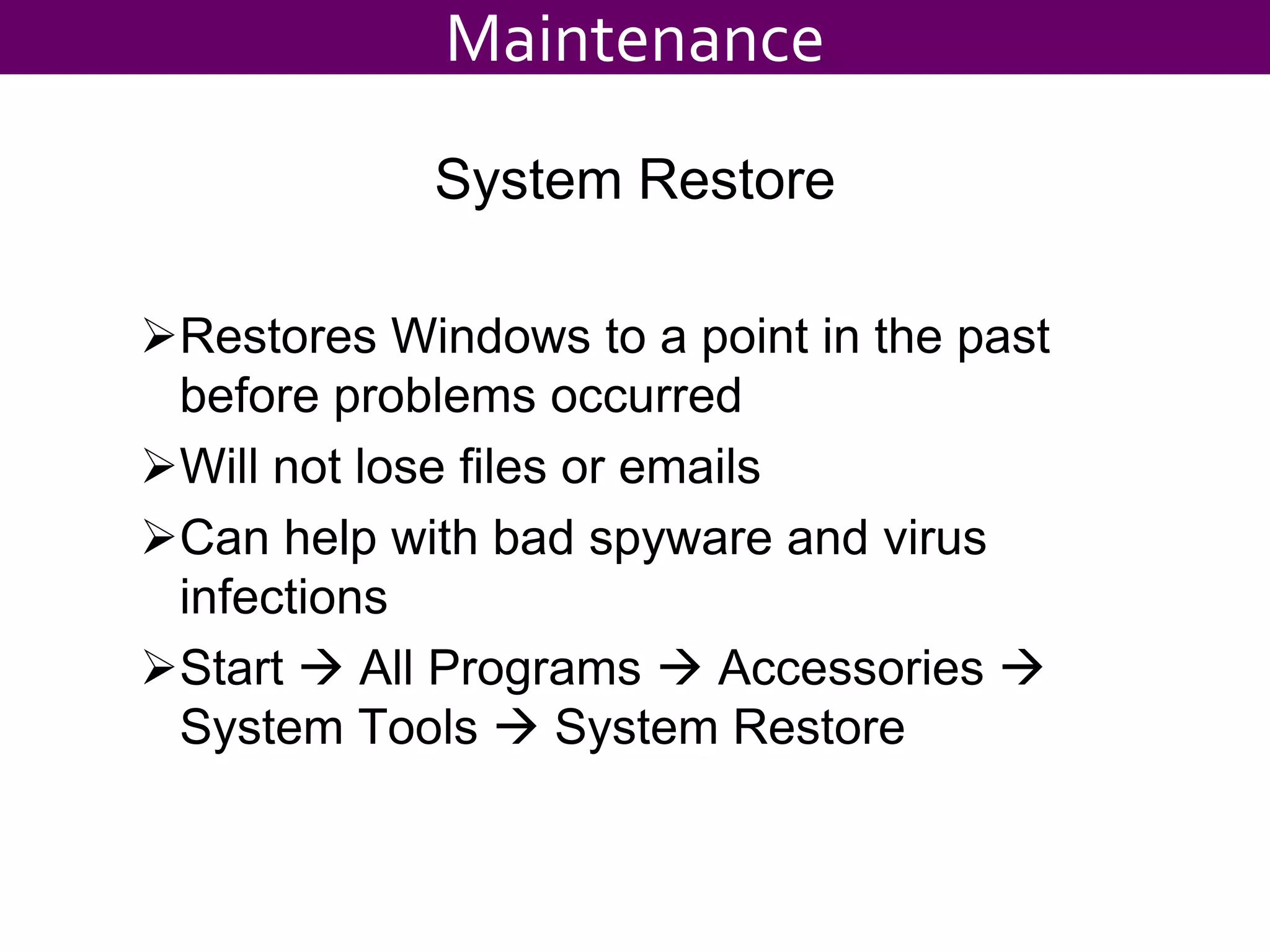
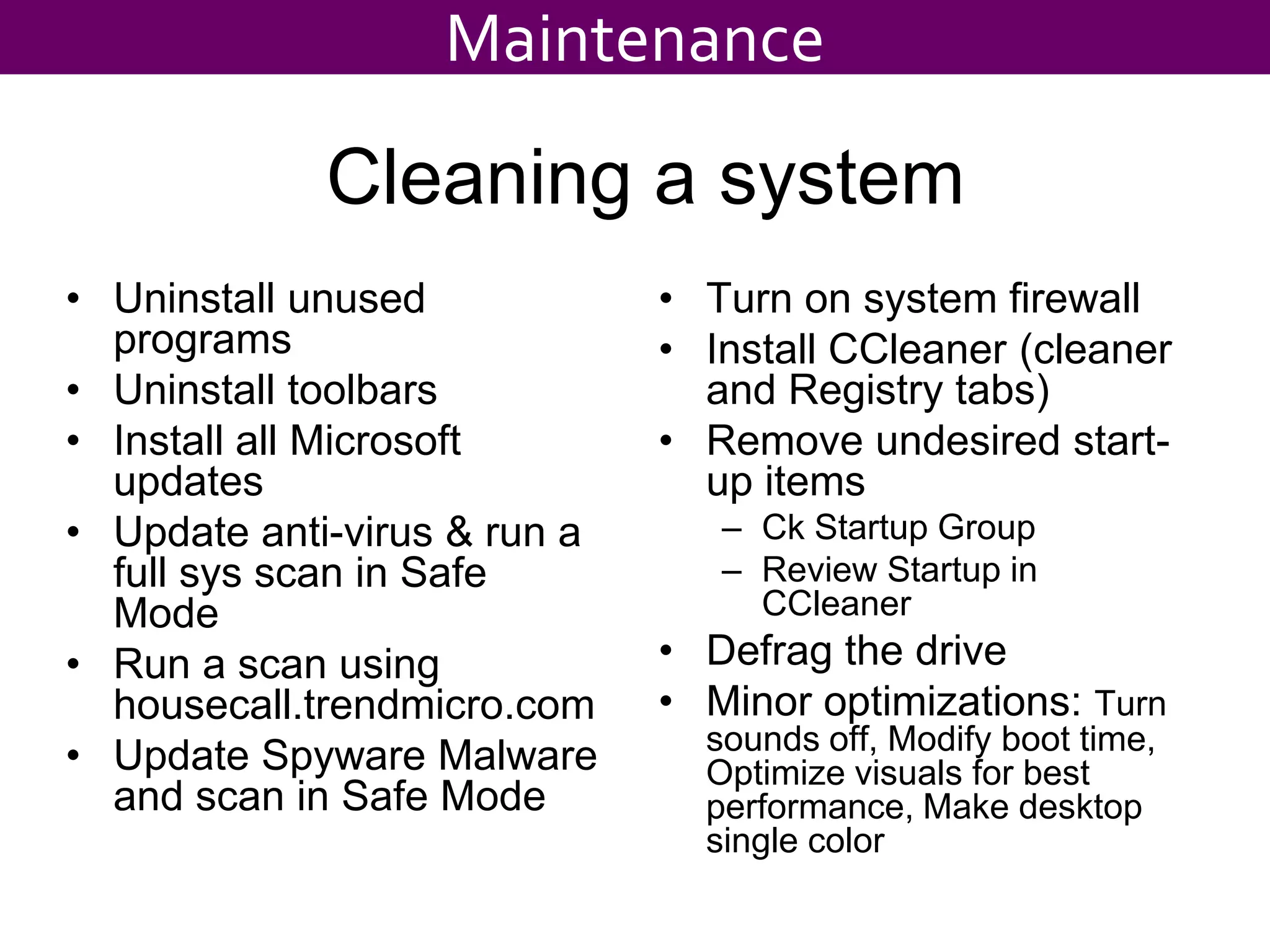
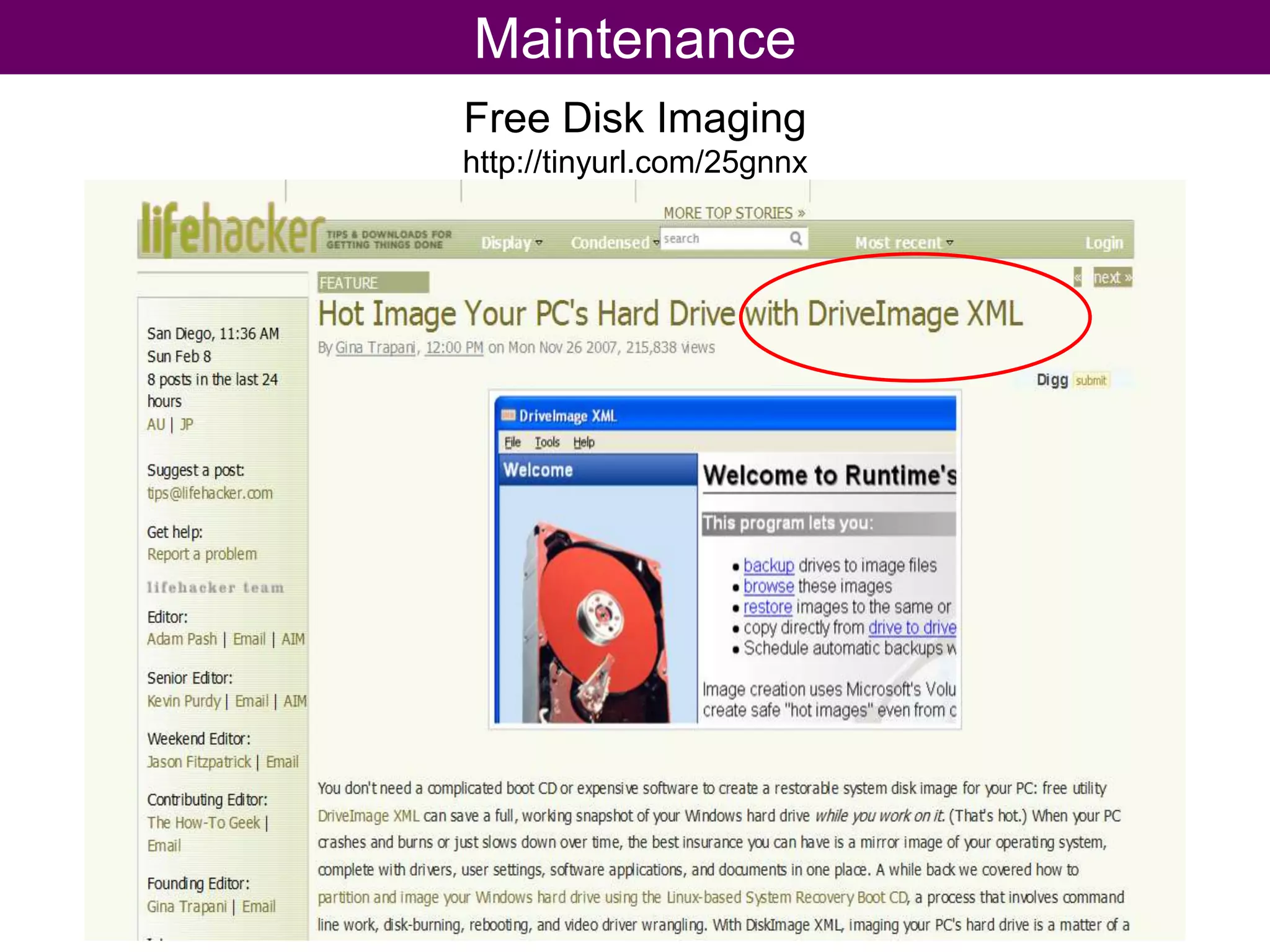
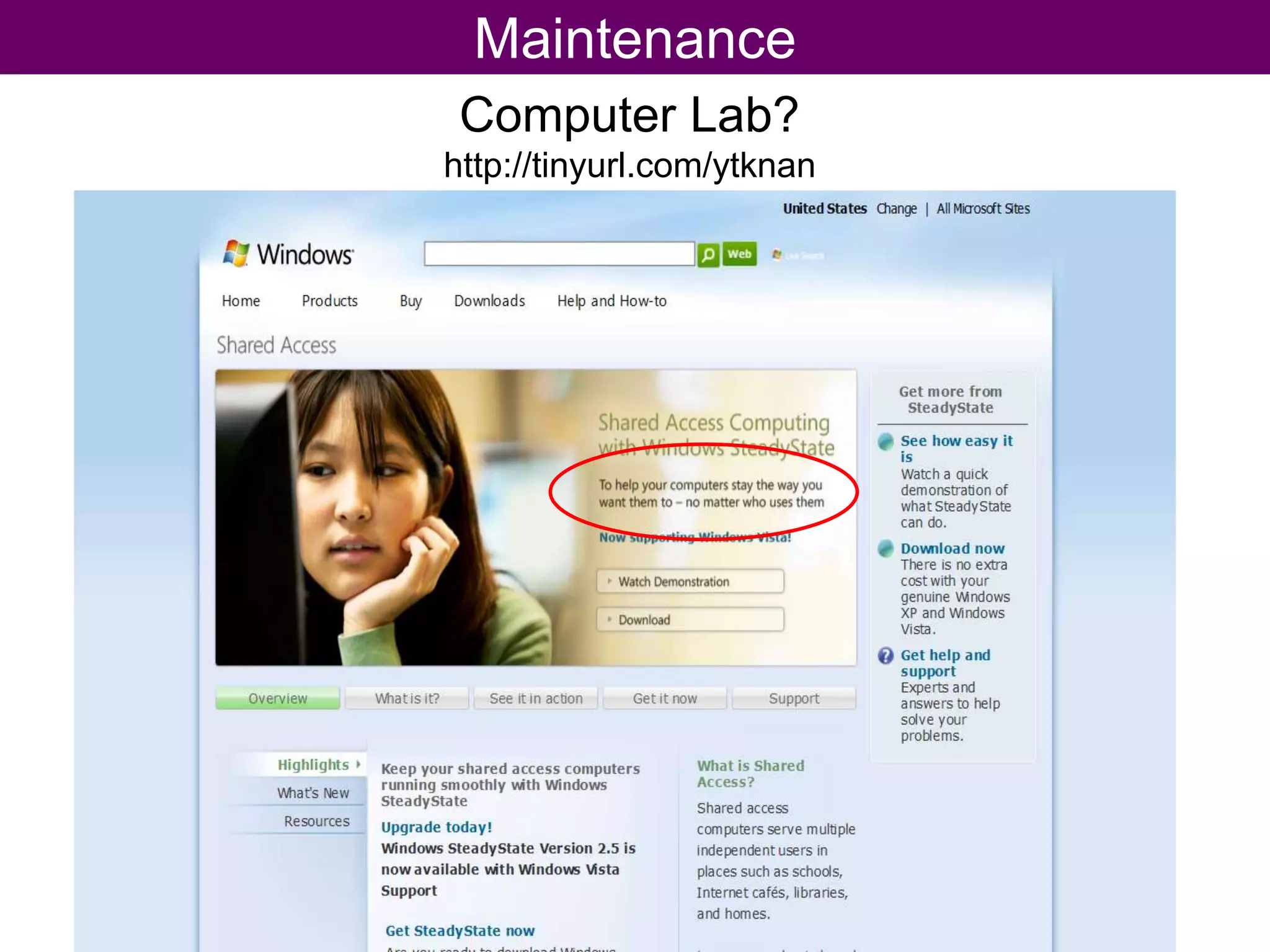
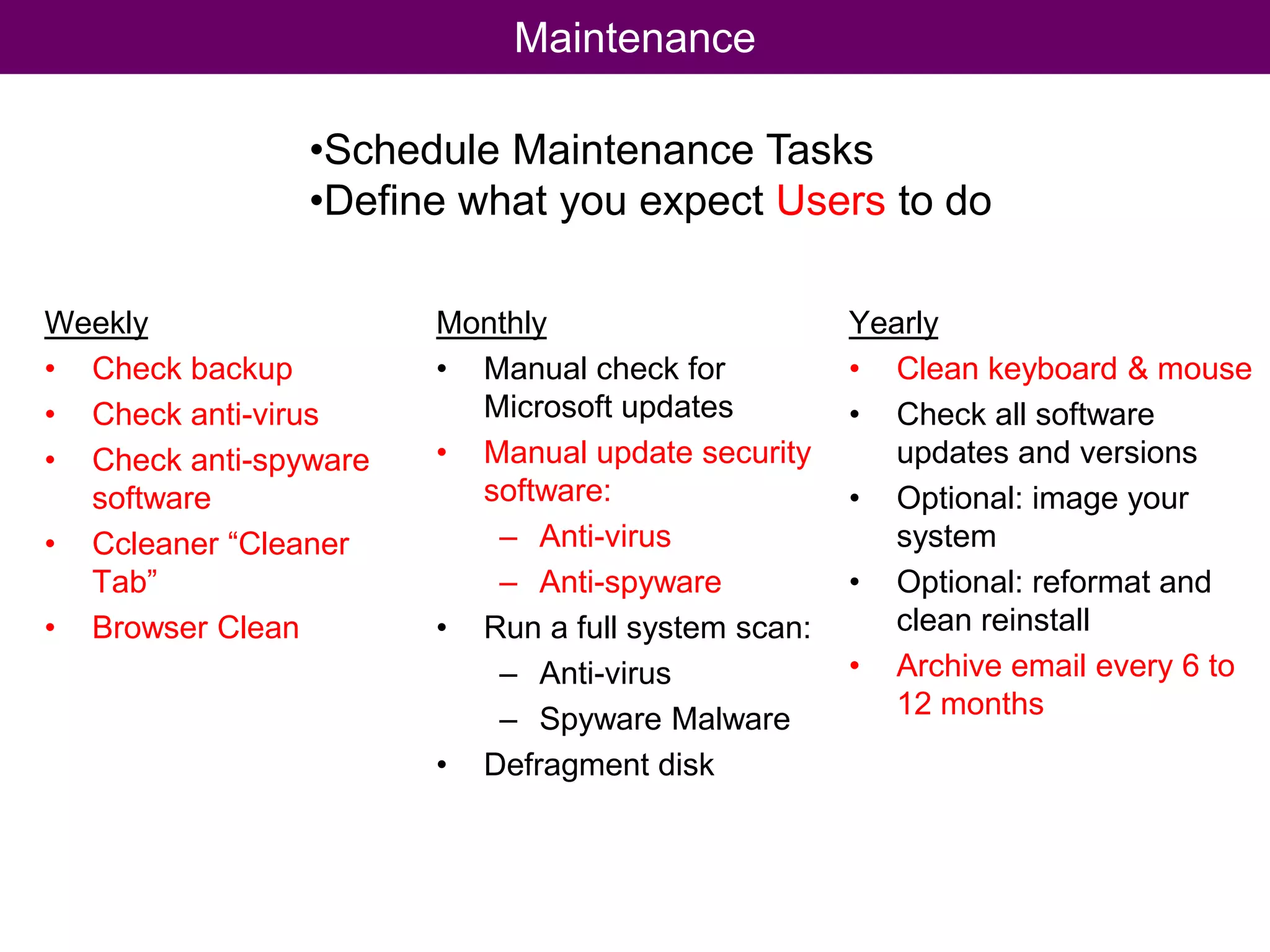
Maintenance
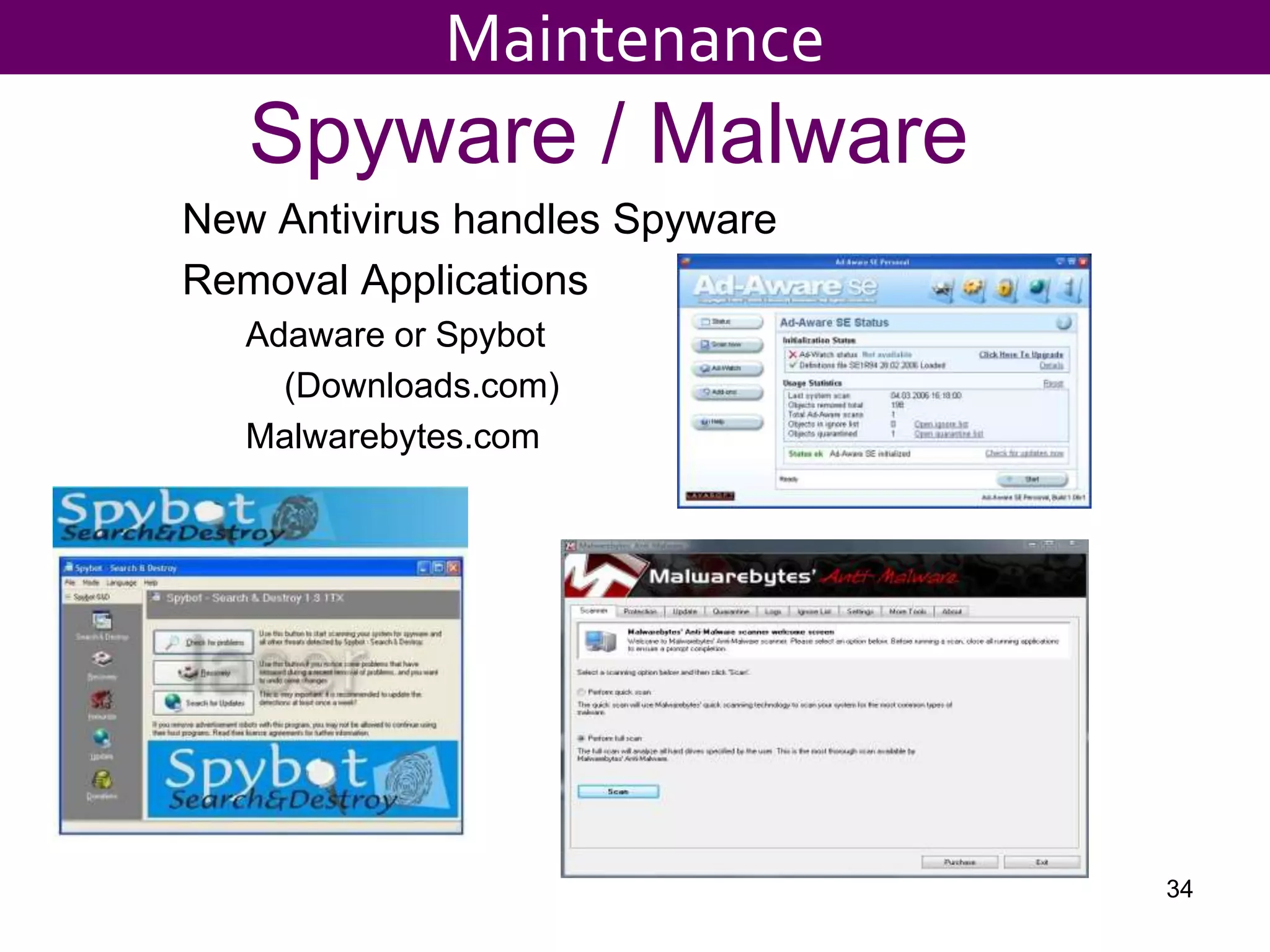
Spyware / Malware New Antivirus handles SpywareRemoval ApplicationsAdaware or Spybot    (Downloads.com) Malwarebytes.com34Maintenance
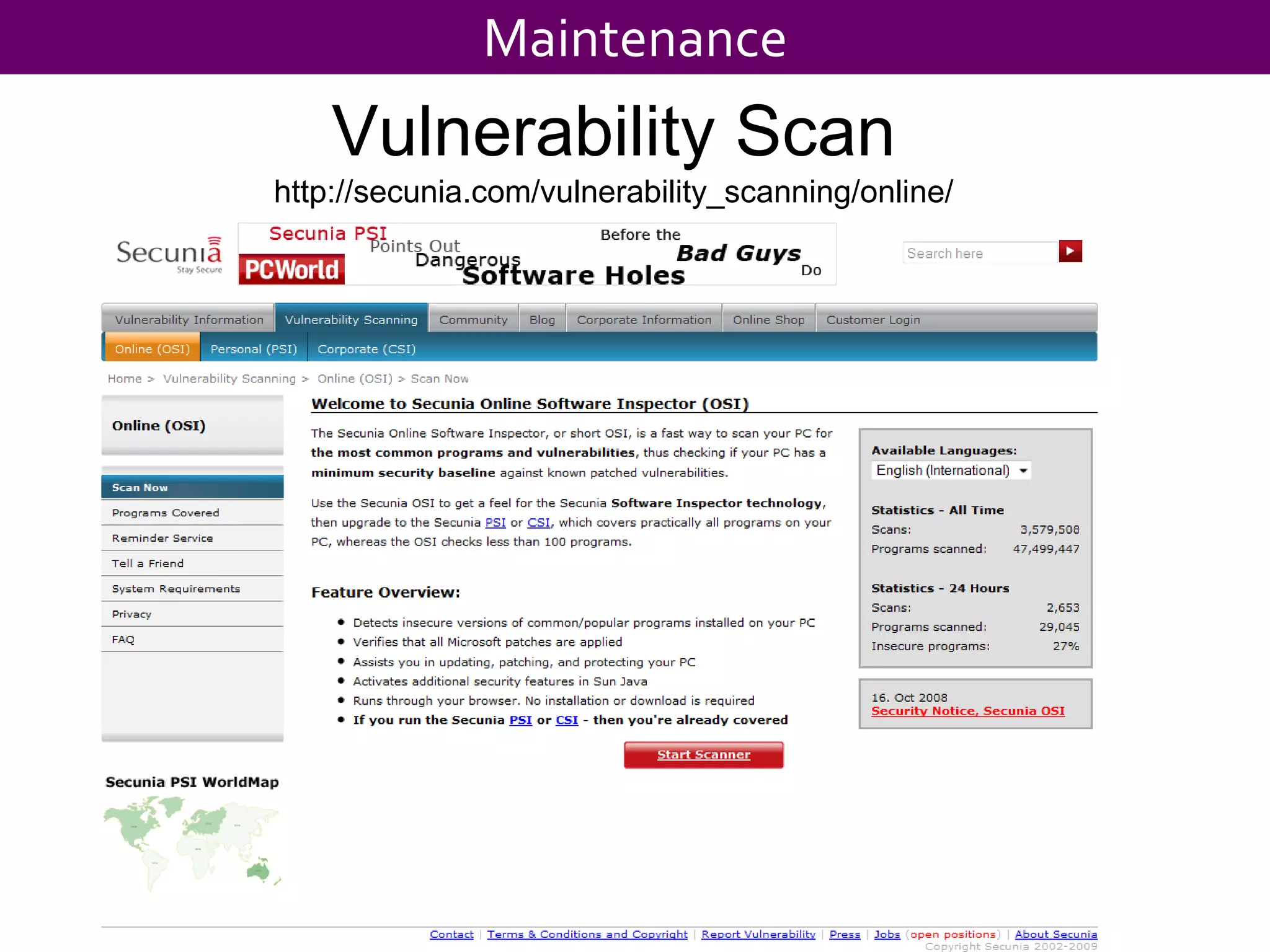
MaintenanceVulnerability Scanhttp://secunia.com/vulnerability_scanning/online/
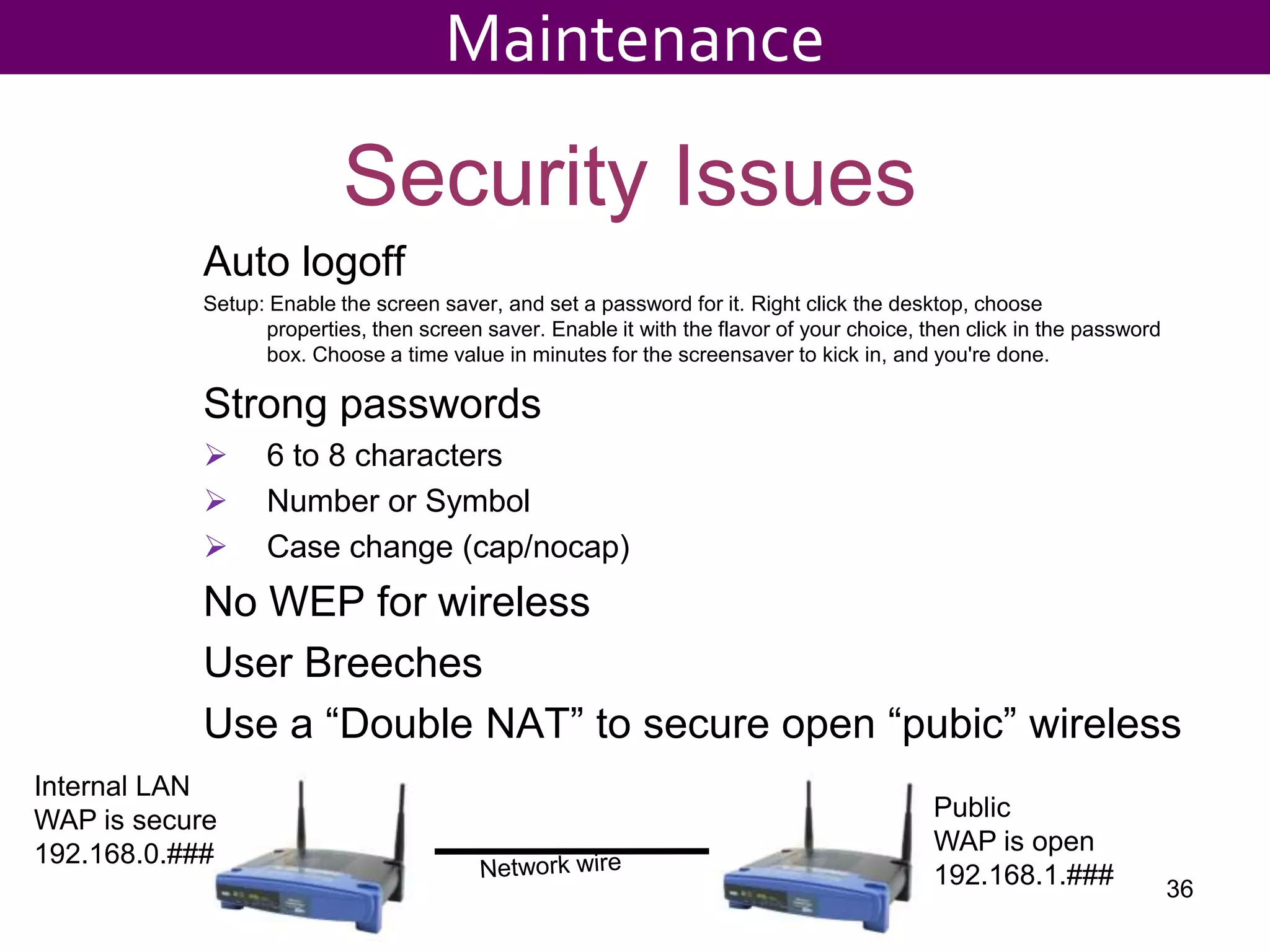
36MaintenanceSecurity IssuesAuto logoffSetup: Enable the screen saver, and set a password for it. Right click the desktop, choose properties, then screen saver. Enable it with the flavor of your choice, then click in the password box. Choose a time value in minutes for the screensaver to kick in, and you're done. Strong passwords6 to 8 characters
Number or Symbol

Tips For The At Web

Editor's Notes

  • #17 A lot of people are asking me about XP and Vista and a lot of people confuse Vista and the new version of Office
  • #51 A lot of people are asking me about XP and Vista and a lot of people confuse Vista and the new version of Office