Using Apple’s iPad
 to Maximize Your
 Effectiveness as a
       Leader


   Justin Baeder
www.eduleadership.org
http://www.flickr.com/photos/wsuph001/2613804125/
iPad Can Help You Become
• More mobile
• More aware
• More productive
• More organized
• More thorough
…in order to impact student learning.
Five iPad Productivity Functions
•   Notetaking
•   To-do management
•   Reference
•   Email
•   Calendar

But…
If you NEED an iPad

an iPad won’t solve your
       problems.
Notetaking
Write
everything
  down.
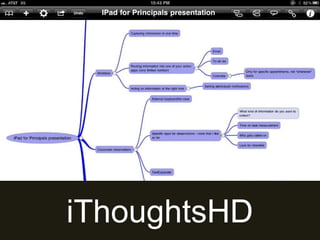
iThoughtsHD
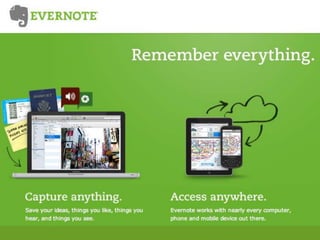
Evernote
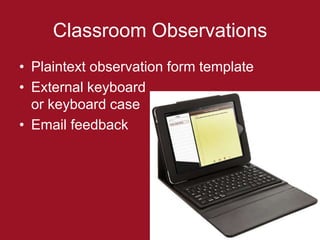
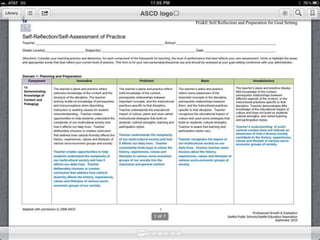
Classroom Observations
• Plaintext observation form template
• External keyboard
  or keyboard case
• Email feedback
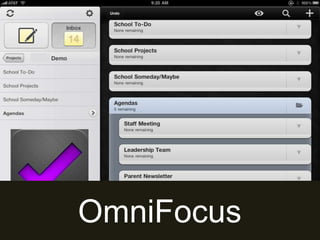
To-Do Management
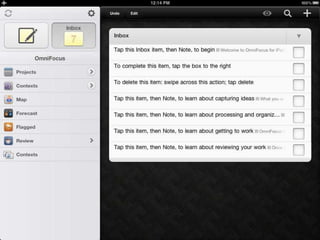
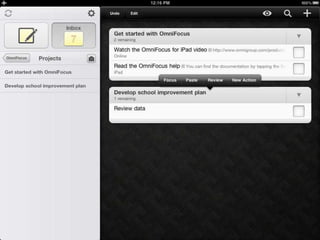
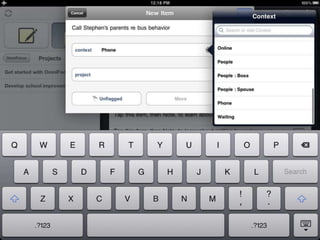
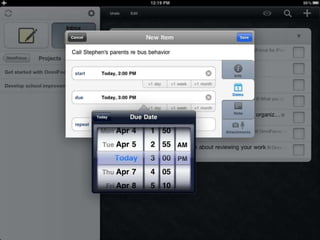
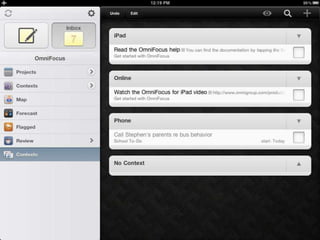
OmniFocus
Workflow
•   Limit number of “actionable” apps
•   Send action items through these apps
•   Batch whenever possible
•   Decide what NOT to do on iPad
Reference
Reference
•   Safari/Web
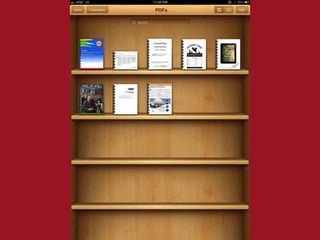
•   Saved PDFs & books in iBooks
•   Personal database, e.g. Evernote
•   Contacts
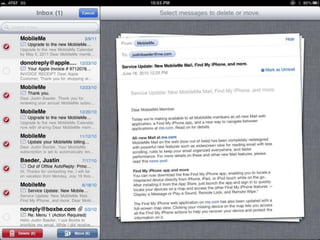
Email Workflow
•   Monitor/filter/delete
•   Respond in person OR
•   Quick replies OR
•   Mark as unread
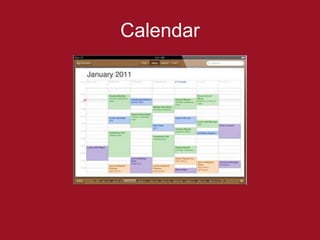
Calendar
Calendar
• Subscribe to online calendar (Google,
  iCal)
• Sync via Exchange
• Sync via MobileMe
• Alerts
• Appointments in person
Living with iPad
Sync Scenarios
• App-specific sync service
  – Evernote
  – OmniFocus
• Cloud-based file sync
  – DropBox
  – JungleDisk
• iTunes (cable) sync
  – Music
  – Photos
Working with Files
•   Files live in apps
•   Send via email
•   Store/sync with DropBox
•   Use iTunes sync only when necessary
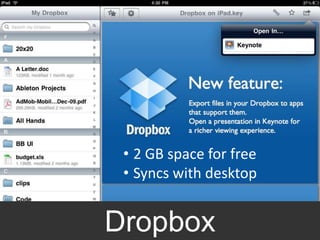
DropBox


        • 2 GB space for free
        • Syncs with desktop


DropBox iPad Interface
      Dropbox
Choosing Apps
• Reputation
  – Reviews
  – History
  – Recommendations
• Sync
  – DropBox
  – Custom sync servers
• Data flow
What NOT To Handle on iPad
• Complex MS Office documents
• Number-crunching
• Printing (yet)
Fun (and Useful) Stuff
• Reading
  – RSS: Reeder
  – Saved articles: Instapaper
  – PDFs: iBooks
• Watching & listening
  – Music, YouTube, Netflix, Hulu Plus
  – Audible & podcasts
• Web
Bottom Line
Focus on the work,
  not the tools.
But enjoy the tools.
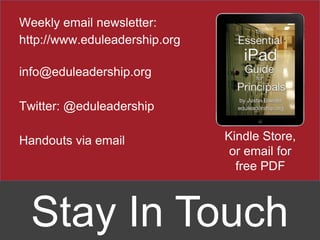
Weekly email newsletter:
http://www.eduleadership.org

info@eduleadership.org

Twitter: @eduleadership

Handouts via email             Kindle Store,
                                or email for
                                 free PDF


  Stay In Touch

Naesp i pad-for-principals-april-2011