Structure of C Programming Language
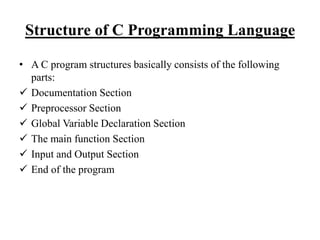
• A C program structures basically consists of the following
parts:
 Documentation Section
 Preprocessor Section
 Global Variable Declaration Section
 The main function Section
 Input and Output Section
 End of the program
Conti…
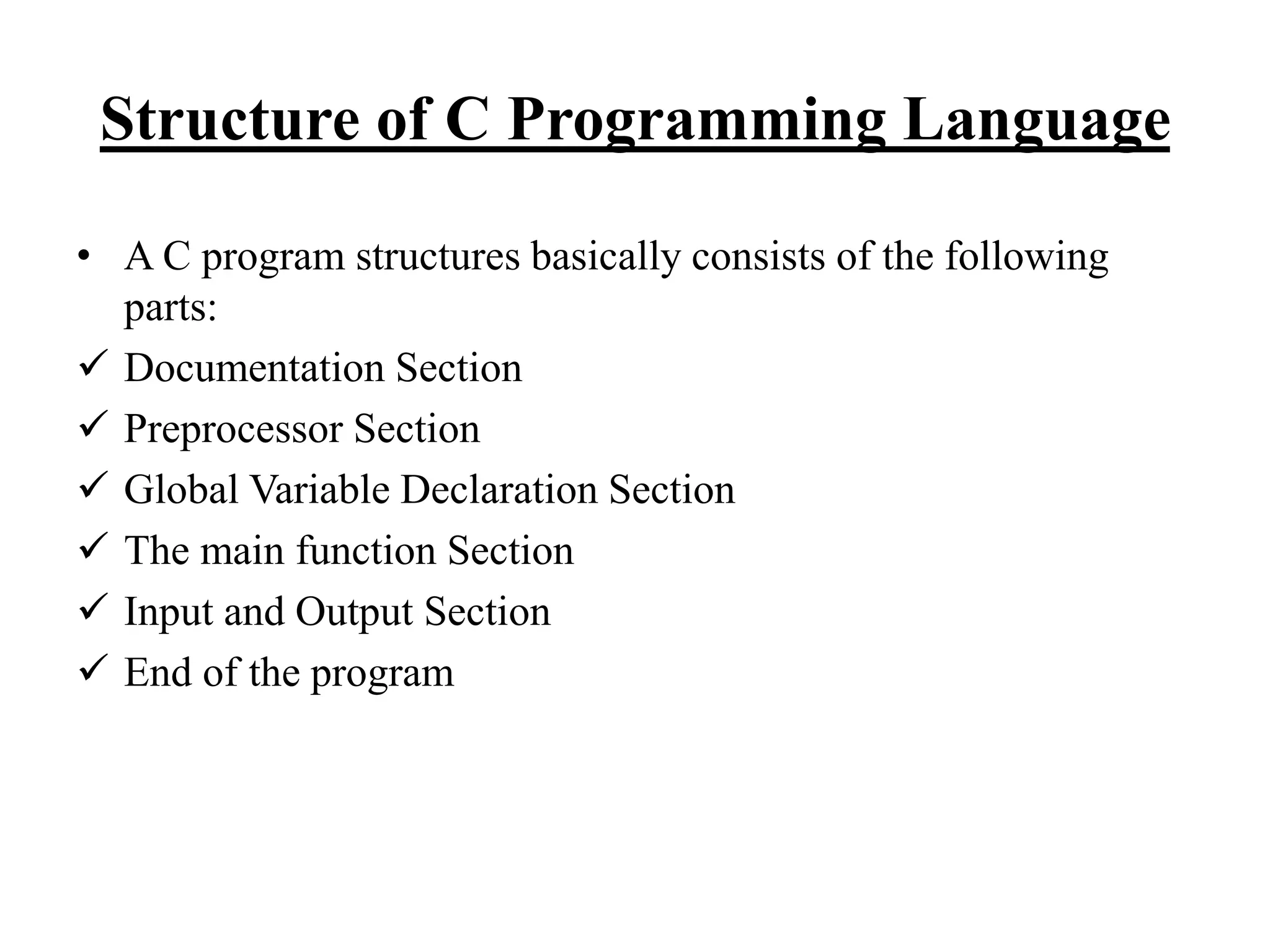
/* Documentation Section*/
/* Date: ; Author : */
/* Preprocessor statements/section */ (Link Section)
/* Global Variable Declaration section */ (Defination)
/* Main function Section */
/* Local Variable Section */
/* Executable Section */
/* Input/Output Section */
/* End of the program Section */
Conti…
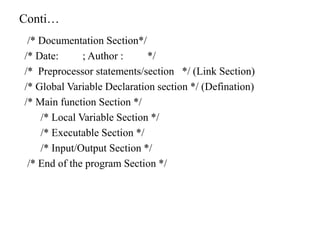
e.g. WAP in c To show the message “Hello World…”
/* Documentation Section*/
/* WAP in c To show the message “Hello World…” */
/* Date:13/12/2019 ; Author : ABC*/
/* Preprocessor statements/section */
#inlude<stdio.h>
#include<conio.h>
/* Global Variable Declaration section */
/* Main function Section */
main()
{
/* Local Variable Section */
/* Executable Section */
clrscr();
/* Input/Output Section */
printf(“n Hello World…”)
/* End of the program Section */
getch();
}
Conti…
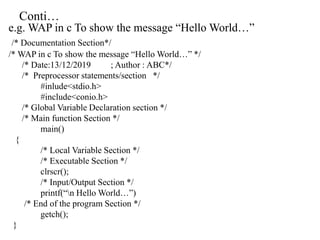
Comments
 Comments are a way of explaining what makes a program.
 The compiler ignores comments and used by other to understand
the code. Or
 This is a comment block, which is ignored by the compiler.
 Comment can be used anywhere in the program to add information
about program or code block, which will be helpful for developers
to understand the existing cod in the future easily.
 Basically, comments has two types:
 Single line comments
 Multiline comments
Conti….
#include<stdio.h>
 This is standard I/O, this allows us to use some commands which
includes a file called stdio.h Or
 This is the preprocessor command. That notifies the compiler to
include the header file stdio.h in the program before compiling the
source code.
#include<conio.h>
 It is standard for “console I/O header file”, which manages I/O on
console based application.
main()
 The main() is the main function where program execution begins.
 Every C program must contain only one main function.
Conti…
Braces/ Brackets {}
 Two curly braces “{….}”are used to group all statements.
Printf()
 It is a function in c, which prints text on the screen. Or this is
another pre-defined function of C which is used to be displayed text
in the screen.
Scanf()
 This is another pre-defined function of C which is used to access/
input the value from keyboard.
getch()/ return 0
 At the end of the main function return 0.
Library Function in C
 Library function in c language are inbuilt functions. Which are
grouped together & placed in a common place called library .
 Each library function in a C performs specific operation.
 We can make use of these library function to get the pre-defined
output instead of writing our own code get these outputs.
 Function declaration, definition for macros are given in all header
files.
 We are including these header files in our C program using
“#include<file name.h>” command to make use of the function
those are declared in the header files.
 There are several library functions or header files are presents they
are:
a. Stdio.h b. conio.h c.string.h d. stdlib.h
e. Math.h f. time.h g.ctype.h
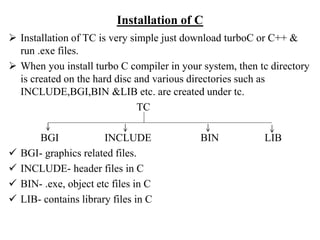
Installation of C
 Installation of TC is very simple just download turboC or C++ &
run .exe files.
 When you install turbo C compiler in your system, then tc directory
is created on the hard disc and various directories such as
INCLUDE,BGI,BIN &LIB etc. are created under tc.
TC
BGI INCLUDE BIN LIB
 BGI- graphics related files.
 INCLUDE- header files in C
 BIN- .exe, object etc files in C
 LIB- contains library files in C
TC Editor
TC editor is very simple and easy to use; here will
give you all tips related to TC editor & some
shortcut keys related to TC editor which is very
useful at the time of coding.
It is most common C language compiler.
The interface of turbo C is very simple . When IDE
screen appears the menu bar is activated. It
contains various menus such as:
Conti…
 File : This menu contains group of commands used for
save,edit,print, exit from editor.
 Editor : It is used for editing C program source code. E.g.. Copy,
paste, cut, undo etc.
 Search : It is used for searching specific word as well as replacing
it with another one.
 Run : It is used for running C program.
 Compile : Is is used for compile the C program.
 Debug : it is used for debugging the C program
 Project : It is used for opening , closing, & creating project.
 Option : it is used for configuring IDE of turbo C & setting up
directories etc.
 Windows : it is used for opening & closing various windows of
IDE.
Conti…
 Help : this menu is used for get help about specific topic of C
language. Similarly to get help about a specific keyword or
identifiers of C.
Thank You…!

Stucture of c program

  • 1.
    Structure of CProgramming Language • A C program structures basically consists of the following parts:  Documentation Section  Preprocessor Section  Global Variable Declaration Section  The main function Section  Input and Output Section  End of the program
  • 2.
    Conti… /* Documentation Section*/ /*Date: ; Author : */ /* Preprocessor statements/section */ (Link Section) /* Global Variable Declaration section */ (Defination) /* Main function Section */ /* Local Variable Section */ /* Executable Section */ /* Input/Output Section */ /* End of the program Section */
  • 3.
    Conti… e.g. WAP inc To show the message “Hello World…” /* Documentation Section*/ /* WAP in c To show the message “Hello World…” */ /* Date:13/12/2019 ; Author : ABC*/ /* Preprocessor statements/section */ #inlude<stdio.h> #include<conio.h> /* Global Variable Declaration section */ /* Main function Section */ main() { /* Local Variable Section */ /* Executable Section */ clrscr(); /* Input/Output Section */ printf(“n Hello World…”) /* End of the program Section */ getch(); }
  • 4.
    Conti… Comments  Comments area way of explaining what makes a program.  The compiler ignores comments and used by other to understand the code. Or  This is a comment block, which is ignored by the compiler.  Comment can be used anywhere in the program to add information about program or code block, which will be helpful for developers to understand the existing cod in the future easily.  Basically, comments has two types:  Single line comments  Multiline comments
  • 5.
    Conti…. #include<stdio.h>  This isstandard I/O, this allows us to use some commands which includes a file called stdio.h Or  This is the preprocessor command. That notifies the compiler to include the header file stdio.h in the program before compiling the source code. #include<conio.h>  It is standard for “console I/O header file”, which manages I/O on console based application. main()  The main() is the main function where program execution begins.  Every C program must contain only one main function.
  • 6.
    Conti… Braces/ Brackets {} Two curly braces “{….}”are used to group all statements. Printf()  It is a function in c, which prints text on the screen. Or this is another pre-defined function of C which is used to be displayed text in the screen. Scanf()  This is another pre-defined function of C which is used to access/ input the value from keyboard. getch()/ return 0  At the end of the main function return 0.
  • 7.
    Library Function inC  Library function in c language are inbuilt functions. Which are grouped together & placed in a common place called library .  Each library function in a C performs specific operation.  We can make use of these library function to get the pre-defined output instead of writing our own code get these outputs.  Function declaration, definition for macros are given in all header files.  We are including these header files in our C program using “#include<file name.h>” command to make use of the function those are declared in the header files.  There are several library functions or header files are presents they are: a. Stdio.h b. conio.h c.string.h d. stdlib.h e. Math.h f. time.h g.ctype.h
  • 8.
    Installation of C Installation of TC is very simple just download turboC or C++ & run .exe files.  When you install turbo C compiler in your system, then tc directory is created on the hard disc and various directories such as INCLUDE,BGI,BIN &LIB etc. are created under tc. TC BGI INCLUDE BIN LIB  BGI- graphics related files.  INCLUDE- header files in C  BIN- .exe, object etc files in C  LIB- contains library files in C
  • 9.
    TC Editor TC editoris very simple and easy to use; here will give you all tips related to TC editor & some shortcut keys related to TC editor which is very useful at the time of coding. It is most common C language compiler. The interface of turbo C is very simple . When IDE screen appears the menu bar is activated. It contains various menus such as:
  • 10.
    Conti…  File :This menu contains group of commands used for save,edit,print, exit from editor.  Editor : It is used for editing C program source code. E.g.. Copy, paste, cut, undo etc.  Search : It is used for searching specific word as well as replacing it with another one.  Run : It is used for running C program.  Compile : Is is used for compile the C program.  Debug : it is used for debugging the C program  Project : It is used for opening , closing, & creating project.  Option : it is used for configuring IDE of turbo C & setting up directories etc.  Windows : it is used for opening & closing various windows of IDE.
  • 11.
    Conti…  Help :this menu is used for get help about specific topic of C language. Similarly to get help about a specific keyword or identifiers of C.
  • 12.