Agnes Molnar
Beyond the Search Center -
 Application or Solution?
About Agnes Molnar
• SharePoint Server MVP
• Senior Solutions Consultant, BA Insight
• Recognized blogger, speaker, writer

•   Web: http://www.bainsight.com
•   Blog: http://aghy.hu
•   Email: Agnes.Molnar@BAInsight.com
•   Twitter: @molnaragnes
Search


    Search connects people

       to the information

they need to get their jobs done.
Search
• „I know what I’m searching for and know how to
  do that”

• „I know what I’m searching for but I don’t know
  how to do that”

• „I don’t know what I’m searching for”

• „Am I Searching?...”
Enterprise Search
•   Enterprise – is no longer within the firewall
•   Relevance is critical
•   Search within the organization
•   „Transparent” Search
•   Search Driven Applications
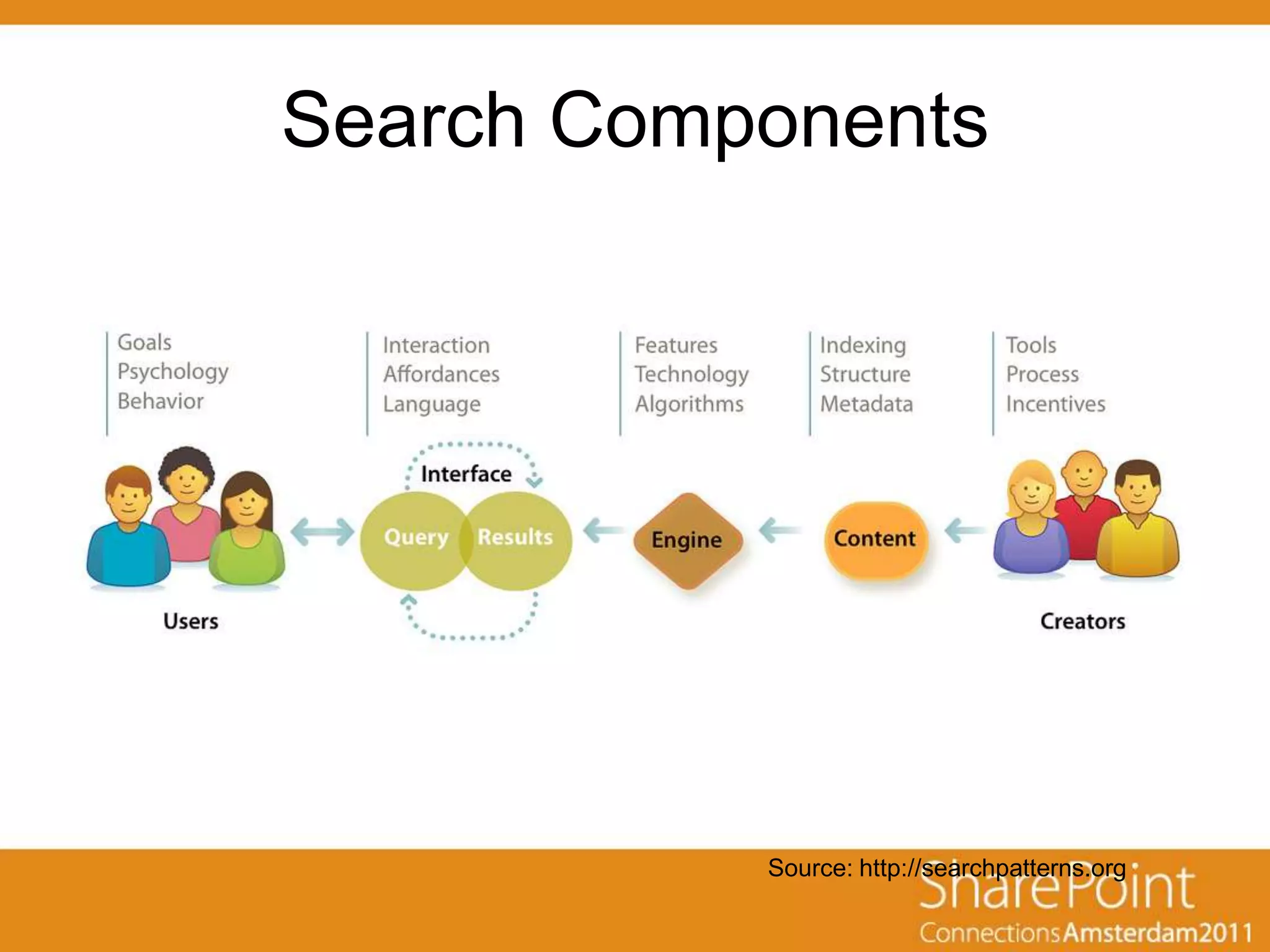
Search Components


           Source: http://searchpatterns.org
Search Based Application (SBA)
• Software Application
• Built on a Search Engine backbone rather
  than a database infrastructure
• Purpose is not classic information
  retrieval, but rather mission-oriented
  information access, analysis or
  discovery
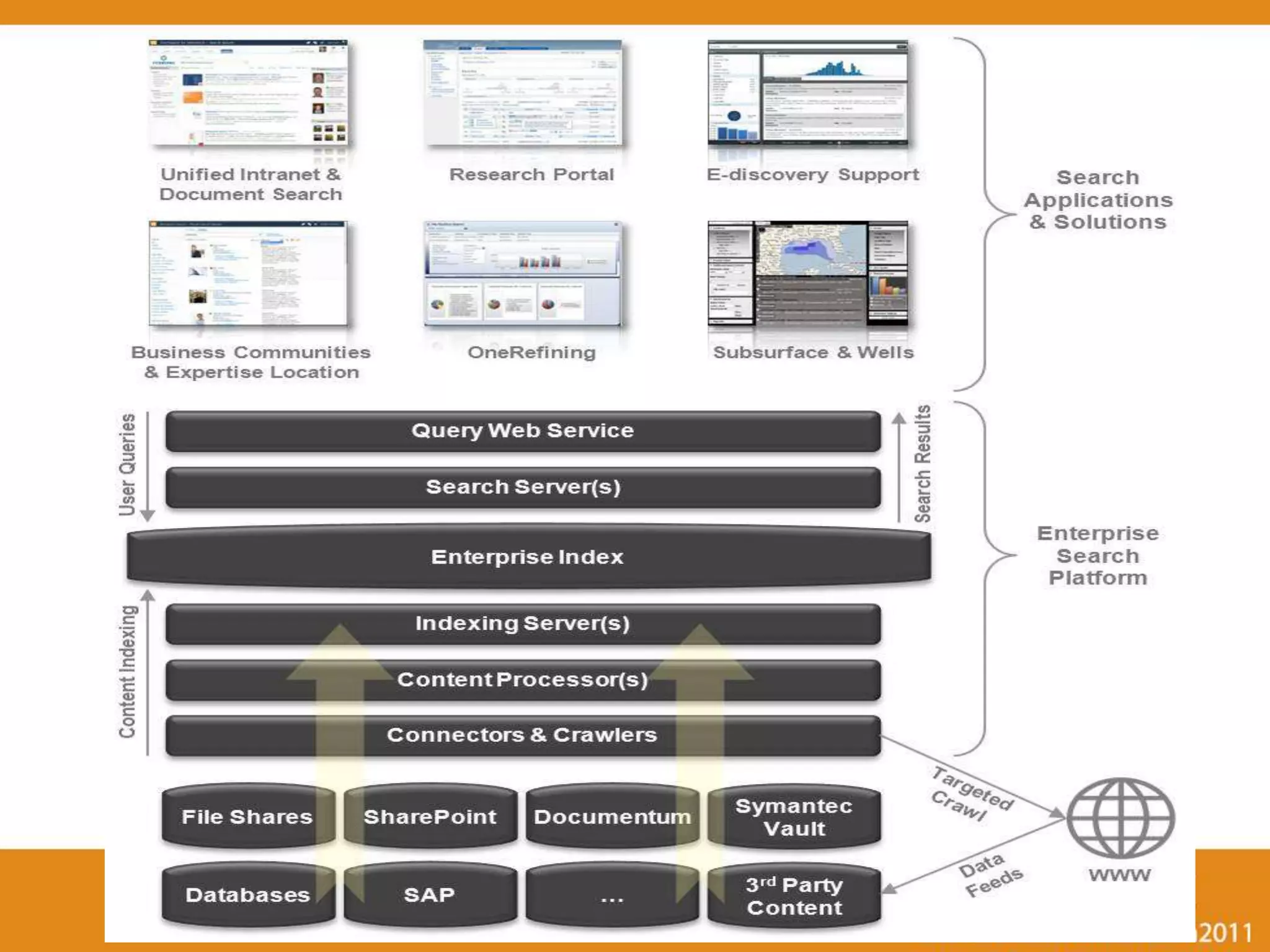
SBA Examples
12
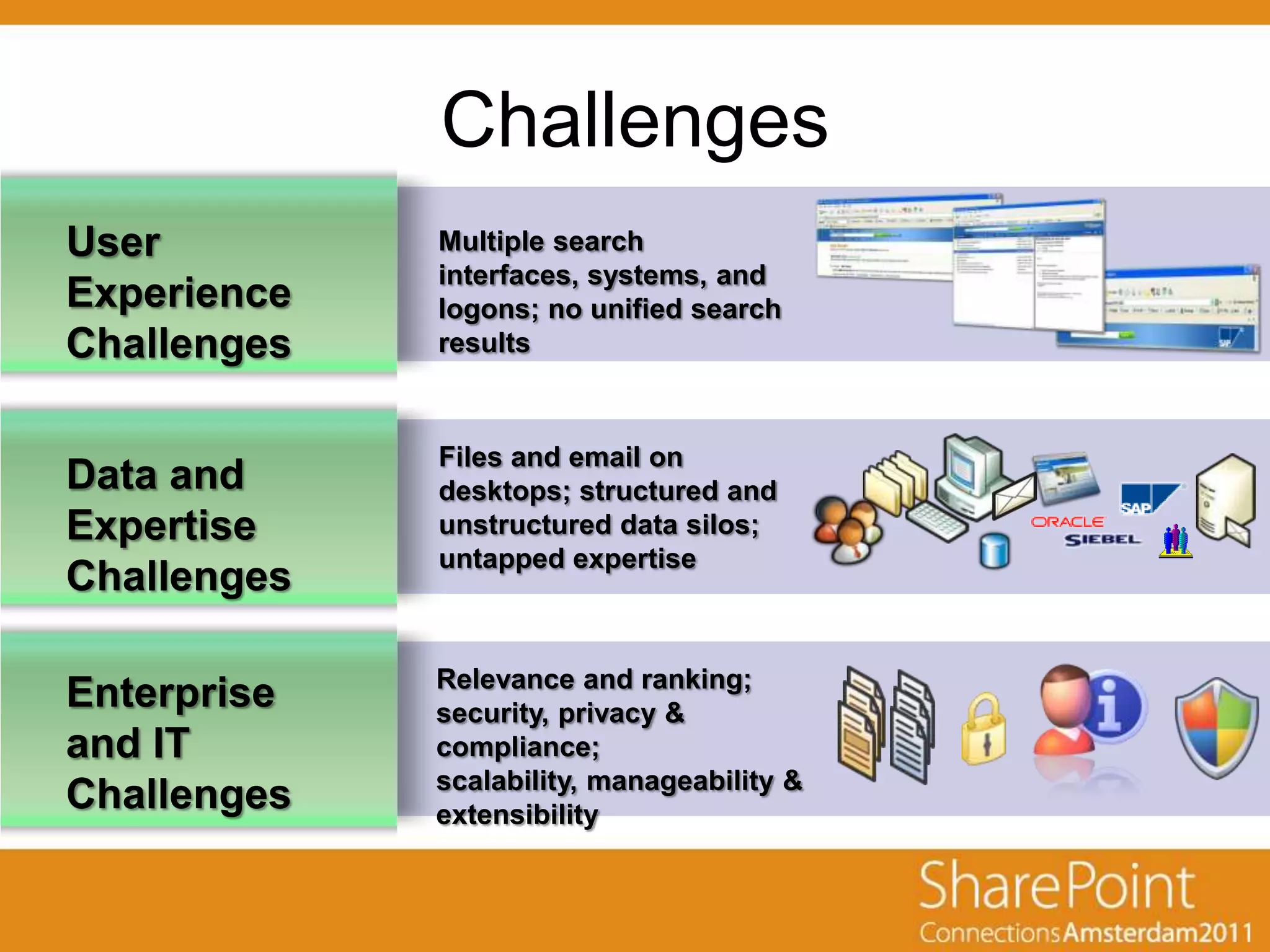
Challenges
User         Multiple search
             interfaces, systems, and
Experience   logons; no unified search
Challenges   results


             Files and email on
Data and     desktops; structured and
Expertise    unstructured data silos;
             untapped expertise
Challenges

             Relevance and ranking;
Enterprise   security, privacy &
and IT       compliance;
             scalability, manageability &
Challenges   extensibility
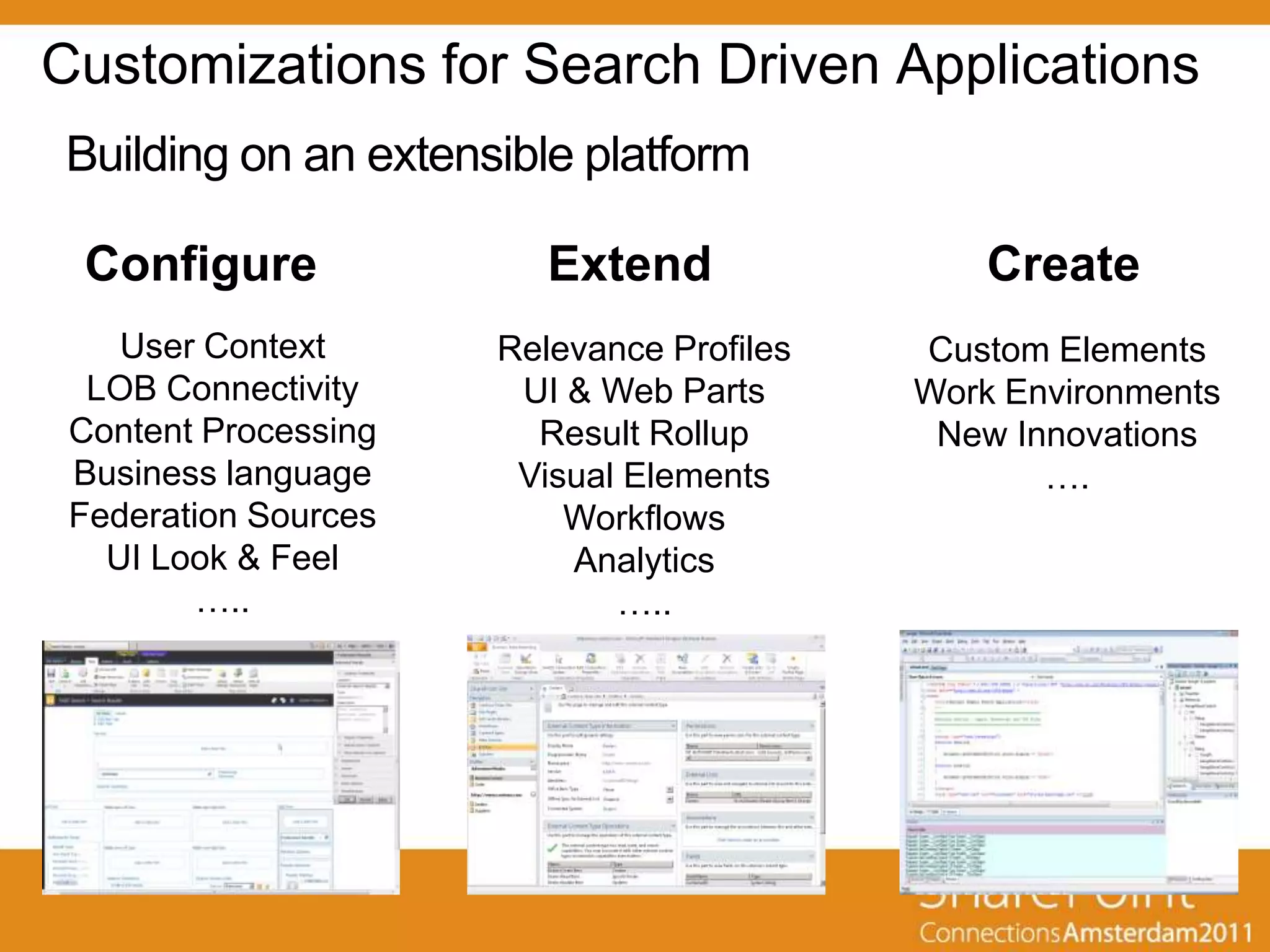
Customizations for Search Driven Applications
Building on an extensible platform

 Configure               Extend                Create
    User Context      Relevance Profiles   Custom Elements
  LOB Connectivity     UI & Web Parts      Work Environments
 Content Processing     Result Rollup       New Innovations
 Business language     Visual Elements            ….
 Federation Sources       Workflows
   UI Look & Feel         Analytics
         …..                 …..
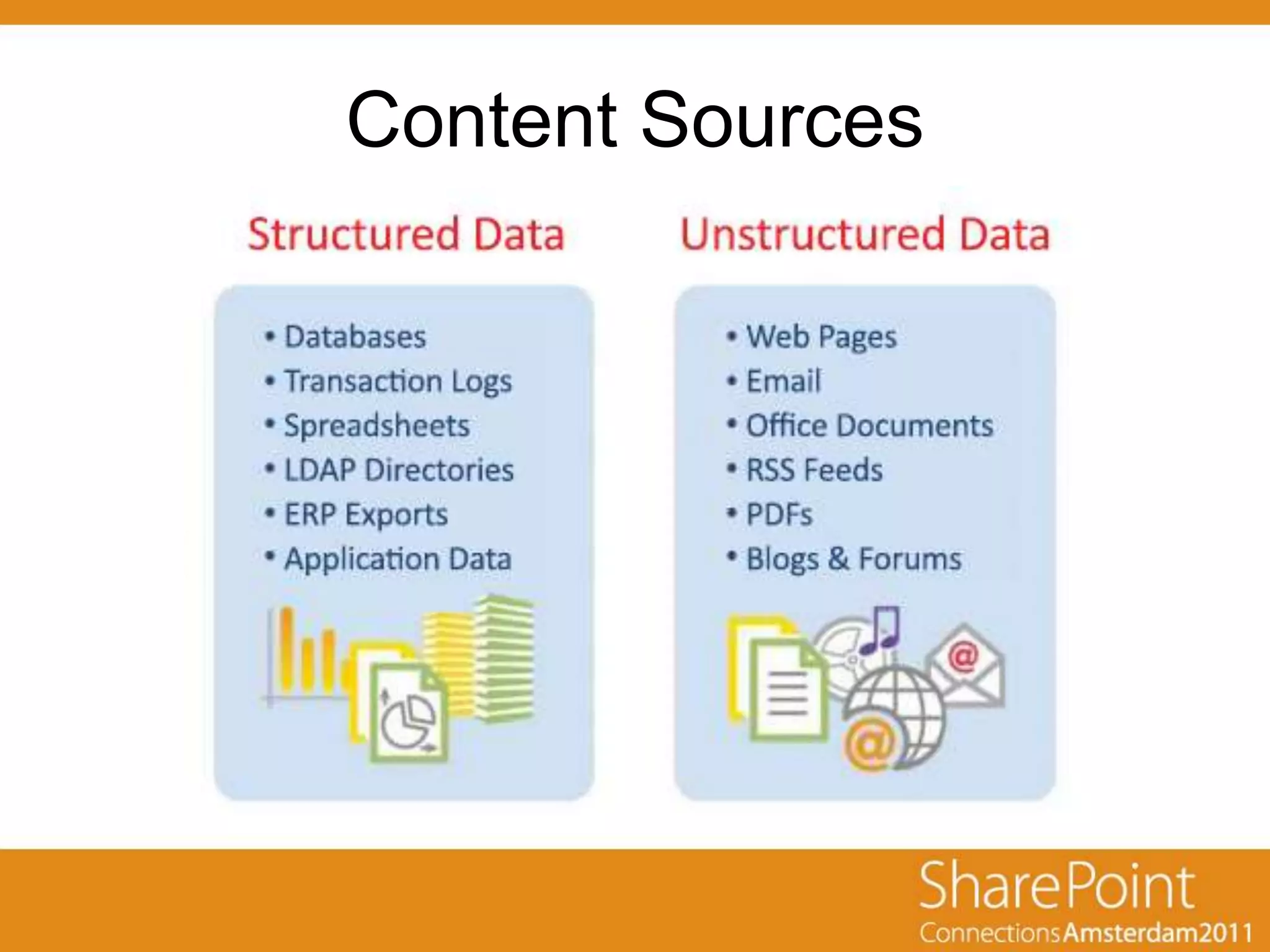
Content Sources
Content Sources in SBAs
• Combine (join) data
• Connect data
  – Existing relationships in the source system
  – Newly discovered, cross-system relationships
• Aggregate data
• Visualize data
Data Collection / Crawling
• Crawler:
  – Connects to the Content Source
  – Enumerates the content
  – Reads the content items
  – Extracts the metadata
  – Sends the collected info back to the Indexer
Data Collection / Crawling
• Connector: Enables to access different types of
  content

• OOTB:
  –   SharePoint
  –   File Share
  –   Web site
  –   Exchange Public Folders
  –   Custom Connectors
  –   (Lotus Notes)
  –   (Documentum)
Natural Language Processing
• Crawl/Index Time
  – Language Detection
  – Tokenization
  – Stemming and Lemmatization

• Query Time
  –   Approximate Spelling
  –   Phonetic Spelling
  –   Word Truncation
  –   Regular Expressions
  –   Semantic Expansion
  –   Rules-based Matching
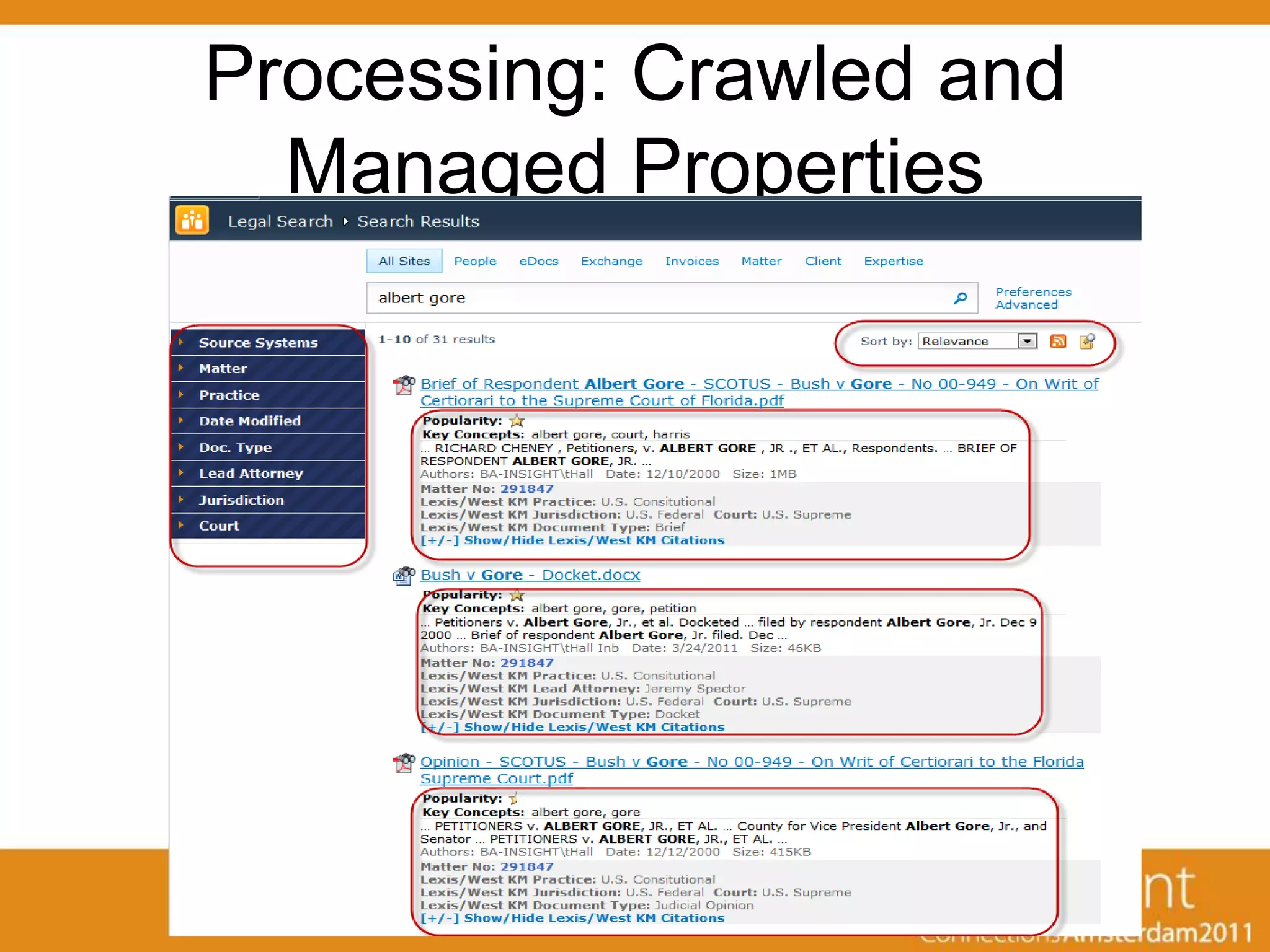
Processing: Crawled and
      Managed Properties
• Crawled property: metadata extracted
  from the documents/items during the
  crawl.

• Managed property: can appear in refined
  searches and helps users perform more
  successful queries
Processing: Crawled and
  Managed Properties
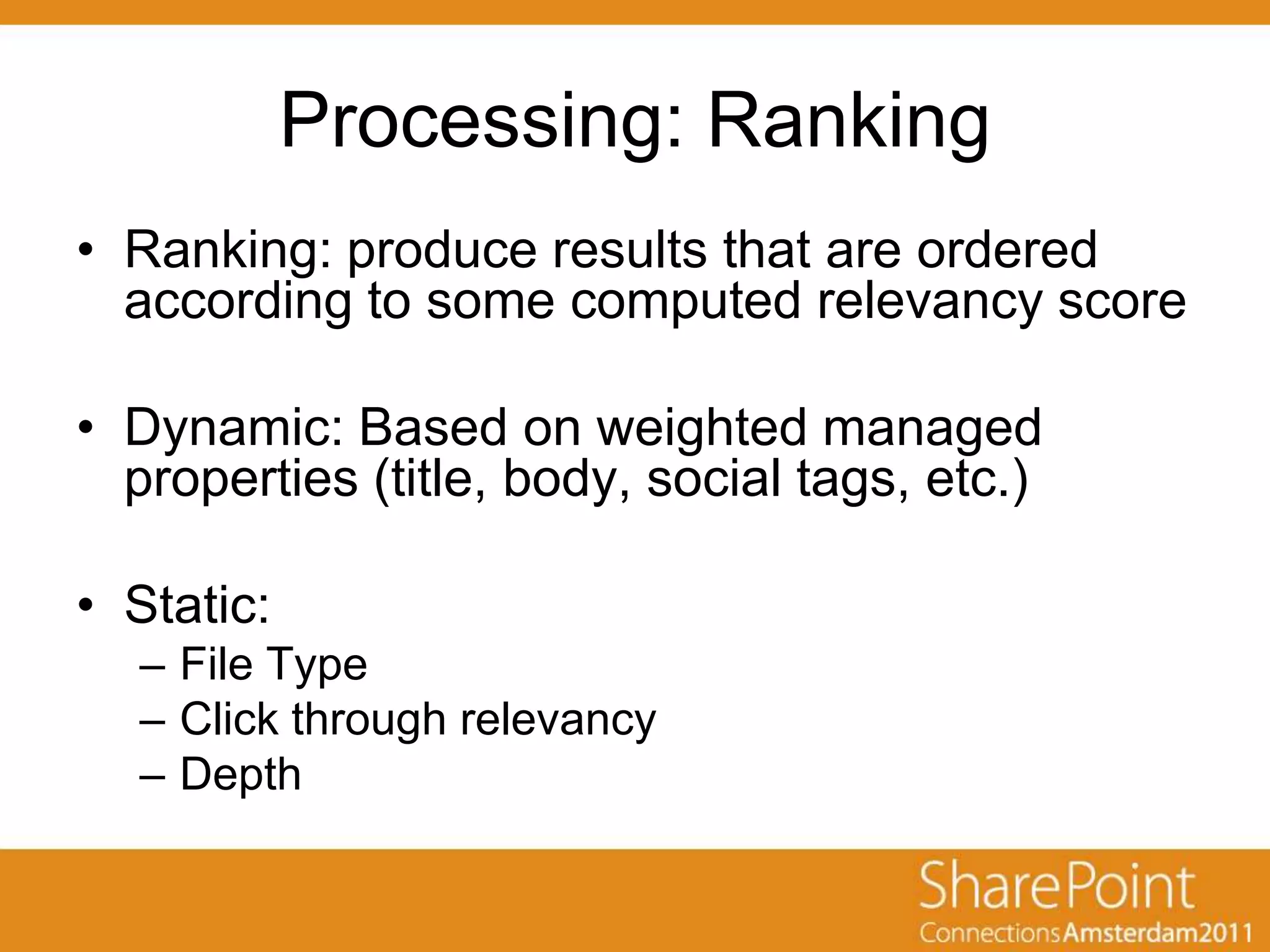
Processing: Ranking
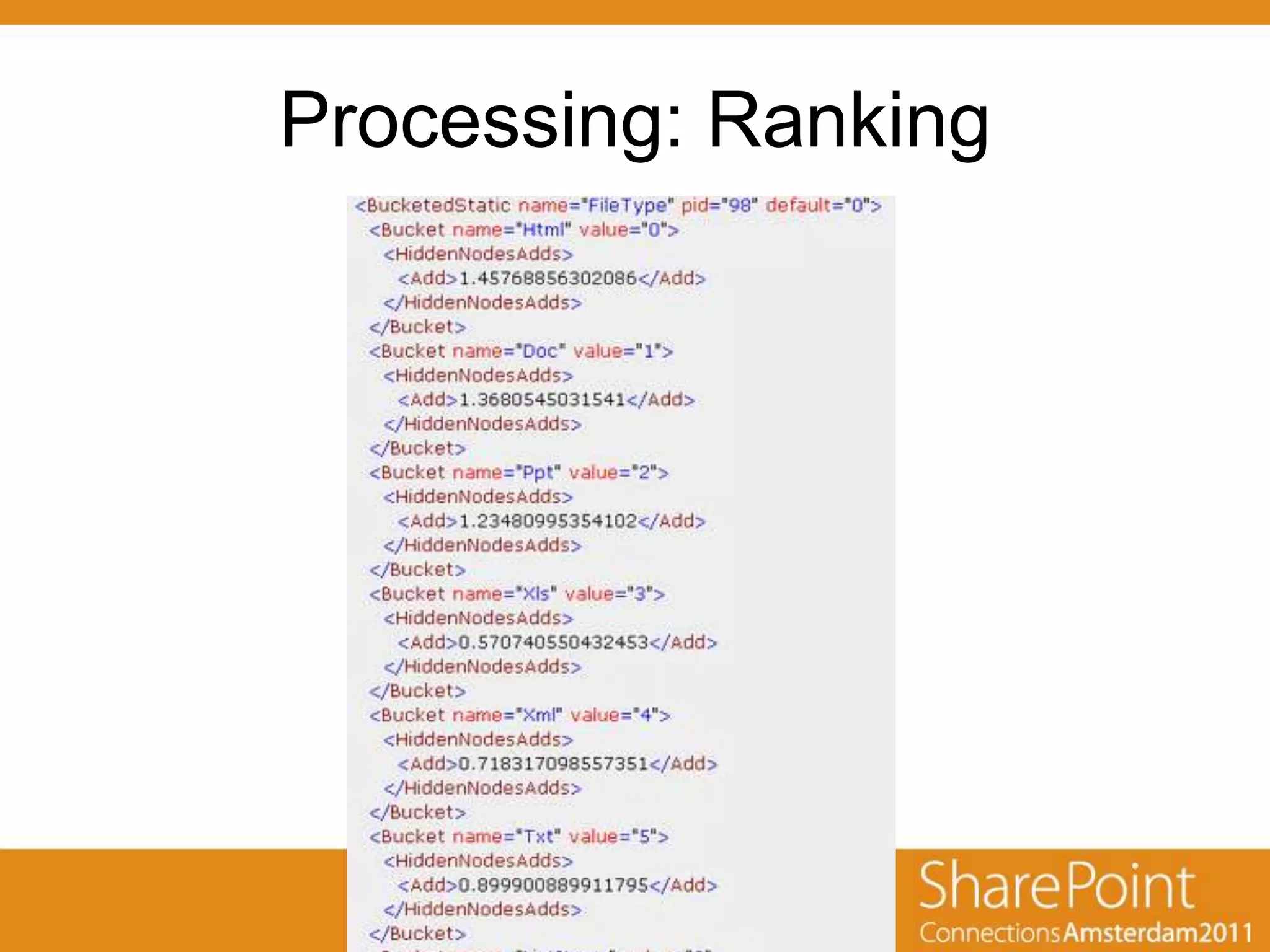
• Ranking: produce results that are ordered
  according to some computed relevancy score

• Dynamic: Based on weighted managed
  properties (title, body, social tags, etc.)

• Static:
  – File Type
  – Click through relevancy
  – Depth
Processing: Ranking
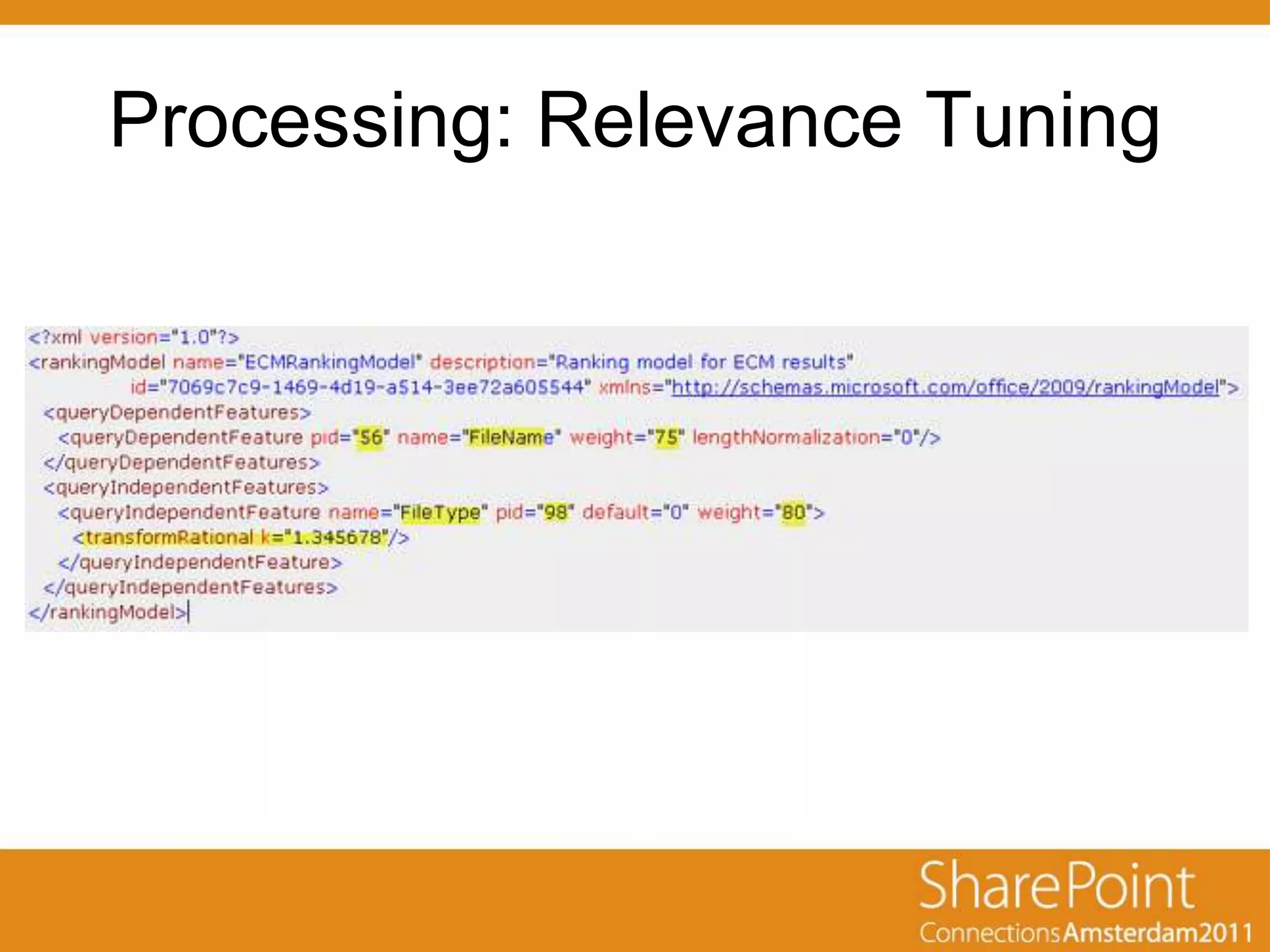
Processing: Relevance Tuning
User Interface
• OOTB Web Parts
    – Refinement Panel
    – Core Results Web Part
•   Federation
•   People Search
•   Scopes
•   Custom Web Parts
    – Visual Navigation
    – Mashups
    – Etc.
• Workflows – Act on Items Immediately
Search Federation
• Using remote index for queries
• Location type:
  – SharePoint Search index
  – FAST index
  – OpenSearch 1.0/1.1
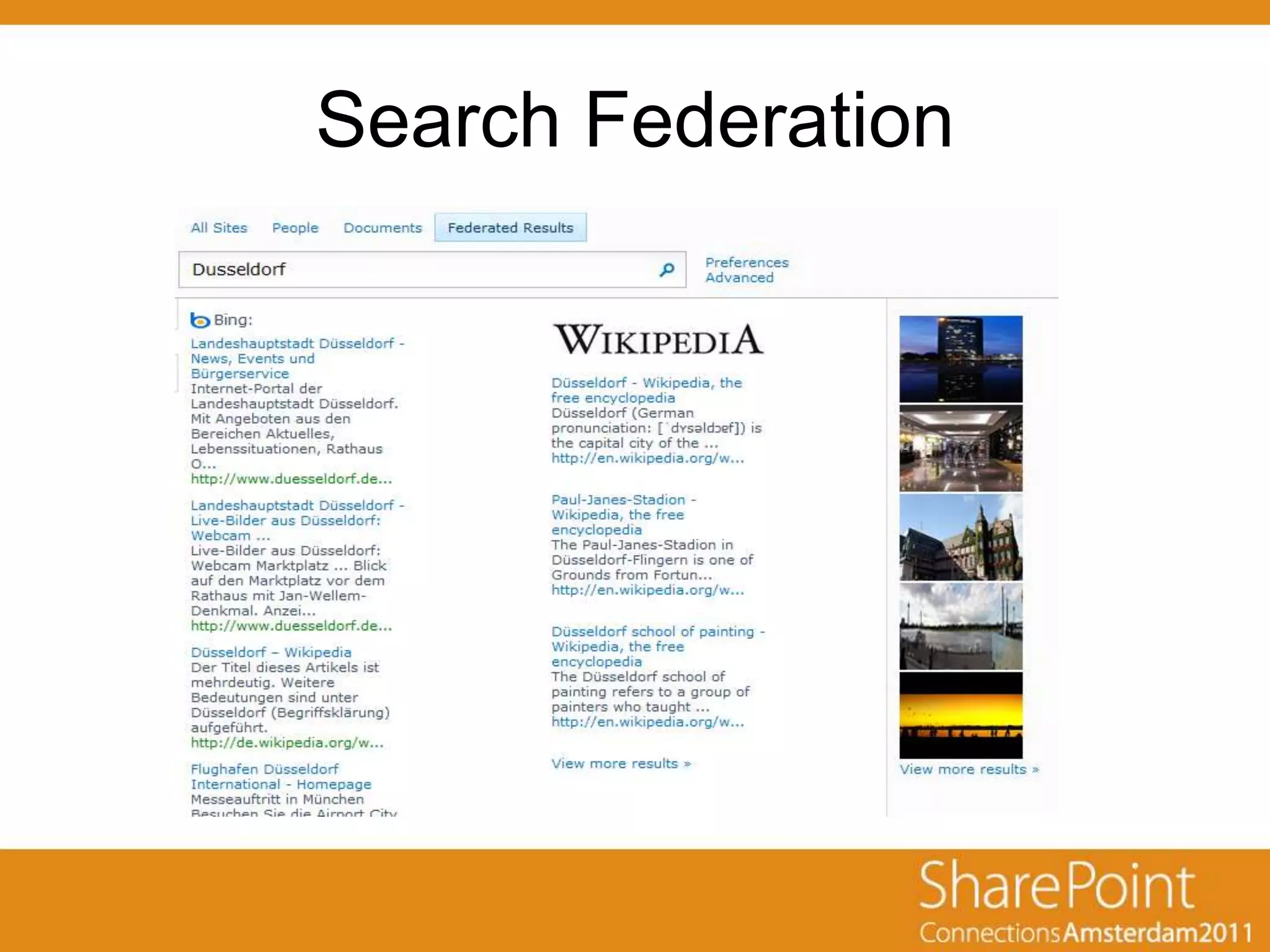
Search Federation
Search Federation
• Benefits:
   –   No resources needed for indexing
   –   Custom Credentials
   –   Usage restrictions
   –   Prefix / Pattern match
   –   Query Template
        • {searchTerms} scope:Documents
        • {searchTerms} type:.doc type:.docx type:.docm


• BUT:
   –   Live Internet connection is required
   –   Bandwith
   –   No control over results (order, relevance, etc.)
   –   Separated Web Parts
Search Federation
Summary
• Search Based Applications?
  – Need to Aggregate Heterogeneous Content
  – Neet to Process Large Volume of Data
  – Need for Real Time Information
  – Need for Ad Hoc Reporting
Email: Agnes.Molnar@BAInsight.com
Twitter: @molnaragnes


THANK YOU!
DON’T FORGET TO FILL IN THE EVALUATION!

SPConnections Amsterdam: Beyond the Search Center - Application or Solution? (Search Based Applications over SP2010 and FAST)

  • 2.
    Agnes Molnar Beyond theSearch Center - Application or Solution?
  • 3.
    About Agnes Molnar •SharePoint Server MVP • Senior Solutions Consultant, BA Insight • Recognized blogger, speaker, writer • Web: http://www.bainsight.com • Blog: http://aghy.hu • Email: Agnes.Molnar@BAInsight.com • Twitter: @molnaragnes
  • 4.
    Search Search connects people to the information they need to get their jobs done.
  • 5.
    Search • „I knowwhat I’m searching for and know how to do that” • „I know what I’m searching for but I don’t know how to do that” • „I don’t know what I’m searching for” • „Am I Searching?...”
  • 6.
    Enterprise Search • Enterprise – is no longer within the firewall • Relevance is critical • Search within the organization • „Transparent” Search • Search Driven Applications
  • 7.
    Search Components Source: http://searchpatterns.org
  • 8.
    Search Based Application(SBA) • Software Application • Built on a Search Engine backbone rather than a database infrastructure • Purpose is not classic information retrieval, but rather mission-oriented information access, analysis or discovery
  • 10.
  • 12.
  • 15.
    Challenges User Multiple search interfaces, systems, and Experience logons; no unified search Challenges results Files and email on Data and desktops; structured and Expertise unstructured data silos; untapped expertise Challenges Relevance and ranking; Enterprise security, privacy & and IT compliance; scalability, manageability & Challenges extensibility
  • 17.
    Customizations for SearchDriven Applications Building on an extensible platform Configure Extend Create User Context Relevance Profiles Custom Elements LOB Connectivity UI & Web Parts Work Environments Content Processing Result Rollup New Innovations Business language Visual Elements …. Federation Sources Workflows UI Look & Feel Analytics ….. …..
  • 18.
  • 19.
    Content Sources inSBAs • Combine (join) data • Connect data – Existing relationships in the source system – Newly discovered, cross-system relationships • Aggregate data • Visualize data
  • 20.
    Data Collection /Crawling • Crawler: – Connects to the Content Source – Enumerates the content – Reads the content items – Extracts the metadata – Sends the collected info back to the Indexer
  • 21.
    Data Collection /Crawling • Connector: Enables to access different types of content • OOTB: – SharePoint – File Share – Web site – Exchange Public Folders – Custom Connectors – (Lotus Notes) – (Documentum)
  • 22.
    Natural Language Processing •Crawl/Index Time – Language Detection – Tokenization – Stemming and Lemmatization • Query Time – Approximate Spelling – Phonetic Spelling – Word Truncation – Regular Expressions – Semantic Expansion – Rules-based Matching
  • 23.
    Processing: Crawled and Managed Properties • Crawled property: metadata extracted from the documents/items during the crawl. • Managed property: can appear in refined searches and helps users perform more successful queries
  • 24.
    Processing: Crawled and Managed Properties
  • 25.
    Processing: Ranking • Ranking:produce results that are ordered according to some computed relevancy score • Dynamic: Based on weighted managed properties (title, body, social tags, etc.) • Static: – File Type – Click through relevancy – Depth
  • 26.
  • 27.
  • 28.
    User Interface • OOTBWeb Parts – Refinement Panel – Core Results Web Part • Federation • People Search • Scopes • Custom Web Parts – Visual Navigation – Mashups – Etc. • Workflows – Act on Items Immediately
  • 29.
    Search Federation • Usingremote index for queries • Location type: – SharePoint Search index – FAST index – OpenSearch 1.0/1.1
  • 30.
  • 31.
    Search Federation • Benefits: – No resources needed for indexing – Custom Credentials – Usage restrictions – Prefix / Pattern match – Query Template • {searchTerms} scope:Documents • {searchTerms} type:.doc type:.docx type:.docm • BUT: – Live Internet connection is required – Bandwith – No control over results (order, relevance, etc.) – Separated Web Parts
  • 32.
  • 33.
    Summary • Search BasedApplications? – Need to Aggregate Heterogeneous Content – Neet to Process Large Volume of Data – Need for Real Time Information – Need for Ad Hoc Reporting
  • 34.
    Email: Agnes.Molnar@BAInsight.com Twitter: @molnaragnes THANKYOU! DON’T FORGET TO FILL IN THE EVALUATION!

Editor's Notes

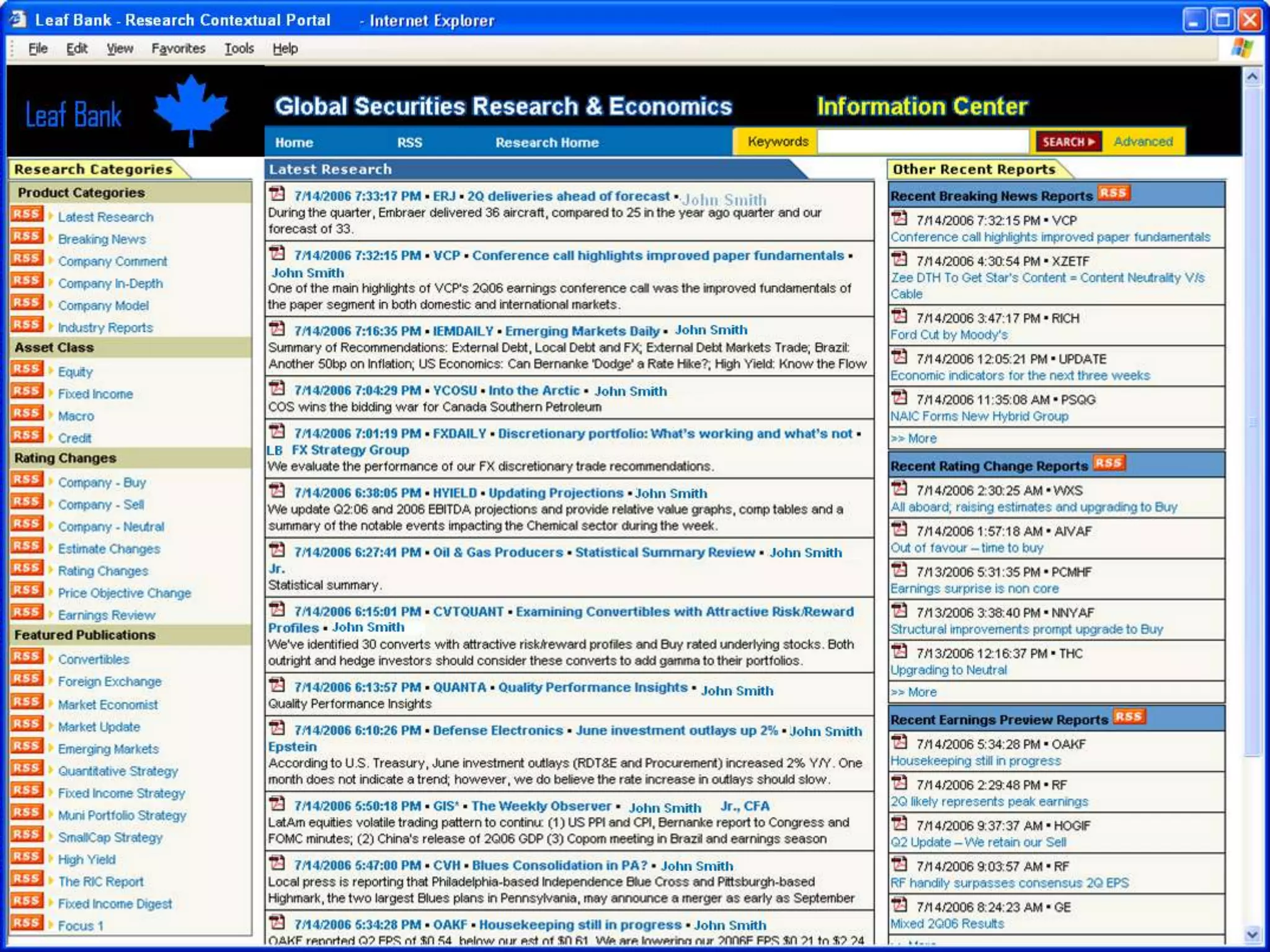
  • #9 Customer Service + supportLogistical track and traceContextual advertisingDecision intelligenceE-Discovery
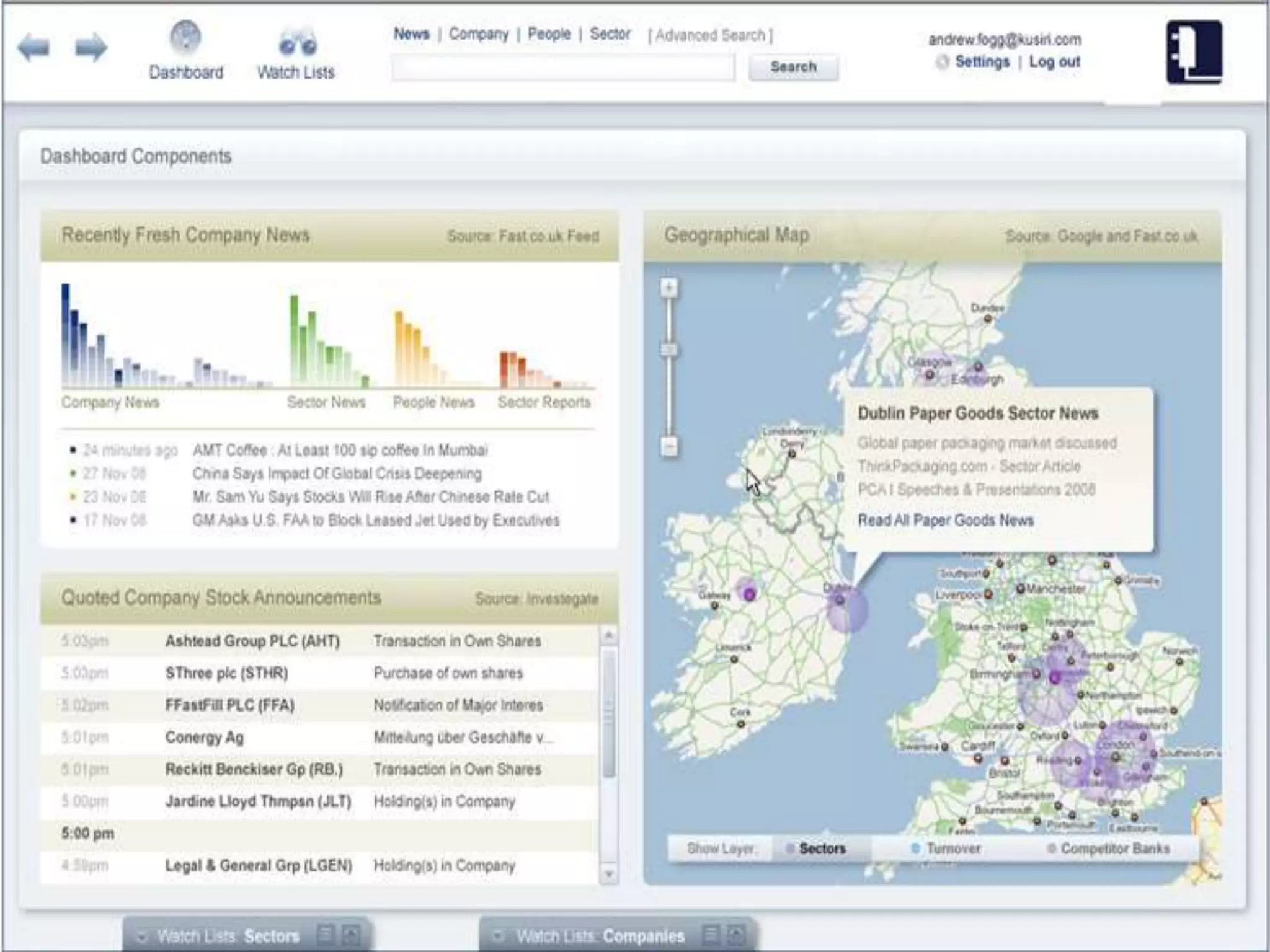
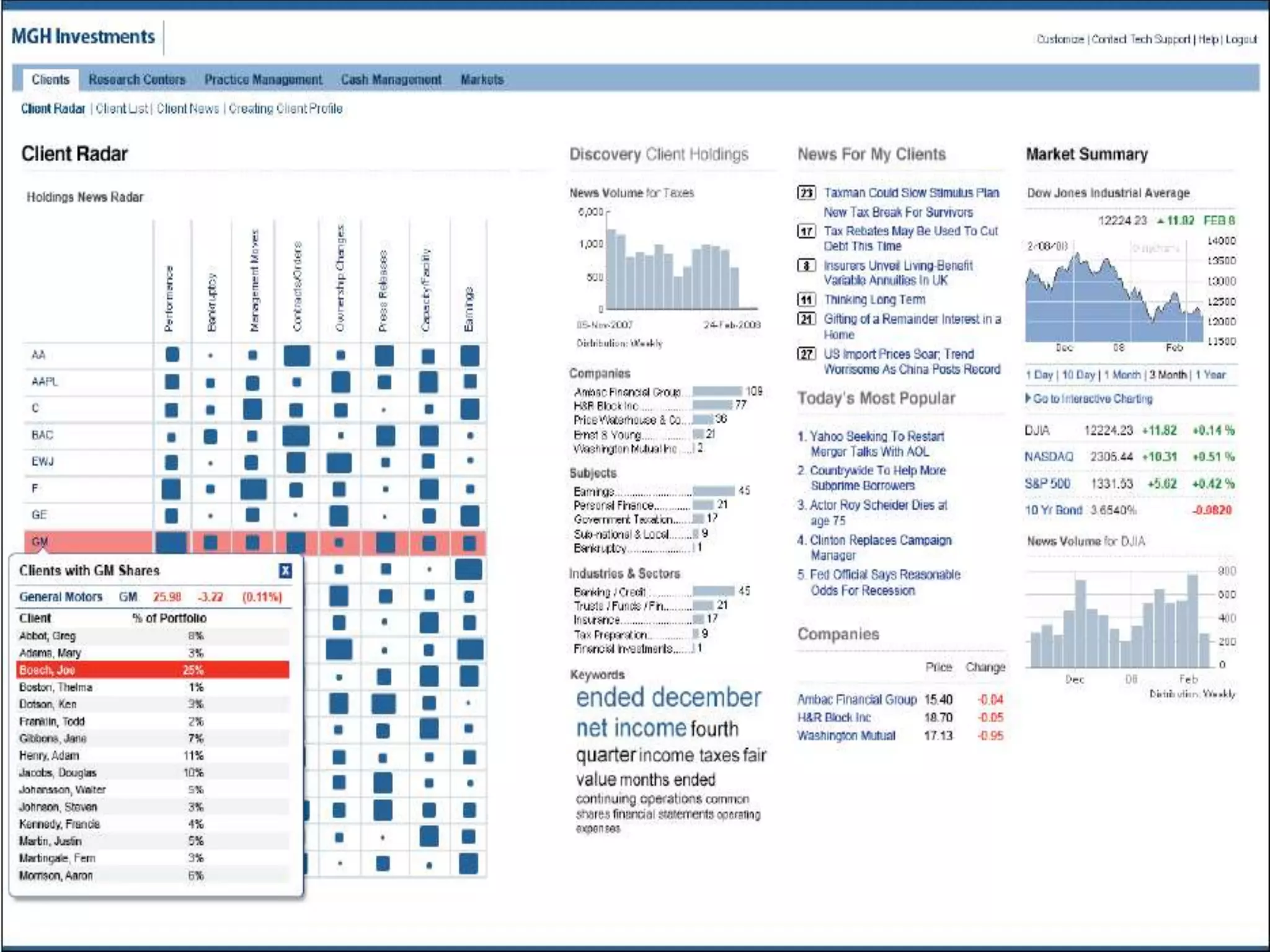
  • #13 Built by Customer and Microsoft Services: Dow JonesInvestment portfolio analysis application
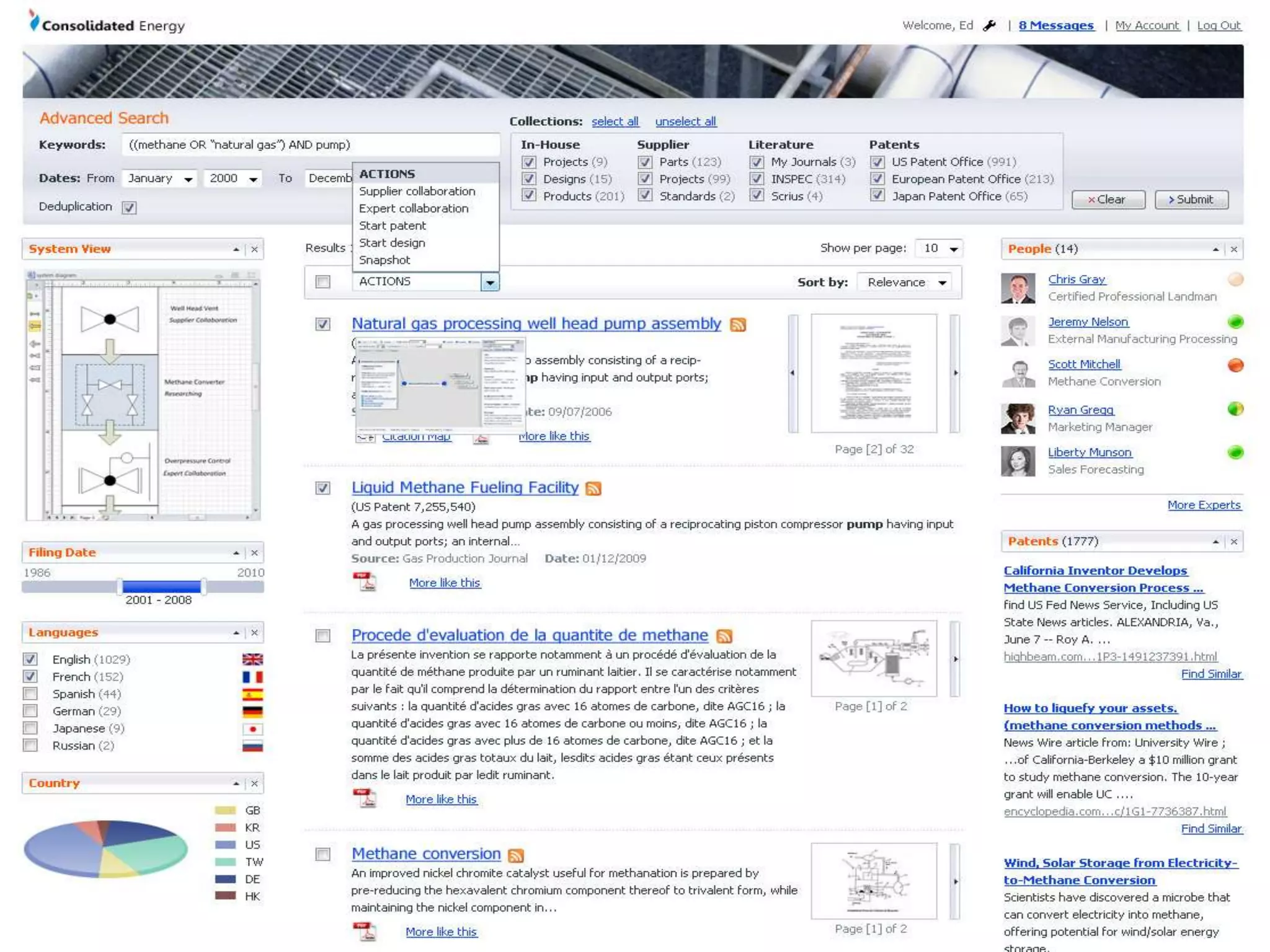
  • #14 MOCKUP ONLY Innovation portal
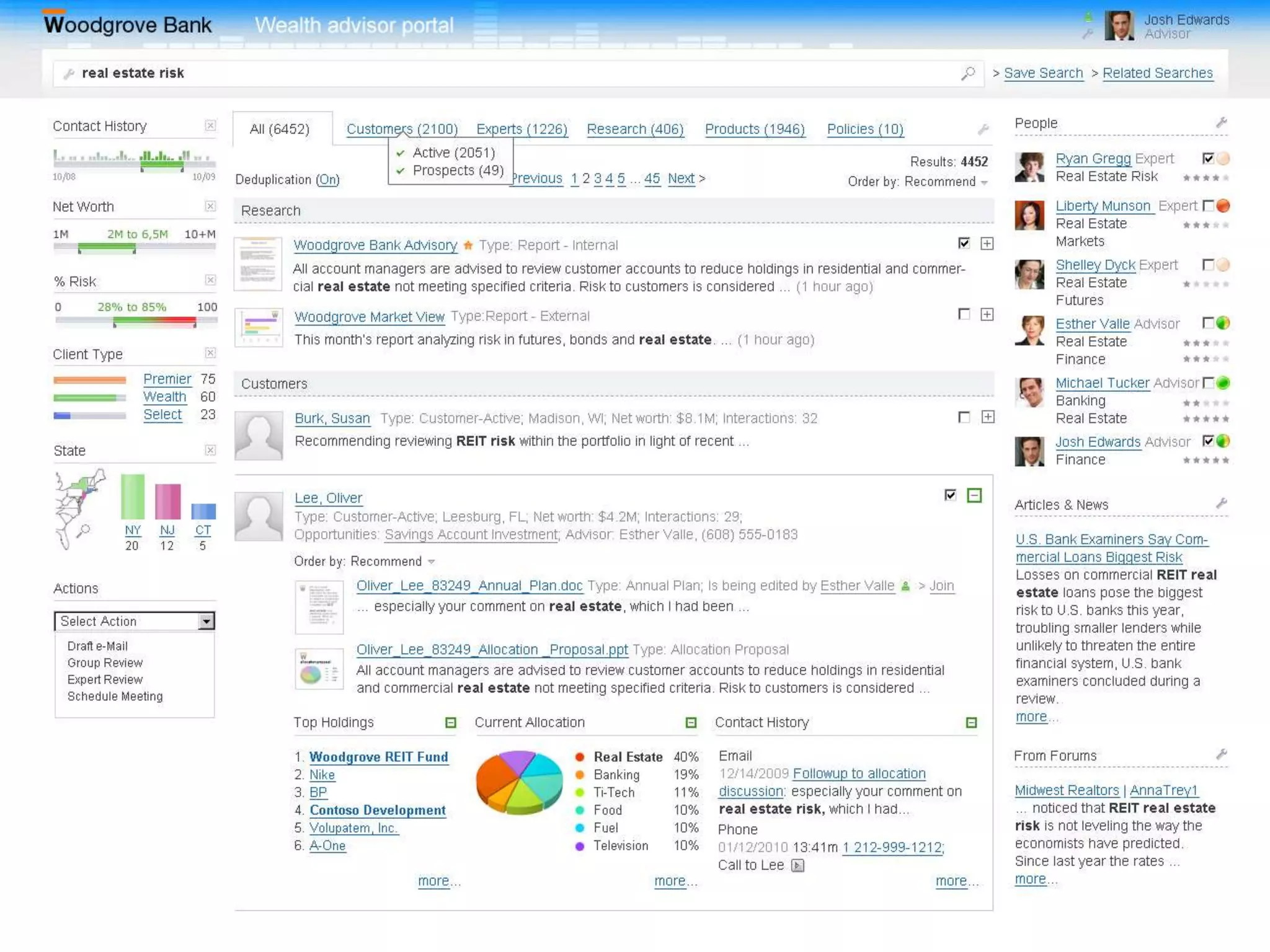
  • #15 MOCKUP OnlyWealth Management Advisor portal
  • #18 Time: 2 minutes.Speaker Notes:There are three levels of search customization that cover the spectrum:Configuring out of the box behaviorExtending existing components (e.g. Web Parts)Creating brand new componentsThe actual tools (sharepoint, SPD, VS) are provided as *examples* of the tools that you would work with at each of these levels.
  • #23 Language Detection: English, French, ...?Tokenization: into a sequence of individual words (grammar, punctuation, word separation rules)Stemming: Applying language specific suffixing rules to remove common suffixesLemmatization: morphological analysis (mice -> Mouse)Approximate SpellingPhonetic SpellingWord Truncation – rob = robust, robert, robinRegular Expressions – re.ort = report, resortSemantic Expansion – plane vs. airplaneRules-based Matching