



Major Sponsors   Minor Sponsors
Agenda
History of SharePoint Search
Architecture of Search in SharePoint 2013
Search Centre
Result Sources
Result Types
Display Templates
Query Rules
Content Enrichment
Recommendations
Recap
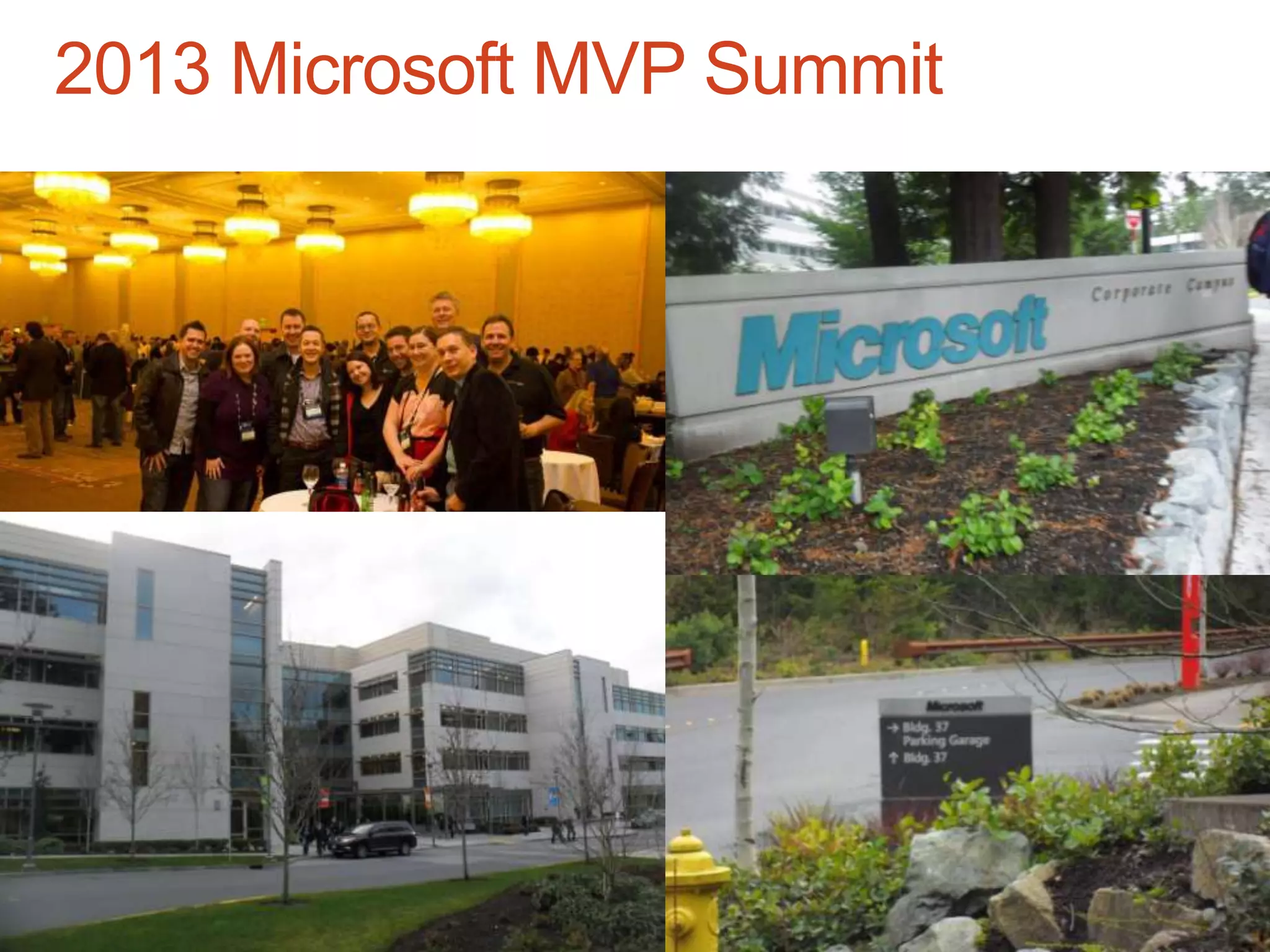
2013 Microsoft MVP Summit
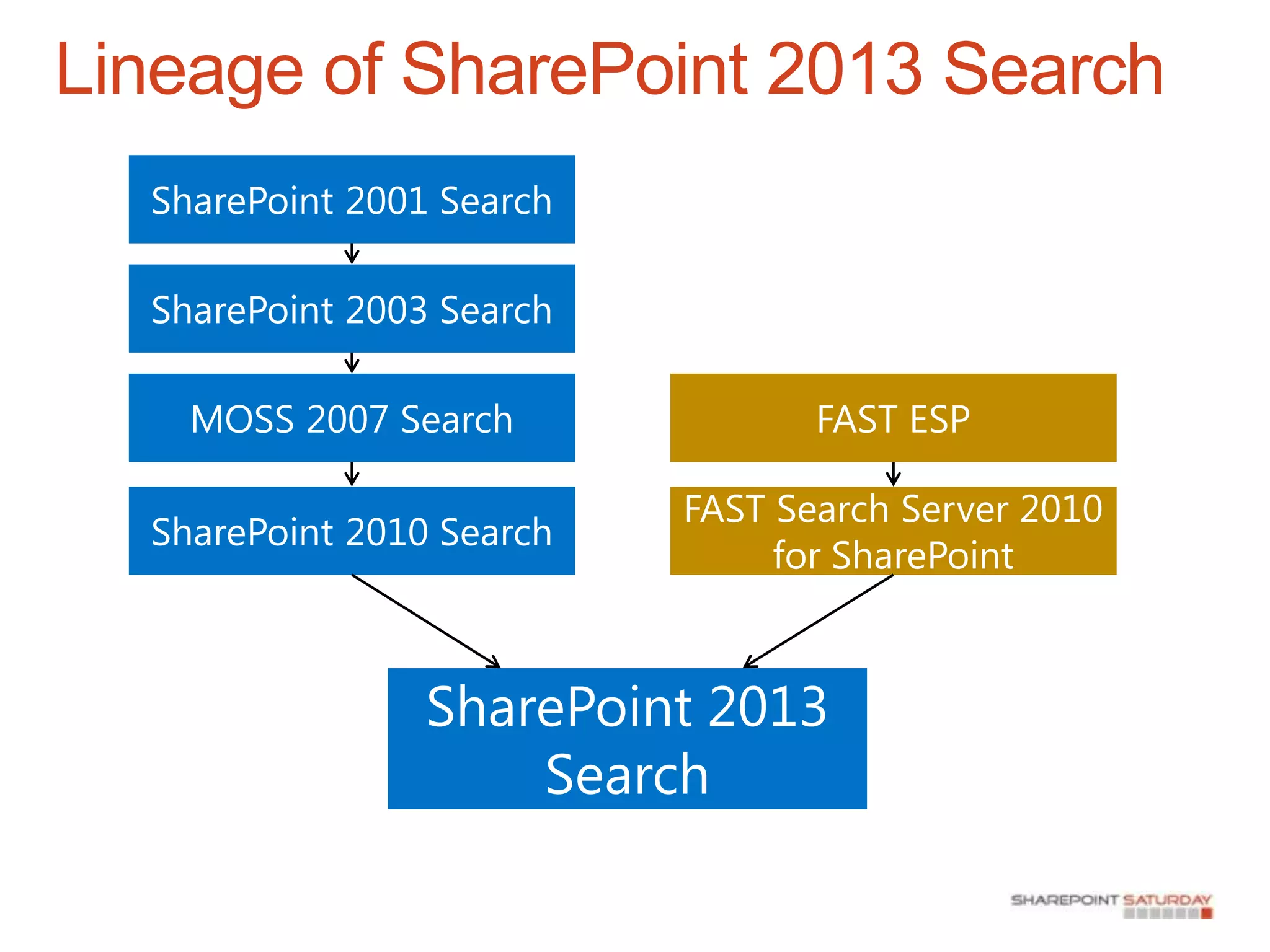
History of SharePoint Search

There has been Search available in SharePoint
since SharePoint 2001 and all future versions.
FAST Search and Transfer Acquisition in 2008…
Two Search Product Options for SharePoint 2010
    SharePoint Server 2010 Search
    FAST Search Server 2010 for SharePoint

One Search Product Option for SharePoint 2013!
Lineage of SharePoint 2013 Search
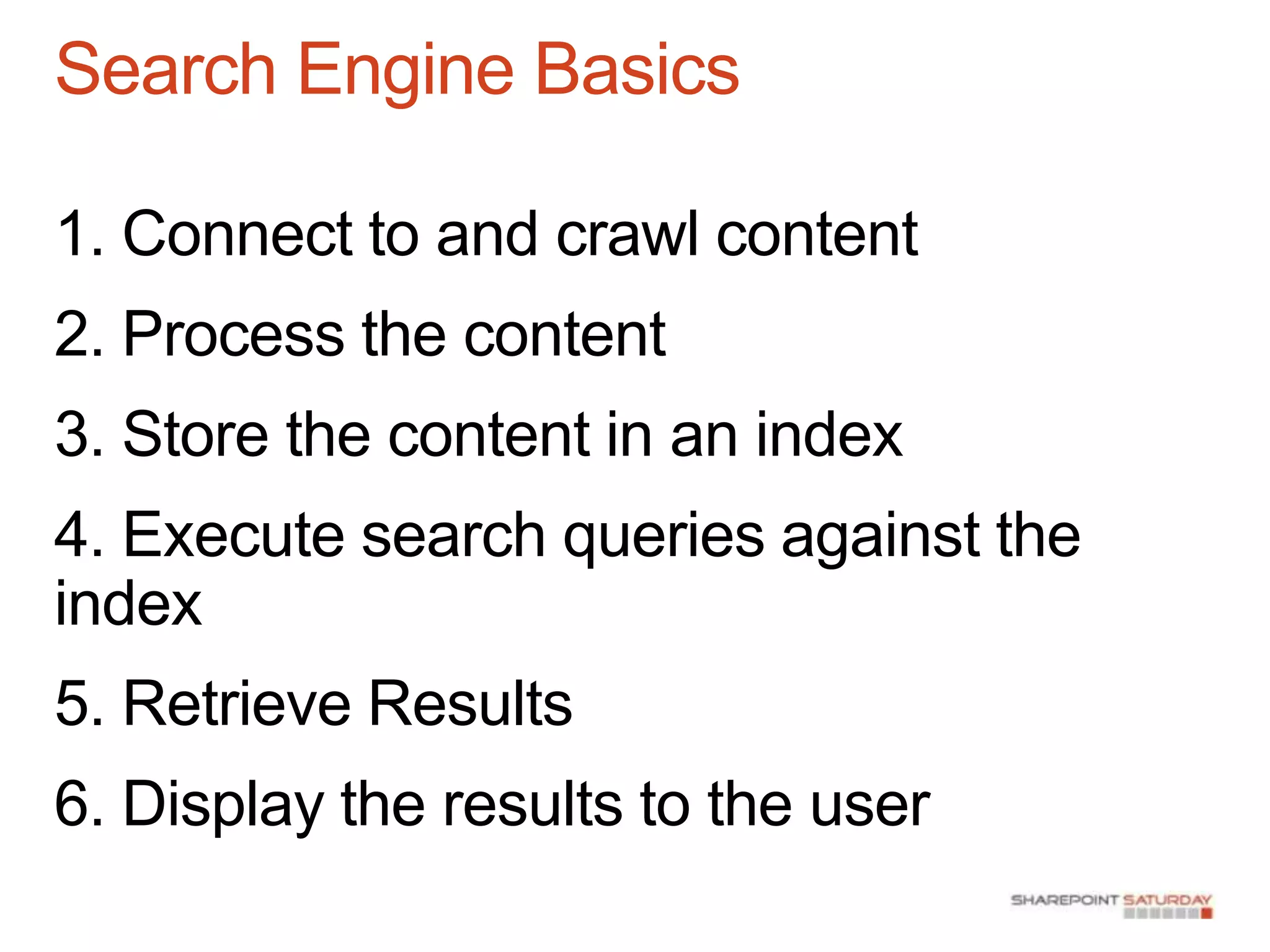
Search Engine Basics

1. Connect to and crawl content
2. Process the content
3. Store the content in an index
4. Execute search queries against the
index
5. Retrieve Results
6. Display the results to the user
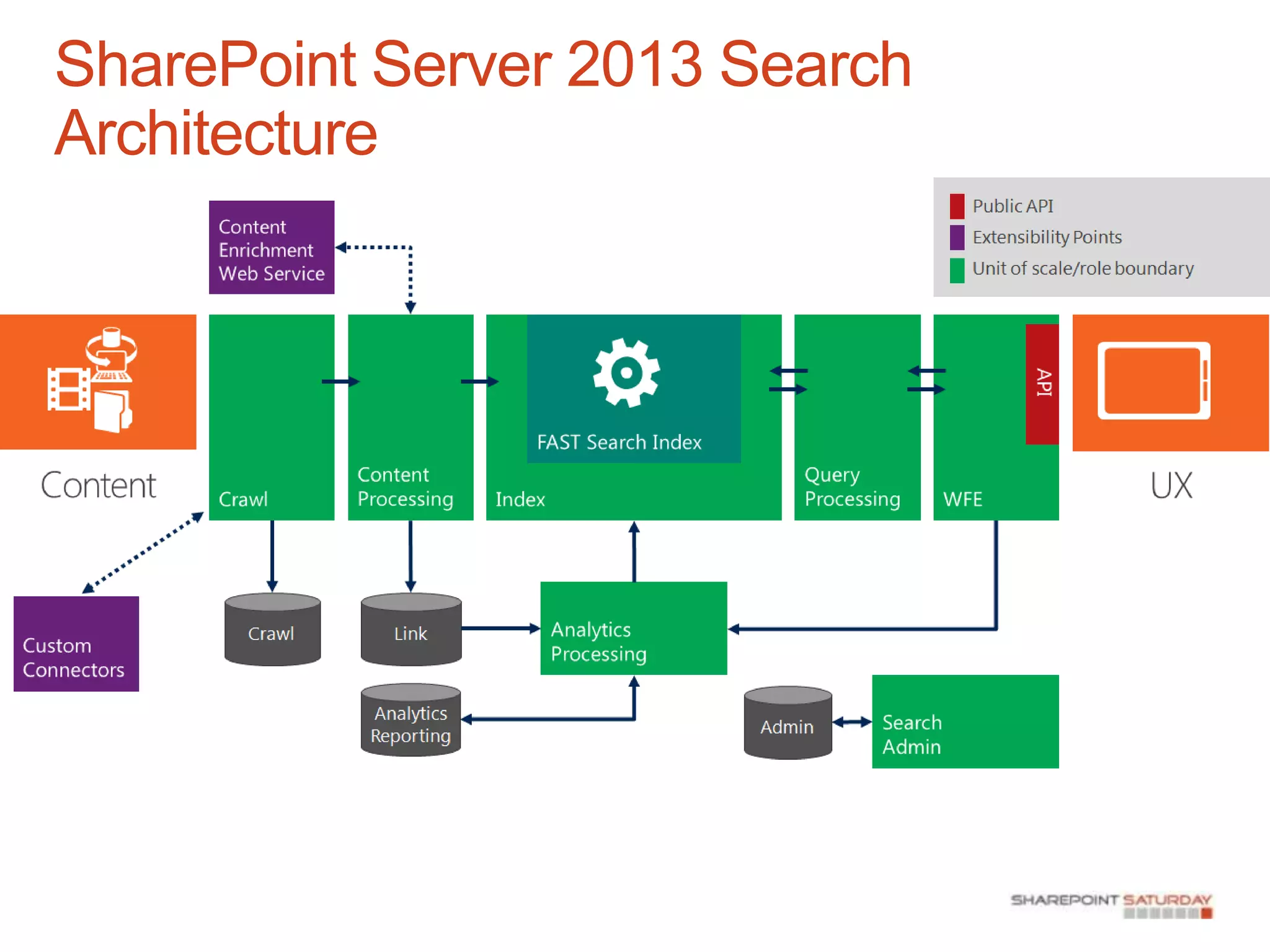
SharePoint Server 2013 Search
Architecture
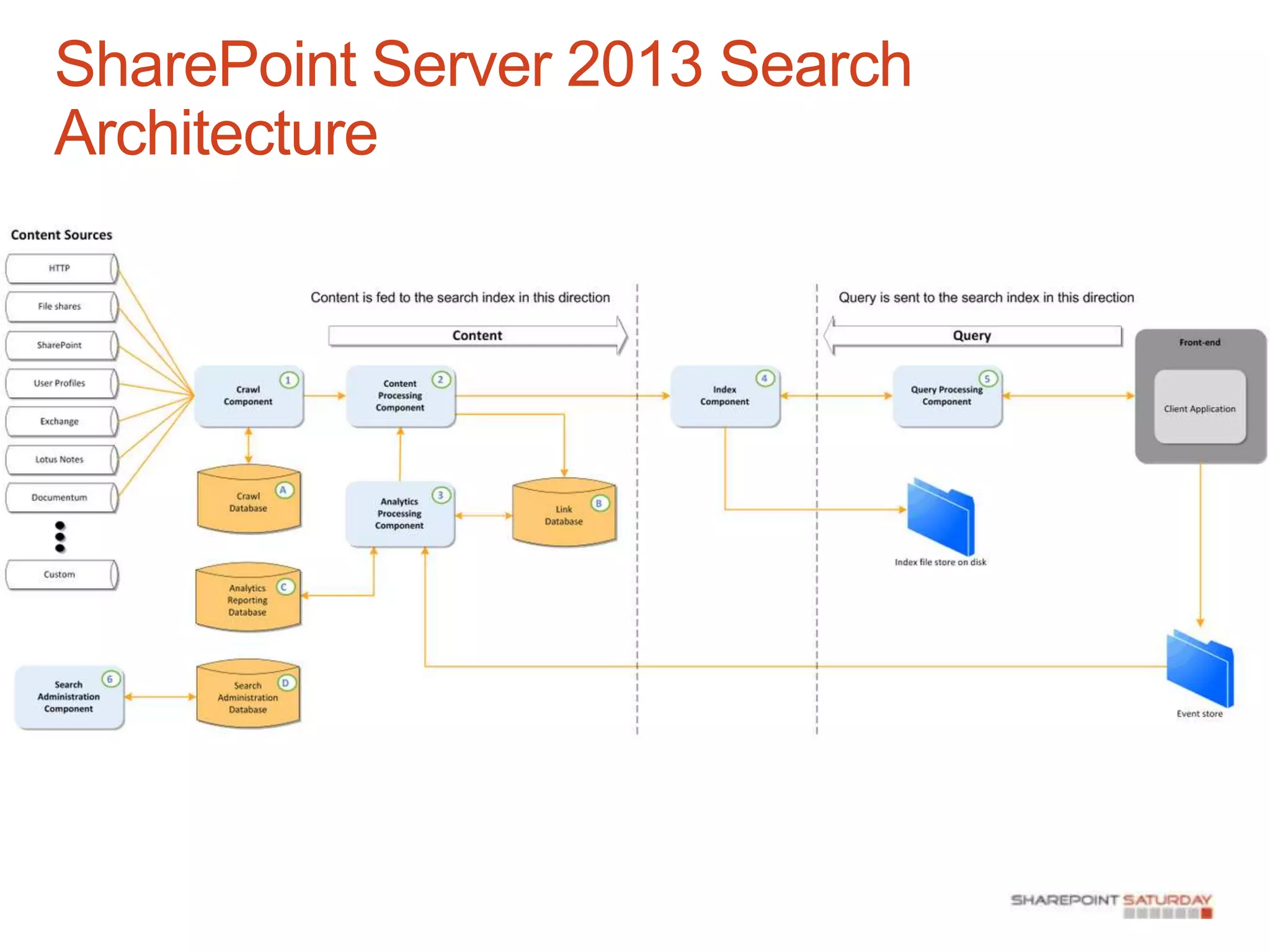
SharePoint Server 2013 Search
Architecture
demonstration
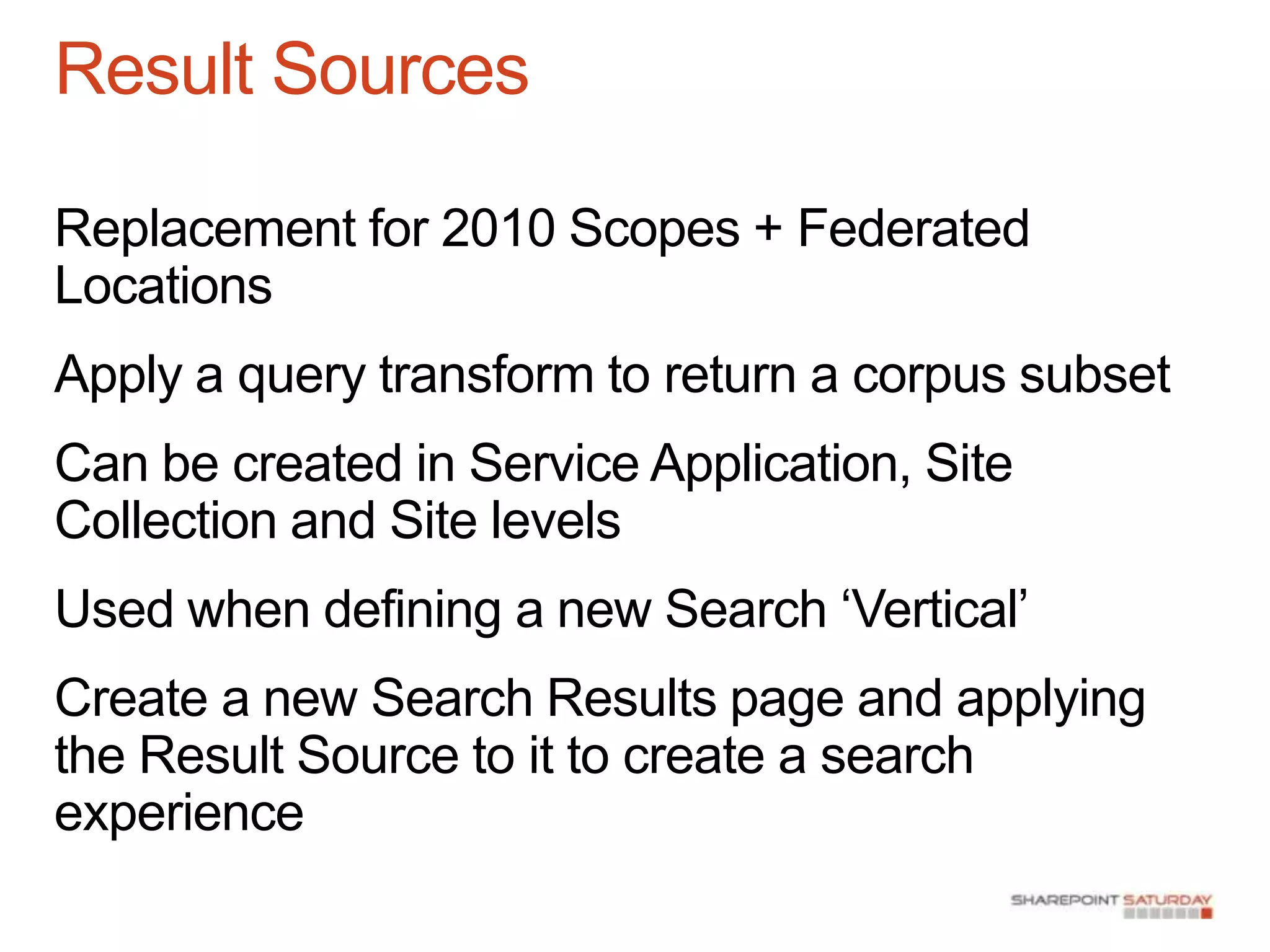
Result Sources

Replacement for 2010 Scopes + Federated
Locations
Apply a query transform to return a corpus subset
Can be created in Service Application, Site
Collection and Site levels
Used when defining a new Search „Vertical‟
Create a new Search Results page and applying
the Result Source to it to create a search
experience
Result Types

Each Search Result Item is rendered differently
Each Item Uses a different Display Template
No more XSLT, use HTML and JavaScript
demonstration
Query Rules

Replaces 2010 Search Keywords
and Best Bets
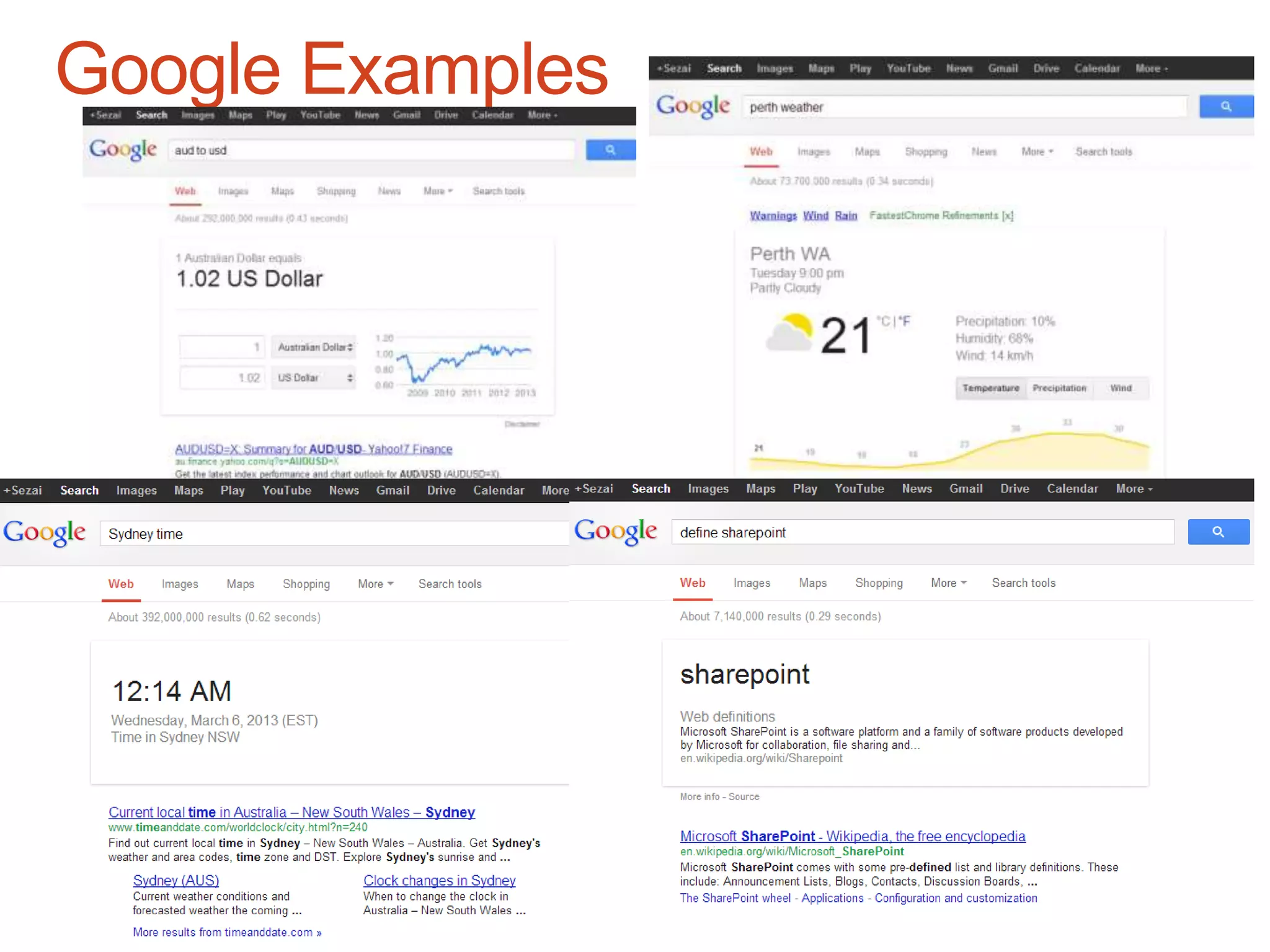
Used to understand user intent
and deliver a targeted user
experience
Query Conditions  Query
Actions
Query Publishing
Google Examples
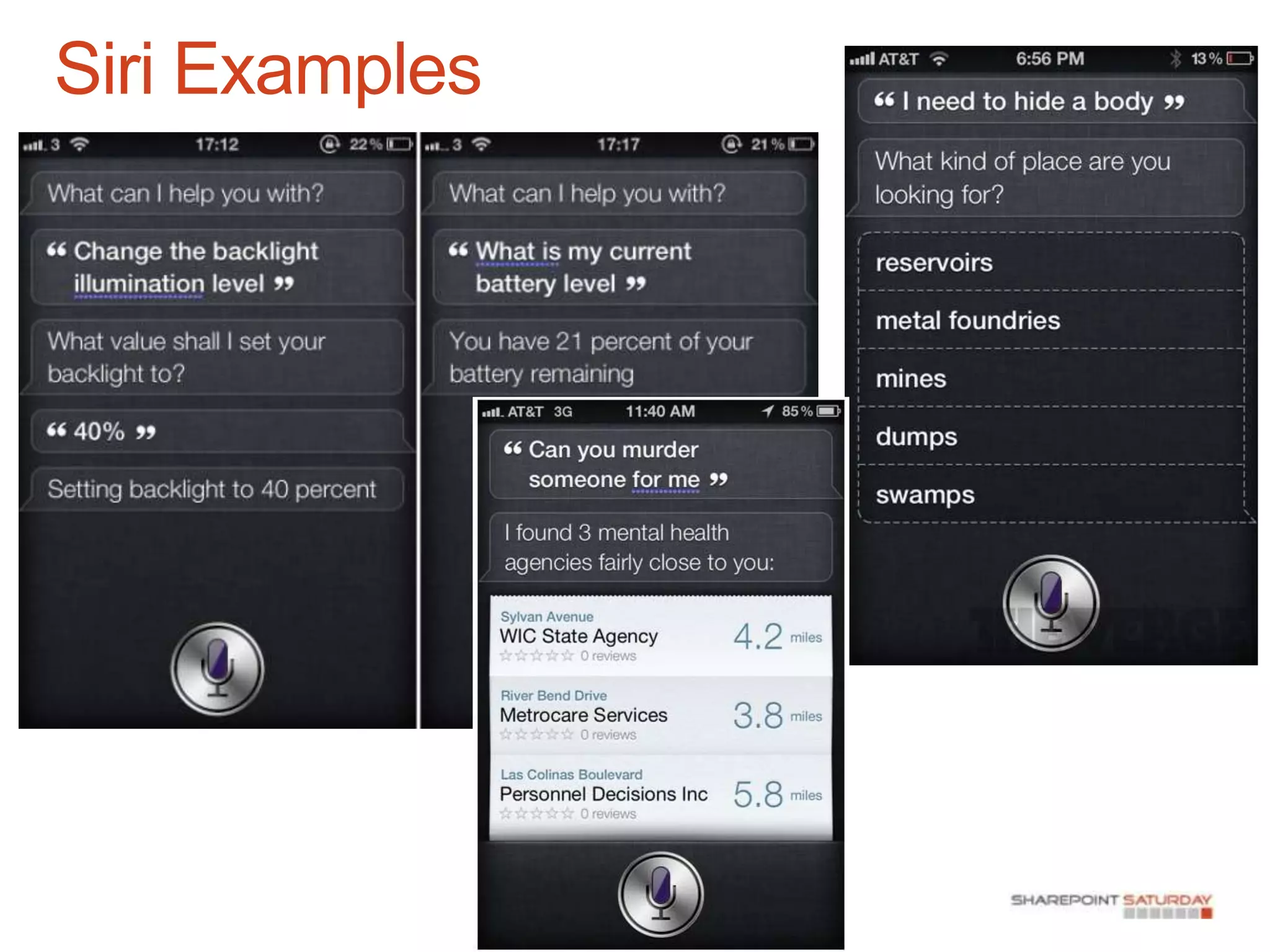
Siri Examples
demonstration
Content Search Web Part

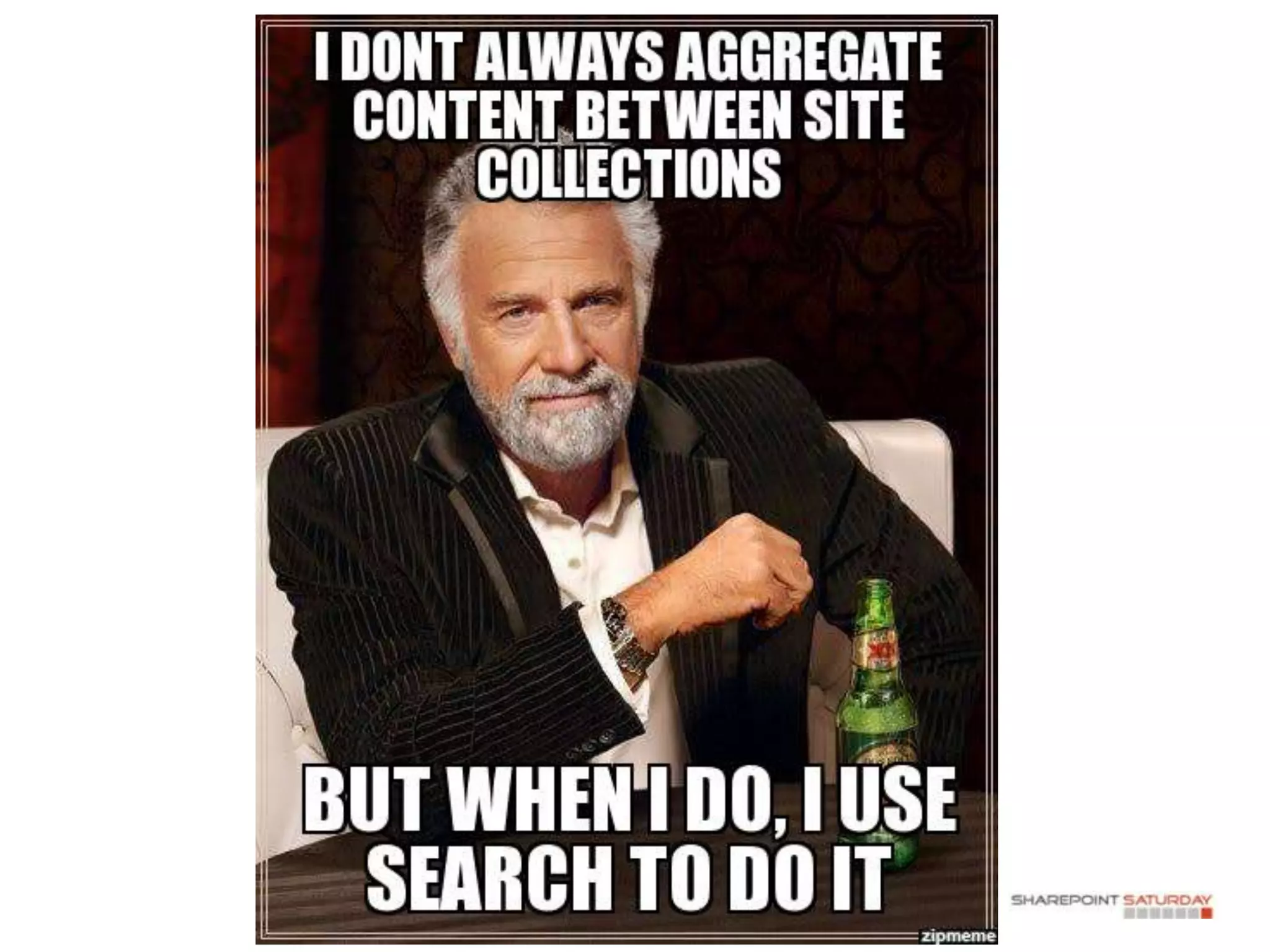
SharePoint‟s Site Collection Boundary Problem
Uses Search as a data source to display content
demonstration
Content Enrichment Web Service

Used for Entity Extraction
Replacement to the FAST Search Document
Processing Pipeline / Processing Pipeline
Extensibility
For each item that is crawled:
- The file / properties can be passed to a web service.
 - The web service contains custom code which can
create new managed properties that are stored in the
index.
Powerful for extensibility
Content Enrichment Web Service

You can run code against crawled data and pass
data to other systems to:
- CRM/ERP and other Line-of-business systems
- Geocoding
- OCR
- Audio and Video Transcription
- „Deep‟ Search of raw data
Recommendations

Analytics based recommendations
engine
Similar to –
Amazon “people who purchased
this also purchased”
LinkedIn “people who viewed this
profile also viewed”
Recap – Key Takeaways

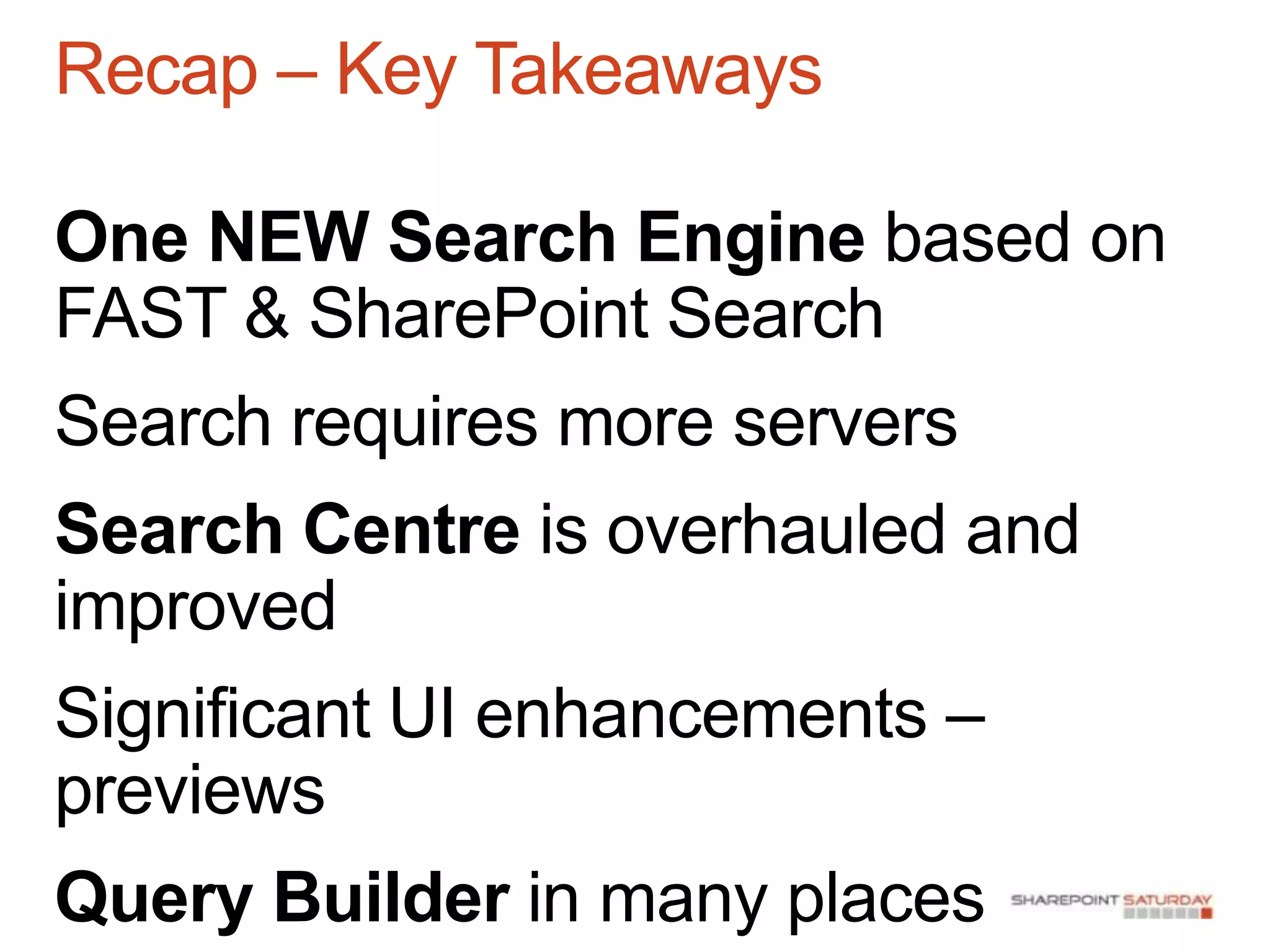
One NEW Search Engine based on
FAST & SharePoint Search
Search requires more servers
Search Centre is overhauled and
improved
Significant UI enhancements –
previews
Query Builder in many places
Recap – Key Takeaways

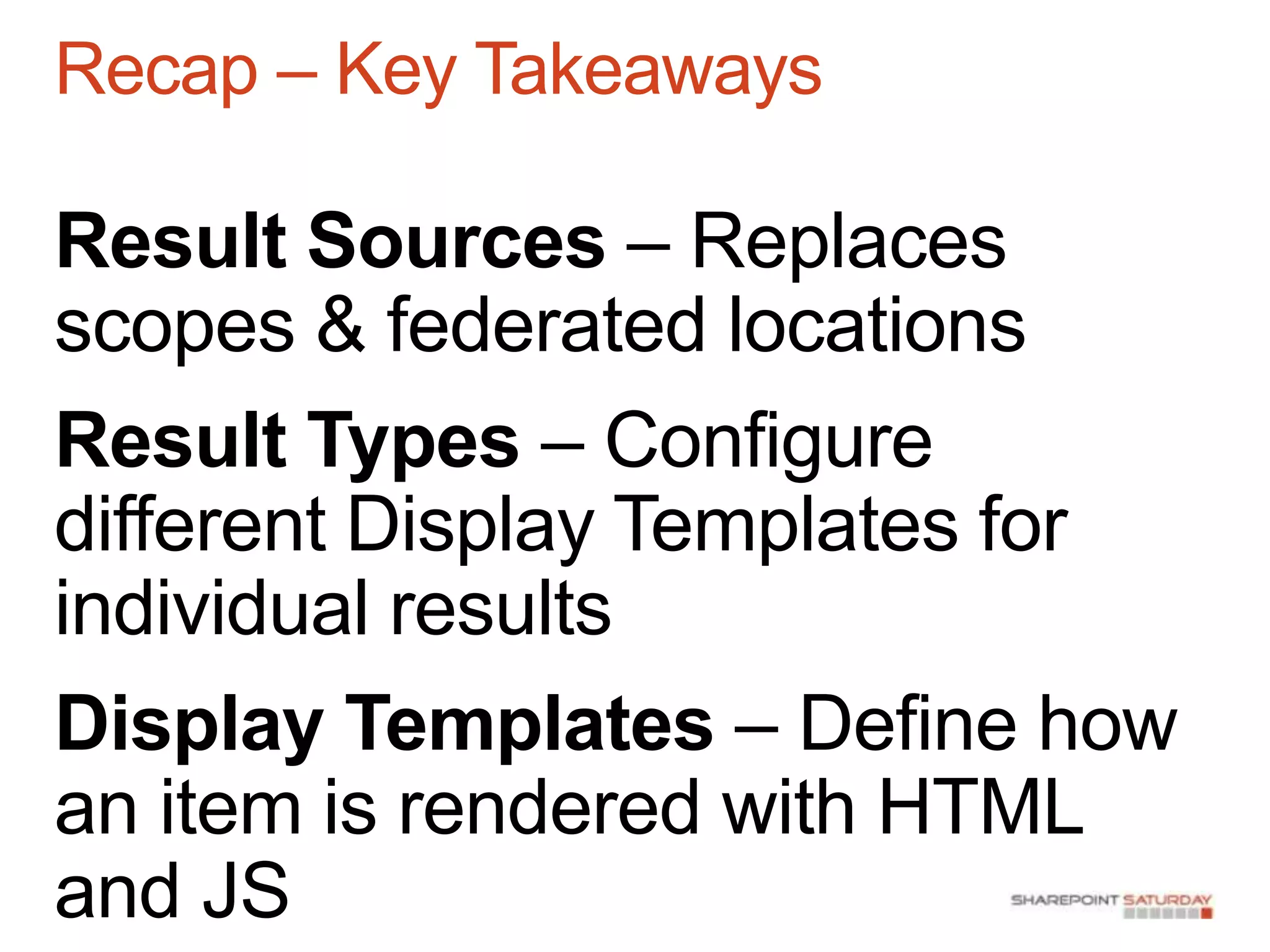
Result Sources – Replaces
scopes & federated locations
Result Types – Configure
different Display Templates for
individual results
Display Templates – Define how
an item is rendered with HTML
and JS
Recap – Key Takeaways

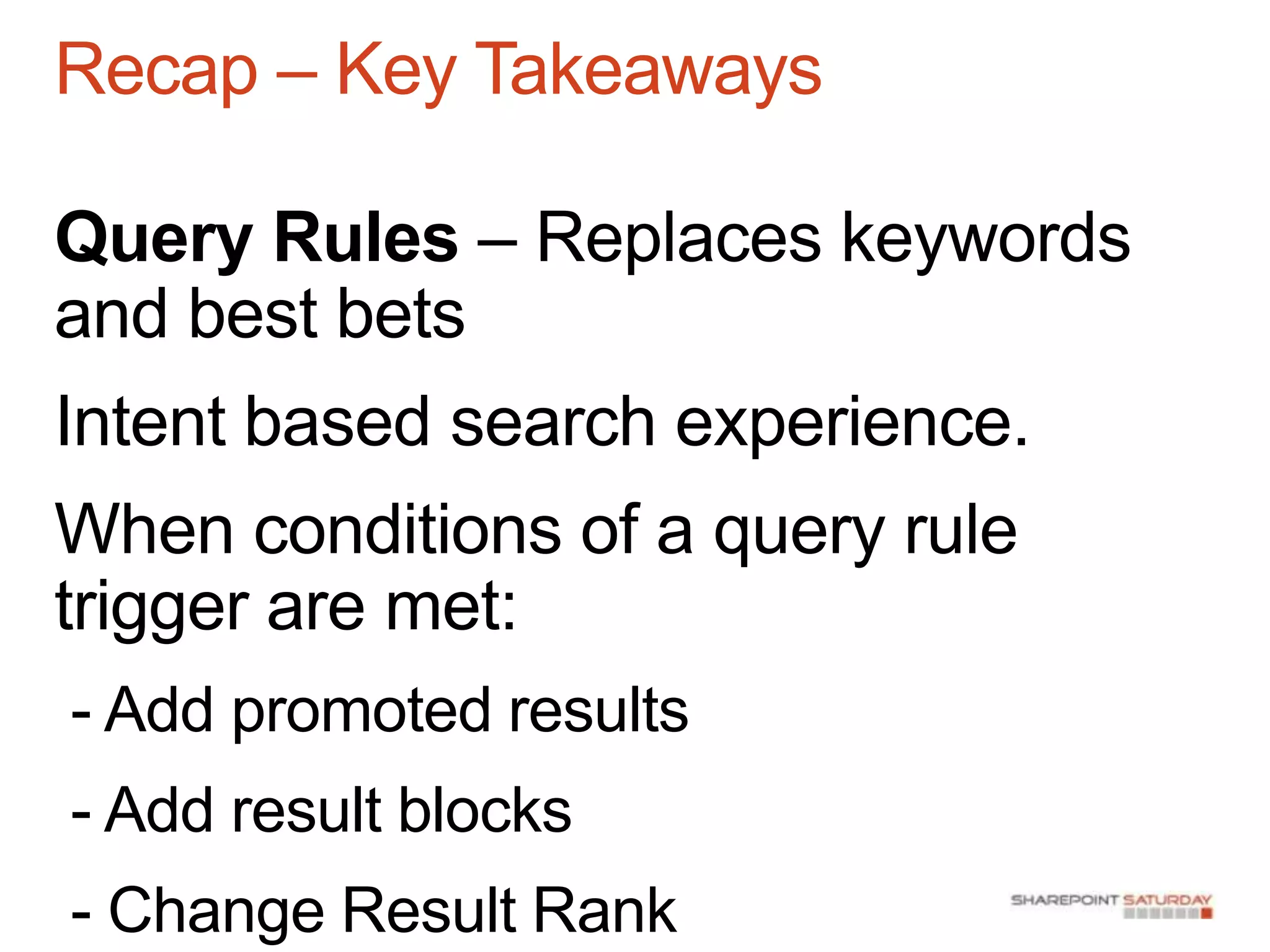
Query Rules – Replaces keywords
and best bets
Intent based search experience.
When conditions of a query rule
trigger are met:
- Add promoted results
- Add result blocks
- Change Result Rank
Recap – Key Takeaways

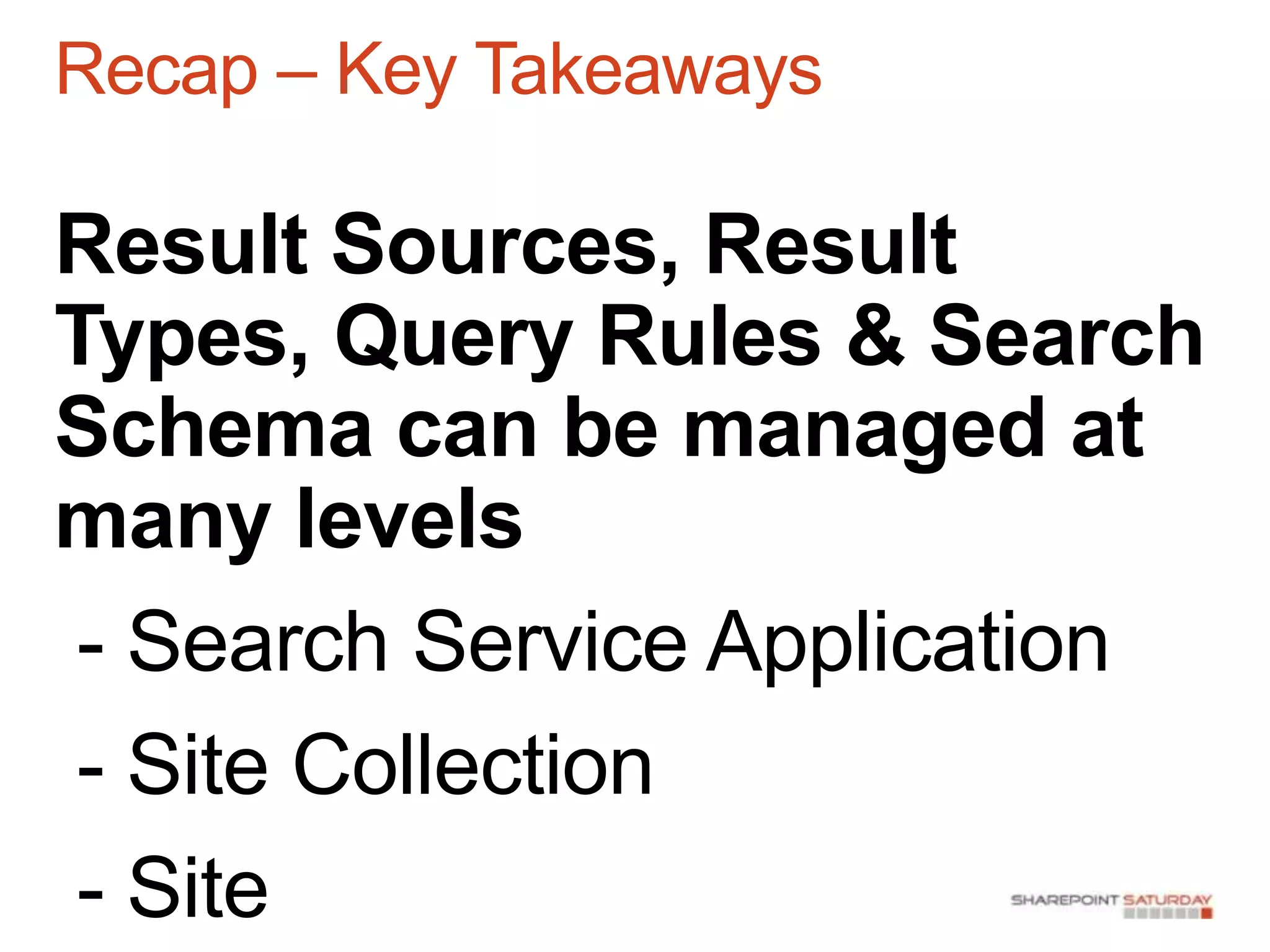
Result Sources, Result
Types, Query Rules & Search
Schema can be managed at
many levels
 - Search Service Application
 - Site Collection
 - Site
Recap – Key Takeaways

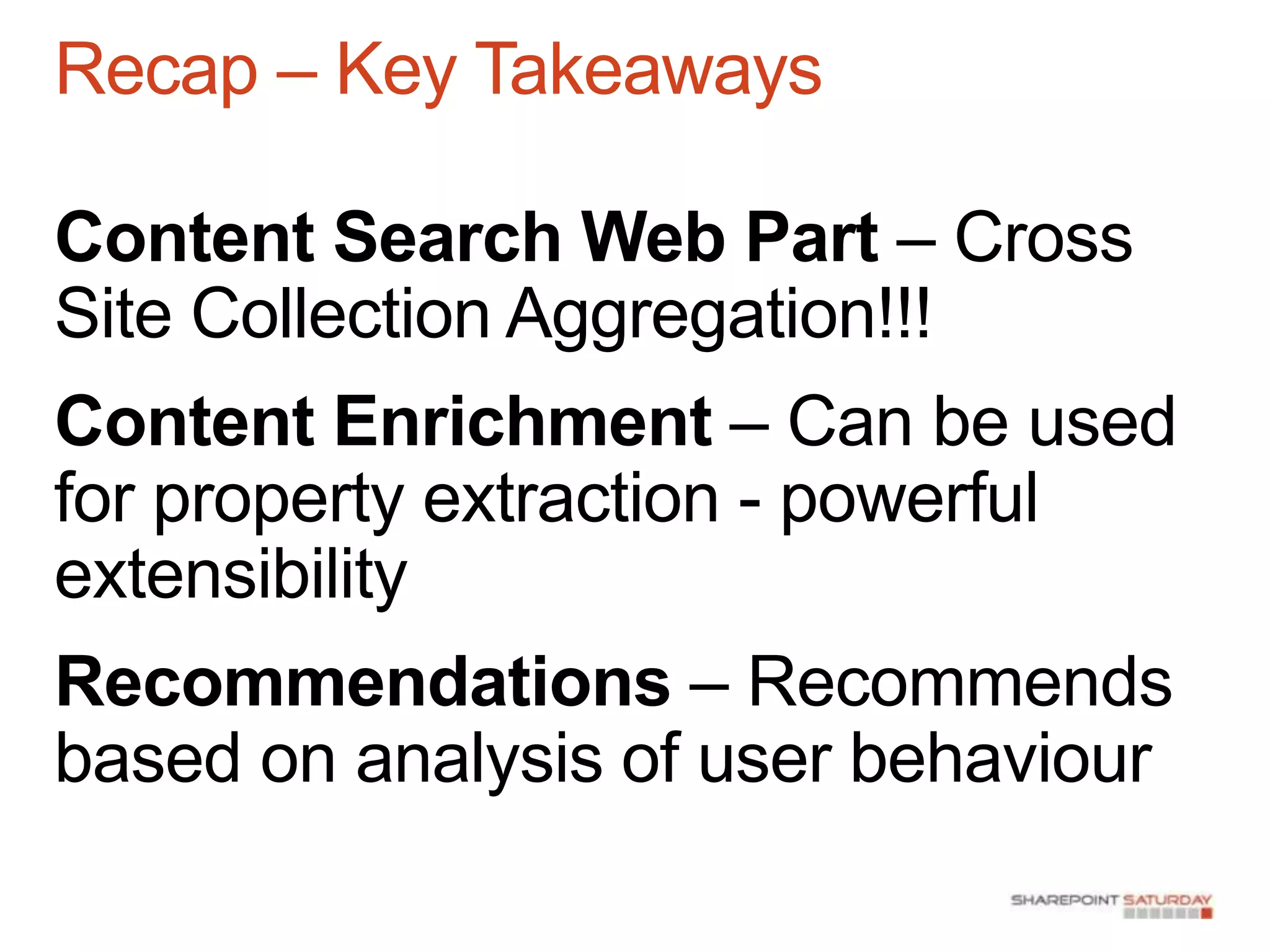
Content Search Web Part – Cross
Site Collection Aggregation!!!
Content Enrichment – Can be used
for property extraction - powerful
extensibility
Recommendations – Recommends
based on analysis of user behaviour
sharepointsezai@gmail.com


http://sharepoint-sezai-moss-
2007.blogspot.com.au


http://bing.com
http://office.com
http://something.com
Major Sponsors   Minor Sponsors

SharePoint Saturday Perth 2013 - Overview of Search in SharePoint Server 2013 - Sezai Komur

  • 1.
    Major Sponsors Minor Sponsors
  • 2.
    Agenda History of SharePointSearch Architecture of Search in SharePoint 2013 Search Centre Result Sources Result Types Display Templates Query Rules Content Enrichment Recommendations Recap
  • 3.
  • 4.
    History of SharePointSearch There has been Search available in SharePoint since SharePoint 2001 and all future versions. FAST Search and Transfer Acquisition in 2008… Two Search Product Options for SharePoint 2010 SharePoint Server 2010 Search FAST Search Server 2010 for SharePoint One Search Product Option for SharePoint 2013!
  • 6.
  • 8.
    Search Engine Basics 1.Connect to and crawl content 2. Process the content 3. Store the content in an index 4. Execute search queries against the index 5. Retrieve Results 6. Display the results to the user
  • 9.
    SharePoint Server 2013Search Architecture
  • 10.
    SharePoint Server 2013Search Architecture
  • 11.
  • 13.
    Result Sources Replacement for2010 Scopes + Federated Locations Apply a query transform to return a corpus subset Can be created in Service Application, Site Collection and Site levels Used when defining a new Search „Vertical‟ Create a new Search Results page and applying the Result Source to it to create a search experience
  • 14.
    Result Types Each SearchResult Item is rendered differently Each Item Uses a different Display Template No more XSLT, use HTML and JavaScript
  • 15.
  • 17.
    Query Rules Replaces 2010Search Keywords and Best Bets Used to understand user intent and deliver a targeted user experience Query Conditions  Query Actions Query Publishing
  • 18.
  • 19.
  • 20.
  • 22.
    Content Search WebPart SharePoint‟s Site Collection Boundary Problem Uses Search as a data source to display content
  • 23.
  • 25.
    Content Enrichment WebService Used for Entity Extraction Replacement to the FAST Search Document Processing Pipeline / Processing Pipeline Extensibility For each item that is crawled: - The file / properties can be passed to a web service. - The web service contains custom code which can create new managed properties that are stored in the index. Powerful for extensibility
  • 26.
    Content Enrichment WebService You can run code against crawled data and pass data to other systems to: - CRM/ERP and other Line-of-business systems - Geocoding - OCR - Audio and Video Transcription - „Deep‟ Search of raw data
  • 27.
    Recommendations Analytics based recommendations engine Similarto – Amazon “people who purchased this also purchased” LinkedIn “people who viewed this profile also viewed”
  • 29.
    Recap – KeyTakeaways One NEW Search Engine based on FAST & SharePoint Search Search requires more servers Search Centre is overhauled and improved Significant UI enhancements – previews Query Builder in many places
  • 30.
    Recap – KeyTakeaways Result Sources – Replaces scopes & federated locations Result Types – Configure different Display Templates for individual results Display Templates – Define how an item is rendered with HTML and JS
  • 31.
    Recap – KeyTakeaways Query Rules – Replaces keywords and best bets Intent based search experience. When conditions of a query rule trigger are met: - Add promoted results - Add result blocks - Change Result Rank
  • 32.
    Recap – KeyTakeaways Result Sources, Result Types, Query Rules & Search Schema can be managed at many levels - Search Service Application - Site Collection - Site
  • 33.
    Recap – KeyTakeaways Content Search Web Part – Cross Site Collection Aggregation!!! Content Enrichment – Can be used for property extraction - powerful extensibility Recommendations – Recommends based on analysis of user behaviour
  • 36.
  • 37.
    Major Sponsors Minor Sponsors

Editor's Notes

  • #2 Warm up:http://portal.sezai.comhttp://my.sezai.comhttp://portal.sezai.com/sites/projectsSearchO365
  • #5 Talk about your personal History with SP and MCMSFAST Acquisition $1.2B in 2008What is good about FAST, your opinion, extensibility, Configurability, entity extraction
  • #6 First world problems
  • #7 It is a new Search productIt draws on it’s SharePoint + FAST AncestryContains new enhancements not available in predecessorsEngine is FAST based, and due to awesomeness requires separate servers, so SP 2013 requires more servers.
  • #9 Talk about each
  • #12 Perform some searchesExplain verticalsDemo the Hover PanelPeople SearchVideo Search
  • #16 Do searches in VerticalsTalk about document previews