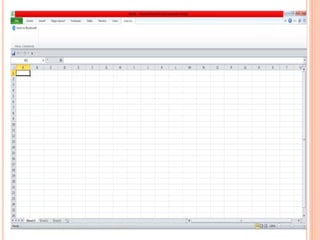
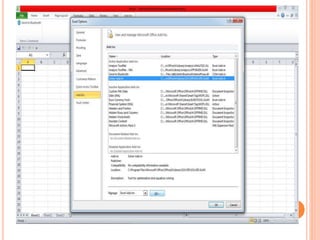
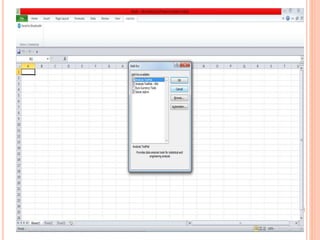
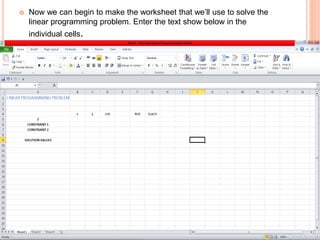
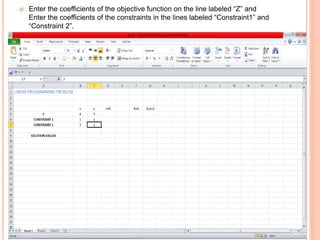
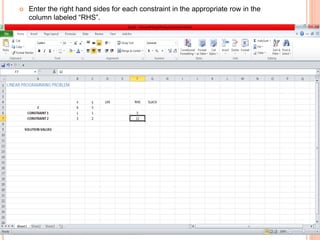
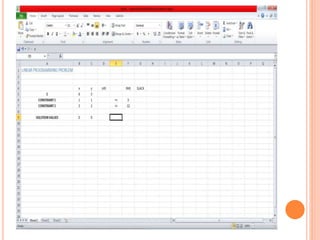
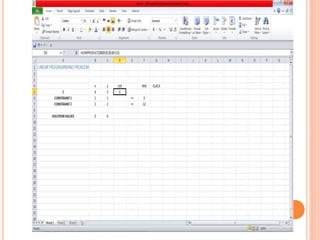
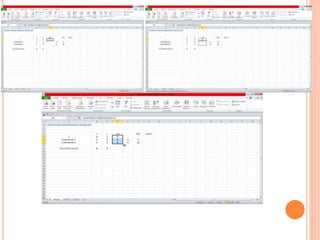
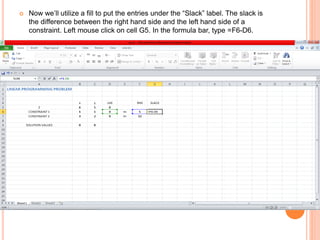
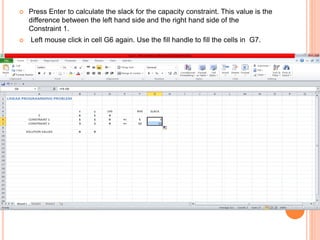
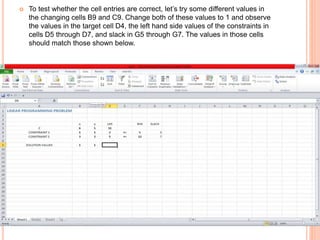
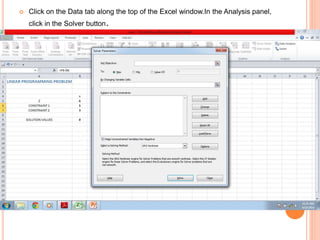
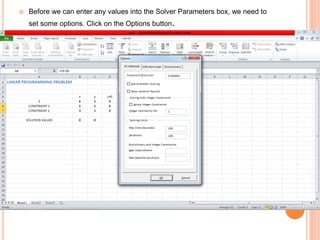
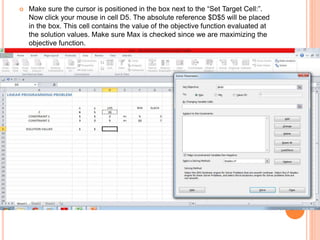
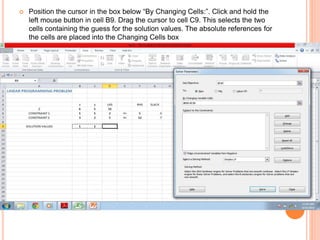
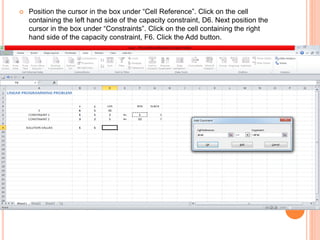
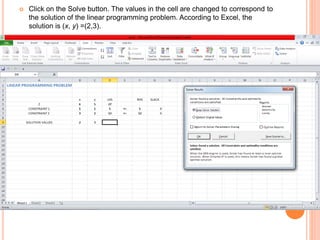
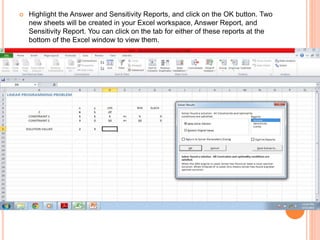
The document provides instructions for using Excel's Solver add-in to solve a linear programming problem. It describes how to set up a worksheet to model the objective function and constraints, then uses the Solver to find the optimal solution. Key steps include installing the Solver add-in, entering coefficients and variables, setting the target cell and changing cells, adding constraints, and using the Solve button to find the maximum value that satisfies all constraints. The solution reported is x=2 and y=3.