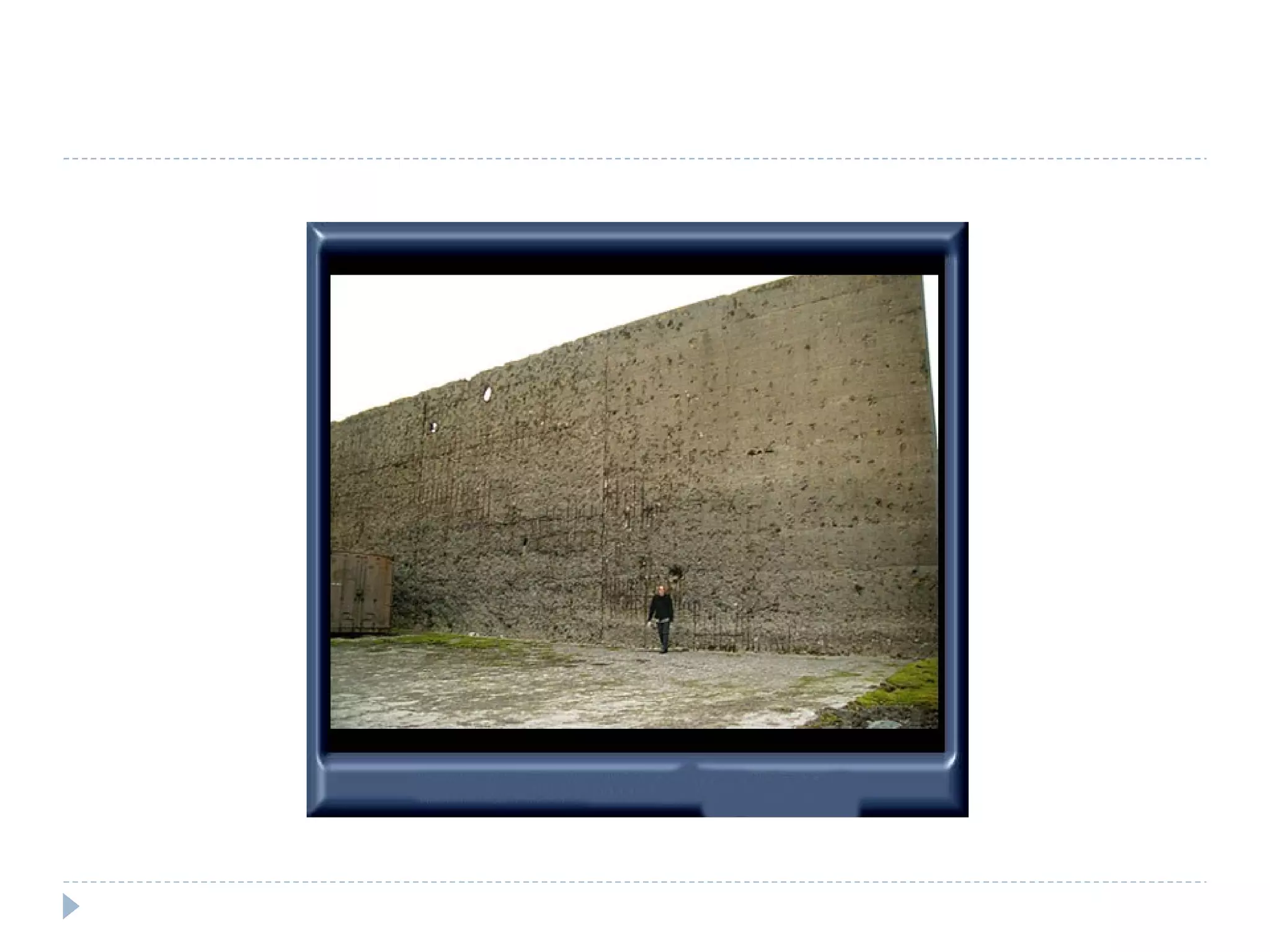
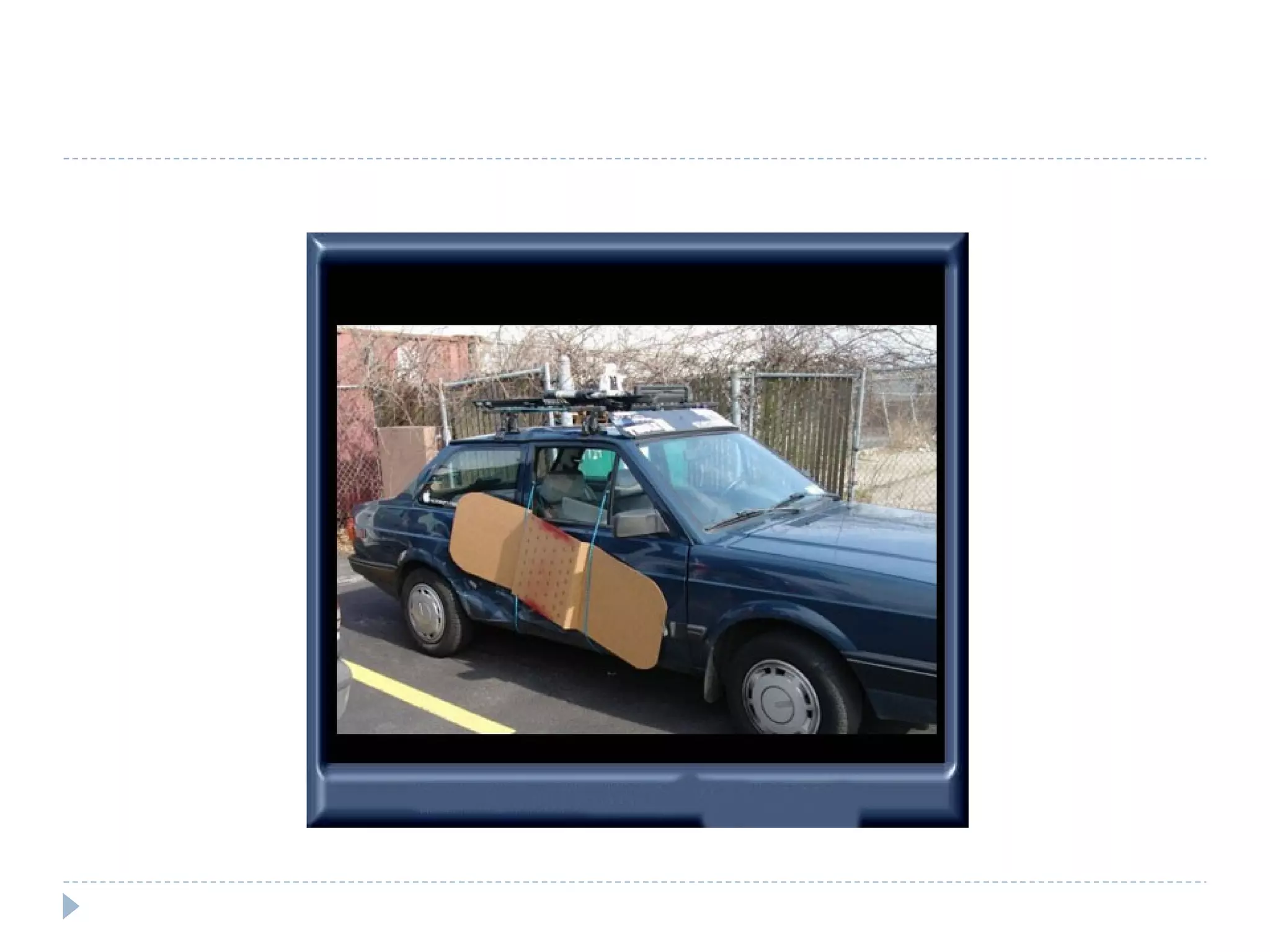
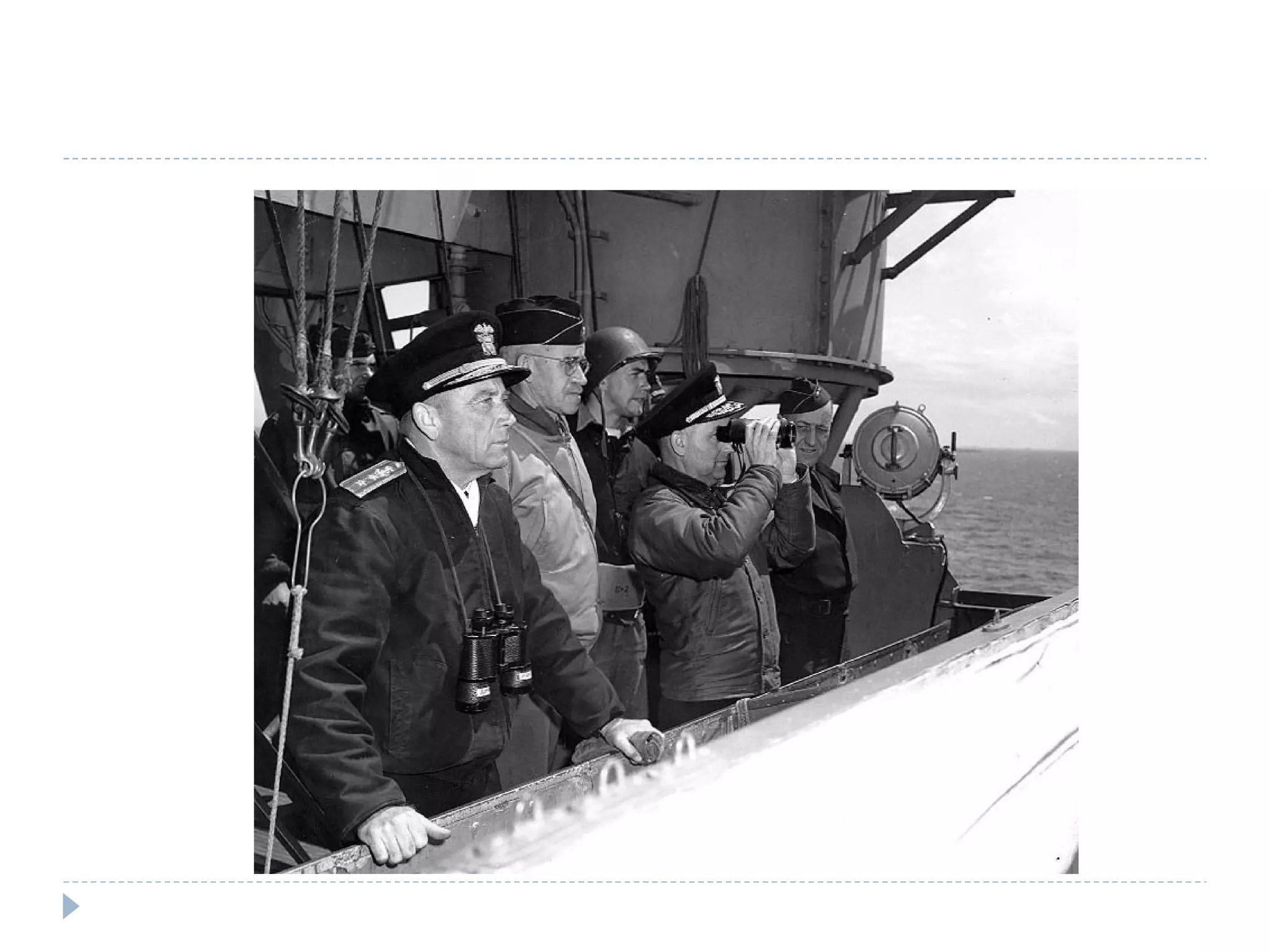
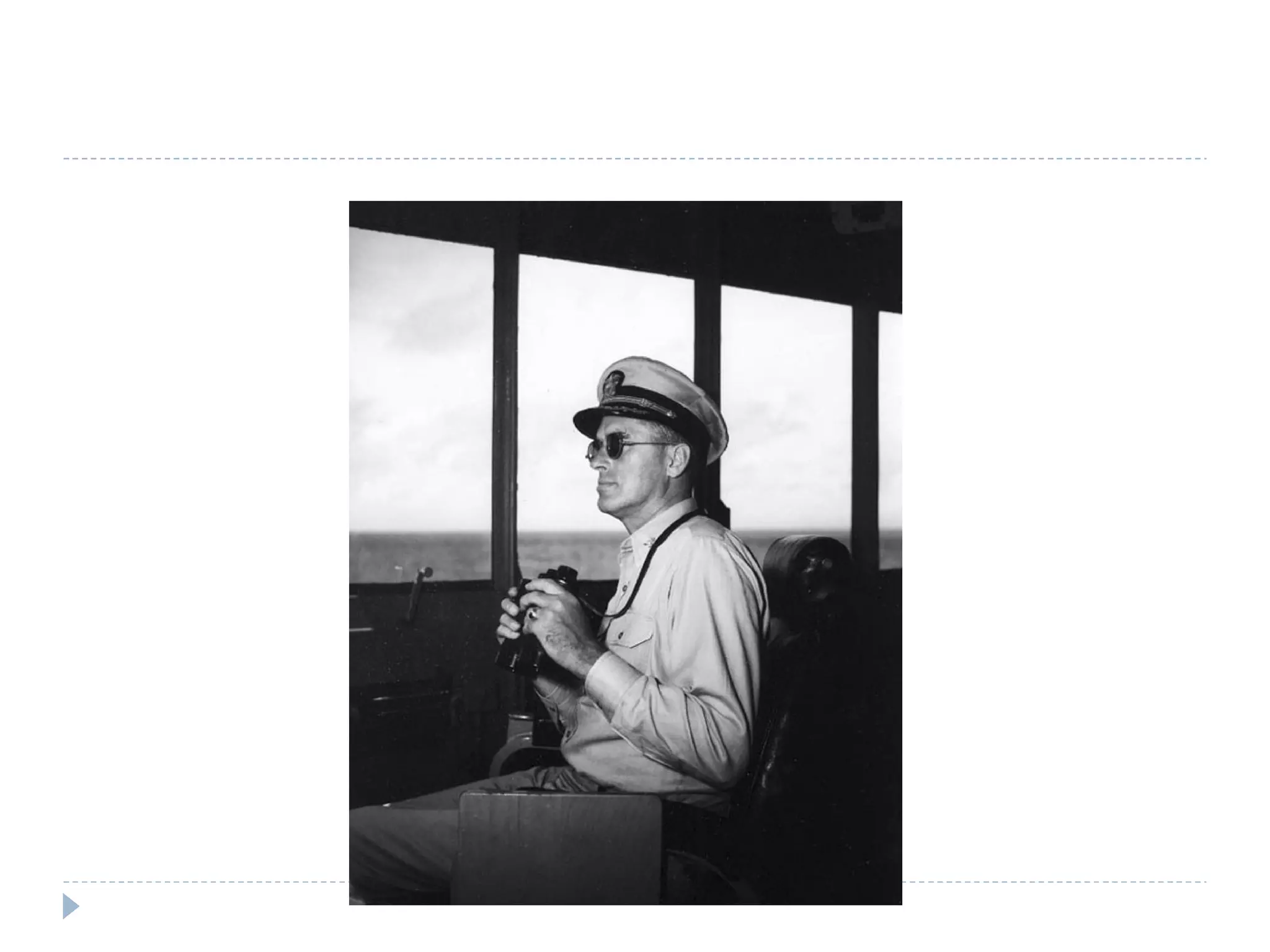
Hot News Excitement for Internet fans as Google opens in Outer Mongolia Microsoft Engineers look for inspiration (giant wall) Microsoft Sp3 Engineer takes his work home (giant plaster pic.)  Excitement as Windows is used for new military applications
 
 
Today's Agenda Human Nature (5 mins) State of the Industry (10 mins) Application and Software Security Assessment 101 (10 mins) Threat Modeling (15 mins) Closing Thoughts (5 mins)


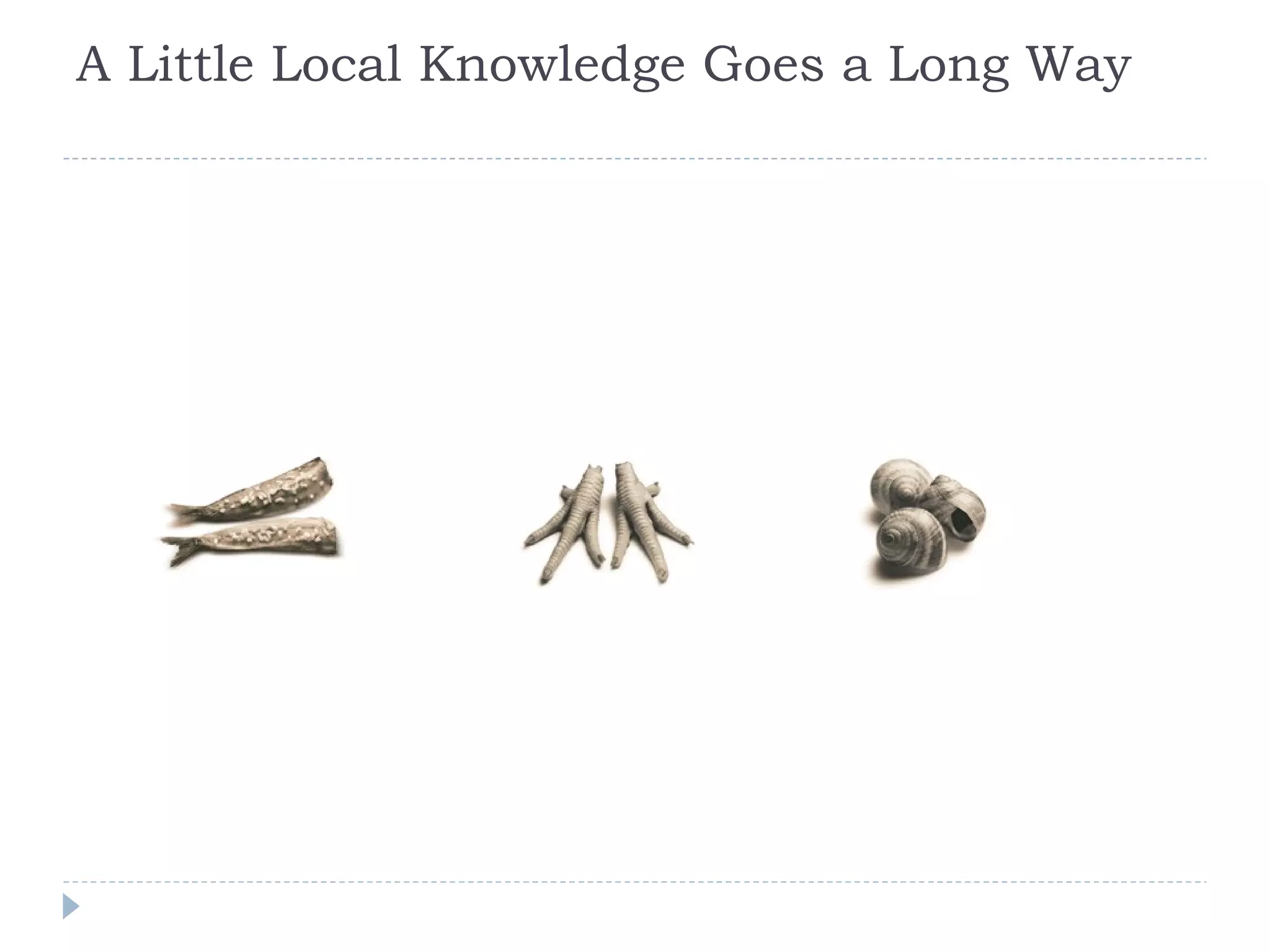
A Little Local Knowledge Goes a Long Way
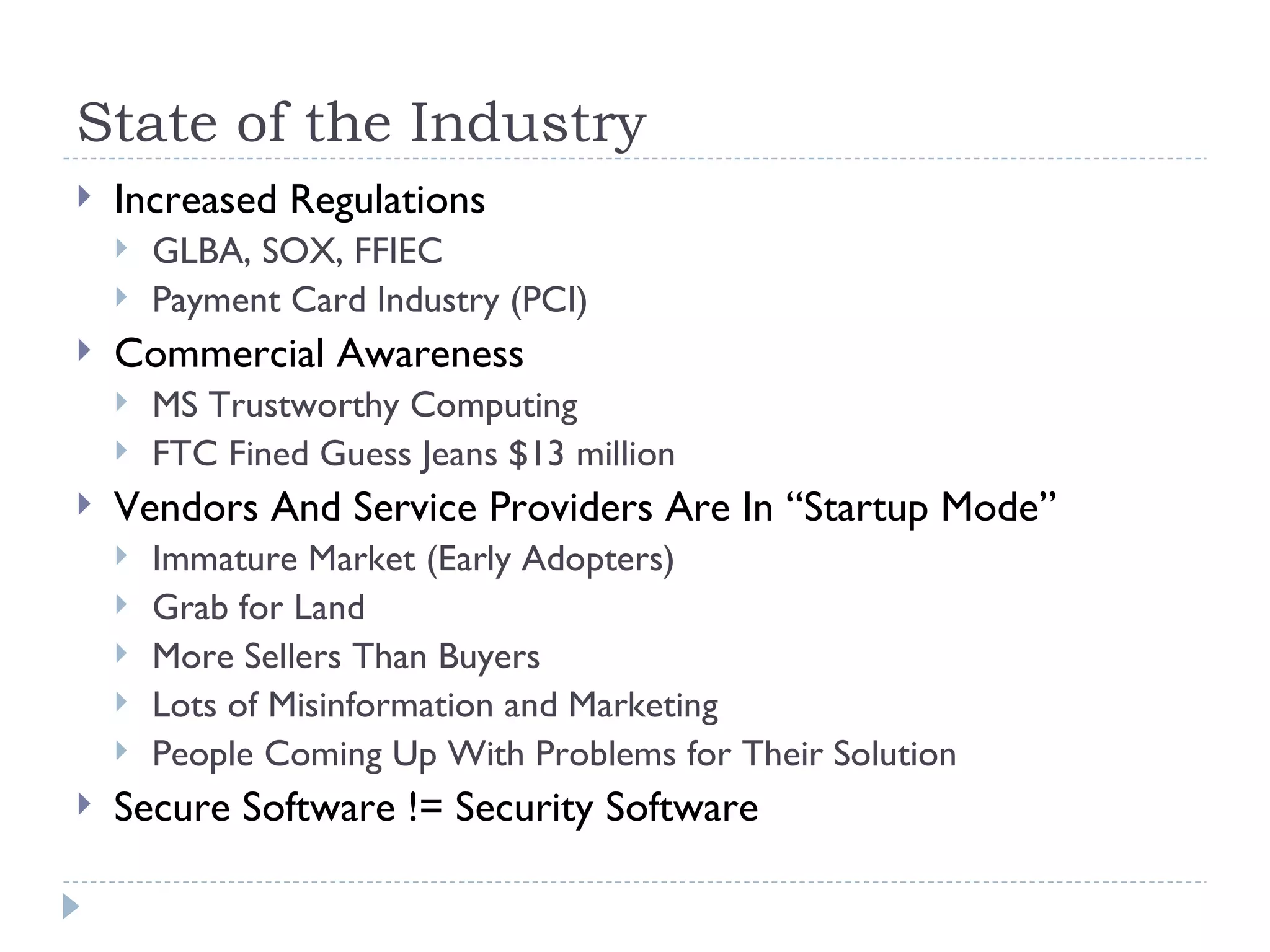
State of the Industry Increased Regulations GLBA, SOX, FFIEC Payment Card Industry (PCI) Commercial Awareness MS Trustworthy Computing FTC Fined Guess Jeans $13 million Vendors And Service Providers Are In “Startup Mode” Immature Market (Early Adopters) Grab for Land More Sellers Than Buyers Lots of Misinformation and Marketing People Coming Up With Problems for Their Solution Secure Software != Security Software
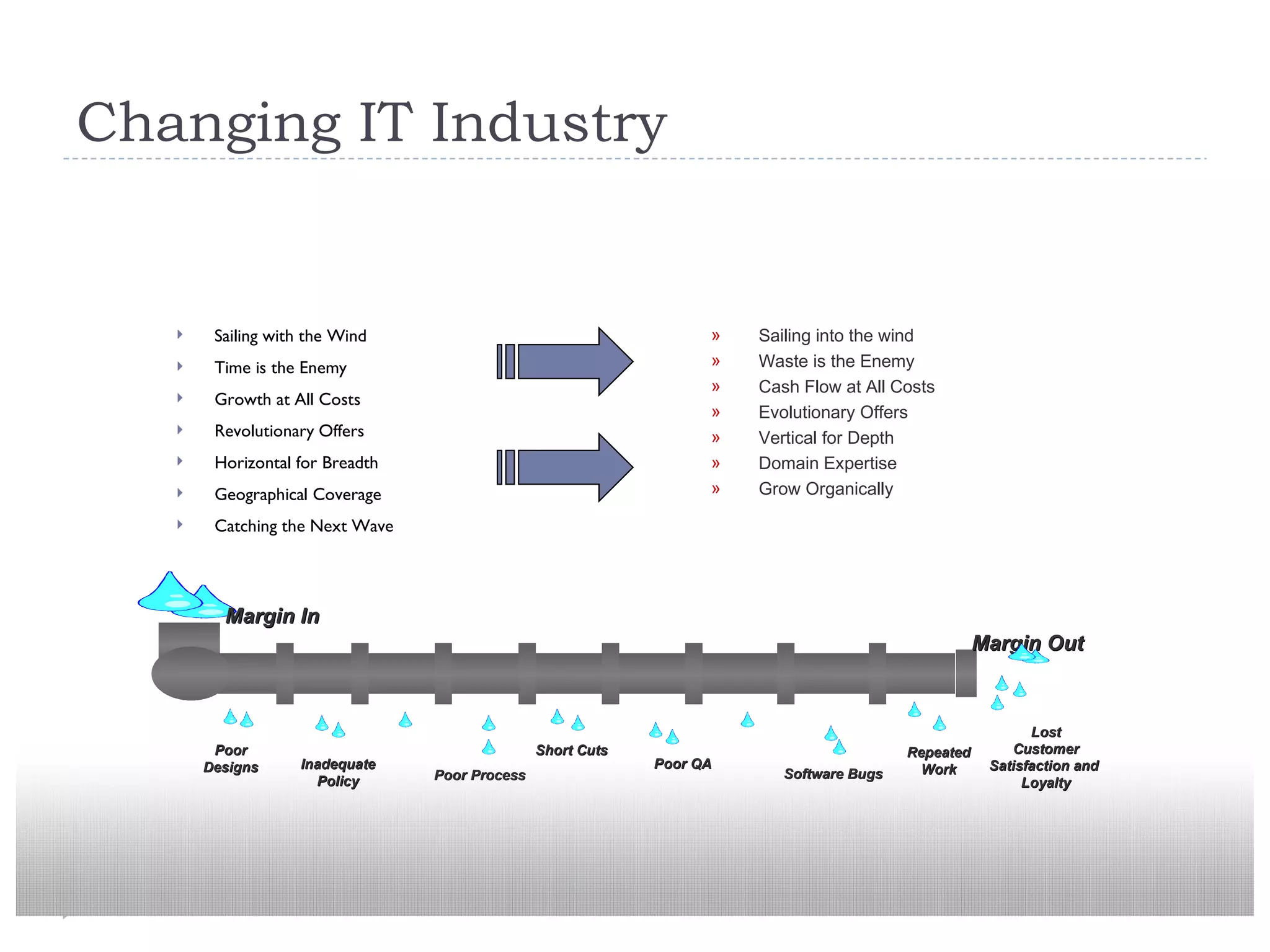
Changing IT Industry Sailing with the Wind Time is the Enemy Growth at All Costs Revolutionary Offers Horizontal for Breadth Geographical Coverage Catching the Next Wave Sailing into the wind Waste is the Enemy Cash Flow at All Costs Evolutionary Offers Vertical for Depth Domain Expertise Grow Organically Lost Customer Satisfaction and  Loyalty Poor Process Short Cuts Poor QA Software Bugs Repeated Work Inadequate Policy Poor Designs Margin In Margin Out
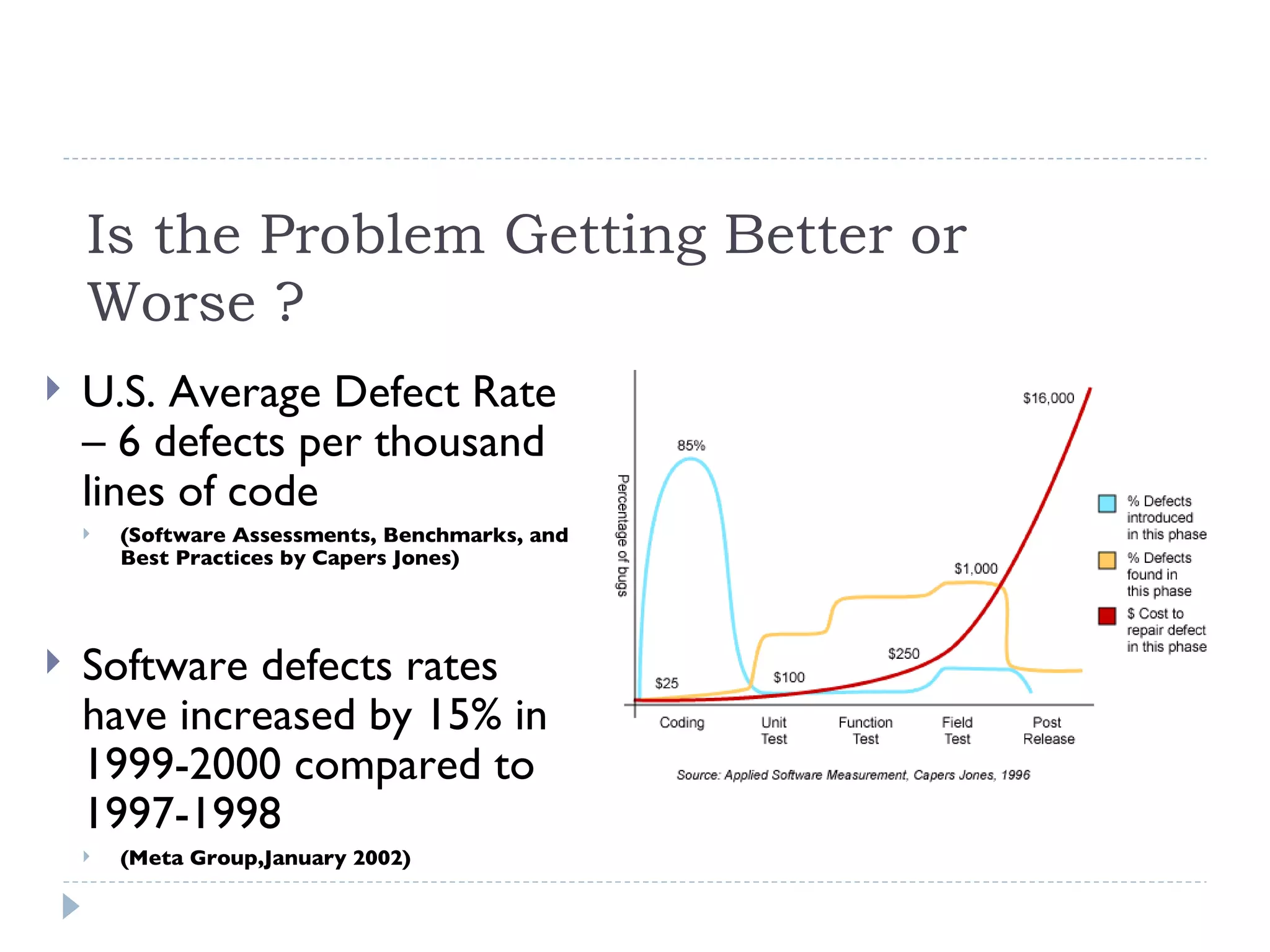
Is the Problem Getting Better or Worse ? U.S. Average Defect Rate – 6 defects per thousand lines of code  (Software Assessments, Benchmarks, and Best Practices by Capers Jones) Software defects rates have increased by 15% in 1999-2000 compared to 1997-1998  (Meta Group,January 2002)
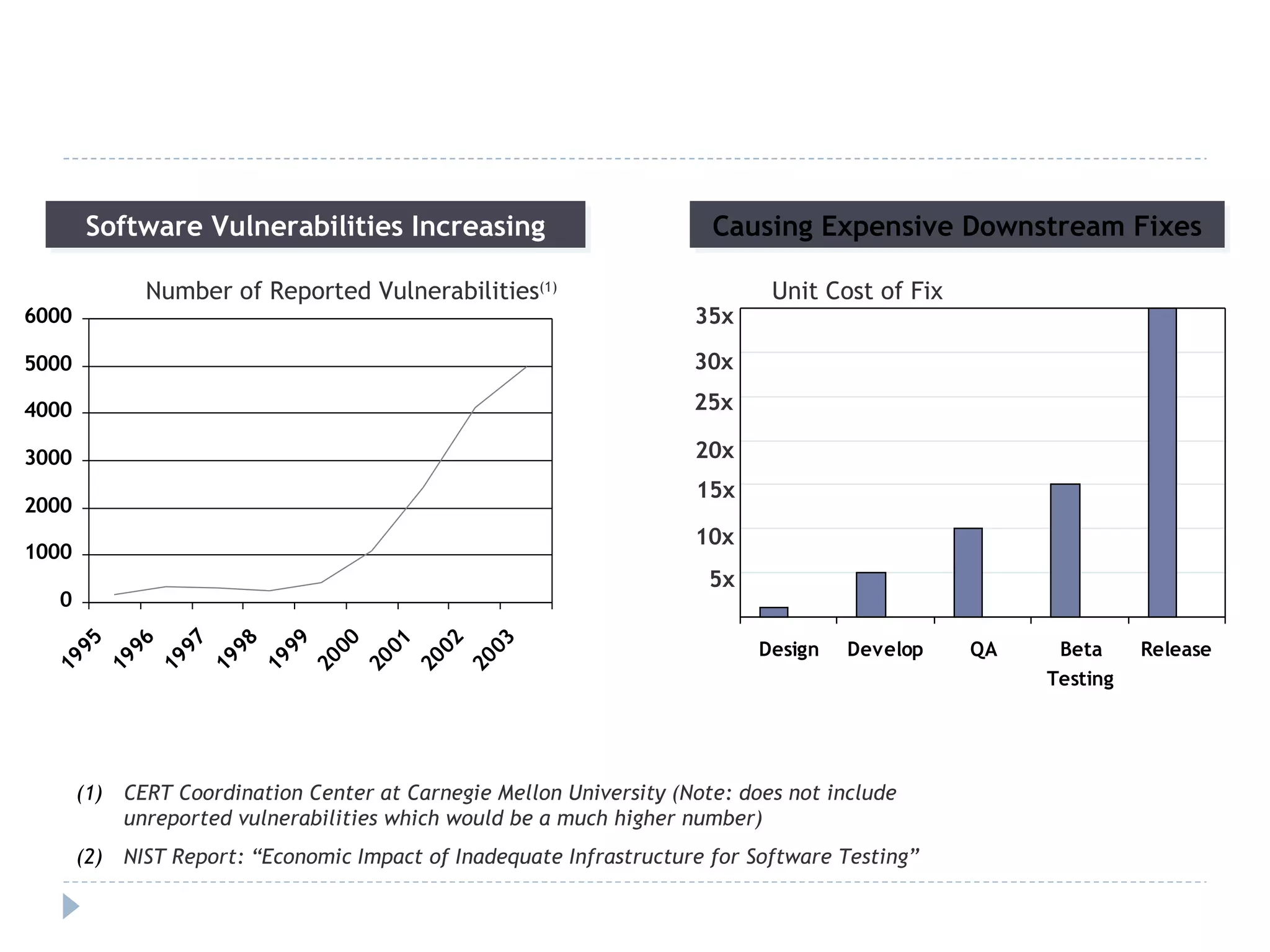
Software Vulnerabilities Increasing Causing Expensive Downstream Fixes Unit Cost of Fix Number of Reported Vulnerabilities (1) CERT Coordination Center at Carnegie Mellon University (Note: does not include unreported vulnerabilities which would be a much higher number) NIST Report: “Economic Impact of Inadequate Infrastructure for Software Testing”  35x 30x 5x 25x 20x 15x 10x
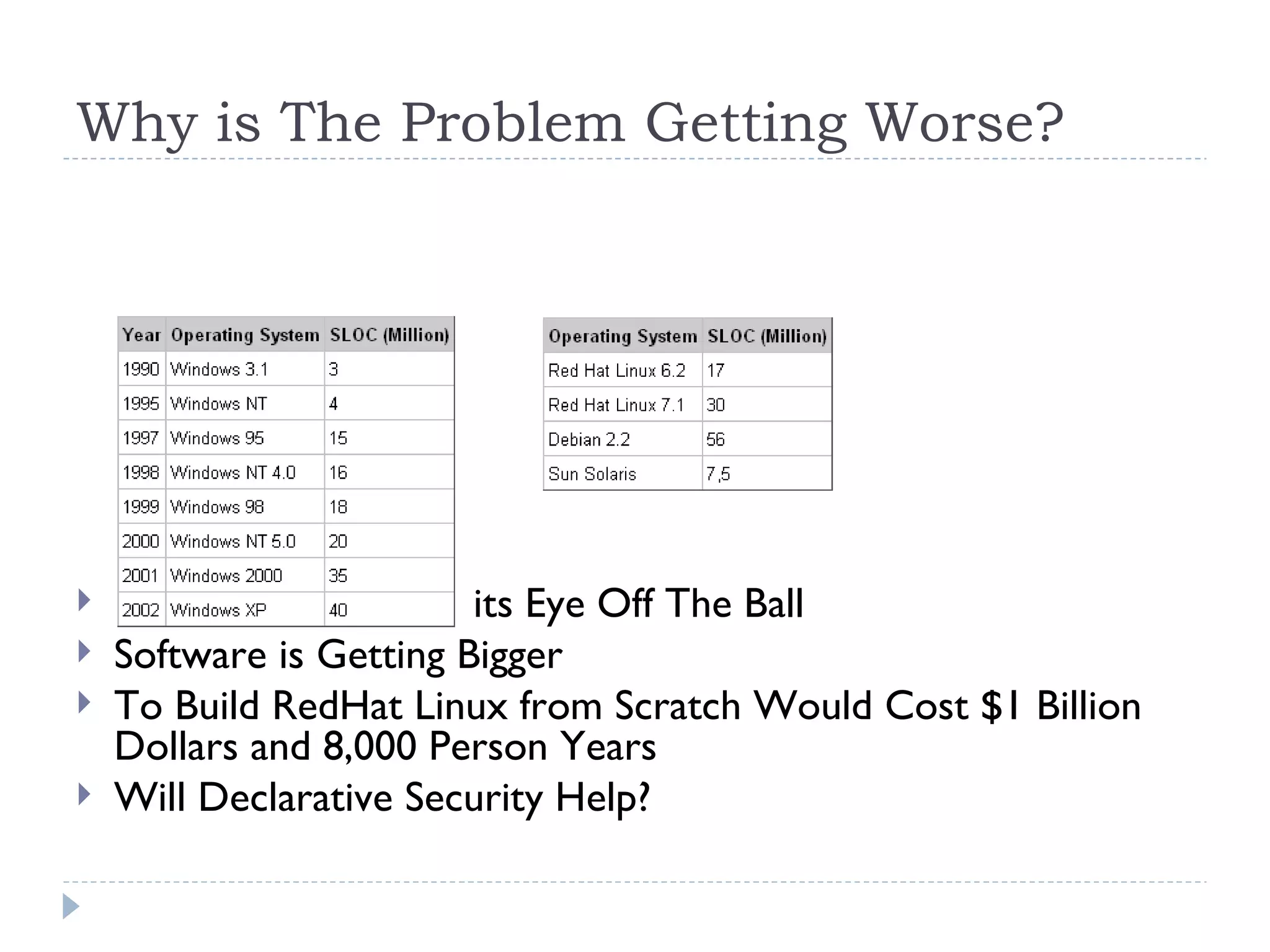
Why is The Problem Getting Worse? Security World Had its Eye Off The Ball Software is Getting Bigger To Build RedHat Linux from Scratch Would Cost $1 Billion Dollars and 8,000 Person Years Will Declarative Security Help?
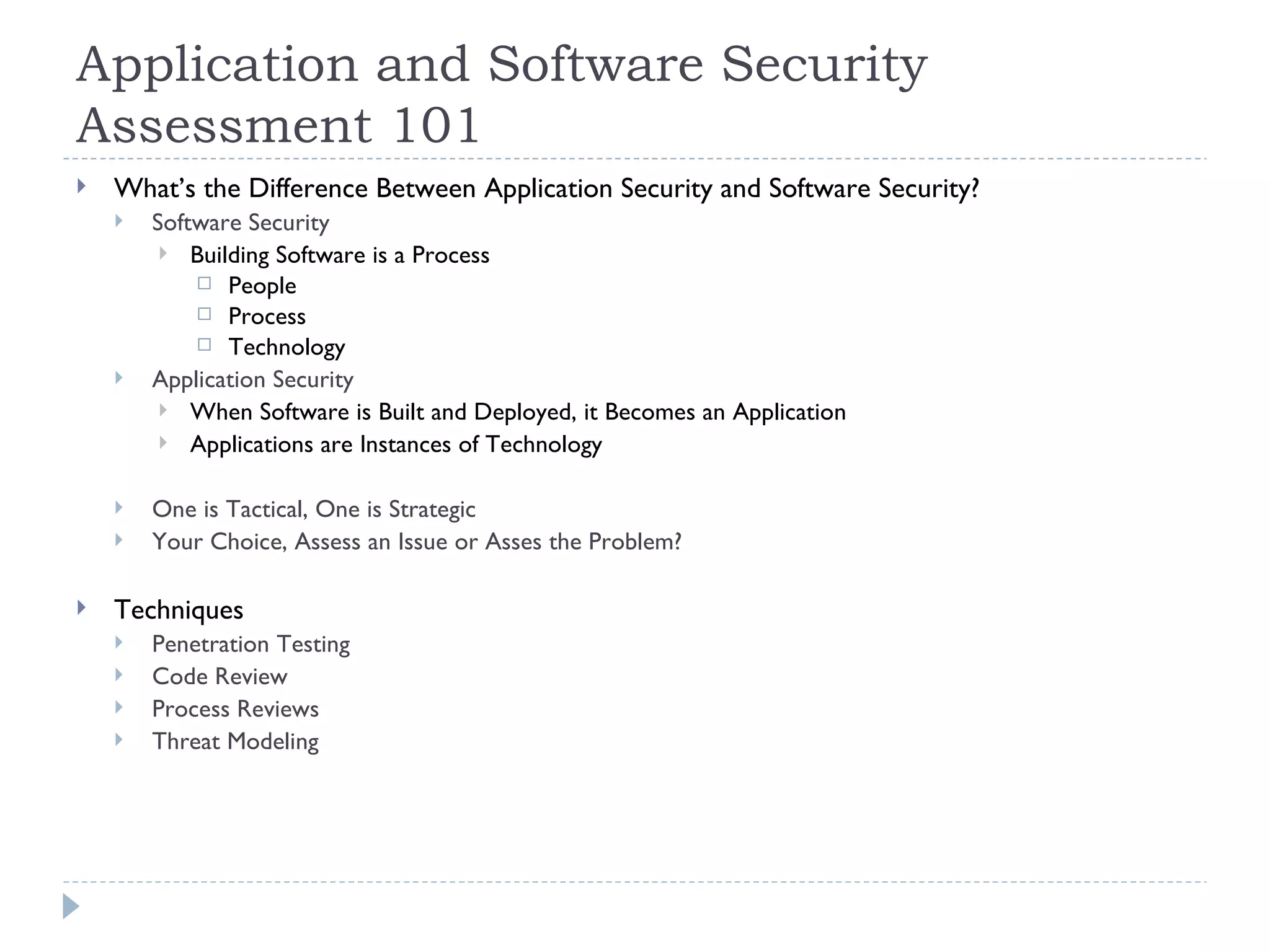
Application and Software Security Assessment 101 What’s the Difference Between Application Security and Software Security? Software Security Building Software is a Process People Process Technology Application Security When Software is Built and Deployed, it Becomes an Application Applications are Instances of Technology One is Tactical, One is Strategic Your Choice, Assess an Issue or Asses the Problem? Techniques Penetration Testing Code Review Process Reviews Threat Modeling
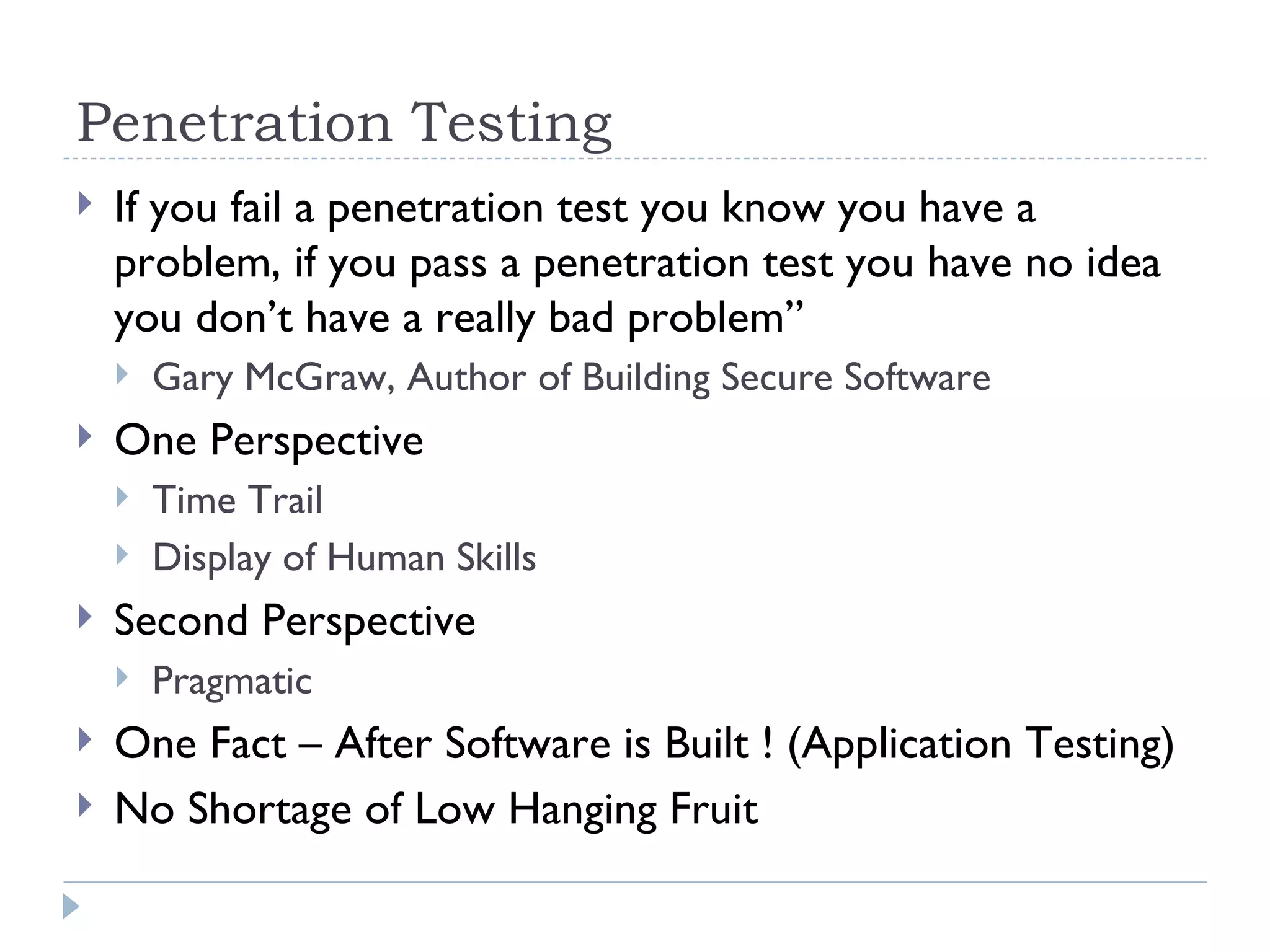
Penetration Testing If you fail a penetration test you know you have a problem, if you pass a penetration test you have no idea you don’t have a really bad problem” Gary McGraw, Author of Building Secure Software One Perspective Time Trail Display of Human Skills Second Perspective Pragmatic One Fact – After Software is Built ! (Application Testing) No Shortage of Low Hanging Fruit
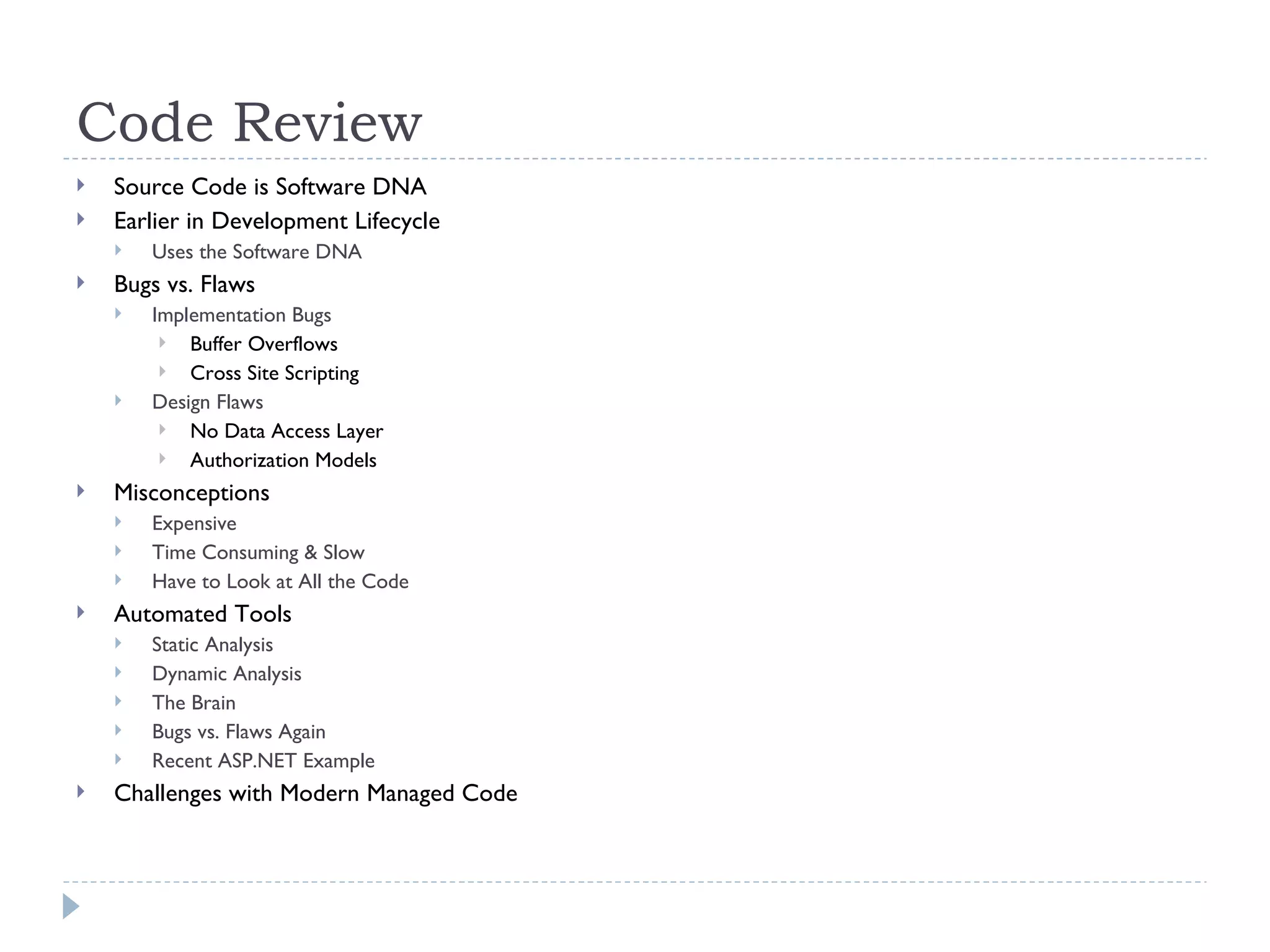
Code Review Source Code is Software DNA Earlier in Development Lifecycle Uses the Software DNA Bugs vs. Flaws  Implementation Bugs Buffer Overflows Cross Site Scripting Design Flaws No Data Access Layer Authorization Models Misconceptions Expensive Time Consuming & Slow Have to Look at All the Code Automated Tools Static Analysis Dynamic Analysis The Brain Bugs vs. Flaws Again Recent ASP.NET Example Challenges with Modern Managed Code
Process Reviews Security Must Be Part of the Development Process CLASP (Common Lightweight Application Security Process) Microsoft SDL Policy Architecture and Design Technology Standards Coding Standards Process Threat Modeling Design and Architecture Code Review Metrics and Measurement
Threat Modeling Structured approach for identifying, evaluating and mitigating risks to system security  Model the system as the attacker sees it but … …  with the advantage of knowing the internals Attackers look for entry points to access the system, components of interest, and a path to the attack target
Why Should You Use Threat Modeling? Prioritize usage of a security budget Drive security requirements and specifications During design and development  During testing Integrated with the SDLC Characterize strengths and weakness Leverage strengths Countermeasure weaknesses Risk Management Avoid risks Mitigate risks Accept risks Transfer risks Find bugs earlier than technical testing Find issues early in the lifecycle Economics of insecure software again! Make informed decisions Methodical approach to decisions Feeding testing plans Before any security testing
Threat Modeling & The Software Development Life Cycle Define Avoid common threat scenarios via  patterns Design Avoid common design mistakes Ensure appropriate countermeasures are  designed Define testing requirements Develop Explore gap between design and implementation Execute threat driven testing requirements Deploy Validate countermeasures Validate implementation Maintain Examining production systems Modeling changes to production systems
Our Methodology Begins with a high level architecture discussion with the application architect to understand software functionality, security requirements and deployment environment (shared libraries, use of operating systems etc.) Code walk through Helps define target code base for code inspection Document threat model Expose key components as likely targets of an attack Storage locations for sensitive information Configuration files Data flows Security significant features Usage of cryptography …  Threats Countermeasures Vulnerabilities
Glossary of Terms System Software that performs or provides a specific business function  Every system has an outer perimeter called the system boundary Component Unit of functionality Trust Boundary Exists at any location where one component exposes a public interface to another By definition, every system boundary is a trust boundary Trust Relationship Interconnection of two components across a trust boundary Based on the policy that governs interactions between the components Threat A potential weakness in an information system Countermeasure  Mitigating strategy or component that can help prevent a threat from being realized Vulnerability  A threat for which there is no countermeasure or mitigating circumstance in place Vulnerabilities can open a system to attacks via exploits
Step 1: Identify Security Requirements Goal Define security requirements and worst case scenarios through the understanding of use cases (and abuse cases)   Review information such as: Compliance requirements Functional specifications Coding standards Security standards Deployment standards Information security policies Industry best practices Meeting with the major stakeholders such as the project manager, lead architects, developers and testers
Step 2:  Understand the Application Goal Identify the major components in the system, where the system boundaries lie, and what the trust relationships and boundaries are   Obtain a thorough grasp of the design and architecture decisions that were made while building the application  Review information such as: End-to-end deployment scenarios Application overview Key components / services Communication pathways and protocols (HTTP(S), Remoting, RMI, …) External / black box components and interconnections Data flows Entry and exit points
Step 3:  Identify the Threats Goal Identify and classify potential weaknesses in the system that could lead to an exploit Threats are categorized based on the following major classes: Configuration Management  Issues stemming from insecure deployment and administration Cryptography  Lack of adequate protection for secrets and other sensitive data Authentication  Lack of strong protocols to validate the identity of a component outside the trust boundary Authorization  Lack of mechanisms to enforce access control on protected resources within the system Session Management  Lack of mechanisms to maintain session independence between multiple logged in users Data Validation  Lack of input and output validation whenever data crosses system or trust boundaries Exception Management  Failure to deal with exceptions effectively and in a secure manner and any resulting unauthorized disclosure of information Auditing / Logging  Failure to maintain detailed and accurate application logs that can allow for traceability and non-repudiation
Step 4: Identify the Countermeasures Goal: Determine the existence of mitigating techniques and / or policies that can help prevent the threats discovered in Step 3 from being realized Identify countermeasures that may have been designed or that exist in the application  Includes both technical and policy measures  Threats that have no countermeasure in place are considered vulnerabilities
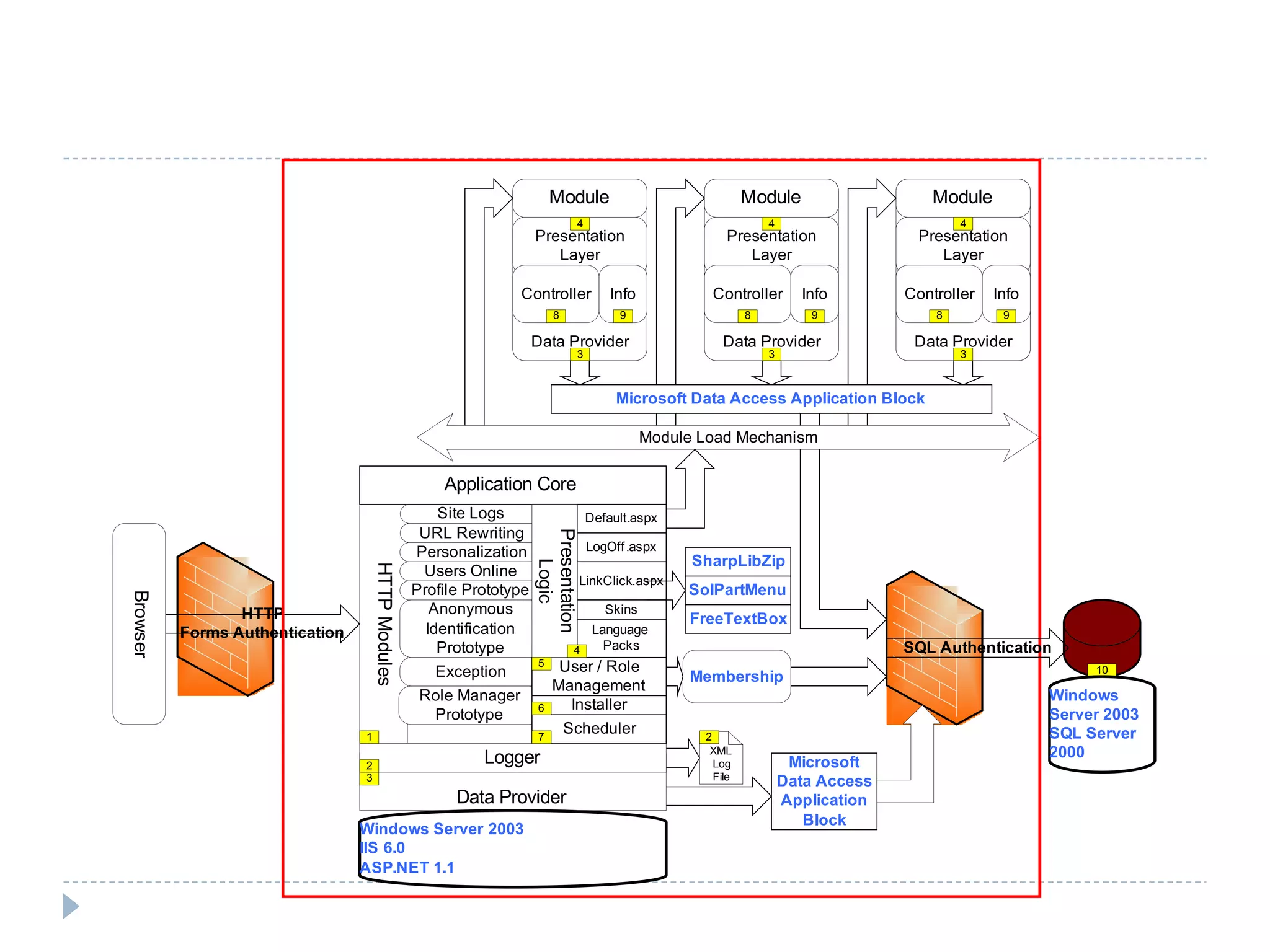
The Threat Model Microsoft Visio Drawing Superimposes threat and mitigation information onto architecture diagram Accompanying documentation with more detailed information Abuse Case / Threat Prioritization Threat-to-Code Mapping Via code walk through Testing and source code review helps determine if the countermeasures effectively mitigate the risks from the identified threats
 
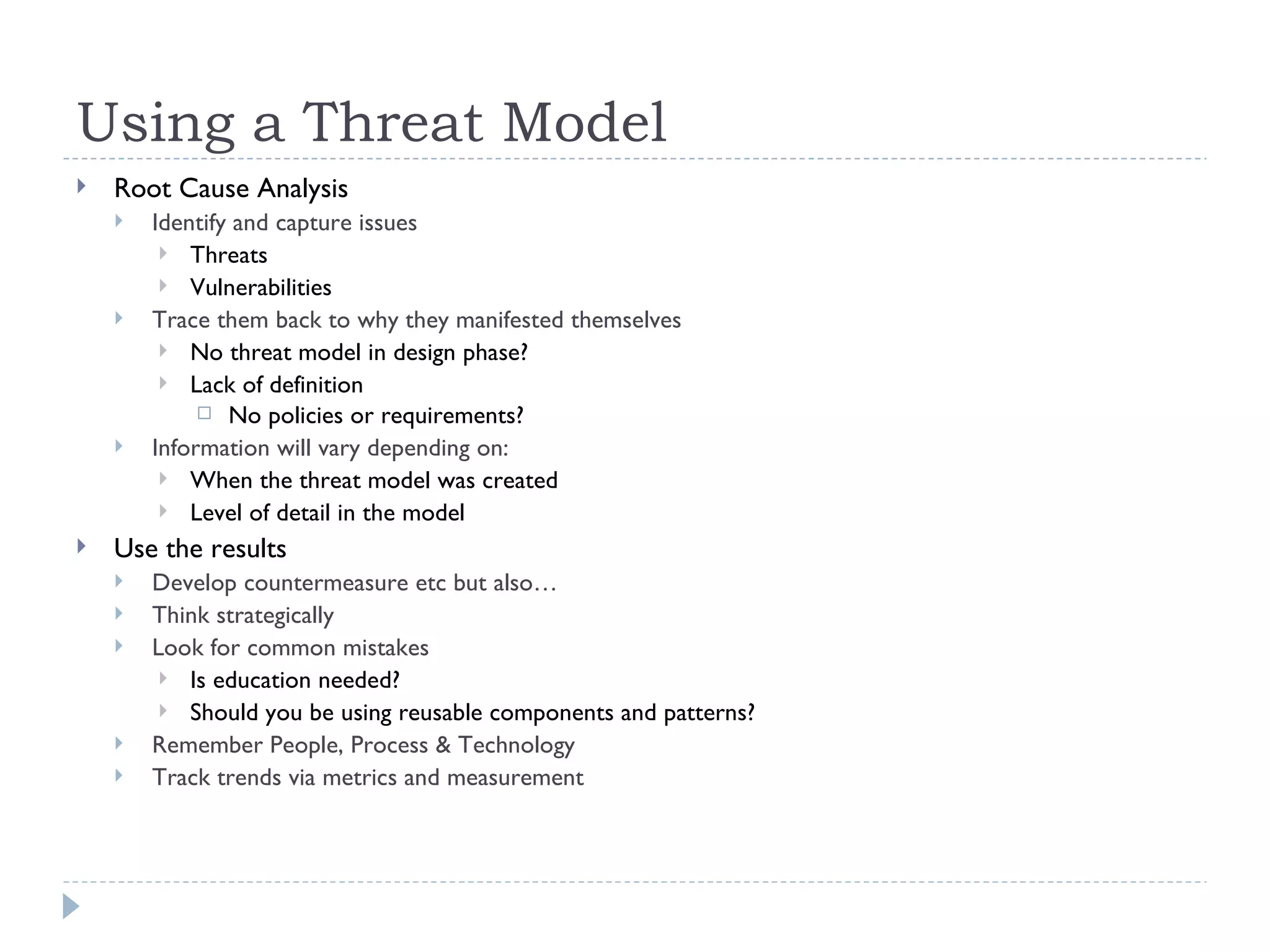
Using a Threat Model Root Cause Analysis Identify and capture issues Threats Vulnerabilities Trace them back to why they manifested themselves No threat model in design phase? Lack of definition  No policies or requirements? Information will vary depending on: When the threat model was created Level of detail in the model Use the results Develop countermeasure etc but also… Think strategically Look for common mistakes Is education needed? Should you be using reusable components and patterns? Remember People, Process & Technology Track trends via metrics and measurement
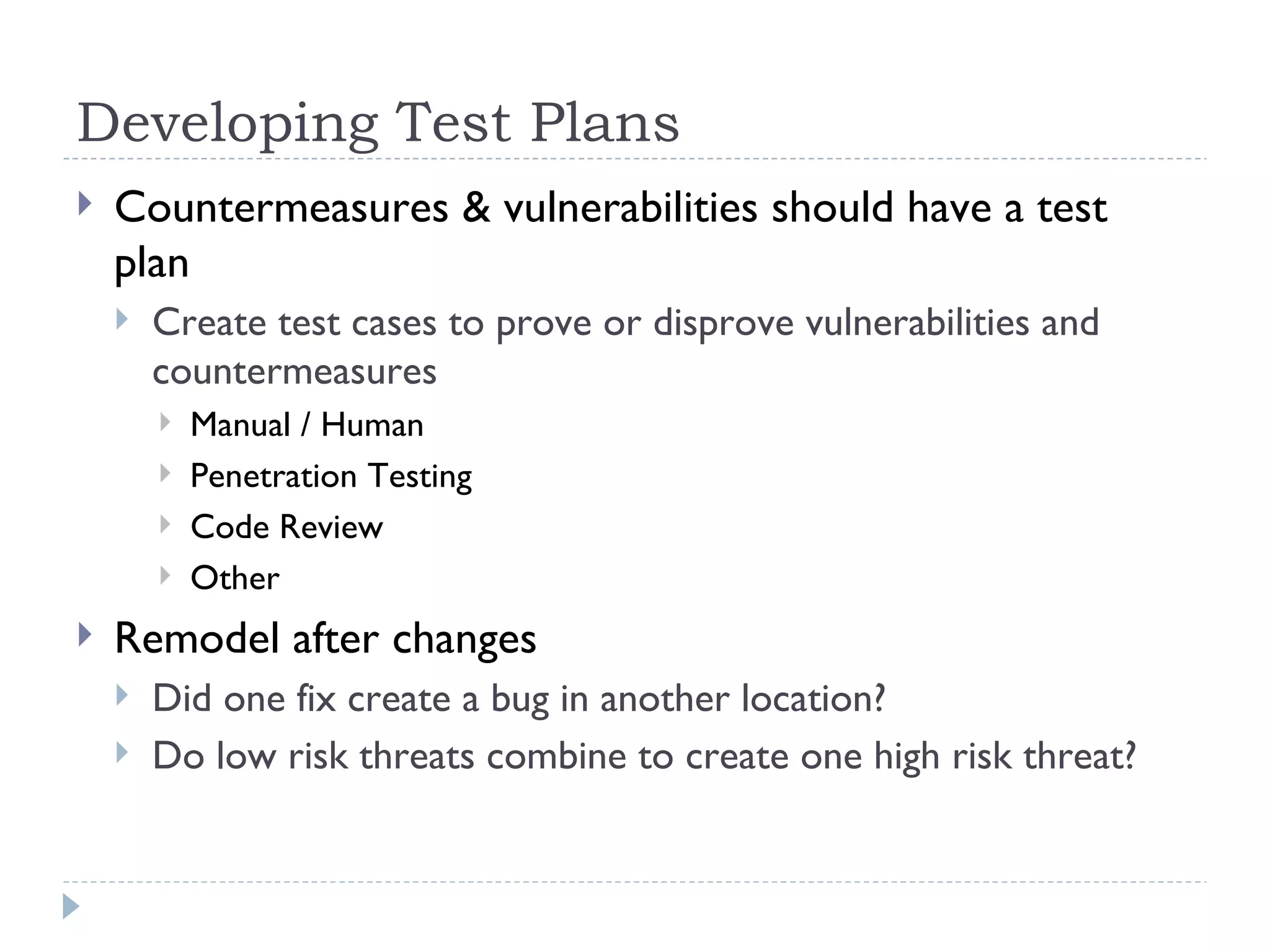
Developing Test Plans Countermeasures & vulnerabilities should have a test plan Create test cases to prove or disprove vulnerabilities and countermeasures Manual / Human Penetration Testing Code Review Other Remodel after changes Did one fix create a bug in another location? Do low risk threats combine to create one high risk threat?
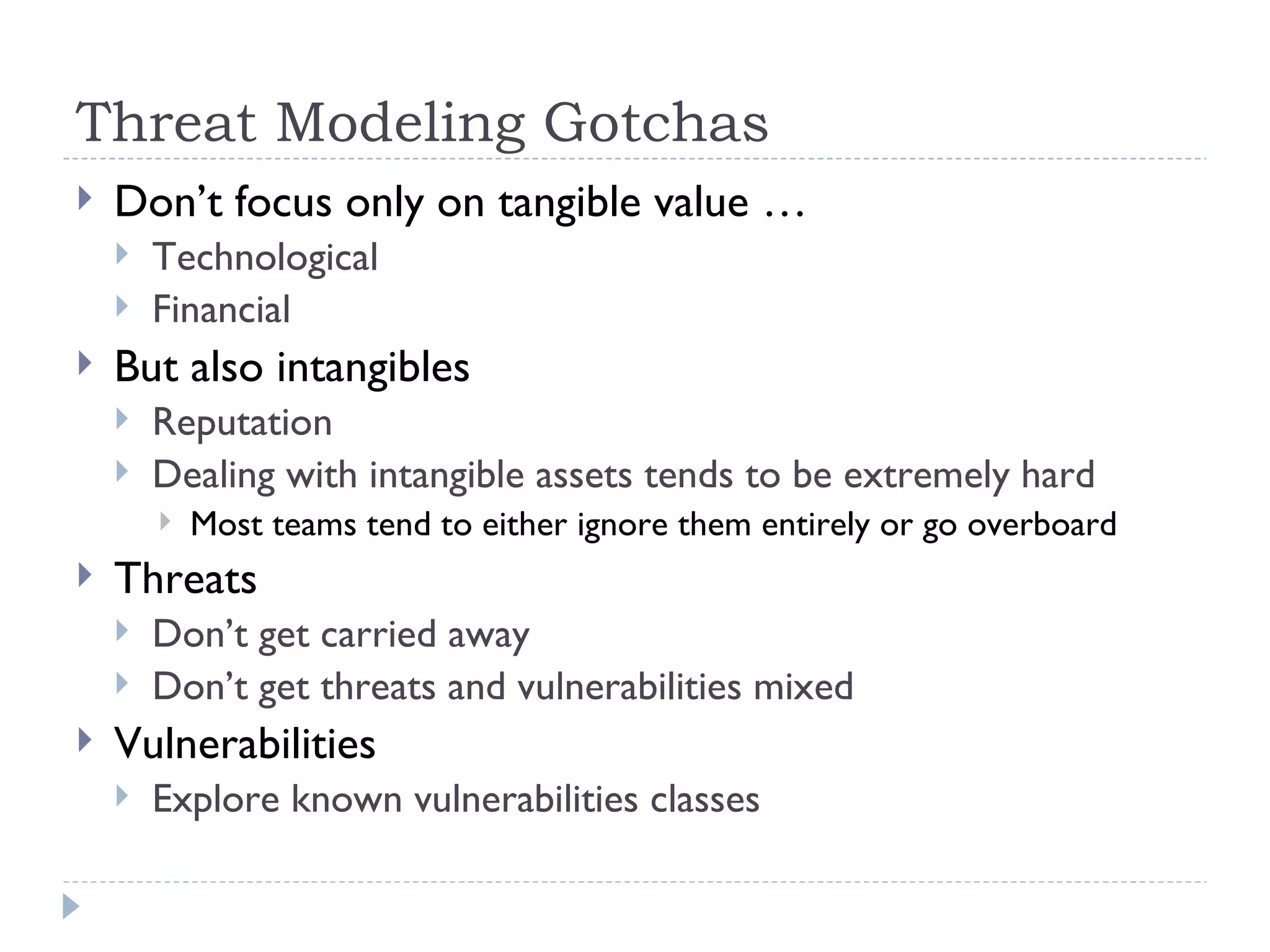
Threat Modeling Gotchas Don’t focus only on tangible value … Technological Financial But also intangibles Reputation Dealing with intangible assets tends to be extremely hard Most teams tend to either ignore them entirely or go overboard Threats Don’t get carried away Don’t get threats and vulnerabilities mixed Vulnerabilities Explore known vulnerabilities classes
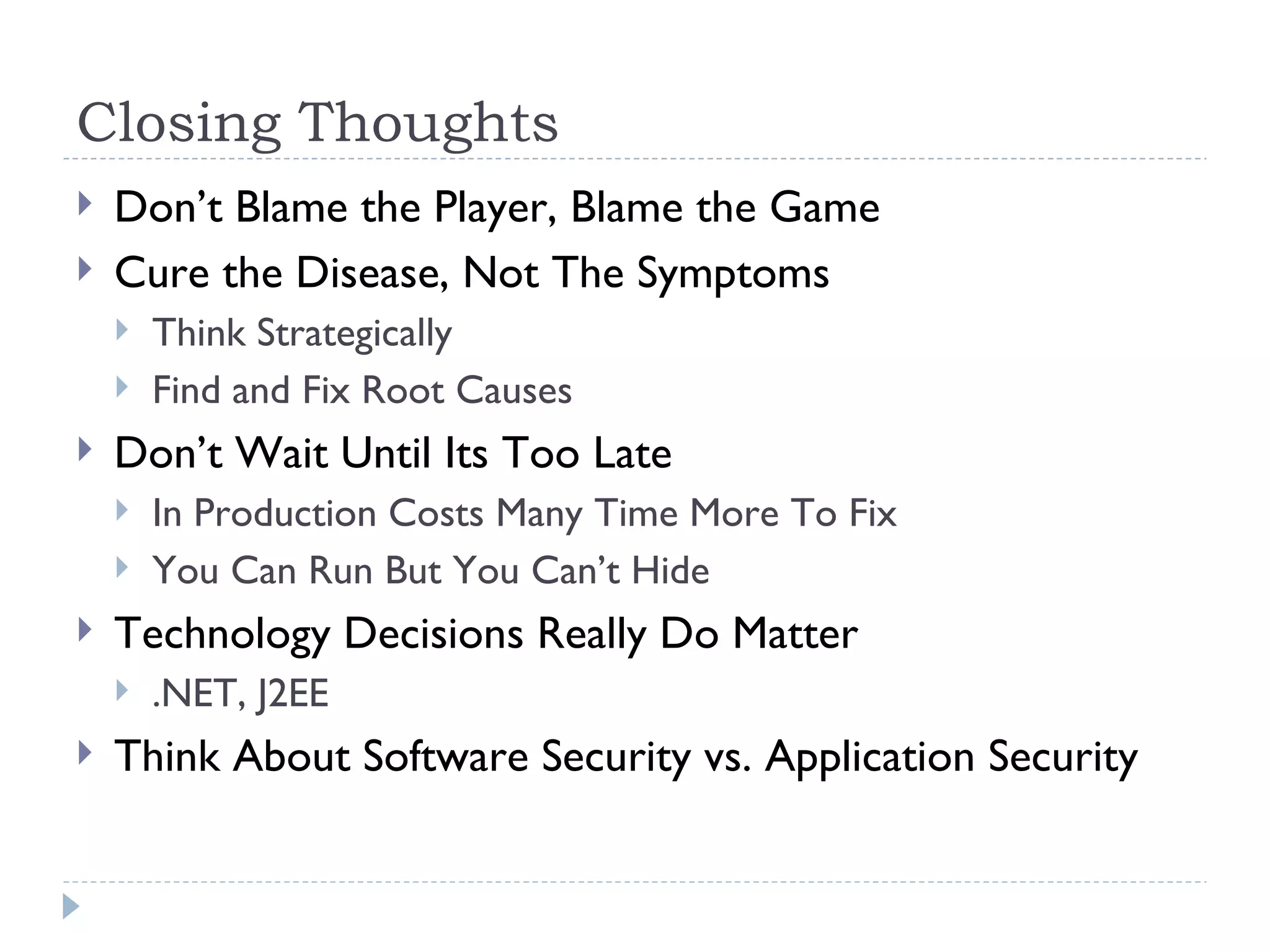
Closing Thoughts Don’t Blame the Player, Blame the Game Cure the Disease, Not The Symptoms Think Strategically Find and Fix Root Causes Don’t Wait Until Its Too Late In Production Costs Many Time More To Fix You Can Run But You Can’t Hide Technology Decisions Really Do Matter .NET, J2EE Think About Software Security vs. Application Security
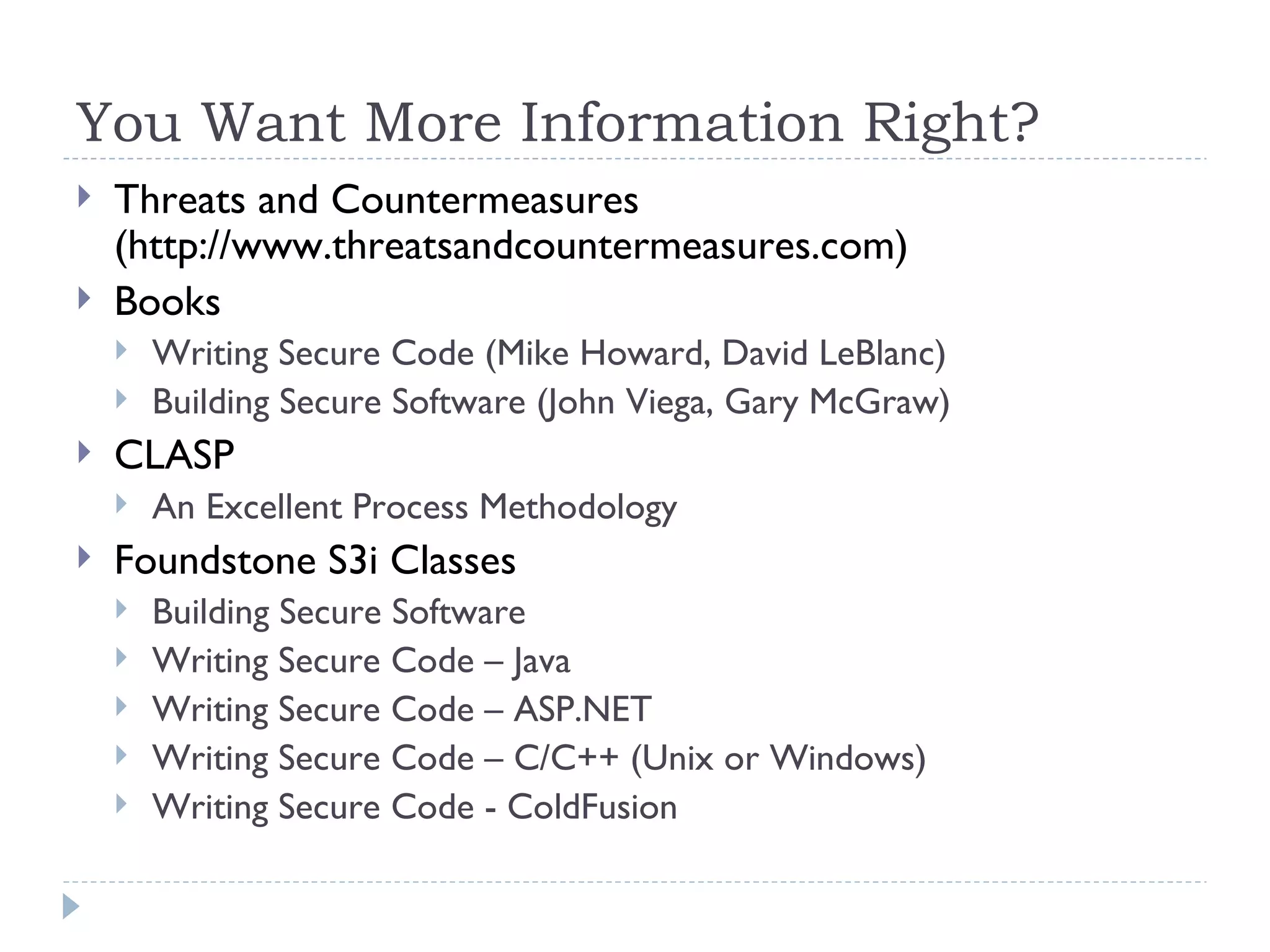
You Want More Information Right? Threats and Countermeasures (http://www.threatsandcountermeasures.com) Books Writing Secure Code (Mike Howard, David LeBlanc) Building Secure Software (John Viega, Gary McGraw) CLASP An Excellent Process Methodology Foundstone S3i Classes Building Secure Software Writing Secure Code – Java Writing Secure Code – ASP.NET Writing Secure Code – C/C++ (Unix or Windows) Writing Secure Code - ColdFusion
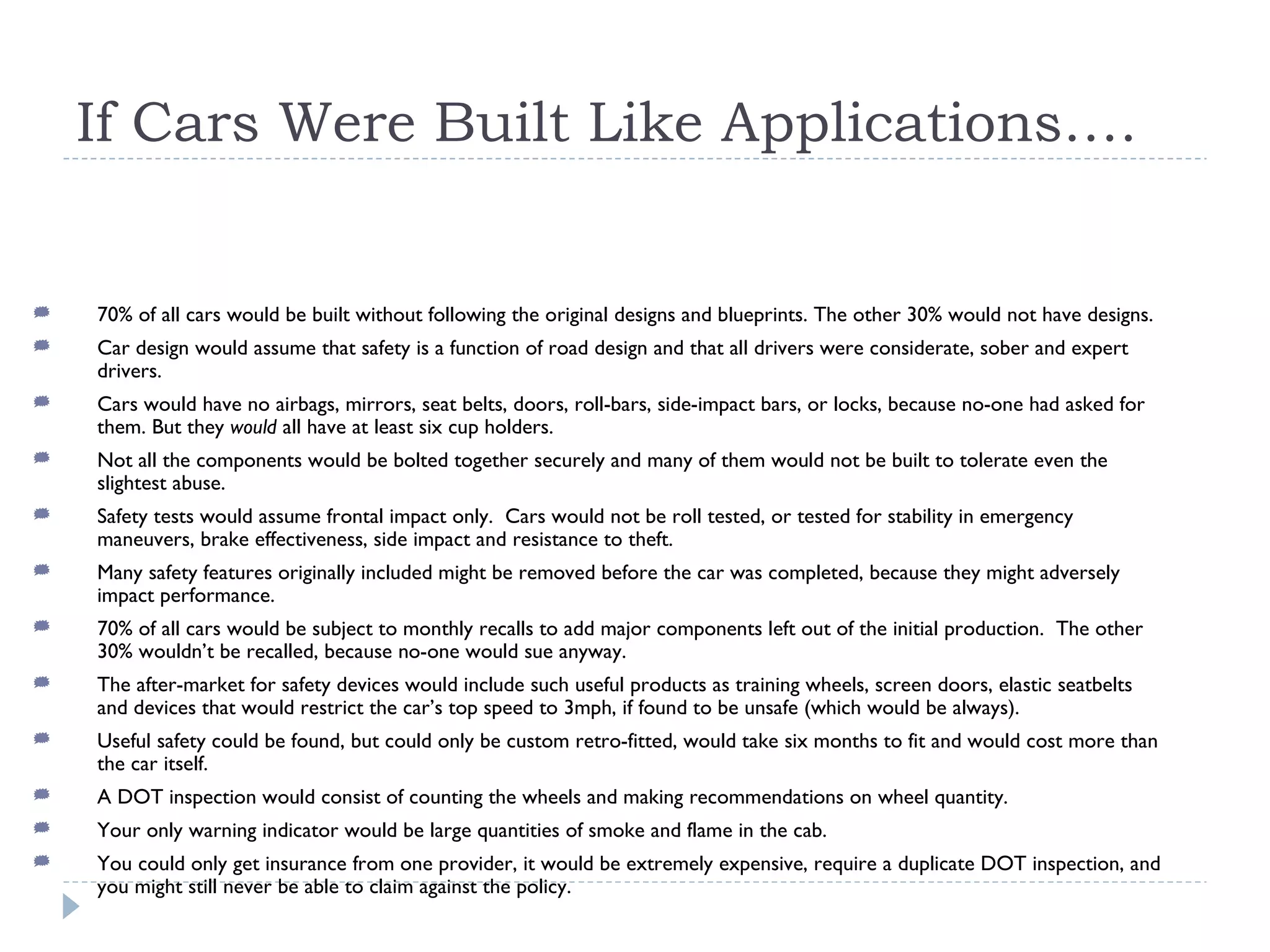
If Cars Were Built Like Applications…. 70% of all cars would be built without following the original designs and blueprints. The other 30% would not have designs. Car design would assume that safety is a function of road design and that all drivers were considerate, sober and expert drivers. Cars would have no airbags, mirrors, seat belts, doors, roll-bars, side-impact bars, or locks, because no-one had asked for them. But they  would  all have at least six cup holders. Not all the components would be bolted together securely and many of them would not be built to tolerate even the slightest abuse.  Safety tests would assume frontal impact only.  Cars would not be roll tested, or tested for stability in emergency maneuvers, brake effectiveness, side impact and resistance to theft. Many safety features originally included might be removed before the car was completed, because they might adversely impact performance. 70% of all cars would be subject to monthly recalls to add major components left out of the initial production.  The other 30% wouldn’t be recalled, because no-one would sue anyway. The after-market for safety devices would include such useful products as training wheels, screen doors, elastic seatbelts and devices that would restrict the car’s top speed to 3mph, if found to be unsafe (which would be always). Useful safety could be found, but could only be custom retro-fitted, would take six months to fit and would cost more than the car itself. A DOT inspection would consist of counting the wheels and making recommendations on wheel quantity. Your only warning indicator would be large quantities of smoke and flame in the cab. You could only get insurance from one provider, it would be extremely expensive, require a duplicate DOT inspection, and you might still never be able to claim against the policy.
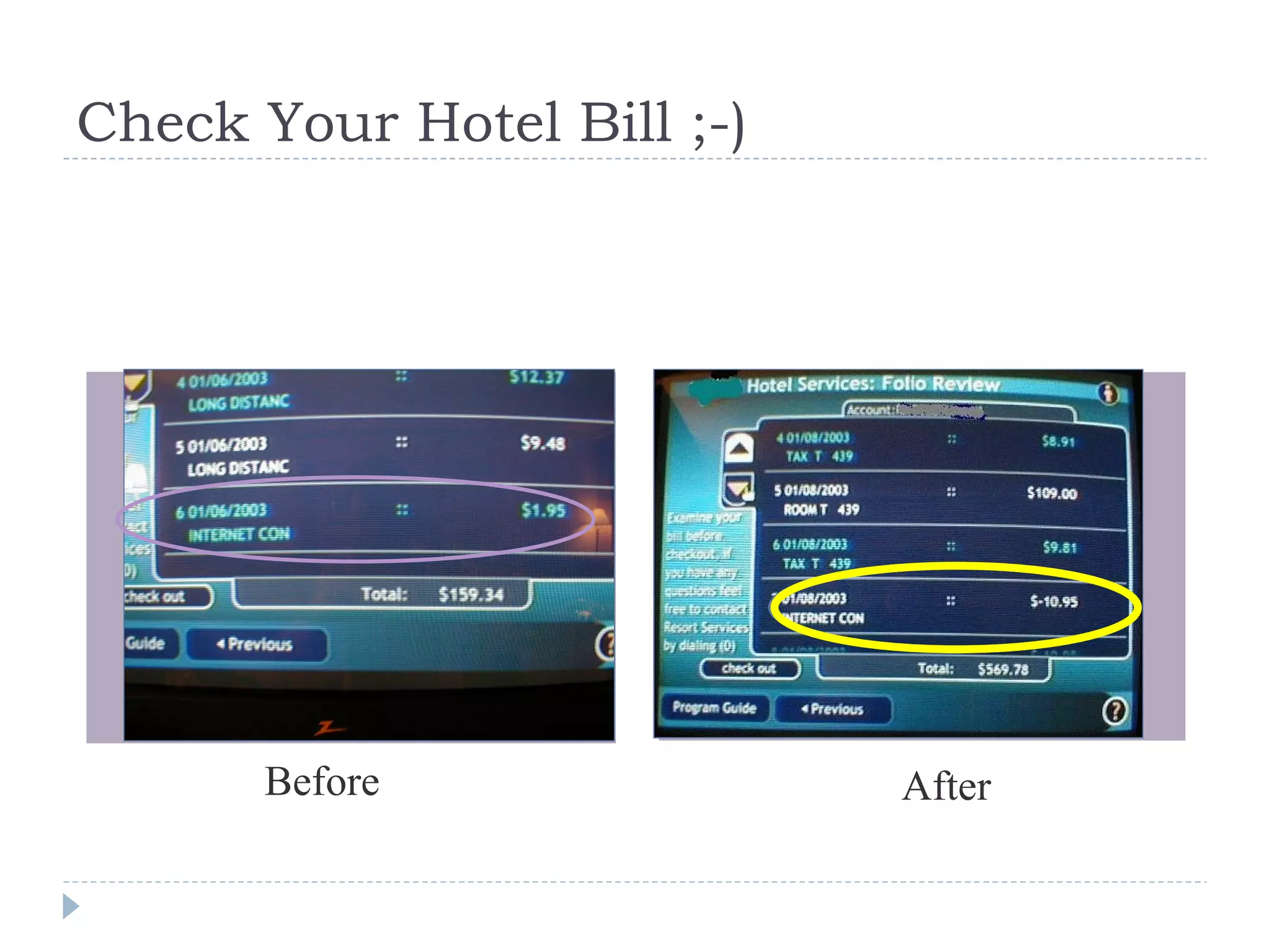
Check Your Hotel Bill ;-) Before After

Software Security in the Real World

  • 1.
    Hot News Excitementfor Internet fans as Google opens in Outer Mongolia Microsoft Engineers look for inspiration (giant wall) Microsoft Sp3 Engineer takes his work home (giant plaster pic.) Excitement as Windows is used for new military applications
  • 2.
  • 3.
  • 4.
    Today's Agenda HumanNature (5 mins) State of the Industry (10 mins) Application and Software Security Assessment 101 (10 mins) Threat Modeling (15 mins) Closing Thoughts (5 mins)
  • 5.
  • 6.
  • 7.
  • 8.
  • 9.
  • 10.
  • 11.
  • 12.
    A Little LocalKnowledge Goes a Long Way
  • 13.
    State of theIndustry Increased Regulations GLBA, SOX, FFIEC Payment Card Industry (PCI) Commercial Awareness MS Trustworthy Computing FTC Fined Guess Jeans $13 million Vendors And Service Providers Are In “Startup Mode” Immature Market (Early Adopters) Grab for Land More Sellers Than Buyers Lots of Misinformation and Marketing People Coming Up With Problems for Their Solution Secure Software != Security Software
  • 14.
    Changing IT IndustrySailing with the Wind Time is the Enemy Growth at All Costs Revolutionary Offers Horizontal for Breadth Geographical Coverage Catching the Next Wave Sailing into the wind Waste is the Enemy Cash Flow at All Costs Evolutionary Offers Vertical for Depth Domain Expertise Grow Organically Lost Customer Satisfaction and Loyalty Poor Process Short Cuts Poor QA Software Bugs Repeated Work Inadequate Policy Poor Designs Margin In Margin Out
  • 15.
    Is the ProblemGetting Better or Worse ? U.S. Average Defect Rate – 6 defects per thousand lines of code (Software Assessments, Benchmarks, and Best Practices by Capers Jones) Software defects rates have increased by 15% in 1999-2000 compared to 1997-1998 (Meta Group,January 2002)
  • 16.
    Software Vulnerabilities IncreasingCausing Expensive Downstream Fixes Unit Cost of Fix Number of Reported Vulnerabilities (1) CERT Coordination Center at Carnegie Mellon University (Note: does not include unreported vulnerabilities which would be a much higher number) NIST Report: “Economic Impact of Inadequate Infrastructure for Software Testing” 35x 30x 5x 25x 20x 15x 10x
  • 17.
    Why is TheProblem Getting Worse? Security World Had its Eye Off The Ball Software is Getting Bigger To Build RedHat Linux from Scratch Would Cost $1 Billion Dollars and 8,000 Person Years Will Declarative Security Help?
  • 18.
    Application and SoftwareSecurity Assessment 101 What’s the Difference Between Application Security and Software Security? Software Security Building Software is a Process People Process Technology Application Security When Software is Built and Deployed, it Becomes an Application Applications are Instances of Technology One is Tactical, One is Strategic Your Choice, Assess an Issue or Asses the Problem? Techniques Penetration Testing Code Review Process Reviews Threat Modeling
  • 19.
    Penetration Testing Ifyou fail a penetration test you know you have a problem, if you pass a penetration test you have no idea you don’t have a really bad problem” Gary McGraw, Author of Building Secure Software One Perspective Time Trail Display of Human Skills Second Perspective Pragmatic One Fact – After Software is Built ! (Application Testing) No Shortage of Low Hanging Fruit
  • 20.
    Code Review SourceCode is Software DNA Earlier in Development Lifecycle Uses the Software DNA Bugs vs. Flaws Implementation Bugs Buffer Overflows Cross Site Scripting Design Flaws No Data Access Layer Authorization Models Misconceptions Expensive Time Consuming & Slow Have to Look at All the Code Automated Tools Static Analysis Dynamic Analysis The Brain Bugs vs. Flaws Again Recent ASP.NET Example Challenges with Modern Managed Code
  • 21.
    Process Reviews SecurityMust Be Part of the Development Process CLASP (Common Lightweight Application Security Process) Microsoft SDL Policy Architecture and Design Technology Standards Coding Standards Process Threat Modeling Design and Architecture Code Review Metrics and Measurement
  • 22.
    Threat Modeling Structuredapproach for identifying, evaluating and mitigating risks to system security Model the system as the attacker sees it but … … with the advantage of knowing the internals Attackers look for entry points to access the system, components of interest, and a path to the attack target
  • 23.
    Why Should YouUse Threat Modeling? Prioritize usage of a security budget Drive security requirements and specifications During design and development During testing Integrated with the SDLC Characterize strengths and weakness Leverage strengths Countermeasure weaknesses Risk Management Avoid risks Mitigate risks Accept risks Transfer risks Find bugs earlier than technical testing Find issues early in the lifecycle Economics of insecure software again! Make informed decisions Methodical approach to decisions Feeding testing plans Before any security testing
  • 24.
    Threat Modeling &The Software Development Life Cycle Define Avoid common threat scenarios via patterns Design Avoid common design mistakes Ensure appropriate countermeasures are designed Define testing requirements Develop Explore gap between design and implementation Execute threat driven testing requirements Deploy Validate countermeasures Validate implementation Maintain Examining production systems Modeling changes to production systems
  • 25.
    Our Methodology Beginswith a high level architecture discussion with the application architect to understand software functionality, security requirements and deployment environment (shared libraries, use of operating systems etc.) Code walk through Helps define target code base for code inspection Document threat model Expose key components as likely targets of an attack Storage locations for sensitive information Configuration files Data flows Security significant features Usage of cryptography … Threats Countermeasures Vulnerabilities
  • 26.
    Glossary of TermsSystem Software that performs or provides a specific business function Every system has an outer perimeter called the system boundary Component Unit of functionality Trust Boundary Exists at any location where one component exposes a public interface to another By definition, every system boundary is a trust boundary Trust Relationship Interconnection of two components across a trust boundary Based on the policy that governs interactions between the components Threat A potential weakness in an information system Countermeasure Mitigating strategy or component that can help prevent a threat from being realized Vulnerability A threat for which there is no countermeasure or mitigating circumstance in place Vulnerabilities can open a system to attacks via exploits
  • 27.
    Step 1: IdentifySecurity Requirements Goal Define security requirements and worst case scenarios through the understanding of use cases (and abuse cases) Review information such as: Compliance requirements Functional specifications Coding standards Security standards Deployment standards Information security policies Industry best practices Meeting with the major stakeholders such as the project manager, lead architects, developers and testers
  • 28.
    Step 2: Understand the Application Goal Identify the major components in the system, where the system boundaries lie, and what the trust relationships and boundaries are Obtain a thorough grasp of the design and architecture decisions that were made while building the application Review information such as: End-to-end deployment scenarios Application overview Key components / services Communication pathways and protocols (HTTP(S), Remoting, RMI, …) External / black box components and interconnections Data flows Entry and exit points
  • 29.
    Step 3: Identify the Threats Goal Identify and classify potential weaknesses in the system that could lead to an exploit Threats are categorized based on the following major classes: Configuration Management Issues stemming from insecure deployment and administration Cryptography Lack of adequate protection for secrets and other sensitive data Authentication Lack of strong protocols to validate the identity of a component outside the trust boundary Authorization Lack of mechanisms to enforce access control on protected resources within the system Session Management Lack of mechanisms to maintain session independence between multiple logged in users Data Validation Lack of input and output validation whenever data crosses system or trust boundaries Exception Management Failure to deal with exceptions effectively and in a secure manner and any resulting unauthorized disclosure of information Auditing / Logging Failure to maintain detailed and accurate application logs that can allow for traceability and non-repudiation
  • 30.
    Step 4: Identifythe Countermeasures Goal: Determine the existence of mitigating techniques and / or policies that can help prevent the threats discovered in Step 3 from being realized Identify countermeasures that may have been designed or that exist in the application Includes both technical and policy measures Threats that have no countermeasure in place are considered vulnerabilities
  • 31.
    The Threat ModelMicrosoft Visio Drawing Superimposes threat and mitigation information onto architecture diagram Accompanying documentation with more detailed information Abuse Case / Threat Prioritization Threat-to-Code Mapping Via code walk through Testing and source code review helps determine if the countermeasures effectively mitigate the risks from the identified threats
  • 32.
  • 33.
    Using a ThreatModel Root Cause Analysis Identify and capture issues Threats Vulnerabilities Trace them back to why they manifested themselves No threat model in design phase? Lack of definition No policies or requirements? Information will vary depending on: When the threat model was created Level of detail in the model Use the results Develop countermeasure etc but also… Think strategically Look for common mistakes Is education needed? Should you be using reusable components and patterns? Remember People, Process & Technology Track trends via metrics and measurement
  • 34.
    Developing Test PlansCountermeasures & vulnerabilities should have a test plan Create test cases to prove or disprove vulnerabilities and countermeasures Manual / Human Penetration Testing Code Review Other Remodel after changes Did one fix create a bug in another location? Do low risk threats combine to create one high risk threat?
  • 35.
    Threat Modeling GotchasDon’t focus only on tangible value … Technological Financial But also intangibles Reputation Dealing with intangible assets tends to be extremely hard Most teams tend to either ignore them entirely or go overboard Threats Don’t get carried away Don’t get threats and vulnerabilities mixed Vulnerabilities Explore known vulnerabilities classes
  • 36.
    Closing Thoughts Don’tBlame the Player, Blame the Game Cure the Disease, Not The Symptoms Think Strategically Find and Fix Root Causes Don’t Wait Until Its Too Late In Production Costs Many Time More To Fix You Can Run But You Can’t Hide Technology Decisions Really Do Matter .NET, J2EE Think About Software Security vs. Application Security
  • 37.
    You Want MoreInformation Right? Threats and Countermeasures (http://www.threatsandcountermeasures.com) Books Writing Secure Code (Mike Howard, David LeBlanc) Building Secure Software (John Viega, Gary McGraw) CLASP An Excellent Process Methodology Foundstone S3i Classes Building Secure Software Writing Secure Code – Java Writing Secure Code – ASP.NET Writing Secure Code – C/C++ (Unix or Windows) Writing Secure Code - ColdFusion
  • 38.
    If Cars WereBuilt Like Applications…. 70% of all cars would be built without following the original designs and blueprints. The other 30% would not have designs. Car design would assume that safety is a function of road design and that all drivers were considerate, sober and expert drivers. Cars would have no airbags, mirrors, seat belts, doors, roll-bars, side-impact bars, or locks, because no-one had asked for them. But they would all have at least six cup holders. Not all the components would be bolted together securely and many of them would not be built to tolerate even the slightest abuse. Safety tests would assume frontal impact only. Cars would not be roll tested, or tested for stability in emergency maneuvers, brake effectiveness, side impact and resistance to theft. Many safety features originally included might be removed before the car was completed, because they might adversely impact performance. 70% of all cars would be subject to monthly recalls to add major components left out of the initial production. The other 30% wouldn’t be recalled, because no-one would sue anyway. The after-market for safety devices would include such useful products as training wheels, screen doors, elastic seatbelts and devices that would restrict the car’s top speed to 3mph, if found to be unsafe (which would be always). Useful safety could be found, but could only be custom retro-fitted, would take six months to fit and would cost more than the car itself. A DOT inspection would consist of counting the wheels and making recommendations on wheel quantity. Your only warning indicator would be large quantities of smoke and flame in the cab. You could only get insurance from one provider, it would be extremely expensive, require a duplicate DOT inspection, and you might still never be able to claim against the policy.
  • 39.
    Check Your HotelBill ;-) Before After