Social Media Content Curation
         Brown Bag
       March 28, 2012
NPower Northwest

• Vision
  – A thriving community with high performing
    nonprofits.
• Mission
  – To strengthen the nonprofit sector by catalyzing
    innovation and driving adoption of technology
    solutions.
Introductions


            Abby Nafziger
            AmeriCorps VISTA
            @abbynaf


Your Name
Your Organization
What are you hoping to learn today?
Roadmap

Curation: Finding good content
Creation: Ideas for better engagement
Discussion and Questions
Content Curation


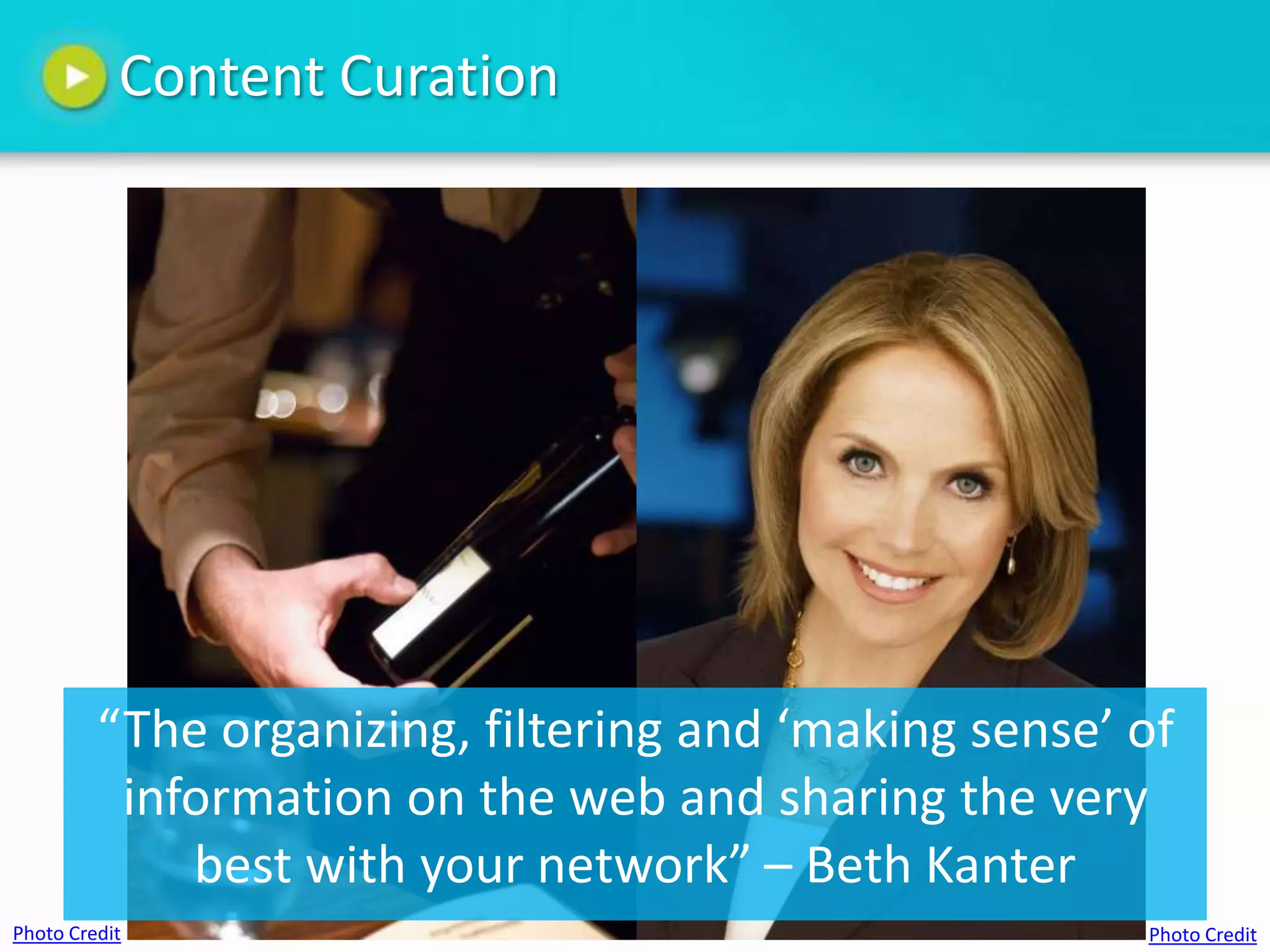
         “The organizing, filtering and ‘making sense’ of
          information on the web and sharing the very
             best with your network” – Beth Kanter
Photo Credit                                           Photo Credit
Content Curation: Why is it helpful?

Allows your nonprofit to:
• Become a source of valued information in
  your community
• Build relationships
• Serve as professional development for staff
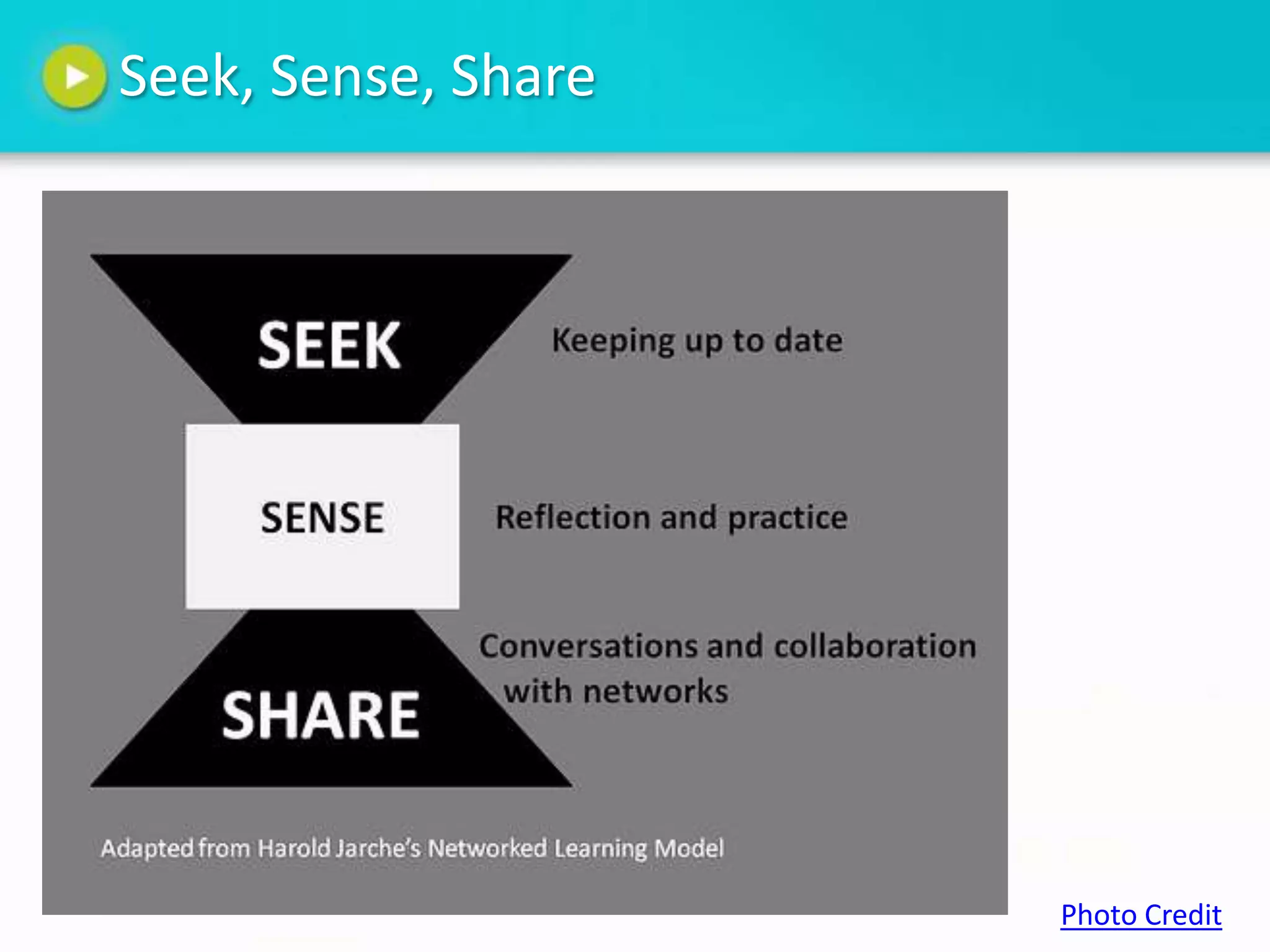
Seek, Sense, Share


                     Photo Credit
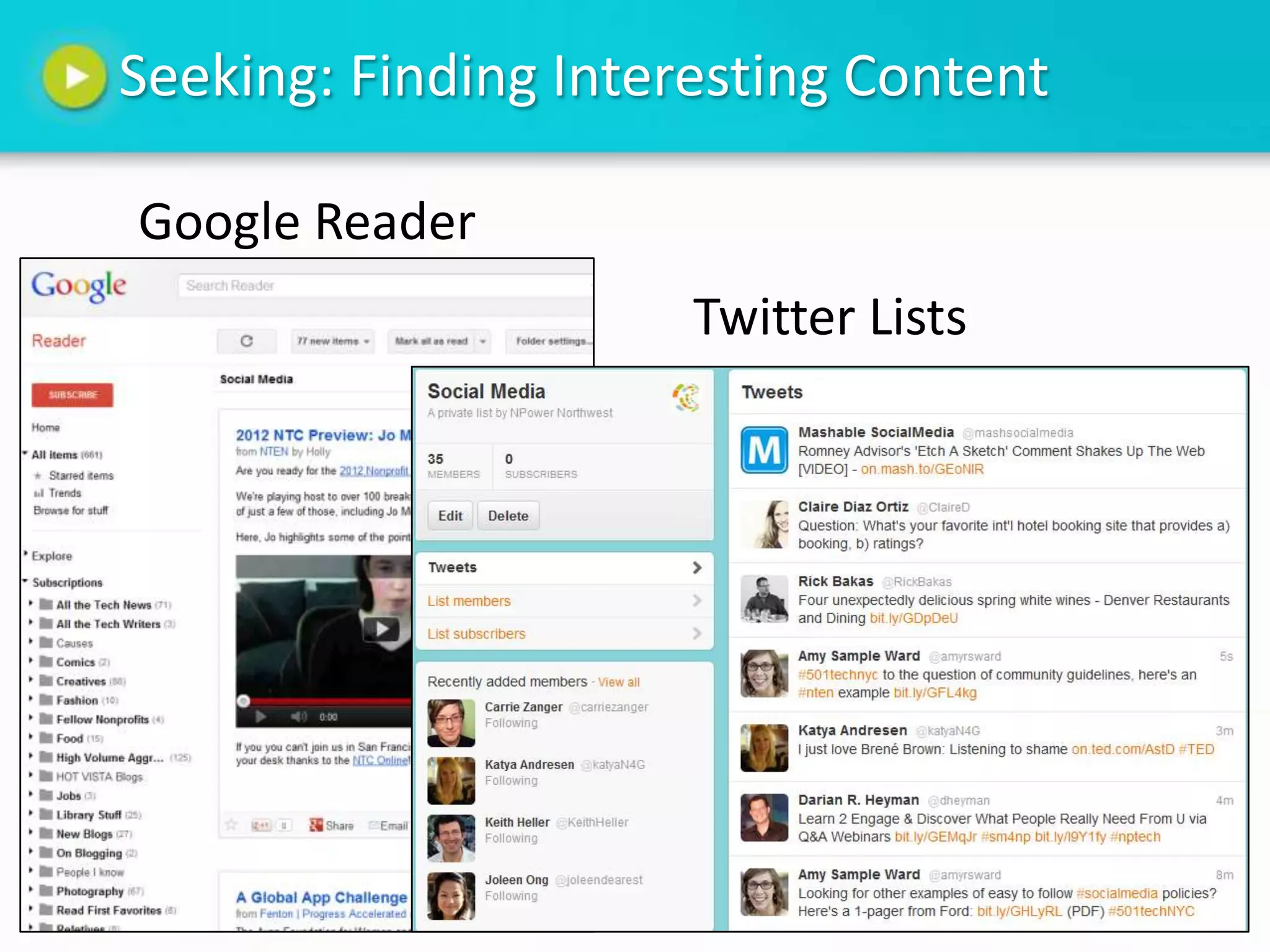
Seeking: Finding Interesting Content

Google Reader
                      Twitter Lists
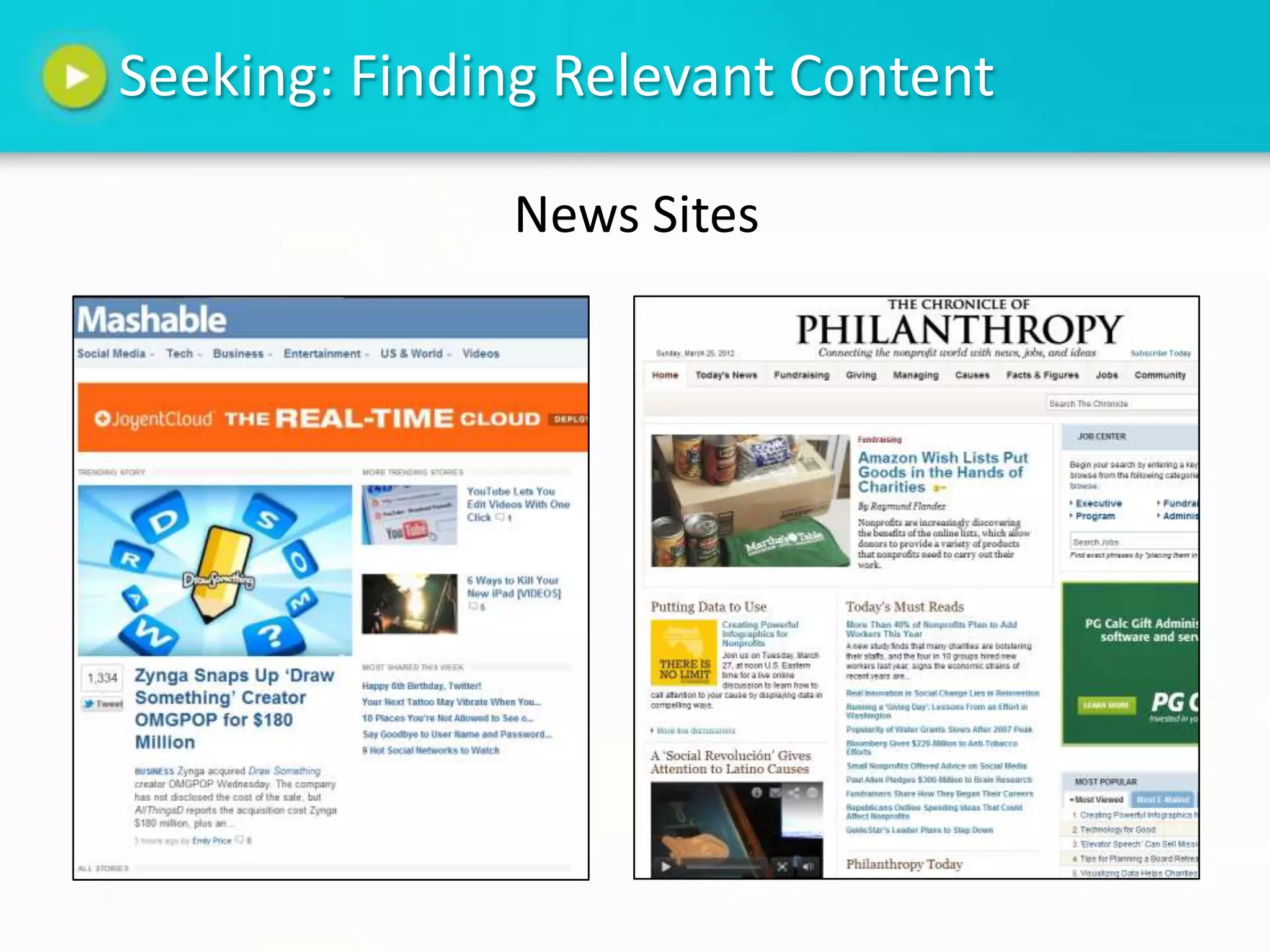
Seeking: Finding Relevant Content

              News Sites
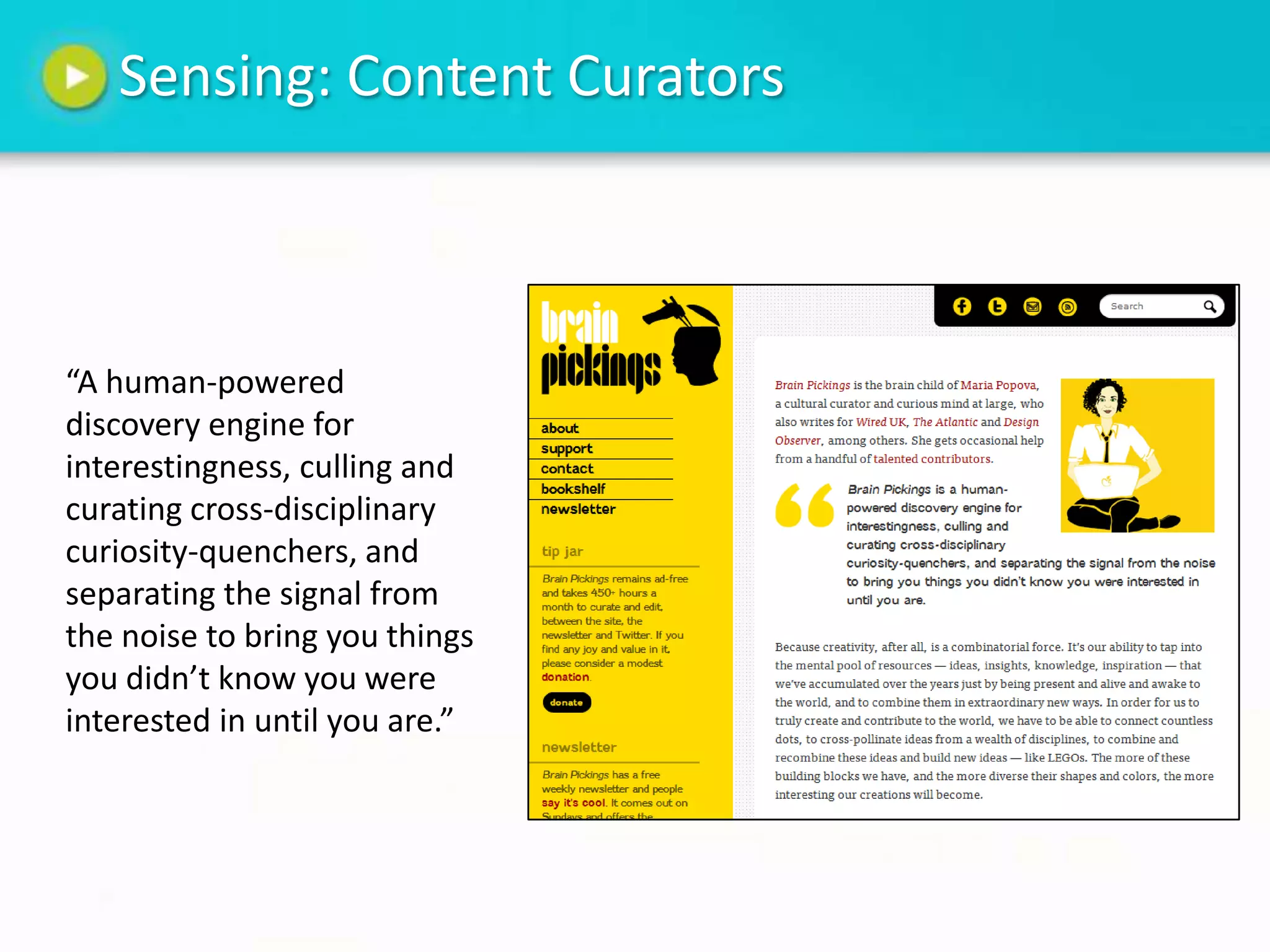
Sensing: Content Curators


“A human-powered
discovery engine for
interestingness, culling and
curating cross-disciplinary
curiosity-quenchers, and
separating the signal from
the noise to bring you things
you didn’t know you were
interested in until you are.”
Sensing: Connect content to goals

Here at NPower:
• Drive the adoption of technology solutions
  within the nonprofit sector
• Establish thought-leadership in the nonprofit
  technology field
• Share resources and educational
  opportunities with local nonprofit
  organizations and their staff
Sensing: Know Your Audience

What are your community’s interests?
NPower example:
• Nonprofit technology
• Social media
• Mobile technology
• Nonprofit communications
• Trends in philanthropy
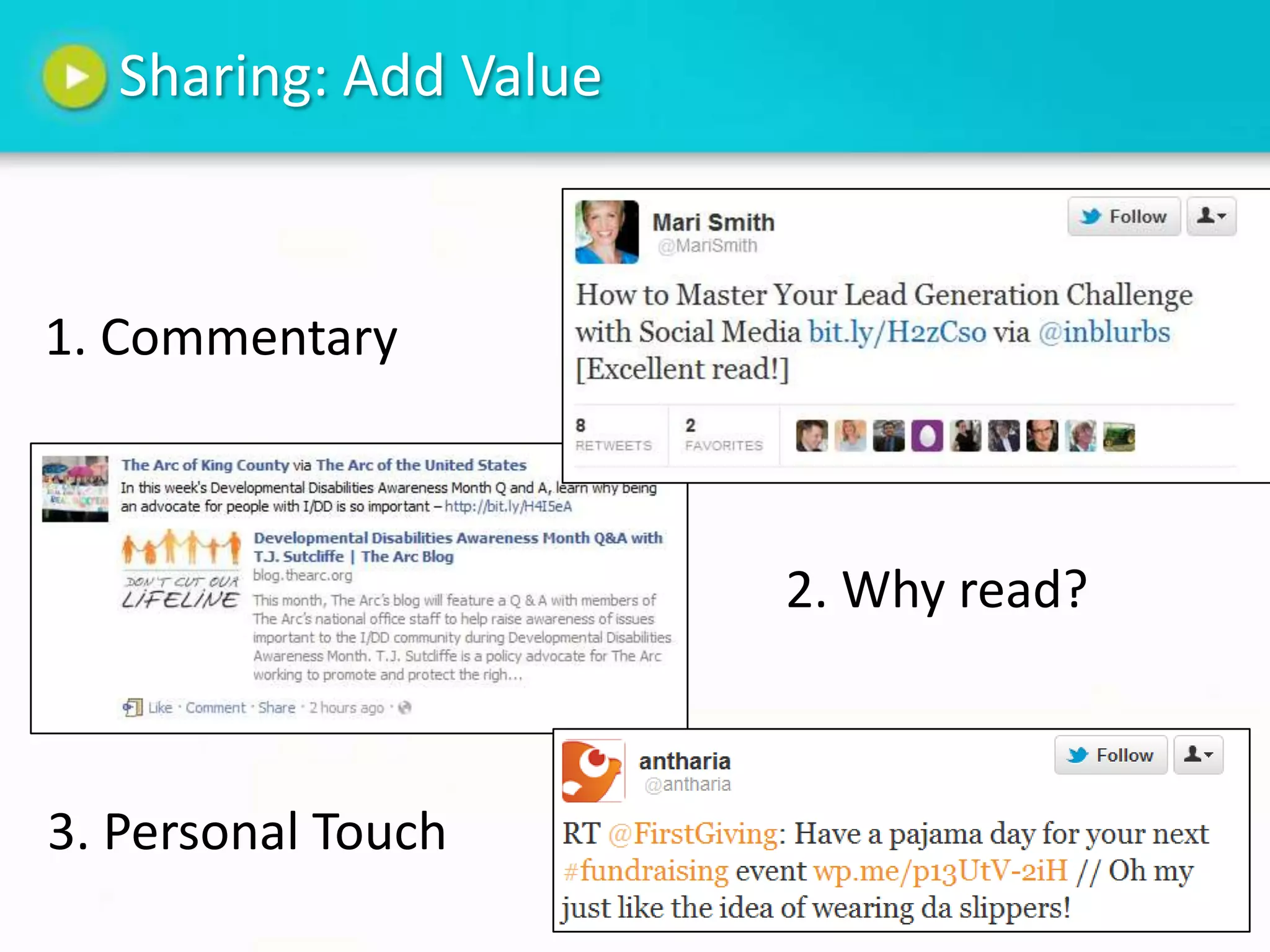
Sharing: Add Value


1. Commentary


                        2. Why read?


3. Personal Touch
Questions?


             Photo Credit
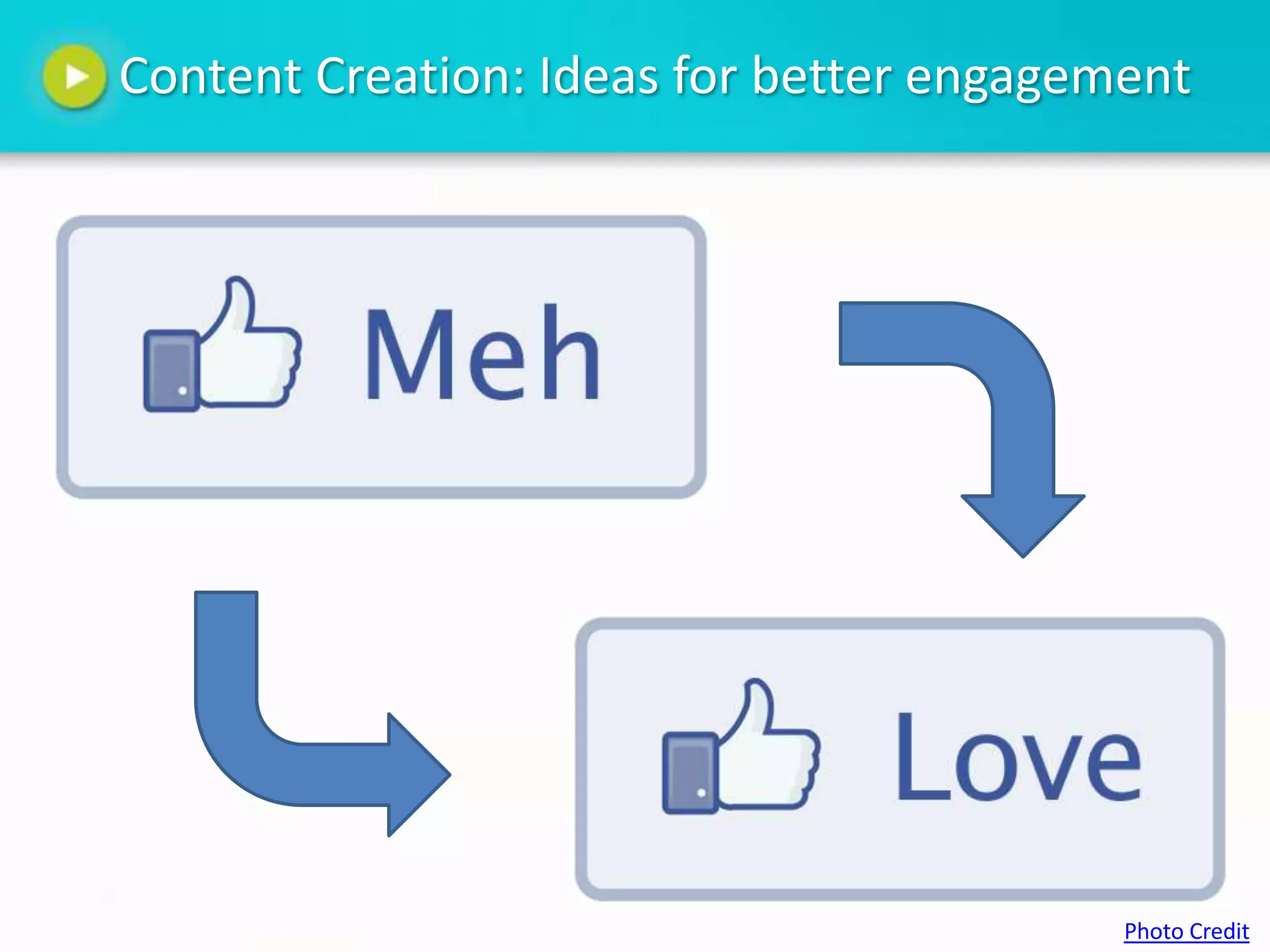
Content Creation: Ideas for better engagement


                                          Photo Credit
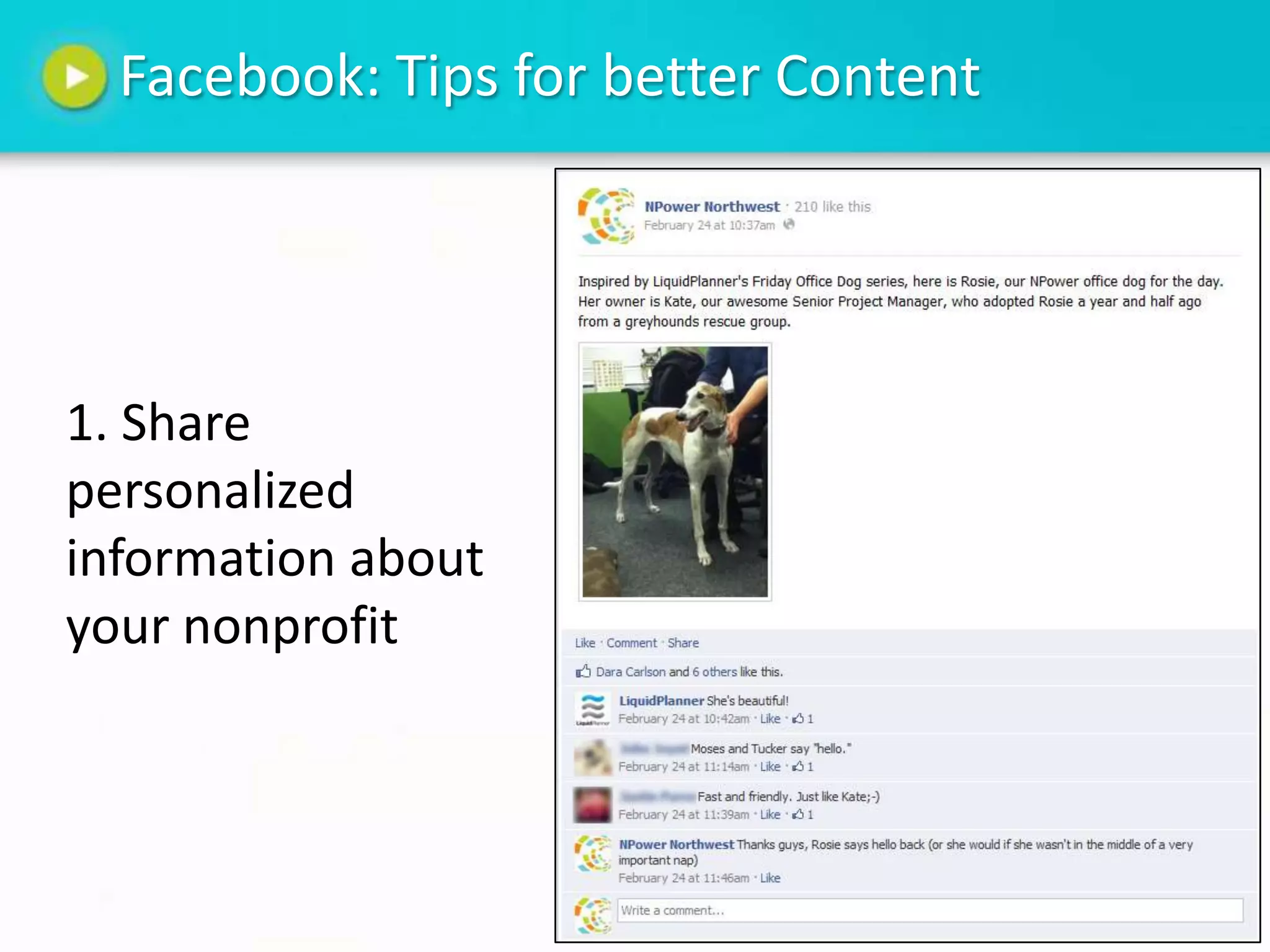
Facebook: Tips for better Content


1. Share
personalized
information about
your nonprofit
Facebook: Tips for better content


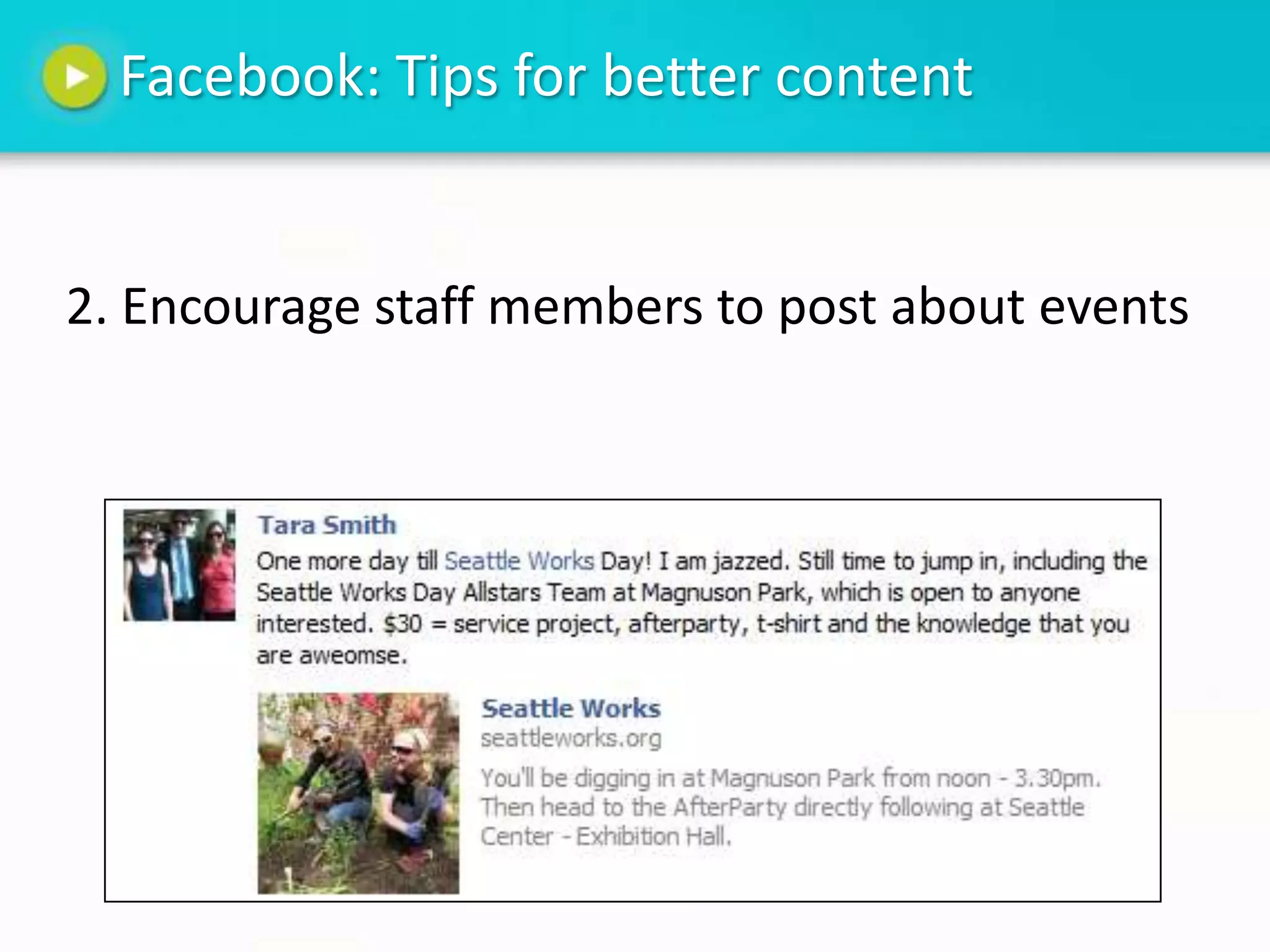
2. Encourage staff members to post about events
Facebook: Tips for better Content


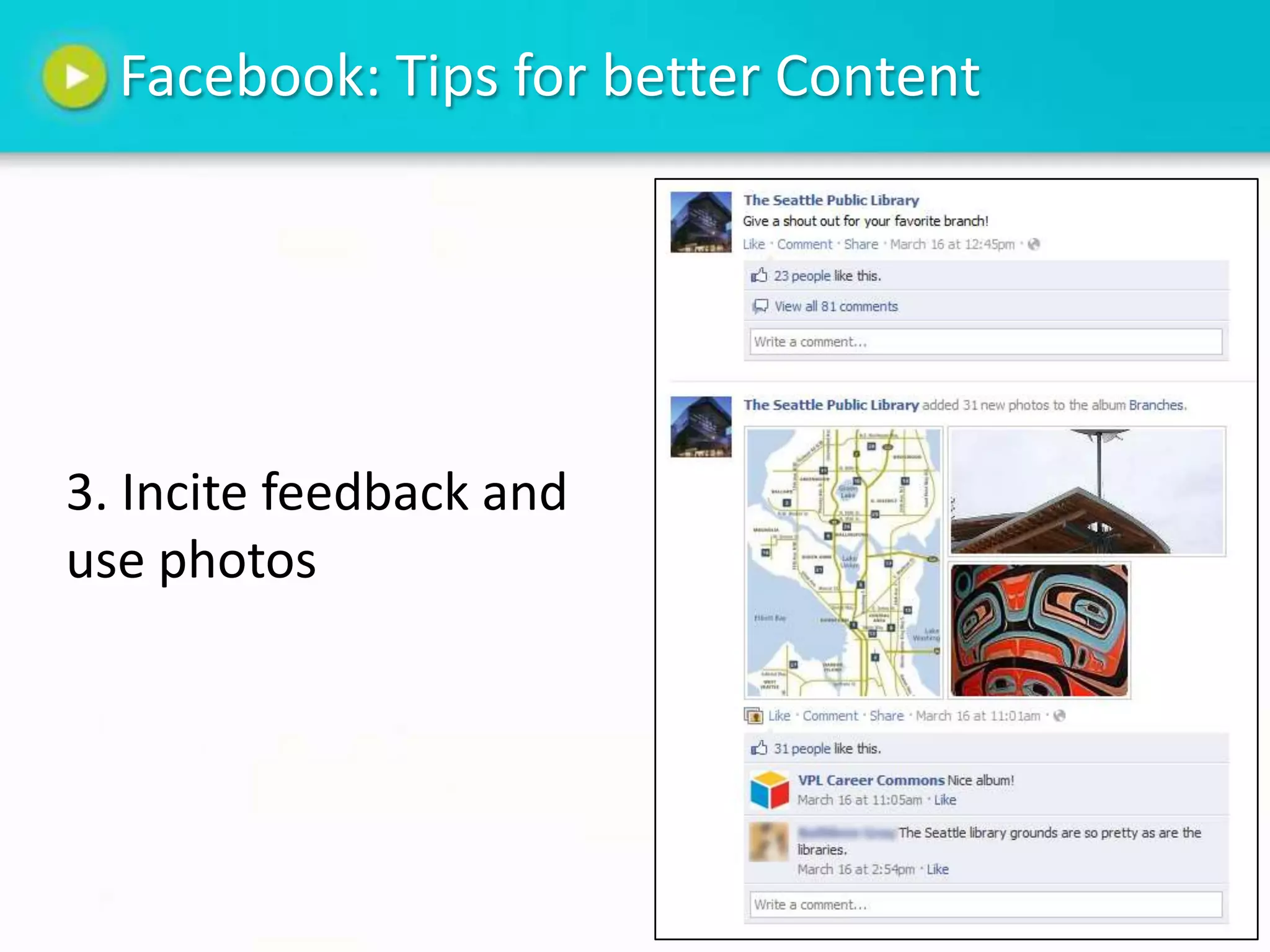
3. Incite feedback and
use photos
Twitter: Tips for better Content


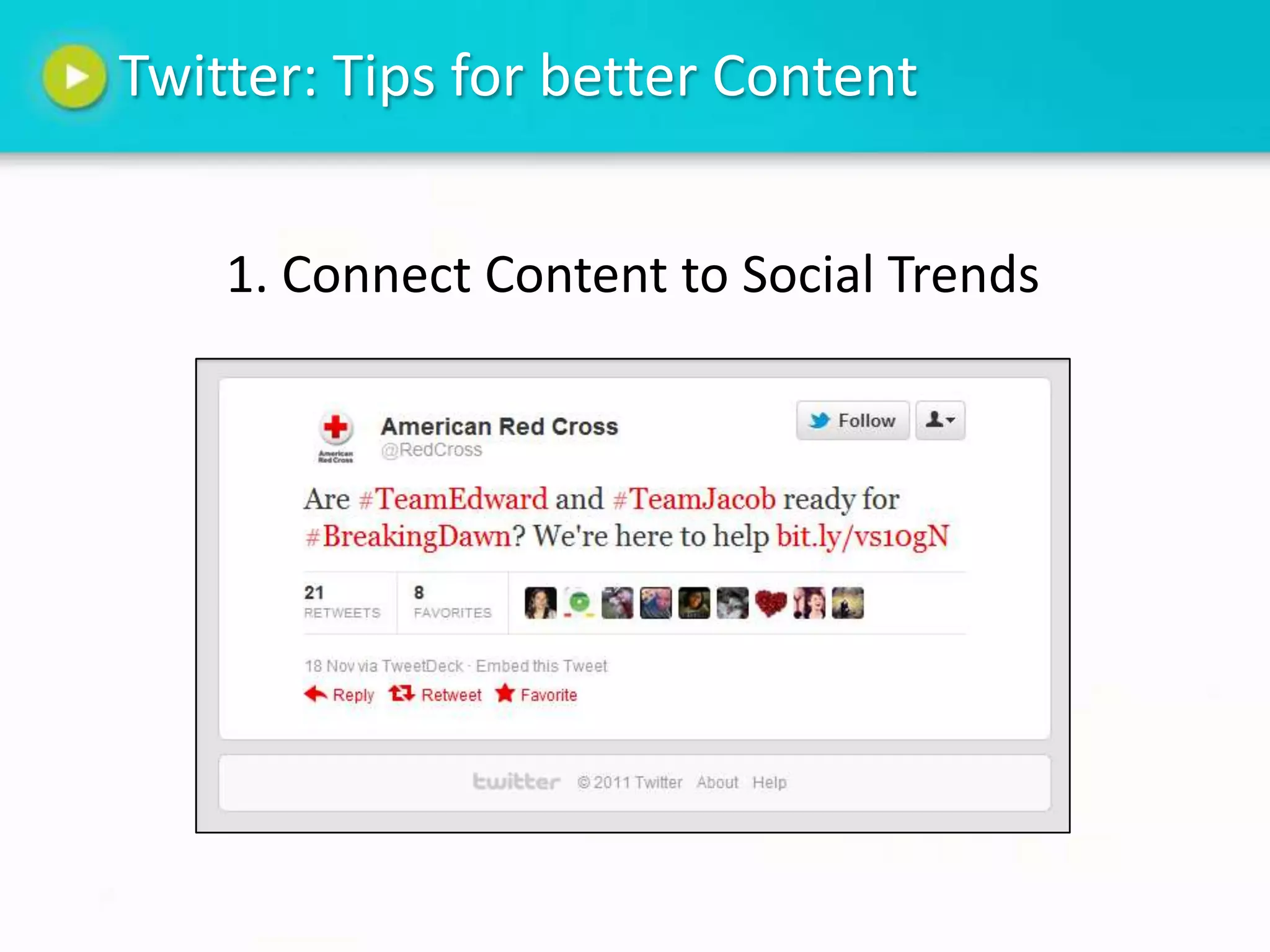
    1. Connect Content to Social Trends
Twitter: Tips for better Content


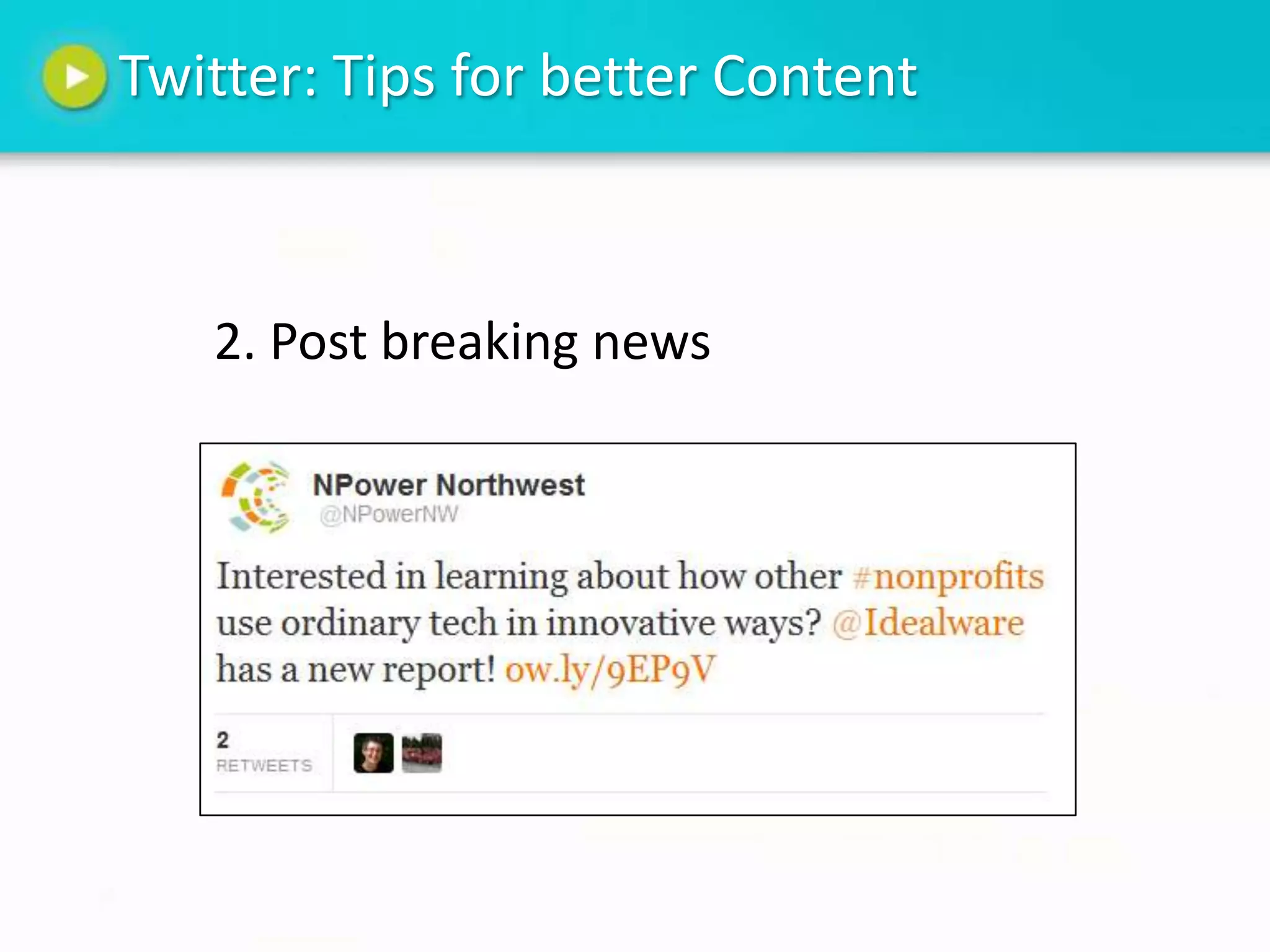
   2. Post breaking news
Comments or Questions


Anything you want to add?   Photo
                            Credit
Thank You

            NPower Northwest
        Website: www.npowernw.org
   Facebook: www.facebook.com/npowernw
            Twitter: @npowernw

Social Media Content Curation

  • 1.
    Social Media ContentCuration Brown Bag March 28, 2012
  • 2.
    NPower Northwest • Vision – A thriving community with high performing nonprofits. • Mission – To strengthen the nonprofit sector by catalyzing innovation and driving adoption of technology solutions.
  • 3.
    Introductions Abby Nafziger AmeriCorps VISTA @abbynaf Your Name Your Organization What are you hoping to learn today?
  • 4.
    Roadmap Curation: Finding goodcontent Creation: Ideas for better engagement Discussion and Questions
  • 5.
    Content Curation “The organizing, filtering and ‘making sense’ of information on the web and sharing the very best with your network” – Beth Kanter Photo Credit Photo Credit
  • 6.
    Content Curation: Whyis it helpful? Allows your nonprofit to: • Become a source of valued information in your community • Build relationships • Serve as professional development for staff
  • 7.
    Seek, Sense, Share Photo Credit
  • 8.
    Seeking: Finding InterestingContent Google Reader Twitter Lists
  • 9.
    Seeking: Finding RelevantContent News Sites
  • 10.
    Sensing: Content Curators “Ahuman-powered discovery engine for interestingness, culling and curating cross-disciplinary curiosity-quenchers, and separating the signal from the noise to bring you things you didn’t know you were interested in until you are.”
  • 11.
    Sensing: Connect contentto goals Here at NPower: • Drive the adoption of technology solutions within the nonprofit sector • Establish thought-leadership in the nonprofit technology field • Share resources and educational opportunities with local nonprofit organizations and their staff
  • 12.
    Sensing: Know YourAudience What are your community’s interests? NPower example: • Nonprofit technology • Social media • Mobile technology • Nonprofit communications • Trends in philanthropy
  • 13.
    Sharing: Add Value 1.Commentary 2. Why read? 3. Personal Touch
  • 14.
    Questions? Photo Credit
  • 15.
    Content Creation: Ideasfor better engagement Photo Credit
  • 16.
    Facebook: Tips forbetter Content 1. Share personalized information about your nonprofit
  • 17.
    Facebook: Tips forbetter content 2. Encourage staff members to post about events
  • 18.
    Facebook: Tips forbetter Content 3. Incite feedback and use photos
  • 19.
    Twitter: Tips forbetter Content 1. Connect Content to Social Trends
  • 20.
    Twitter: Tips forbetter Content 2. Post breaking news
  • 21.
    Comments or Questions Anythingyou want to add? Photo Credit
  • 22.
    Thank You NPower Northwest Website: www.npowernw.org Facebook: www.facebook.com/npowernw Twitter: @npowernw

Editor's Notes

  • #3 NPower Northwest is where savvy nonprofits turn for technology. At NPower, we’re guided by the belief that technology can transform the nonprofit sector and play a pivotal role in creating greater good.  When you work with us, you understand all your options and can move forward with an approach that you are confident makes most sense for your organization, in terms of both impact and cost. Check out our website at www.npowernw.org to learn more about what we do and how we work.
  • #7 Huge amount of information gets shared every minute of the day – content curation helps reduce the noise and draw attention to significant news for your nonprofit audience
  • #9 GoogleReader – Use folders to sortTwitterLists – also can use Facebook lists
  • #12 Explain thought-leadership