Application on File Program
Session 8
Objectives
 Typically example of file read & write
 Simple File Handling Program
 Several Home work
Typical example of file read & write
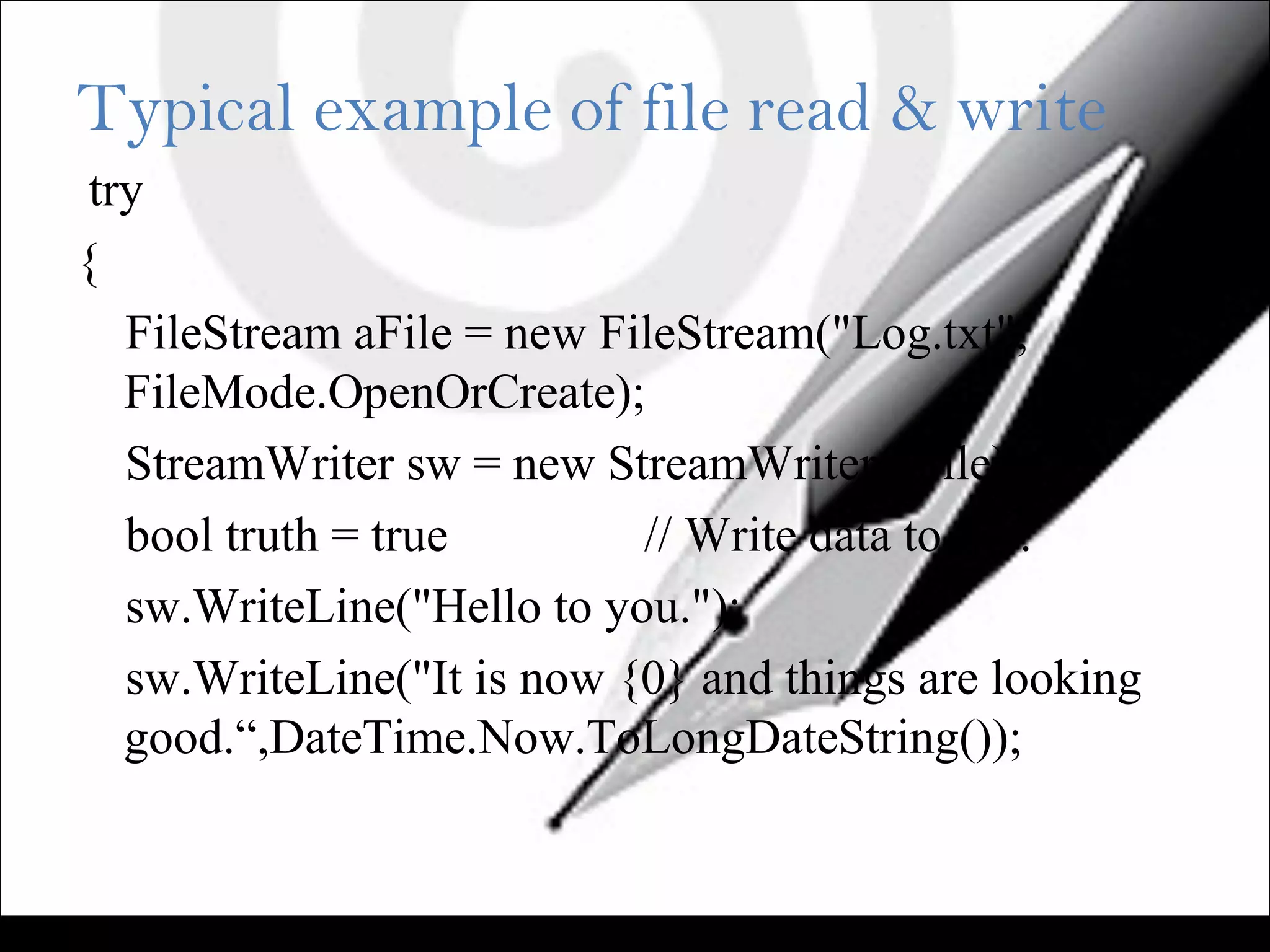
try
{
FileStream aFile = new FileStream("Log.txt",
FileMode.OpenOrCreate);
StreamWriter sw = new StreamWriter(aFile);
bool truth = true // Write data to file.
sw.WriteLine("Hello to you.");
sw.WriteLine("It is now {0} and things are looking
good.“,DateTime.Now.ToLongDateString());
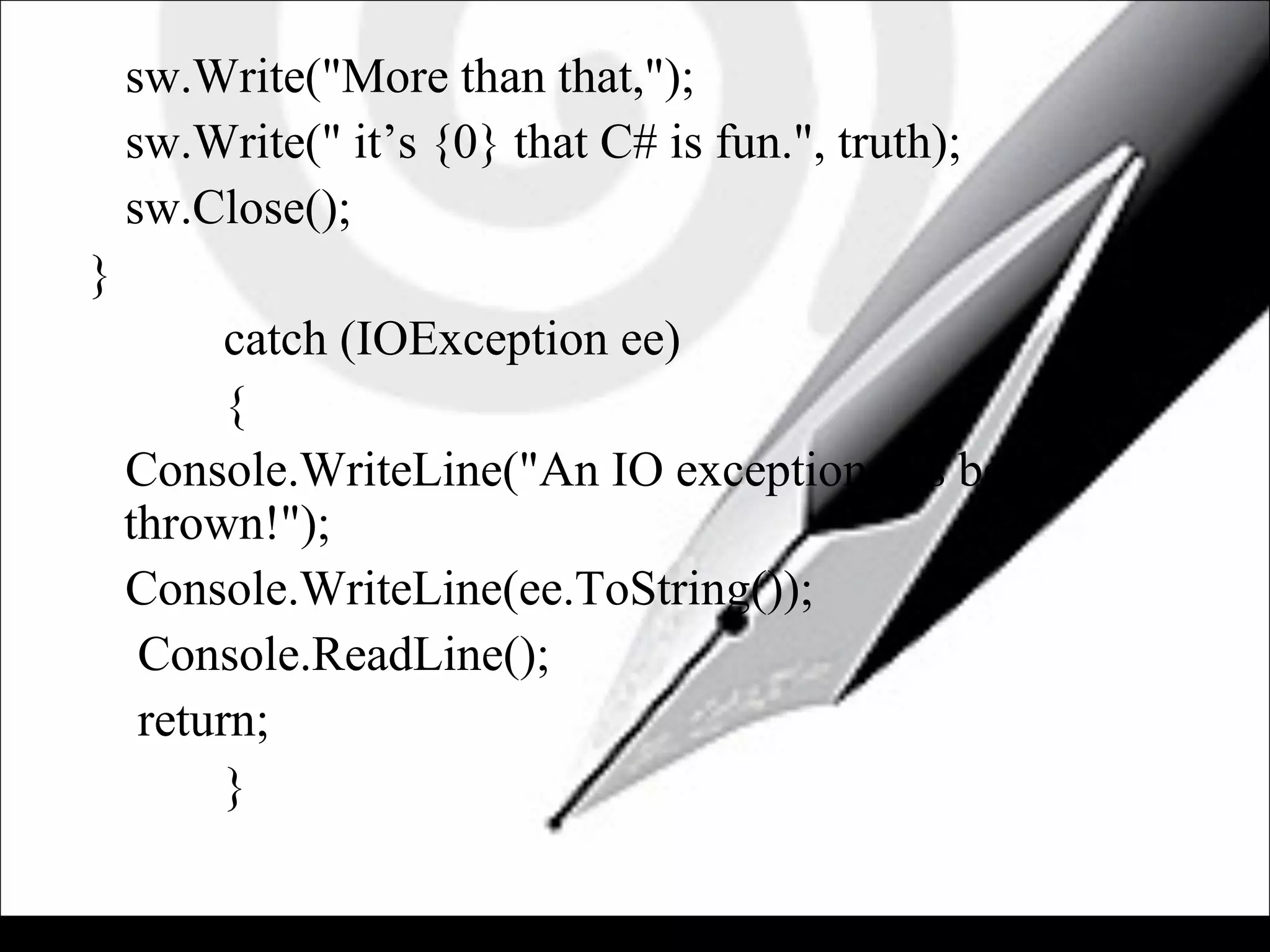
sw.Write("More than that,");
sw.Write(" it’s {0} that C# is fun.", truth);
sw.Close();
}
catch (IOException ee)
{
Console.WriteLine("An IO exception has been
thrown!");
Console.WriteLine(ee.ToString());
Console.ReadLine();
return;
}
• Go to the application directory and find the Log.txt
file. It is located in the binDebug folder because you
used a relative path.
• The WriteLine() method writes the string passed to
it, followed immediately by a newline character.
• You can see in the example that this causes the next
write operation to begin on a new line.
• The Write() method simply writes the string passed
to it to the file, without a newline character appended.
• Two sentence is in one line.
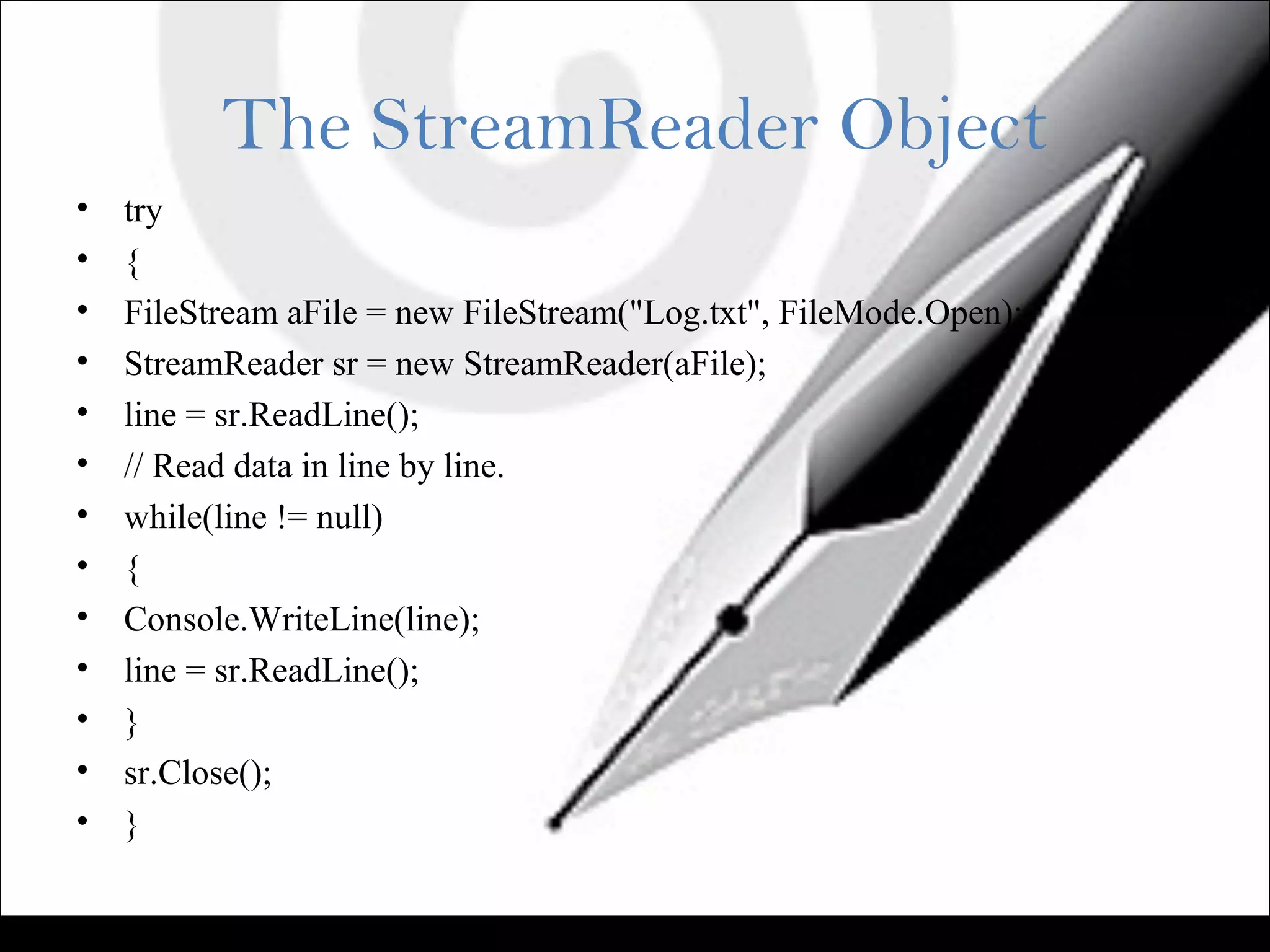
The StreamReader Object
• try
• {
• FileStream aFile = new FileStream("Log.txt", FileMode.Open);
• StreamReader sr = new StreamReader(aFile);
• line = sr.ReadLine();
• // Read data in line by line.
• while(line != null)
• {
• Console.WriteLine(line);
• line = sr.ReadLine();
• }
• sr.Close();
• }
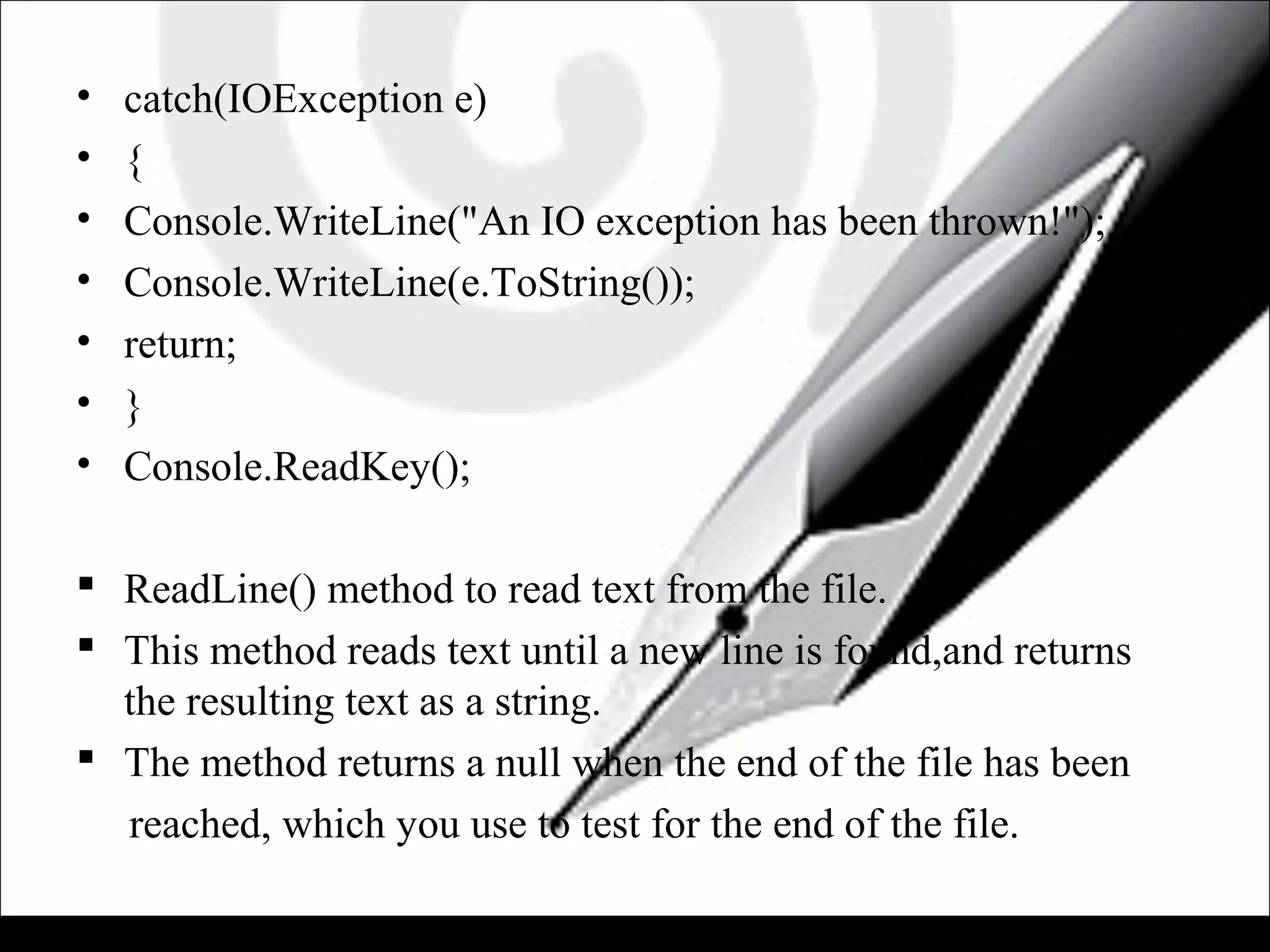
• catch(IOException e)
• {
• Console.WriteLine("An IO exception has been thrown!");
• Console.WriteLine(e.ToString());
• return;
• }
• Console.ReadKey();
 ReadLine() method to read text from the file.
 This method reads text until a new line is found,and returns
the resulting text as a string.
 The method returns a null when the end of the file has been
reached, which you use to test for the end of the file.
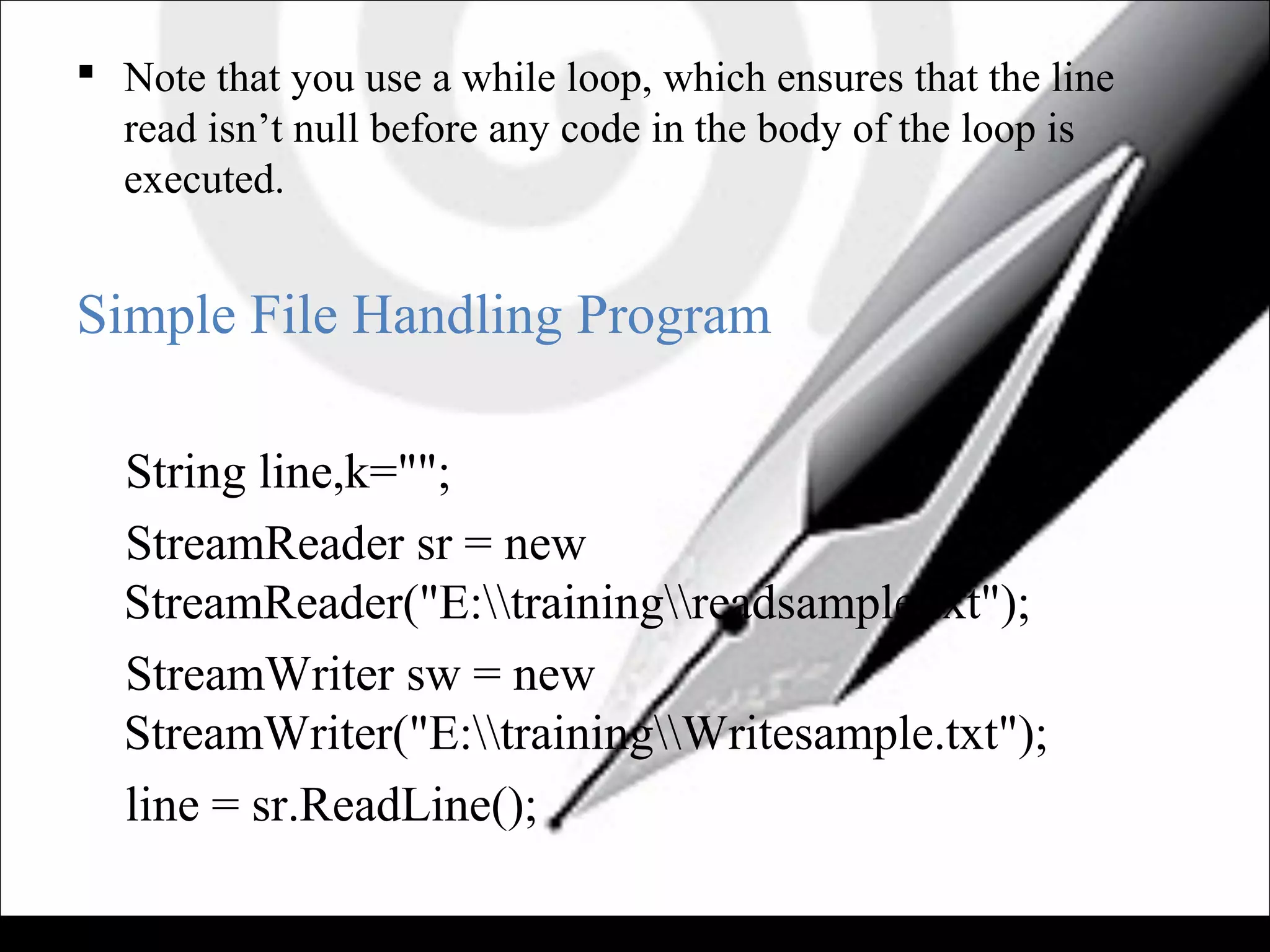
 Note that you use a while loop, which ensures that the line
read isn’t null before any code in the body of the loop is
executed.
Simple File Handling Program
String line,k="";
StreamReader sr = new
StreamReader("E:trainingreadsample.txt");
StreamWriter sw = new
StreamWriter("E:trainingWritesample.txt");
line = sr.ReadLine();
while (line != null)
{
k += line;
line = sr.ReadLine();
}
sw.WriteLine(k);
sw.Close();
sr.Dispose();
Direct using streamReader & streamWriter
Input :
readsample.txt Contain
• welcome TO .NET WORLD.
• Asp.Net IS Microsoft Own Product.
• File handling is done by Streamreader & streamwriter
• Simple program about File.
• OutPut:
• Writesample.txt Contain
• welcome TO .NET WORLD.Asp.Net IS Microsoft
Own Product.File handling is done by Streamreader
& streamwriter .Simple program about File.
Tasks(to be done in the class session):
• 1)Print first 5 characters from a file in a single line.
• 2)Print number of each line.
• 3)Create two files where 1st
file will contain 1st
&3rd
lines and the other file will contain 2nd
&4th
lines.
ASP.NET Session 8

ASP.NET Session 8

  • 1.
    Application on FileProgram Session 8
  • 2.
    Objectives  Typically exampleof file read & write  Simple File Handling Program  Several Home work
  • 3.
    Typical example offile read & write try { FileStream aFile = new FileStream("Log.txt", FileMode.OpenOrCreate); StreamWriter sw = new StreamWriter(aFile); bool truth = true // Write data to file. sw.WriteLine("Hello to you."); sw.WriteLine("It is now {0} and things are looking good.“,DateTime.Now.ToLongDateString());
  • 4.
    sw.Write("More than that,"); sw.Write("it’s {0} that C# is fun.", truth); sw.Close(); } catch (IOException ee) { Console.WriteLine("An IO exception has been thrown!"); Console.WriteLine(ee.ToString()); Console.ReadLine(); return; }
  • 5.
    • Go tothe application directory and find the Log.txt file. It is located in the binDebug folder because you used a relative path. • The WriteLine() method writes the string passed to it, followed immediately by a newline character. • You can see in the example that this causes the next write operation to begin on a new line. • The Write() method simply writes the string passed to it to the file, without a newline character appended. • Two sentence is in one line.
  • 6.
    The StreamReader Object •try • { • FileStream aFile = new FileStream("Log.txt", FileMode.Open); • StreamReader sr = new StreamReader(aFile); • line = sr.ReadLine(); • // Read data in line by line. • while(line != null) • { • Console.WriteLine(line); • line = sr.ReadLine(); • } • sr.Close(); • }
  • 7.
    • catch(IOException e) •{ • Console.WriteLine("An IO exception has been thrown!"); • Console.WriteLine(e.ToString()); • return; • } • Console.ReadKey();  ReadLine() method to read text from the file.  This method reads text until a new line is found,and returns the resulting text as a string.  The method returns a null when the end of the file has been reached, which you use to test for the end of the file.
  • 8.
     Note thatyou use a while loop, which ensures that the line read isn’t null before any code in the body of the loop is executed. Simple File Handling Program String line,k=""; StreamReader sr = new StreamReader("E:trainingreadsample.txt"); StreamWriter sw = new StreamWriter("E:trainingWritesample.txt"); line = sr.ReadLine();
  • 9.
    while (line !=null) { k += line; line = sr.ReadLine(); } sw.WriteLine(k); sw.Close(); sr.Dispose(); Direct using streamReader & streamWriter
  • 10.
    Input : readsample.txt Contain •welcome TO .NET WORLD. • Asp.Net IS Microsoft Own Product. • File handling is done by Streamreader & streamwriter • Simple program about File. • OutPut: • Writesample.txt Contain • welcome TO .NET WORLD.Asp.Net IS Microsoft Own Product.File handling is done by Streamreader & streamwriter .Simple program about File.
  • 11.
    Tasks(to be donein the class session): • 1)Print first 5 characters from a file in a single line. • 2)Print number of each line. • 3)Create two files where 1st file will contain 1st &3rd lines and the other file will contain 2nd &4th lines.