Downloaded 579 times


















![Logstash
Processing example
127.0.0.1 - - [05/Feb/2014:17:11:55 +0000] "GET /css/main.css HTTP/1.1" 200 140
"http://www.onet.pl" "Mozilla/5.0 (Windows NT 6.0; WOW64; rv:2.0.1)
Gecko/20100101 Firefox/4.0.1"
{
"host" :"127.0.0.1",
"@timestamp" : "2014-02-05T17:11:55+0000",
...
"verb" : "GET"
}](https://image.slidesharecdn.com/elkstack-161217091231/75/ELK-Stack-35-2048.jpg)



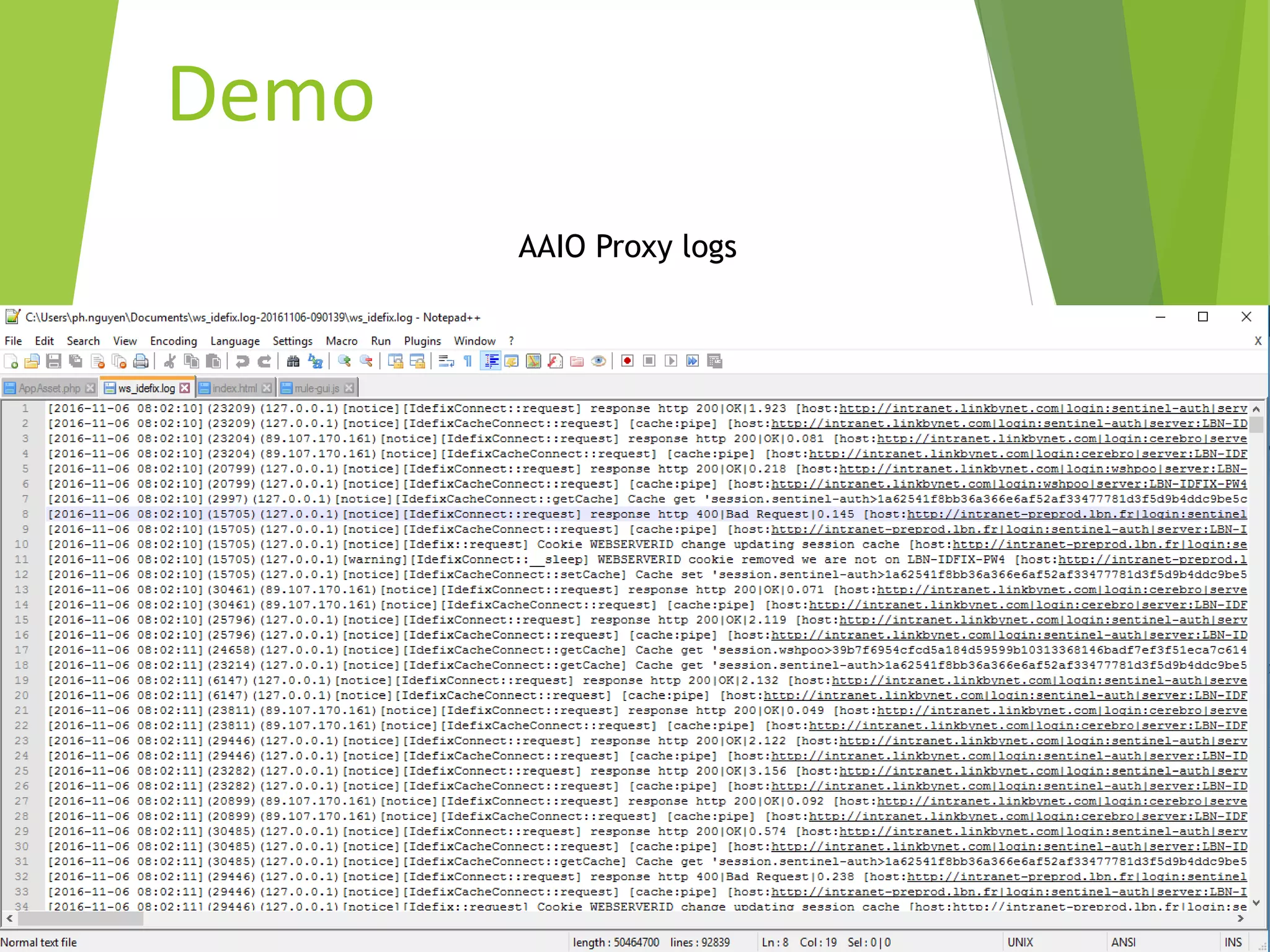

(%{IP:ip:ip})[%{LOGLEVEL:log_level}
][%{WORD:class:keyword}::(?<method:keyword>[
a-zA-Z_]+)] response http
%{BASE10NUM:return_code}|(?<response_phrase>[
a-zA-Z ]+)|%{NUMBER:response_time:float}
[host:%{URI:base_url}|login:%{USER:user}|server:
%{HOSTNAME:server_name}|session.v6:(?<session_
v6>[a-zA-Z0-9=]+)|session.v7:(?<session_v7>[a-z0-
9]+)|session.asp:(?<session_asp>[a-z0-
9]+)|(?<verb_uri>(GET|POST|PUT|PATCH|DELETE)[a
-zA-Z0-9-/. ]+)]"](https://image.slidesharecdn.com/elkstack-161217091231/75/ELK-Stack-43-2048.jpg)
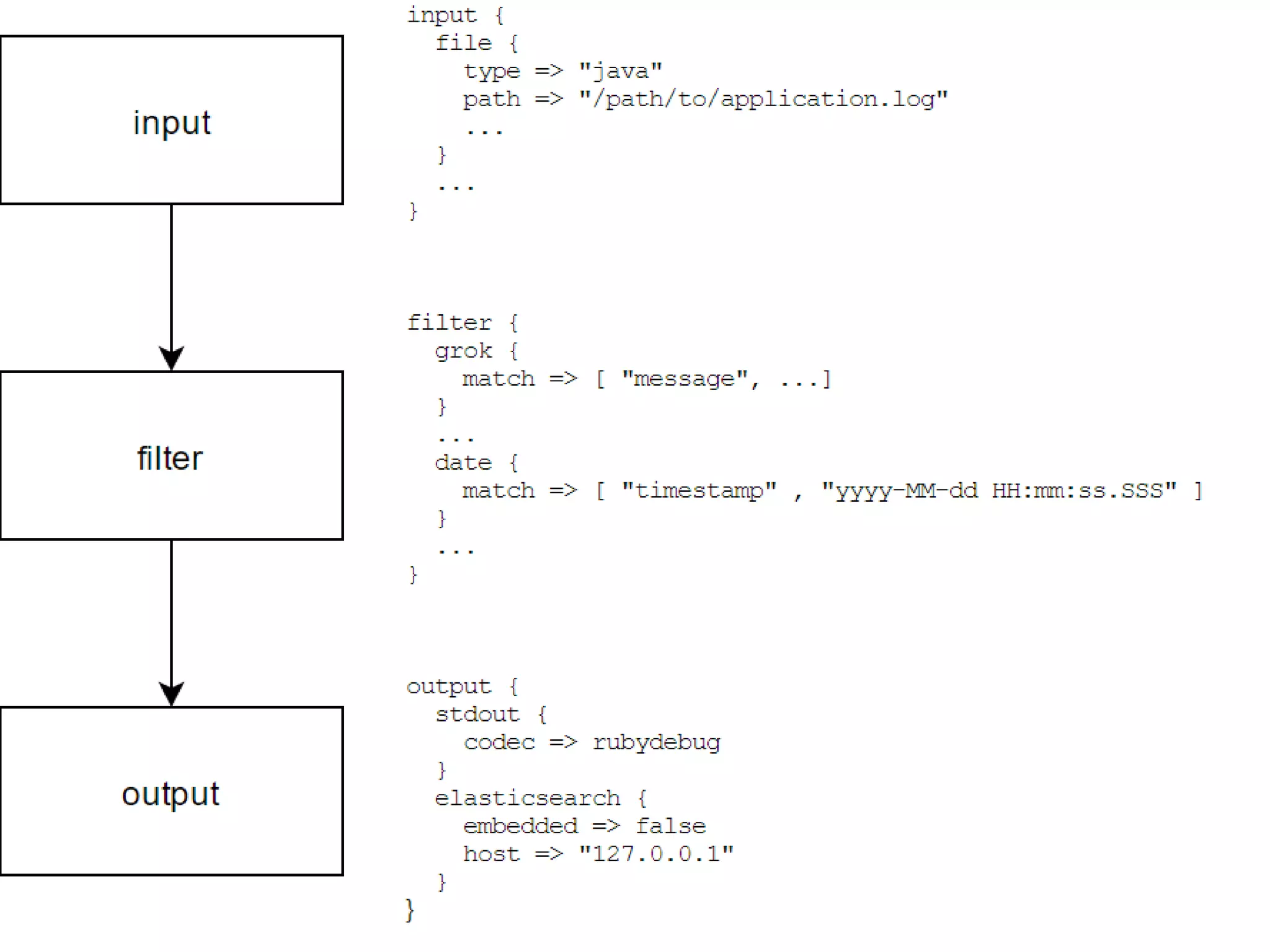
![input {
file {
path => "/tmp/*.log"
start_position => "beginning"
sincedb_path => "/dev/null"
}
}
filter {
grok {
match => {
"message" => [“..GROK..”]
}
}
if "_grokparsefailure" in [tags] { drop {} }
#Predefined date_time
date {
match => [ "date_time", "ISO8601","YYYY-MM-dd HH:mm:ss" ]
target => "date_time"
locale => "en"
}
mutate
{
remove_field => [ "message","host","@version","path","tags","@timestamp" ]
}
}
output {
elasticsearch {
hosts => "https://elasticsearch.com"
ssl => true
index => "logstash-test-01"
}
stdout { codec => rubydebug }
}](https://image.slidesharecdn.com/elkstack-161217091231/75/ELK-Stack-44-2048.jpg)


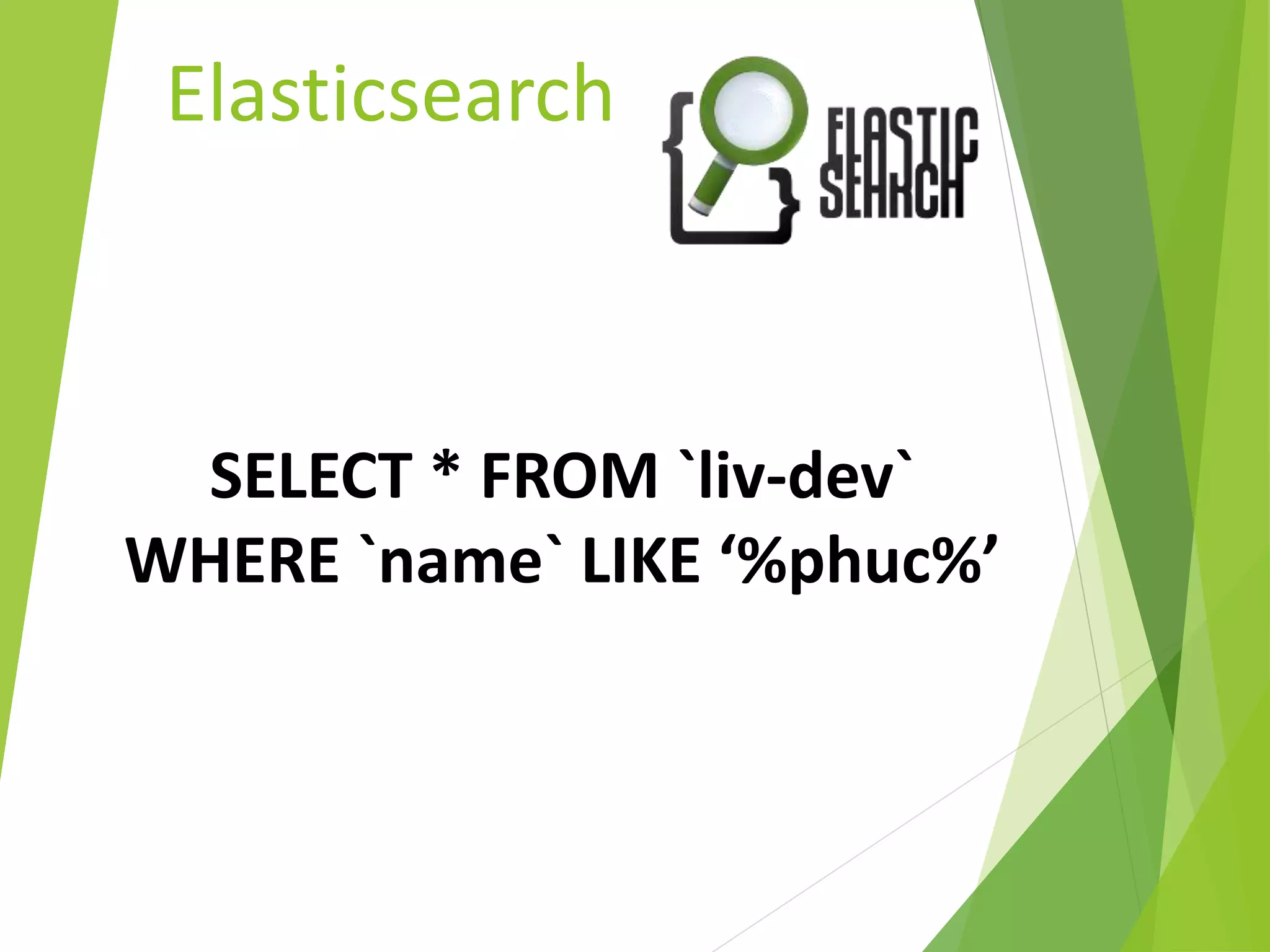
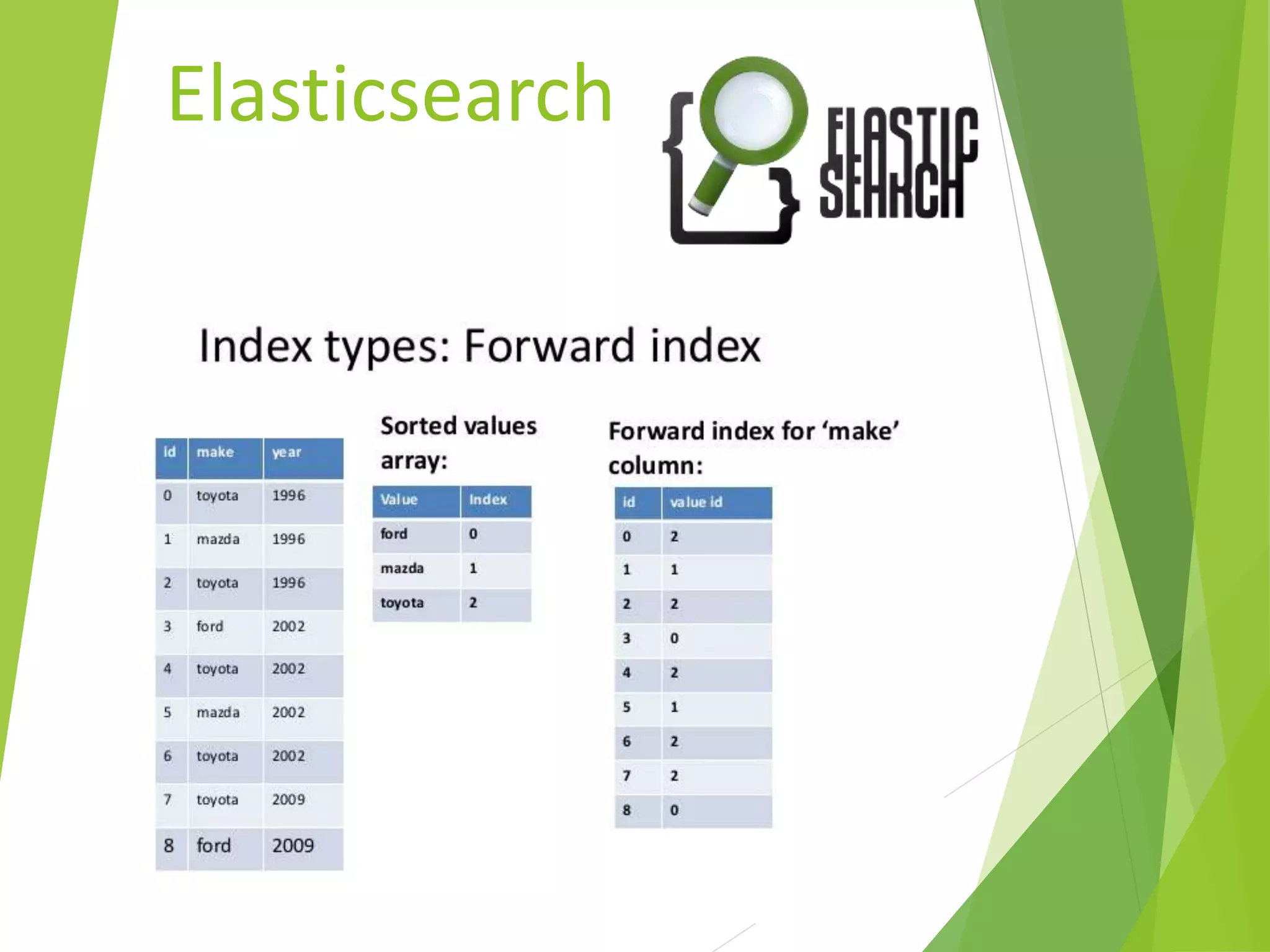
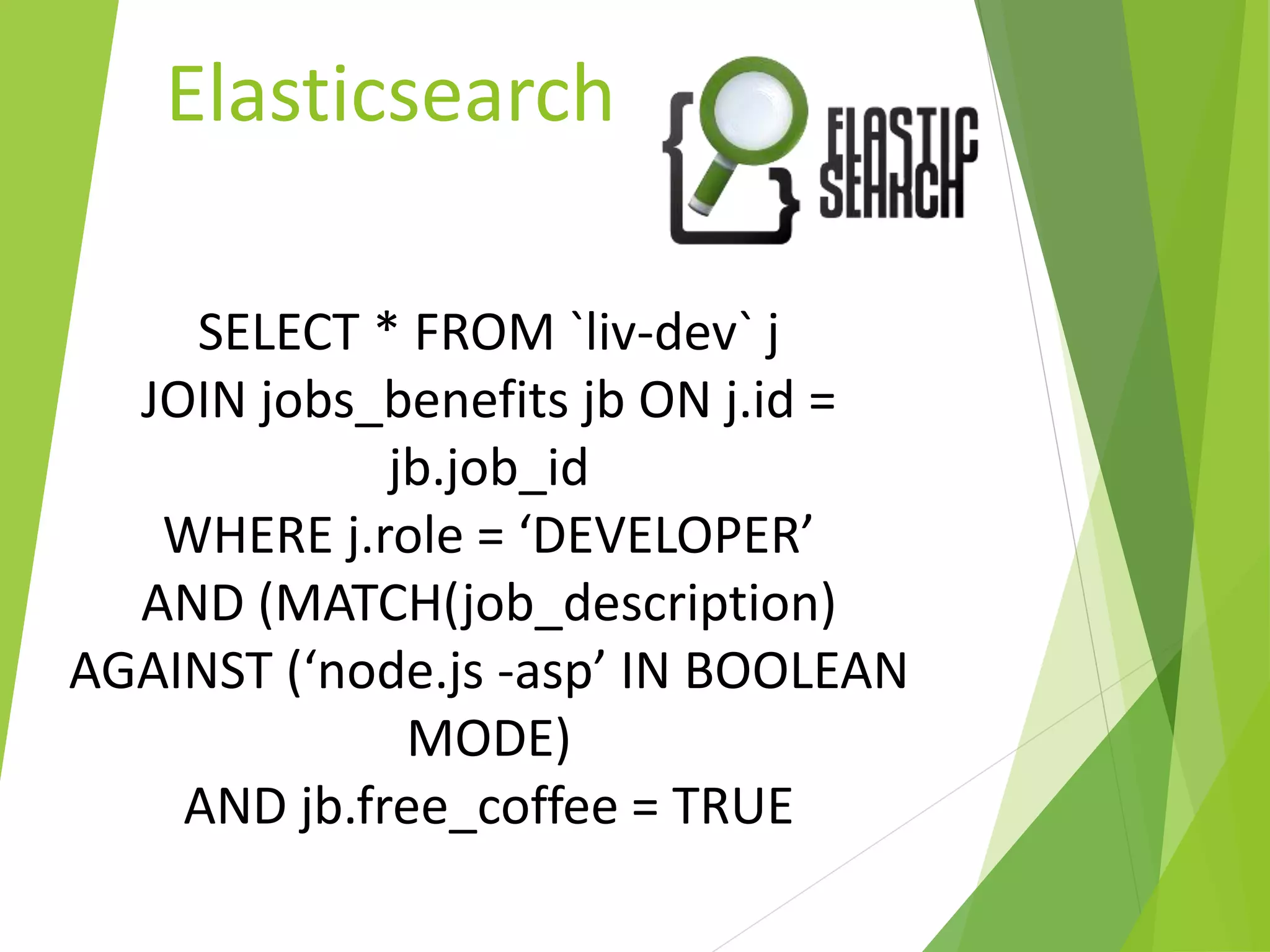
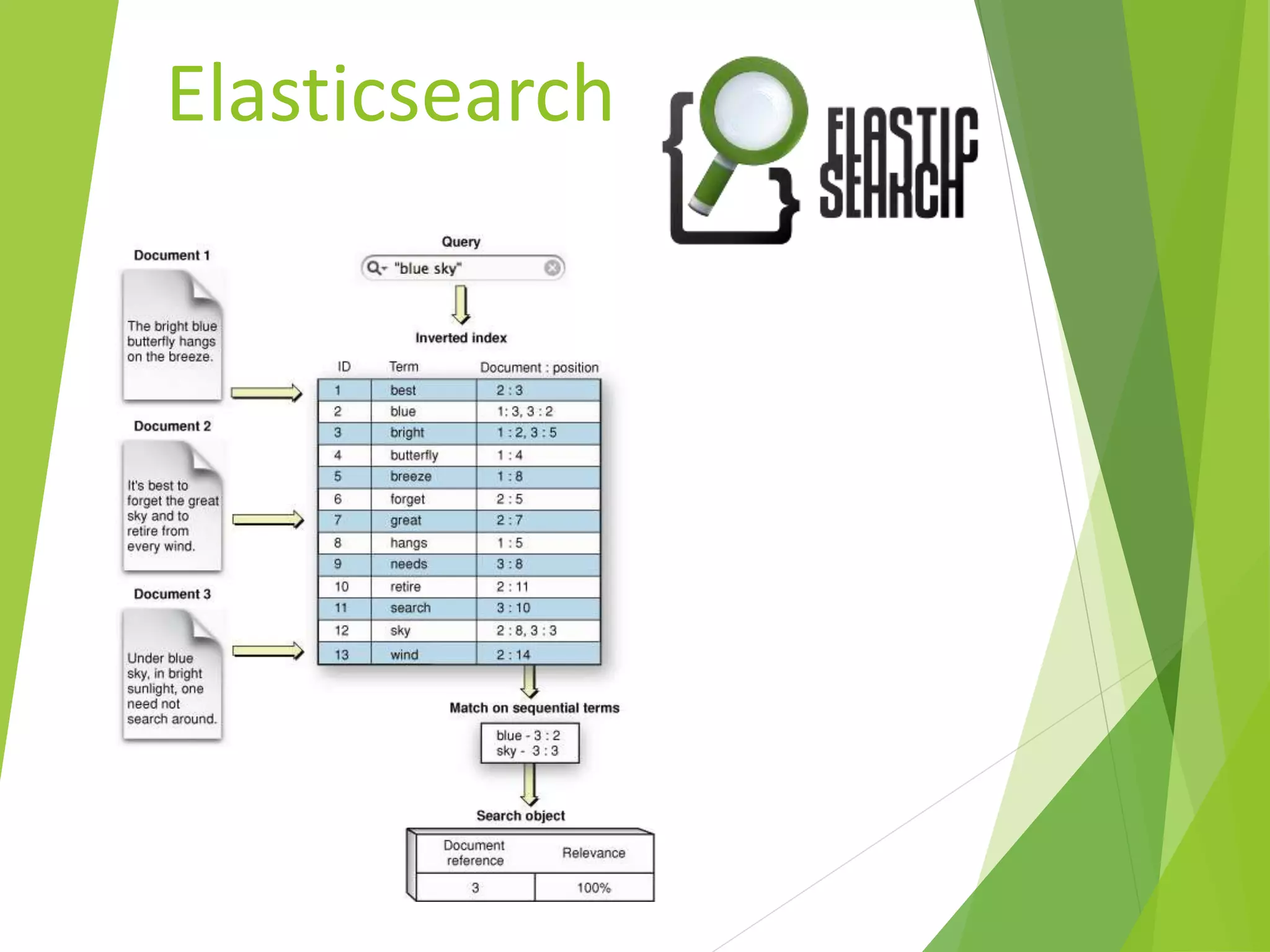
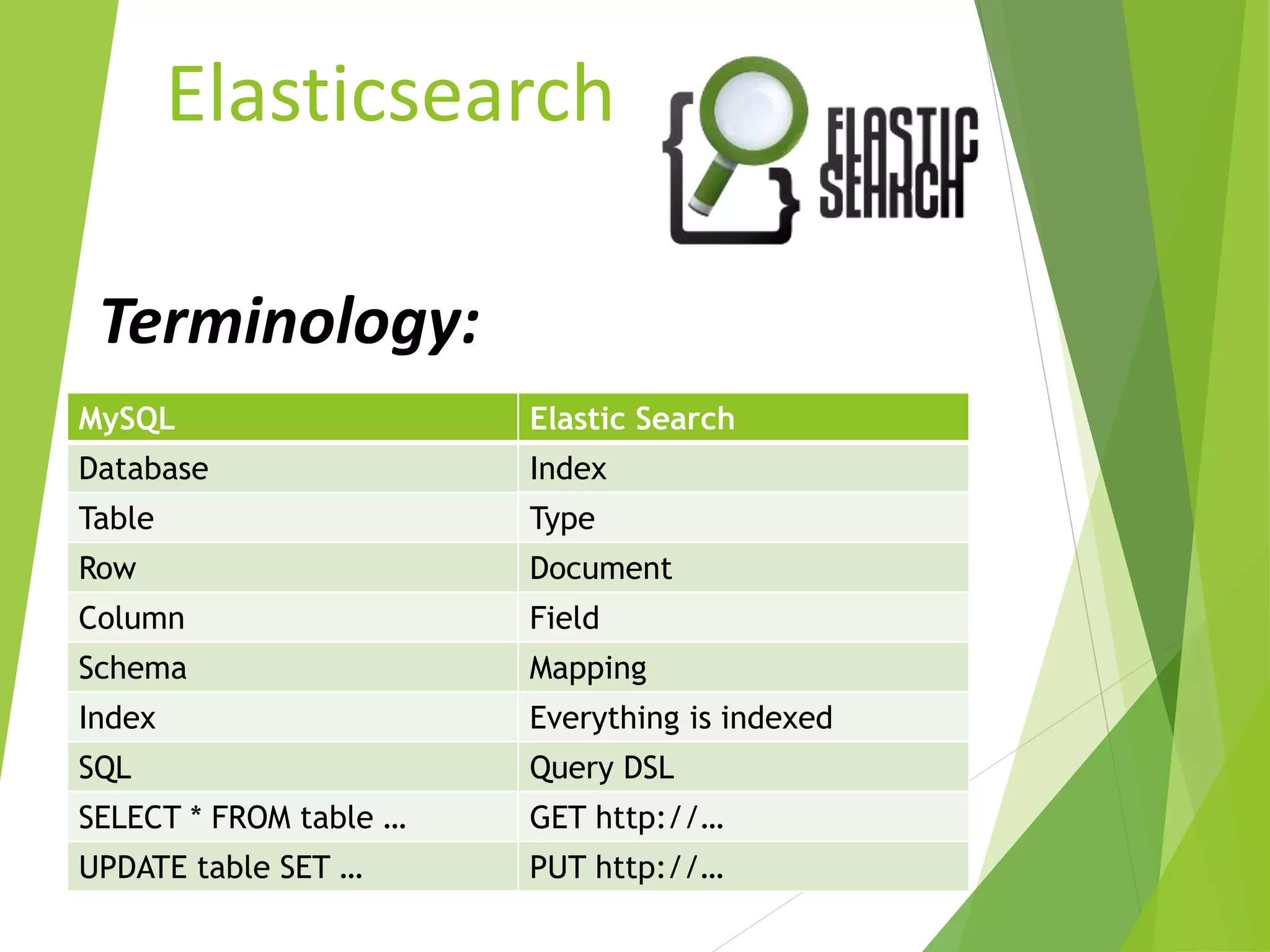
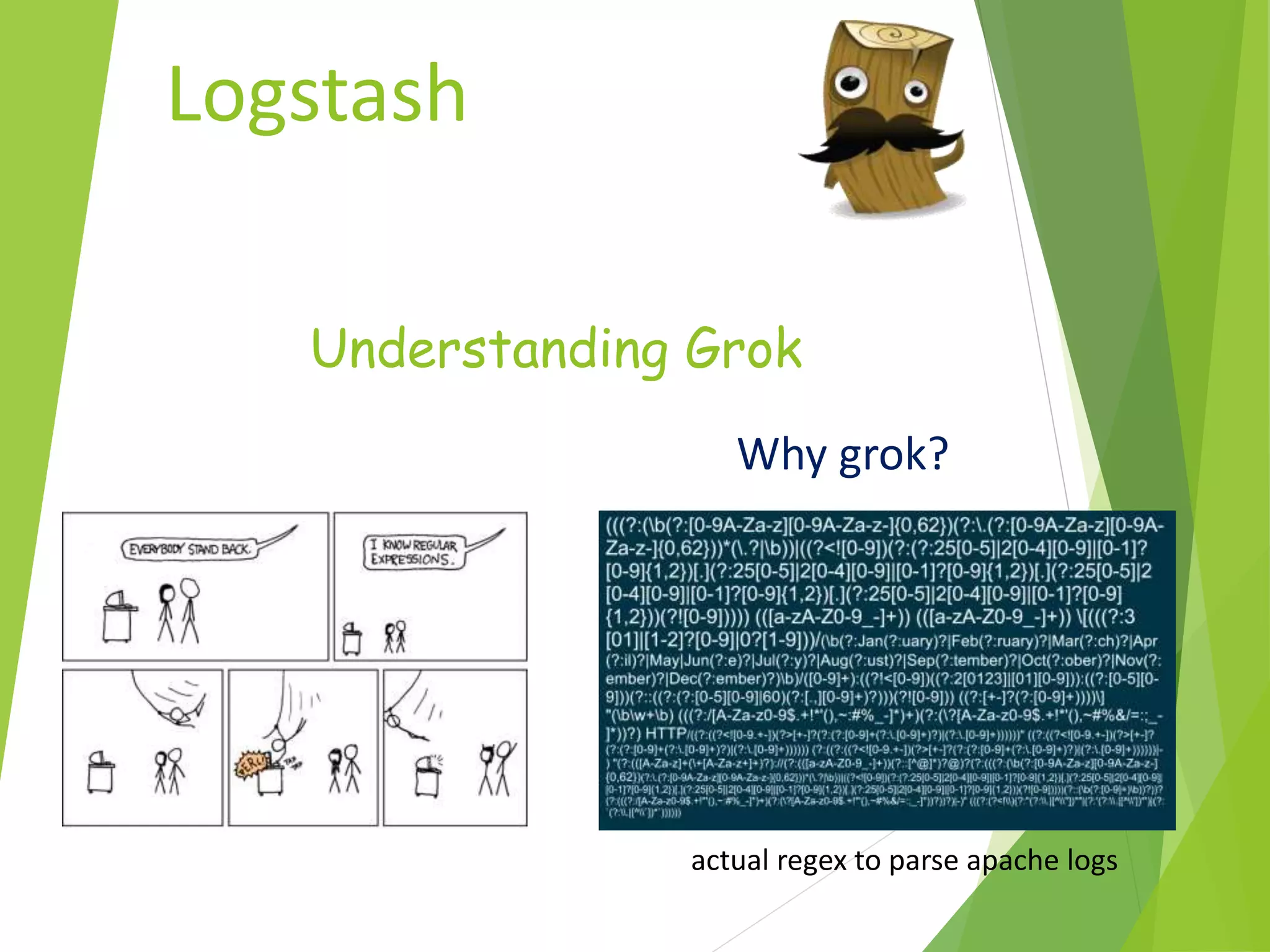
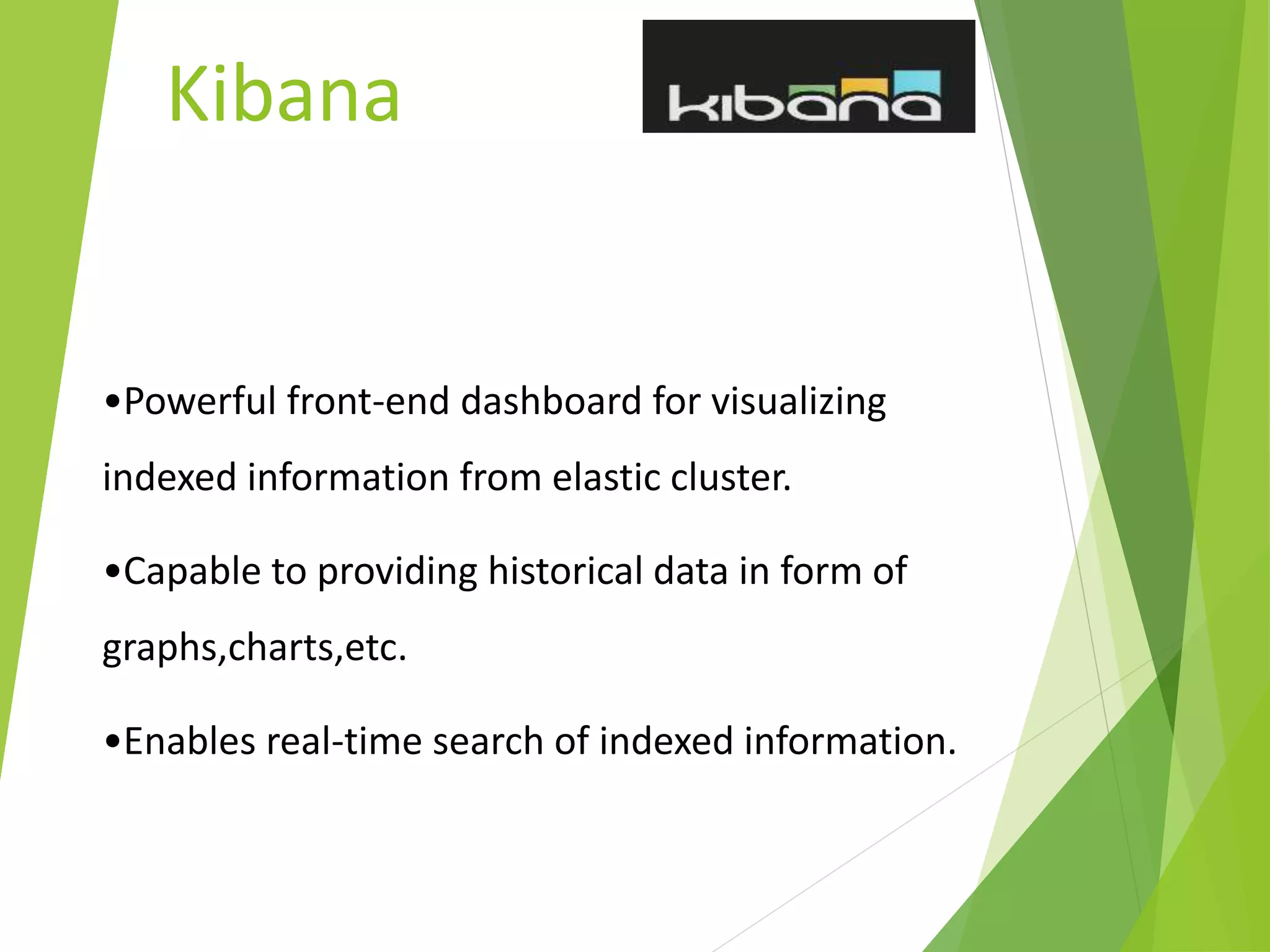
The document provides an introduction to the ELK stack, which is a collection of three open source products: Elasticsearch, Logstash, and Kibana. It describes each component, including that Elasticsearch is a search and analytics engine, Logstash is used to collect, parse, and store logs, and Kibana is used to visualize data with charts and graphs. It also provides examples of how each component works together in processing and analyzing log data.


![[DSC Europe 25] Behzad Hosseini - AI Agents in the Wild: Deploying Models tha...](https://cdn.slidesharecdn.com/ss_thumbnails/3qtejajvsjqrzwfept2c-10-251212103250-7f2b1068-thumbnail.jpg?width=640&height=640&fit=bounds)


![[DSC Europe 25] Miodrag Pesovic & Vladislav Radonjic - Federated Data Archite...](https://cdn.slidesharecdn.com/ss_thumbnails/gsbe3y5it5uhndi4e08e-1-251212103249-f1008e0c-thumbnail.jpg?width=640&height=640&fit=bounds)


![[DSC Europe 25] Kaja Kandare - LLM as a judge.pptx](https://cdn.slidesharecdn.com/ss_thumbnails/arxyccaxsdsd1ba99wjw-7-251212104007-2b4e3f64-thumbnail.jpg?width=640&height=640&fit=bounds)


![[DSC Europe 25] Jon Dajci - Bridging TradFi and DeFi: Building the Future of ...](https://cdn.slidesharecdn.com/ss_thumbnails/fqmhfvlbqhkihjvqvhmu-7-251211083849-6af7e325-thumbnail.jpg?width=640&height=640&fit=bounds)

![[DSC Europe 25] Branko Dzakula - From Defense to Attack: How AI Redefines Cyb...](https://cdn.slidesharecdn.com/ss_thumbnails/80bdzdxpr3ky2g0qvyk9-8-251211083048-ce5fc1ee-thumbnail.jpg?width=640&height=640&fit=bounds)
![[DSC Europe 25] Katherine Forrest - AI NOW: Understanding the Velocity of Cha...](https://cdn.slidesharecdn.com/ss_thumbnails/wvvbruqfrci0sfq9xwgb-4-251212104007-e5ad1987-thumbnail.jpg?width=640&height=640&fit=bounds)
