Screen casting Tools and Techniques
Screen casting Tools:
1.Camtasia:
1.Features: Camtasia is a powerful screen casting and video editing tool.
2.Highlights: Allows for easy screen recording, webcam recording, and editing of the captured footage.
2.Snagit:
1.Features: More lightweight than Camtasia, Snagit is excellent for quick screen captures and basic editing.
2.Highlights: Offers features like image capture, video recording, and annotation tools.
3.OBS Studio (Open Broadcaster Software):
1.Features: OBS Studio is an open-source software for live streaming and screen casting.
2.Highlights: Suitable for more advanced users, provides extensive customization options and supports multiple
sources.
4.Loom:
1.Features: Loom is a simple and user-friendly screen casting tool.
2.Highlights: Allows for quick recording, easy sharing, and integrates with various platforms.
Screen casting Techniques:
Screencasts are the ideal tool for creating quick and effective how-to training
videos as they allow you to quickly capture your computer screen, microphone &
system audio, and even webcam footage to create a step-by-step tutorial for your
audience.
1.Planning Your Screencast:
1.Outline the content and flow of your screencast before recording.
2.Consider the target audience and what you want them to learn or gain from the screencast.
Follow these practical tips for to create high quality screencast recordings.
• Practice once or twice before recording. ...
• Close out all other apps and tabs. ...
• Test your recording software. ...
• Only record what you need.
Benefits of screencasting students.
2.Clear and Concise Narration:
1.Speak clearly and at a moderate pace.
2.Articulate each step or concept, providing context for the actions on the screen.
3.Effective Use of Visuals:
1.Highlight important areas on the screen using annotations or callouts.
2.Zoom in or focus on specific elements to guide viewers' attention.
4.Engaging Introductions and Summaries:
1.Begin with a brief introduction to outline what the screencast will cover.
2.Summarize key points at the end to reinforce learning.
5.Editing for Clarity:
1.Trim unnecessary parts and ensure a smooth and focused viewing experience.
2.Add transitions, captions, and other editing elements to enhance the final product.
6.Choosing the Right Resolution:
1.Consider the platform where your screencast will be viewed and choose anappropriate
resolution.
2.Balance file size and video quality for optimal viewing.
7.ptimizing Audio Quality:
1.Use a quality microphone to ensure clear and crisp audio.
2.Remove background noise during editing if necessary.
8.Interactive Elements:
1.Incorporate quizzes, polls, or interactive elements if your screencast is part of larger
educational program.
2.Encourage viewer participation and engagement.
9.Sharing and Distribution:
1.Choose appropriate platforms for sharing your screencast.
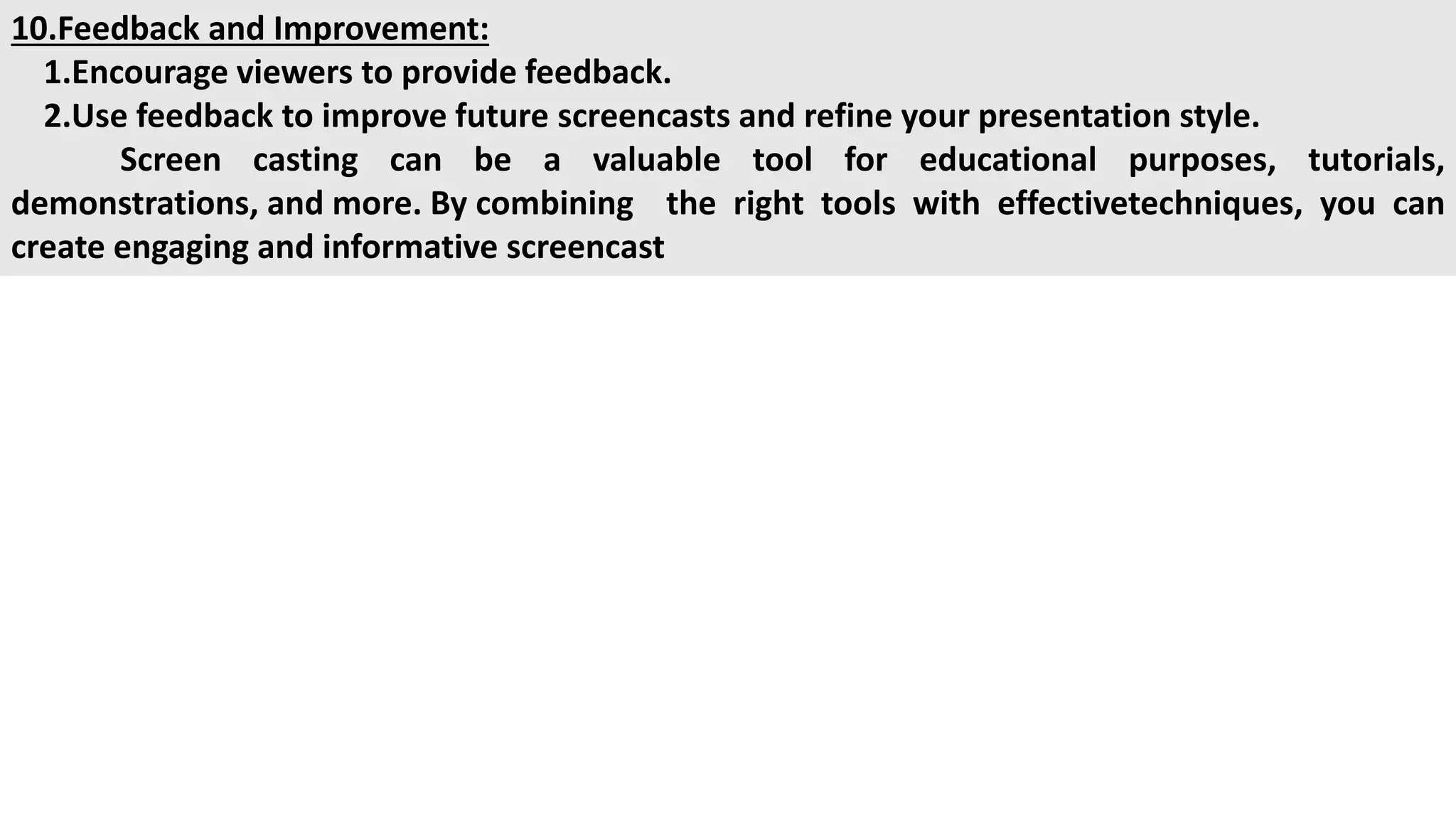
10.Feedback and Improvement:
1.Encourage viewers to provide feedback.
2.Use feedback to improve future screencasts and refine your presentation style.
Screen casting can be a valuable tool for educational purposes, tutorials,
demonstrations, and more. By combining the right tools with effectivetechniques, you can
create engaging and informative screencast

screen casting tools for bca students and others

  • 1.
    Screen casting Toolsand Techniques Screen casting Tools: 1.Camtasia: 1.Features: Camtasia is a powerful screen casting and video editing tool. 2.Highlights: Allows for easy screen recording, webcam recording, and editing of the captured footage. 2.Snagit: 1.Features: More lightweight than Camtasia, Snagit is excellent for quick screen captures and basic editing. 2.Highlights: Offers features like image capture, video recording, and annotation tools. 3.OBS Studio (Open Broadcaster Software): 1.Features: OBS Studio is an open-source software for live streaming and screen casting. 2.Highlights: Suitable for more advanced users, provides extensive customization options and supports multiple sources. 4.Loom: 1.Features: Loom is a simple and user-friendly screen casting tool. 2.Highlights: Allows for quick recording, easy sharing, and integrates with various platforms.
  • 2.
    Screen casting Techniques: Screencastsare the ideal tool for creating quick and effective how-to training videos as they allow you to quickly capture your computer screen, microphone & system audio, and even webcam footage to create a step-by-step tutorial for your audience. 1.Planning Your Screencast: 1.Outline the content and flow of your screencast before recording. 2.Consider the target audience and what you want them to learn or gain from the screencast. Follow these practical tips for to create high quality screencast recordings. • Practice once or twice before recording. ... • Close out all other apps and tabs. ... • Test your recording software. ... • Only record what you need. Benefits of screencasting students.
  • 3.
    2.Clear and ConciseNarration: 1.Speak clearly and at a moderate pace. 2.Articulate each step or concept, providing context for the actions on the screen. 3.Effective Use of Visuals: 1.Highlight important areas on the screen using annotations or callouts. 2.Zoom in or focus on specific elements to guide viewers' attention. 4.Engaging Introductions and Summaries: 1.Begin with a brief introduction to outline what the screencast will cover. 2.Summarize key points at the end to reinforce learning. 5.Editing for Clarity: 1.Trim unnecessary parts and ensure a smooth and focused viewing experience. 2.Add transitions, captions, and other editing elements to enhance the final product.
  • 4.
    6.Choosing the RightResolution: 1.Consider the platform where your screencast will be viewed and choose anappropriate resolution. 2.Balance file size and video quality for optimal viewing. 7.ptimizing Audio Quality: 1.Use a quality microphone to ensure clear and crisp audio. 2.Remove background noise during editing if necessary. 8.Interactive Elements: 1.Incorporate quizzes, polls, or interactive elements if your screencast is part of larger educational program. 2.Encourage viewer participation and engagement. 9.Sharing and Distribution: 1.Choose appropriate platforms for sharing your screencast.
  • 5.
    10.Feedback and Improvement: 1.Encourageviewers to provide feedback. 2.Use feedback to improve future screencasts and refine your presentation style. Screen casting can be a valuable tool for educational purposes, tutorials, demonstrations, and more. By combining the right tools with effectivetechniques, you can create engaging and informative screencast