Salesforce Overall
Lightning Experience Adaption
Encourage users to discover and adopt Lightning Experience with
automatic switching and feature prompts.
GDPR Policy
Get Guidance for Data Protection and Privacy Regulations
Optimizer report v2.4
Is now available to evaluate your implementation
Object-Level Search
Search the Object You Want Easily from Anywhere
Personalization
In navigation bar made easier in lightning apps
Organize Records
Add topics to any record for better organization
Update Records Easily
view and update all dependent and controlling fields when
editing a picklist or checkbox on a Record Details page
Powerful List Views
Make Inline Edits While Using Filter Logic
Customize Themes
with Image Cropping and Color Overrides
Lightning Console Apps
Now with Lightning Guided Engagement
Salesforce Surveys
More Options for Gathering Refined Data
Lightning Experience
Track No. of Users Switching To Classic
New URL format
Previous format: https:///one/one.app/#/sObject/Account/home
New format: https:///lightning/o/Account/home
Previous format: https:///one/one.app#/sObject/006R000000245p1IAA/view
New format: https:///lightning/r/Opportunity/006R000000245p1IAA/view
Send List Email
directly to members of a campaign
{{{Object.Field}}}
Merge fields have a new format.
Show off your
Trailhea
d
Badges
In Chatter profile
Enhanced Calendar View Update dependent picklists
from Path
Add HTML
to lightning email
templates
Salesforce Einstein
Updates in Sales Cloud
Einstein Forecasting: Improved Sales predictions
Lightning Experience: Get latest KPI’s, graphs & metrics
Prediction graph: based on past opportunities
Lead Scoring: You can tell Einstein to ignore lead fields
that do not affect it.
Forecast: Based on schedule and product dates rather
than solely on opportunity close date.
Einstein Bots: Automate repetitive tasks by easily
building and deploying bots using Einstein bot builder
Lightning Guided Engagement: using clicks not code.
Translation: The ability to submit an article for
translation is now available in Salesforce Lightning
Service Cloud Mobile: An alternative to the Salesforce
App which focuses on support.
Updates in Service Cloud
Salesforce Sales Cloud
Sub-folders: Better report organization with sub-folders
New Lightning UI for
Report Builder
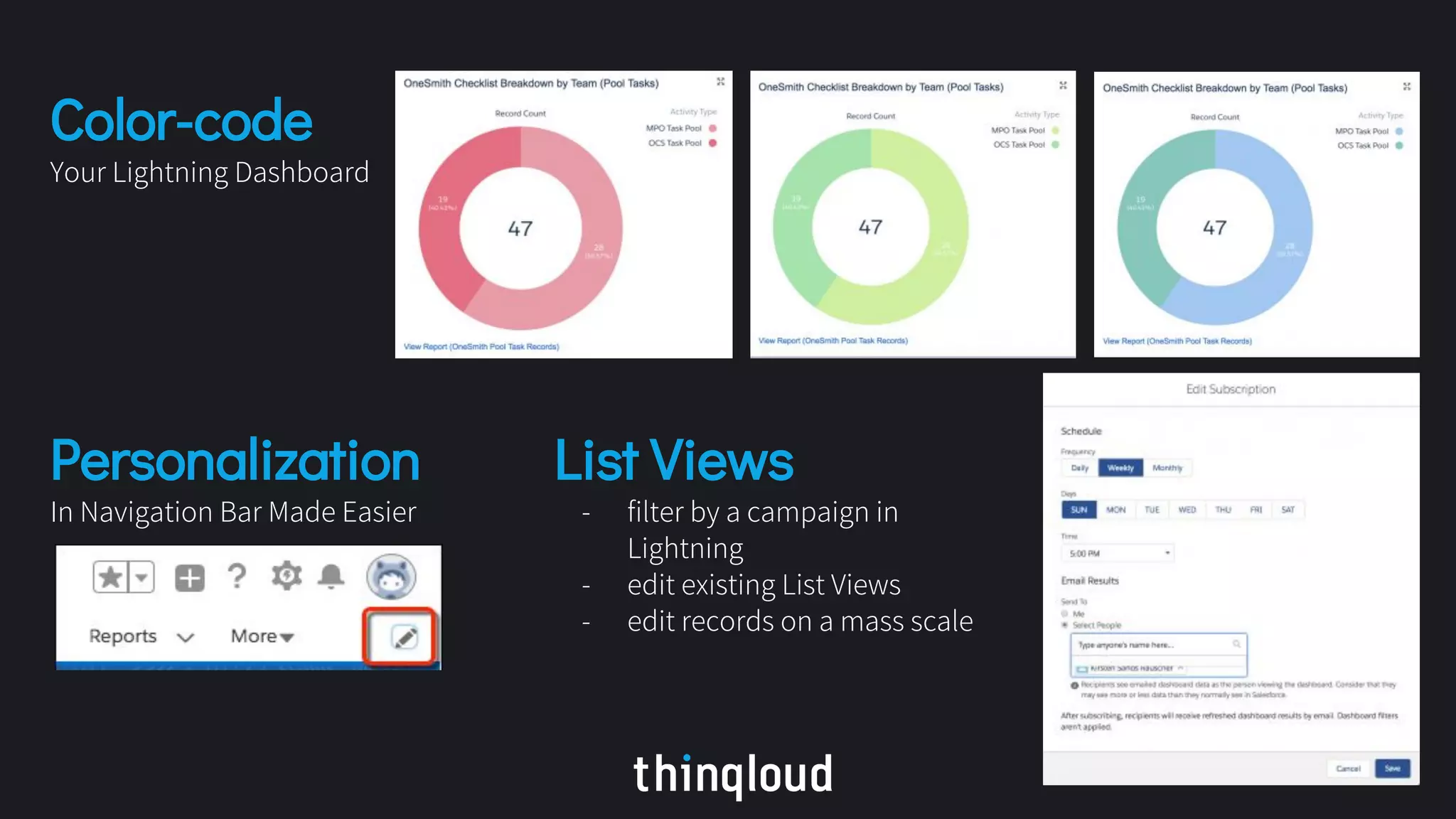
Color-code
Your Lightning Dashboard
List Views
- filter by a campaign in
Lightning
- edit existing List Views
- edit records on a mass scale
Personalization
In Navigation Bar Made Easier
Salesforce Service Cloud
Lightning Guided Engagement
Walk your agents through your business processes
Agents can see appropriate business processes right next to their
chat
Community 360
Agents can now see if customer has
looked any of these items before calling
support: assets, contracts, custom
objects, orders, products, and tasks
Skills-Based Routing for Omni-Channel
Improve the quality of customer service by routing work to the best agent for the job
Omni-Channel Utility
“New” Work and “My Work” tabs to help your support
agents manage their work.
Translation
Submit an article for translation is now available in
Salesforce Lightning
Salesforce Communities Cloud
Gamification
“Gamification” tile in the Lightning Community
Workspace that allows for custom badges to be
created
Flows
Let Users View and Resume Paused Flows
Salesforce Marketing Cloud
Layouts
Responsive Layouts for Landing Pages in Pardot
Financial Services Cloud
Is now compatible
Add All Contacts
from an Account to Campaigns
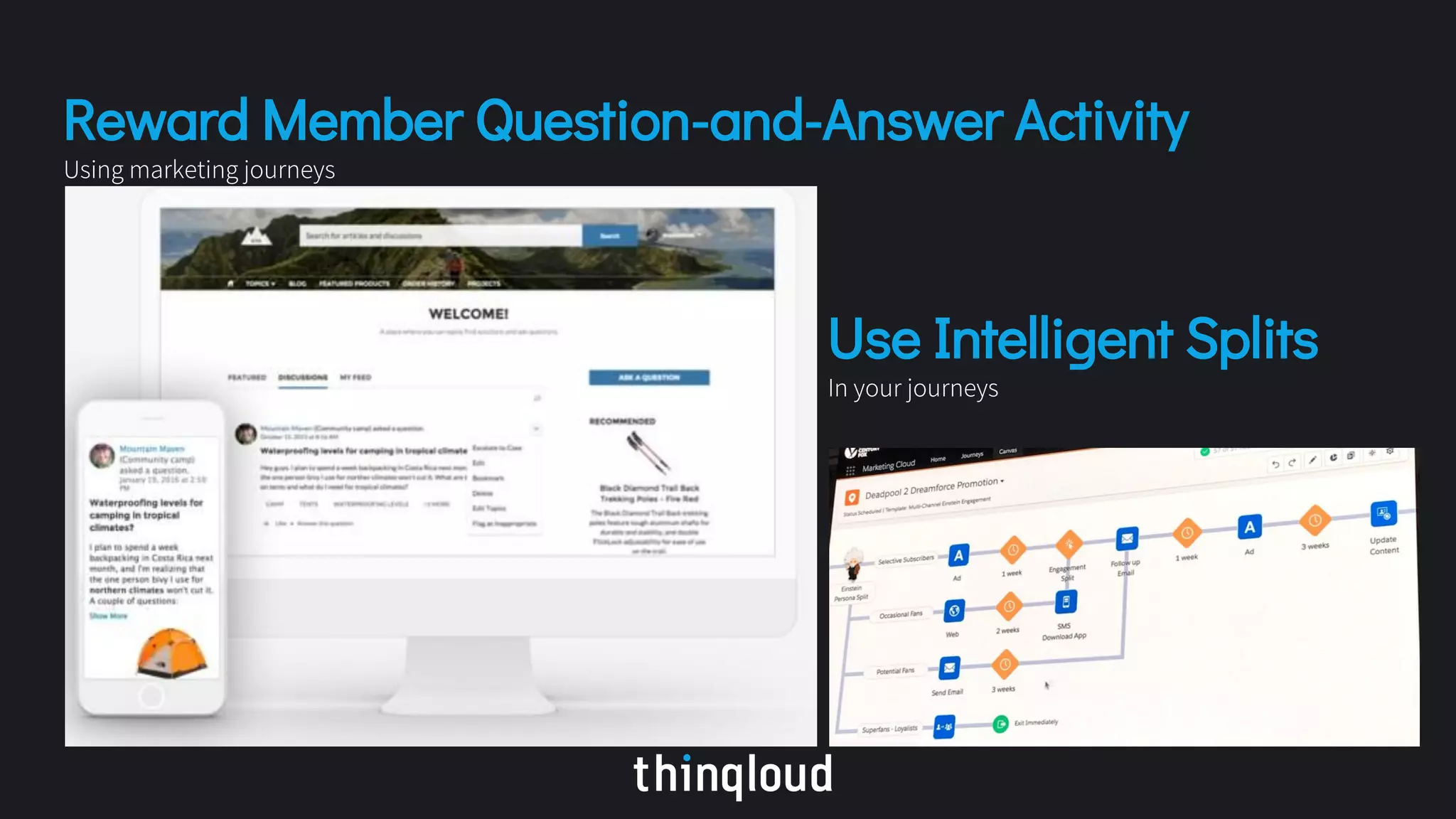
Reward Member Question-and-Answer Activity
Using marketing journeys
Use Intelligent Splits
In your journeys
Analytics & Dashboard
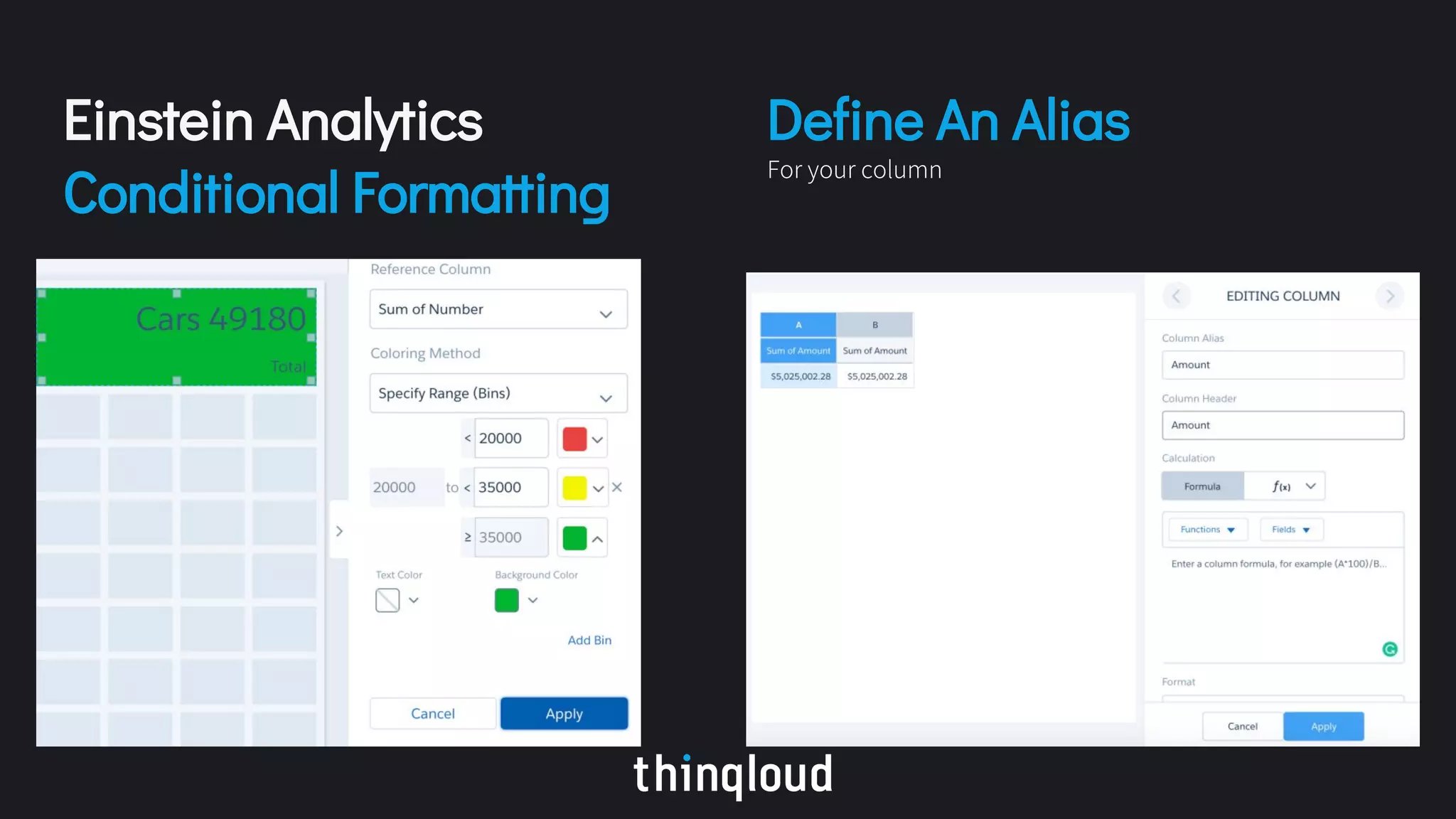
Einstein Analytics
Conditional Formatting
Define An Alias
For your column
Lightning Experience Report Builder
Gain insights from multiple objects with the Lightning Experience joined report beta
Add a Report
to a Dashboard from the Report
Follow us for more updates on Salesforce Release Updates
www.thinqloud.com
Thank You!

Salesforce summer 18 release notes highlights by thinqloud

  • 2.
  • 3.
    Lightning Experience Adaption Encourageusers to discover and adopt Lightning Experience with automatic switching and feature prompts. GDPR Policy Get Guidance for Data Protection and Privacy Regulations Optimizer report v2.4 Is now available to evaluate your implementation Object-Level Search Search the Object You Want Easily from Anywhere Personalization In navigation bar made easier in lightning apps Organize Records Add topics to any record for better organization Update Records Easily view and update all dependent and controlling fields when editing a picklist or checkbox on a Record Details page Powerful List Views Make Inline Edits While Using Filter Logic Customize Themes with Image Cropping and Color Overrides Lightning Console Apps Now with Lightning Guided Engagement Salesforce Surveys More Options for Gathering Refined Data
  • 4.
  • 5.
    Track No. ofUsers Switching To Classic New URL format Previous format: https:///one/one.app/#/sObject/Account/home New format: https:///lightning/o/Account/home Previous format: https:///one/one.app#/sObject/006R000000245p1IAA/view New format: https:///lightning/r/Opportunity/006R000000245p1IAA/view Send List Email directly to members of a campaign {{{Object.Field}}} Merge fields have a new format. Show off your Trailhea d Badges In Chatter profile
  • 6.
    Enhanced Calendar ViewUpdate dependent picklists from Path Add HTML to lightning email templates
  • 7.
  • 8.
    Updates in SalesCloud Einstein Forecasting: Improved Sales predictions Lightning Experience: Get latest KPI’s, graphs & metrics Prediction graph: based on past opportunities Lead Scoring: You can tell Einstein to ignore lead fields that do not affect it. Forecast: Based on schedule and product dates rather than solely on opportunity close date. Einstein Bots: Automate repetitive tasks by easily building and deploying bots using Einstein bot builder Lightning Guided Engagement: using clicks not code. Translation: The ability to submit an article for translation is now available in Salesforce Lightning Service Cloud Mobile: An alternative to the Salesforce App which focuses on support. Updates in Service Cloud
  • 9.
  • 10.
    Sub-folders: Better reportorganization with sub-folders New Lightning UI for Report Builder
  • 11.
    Color-code Your Lightning Dashboard ListViews - filter by a campaign in Lightning - edit existing List Views - edit records on a mass scale Personalization In Navigation Bar Made Easier
  • 12.
  • 13.
    Lightning Guided Engagement Walkyour agents through your business processes Agents can see appropriate business processes right next to their chat Community 360 Agents can now see if customer has looked any of these items before calling support: assets, contracts, custom objects, orders, products, and tasks
  • 14.
    Skills-Based Routing forOmni-Channel Improve the quality of customer service by routing work to the best agent for the job Omni-Channel Utility “New” Work and “My Work” tabs to help your support agents manage their work. Translation Submit an article for translation is now available in Salesforce Lightning
  • 15.
  • 16.
    Gamification “Gamification” tile inthe Lightning Community Workspace that allows for custom badges to be created Flows Let Users View and Resume Paused Flows
  • 17.
  • 18.
    Layouts Responsive Layouts forLanding Pages in Pardot Financial Services Cloud Is now compatible Add All Contacts from an Account to Campaigns
  • 19.
    Reward Member Question-and-AnswerActivity Using marketing journeys Use Intelligent Splits In your journeys
  • 20.
  • 21.
  • 22.
    Lightning Experience ReportBuilder Gain insights from multiple objects with the Lightning Experience joined report beta Add a Report to a Dashboard from the Report
  • 23.
    Follow us formore updates on Salesforce Release Updates
  • 24.