Salesforce
Summer 17
Release
Highlights
July 6, 2017
Customization and Salesforce Overall
Use Optimizer to
analyze whether
Apex or
Visualforce is
using out of date
API version
Find Unused
Reports and
Dashboards using
Optimizer.
Flows and Process
Builder now
support encrypted
fields except in
filters and sorting
for Flow and
update records for
Process Builder.
(Beta)
A new Time Type
field (Pilot)
- The Time type
uses a 24-hour
notation
-You can display
time in HH:MM
-Time values are
not localized
Dynamically Update Flow
Screen Fields (Pilot)
Use fields to control when to hide or show fields.
E.g. You want to ask your users how they prefer to be
contacted. Reveal the Phone Number textbox only if
they prefer calls or texts, and reveal the Email
Address textbox only if they prefer emails.
Keyboard Shortcuts
Keyboard Shortcuts in Lightning Experience:
Maximize your efficiency and speed using keyboard
shortcuts.
Promote Picklist fields to Global
Value Sets
Limitations:
You can only promote fields that have fewer than 1,000
values (both active and inactive).
You can only promote restricted picklists. If you want to
promote an unrestricted picklist, first convert it to a
restricted picklist.
You cannot promote a field to an existing global value
set. But check out this Salesforce Lab App for some
help.
After a field is promoted, you can’t demote it back.
Salesforce Einstein
-Einstein Vision Is Now Generally
Available
-Access the API in Heroku Using the
Einstein Vision Add-On
-Create a Dataset from a Zip File
-Page Through All Examples in a Dataset
-Monitor API Usage
-New UI Makes It Easy to Get a Token
-Discover People
to Follow and
Groups to Join
-Groups, Files,
Followers, and
Following lists
appearance
-Create a Custom
Report Type to
See Click-Through
Rates for Related
Articles
Development Chatter Communities
Search for Opportunities
using Account Name
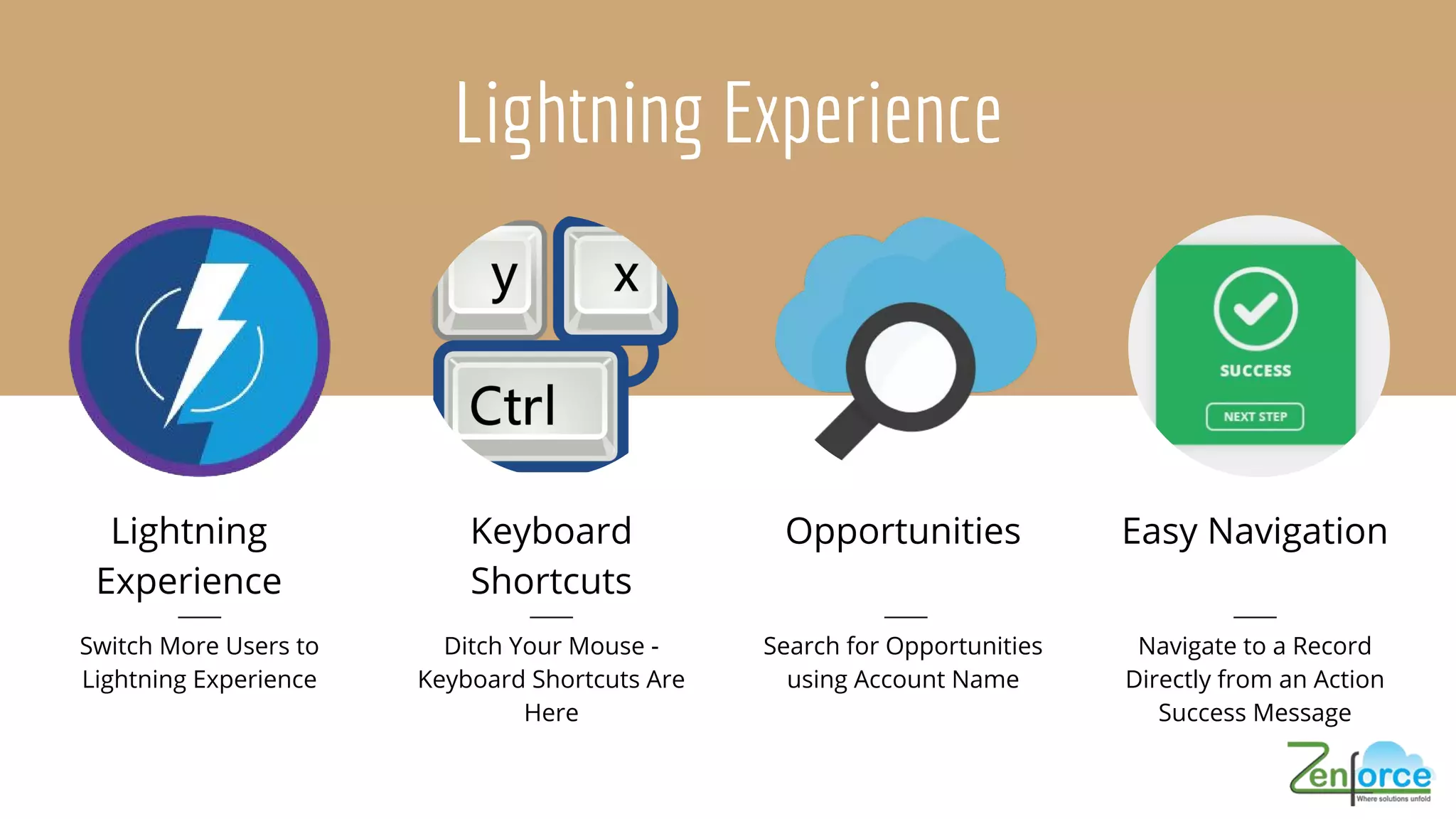
Lightning Experience
Lightning
Experience
Switch More Users to
Lightning Experience
Keyboard
Shortcuts
Ditch Your Mouse -
Keyboard Shortcuts Are
Here
Opportunities Easy Navigation
Navigate to a Record
Directly from an Action
Success Message
Lightning Experience (Contd.)
-Rich Text Editors Re-enabled for Locker Service
-Reassign Approval Requests and Recall Submitted
Request in Lightning Experience
-Access Field History Related Lists in Lightning
Experience
Choose Utility Icons for Your
Lightning Apps More Easily
Navigate to a Record
Directly from an Action
Success Message
Development and Deployment
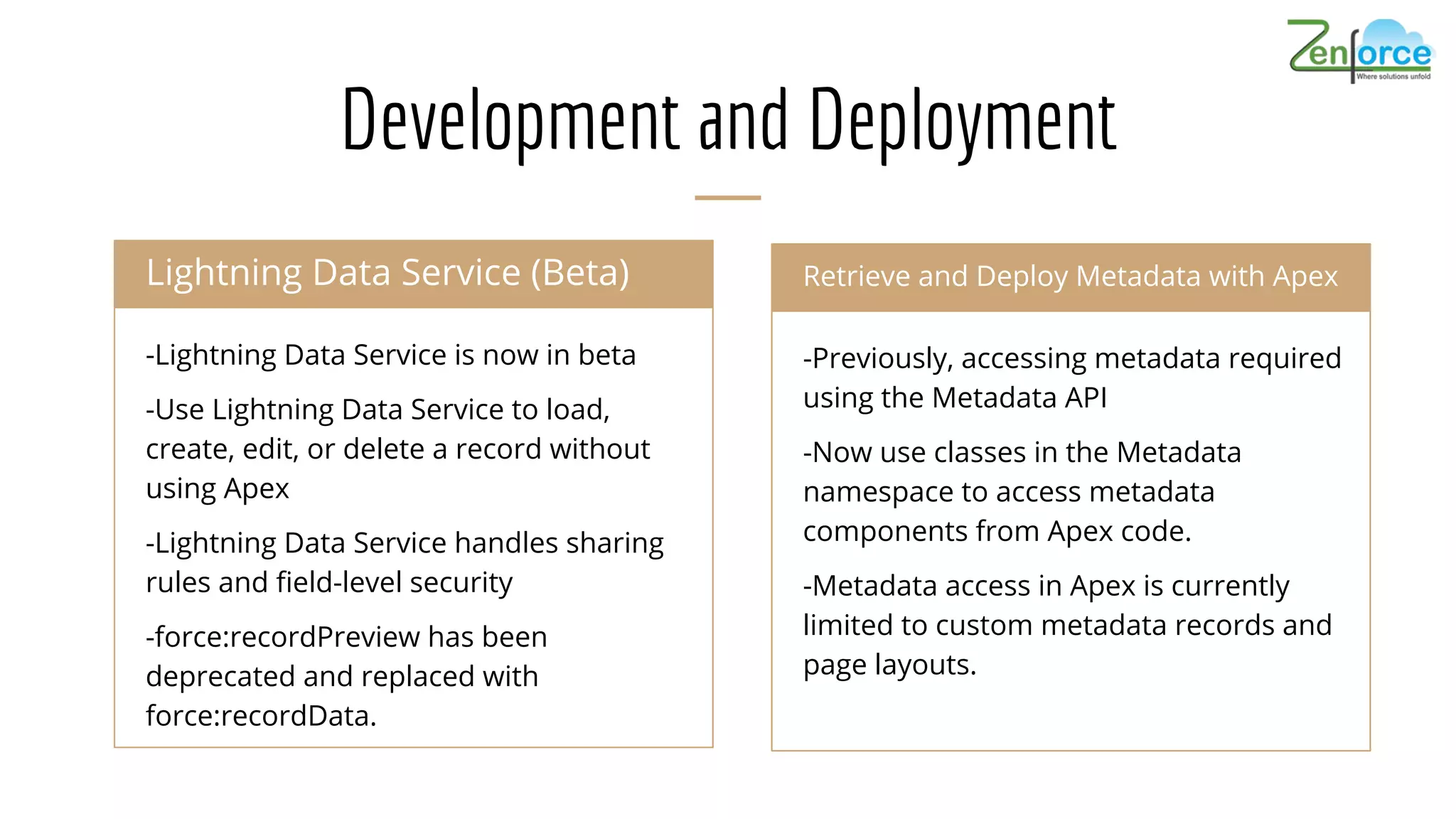
-Lightning Data Service is now in beta
-Use Lightning Data Service to load,
create, edit, or delete a record without
using Apex
-Lightning Data Service handles sharing
rules and field-level security
-force:recordPreview has been
deprecated and replaced with
force:recordData.
Lightning Data Service (Beta) Chatter Communities
-Previously, accessing metadata required
using the Metadata API
-Now use classes in the Metadata
namespace to access metadata
components from Apex code.
-Metadata access in Apex is currently
limited to custom metadata records and
page layouts.
Retrieve and Deploy Metadata with Apex
Development and Deployment
Salesforce DX (Beta)
-Salesforce DX makes it easier for developers to build
together and continuously deliver using the tools that
make them most productive.
-Add Validation Rules to Custom Metadata types
-Override Standard Actions with Lightning Components
Zen4orce Offerings
Advisory Services
Integrated Solution
Salesforce Automation
Lightning Development
Product Development
Salesforce Customization & Development
sales@zen4orce.com US: +1- 612- 454- 5031 | Dubai: +9-71-554524223 | India: +91 (020) 6920 9001
Zen4orce Team
sales@zen4orce.com | US: +1- 612- 454- 5031 | Dubai: +9-71-554524223 | India: +91 (020) 6920 9001
WWW.ZEN4ORCE.COM

Salesforce Summer '17 Release Highlights | Zen4orce

  • 1.
  • 2.
    Customization and SalesforceOverall Use Optimizer to analyze whether Apex or Visualforce is using out of date API version Find Unused Reports and Dashboards using Optimizer. Flows and Process Builder now support encrypted fields except in filters and sorting for Flow and update records for Process Builder. (Beta) A new Time Type field (Pilot) - The Time type uses a 24-hour notation -You can display time in HH:MM -Time values are not localized
  • 3.
    Dynamically Update Flow ScreenFields (Pilot) Use fields to control when to hide or show fields. E.g. You want to ask your users how they prefer to be contacted. Reveal the Phone Number textbox only if they prefer calls or texts, and reveal the Email Address textbox only if they prefer emails. Keyboard Shortcuts Keyboard Shortcuts in Lightning Experience: Maximize your efficiency and speed using keyboard shortcuts.
  • 4.
    Promote Picklist fieldsto Global Value Sets Limitations: You can only promote fields that have fewer than 1,000 values (both active and inactive). You can only promote restricted picklists. If you want to promote an unrestricted picklist, first convert it to a restricted picklist. You cannot promote a field to an existing global value set. But check out this Salesforce Lab App for some help. After a field is promoted, you can’t demote it back.
  • 5.
    Salesforce Einstein -Einstein VisionIs Now Generally Available -Access the API in Heroku Using the Einstein Vision Add-On -Create a Dataset from a Zip File -Page Through All Examples in a Dataset -Monitor API Usage -New UI Makes It Easy to Get a Token -Discover People to Follow and Groups to Join -Groups, Files, Followers, and Following lists appearance -Create a Custom Report Type to See Click-Through Rates for Related Articles Development Chatter Communities
  • 6.
    Search for Opportunities usingAccount Name Lightning Experience Lightning Experience Switch More Users to Lightning Experience Keyboard Shortcuts Ditch Your Mouse - Keyboard Shortcuts Are Here Opportunities Easy Navigation Navigate to a Record Directly from an Action Success Message
  • 7.
    Lightning Experience (Contd.) -RichText Editors Re-enabled for Locker Service -Reassign Approval Requests and Recall Submitted Request in Lightning Experience -Access Field History Related Lists in Lightning Experience
  • 8.
    Choose Utility Iconsfor Your Lightning Apps More Easily Navigate to a Record Directly from an Action Success Message
  • 9.
    Development and Deployment -LightningData Service is now in beta -Use Lightning Data Service to load, create, edit, or delete a record without using Apex -Lightning Data Service handles sharing rules and field-level security -force:recordPreview has been deprecated and replaced with force:recordData. Lightning Data Service (Beta) Chatter Communities -Previously, accessing metadata required using the Metadata API -Now use classes in the Metadata namespace to access metadata components from Apex code. -Metadata access in Apex is currently limited to custom metadata records and page layouts. Retrieve and Deploy Metadata with Apex
  • 10.
    Development and Deployment SalesforceDX (Beta) -Salesforce DX makes it easier for developers to build together and continuously deliver using the tools that make them most productive. -Add Validation Rules to Custom Metadata types -Override Standard Actions with Lightning Components
  • 11.
    Zen4orce Offerings Advisory Services IntegratedSolution Salesforce Automation Lightning Development Product Development Salesforce Customization & Development sales@zen4orce.com US: +1- 612- 454- 5031 | Dubai: +9-71-554524223 | India: +91 (020) 6920 9001
  • 12.
    Zen4orce Team sales@zen4orce.com |US: +1- 612- 454- 5031 | Dubai: +9-71-554524223 | India: +91 (020) 6920 9001
  • 13.