How To Solve The Biggest
Problems With Salesforce Training
Learn how to create & deliver a proven Salesforce training model
that will delight your end users and impress your executive team.
David Giller
CEO, Brainiate
dgiller@brainiate.com
@davidgiller
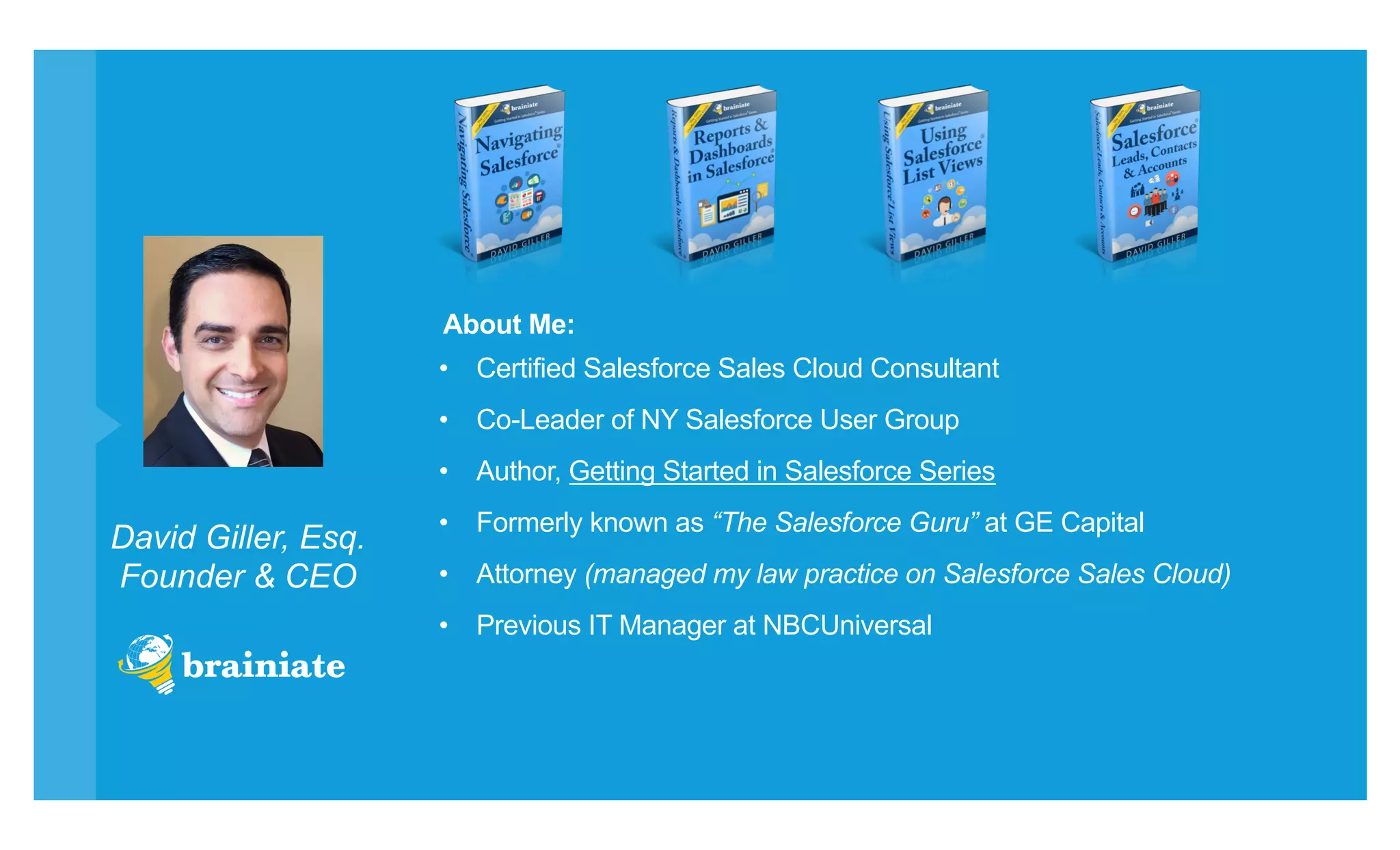
David Giller, Esq.
Founder & CEO
•  Certified Salesforce Sales Cloud Consultant
•  Co-Leader of NY Salesforce User Group
•  Author, Getting Started in Salesforce Series
•  Formerly known as “The Salesforce Guru” at GE Capital
•  Attorney (managed my law practice on Salesforce Sales Cloud)
•  Previous IT Manager at NBCUniversal
About Me:
•  Salesforce Training
•  New Salesforce Implementations
•  Enhance Existing Salesforce Configurations
•  Custom App Development for Salesforce
About Brainiate:
Max Cooper
​ Uses Salesforce at Acme Health Corp to track prospects & customers.
​ Max (Sales Manager)
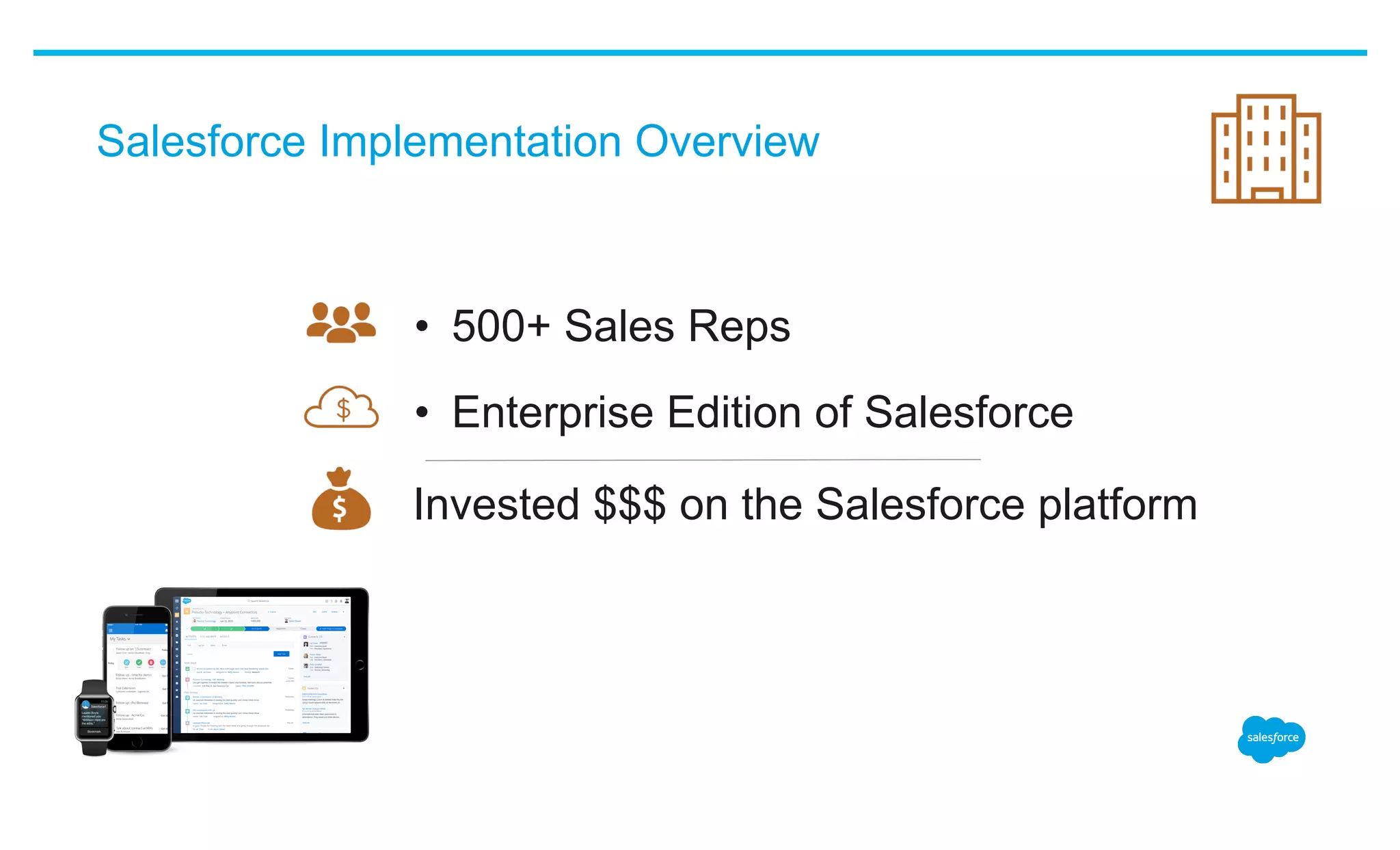
Salesforce Implementation Overview
•  500+ Sales Reps
•  Enterprise Edition of Salesforce
Invested $$$ on the Salesforce platform
Salesforce Rollout History
•  Moved all older, historical data into Salesforce
•  Salesforce went live 1 year ago
•  Conducted initial “rollout training” 1 year ago
Today’s Pain Points – Experienced by Management
•  No visibility to current pipeline
•  Generating pipeline reports via Excel
•  Half-baked, inaccurate & duplicate records
•  Creating a customer list is painful
•  No insight on team’s calling efforts
•  Sales managers have no data
Today’s Pain Points – Expressed by Reps
•  “We never got proper training”
•  “We don’t have time to use Salesforce”
•  “Salesforce is too confusing”
•  “Salesforce isn’t as flexible as _______.”
Ask Your Reps
•  ..looking for a phone number?
•  ..looking for an email address?
•  ..searching for the decision maker at your accounts?
•  ..trying to find your notes from a prior meeting?
•  ..trying to remember your own to-do items?
​ How often do you find yourselves..
Can We Quantify This Pain?
•  Time wasted searching for customer information.
•  Time wasted consolidating notes & spreadsheets.
•  Deals that slipped through the cracks.
•  Frustrated employees who left to work somewhere
more efficient.
•  Money already invested in Salesforce licensing,
apps, integrations & ongoing support.
What Can Max Do?
​ Max (Sales Manager)
Within 2-3 Months, Max Can See:
•  Dramatic increase in Salesforce adoption
•  Accurate pipeline data, captured natively in Salesforce
•  Clean prospect and customer data
•  Visibility into his team’s efforts & touches with customers
​ Max (Sales Manager)
..without purchasing another app!
Within 2-3 Months, Sales Team Can Experience:
•  More streamlined & efficient workflow
•  Visibility into customer data on all devices
•  Clarity on those records that require immediate attention
•  Elimination of Excel cleanup to create pipeline & activity reports
•  Love and appreciation for the Salesforce platform
How Can Max Accomplish This Transformation?
​ Max (Sales Manager)
Max will follow a 3-step strategy that is:
•  Proven,
•  Simple,
•  Inexpensive and
•  Sustainable.
Are you taking notes yet?
Now might be a good time...
Step 1 - Prepare
•  Understand the current business processes, nuances &
priorities (across departments, divisions and business units).
•  Identify the KPIs that matter (ex. quantify how many customer
touches are expected each month).
•  Be familiar with existing Salesforce customizations,
integrations, third party apps, current pain points.
​ Salesforce Administrator / CRM Team Needs To..
Step 2 - Deploy
•  1 hour training sessions via web (GoToMeeting, WebEx)
•  Weekly training sessions (Mon/Wed or Tues/Thurs)
•  Sessions are recorded (no excuses!)
​ A mandatory core CRM training curriculum for all users
Best Practices:
Step 2 - Deploy
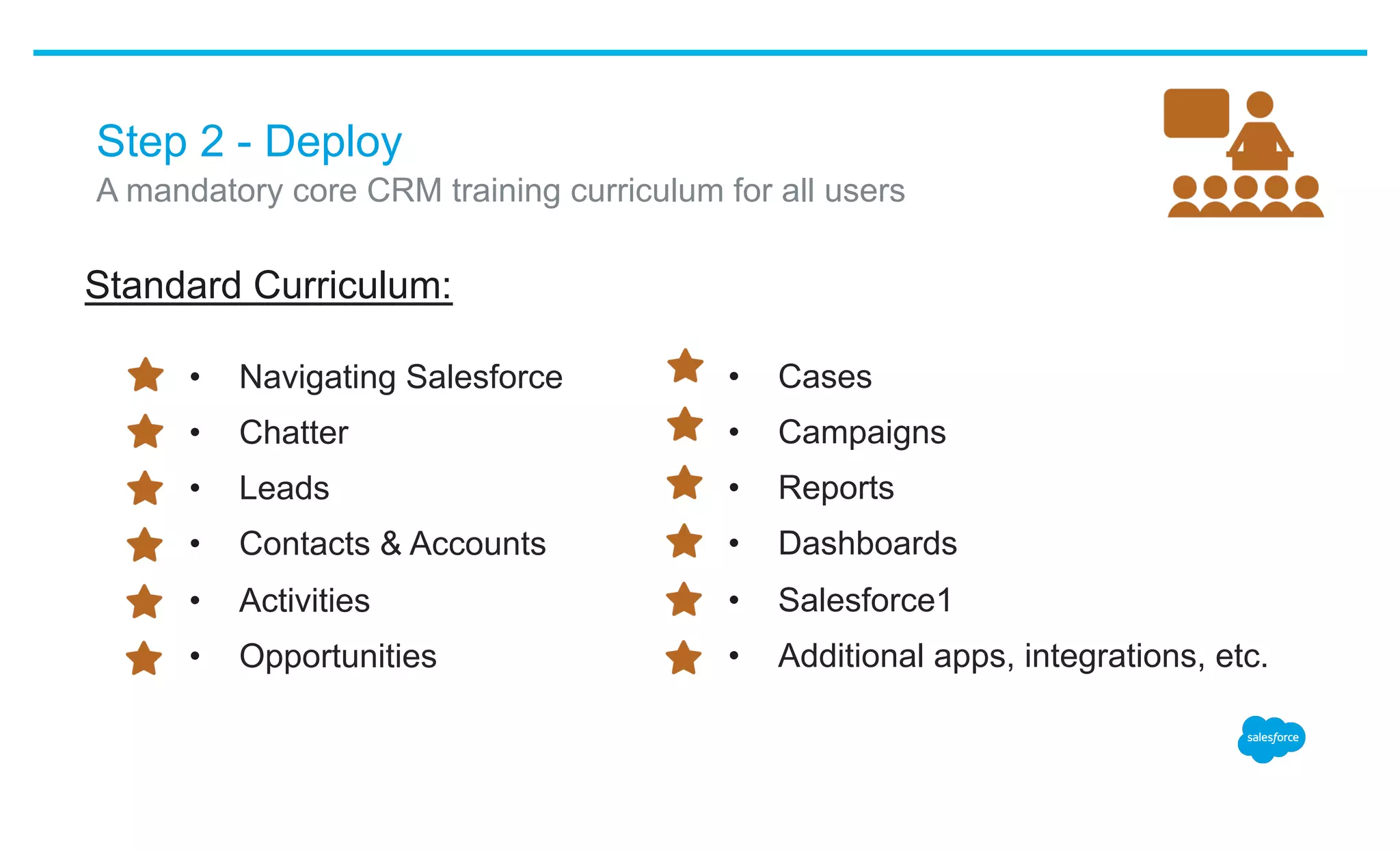
Standard Curriculum:
​ A mandatory core CRM training curriculum for all users
•  Navigating Salesforce
•  Chatter
•  Leads
•  Contacts & Accounts
•  Activities
•  Opportunities
•  Cases
•  Campaigns
•  Reports
•  Dashboards
•  Salesforce1
•  Additional apps, integrations, etc.
Step 3 - Maintain
•  New issues, concerns, frustrations
•  Ideas to improve existing configuration
•  Sharing new best practices
​ Ongoing, bi-weekly “Lunch & Learn” sessions to address:
Why Record All Sessions?
​ By recording training sessions:
•  Eliminate excuses (I couldn’t attend! I forgot!)
•  Help new hires & internal promotions
•  Allow users to re-watch previously attended sessions
Optional: Measuring User Competency
•  Find, create, edit, reassign records (leads, contact, accounts,
opportunities, quotes, campaigns, cases).
•  Create tasks – assigned to themselves and others.
•  Update records via mobile device, including Chatter posts,
tagging colleagues, snapping photos & attaching them to
records.
•  Create list views, reports, dashboards.
​ Provide users with micro hands-on exercises to demonstrate ability to:
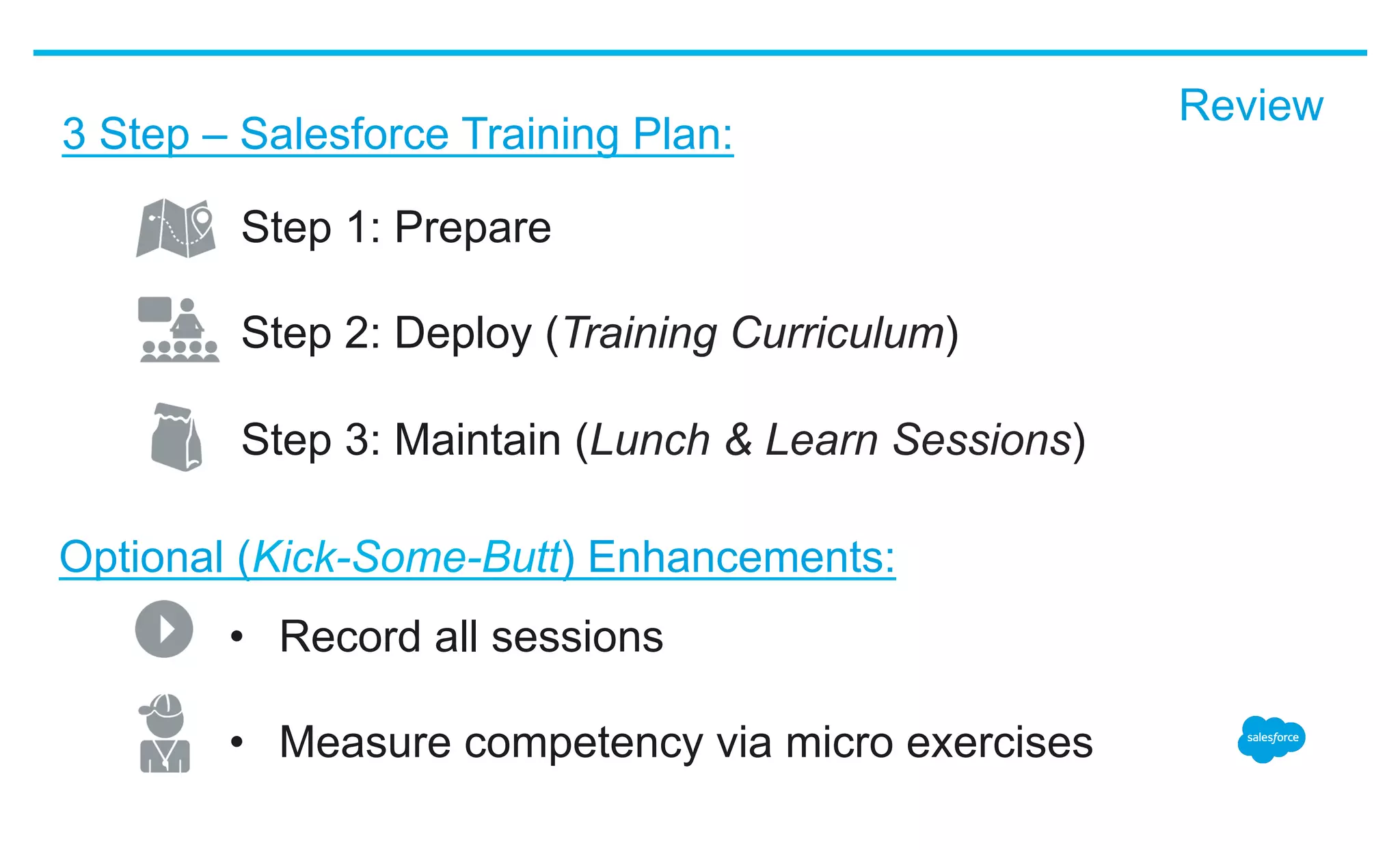
Step 1: Prepare
Step 2: Deploy (Training Curriculum)
Step 3: Maintain (Lunch & Learn Sessions)
Optional (Kick-Some-Butt) Enhancements:
3 Step – Salesforce Training Plan:
•  Record all sessions
•  Measure competency via micro exercises
Review
Questions?
thank y u

How to Solve the Biggest Problems with Salesforce Training

  • 1.
    How To SolveThe Biggest Problems With Salesforce Training Learn how to create & deliver a proven Salesforce training model that will delight your end users and impress your executive team. David Giller CEO, Brainiate dgiller@brainiate.com @davidgiller
  • 2.
    David Giller, Esq. Founder& CEO •  Certified Salesforce Sales Cloud Consultant •  Co-Leader of NY Salesforce User Group •  Author, Getting Started in Salesforce Series •  Formerly known as “The Salesforce Guru” at GE Capital •  Attorney (managed my law practice on Salesforce Sales Cloud) •  Previous IT Manager at NBCUniversal About Me:
  • 3.
    •  Salesforce Training • New Salesforce Implementations •  Enhance Existing Salesforce Configurations •  Custom App Development for Salesforce About Brainiate:
  • 4.
    Max Cooper ​ Uses Salesforceat Acme Health Corp to track prospects & customers. ​ Max (Sales Manager)
  • 5.
    Salesforce Implementation Overview • 500+ Sales Reps •  Enterprise Edition of Salesforce Invested $$$ on the Salesforce platform
  • 6.
    Salesforce Rollout History • Moved all older, historical data into Salesforce •  Salesforce went live 1 year ago •  Conducted initial “rollout training” 1 year ago
  • 7.
    Today’s Pain Points– Experienced by Management •  No visibility to current pipeline •  Generating pipeline reports via Excel •  Half-baked, inaccurate & duplicate records •  Creating a customer list is painful •  No insight on team’s calling efforts •  Sales managers have no data
  • 8.
    Today’s Pain Points– Expressed by Reps •  “We never got proper training” •  “We don’t have time to use Salesforce” •  “Salesforce is too confusing” •  “Salesforce isn’t as flexible as _______.”
  • 9.
    Ask Your Reps • ..looking for a phone number? •  ..looking for an email address? •  ..searching for the decision maker at your accounts? •  ..trying to find your notes from a prior meeting? •  ..trying to remember your own to-do items? ​ How often do you find yourselves..
  • 10.
    Can We QuantifyThis Pain? •  Time wasted searching for customer information. •  Time wasted consolidating notes & spreadsheets. •  Deals that slipped through the cracks. •  Frustrated employees who left to work somewhere more efficient. •  Money already invested in Salesforce licensing, apps, integrations & ongoing support.
  • 11.
    What Can MaxDo? ​ Max (Sales Manager)
  • 12.
    Within 2-3 Months,Max Can See: •  Dramatic increase in Salesforce adoption •  Accurate pipeline data, captured natively in Salesforce •  Clean prospect and customer data •  Visibility into his team’s efforts & touches with customers ​ Max (Sales Manager) ..without purchasing another app!
  • 13.
    Within 2-3 Months,Sales Team Can Experience: •  More streamlined & efficient workflow •  Visibility into customer data on all devices •  Clarity on those records that require immediate attention •  Elimination of Excel cleanup to create pipeline & activity reports •  Love and appreciation for the Salesforce platform
  • 14.
    How Can MaxAccomplish This Transformation? ​ Max (Sales Manager) Max will follow a 3-step strategy that is: •  Proven, •  Simple, •  Inexpensive and •  Sustainable.
  • 15.
    Are you takingnotes yet? Now might be a good time...
  • 16.
    Step 1 -Prepare •  Understand the current business processes, nuances & priorities (across departments, divisions and business units). •  Identify the KPIs that matter (ex. quantify how many customer touches are expected each month). •  Be familiar with existing Salesforce customizations, integrations, third party apps, current pain points. ​ Salesforce Administrator / CRM Team Needs To..
  • 17.
    Step 2 -Deploy •  1 hour training sessions via web (GoToMeeting, WebEx) •  Weekly training sessions (Mon/Wed or Tues/Thurs) •  Sessions are recorded (no excuses!) ​ A mandatory core CRM training curriculum for all users Best Practices:
  • 18.
    Step 2 -Deploy Standard Curriculum: ​ A mandatory core CRM training curriculum for all users •  Navigating Salesforce •  Chatter •  Leads •  Contacts & Accounts •  Activities •  Opportunities •  Cases •  Campaigns •  Reports •  Dashboards •  Salesforce1 •  Additional apps, integrations, etc.
  • 19.
    Step 3 -Maintain •  New issues, concerns, frustrations •  Ideas to improve existing configuration •  Sharing new best practices ​ Ongoing, bi-weekly “Lunch & Learn” sessions to address:
  • 20.
    Why Record AllSessions? ​ By recording training sessions: •  Eliminate excuses (I couldn’t attend! I forgot!) •  Help new hires & internal promotions •  Allow users to re-watch previously attended sessions
  • 21.
    Optional: Measuring UserCompetency •  Find, create, edit, reassign records (leads, contact, accounts, opportunities, quotes, campaigns, cases). •  Create tasks – assigned to themselves and others. •  Update records via mobile device, including Chatter posts, tagging colleagues, snapping photos & attaching them to records. •  Create list views, reports, dashboards. ​ Provide users with micro hands-on exercises to demonstrate ability to:
  • 22.
    Step 1: Prepare Step2: Deploy (Training Curriculum) Step 3: Maintain (Lunch & Learn Sessions) Optional (Kick-Some-Butt) Enhancements: 3 Step – Salesforce Training Plan: •  Record all sessions •  Measure competency via micro exercises Review
  • 23.
  • 24.