Connecting to the
Internet
How do I connect to the Internet?
• Once you've set up your computer, you may want to purchase
home Internet access so you can send and receive email,
browse the Web, stream videos, and more. You may even
want to set up a home wireless network, commonly known as
Wi-Fi, so you can connect multiple devices to the Internet at
the same time.
Types of Internet service
• The type of Internet service you choose will largely depend on
which Internet service providers (ISPs) serve your area, along
with the types of service they offer. Here are some common
types of Internet service.
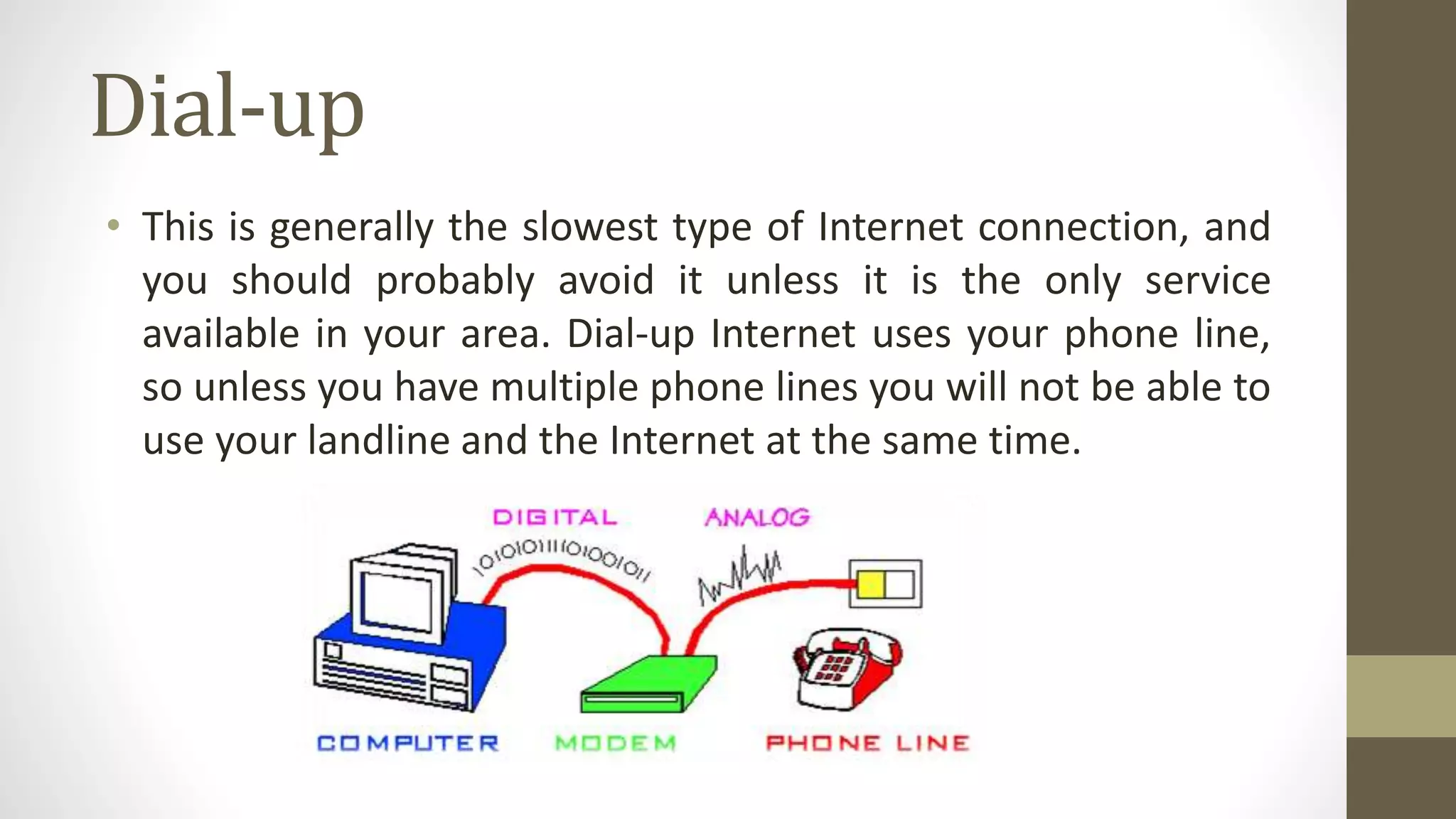
Dial-up
• This is generally the slowest type of Internet connection, and
you should probably avoid it unless it is the only service
available in your area. Dial-up Internet uses your phone line,
so unless you have multiple phone lines you will not be able to
use your landline and the Internet at the same time.
DSL
• DSL service uses a broadband connection, which makes it
much faster than dial-up. DSL connects to the Internet via a
phone line but does not require you to have a landline at
home. And unlike dial-up, you'll be able to use the Internet
and your phone line at the same time.
Cable
• Cable service connects to the Internet via cable TV, although
you do not necessarily need to have cable TV in order to get it.
It uses a broadband connection and can be faster than both
dial-up and DSL service; however, it is only available where
cable TV is available.
Satellite
• A satellite connection uses broadband but does not require
cable or phone lines; it connects to the Internet through
satellites orbiting the Earth. As a result, it can be used almost
anywhere in the world, but the connection may be affected by
weather patterns. Satellite connections are also usually slower
than DSL or cable.
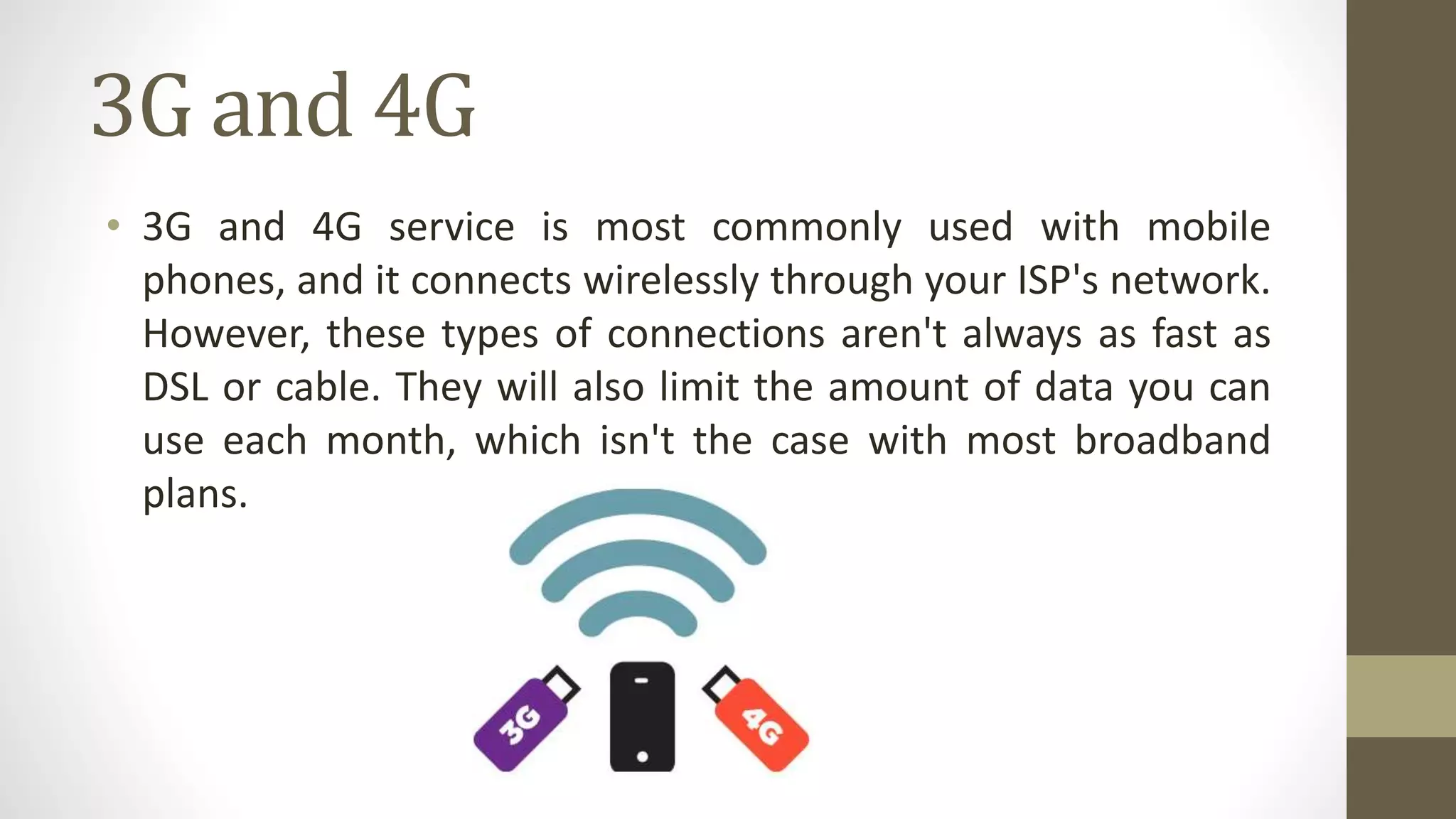
3G and 4G
• 3G and 4G service is most commonly used with mobile
phones, and it connects wirelessly through your ISP's network.
However, these types of connections aren't always as fast as
DSL or cable. They will also limit the amount of data you can
use each month, which isn't the case with most broadband
plans.
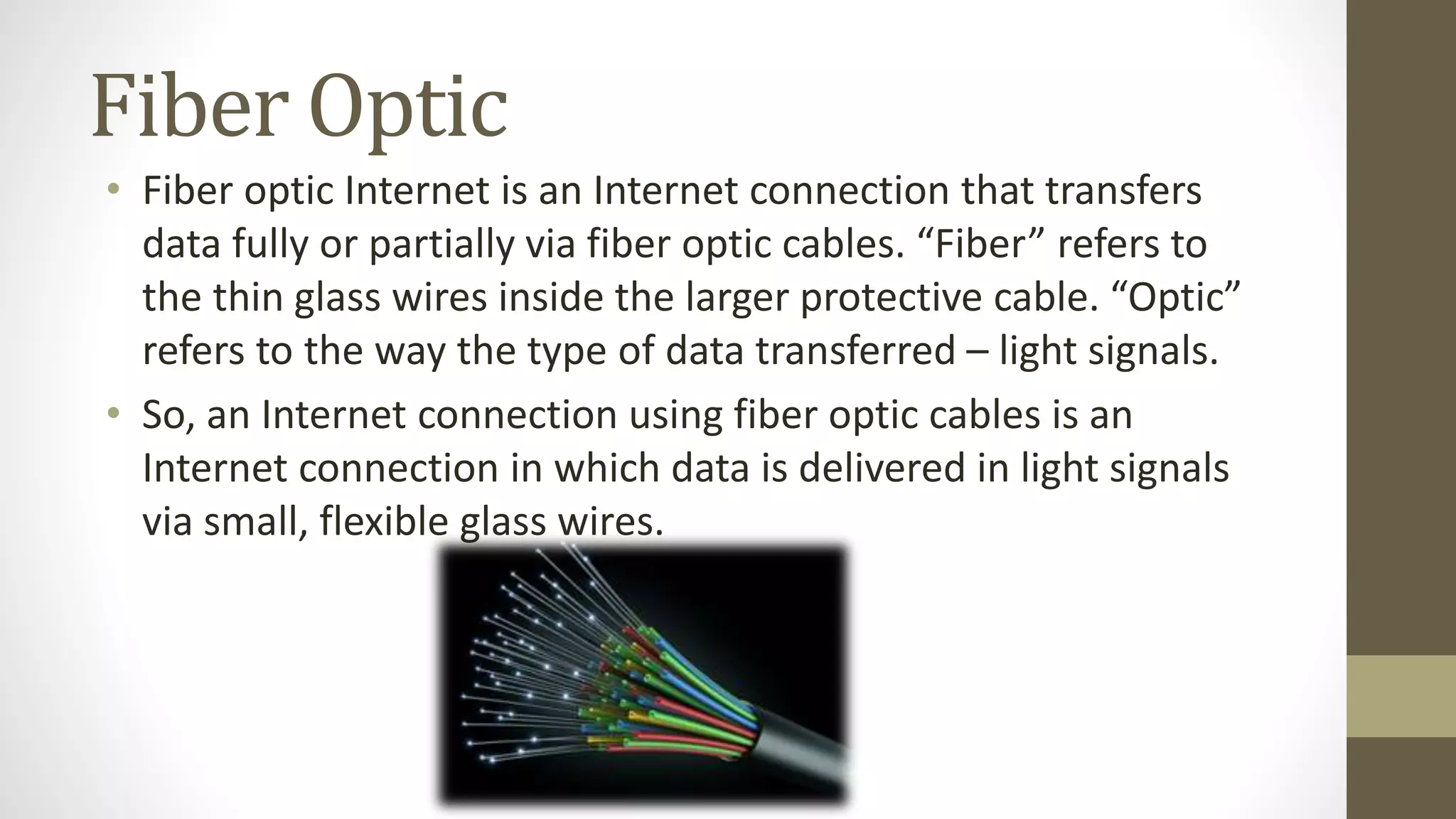
Fiber Optic
• Fiber optic Internet is an Internet connection that transfers
data fully or partially via fiber optic cables. “Fiber” refers to
the thin glass wires inside the larger protective cable. “Optic”
refers to the way the type of data transferred – light signals.
• So, an Internet connection using fiber optic cables is an
Internet connection in which data is delivered in light signals
via small, flexible glass wires.
Hardware needed
Modem
• Once you have your computer, you really don't need much
additional hardware to connect to the Internet. The primary
piece of hardware you need is a modem.
• The type of Internet access you choose will determine the
type of modem you need. Dial-up access uses a telephone
modem, DSL service uses a DSL modem, cable access uses a
cable modem, and satellite service uses a satellite adapter.
Your ISP may give you a modem—often for a fee—when you
sign a contract, which helps ensure that you have the right
type of modem. However, if you would prefer to shop for a
better or less expensive modem, you can choose to buy one
separately.
Router
• A router is a hardware device that allows you to connect
several computers and other devices to a single Internet
connection, which is known as a home network. Many routers
are wireless, which allows you to create a home wireless
network, commonly known as a Wi-Fi network.
• You don't necessarily need to buy a router to connect to the
Internet. It's possible to connect your computer directly to
your modem using an Ethernet cable. Also, many modems
include a built-in router, so you have the option of creating a
Wi-Fi network without buying extra hardware.

S01.L03 - Connecting to the Internet

  • 1.
  • 2.
    How do Iconnect to the Internet? • Once you've set up your computer, you may want to purchase home Internet access so you can send and receive email, browse the Web, stream videos, and more. You may even want to set up a home wireless network, commonly known as Wi-Fi, so you can connect multiple devices to the Internet at the same time.
  • 3.
    Types of Internetservice • The type of Internet service you choose will largely depend on which Internet service providers (ISPs) serve your area, along with the types of service they offer. Here are some common types of Internet service.
  • 4.
    Dial-up • This isgenerally the slowest type of Internet connection, and you should probably avoid it unless it is the only service available in your area. Dial-up Internet uses your phone line, so unless you have multiple phone lines you will not be able to use your landline and the Internet at the same time.
  • 5.
    DSL • DSL serviceuses a broadband connection, which makes it much faster than dial-up. DSL connects to the Internet via a phone line but does not require you to have a landline at home. And unlike dial-up, you'll be able to use the Internet and your phone line at the same time.
  • 6.
    Cable • Cable serviceconnects to the Internet via cable TV, although you do not necessarily need to have cable TV in order to get it. It uses a broadband connection and can be faster than both dial-up and DSL service; however, it is only available where cable TV is available.
  • 7.
    Satellite • A satelliteconnection uses broadband but does not require cable or phone lines; it connects to the Internet through satellites orbiting the Earth. As a result, it can be used almost anywhere in the world, but the connection may be affected by weather patterns. Satellite connections are also usually slower than DSL or cable.
  • 8.
    3G and 4G •3G and 4G service is most commonly used with mobile phones, and it connects wirelessly through your ISP's network. However, these types of connections aren't always as fast as DSL or cable. They will also limit the amount of data you can use each month, which isn't the case with most broadband plans.
  • 9.
    Fiber Optic • Fiberoptic Internet is an Internet connection that transfers data fully or partially via fiber optic cables. “Fiber” refers to the thin glass wires inside the larger protective cable. “Optic” refers to the way the type of data transferred – light signals. • So, an Internet connection using fiber optic cables is an Internet connection in which data is delivered in light signals via small, flexible glass wires.
  • 10.
  • 11.
    Modem • Once youhave your computer, you really don't need much additional hardware to connect to the Internet. The primary piece of hardware you need is a modem. • The type of Internet access you choose will determine the type of modem you need. Dial-up access uses a telephone modem, DSL service uses a DSL modem, cable access uses a cable modem, and satellite service uses a satellite adapter. Your ISP may give you a modem—often for a fee—when you sign a contract, which helps ensure that you have the right type of modem. However, if you would prefer to shop for a better or less expensive modem, you can choose to buy one separately.
  • 12.
    Router • A routeris a hardware device that allows you to connect several computers and other devices to a single Internet connection, which is known as a home network. Many routers are wireless, which allows you to create a home wireless network, commonly known as a Wi-Fi network. • You don't necessarily need to buy a router to connect to the Internet. It's possible to connect your computer directly to your modem using an Ethernet cable. Also, many modems include a built-in router, so you have the option of creating a Wi-Fi network without buying extra hardware.