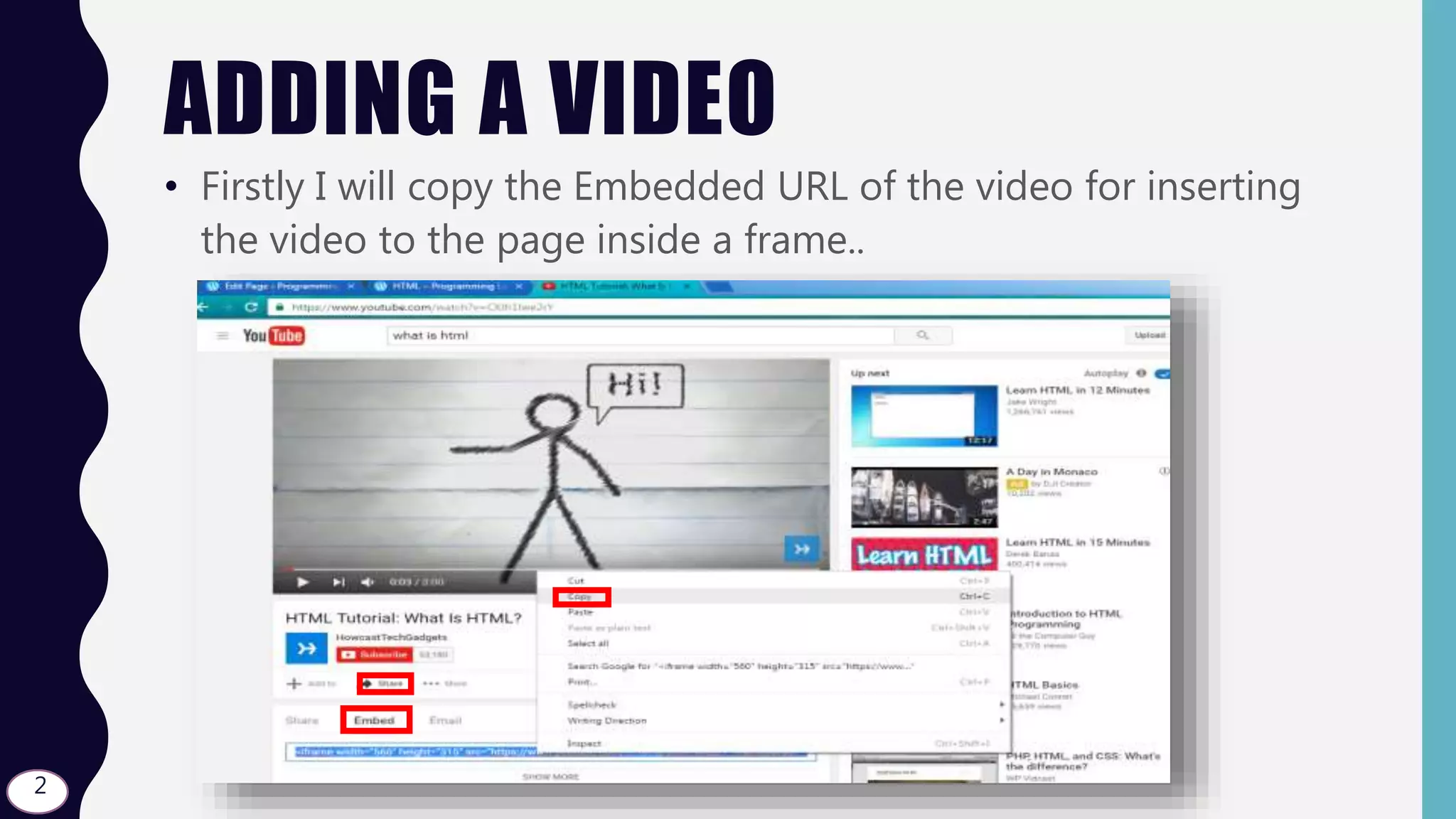
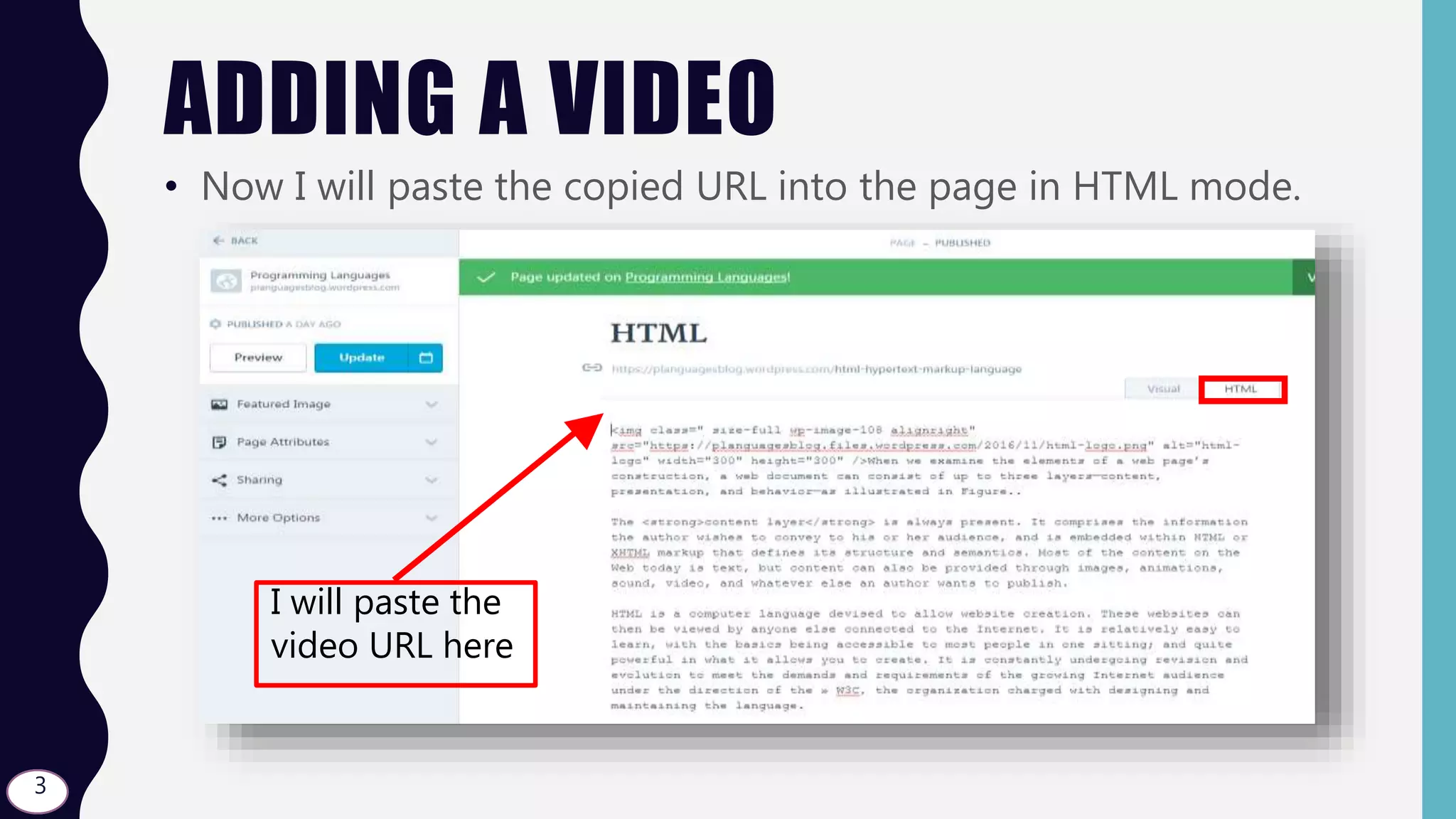
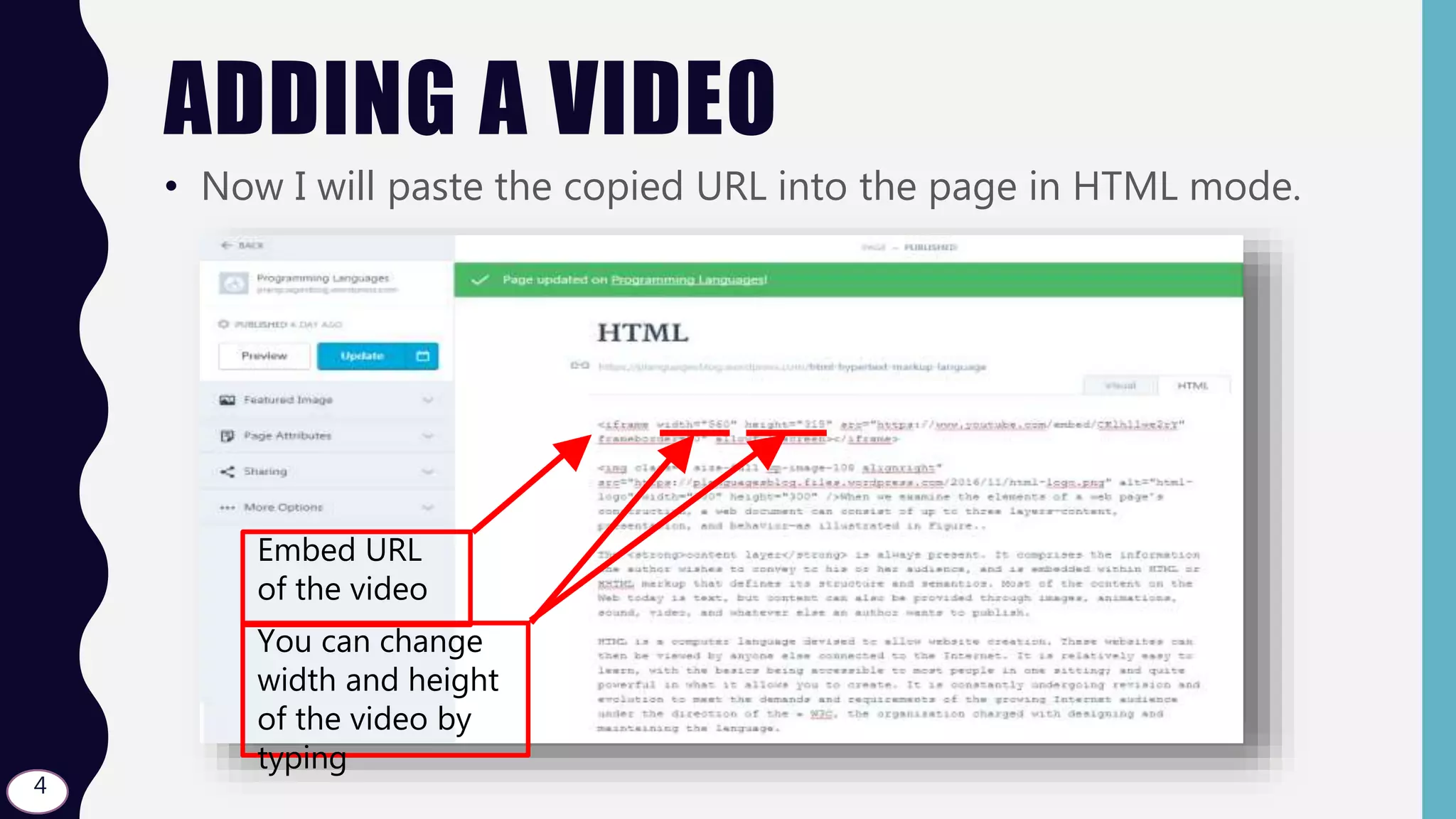
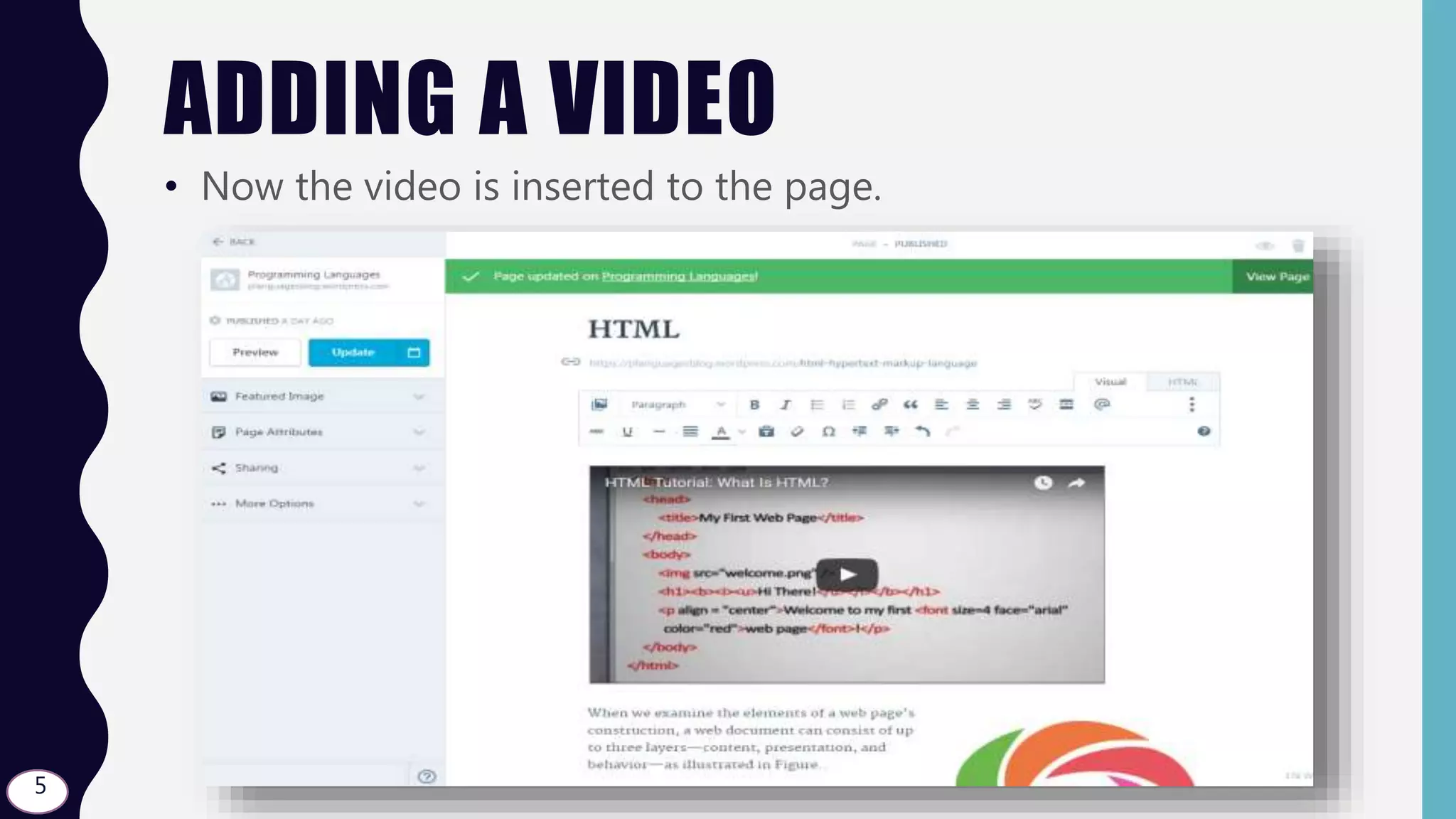
To add a video to a page, copy the embedded URL of the video, paste it into the page in HTML mode, and change the width and height if desired. This will insert the video into the page using the copied URL.
ADDING A VIDEO
•Firstly I will copy the Embedded URL of the video for inserting
the video to the page inside a frame..
2
3.
ADDING A VIDEO
•Now I will paste the copied URL into the page in HTML mode.
3
I will paste the
video URL here
4.
ADDING A VIDEO
•Now I will paste the copied URL into the page in HTML mode.
4
Embed URL
of the video
You can change
width and height
of the video by
typing