Connecting to
the Internet
Types
of
Internet Services
This is generally the slowest type of
Internet connection, and you should
probably avoid it unless it is the
only service available in your area.
Dial-up
DSL service uses a broadband
connection, which makes it
much faster than dial-up. DSL
connects to the Internet via a
phone line but does not
require you to have a landline
at home.
DSL(Digital Subscriber Line)
Cable service connects to the Internet via
cable TV, although you do not necessarily
need to have cable TV in order to get it. It
uses a broadband connection and can be
faster than both dial-up and DSL service;
however, it is only available where cable
TV is available.
Cable
A satellite connection uses
broadband but does not require
cable or phone lines; it connects
to the Internet through satellites
orbiting the Earth. Satellite
connections are also usually
slower than DSL or cable.
Satellite
3G and 4G service is most
commonly used with
mobile phones, and it
connects wirelessly
through your ISP's
network. However, these
types of connections
aren't always as fast as
DSL or cable.
3G and 4G
An Internet service provider (ISP) is a company
that provides customers with Internet access. Data
may be transmitted using several technologies,
including dial-up, DSL, cable modem, wireless or
dedicated high-speed interconnects.
Internet Service Providers
Setting up your Internet connection
Once you've chosen an ISP, most providers
will send a technician to your house to turn
on the connection. If not, you should be able
to use the instructions provided by your
ISP—or included with the modem—to set up
your Internet connection.
HARDWARE NEEDED
The type of Internet access you choose will
determine the type of modem you need.
Your ISP may give you a modem—often
for a fee—when you sign a contract, which
helps ensure that you have the right type of
modem. However, if you would prefer to
shop for a better or less expensive modem,
you can choose to buy one separately.
ROUTER
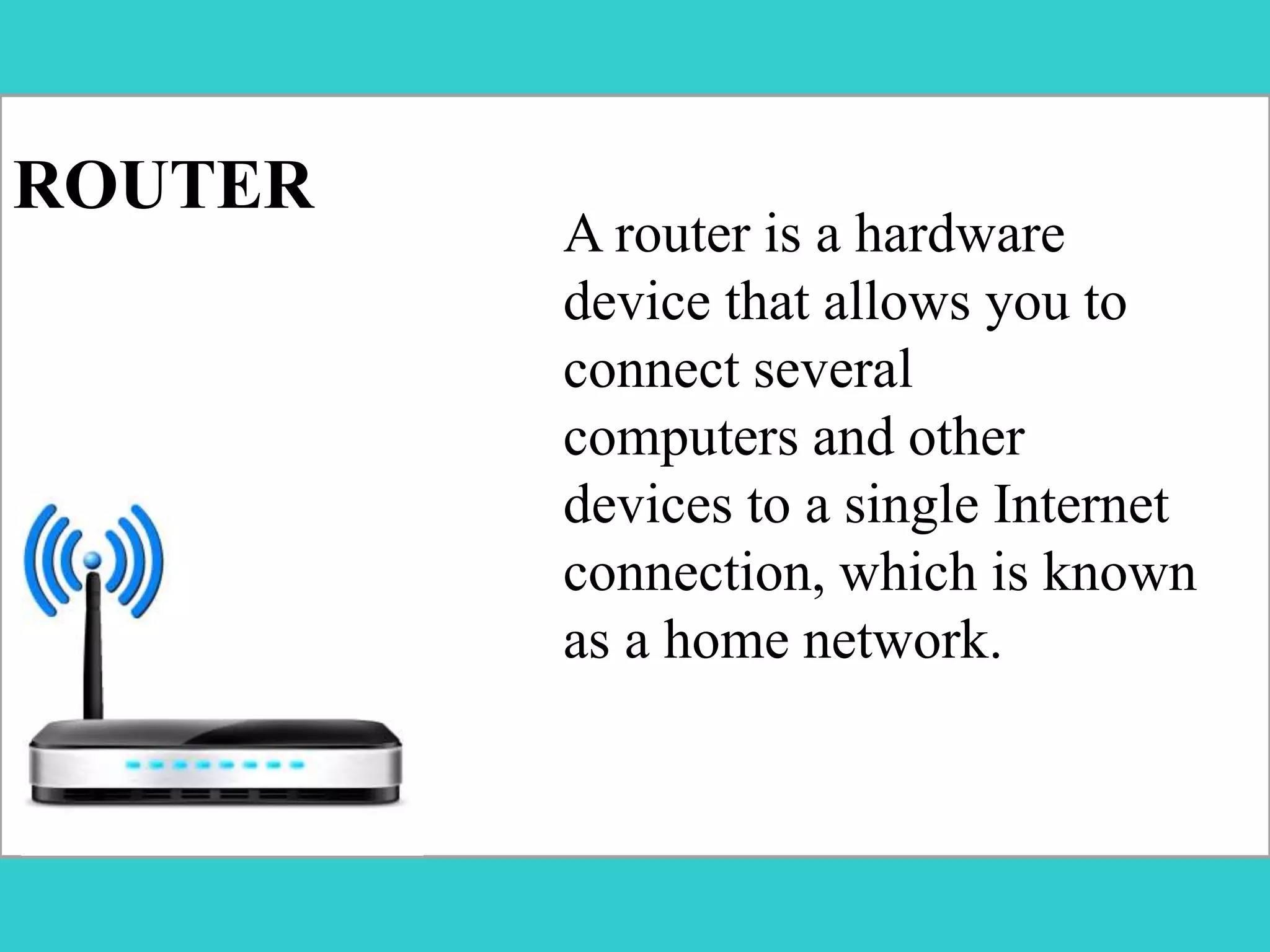
A router is a hardware
device that allows you to
connect several
computers and other
devices to a single Internet
connection, which is known
as a home network.
Home networking
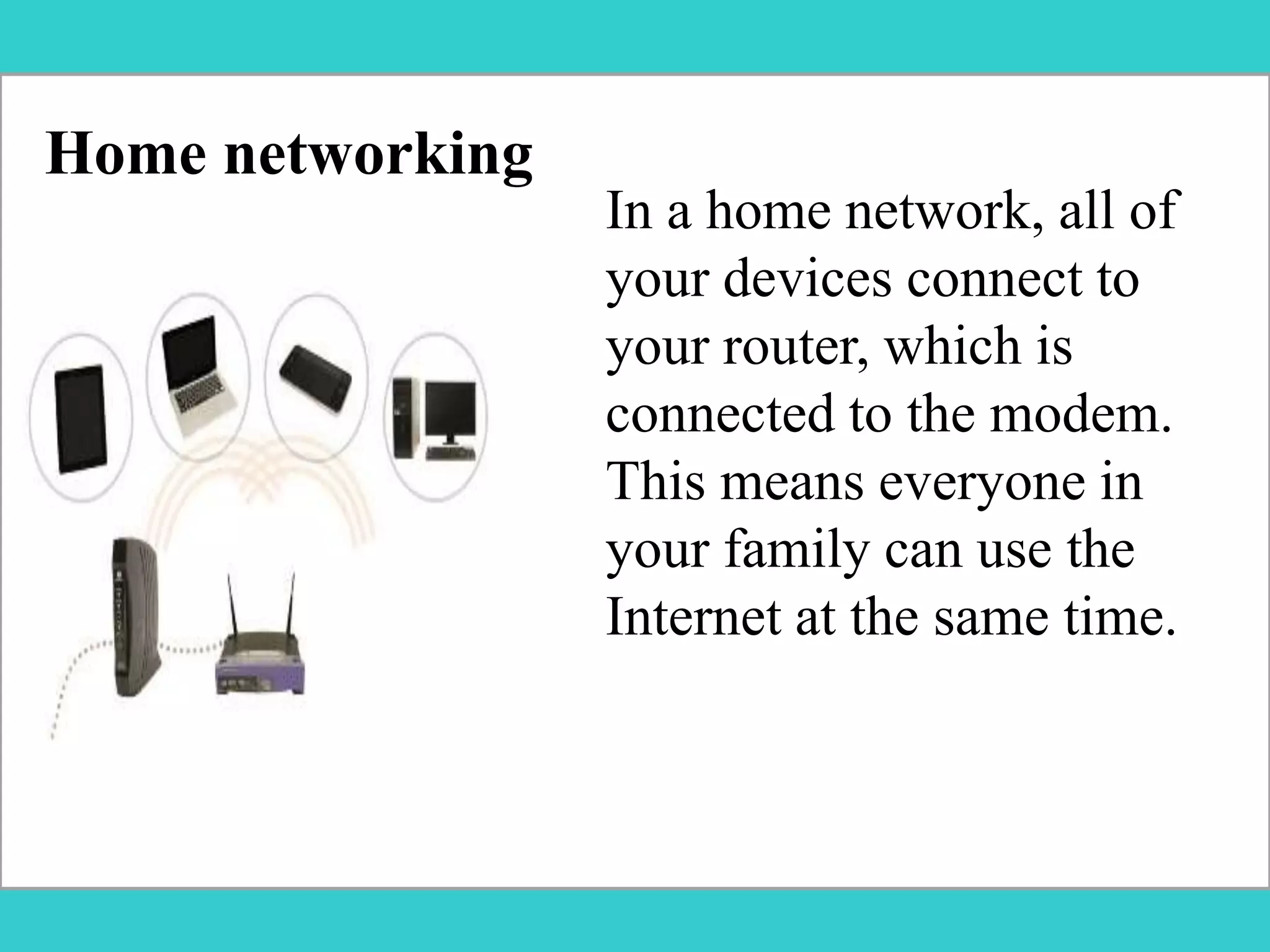
In a home network, all of
your devices connect to
your router, which is
connected to the modem.
This means everyone in
your family can use the
Internet at the same time.
FOR REFERENCE:
http://www.gcflearnfree.org/computerbasics/connecting-to-the-internet/1/

Connecting to the Internet

  • 1.
  • 2.
  • 3.
    This is generallythe slowest type of Internet connection, and you should probably avoid it unless it is the only service available in your area. Dial-up
  • 4.
    DSL service usesa broadband connection, which makes it much faster than dial-up. DSL connects to the Internet via a phone line but does not require you to have a landline at home. DSL(Digital Subscriber Line)
  • 5.
    Cable service connectsto the Internet via cable TV, although you do not necessarily need to have cable TV in order to get it. It uses a broadband connection and can be faster than both dial-up and DSL service; however, it is only available where cable TV is available. Cable
  • 6.
    A satellite connectionuses broadband but does not require cable or phone lines; it connects to the Internet through satellites orbiting the Earth. Satellite connections are also usually slower than DSL or cable. Satellite
  • 7.
    3G and 4Gservice is most commonly used with mobile phones, and it connects wirelessly through your ISP's network. However, these types of connections aren't always as fast as DSL or cable. 3G and 4G
  • 8.
    An Internet serviceprovider (ISP) is a company that provides customers with Internet access. Data may be transmitted using several technologies, including dial-up, DSL, cable modem, wireless or dedicated high-speed interconnects. Internet Service Providers
  • 9.
    Setting up yourInternet connection Once you've chosen an ISP, most providers will send a technician to your house to turn on the connection. If not, you should be able to use the instructions provided by your ISP—or included with the modem—to set up your Internet connection.
  • 10.
    HARDWARE NEEDED The typeof Internet access you choose will determine the type of modem you need. Your ISP may give you a modem—often for a fee—when you sign a contract, which helps ensure that you have the right type of modem. However, if you would prefer to shop for a better or less expensive modem, you can choose to buy one separately.
  • 11.
    ROUTER A router isa hardware device that allows you to connect several computers and other devices to a single Internet connection, which is known as a home network.
  • 12.
    Home networking In ahome network, all of your devices connect to your router, which is connected to the modem. This means everyone in your family can use the Internet at the same time.
  • 13.