CUSTOMIZING
THE THEME
S E L E C T I N G A T H E M E
A D D I N G S I T E T I T L E , T A G L I N E , L O G O
C H A N G I N G C O L O R S A N D F O N T S
C U S T O M I Z I N G T H E M E N U S
C U S T O M I Z I N G C O N T E N T O P T I O N S
A D D I N G W I D G E T S
S E L E C T I N G A H O M E P A G E
1
SELECTING A THEME
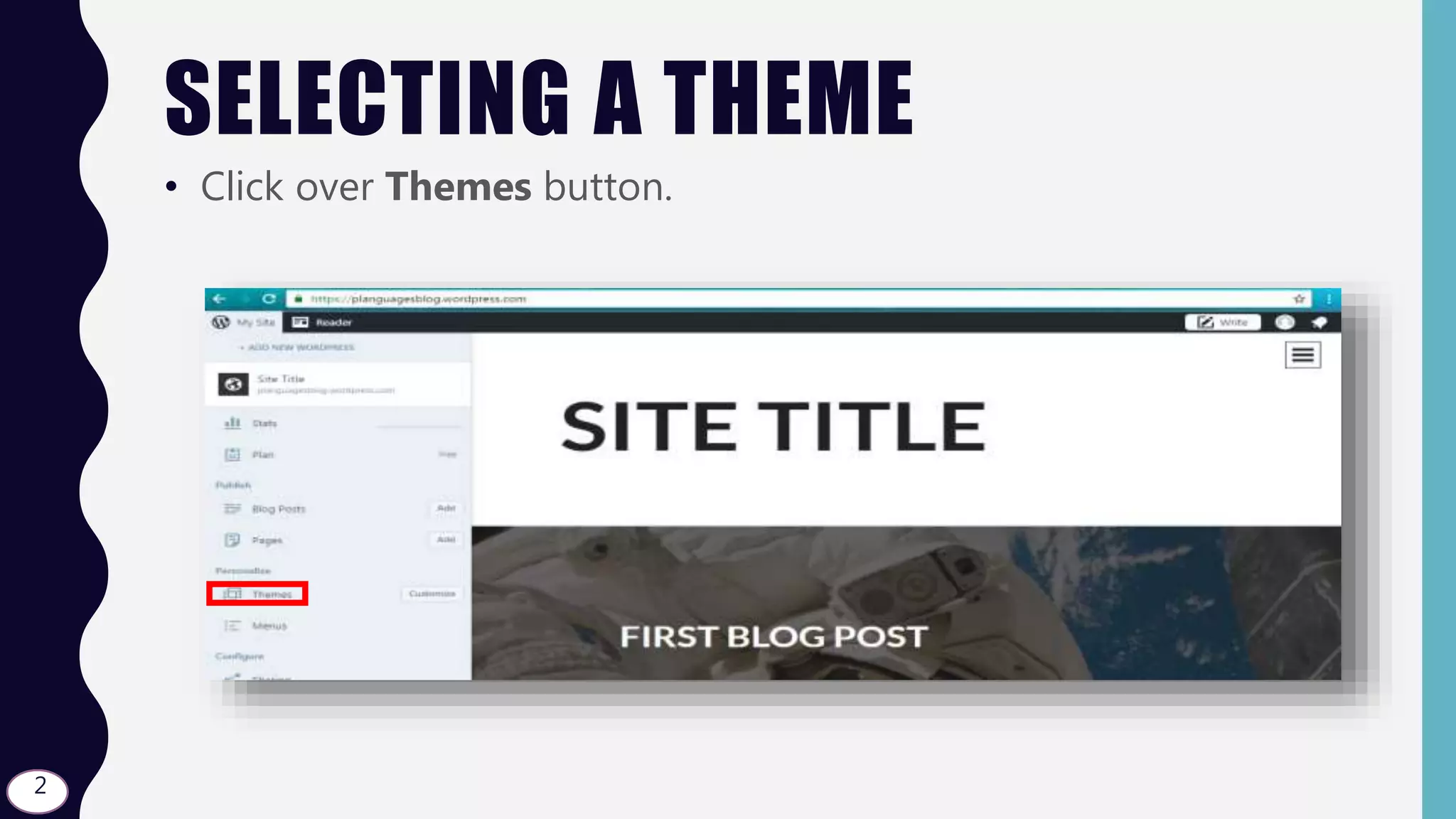
• Click over Themes button.
2
SELECTING A THEME
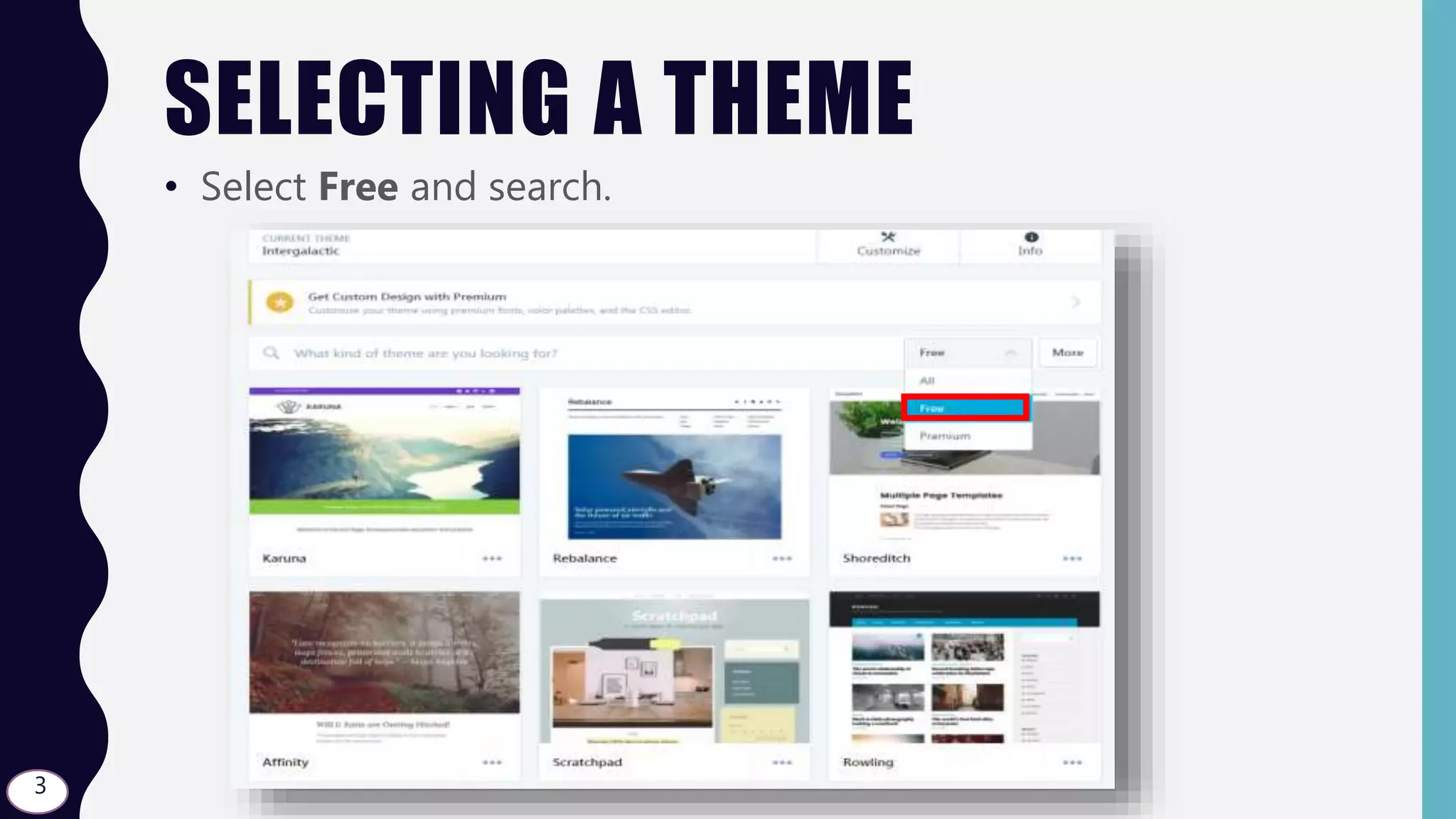
• Select Free and search.
3
SELECTING A THEME
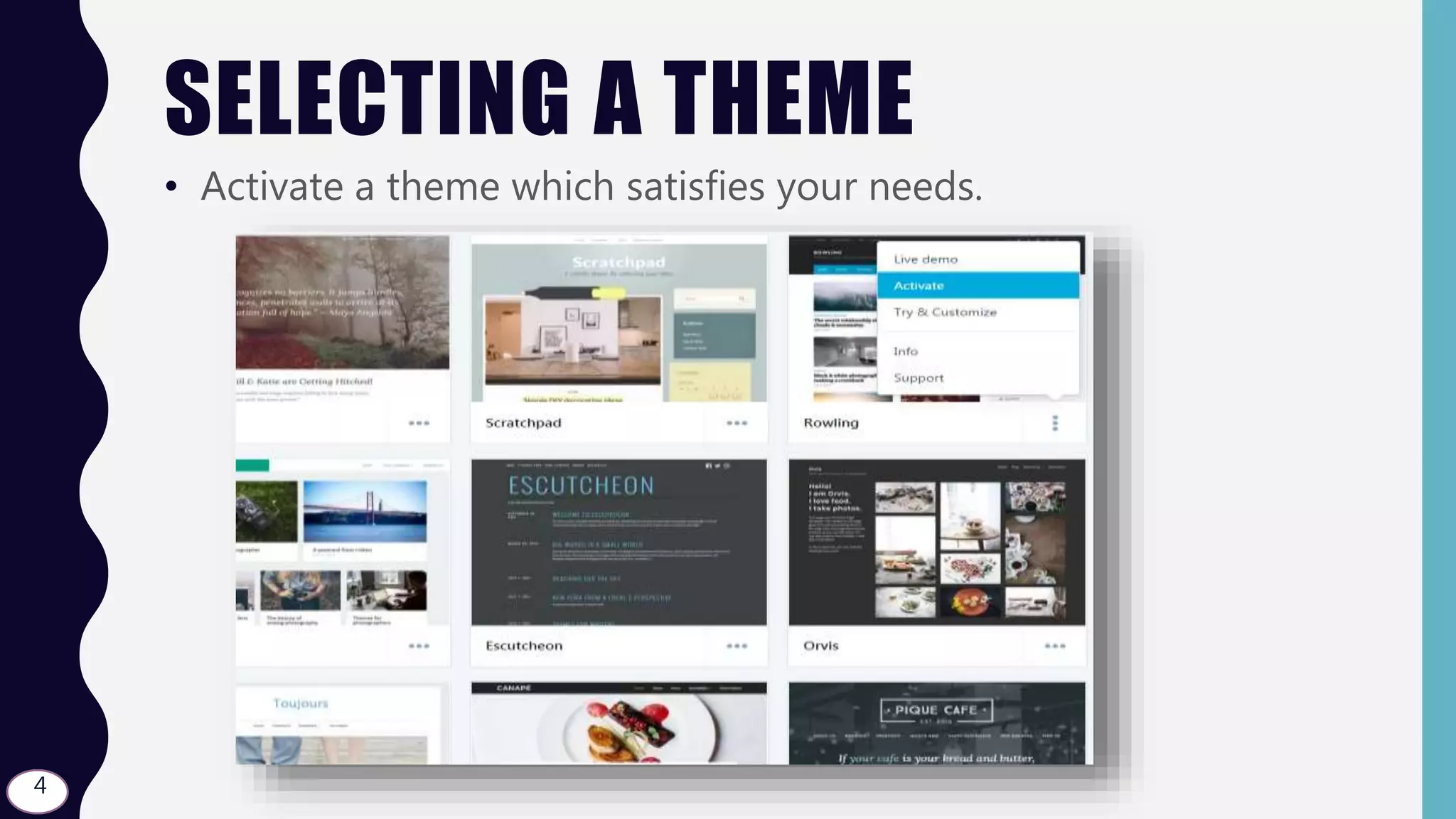
• Activate a theme which satisfies your needs.
4
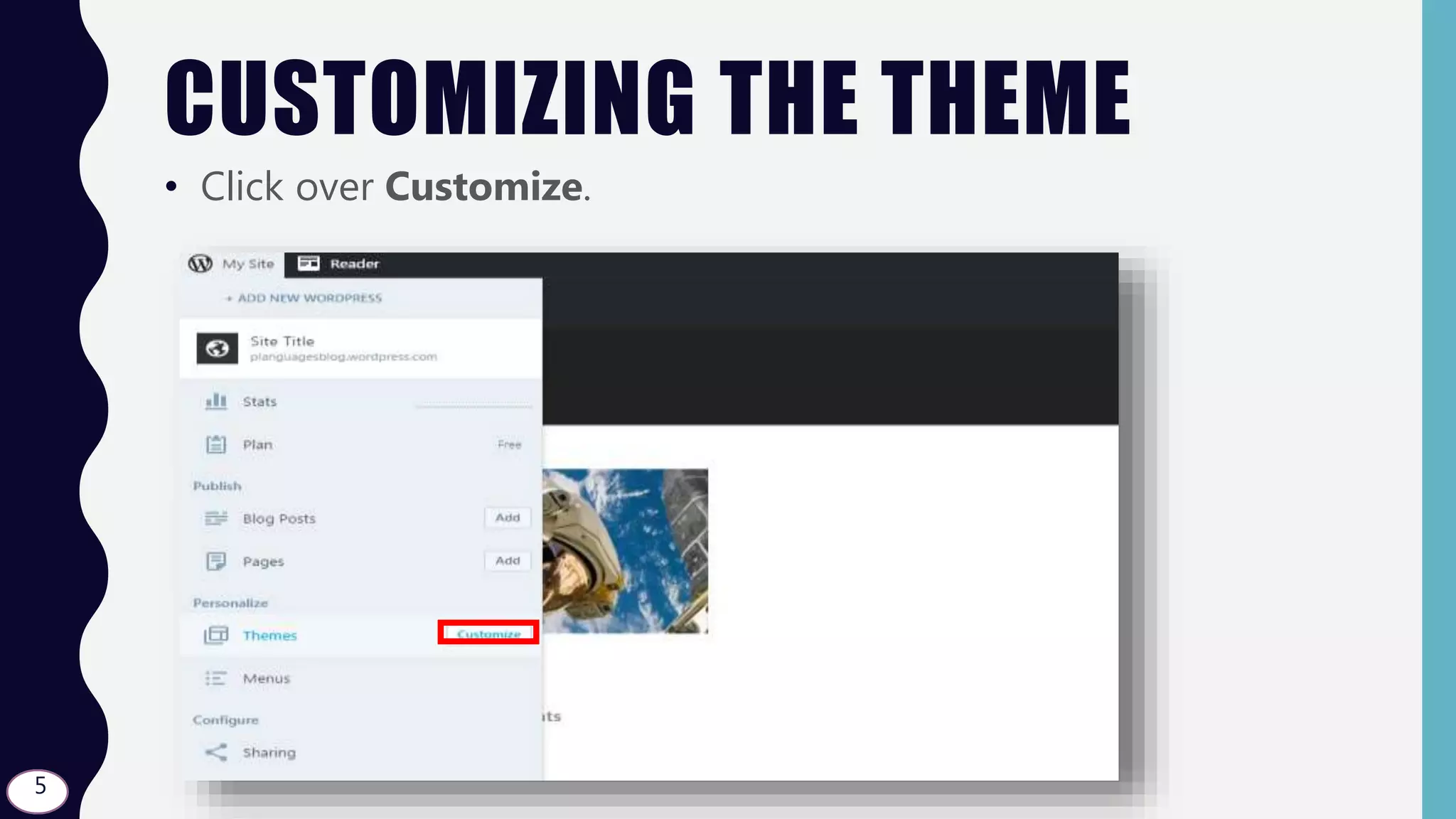
CUSTOMIZING THE THEME
• Click over Customize.
5
ADDING A SITE TITLE
• Click over Site Title.
6
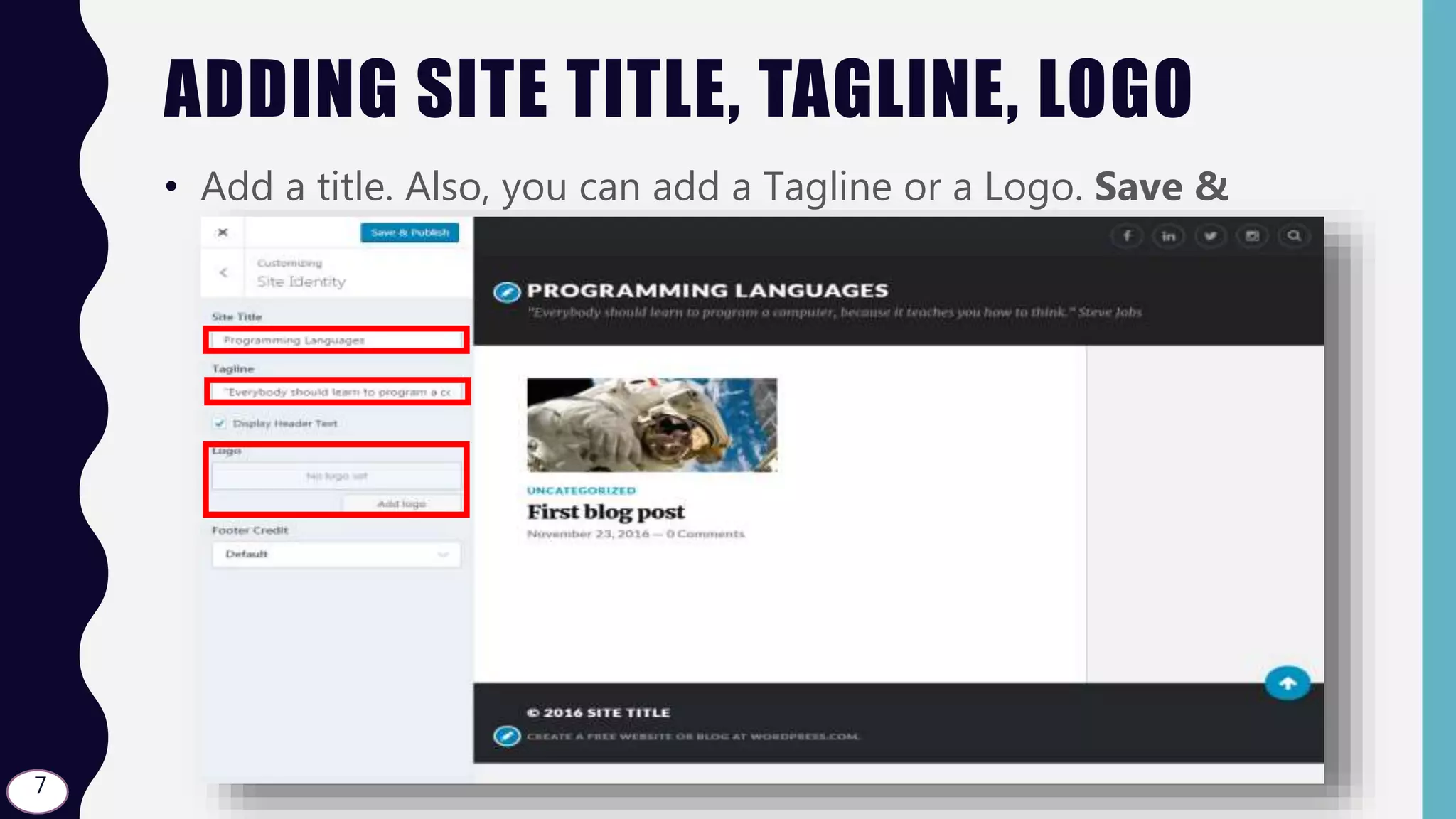
ADDING SITE TITLE, TAGLINE, LOGO
• Add a title. Also, you can add a Tagline or a Logo. Save &
Publish!
7
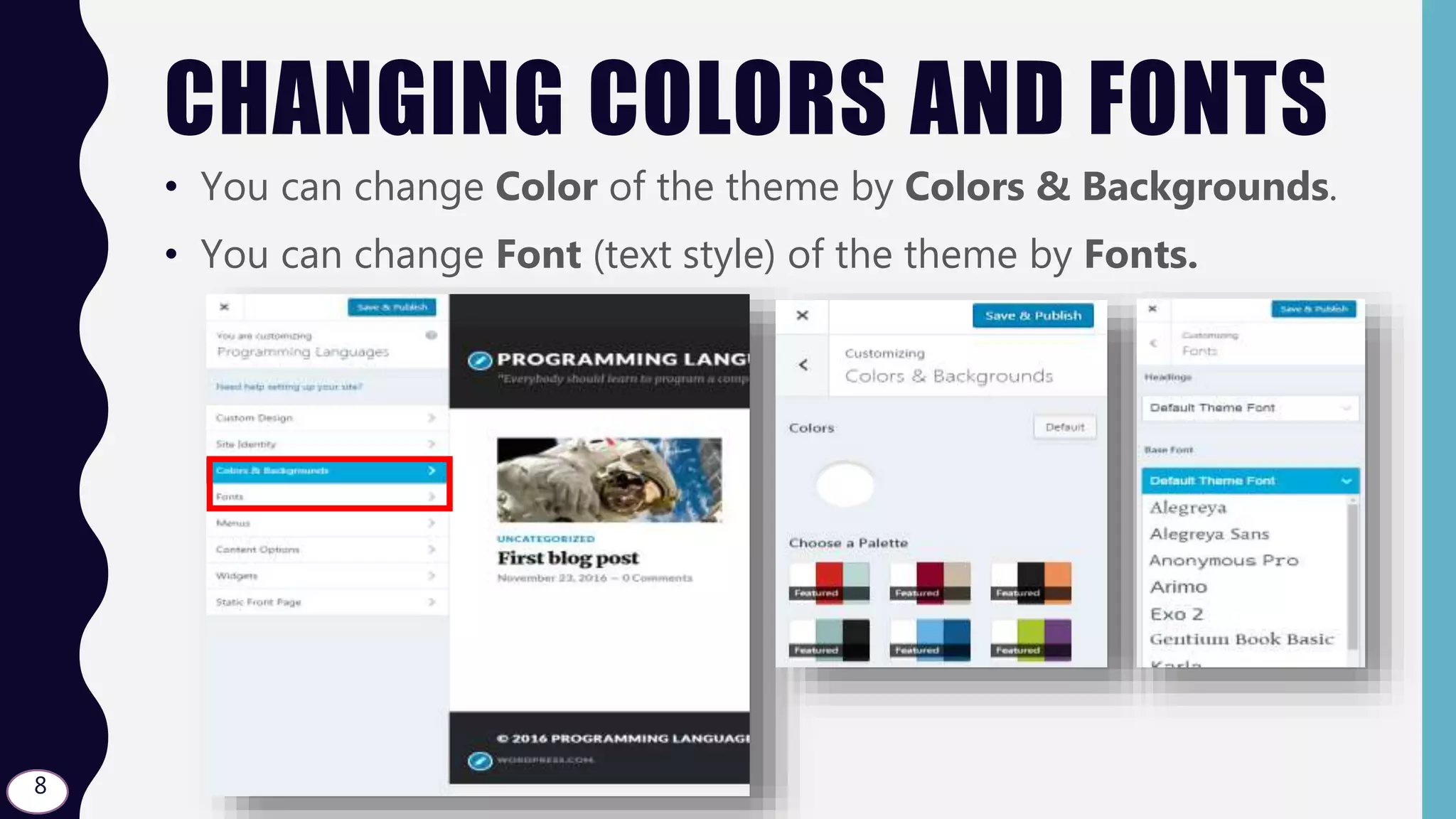
CHANGING COLORS AND FONTS
• You can change Color of the theme by Colors & Backgrounds.
• You can change Font (text style) of the theme by Fonts.
8
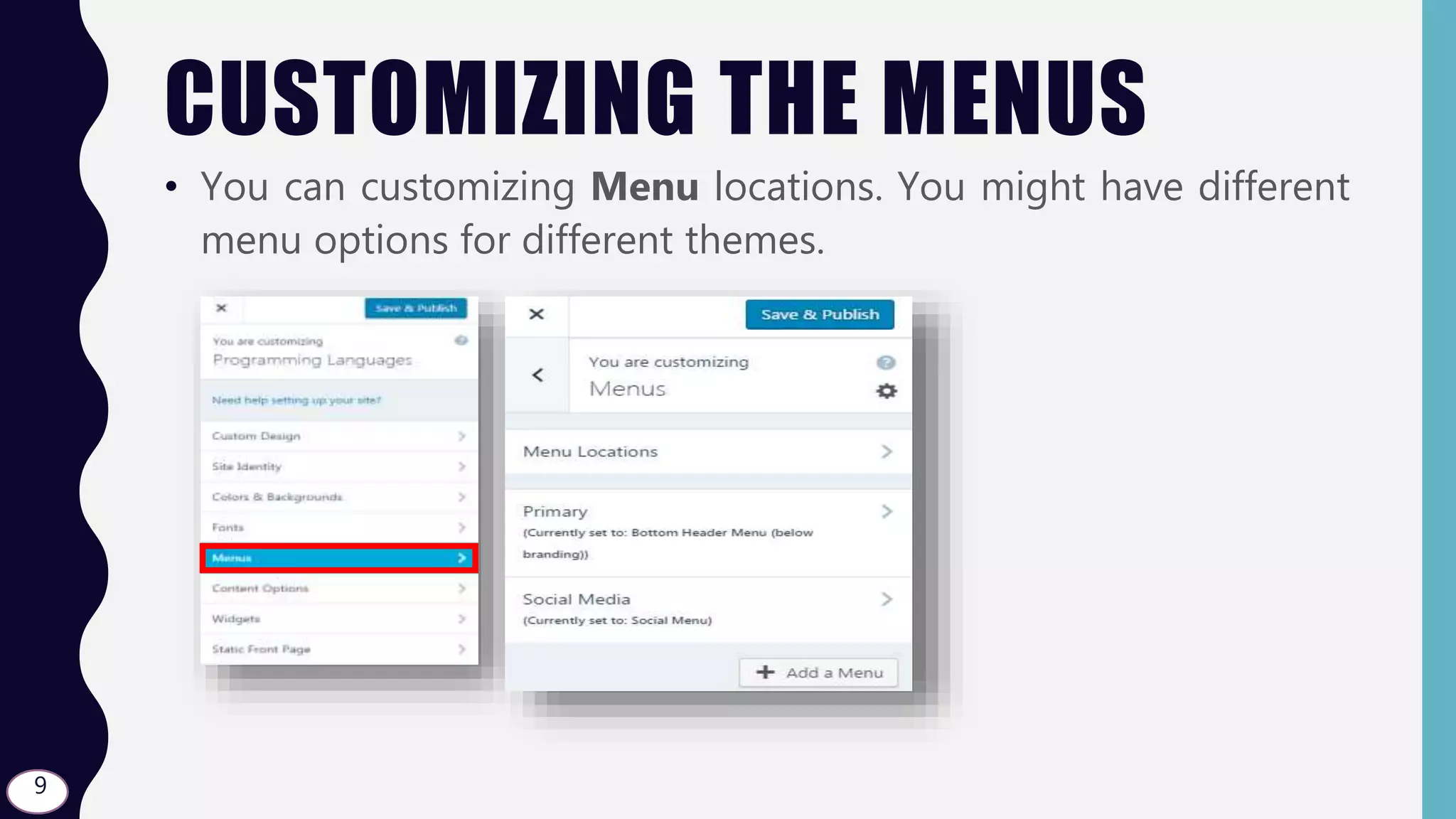
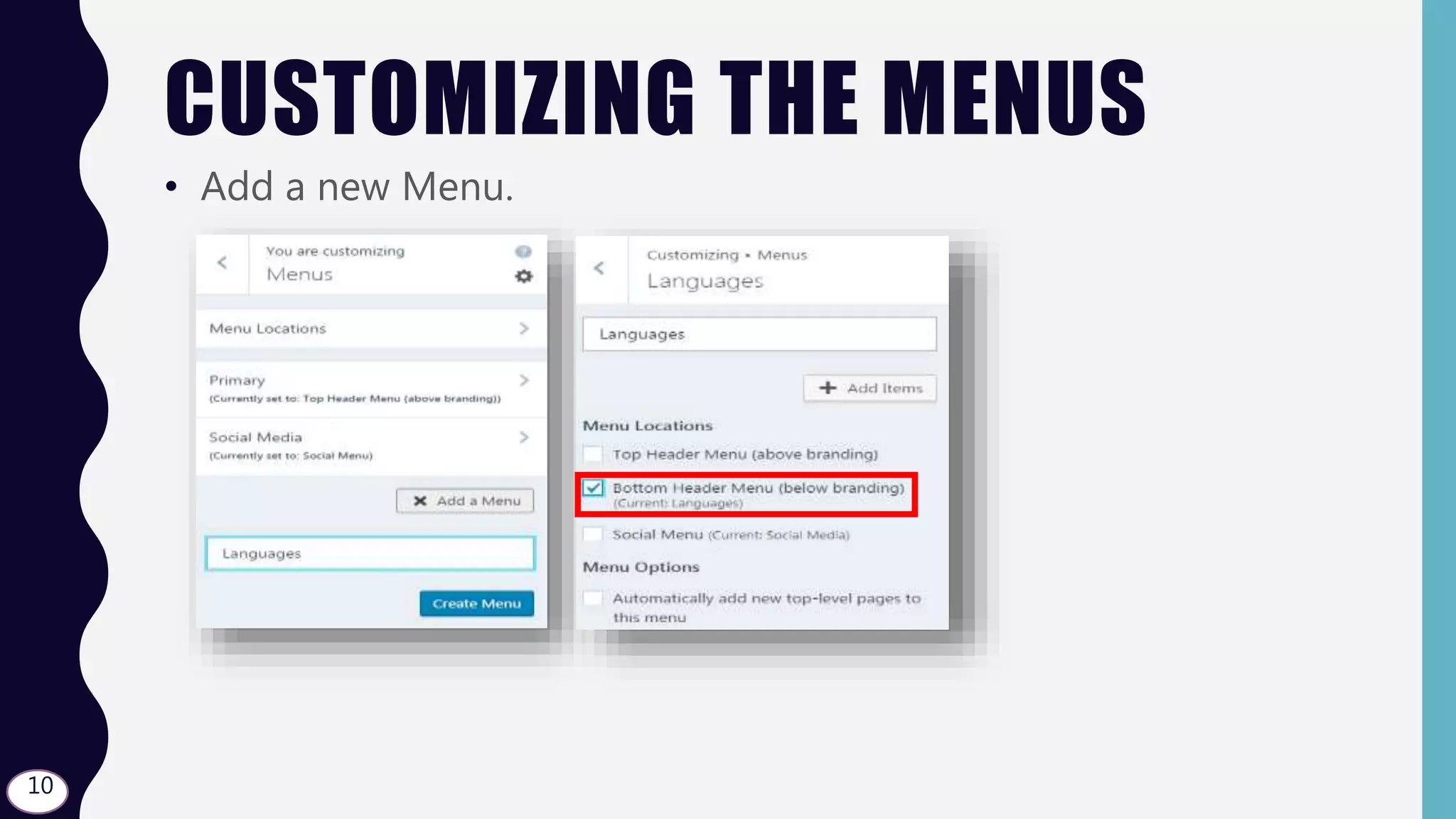
CUSTOMIZING THE MENUS
• You can customizing Menu locations. You might have different
menu options for different themes.
9
CUSTOMIZING THE MENUS
• Add a new Menu.
10
CUSTOMIZING THE MENUS
• Change the menu locations as you wish. Save & Publish!
11
CUSTOMIZING THE MENUSPrimary Menu Social Menu
Widget Area
This place is
for the
menu that I
created
(Languages)
It is not
shown
because I
did not add
any page to
the menu.
Also widget
Area is
empty
because I
did not add12
CUSTOMIZING CONTENT OPTIONS
Show All Post
Details
Hide the Date
Hide the Categories
13
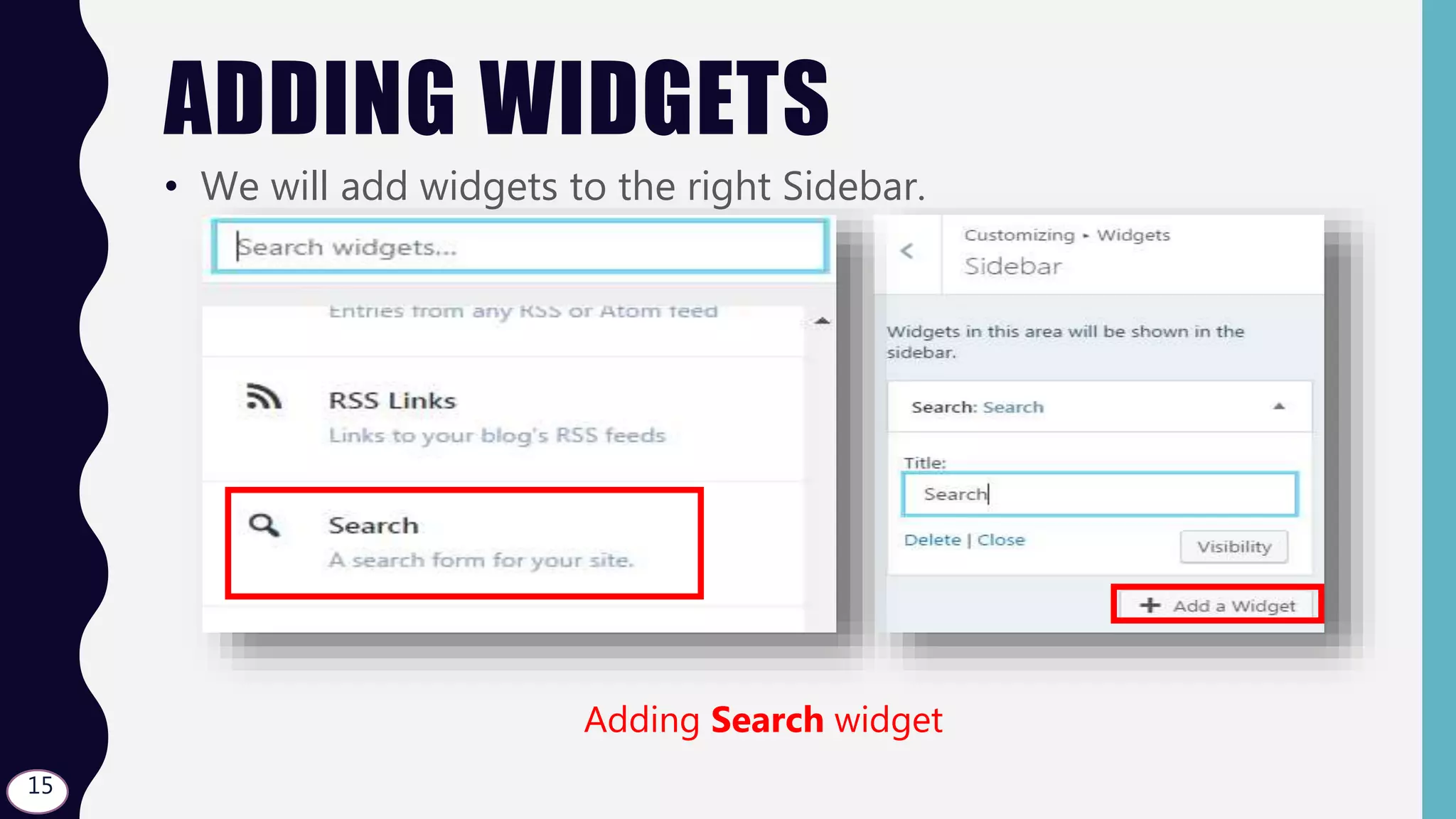
ADDING WIDGETS
• We will add widgets to the right Sidebar.
14
ADDING WIDGETS
• We will add widgets to the right Sidebar.
Adding Search widget
15
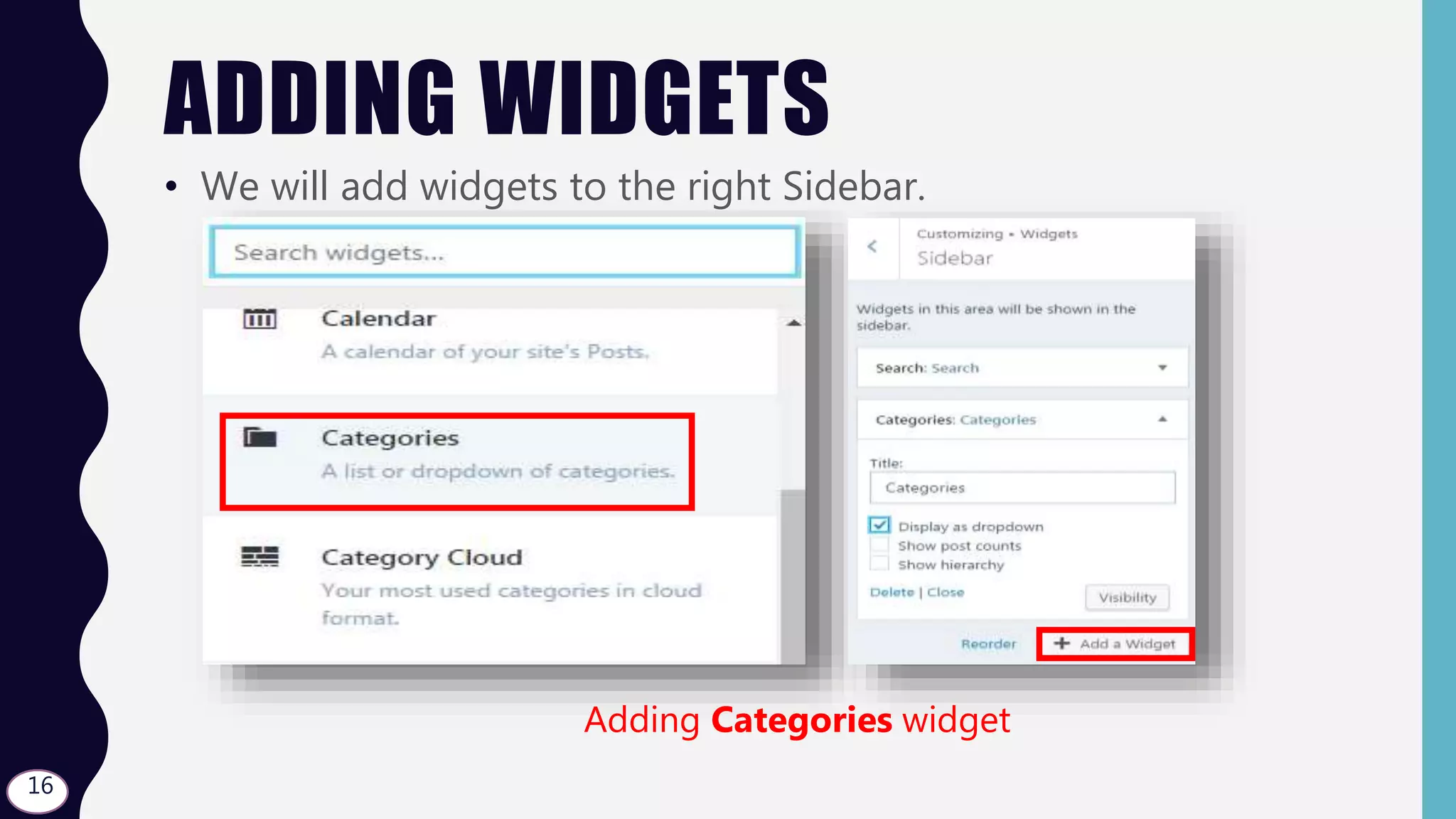
ADDING WIDGETS
• We will add widgets to the right Sidebar.
Adding Categories widget
16
ADDING WIDGETS
• We will add widgets to the right Sidebar.
Adding Follow widget
17
ADDING WIDGETS
• We will add widgets to the right Sidebar.
Adding Blog Stats widget
18
ADDING WIDGETS
• Click over Save & Publish button. Now let’s see our widgets in
the sidebar.
19
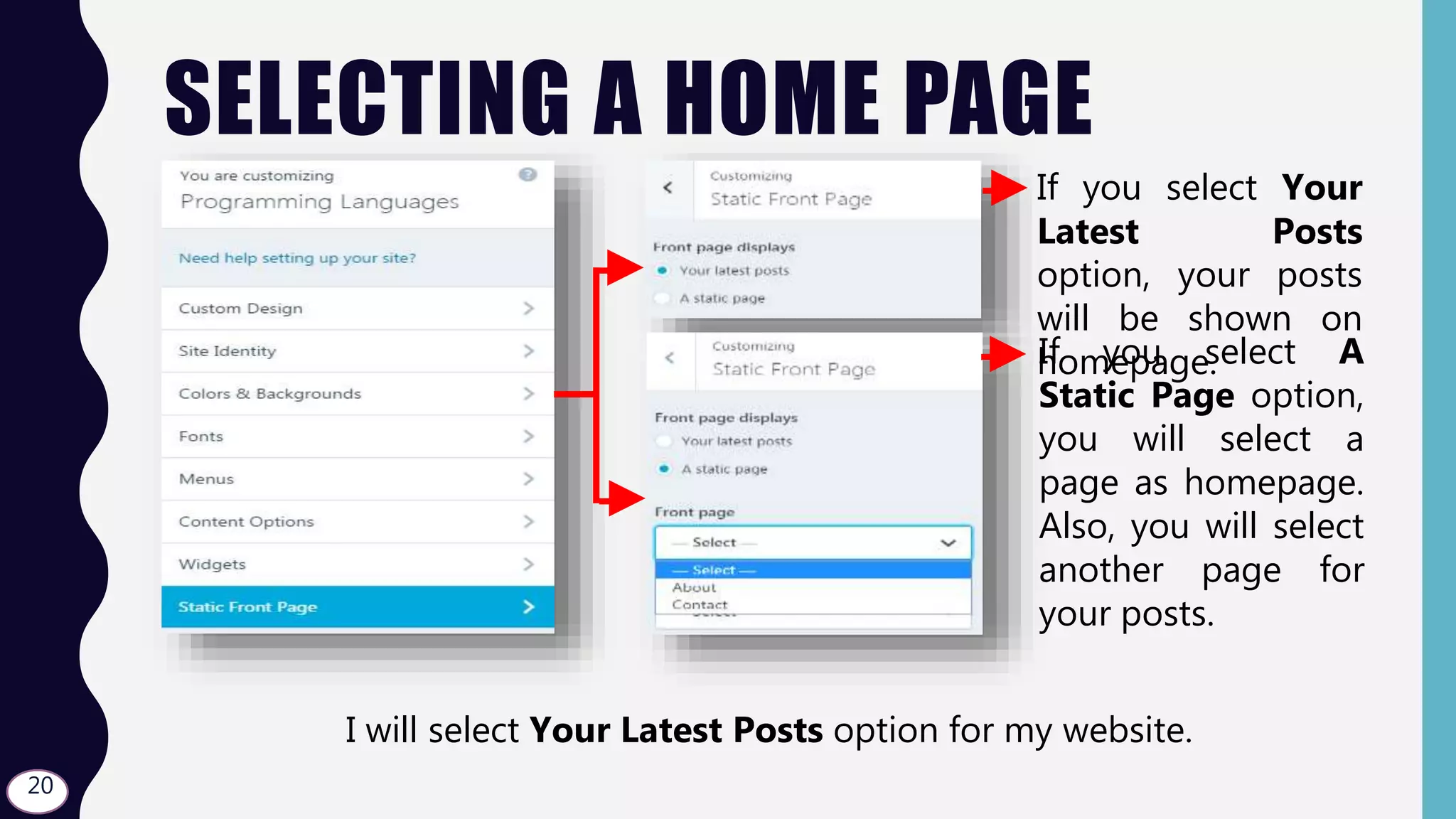
SELECTING A HOME PAGE
• a If you select Your
Latest Posts
option, your posts
will be shown on
homepage.If you select A
Static Page option,
you will select a
page as homepage.
Also, you will select
another page for
your posts.
I will select Your Latest Posts option for my website.
20
CLOSING THE CUSTOMIZE WINDOW
• Click over x to close Customize window.
21
THE
END

Wordpress - S03.L03 - Customizing the Theme