Repair or Replace

So, which is it? Repair?
     Or replace?
What Is the Root of the Problem?
• Before going into that, might I suggest
  figuring out what the problem is first?
  Sometimes,      it’s  just      a software
  compatibility issue and not something
  related to the hardware itself.
What Is the Root of the Problem?
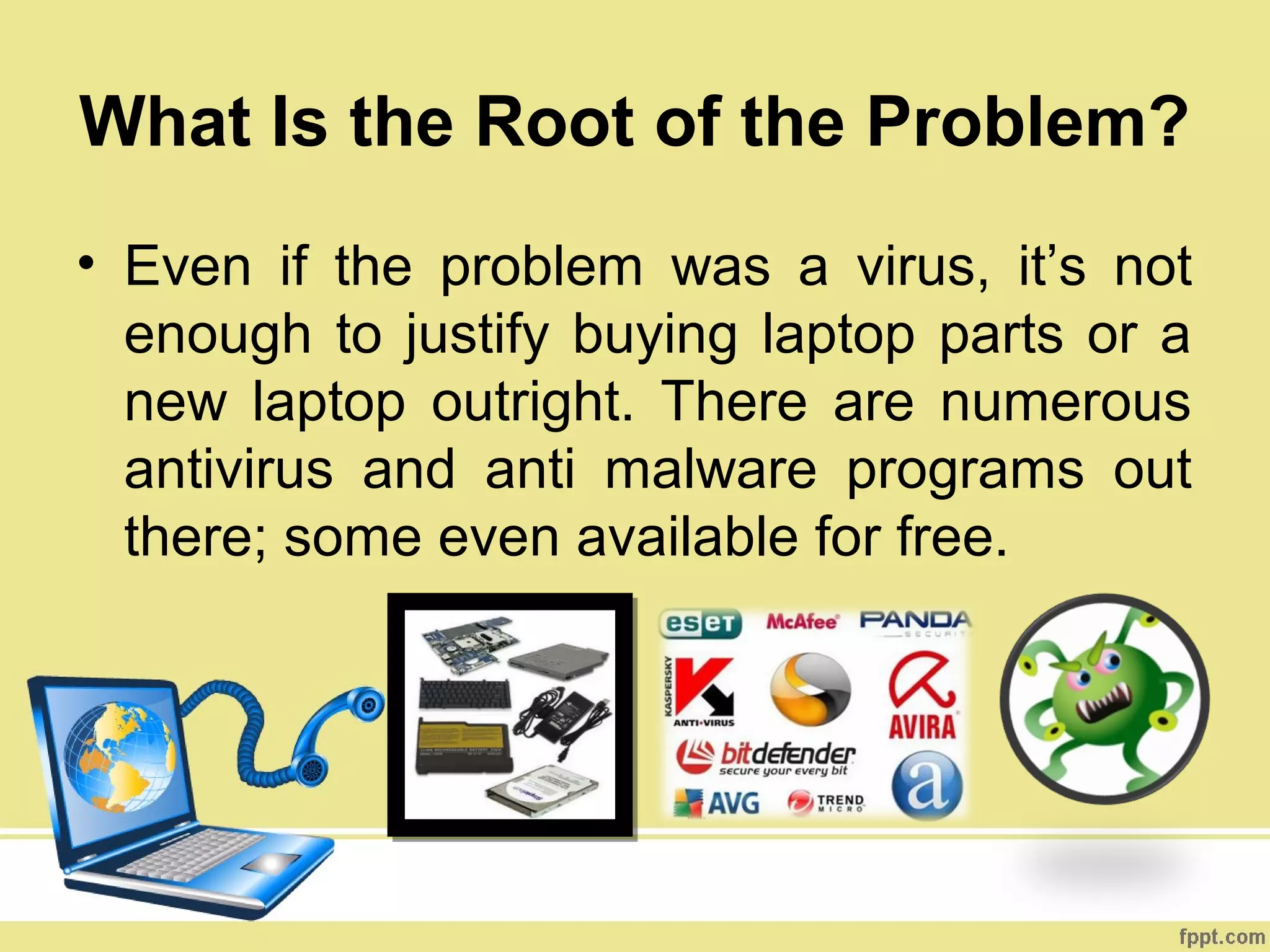
• Even if the problem was a virus, it’s not
  enough to justify buying laptop parts or a
  new laptop outright. There are numerous
  antivirus and anti malware programs out
  there; some even available for free.
What Is the Root of the Problem?
If you’re unsure how to figure out if
the problem is software or
hardware related, ask a techie
friend to help you out. If you don’t
have any, the internet should be
sufficient enough to give you what
you need, provided you don’t have
“tl;dr syndrome.”
IF IT DOES TURN OUT THAT
HARDWARE IS THE PROBLEM,
THEN IT’S TIME TO CONSIDER
OTHER VARIABLES
By How Much Would You Be Set Back?

Here’s a good rule of thumb to follow:
When repairs and/or laptop replacement parts end
up costing more than one-third of a new laptop,
most would agree that your money would be better
off spent on that laptop.
What Can the New Laptop Offer
Me Aside From Better Graphics?
Another angle to consider is if the new
laptop could offer you at least two
improvements over your previous one.
Is Your Laptop Really That Old?

Most experts agree that if a laptop has been
in use two years or less, a repair is generally
worth it. And if it’s been with you for five
years or more, you may want to consider
buying a new one.
To What Extent Is the Incurred Damage?

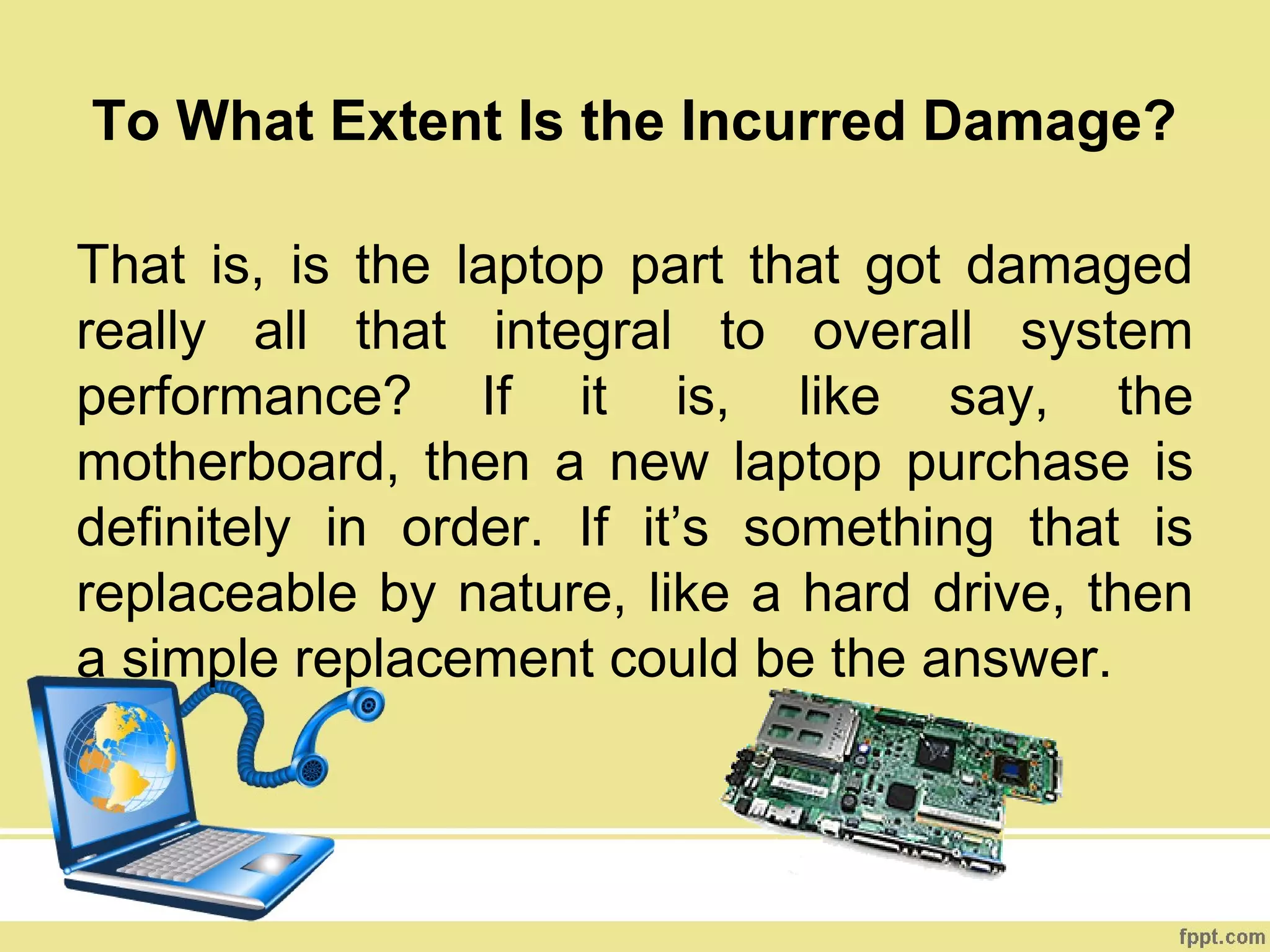
That is, is the laptop part that got damaged
really all that integral to overall system
performance? If it is, like say, the
motherboard, then a new laptop purchase is
definitely in order. If it’s something that is
replaceable by nature, like a hard drive, then
a simple replacement could be the answer.
What About the Warranty?

Finally, find out if your warranty covers
repairs, replacements, or both; and how
long each warranty service lasts.
                             Don’t spend money
                             on     repairs   or
                             replacements if you
                             don’t have to.
Original Post:
http://laptopaidcontent.wordpress.com/2012/07/19/repair-or-replace/


Related Links:
http://www.facebook.com/LaptopDesktopRepair
http://twitter.com/laptopaid01
https://plus.google.com/u/0/b/106842529120453547172/106842529120453547
172/posts

Repair or replace

  • 1.
    Repair or Replace So,which is it? Repair? Or replace?
  • 2.
    What Is theRoot of the Problem? • Before going into that, might I suggest figuring out what the problem is first? Sometimes, it’s just a software compatibility issue and not something related to the hardware itself.
  • 3.
    What Is theRoot of the Problem? • Even if the problem was a virus, it’s not enough to justify buying laptop parts or a new laptop outright. There are numerous antivirus and anti malware programs out there; some even available for free.
  • 4.
    What Is theRoot of the Problem? If you’re unsure how to figure out if the problem is software or hardware related, ask a techie friend to help you out. If you don’t have any, the internet should be sufficient enough to give you what you need, provided you don’t have “tl;dr syndrome.”
  • 5.
    IF IT DOESTURN OUT THAT HARDWARE IS THE PROBLEM, THEN IT’S TIME TO CONSIDER OTHER VARIABLES
  • 6.
    By How MuchWould You Be Set Back? Here’s a good rule of thumb to follow: When repairs and/or laptop replacement parts end up costing more than one-third of a new laptop, most would agree that your money would be better off spent on that laptop.
  • 7.
    What Can theNew Laptop Offer Me Aside From Better Graphics? Another angle to consider is if the new laptop could offer you at least two improvements over your previous one.
  • 8.
    Is Your LaptopReally That Old? Most experts agree that if a laptop has been in use two years or less, a repair is generally worth it. And if it’s been with you for five years or more, you may want to consider buying a new one.
  • 9.
    To What ExtentIs the Incurred Damage? That is, is the laptop part that got damaged really all that integral to overall system performance? If it is, like say, the motherboard, then a new laptop purchase is definitely in order. If it’s something that is replaceable by nature, like a hard drive, then a simple replacement could be the answer.
  • 10.
    What About theWarranty? Finally, find out if your warranty covers repairs, replacements, or both; and how long each warranty service lasts. Don’t spend money on repairs or replacements if you don’t have to.
  • 11.