WINTER
How to Fix Some
       Template

Common Laptop
Problems
Thanks to the invention of the internet, we are now at
an age where information is freely available. More often
than not, the answers that we are looking for are no
more than a few clicks away. Indeed, one would be
inclined to think that ignorance should more or less be a
thing of the past already.
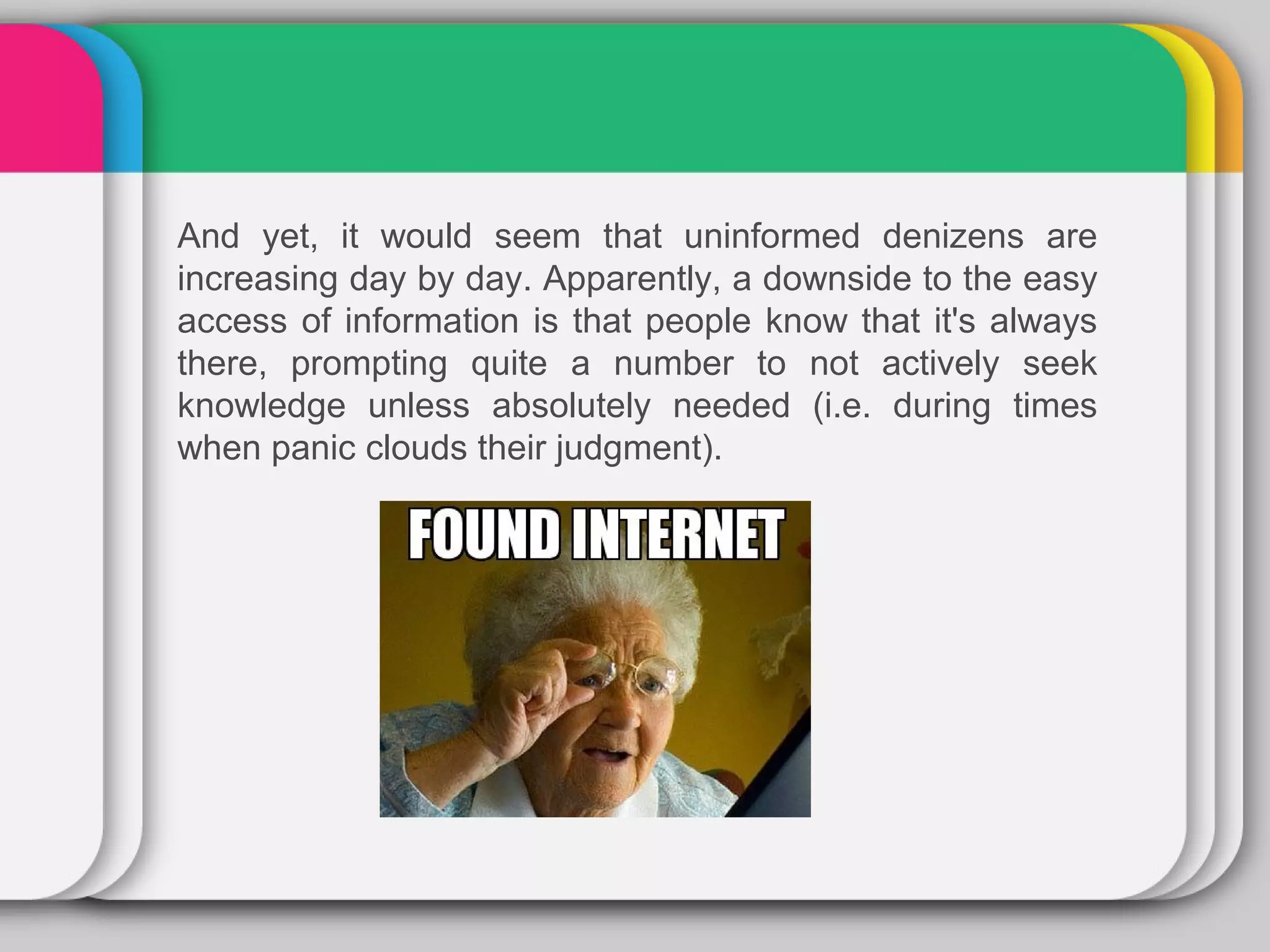
And yet, it would seem that uninformed denizens are
increasing day by day. Apparently, a downside to the easy
access of information is that people know that it's always
there, prompting quite a number to not actively seek
knowledge unless absolutely needed (i.e. during times
when panic clouds their judgment).
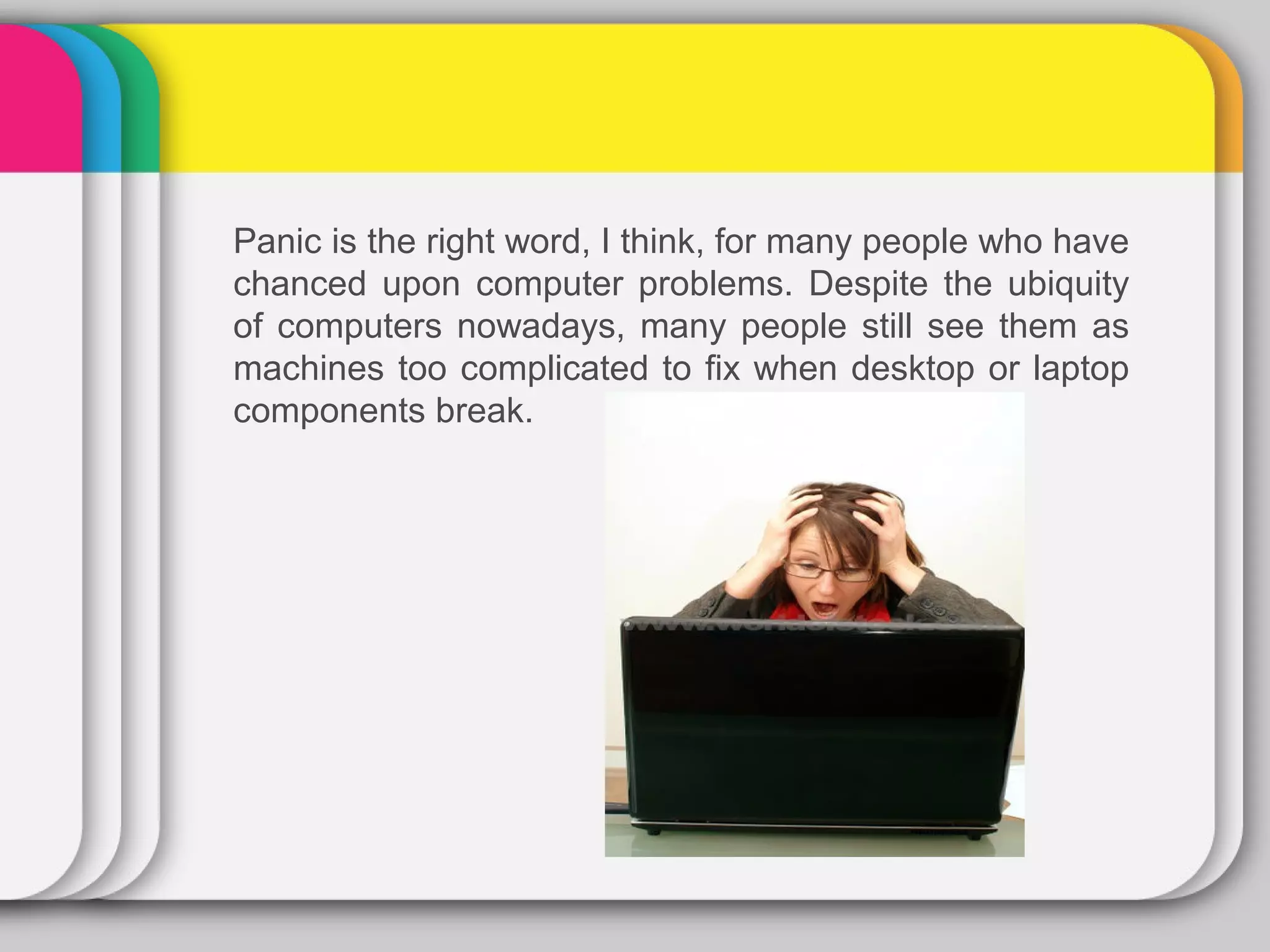
Panic is the right word, I think, for many people who have
chanced upon computer problems. Despite the ubiquity
of computers nowadays, many people still see them as
machines too complicated to fix when desktop or laptop
components break.
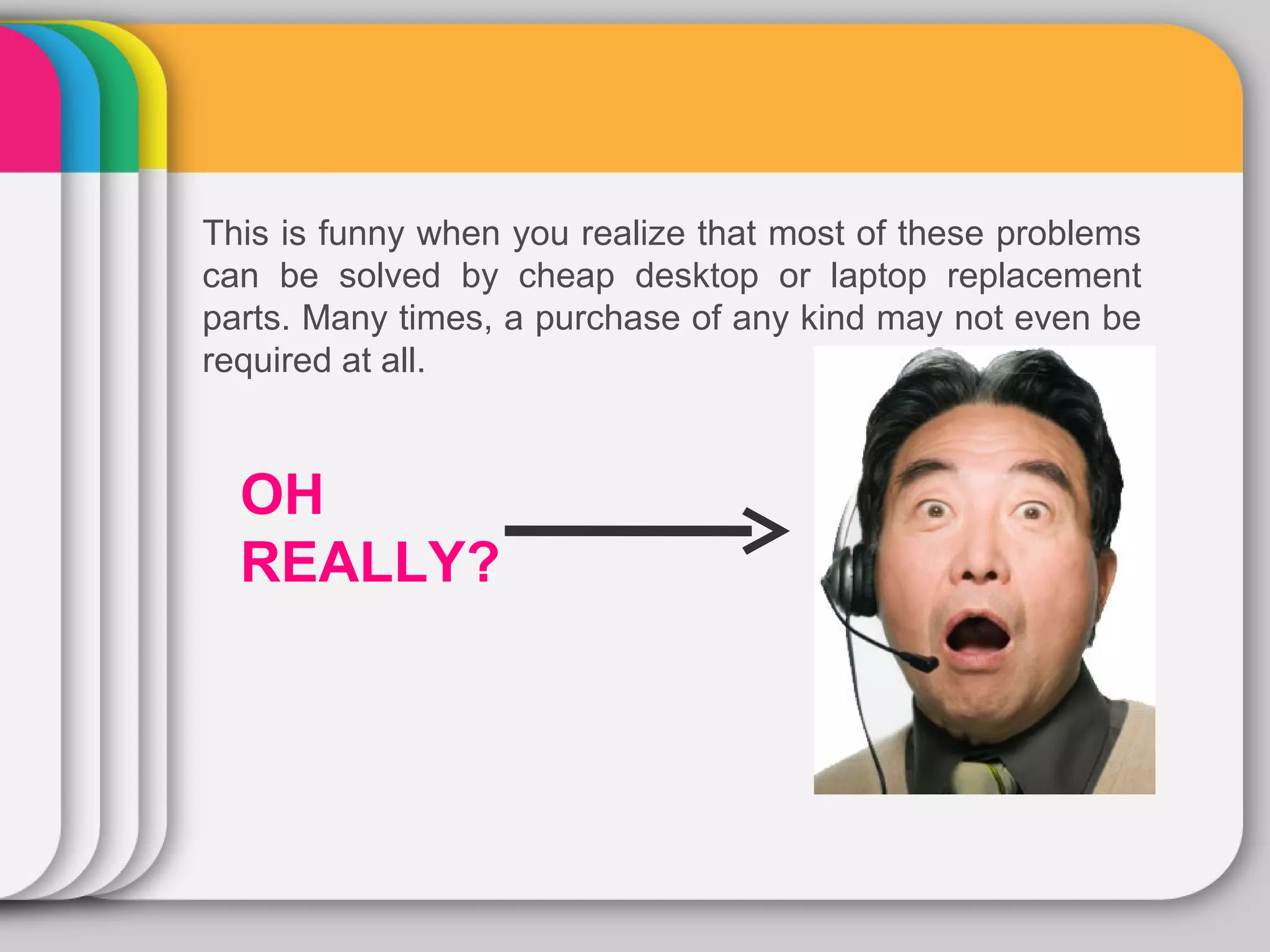
This is funny when you realize that most of these problems
can be solved by cheap desktop or laptop replacement
parts. Many times, a purchase of any kind may not even be
required at all.


  OH
  REALLY?
WINTER
Here are some
       Template
common laptop parts
problems which may
seem complicated to
some, but are actually
easily solvable.
1. The Laptop Won't Turn On

 While it's a possibility that this problem is caused by a faulty
 motherboard (in which case you'll have to send it in for repairs),
 many times the solution is just a few rudimentary checks here
 and there.

 First, check to see if the battery's power indicator is lit up. If it
 isn't, make sure that the battery is properly placed. Also see to it
 that the AC adapter is plugged in well at both its ends.

 If the light indicator is showing red, the problem could just be
 that the battery isn't fully charged. Set aside some time to
 charge it. Remember to charge it fully if you don't want to
 irrevocably damage it.

 If those fixes don't work, then you may want to consider buying
 a new battery or AC adapter. These are relatively cheap buys;
 certainly, they are cheaper than having a professional repair
 your laptop.
2. The Laptop Is Operating Slower Than Before


Over time, you may notice that your laptop is taking just a bit longer
to process data, or even to power up. A common cause of this is the
difficulty your hard drive is having in accessing certain files.


The reason for this difficulty is because of the amount of data that
has been accumulated in it for as long as you have been using your
computer. This data on the hard drive is fragmented. That is, the
data is scattered about every which way. Think of it as a warehouse
whose boxes are disarranged and strewn about helter-skelter.
Because of the chaos, finding a particular item is harder than
necessary.
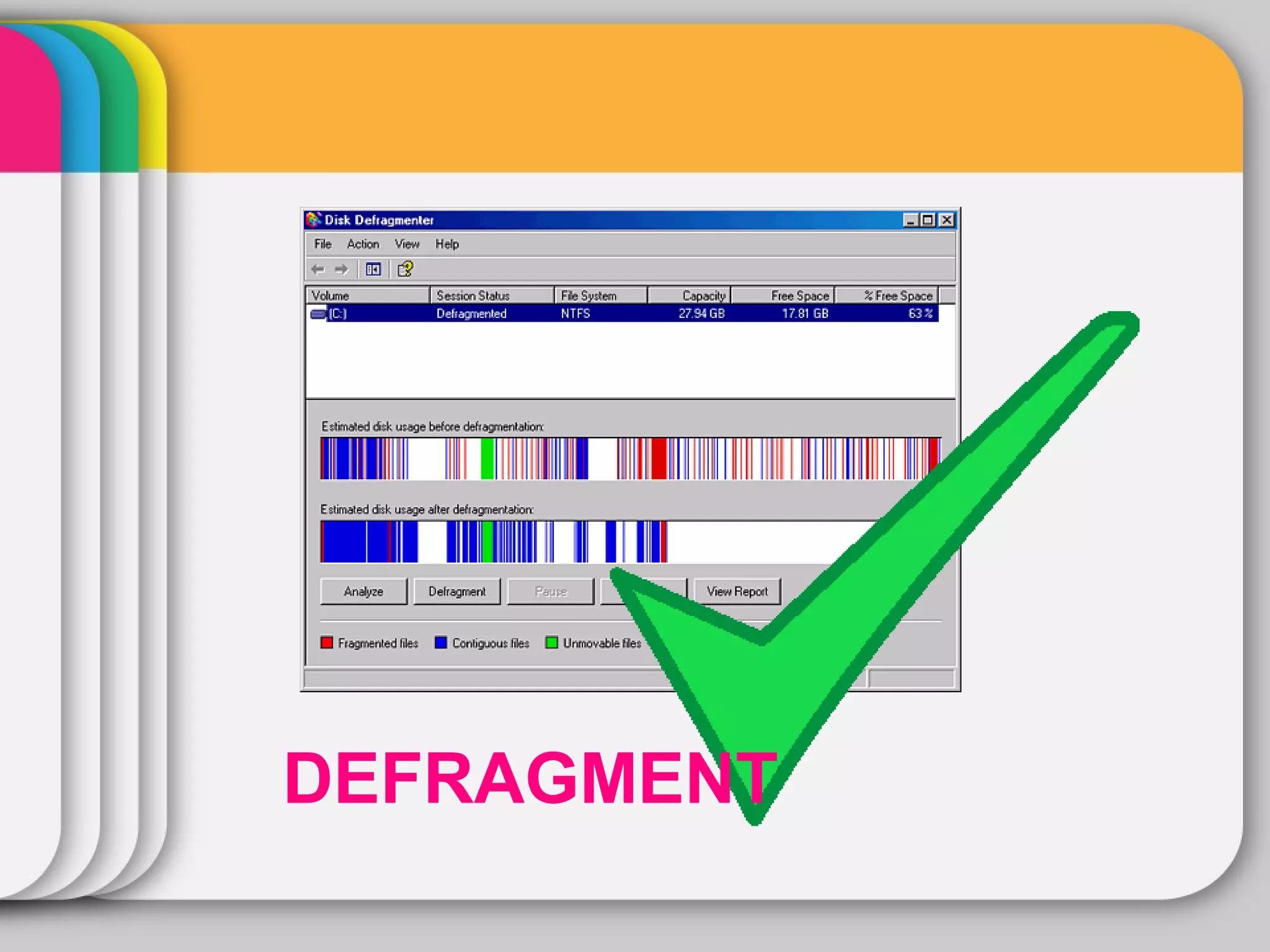
For this reason, operating systems come with a defragmenting function. If
you're using Windows, access it by clicking on the Start Menu tab, going
to Programs, then Accessories, then System Tools, and finally to Disk
Defragmenter.
DEFRAGMENT
3. The Laptop Is Doing a

                WINTER
Bunch of Weird Stuff
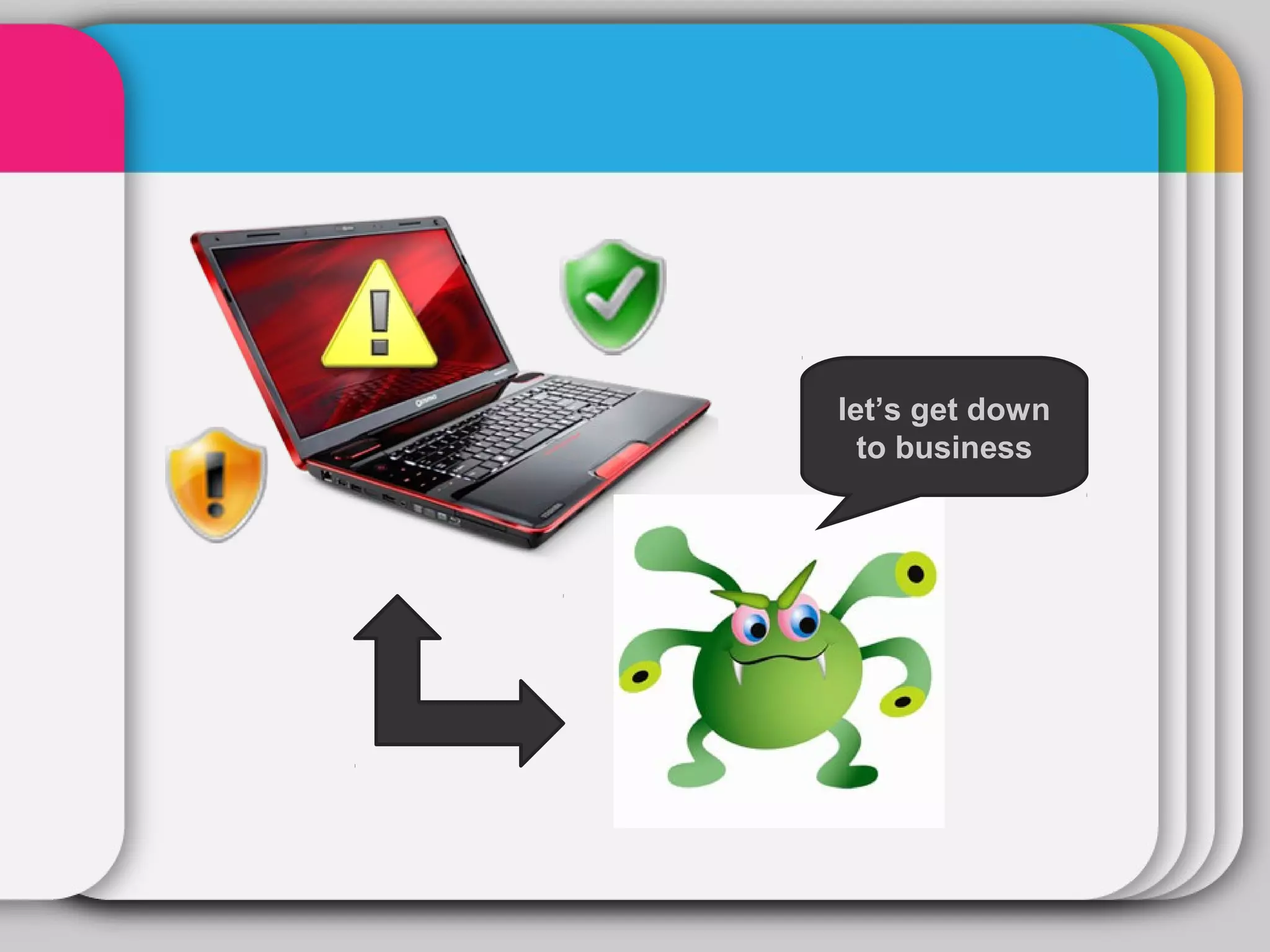
Finally, you may want to see if your laptop is infected with
viruses or malware. The effects of these "computer weeds"
                  Template
can range from simple slowdown to private information
disclosure.

To prevent this from happening, make sure that your laptop
is installed with good antivirus and anti-malware programs.
Also, make sure that these programs are updated regularly.

As you've probably noticed, as common as the problems
detailed above are, their solutions are not something you
haven't heard before. The key is to not panic when
problems arise, and to do a bit of researching to really see
what's what. If you do, you may end up not just saving your
laptop, but saving a bit of cash as well.
let’s get down
  to business
Original Post:


http://www.squidoo.com/how-to-fix-some-common-laptop-problems


Related Links:

How to fix some common laptop problems

  • 1.
    WINTER How to FixSome Template Common Laptop Problems
  • 2.
    Thanks to theinvention of the internet, we are now at an age where information is freely available. More often than not, the answers that we are looking for are no more than a few clicks away. Indeed, one would be inclined to think that ignorance should more or less be a thing of the past already.
  • 3.
    And yet, itwould seem that uninformed denizens are increasing day by day. Apparently, a downside to the easy access of information is that people know that it's always there, prompting quite a number to not actively seek knowledge unless absolutely needed (i.e. during times when panic clouds their judgment).
  • 4.
    Panic is theright word, I think, for many people who have chanced upon computer problems. Despite the ubiquity of computers nowadays, many people still see them as machines too complicated to fix when desktop or laptop components break.
  • 5.
    This is funnywhen you realize that most of these problems can be solved by cheap desktop or laptop replacement parts. Many times, a purchase of any kind may not even be required at all. OH REALLY?
  • 6.
    WINTER Here are some Template common laptop parts problems which may seem complicated to some, but are actually easily solvable.
  • 7.
    1. The LaptopWon't Turn On While it's a possibility that this problem is caused by a faulty motherboard (in which case you'll have to send it in for repairs), many times the solution is just a few rudimentary checks here and there. First, check to see if the battery's power indicator is lit up. If it isn't, make sure that the battery is properly placed. Also see to it that the AC adapter is plugged in well at both its ends. If the light indicator is showing red, the problem could just be that the battery isn't fully charged. Set aside some time to charge it. Remember to charge it fully if you don't want to irrevocably damage it. If those fixes don't work, then you may want to consider buying a new battery or AC adapter. These are relatively cheap buys; certainly, they are cheaper than having a professional repair your laptop.
  • 9.
    2. The LaptopIs Operating Slower Than Before Over time, you may notice that your laptop is taking just a bit longer to process data, or even to power up. A common cause of this is the difficulty your hard drive is having in accessing certain files. The reason for this difficulty is because of the amount of data that has been accumulated in it for as long as you have been using your computer. This data on the hard drive is fragmented. That is, the data is scattered about every which way. Think of it as a warehouse whose boxes are disarranged and strewn about helter-skelter. Because of the chaos, finding a particular item is harder than necessary. For this reason, operating systems come with a defragmenting function. If you're using Windows, access it by clicking on the Start Menu tab, going to Programs, then Accessories, then System Tools, and finally to Disk Defragmenter.
  • 10.
  • 11.
    3. The LaptopIs Doing a WINTER Bunch of Weird Stuff Finally, you may want to see if your laptop is infected with viruses or malware. The effects of these "computer weeds" Template can range from simple slowdown to private information disclosure. To prevent this from happening, make sure that your laptop is installed with good antivirus and anti-malware programs. Also, make sure that these programs are updated regularly. As you've probably noticed, as common as the problems detailed above are, their solutions are not something you haven't heard before. The key is to not panic when problems arise, and to do a bit of researching to really see what's what. If you do, you may end up not just saving your laptop, but saving a bit of cash as well.
  • 12.
    let’s get down to business
  • 13.