Reimagining
Business Operations
Affordable Innovation for the Digital Future
We live in the future.
Affordable mobile solutions are
driving innovation across industries.
Businesses have discovered the potential
of low-cost, full-featured tablets to
drive revenue, increase efficiency
and productivity, and save millions in
operational costs.
Check out what’s possible when
you empower your employees with
untethered work solutions.
Driving Revenue with Mobile
Sales Enablement
Mobile capabilities are quickly becoming a must-have
for sales organizations. Salespeople require a higher
level of connectivity and flexibility to reach on-the-go,
digitally-savvy buyers.
Studies show:
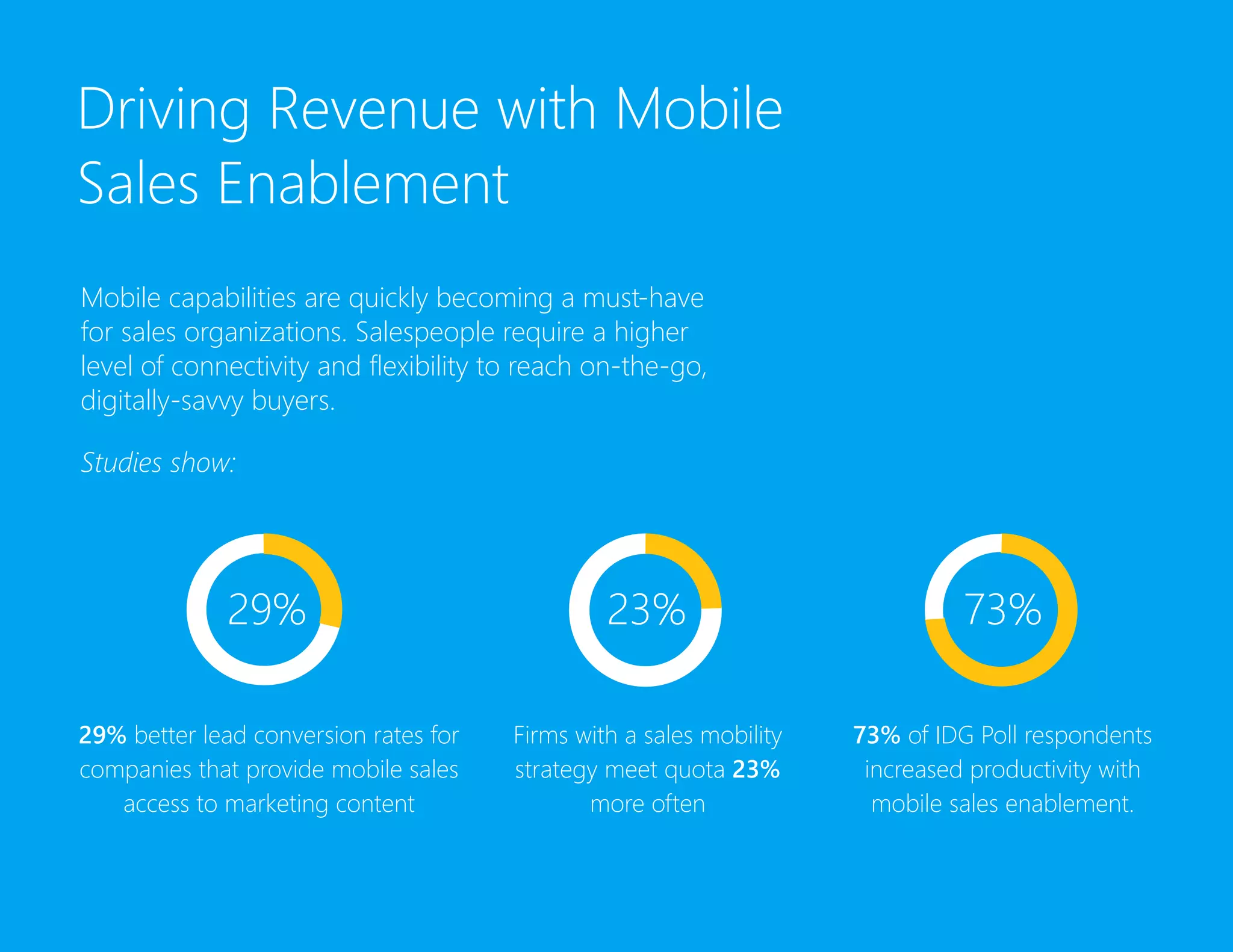
29% better lead conversion rates for
companies that provide mobile sales
access to marketing content
Firms with a sales mobility
strategy meet quota 23%
more often
73% of IDG Poll respondents
increased productivity with
mobile sales enablement.
29% 23% 73%
Driving Revenue with
Mobile Sales Enablement
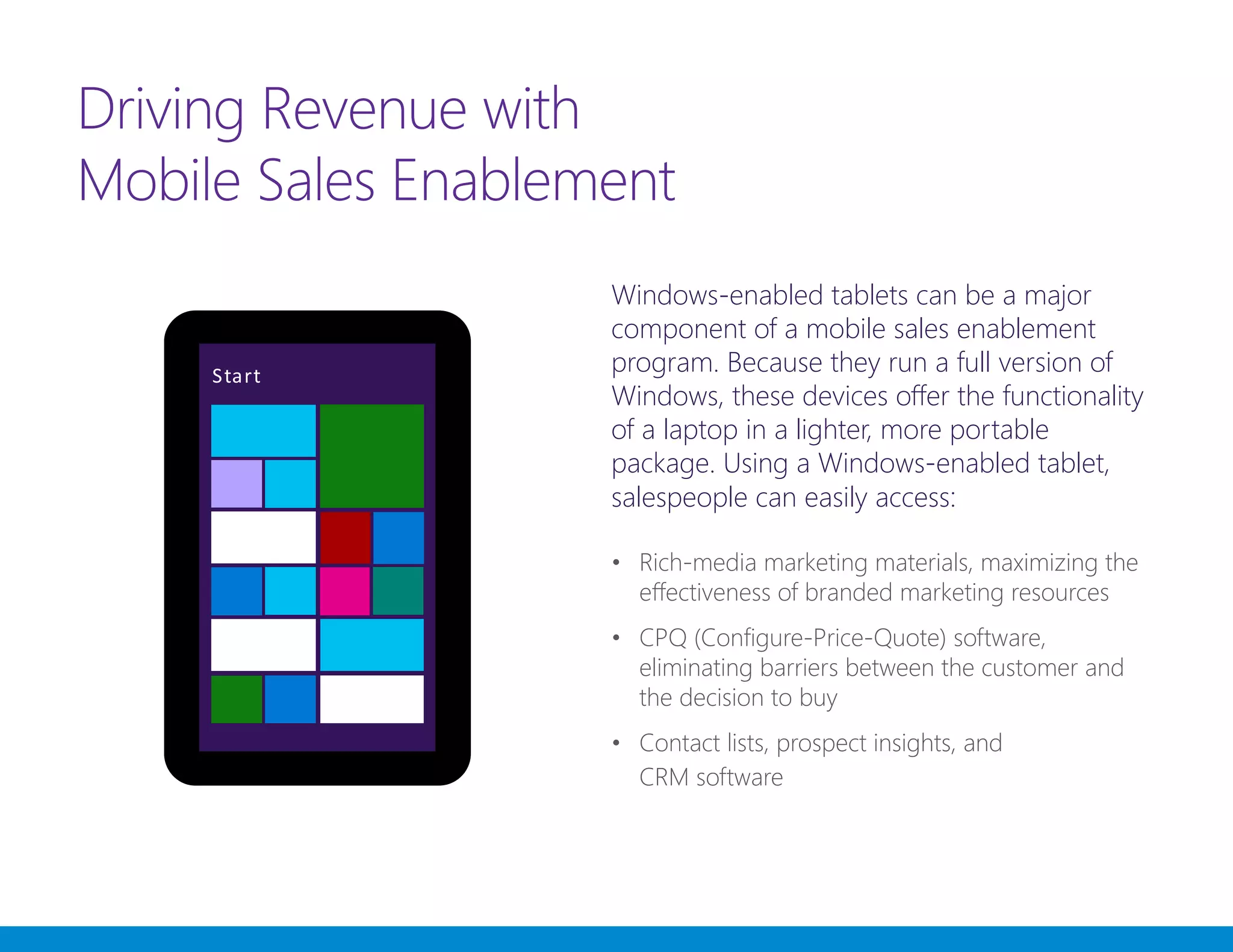
Windows-enabled tablets can be a major
component of a mobile sales enablement
program. Because they run a full version of
Windows, these devices offer the functionality
of a laptop in a lighter, more portable
package. Using a Windows-enabled tablet,
salespeople can easily access:
•	 Rich-media marketing materials, maximizing the
effectiveness of branded marketing resources
•	 CPQ (Configure-Price-Quote) software,
eliminating barriers between the customer and
the decision to buy
•	 Contact lists, prospect insights, and
CRM software
Increasing Efficiency
and Productivity
Tablets running Windows 8.1 are multi-use
devices. In addition to serving as a mobile
Point of Sale, mobile devices can increase
efficiency and productivity across an
entire business. Read on to see how
one restaurant gets the most out of
their Windows-enabled tablets.
Increasing Efficiency
and Productivity
The Habit Burger Grill was experiencing
growing pains as their franchise expanded.
Lines were getting longer inside the
restaurant, at the drive-through, and even
outside their fleet of food trucks. The
Habit’s leadership decided to deploy
Windows-enabled tablets as mobile
Point of Sale devices.
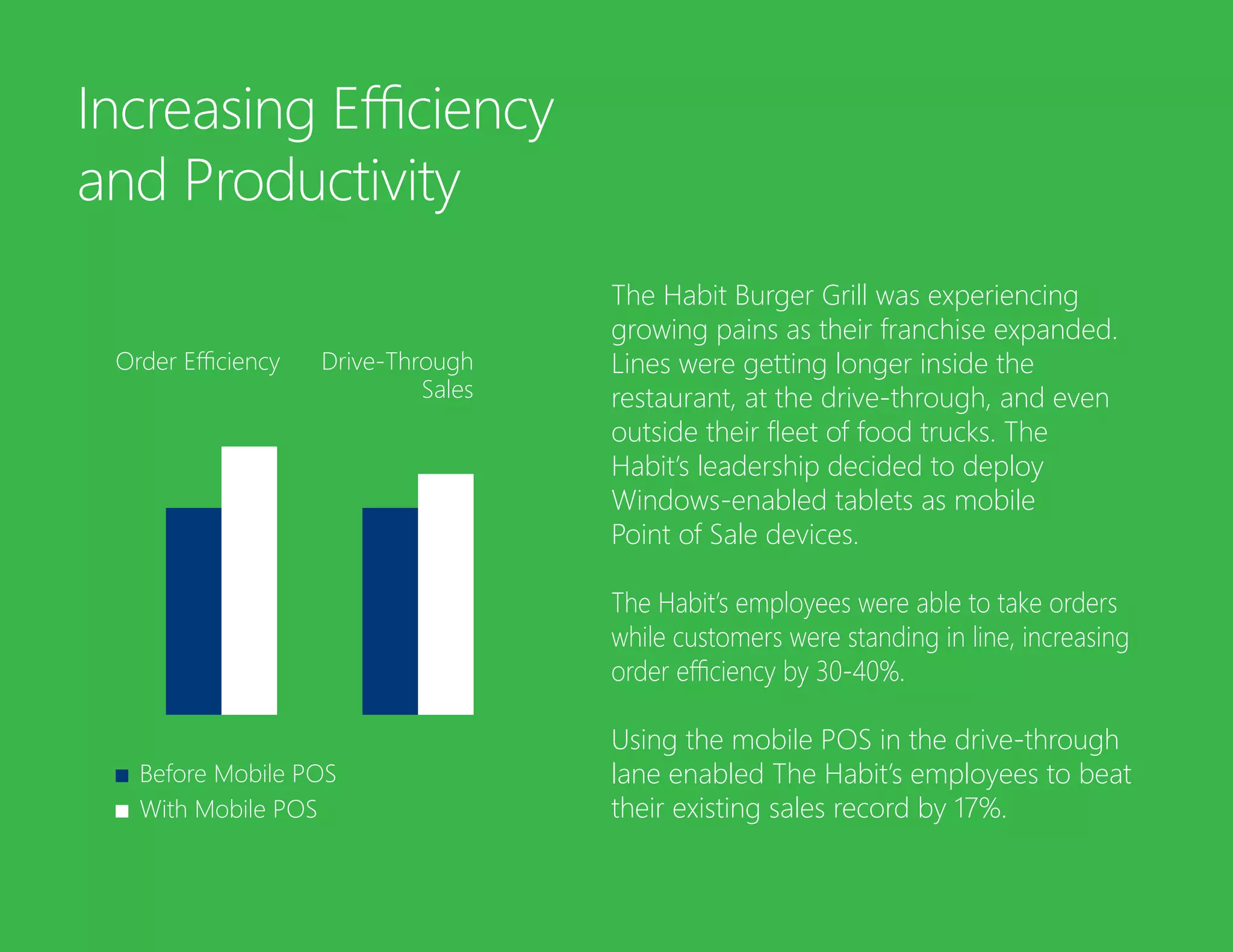
The Habit’s employees were able to take orders
while customers were standing in line, increasing
order efficiency by 30-40%.
Using the mobile POS in the drive-through
lane enabled The Habit’s employees to beat
their existing sales record by 17%.
Before Mobile POS
With Mobile POS
Order Efficiency Drive-Through
Sales
Increasing Efficiency
and Productivity
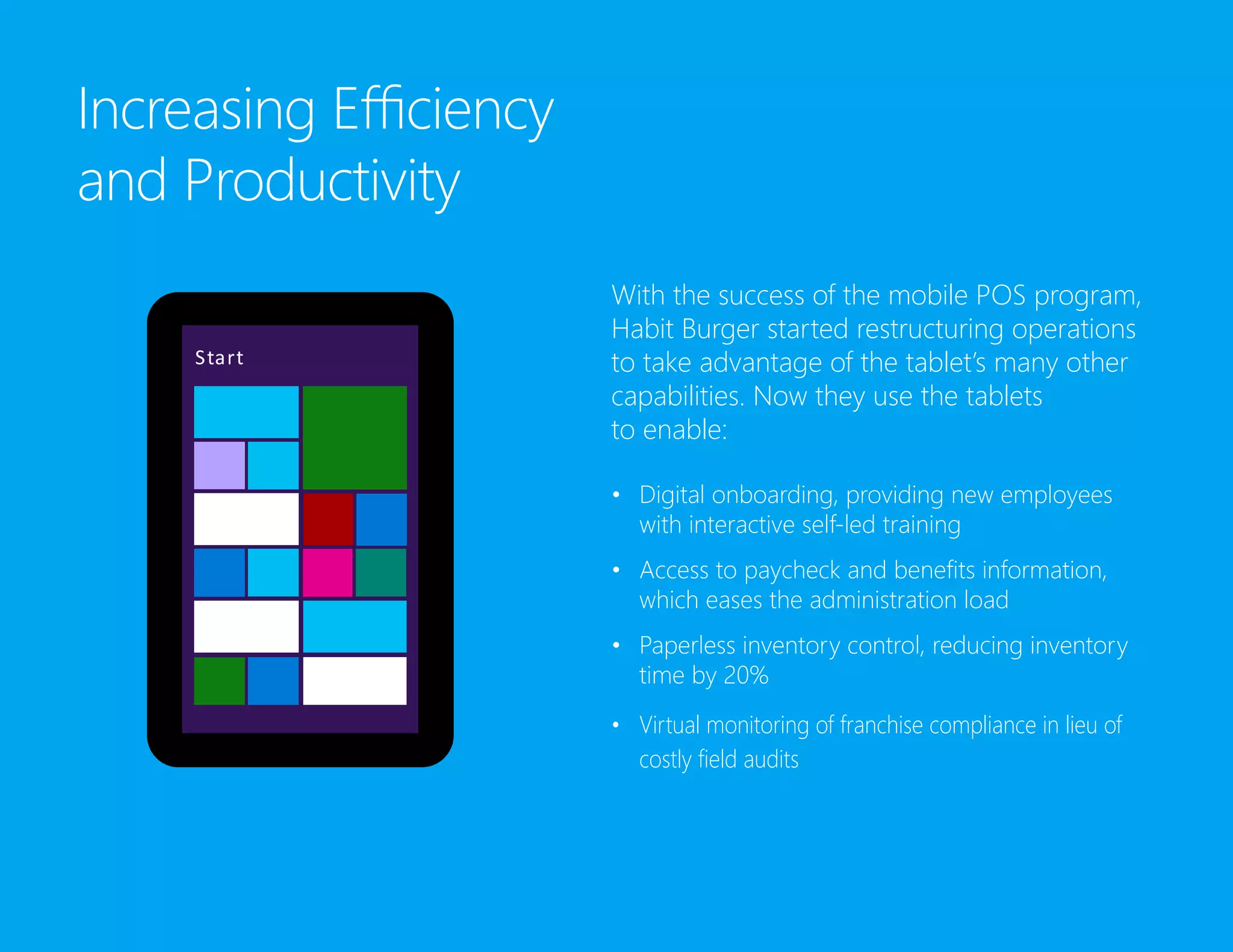
With the success of the mobile POS program,
Habit Burger started restructuring operations
to take advantage of the tablet’s many other
capabilities. Now they use the tablets
to enable:
•	 Digital onboarding, providing new employees
with interactive self-led training
•	 Access to paycheck and benefits information,
which eases the administration load
•	 Paperless inventory control, reducing inventory
time by 20%
•	 Virtual monitoring of franchise compliance in lieu of
costly field audits
Saving Millions in
Operating Costs
When scanning and storage technology
became widely available for businesses, it
seemed the dream of a paperless office
was about to come true. Decades later,
companies in the U.S. still spend $8 billion
managing paper every year.
The new generation of Windows-enabled
tablets finally has the computing power,
security, and flexibility to replace the pounds
of paper businesses go through every year.
Here’s how one airline saved millions by
simply ditching their paper field manuals.
Saving Millions
in Operating Cost
Delta Airlines pilots used to carry a 40-lb
flight bag full of manuals and procedures.
For every change in procedure, Delta had
to print new documentation for 11,000
flight bags.
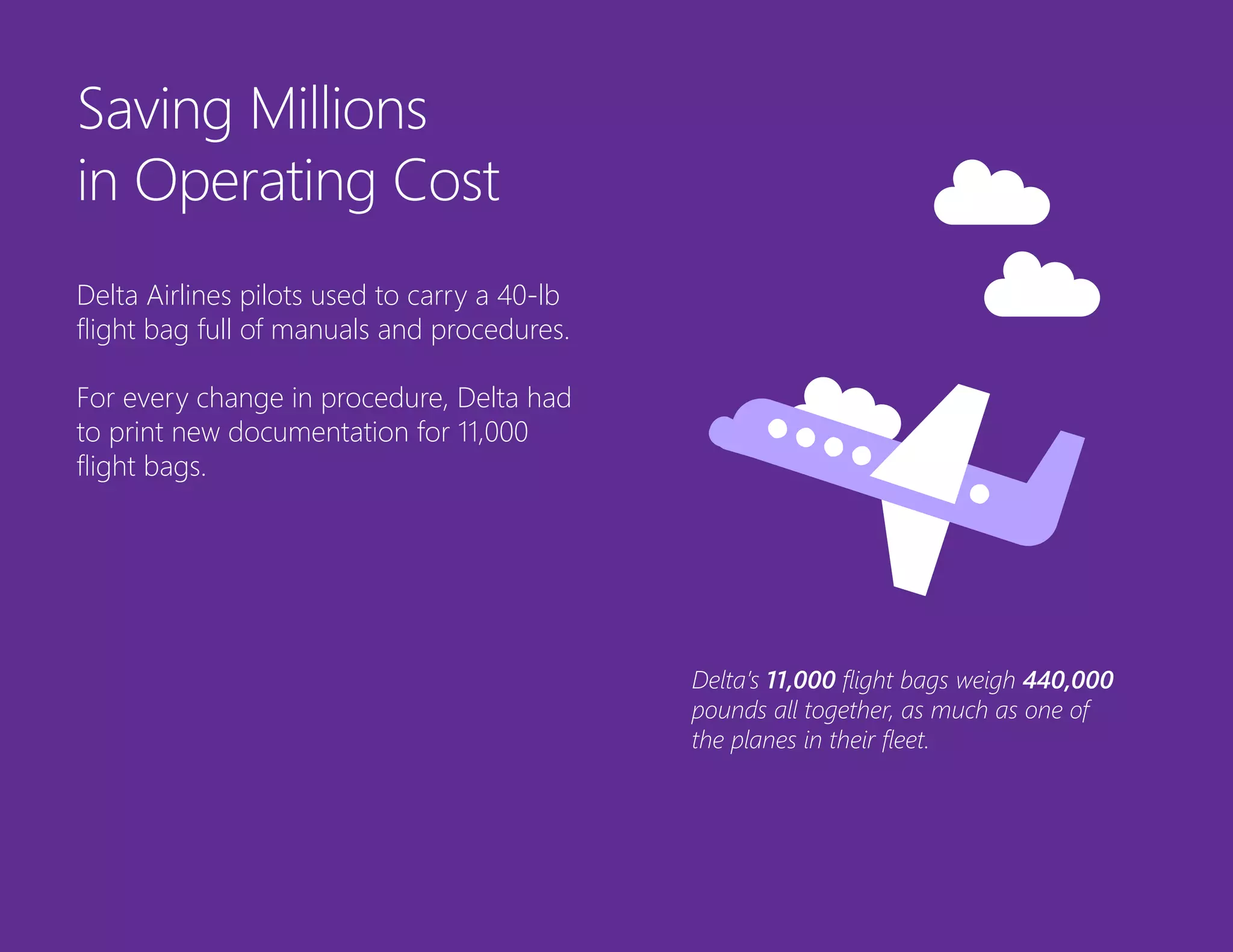
Delta’s 11,000 flight bags weigh 440,000
pounds all together, as much as one of
the planes in their fleet.
Saving Millions
in Operating Cost
Delta swapped its flight bag for a new
“electronic flight bag:” a Wi-Fi enabled
tablet PC.
The new electronic flight bag weighs less
than a pound.
It now contains living documents, instantly
updateable as conditions change on
the ground.
Delta’s affordable innovation saved them an
estimated 1.2 million gallons of fuel
per year.
Does Your Business Live
in the Future?
Affordable innovation is driving the future of
business. Reimagine your business operations
with Windows-enabled tablets that can:
1. Enable mobile sales and field teams
2. Line-bust with mobile POS
3. Streamline business operations
4. Lower operating coststs
The Future Is Now
Download the Modern Manual for Sales
Enablement and join the digital revolution.
http://aka.ms/salesenablementmanual
Get the eBook
All rights reserved. This document is for informational purposes only. MICROSOFT
MAKES NO WARRANTIES, EXPRESS OR IMPLIED, IN THIS SUMMARY. This document is
provided “as-is.” Information and views expressed in
this document, including URL and other Internet website references, may change
without notice.
This document does not provide you with any legal rights to any intellectual property
in any Microsoft product. You may copy and use this document for your internal,
reference purposes. © 2016 Microsoft Corporation.
microsoft.com

Reimagining Business Operations

  • 1.
  • 2.
    We live inthe future. Affordable mobile solutions are driving innovation across industries. Businesses have discovered the potential of low-cost, full-featured tablets to drive revenue, increase efficiency and productivity, and save millions in operational costs. Check out what’s possible when you empower your employees with untethered work solutions.
  • 3.
    Driving Revenue withMobile Sales Enablement Mobile capabilities are quickly becoming a must-have for sales organizations. Salespeople require a higher level of connectivity and flexibility to reach on-the-go, digitally-savvy buyers. Studies show: 29% better lead conversion rates for companies that provide mobile sales access to marketing content Firms with a sales mobility strategy meet quota 23% more often 73% of IDG Poll respondents increased productivity with mobile sales enablement. 29% 23% 73%
  • 4.
    Driving Revenue with MobileSales Enablement Windows-enabled tablets can be a major component of a mobile sales enablement program. Because they run a full version of Windows, these devices offer the functionality of a laptop in a lighter, more portable package. Using a Windows-enabled tablet, salespeople can easily access: • Rich-media marketing materials, maximizing the effectiveness of branded marketing resources • CPQ (Configure-Price-Quote) software, eliminating barriers between the customer and the decision to buy • Contact lists, prospect insights, and CRM software
  • 5.
    Increasing Efficiency and Productivity Tabletsrunning Windows 8.1 are multi-use devices. In addition to serving as a mobile Point of Sale, mobile devices can increase efficiency and productivity across an entire business. Read on to see how one restaurant gets the most out of their Windows-enabled tablets.
  • 6.
    Increasing Efficiency and Productivity TheHabit Burger Grill was experiencing growing pains as their franchise expanded. Lines were getting longer inside the restaurant, at the drive-through, and even outside their fleet of food trucks. The Habit’s leadership decided to deploy Windows-enabled tablets as mobile Point of Sale devices. The Habit’s employees were able to take orders while customers were standing in line, increasing order efficiency by 30-40%. Using the mobile POS in the drive-through lane enabled The Habit’s employees to beat their existing sales record by 17%. Before Mobile POS With Mobile POS Order Efficiency Drive-Through Sales
  • 7.
    Increasing Efficiency and Productivity Withthe success of the mobile POS program, Habit Burger started restructuring operations to take advantage of the tablet’s many other capabilities. Now they use the tablets to enable: • Digital onboarding, providing new employees with interactive self-led training • Access to paycheck and benefits information, which eases the administration load • Paperless inventory control, reducing inventory time by 20% • Virtual monitoring of franchise compliance in lieu of costly field audits
  • 8.
    Saving Millions in OperatingCosts When scanning and storage technology became widely available for businesses, it seemed the dream of a paperless office was about to come true. Decades later, companies in the U.S. still spend $8 billion managing paper every year. The new generation of Windows-enabled tablets finally has the computing power, security, and flexibility to replace the pounds of paper businesses go through every year. Here’s how one airline saved millions by simply ditching their paper field manuals.
  • 9.
    Saving Millions in OperatingCost Delta Airlines pilots used to carry a 40-lb flight bag full of manuals and procedures. For every change in procedure, Delta had to print new documentation for 11,000 flight bags. Delta’s 11,000 flight bags weigh 440,000 pounds all together, as much as one of the planes in their fleet.
  • 10.
    Saving Millions in OperatingCost Delta swapped its flight bag for a new “electronic flight bag:” a Wi-Fi enabled tablet PC. The new electronic flight bag weighs less than a pound. It now contains living documents, instantly updateable as conditions change on the ground. Delta’s affordable innovation saved them an estimated 1.2 million gallons of fuel per year.
  • 11.
    Does Your BusinessLive in the Future? Affordable innovation is driving the future of business. Reimagine your business operations with Windows-enabled tablets that can: 1. Enable mobile sales and field teams 2. Line-bust with mobile POS 3. Streamline business operations 4. Lower operating coststs
  • 12.
    The Future IsNow Download the Modern Manual for Sales Enablement and join the digital revolution. http://aka.ms/salesenablementmanual Get the eBook
  • 13.
    All rights reserved.This document is for informational purposes only. MICROSOFT MAKES NO WARRANTIES, EXPRESS OR IMPLIED, IN THIS SUMMARY. This document is provided “as-is.” Information and views expressed in this document, including URL and other Internet website references, may change without notice. This document does not provide you with any legal rights to any intellectual property in any Microsoft product. You may copy and use this document for your internal, reference purposes. © 2016 Microsoft Corporation. microsoft.com