QUESTION 4
How did you use media technologies in the construction
and research, planning and evaluation stages?
RESEARCH & PLANNING
WORDPRESS
• Wordpress is a free blogging site	

• I used this site a great deal as a way of collecting my ideas and
thoughts and documenting my progression	

• It allowed me to embed youtube clips, footage and audio	

• Using Wordpress to present my work was also really helpful as it
would let my media teachers comment on my blog and give me tips
on what to improve and what to do next, this was really helpful! 	

• The only problem I came across was embedding Prezi presentations
into my posts, however I found a tutorial which made it easier
GOOGLE
• Google is a famous internet search engine	

• I used Google a great amount when researching existing product.	

• I often used the specialised google search when searching into existing products as it
meant that it was quicker, not wasting my time and it provided the best search results.	

• Google maps was really helpful when planning my filming, because I was filming a
documentary I wanted to look on the maps and plan where I could go where their
would be a lot of people. Google maps also allowed me to work out the quickest
routes to the next filming location so I didn't waste any time.	

• Using and searching on Google allowed me to get a great understanding go my genre
conventions and theory which enabled me to make a trailer following the
conventions and theory.
PREZI
• Prezi is a moving presentation site, you can create and account for free
and make as many presentations as you like.	

• I love Prezi as it is very effective and aesthetically pleasing, I think that it is a
brilliant and tidy way to keep and collect ideas 	

• What I loved about Prezi was that I could embed them into my blog posts
and not just use links which meant that they were easy to view	

• The issue with Prezi is that it can be very complex and if you haven’t used
it before or you haven’t or a very long time, it can take time and effort to
learn, I found that using this medium did eat into my time.
YOUTUBE
• Youtube was great whilst researching!	

• It allowed me to view existing trailers as many times as I wanted,
what I found that was the most helpful was when I could look at
the youtube user comments on the trailer this helped me to get a
real understand what audiences like and dislike	

• Youtube also allowed me to upload existing trailers and add
comments to the video as it was playing this was really effective as
the comments and video was all in one place instead of doing a
piece of writing and embedding the youtube video
WORD
• When researching and planning I often expressed my thoughts and ideas
on my blog to understand what progress I had made and work out what
direction I wanted to go in. I did this first on word and saved it this meant
that i could edit it at any time even if i didn't have any internet connection.
When I was ready I then posted it on my blog.	

• I also used word when writing pieces on existing products such as magazine
covers, I did this for the same reason as above.	

• I also made tables in word to collect data, for example I put my filming table
into a table in word and then uploaded it on my blog, this made the
timetable easier to read
CONSTRUCTION
WORDPRESS
• I used wordpress constantly throughout my construction
process 	

• It was a great way to document my construction process and to
see what changes I had made and what direction I was going in	

• Again it was great to use wordpress to document my
construction progress as it meant that my media teachers were
able to post what they thought and how I could improve my
main products
YOUTUBE
• I used youtube to upload the most recent edits of my trailer. 	

• There were quite a lot of issues with uploading the edits constantly to
youtube in school as it would be very slow, however once I would get
home it was quicker! 	

• Uploading it to youtube also meant that I could embed them into my
wordpress account so that i could document my progress on my blog	

• Youtube was most helpful however when finding tutorials on the
adobe software!
GOOGLE
• During my construction process I did use Google
quite a bit in order to look up how to do specific
thing in the adobe software
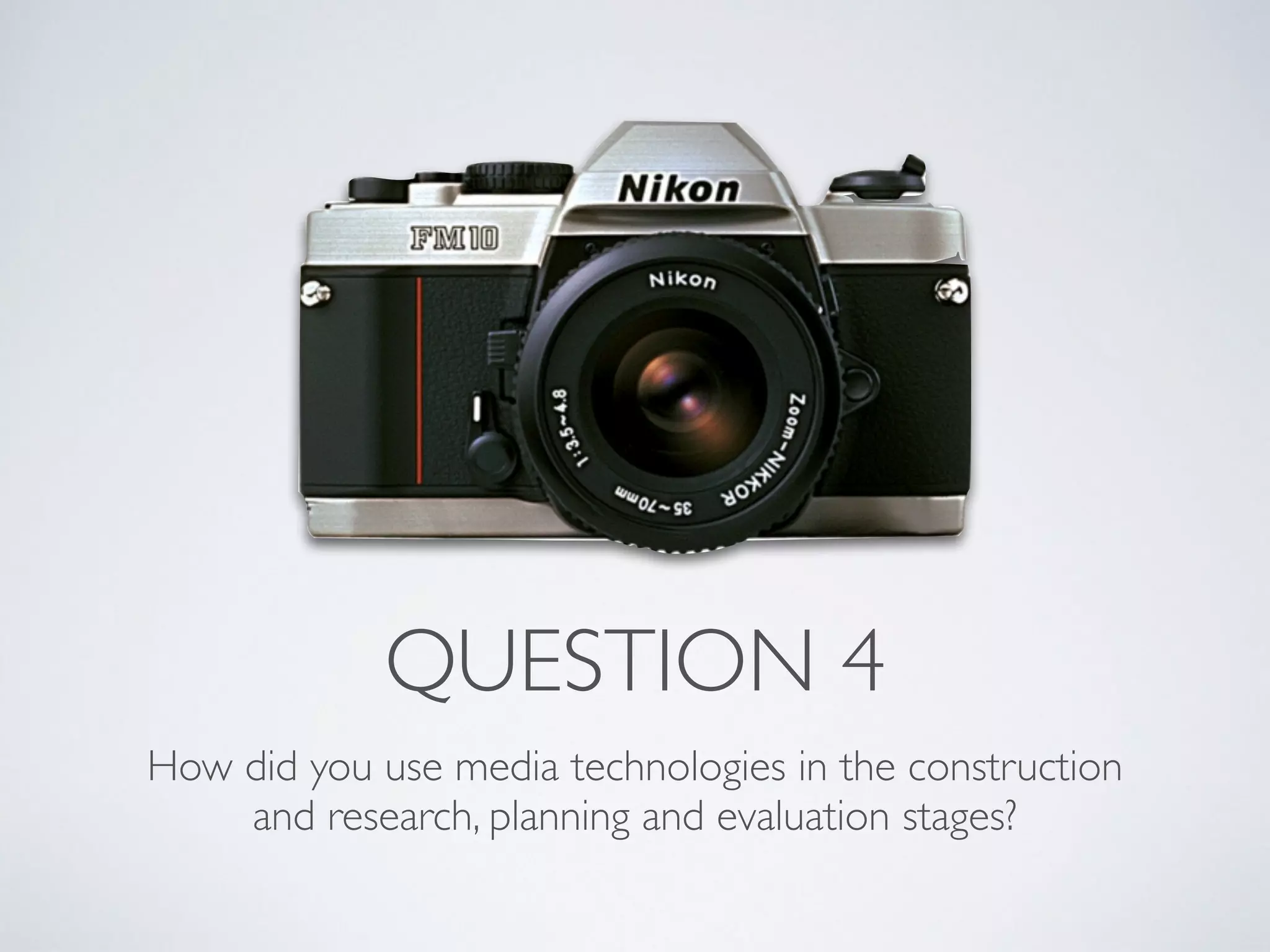
CAMERA
• I used the HD camera from school and also borrowed a
tripod 	

• The HD camera allowed my footage to be of a really good
quality and so it looked to a more professional standard	

• The tripod also allowed the camera to be still and allowed
me to pan without the camera shaking, again giving it a
more professional standard
AFTER EFFECTS
• I used after effects to create my two idents at the beginning of the trailer.	

• These idents did not take up a lot of the time in my trailer (around 5
seconds) however each one took me a very long time to do 	

• The good thing about using after effects is that it is professional software
and so can produce outstanding results	

• The problem however was that it is a very complex tool and I had never
used it before, this meant that I had to learn off teachers but mostly I had
to teach myself from tutorials fromYoutube, this took a lot of time and
stress!
INDESIGN AND PHOTOSHOP
• I used both Indesign and Photoshop to construct my poster
and magazine cover.	

• The good thing about using these programmes is that they are
professional software and so can produce outstanding results	

• I had a good knowledge of how to use these from the
previous year of studying media, however I still did have to
teach myself how to create effects that I had not needed
before
PREMIER PRO
• Premier Pro was used greatly in my construction as I
constructed my main product, my trailer, in this programme	

• It took me a great amount of time to get used to this software
as I had never used it before and is a complex software to use	

• I imported my footage taken on my camera into the
workspace and then would edit the clips to eventually work on
my trailer, I thought that the software was laid out brilliantly to
edit and change the order of clips and audio
EVALUATION
YOUTUBE
• I had used youtube throughout the whole process
and therefore using it as a medium within my
evaluation questions was quite an obvious choice
to me	

• I could also upload the media fairly quickly and
embed the video into my blog posts
WORDPRESS
• Similarly to the rest of the process I used
Wordpress to upload my evaluation on to 	

• Wordpress allowed me to embed different
mediums that I used!!
POWERPOINT/SLIDESHARE
• Slide share is an online free software that allows you to upload
power points to the internet and then embed them in your blog	

• I used powerpoint as I already know how to use it and so it
would be fairly simple, it is also a neat and simple way to present
work	

• I have used slide share and powerpoint to do question 4 within
my evaluation, powerpoint easily allowed me to import the logos
of all the software that I used
CAMERA
• I used the camera that I had used in order to film
the audience feedback.
MY IPHONE
• I used my iphone to record my interviews with for
some of my audience feedback	

• I loved using my iphone to record as it was light
and not heavy to record! I could also easily
transport the clips to my mac through airdrop

Question 4

  • 1.
    QUESTION 4 How didyou use media technologies in the construction and research, planning and evaluation stages?
  • 2.
  • 3.
    WORDPRESS • Wordpress isa free blogging site • I used this site a great deal as a way of collecting my ideas and thoughts and documenting my progression • It allowed me to embed youtube clips, footage and audio • Using Wordpress to present my work was also really helpful as it would let my media teachers comment on my blog and give me tips on what to improve and what to do next, this was really helpful! • The only problem I came across was embedding Prezi presentations into my posts, however I found a tutorial which made it easier
  • 4.
    GOOGLE • Google isa famous internet search engine • I used Google a great amount when researching existing product. • I often used the specialised google search when searching into existing products as it meant that it was quicker, not wasting my time and it provided the best search results. • Google maps was really helpful when planning my filming, because I was filming a documentary I wanted to look on the maps and plan where I could go where their would be a lot of people. Google maps also allowed me to work out the quickest routes to the next filming location so I didn't waste any time. • Using and searching on Google allowed me to get a great understanding go my genre conventions and theory which enabled me to make a trailer following the conventions and theory.
  • 5.
    PREZI • Prezi isa moving presentation site, you can create and account for free and make as many presentations as you like. • I love Prezi as it is very effective and aesthetically pleasing, I think that it is a brilliant and tidy way to keep and collect ideas • What I loved about Prezi was that I could embed them into my blog posts and not just use links which meant that they were easy to view • The issue with Prezi is that it can be very complex and if you haven’t used it before or you haven’t or a very long time, it can take time and effort to learn, I found that using this medium did eat into my time.
  • 6.
    YOUTUBE • Youtube wasgreat whilst researching! • It allowed me to view existing trailers as many times as I wanted, what I found that was the most helpful was when I could look at the youtube user comments on the trailer this helped me to get a real understand what audiences like and dislike • Youtube also allowed me to upload existing trailers and add comments to the video as it was playing this was really effective as the comments and video was all in one place instead of doing a piece of writing and embedding the youtube video
  • 7.
    WORD • When researchingand planning I often expressed my thoughts and ideas on my blog to understand what progress I had made and work out what direction I wanted to go in. I did this first on word and saved it this meant that i could edit it at any time even if i didn't have any internet connection. When I was ready I then posted it on my blog. • I also used word when writing pieces on existing products such as magazine covers, I did this for the same reason as above. • I also made tables in word to collect data, for example I put my filming table into a table in word and then uploaded it on my blog, this made the timetable easier to read
  • 8.
  • 9.
    WORDPRESS • I usedwordpress constantly throughout my construction process • It was a great way to document my construction process and to see what changes I had made and what direction I was going in • Again it was great to use wordpress to document my construction progress as it meant that my media teachers were able to post what they thought and how I could improve my main products
  • 10.
    YOUTUBE • I usedyoutube to upload the most recent edits of my trailer. • There were quite a lot of issues with uploading the edits constantly to youtube in school as it would be very slow, however once I would get home it was quicker! • Uploading it to youtube also meant that I could embed them into my wordpress account so that i could document my progress on my blog • Youtube was most helpful however when finding tutorials on the adobe software!
  • 11.
    GOOGLE • During myconstruction process I did use Google quite a bit in order to look up how to do specific thing in the adobe software
  • 12.
    CAMERA • I usedthe HD camera from school and also borrowed a tripod • The HD camera allowed my footage to be of a really good quality and so it looked to a more professional standard • The tripod also allowed the camera to be still and allowed me to pan without the camera shaking, again giving it a more professional standard
  • 13.
    AFTER EFFECTS • Iused after effects to create my two idents at the beginning of the trailer. • These idents did not take up a lot of the time in my trailer (around 5 seconds) however each one took me a very long time to do • The good thing about using after effects is that it is professional software and so can produce outstanding results • The problem however was that it is a very complex tool and I had never used it before, this meant that I had to learn off teachers but mostly I had to teach myself from tutorials fromYoutube, this took a lot of time and stress!
  • 14.
    INDESIGN AND PHOTOSHOP •I used both Indesign and Photoshop to construct my poster and magazine cover. • The good thing about using these programmes is that they are professional software and so can produce outstanding results • I had a good knowledge of how to use these from the previous year of studying media, however I still did have to teach myself how to create effects that I had not needed before
  • 15.
    PREMIER PRO • PremierPro was used greatly in my construction as I constructed my main product, my trailer, in this programme • It took me a great amount of time to get used to this software as I had never used it before and is a complex software to use • I imported my footage taken on my camera into the workspace and then would edit the clips to eventually work on my trailer, I thought that the software was laid out brilliantly to edit and change the order of clips and audio
  • 16.
  • 17.
    YOUTUBE • I hadused youtube throughout the whole process and therefore using it as a medium within my evaluation questions was quite an obvious choice to me • I could also upload the media fairly quickly and embed the video into my blog posts
  • 18.
    WORDPRESS • Similarly tothe rest of the process I used Wordpress to upload my evaluation on to • Wordpress allowed me to embed different mediums that I used!!
  • 19.
    POWERPOINT/SLIDESHARE • Slide shareis an online free software that allows you to upload power points to the internet and then embed them in your blog • I used powerpoint as I already know how to use it and so it would be fairly simple, it is also a neat and simple way to present work • I have used slide share and powerpoint to do question 4 within my evaluation, powerpoint easily allowed me to import the logos of all the software that I used
  • 20.
    CAMERA • I usedthe camera that I had used in order to film the audience feedback.
  • 21.
    MY IPHONE • Iused my iphone to record my interviews with for some of my audience feedback • I loved using my iphone to record as it was light and not heavy to record! I could also easily transport the clips to my mac through airdrop