Minecraft in 500 lines of Python
Richard Donkin
@rdonkin
cloudfindhq.com
github.com/fogleman/Minecraft
Early version:
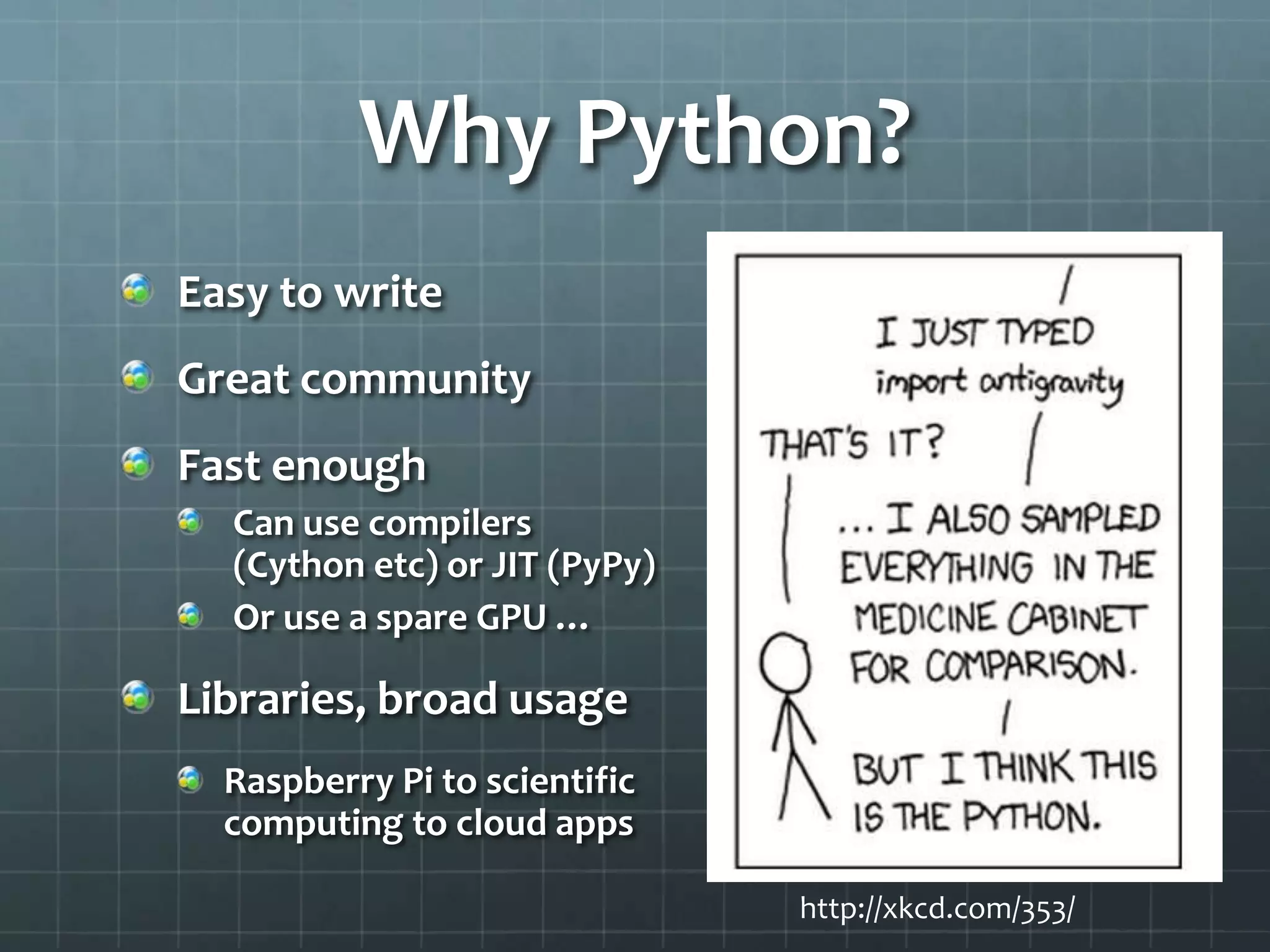
http://xkcd.com/353/
Why Python?
Easy to write
Great community
Fast enough
Can use compilers
(Cython etc) or JIT (PyPy)
Or use a spare GPU …
Libraries, broad usage
Raspberry Pi to scientific
computing to cloud apps
http://xkcd.com/353/
Pyglet
3D gaming library - pyglet.org
Simple to learn
Doesn’t mandate program structure
Wraps OpenGL
Can use py2exe / py2app
This is a quick Minecraft code walkthrough,
not a tutorial
Tutorial based on Asteroids: steveasleep.com
Minecraft Essentials
Objects are blocks, in 3D grid
Operations
Move: W, S, A, D – and Tab to fly
Mouse to look (or fly)
Mouse to add or remove blocks
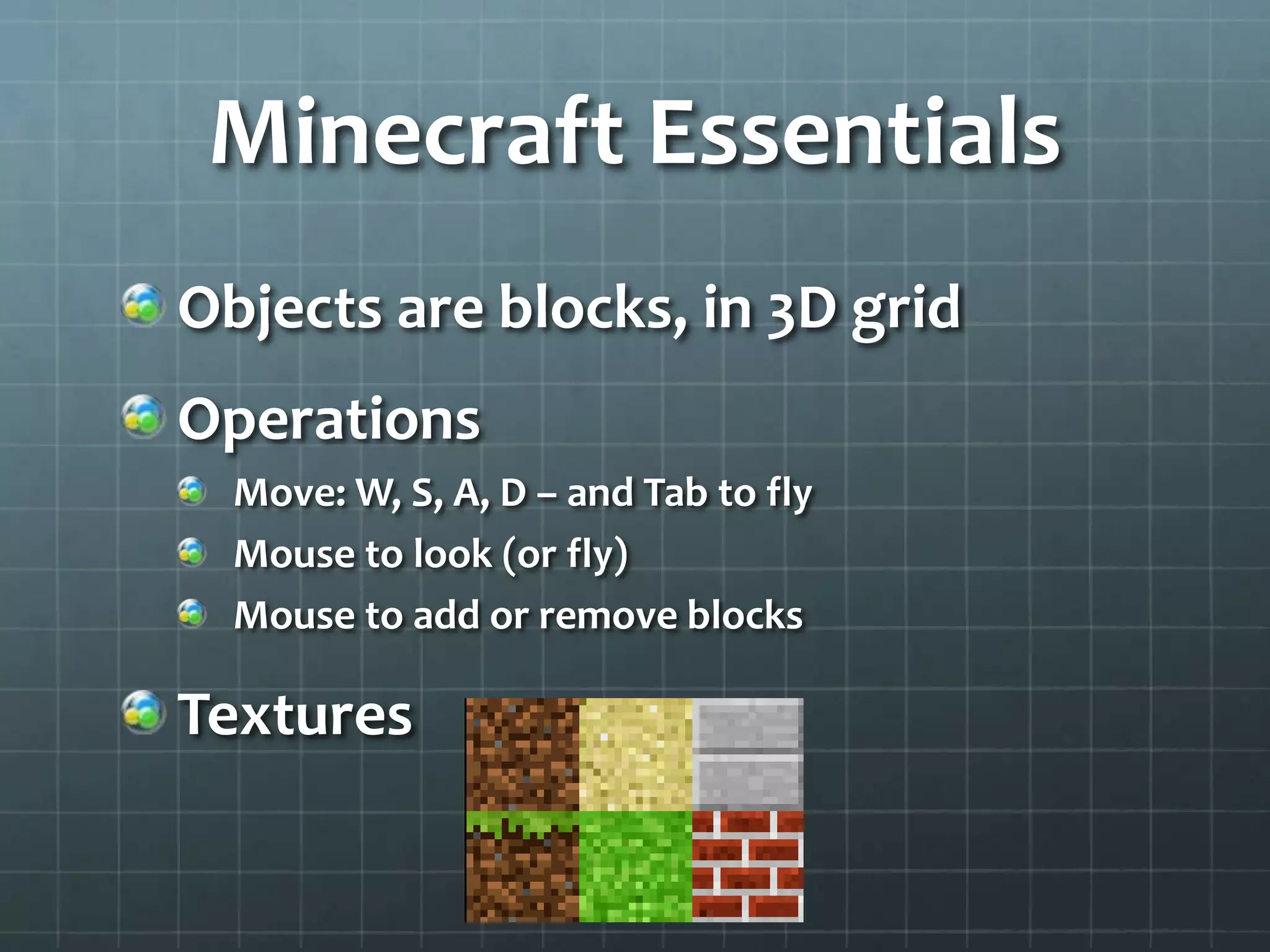
Textures
Overview
Window class
Subclass of Pyglet window class
User interaction, movement, rendering
Model class
Models the world as blocks in 3D grid
Dictionary world[position]
where position is tuple (x, y, z)
Contains texture such as
Window & Startup Code
Model
Look around
X axis is horizontal (look left/right)
Y axis is vertical (look up/down) – max ±90°
Only motion matters, not absolute position
Python tuple assignment
Building stuff
Mouse locking, sight vector
Hit testing, block add/remove
Adding a Block
Remove any existing block at (x, y, z) position from the
‘world dictionary’
Set texture for this block at position
Create or update sector (16x16 2D grid) in which this block
resides – enables speedup by only rendering some sectors
Show the block, and check if any neighbours now visible
Highlighting ‘target block’
Hit-test from player position to target block
Draw line around visible edges of block, using
Pyglet
1100 commits later…
github.com/boskee/Minecraft
Major fork
8,000 lines
19 contributors
Multi-player
Optionally,
compile to C via
Cython
Pyglet and More
2D game toolkits:
Cocos2D: http://cocos2d.org/ - uses Pyglet
Fife: http://www.fifengine.net/ - esp. RTSs and RPGs
Add-on libraries that can work with Pyglet:
Rabbyt – sprites:
http://arcticpaint.com/projects/rabbyt/
Pymunk – physics: http://pymunk.org
Alternative frameworks:
Pygame – larger community, more game-specific, open
source book at http://inventwithpython.com/
Summary
Concise, elegant code
Choose the right framework
Small games to get started
Write your own!
Try pyweek.org challenges
Thank You
Richard Donkin
@rdonkin
cloudfindhq.com
Sect0rization
Technique used to speed up rendering of
world – only render nearby sectors
Sector = 16x16 2D region of world
In Model, dictionary sectors[sector]
maps from sector to list of positions in that
sector
Track player position in sector
If player moves between sectors, determine
which adjacent sectors to show – see
change_sectors()

Minecraft in 500 lines of Python with Pyglet

  • 1.
    Minecraft in 500lines of Python Richard Donkin @rdonkin cloudfindhq.com
  • 2.
  • 3.
  • 4.
    Why Python? Easy towrite Great community Fast enough Can use compilers (Cython etc) or JIT (PyPy) Or use a spare GPU … Libraries, broad usage Raspberry Pi to scientific computing to cloud apps http://xkcd.com/353/
  • 5.
    Pyglet 3D gaming library- pyglet.org Simple to learn Doesn’t mandate program structure Wraps OpenGL Can use py2exe / py2app This is a quick Minecraft code walkthrough, not a tutorial Tutorial based on Asteroids: steveasleep.com
  • 6.
    Minecraft Essentials Objects areblocks, in 3D grid Operations Move: W, S, A, D – and Tab to fly Mouse to look (or fly) Mouse to add or remove blocks Textures
  • 7.
    Overview Window class Subclass ofPyglet window class User interaction, movement, rendering Model class Models the world as blocks in 3D grid Dictionary world[position] where position is tuple (x, y, z) Contains texture such as
  • 8.
  • 9.
  • 10.
    Look around X axisis horizontal (look left/right) Y axis is vertical (look up/down) – max ±90° Only motion matters, not absolute position Python tuple assignment
  • 11.
    Building stuff Mouse locking,sight vector Hit testing, block add/remove
  • 12.
    Adding a Block Removeany existing block at (x, y, z) position from the ‘world dictionary’ Set texture for this block at position Create or update sector (16x16 2D grid) in which this block resides – enables speedup by only rendering some sectors Show the block, and check if any neighbours now visible
  • 13.
    Highlighting ‘target block’ Hit-testfrom player position to target block Draw line around visible edges of block, using Pyglet
  • 14.
    1100 commits later… github.com/boskee/Minecraft Majorfork 8,000 lines 19 contributors Multi-player Optionally, compile to C via Cython
  • 15.
    Pyglet and More 2Dgame toolkits: Cocos2D: http://cocos2d.org/ - uses Pyglet Fife: http://www.fifengine.net/ - esp. RTSs and RPGs Add-on libraries that can work with Pyglet: Rabbyt – sprites: http://arcticpaint.com/projects/rabbyt/ Pymunk – physics: http://pymunk.org Alternative frameworks: Pygame – larger community, more game-specific, open source book at http://inventwithpython.com/
  • 16.
    Summary Concise, elegant code Choosethe right framework Small games to get started Write your own! Try pyweek.org challenges
  • 17.
  • 18.
    Sect0rization Technique used tospeed up rendering of world – only render nearby sectors Sector = 16x16 2D region of world In Model, dictionary sectors[sector] maps from sector to list of positions in that sector Track player position in sector If player moves between sectors, determine which adjacent sectors to show – see change_sectors()

Editor's Notes

  • #6 Panda3D is a higher-end 3D library, more eomplex to use than Pyglet.
  • #12 STONE is specially treated because the base of the world is stone (grey colour) – this stops you removing the base which would look bad. To see this, remove the layer of earth blocks on the ground until you get to stone.
  • #15 Now 8000 lines of code, including full inventory, multi-player client/server, etc. Supports compiling to C using Cython for speed, but not as easy to get started with as the original fogleman version.
  • #16 Panda3D and PyOpenGL are two other 3D frameworks.