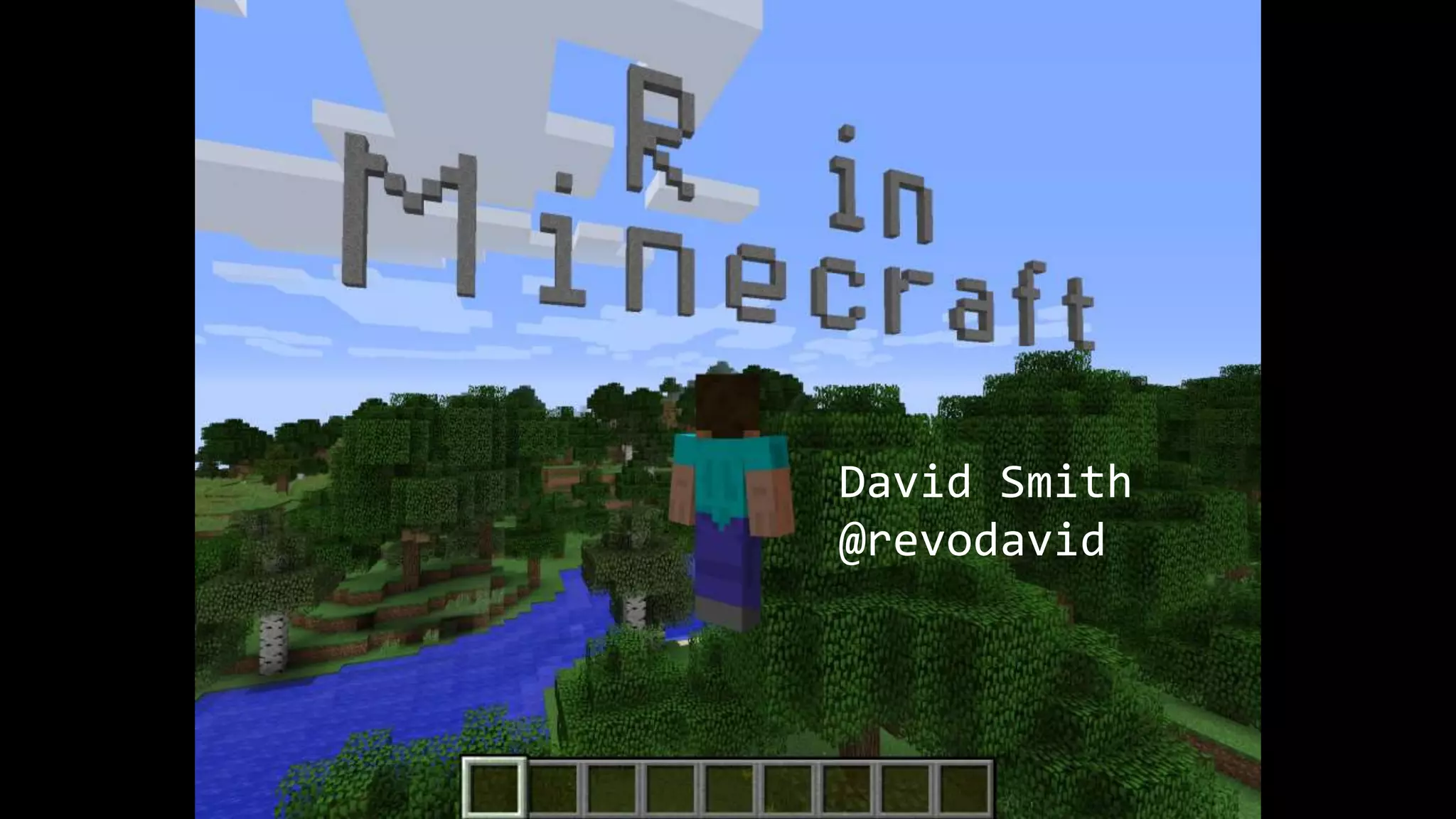
David Smith
@revodavid
What is Minecraft?
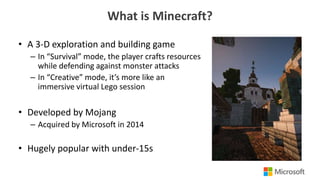
• A 3-D exploration and building game
– In “Survival” mode, the player crafts resources
while defending against monster attacks
– In “Creative” mode, it’s more like an
immersive virtual Lego session
• Developed by Mojang
– Acquired by Microsoft in 2014
• Hugely popular with under-15s
3
Why R in Minecraft?
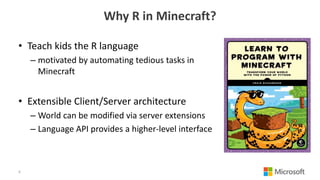
• Teach kids the R language
– motivated by automating tedious tasks in
Minecraft
• Extensible Client/Server architecture
– World can be modified via server extensions
– Language API provides a higher-level interface
4
You Will Need:
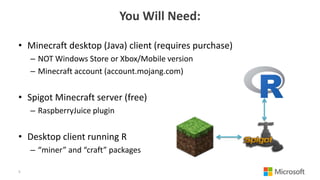
• Minecraft desktop (Java) client (requires purchase)
– NOT Windows Store or Xbox/Mobile version
– Minecraft account (account.mojang.com)
• Spigot Minecraft server (free)
– RaspberryJuice plugin
• Desktop client running R
– “miner” and “craft” packages
5
R packages
• miner: Basic functions for interfacing with a Minecraft server:
– connect to Spigot server
– inspect / modify world area (by blocks)
– monitor player actions (movement, block interaction)
– github.com/ropenscilabs/miner
• craft: Higher-level functions built on basic tools
– Render a message / image / maze in the world
– github.com/ropenscilabs/craft
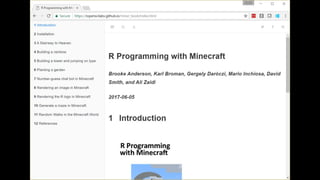
– Accompanying book: ropenscilabs.github.io/miner_book
6
Setting up a server in Azure
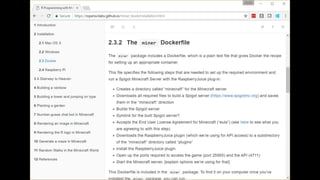
• Launch Ubuntu Data Science Virtual Machine
– open ports 4711,25565 in/out in (Networking)
git clone https://github.com/ropenscilabs/miner
cd miner/inst
docker build -t minecraft .
docker run -ti --rm -p 4711:4711 -p 25565:25565 minecraft
> defaultmode creative
> op [your_username]
9
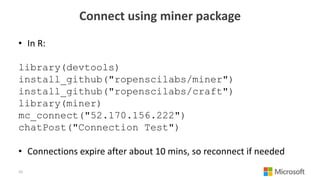
Connect using miner package
• In R:
library(devtools)
install_github("ropenscilabs/miner")
install_github("ropenscilabs/craft")
library(miner)
mc_connect("52.170.156.222")
chatPost("Connection Test")
• Connections expire after about 10 mins, so reconnect if needed
10
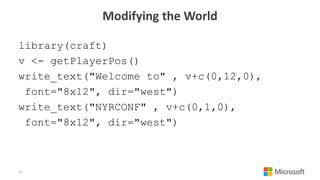
Modifying the World
library(craft)
v <- getPlayerPos()
write_text("Welcome to" , v+c(0,12,0),
font="8x12", dir="west")
write_text("NYRCONF" , v+c(0,1,0),
font="8x12", dir="west")
11
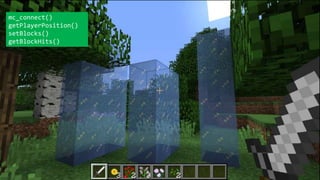
mc_connect()
getPlayerPosition()
setBlocks()
getBlockHits()
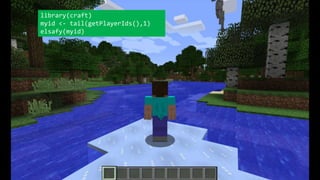
library(craft)
myid <- tail(getPlayerIds(),1)
elsafy(myid)
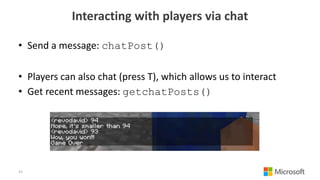
Interacting with players via chat
• Send a message: chatPost()
• Players can also chat (press T), which allows us to interact
• Get recent messages: getchatPosts()
15
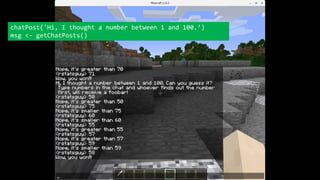
chatPost('Hi, I thought a number between 1 and 100.’)
msg <- getChatPosts()
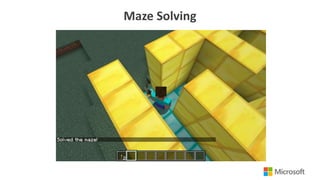
Maze Solving
Resources
miner package:
github.com/ropenscilabs/miner
“R Programming with Minecraft”:
ropenscilabs.github.io/miner_book
craft package (examples):
github.com/ropenscilabs/craft
The miner team:
Brooke Anderson
Karl Broman
Gergely Daróczi
Mario Inchiosa
David Smith
Ali Zaidi
Join my server: 52.170.156.222
R in Minecraft
R in Minecraft

R in Minecraft

  • 1.
  • 2.
    What is Minecraft? •A 3-D exploration and building game – In “Survival” mode, the player crafts resources while defending against monster attacks – In “Creative” mode, it’s more like an immersive virtual Lego session • Developed by Mojang – Acquired by Microsoft in 2014 • Hugely popular with under-15s
  • 3.
  • 4.
    Why R inMinecraft? • Teach kids the R language – motivated by automating tedious tasks in Minecraft • Extensible Client/Server architecture – World can be modified via server extensions – Language API provides a higher-level interface 4
  • 5.
    You Will Need: •Minecraft desktop (Java) client (requires purchase) – NOT Windows Store or Xbox/Mobile version – Minecraft account (account.mojang.com) • Spigot Minecraft server (free) – RaspberryJuice plugin • Desktop client running R – “miner” and “craft” packages 5
  • 6.
    R packages • miner:Basic functions for interfacing with a Minecraft server: – connect to Spigot server – inspect / modify world area (by blocks) – monitor player actions (movement, block interaction) – github.com/ropenscilabs/miner • craft: Higher-level functions built on basic tools – Render a message / image / maze in the world – github.com/ropenscilabs/craft – Accompanying book: ropenscilabs.github.io/miner_book 6
  • 9.
    Setting up aserver in Azure • Launch Ubuntu Data Science Virtual Machine – open ports 4711,25565 in/out in (Networking) git clone https://github.com/ropenscilabs/miner cd miner/inst docker build -t minecraft . docker run -ti --rm -p 4711:4711 -p 25565:25565 minecraft > defaultmode creative > op [your_username] 9
  • 10.
    Connect using minerpackage • In R: library(devtools) install_github("ropenscilabs/miner") install_github("ropenscilabs/craft") library(miner) mc_connect("52.170.156.222") chatPost("Connection Test") • Connections expire after about 10 mins, so reconnect if needed 10
  • 11.
    Modifying the World library(craft) v<- getPlayerPos() write_text("Welcome to" , v+c(0,12,0), font="8x12", dir="west") write_text("NYRCONF" , v+c(0,1,0), font="8x12", dir="west") 11
  • 12.
  • 13.
  • 14.
    Interacting with playersvia chat • Send a message: chatPost() • Players can also chat (press T), which allows us to interact • Get recent messages: getchatPosts() 15
  • 15.
    chatPost('Hi, I thoughta number between 1 and 100.’) msg <- getChatPosts()
  • 16.
  • 17.
    Resources miner package: github.com/ropenscilabs/miner “R Programmingwith Minecraft”: ropenscilabs.github.io/miner_book craft package (examples): github.com/ropenscilabs/craft The miner team: Brooke Anderson Karl Broman Gergely Daróczi Mario Inchiosa David Smith Ali Zaidi Join my server: 52.170.156.222

Editor's Notes

  • #3 Image source: https://minecraft.net/en-us/article/five-years-westeros